
Clumsy Scribble Cat Doodle
A goofy hand-drawn cat illustration with a chaotic green scribble vortex, ideal for meme-style character redraws and playful social posts.
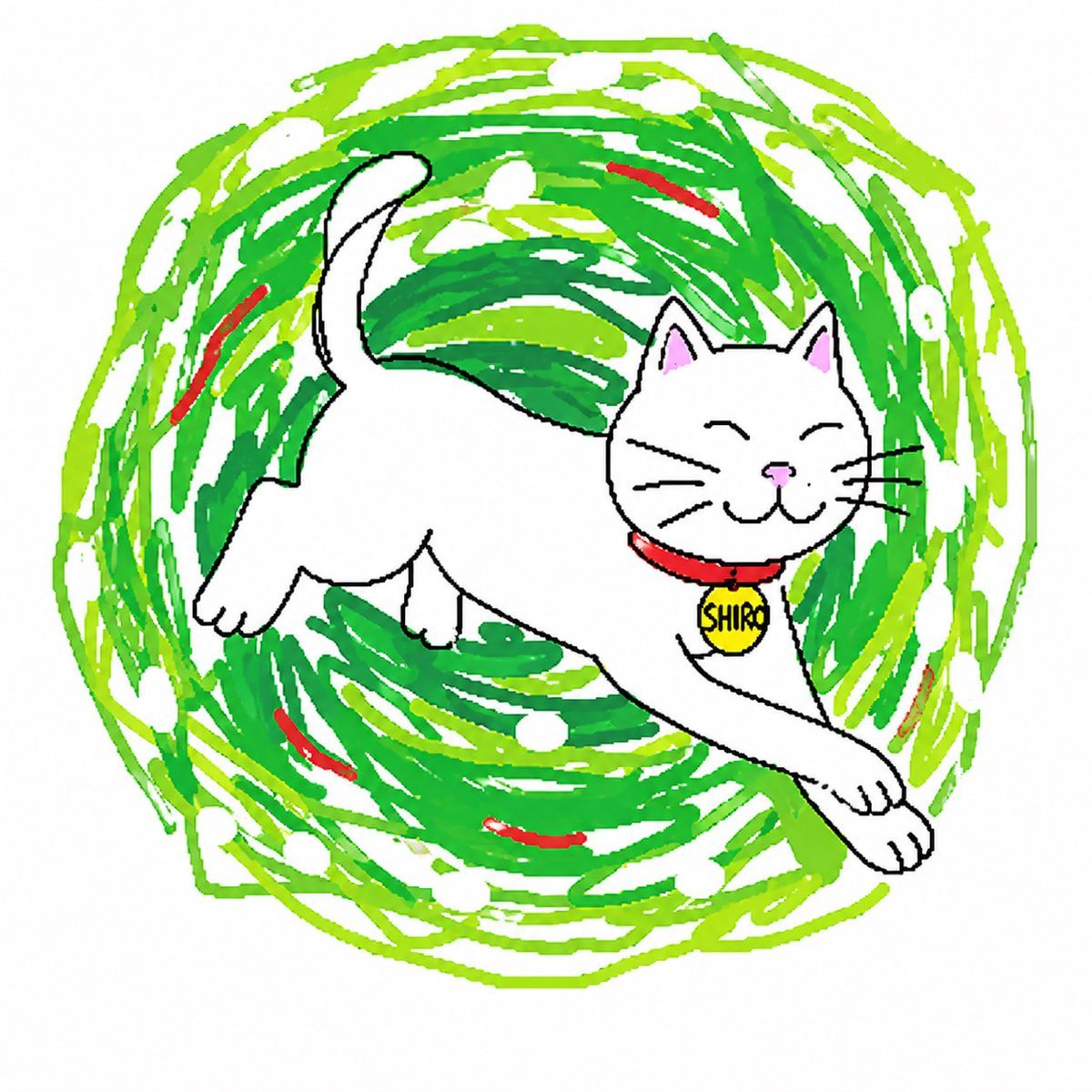
- Prompt included
- Model and format preset
- Free template
The prompt behind this image
Copy the exact prompt behind Clumsy Scribble Cat Doodle, or open it in the studio and make it yours.
A deliberately clumsy, childlike digital doodle of a happy cat named {argument name="character name" default="Shiro"}, drawn in a chaotic scribbly meme style on a plain white background. The cat is centered and shown in a playful mid-leap stretch, facing right, with a simple rounded white body, short legs, oversized paws, a curved upright tail, triangular ears with pale pink inner ear coloring, closed smiling eyes, a tiny pink nose, black whiskers, and a simple cartoon mouth. Give the cat a bright red collar with a round yellow name tag that reads {argument name="tag text" default="SHIRO"} in hand-drawn black letters. Use intentionally imperfect black outlines, uneven proportions, and a naive hand-drawn look as if made quickly in a paint app. Behind the cat, add a large circular tornado of messy scribbles made of many overlapping strokes in {argument name="main swirl color" default="bright green"} and {argument name="secondary swirl color" default="lime green"}, with scattered white oval gaps and exactly 6 short curved red accent strokes embedded around the swirl. The overall feeling is cute, goofy, chaotic, and playful, like a viral clumsy redraw trend, with flat color fills, no shading, and rough freehand brush lines.
How to use Clumsy Scribble Cat Doodle in 3 steps
- 1Upload ImagePNG, JPG or paste
Add your photo
Upload the photo the template builds on. The prompt, model and format are already set.
- 2…a portrait of your subject in softgolden-hour light, 85mm…
Personalize
Edit the subject and creative details for your destination.
- 3Generate
Generate
Press Generate — your image is created in PicX Studio, so you can compare it with the original and refine one variable at a time.
More like this
Templates with the same subject, style or setup. Open one to see its prompt.
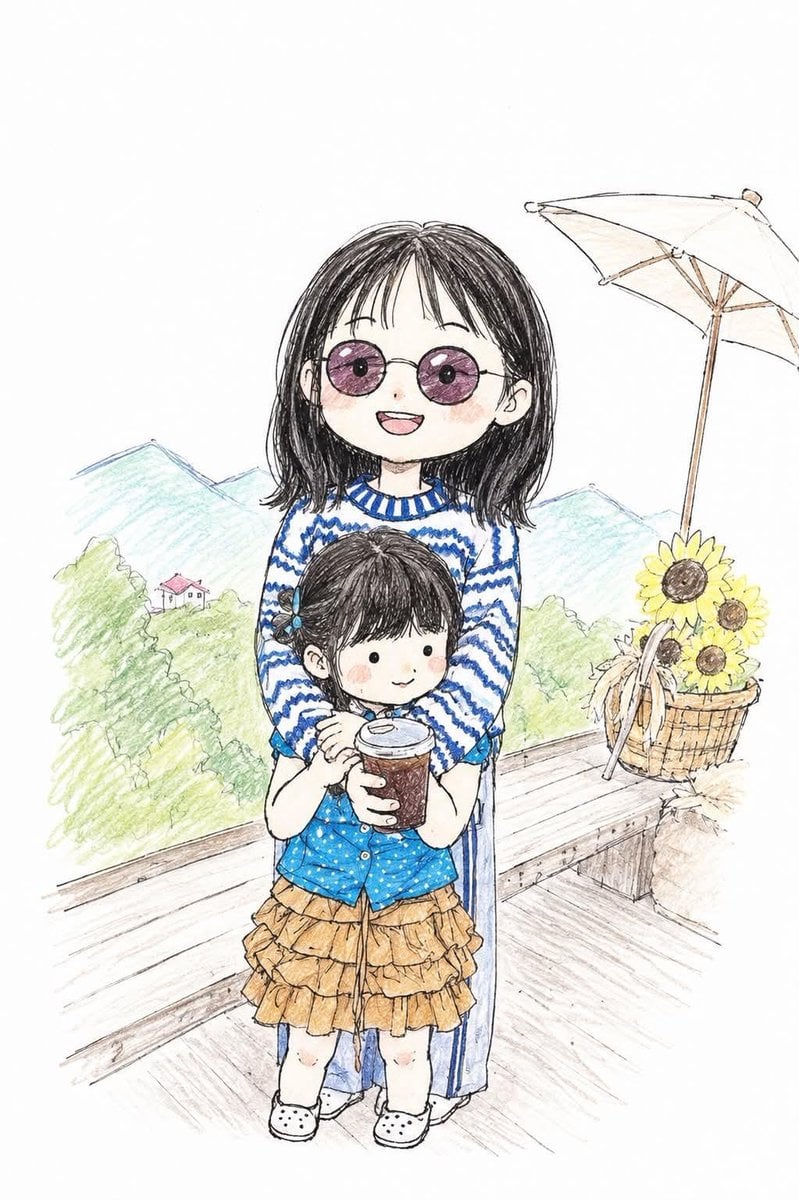
Clumsy Hand-Drawn Photo Doodle
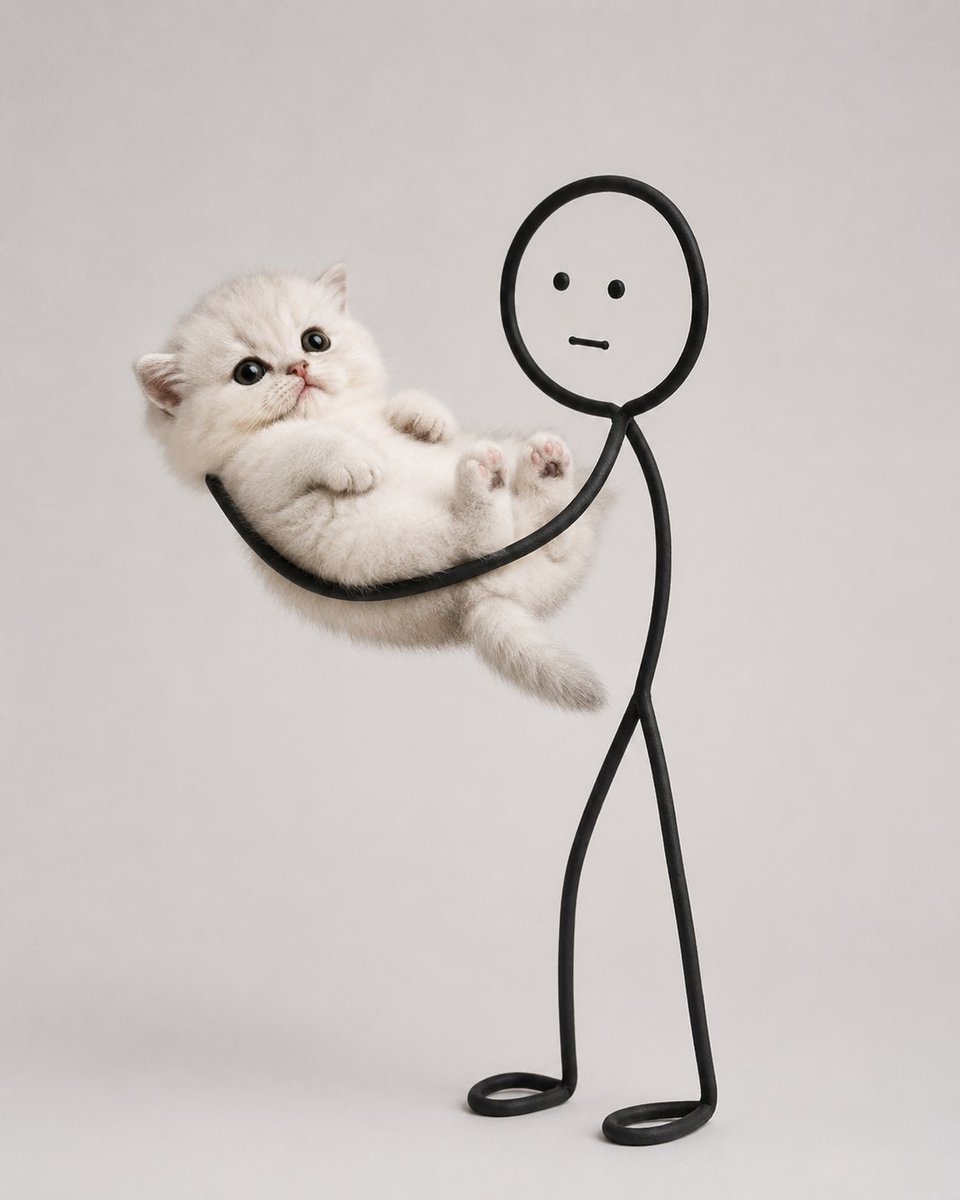
Cute Cat and Doodle Interaction

Cat Photobomb Selfie — 0.5x Wide Angle Café Chaos

Surreal Cat Astronaut — Humanoid Face Freefall

Real Illustration Split Portrait Transition

Low Angle Floor Selfie With Upside Down Cat

Hand-Drawn Doodle Grid Poster
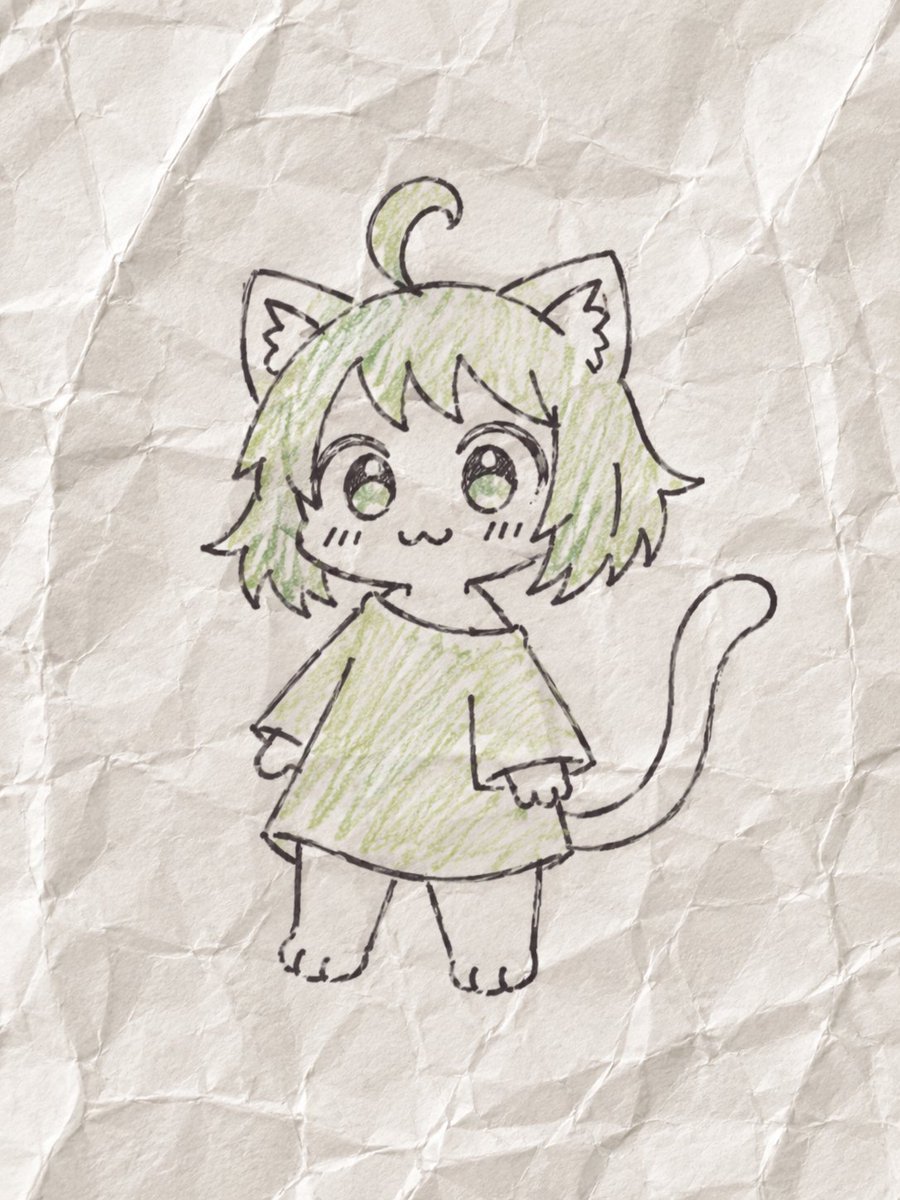
Textbook Scribble on Crumpled Paper
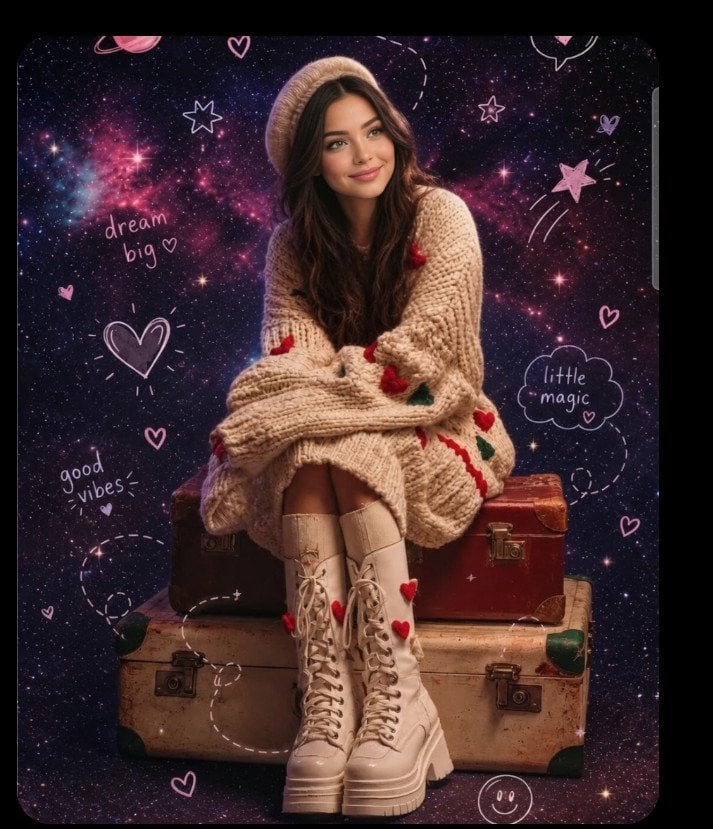
Hand-drawn scribble and annotation style
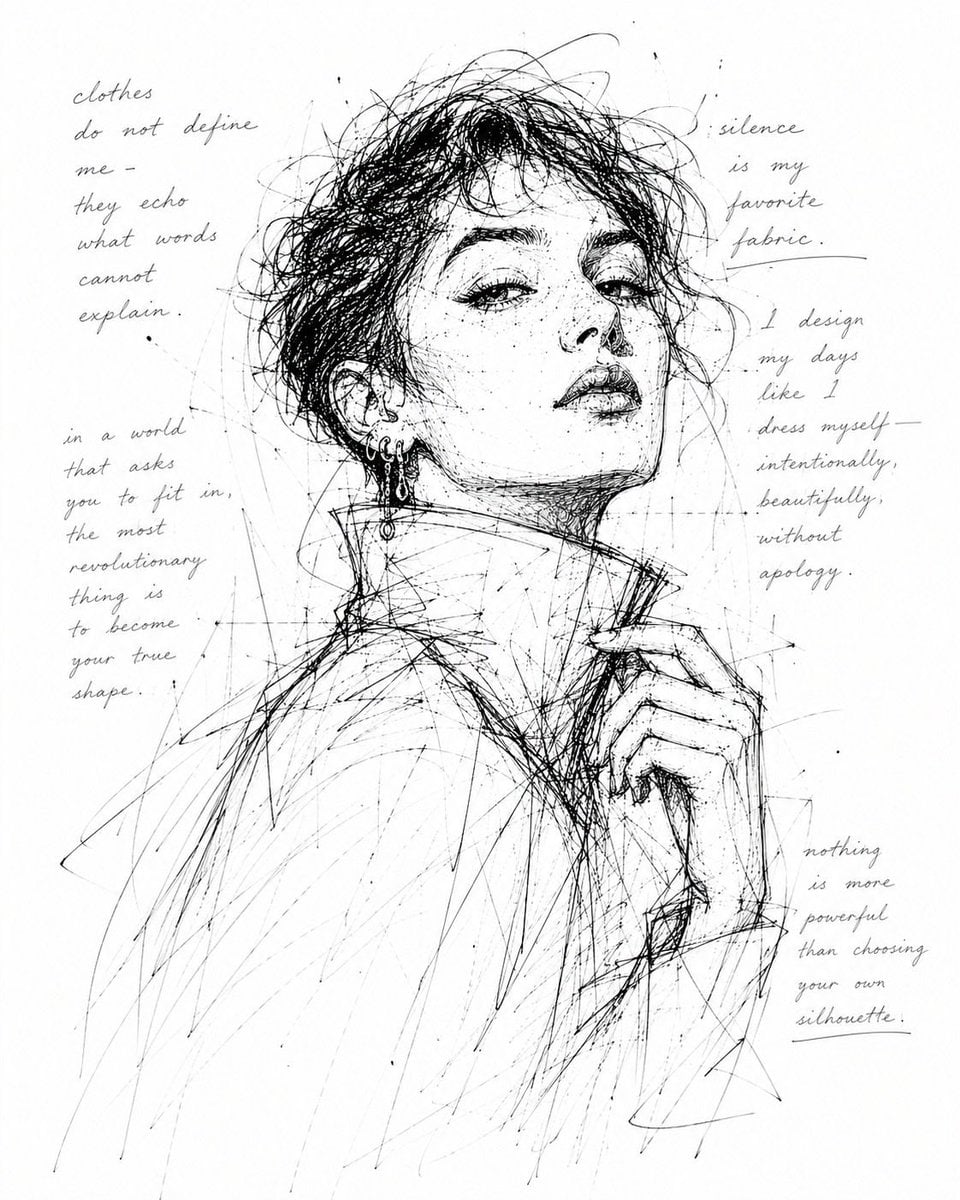
Monochrome Scribble Ink Sketch
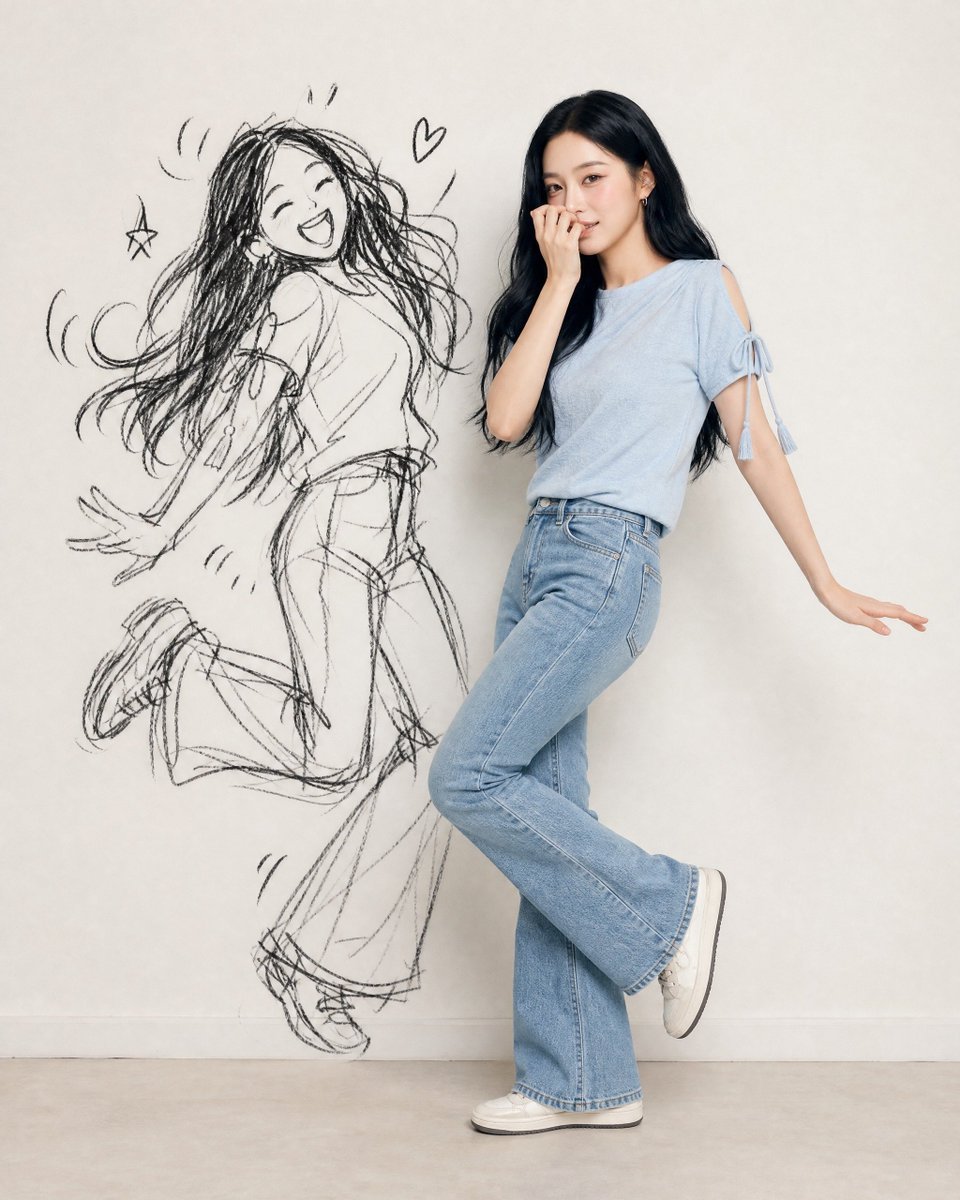
Ink-Twin Doodle Stylization
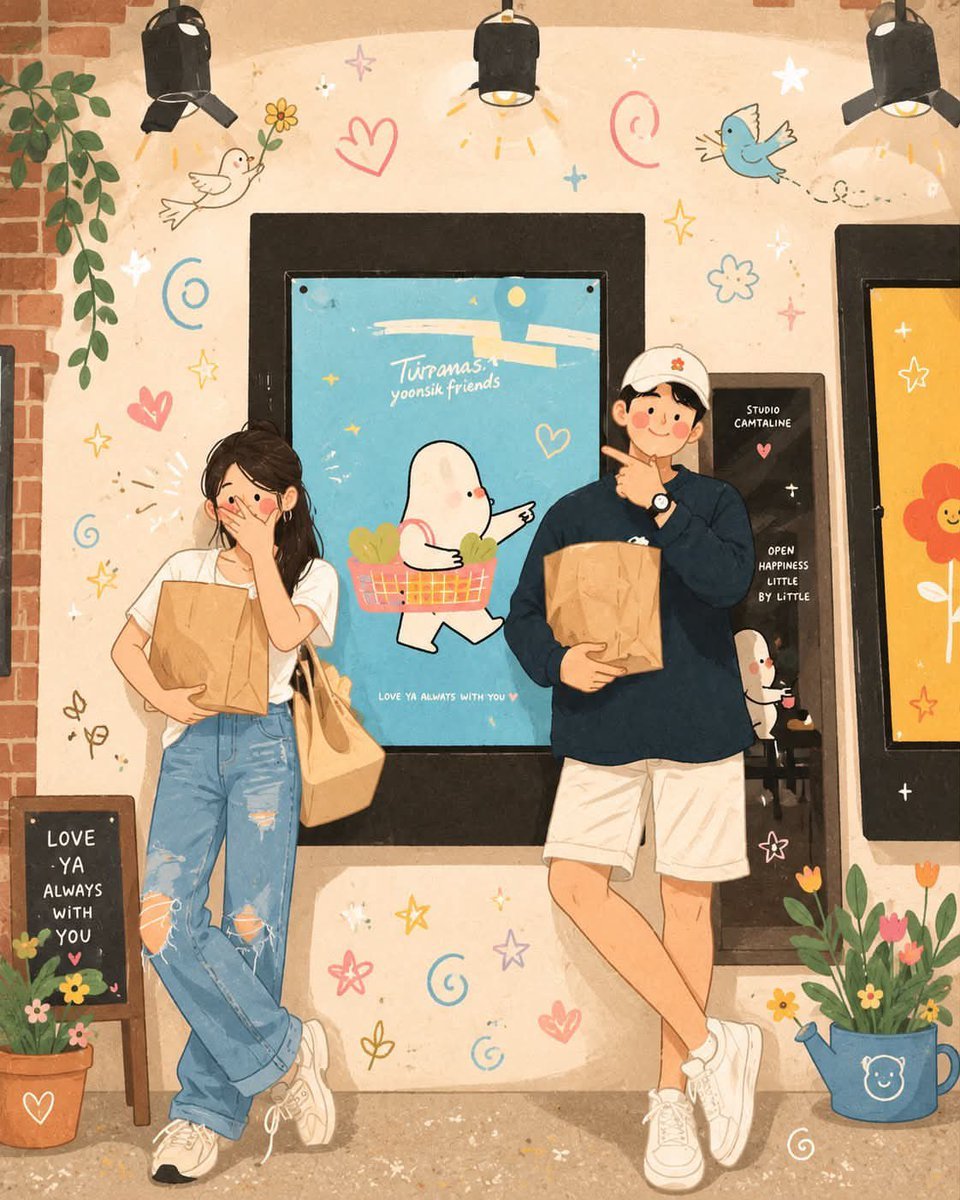
Korean-Inspired Whimsical Doodle Art
Make it yours
Clumsy Scribble Cat Doodle works as-is. These are the safest ways to change it without losing the look.
Change one field
Copy a single group, rewrite it, and generate again so you can see what that field is doing.
Keep the frame, change the subject
Hold the composition and light of Clumsy Scribble Cat Doodle, then swap wardrobe, props or the person for a new take.
| If the result… | Why | Fix |
|---|---|---|
| The result drifts from the preview | Too many fields changed at once. | Reuse Clumsy Scribble Cat Doodle as-is first, then change one group — subject, light, or setting. |
| The model over-stylizes the scene | The prose prompt leaves finish and camera underspecified. | Add one camera or lighting sentence and stay on GPT Image 2. |
More GPT Image 2 templates
Other prompts made for GPT Image 2.

Six VTuber Japanese Logo Sheet

Realistic Portrait of Woman and Deer

The Vista Modular Condo Poster

AI Model Routing Comparison Infographic

2.5D Anime Art Board

Isometric Productivity Desk Scene

New York Double Exposure Poster

Four-Panel AI Landscape Comparison

Japanese Tatami Lifestyle Magazine Cover

NESCAFÉ Coffee Map Poster
More image prompts
Fresh picks from across the catalog.
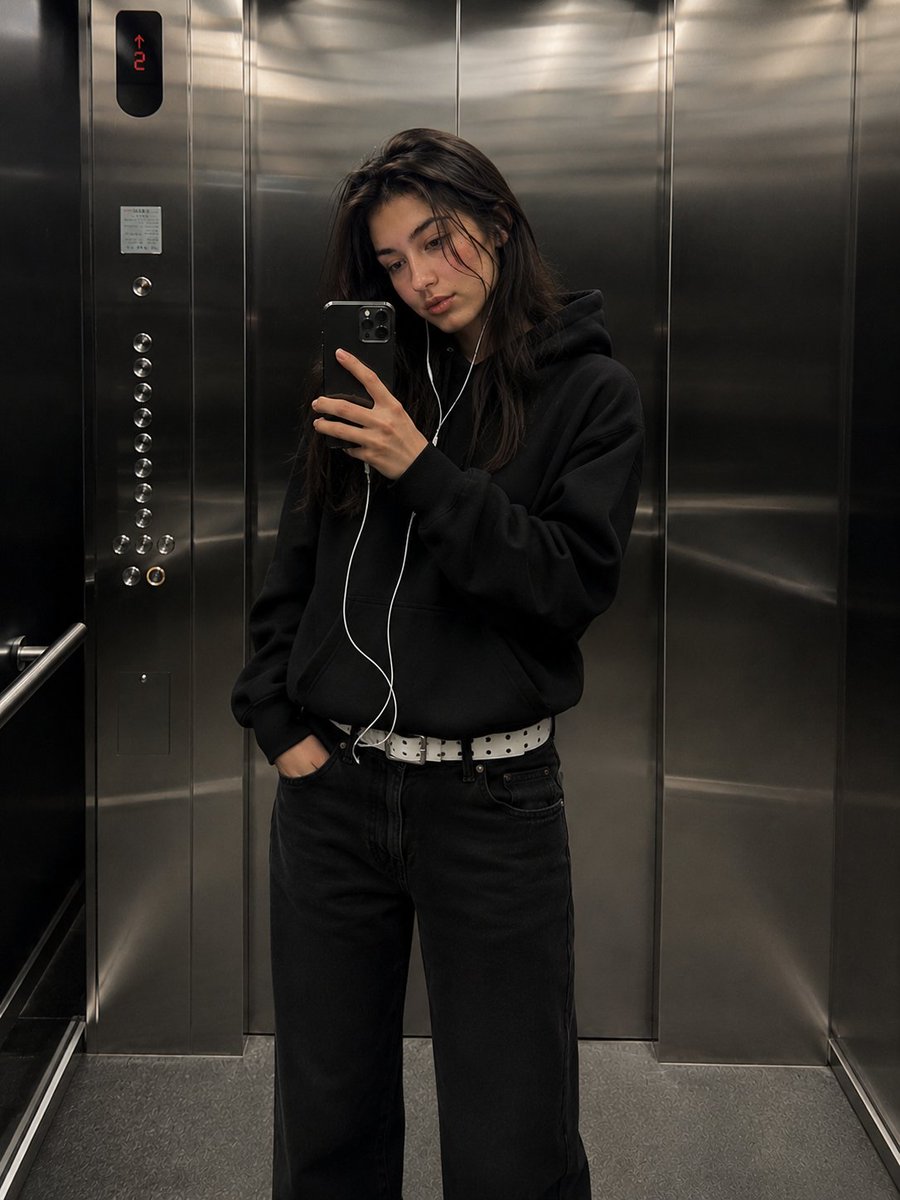
Urban Streetwear Elevator Mirror Selfie
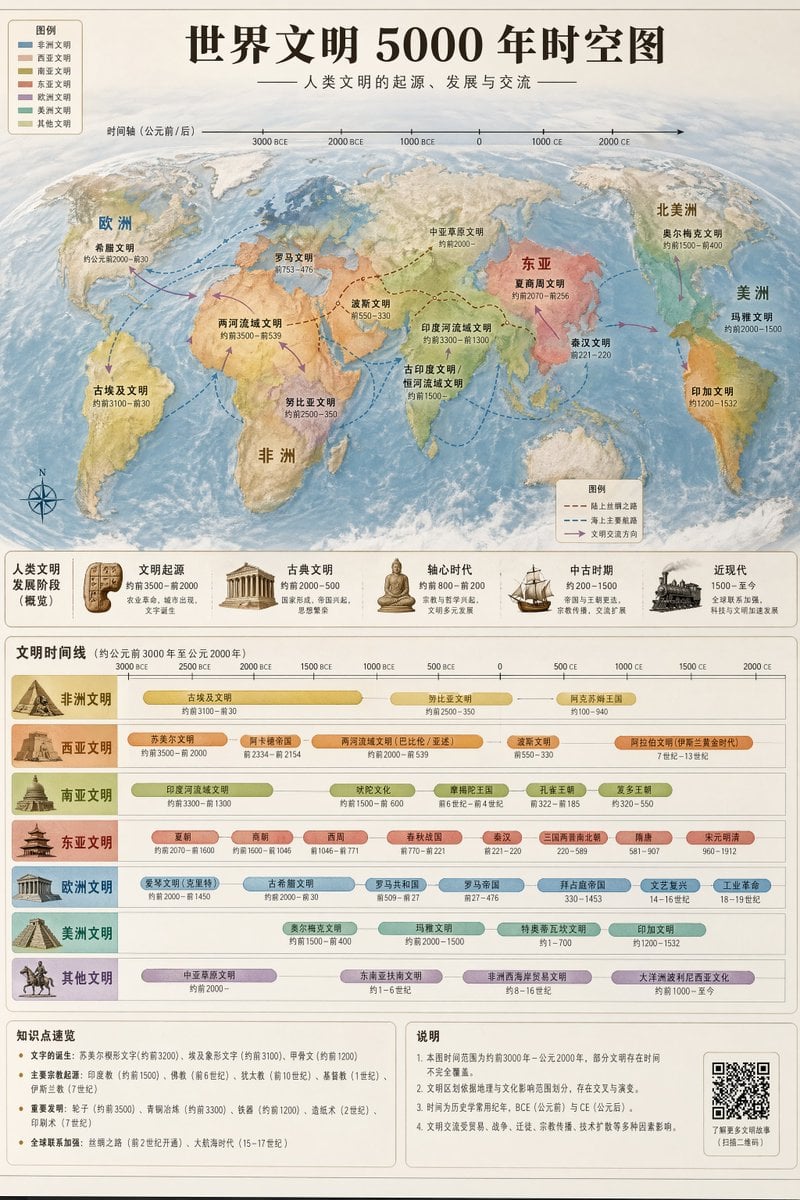
World Civilization Spatiotemporal Map
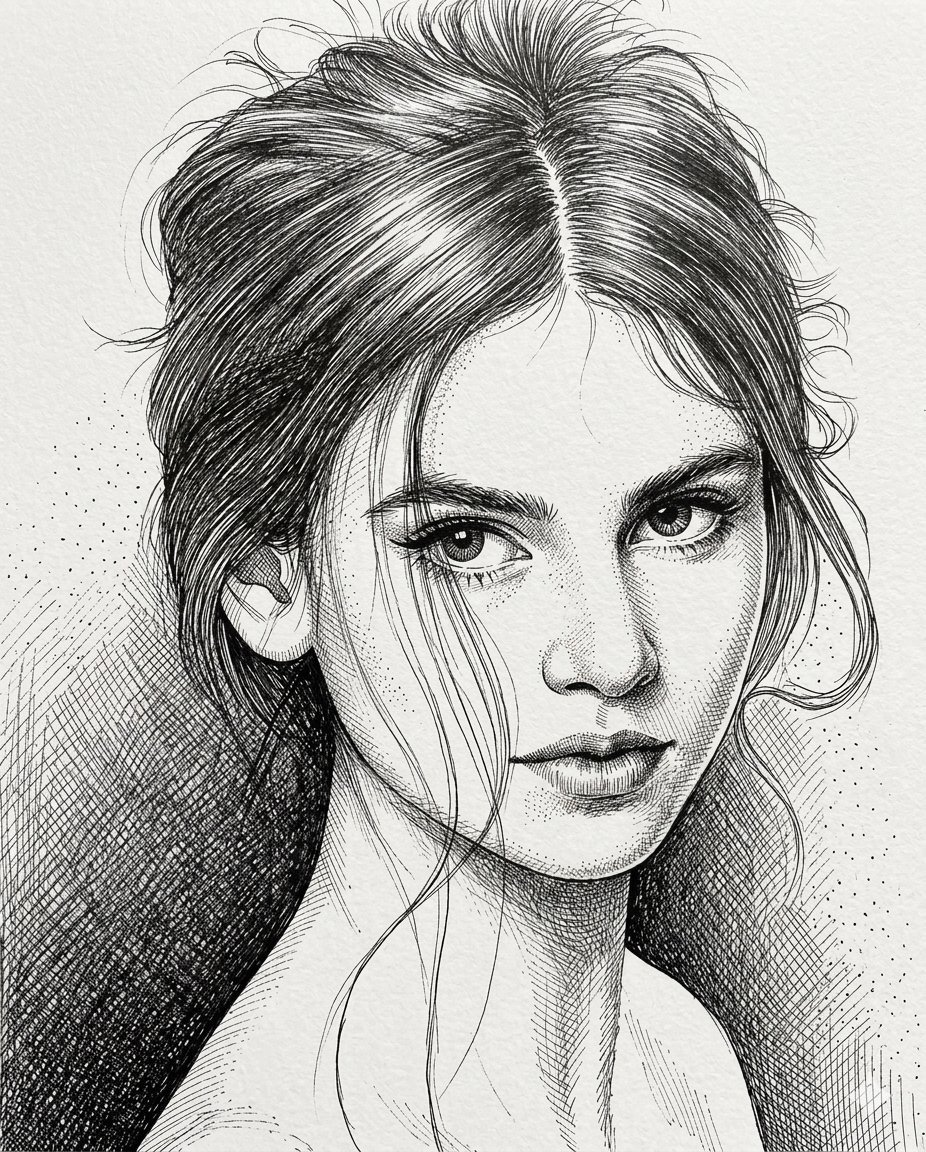
High-Contrast Pen and Ink Portrait
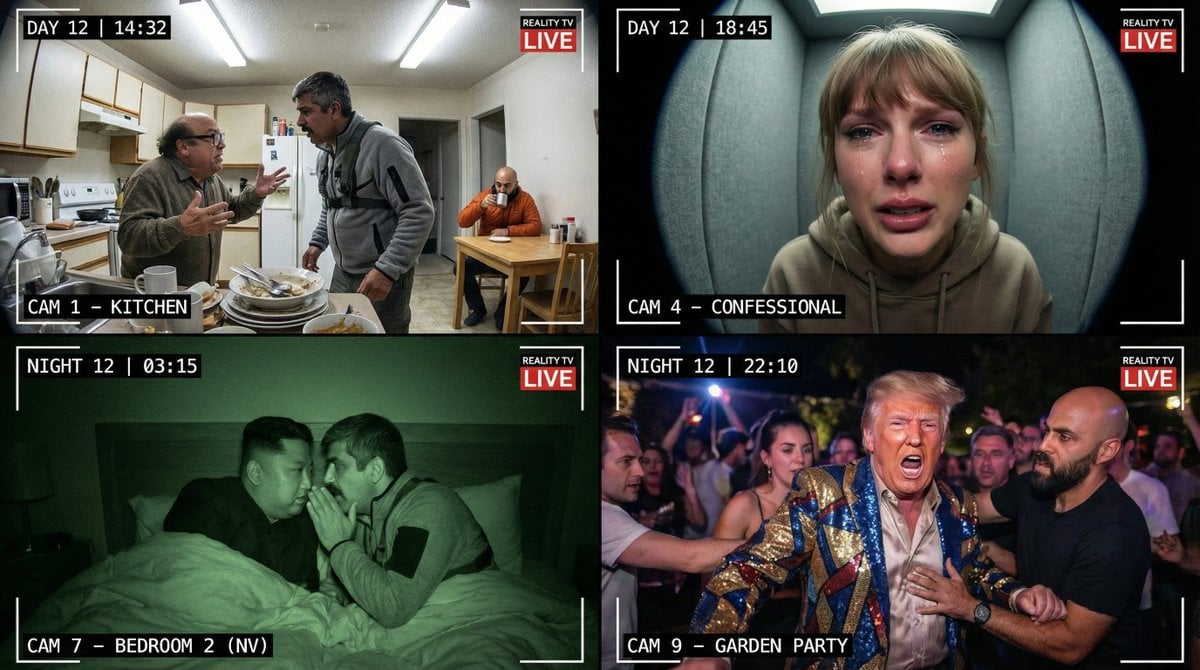
Raw Reality TV Broadcast Screenshots (2x2 Grid)
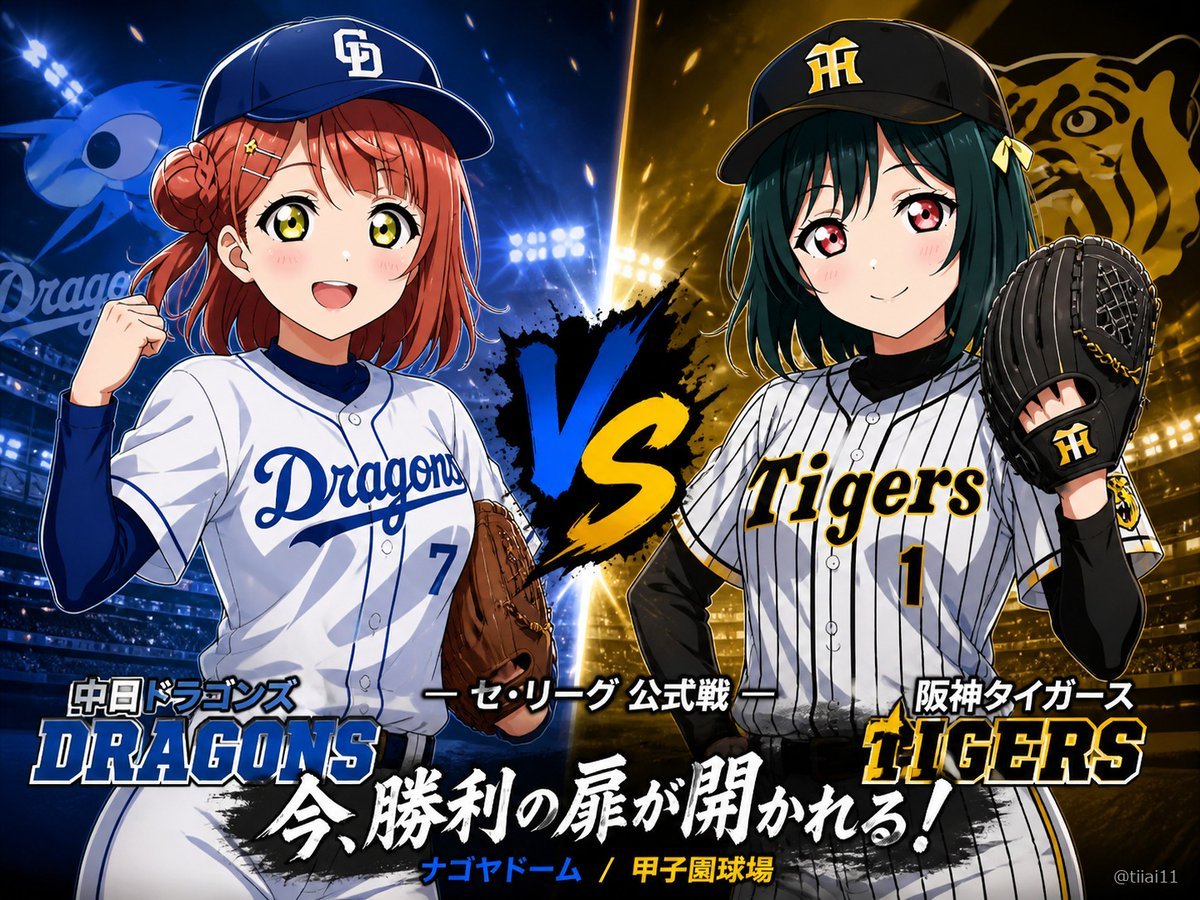
Anime Baseball Rivalry Poster
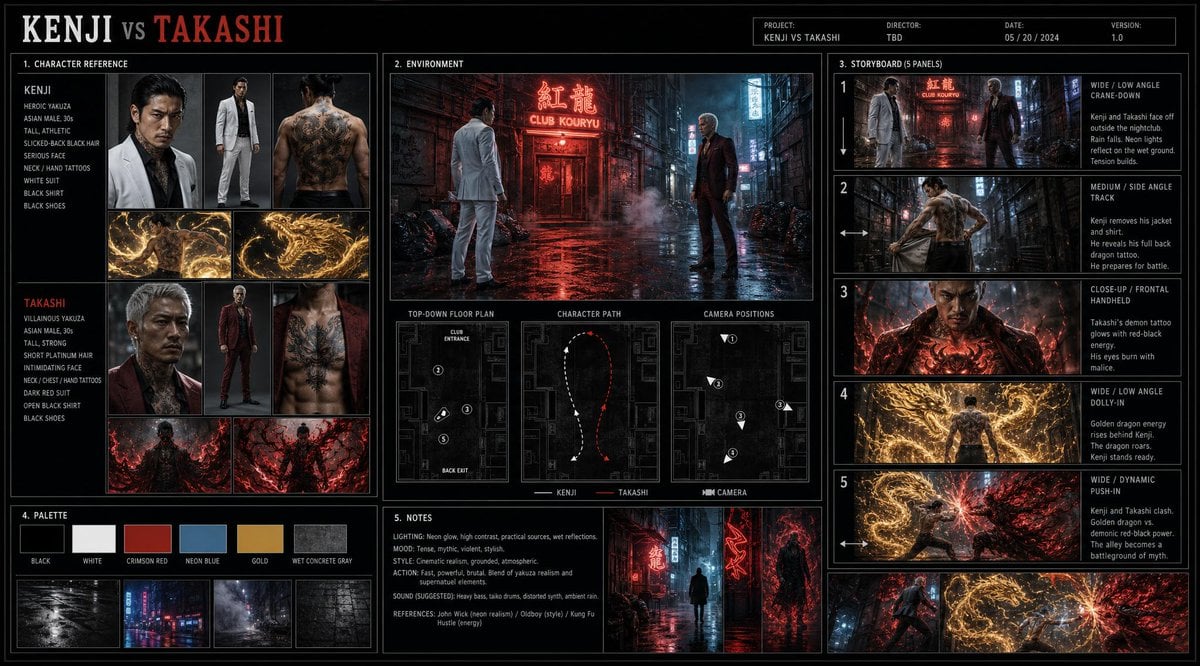
Cinematic Film Pre-Production Sheet
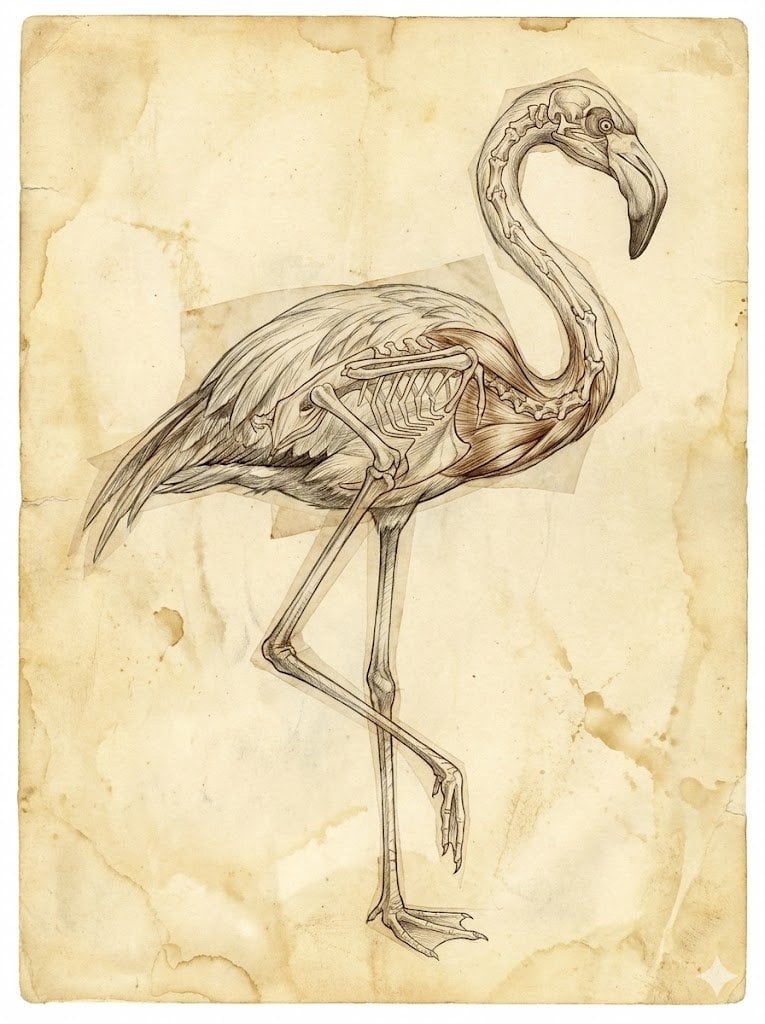
Renaissance Anatomical Study of a Flamingo
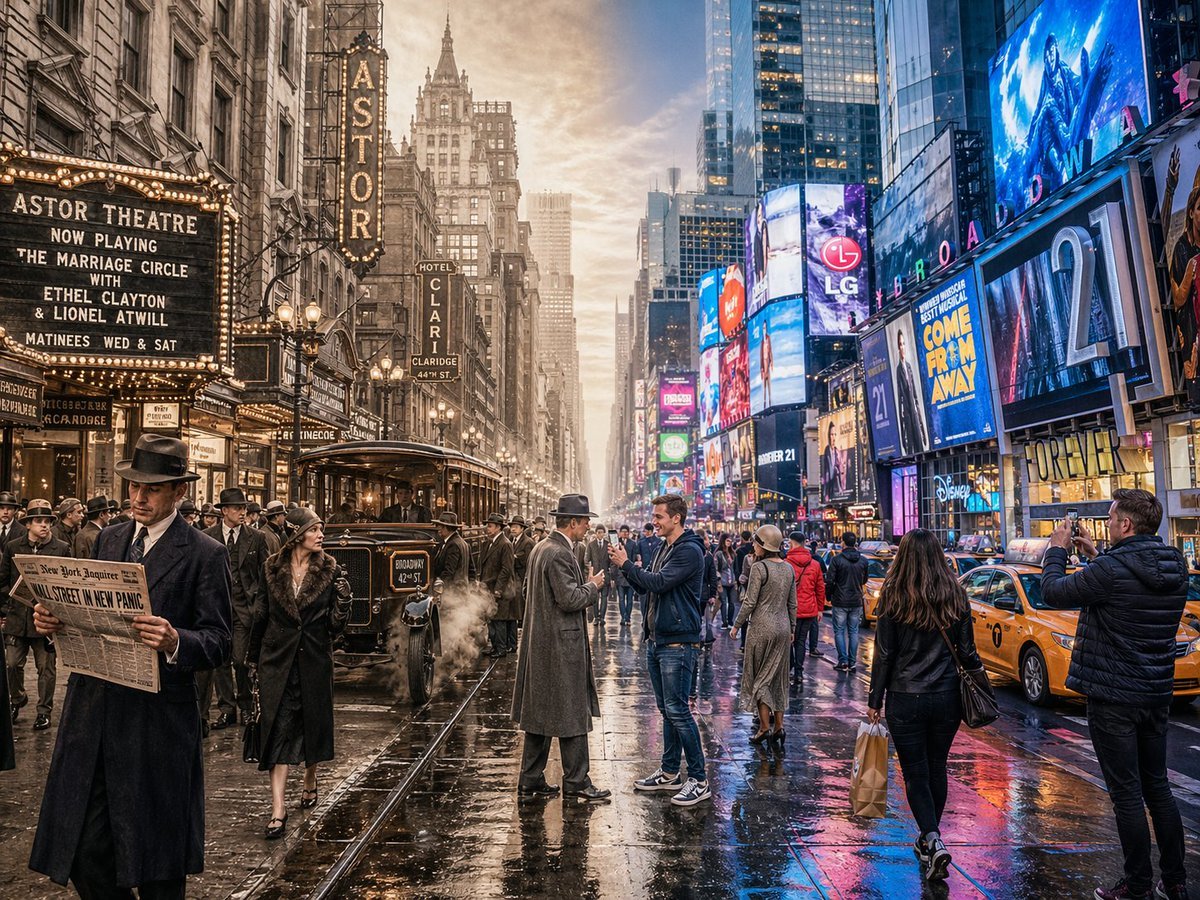
Split-Screen Time Travel Scene
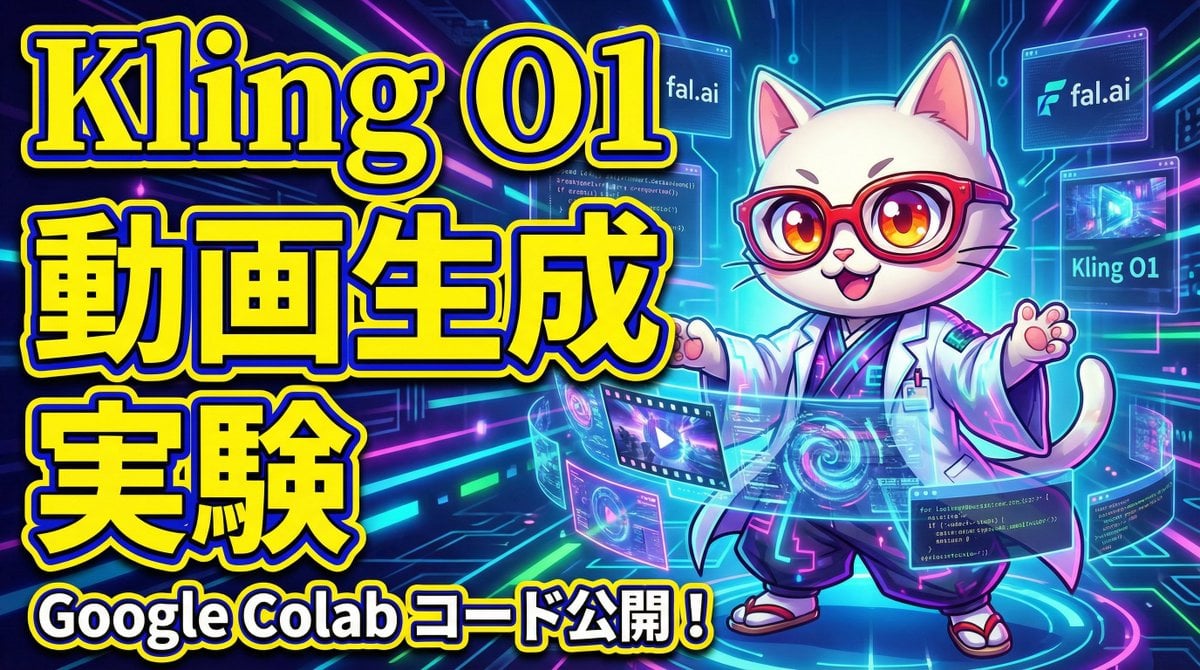
Cognitive Science-Based High-CTR Thumbnail Design Prompt
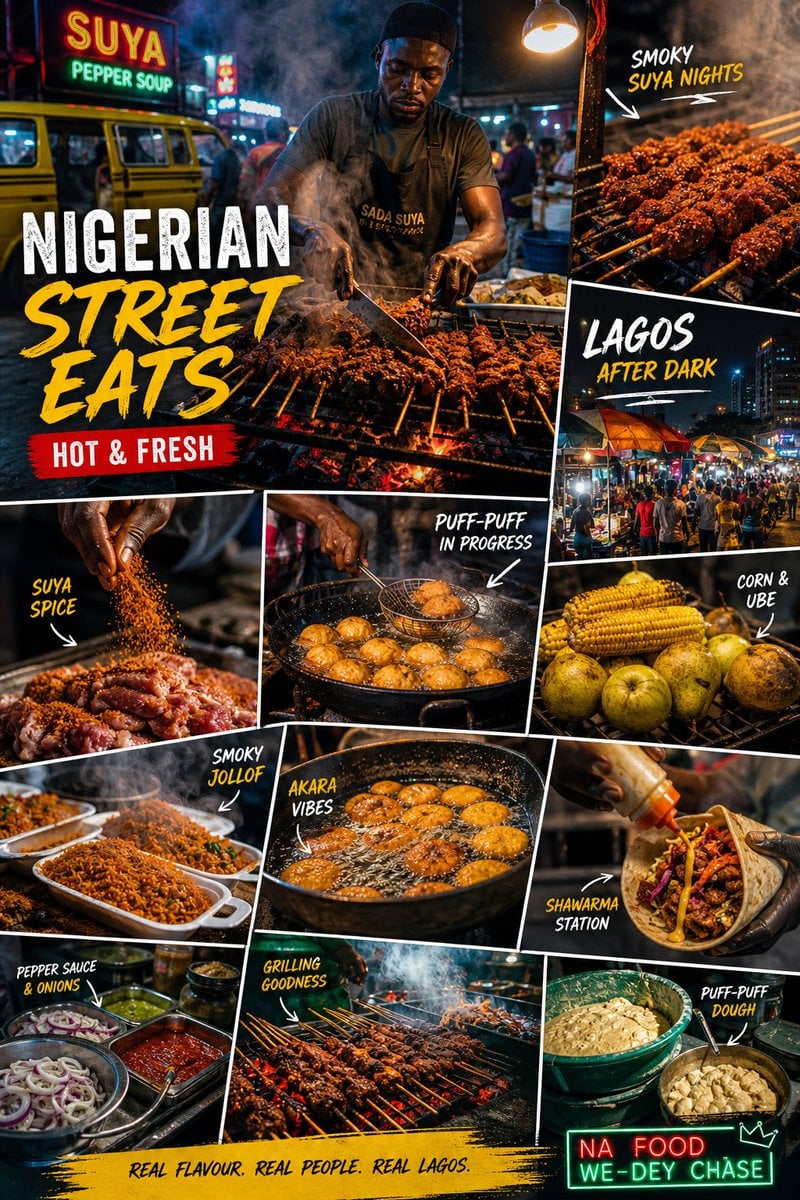
Nigerian Street Eats Collage
Browse template categories
Clumsy Scribble Cat Doodle questions
How do I use the Clumsy Scribble Cat Doodle template?
Add your photo if the template asks for one, edit the prompt if you like — the template's model and format are already selected — and press Generate. Your version opens in PicX Studio.
Can I customize the Clumsy Scribble Cat Doodle template?
Yes. You can change the subject, setting, lighting, mood, format, and available model controls before creating your image.
Is the Clumsy Scribble Cat Doodle template free?
Opening and editing this template is free. Generating uses credits, shown on the Generate button when you are signed in.
Which AI model should I use?
Start with GPT Image 2, which is the model associated with this template. You can compare another compatible model for a different finish.
Looking for something else? Browse all templates.

Your photo, any look
Thousands of ready templates for every top image and video model, from one credit balance.