
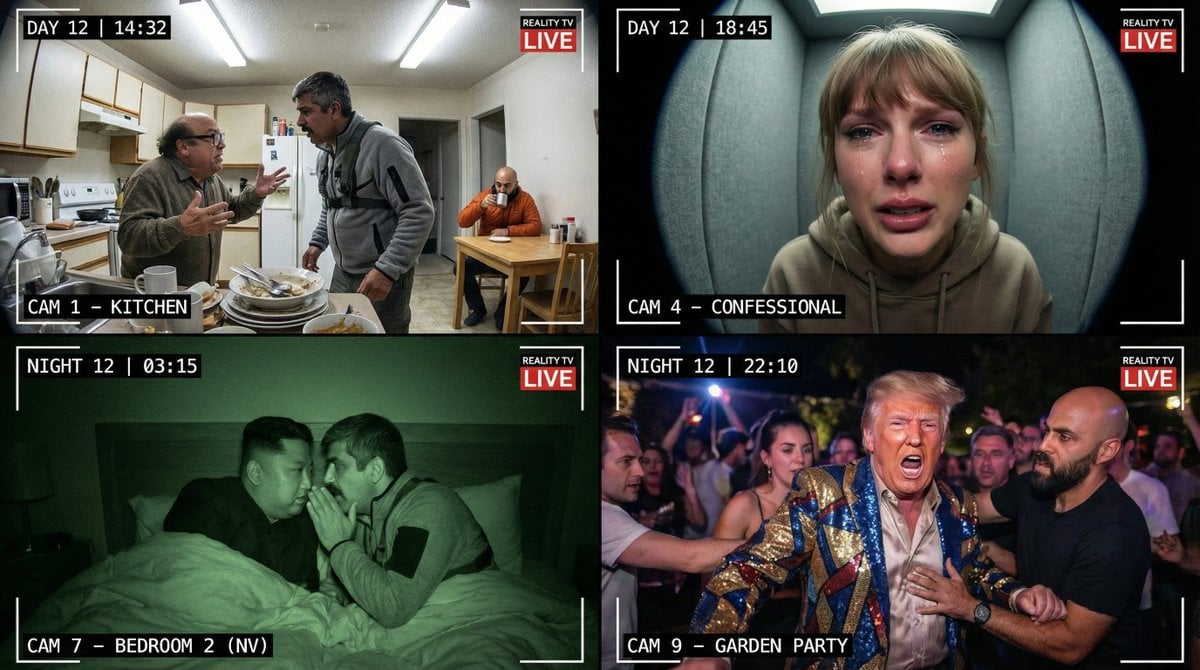
Raw Reality TV Broadcast Screenshots (2x2 Grid)
A complex, structured prompt designed to generate a 2x2 grid of images mimicking raw, unpolished TV broadcast footage, specifically in the style of a reality show like Big Brother.
- Prompt included
- Model and format preset
- Free template
The prompt behind this image
Copy the exact prompt behind Raw Reality TV Broadcast Screenshots (2x2 Grid), or open it in the studio and make it yours.
**CORE INSTRUCTION FOR THE MODEL:** Analyze the personality traits and potential conflicts of the CHARACTERS previously provided as input. You must infer how these specific individuals would interact and place them into the four scenarios below based on their likelihood to be involved in that specific type of scene (e.g., put gossips in the confessional, aggressors in the fight scene). **MANDATORY VISUAL AESTHETIC ("Real Broadcast Look"):** The images must NOT look like staged photography. They must look like raw, unpolished TV broadcast footage. * **Crucial Details:** Every panel must include on-screen graphics: timestamps (e.g., "DAY 12 | 14:32"), camera location identifiers (e.g., "CAM 1 - LIVING AREA"), and a small, semi-transparent channel logo in a corner. * **Textures:** Expect video grain, slight lens distortion, harsh fluorescent lighting, and occasional digital compression artifacts. **GRID BREAKDOWN (2x2 Layout):** **[TOP ROW]** * **[PANEL 1: Top-Left] Domestic Friction (Kitchen/Living Area).** Wide-angle fixed CCTV camera shot. Harsh, unflattering overhead lighting. Based on inputs, show a tense moment of daily life—two characters with incompatible habits arguing over cleaning or food, while others sit uncomfortably in the background. The composition is messy and naturalistic. * **[PANEL 2: Top-Right] The Confessional Booth (El Confesionario).** Tight, claustrophobic fish-eye lens close-up. The background is a simple, soundproofed wall. Select the character most likely to vent or gossip from the inputs. They are looking directly into the lens, highly emotional (crying or angrily gesturing), breaking the fourth wall. **[BOTTOM ROW]** * **[PANEL 3: Bottom-Left] Night Vision Secrets (Bedroom).** Monochrome green or grey infrared night-vision shot. Grainy, low fidelity. Total darkness in the room. Show two characters (strategic allies based on inputs) whispering conspiratorially in a bed, barely visible under covers. * **[PANEL 4: Bottom-Right] The Explosion (Garden/Smoking Area).** Chaotic, slightly shaky "handheld camera" feel, as if an operator ran to catch the action. High drama. A screaming argument at a party or nighttime gathering. The most volatile characters from the inputs are being physically separated by others. Flashing lights or dramatic shadows. **STYLE:** Raw reality TV broadcast screenshots, 2x2 grid, highly detailed, 4k
How to use Raw Reality TV Broadcast Screenshots (2x2 Grid) in 3 steps
- 1
Open
The prompt is already in the box next to the preview, with the template's model and format selected.
- 2…a portrait of your subject in softgolden-hour light, 85mm…
Personalize
Edit the subject and creative details for your destination.
- 3Generate
Generate
Press Generate — your image is created in PicX Studio, so you can compare it with the original and refine one variable at a time.
More like this
Templates with the same subject, style or setup. Open one to see its prompt.

Korean Luxury Fashion Editorial 2x2 Grid Series
Chanel Perfume 2x2 Grid Luxury Campaign

Minimalist Fashion Editorial Split Layout

Ultra-Realistic Vogue-Style Editorial Fashion Grid

Headphones Lifestyle Nine Panel Grid
2x2 Japanese Advertisement Grid
2x2 Sci-Fi Combat Action Grid

4x4 Grid - Candid Nostalgic Vacation Selfies

Movement Sheet - Dance Reference (Seedance 2.0)
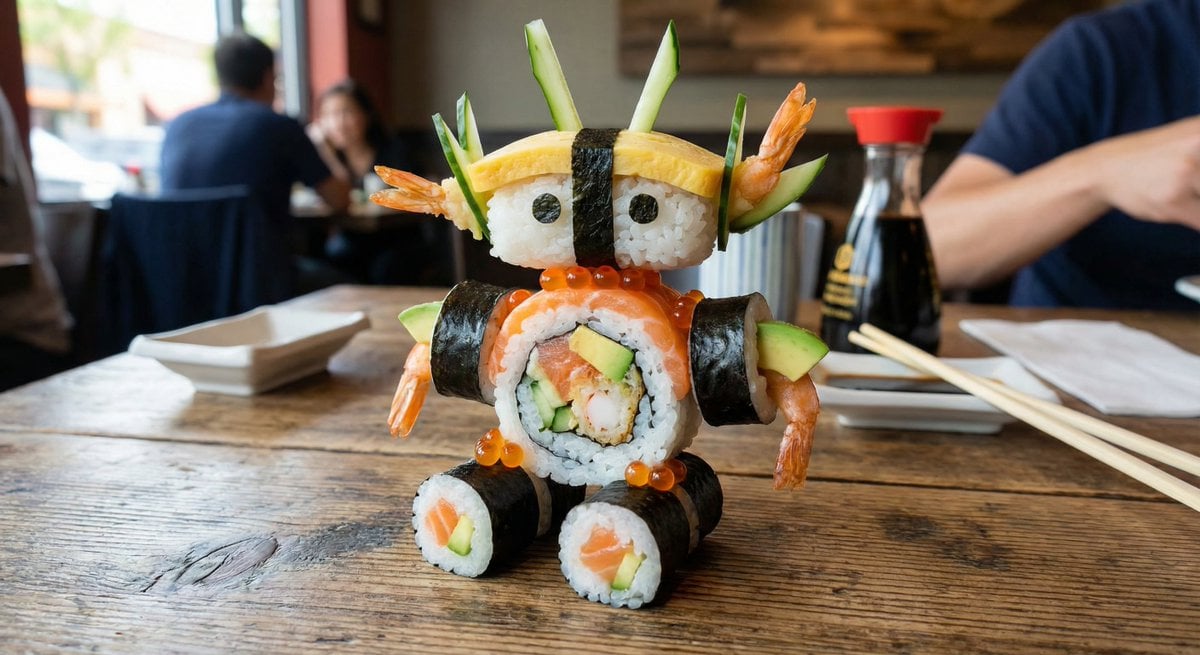
2x2 Grid Scene Progression
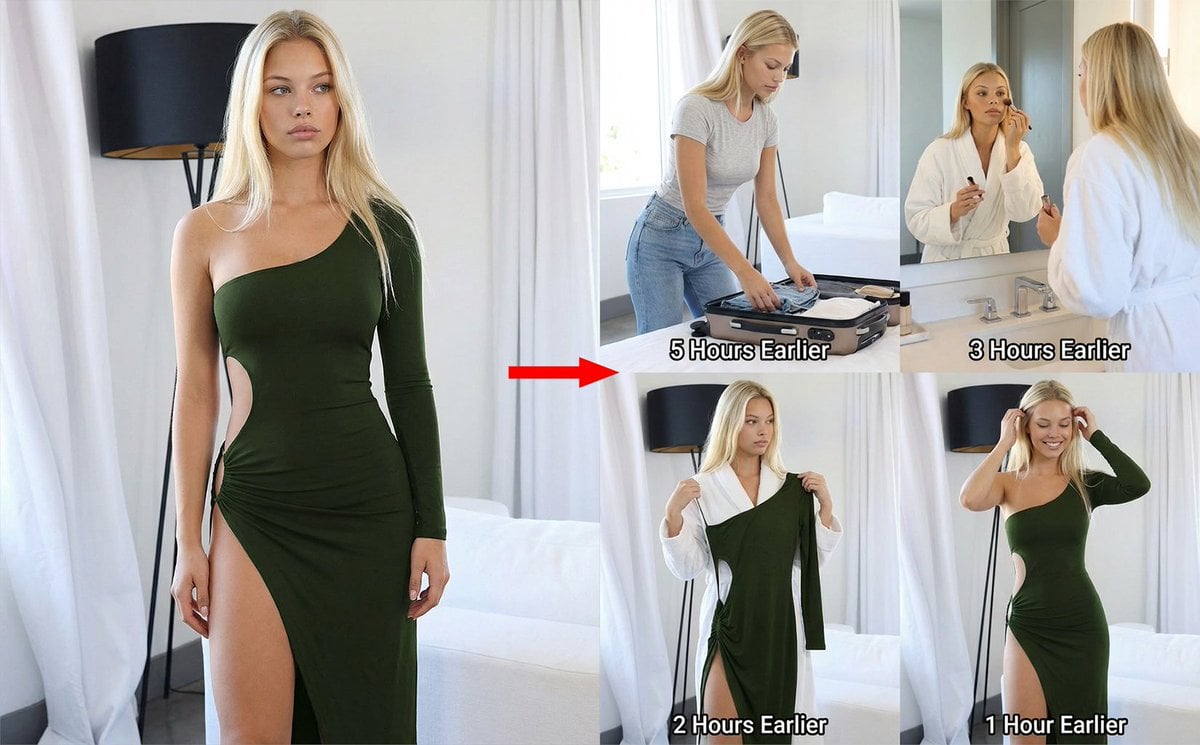
2x2 Grid Prompt for Preceding Events
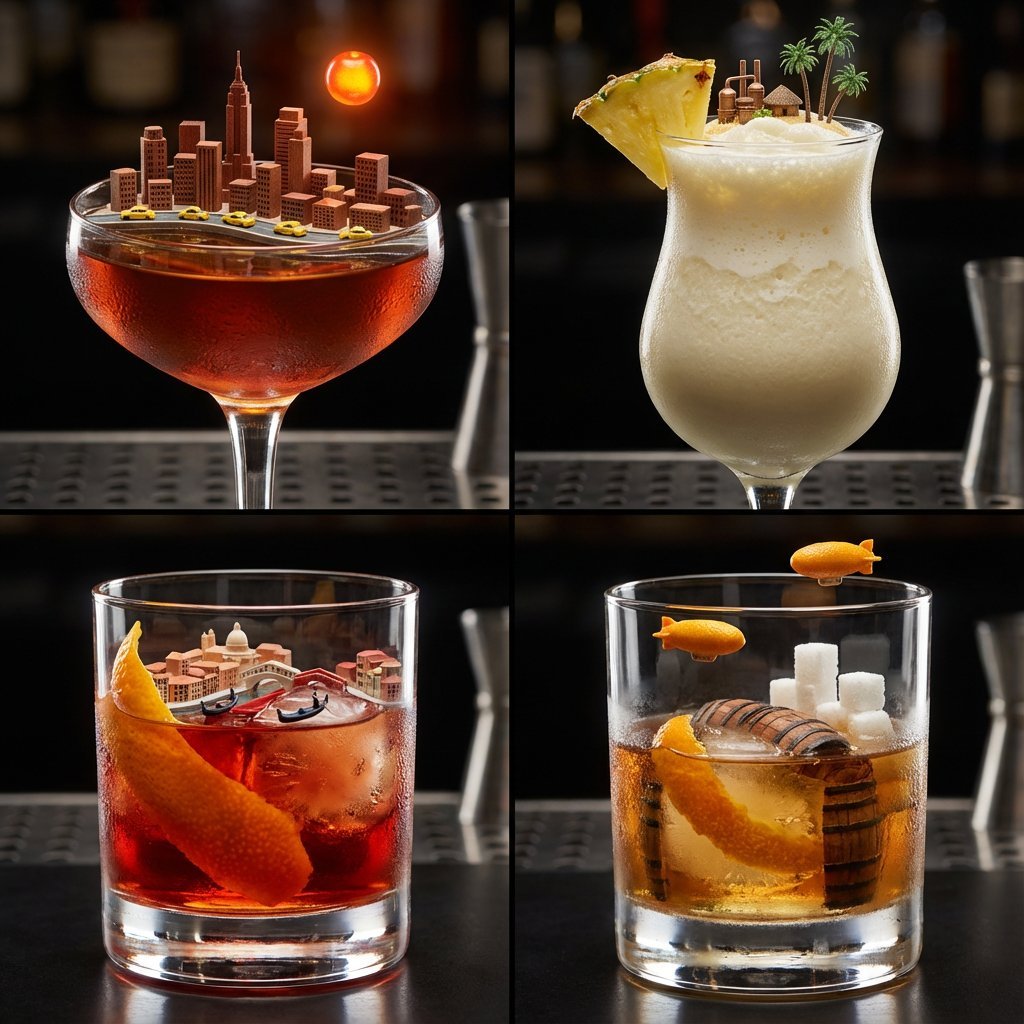
2x2 Grid of Cocktails as Tiny Living Cities
Make it yours
Raw Reality TV Broadcast Screenshots (2x2 Grid) works as-is. These are the safest ways to change it without losing the look.
Change one field
Copy a single group, rewrite it, and generate again so you can see what that field is doing.
Keep the frame, change the subject
Hold the composition and light of Raw Reality TV Broadcast Screenshots (2x2 Grid), then swap wardrobe, props or the person for a new take.
| If the result… | Why | Fix |
|---|---|---|
| The result drifts from the preview | Too many fields changed at once. | Reuse Raw Reality TV Broadcast Screenshots (2x2 Grid) as-is first, then change one group — subject, light, or setting. |
| The model over-stylizes the scene | The prose prompt leaves finish and camera underspecified. | Add one camera or lighting sentence and stay on Nano Banana 2. |
More Nano Banana 2 templates
Other prompts made for Nano Banana 2.

Photorealistic Leaf Shaped Like a Dragon

K-Pop Idol Portrait Grid for Rapid Selection

Poetic Rain Forest Portrait During Golden Hour

Urban Street Portrait with Cartoon Inner Self Duo

Candid Nighttime Photo with Cat Prompt

High-Concept 3D Diorama Generation Prompt

Cinematic Futuristic Studio Portrait Template

Skincare Editorial Photography Collage Prompt

Hyper-Realistic Commercial Product Photography (Splash Effect)

Hyper-Realistic Nightclub Portrait Prompt
More image prompts
Fresh picks from across the catalog.
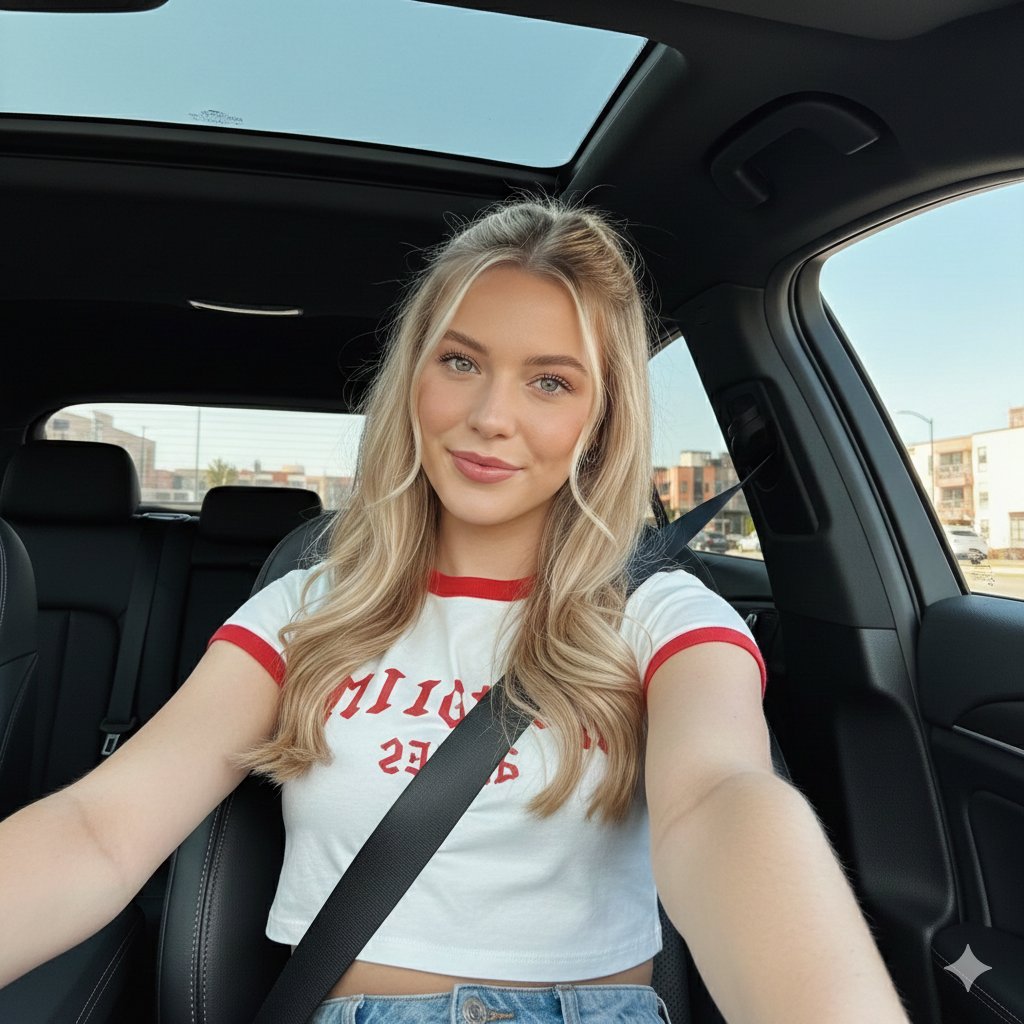
Wide-Angle Car Selfie with Panoramic Sunroof
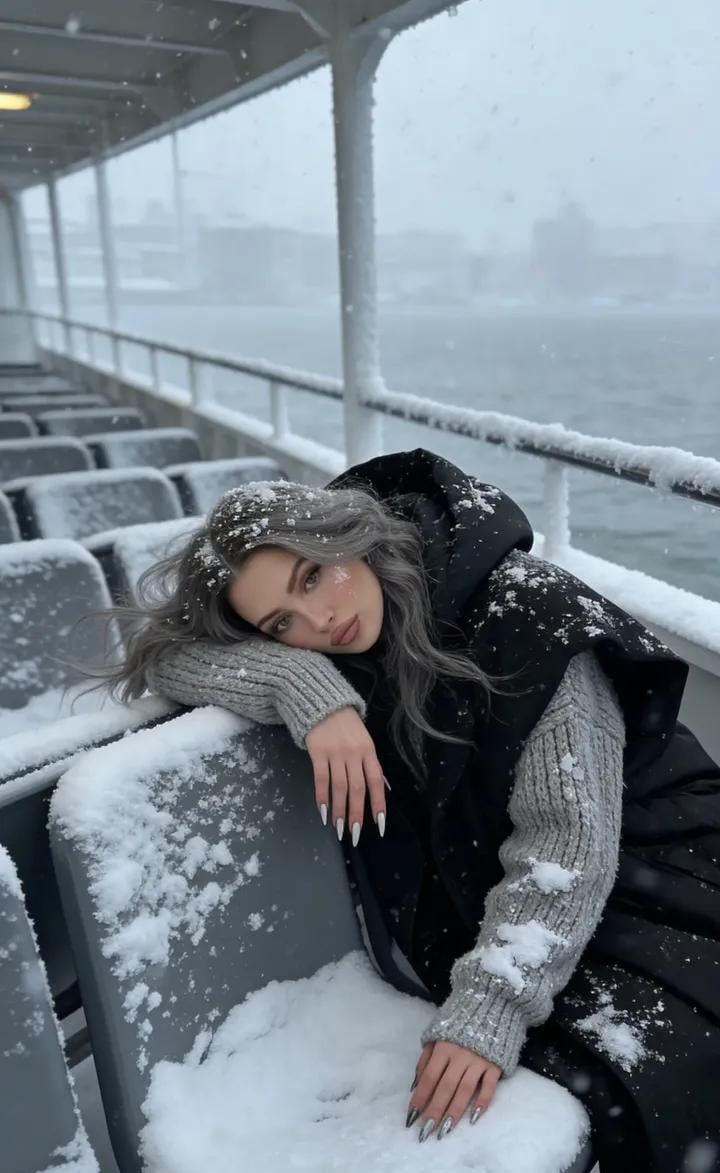
Serene Winter Ferry Portrait
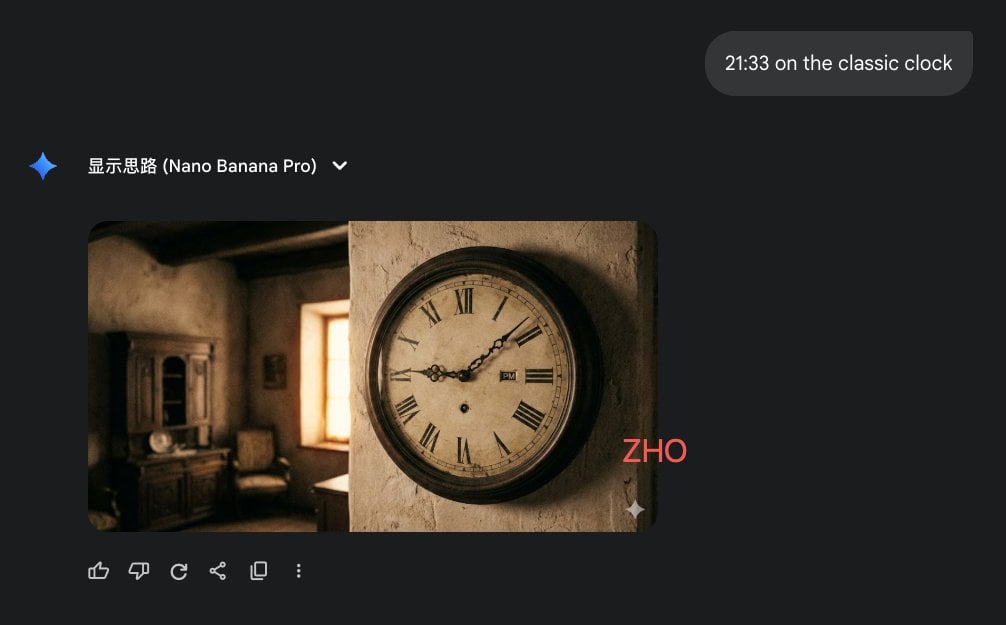
Clock face time rendering test
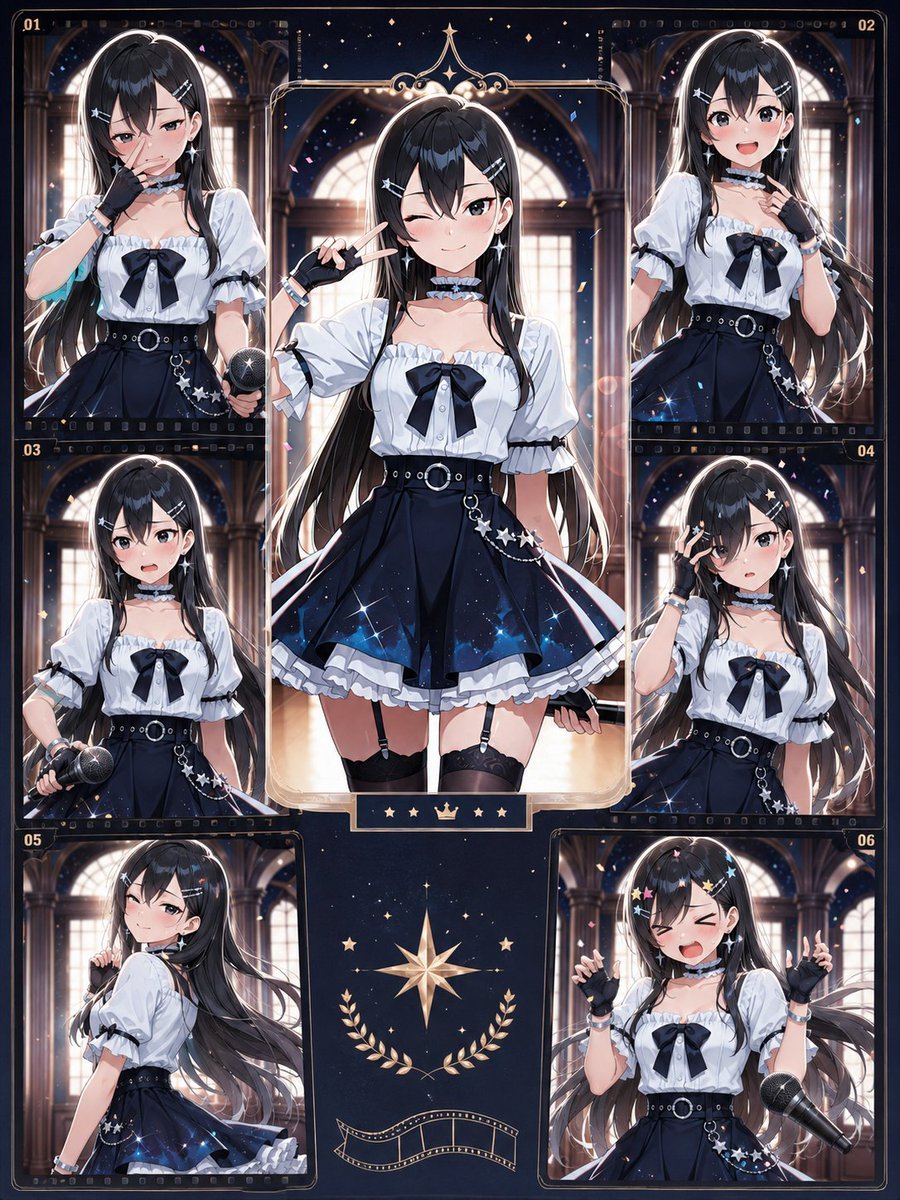
Celestial Anime Idol Collage
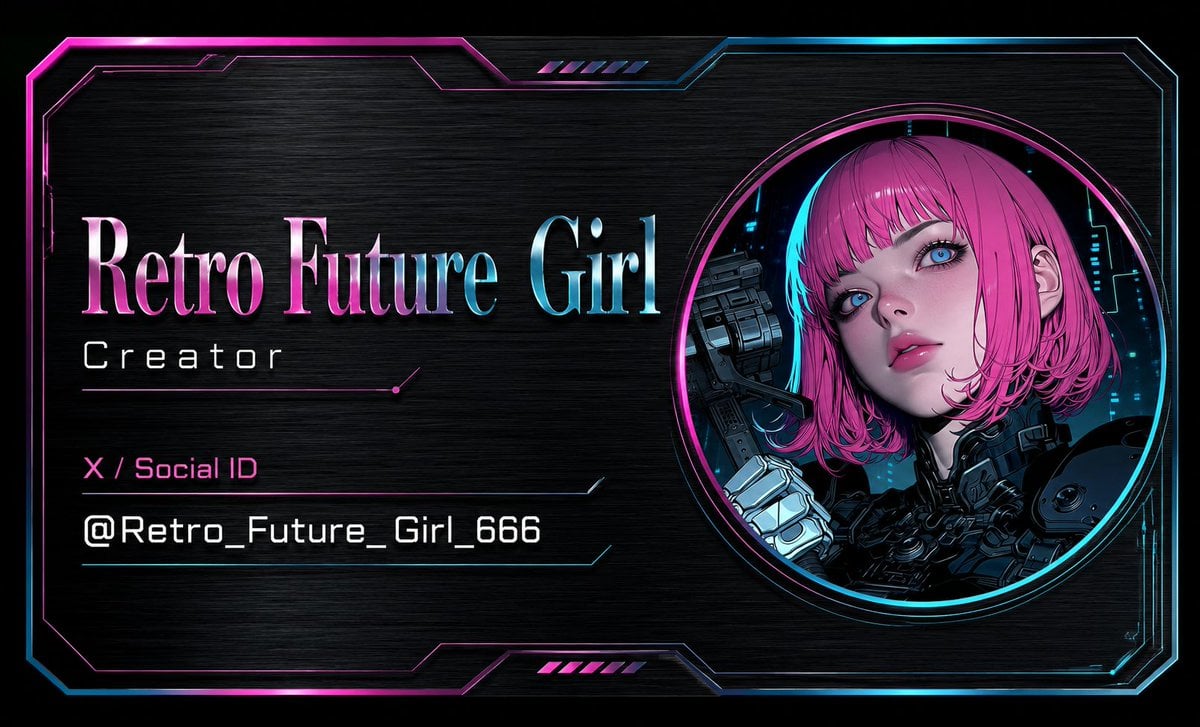
Cyberpunk AI Creator Card
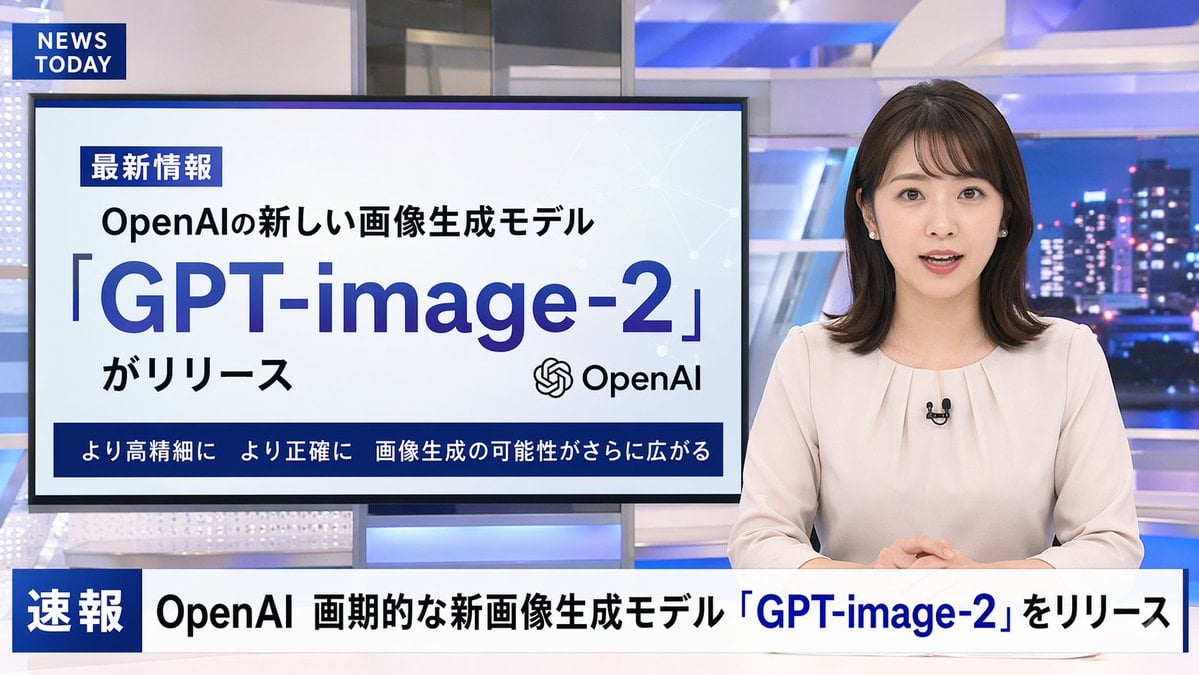
Japanese News Broadcast Mockup
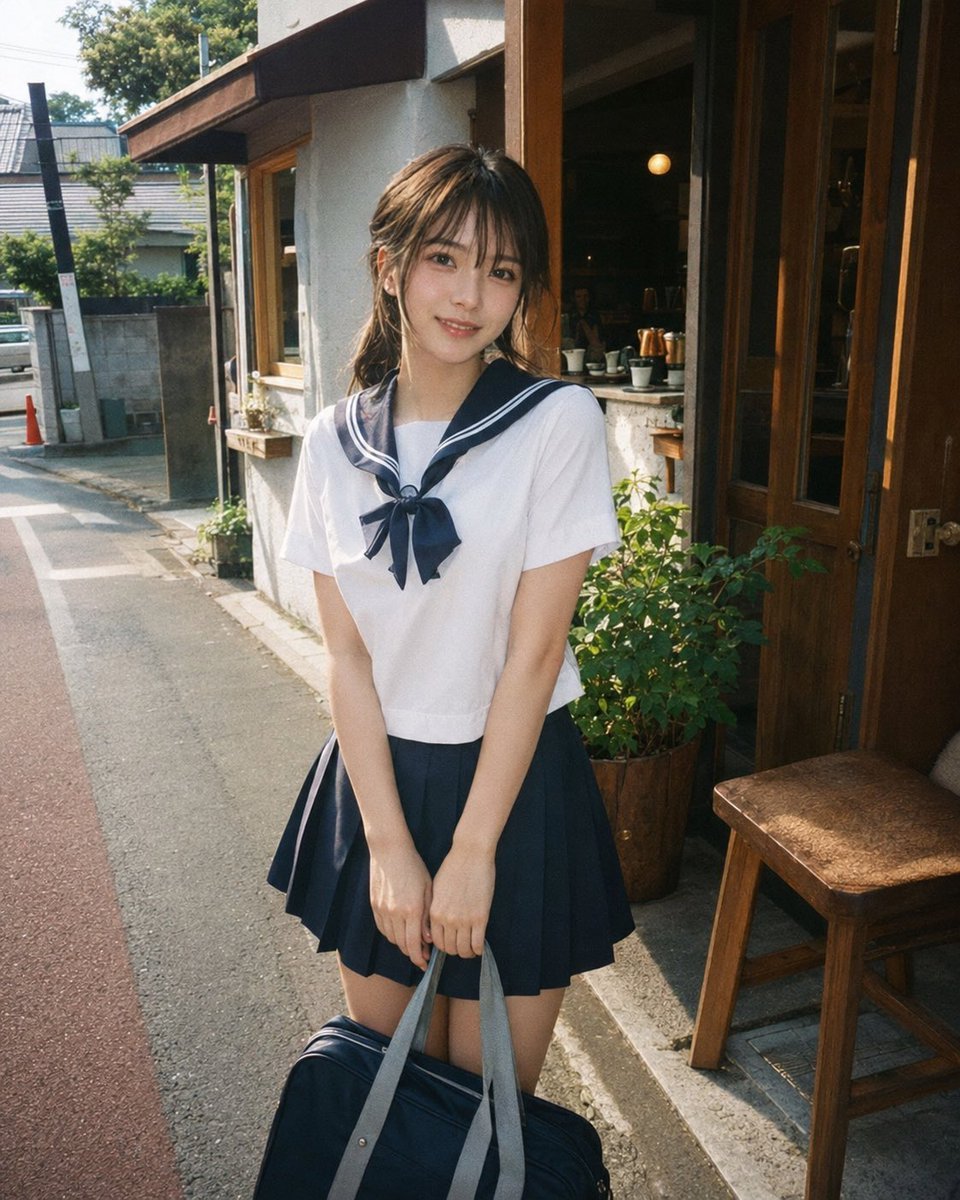
Disposable Film Sailor Cosplay Portrait
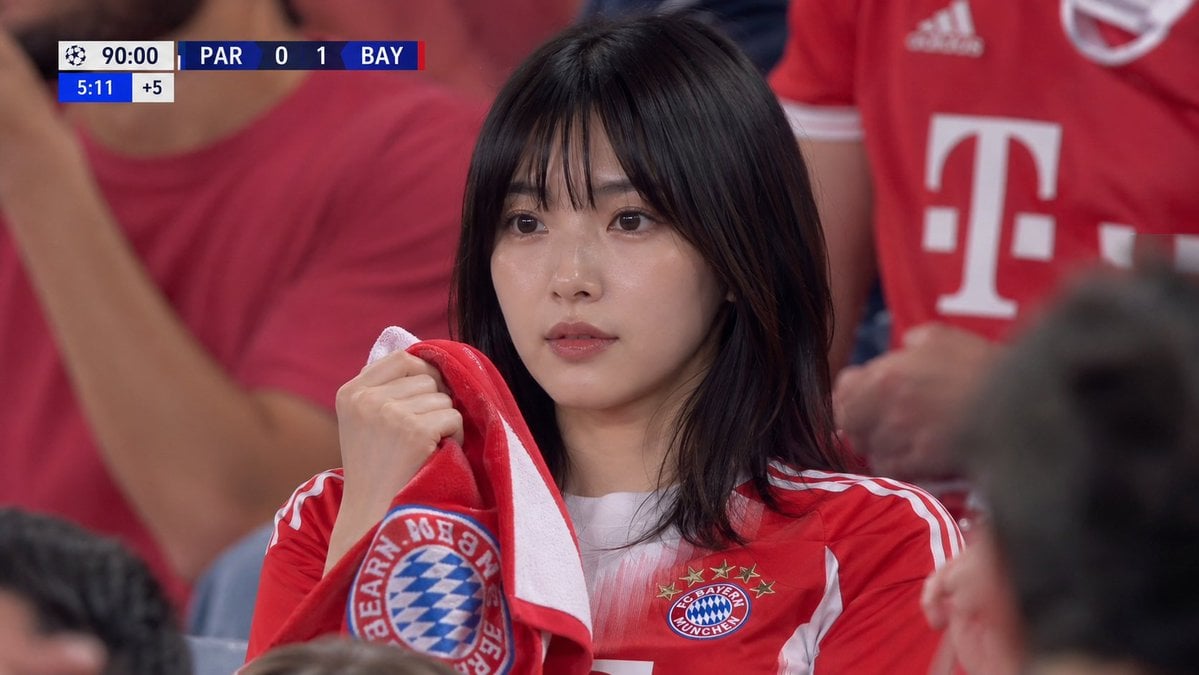
Realistic Soccer Stadium Supporter Portrait
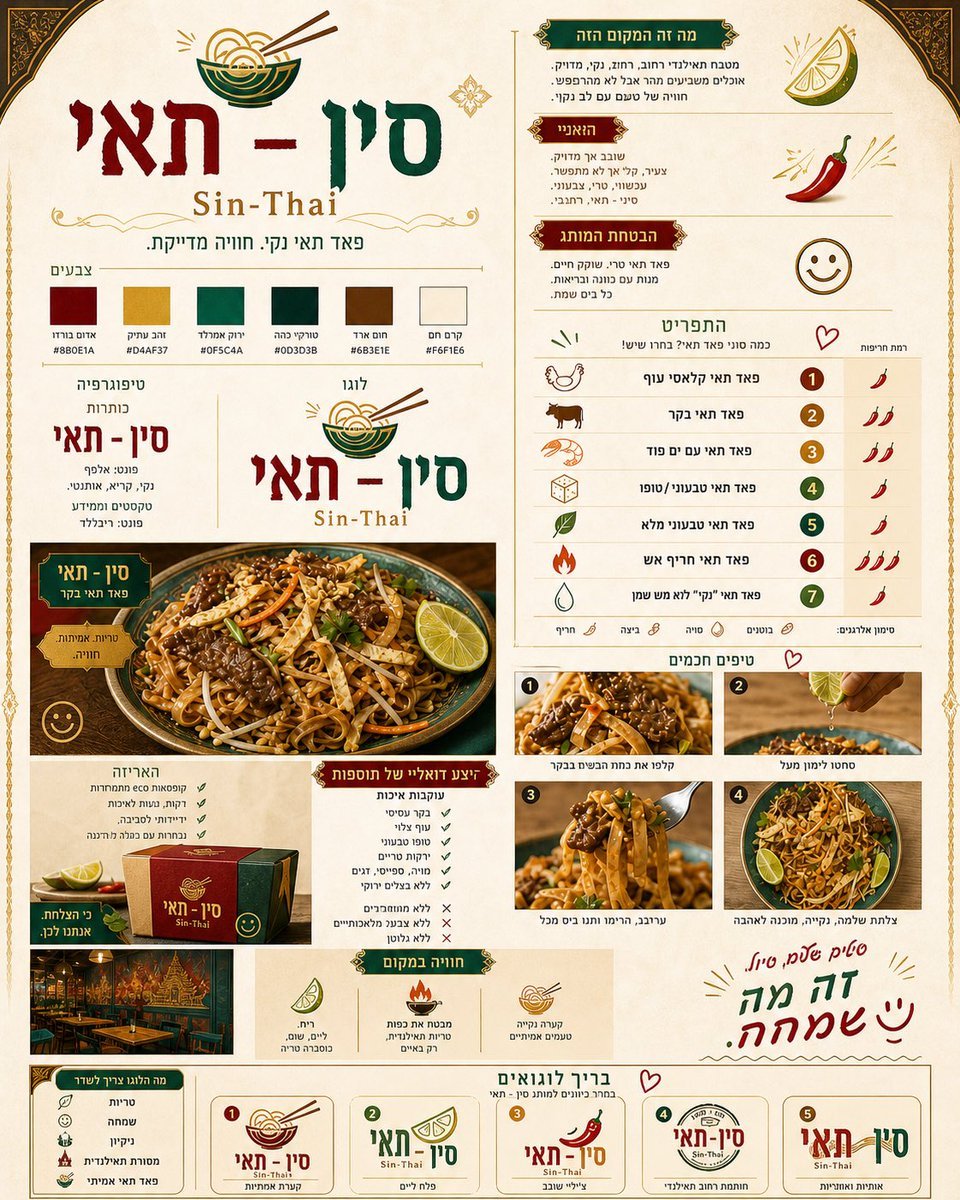
Thai Restaurant Brand Identity Document
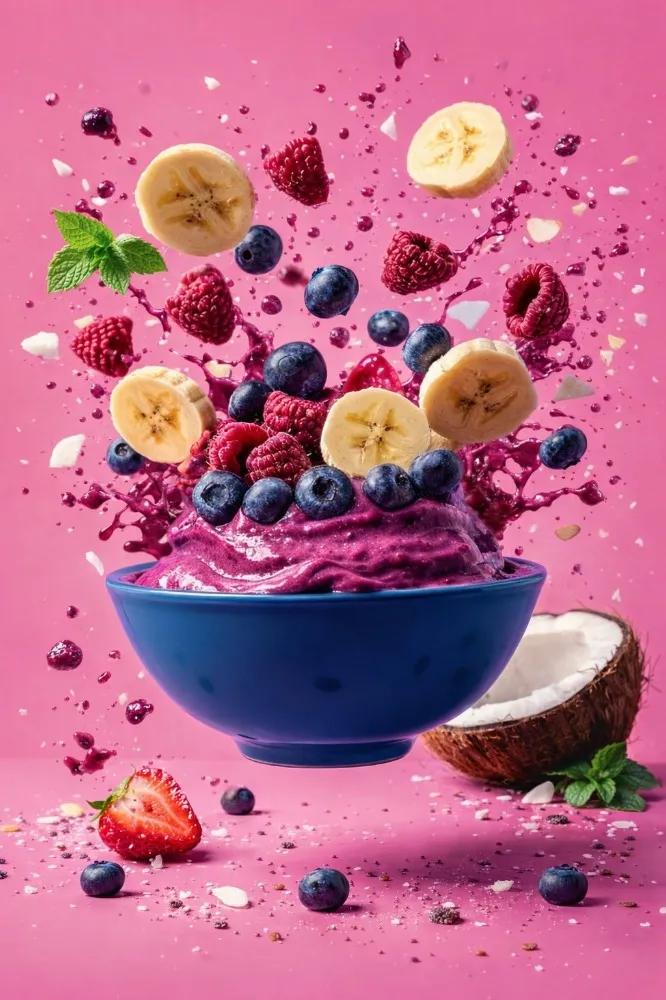
Hyper-Realistic Commercial Food Photography Prompt
Browse template categories
Raw Reality TV Broadcast Screenshots (2x2 Grid) questions
How do I use the Raw Reality TV Broadcast Screenshots (2x2 Grid) template?
Add your photo if the template asks for one, edit the prompt if you like — the template's model and format are already selected — and press Generate. Your version opens in PicX Studio.
Can I customize the Raw Reality TV Broadcast Screenshots (2x2 Grid) template?
Yes. You can change the subject, setting, lighting, mood, format, and available model controls before creating your image.
Is the Raw Reality TV Broadcast Screenshots (2x2 Grid) template free?
Opening and editing this template is free. Generating uses credits, shown on the Generate button when you are signed in.
Which AI model should I use?
Start with Nano Banana 2, which is the model associated with this template. You can compare another compatible model for a different finish.
Looking for something else? Browse all templates.

Your photo, any look
Thousands of ready templates for every top image and video model, from one credit balance.