
Disposable Film Sailor Cosplay Portrait
A photorealistic disposable-camera style portrait of a sailor-uniform cosplay girl outside a cozy Japanese cafe, useful for nostalgic street fashion visuals.
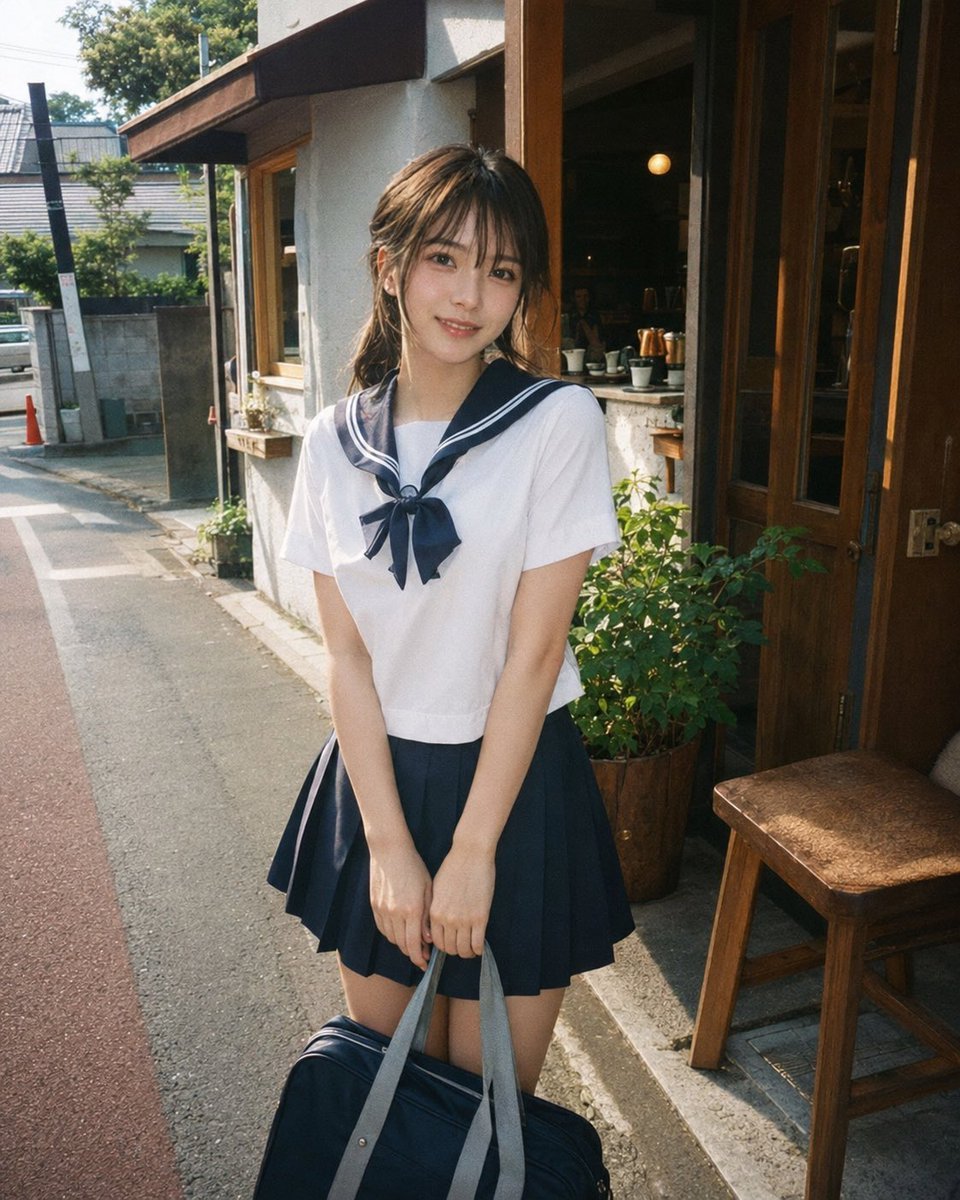
- Prompt included
- Model and format preset
- Free template
The prompt behind this image
Copy the exact prompt behind Disposable Film Sailor Cosplay Portrait, or open it in the studio and make it yours.
Create a photorealistic candid 35mm disposable-film style street portrait of a cute young woman in {argument name="outfit" default="a Japanese navy-and-white sailor school uniform cosplay with a short-sleeve white blouse, navy sailor collar with white stripes, navy ribbon bow, and navy pleated mini skirt"} standing shyly outside a small neighborhood cafe on a sunny Japanese residential street. She is centered full-body from mid-thigh up, holding both hands together in front of her while gripping the light gray handles of a dark navy school bag at the bottom edge of the frame. Her {argument name="hair style" default="medium-length brown hair, softly messy and half tied back with loose strands"} catches warm sunlight, and her face is covered by a large soft square blur/mosaic for privacy. The setting includes a narrow asphalt street on the left with a red-tinted road lane, curb, utility pole, low concrete walls, houses, plants, and bright summer greenery; on the right is a cozy cafe entrance with wooden glass doors, a wooden chair, potted shrubs, a service window, cups and cafe objects visible inside, and warm interior lights. Use natural daylight, gentle shadows, warm nostalgic color grading, slight film grain, realistic skin and fabric texture, casual snapshot composition, vertical 4:5 framing, shallow-to-medium depth of field, and an authentic Fujifilm disposable camera look. No text, no watermark, no extra people as main subjects.
How to use Disposable Film Sailor Cosplay Portrait in 3 steps
- 1Upload ImagePNG, JPG or paste
Add your photo
Upload the photo the template builds on. The prompt, model and format are already set.
- 2…a portrait of your subject in softgolden-hour light, 85mm…
Personalize
Edit the subject and creative details for your destination.
- 3Generate
Generate
Press Generate — your image is created in PicX Studio, so you can compare it with the original and refine one variable at a time.
More like this
Templates with the same subject, style or setup. Open one to see its prompt.
Realistic Sailor Cosplay Portrait

Found Photograph: Us, 1970

80s Couple Studio Portrait

80s Bollywood Star

80s Golden Hour Cinema

Me in 1985

1985 Studio Portrait

Hyper-Realistic Minecraft POV Portrait

Rooftop Fisheye — Cat-Ear Balaclava at Golden Hour
Lifelike Sailor Moon Cosplay

Rainy Café Window Moody Portrait
Photoreal Sailor Jupiter Cosplay
Make it yours
Disposable Film Sailor Cosplay Portrait works as-is. These are the safest ways to change it without losing the look.
Change one field
Copy a single group, rewrite it, and generate again so you can see what that field is doing.
Keep the frame, change the subject
Hold the composition and light of Disposable Film Sailor Cosplay Portrait, then swap wardrobe, props or the person for a new take.
| If the result… | Why | Fix |
|---|---|---|
| The result drifts from the preview | Too many fields changed at once. | Reuse Disposable Film Sailor Cosplay Portrait as-is first, then change one group — subject, light, or setting. |
| The model over-stylizes the scene | The prose prompt leaves finish and camera underspecified. | Add one camera or lighting sentence and stay on GPT Image 2. |
More GPT Image 2 templates
Other prompts made for GPT Image 2.

Six VTuber Japanese Logo Sheet

Realistic Portrait of Woman and Deer

The Vista Modular Condo Poster

AI Model Routing Comparison Infographic

2.5D Anime Art Board

Isometric Productivity Desk Scene

New York Double Exposure Poster

Four-Panel AI Landscape Comparison

Japanese Tatami Lifestyle Magazine Cover

NESCAFÉ Coffee Map Poster
More image prompts
Fresh picks from across the catalog.
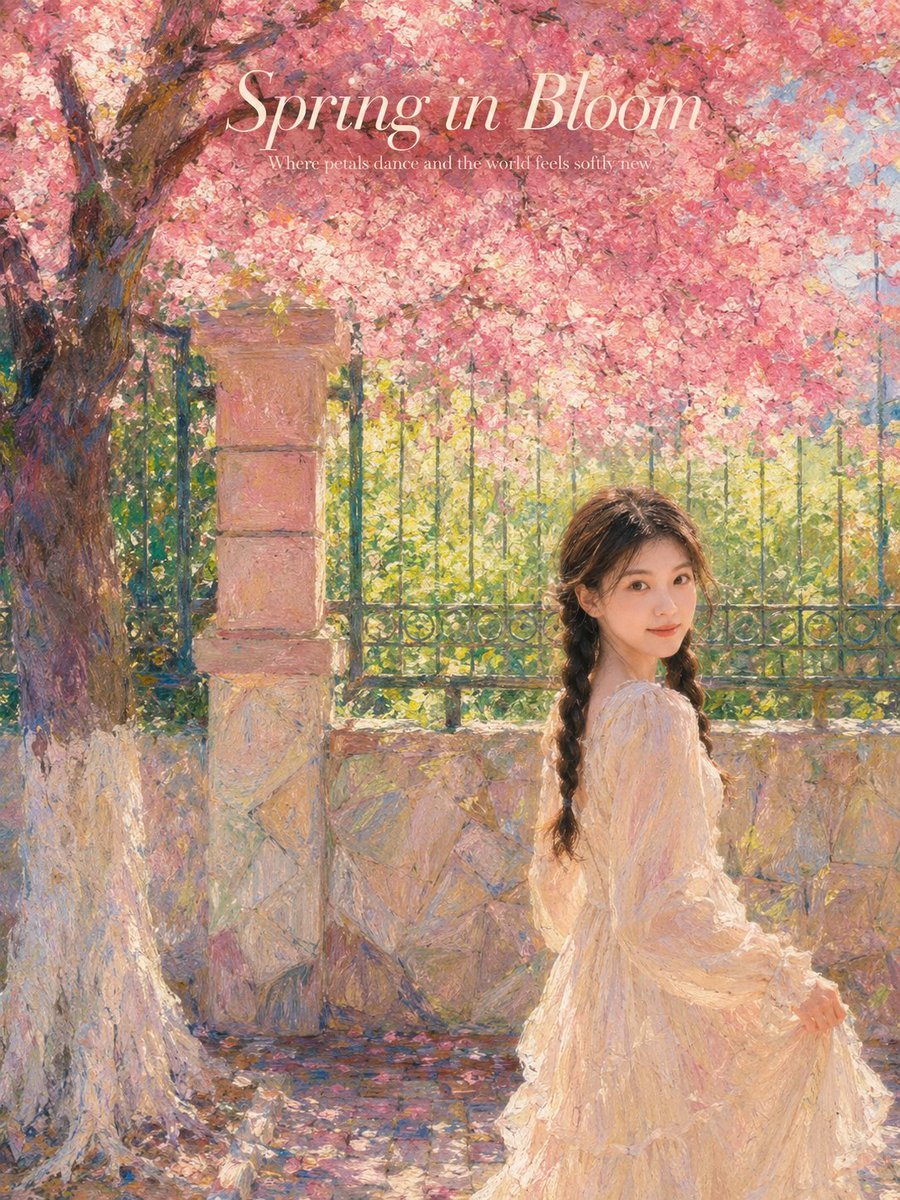
Impressionist Spring Garden Oil Painting
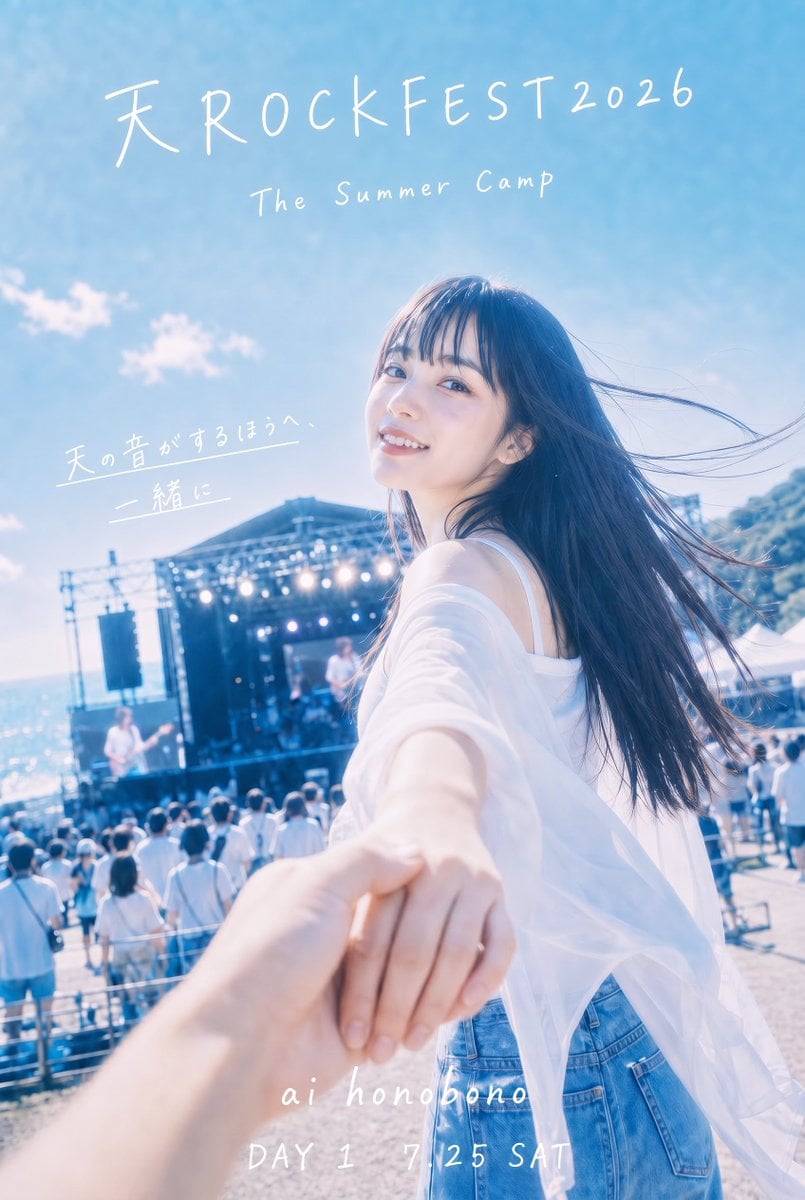
Seaside Rock Festival Poster
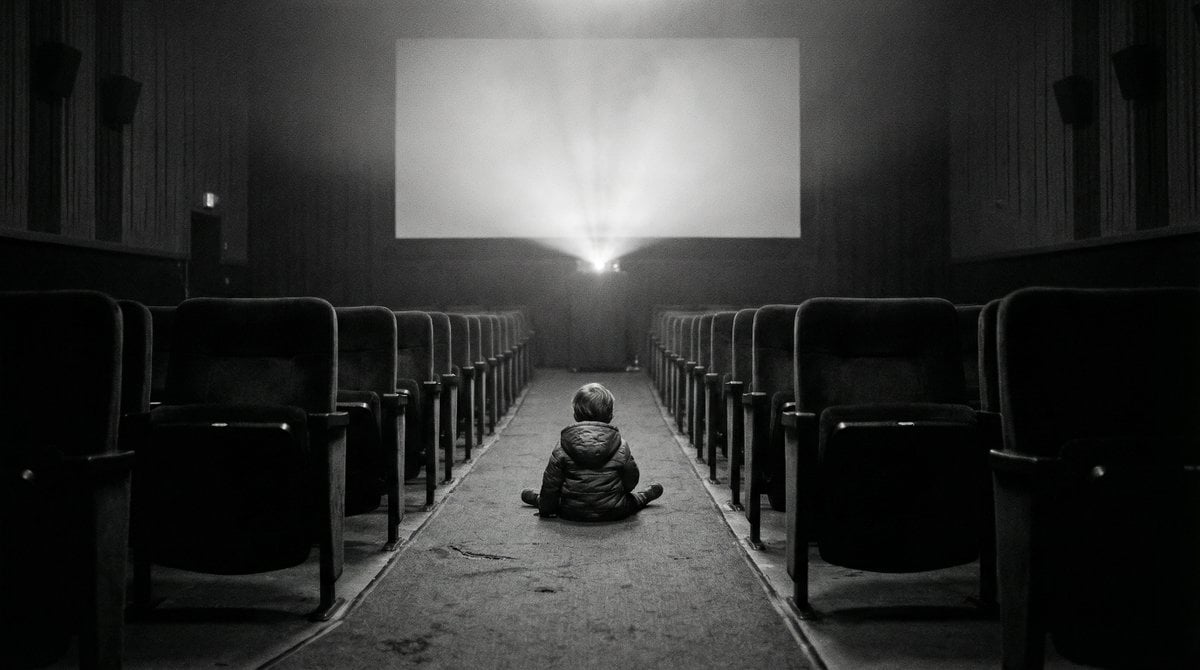
Black and White Documentary Photo of Child in Cinema
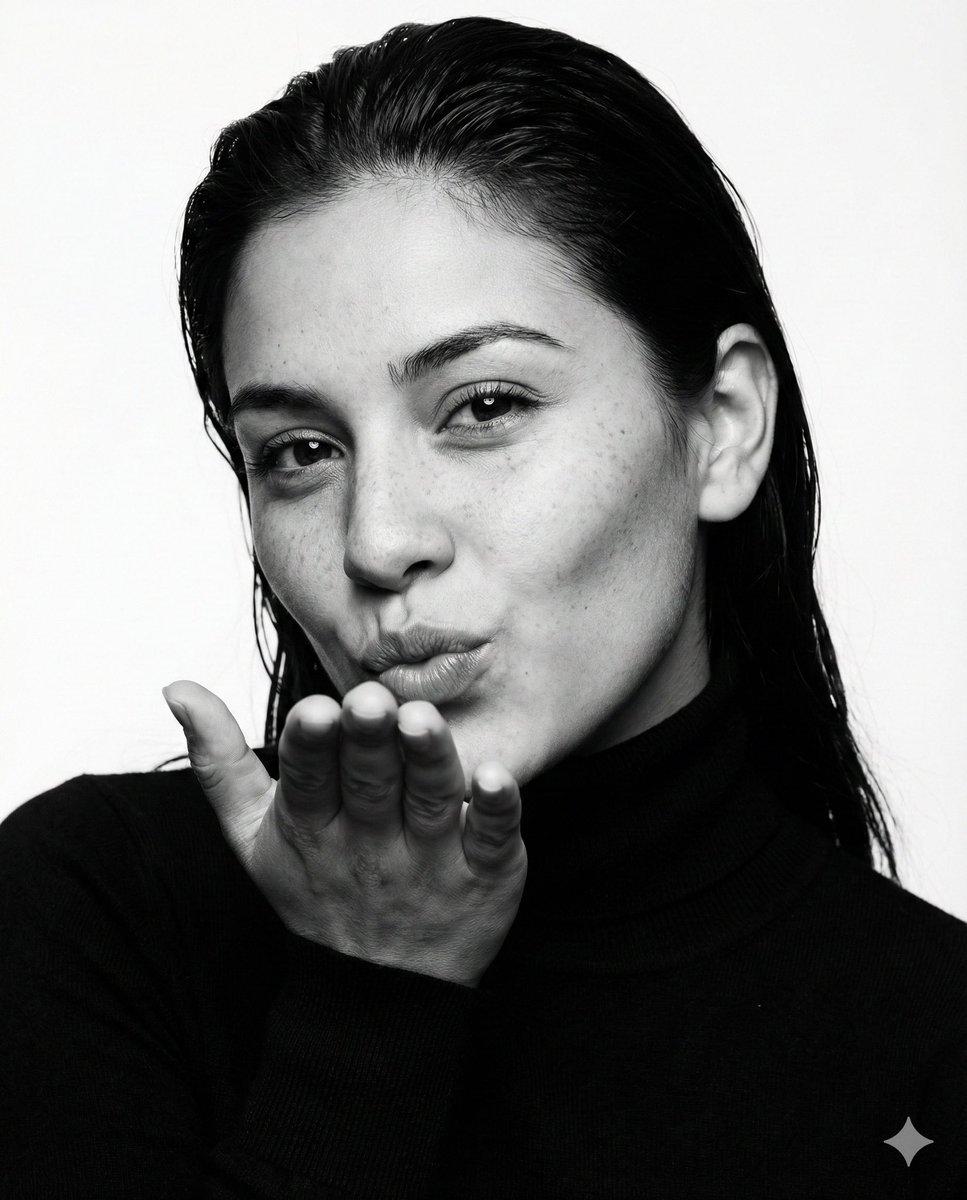
Ultra-photorealistic black and white fashion portrait prompt
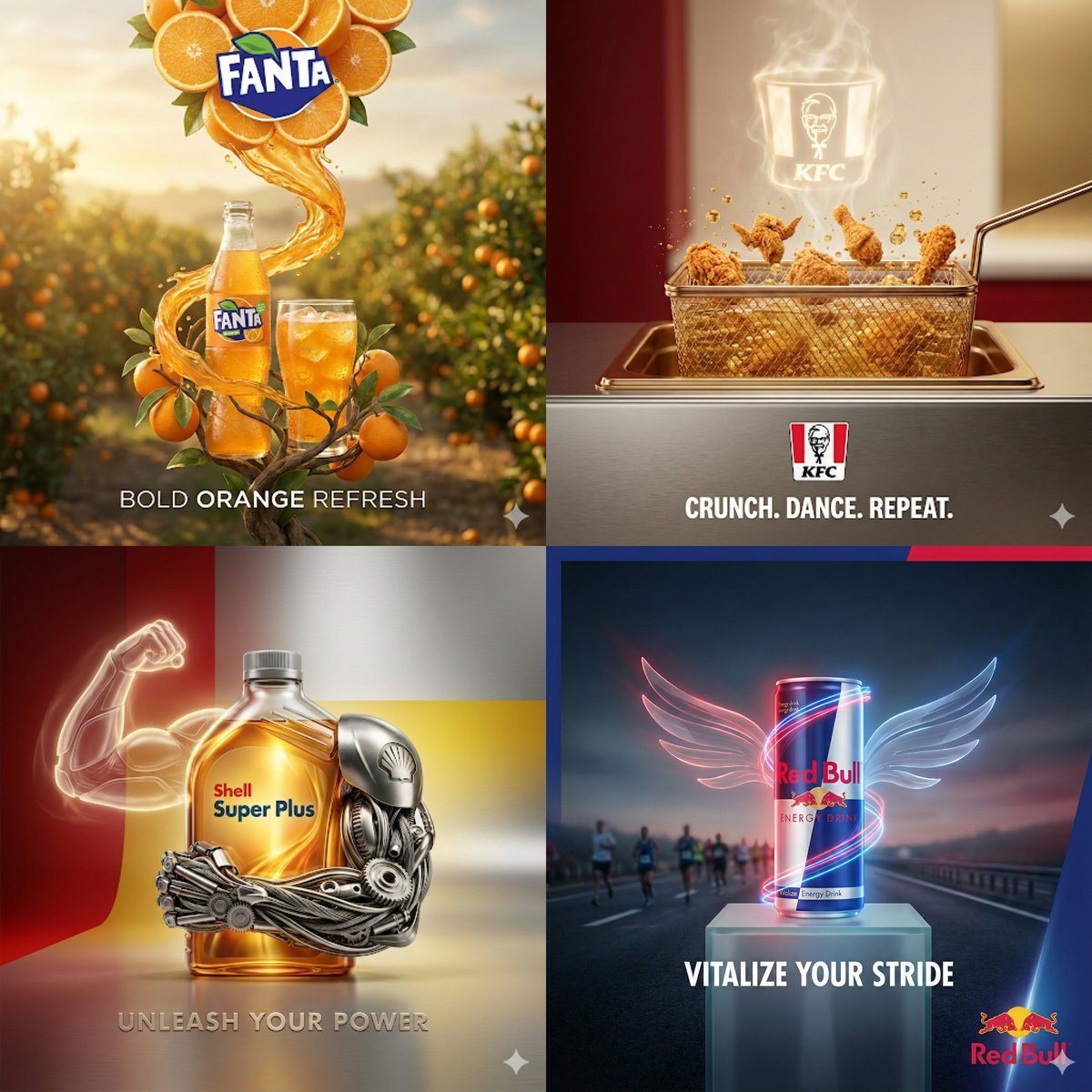
Surreal Advertising Concept Grid
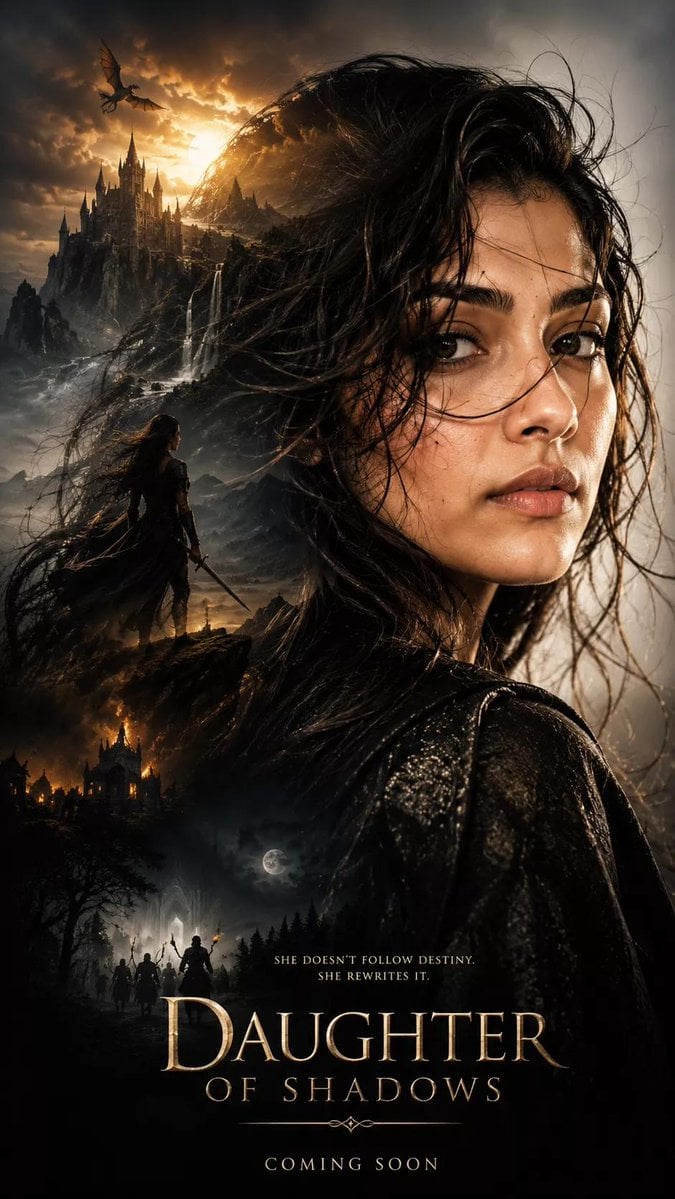
Dark Fantasy Movie Poster
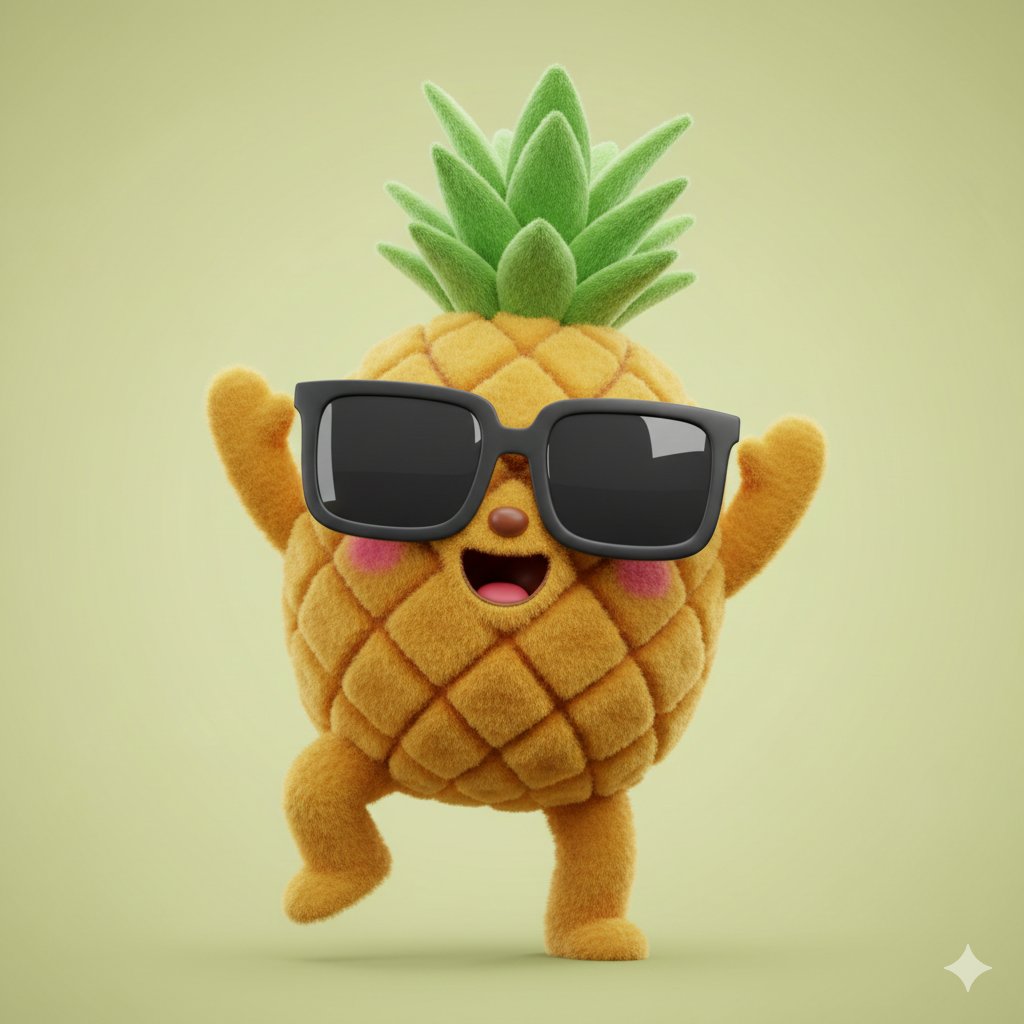
3D Plush Fruit Character Template
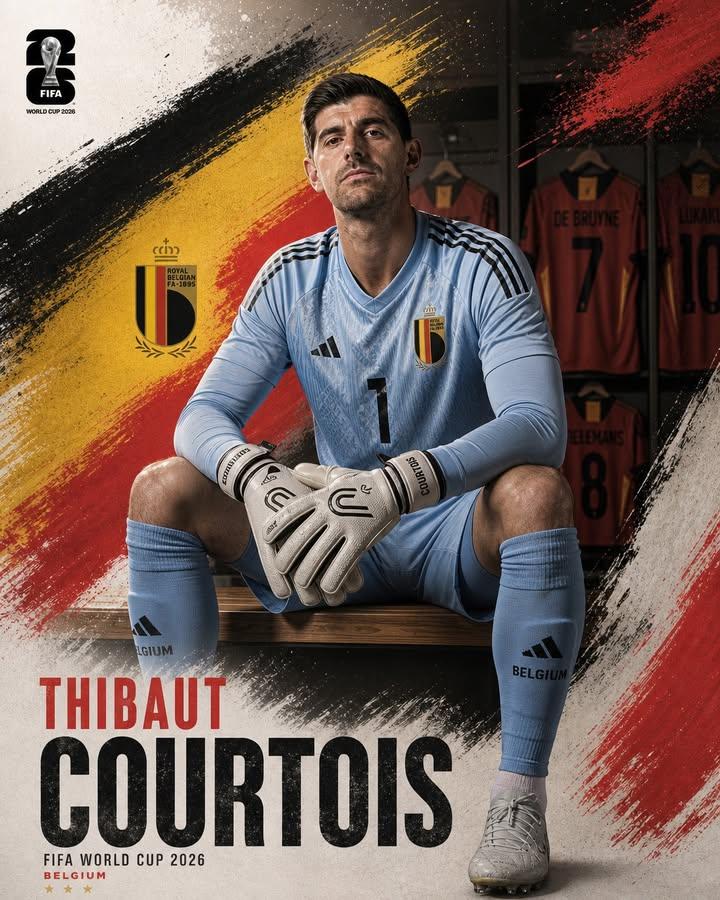
Professional Footballer Locker Room Poster
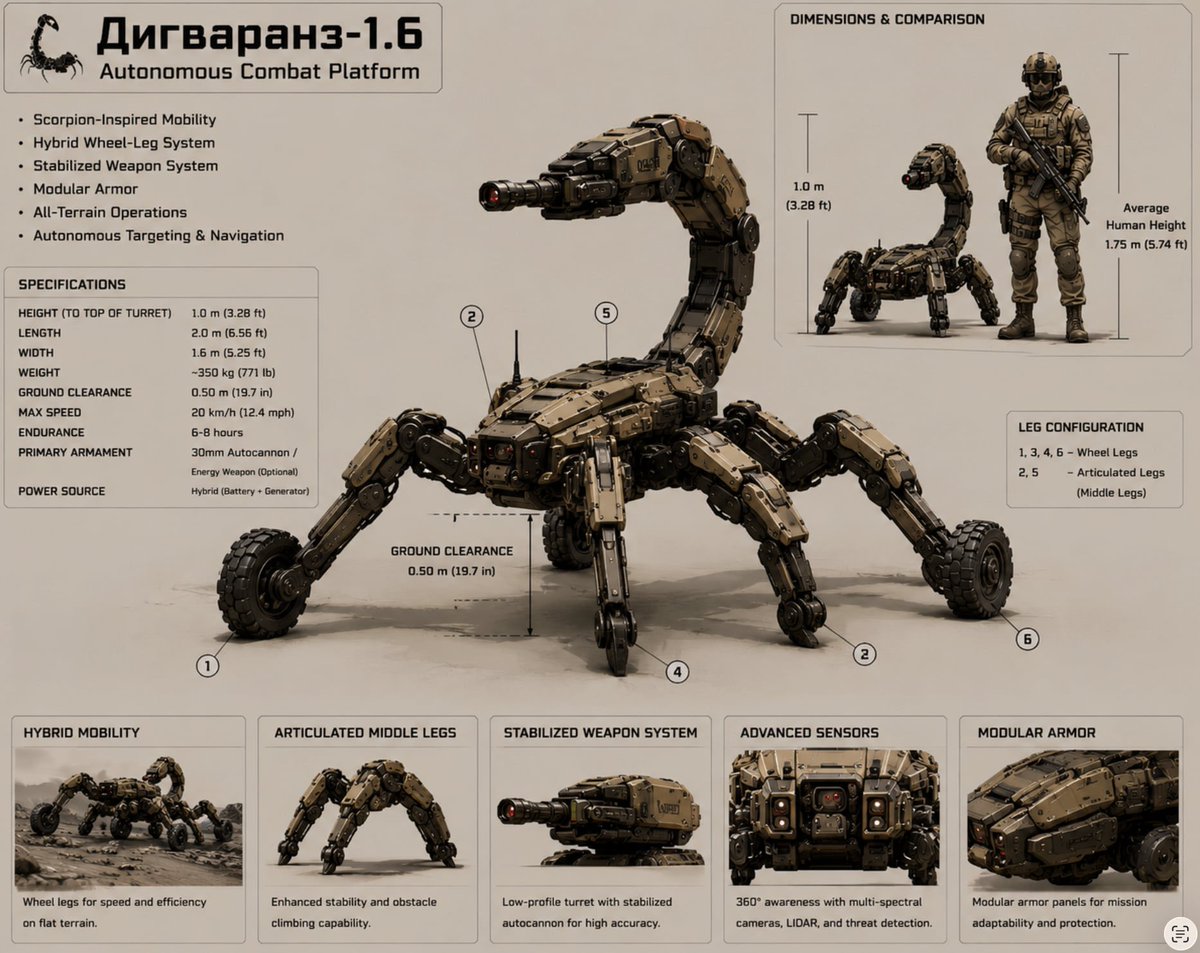
Scorpion Combat Robot Spec Sheet
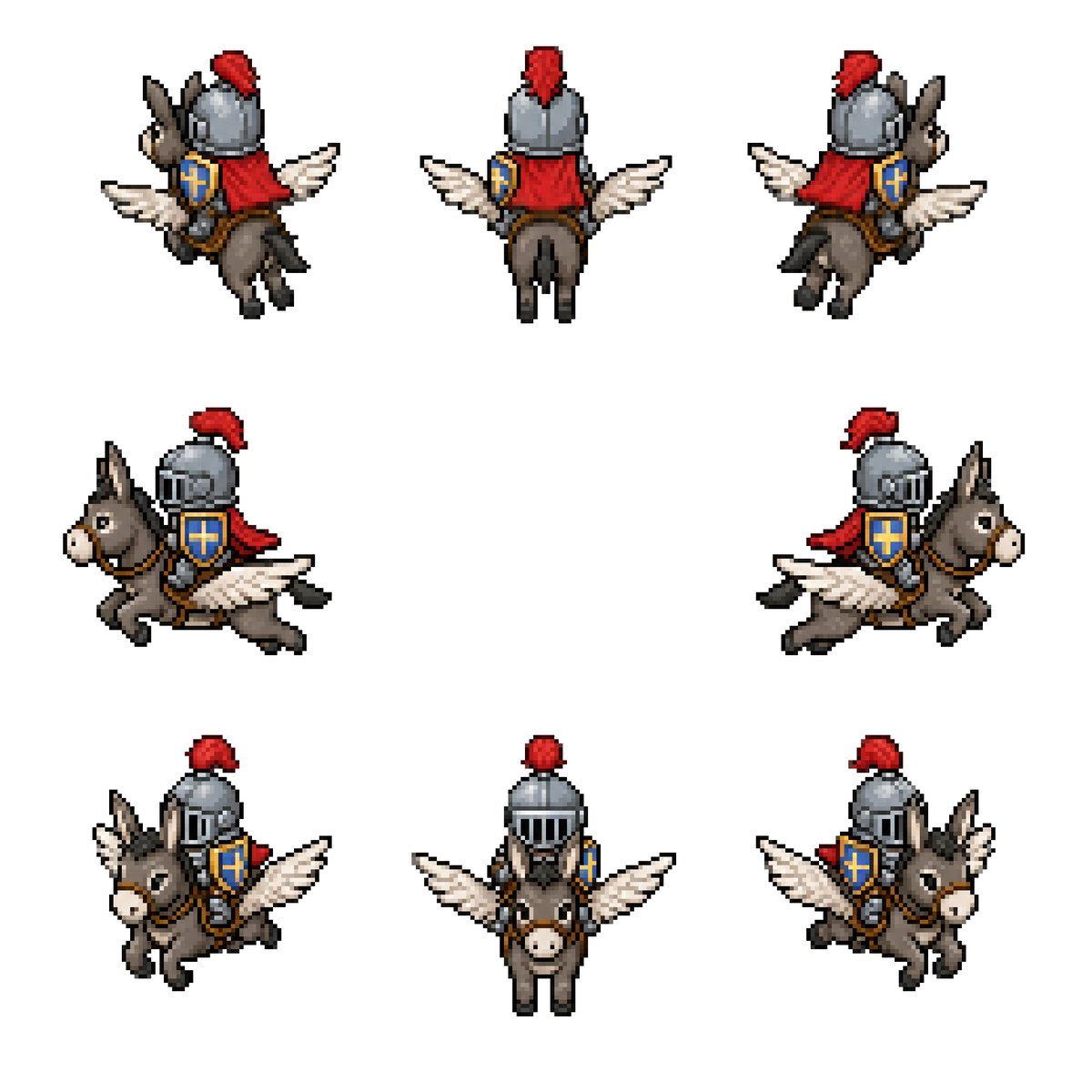
Winged Donkey Knight Sprite Sheet
Browse template categories
Disposable Film Sailor Cosplay Portrait questions
How do I use the Disposable Film Sailor Cosplay Portrait template?
Add your photo if the template asks for one, edit the prompt if you like — the template's model and format are already selected — and press Generate. Your version opens in PicX Studio.
Can I customize the Disposable Film Sailor Cosplay Portrait template?
Yes. You can change the subject, setting, lighting, mood, format, and available model controls before creating your image.
Is the Disposable Film Sailor Cosplay Portrait template free?
Opening and editing this template is free. Generating uses credits, shown on the Generate button when you are signed in.
Which AI model should I use?
Start with GPT Image 2, which is the model associated with this template. You can compare another compatible model for a different finish.
Looking for something else? Browse all templates.

Your photo, any look
Thousands of ready templates for every top image and video model, from one credit balance.