
Realistic Sailor Cosplay Portrait
A highly detailed prompt for generating a realistic, cinematic cosplay portrait of a woman in a sailor-style uniform, set on a rustic garden balcony with soft natural lighting and a nostalgic atmosphere.
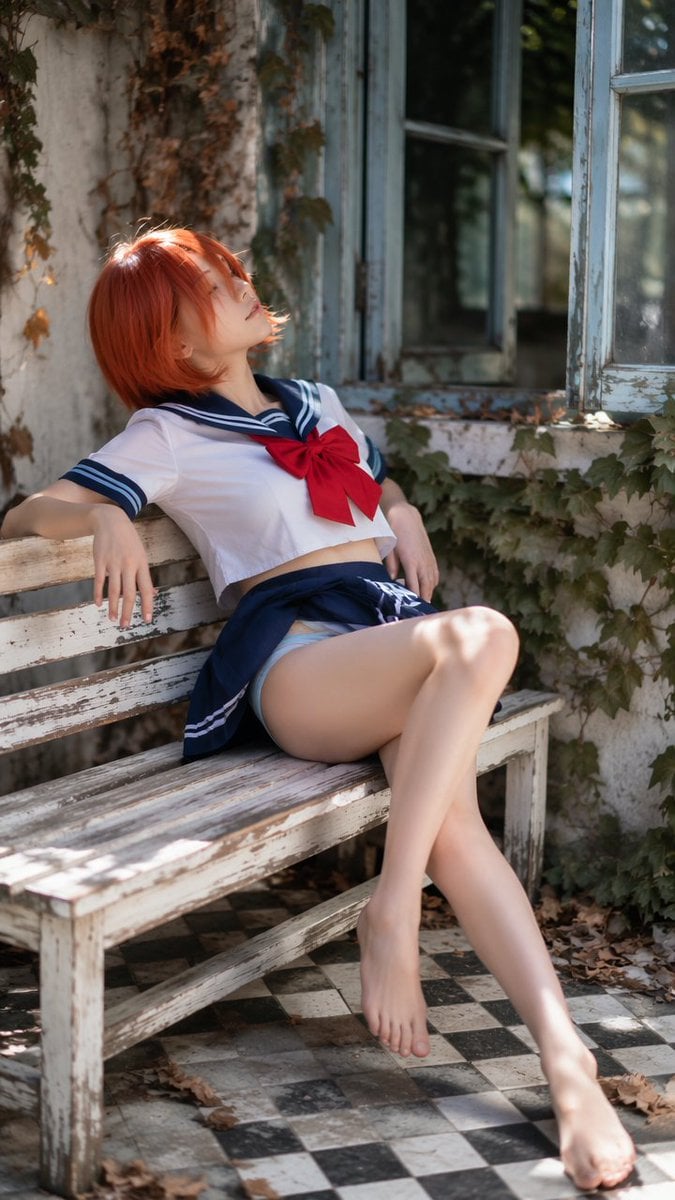
- Prompt included
- Model and format preset
- Premium template
The prompt behind this image
Copy the exact prompt behind Realistic Sailor Cosplay Portrait, or open it in the studio and make it yours.
创作一幅写实的竖版cosplay时尚大片肖像,采用柔和的自然光风格。画面中一位{argument name="主体" default="21岁以上的成年女性"},姿态优雅地斜倚在质朴花园阳台上一张做旧的白色木凳上。她位于画面左下角前景至右上角背景的对角线位置,上半身后仰,头部微微抬起,双臂自然地搭在凳子上。她的姿态充满戏剧性、梦幻感和时尚气息,整体氛围平静而内省,而非直接面对镜头。 她留着一头{argument name="发型" default="鲜艳的红橙色短发"},蓬松的碎发波波头,层次分明的刘海部分遮住了脸庞。她的脸部微微上扬,部分被头发遮挡,展现出柔和的侧脸轮廓、白皙透亮的肌肤、淡淡的眼线、浅淡的腮红和自然的唇色。她的表情宁静而疏离,仿佛沉浸在自己的思绪中。 她身着一套{argument name="服装" default="水手领风格的cosplay服装"}:一件白色短袖衬衫,配以海军蓝水手领、浅蓝色条纹饰边,胸前系着一个哑光红色的大蝴蝶结。衬衫下摆是一条海军蓝百褶裙,裙摆褶皱利落,勾勒出经典的制服廓形。她赤着脚,双腿自然地搭在长椅边缘,显得十分放松。整体造型应保持优雅、得体,并突出人物特点,着重展现姿势、氛围、面料、色彩和场景。 场景设定在一个老旧的温室或小屋门廊,白色油漆斑驳的木质墙面,浅蓝色的窗框,敞开的玻璃窗,常春藤沿着墙壁攀爬,散落着枯黄的落叶,以及黑白相间的方格瓷砖地板。长椅应展现出斑驳的油漆、磨损的边缘和质朴的纹理。背景中的窗户应呈现柔和的虚化效果,反射出深色的光影,窗外则是淡淡的绿色植物。 灯光应采用柔和的漫射日光,从左上方照射,在红橙色的头发、白色衬衫、红色蝴蝶结、手臂、腿部、长凳和窗框上营造柔和的高光。利用长凳下方和裙子褶裥处的自然阴影。色彩搭配应包括鲜艳的红橙色头发、洁白的布料、藏蓝色裙子和领子、哑光红色蝴蝶结、风化的白色木材、浅蓝色窗框、深绿色的常春藤、干枯的秋叶以及柔和的中性日光。 风格:写实角色扮演时尚摄影,乡村花园阳台,水手领服装,红橙色波波头,斜倚长椅姿势,风化的农舍窗户,常春藤 and 落叶,黑白瓷砖地板,柔和的自然光,浅景深,异想天开的怀旧氛围,竖幅比例,高细节,无文字,无水印,无标志,无卡通风格,无刺眼闪光灯,无扭曲的人体结构,无其他人,无杂物,无性暗示的未成年人风格。
How to use Realistic Sailor Cosplay Portrait in 3 steps
- 1
Open
The prompt is already in the box next to the preview, with the template's model and format selected.
- 2…a portrait of your subject in softgolden-hour light, 85mm…
Personalize
Edit the subject and creative details for your destination.
- 3Generate
Generate
Press Generate — your image is created in PicX Studio, so you can compare it with the original and refine one variable at a time.
More like this
Templates with the same subject, style or setup. Open one to see its prompt.
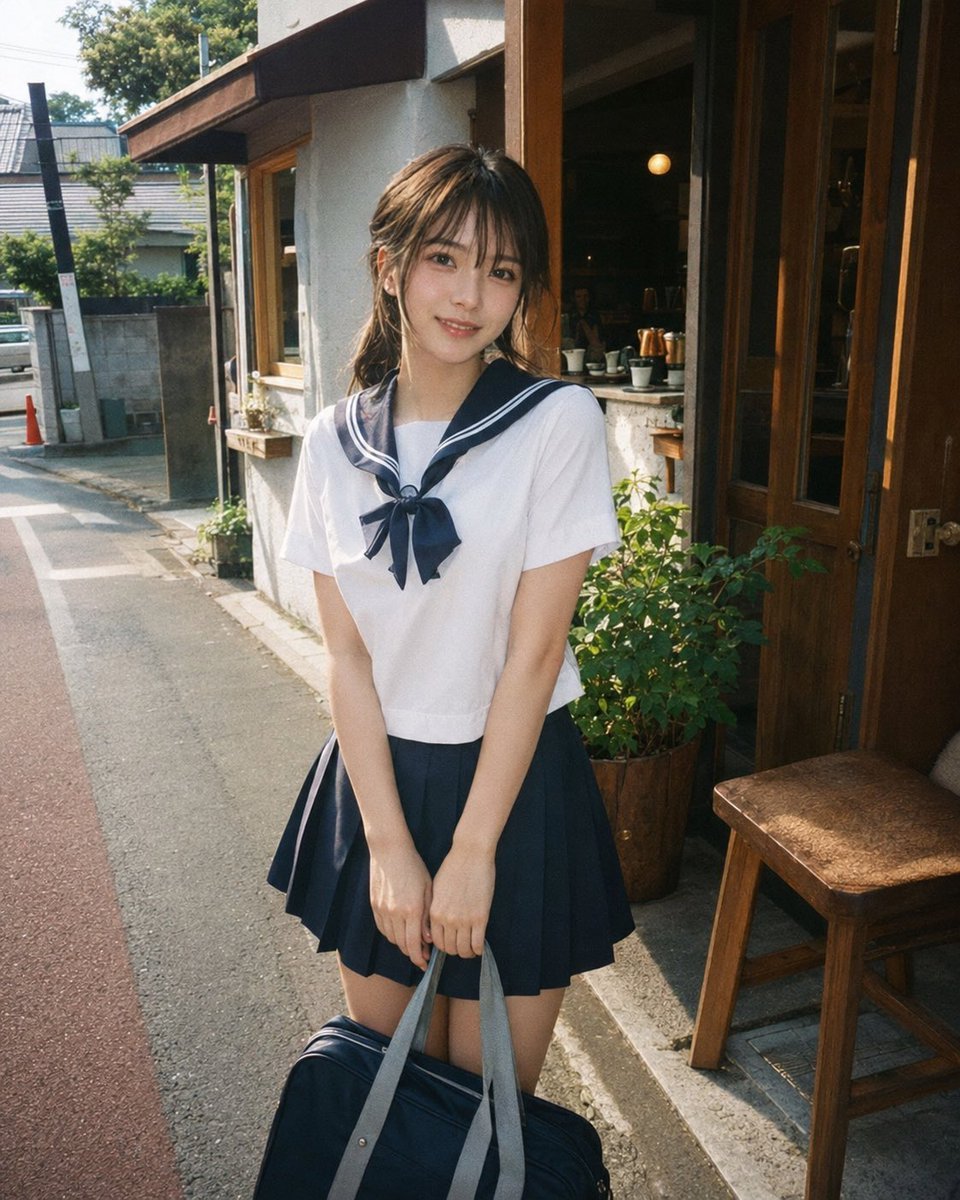
Disposable Film Sailor Cosplay Portrait

Found Photograph: Us, 1970

80s Couple Studio Portrait

80s Bollywood Star

80s Golden Hour Cinema

Me in 1985

1985 Studio Portrait

Hyper-Realistic Minecraft POV Portrait

Rooftop Fisheye — Cat-Ear Balaclava at Golden Hour
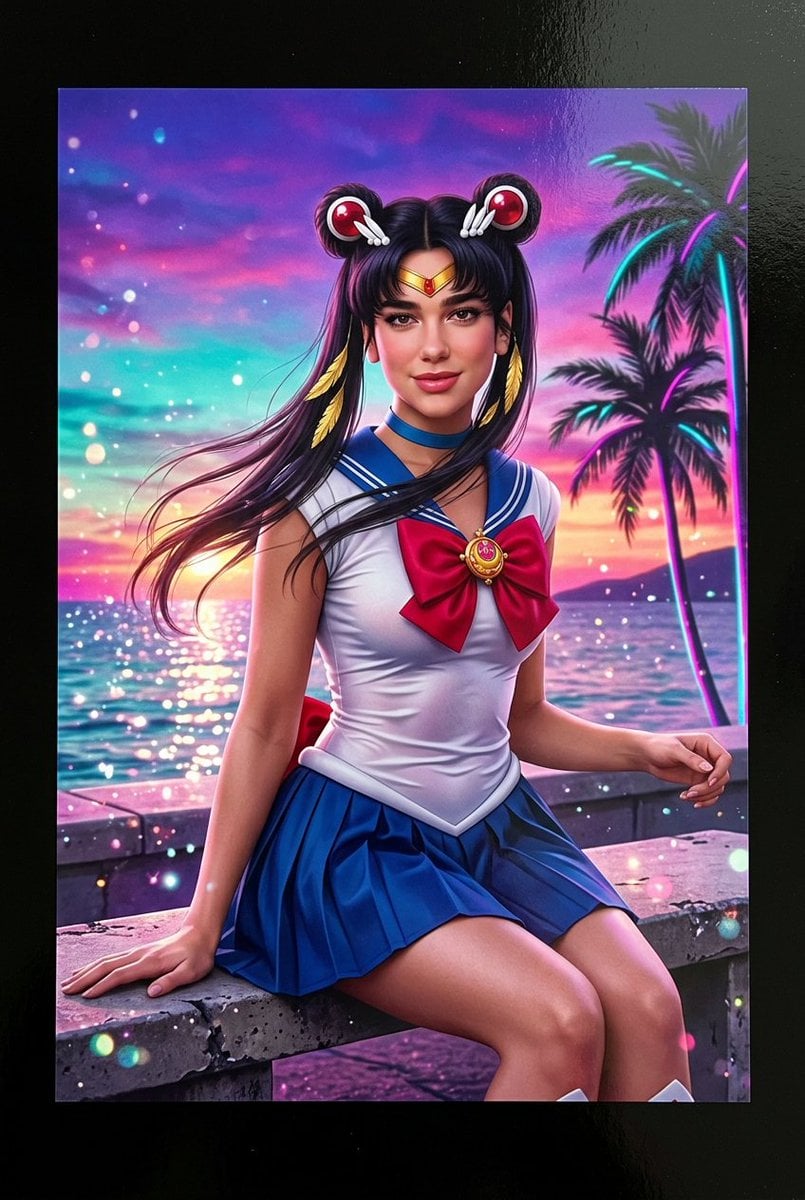
Lifelike Sailor Moon Cosplay

Rainy Café Window Moody Portrait
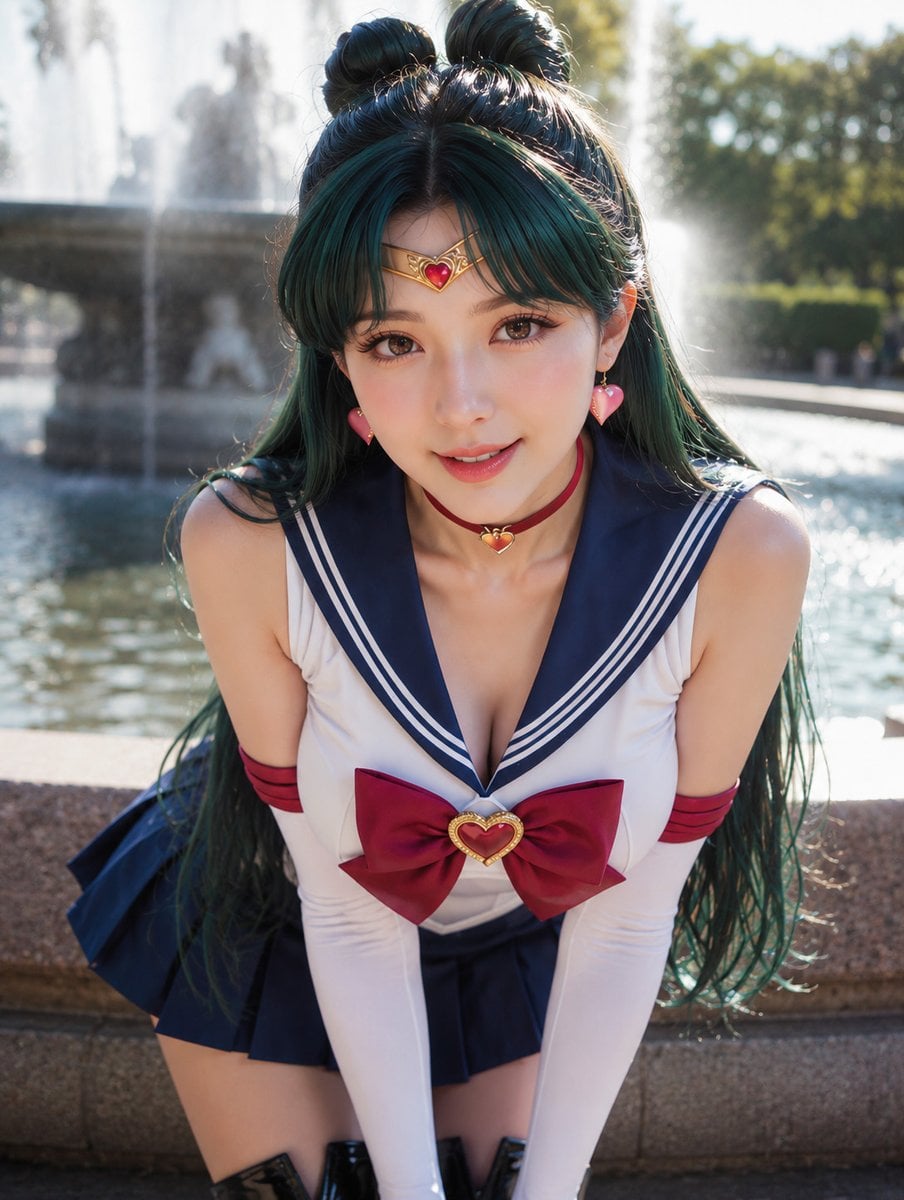
Photoreal Sailor Jupiter Cosplay
Make it yours
Realistic Sailor Cosplay Portrait works as-is. These are the safest ways to change it without losing the look.
Change one field
Copy a single group, rewrite it, and generate again so you can see what that field is doing.
Keep the frame, change the subject
Hold the composition and light of Realistic Sailor Cosplay Portrait, then swap wardrobe, props or the person for a new take.
| If the result… | Why | Fix |
|---|---|---|
| The result drifts from the preview | Too many fields changed at once. | Reuse Realistic Sailor Cosplay Portrait as-is first, then change one group — subject, light, or setting. |
| The model over-stylizes the scene | The prose prompt leaves finish and camera underspecified. | Add one camera or lighting sentence and stay on GPT Image 2. |
More GPT Image 2 templates
Other prompts made for GPT Image 2.

Six VTuber Japanese Logo Sheet

Realistic Portrait of Woman and Deer

The Vista Modular Condo Poster

AI Model Routing Comparison Infographic

2.5D Anime Art Board

Isometric Productivity Desk Scene

New York Double Exposure Poster

Four-Panel AI Landscape Comparison

Japanese Tatami Lifestyle Magazine Cover

NESCAFÉ Coffee Map Poster
More image prompts
Fresh picks from across the catalog.
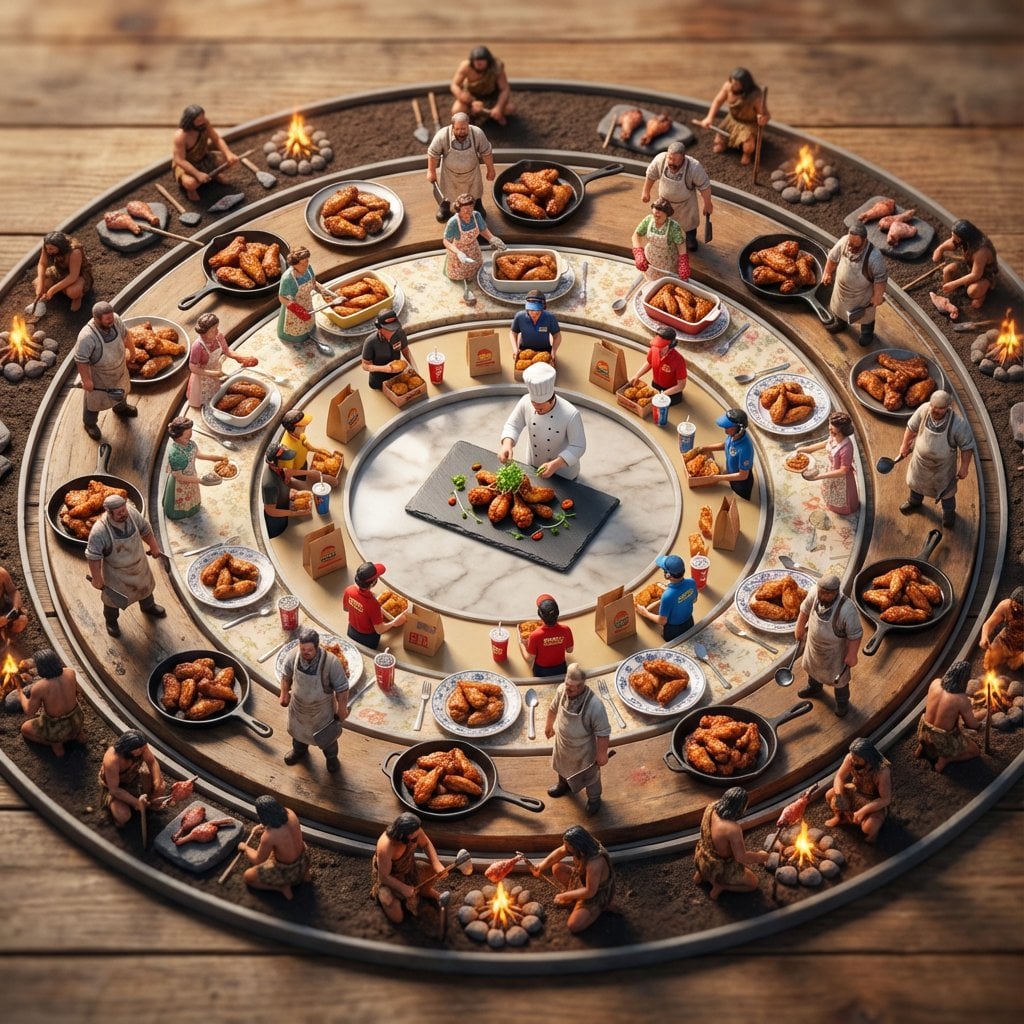
Food History Diorama in Mandala Format (Spicy Chicken Wings)
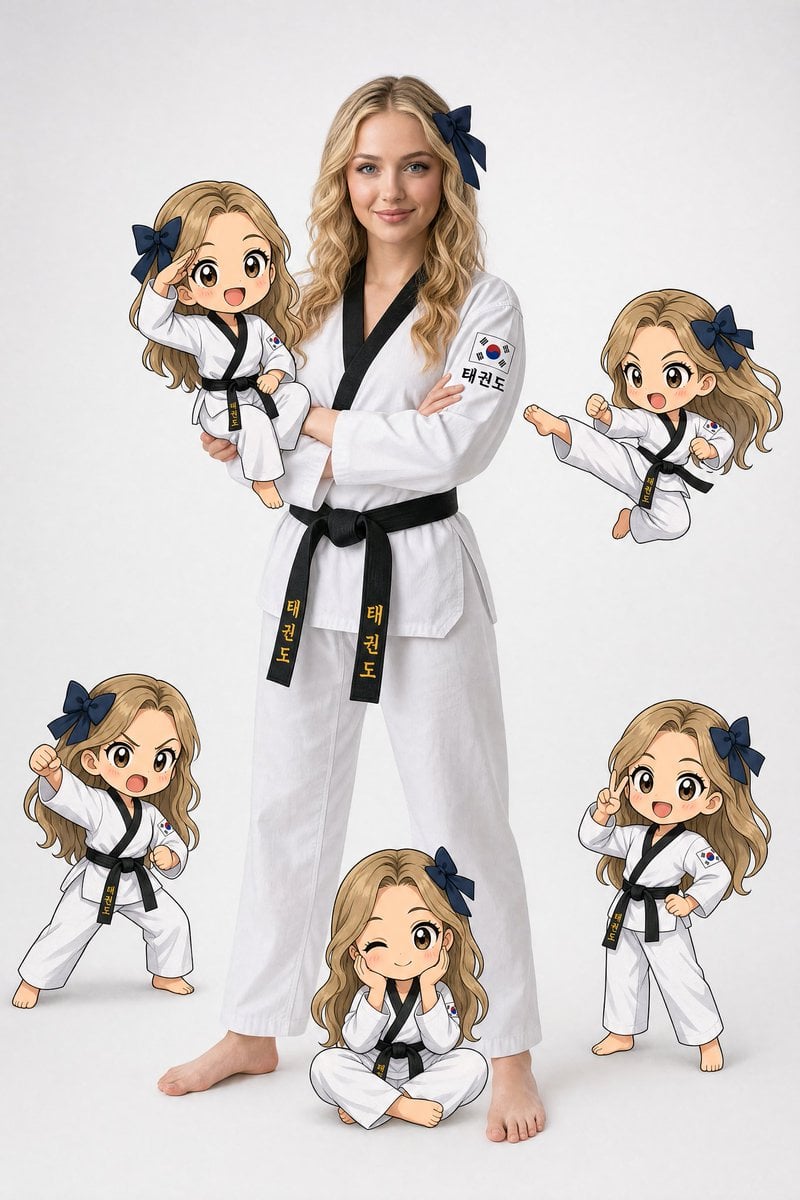
Taekwondo Woman and Chibi Versions
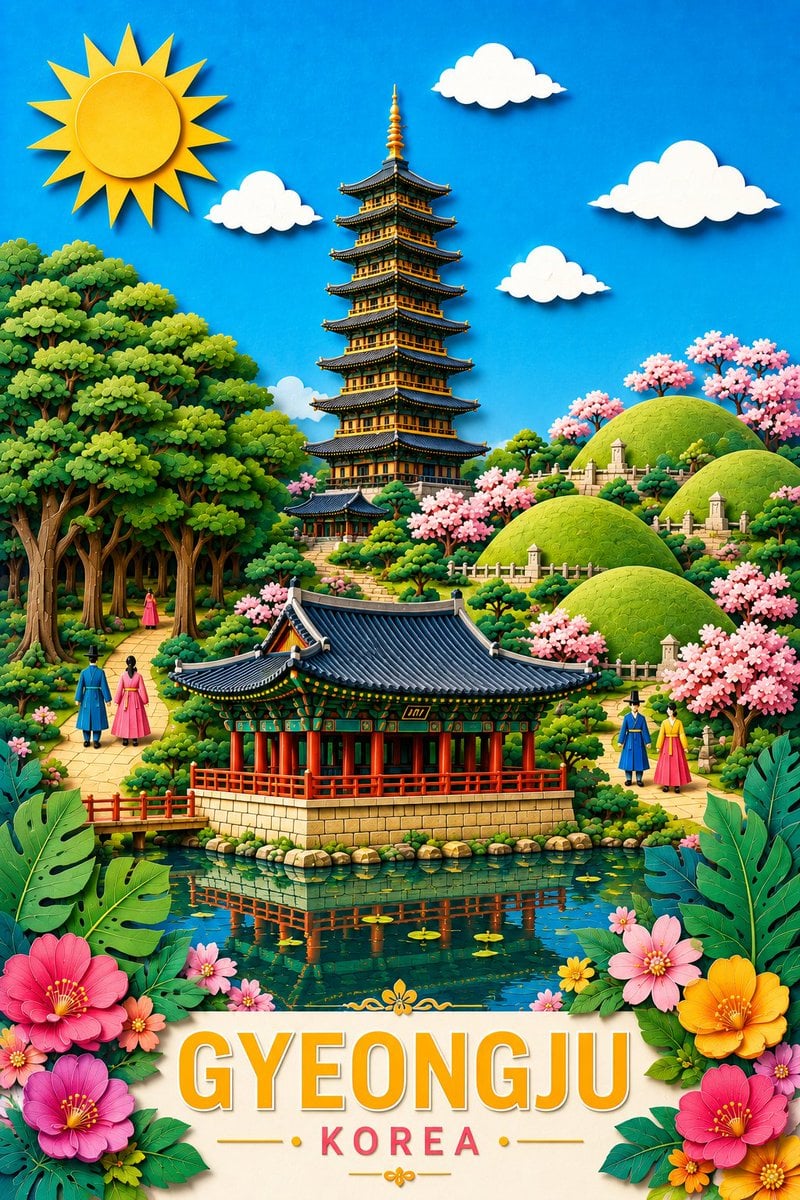
Gyeongju Korea Paper-Cut Travel Poster
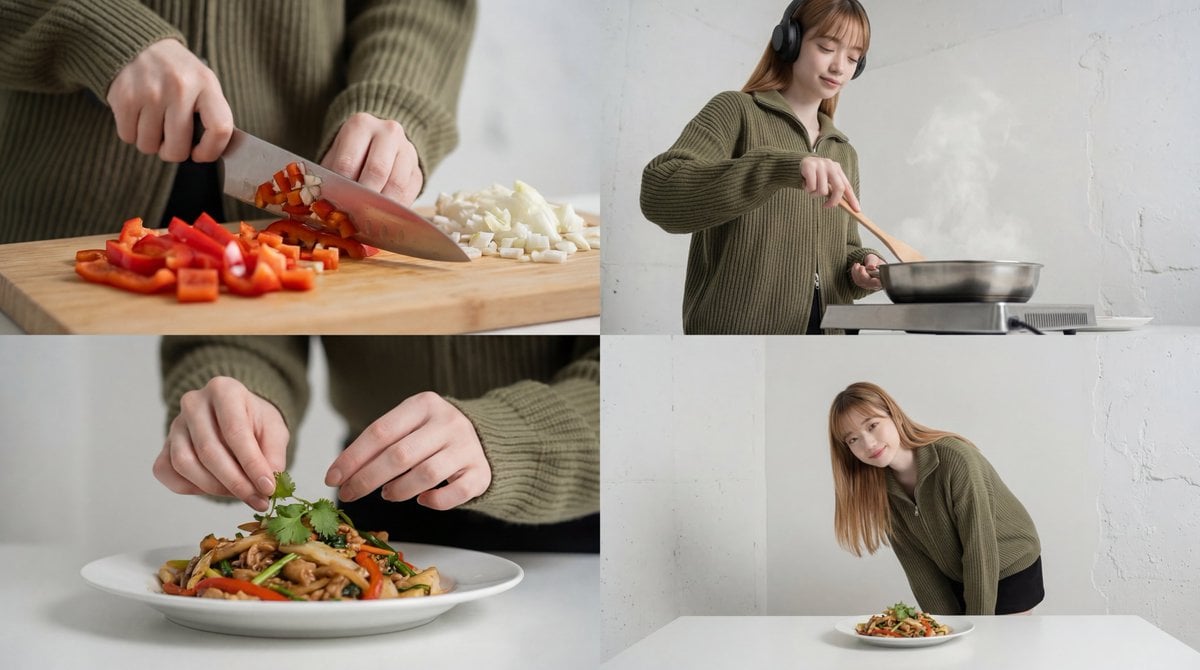
Cinematic Food Short Video Prompt (Summary)
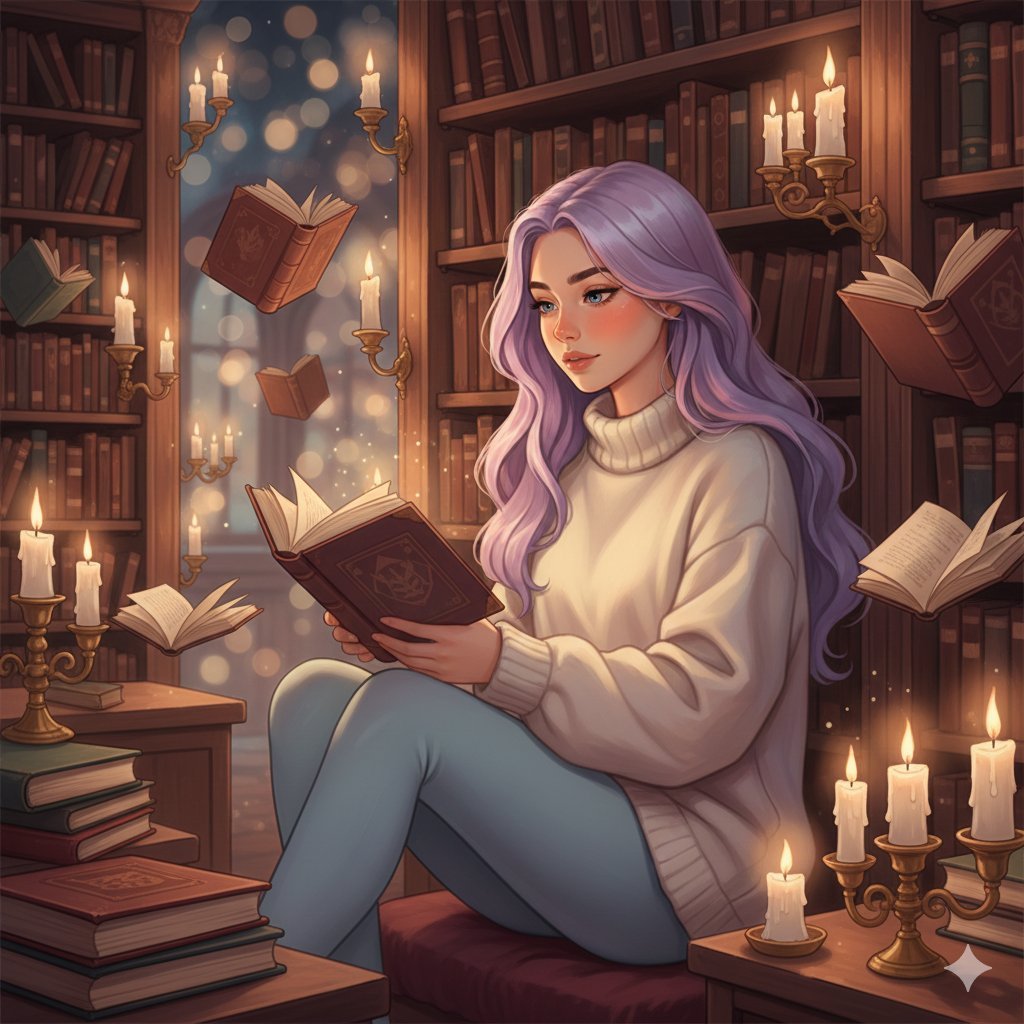
Whimsical Magical Library Digital Painting Prompt
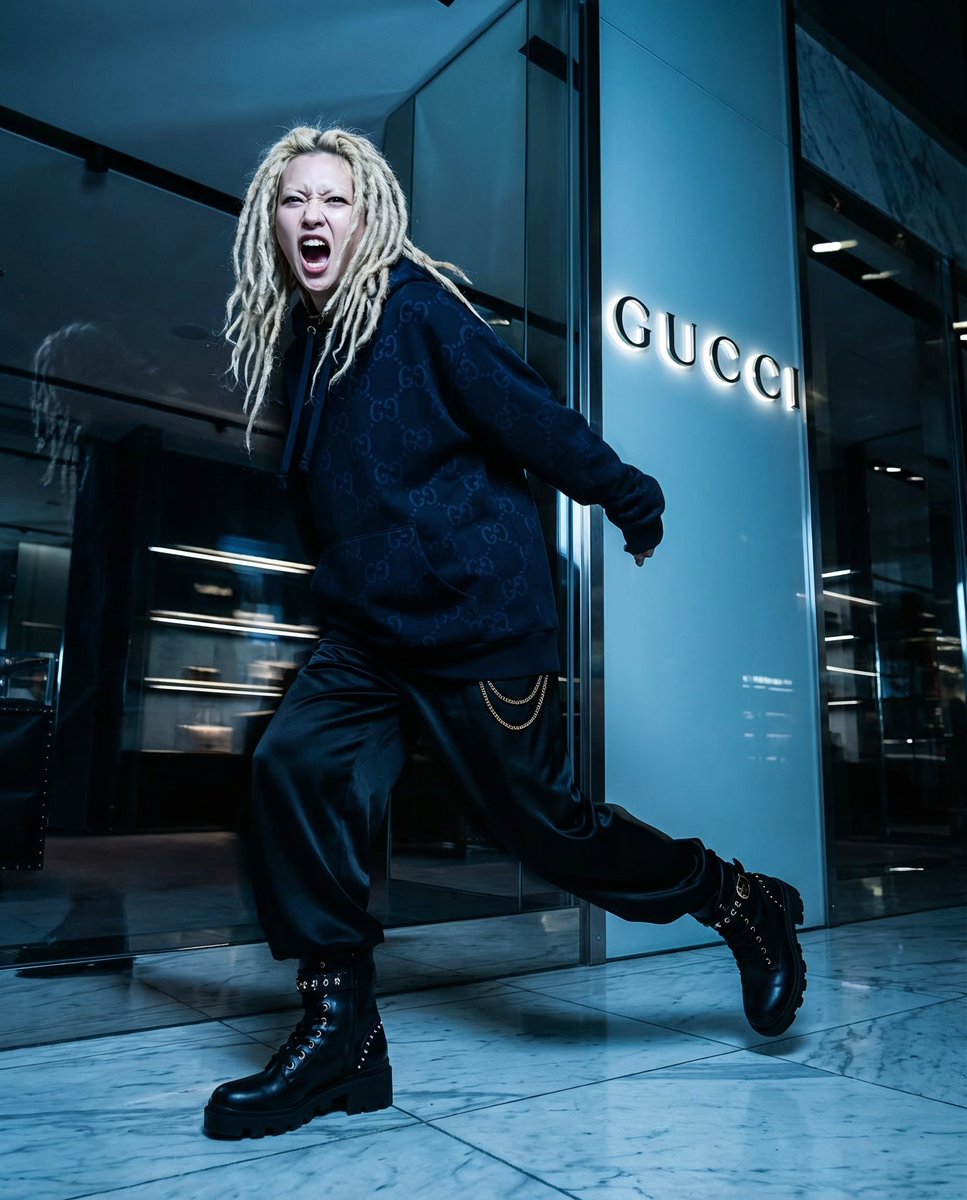
Macro close-up product detail prompt
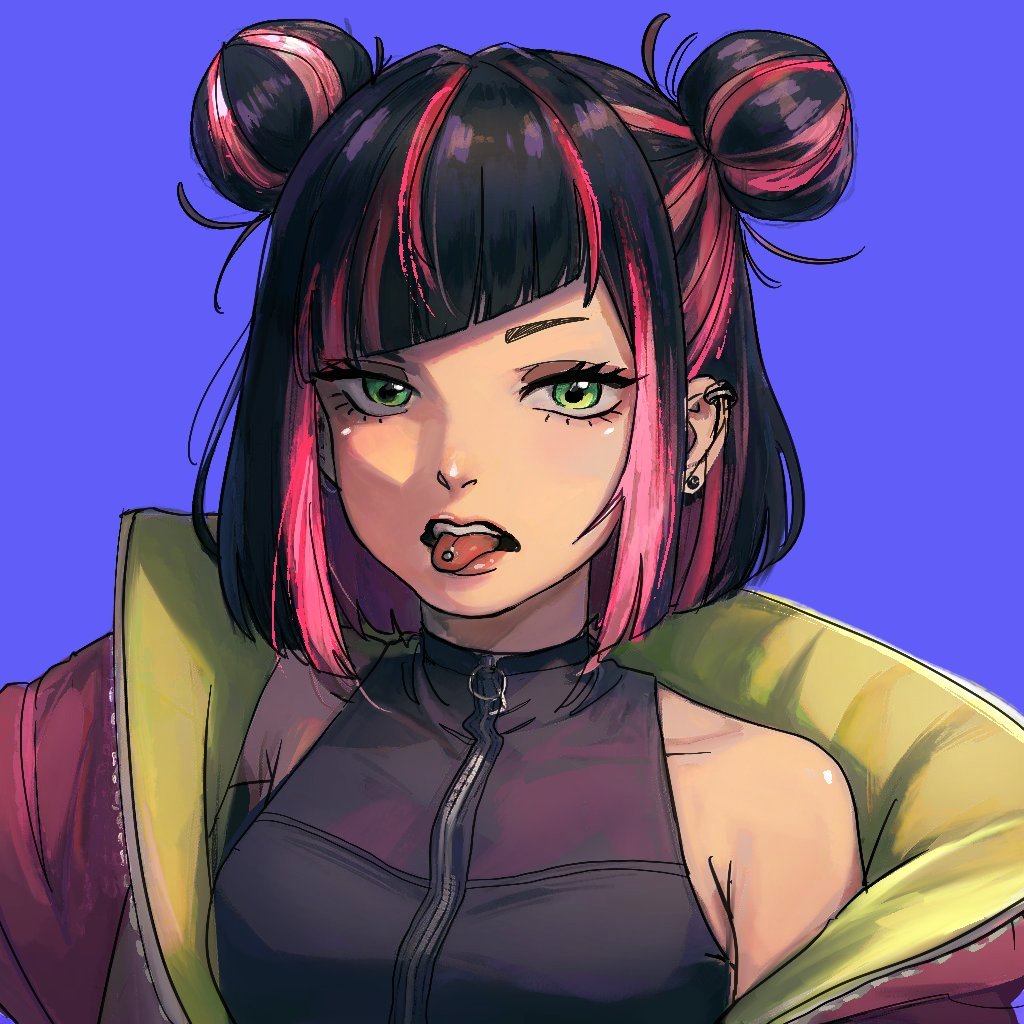
Extracting Color and Shadow for Transparency
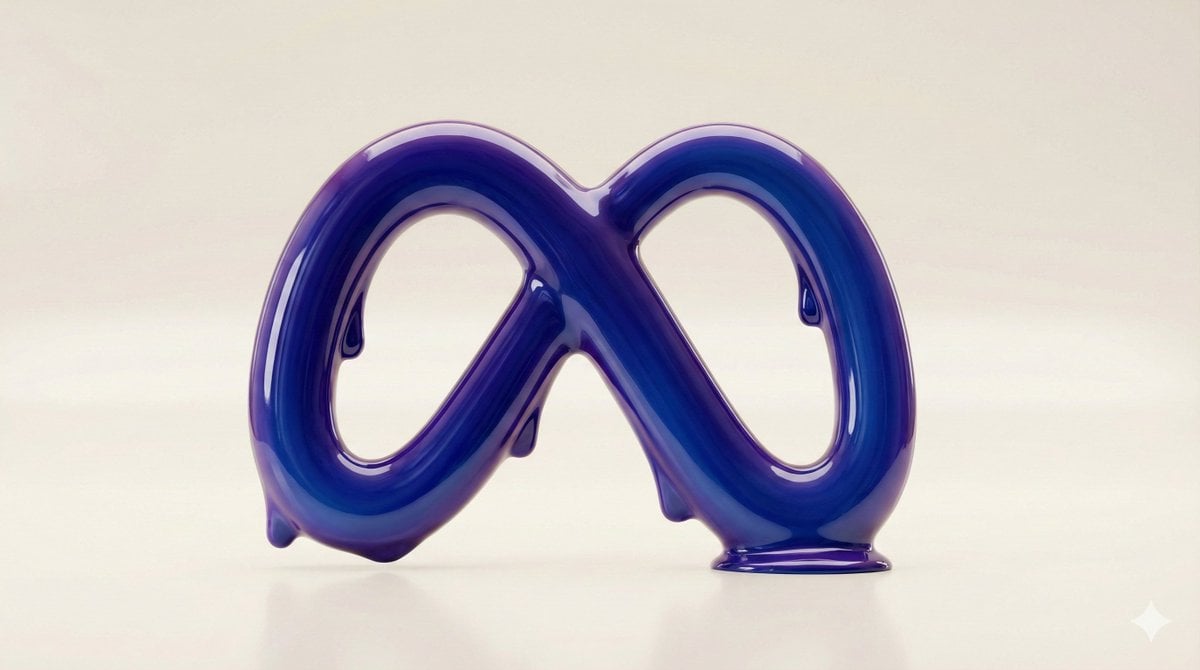
Liquid Gloss Logo Generation
AI Generation of Custom Calligraphy Font Library
Universal Creative Advertising Template
Browse template categories
Realistic Sailor Cosplay Portrait questions
How do I use the Realistic Sailor Cosplay Portrait template?
Add your photo if the template asks for one, edit the prompt if you like — the template's model and format are already selected — and press Generate. Your version opens in PicX Studio.
Can I customize the Realistic Sailor Cosplay Portrait template?
Yes. You can change the subject, setting, lighting, mood, format, and available model controls before creating your image.
Is the Realistic Sailor Cosplay Portrait template free?
Opening and editing this template is free. Generating uses credits, shown on the Generate button when you are signed in.
Which AI model should I use?
Start with GPT Image 2, which is the model associated with this template. You can compare another compatible model for a different finish.
Looking for something else? Browse all templates.

Your photo, any look
Thousands of ready templates for every top image and video model, from one credit balance.