
Taekwondo Woman and Chibi Versions
A detailed prompt for generating a realistic photographic image of a woman in a Taekwondo uniform, accompanied by several cute anime-style chibi versions of herself.
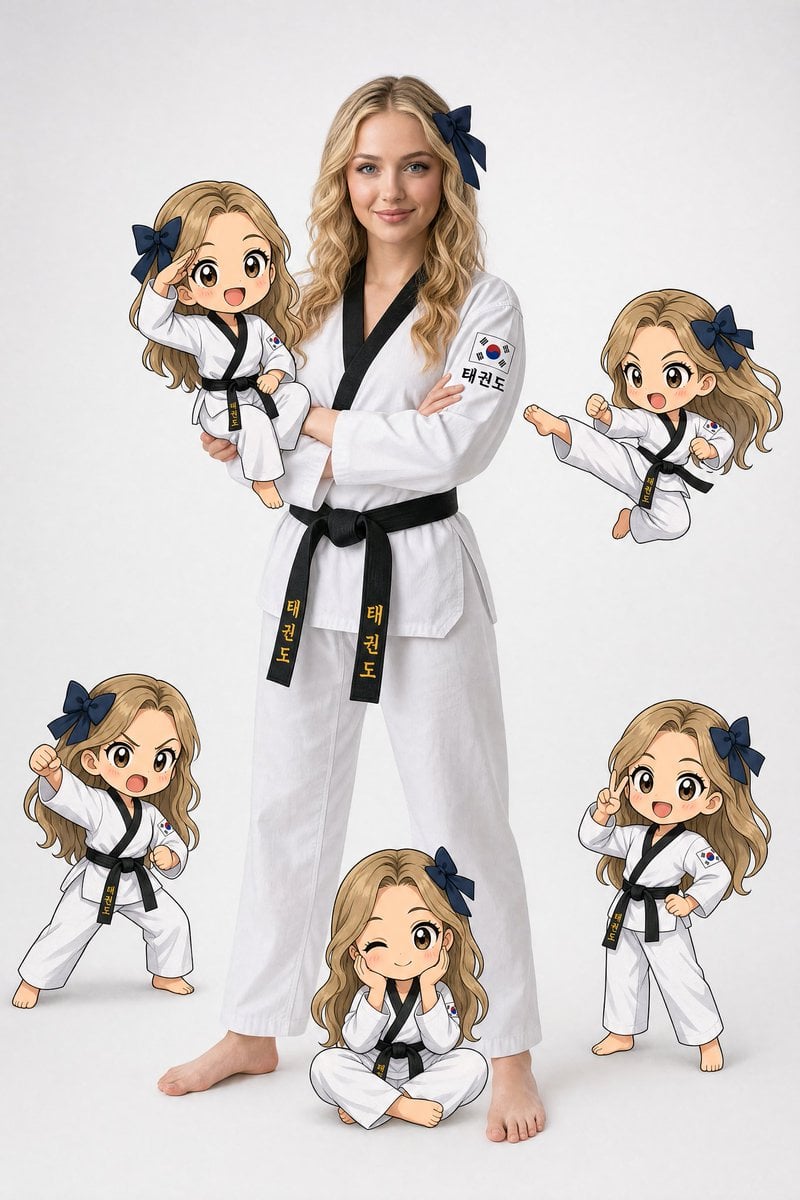
- Prompt included
- Model and format preset
- Free template
The prompt behind this image
Copy the exact prompt behind Taekwondo Woman and Chibi Versions, or open it in the studio and make it yours.
{ "prompt": { "overall_concept": "A realistic young western woman in a taekwondo uniform (dobok) standing confidently with arms crossed, surrounded by 5 chibi/anime-style cartoon versions of herself in various taekwondo poses, all on a clean white/light gray studio background", "main_subject": { "type": "realistic photographic style", "person": { "ethnicity": "western ", "age_appearance": "early-to-mid 20s", "gender": "female", "hair": { "color": "blonde, (#1a1008)", "length": "long, past shoulders", "style": "straight with soft layers, side-swept bangs, flowing naturally", "accessory": "large dark navy blue bow/ribbon hair tie on the right side of head, matte fabric texture, double-loop bow shape, color: #1a2a4a" }, "face": { "expression": "calm, confident, neutral with slight seriousness", "eyes": "green, almond-shaped, natural makeup", "skin_tone": "fair porcelain Korean skin, warm undertone, hex approximately #f0d5bc", "features": "soft facial features, natural no-heavy-makeup look" }, "pose": "standing upright, arms crossed over chest, weight balanced evenly, barefoot", "body": "slim athletic build" }, "uniform": { "name": "Taekwondo Dobok (태권도)", "top": { "color": "pure bright white (#ffffff)", "collar_and_trim": "solid black V-neck collar trim, approximately 1.5cm wide, color #0a0a0a", "fabric": "crisp cotton with slight texture, natural light wrinkles", "patch_left_sleeve": { "type": "Korean Taegukgi (태극기) flag patch", "size": "approximately 6x4cm rectangular", "colors": "red (#c8102e), blue (#003478), white (#ffffff), black trigrams (#000000)" }, "text_on_sleeve": "태권도 in black Korean hangul characters" }, "belt": { "color": "solid black (#0a0a0a)", "width": "approximately 4-5cm", "text": "태권도 written vertically in gold/yellow Korean characters (#d4a017), centered on belt front", "knot": "standard martial arts double-knot at center front with two equal-length tails" }, "pants": { "color": "pure white (#ffffff)", "style": "wide-leg, traditional dobok cut", "fabric": "same crisp white cotton as top" }, "feet": "bare, natural skin tone" } }, "chibi_characters": { "style": "Japanese anime chibi style, 2D flat illustration with clean black outlines, cel-shaded coloring, large round heads (approximately 1:1.5 head-to-body ratio), oversized eyes", "shared_design": { "hair": "same dark brown-black (#1a1008) long hair as main subject", "hair_bow": "same dark navy blue bow (#1a2a4a) on right side of head", "uniform": "same white dobok with black collar trim, Korean flag patch, black belt", "skin": "warm anime-style peach skin (#f5c9a0)", "eyes": "large round anime eyes, dark brown with highlight sparkles (#2a1a0a with white #ffffff catchlight", "outline": "clean black #000000 outlines, 2-3px weight", "cheek_blush": "subtle round pink blush marks on cheeks (#f4a0a0, low opacity)" }, "instances": [ { "position": "held in arms of main subject, upper left area", "pose": "sitting/perched, one hand raised in salute gesture near forehead, mouth open in happy expression", "expression": "cheerful, excited" }, { "position": "lower left of composition", "pose": "fighting stance, legs spread wide, one arm raised with fist, one arm lowered in guard", "expression": "determined, shouting battle cry, mouth wide open" } ] } }
How to use Taekwondo Woman and Chibi Versions in 3 steps
- 1
Open
The prompt is already in the box next to the preview, with the template's model and format selected.
- 2…a portrait of your subject in softgolden-hour light, 85mm…
Personalize
Edit the subject and creative details for your destination.
- 3Generate
Generate
Press Generate — your image is created in PicX Studio, so you can compare it with the original and refine one variable at a time.
More like this
Templates with the same subject, style or setup. Open one to see its prompt.

Cute Layered Paper Cut Chibi Girl

Pixar-Style Chibi Café Morning Scene
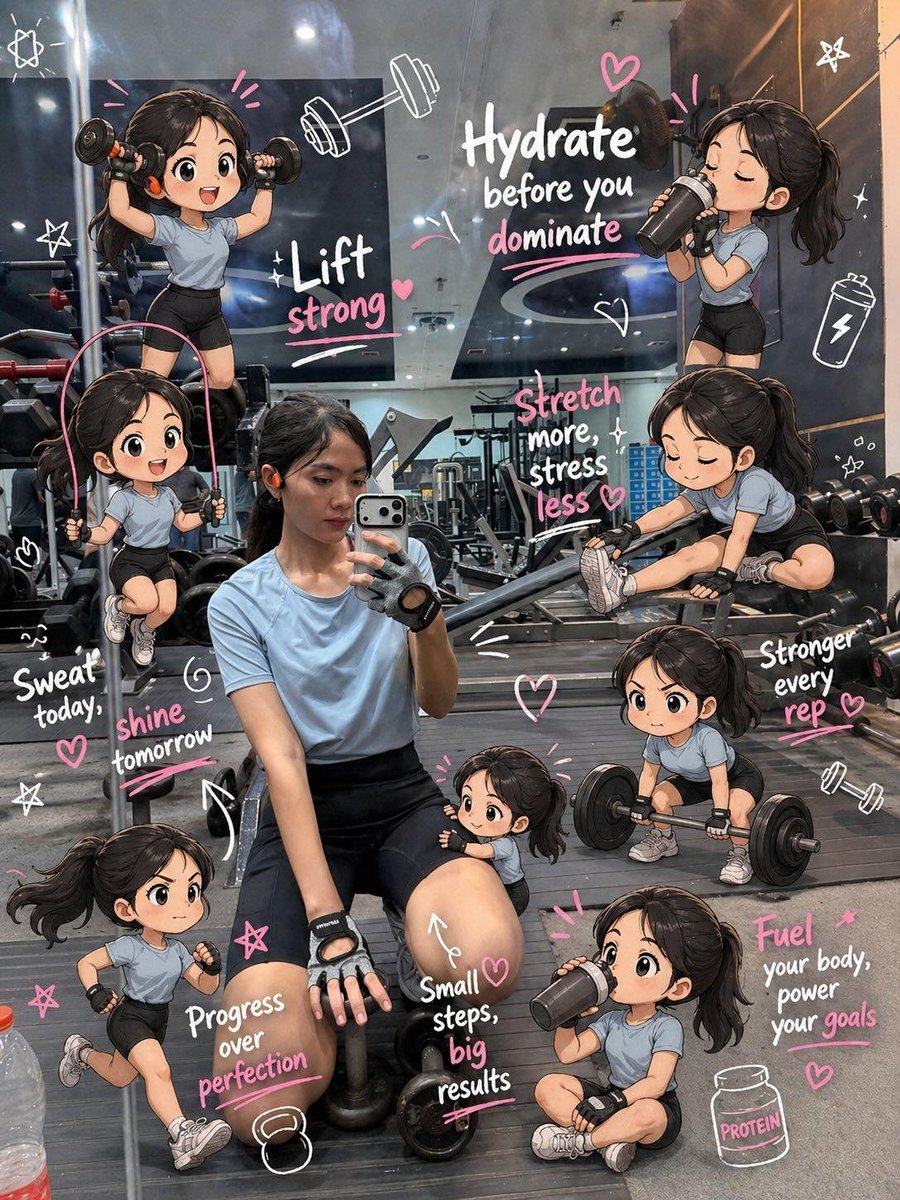
Chibi Mini Versions Photo Edit

Woman in Mall with Chanel Bag - Heart Gesture

Floating Woman Above Cityscape with Notifications

Nano Banana Pro Pink Office Chibi

Chibi Anime Ninja Sticker Sheet
Simplified felt versions of the original outfits, tiny fabric buttons
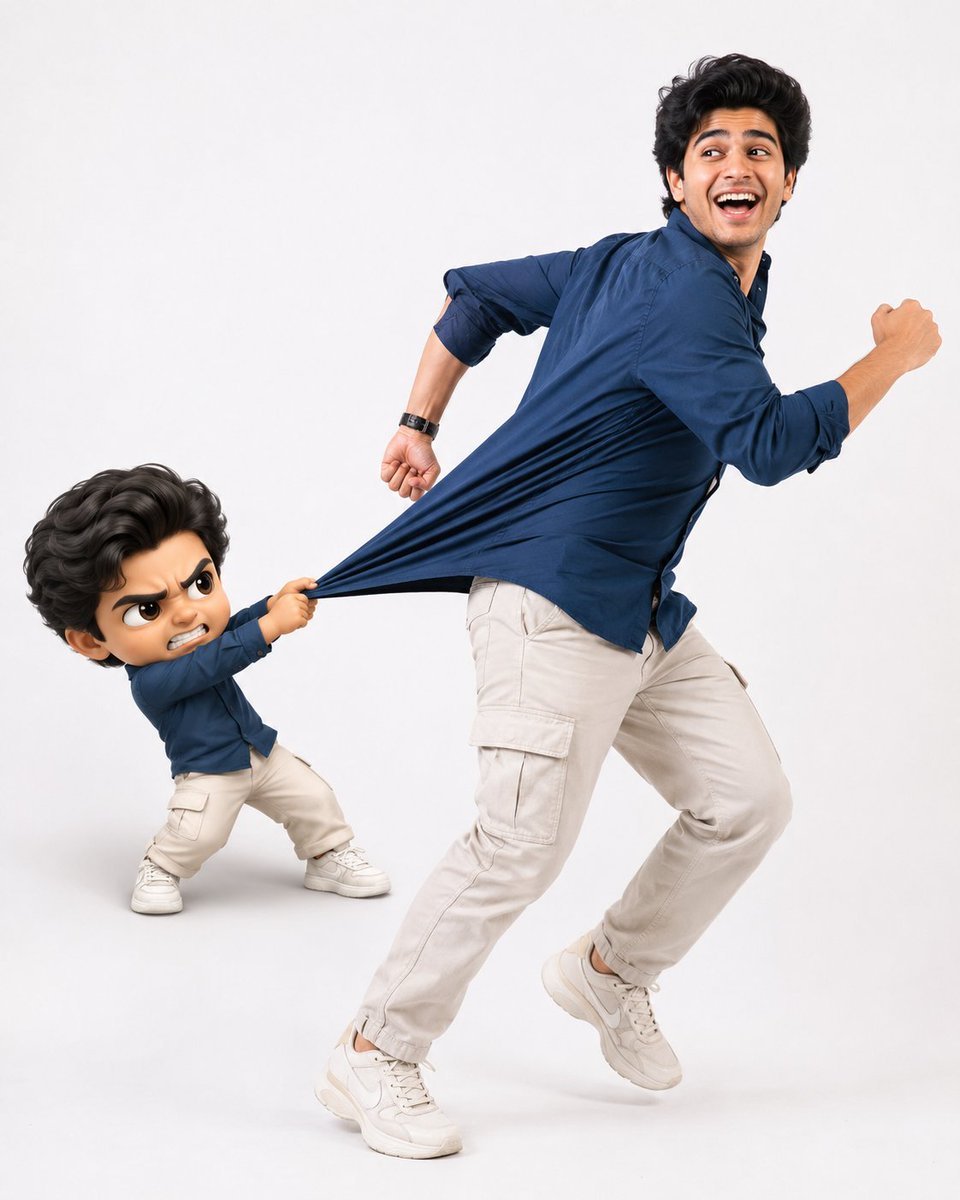
Playful Semi-Chibi Lifestyle Editorial

Realistic Portrait of Woman and Deer

Halloween Nun Chibi Character Sheet
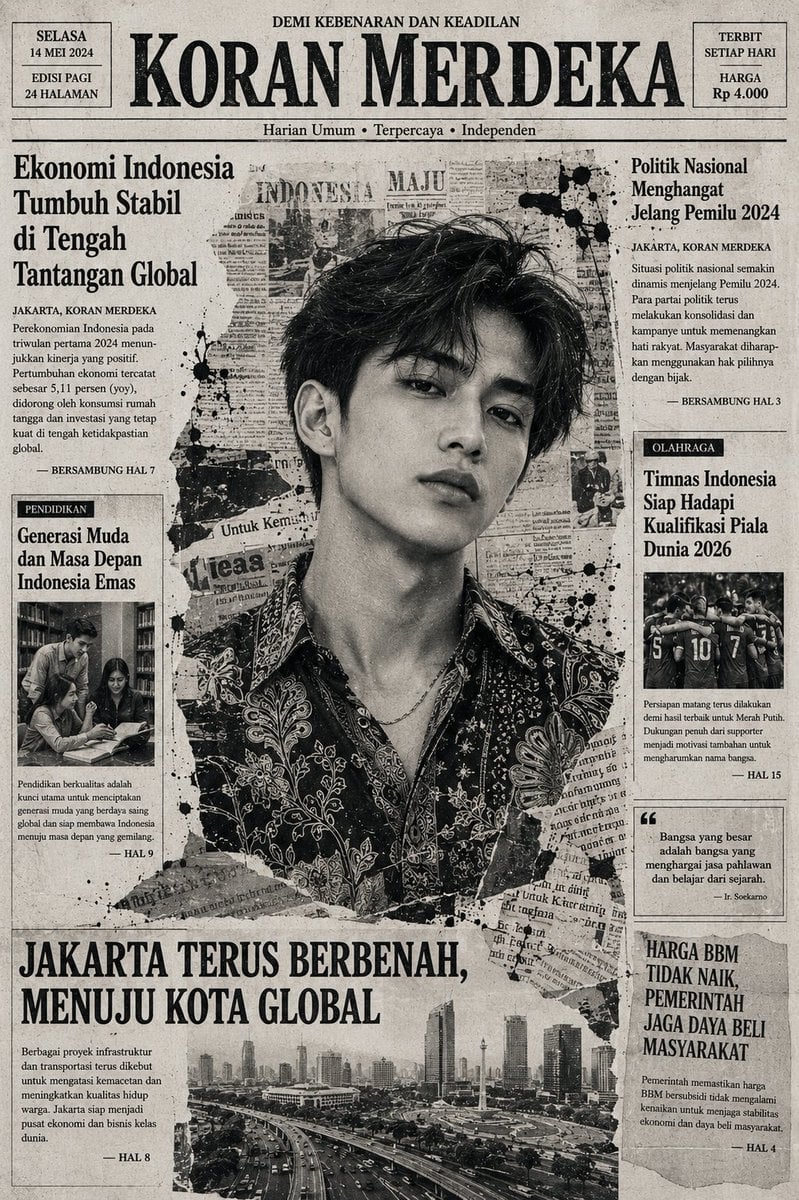
Indonesian Woman Newspaper Collage Portrait
Make it yours
Taekwondo Woman and Chibi Versions works as-is. These are the safest ways to change it without losing the look.
Change one field
Copy a single group, rewrite it, and generate again so you can see what that field is doing.
Keep the frame, change the subject
Hold the composition and light of Taekwondo Woman and Chibi Versions, then swap wardrobe, props or the person for a new take.
| If the result… | Why | Fix |
|---|---|---|
| The result drifts from the preview | Too many fields changed at once. | Reuse Taekwondo Woman and Chibi Versions as-is first, then change one group — subject, light, or setting. |
| The model over-stylizes the scene | The prose prompt leaves finish and camera underspecified. | Add one camera or lighting sentence and stay on GPT Image 2. |
More GPT Image 2 templates
Other prompts made for GPT Image 2.

Six VTuber Japanese Logo Sheet

The Vista Modular Condo Poster

AI Model Routing Comparison Infographic

2.5D Anime Art Board

Isometric Productivity Desk Scene

New York Double Exposure Poster

Four-Panel AI Landscape Comparison

Japanese Tatami Lifestyle Magazine Cover

NESCAFÉ Coffee Map Poster

Brutalist Cogito Chinese Typography Poster
More image prompts
Fresh picks from across the catalog.

Modern Rural Aesthetics Healing Short Fi
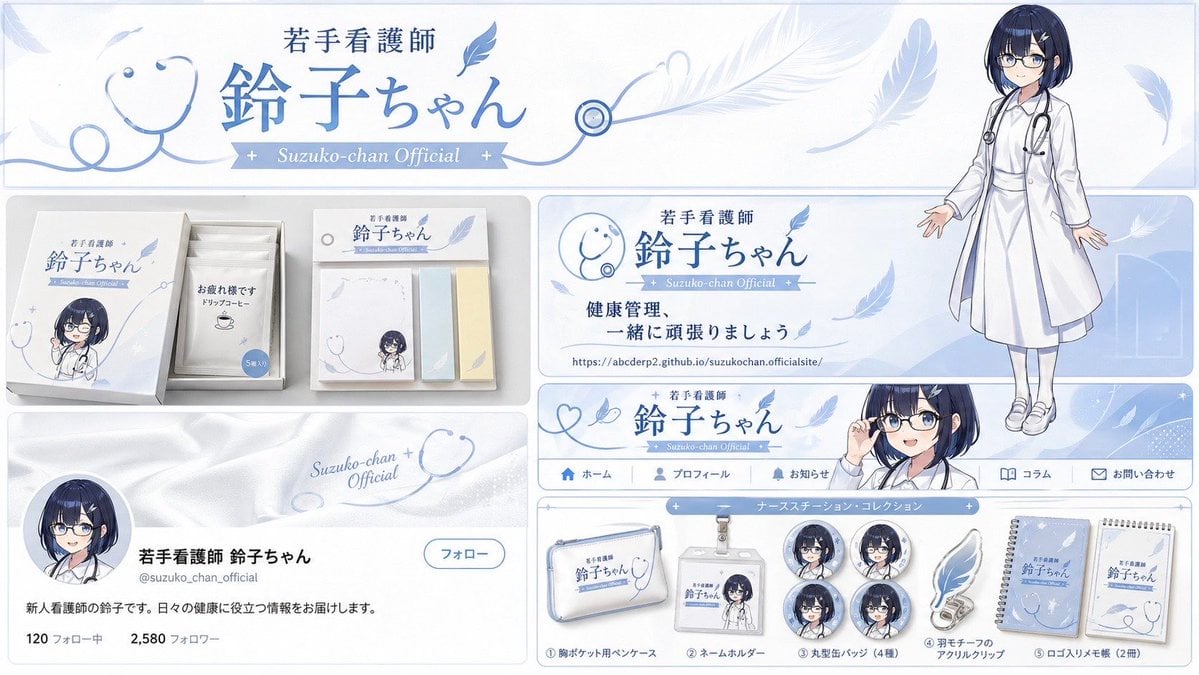
Brand Identity Design Board
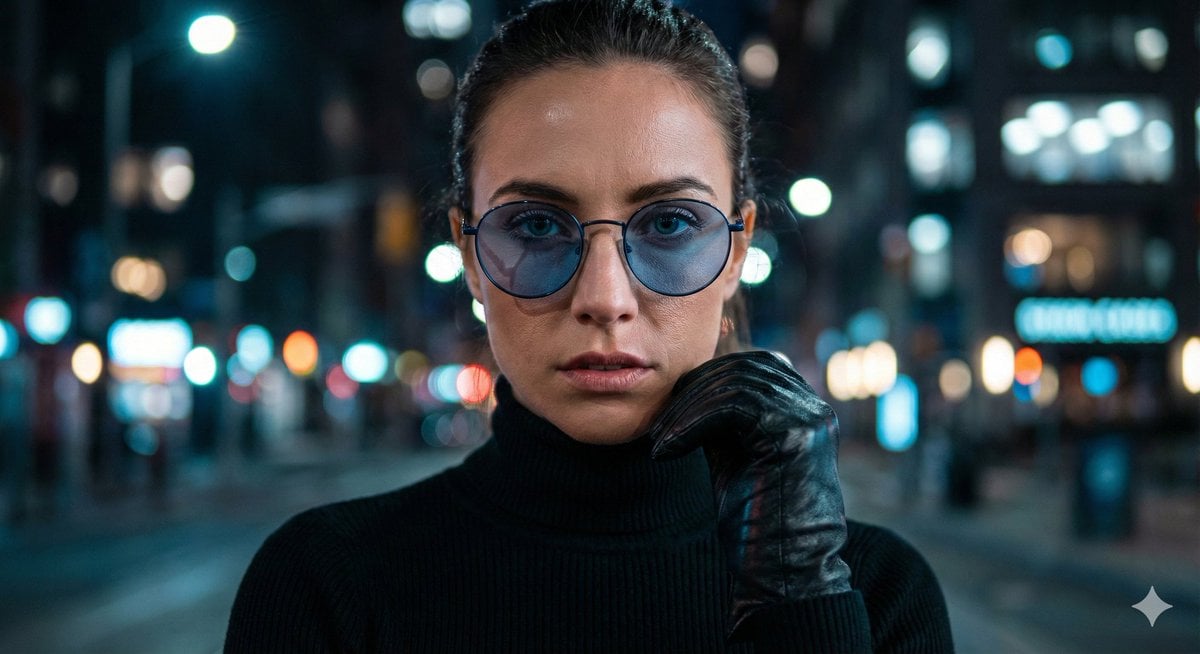
Cinematic Close-Up Portrait Prompt with Dark Luxury Aesthetic
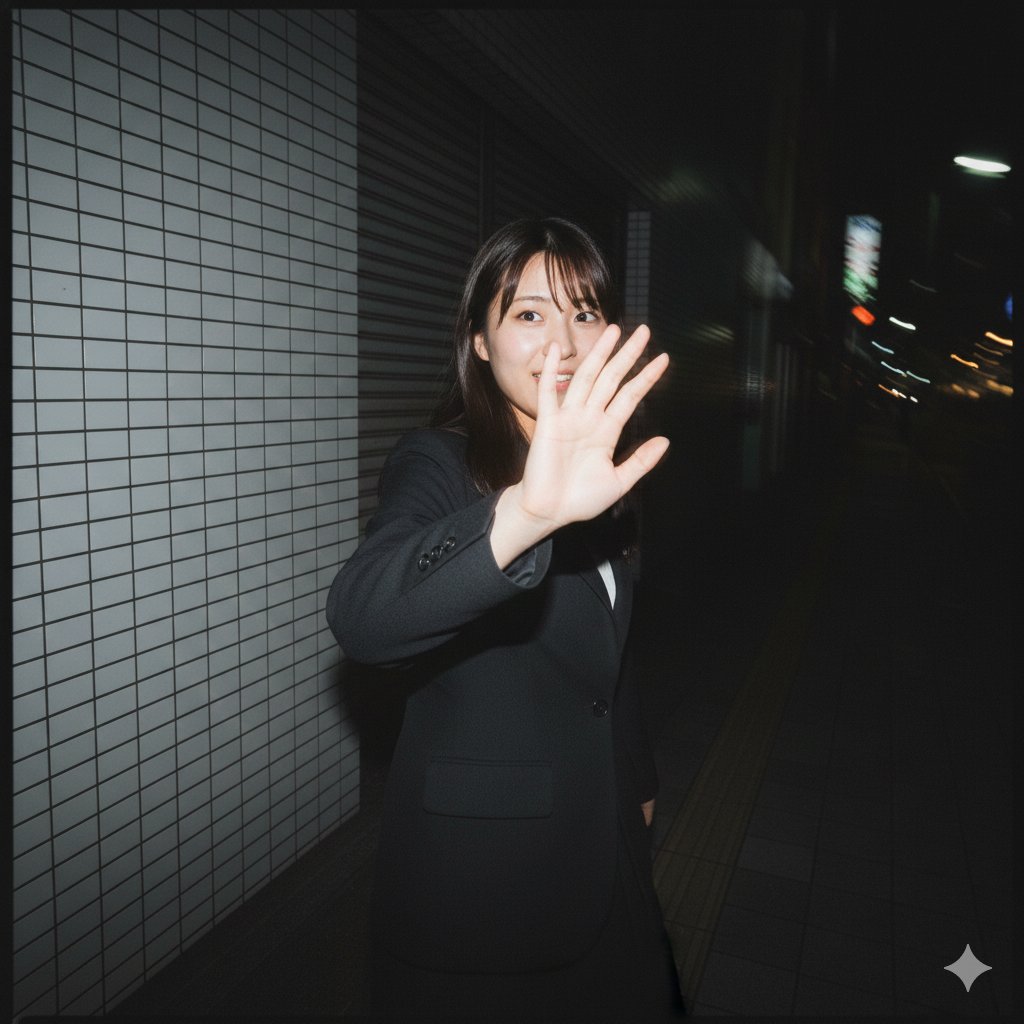
Raw, Motion-Blurred Nighttime Smartphone Flash Portrait

Hyper-realistic close-up of a pepperoni pizza slice with dramatic cheese pull
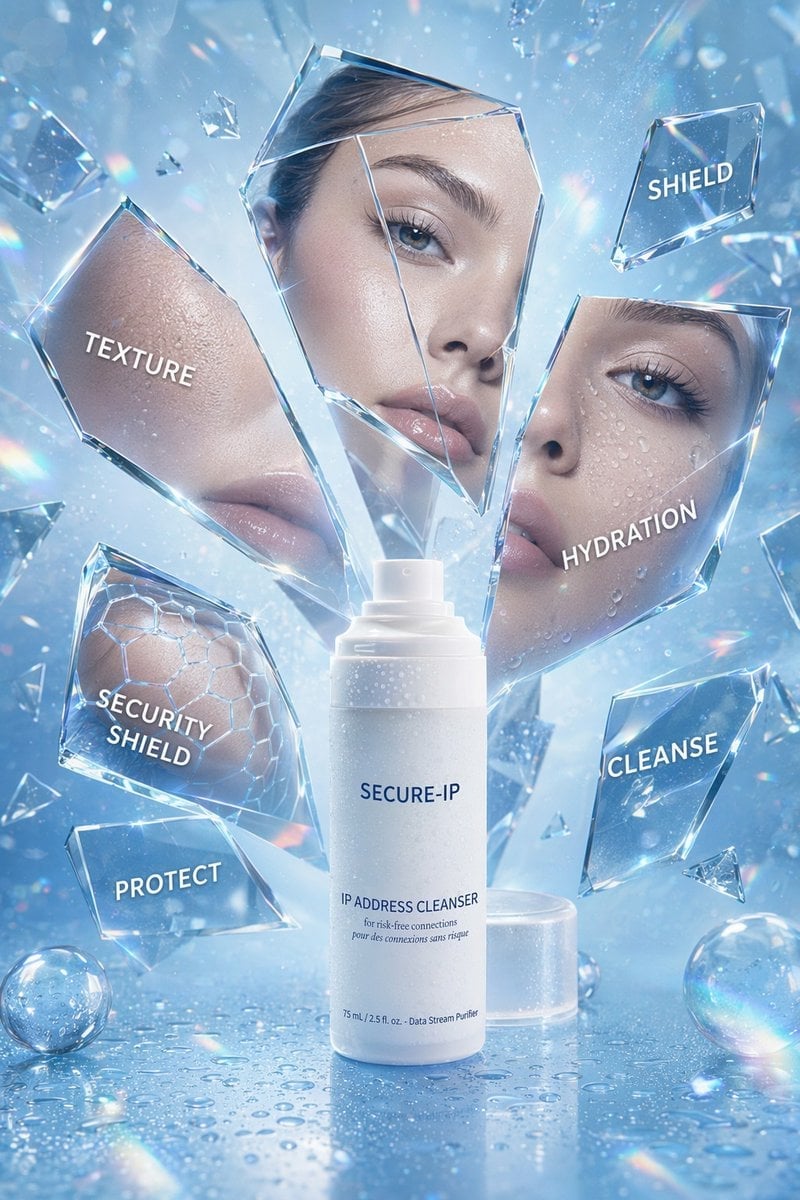
Futuristic Cyber Skincare Product Ad
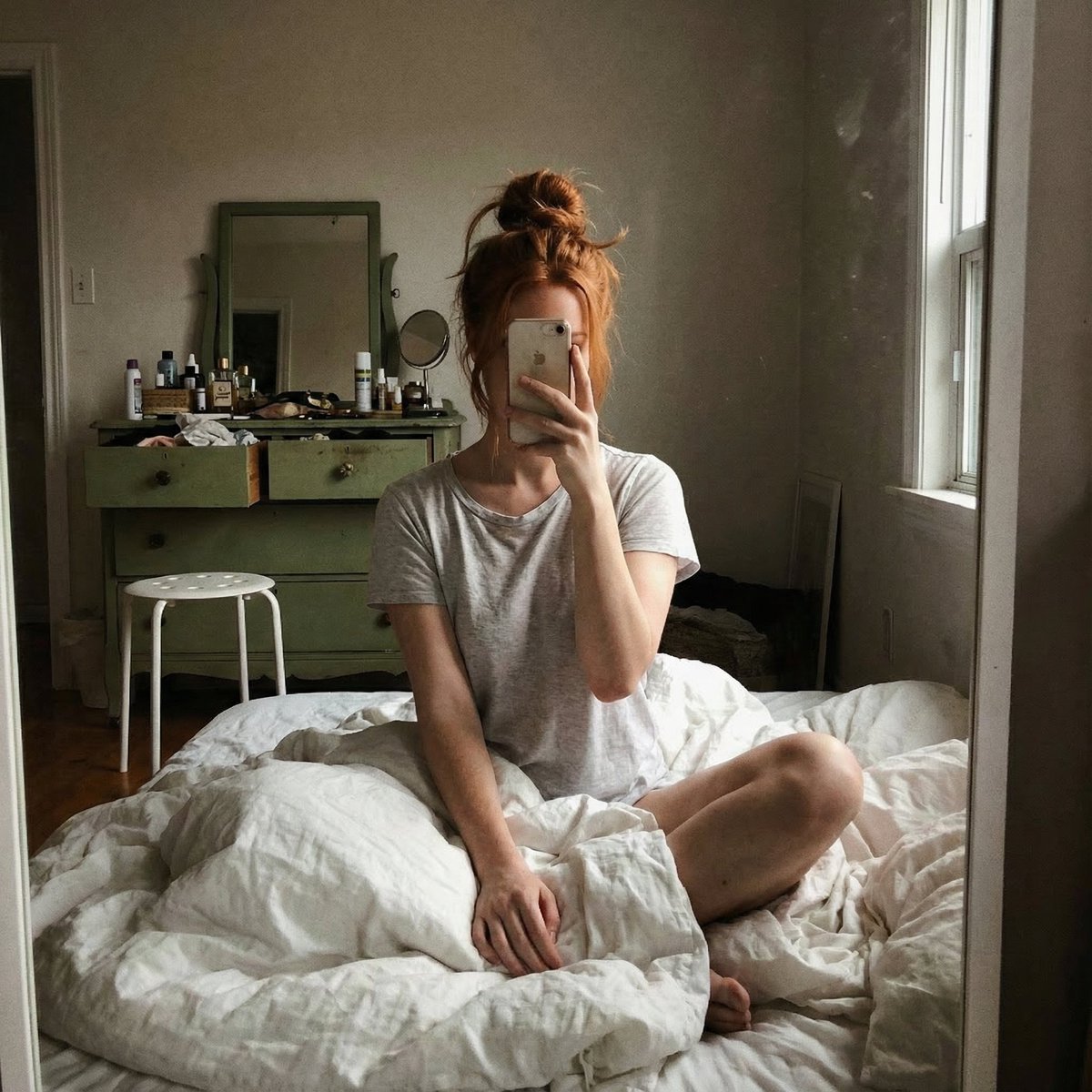
Structured JSON Prompt for Candid Mirror Selfie in a Bohemian Bedroom
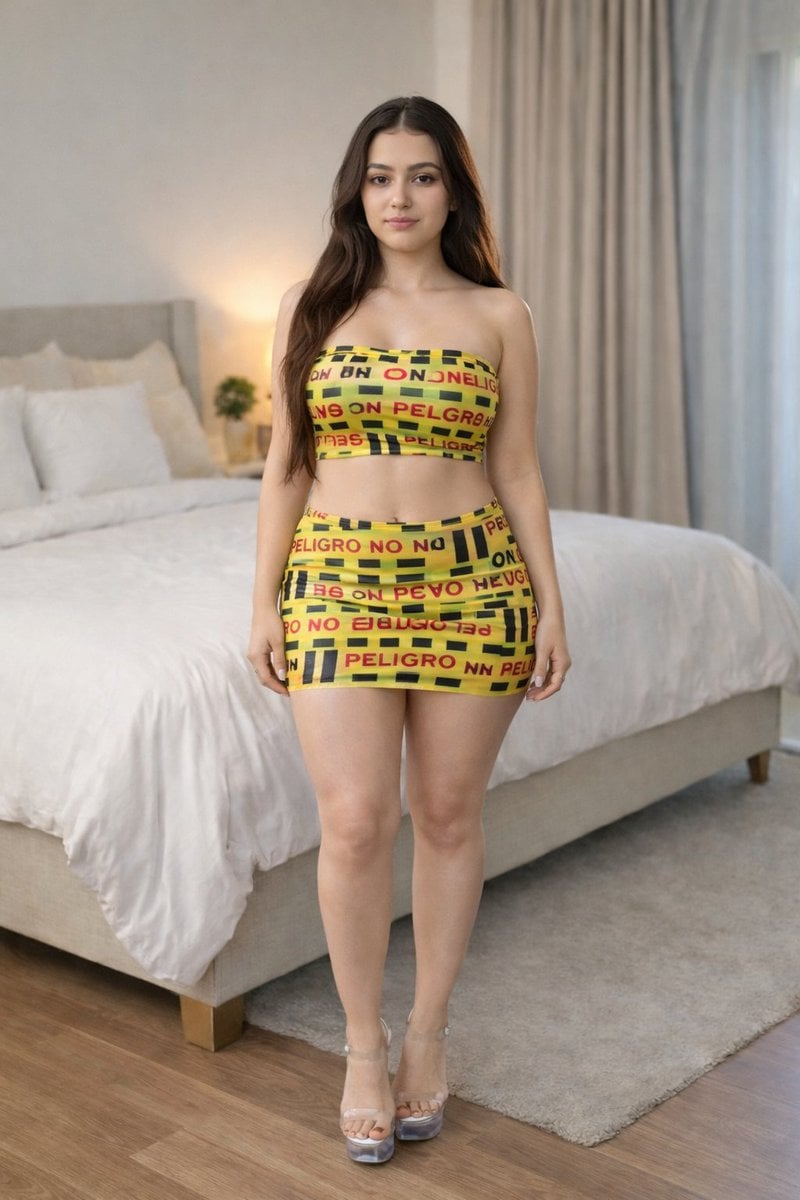
Caution Tape Fashion Photography Prompt
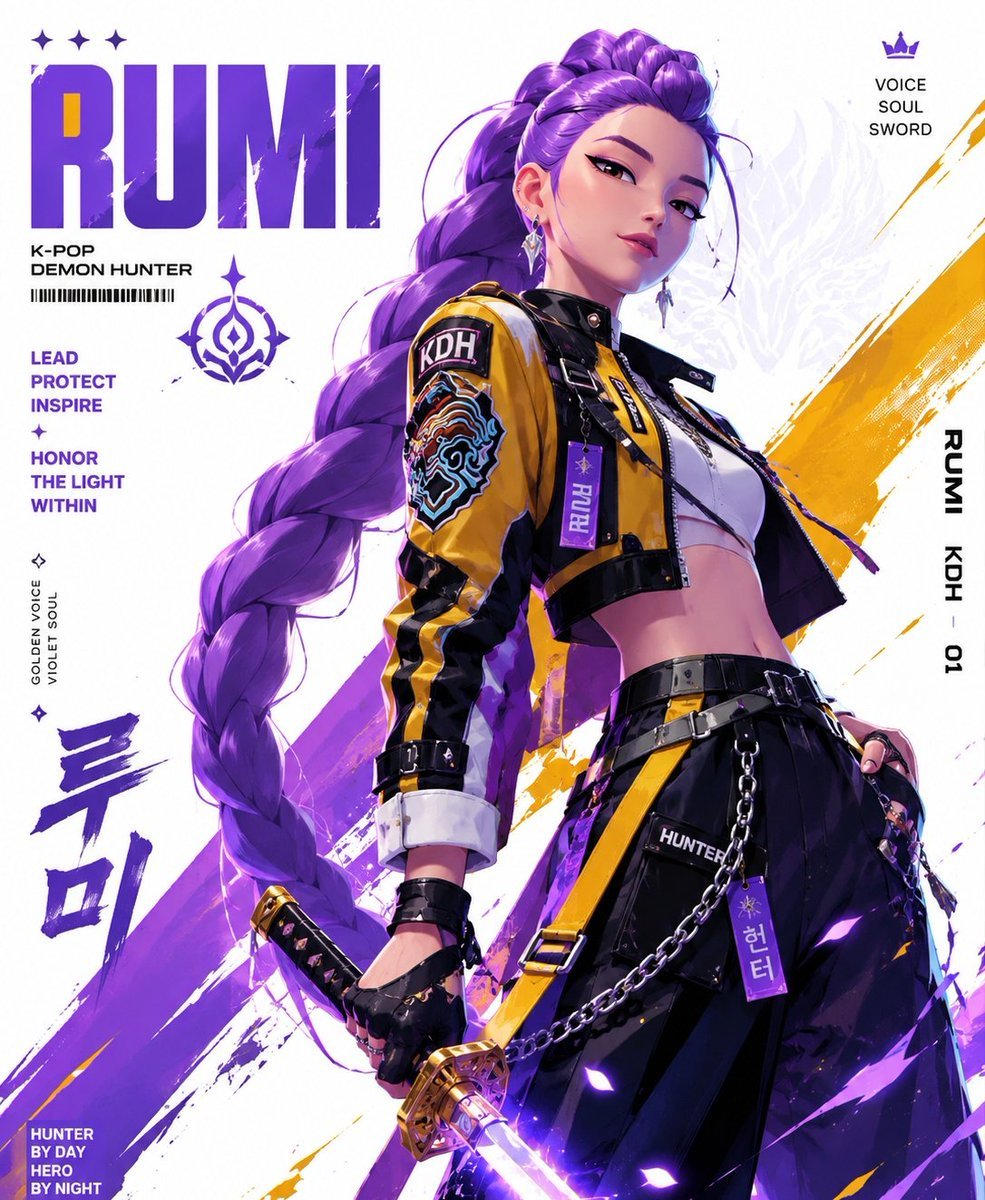
Anime Streetwear Techwear Redesign
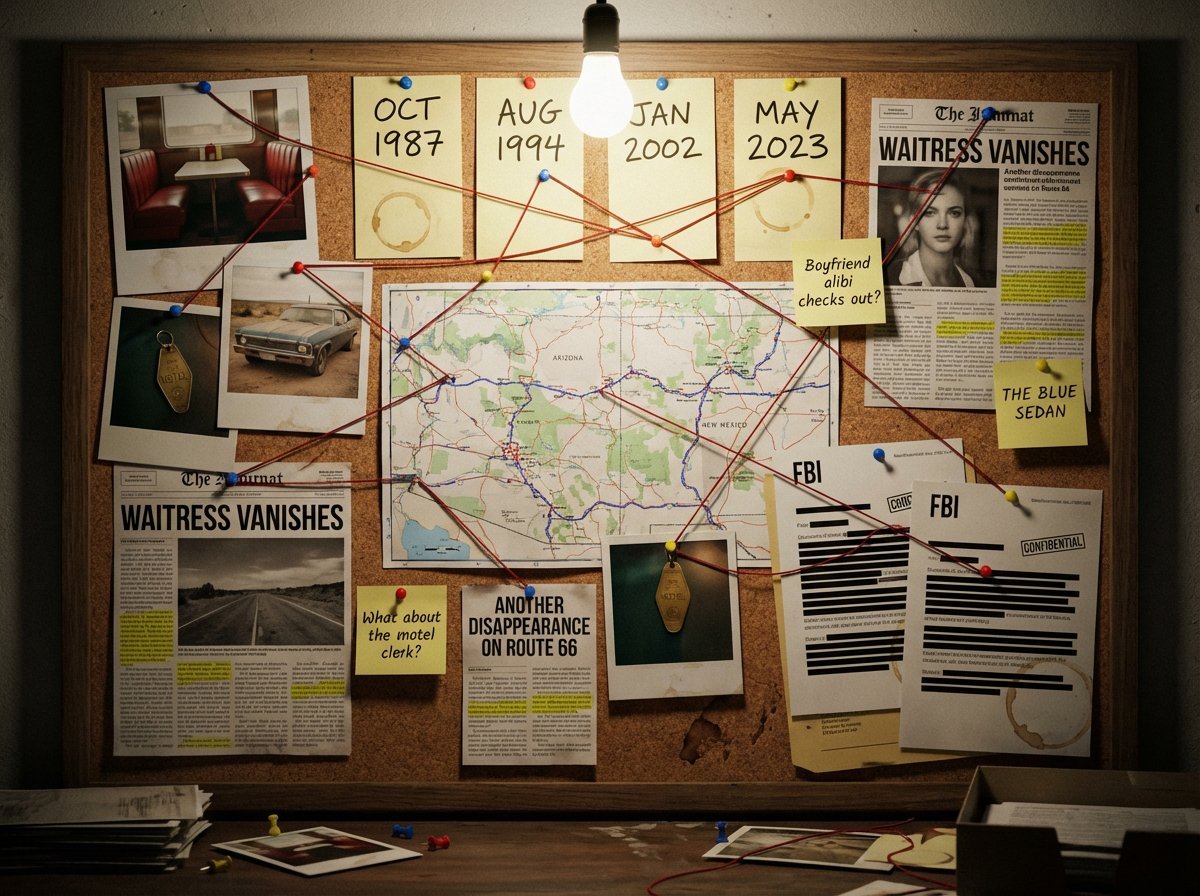
Noir Detective Evidence Board Visualization
Browse template categories
Taekwondo Woman and Chibi Versions questions
How do I use the Taekwondo Woman and Chibi Versions template?
Add your photo if the template asks for one, edit the prompt if you like — the template's model and format are already selected — and press Generate. Your version opens in PicX Studio.
Can I customize the Taekwondo Woman and Chibi Versions template?
Yes. You can change the subject, setting, lighting, mood, format, and available model controls before creating your image.
Is the Taekwondo Woman and Chibi Versions template free?
Opening and editing this template is free. Generating uses credits, shown on the Generate button when you are signed in.
Which AI model should I use?
Start with GPT Image 2, which is the model associated with this template. You can compare another compatible model for a different finish.
Looking for something else? Browse all templates.

Your photo, any look
Thousands of ready templates for every top image and video model, from one credit balance.