
Celestial Anime Idol Collage
Generates a detailed seven-panel gothic celestial anime idol character collage suitable for character sheets, fan art, or trading-card style visuals.
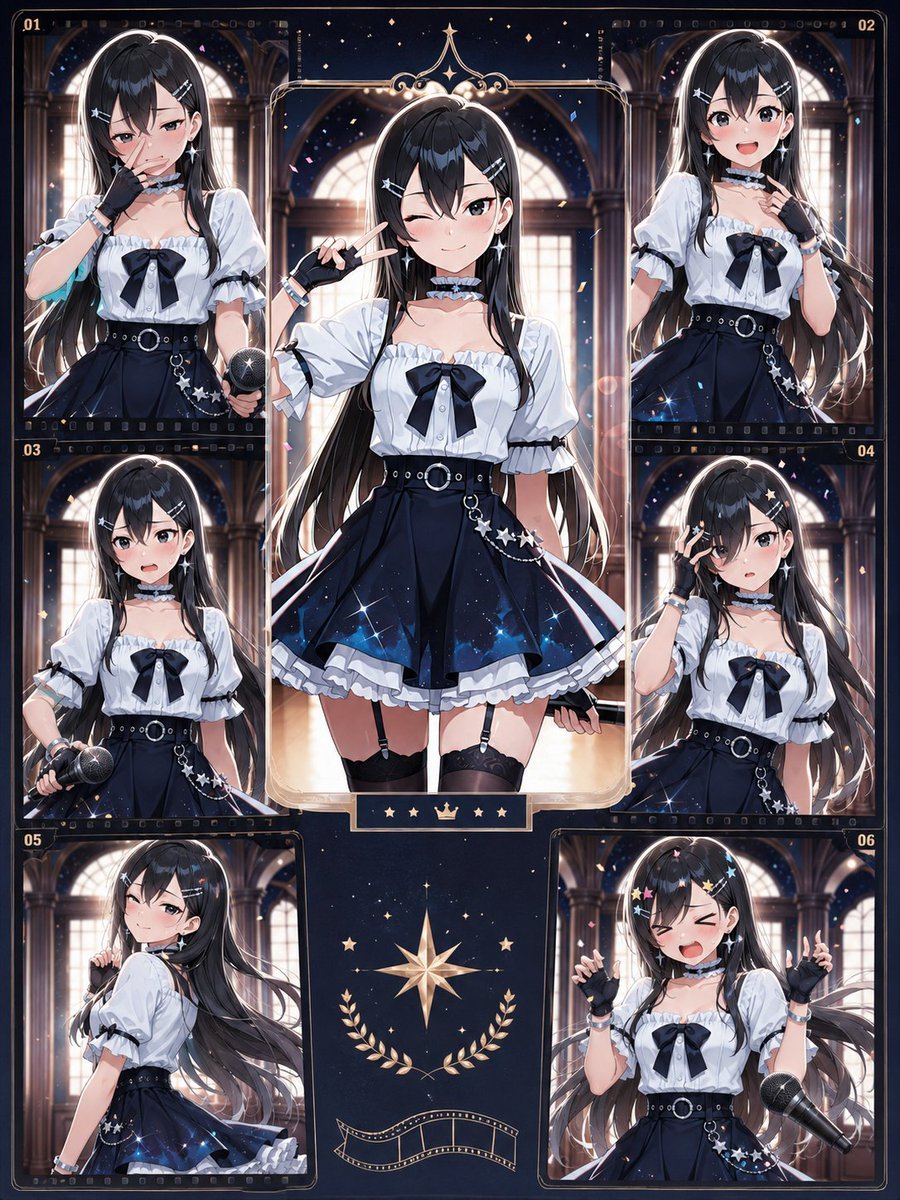
- Prompt included
- Model and format preset
- Free template
The prompt behind this image
Copy the exact prompt behind Celestial Anime Idol Collage, or open it in the studio and make it yours.
Goal: Create an ornate anime idol character collage featuring {argument name="character name" default="Akari"}, a long-haired gothic star-themed performer shown in multiple poses like a collectible photo card layout. Canvas: Vertical portrait image, roughly 3:4 aspect ratio, dark navy and warm gold palette, high-detail anime illustration with glossy lighting. Use a grand cathedral or concert-hall interior in the background, with tall arched windows, columns, warm backlight, floating confetti, tiny stars, and magical sparkle effects. Layout: Build a symmetrical scrapbook/contact-sheet composition with exactly 7 character images total: 1 large central full-body panel and 6 smaller surrounding numbered panels. The 6 small panels are labeled in gold as 01 top-left, 02 top-right, 03 middle-left, 04 middle-right, 05 bottom-left, and 06 bottom-right. Each panel has a thin ornate gold frame, rounded corners, and small film-strip details along some edges. The central panel is the tallest, framed with decorative gold filigree at the top and a small plaque beneath it containing 5 icons: star, star, crown, star, star. At the bottom center between the lower panels, add a decorative gold eight-point star emblem, laurel branches, and a small curved film ribbon. Subject details: The same anime girl appears in every panel. She has {argument name="hair color" default="very long black hair with cool blue highlights"}, straight glossy hair flowing past the waist, hair clips shaped like stars and crosses, pale skin, and a soft idol-girl presence. Her face should be visible and beautiful in the generated artwork, not obscured. Outfit: white puff-sleeve blouse with ruffled neckline, black ribbon bow at the chest, black choker with frills, high-waisted navy-black flared skirt with white ruffle hem and starry galaxy gradient, wide black belt with silver ring buckle, dangling star-chain accessories at the hip, black fingerless gloves, bracelets, thigh straps or garter details, and subtle silver jewelry. Overall theme: gothic-lolita idol, celestial night-sky motifs, elegant yet energetic. Panel contents: Show exactly these 7 poses: central full-body pose facing forward, making a peace sign near her face with one hand; panel 01 upper-body pose holding a microphone near her waist; panel 02 upper-body pose with one hand near her collar or choker; panel 03 half-body pose holding a microphone downward; panel 04 upper-body pose with one gloved hand raised near her face; panel 05 side/back three-quarter pose looking over her shoulder with hair flowing dramatically; panel 06 upper-body cheerful idol pose with both hands raised in small finger-heart or pointing gestures and a large microphone floating or angled at the lower right. Visual style: Premium Japanese anime key visual, crisp linework, luminous eyes, polished skin shading, layered hair highlights, intricate clothing folds, deep navy shadows, gold trim, cinematic rim lighting, soft bokeh, sparkles, confetti, and a luxurious idol trading-card aesthetic. Use high resolution and dense decorative detail without clutter. Text content: Only include the small gold panel numbers 01, 02, 03, 04, 05, 06 and the tiny symbolic plaque icons under the central panel; avoid extra readable text. Constraints: Keep exactly 7 character depictions and exactly 6 numbered small panels. Maintain one consistent character and outfit across all panels. Do not add extra characters, logos, watermarks, speech bubbles, or modern UI elements.
How to use Celestial Anime Idol Collage in 3 steps
- 1Upload ImagePNG, JPG or paste
Add your photo
Upload the photo the template builds on. The prompt, model and format are already set.
- 2…a portrait of your subject in softgolden-hour light, 85mm…
Personalize
Edit the subject and creative details for your destination.
- 3Generate
Generate
Press Generate — your image is created in PicX Studio, so you can compare it with the original and refine one variable at a time.
More like this
Templates with the same subject, style or setup. Open one to see its prompt.

Pastel Anime Idol Concert Finale
Winking Anime Idol Festival Portrait
Celestial Archive Anime Duo

Pastel Anime Summer Beach Collage

Paper Cut Finale Fireworks

Paper Cut Garden Maze

Paper Cut Rooftop Concert

Paper Cut Bicycle Coast

Paper Cut Castle Gate

Paper Cut Kitchen Chaos

Paper Cut Carnival Ride

Paper Cut Rainy Bus Stop
Make it yours
Celestial Anime Idol Collage works as-is. These are the safest ways to change it without losing the look.
Change one field
Copy a single group, rewrite it, and generate again so you can see what that field is doing.
Keep the frame, change the subject
Hold the composition and light of Celestial Anime Idol Collage, then swap wardrobe, props or the person for a new take.
| If the result… | Why | Fix |
|---|---|---|
| The result drifts from the preview | Too many fields changed at once. | Reuse Celestial Anime Idol Collage as-is first, then change one group — subject, light, or setting. |
| The model over-stylizes the scene | The prose prompt leaves finish and camera underspecified. | Add one camera or lighting sentence and stay on GPT Image 2. |
More GPT Image 2 templates
Other prompts made for GPT Image 2.

Six VTuber Japanese Logo Sheet

Realistic Portrait of Woman and Deer

The Vista Modular Condo Poster

AI Model Routing Comparison Infographic

2.5D Anime Art Board

Isometric Productivity Desk Scene

New York Double Exposure Poster

Four-Panel AI Landscape Comparison

Japanese Tatami Lifestyle Magazine Cover

NESCAFÉ Coffee Map Poster
More image prompts
Fresh picks from across the catalog.
Ornate Japanese Tarot Fortune Certificate
Abstract Surreal Visual Metaphor
Futuristic Bionic Super Shoe
Cinematic Street Fashion Photography Prompt
Dark Xianxia Shattered Glass Poster
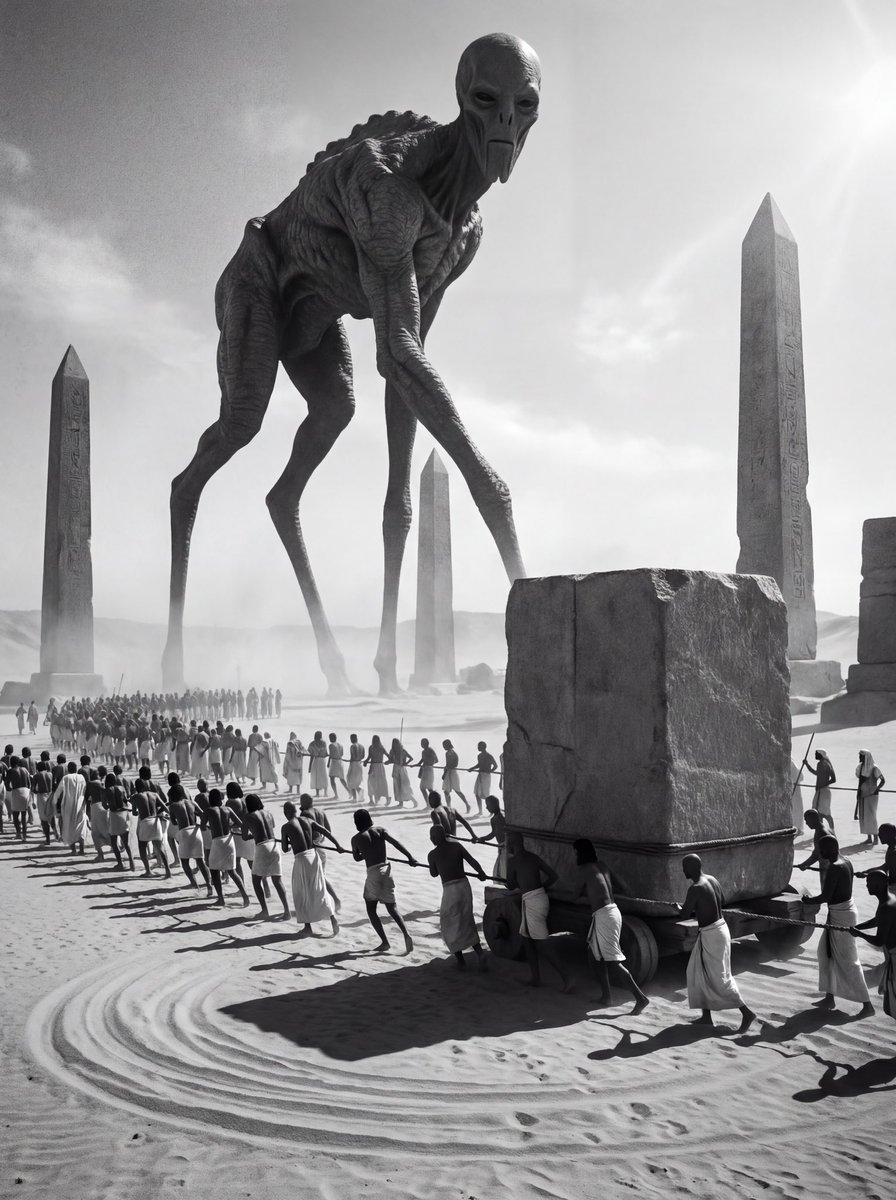
Ancient Egyptian Ritual with Alien Entity Prompt
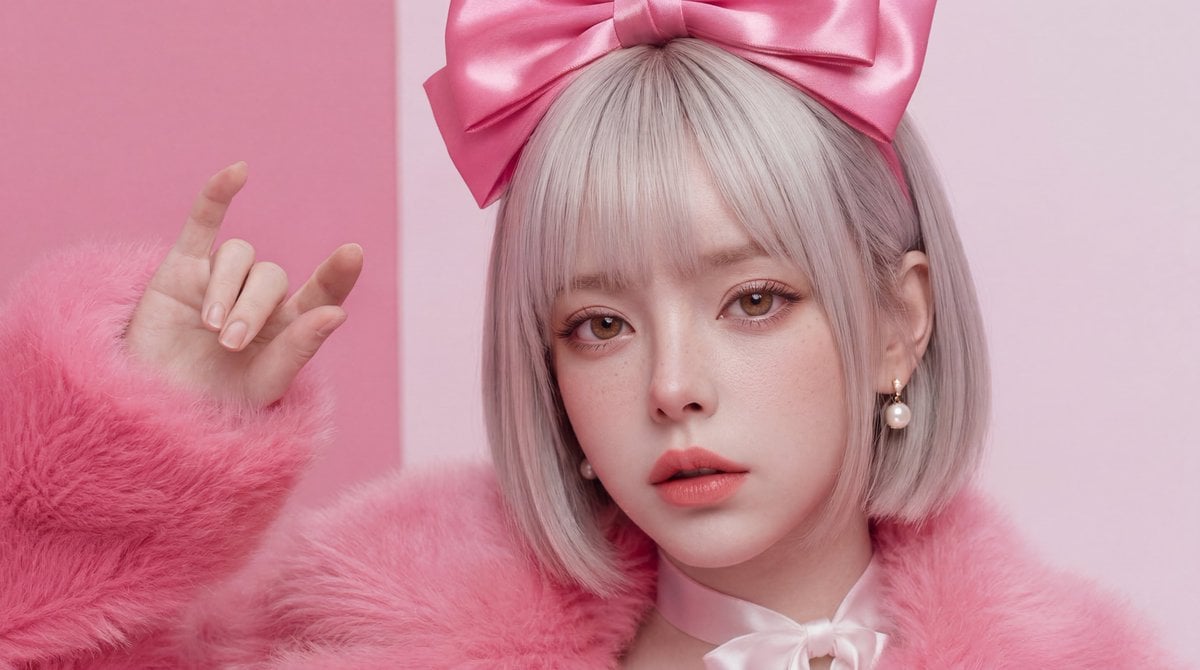
Hyper-Realistic Skin Texture Prompt for Nano Banana Pro (Detailed Version)
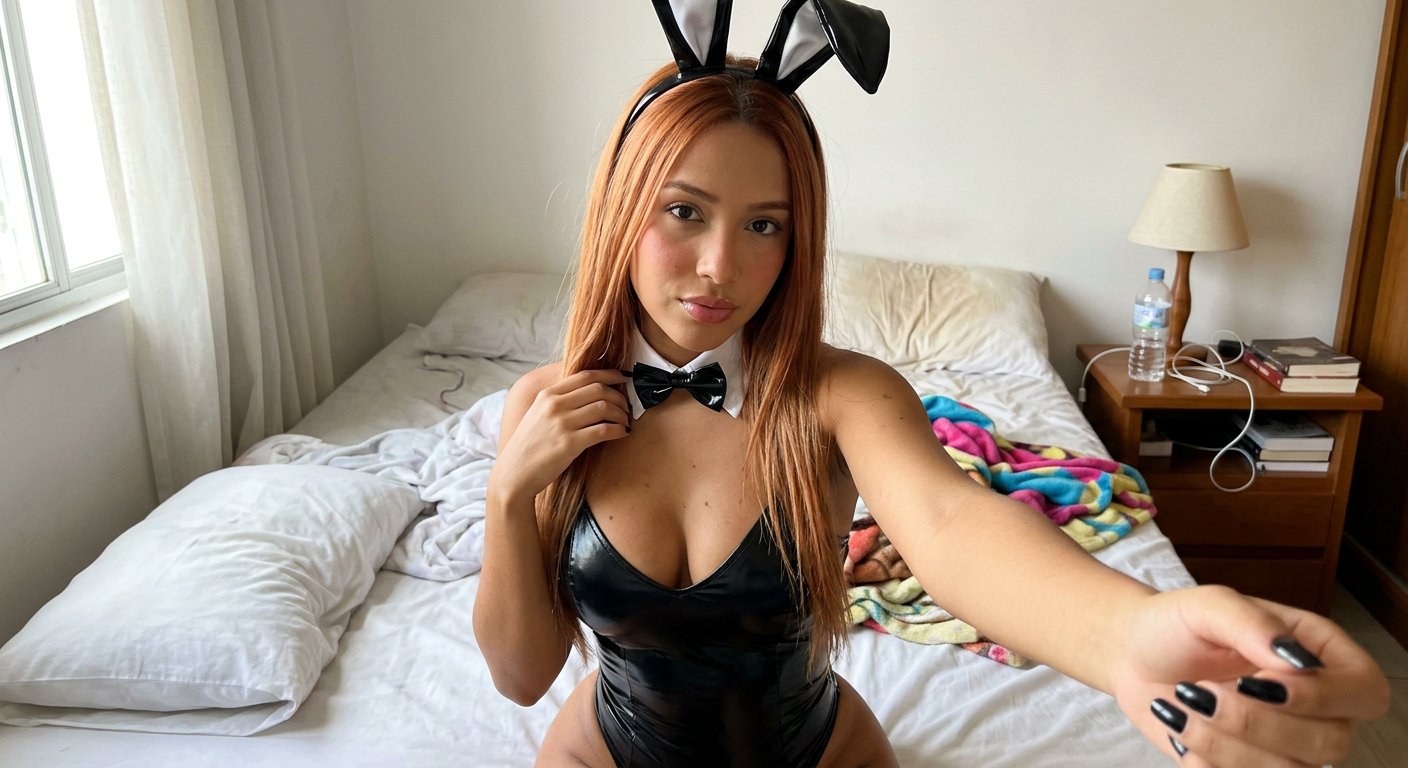
Casual Bunny Influencer Selfie
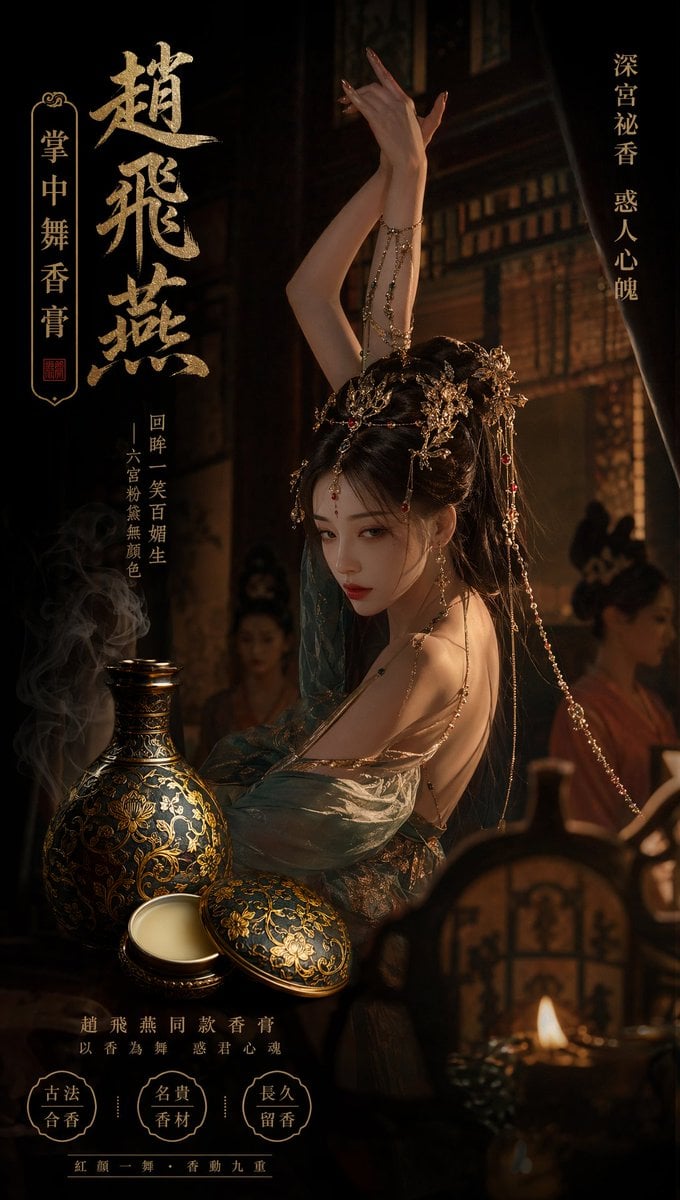
Ancient Chinese Palace Perfume Ad
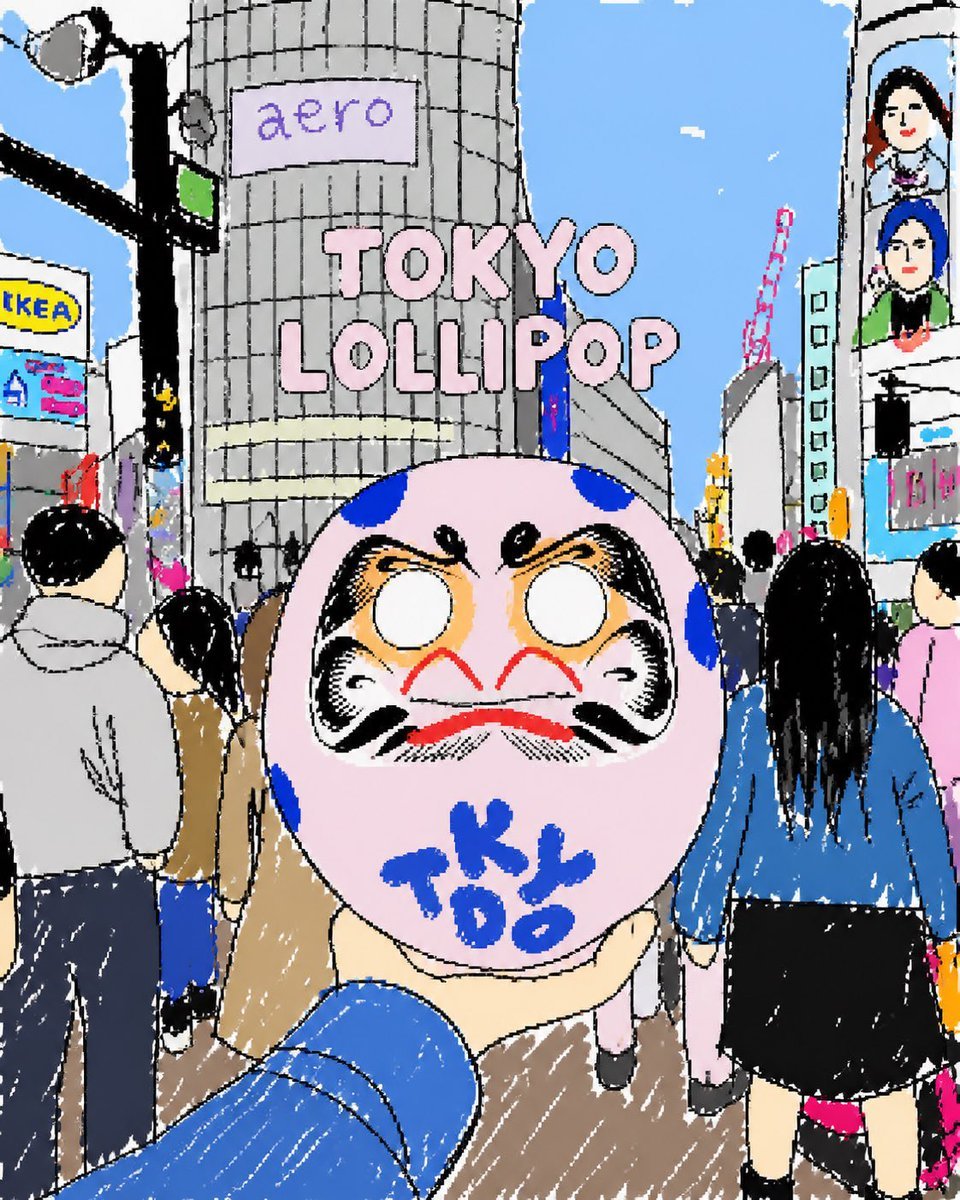
Tokyo Lollipop Street Sketch
Browse template categories
Celestial Anime Idol Collage questions
How do I use the Celestial Anime Idol Collage template?
Add your photo if the template asks for one, edit the prompt if you like — the template's model and format are already selected — and press Generate. Your version opens in PicX Studio.
Can I customize the Celestial Anime Idol Collage template?
Yes. You can change the subject, setting, lighting, mood, format, and available model controls before creating your image.
Is the Celestial Anime Idol Collage template free?
Opening and editing this template is free. Generating uses credits, shown on the Generate button when you are signed in.
Which AI model should I use?
Start with GPT Image 2, which is the model associated with this template. You can compare another compatible model for a different finish.
Looking for something else? Browse all templates.

Your photo, any look
Thousands of ready templates for every top image and video model, from one credit balance.