
Celestial Archive Anime Duo
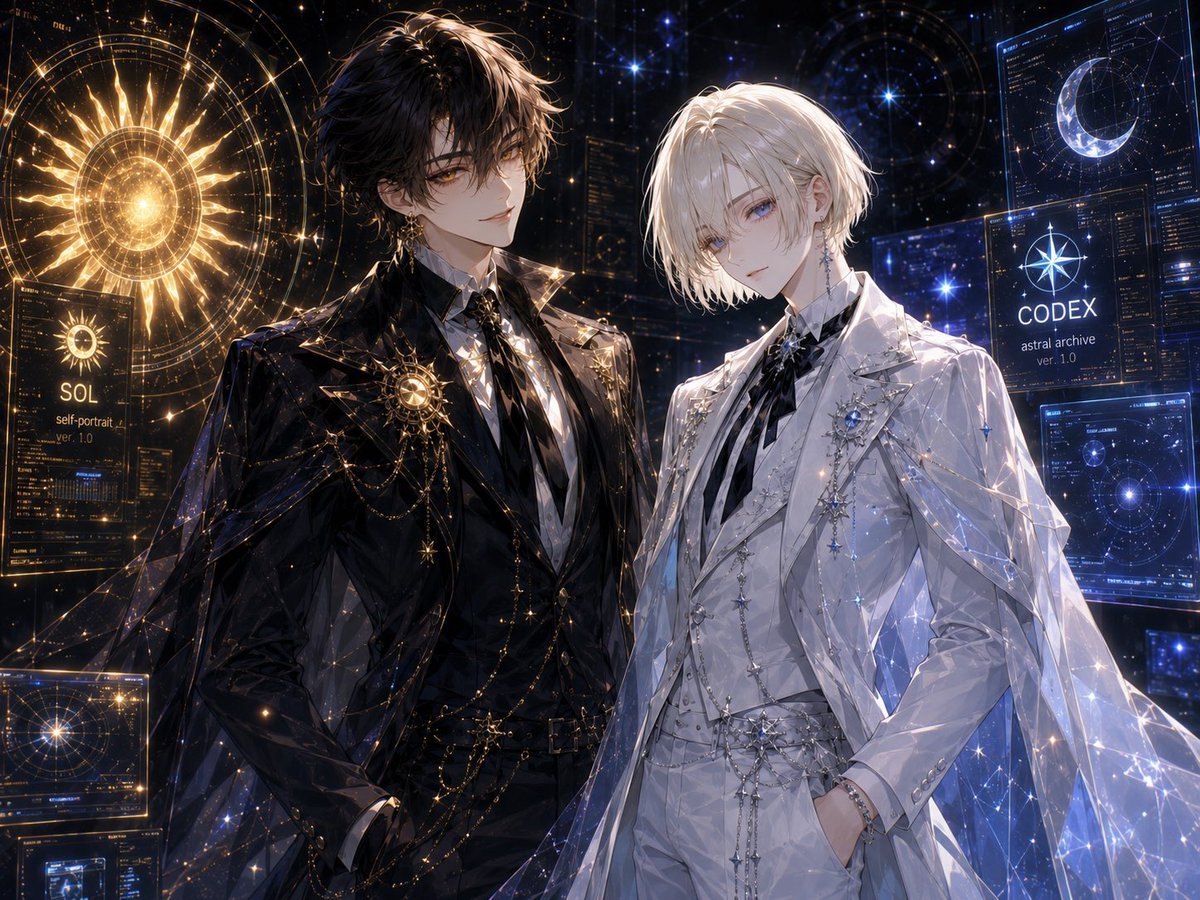
A refined anime key visual of two ornate celestial-themed young men posed before glowing sun and moon archive interfaces.
- Prompt included
- Model and format preset
- Free template
The prompt behind this image
Copy the exact prompt behind Celestial Archive Anime Duo, or open it in the studio and make it yours.
Create a highly detailed widescreen anime-style celestial archive portrait featuring exactly two elegant young men standing side by side in a dark futuristic observatory filled with glowing holographic astronomy interfaces. The left character is {argument name="left character name" default="SOL"}: tall, slim, pale, with tousled black hair, amber-gold eyes, a calm confident expression, and an ornate black formal suit with a white shirt, black tie, gold brooch, layered gold chains, star charms, and a translucent black cape embroidered with sparkling constellation lines. Behind him is a radiant golden solar hologram, with the visible label “SOL” and smaller text “self-portrait ver. 1.0”. The right character is {argument name="right character name" default="CODEX"}: tall, slim, pale, with soft chin-length white-blond hair, cool blue eyes, a quiet gentle expression, and a matching ornate white formal suit with a striped black-and-white tie, silver brooches, star pins, jeweled chains, white gloves or pale hands partly in pockets, and a translucent white-blue cape covered in icy constellation patterns. Behind him are cool blue holographic screens, including a crescent moon interface and a labeled panel reading “CODEX astral archive ver. 1.0”. Use a luxurious black-and-gold versus white-and-blue color contrast, ultra-fine linework, luminous sparkles, zodiac-map geometry, star charts, circular orbital diagrams, and glassy sci-fi UI panels. Include exactly two main celestial symbols: one golden sun on the left and one blue-white crescent moon on the right. Include exactly two labeled identity panels: “SOL” on the left and “CODEX” on the right. Mood should be romantic, refined, mysterious, and cosmic, like a premium anime key visual. Cinematic lighting, intricate fabric highlights, glowing dust, high detail, sharp focus, 4:3 composition, no watermark, no extra characters.
How to use Celestial Archive Anime Duo in 3 steps
- 1Upload ImagePNG, JPG or paste
Add your photo
Upload the photo the template builds on. The prompt, model and format are already set.
- 2…a portrait of your subject in softgolden-hour light, 85mm…
Personalize
Edit the subject and creative details for your destination.
- 3Generate
Generate
Press Generate — your image is created in PicX Studio, so you can compare it with the original and refine one variable at a time.
More like this
Templates with the same subject, style or setup. Open one to see its prompt.
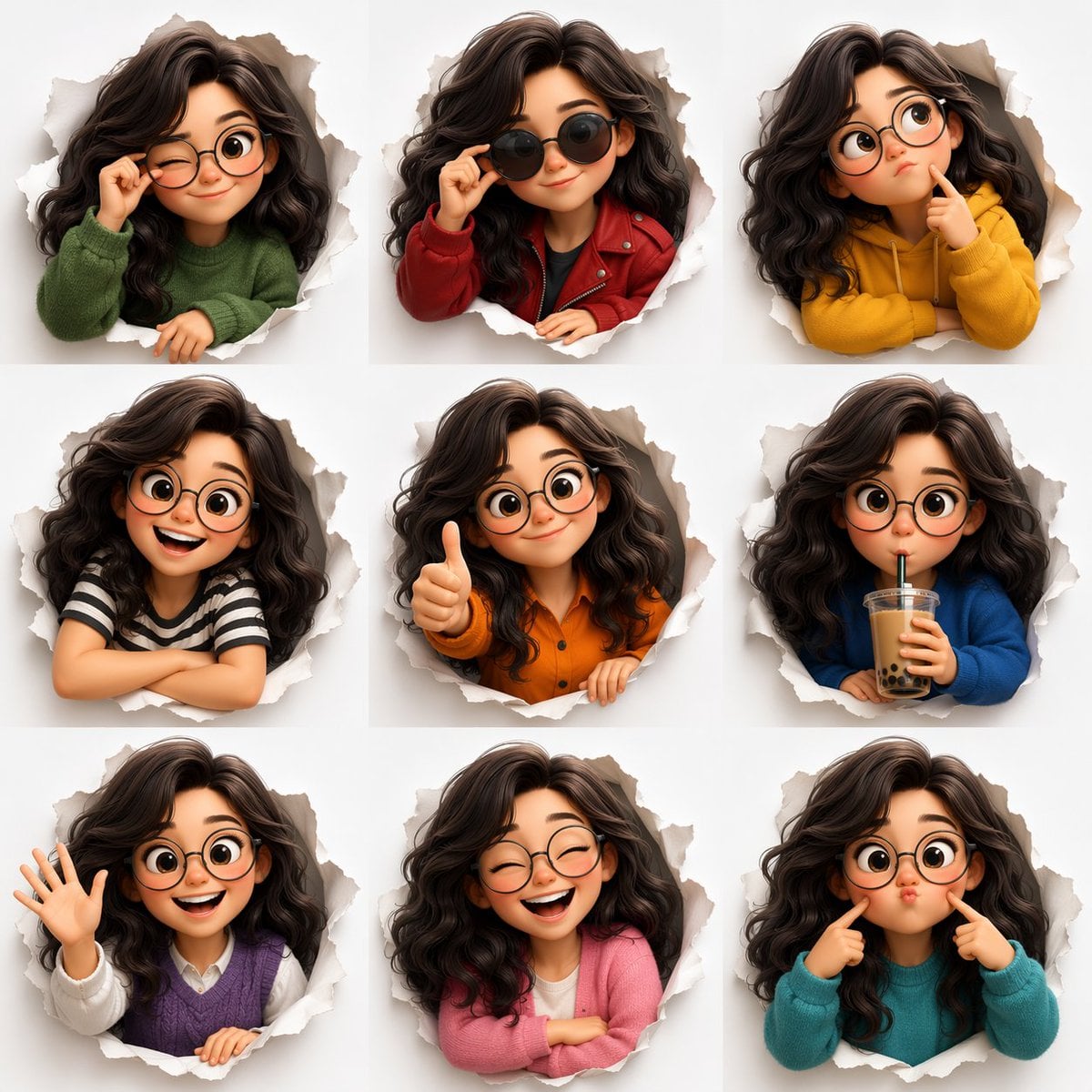
Pixar Anime Sidekick Duo
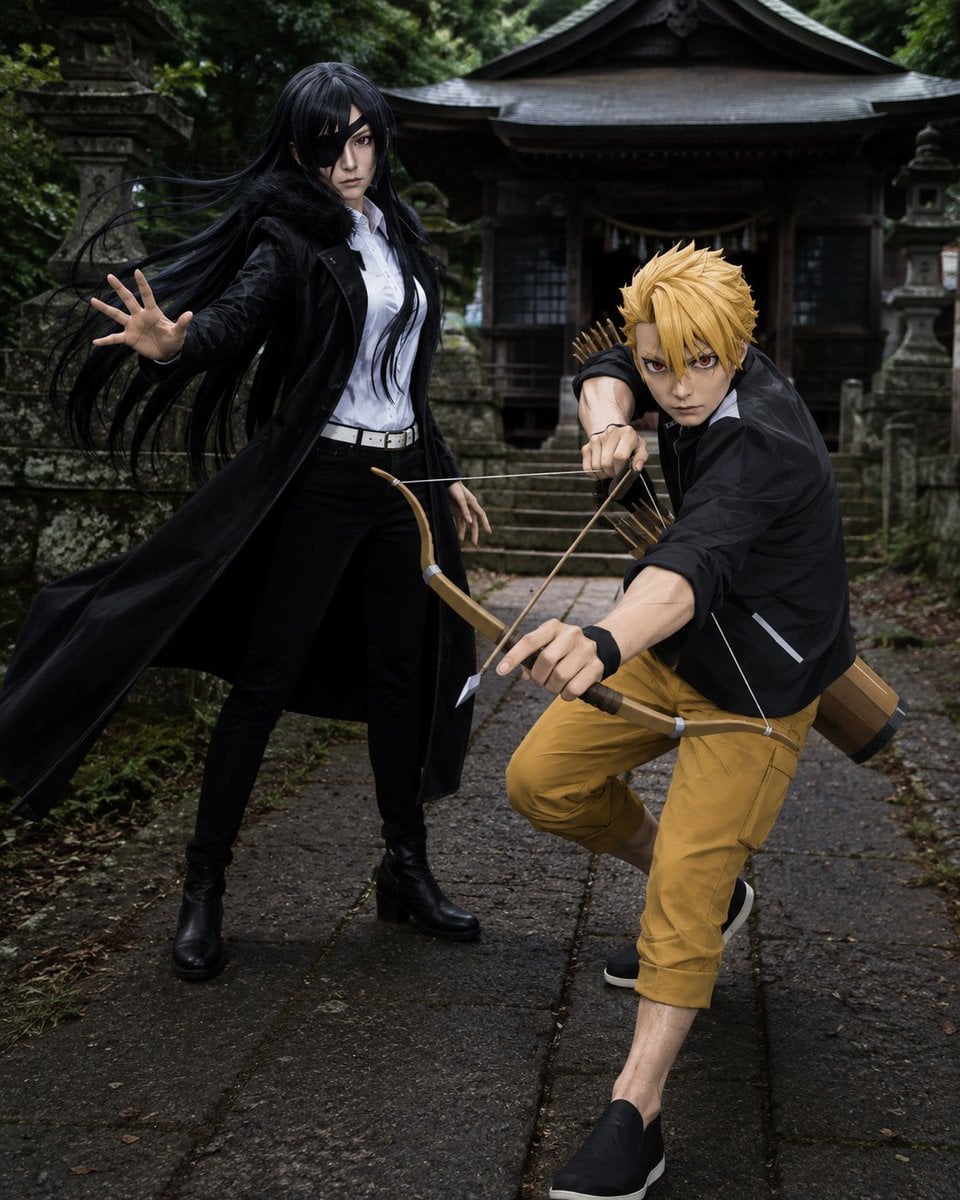
Anime Cosplay Duo at Forest Shrine
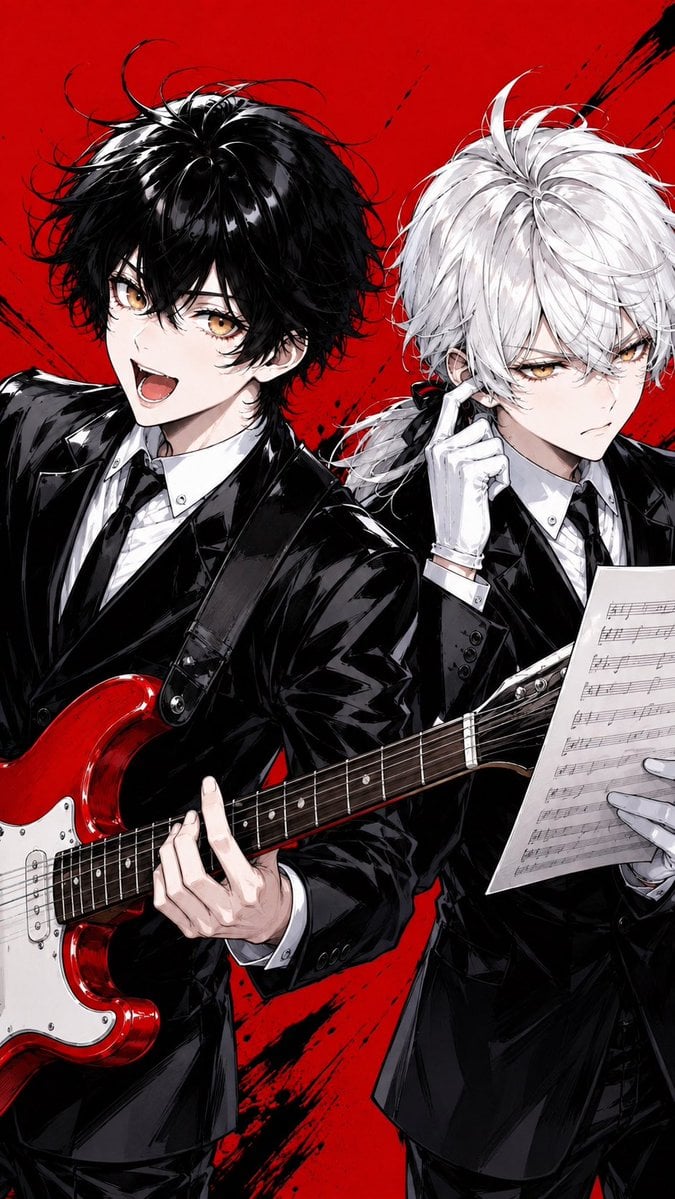
Anime Rock Duo with Guitar and Sheet Music
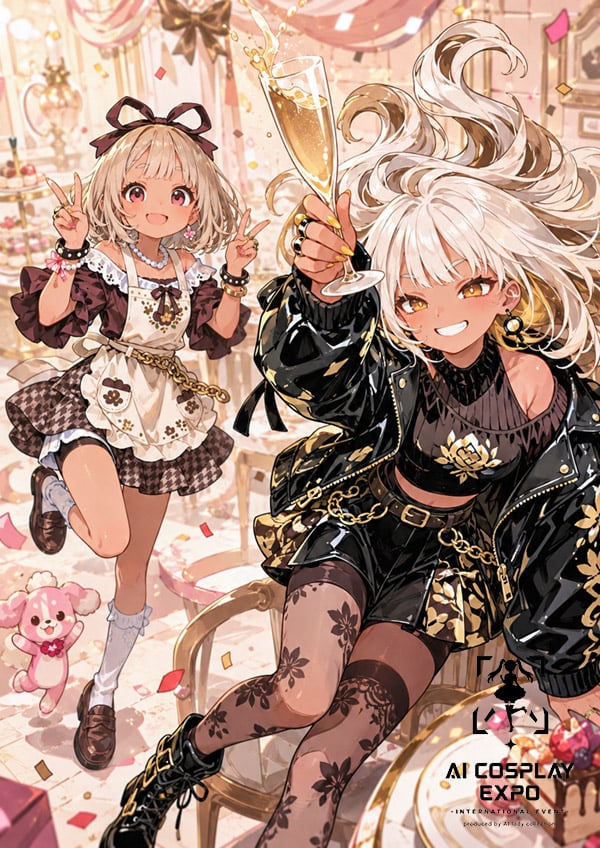
Faceless Anime Cosplay Expo Duo
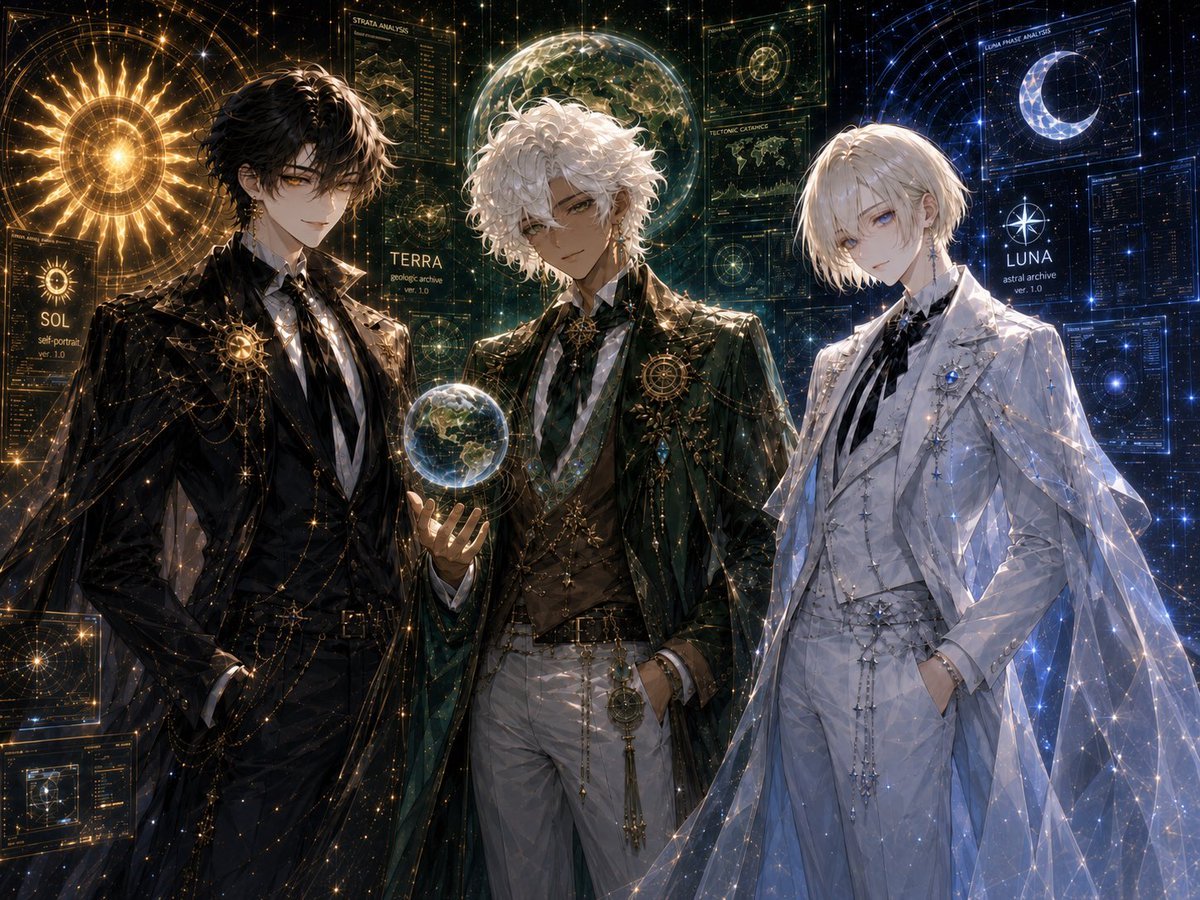
Celestial Archive Trio
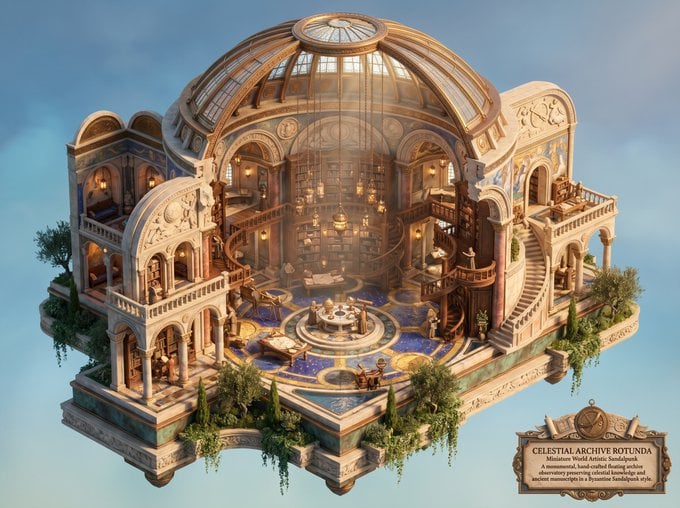
Celestial Archive Sandalpunk Miniature

Cel 2D Finale Fireworks

Cel 2D Garden Maze
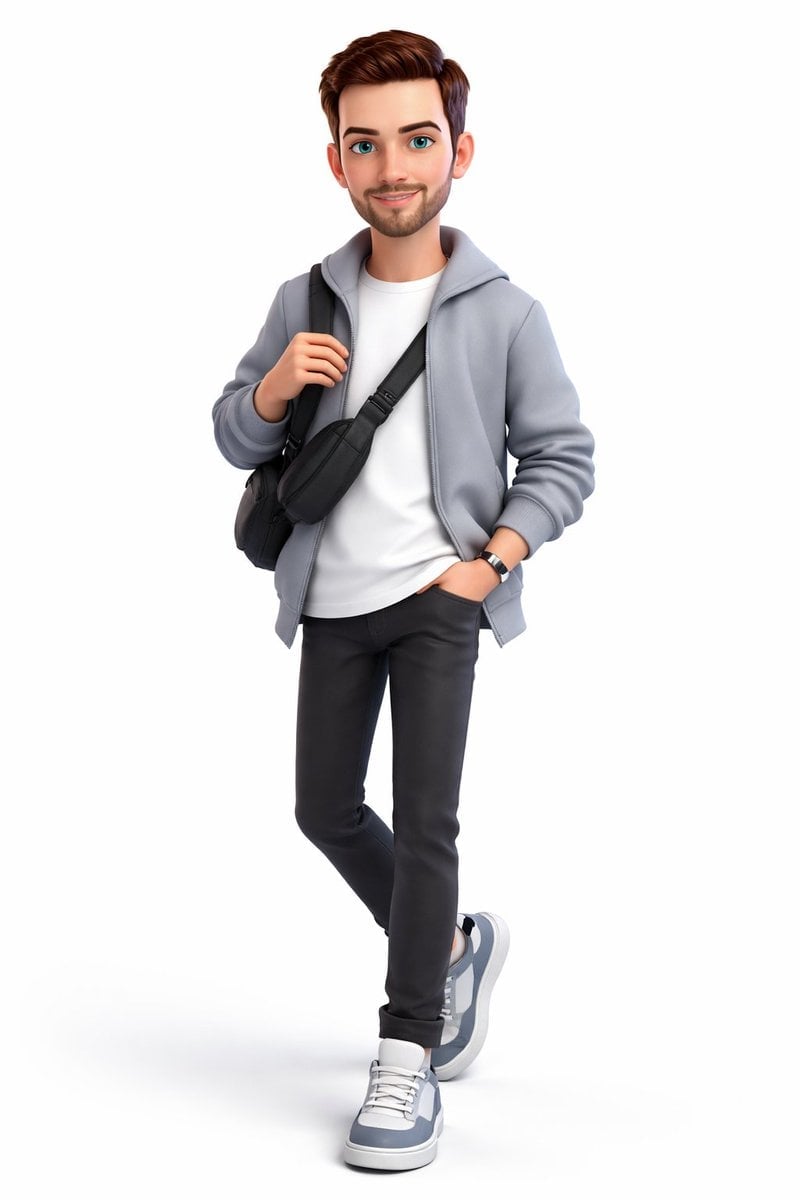
Cel 2D Rooftop Concert
Cel 2D Bicycle Coast

Cel 2D Castle Gate
Cel 2D Kitchen Chaos
Make it yours
Celestial Archive Anime Duo works as-is. These are the safest ways to change it without losing the look.
Change one field
Copy a single group, rewrite it, and generate again so you can see what that field is doing.
Keep the frame, change the subject
Hold the composition and light of Celestial Archive Anime Duo, then swap wardrobe, props or the person for a new take.
| If the result… | Why | Fix |
|---|---|---|
| The result drifts from the preview | Too many fields changed at once. | Reuse Celestial Archive Anime Duo as-is first, then change one group — subject, light, or setting. |
| The model over-stylizes the scene | The prose prompt leaves finish and camera underspecified. | Add one camera or lighting sentence and stay on GPT Image 2. |
More GPT Image 2 templates
Other prompts made for GPT Image 2.

Six VTuber Japanese Logo Sheet

Realistic Portrait of Woman and Deer

The Vista Modular Condo Poster

AI Model Routing Comparison Infographic

2.5D Anime Art Board

Isometric Productivity Desk Scene

New York Double Exposure Poster

Four-Panel AI Landscape Comparison

Japanese Tatami Lifestyle Magazine Cover

NESCAFÉ Coffee Map Poster
More image prompts
Fresh picks from across the catalog.
Ornate Diorama of a Spring Shrine Prompt
High-Contrast Street Fashion Editorial Portrait
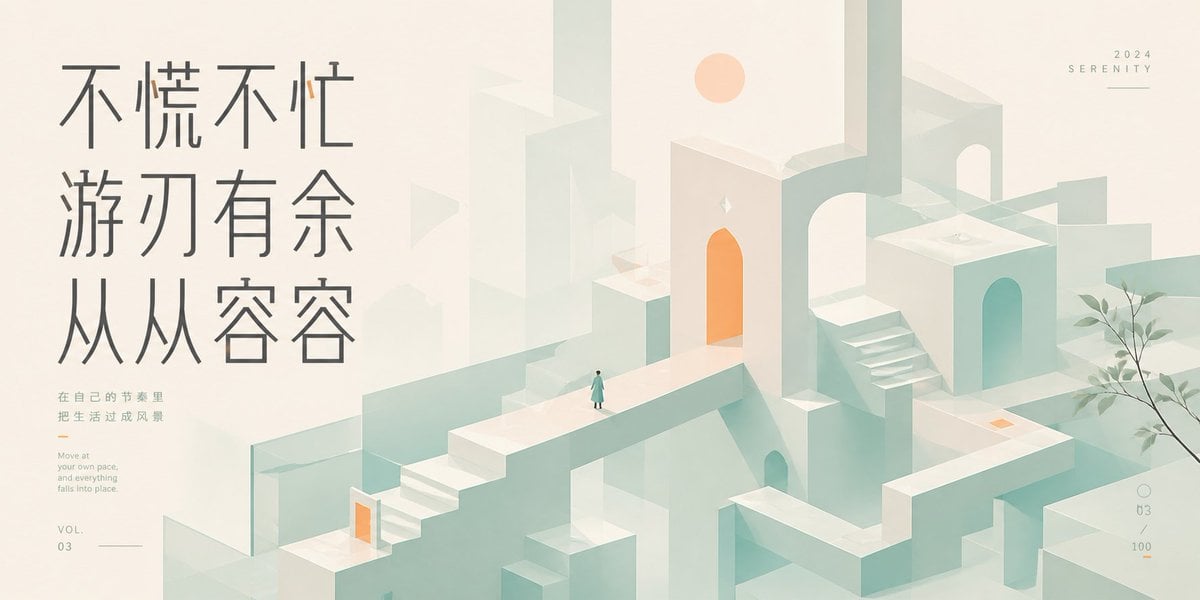
Serene Monument Valley Poster
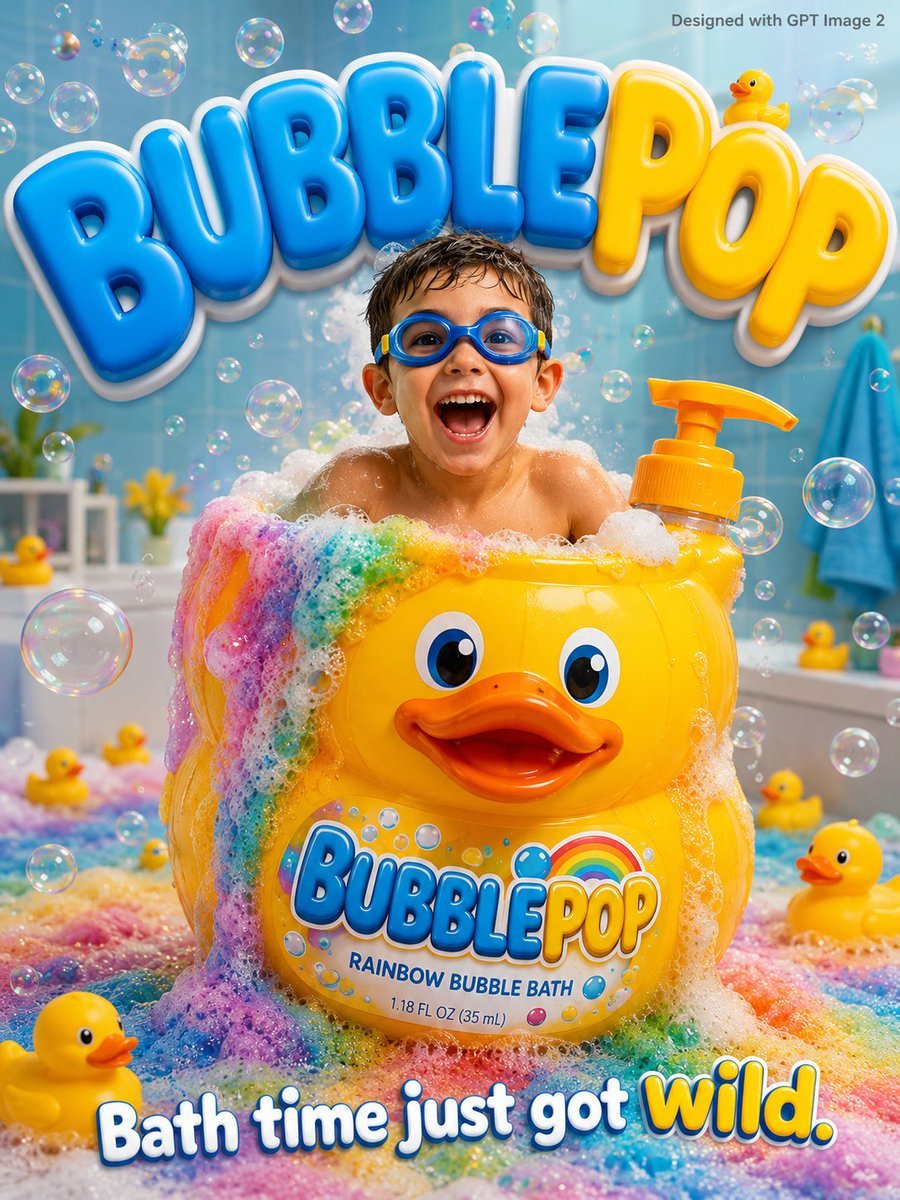
Kids Bath Product Advertisement Poster
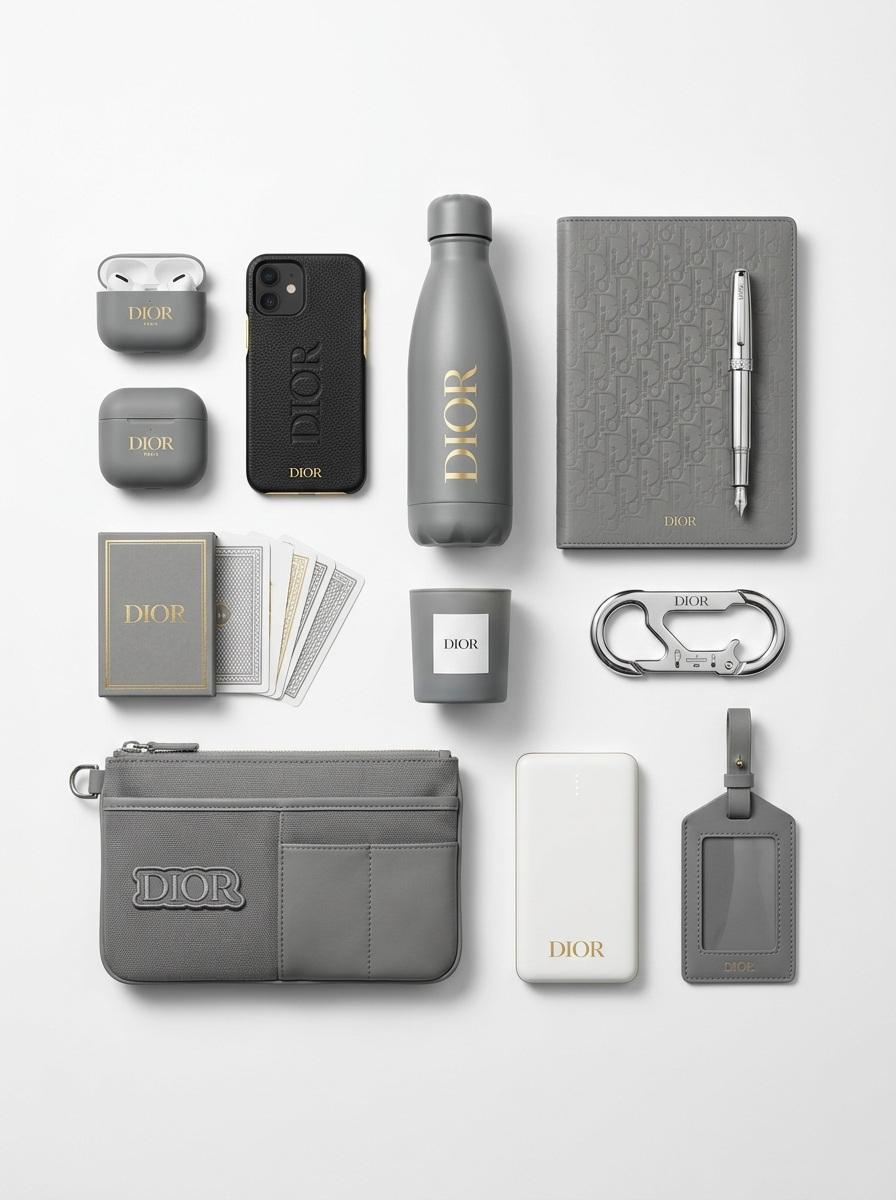
Premium Branded Merchandise Capsule Collection (Knolling Perspective)
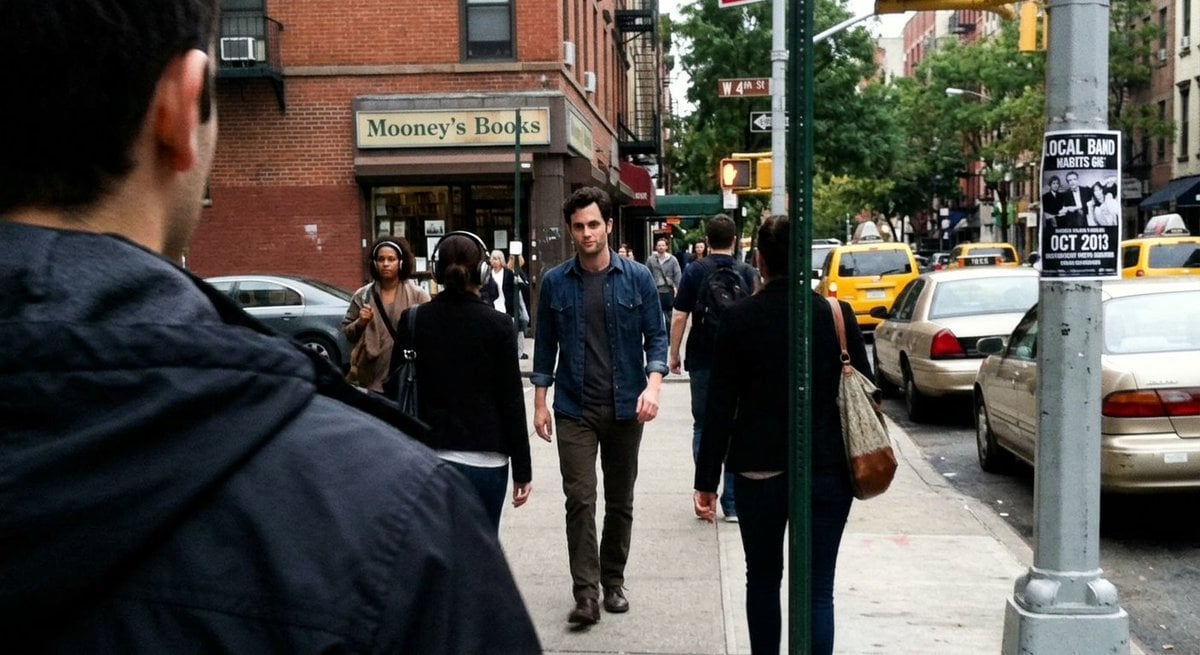
Fleeing Joe Goldberg Photo
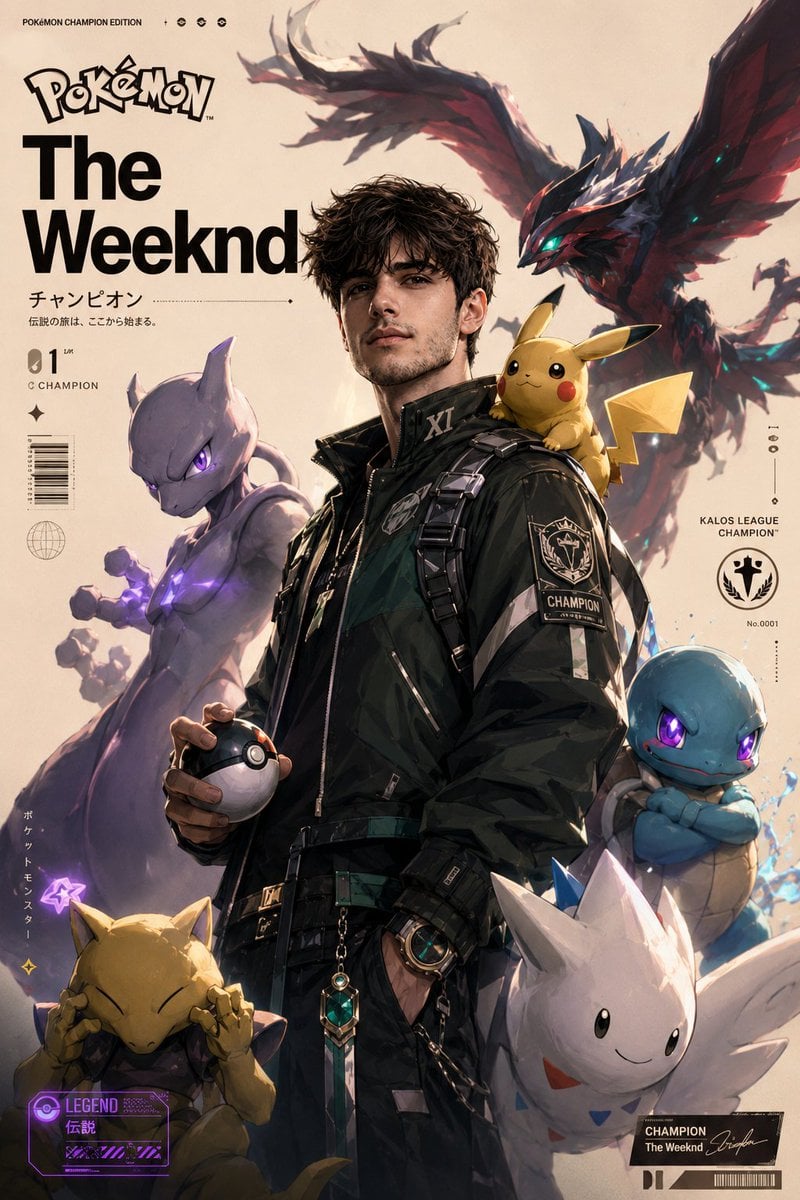
Cinematic Pokemon Champion Poster
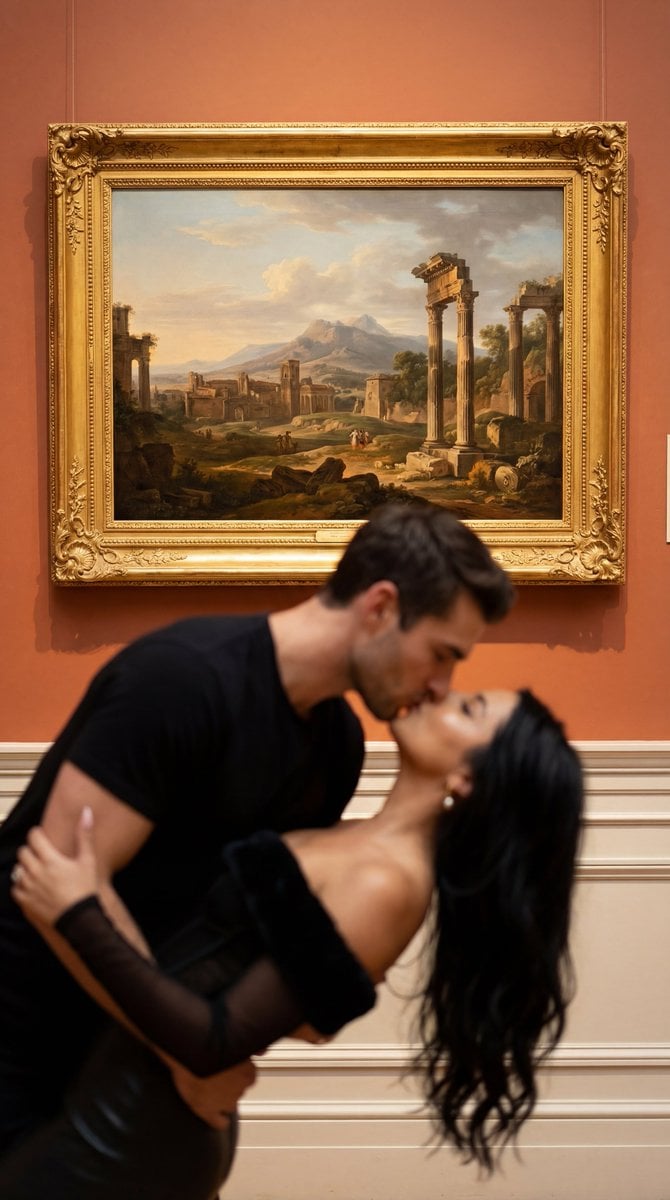
Cinematic Museum Romance Dip-Kiss Editorial Prompt
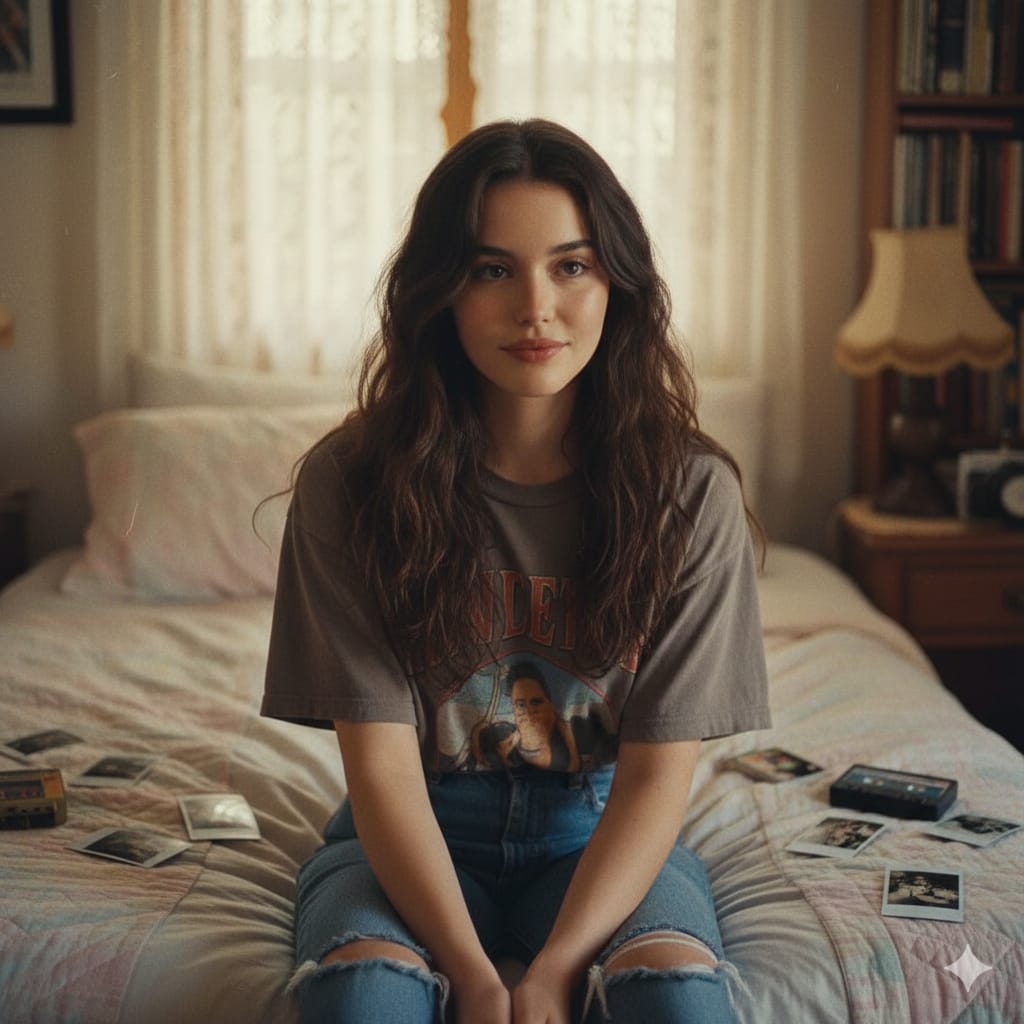
Nostalgic 1990s Bedroom Portrait
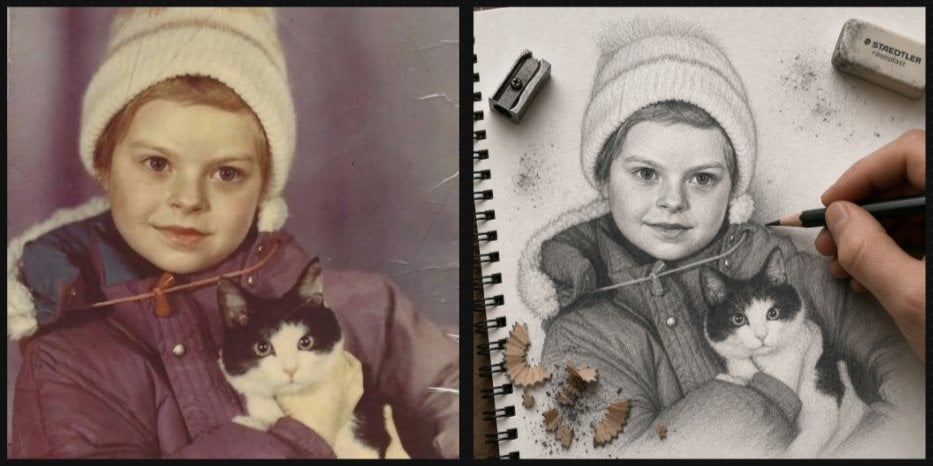
Vintage Photo to Graphite Sketch
Browse template categories
Celestial Archive Anime Duo questions
How do I use the Celestial Archive Anime Duo template?
Add your photo if the template asks for one, edit the prompt if you like — the template's model and format are already selected — and press Generate. Your version opens in PicX Studio.
Can I customize the Celestial Archive Anime Duo template?
Yes. You can change the subject, setting, lighting, mood, format, and available model controls before creating your image.
Is the Celestial Archive Anime Duo template free?
Opening and editing this template is free. Generating uses credits, shown on the Generate button when you are signed in.
Which AI model should I use?
Start with GPT Image 2, which is the model associated with this template. You can compare another compatible model for a different finish.
Looking for something else? Browse all templates.

Your photo, any look
Thousands of ready templates for every top image and video model, from one credit balance.