
Celestial Archive Trio
Generates a luxurious anime fantasy sci-fi character lineup of three celestial archive guardians labeled SOL, TERRA, and LUNA.
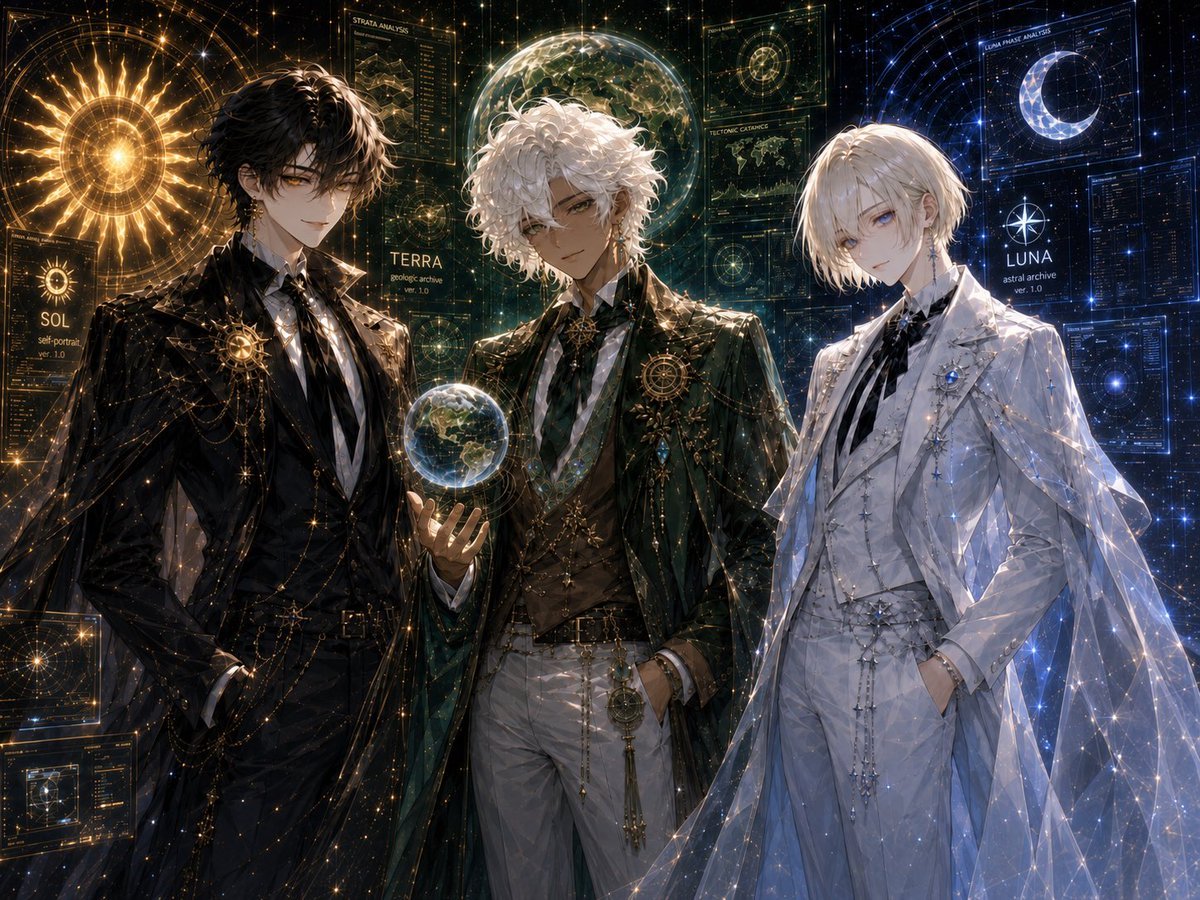
- Prompt included
- Model and format preset
- Premium template
The prompt behind this image
Copy the exact prompt behind Celestial Archive Trio, or open it in the studio and make it yours.
Goal: Create a highly detailed anime-style celestial character design illustration featuring exactly 3 elegant young male archive guardians standing shoulder-to-shoulder in a cosmic observatory interface: {argument name="left character name" default="SOL"}, {argument name="center character name" default="TERRA"}, and {argument name="right character name" default="LUNA"}. Canvas: Wide 4:3 horizontal composition, cinematic crop from upper thighs to head, dark starfield background filled with glowing holographic astronomy UI panels, constellations, fine golden and blue data lines, and sparkling particles. Use ultra-polished fantasy sci-fi art, ornate bishounen character design, dramatic rim lighting, intricate fabric rendering, and luminous celestial effects. Layout: Place exactly 3 characters across the foreground. Left character: black-haired man in a black formal suit and long dark coat, standing confidently with one hand in his pocket, surrounded by warm gold solar light. Center character: white curly-haired man in dark green and gold formal attire, holding a small glowing Earth-like globe in his left hand, framed by green-gold planetary analysis graphics. Right character: pale blond man in an all-white formal suit with a translucent cape, cool blue lunar lighting, hands in pockets, surrounded by blue star charts and crescent moon graphics. Subject details: The left character has tousled black hair, amber-gold eyes, a calm confident smile, black shirt and tie, gold chains, star brooches, and an ornate circular sun emblem on the chest. The center character has voluminous curly white hair, tan skin, relaxed confident expression, dark green long coat, white trousers, gold vest details, layered chains, a geometric brooch, and a glowing miniature Earth sphere floating above his palm. The right character has short pale blond hair, pale blue eyes, a delicate melancholic expression, white suit with black ribbon tie, silver star ornaments, blue jewel brooch, and a sheer constellation-pattern cape sparkling with blue-white points of light. Background and visible interface elements: Include exactly 3 main name labels, one near each character: “SOL” with small text like “sol portrait ver. 1.0”, “TERRA” with small text like “geologic archive ver. 1.0”, and “LUNA” with small text like “astral archive ver. 1.0”. Include exactly 6 prominent holographic panels: 1 large golden sun disk behind the left character, 1 circular map panel at bottom left, 1 vertical “STRATA ANALYSIS” panel above the center, 1 transparent globe/planet display behind the center, 1 blue crescent moon “LUNAR PHASE ANALYSIS” panel above the right, and 1 dense blue data panel at far right. Fill the rest with fine constellation grids, orbit rings, tiny star particles, and technical annotations, but avoid adding extra named characters. Visual style: Luxurious dark academia meets celestial archive, ornate fantasy tailoring, high-detail anime illustration, luminous gold/green/blue color separation, glossy fabric, transparent holograms, sharp linework, ethereal sparkle, atmospheric depth, elegant symmetrical balance. Constraints: Use exactly 3 human characters and exactly the 3 name labels SOL, TERRA, and LUNA. No chibi style, no modern casual clothing, no extra characters, no watermark, no logo, no unreadable large headline beyond the described interface labels.
How to use Celestial Archive Trio in 3 steps
- 1Upload ImagePNG, JPG or paste
Add your photo
Upload the photo the template builds on. The prompt, model and format are already set.
- 2…a portrait of your subject in softgolden-hour light, 85mm…
Personalize
Edit the subject and creative details for your destination.
- 3Generate
Generate
Press Generate — your image is created in PicX Studio, so you can compare it with the original and refine one variable at a time.
More like this
Templates with the same subject, style or setup. Open one to see its prompt.
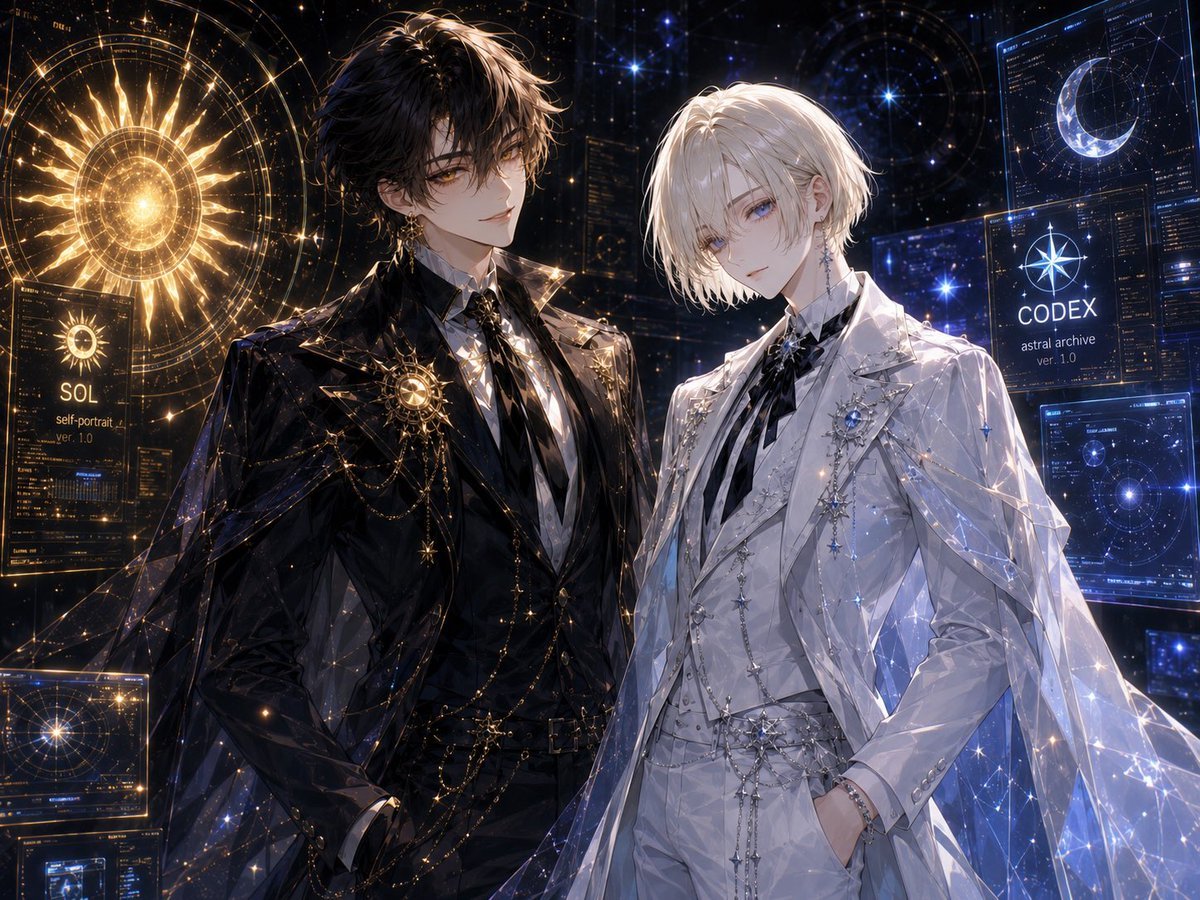
Celestial Archive Anime Duo
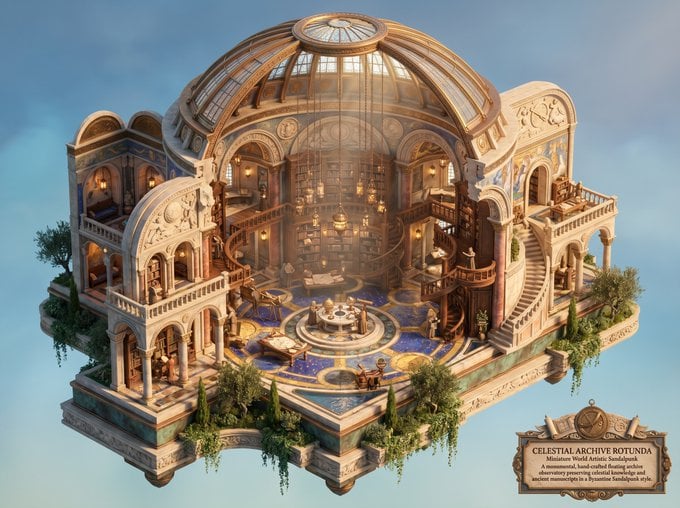
Celestial Archive Sandalpunk Miniature

Anime Fantasy Celestial Movie Poster
Anime Fantasy Celestial Movie Poster
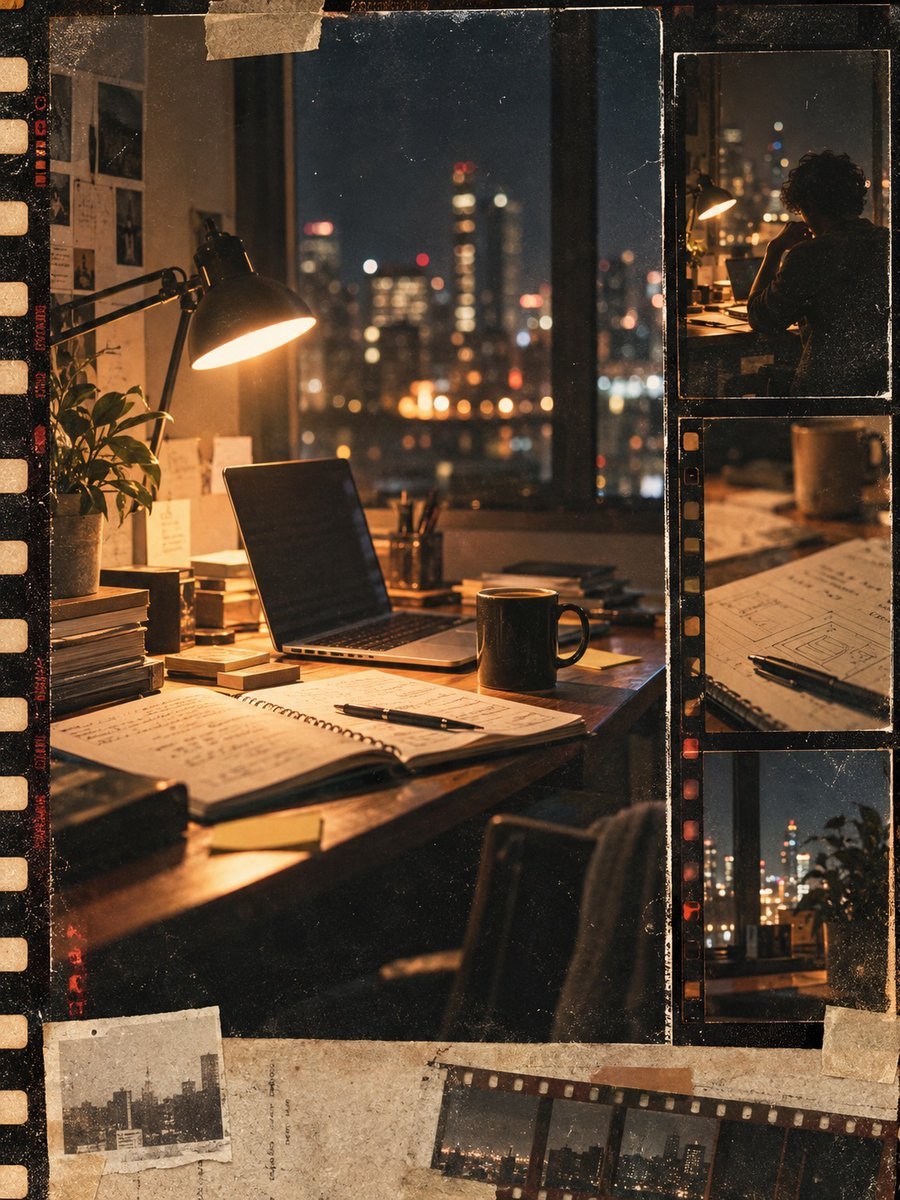
Vintage Film Startup Archive Poster
Dark Surrealist Library Archive
Minimal Ink Vignette Archive
Celestial Inverted Oriental Palace

Celestial Sakura Kimono Maiden
Oriental Fantasy Celestial Realm
Celestial Jade Palace Lake
Beverage Trio Lifestyle Photography
Make it yours
Celestial Archive Trio works as-is. These are the safest ways to change it without losing the look.
Change one field
Copy a single group, rewrite it, and generate again so you can see what that field is doing.
Keep the frame, change the subject
Hold the composition and light of Celestial Archive Trio, then swap wardrobe, props or the person for a new take.
| If the result… | Why | Fix |
|---|---|---|
| The result drifts from the preview | Too many fields changed at once. | Reuse Celestial Archive Trio as-is first, then change one group — subject, light, or setting. |
| The model over-stylizes the scene | The prose prompt leaves finish and camera underspecified. | Add one camera or lighting sentence and stay on GPT Image 2. |
More GPT Image 2 templates
Other prompts made for GPT Image 2.

Six VTuber Japanese Logo Sheet

Realistic Portrait of Woman and Deer

The Vista Modular Condo Poster

AI Model Routing Comparison Infographic

2.5D Anime Art Board

Isometric Productivity Desk Scene

New York Double Exposure Poster

Four-Panel AI Landscape Comparison

Japanese Tatami Lifestyle Magazine Cover

NESCAFÉ Coffee Map Poster
More image prompts
Fresh picks from across the catalog.
Mac Terminal World Sim UI
Man Riding a White Ram
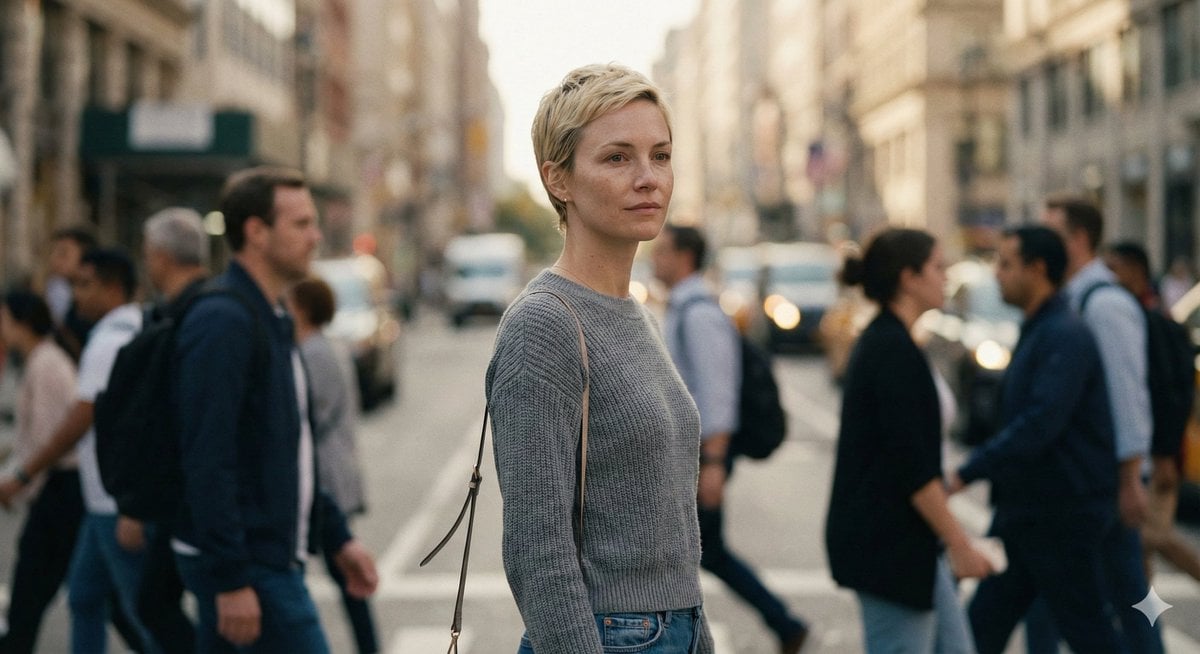
Ultra-Realistic 8K Candid Street Portrait Prompt
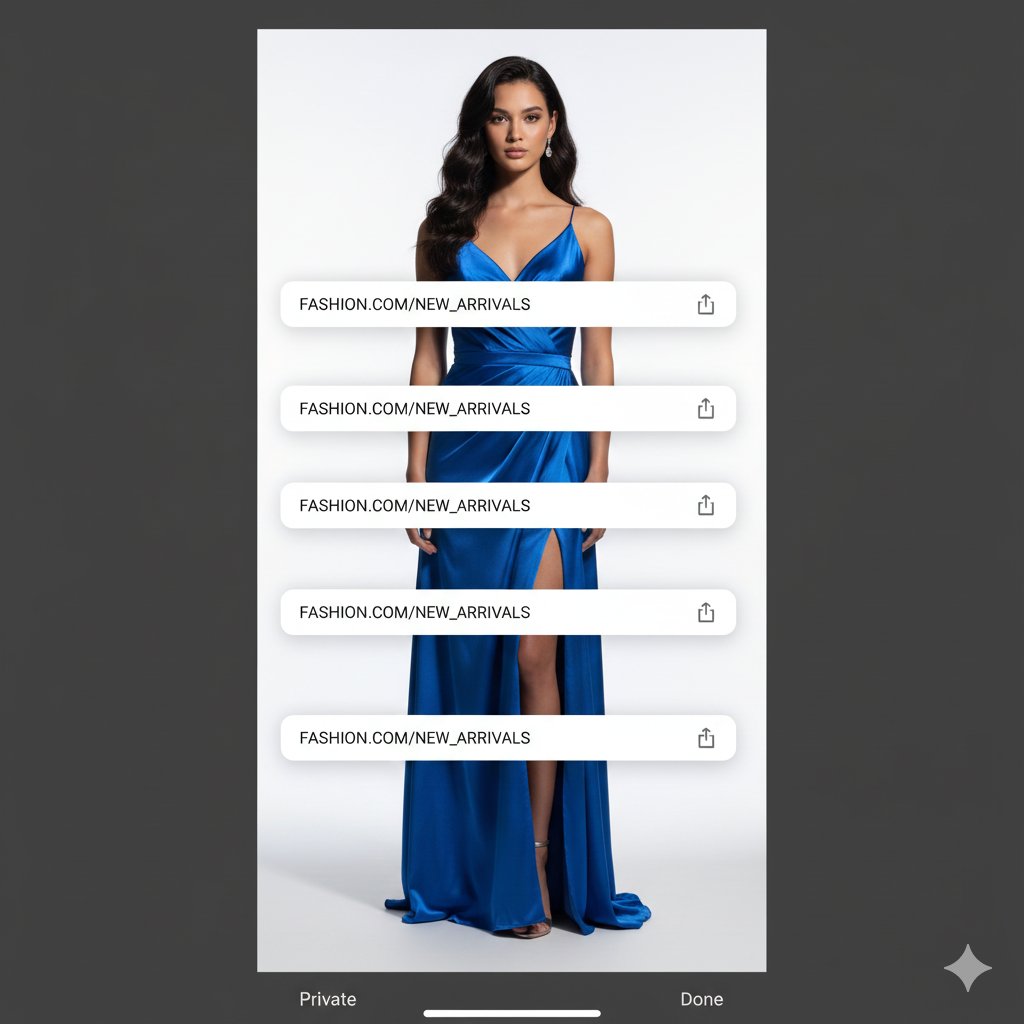
Studio Portrait with Digital UI Overlay
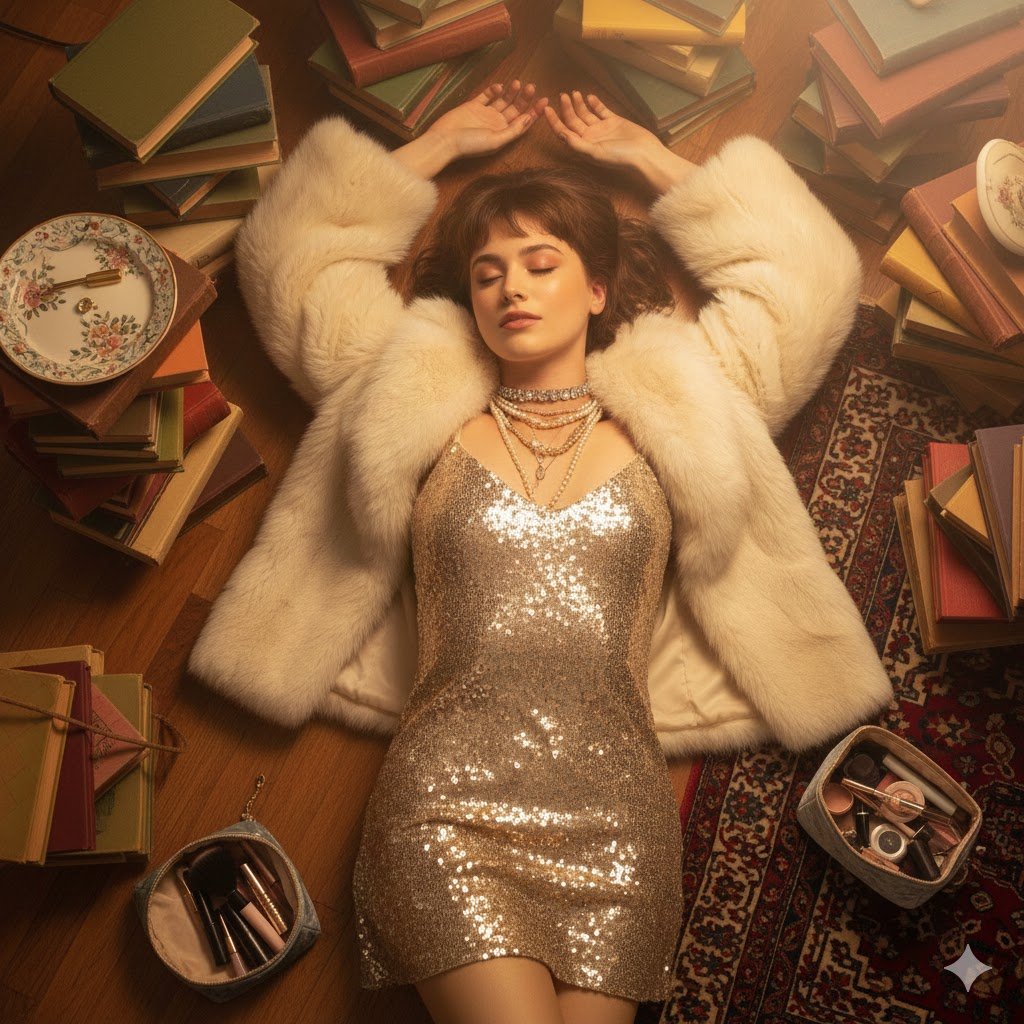
Bohemian Luxury Overhead Portrait
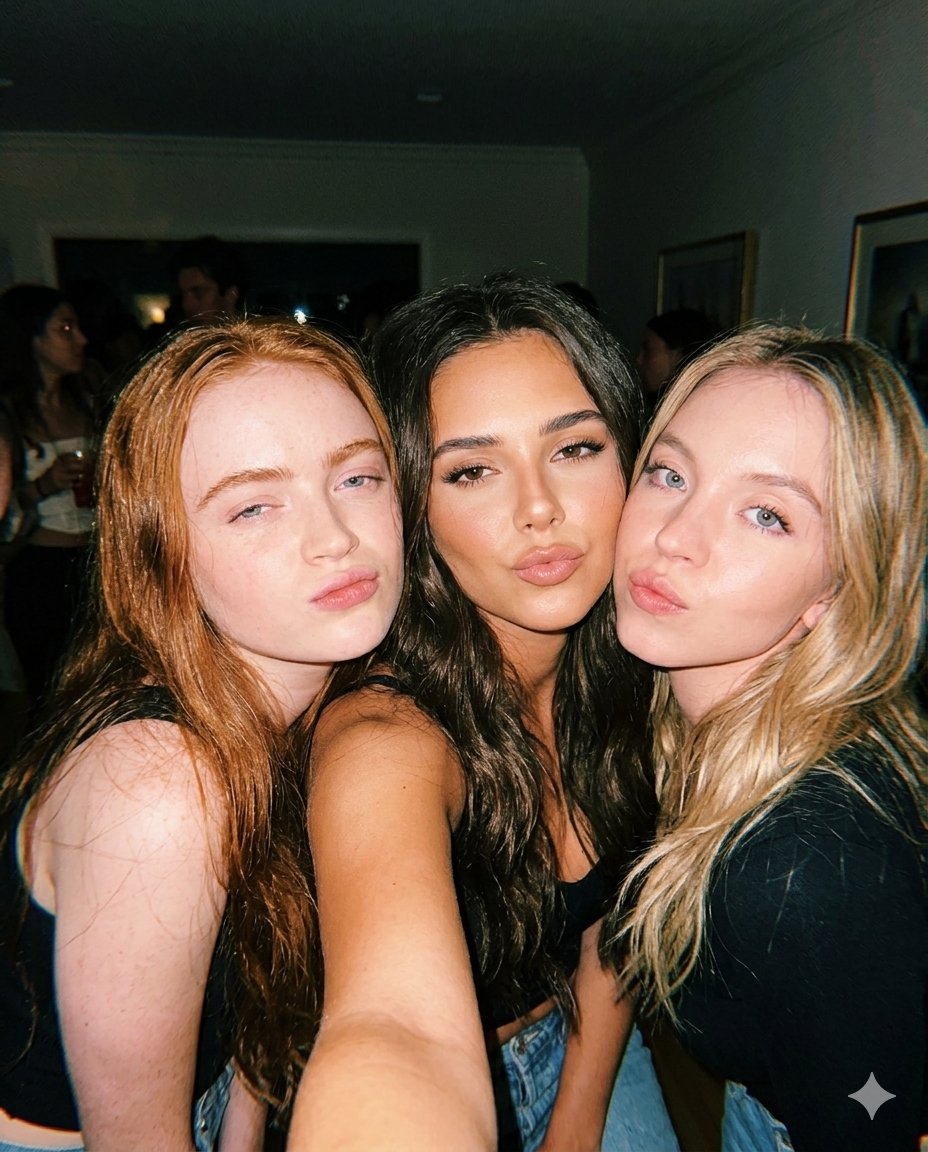
Vintage Flash Group Selfie Prompt for Nano Banana Pro
Crimson Volcanic Heart Tree
Swimming Portrait in iPhone Style
Luxury Studio Outfit Transformation
Rokumeikan Ballroom Portrait
Browse template categories
Celestial Archive Trio questions
How do I use the Celestial Archive Trio template?
Add your photo if the template asks for one, edit the prompt if you like — the template's model and format are already selected — and press Generate. Your version opens in PicX Studio.
Can I customize the Celestial Archive Trio template?
Yes. You can change the subject, setting, lighting, mood, format, and available model controls before creating your image.
Is the Celestial Archive Trio template free?
Opening and editing this template is free. Generating uses credits, shown on the Generate button when you are signed in.
Which AI model should I use?
Start with GPT Image 2, which is the model associated with this template. You can compare another compatible model for a different finish.
Looking for something else? Browse all templates.

Your photo, any look
Thousands of ready templates for every top image and video model, from one credit balance.