
The Lighthouse Keeper Storyboard
A detailed cinematic prompt for a mysterious storm-weathered lighthouse scene with heavy emotional atmosphere.
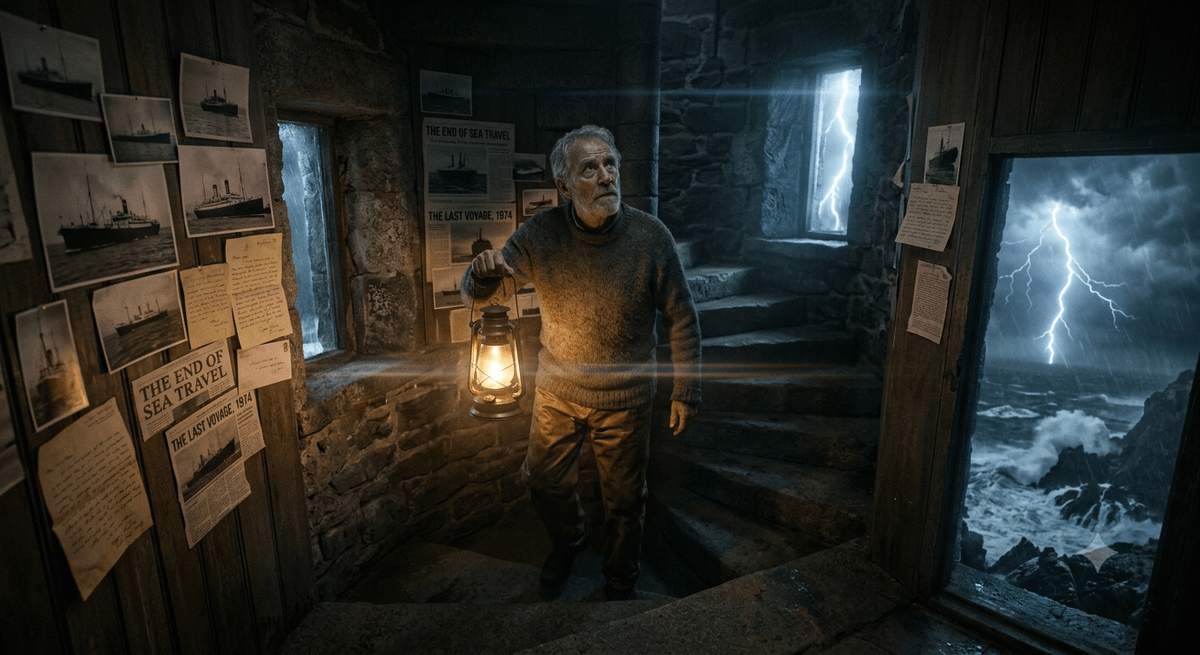
- Prompt included
- Model and format preset
- Free template
The prompt behind this image
Copy the exact prompt behind The Lighthouse Keeper Storyboard, or open it in the studio and make it yours.
{ "title": "{argument name="story title" default="The Lighthouse Keeper"}", "image_description": "A solitary lighthouse stands on a jagged cliff surrounded by a violent ocean storm. Towering waves crash against the rocks below. Lightning tears through dark clouds, briefly illuminating the ancient stone structure. Inside the lighthouse, an elderly keeper slowly climbs a spiral staircase carrying an old lantern. The walls are covered with faded photographs, letters and newspaper clippings spanning decades. Every ship route in the world was abandoned more than fifty years ago. No vessels pass here anymore. Yet every night, without fail, the keeper climbs to the top and turns on the light.", "story_element": { "twist": "{argument name="plot twist" default="Nobody knows why he still does it."}", "secret": "{argument name="the secret" default="Tonight, for the first time in fifty years, a faint light appears on the horizon."}" }, "environment": { "weather": "Violent storm", "time": "Midnight", "atmosphere": "Lonely, mysterious, emotional" }, "symbolism": "Faith and hope without proof.", "cinematography": { "camera_angle": "Low angle", "lens": "85mm anamorphic", "lighting": "Lightning flashes and warm lantern glow" }, "mood": [ "Hope", "Mystery", "Loneliness", "Determination" ], "quality": { "style": "Oscar-winning cinematic drama", "resolution": "8K", "realism": "Ultra photorealistic" } }
How to use The Lighthouse Keeper Storyboard in 3 steps
- 1
Open
The prompt is already in the box next to the preview, with the template's model and format selected.
- 2…a portrait of your subject in softgolden-hour light, 85mm…
Personalize
Edit the subject and creative details for your destination.
- 3Generate
Generate
Press Generate — your image is created in PicX Studio, so you can compare it with the original and refine one variable at a time.
More like this
Templates with the same subject, style or setup. Open one to see its prompt.

Creative Character in Pink Office

Avant-Garde Asian Fashion Model

Underwater Macro Face Portrait

Water-level Bridge Modification

Noir Punk Street Portrait

High Contrast Cinematic Face Portrait

Monochrome Studio Portrait with Colored Lens

Ultra-Realistic Yacht Sunset Portrait

Mushroom Still Life Composition

Whimsical Anthropomorphic Friendly Insect

Pop Art Summer Fruit Fashion Illustration
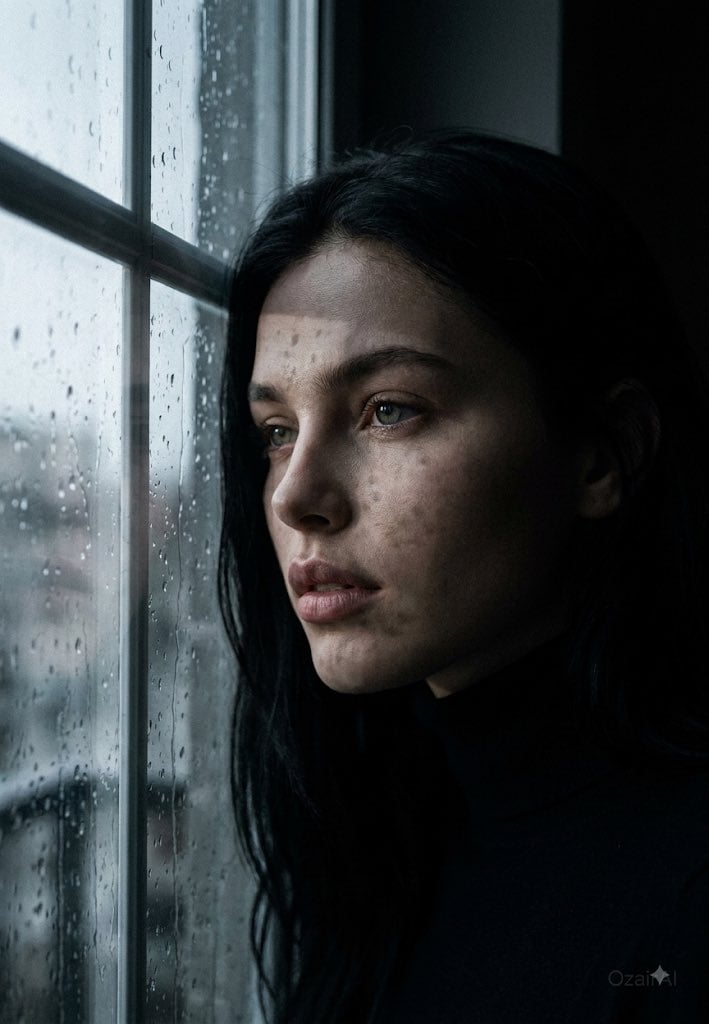
Dark Cinematic Window Lighting Portrait
Make it yours
The Lighthouse Keeper Storyboard works as-is. These are the safest ways to change it without losing the look.
Change one field
Copy a single group, rewrite it, and generate again so you can see what that field is doing.
Keep the frame, change the subject
Hold the composition and light of The Lighthouse Keeper Storyboard, then swap wardrobe, props or the person for a new take.
| If the result… | Why | Fix |
|---|---|---|
| The result drifts from the preview | Too many fields changed at once. | Reuse The Lighthouse Keeper Storyboard as-is first, then change one group — subject, light, or setting. |
| The model over-stylizes the scene | The prose prompt leaves finish and camera underspecified. | Add one camera or lighting sentence and stay on Gemini 3 Pro Image Preview. |
More Gemini 3 Pro Image Preview templates
Other prompts made for Gemini 3 Pro Image Preview.

Cinematic Urban Night Billboard Portrait

Ultra-Realistic iPhone Selfie with Motion Blur

Cinematic Mirror Reflection Portrait

Elegant Men's Twilight Editorial

Coastal Freedom Sunset Portrait

Ergonomic Office Chair E-commerce Mobile Detail Page

Macro Guitar Fret Dressing

Cinematic Black and White Studio Portrait

1980s Retro Salon Portrait

Felt Frog Diorama Beach
More image prompts
Fresh picks from across the catalog.
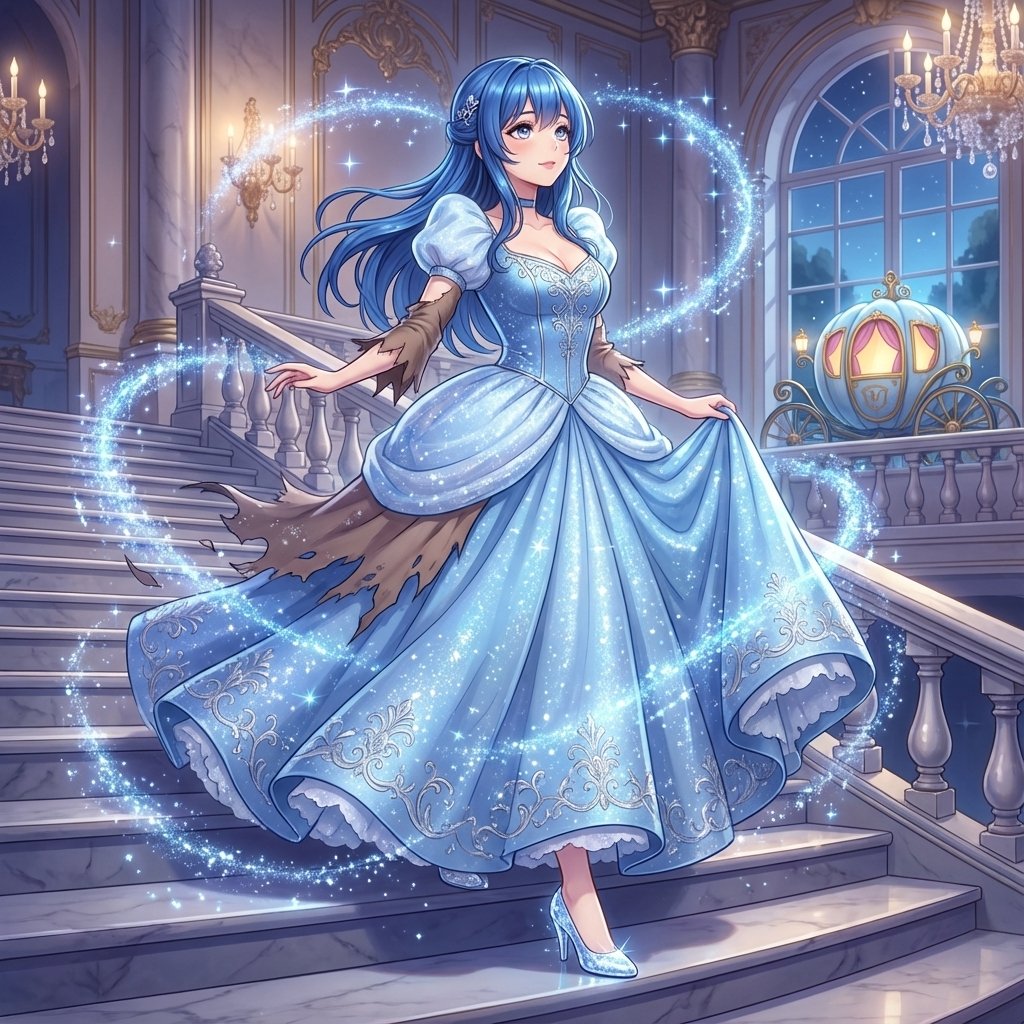
Cinderella Transformation AI Image Prompt
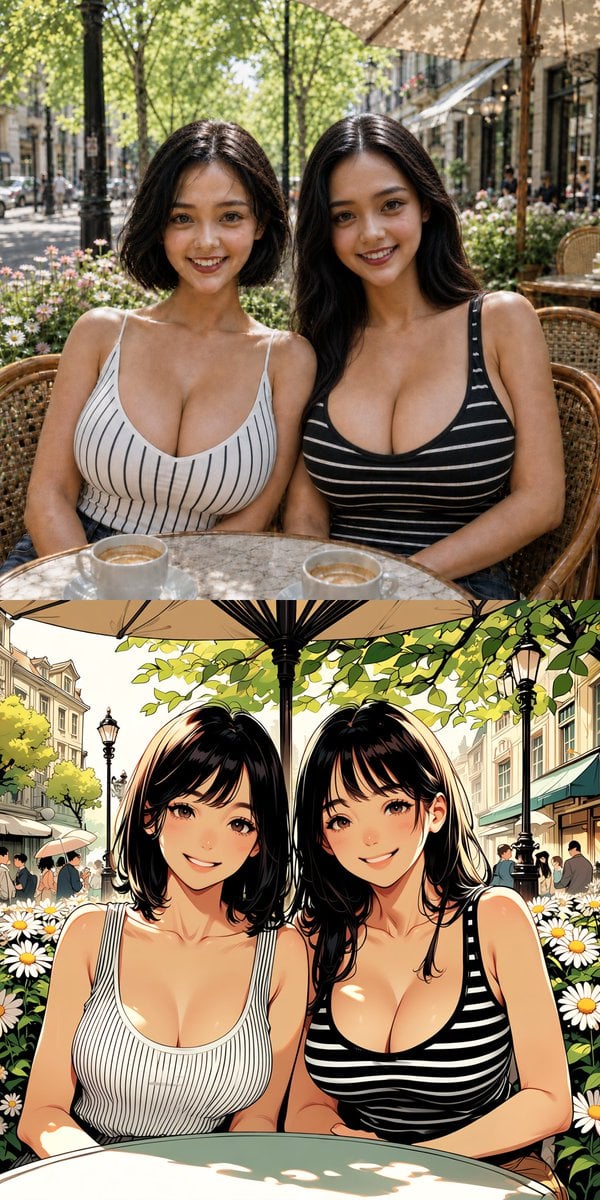
Twin Sisters Café Photo to Anime Comparison
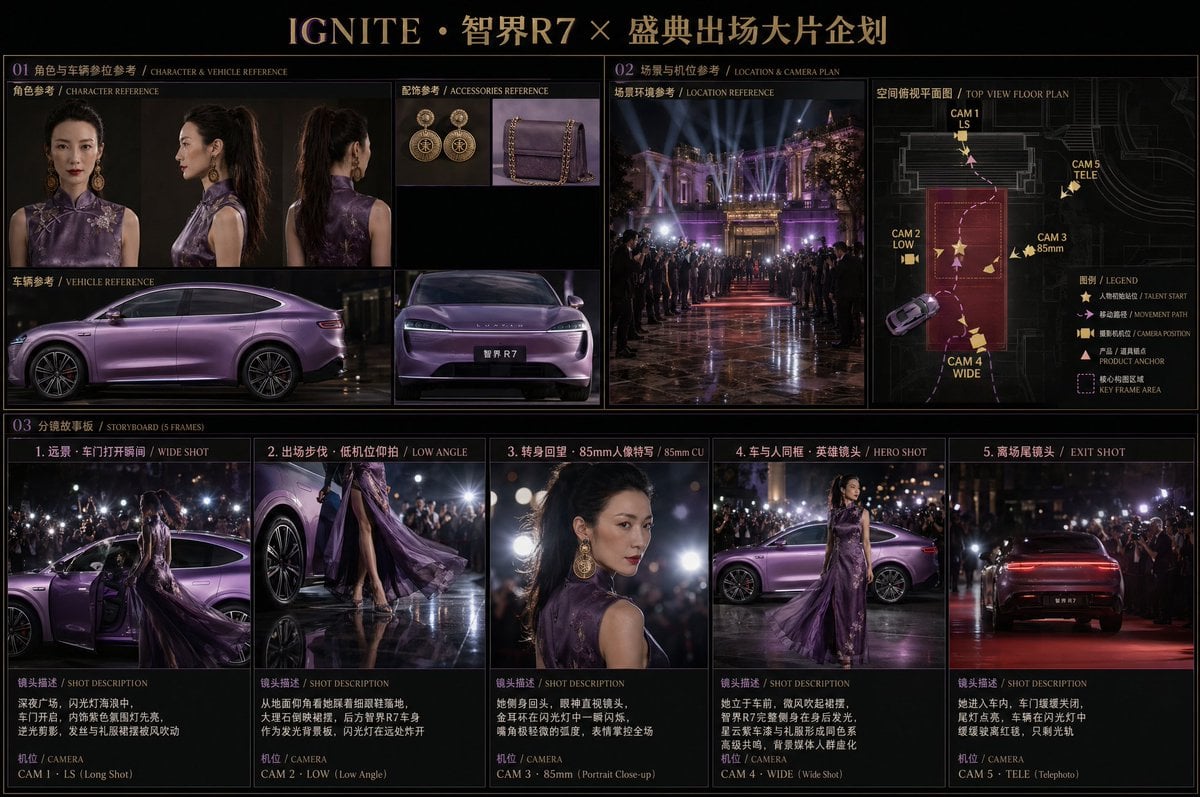
Cinematic Editorial Storyboard
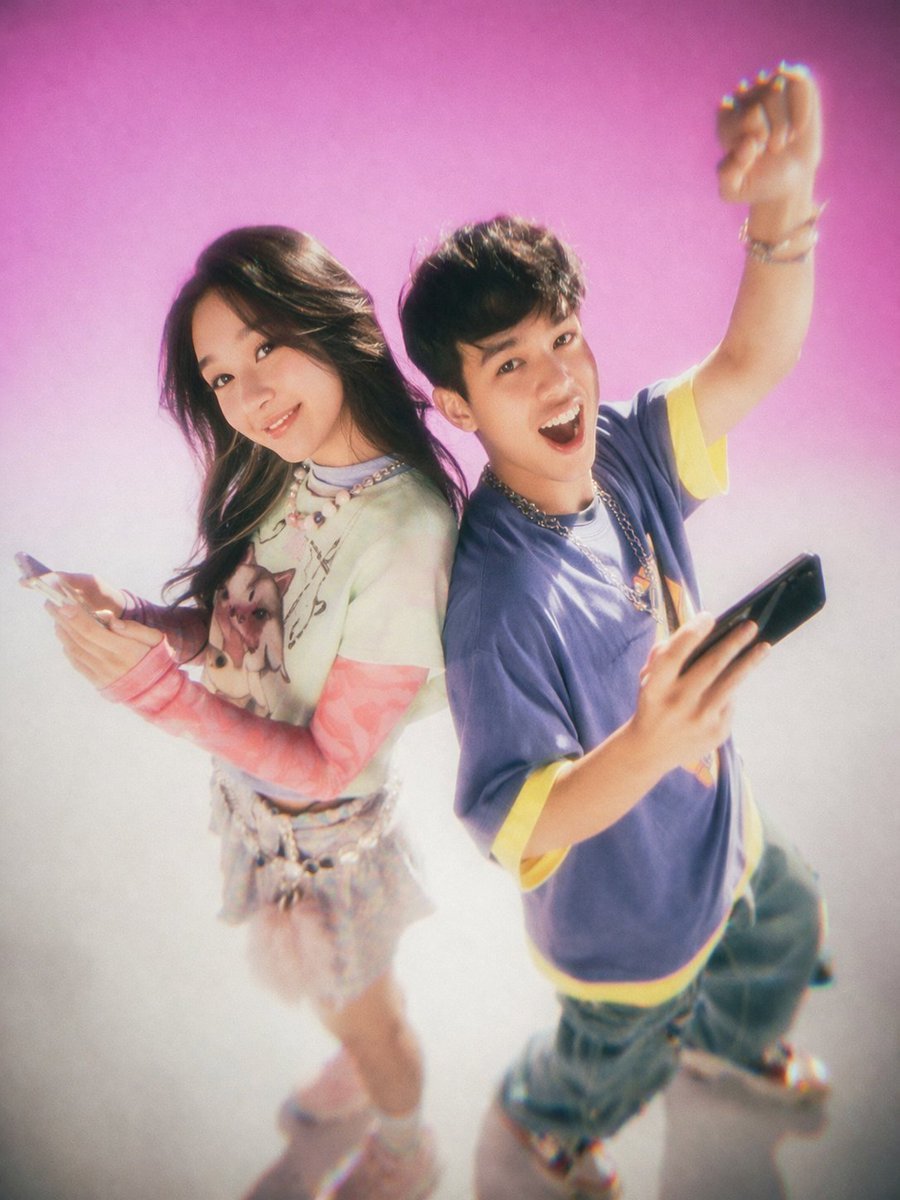
Y2K Teen Magazine Studio Portrait
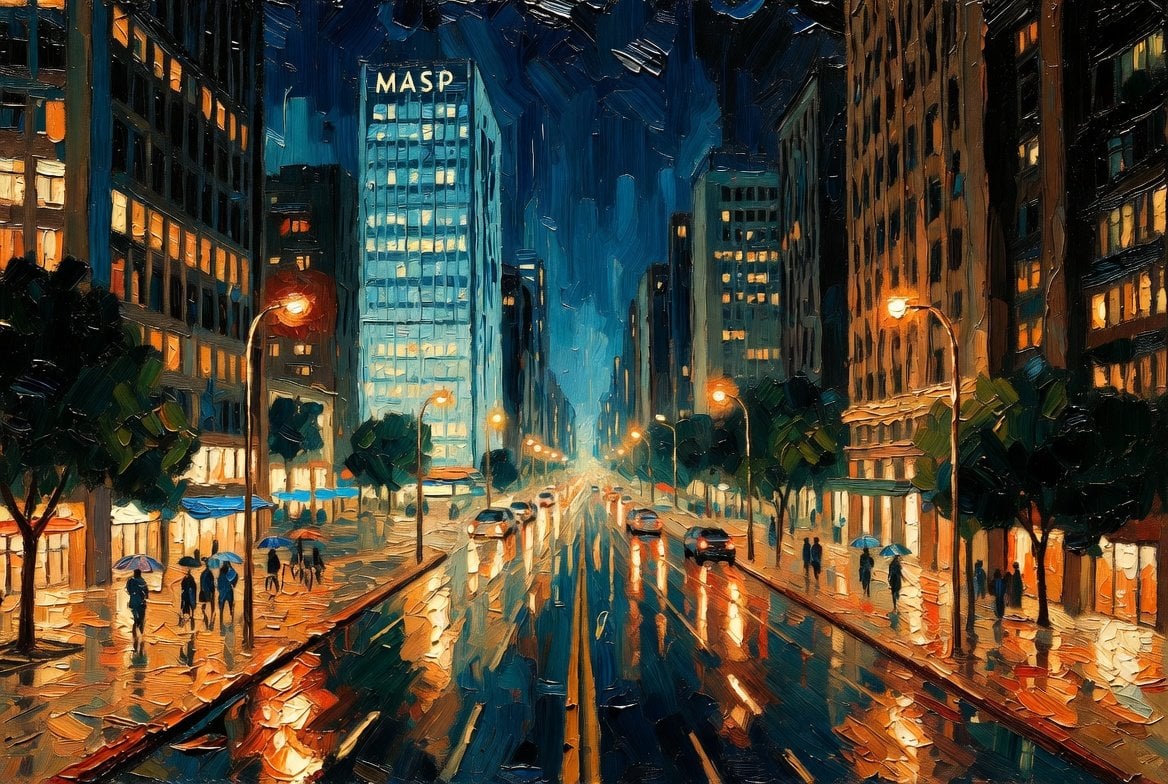
São Paulo Avenida Paulista Painting Prompt (JSON reference)

Epic Fantasy Double Exposure Silhouette
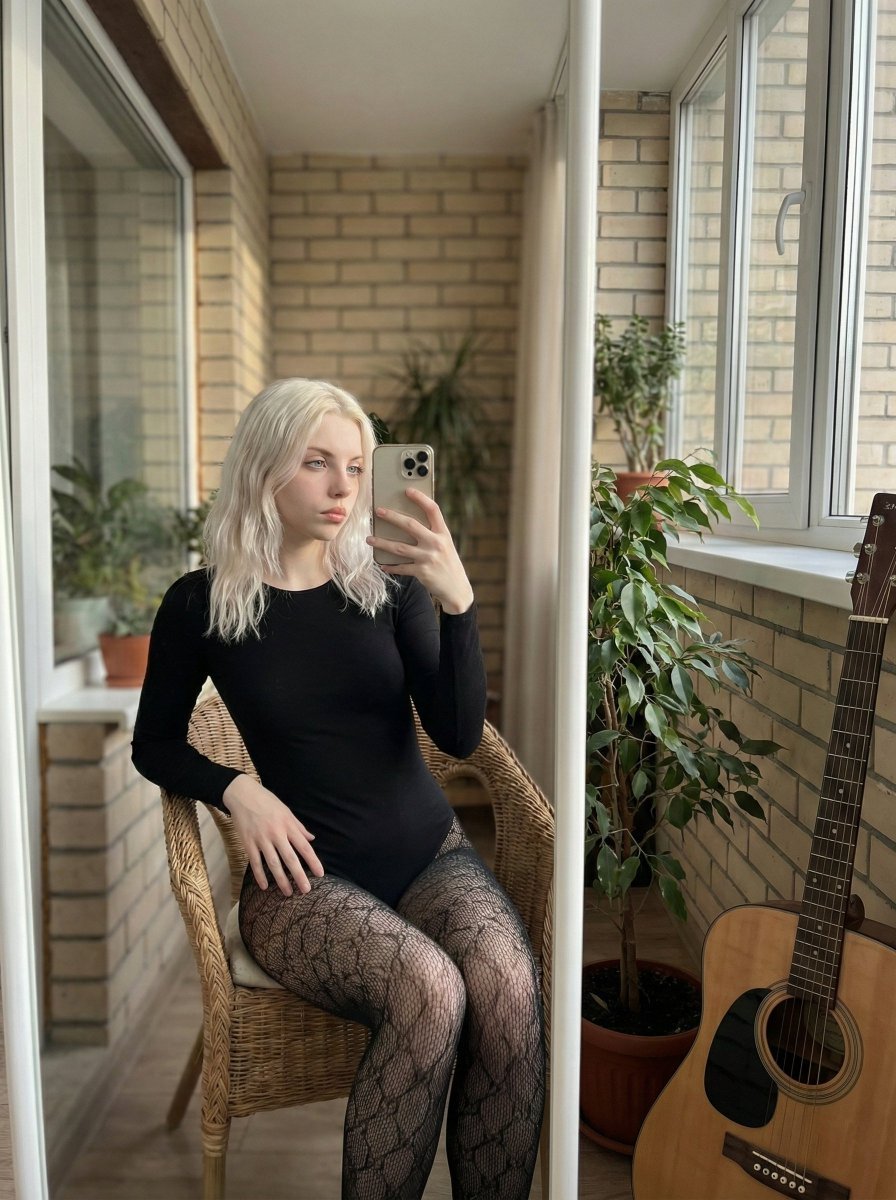
Hyper-Realistic Mirror Selfie Prompt
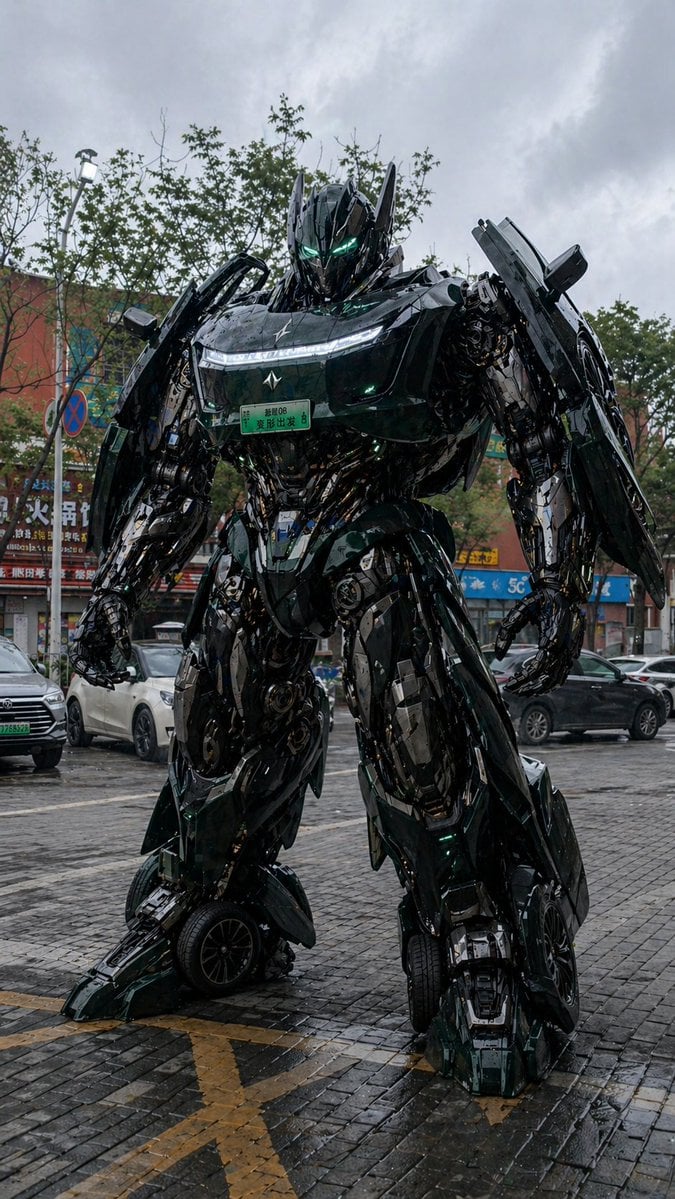
Car Transformation Prompt

High-Definition Culinary Photography: Chicken Drumsticks
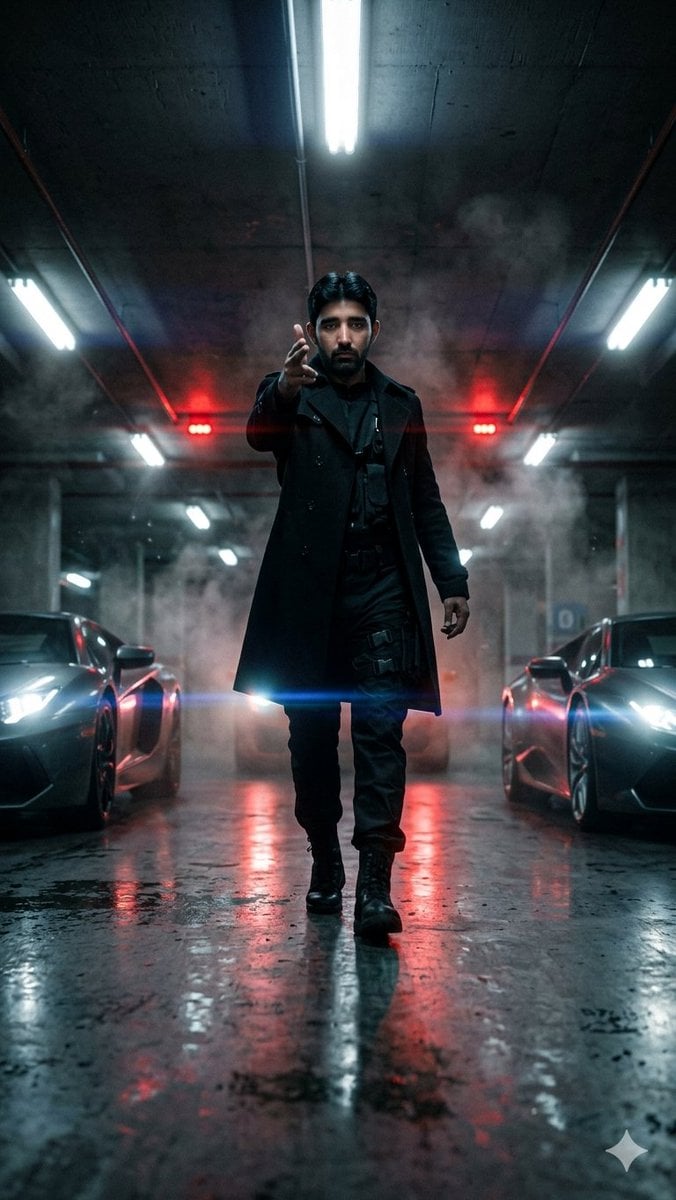
Cinematic Parking Garage Walk
Browse template categories
The Lighthouse Keeper Storyboard questions
How do I use the The Lighthouse Keeper Storyboard template?
Add your photo if the template asks for one, edit the prompt if you like — the template's model and format are already selected — and press Generate. Your version opens in PicX Studio.
Can I customize the The Lighthouse Keeper Storyboard template?
Yes. You can change the subject, setting, lighting, mood, format, and available model controls before creating your image.
Is the The Lighthouse Keeper Storyboard template free?
Opening and editing this template is free. Generating uses credits, shown on the Generate button when you are signed in.
Which AI model should I use?
Start with Gemini 3 Pro Image Preview, which is the model associated with this template. You can compare another compatible model for a different finish.
Looking for something else? Browse all templates.

Your photo, any look
Thousands of ready templates for every top image and video model, from one credit balance.