
Photorealistic Fast Food Storefront
This prompt generates a clean, photorealistic fast-food restaurant exterior with readable signage and menu text, suitable for advertising mockups, storefront concepts, or AI image model demos.

- Prompt included
- Model and format preset
- Free template
The prompt behind this image
Copy the exact prompt behind Photorealistic Fast Food Storefront, or open it in the studio and make it yours.
A photorealistic daytime street-corner exterior of a modern {argument name="restaurant brand" default="BURGER KING"} fast-food restaurant, viewed from a front-left angle under a bright blue sky with scattered white clouds. The building has a beige stucco facade with a bold red trim band along the roofline, a large round brand logo near the upper left of the front wall, and oversized red channel letters spelling {argument name="main sign text" default="BURGER KING"} across the top. On the right side of the facade, show one tall vertical menu billboard with 6 visible product panels and prices: Whopper $6.99, Impossible Whopper $7.49, Chicken Fries $3.49, Onion Rings $2.49, a 2 for $6 Mix or Match panel, and a $3 Your Way Meal panel with fries and drink. Include a black drive-thru canopy on the left side with the text {argument name="drive thru sign" default="DRIVE THRU"}, and 2 cars in the lane, one dark SUV closer to camera and one silver sedan ahead. The front corner should have floor-to-ceiling glass windows revealing a lit interior with a few customers and menu boards faintly visible. Place 1 hiring poster in the front window reading {argument name="window poster text" default="Now Hiring"}. Add neatly maintained landscaping with 5 shrubs in dark mulch beds along the building edge, a concrete sidewalk in the foreground, a grassy strip, utility poles, traffic lights, and a suburban roadside intersection extending into the left background. Natural midday lighting, crisp shadows, commercial real-estate photography look, ultra-clean signage, highly legible text, realistic reflections on glass, sharp architectural details, and a subtle white {argument name="watermark text" default="Pollo.ai"} watermark in the top-right corner.
How to use Photorealistic Fast Food Storefront in 3 steps
- 1Upload ImagePNG, JPG or paste
Add your photo
Upload the photo the template builds on. The prompt, model and format are already set.
- 2…a portrait of your subject in softgolden-hour light, 85mm…
Personalize
Edit the subject and creative details for your destination.
- 3Generate
Generate
Press Generate — your image is created in PicX Studio, so you can compare it with the original and refine one variable at a time.
More like this
Templates with the same subject, style or setup. Open one to see its prompt.

Cozy Knit Sweater Window Portrait

Gen Z Triple Selfie Collage — Y2K Flash Photography

Mountain Lake Sunset Landscape

Cinematic Destination Letter Panel Poster

Spider-Man Rooftop Golden Hour Cinematic Photo

Cozy Food Flat Lay Doodle Labels

Face-Locked Train Window Lifestyle Portrait

Face-Locked Cream Half-Zip Street Walk

Luxury Toothpaste Commercial Storyboard

Unfinished Sketch Comes Alive Portrait

Open Travel Journal Overhead Still Life

Face-Locked City Skyline Double Exposure
Make it yours
Photorealistic Fast Food Storefront works as-is. These are the safest ways to change it without losing the look.
Change one field
Copy a single group, rewrite it, and generate again so you can see what that field is doing.
Keep the frame, change the subject
Hold the composition and light of Photorealistic Fast Food Storefront, then swap wardrobe, props or the person for a new take.
| If the result… | Why | Fix |
|---|---|---|
| The result drifts from the preview | Too many fields changed at once. | Reuse Photorealistic Fast Food Storefront as-is first, then change one group — subject, light, or setting. |
| The model over-stylizes the scene | The prose prompt leaves finish and camera underspecified. | Add one camera or lighting sentence and stay on GPT Image 2. |
More GPT Image 2 templates
Other prompts made for GPT Image 2.

Six VTuber Japanese Logo Sheet

Realistic Portrait of Woman and Deer

The Vista Modular Condo Poster

AI Model Routing Comparison Infographic

2.5D Anime Art Board

Isometric Productivity Desk Scene

New York Double Exposure Poster

Four-Panel AI Landscape Comparison

Japanese Tatami Lifestyle Magazine Cover

NESCAFÉ Coffee Map Poster
More image prompts
Fresh picks from across the catalog.
High-Fashion Street Style Portrait Prompt
Editorial Fashion Flower Field Collage
Neon City Night Portrait with Wide-Angle Distortion
Ultra-realistic Studio Fashion Portrait
Brutalist Directional Blur Typography Poster Prompt
Yohaku Coffee Cafe Announcement Poster
Restomod Product Shot with Chiaroscuro Lighting
Gpt2 Social Media Post Artist and Ethereal Muse at Night
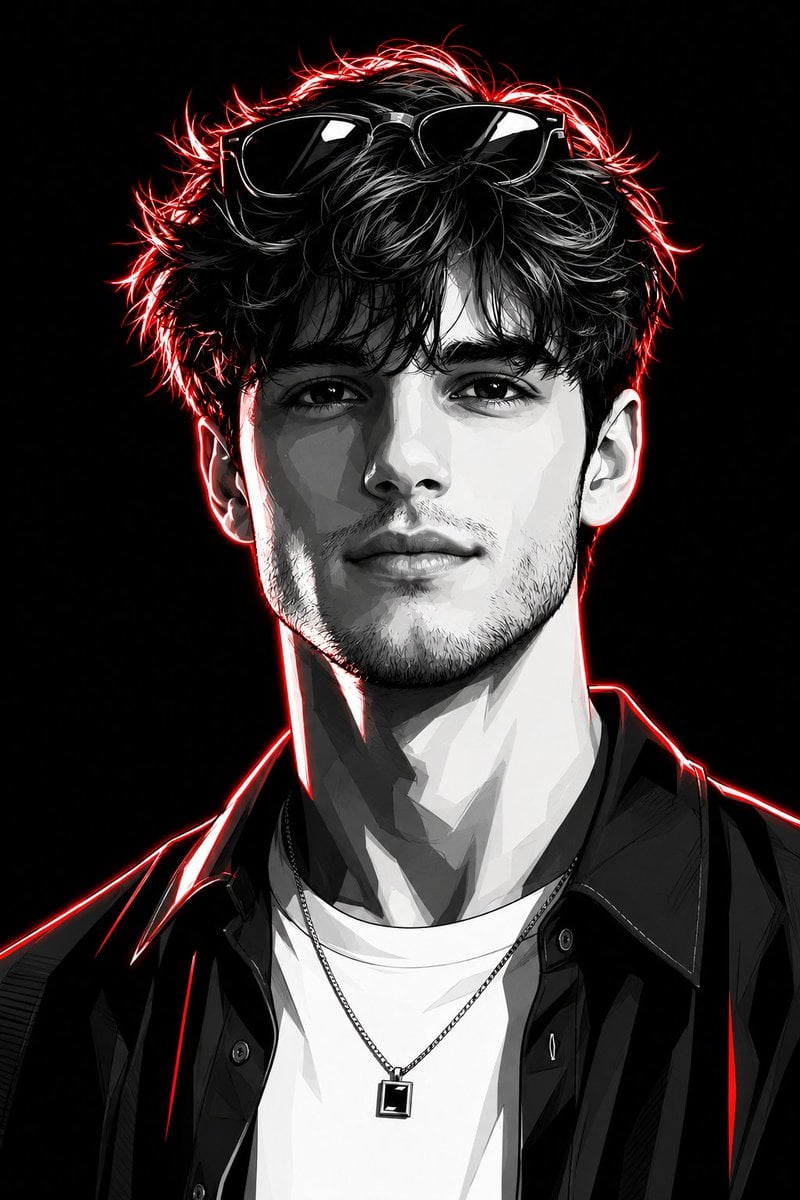
Neon Graphic Novel Character Transformation
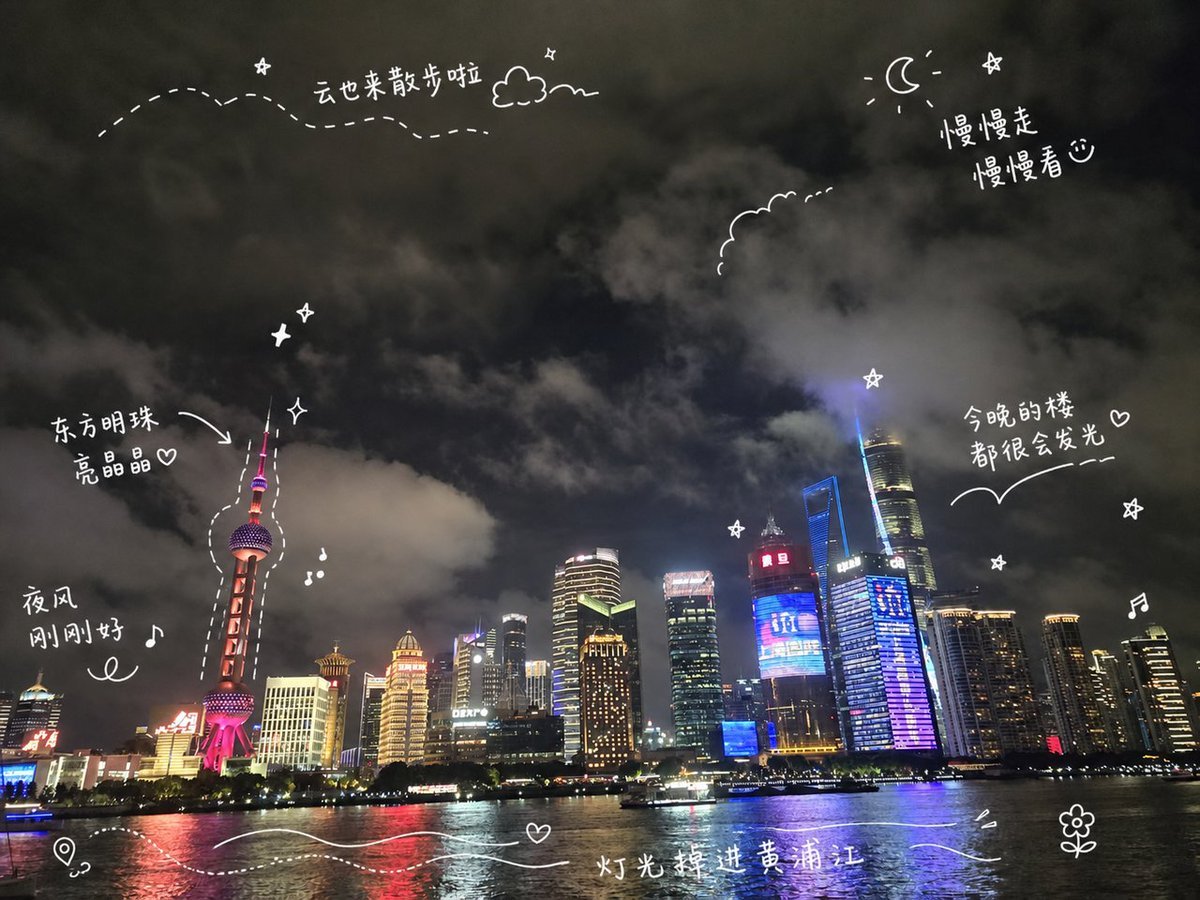
Shanghai Night Travel Journal
Browse template categories
Photorealistic Fast Food Storefront questions
How do I use the Photorealistic Fast Food Storefront template?
Add your photo if the template asks for one, edit the prompt if you like — the template's model and format are already selected — and press Generate. Your version opens in PicX Studio.
Can I customize the Photorealistic Fast Food Storefront template?
Yes. You can change the subject, setting, lighting, mood, format, and available model controls before creating your image.
Is the Photorealistic Fast Food Storefront template free?
Opening and editing this template is free. Generating uses credits, shown on the Generate button when you are signed in.
Which AI model should I use?
Start with GPT Image 2, which is the model associated with this template. You can compare another compatible model for a different finish.
Looking for something else? Browse all templates.

Your photo, any look
Thousands of ready templates for every top image and video model, from one credit balance.