
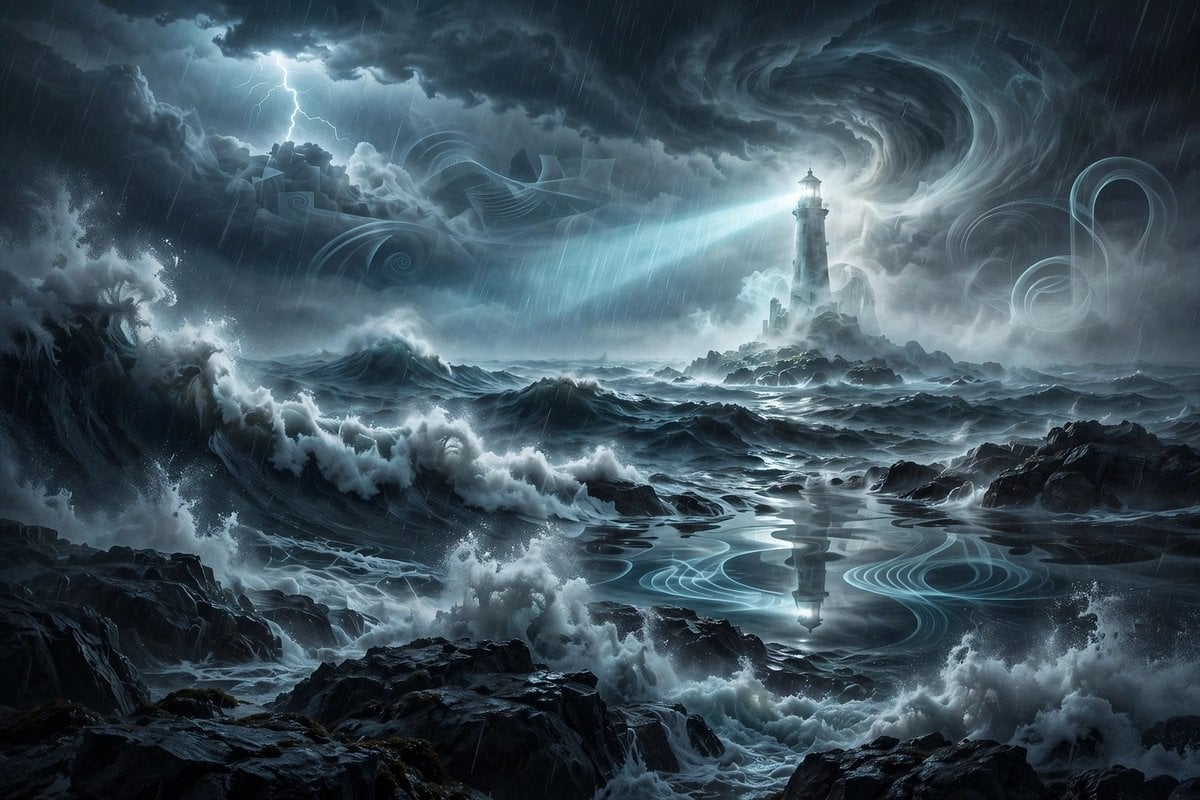
Ghostly Lighthouse Storm Seascape
A detailed prompt for generating a cinematic dark fantasy ocean storm with jagged rocks, spectral mist, swirling clouds, and a haunted lighthouse.
- Prompt included
- Model and format preset
- Free template
The prompt behind this image
Copy the exact prompt behind Ghostly Lighthouse Storm Seascape, or open it in the studio and make it yours.
Create a cinematic dark fantasy surreal seascape during a violent night storm. The scene shows enormous dark ocean waves crashing against jagged black rocks in the foreground and midground, with white sea foam exploding upward and rain streaking diagonally across the image. In the distance, place a tall ghostly lighthouse on a small rocky island, partially translucent and surrounded by pale spectral mist; its lamp emits a bright cold blue-white beam sweeping left across the ocean. Above it, form massive swirling thunderclouds with a dramatic vortex-like spiral in the sky, illuminated by moonlit cyan-gray highlights, and include one branching lightning strike in the upper left. Add ethereal translucent ribbon-like wave patterns and ghostly spiral shapes drifting through the clouds and reflected on a calmer pool of water in the center foreground, where the lighthouse reflection appears. Use a wide landscape composition, high-detail digital concept art, moody blue-gray monochrome palette, strong contrast, volumetric fog, wet rock reflections, turbulent water, sharp painterly realism, atmospheric depth, no people, no text, no border, no watermark.
How to use Ghostly Lighthouse Storm Seascape in 3 steps
- 1Upload ImagePNG, JPG or paste
Add your photo
Upload the photo the template builds on. The prompt, model and format are already set.
- 2…a portrait of your subject in softgolden-hour light, 85mm…
Personalize
Edit the subject and creative details for your destination.
- 3Generate
Generate
Press Generate — your image is created in PicX Studio, so you can compare it with the original and refine one variable at a time.
More like this
Templates with the same subject, style or setup. Open one to see its prompt.

Pixar Anime Storm Lighthouse
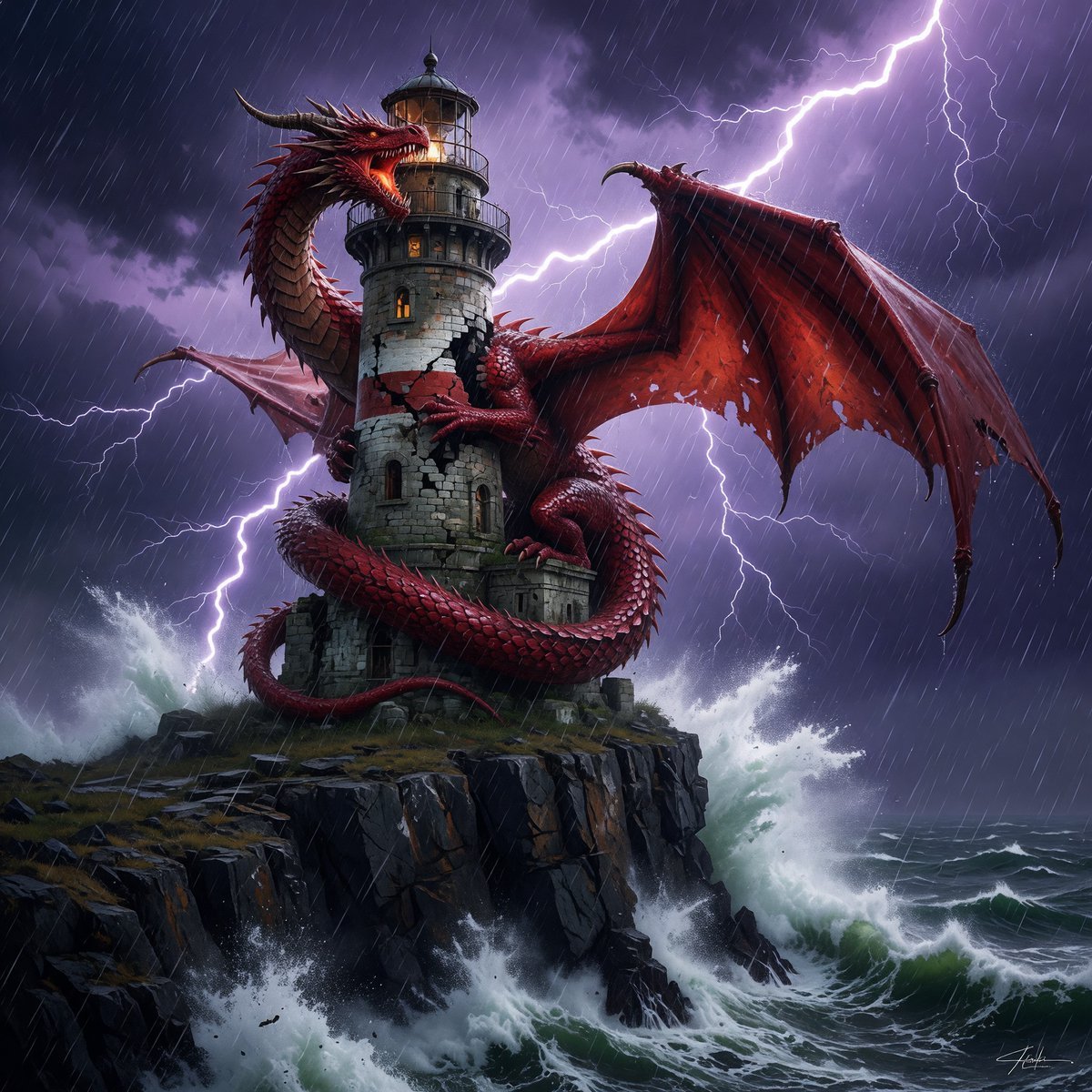
Dragon-Coiled Lighthouse Storm
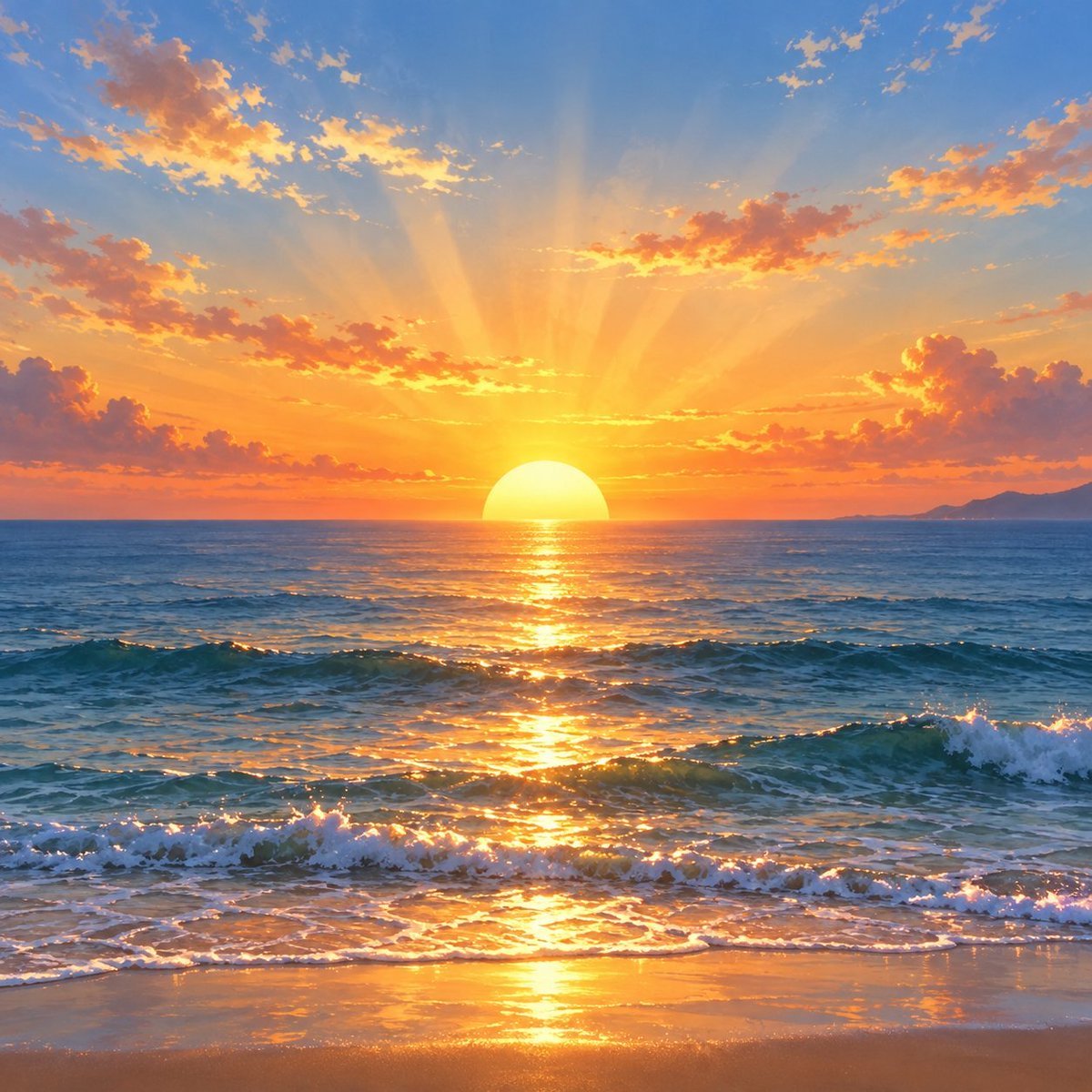
Golden Ocean Sunset Seascape
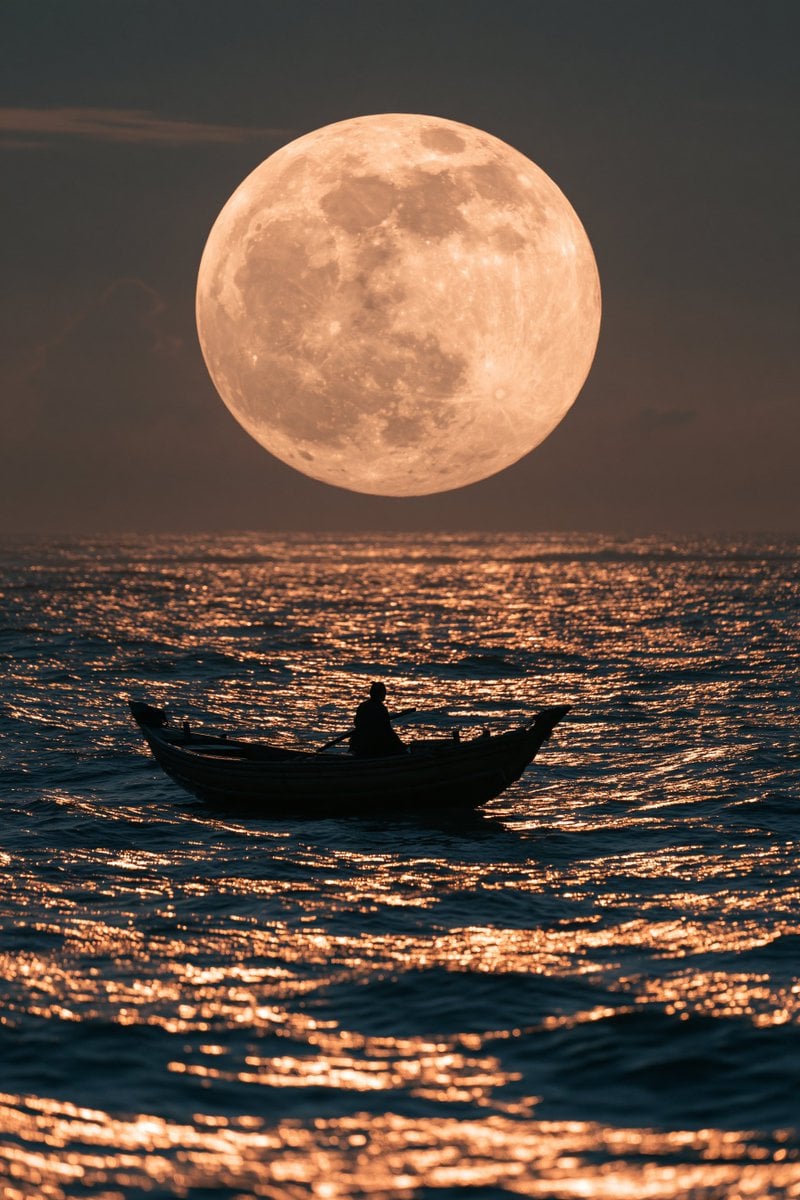
Moonlit Rowboat Seascape
Moonlit Chinese Seascape
The Lighthouse Keeper Storyboard
Anime Airship and Ghostly Holy Mother
Cinematic Alexandria Lighthouse Poster
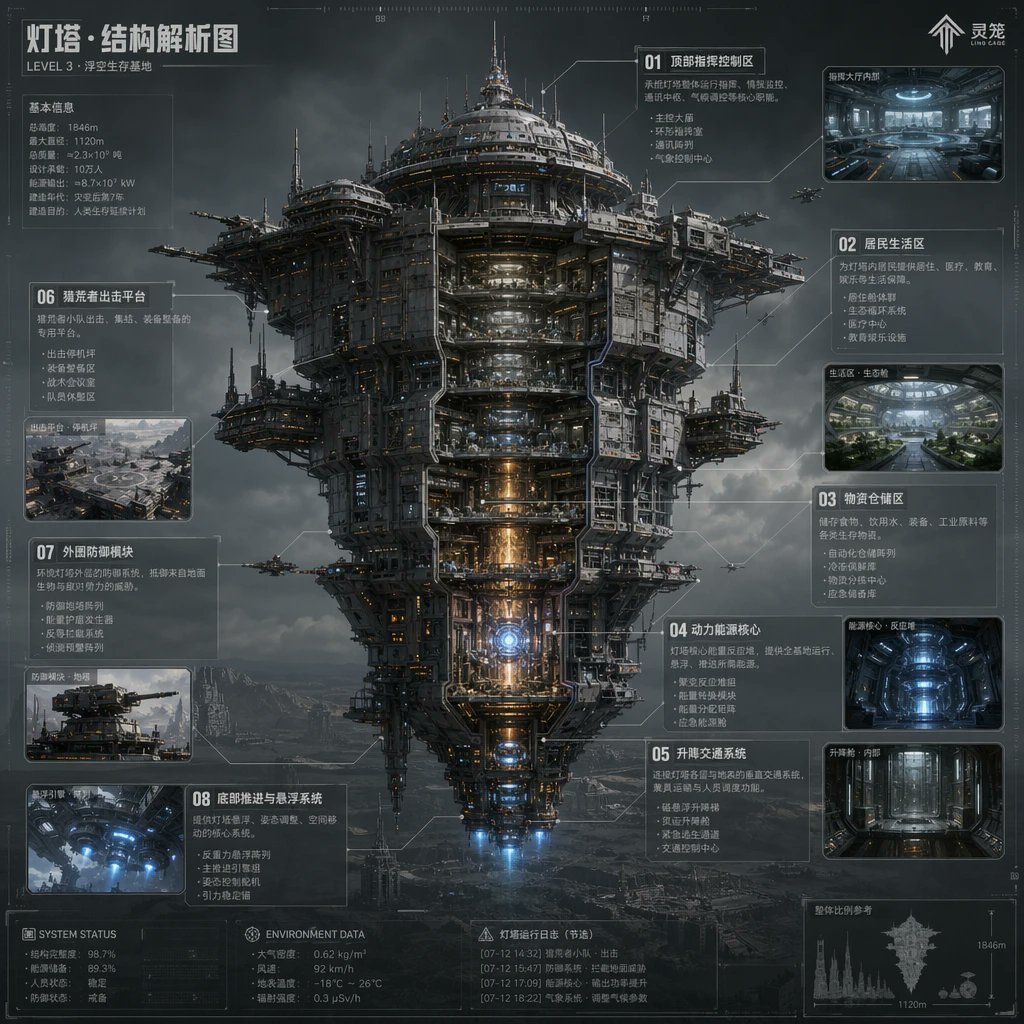
Sci-Fi Lighthouse Structure Diagram
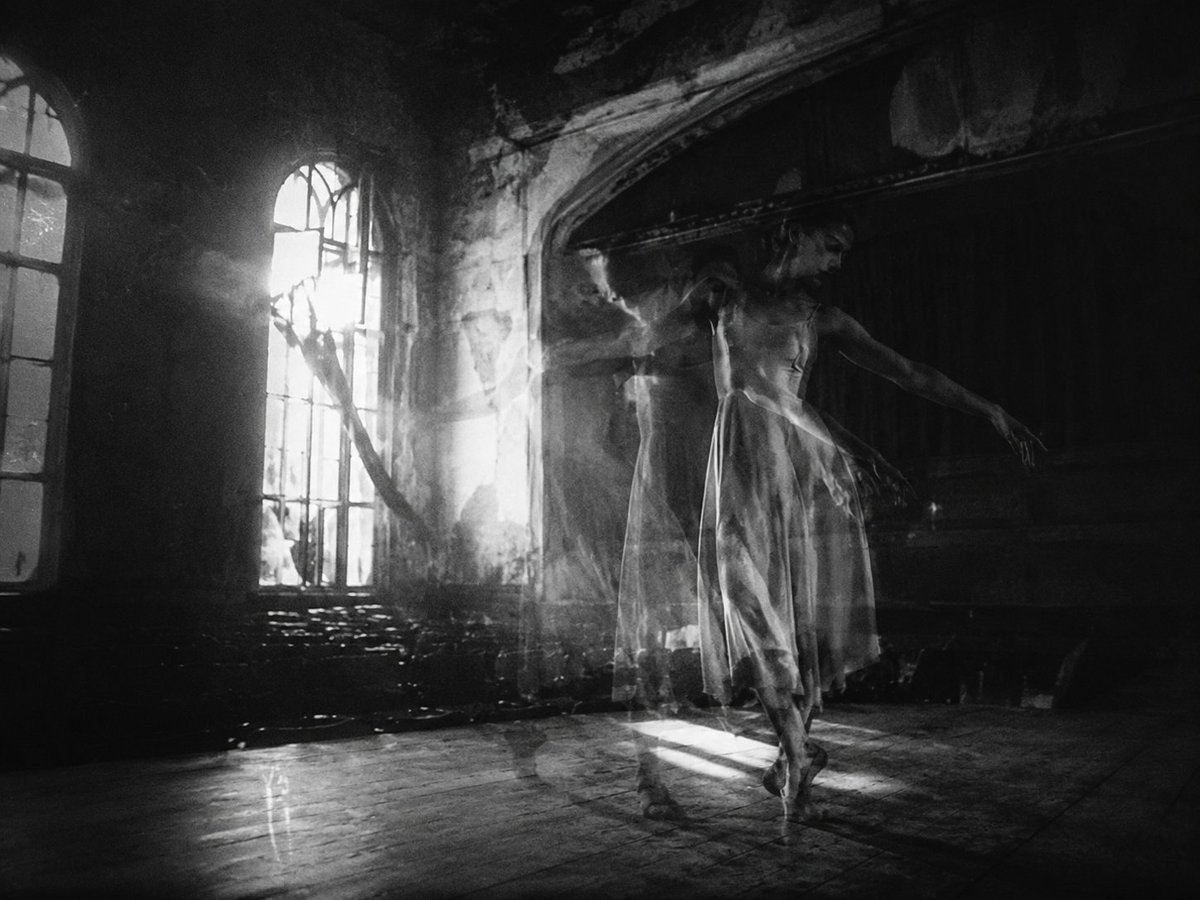
Ghostly Ballerina in Abandoned Theater
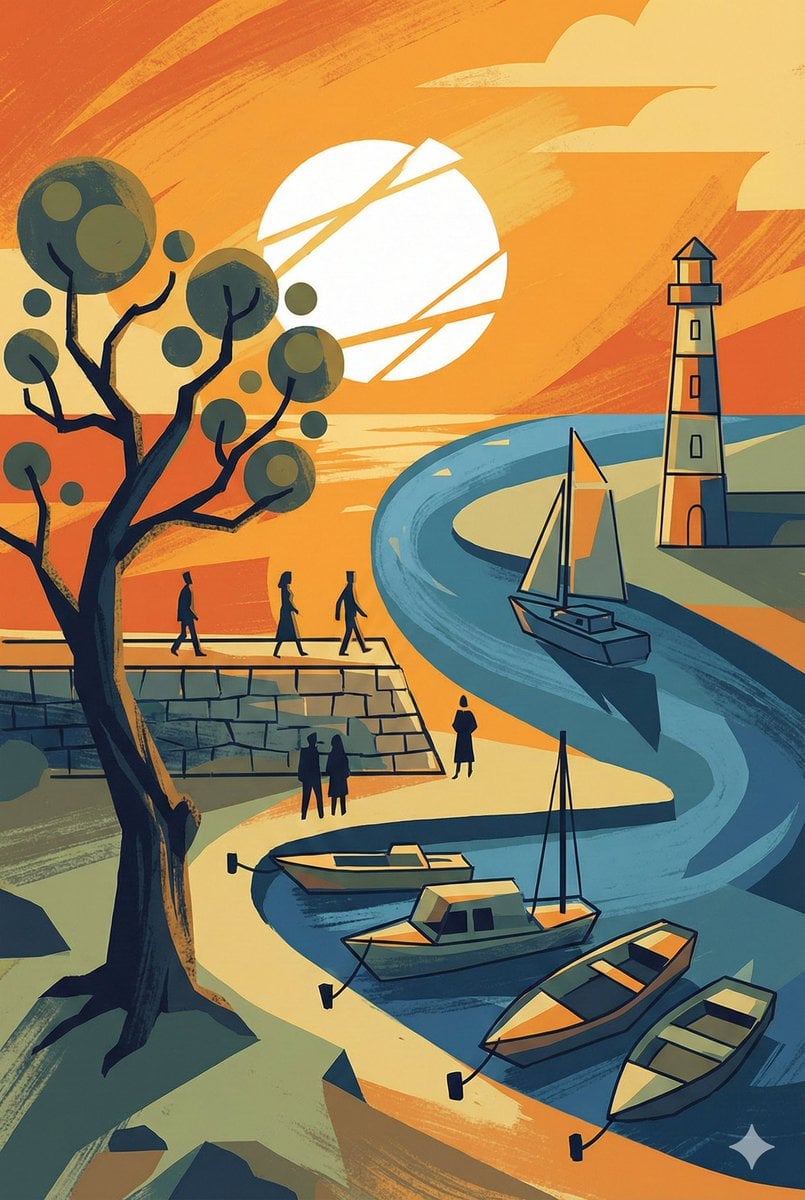
Abstract Drawing of Lighthouse and Sailboat Prompt
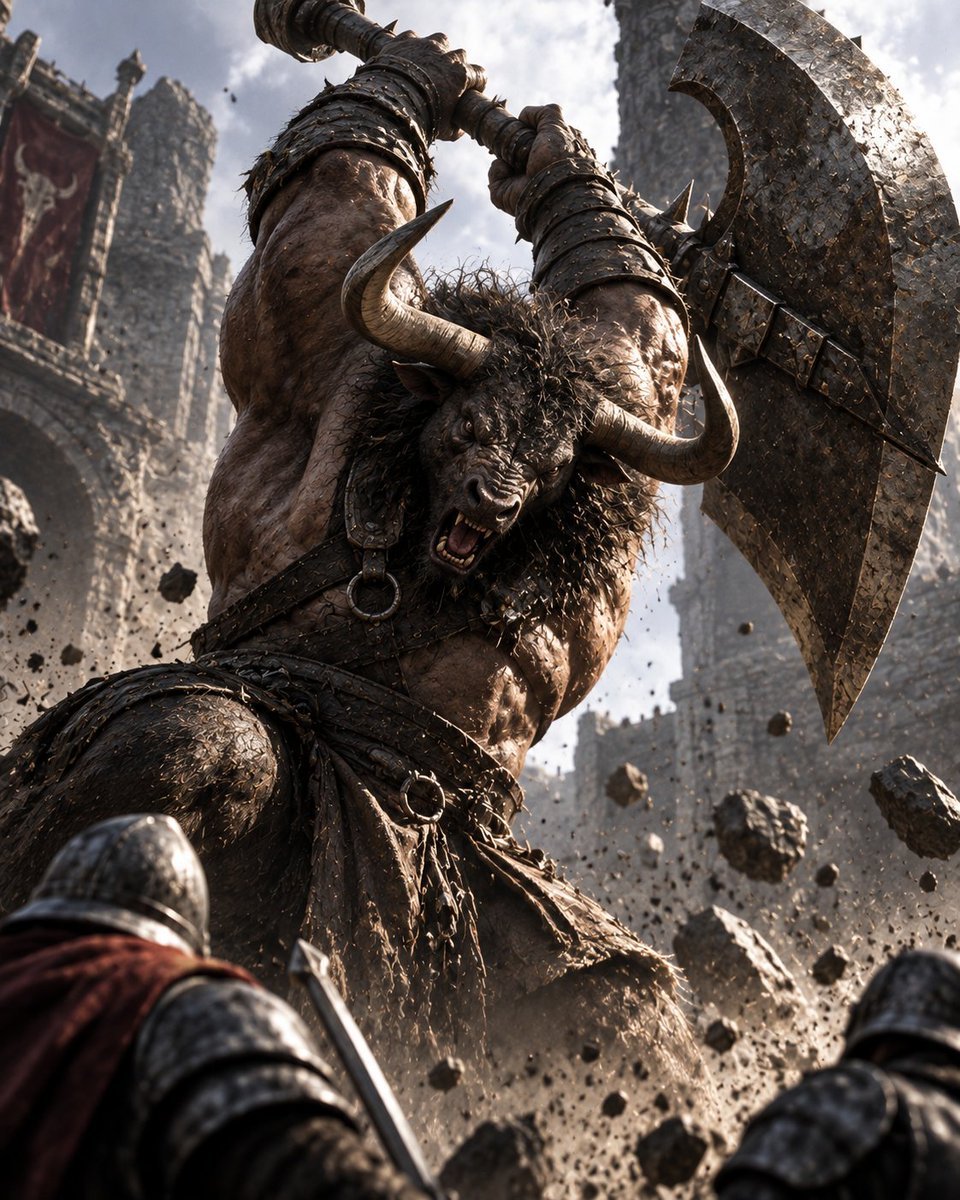
Minotaur Storming Fortress
Make it yours
Ghostly Lighthouse Storm Seascape works as-is. These are the safest ways to change it without losing the look.
Change one field
Copy a single group, rewrite it, and generate again so you can see what that field is doing.
Keep the frame, change the subject
Hold the composition and light of Ghostly Lighthouse Storm Seascape, then swap wardrobe, props or the person for a new take.
| If the result… | Why | Fix |
|---|---|---|
| The result drifts from the preview | Too many fields changed at once. | Reuse Ghostly Lighthouse Storm Seascape as-is first, then change one group — subject, light, or setting. |
| The model over-stylizes the scene | The prose prompt leaves finish and camera underspecified. | Add one camera or lighting sentence and stay on GPT Image 2. |
More GPT Image 2 templates
Other prompts made for GPT Image 2.

Six VTuber Japanese Logo Sheet

Realistic Portrait of Woman and Deer

The Vista Modular Condo Poster

AI Model Routing Comparison Infographic

2.5D Anime Art Board

Isometric Productivity Desk Scene

New York Double Exposure Poster

Four-Panel AI Landscape Comparison

Japanese Tatami Lifestyle Magazine Cover

NESCAFÉ Coffee Map Poster
More image prompts
Fresh picks from across the catalog.
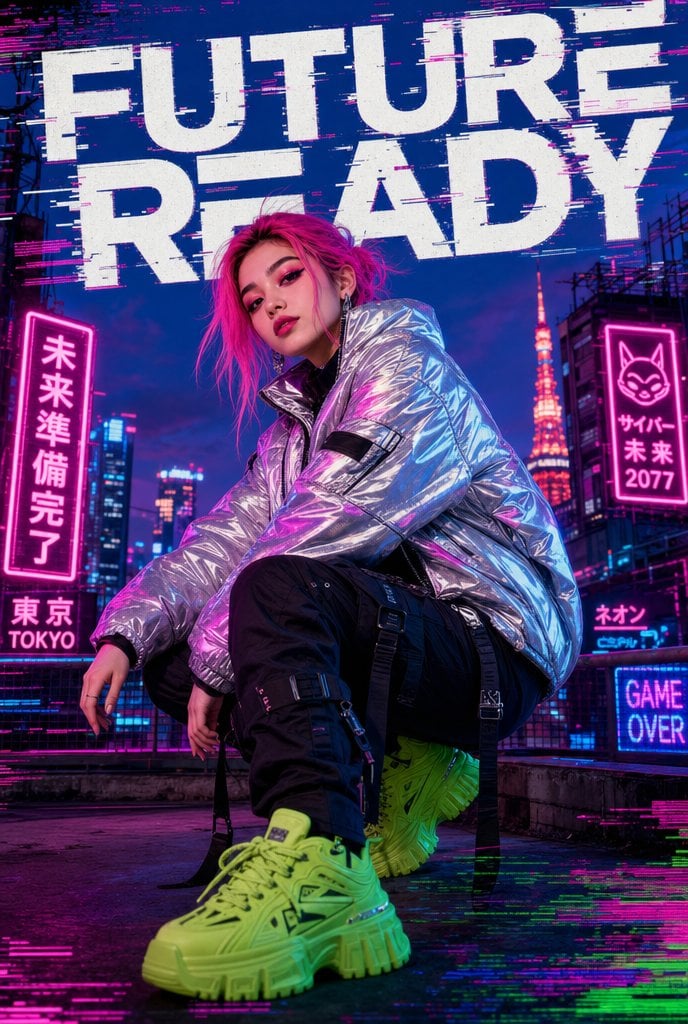
Cyberpunk Future Ready Fashion Poster
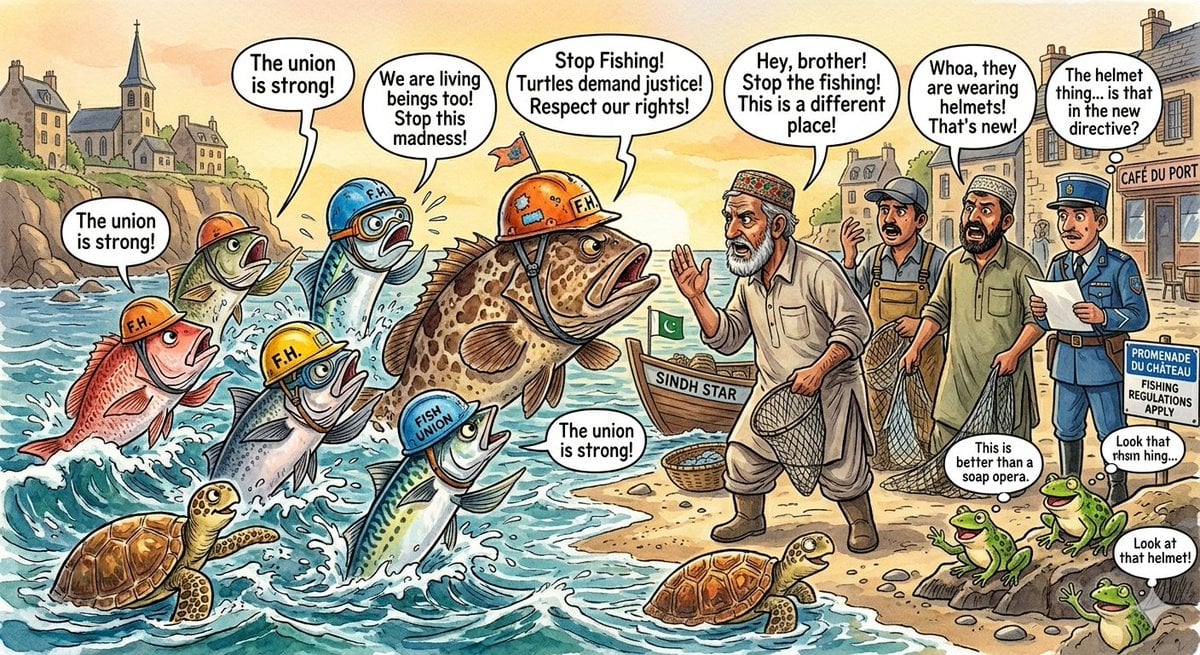
Protesting Fish on a French Seaside
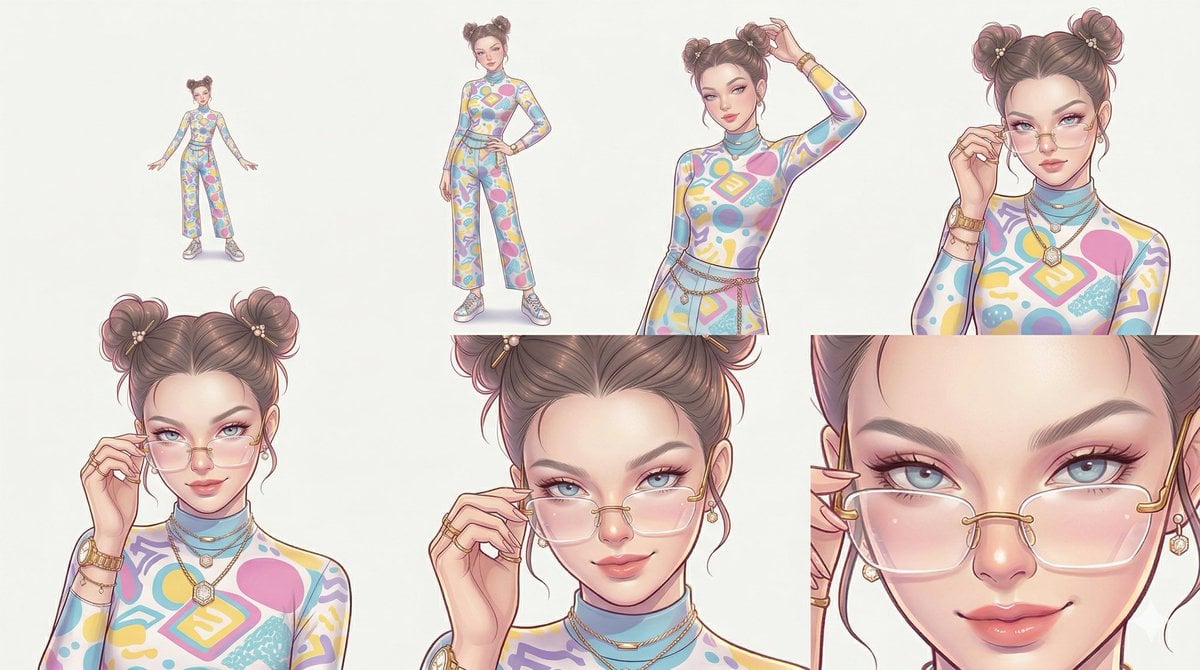
Reference Character Posing Grid Study Prompt
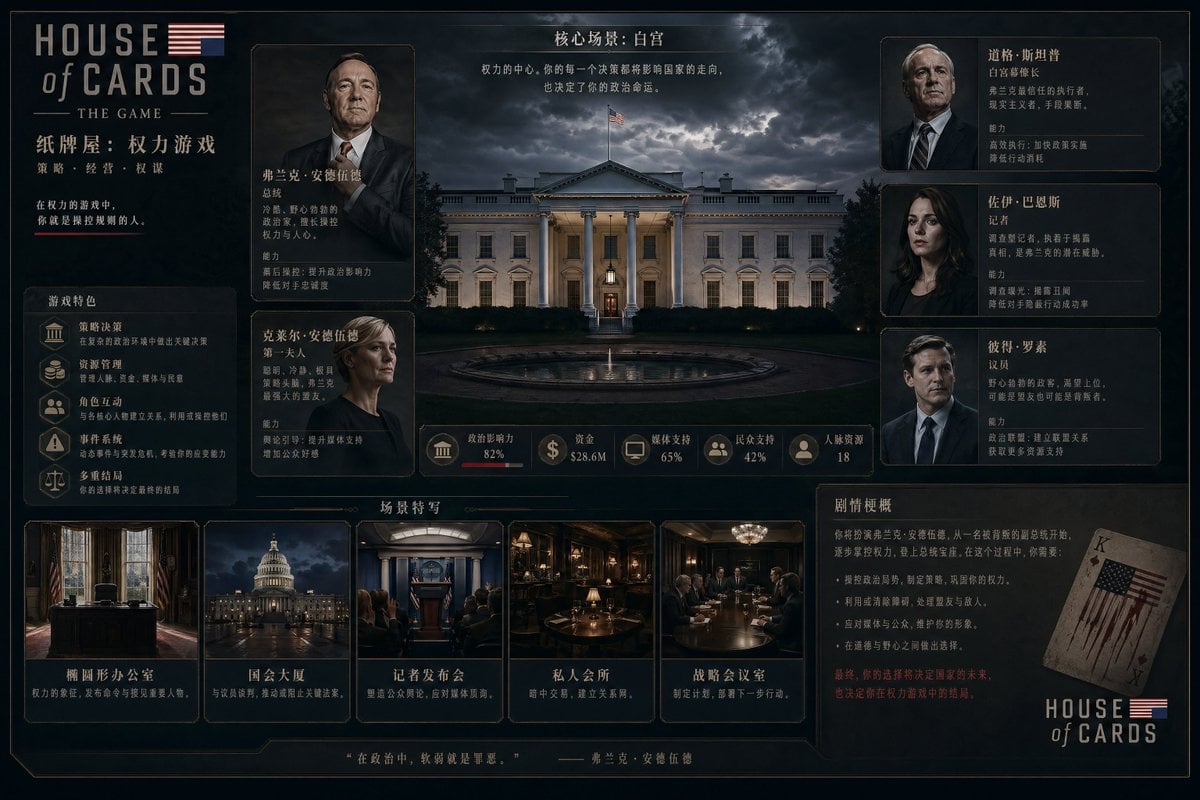
Video game management UI concept
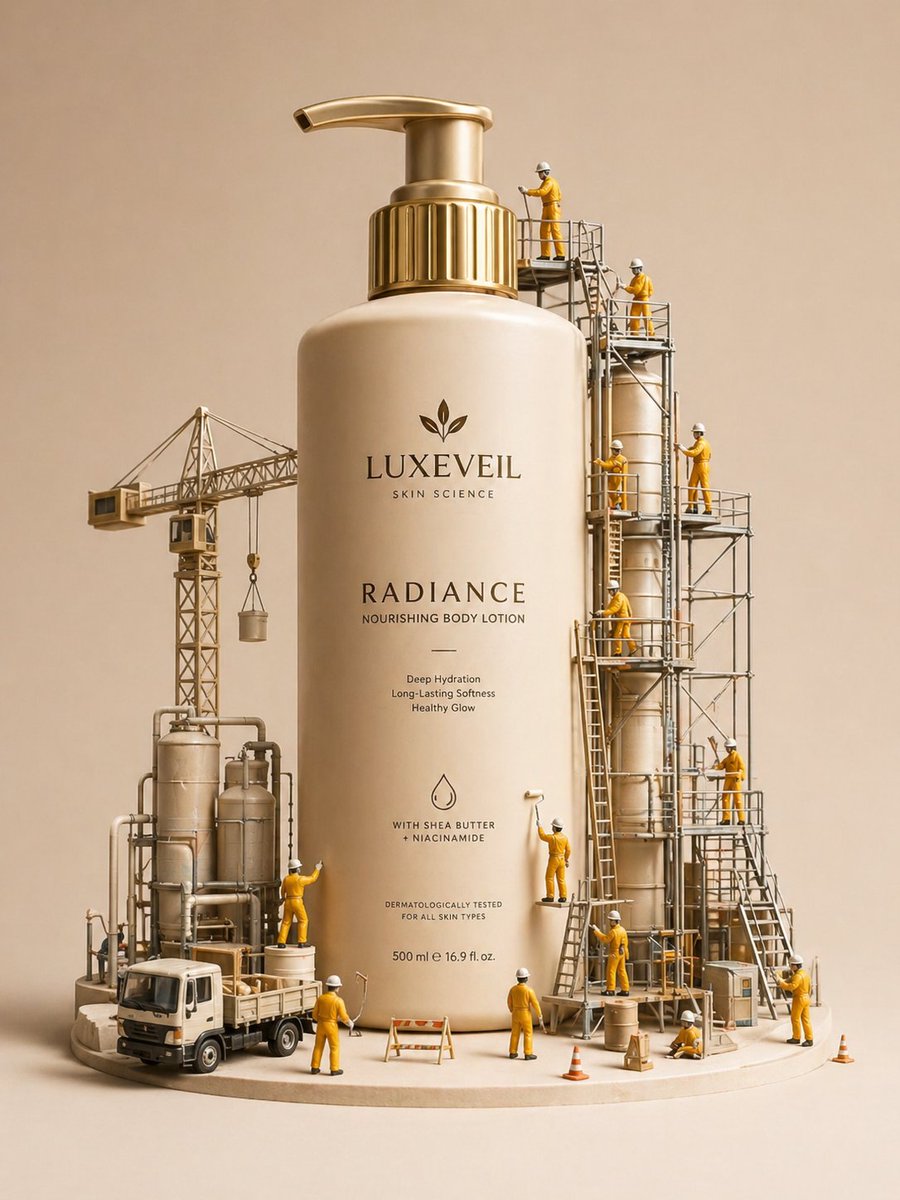
Miniature Diorama Skincare Advertisement
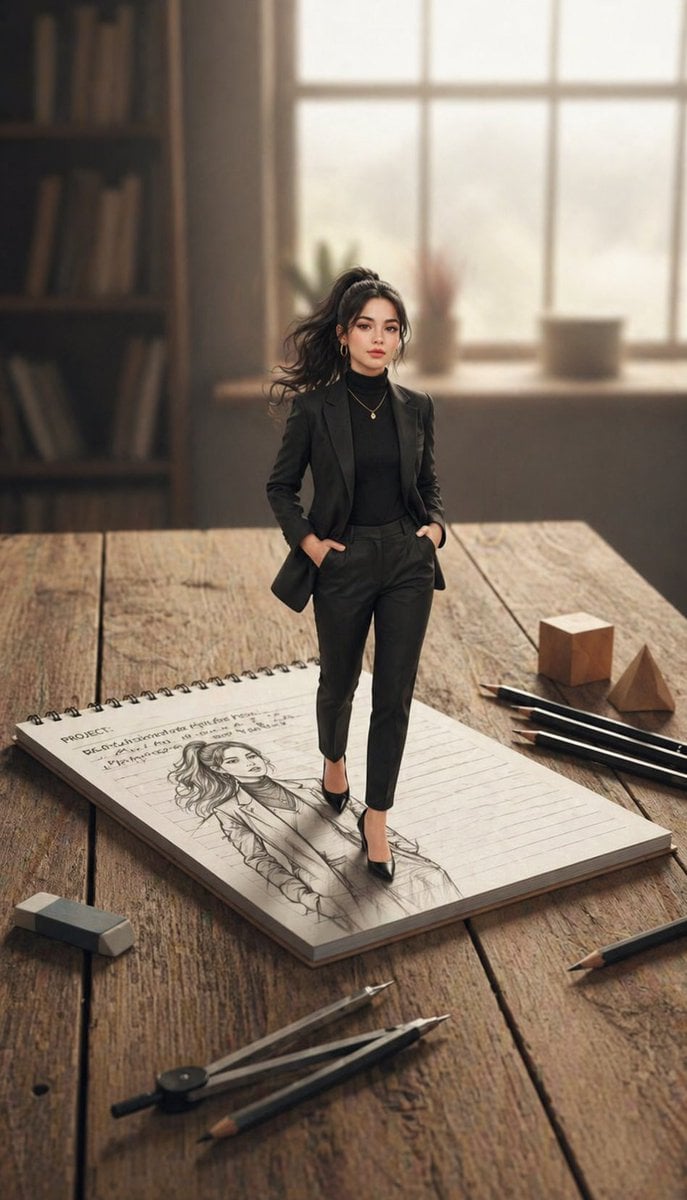
X Noor Ul Ain43 She Designed Herself and Then

Loose Watercolor of a Half-Buried Fighter Jet in Desert Dunes
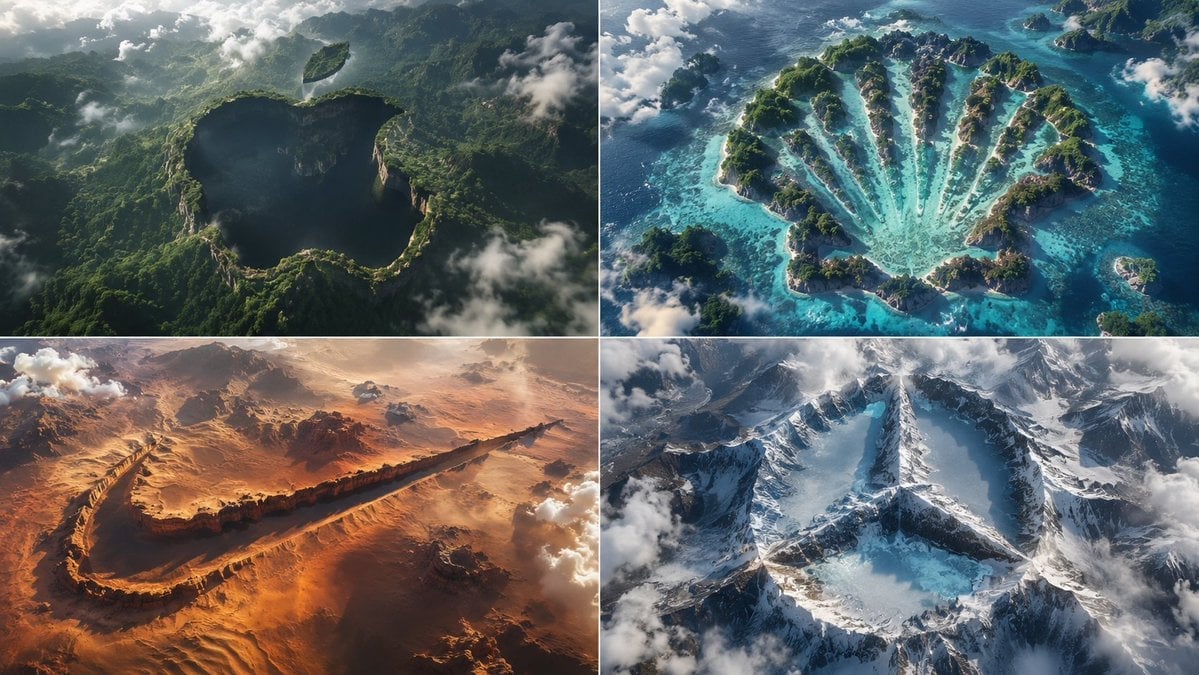
Python-Scripted Hidden Logo Landscape
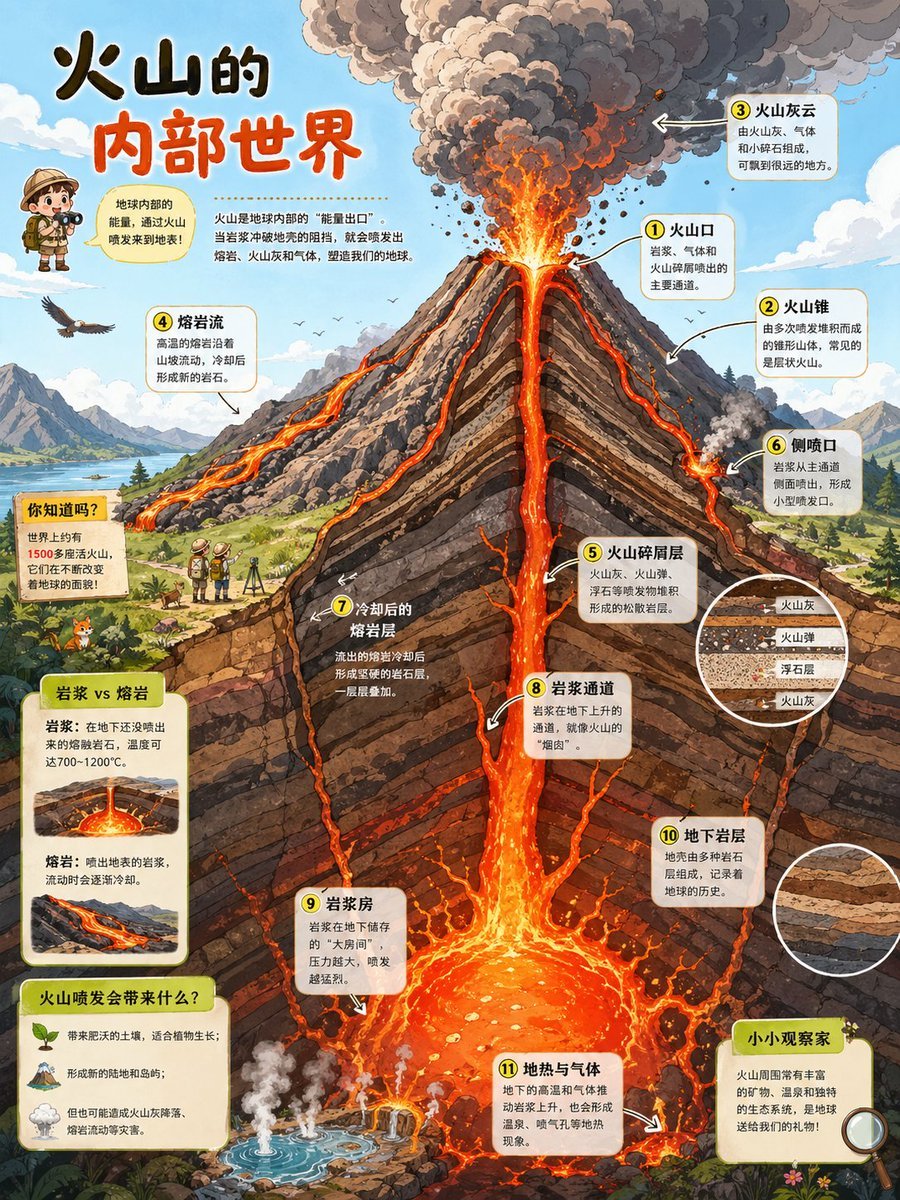
Volcano Cutaway Science Poster
Grotesque Fashion Caricature Sketch
Browse template categories
Ghostly Lighthouse Storm Seascape questions
How do I use the Ghostly Lighthouse Storm Seascape template?
Add your photo if the template asks for one, edit the prompt if you like — the template's model and format are already selected — and press Generate. Your version opens in PicX Studio.
Can I customize the Ghostly Lighthouse Storm Seascape template?
Yes. You can change the subject, setting, lighting, mood, format, and available model controls before creating your image.
Is the Ghostly Lighthouse Storm Seascape template free?
Opening and editing this template is free. Generating uses credits, shown on the Generate button when you are signed in.
Which AI model should I use?
Start with GPT Image 2, which is the model associated with this template. You can compare another compatible model for a different finish.
Looking for something else? Browse all templates.

Your photo, any look
Thousands of ready templates for every top image and video model, from one credit balance.