
Moonlit Chinese Seascape
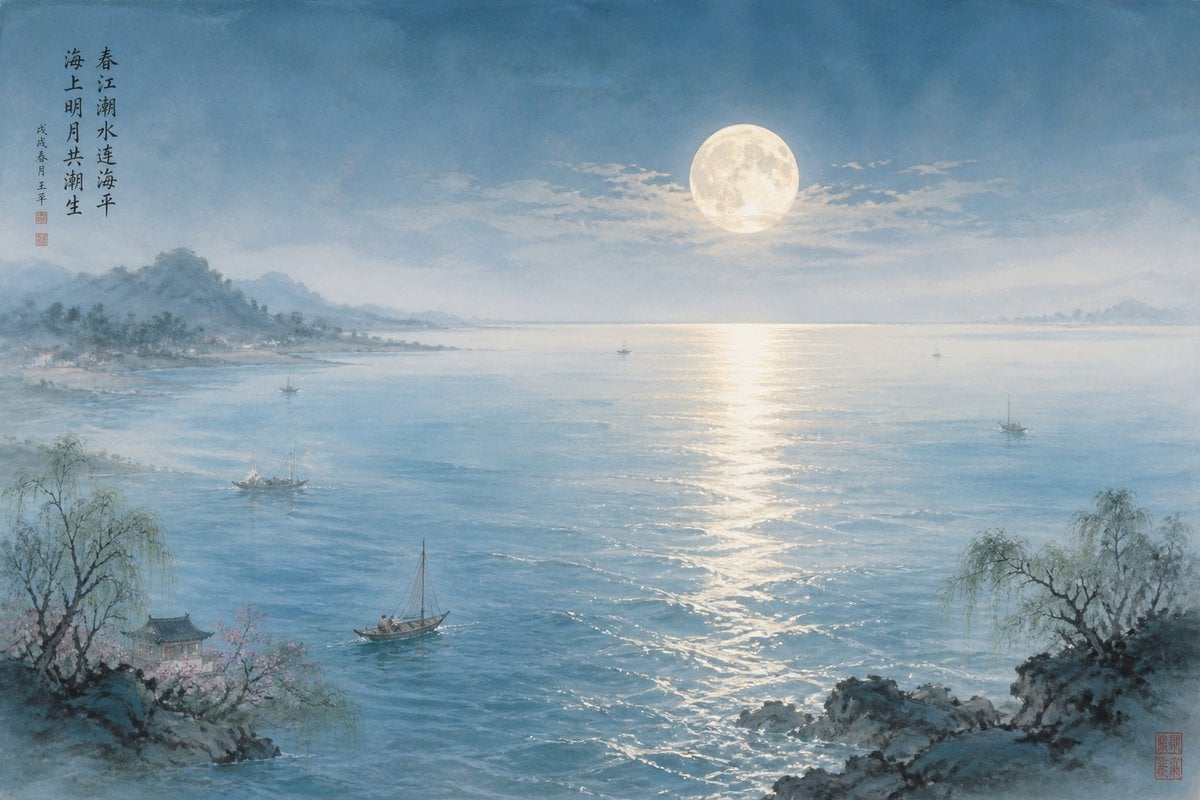
Generates a serene traditional Chinese ink-and-watercolor moonlit ocean landscape with calligraphy, boats, willows, and misty mountains.
- Prompt included
- Model and format preset
- Free template
The prompt behind this image
Copy the exact prompt behind Moonlit Chinese Seascape, or open it in the studio and make it yours.
Create a tranquil classical Chinese ink-and-watercolor seascape at night, in a wide horizontal 3:2 composition. Show a vast blue moonlit ocean merging with a misty spring river estuary, with a large full moon slightly right of center above the horizon and a long shimmering silver reflection stretching down the water toward the foreground. Use soft washes, delicate brush texture, pale cyan-blue atmosphere, gentle mist, and subtle rice-paper grain. Include hazy mountain ranges and a low shoreline on the left distance, faint islands on the far right horizon, and layered clouds around the moon. In the foreground, frame the scene with two rocky promontories: left rocks with a small traditional pavilion partly hidden among pale pink blossoms and a drooping willow, and right rocks with another leafless/drooping willow silhouette. Include exactly 6 boats: 1 foreground sailboat near the lower center-left, 1 larger fishing boat in the left-middle water, 1 tiny boat near the left distant shore, 1 tiny boat on the central horizon under the moon path, 1 tiny sailboat right of center, and 1 small fishing boat on the right-middle water. Add vertical Chinese calligraphy in the upper left with the poem text {argument name="poem text" default="春江潮水连海平\n海上明月共潮生"}, plus a smaller dated signature column beneath it and a small red seal; add another small red artist seal in the bottom-right corner. The mood should be serene, poetic, luminous, and traditional, like a refined Song-dynasty-inspired landscape painting. Use {argument name="color palette" default="misty blue, pale silver, soft teal, muted ink gray, faint peach blossom pink"} and keep all details painterly rather than photorealistic.
How to use Moonlit Chinese Seascape in 3 steps
- 1Upload ImagePNG, JPG or paste
Add your photo
Upload the photo the template builds on. The prompt, model and format are already set.
- 2…a portrait of your subject in softgolden-hour light, 85mm…
Personalize
Edit the subject and creative details for your destination.
- 3Generate
Generate
Press Generate — your image is created in PicX Studio, so you can compare it with the original and refine one variable at a time.
More like this
Templates with the same subject, style or setup. Open one to see its prompt.
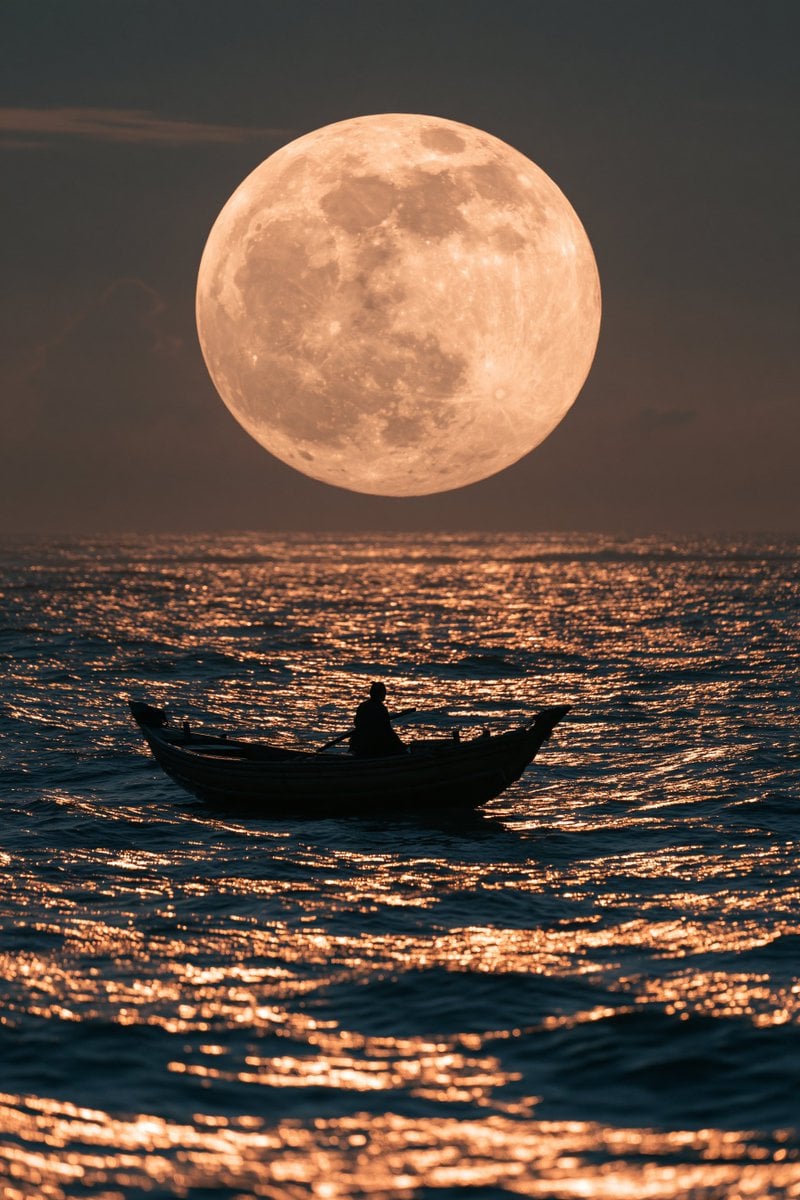
Moonlit Rowboat Seascape
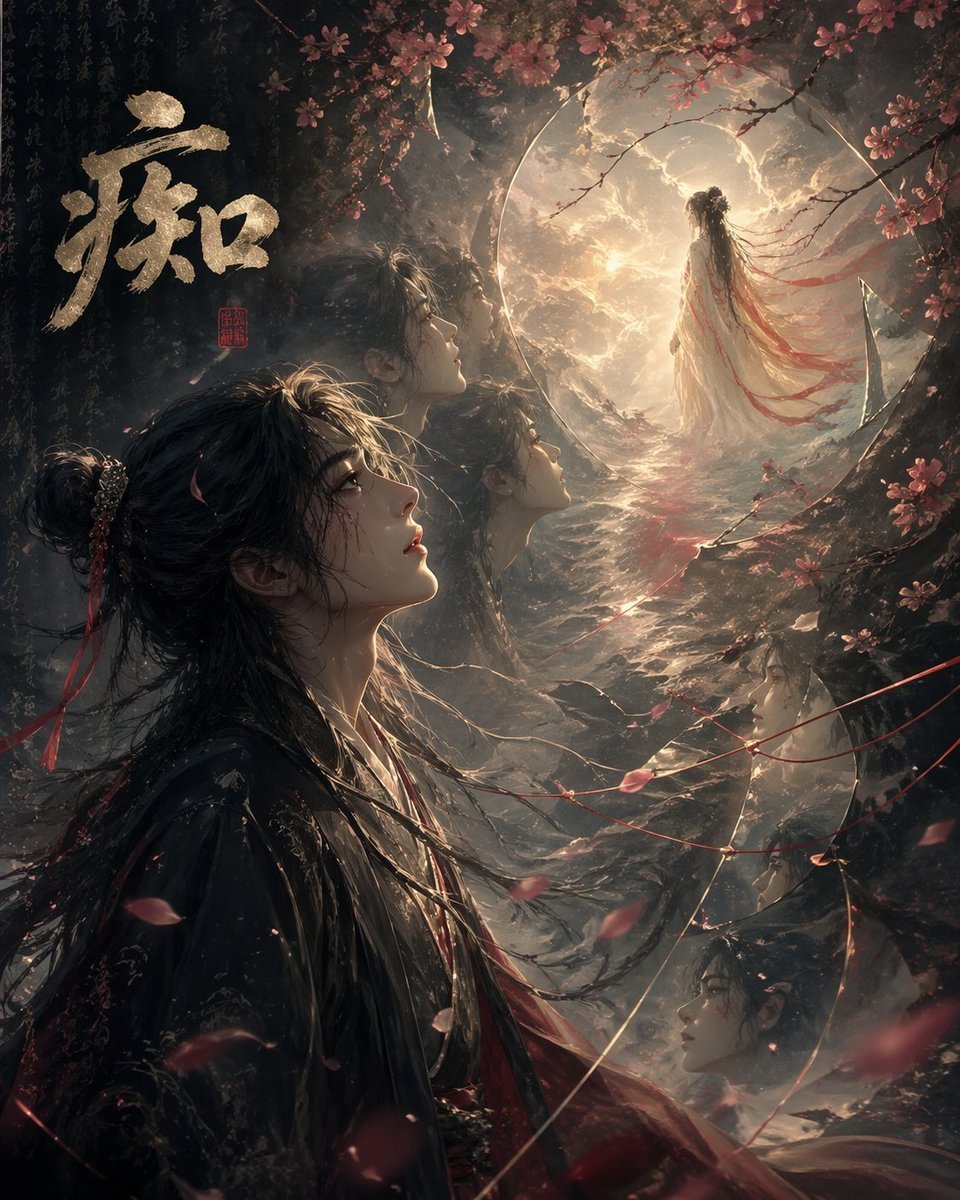
Chinese Obsession Moonlit Fantasy

敦煌纸雕飞天 — 3D Layered Paper Cutout

博物馆图鉴式汉服拆解图 — GPT-image-2

Moonlit Fox Mask Night Market

Lone Mountaineer in Moonlit Snow

Moonlit Ghost Lotus Anime Portrait
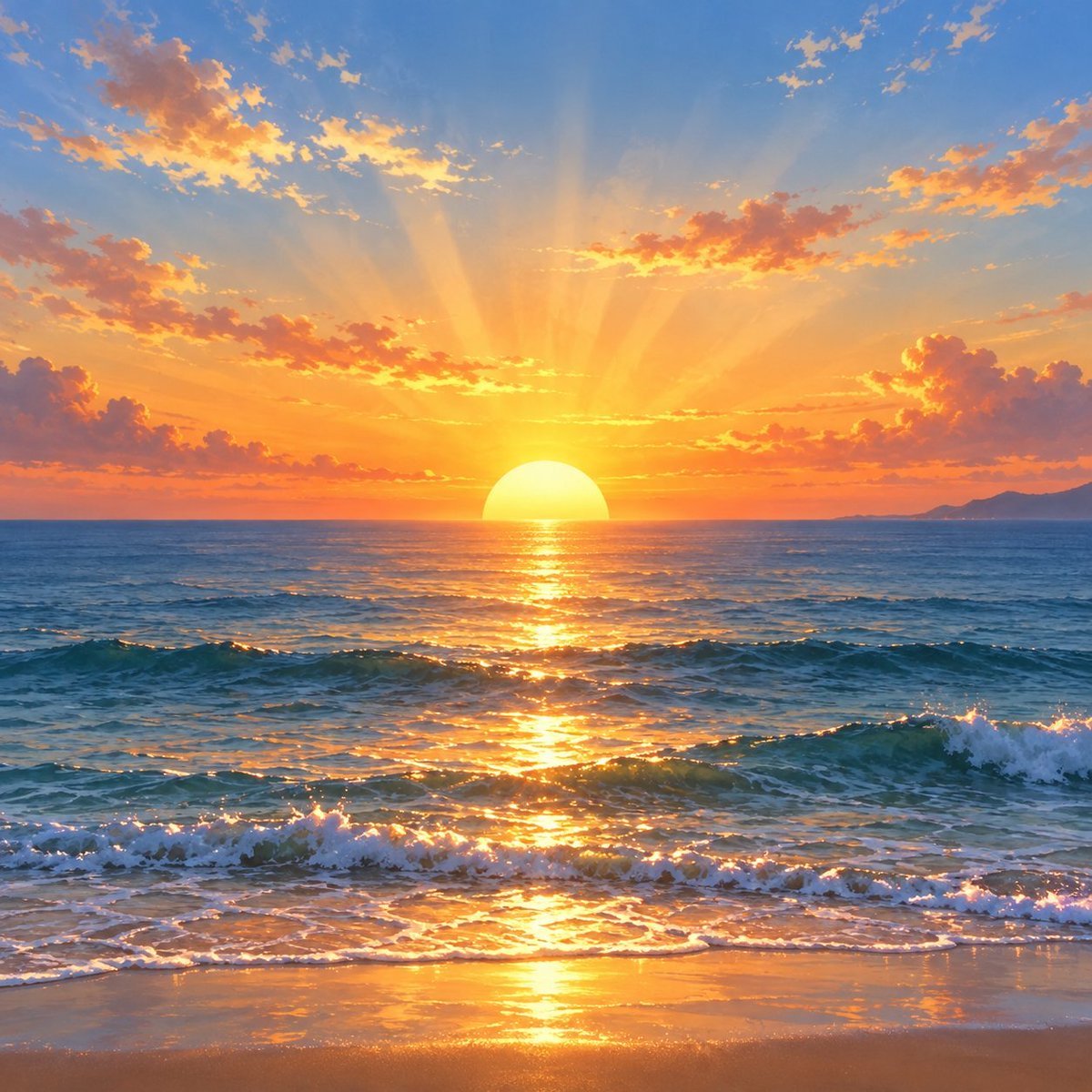
Golden Ocean Sunset Seascape
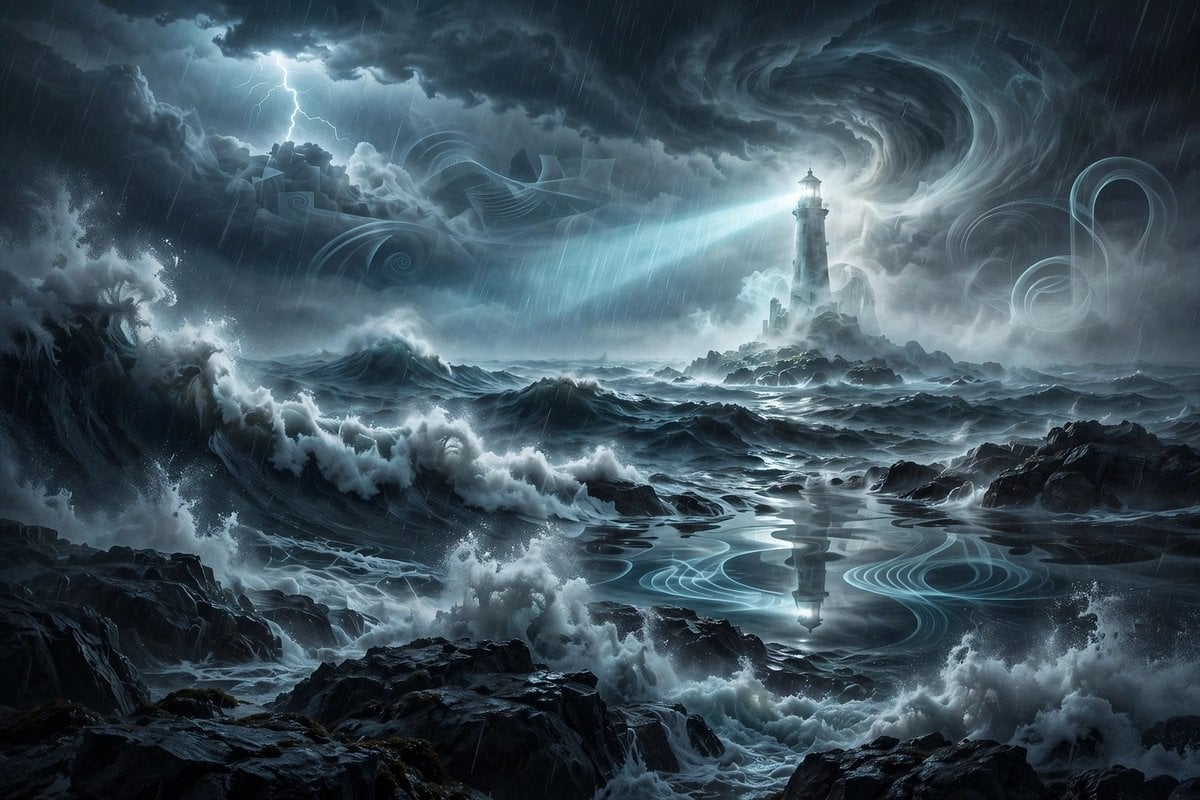
Ghostly Lighthouse Storm Seascape
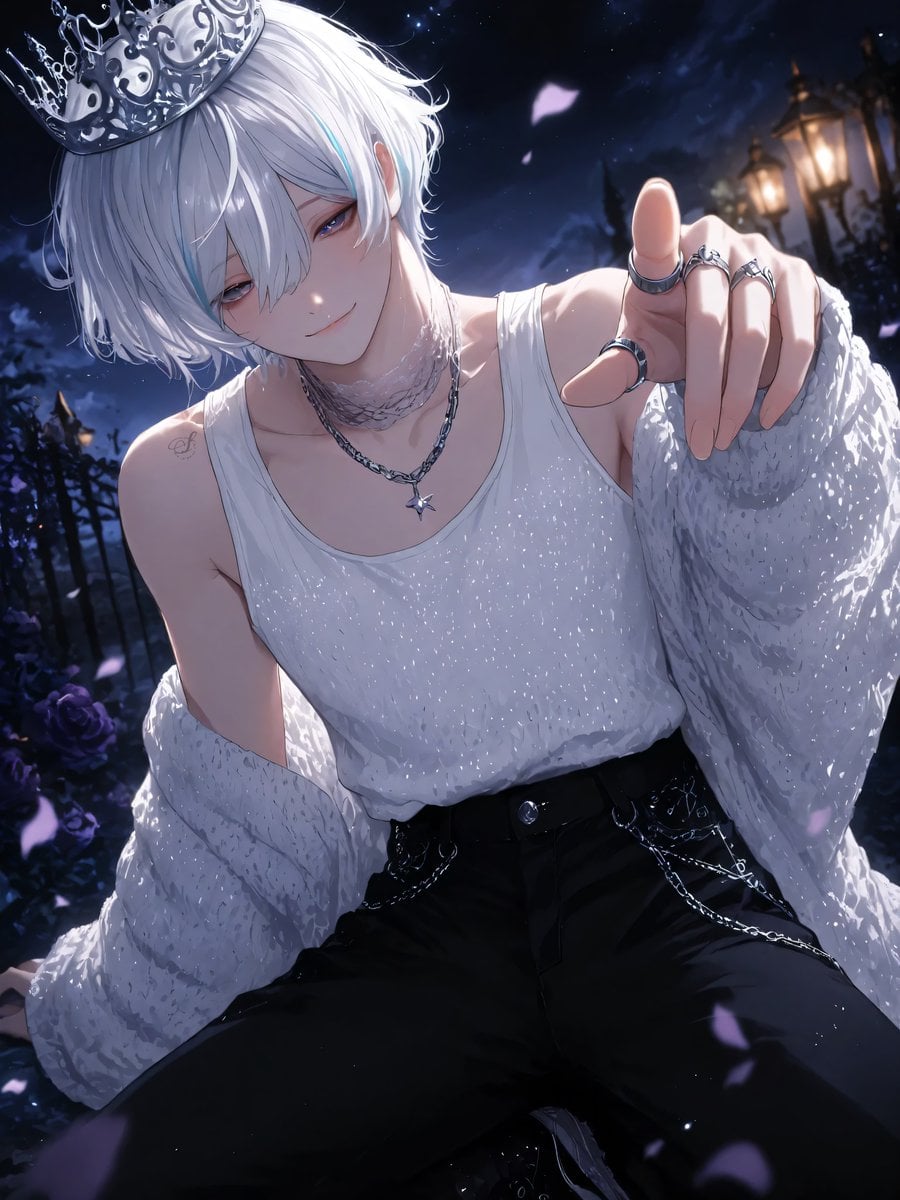
Moonlit Lace Prince Portrait
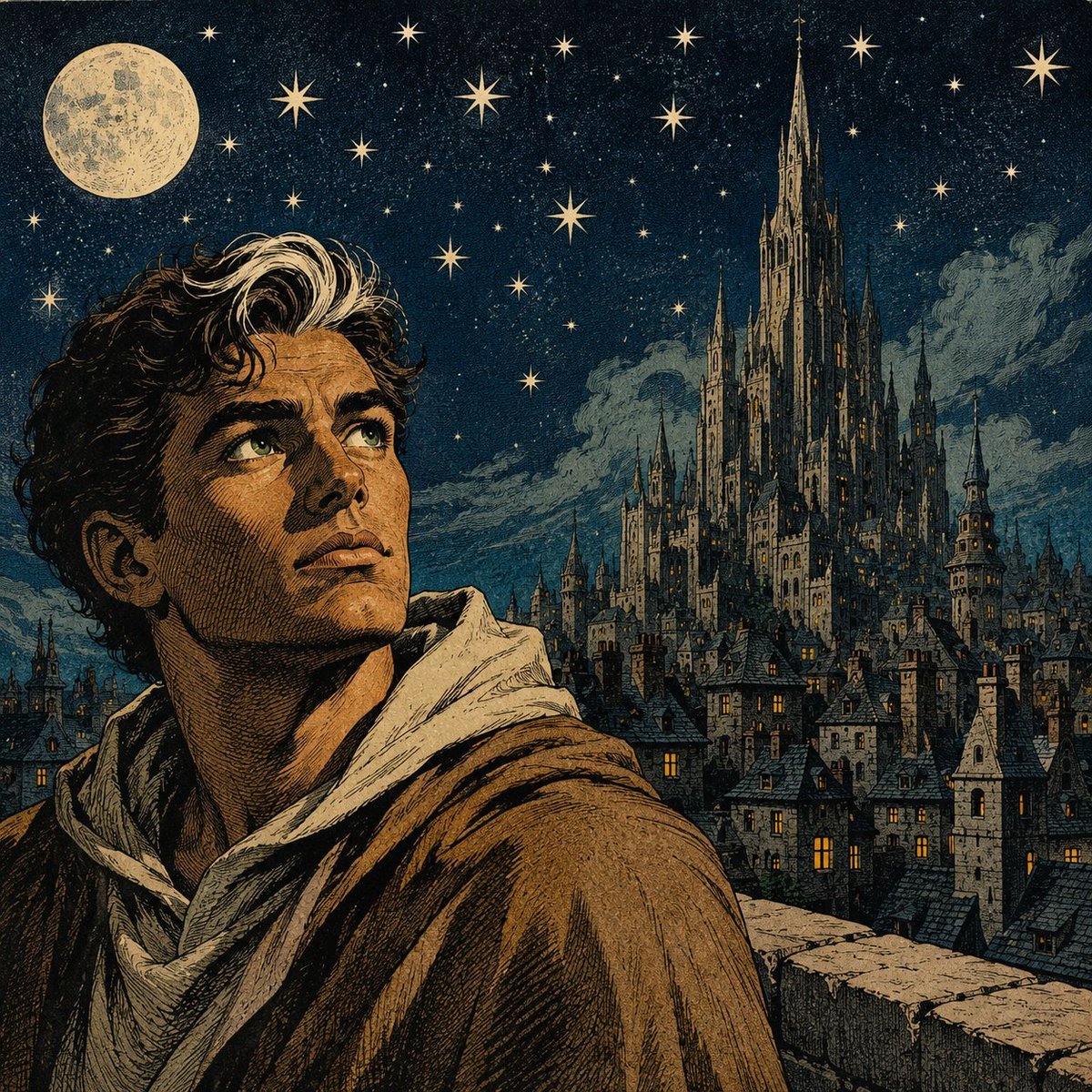
Moonlit Gothic Fantasy Traveler
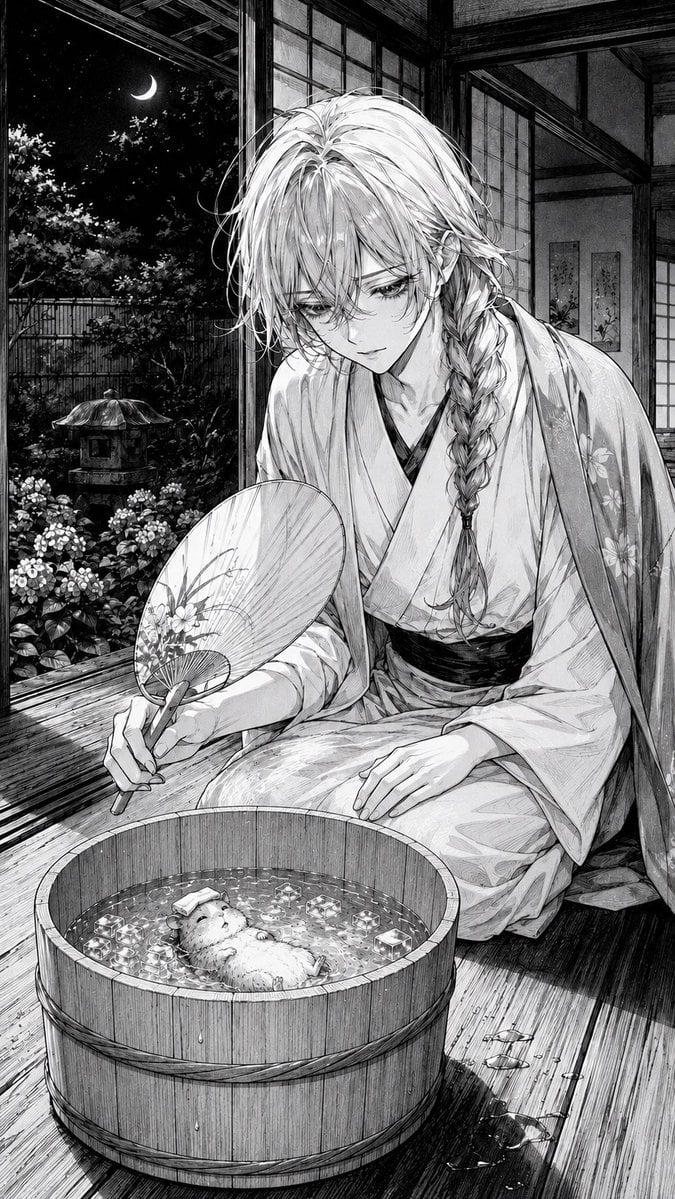
Moonlit Hamster Ice Bath Manga
Make it yours
Moonlit Chinese Seascape works as-is. These are the safest ways to change it without losing the look.
Change one field
Copy a single group, rewrite it, and generate again so you can see what that field is doing.
Keep the frame, change the subject
Hold the composition and light of Moonlit Chinese Seascape, then swap wardrobe, props or the person for a new take.
| If the result… | Why | Fix |
|---|---|---|
| The result drifts from the preview | Too many fields changed at once. | Reuse Moonlit Chinese Seascape as-is first, then change one group — subject, light, or setting. |
| The model over-stylizes the scene | The prose prompt leaves finish and camera underspecified. | Add one camera or lighting sentence and stay on GPT Image 2. |
More GPT Image 2 templates
Other prompts made for GPT Image 2.

Six VTuber Japanese Logo Sheet

Realistic Portrait of Woman and Deer

The Vista Modular Condo Poster

AI Model Routing Comparison Infographic

2.5D Anime Art Board

Isometric Productivity Desk Scene

New York Double Exposure Poster

Four-Panel AI Landscape Comparison

Japanese Tatami Lifestyle Magazine Cover

NESCAFÉ Coffee Map Poster
More image prompts
Fresh picks from across the catalog.
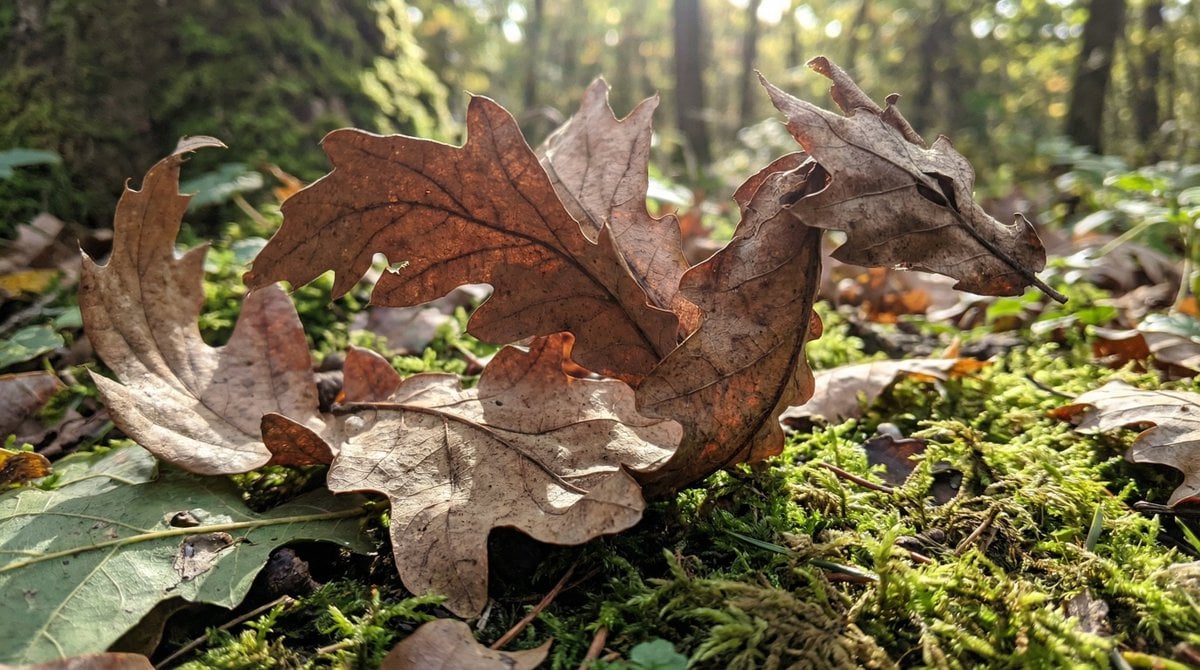
Dragon-Shaped Leaf
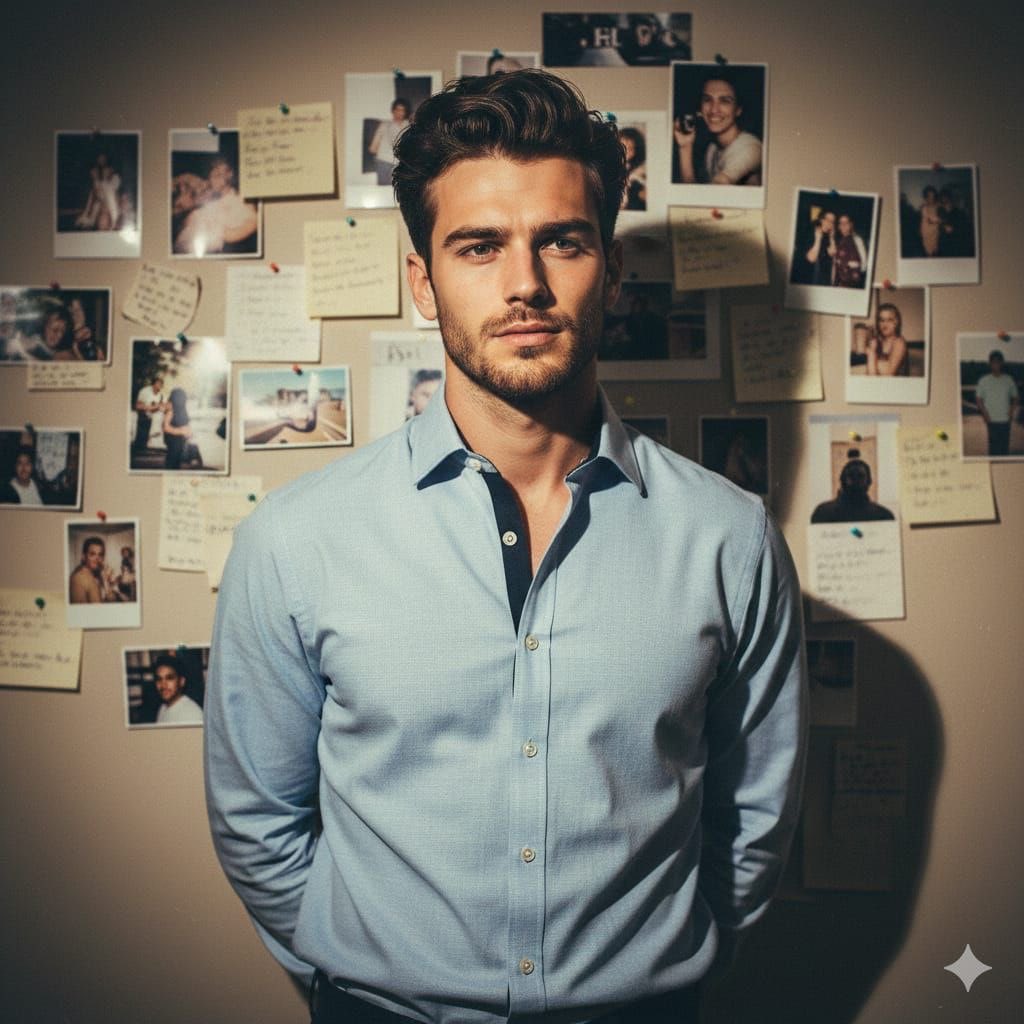
90s Editorial Fashion Portrait with Direct Flash
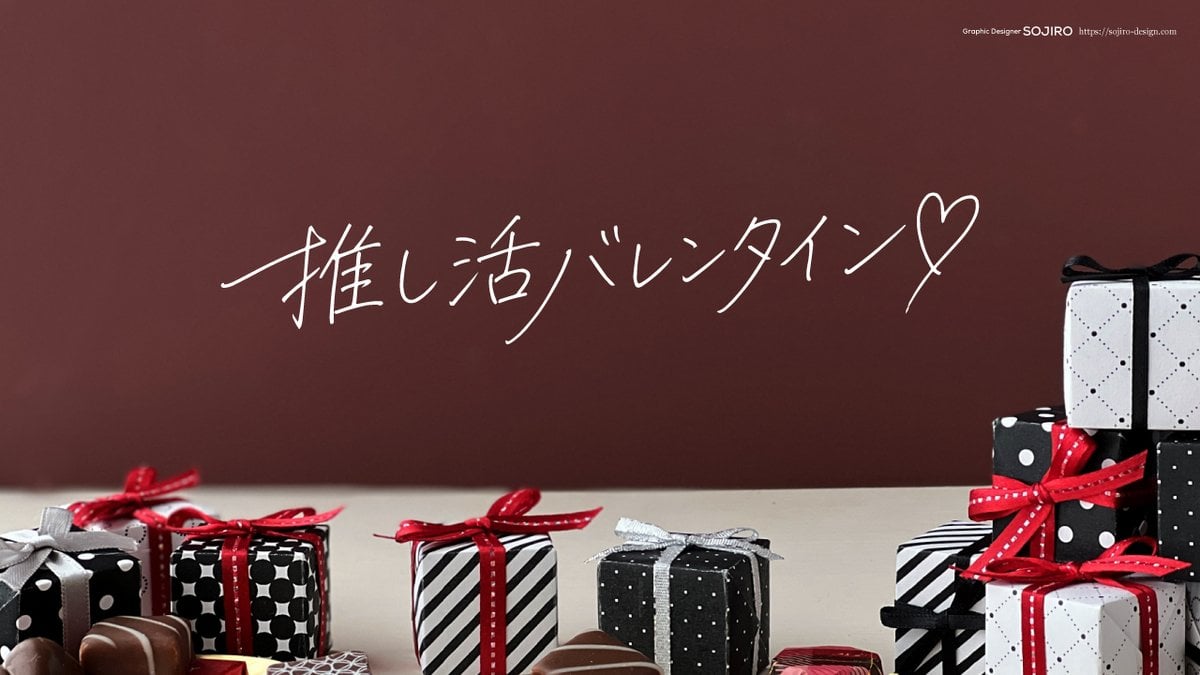
Nano Banana Pro Handwriting Generation Prompt
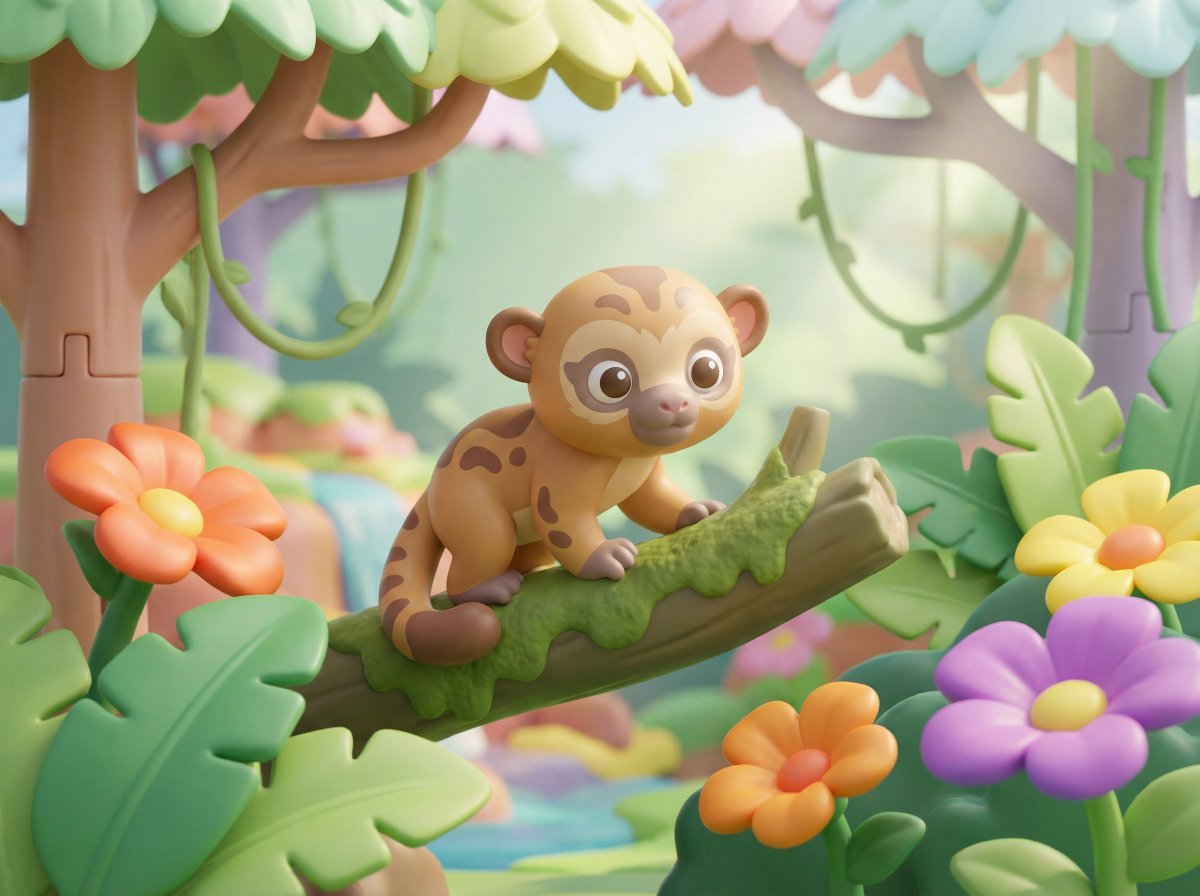
Playful 3D Toy Kinkajou Prompt
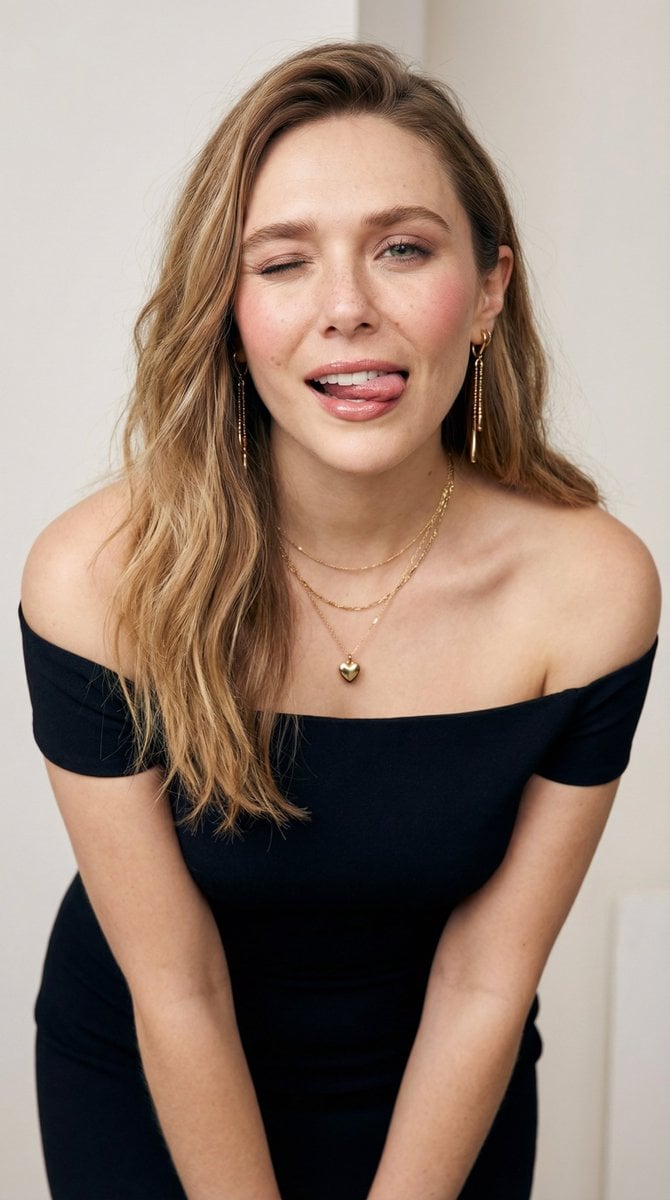
Flirty Studio Portrait with Wink and Tongue Out
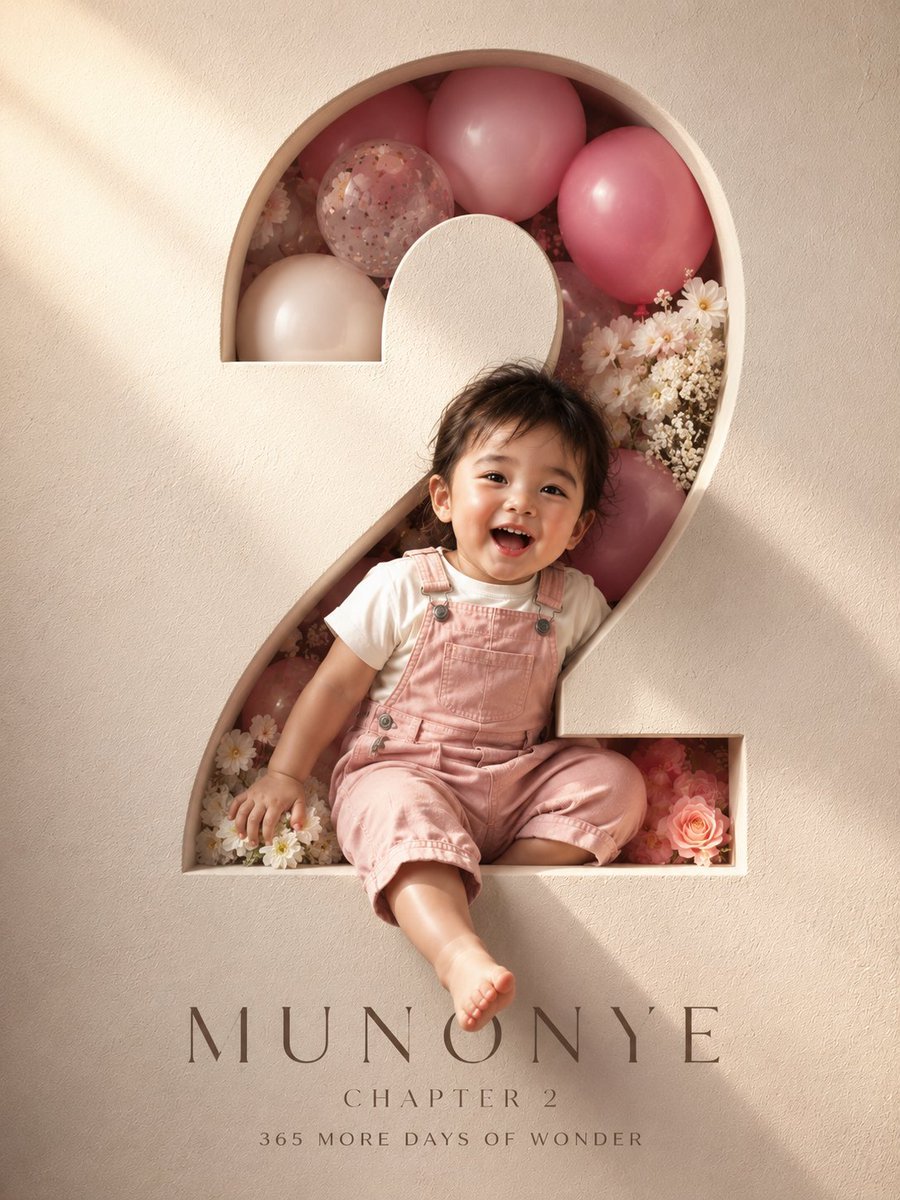
3D Luxury Birthday Poster
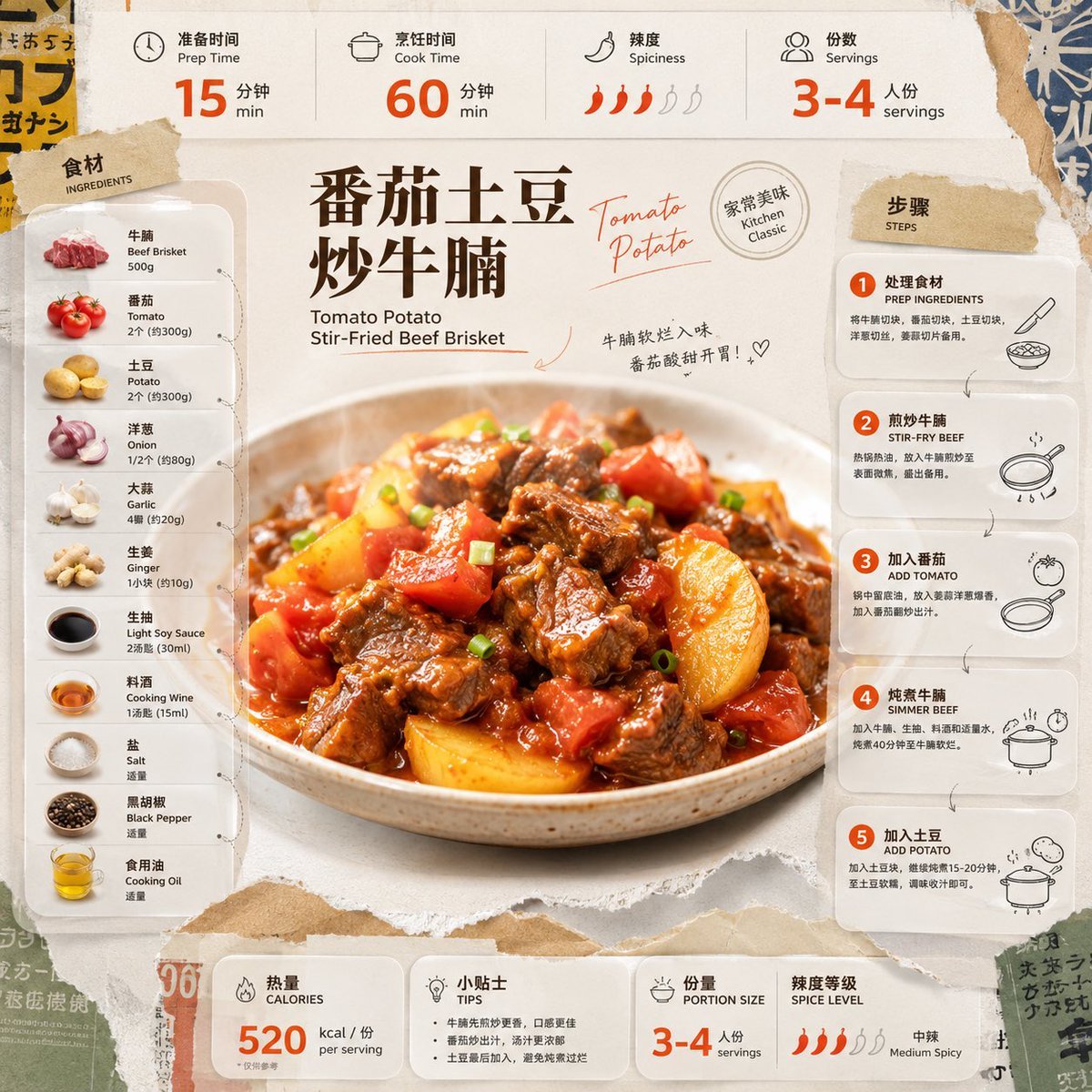
Tomato Potato Beef Recipe Infographic

Meme Generation Prompt for Caffeine and Exhaustion
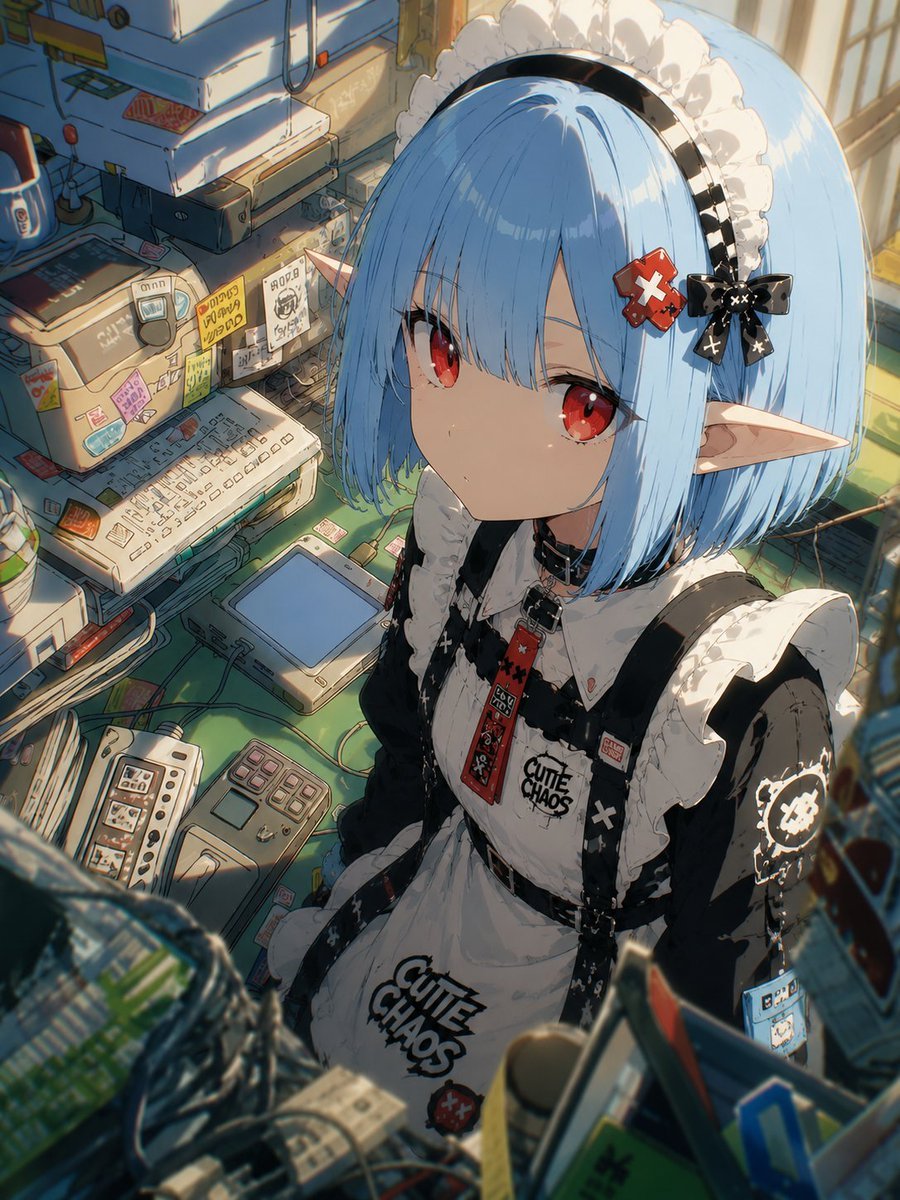
Natural Character Swap Instruction
Alpine Ski Portrait with Anatomical Specifications
Browse template categories
Moonlit Chinese Seascape questions
How do I use the Moonlit Chinese Seascape template?
Add your photo if the template asks for one, edit the prompt if you like — the template's model and format are already selected — and press Generate. Your version opens in PicX Studio.
Can I customize the Moonlit Chinese Seascape template?
Yes. You can change the subject, setting, lighting, mood, format, and available model controls before creating your image.
Is the Moonlit Chinese Seascape template free?
Opening and editing this template is free. Generating uses credits, shown on the Generate button when you are signed in.
Which AI model should I use?
Start with GPT Image 2, which is the model associated with this template. You can compare another compatible model for a different finish.
Looking for something else? Browse all templates.

Your photo, any look
Thousands of ready templates for every top image and video model, from one credit balance.