
Sci-Fi Lighthouse Structure Diagram
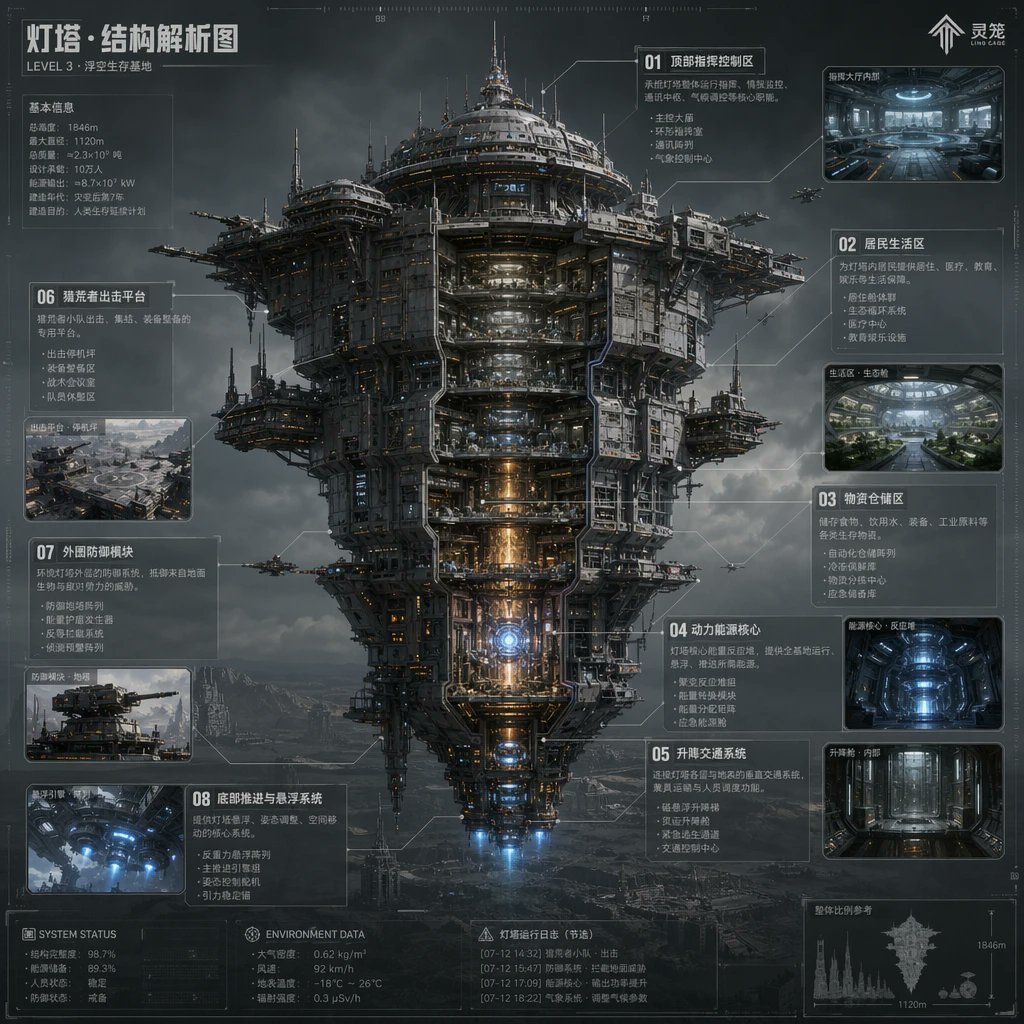
This prompt generates a dense futuristic Chinese infographic poster of a colossal floating fortress with cutaway sections, ideal for concept art presentations and worldbuilding sheets.
- Prompt included
- Model and format preset
- Free template
The prompt behind this image
Copy the exact prompt behind Sci-Fi Lighthouse Structure Diagram, or open it in the studio and make it yours.
- Type
- sci-fi technical infographic poster
- Subject
- massive floating fortress megastructure shown in a front-facing cutaway view
- Style
- ultra-detailed hard-surface science fiction concept art, cinematic industrial realism, blueprint-inspired HUD overlay, atmospheric volumetric clouds, dark steel textures, subtle orange and blue internal lighting, high-detail labeling lines and schematic callouts
- Setting › Location
- stormy sky above a barren mountainous wasteland
- Setting › Mood
- cold, monumental, futuristic, dystopian
- Main Structure › Name
- 灯塔·结构解析图
- Main Structure › Subtitle
- LEVEL 3 · 浮空生存基地
- Main Structure › Form
- a colossal vertically layered airborne city tower with a broad circular upper crown, dense mechanical superstructure, exposed platforms, antenna spires, docking arms, suspended side pods, and a tapered lower engine section
- Main Structure › View
- centered full-body elevation, symmetrical composition, partial internal cutaway exposing stacked interior decks and core systems
- Main Structure › Materials
- gunmetal steel, weathered titanium, pipes, cables, reinforced glass, illuminated machinery
- Main Structure › Lighting
- moody overcast daylight with glowing interior corridors, warm reactor core light, blue thruster light at the bottom
- Layout › Composition
- single central megastructure surrounded by labeled info panels and inset images
- Layout › Sections › 0 › Title
- 01 顶部指挥控制区
- Layout › Sections › 0 › Position
- upper right
- Layout › Sections › 0 › Count
- 1
- Layout › Sections › 0 › Labels
- 顶部指挥控制区
- Layout › Sections › 1 › Title
- 02 居民生活区
- Layout › Sections › 1 › Position
- right upper-middle
- Layout › Sections › 1 › Count
- 1
- Layout › Sections › 1 › Labels
- 居民生活区
- Layout › Sections › 2 › Title
- 03 物资仓储区
- Layout › Sections › 2 › Position
- right middle
- Layout › Sections › 2 › Count
- 1
- Layout › Sections › 2 › Labels
- 物资仓储区
Raw JSON
{"type":"sci-fi technical infographic poster","subject":"massive floating fortress megastructure shown in a front-facing cutaway view","style":"ultra-detailed hard-surface science fiction concept art, cinematic industrial realism, blueprint-inspired HUD overlay, atmospheric volumetric clouds, dark steel textures, subtle orange and blue internal lighting, high-detail labeling lines and schematic callouts","setting":{"location":"stormy sky above a barren mountainous wasteland","mood":"cold, monumental, futuristic, dystopian"},"main_structure":{"name":"灯塔·结构解析图","subtitle":"LEVEL 3 · 浮空生存基地","form":"a colossal vertically layered airborne city tower with a broad circular upper crown, dense mechanical superstructure, exposed platforms, antenna spires, docking arms, suspended side pods, and a tapered lower engine section","view":"centered full-body elevation, symmetrical composition, partial internal cutaway exposing stacked interior decks and core systems","materials":"gunmetal steel, weathered titanium, pipes, cables, reinforced glass, illuminated machinery","lighting":"moody overcast daylight with glowing interior corridors, warm reactor core light, blue thruster light at the bottom"},"layout":{"composition":"single central megastructure surrounded by labeled info panels and inset images","sections":[{"title":"01 顶部指挥控制区","position":"upper right","count":1,"labels":["顶部指挥控制区"]},{"title":"02 居民生活区","position":"right upper-middle","count":1,"labels":["居民生活区"]},{"title":"03 物资仓储区","position":"right middle","count":1,"labels":["物资仓储区"]},{"title":"04 动力能源核心","position":"right lower-middle","count":1,"labels":["动力能源核心"]},{"title":"05 升降交通系统","position":"right lower","count":1,"labels":["升降交通系统"]},{"title":"06 悬浮壳击共享平台","position":"left upper-middle","count":1,"labels":["悬浮壳击共享平台"]},{"title":"07 外部防御模块","position":"left middle-lower","count":1,"labels":["外部防御模块"]},{"title":"08 底部推进与悬浮系统","position":"left lower","count":1,"labels":["底部推进与悬浮系统"]}],"inset_images_count":6,"inset_images":["upper-right command hall interior","right upper-middle residential green interior","right middle blue-lit storage or reactor chamber","right lower vertical elevator corridor","left middle platform exterior overview","left lower underside thruster interior"],"extra_panels_count":5,"extra_panels":["top-left basic information stats block","bottom-left SYSTEM STATUS block","bottom-center ENVIRONMENT DATA block","bottom-center 灯塔运行日志(节选) block","bottom-right silhouette scale comparison with 1846m and 1120m markings"]},"text_elements":{"brand_mark":"灵笼","top_left_heading":"灯塔·结构解析图","small_subheading":"LEVEL 3 · 浮空生存基地","language":"Chinese","density":"heavy technical annotations, small schematic notes, thin connector lines, measurement marks, tiny interface glyphs"},"secondary_elements":{"aircraft_count":6,"aircraft":"small escort drones or gunships flying around the structure","background_details":"distant mountains, fog, layered storm clouds, faint ground structures"},"rendering":{"quality":"high-resolution polished concept sheet","aspect_ratio":"1:1","camera":"orthographic-like telephoto infographic presentation with slight cinematic depth","color_palette":"charcoal gray, steel blue, cold white, amber highlights, electric blue thrusters"},"customization":{"headline":"{argument name=\"headline text\" default=\"灯塔·结构解析图\"}","subtitle":"{argument name=\"subtitle text\" default=\"LEVEL 3 · 浮空生存基地\"}","structure_name":"{argument name=\"structure name\" default=\"灯塔\"}","primary_style":"{argument name=\"visual style\" default=\"ultra-detailed hard-surface science fiction concept art\"}","environment":"{argument name=\"environment\" default=\"stormy sky above a barren mountainous wasteland\"}"}}How to use Sci-Fi Lighthouse Structure Diagram in 3 steps
- 1Upload ImagePNG, JPG or paste
Add your photo
Upload the photo the template builds on. The prompt, model and format are already set.
- 2…a portrait of your subject in softgolden-hour light, 85mm…
Personalize
Edit the subject and creative details for your destination.
- 3Generate
Generate
Press Generate — your image is created in PicX Studio, so you can compare it with the original and refine one variable at a time.
More like this
Templates with the same subject, style or setup. Open one to see its prompt.
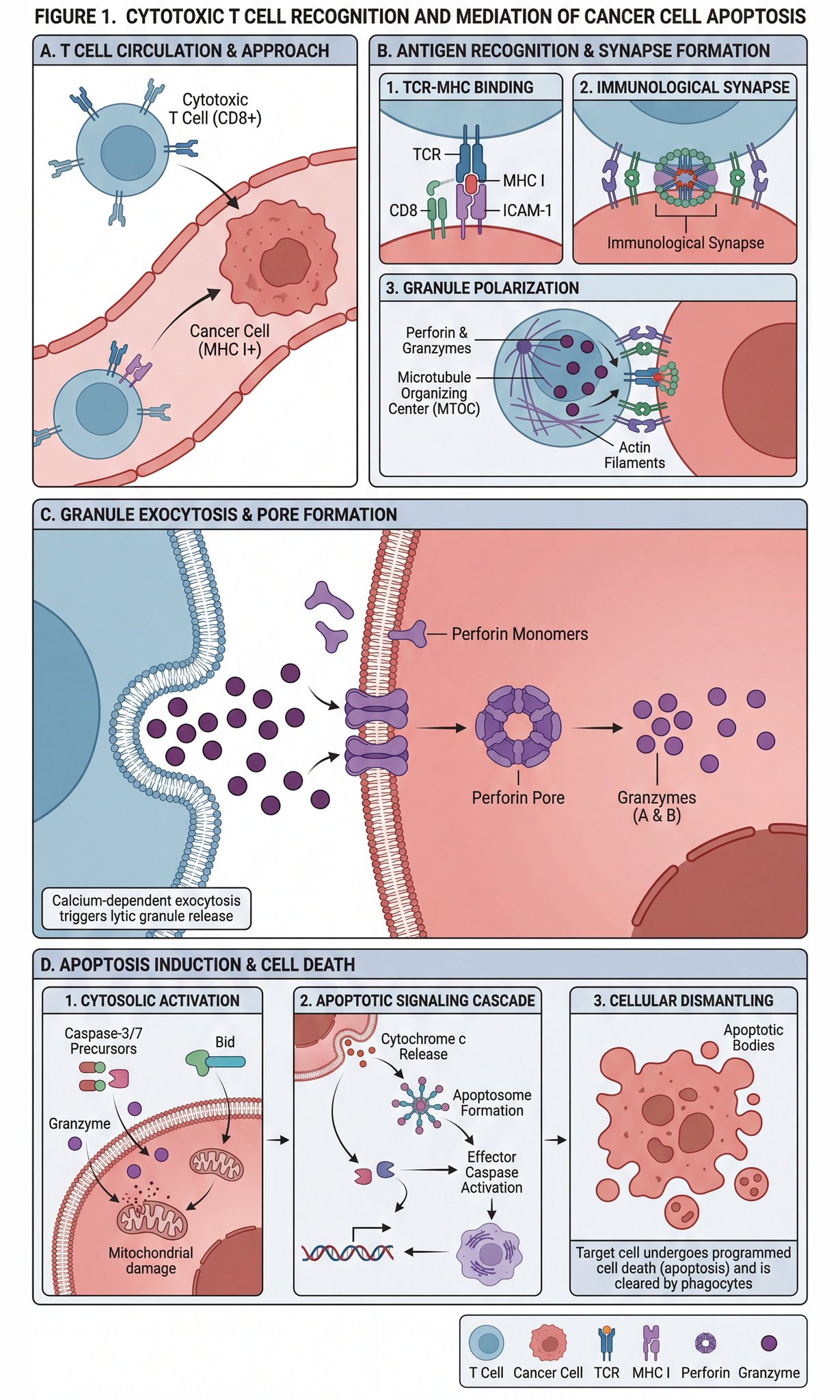
Scientific diagram of cytotoxic T cells killing cancer cells
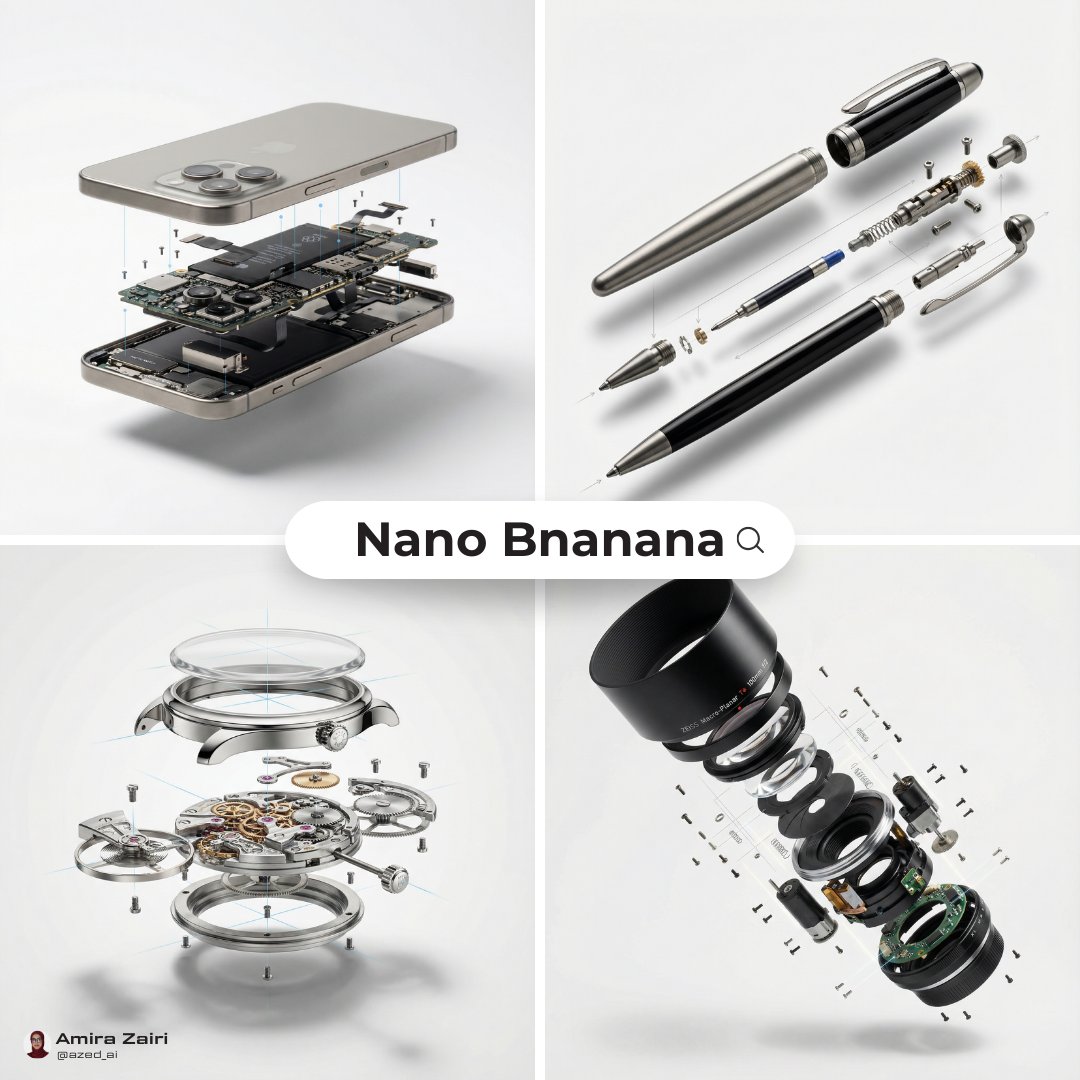
Exploded View Diagram Showing Internal Mechanical Structure
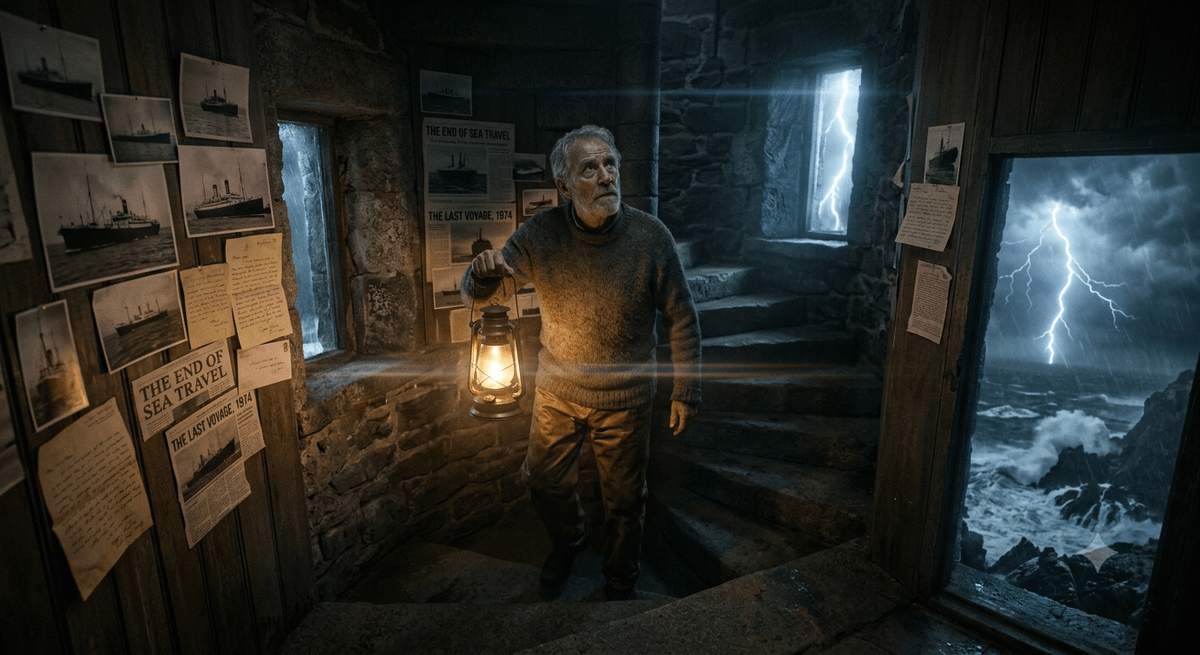
The Lighthouse Keeper Storyboard
Sci-Fi AI Battle Movie Poster

Each module shares structure but maintains unique visual dynamics

Sci-Fi Knight of the Order
Ghostly Lighthouse Storm Seascape
Pregnant Woman in Retro Sci-Fi Medical Pod
Lone Woman in Ruined Megastructure
Dark Sci-Fi Commander Character Sheet
Desert Sci-Fi Action Storyboard
Sci-Fi Anime Songstress Illustration
Make it yours
Sci-Fi Lighthouse Structure Diagram works as-is. These are the safest ways to change it without losing the look.
Swap the setting
Keep the rest of the prompt and replace the location block. The current setting is “stormy sky above a barren mountainous wasteland”.
Swap the light
One lighting change is enough to compare takes. Current light: “moody overcast daylight with glowing interior corridors, warm reactor core light”.
Change one field
Copy a single group, rewrite it, and generate again so you can see what that field is doing.
| If the result… | Why | Fix |
|---|---|---|
| The result drifts from the preview | Too many fields changed at once. | Reuse Sci-Fi Lighthouse Structure Diagram as-is first, then change one group — subject, light, or setting. |
| GPT Image 2 ignores part of the JSON | Some models flatten or skip nested keys. | Keep the same values and paste them as a short paragraph instead. |
More GPT Image 2 templates
Other prompts made for GPT Image 2.

Six VTuber Japanese Logo Sheet

Realistic Portrait of Woman and Deer

The Vista Modular Condo Poster

AI Model Routing Comparison Infographic

2.5D Anime Art Board

Isometric Productivity Desk Scene

New York Double Exposure Poster

Four-Panel AI Landscape Comparison

Japanese Tatami Lifestyle Magazine Cover

NESCAFÉ Coffee Map Poster
More image prompts
Fresh picks from across the catalog.
Cinematic Cola Can Explosion Advertisement Prompt
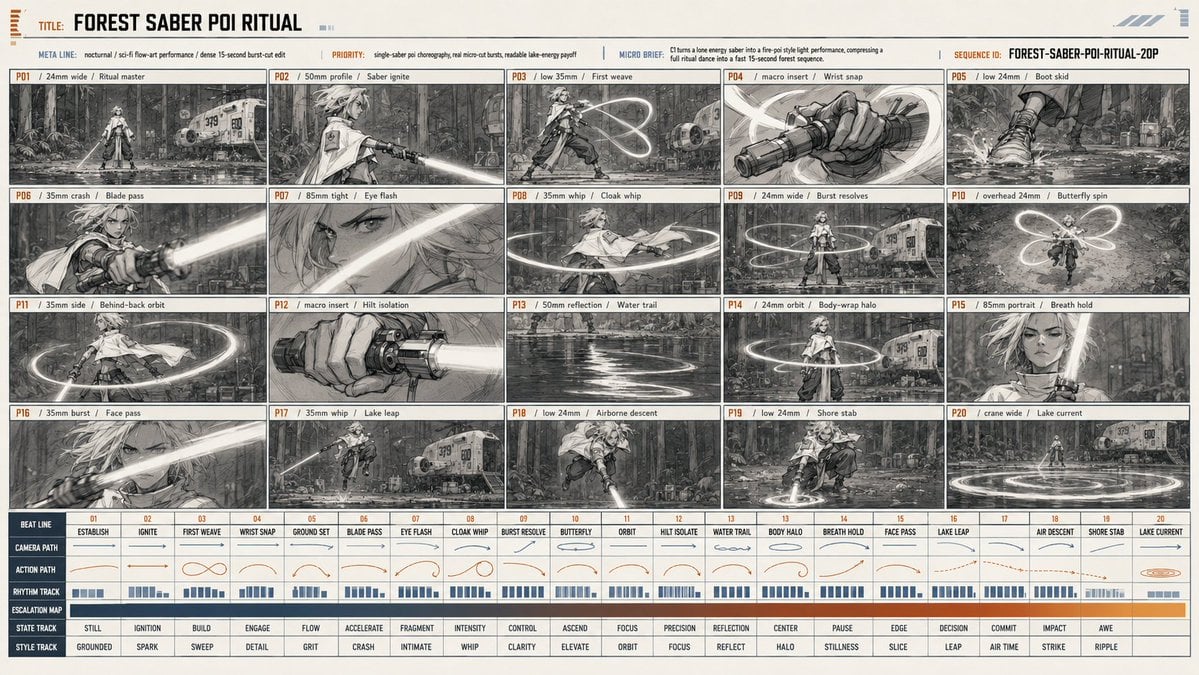
Forest Saber Ritual Storyboard Sheet

Manga Recipe Illustration Generator
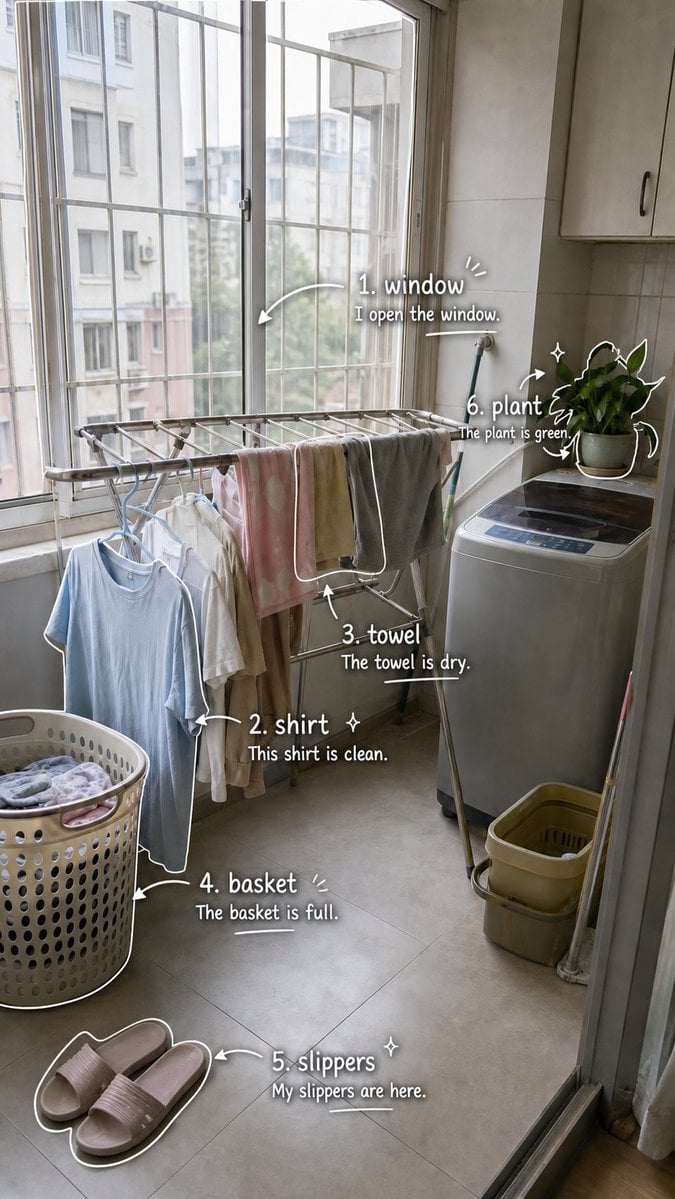
Laundry Balcony Vocabulary Journal

3x3 Grid Character Consistency Prompt

Animated version 3d blender

Tropical Skincare Product Photography

Pencil Sketch Fashion Illustration
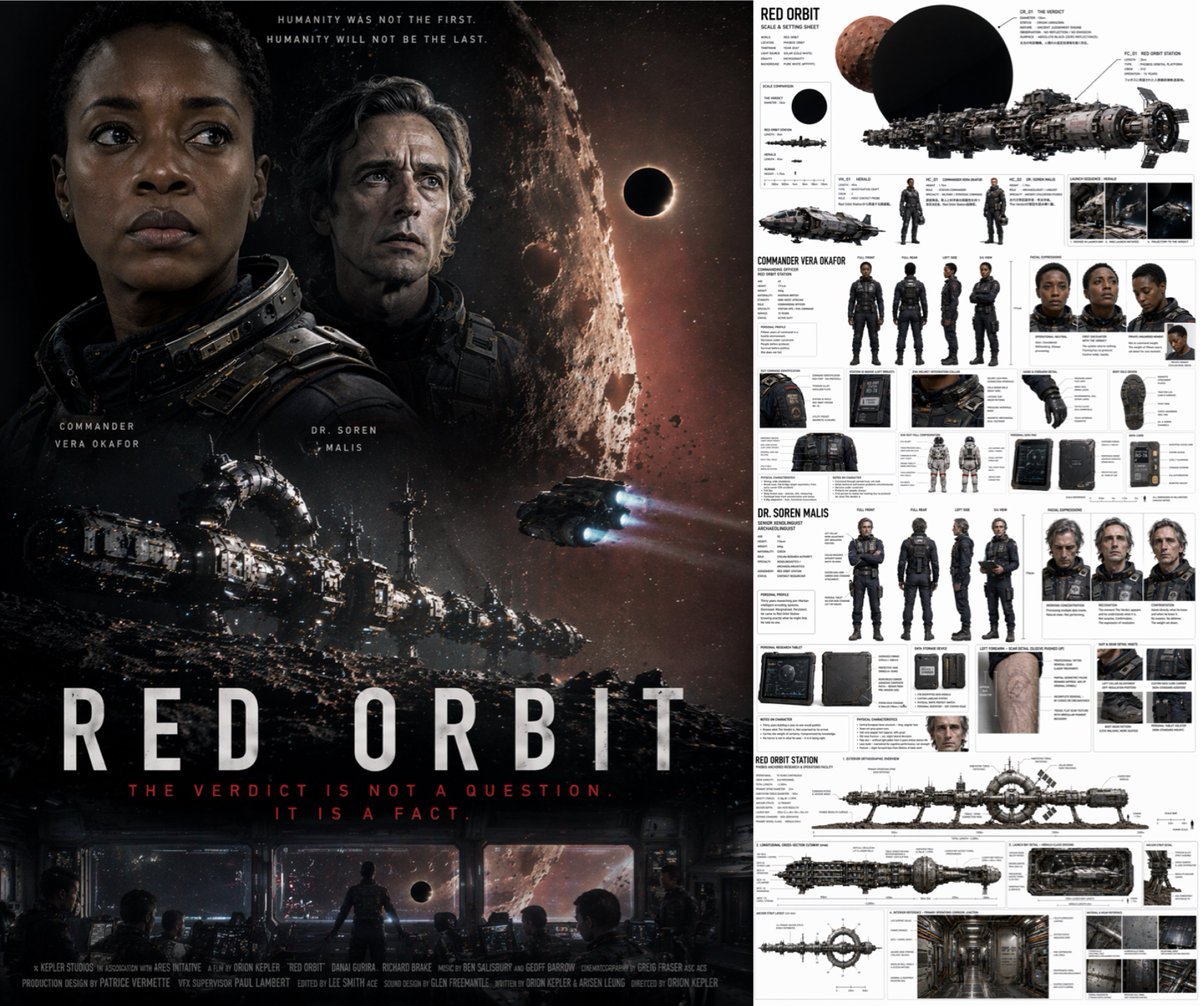
Sci-Fi Movie Poster and Production Design Sheet
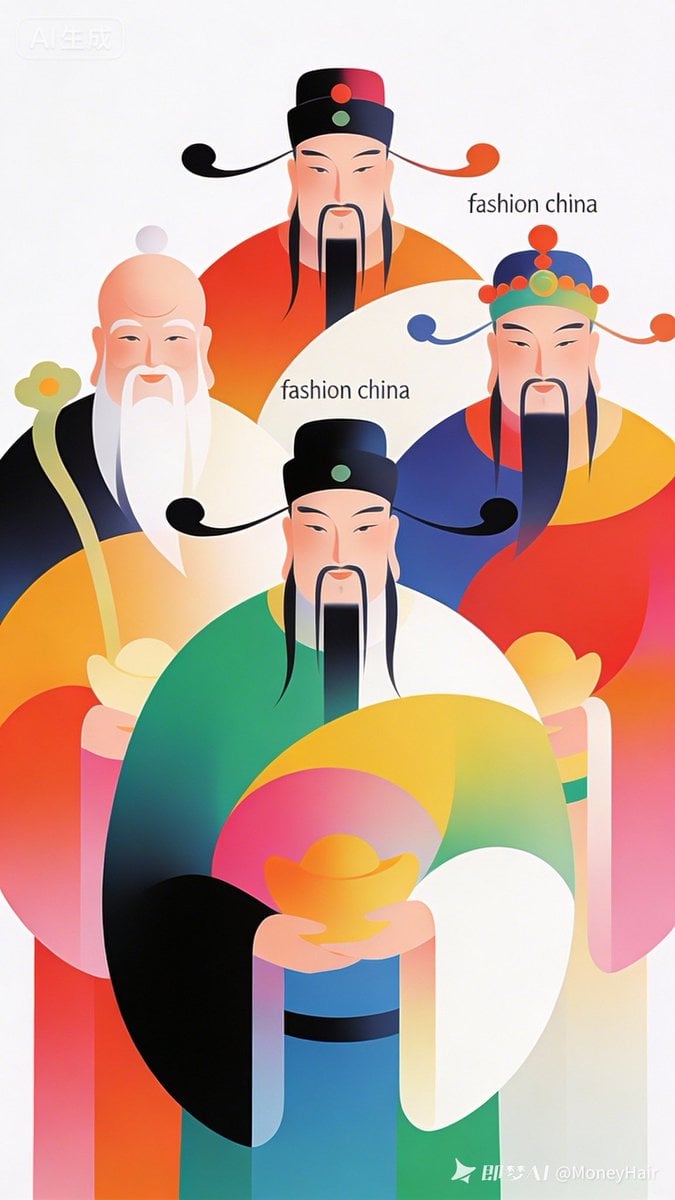
Vector Illustration for Five Gods of Wealth Red Packet Cover
Browse template categories
Sci-Fi Lighthouse Structure Diagram questions
How do I use the Sci-Fi Lighthouse Structure Diagram template?
Add your photo if the template asks for one, edit the prompt if you like — the template's model and format are already selected — and press Generate. Your version opens in PicX Studio.
Can I customize the Sci-Fi Lighthouse Structure Diagram template?
Yes. You can change the subject, setting, lighting, mood, format, and available model controls before creating your image.
Is the Sci-Fi Lighthouse Structure Diagram template free?
Opening and editing this template is free. Generating uses credits, shown on the Generate button when you are signed in.
Which AI model should I use?
Start with GPT Image 2, which is the model associated with this template. You can compare another compatible model for a different finish.
Looking for something else? Browse all templates.

Your photo, any look
Thousands of ready templates for every top image and video model, from one credit balance.