
VALORANT Agent Concept Reference Sheet
A comprehensive character design sheet prompt for a VALORANT-inspired agent named Vanta, including turnaround views, expressions, and equipment details.
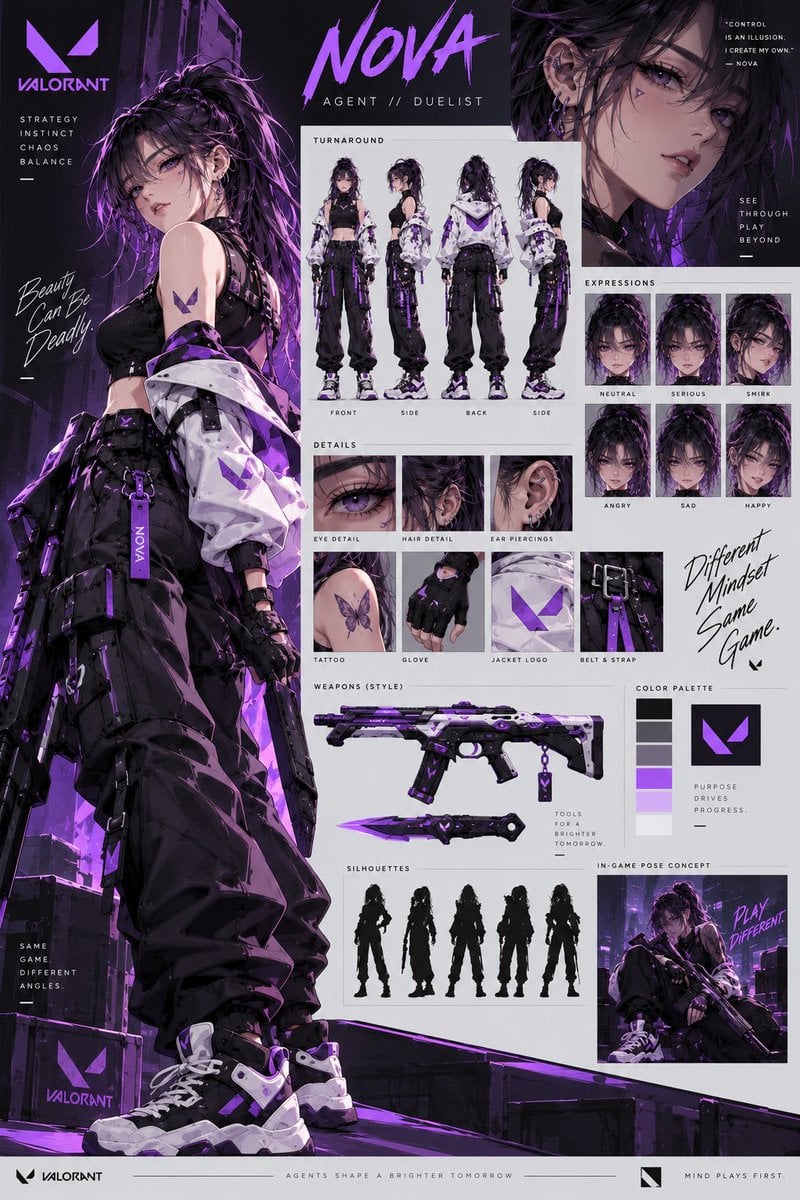
- Prompt included
- Model and format preset
- Free template
The prompt behind this image
Copy the exact prompt behind VALORANT Agent Concept Reference Sheet, or open it in the studio and make it yours.
Create a premium VALORANT-inspired female agent character reference sheet in a completely new design, different from previous versions. Create an original female agent with a strong, confident, mysterious personality and a distinctive silhouette. Character design: young adult woman, sharp expressive eyes, elegant facial features, long dark hair with {argument name="highlight color" default="deep crimson/red highlights"}, slightly messy layered hairstyle, subtle ear piercings, confident expression. Do not reuse the previous purple-haired character design. Outfit: futuristic black tactical streetwear mixed with high-fashion elements — cropped armored top, oversized asymmetrical jacket, tactical cargo pants, utility belts, straps, gloves, knee protection and futuristic high-top combat sneakers. Add {argument name="accent color" default="crimson red"} glowing accents throughout the outfit and a unique angular agent insignia. Color palette: matte black, charcoal gray, off-white, dark silver and vivid crimson red. Avoid purple and blue. Reference sheet layout: Large cinematic full-body hero pose on the left Front, side, back and 3/4 turnaround views Large close-up face portrait Six expressions: neutral, serious, smirk, angry, sad, confident Eye, hair, ear-piercing, glove, jacket, belt and insignia close-ups Futuristic rifle and tactical knife design Color palette swatches Multiple character silhouettes Small action/in-game pose panel Clean professional character-design annotations Visual style: high-end anime game concept art, premium FPS character design, cinematic cel shading, realistic anatomy, sharp clean linework, detailed fabric, realistic tactical equipment, dramatic red rim lighting, subtle atmospheric smoke, dynamic composition, extremely detailed, polished AAA game character presentation. Graphic design: professional VALORANT-style character dossier, black cinematic sections combined with clean white reference-board panels, angular graphic shapes, futuristic UI elements, bold typography and minimal technical labels. Typography: prominently display “VALORANT” and a completely new agent codename, “{argument name="agent name" default="VANTA"}”. Add short tactical phrases such as “MOVE WITHOUT WARNING.”, “CONTROL THE ANGLE.”, and “PLAY DIFFERENT.”
How to use VALORANT Agent Concept Reference Sheet in 3 steps
- 1Upload ImagePNG, JPG or paste
Add your photo
Upload the photo the template builds on. The prompt, model and format are already set.
- 2…a portrait of your subject in softgolden-hour light, 85mm…
Personalize
Edit the subject and creative details for your destination.
- 3Generate
Generate
Press Generate — your image is created in PicX Studio, so you can compare it with the original and refine one variable at a time.
More like this
Templates with the same subject, style or setup. Open one to see its prompt.

Dancer Character - Four View Reference Sheet

Movement Sheet - Dance Reference (Seedance 2.0)
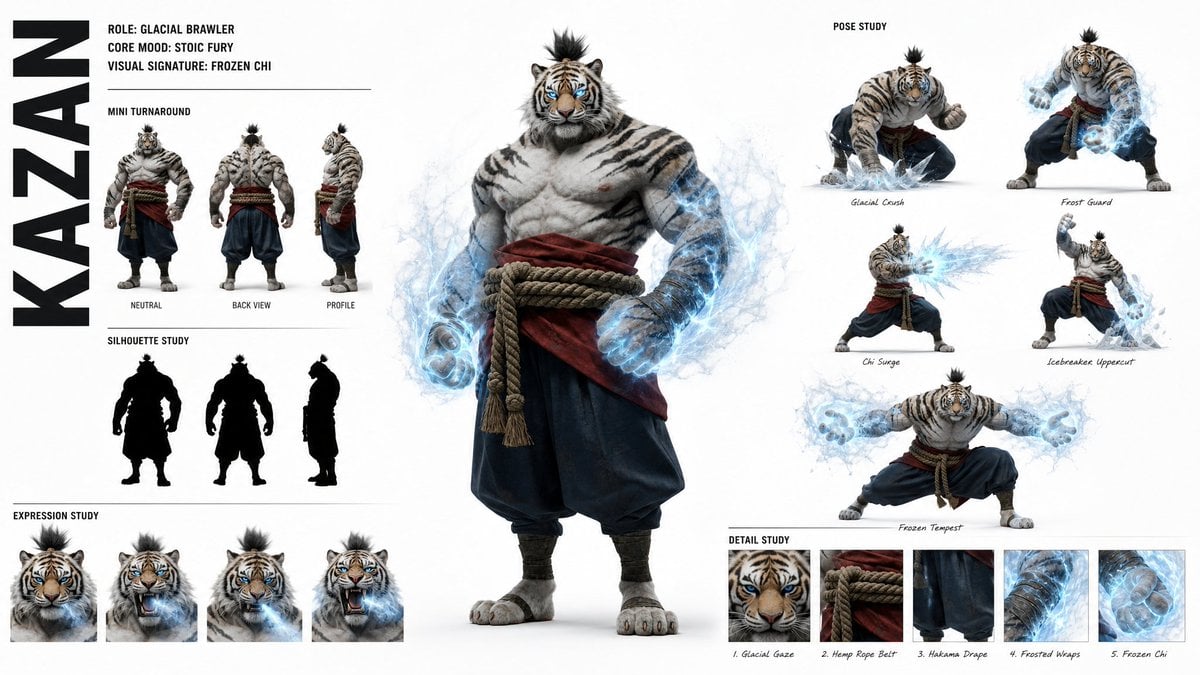
High-Fashion Character Concept Art Sheet

Futuristic Anime Tactical Concept Sheet

Gray Studio Character Reference Sheet

Retro Manga StackChan Concept Sheet

Anime Character Sheet Reference Prompt
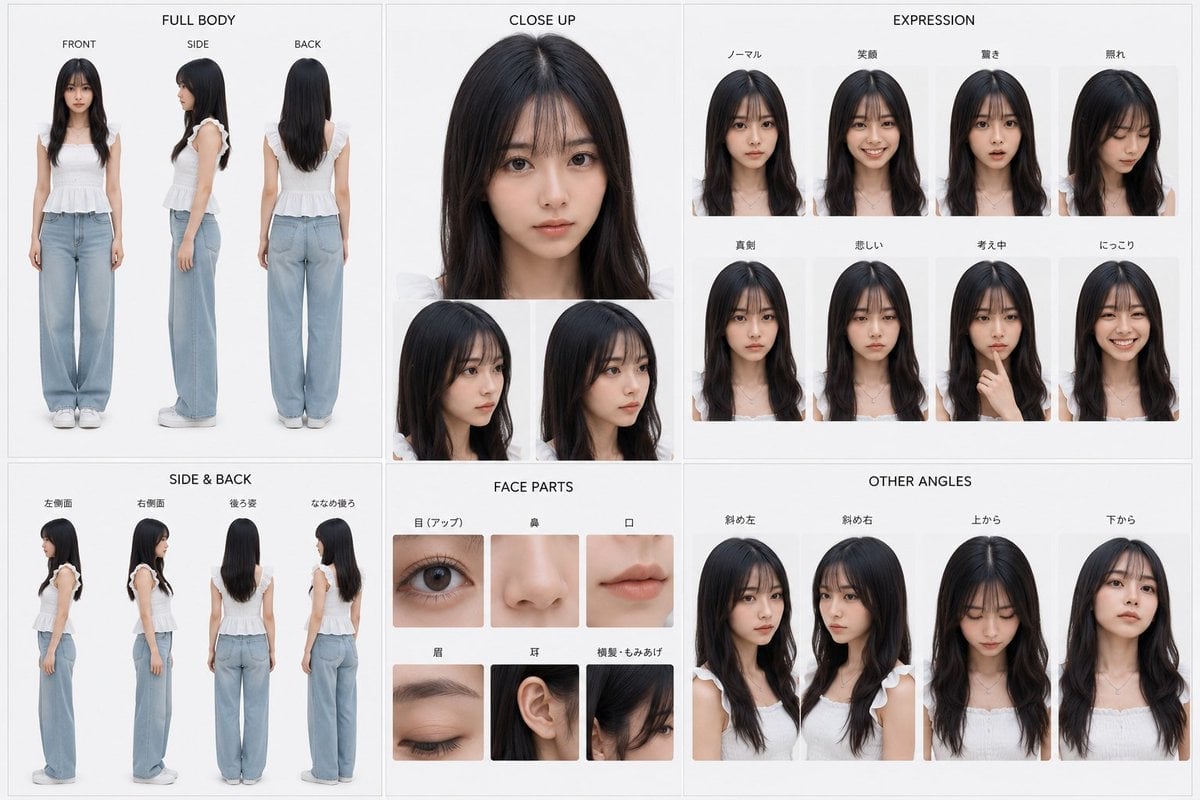
Photoreal Character Reference Sheet
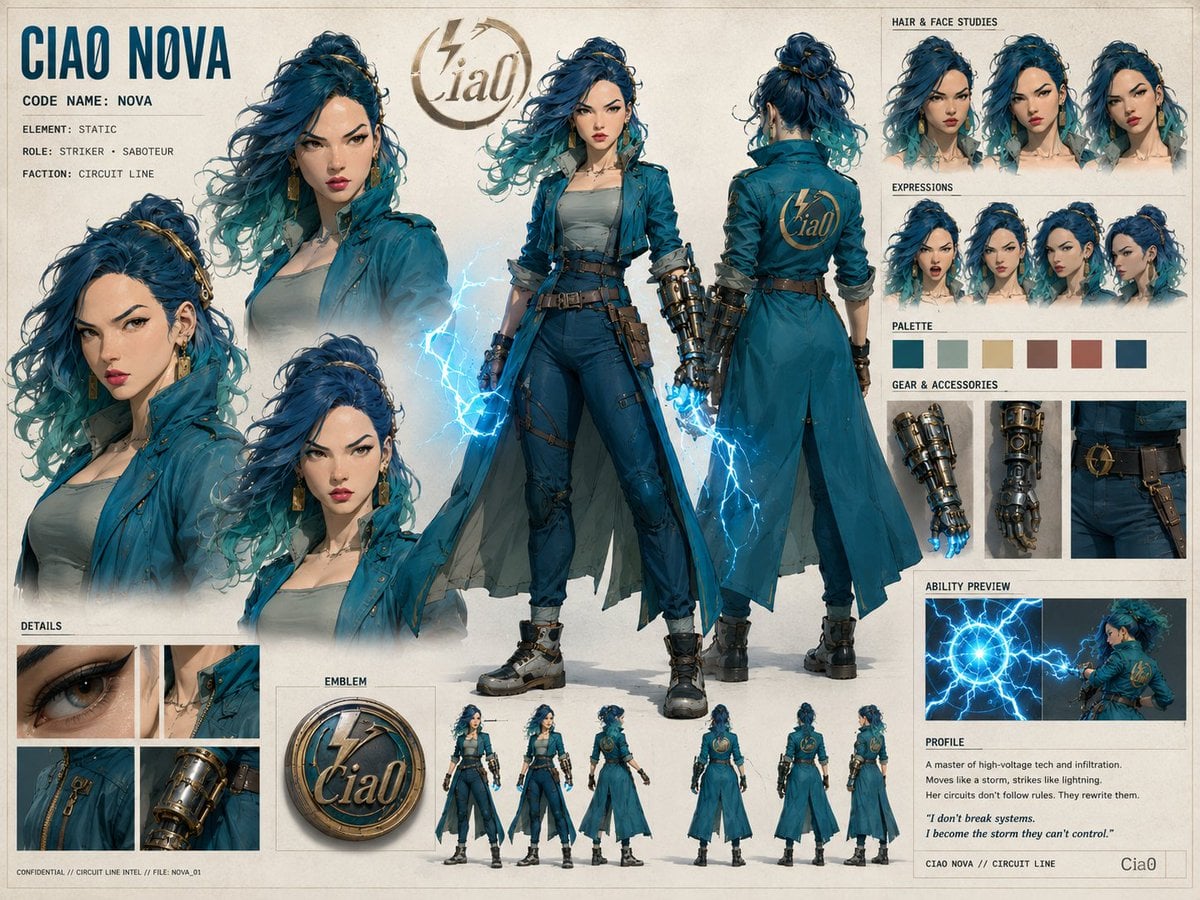
Ciao Nova Character Reference Sheet

Glass Brand Logo Volcanic Landscape

Blueprint Split Reality Archetype Prompt

Real Illustration Split Portrait Transition
Make it yours
VALORANT Agent Concept Reference Sheet works as-is. These are the safest ways to change it without losing the look.
Change one field
Copy a single group, rewrite it, and generate again so you can see what that field is doing.
Keep the frame, change the subject
Hold the composition and light of VALORANT Agent Concept Reference Sheet, then swap wardrobe, props or the person for a new take.
| If the result… | Why | Fix |
|---|---|---|
| The result drifts from the preview | Too many fields changed at once. | Reuse VALORANT Agent Concept Reference Sheet as-is first, then change one group — subject, light, or setting. |
| The model over-stylizes the scene | The prose prompt leaves finish and camera underspecified. | Add one camera or lighting sentence and stay on GPT Image 2. |
More GPT Image 2 templates
Other prompts made for GPT Image 2.

Six VTuber Japanese Logo Sheet

Realistic Portrait of Woman and Deer

The Vista Modular Condo Poster

AI Model Routing Comparison Infographic

2.5D Anime Art Board

Isometric Productivity Desk Scene

New York Double Exposure Poster

Four-Panel AI Landscape Comparison

Japanese Tatami Lifestyle Magazine Cover

NESCAFÉ Coffee Map Poster
More image prompts
Fresh picks from across the catalog.
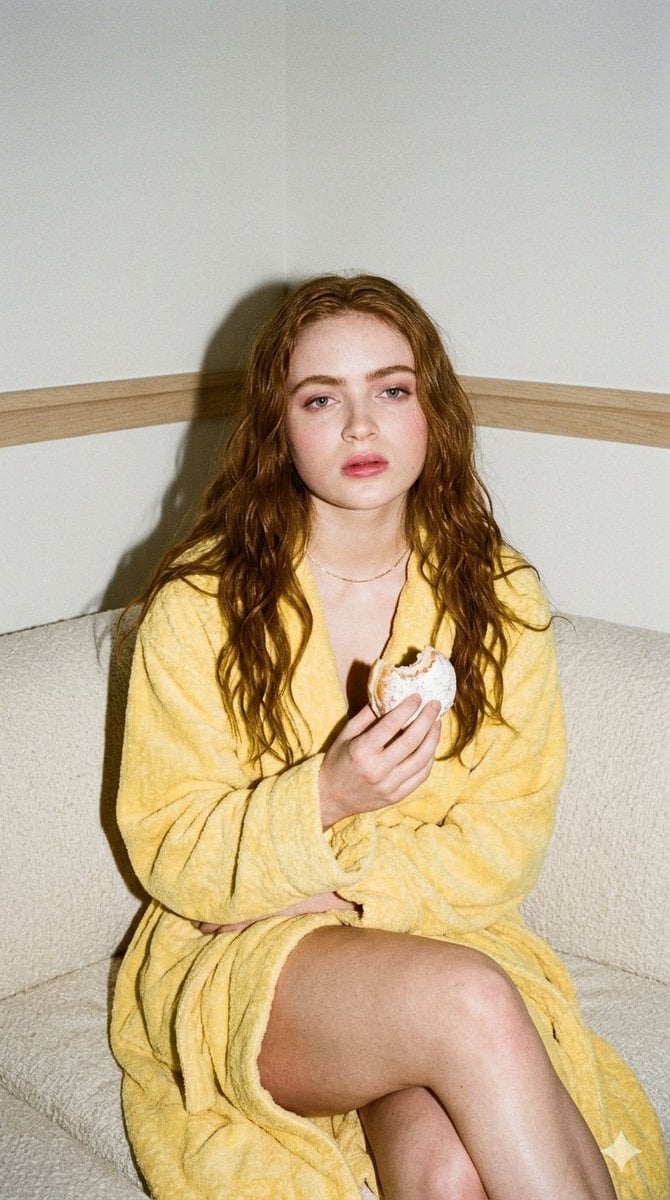
Candid 35mm Film Aesthetic Portrait with Donut Prompt for Gemini Nano Banana Pro
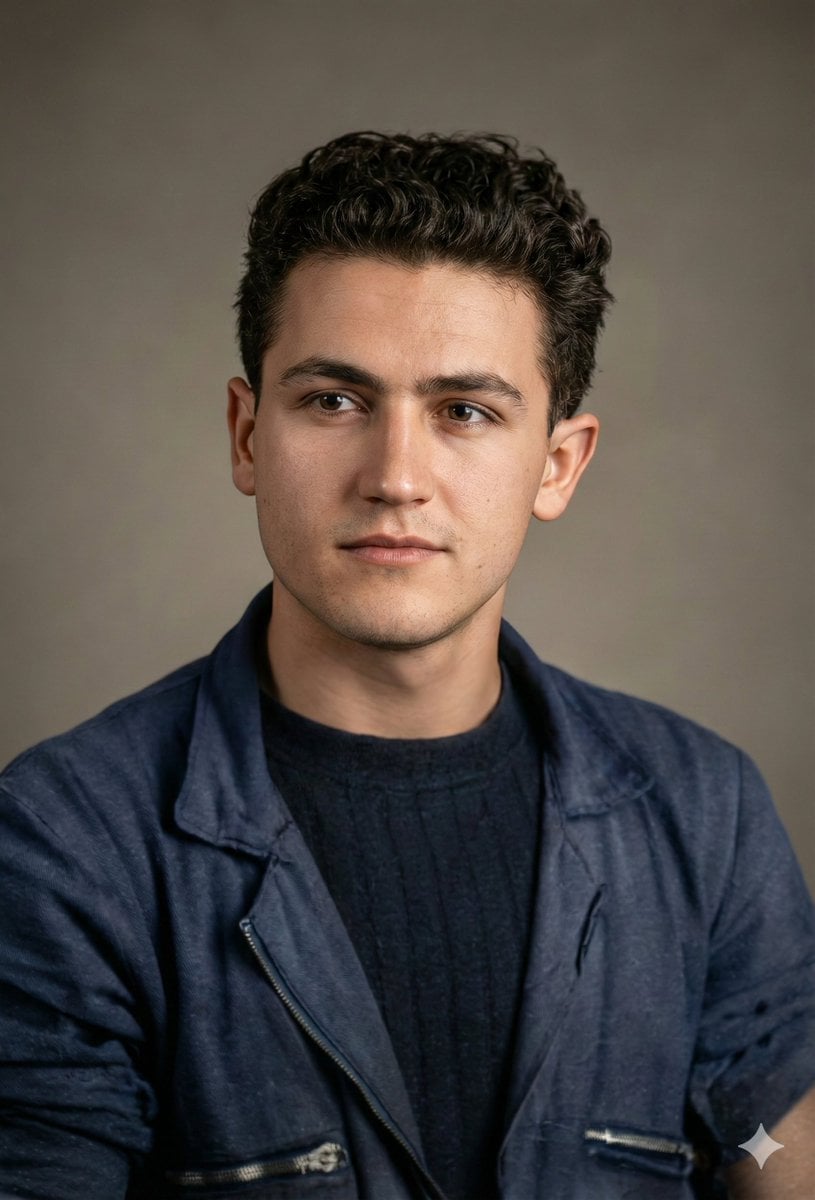
Image Restoration and Enhancement Prompt
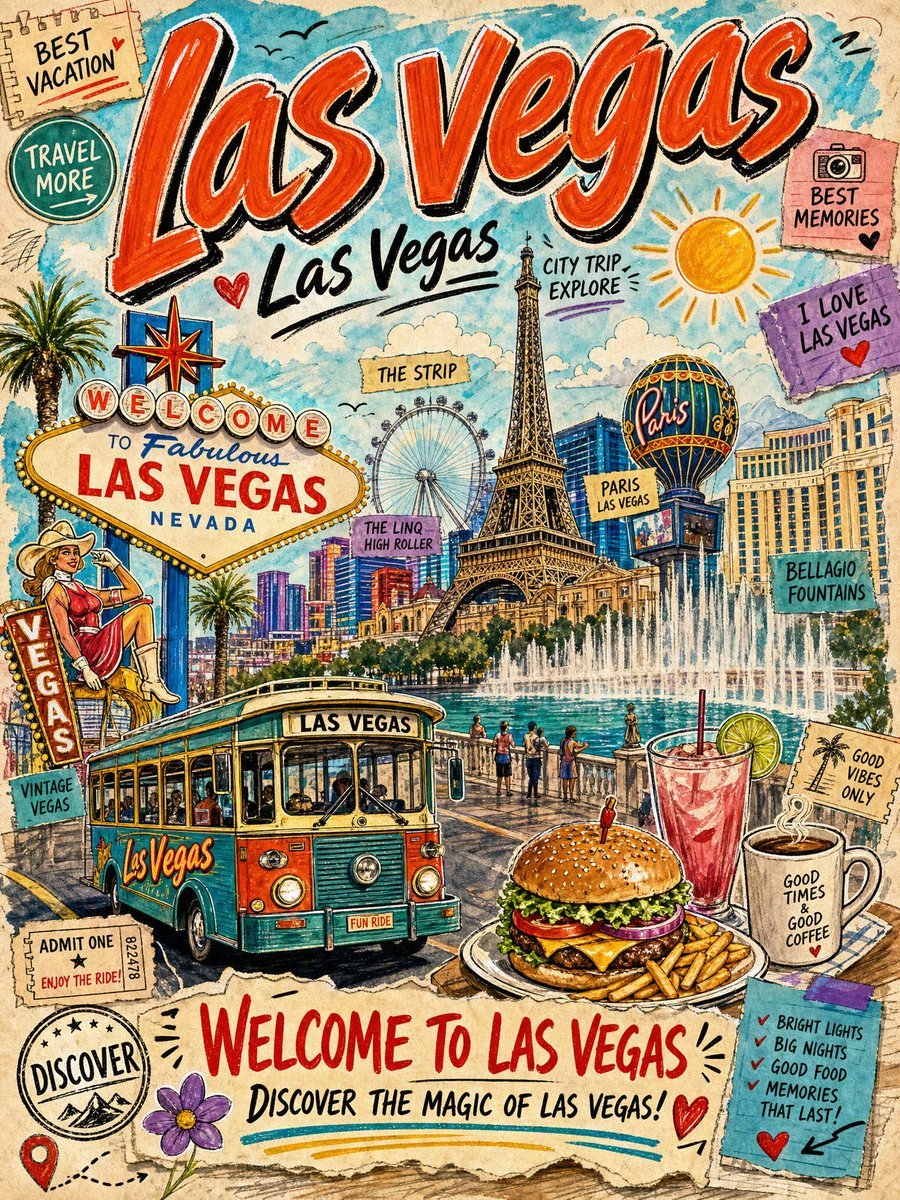
Vintage Las Vegas Travel Collage
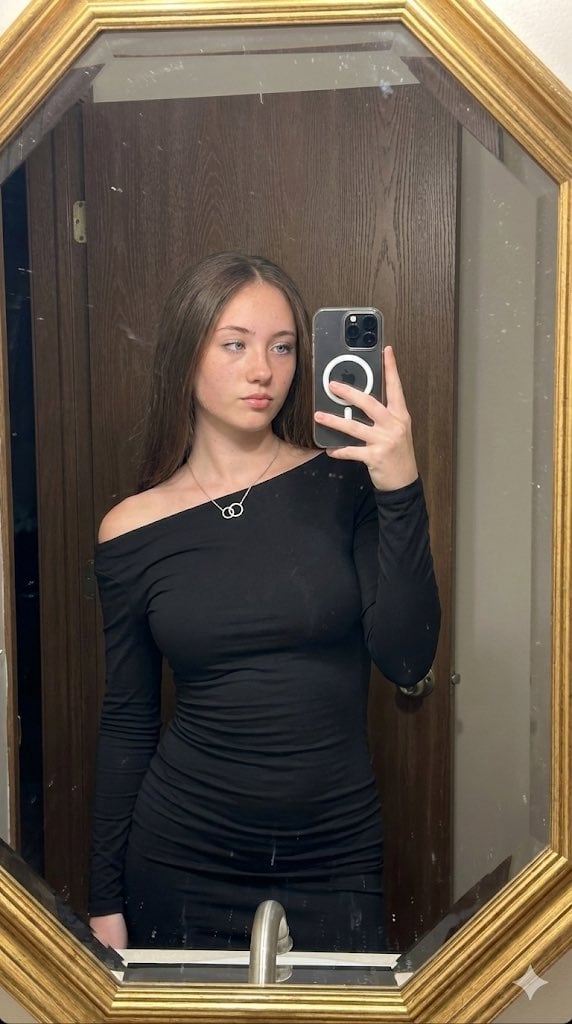
Hyper-realistic mirror selfie prompt with detailed material physics and identity locking
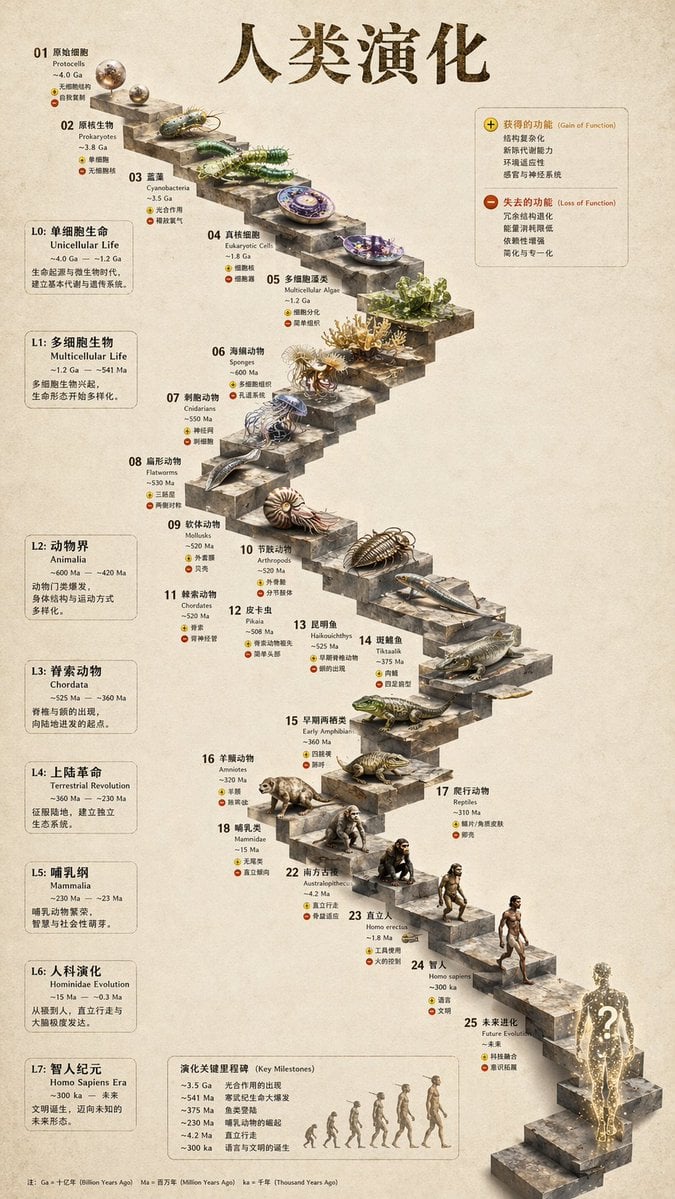
3D Stone Staircase Evolution Infographic
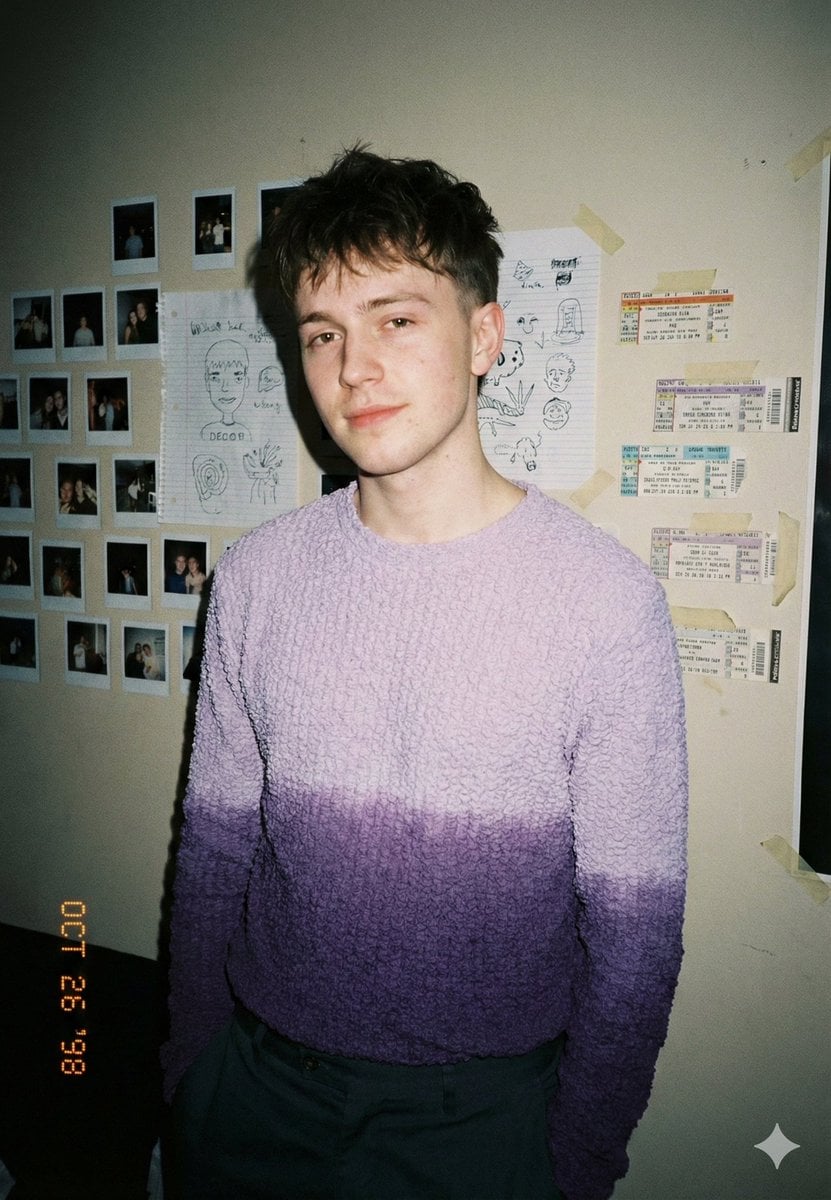
Analog-Inspired Male Portrait with Hard Flash Prompt
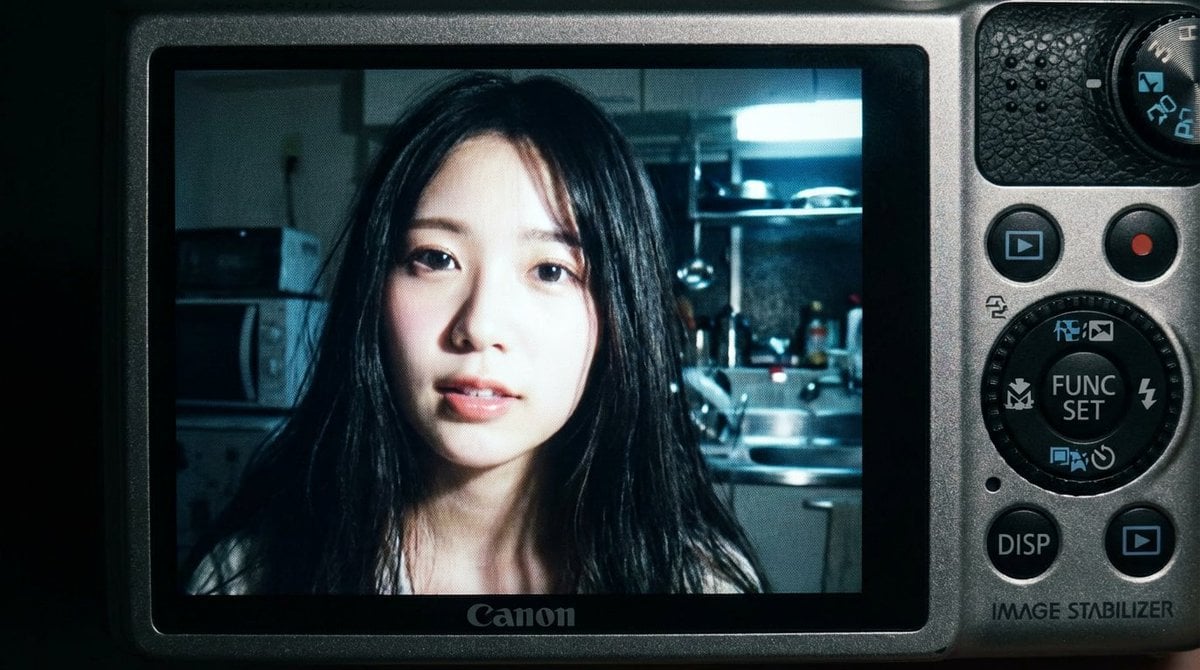
2000s Digital Camera Snapshot Prompt
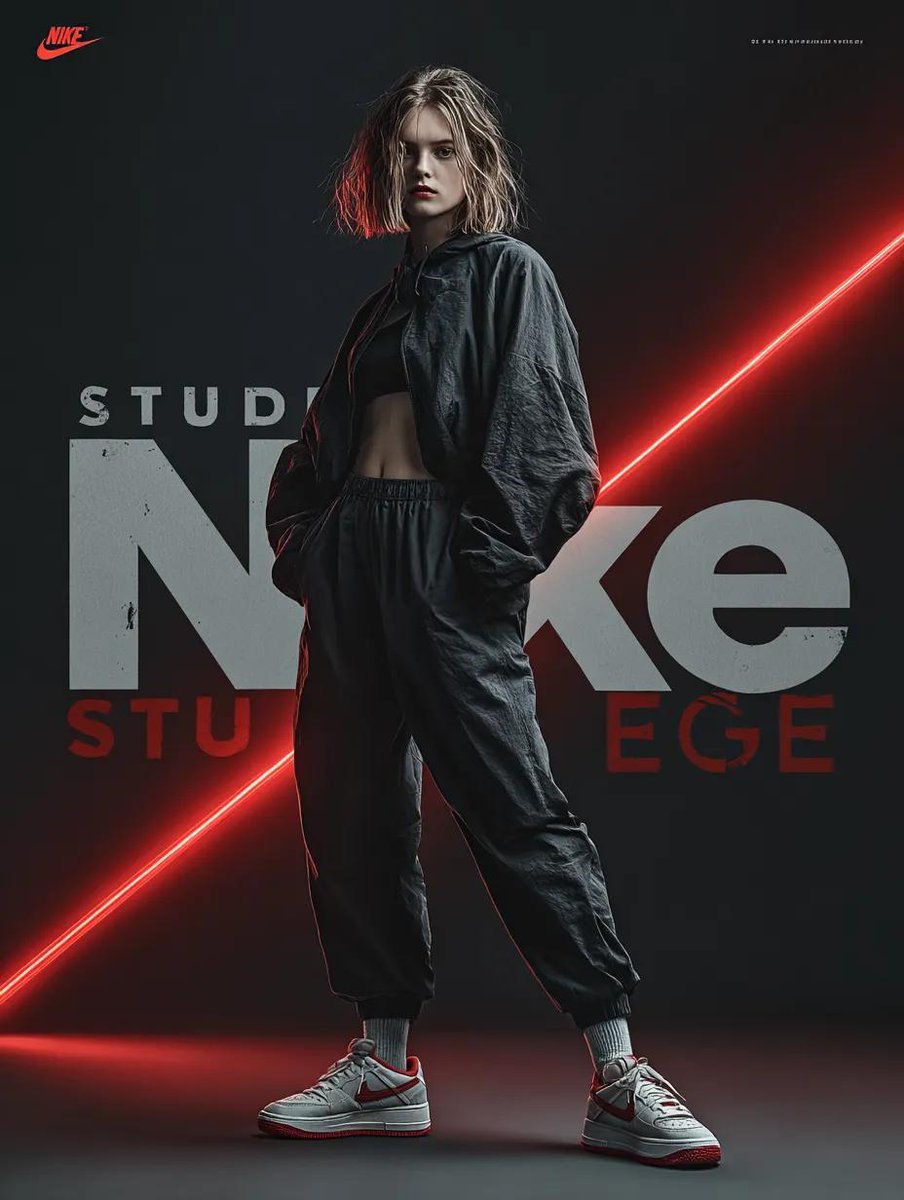
Dynamic Futuristic Nike Fashion Ad Prompt for Nano Banana Pro
Soft Glow Indoor Mirror Selfie Portrait
Humorous Prompt Example
Browse template categories
VALORANT Agent Concept Reference Sheet questions
How do I use the VALORANT Agent Concept Reference Sheet template?
Add your photo if the template asks for one, edit the prompt if you like — the template's model and format are already selected — and press Generate. Your version opens in PicX Studio.
Can I customize the VALORANT Agent Concept Reference Sheet template?
Yes. You can change the subject, setting, lighting, mood, format, and available model controls before creating your image.
Is the VALORANT Agent Concept Reference Sheet template free?
Opening and editing this template is free. Generating uses credits, shown on the Generate button when you are signed in.
Which AI model should I use?
Start with GPT Image 2, which is the model associated with this template. You can compare another compatible model for a different finish.
Looking for something else? Browse all templates.

Your photo, any look
Thousands of ready templates for every top image and video model, from one credit balance.