
European Stone Alley Night Portrait
An introspective and lonely nighttime portrait set in a narrow historic European alleyway, featuring high-fidelity identity preservation.
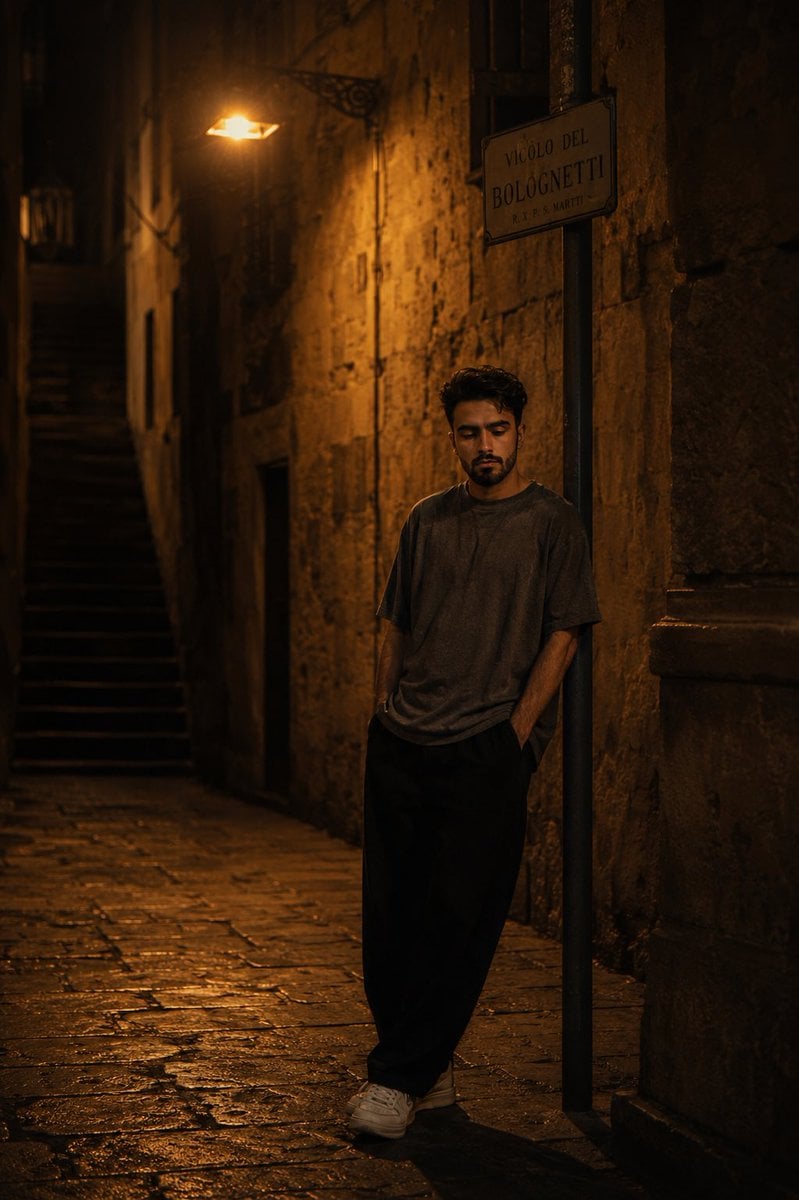
- Prompt included
- Model and format preset
- Free template
The prompt behind this image
Copy the exact prompt behind European Stone Alley Night Portrait, or open it in the studio and make it yours.
Use my uploaded face image as the primary identity reference. Preserve my exact facial identity with extremely high fidelity: identical facial structure, jawline, cheekbones, eye shape, eyebrows, nose shape, lips, beard pattern, hairstyle, hair texture, skin tone, skin texture, and overall recognizable appearance. Maintain authentic facial proportions, natural skin details, realistic imperfections, and true likeness. Do not beautify, stylize, age, de-age, or alter my identity in any way.\n\nCreate an ultra-realistic cinematic nighttime street portrait set in a narrow historic European alleyway. The subject stands alone beneath a warm vintage streetlamp, leaning casually against a metal signpost attached to an old stone wall. The mood is deeply introspective, lonely, contemplative, and emotionally cinematic, as if captured during a quiet midnight walk through an ancient city.\n\nThe environment consists of weathered stone architecture with centuries-old textures, cracked masonry, worn surfaces, and dramatic shadows. The alley is narrow and mostly empty, creating a strong sense of isolation and stillness. The ground is paved with aged cobblestones reflecting subtle golden light from the streetlamp above.\n\nThe subject stands with hands partially tucked into loose pockets, body slightly angled toward the wall, head gently tilted downward in contemplation. Expression is calm, serious, thoughtful, and emotionally reserved. Eyes are directed toward the ground rather than the camera, conveying solitude and reflection. No smile.\n\nOutfit:\n•Oversized faded charcoal-gray t-shirt\n•Loose black wide-leg trousers\n•Clean white sneakers\n•Minimal accessories\n•Natural fabric folds and realistic clothing texture\n•Relaxed modern streetwear aesthetic\n\nLighting:\n•Single overhead tungsten streetlamp as the dominant light source\n•Rich amber-orange illumination\n•Deep cinematic shadows\n•Strong chiaroscuro contrast\n•Soft falloff into darkness\n•Warm highlights on skin and clothing\n•Natural shadow gradients along the wall\n•Realistic nighttime exposure\n•No artificial studio lighting\n\nEnvironment details:\n•Historic stone alleyway\n•Vintage European architecture\n•Narrow side street disappearing into darkness\n•Worn stone staircase fading into shadow on one side\n•Weathered street sign mounted above the subject\n•Textured stone pavement with subtle reflections\n•Deep black negative space surrounding the scene\n•Atmospheric urban solitude\n\nComposition:\n•Full-body portrait\n•Vertical 4:5 aspect ratio\n•Subject positioned slightly off-center\n•Strong leading lines from the alley walls\n•Streetlamp visible near the top of the frame\n•Emphasis on scale and loneliness\n•Large areas of darkness framing the subject\n•Editorial storytelling composition\n\nCamera:\n•Sony A7R V\n•85mm lens\n•f/1.8 aperture\n•ISO 1600\n•Shutter 1/125s\n•Eye-level perspective\n•Shallow depth of field\n•Subject perfectly sharp\n•Background softly blurred but recognizable\n•Natural cinematic bokeh\n\nColor grading:\n•Warm amber highlights\n•Deep blacks\n•Burnt orange tones\n•Rich golden illumination\n•Muted earth colors\n•High contrast cinematic grade\n•Luxury film look\n•Moody night photography aesthetic\n\nStyle keywords:\nultra-realistic photography, cinematic storytelling, luxury editorial portrait, film still, moody night photography, emotional realism, atmospheric lighting, high-end fashion campaign, dramatic shadows, solitude aesthetic, European street photography, award-winning cinematography, photorealistic skin texture, realistic fabric detail, masterpiece quality, HDR, 8K ultra-detailed.\n\nsmiling, looking at camera, studio lighting, beauty retouching, glamour photography, oversaturated colors, neon lighting, cyberpunk elements, cartoon, anime, CGI appearance, artificial skin, plastic texture, low resolution, blurry face
How to use European Stone Alley Night Portrait in 3 steps
- 1Upload ImagePNG, JPG or paste
Add your photo
Upload the photo the template builds on. The prompt, model and format are already set.
- 2…a portrait of your subject in softgolden-hour light, 85mm…
Personalize
Edit the subject and creative details for your destination.
- 3Generate
Generate
Press Generate — your image is created in PicX Studio, so you can compare it with the original and refine one variable at a time.
More like this
Templates with the same subject, style or setup. Open one to see its prompt.
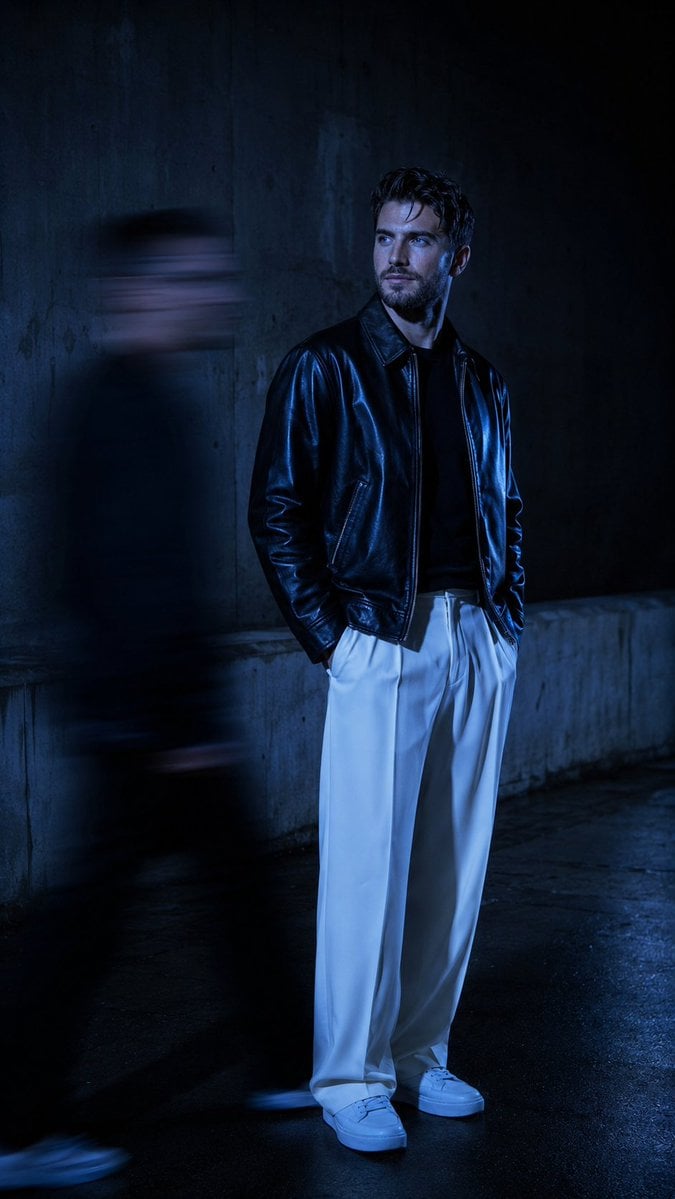
Urban Alley Night Portrait with Motion Blur

Found Photograph: Us, 1970

80s Couple Studio Portrait

80s Bollywood Star

80s Golden Hour Cinema

Me in 1985

1985 Studio Portrait
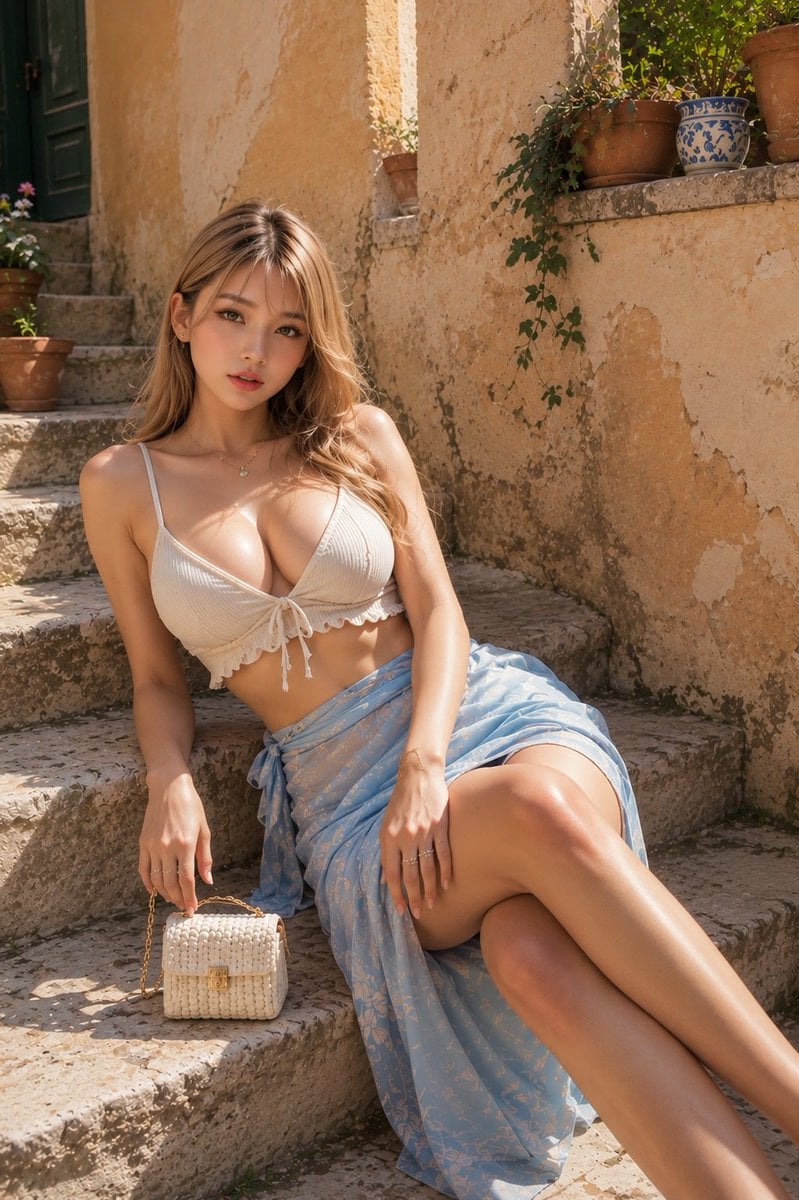
Resort Fashion Stone Steps Portrait
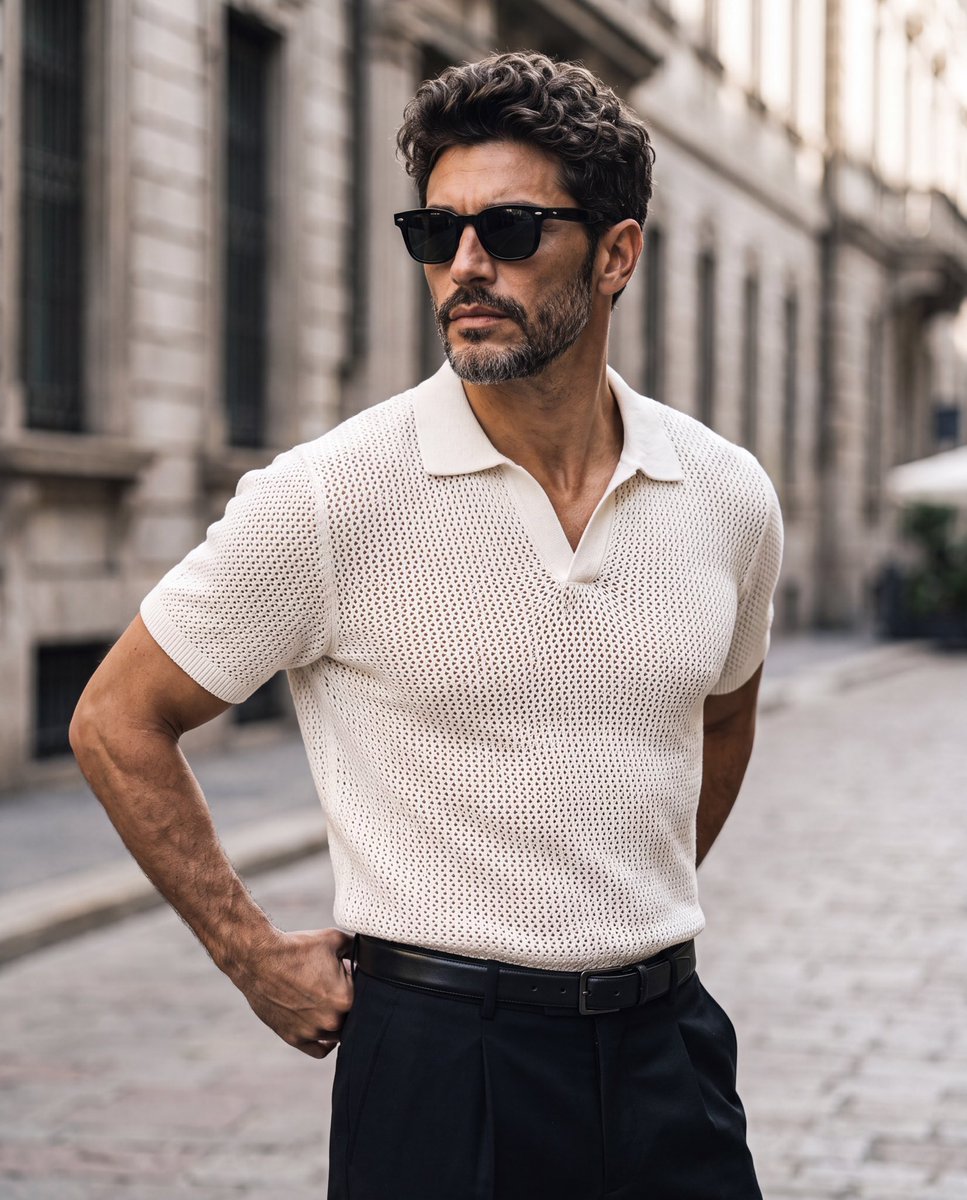
Elegant European Street Portrait

Hyper-Realistic Minecraft POV Portrait
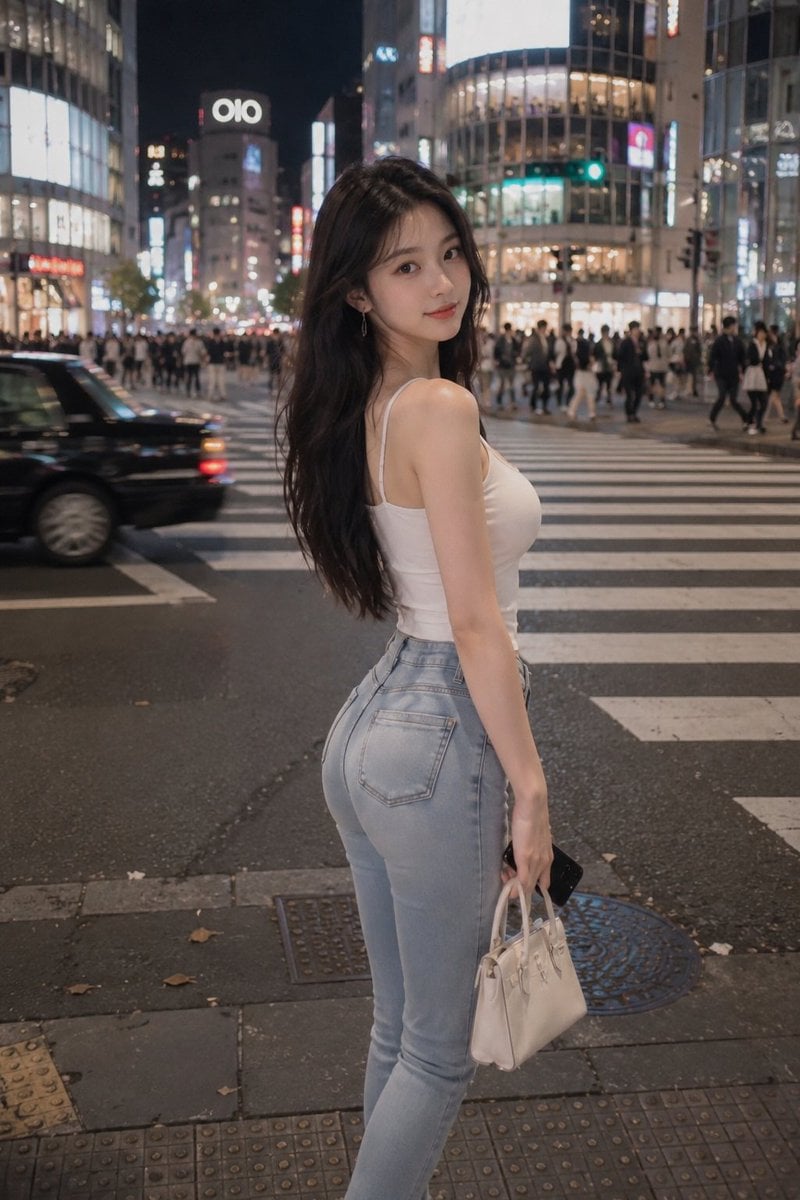
Tokyo Night Crosswalk Fashion Portrait
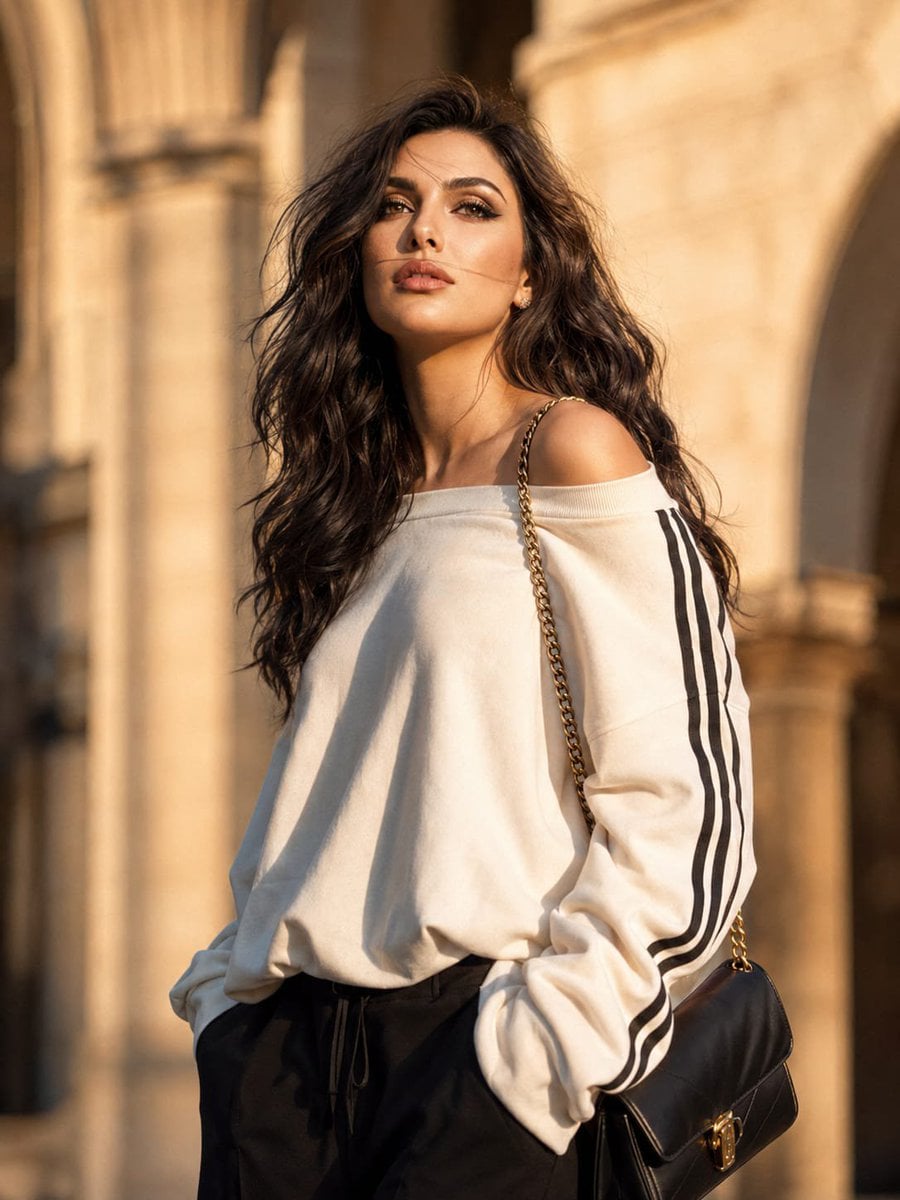
European Luxury Street Style Portrait
Make it yours
European Stone Alley Night Portrait works as-is. These are the safest ways to change it without losing the look.
Change one field
Copy a single group, rewrite it, and generate again so you can see what that field is doing.
Keep the frame, change the subject
Hold the composition and light of European Stone Alley Night Portrait, then swap wardrobe, props or the person for a new take.
| If the result… | Why | Fix |
|---|---|---|
| The result drifts from the preview | Too many fields changed at once. | Reuse European Stone Alley Night Portrait as-is first, then change one group — subject, light, or setting. |
| The model over-stylizes the scene | The prose prompt leaves finish and camera underspecified. | Add one camera or lighting sentence and stay on GPT Image 2. |
More GPT Image 2 templates
Other prompts made for GPT Image 2.

Six VTuber Japanese Logo Sheet

Realistic Portrait of Woman and Deer

The Vista Modular Condo Poster

AI Model Routing Comparison Infographic

2.5D Anime Art Board

Isometric Productivity Desk Scene

New York Double Exposure Poster

Four-Panel AI Landscape Comparison

Japanese Tatami Lifestyle Magazine Cover

NESCAFÉ Coffee Map Poster
More image prompts
Fresh picks from across the catalog.
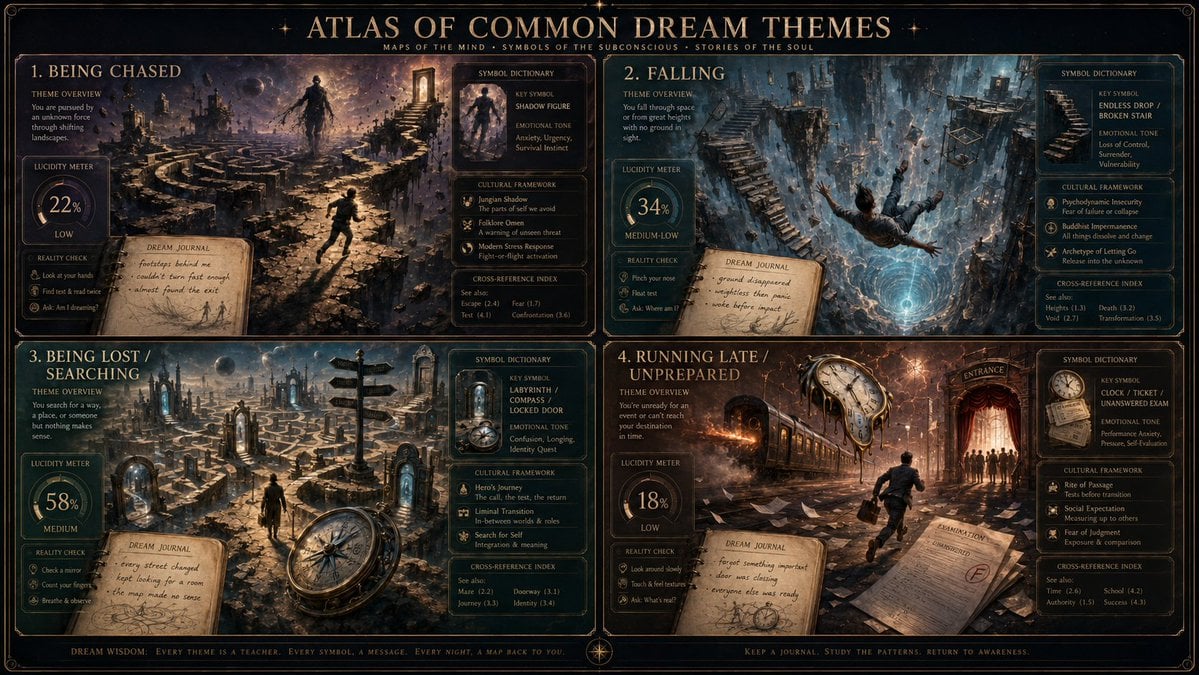
Dream Interpreter Terrain Map
Magic Edit GPT Image 2 Promo Banner
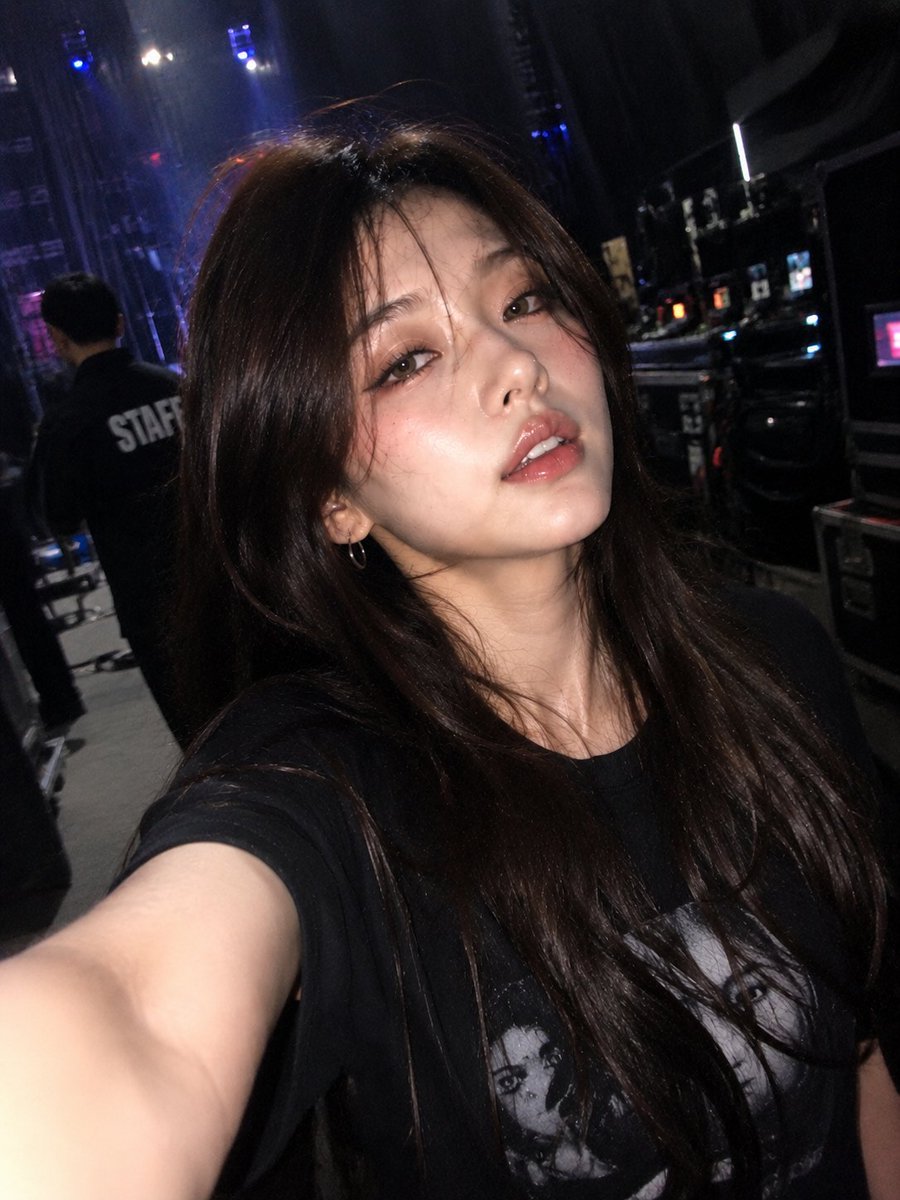
Accidental iPhone Front Camera Selfie

Nano Banana Grwm Mirror Selfie Pink
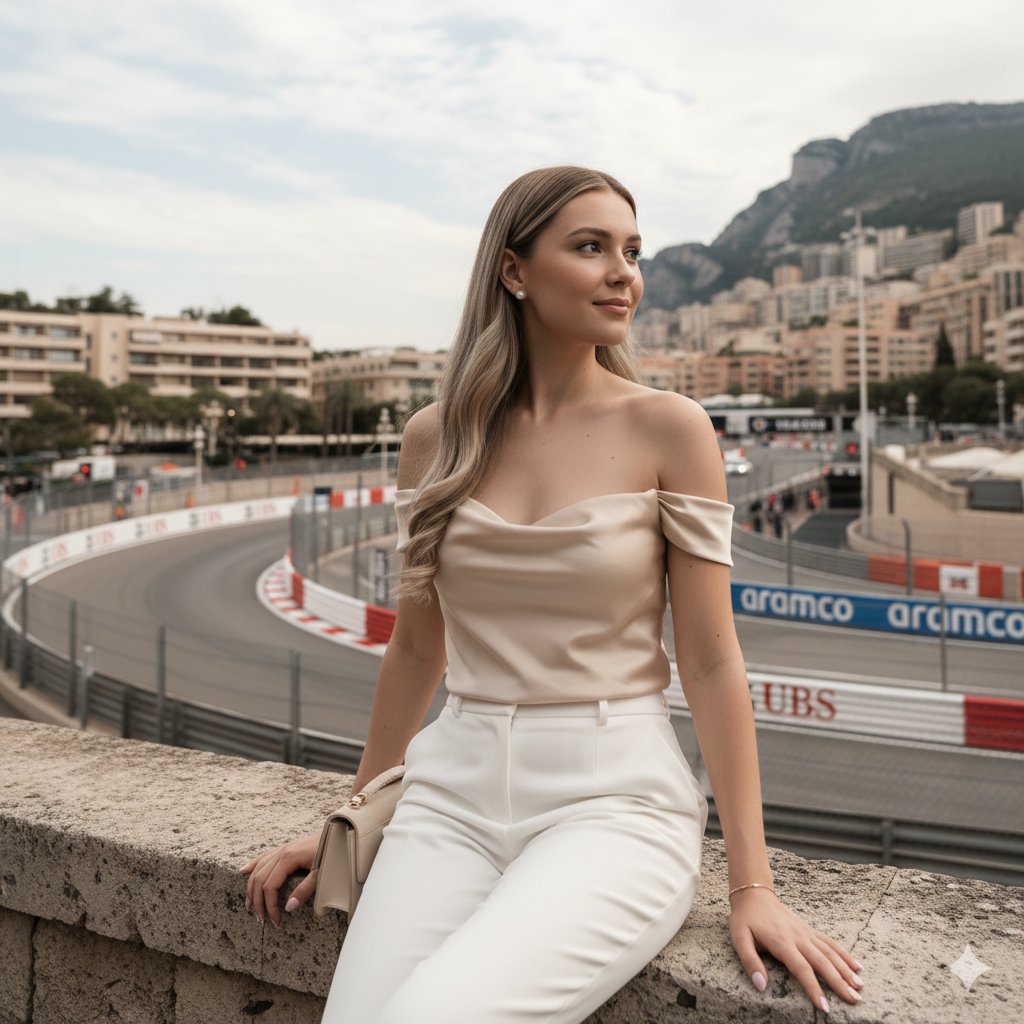
Candid Travel-Lifestyle Photograph: Monaco Terrace
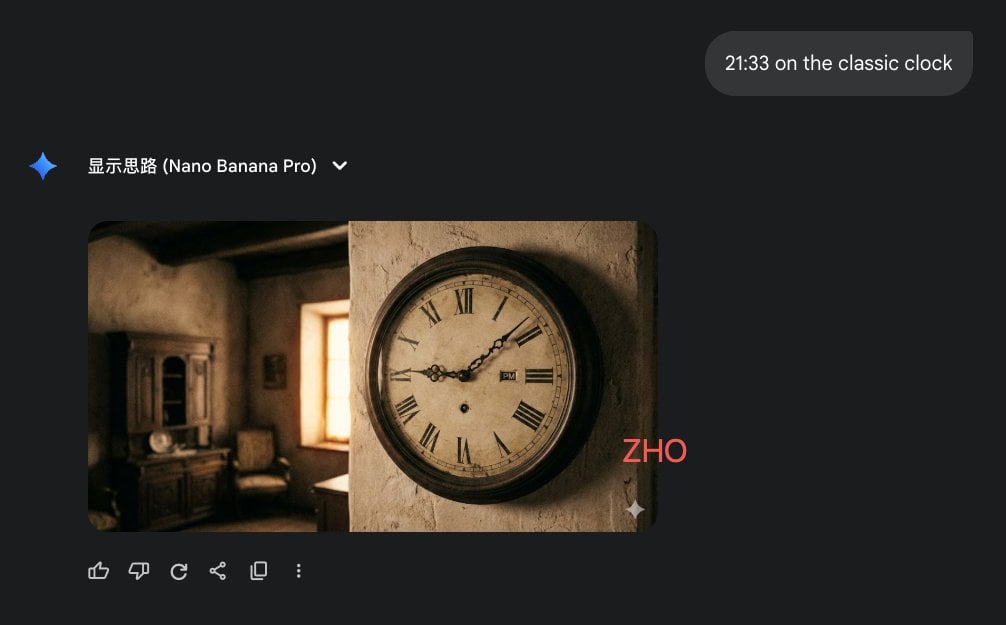
Clock face time rendering test
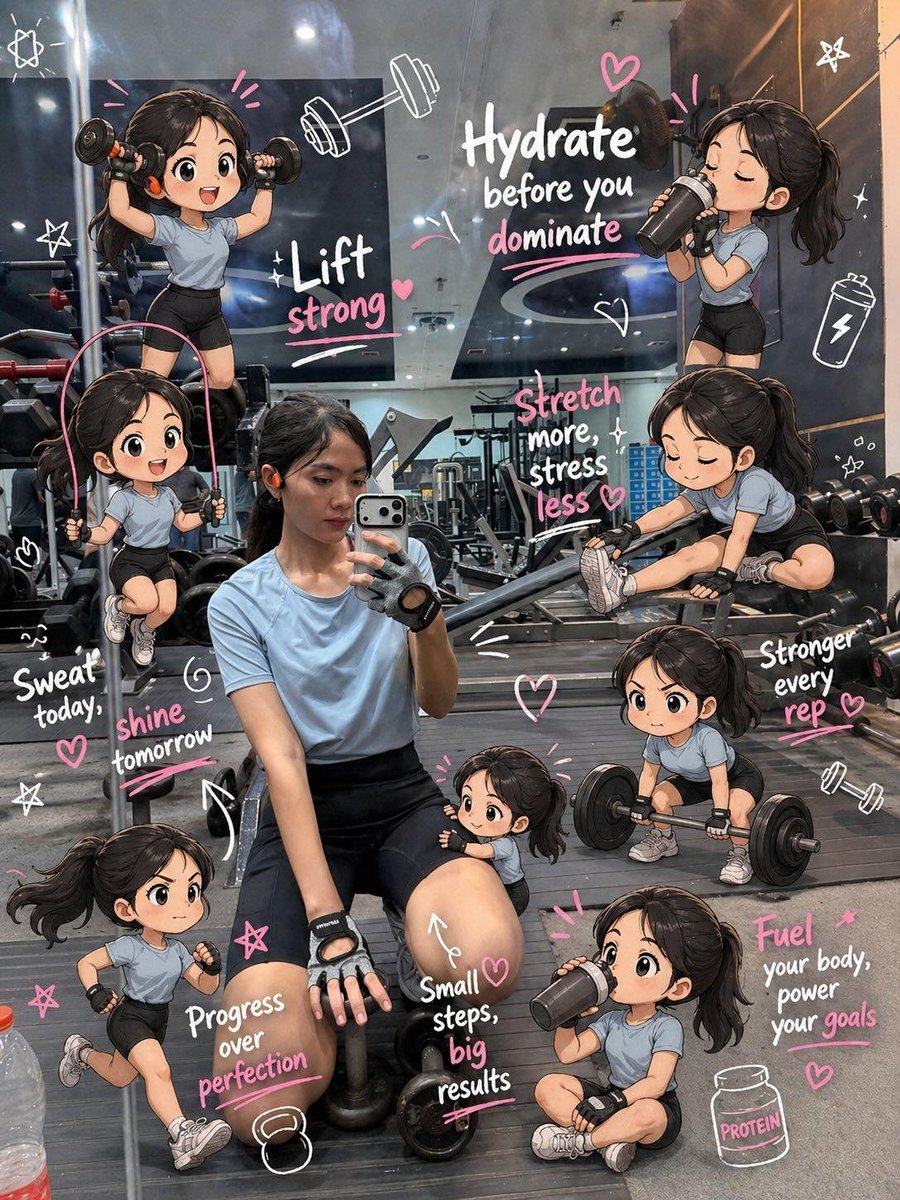
Chibi Mini Versions Photo Edit
Dual-Themed Anime Boys in Crystal Boxes
Miniature 3D City Diorama Map

Luxury Fashion Magazine Cover
Browse template categories
European Stone Alley Night Portrait questions
How do I use the European Stone Alley Night Portrait template?
Add your photo if the template asks for one, edit the prompt if you like — the template's model and format are already selected — and press Generate. Your version opens in PicX Studio.
Can I customize the European Stone Alley Night Portrait template?
Yes. You can change the subject, setting, lighting, mood, format, and available model controls before creating your image.
Is the European Stone Alley Night Portrait template free?
Opening and editing this template is free. Generating uses credits, shown on the Generate button when you are signed in.
Which AI model should I use?
Start with GPT Image 2, which is the model associated with this template. You can compare another compatible model for a different finish.
Looking for something else? Browse all templates.

Your photo, any look
Thousands of ready templates for every top image and video model, from one credit balance.