
Jungle Monkey Selfie Prompt
A fun and dynamic prompt creating a wide-angle selfie of a monkey and a woman laughing together in a lush tropical forest.
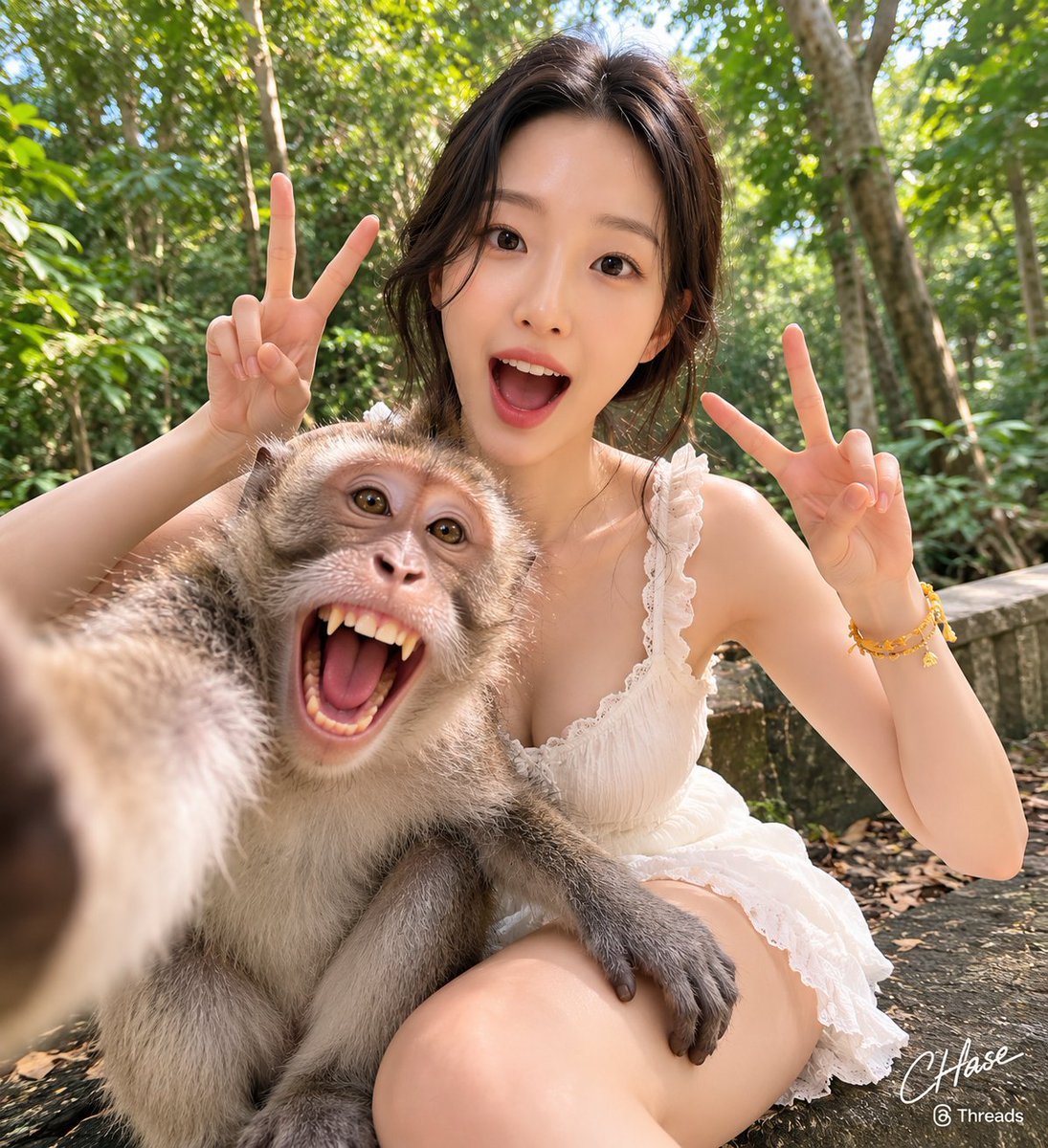
- Prompt included
- Model and format preset
- Free template
The prompt behind this image
Copy the exact prompt behind Jungle Monkey Selfie Prompt, or open it in the studio and make it yours.
[인물의 포즈 및 표정] 길들여진 큰 원숭이가 직접 카메라를 잡고 셀카를 찍는 듯한 구도에서, 인물은 원숭이 바로 뒤에 난간에 앉아 있고 원숭이는 인물의 허벅지 위에 앉아 있습니다. 인물은 양손으로 브이(V) 포즈를 그리며 입을 크게 벌리고 환하게 웃고 있으며, 카메라를 향해 장난기 가득하고 역동적인 에너지를 발산하고 있습니다. 바로 앞의 원숭이 역시 입을 크게 벌려 이빨을 드러내며 익살스러운 표정을 짓고 있습니다. [인물 의상] 어깨 끈에 잔잔한 프릴 장식이 들어간 가벼운 화이트 컬러의 원피스를 입고 있습니다. [인물 헤어스타일 및 메이크업 디테일] 앞머리를 가르마 타서 양옆으로 내추럴하게 늘어뜨리고, 뒷머리는 자연스럽게 묶어 올린 스타일입니다. 메이크업은 입 안이 다 보일 정도로 활짝 웃는 표정에 맞추어 선명한 핑크빛 립과 깔끔한 아이라인으로 이목구비를 또렷하고 생기 있게 강조했습니다. [조명 및 빛 방향] 울창한 숲속의 나뭇잎 사이로 은은하게 분산되어 들어오는 부드러운 자연광입니다. 강한 직사광선이 없어 인물과 원숭이의 얼굴에 날카로운 그늘이 생기지 않으며, 전체적으로 밝고 균일하게 피사체들을 밝혀주어 화사하고 자연스러운 스냅숏 느낌을 줍니다. [질감과 색감 무드] 원숭이의 자글자글하고 풍성한 회갈색 털 질감이 카메라 바로 앞에서 매우 사실적으로 표현되며, 인물의 매끄러운 피부와 대조를 이룹니다. 배경의 싱그러운 초록빛 수풀과 인물의 화이트 의상, 노란색 팔찌가 어우러져 활기차고 이국적인 자연 속 휴양지 무드를 자아냅니다. [필름 및 카메라 렌즈 심도, 앵글] 초점 거리 14mm 초광각 렌즈, 조리개 값 f/2.8, 감도 ISO 200, 셔터 스피드 1/250초로 설정하여 촬영한 셀카 구도의 로우 앵글 숏입니다. 초광각 렌즈 특유의 왜곡 효과로 인해 전면의 원숭이 손과 얼굴이 매우 크고 입체적으로 부각되어 있으며, 깊은 피사계 심도로 인해 바로 뒤의 인물부터 먼 배경의 나무들까지 비교적 선명하게 포착되었습니다. [배경 요소 (옵션)] 빽빽하고 울창한 야생 수풀과 거대한 열대 나무들이 가득 찬 자연 국립공원 또는 숲속입니다. 인물이 앉아 있는 바닥은 이끼가 살짝 낀 듯한 어두운 석조 난간이나 벤치이며, 바닥에는 마른 나뭇잎들이 흩어져 있어 깊은 자연 속의 생생한 현장감을 줍니다. [싸인] 우측하단에는 Meta가 운영하는 Threads 로고가 작게 위치하고, 그 위에 흰색 필기체로 "CHAse"라고 싸인처럼 작게 적혀 있다.
How to use Jungle Monkey Selfie Prompt in 3 steps
- 1
Open
The prompt is already in the box next to the preview, with the template's model and format selected.
- 2…a portrait of your subject in softgolden-hour light, 85mm…
Personalize
Edit the subject and creative details for your destination.
- 3Generate
Generate
Press Generate — your image is created in PicX Studio, so you can compare it with the original and refine one variable at a time.
More like this
Templates with the same subject, style or setup. Open one to see its prompt.

Rooftop Fisheye — Cat-Ear Balaclava at Golden Hour

Felt & Knit 3D Character — Photo-Exact Face, Pixar-Quality Plush Figurine

Eid al-Adha Cute Chaos — Fisheye Selfie with Farm Selfie, Mosque & Animals

Cat Photobomb Selfie — 0.5x Wide Angle Café Chaos

Gen Z Triple Selfie Collage — Y2K Flash Photography

Surreal Cat Astronaut — Humanoid Face Freefall

Photoreal Village Lanterns Minecraft Scene

Photoreal Snow Biome Name Tag UI

Photoreal Selfie Minecraft Block World

Photoreal Selfie Minecraft Village Ghast UI

Low Angle Floor Selfie With Upside Down Cat

Giant Forced Perspective Street Product Selfie
Make it yours
Jungle Monkey Selfie Prompt works as-is. These are the safest ways to change it without losing the look.
Change one field
Copy a single group, rewrite it, and generate again so you can see what that field is doing.
Keep the frame, change the subject
Hold the composition and light of Jungle Monkey Selfie Prompt, then swap wardrobe, props or the person for a new take.
| If the result… | Why | Fix |
|---|---|---|
| The result drifts from the preview | Too many fields changed at once. | Reuse Jungle Monkey Selfie Prompt as-is first, then change one group — subject, light, or setting. |
| The model over-stylizes the scene | The prose prompt leaves finish and camera underspecified. | Add one camera or lighting sentence and stay on GPT Image 2. |
More GPT Image 2 templates
Other prompts made for GPT Image 2.

Six VTuber Japanese Logo Sheet

Realistic Portrait of Woman and Deer

The Vista Modular Condo Poster

AI Model Routing Comparison Infographic

2.5D Anime Art Board

Isometric Productivity Desk Scene

New York Double Exposure Poster

Four-Panel AI Landscape Comparison

Japanese Tatami Lifestyle Magazine Cover

NESCAFÉ Coffee Map Poster
More image prompts
Fresh picks from across the catalog.

Affiliate Marketing Prompt Collection for Nano Banana Pro
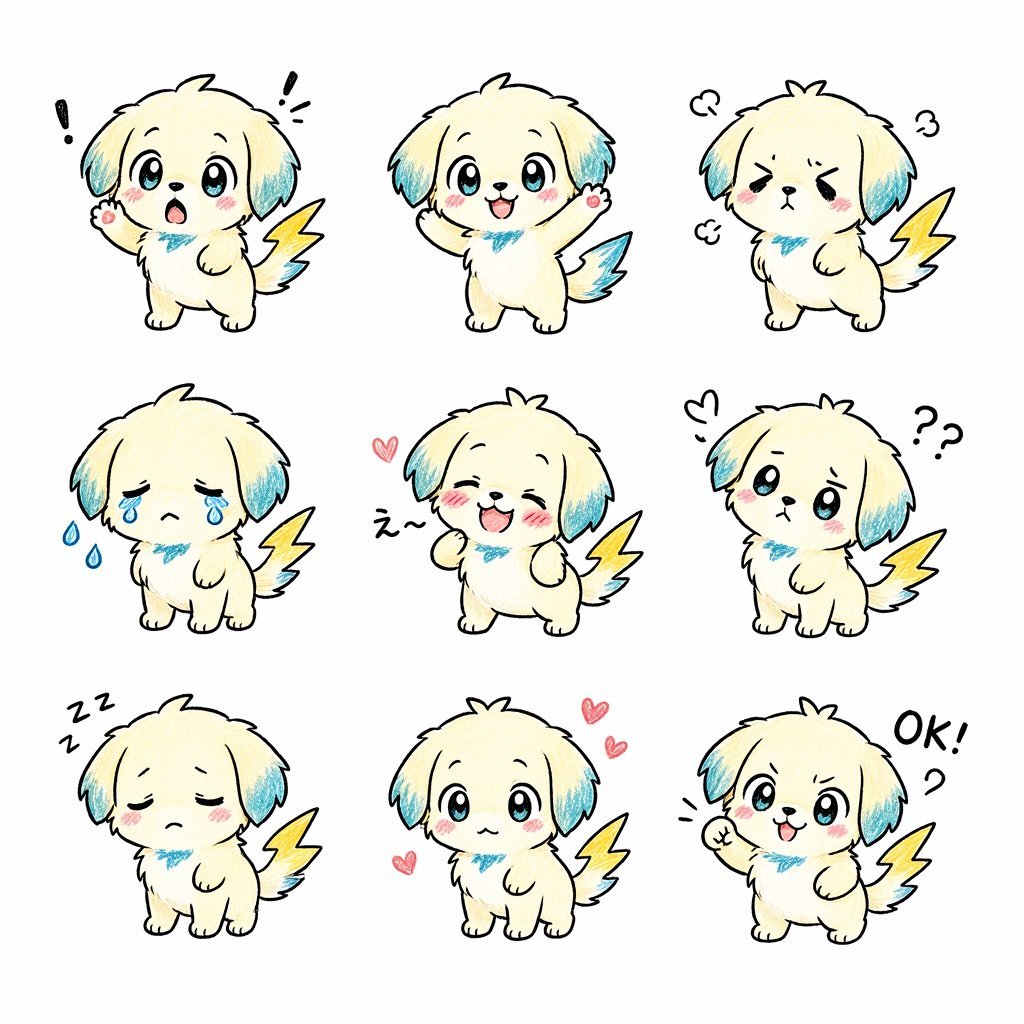
Kawaii Puppy Emotion Sticker Sheet
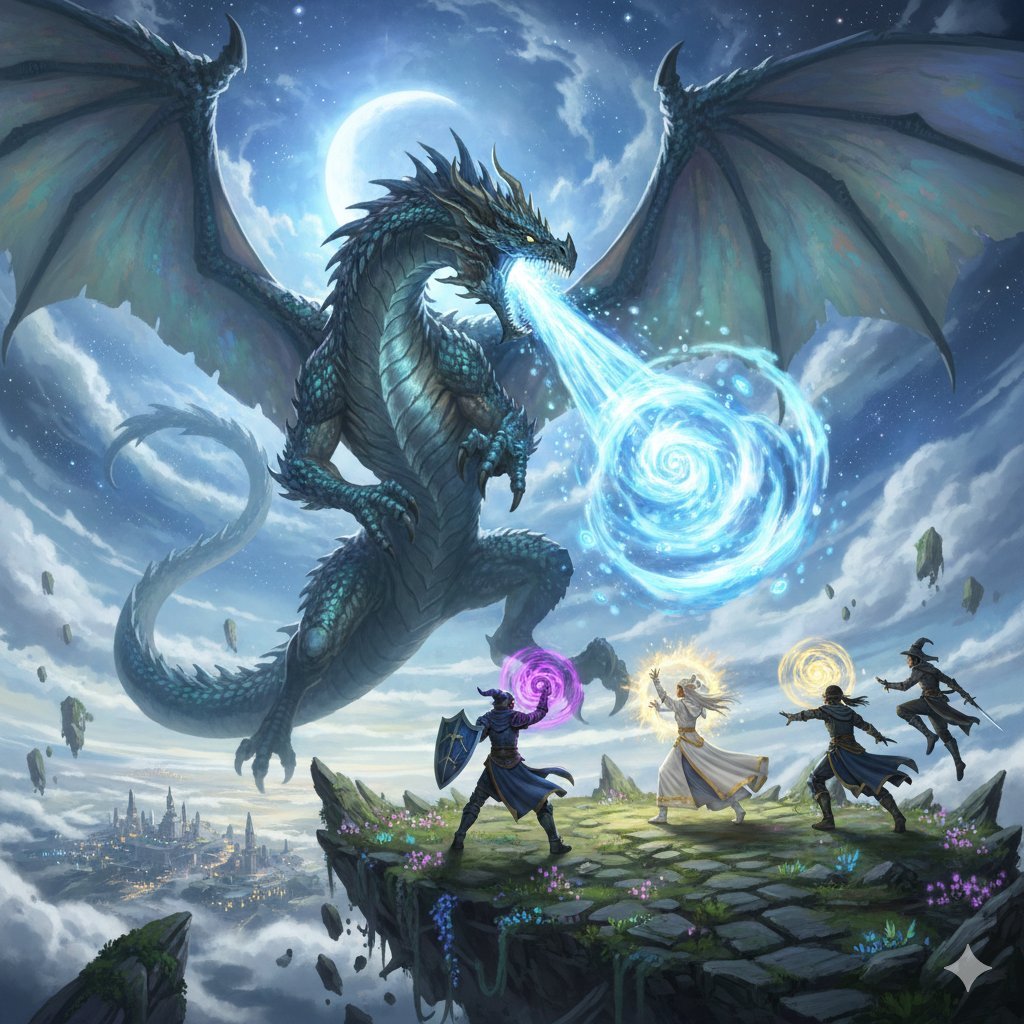
Final Fantasy Bahamut VS Player Generation

Cubist Chinese Membership Promo Poster
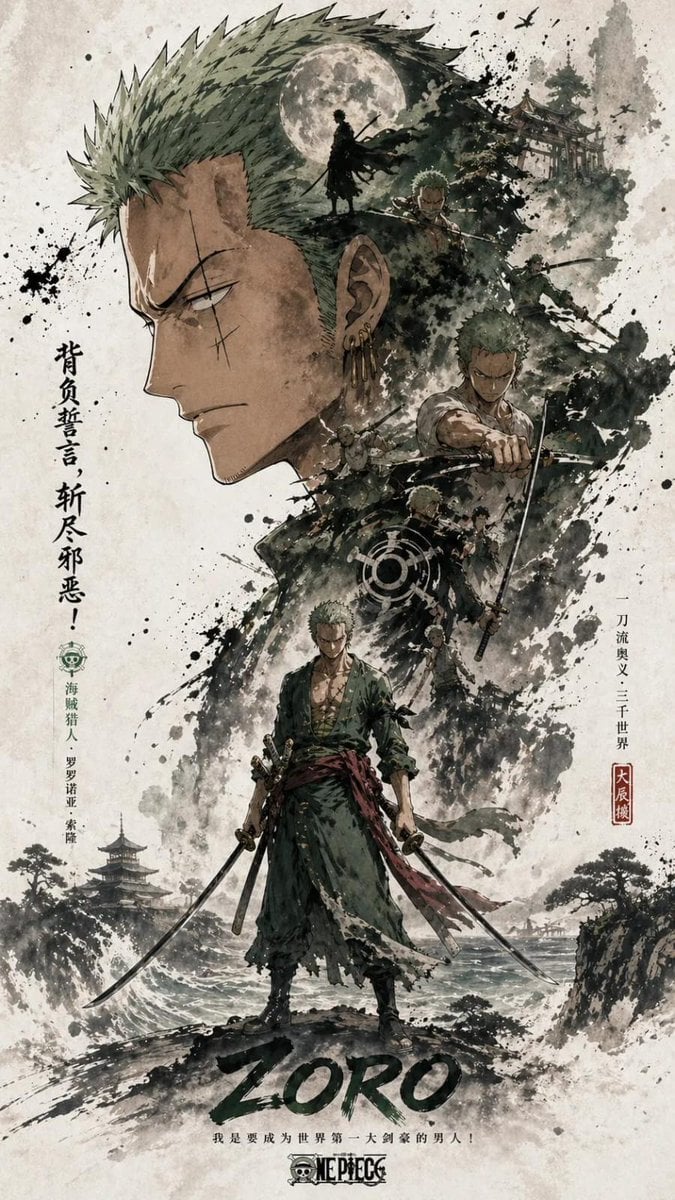
Oriental Aesthetics Silhouette Poster
Ugly Christmas Sweater Prompt Template
Photorealistic Image Prompt for Shraddha Kapoor in White
Ethereal Fairy Queen Product Shot
Dark Fairytale Cinematic Diptych
Cyberpunk Hacker Red Portrait
Browse template categories
Jungle Monkey Selfie Prompt questions
How do I use the Jungle Monkey Selfie Prompt template?
Add your photo if the template asks for one, edit the prompt if you like — the template's model and format are already selected — and press Generate. Your version opens in PicX Studio.
Can I customize the Jungle Monkey Selfie Prompt template?
Yes. You can change the subject, setting, lighting, mood, format, and available model controls before creating your image.
Is the Jungle Monkey Selfie Prompt template free?
Opening and editing this template is free. Generating uses credits, shown on the Generate button when you are signed in.
Which AI model should I use?
Start with GPT Image 2, which is the model associated with this template. You can compare another compatible model for a different finish.
Looking for something else? Browse all templates.

Your photo, any look
Thousands of ready templates for every top image and video model, from one credit balance.