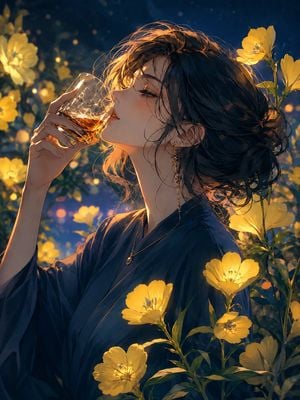
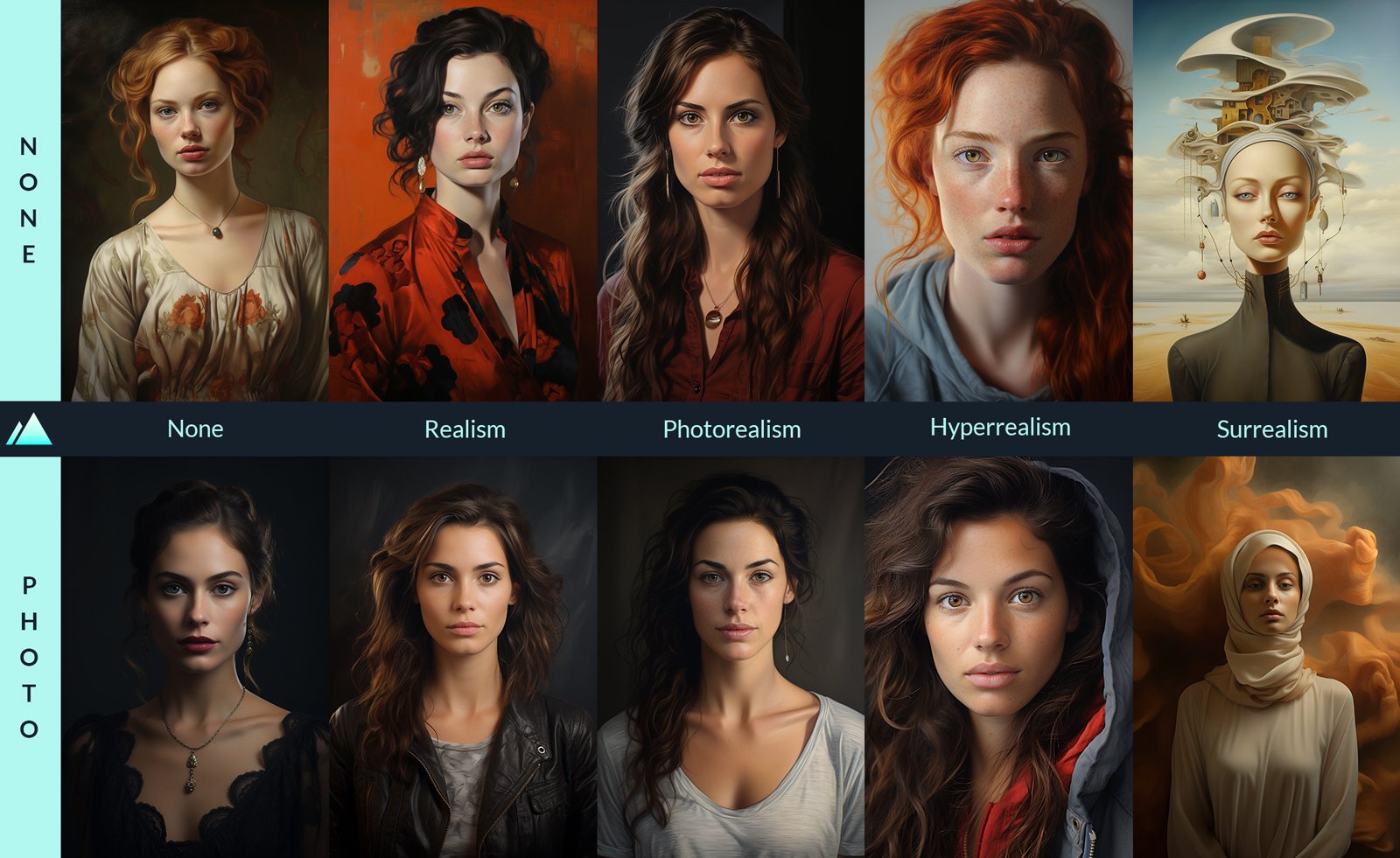
How do I use the Low-Key Fine Art Portrait template?
Edit the prompt in the box under the preview — the template's model and format are already selected — and press Generate. Your version appears right on this page.
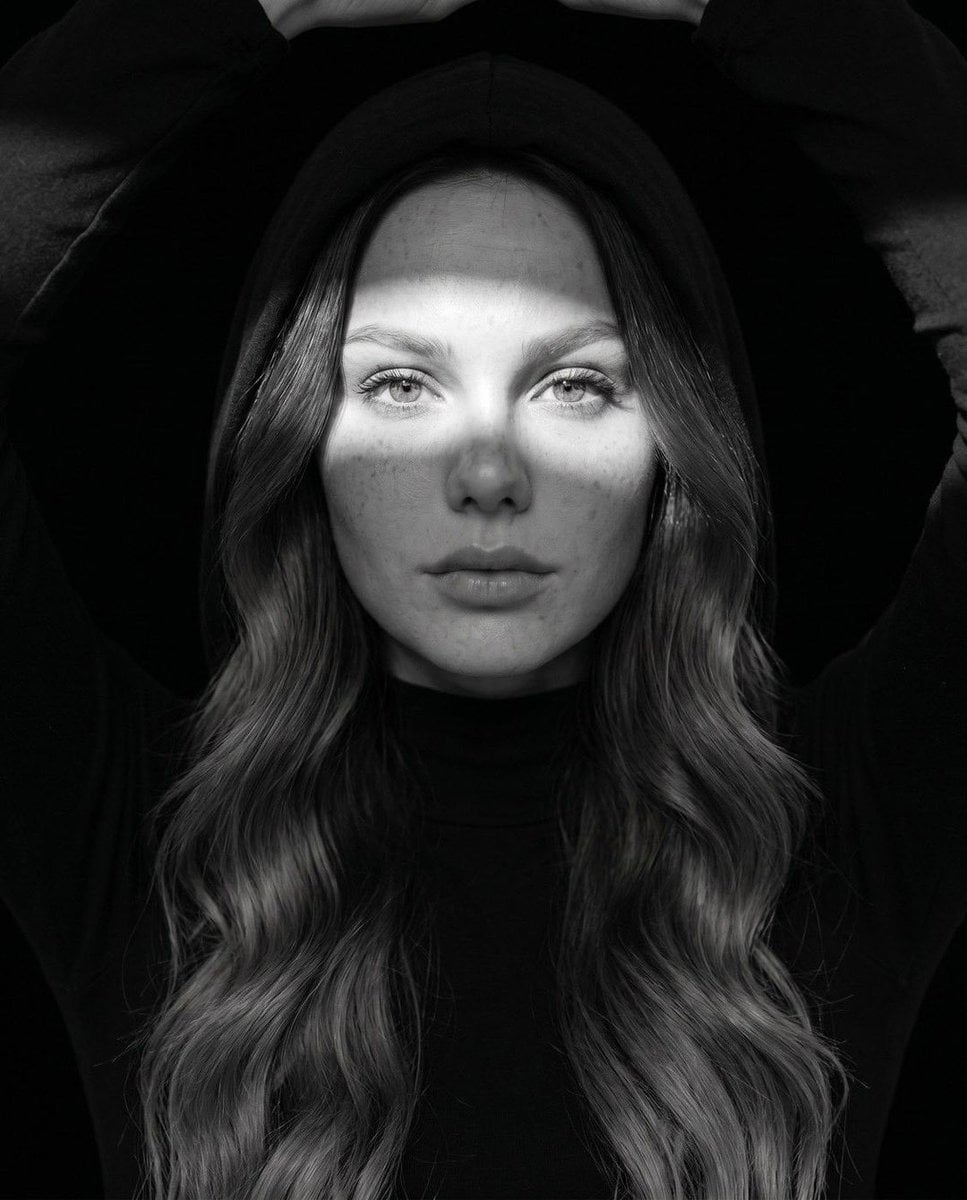
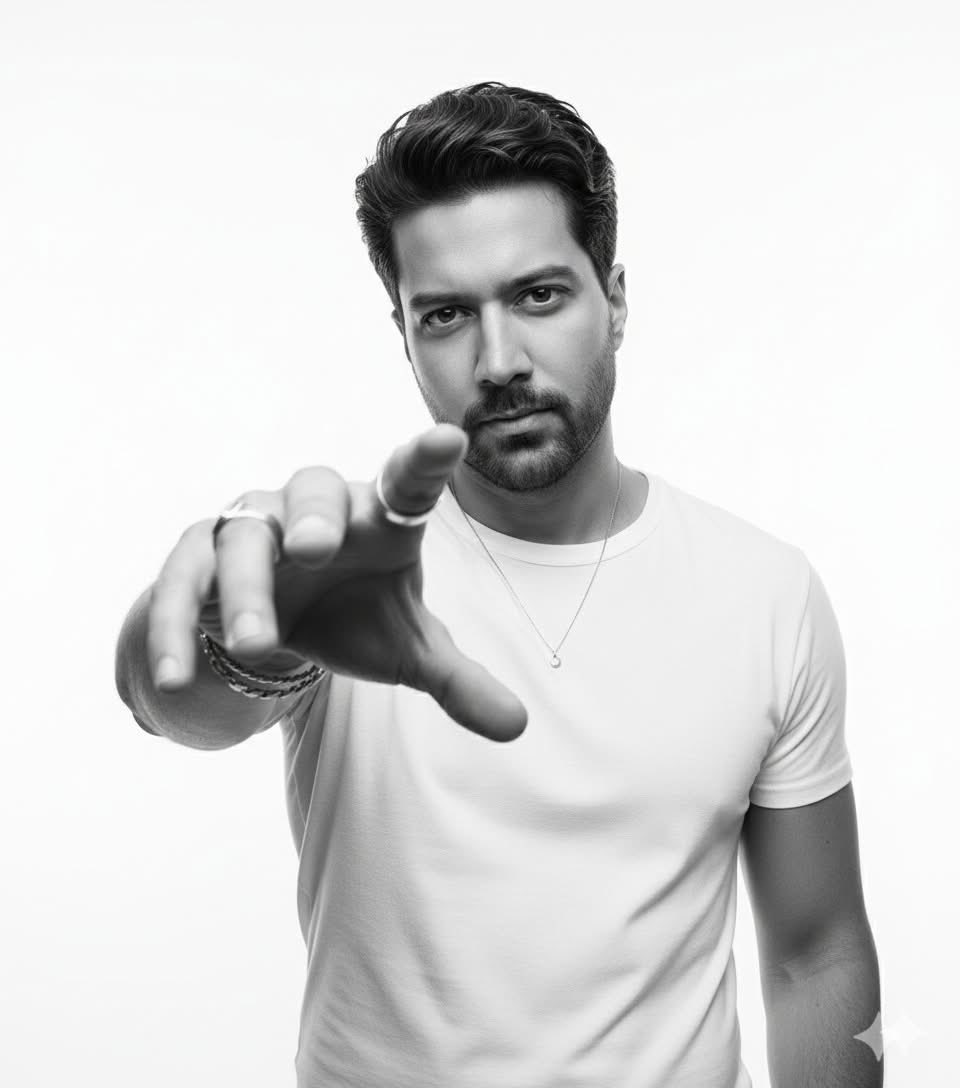
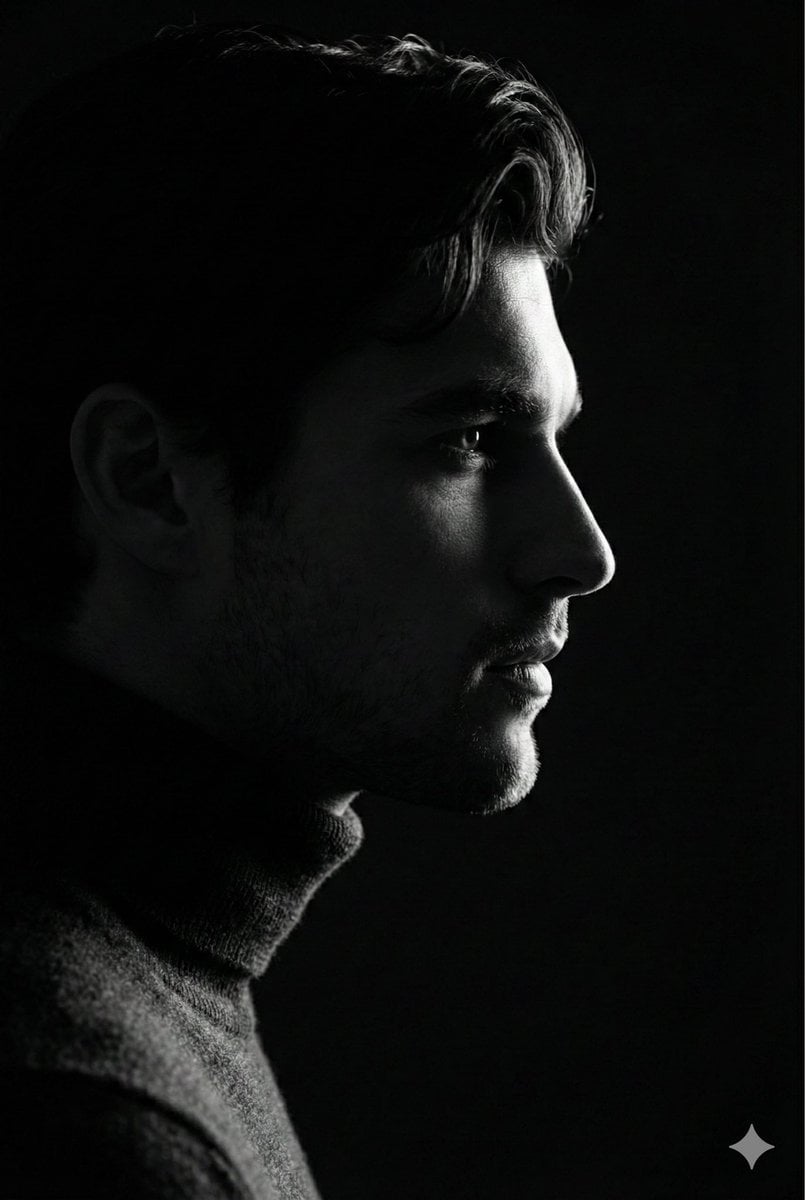
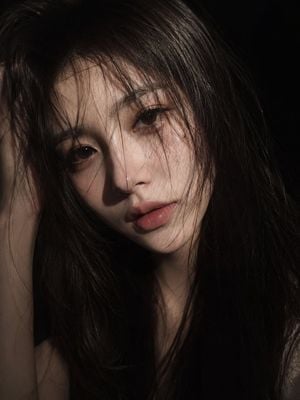
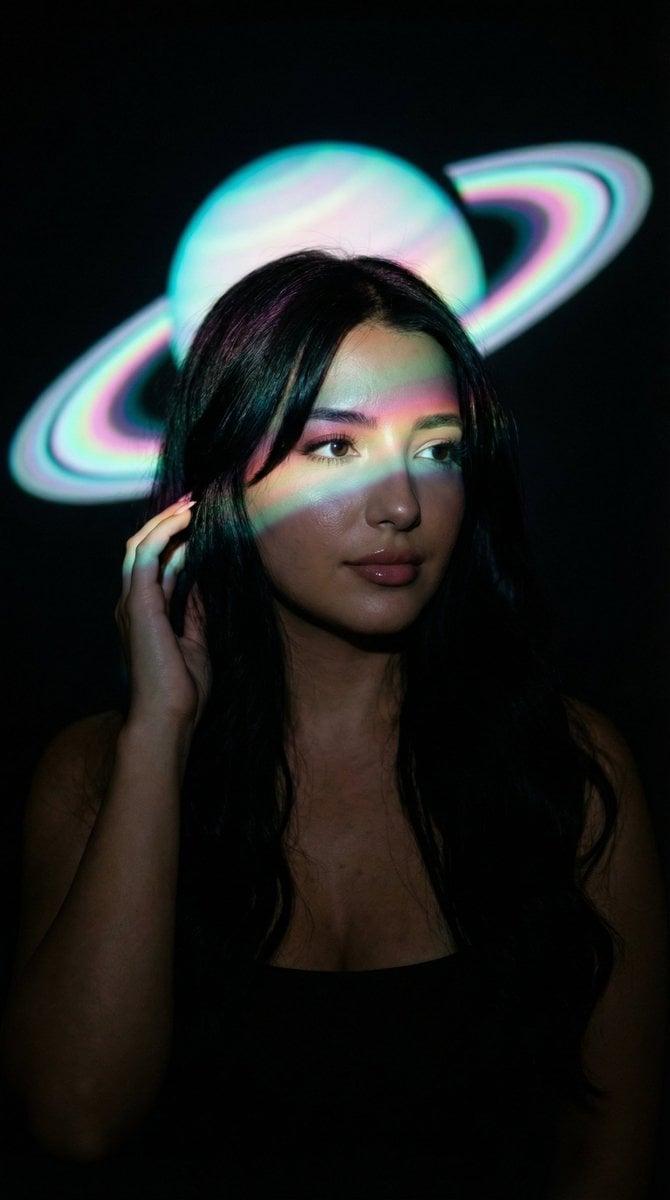
A sophisticated prompt for an ultra-realistic fine art portrait using a reference face, featuring dramatic low-key lighting and cinematic shadows.

Create an ultra-realistic fine art portrait using {argument name="face reference" default="my uploaded face"} as the exact identity. Preserve my facial structure, skin tone, eye shape, nose, lips, jawline, hairstyle, and all unique facial features with complete accuracy. Do not beautify, alter, or change my identity. Compose the portrait as an extreme close-up where only half of my face is visible, emerging dramatically from deep black shadows. One eye should be fully illuminated and razor sharp, while the other half remains hidden in darkness. Use cinematic low-key lighting with a {argument name="lighting color" default="warm golden light"} softly washing across my cheek, nose, and lips, creating rich contrast against the black background. Enhance every skin pore and natural texture with hyper-realistic detail. Add subtle glossy lips, crisp eyelashes, realistic catchlights in the eye, and smooth transitions between light and shadow. The mood should feel mysterious, elegant, luxurious, and emotionally powerful, with a timeless editorial fashion aesthetic. Background should be completely black with no distractions. High dynamic range, dramatic contrast, ultra-photorealistic, fine art photography, luxury beauty campaign style, {argument name="lens" default="85mm portrait lens"}, f/1.8, shallow depth of field, studio-quality lighting, 8K resolution, flawless detail, premium color grading, museum-quality realism.
Create an ultra-realistic fine art portrait using {argument name="face reference" default="my uploaded face"} as the exact identity. Preserve my facial structure, skin tone, eye shape, nose, lips, jawline, hairstyle, and all unique facial features with complete accuracy. Do not beautify, alter, or change my identity. Compose the portrait as an extreme close-up where only half of my face is visible, emerging dramatically from deep black shadows. One eye should be fully illuminated and razor sharp, while the other half remains hidden in darkness. Use cinematic low-key lighting with a {argument name="lighting color" default="warm golden light"} softly washing across my cheek, nose, and lips, creating rich contrast against the black background. Enhance every skin pore and natural texture with hyper-realistic detail. Add subtle glossy lips, crisp eyelashes, realistic catchlights in the eye, and smooth transitions between light and shadow. The mood should feel mysterious, elegant, luxurious, and emotionally powerful, with a timeless editorial fashion aesthetic. Background should be completely black with no distractions. High dynamic range, dramatic contrast, ultra-photorealistic, fine art photography, luxury beauty campaign style, {argument name="lens" default="85mm portrait lens"}, f/1.8, shallow depth of field, studio-quality lighting, 8K resolution, flawless detail, premium color grading, museum-quality realism.
Edit the prompt in the box under the preview — the template's model and format are already selected — and press Generate. Your version appears right on this page.
Yes. You can change the subject, setting, lighting, mood, format, and available model controls before creating your image.
Opening and editing this template is free. Generating uses credits, shown on the Generate button when you are signed in.
Start with Nano Banana 2, which is the model associated with this template. You can compare another compatible model for a different finish.
Follow a topic to a crawlable collection of related PicX Studio templates.