
Goth Streetwear Anime Icon Portrait
This prompt generates a stylish anime-profile portrait with purple-black hair, dark streetwear, and a blurred face, suitable for social media icons or alternative character branding.
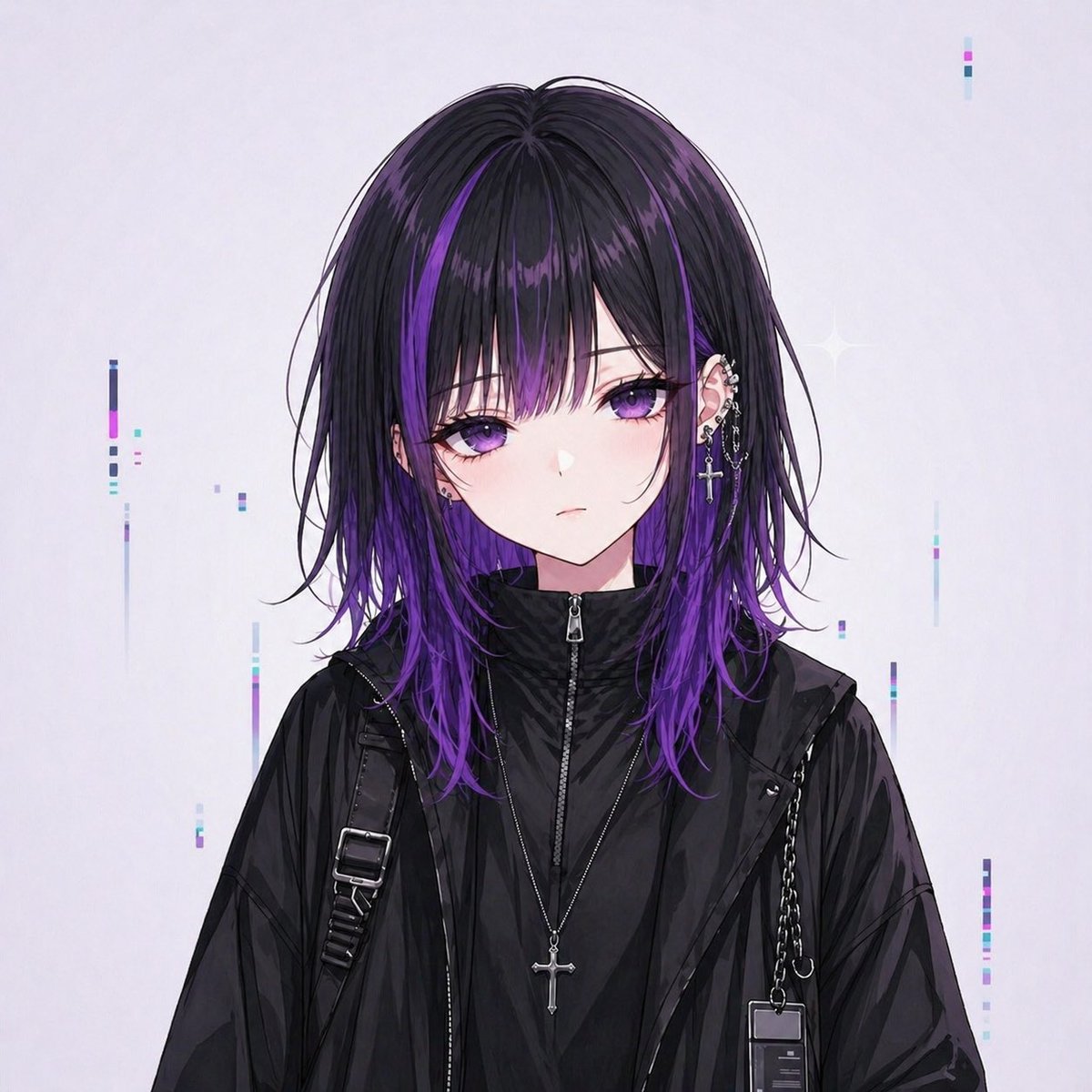
- Prompt included
- Model and format preset
- Premium template
The prompt behind this image
Copy the exact prompt behind Goth Streetwear Anime Icon Portrait, or open it in the studio and make it yours.
A centered anime-style bust portrait of an androgynous young person facing forward against a clean pale gray-white background. The composition is square and designed like a social media icon. The character has medium-length layered straight hair with a center part, mostly black with glossy deep violet highlights and vivid purple-dyed lower sections and tips. Loose strands frame the face and the hair falls to the shoulders. The face is intentionally obscured by a large soft-edged square blur block in the center, tinted muted mauve-gray, covering the eyes, nose, and most facial features while leaving the jawline and neck partly visible. Show only a small hint of pale skin around the edges of the blur. The visible ear on the right side is decorated with multiple silver piercings, including small hoops, studs, and a dangling cross earring with chain details. The outfit is dark monochrome streetwear with a subtle goth aesthetic: a black high-neck zip-up inner layer fully zipped to the throat, a black oversized semi-gloss jacket layered over it, a black strap with a rectangular metal buckle over one shoulder, and a thin chain accessory over the other shoulder. Add a long silver necklace with a cross pendant hanging at the center of the chest. Lighting is soft and diffuse, with polished digital painting detail and semi-realistic anime rendering. The mood is cool, stylish, slightly mysterious, and alternative. In the background, add sparse minimalist cyber-glitch accents: several thin vertical bars and tiny rectangular pixels in pastel cyan, lavender, magenta, and dark blue scattered around the figure, plus one faint four-point sparkle near the upper right side. Keep the background uncluttered and airy, with the character occupying most of the frame.
How to use Goth Streetwear Anime Icon Portrait in 3 steps
- 1Upload ImagePNG, JPG or paste
Add your photo
Upload the photo the template builds on. The prompt, model and format are already set.
- 2…a portrait of your subject in softgolden-hour light, 85mm…
Personalize
Edit the subject and creative details for your destination.
- 3Generate
Generate
Press Generate — your image is created in PicX Studio, so you can compare it with the original and refine one variable at a time.
More like this
Templates with the same subject, style or setup. Open one to see its prompt.
80s Retro Anime Goth Portrait
Tokyo Streetwear Anime Leader Portrait

High-Fashion Editorial Magazine Cover ICON
Neon Anime Streetwear Portrait
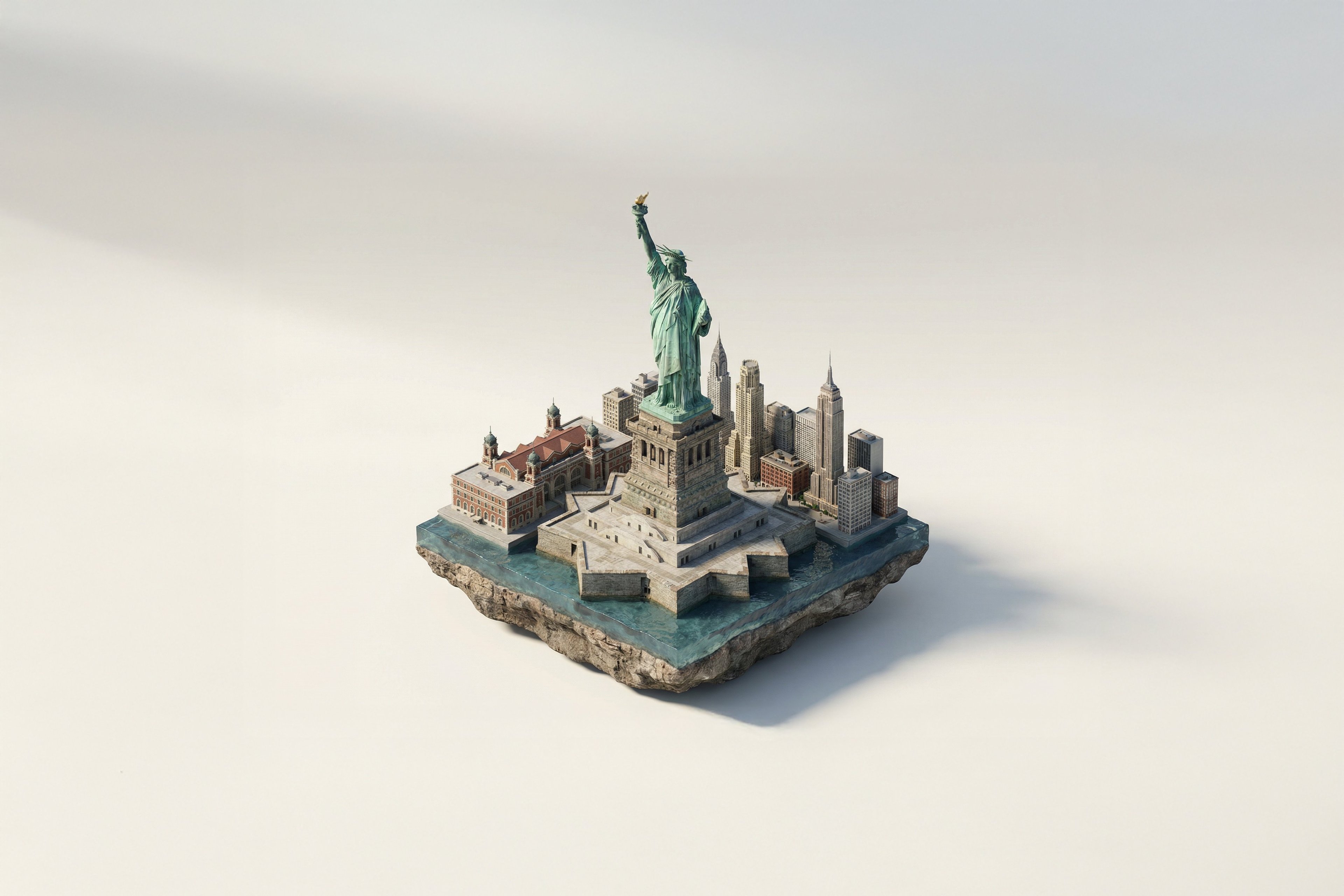
Turn Iconic Landmarks Into Tiny Worlds W

Found Photograph: Us, 1970

80s Couple Studio Portrait

1988 Mall Style

80s Bollywood Star

80s Golden Hour Cinema

Me in 1985

1985 Studio Portrait
Make it yours
Goth Streetwear Anime Icon Portrait works as-is. These are the safest ways to change it without losing the look.
Change one field
Copy a single group, rewrite it, and generate again so you can see what that field is doing.
Keep the frame, change the subject
Hold the composition and light of Goth Streetwear Anime Icon Portrait, then swap wardrobe, props or the person for a new take.
| If the result… | Why | Fix |
|---|---|---|
| The result drifts from the preview | Too many fields changed at once. | Reuse Goth Streetwear Anime Icon Portrait as-is first, then change one group — subject, light, or setting. |
| The model over-stylizes the scene | The prose prompt leaves finish and camera underspecified. | Add one camera or lighting sentence and stay on GPT Image 2. |
More GPT Image 2 templates
Other prompts made for GPT Image 2.

Six VTuber Japanese Logo Sheet

Realistic Portrait of Woman and Deer

The Vista Modular Condo Poster

AI Model Routing Comparison Infographic

2.5D Anime Art Board

Isometric Productivity Desk Scene

New York Double Exposure Poster

Four-Panel AI Landscape Comparison

Japanese Tatami Lifestyle Magazine Cover

NESCAFÉ Coffee Map Poster
More image prompts
Fresh picks from across the catalog.
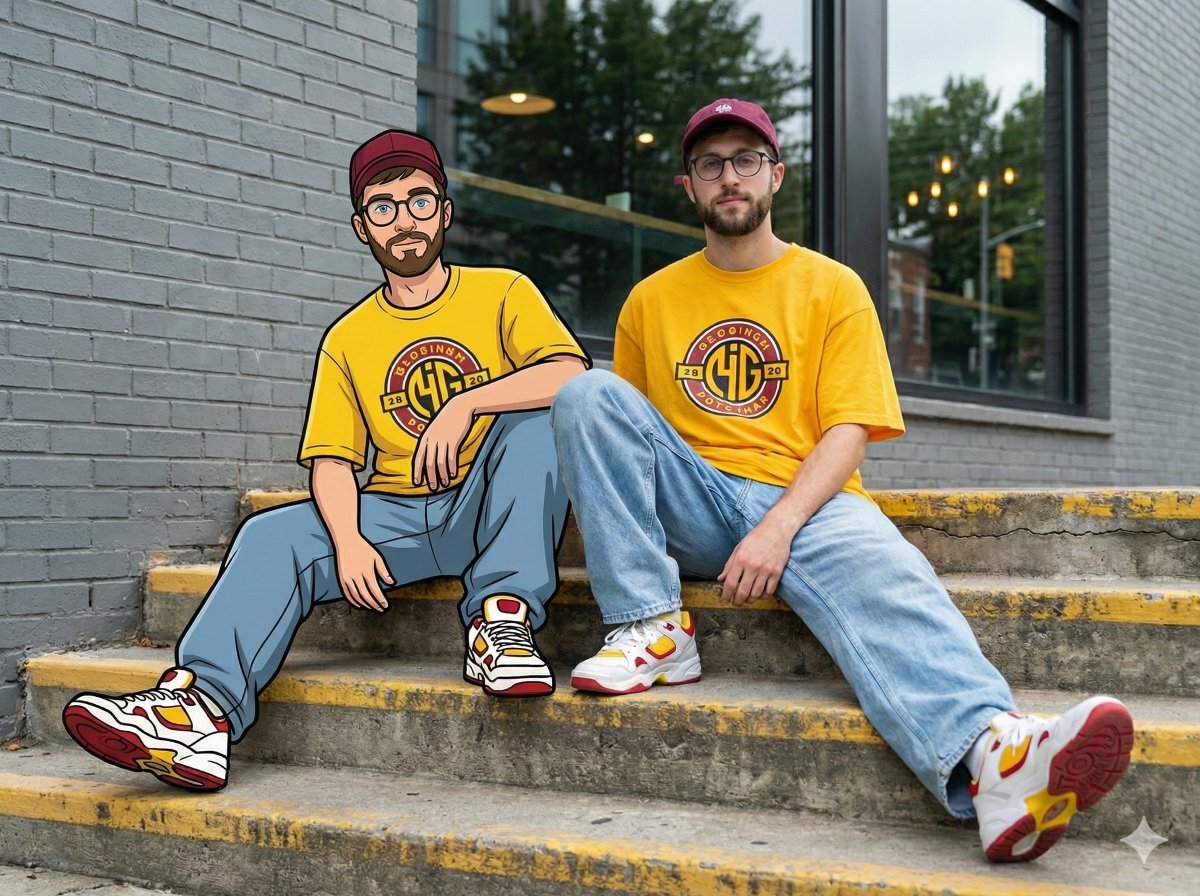
Mixed-Reality Street Portrait (Real Person with Cartoon Twin)
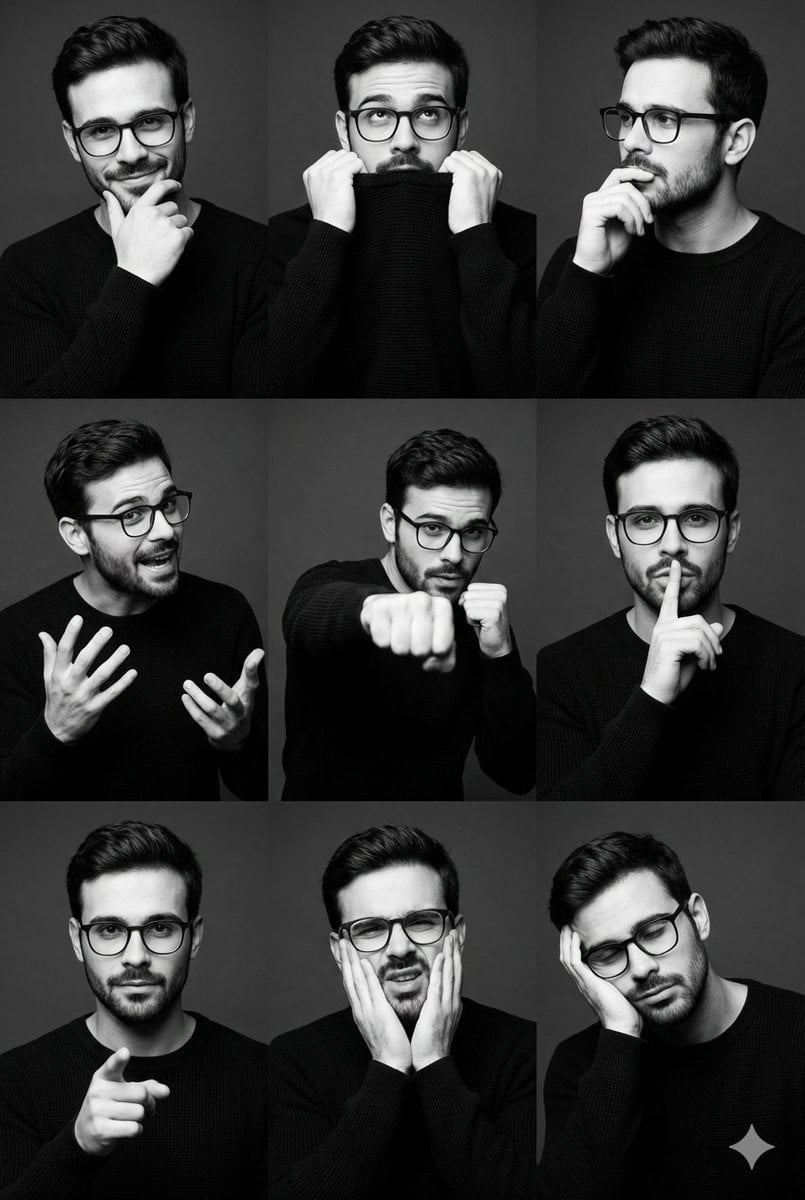
Black and White Male Editorial Portrait Collage JSON Prompt
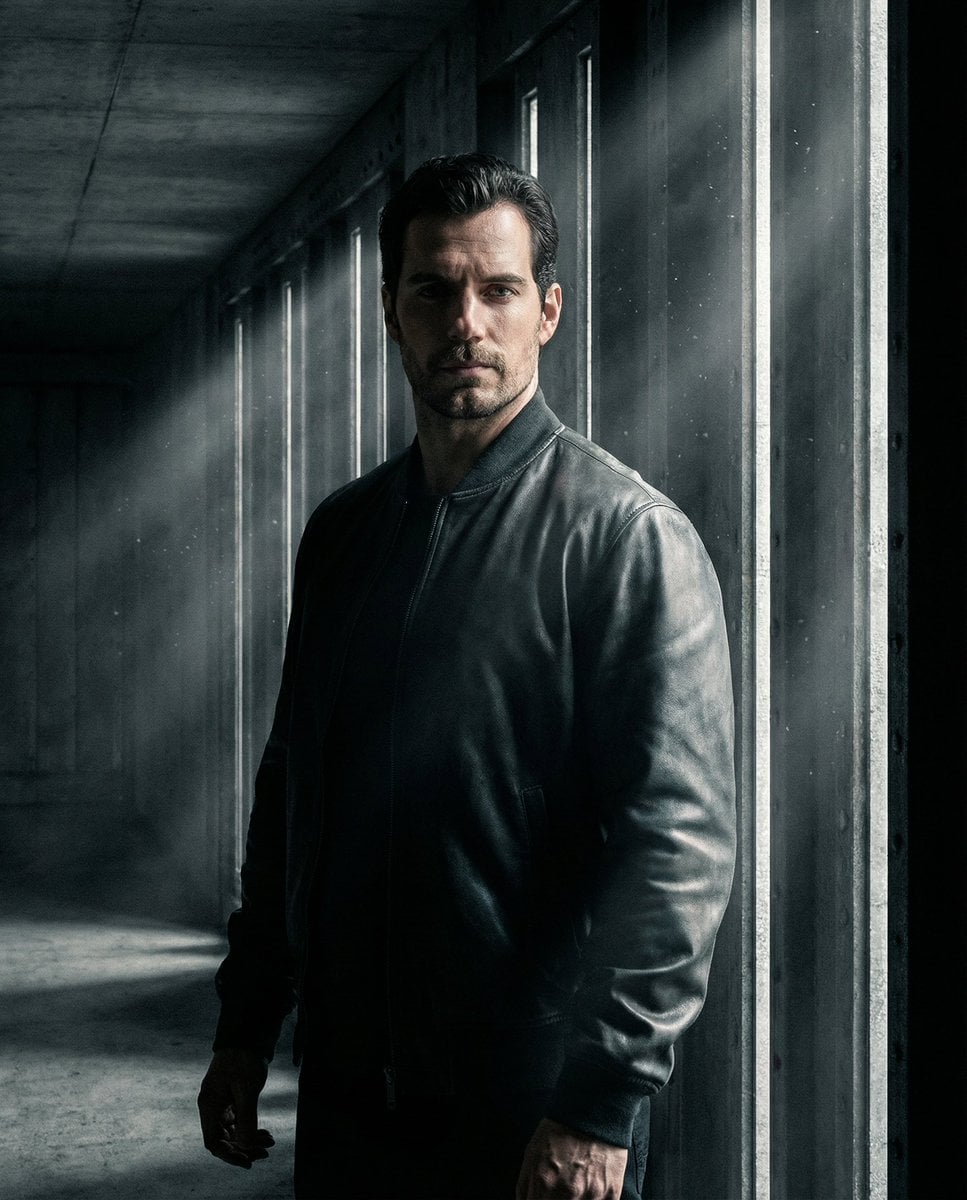
Moody Underground Corridor Portrait
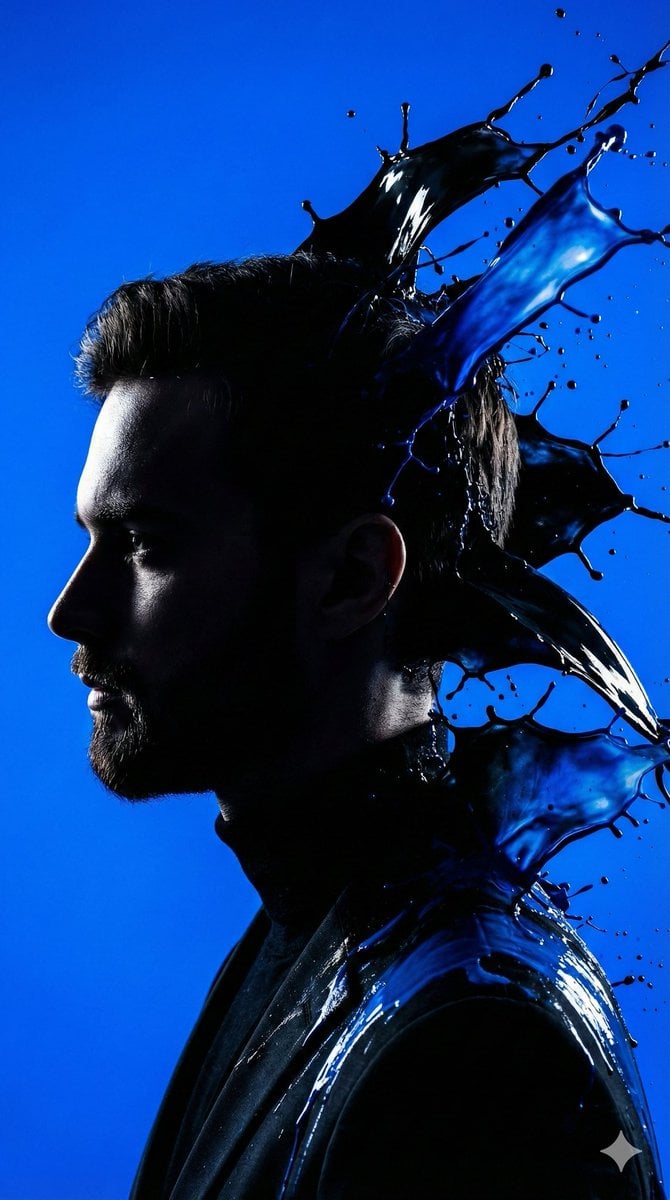
High-Contrast Silhouette with Paint Splashes Prompt
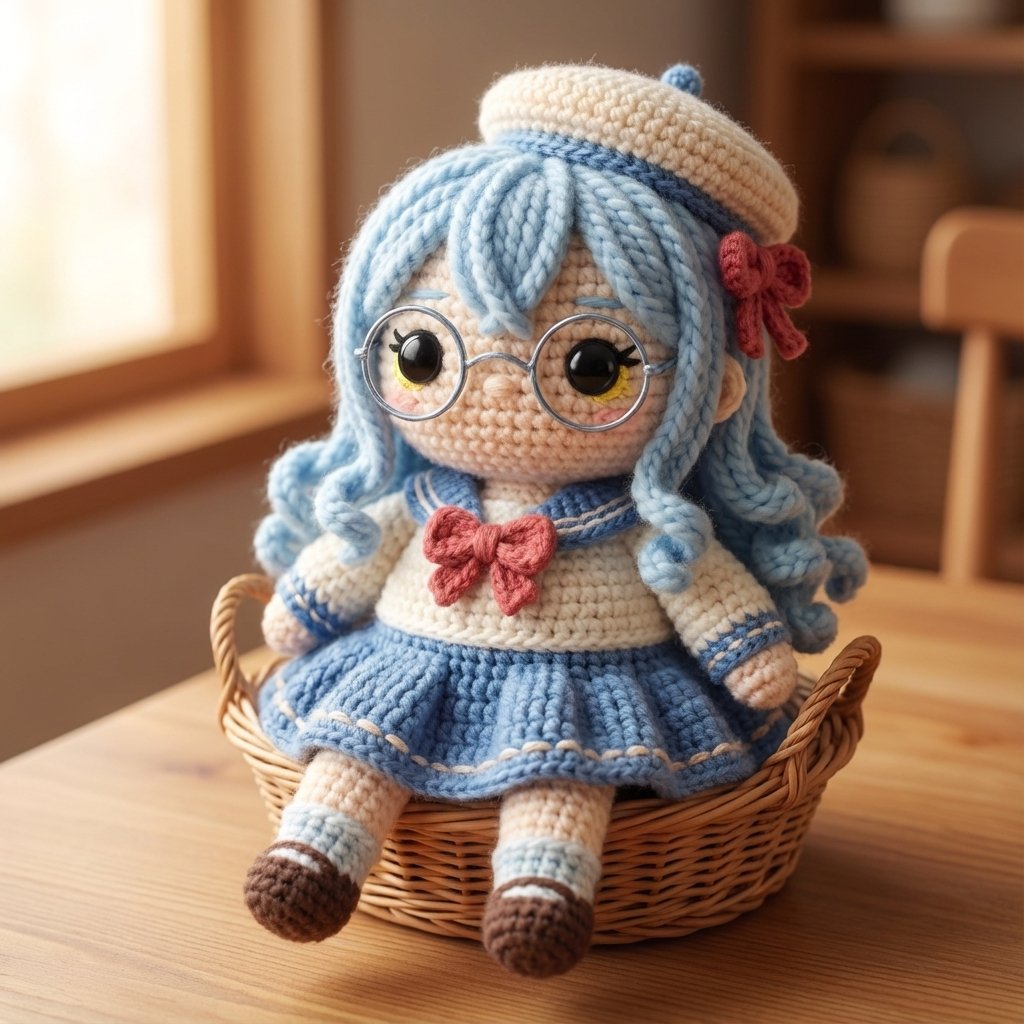
Amigurumi Style Conversion Prompt
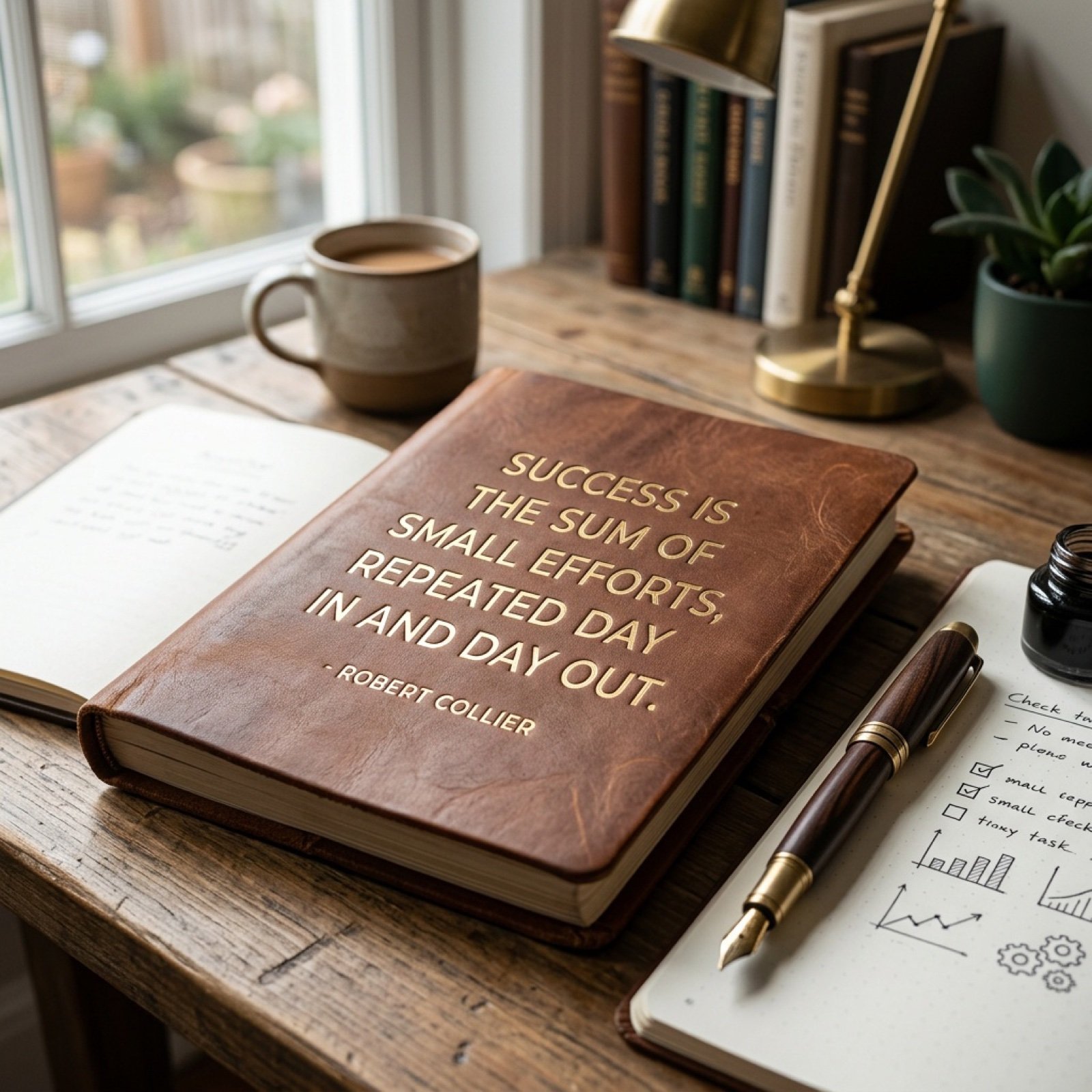
Morning Coffee Quote
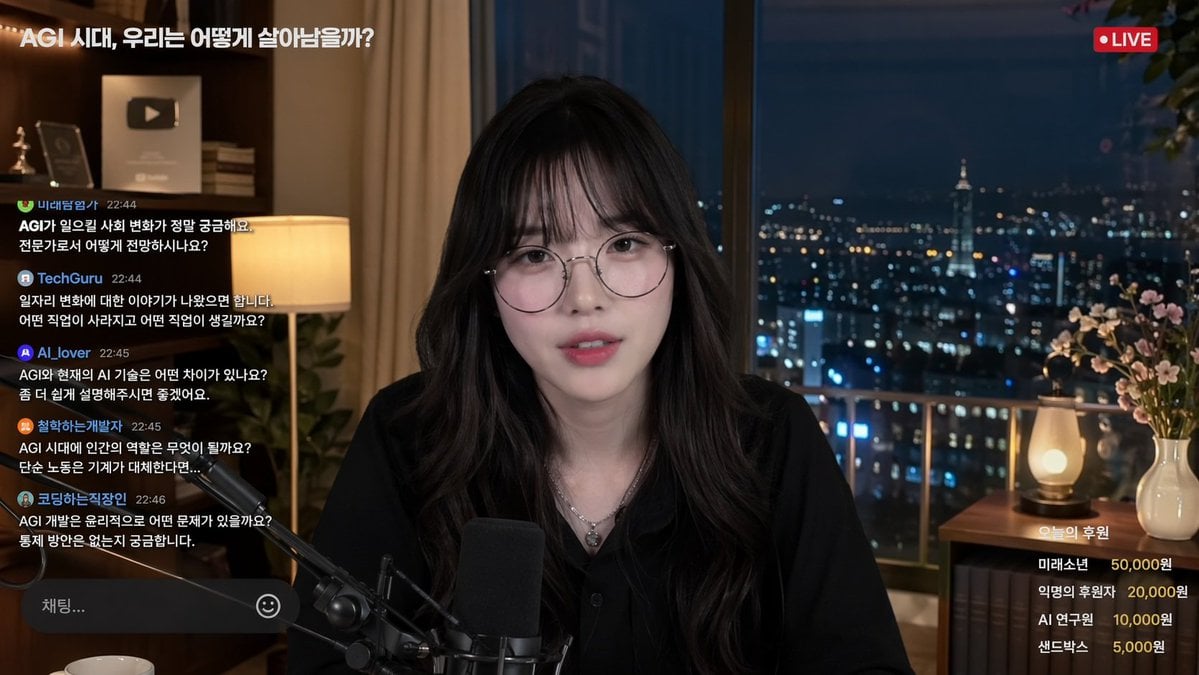
Livestream Interface Mockup
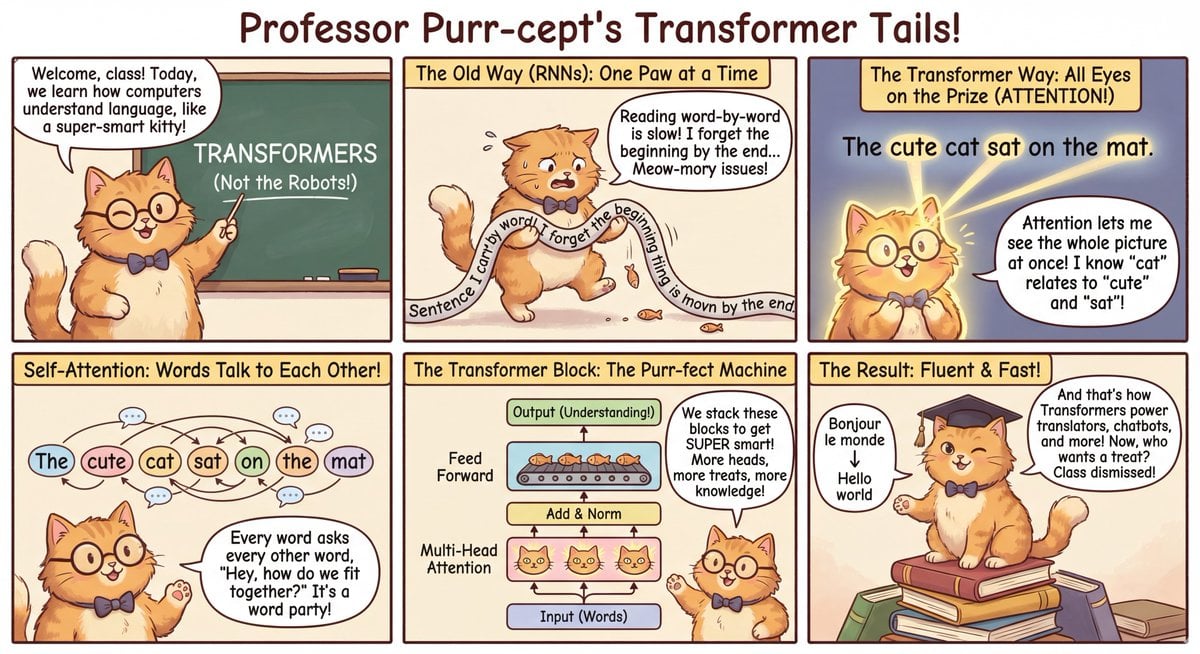
Outfit combinations using Sergey Brin as model
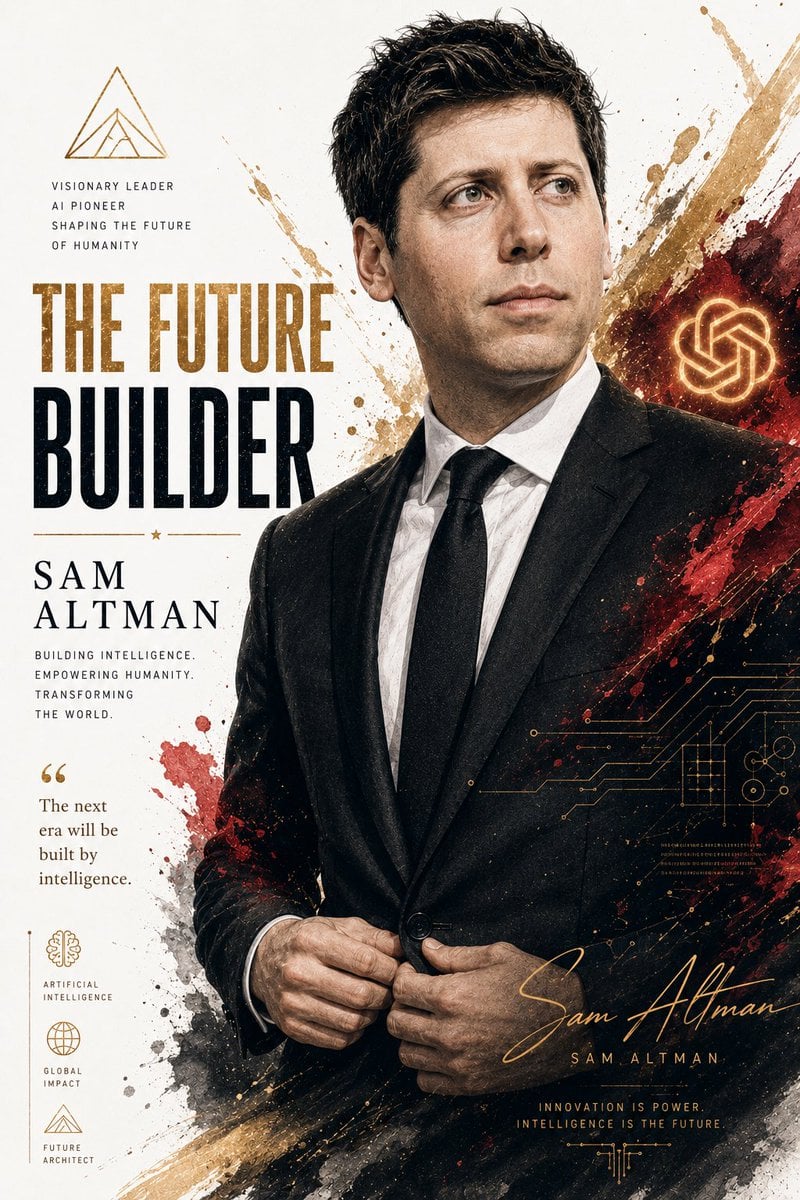
Billionaire Executive Portrait
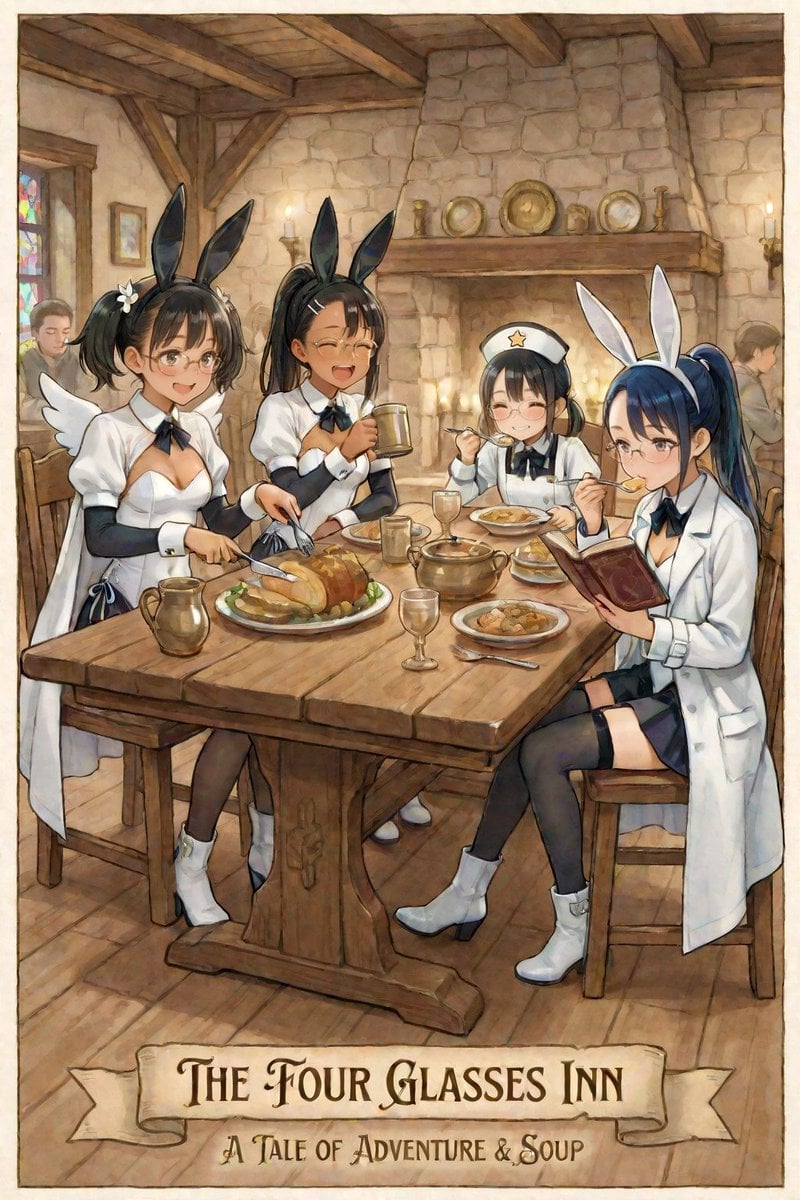
AI Illustration of a Girl at an Inn
Browse template categories
Goth Streetwear Anime Icon Portrait questions
How do I use the Goth Streetwear Anime Icon Portrait template?
Add your photo if the template asks for one, edit the prompt if you like — the template's model and format are already selected — and press Generate. Your version opens in PicX Studio.
Can I customize the Goth Streetwear Anime Icon Portrait template?
Yes. You can change the subject, setting, lighting, mood, format, and available model controls before creating your image.
Is the Goth Streetwear Anime Icon Portrait template free?
Opening and editing this template is free. Generating uses credits, shown on the Generate button when you are signed in.
Which AI model should I use?
Start with GPT Image 2, which is the model associated with this template. You can compare another compatible model for a different finish.
Looking for something else? Browse all templates.

Your photo, any look
Thousands of ready templates for every top image and video model, from one credit balance.