
Cinematic Sniper Character Bible Sheet
Generates a wide premium concept-art character sheet for a modern ghillie-suited military sniper with turnaround, details, equipment, and palette.
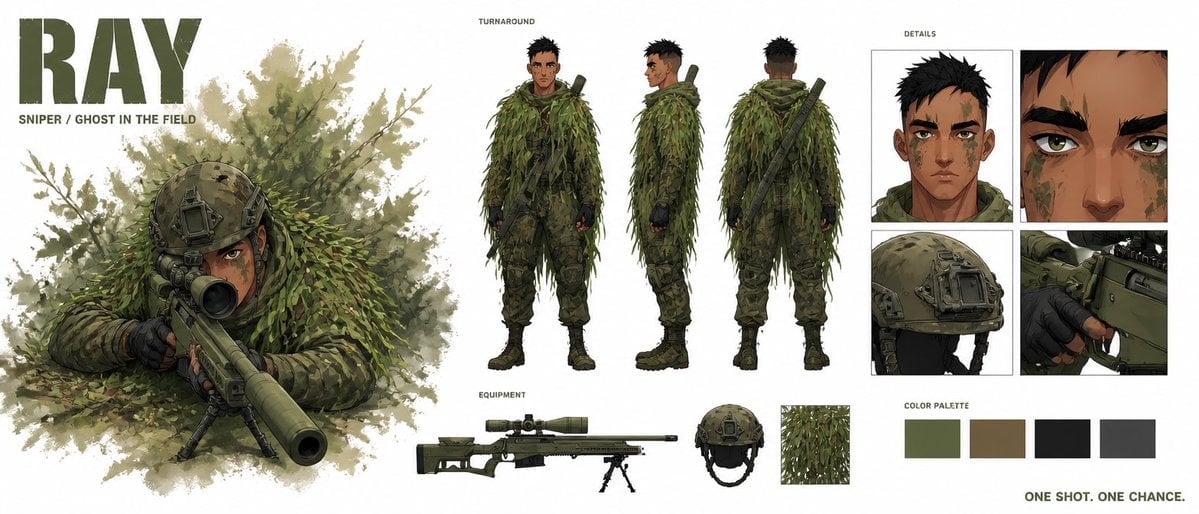
- Prompt included
- Model and format preset
- Premium template
The prompt behind this image
Copy the exact prompt behind Cinematic Sniper Character Bible Sheet, or open it in the studio and make it yours.
Goal: Create a premium cinematic character bible sheet for a modern military sniper named {argument name="character name" default="RAY"}, with polished concept-art presentation and clean white studio background. Canvas: Wide horizontal character sheet, approximately 2:1 aspect ratio. Use a high-end game/film concept art style with painterly realism, crisp ink-like edges, muted military greens, olive browns, black tactical accents, and subtle watercolor foliage textures. Layout: On the far left, place a huge bold stencil-style title reading {argument name="character name" default="RAY"} in dark olive, with the subtitle {argument name="subtitle text" default="SNIPER / GHOST IN THE FIELD"} below it. Beneath and beside the title, show a large hero illustration of the sniper lying prone in dense leafy camouflage, aiming a long suppressed sniper rifle directly toward the viewer from behind a bipod. The barrel should dominate the foreground with cinematic perspective, surrounded by soft leafy brush and splattered foliage texture. Center section: Add a labeled "TURNAROUND" area containing exactly 3 full-body standing views of the same sniper: front view, side view, and back view. He is a young adult male with tan skin, short messy black hair, sharp brown eyes, angular face, subtle stubble or face texture, green and brown camouflage face paint, athletic lean build, and serious calm expression. He wears a full ghillie suit made of layered shredded green foliage strips over tactical camouflage pants, dark gloves, combat boots, and a slung rifle across the back in the rear view. Bottom center equipment strip: Add a small label "EQUIPMENT" and show exactly 4 equipment items arranged horizontally: 1 long olive sniper rifle with scope, suppressor, bipod, and adjustable stock; 1 tactical helmet in olive drab with mounts and straps; 1 close-up square swatch of leafy ghillie fabric; 1 compact secondary gear detail integrated near the rifle such as a magazine or support attachment. Keep these cleanly isolated like a design bible. Right section: Add a labeled "DETAILS" grid with exactly 4 close-up panels: 1 head-and-shoulders portrait showing face paint and short black hair; 1 extreme close-up of the eyes and brow; 1 close-up of the tactical helmet with mounted hardware; 1 close-up of gloved hands operating the rifle trigger/receiver area. Color palette: Beneath the detail grid, include a labeled "COLOR PALETTE" row with exactly 4 rectangular swatches: muted olive green, earthy brown, near-black charcoal, and dark gray. In the bottom-right corner, add the tagline {argument name="tagline" default="ONE SHOT. ONE CHANCE."} in small bold uppercase olive text. Constraints: Keep all text in English, use the same character consistently across every panel, maintain realistic military proportions, avoid sci-fi armor, avoid extra characters, avoid clutter, no watermark, no logos other than the character name title.
How to use Cinematic Sniper Character Bible Sheet in 3 steps
- 1Upload ImagePNG, JPG or paste
Add your photo
Upload the photo the template builds on. The prompt, model and format are already set.
- 2…a portrait of your subject in softgolden-hour light, 85mm…
Personalize
Edit the subject and creative details for your destination.
- 3Generate
Generate
Press Generate — your image is created in PicX Studio, so you can compare it with the original and refine one variable at a time.
More like this
Templates with the same subject, style or setup. Open one to see its prompt.

Dancer Character - Four View Reference Sheet

Movement Sheet - Dance Reference (Seedance 2.0)
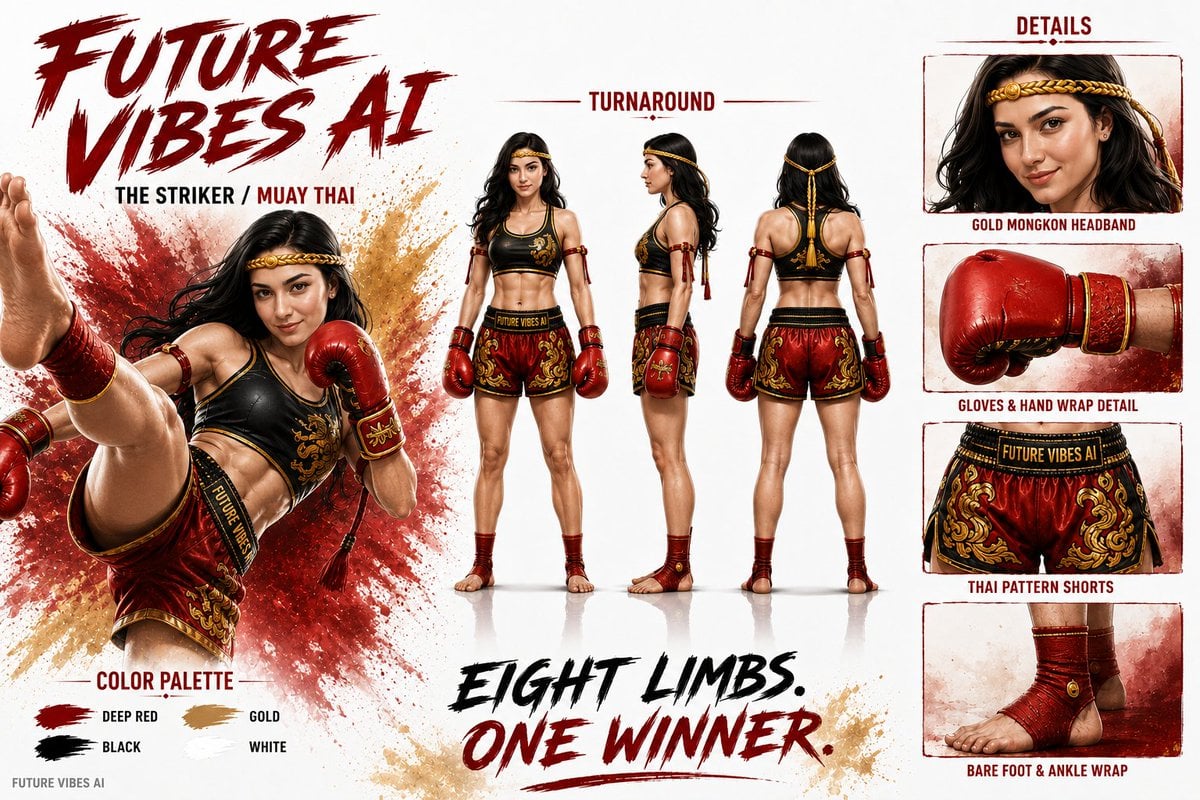
Cinematic AI Character Bible Sheet
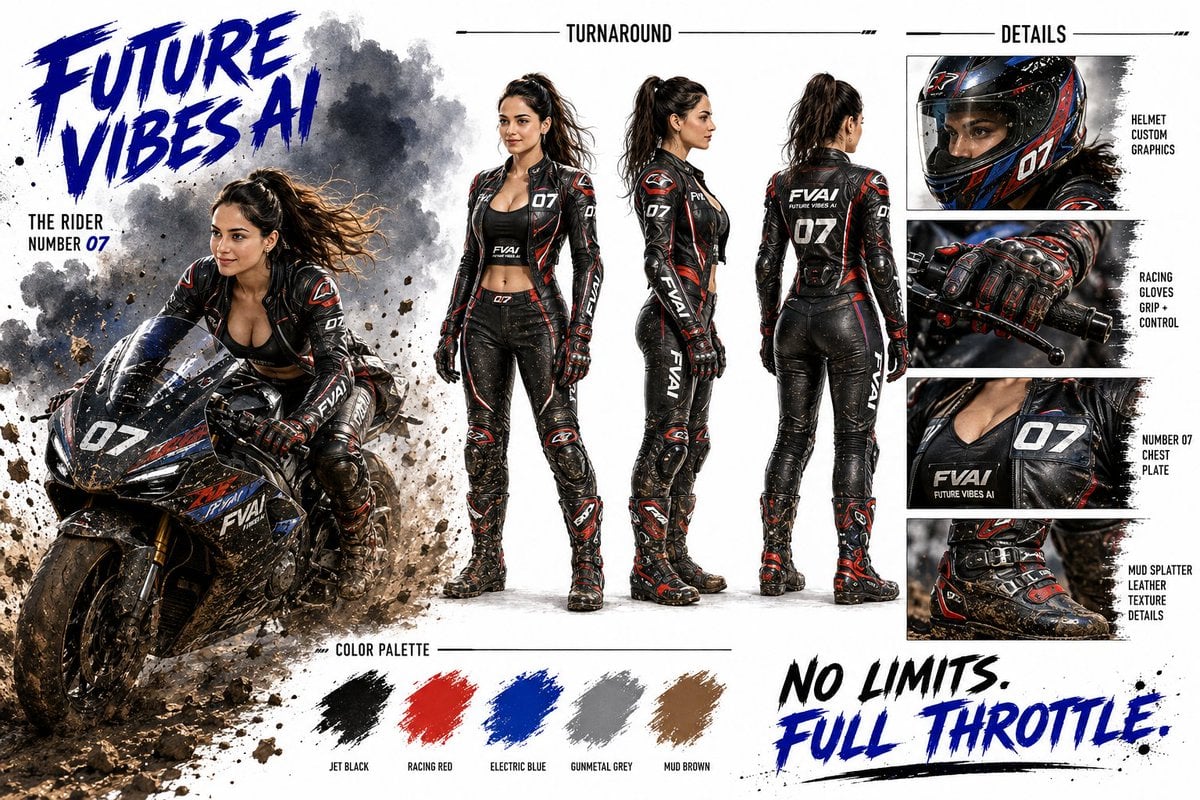
Futuristic Motorcycle Racer Bible Sheet
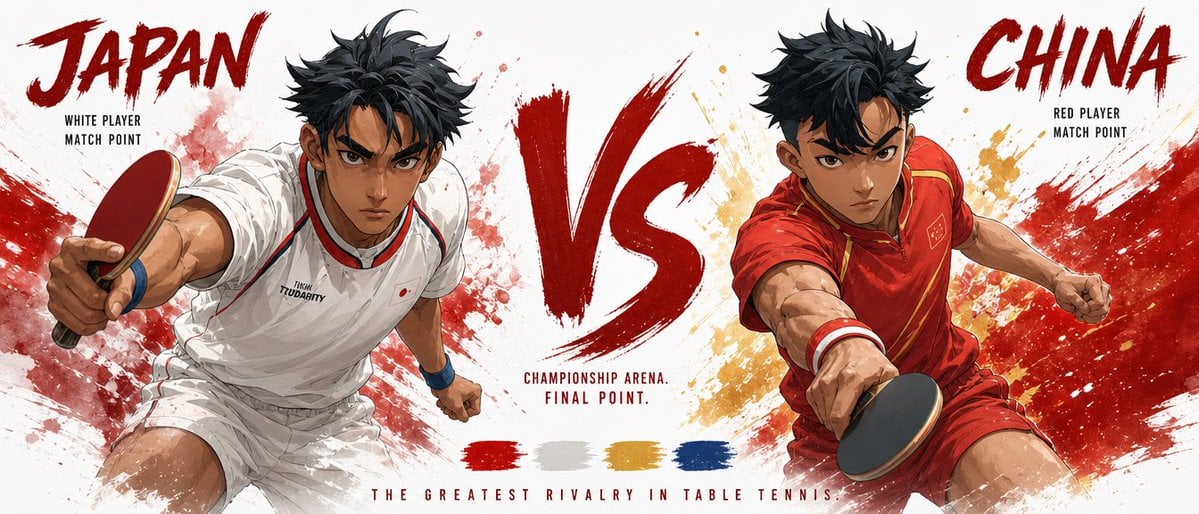
Cinematic Character Bible Comparison Sheet

Cinematic Character Bible Split Sheet
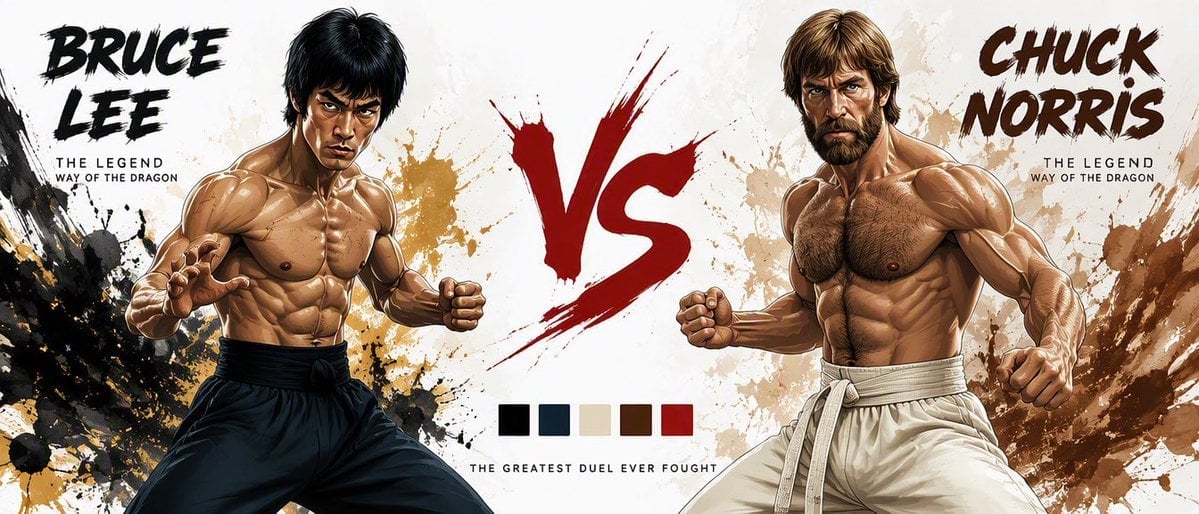
Martial Arts Legend Character Bible Sheet
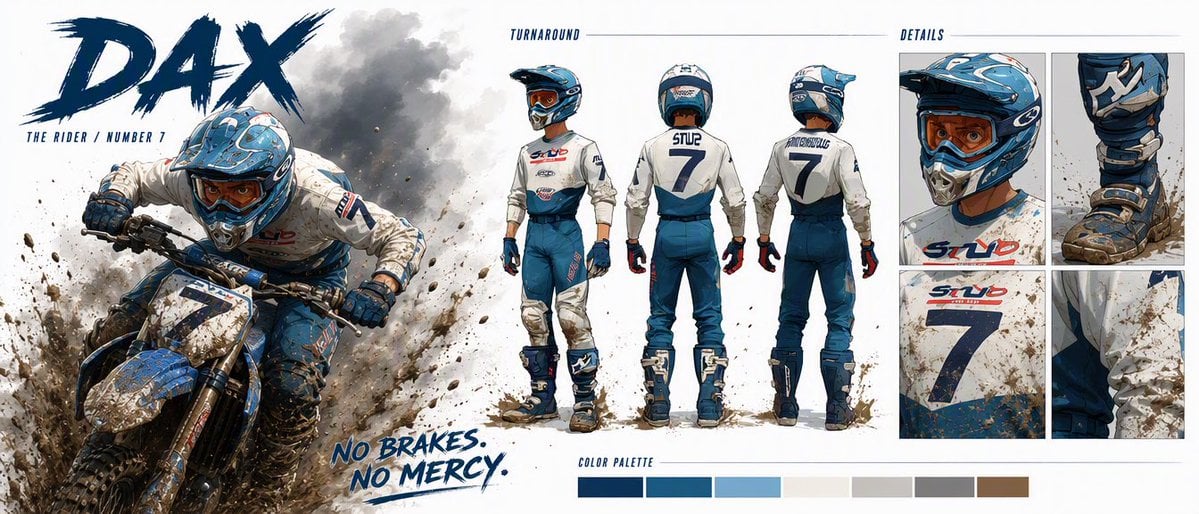
Dax Cinematic Character Bible Sheet
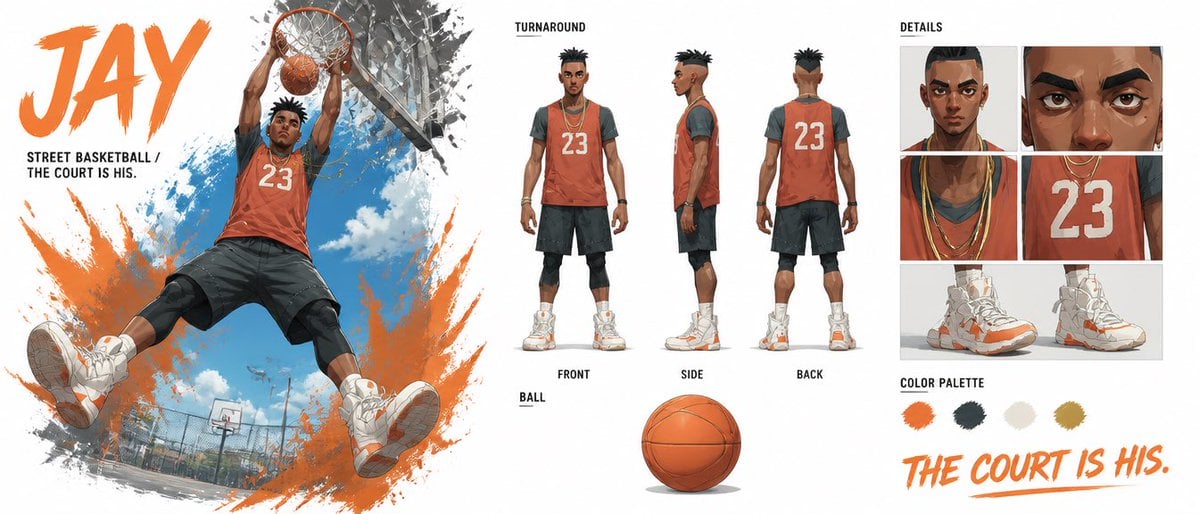
Basketball Character Bible Sheet
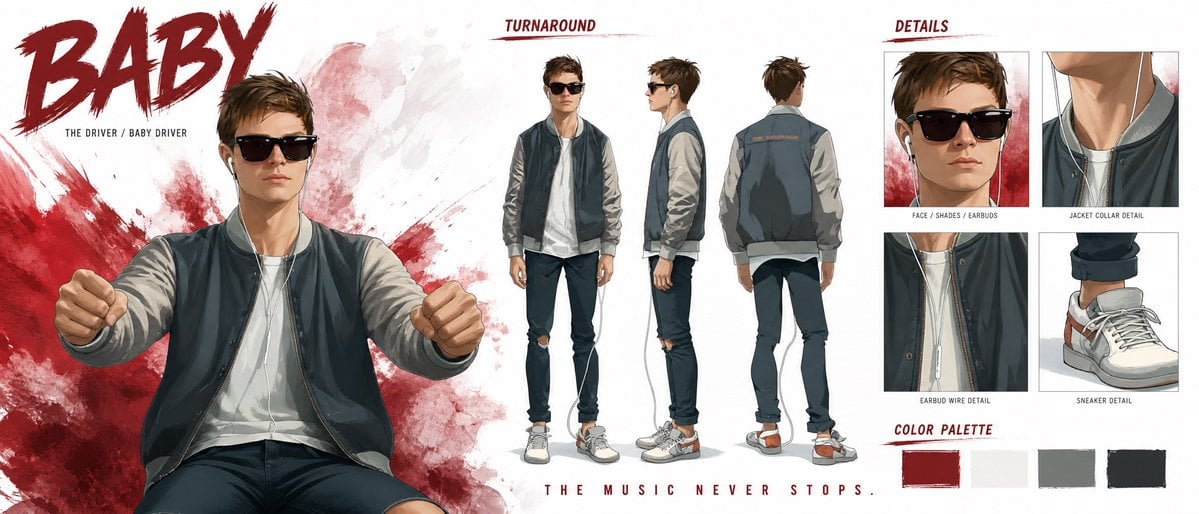
Cinematic Character Profile Bible Sheet
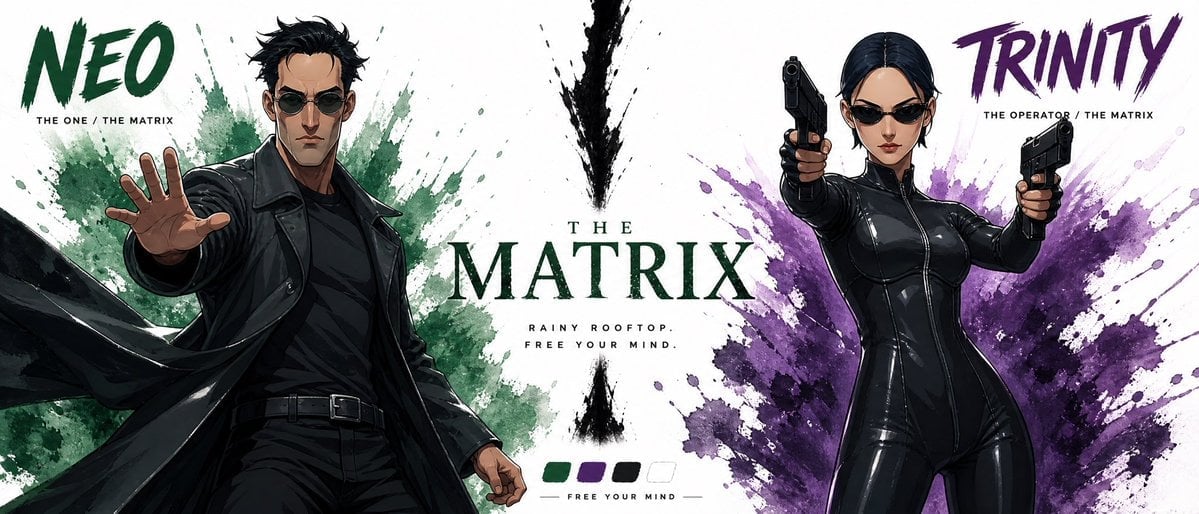
Cinematic Character Bible Sheet
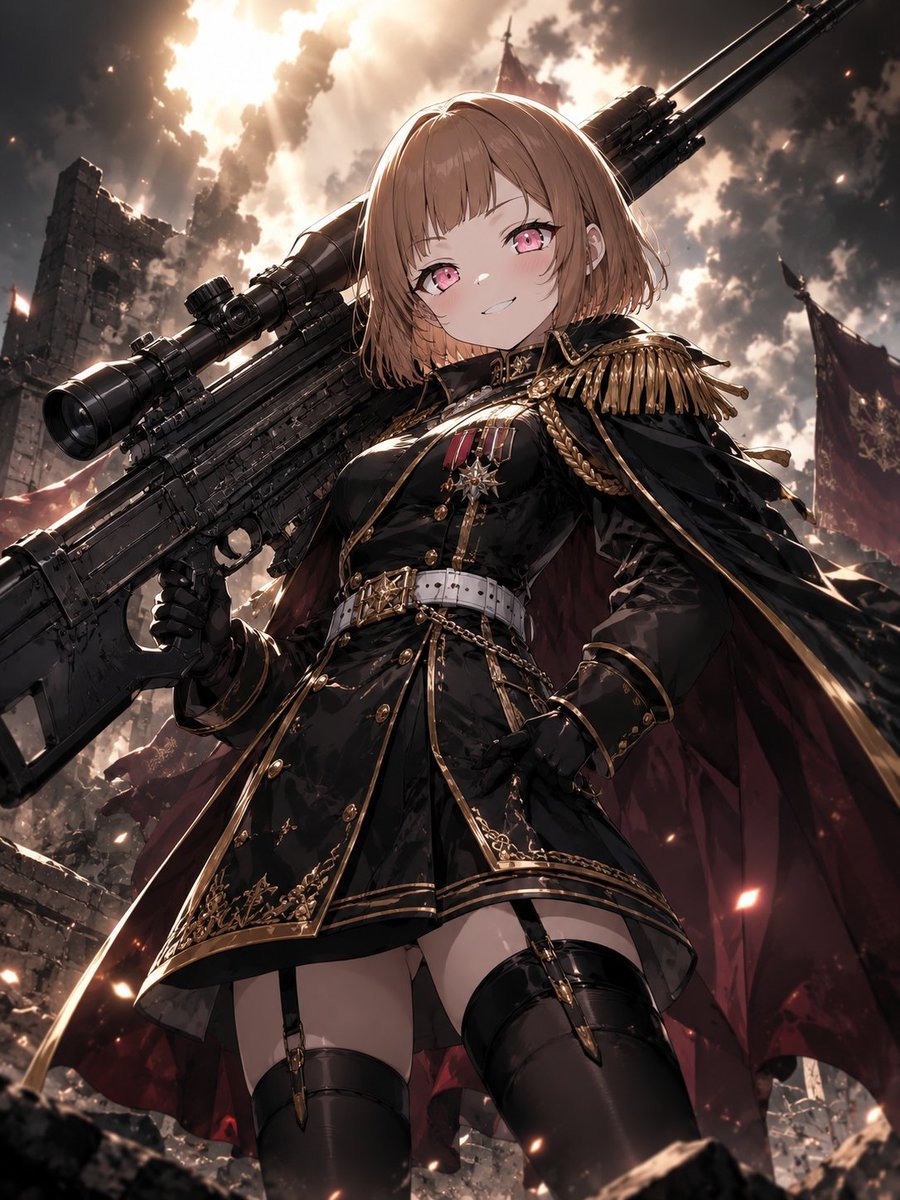
Anime Commander With Giant Sniper Rifle
Make it yours
Cinematic Sniper Character Bible Sheet works as-is. These are the safest ways to change it without losing the look.
Change one field
Copy a single group, rewrite it, and generate again so you can see what that field is doing.
Keep the frame, change the subject
Hold the composition and light of Cinematic Sniper Character Bible Sheet, then swap wardrobe, props or the person for a new take.
| If the result… | Why | Fix |
|---|---|---|
| The result drifts from the preview | Too many fields changed at once. | Reuse Cinematic Sniper Character Bible Sheet as-is first, then change one group — subject, light, or setting. |
| The model over-stylizes the scene | The prose prompt leaves finish and camera underspecified. | Add one camera or lighting sentence and stay on GPT Image 2. |
More GPT Image 2 templates
Other prompts made for GPT Image 2.

Six VTuber Japanese Logo Sheet

Realistic Portrait of Woman and Deer

The Vista Modular Condo Poster

AI Model Routing Comparison Infographic

2.5D Anime Art Board

Isometric Productivity Desk Scene

New York Double Exposure Poster

Four-Panel AI Landscape Comparison

Japanese Tatami Lifestyle Magazine Cover

NESCAFÉ Coffee Map Poster
More image prompts
Fresh picks from across the catalog.

Hyper-Realistic Red Bull Can Ice Explosion Commercial
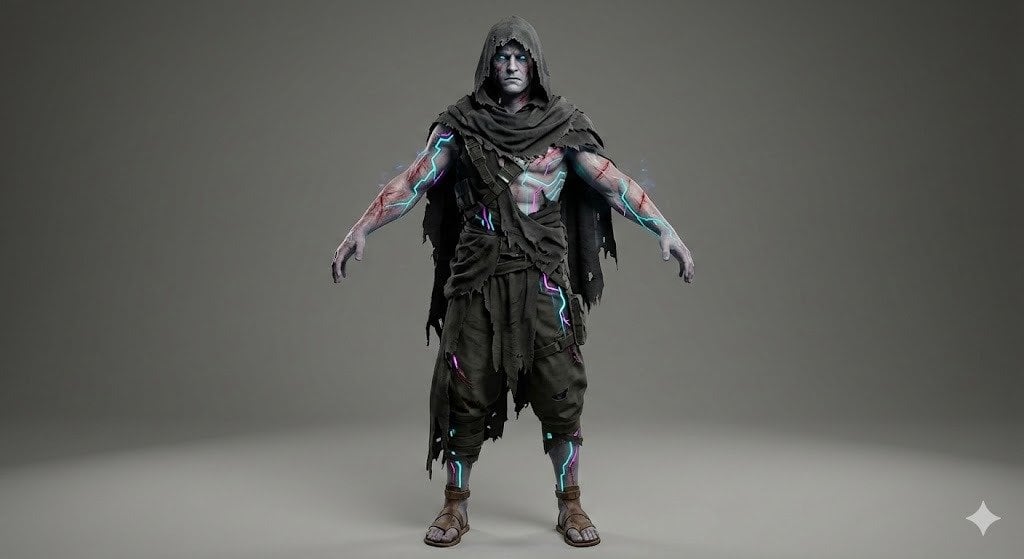
Image Generation Prompt for Stylized 3D Caricature
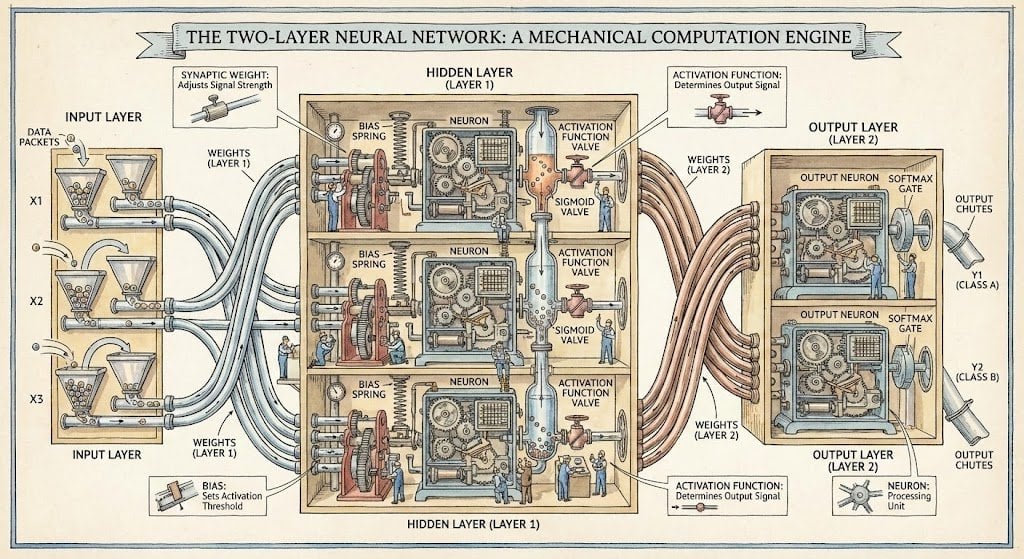
Two-layer neural network diagram in Stephen Biesty style
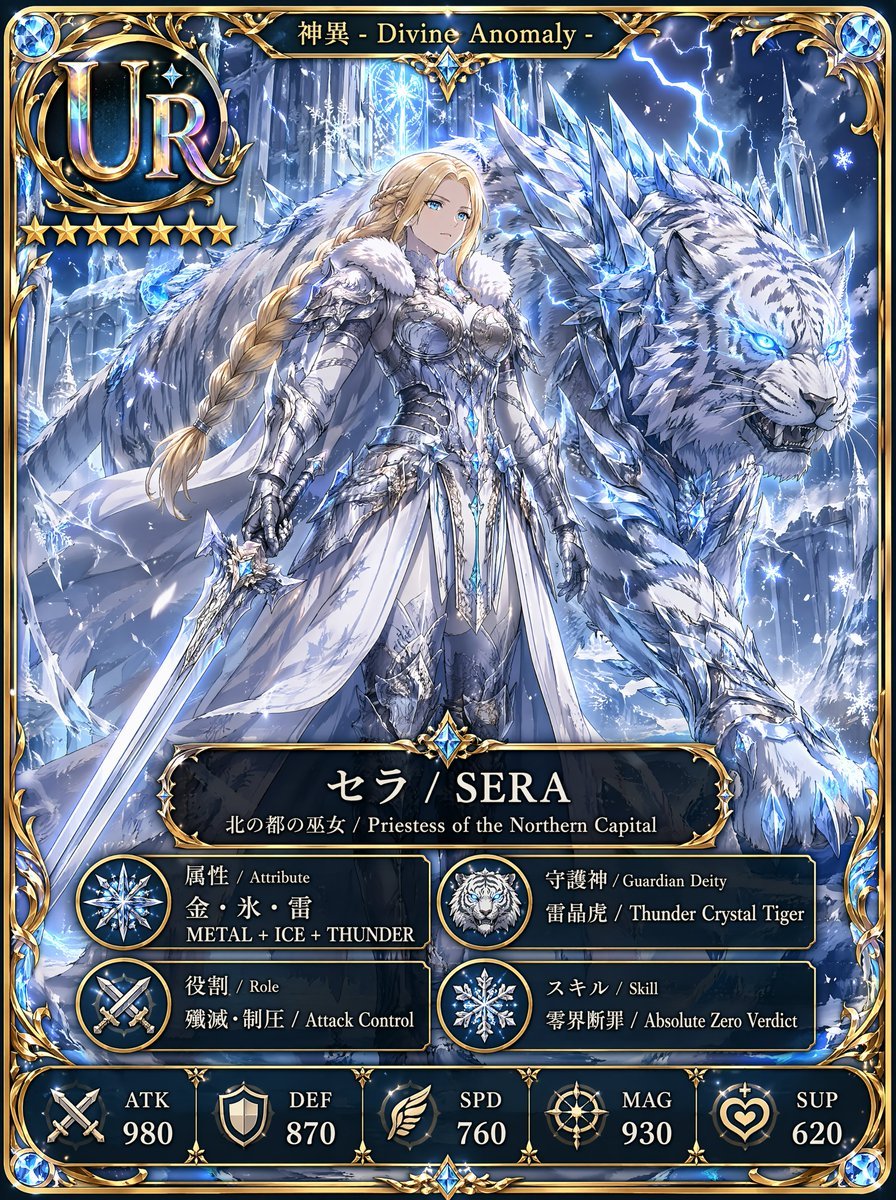
UR Ice Priestess Fantasy Card

Horror Cinematic Portrait

Nano Banana Pro Master Prompt Template (JSON)

Inception-Style City Street Bending Upward
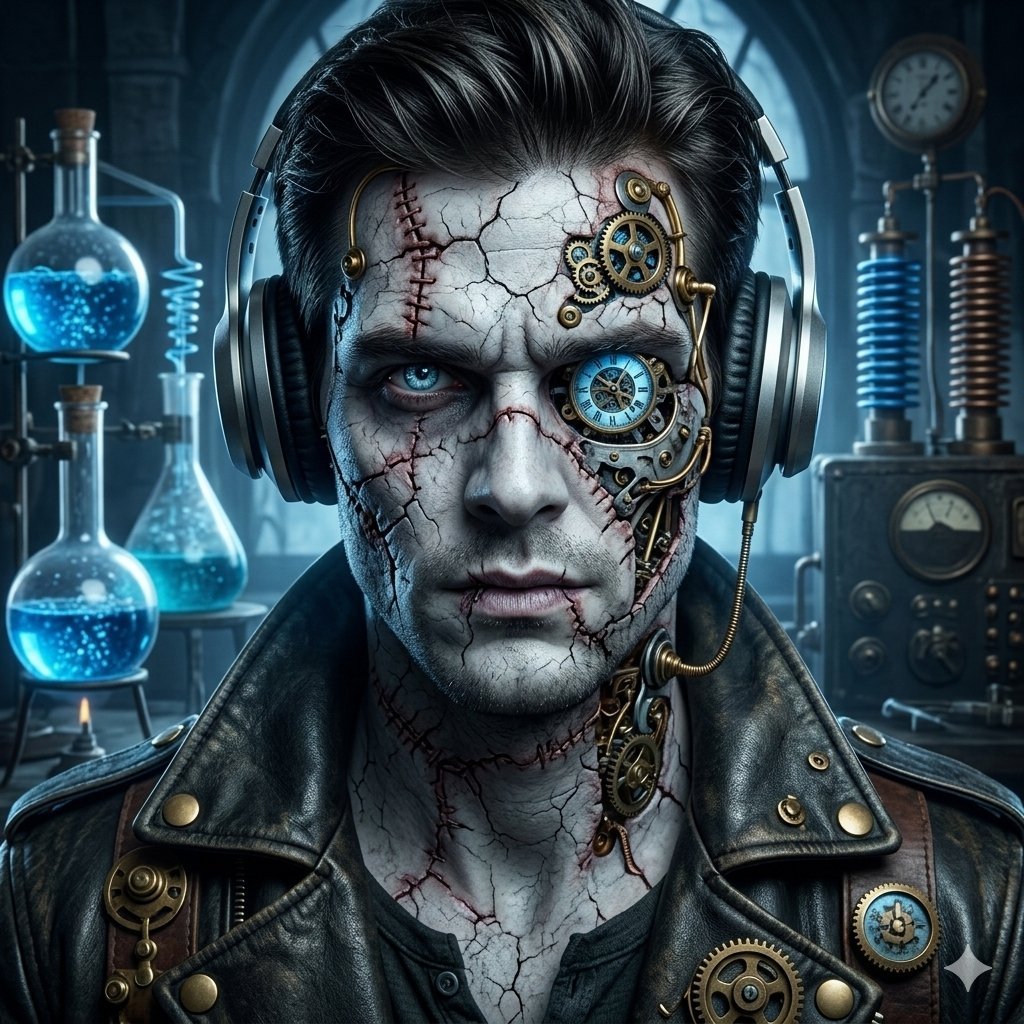
Steampunk Frankenstein Cyborg Concept Art

Realistic Phone Photo with Horror Twist

Photorealistic 8K Photo Restoration
Browse template categories
Cinematic Sniper Character Bible Sheet questions
How do I use the Cinematic Sniper Character Bible Sheet template?
Add your photo if the template asks for one, edit the prompt if you like — the template's model and format are already selected — and press Generate. Your version opens in PicX Studio.
Can I customize the Cinematic Sniper Character Bible Sheet template?
Yes. You can change the subject, setting, lighting, mood, format, and available model controls before creating your image.
Is the Cinematic Sniper Character Bible Sheet template free?
Opening and editing this template is free. Generating uses credits, shown on the Generate button when you are signed in.
Which AI model should I use?
Start with GPT Image 2, which is the model associated with this template. You can compare another compatible model for a different finish.
Looking for something else? Browse all templates.

Your photo, any look
Thousands of ready templates for every top image and video model, from one credit balance.