
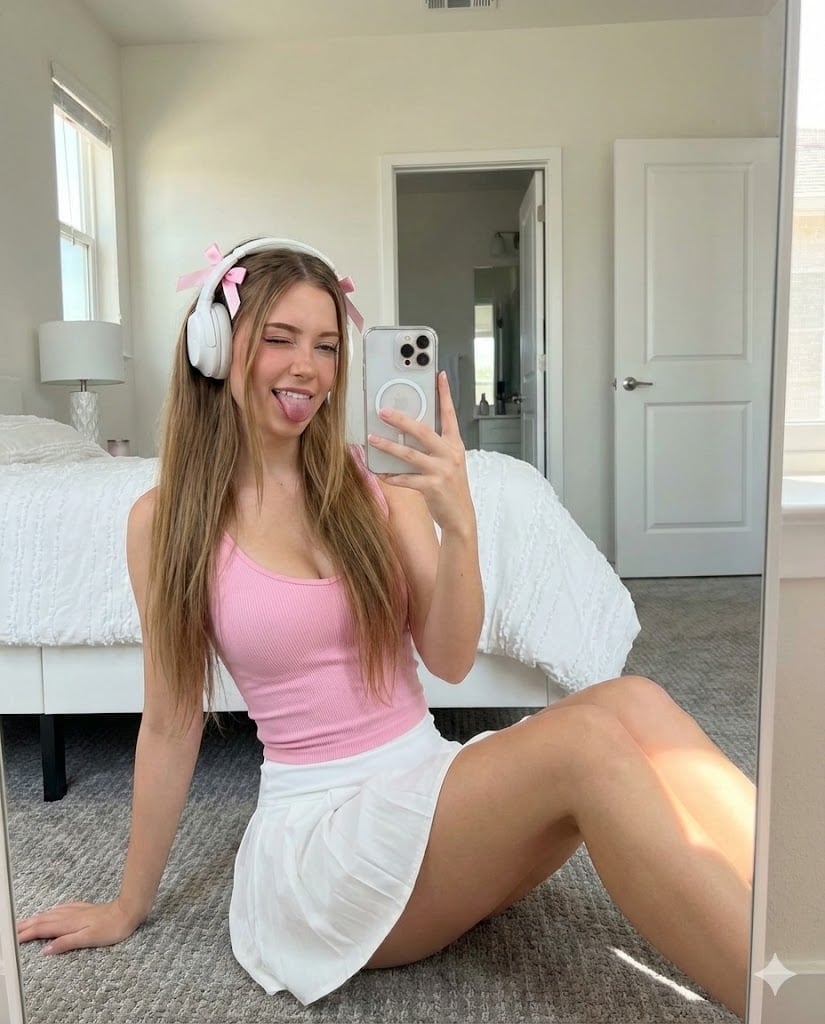
Playful Mirror Selfie in a Bedroom
A detailed JSON prompt for generating a photorealistic image of a 19-year-old female subject taking a playful mirror selfie in a modern bedroom setting, specifying facial features, attire, pose, and soft natural…
- Prompt included
- Model and format preset
- Free template
The prompt behind this image
Copy the exact prompt behind Playful Mirror Selfie in a Bedroom, or open it in the studio and make it yours.
- Image Generation Prompt › Subject › Age
- 19
- Image Generation Prompt › Subject › Gender
- female
- Image Generation Prompt › Subject › Facial Features › Skin Tone
- fair, youthful, flawless
- Image Generation Prompt › Subject › Facial Features › Lips
- pink, plump, tongue sticking out playfully
- Image Generation Prompt › Subject › Facial Features › Eyes
- dark brown, one eye winking, the other open
- Image Generation Prompt › Subject › Facial Features › Cheeks
- rosy, youthful
- Image Generation Prompt › Subject › Facial Features › Nose
- defined, straight
- Image Generation Prompt › Subject › Hair
- long, light brown, styled with pink bows and white over-ear headphones
- Image Generation Prompt › Subject › Expression
- playful wink and tongue out
- Image Generation Prompt › Attire › Top
- pink ribbed tank top
- Image Generation Prompt › Attire › Bottom
- white pleated mini skirt with white waistband
- Image Generation Prompt › Pose
- sitting on grey carpet, legs bent, leaning back slightly, holding an iPhone with a clear case to take a mirror selfie
- Image Generation Prompt › Environment › Location
- bedroom
- Image Generation Prompt › Environment › Bed
- large white bed with textured white duvet and pillows
- Image Generation Prompt › Environment › Furniture
- white side table next to bed, white doors, one closed, one open showing bathroom
- Image Generation Prompt › Environment › Walls
- light grey
- Image Generation Prompt › Environment › Flooring
- grey patterned carpet
- Image Generation Prompt › Environment › Objects
- lamp on side table, small items on bathroom counter
- Image Generation Prompt › Lighting
- soft, natural daylight from a window
- Image Generation Prompt › Aspect Ratio
- 4:5
Raw JSON
{
  "image_generation_prompt": {
    "subject": {
      "age": 19,
      "gender": "female",
      "facial_features": {
        "skin_tone": "fair, youthful, flawless",
        "lips": "pink, plump, tongue sticking out playfully",
        "eyes": "dark brown, one eye winking, the other open",
        "cheeks": "rosy, youthful",
        "nose": "defined, straight"
      },
      "hair": "long, light brown, styled with pink bows and white over-ear headphones",
      "expression": "playful wink and tongue out"
    },
    "attire": {
      "top": "pink ribbed tank top",
      "bottom": "white pleated mini skirt with white waistband"
    },
    "pose": "sitting on grey carpet, legs bent, leaning back slightly, holding an iPhone with a clear case to take a mirror selfie",
    "environment": {
      "location": "bedroom",
      "bed": "large white bed with textured white duvet and pillows",
      "furniture": "white side table next to bed, white doors, one closed, one open showing bathroom",
      "walls": "light grey",
      "flooring": "grey patterned carpet",
      "objects": "lamp on side table, small items on bathroom counter"
    },
    "lighting": "soft, natural daylight from a window",
    "aspect_ratio": "4:5"
  }
}How to use Playful Mirror Selfie in a Bedroom in 3 steps
- 1
Open
The prompt is already in the box next to the preview, with the template's model and format selected.
- 2…a portrait of your subject in softgolden-hour light, 85mm…
Personalize
Edit the subject and creative details for your destination.
- 3Generate
Generate
Press Generate — your image is created in PicX Studio, so you can compare it with the original and refine one variable at a time.
More like this
Templates with the same subject, style or setup. Open one to see its prompt.

Rooftop Fisheye — Cat-Ear Balaclava at Golden Hour
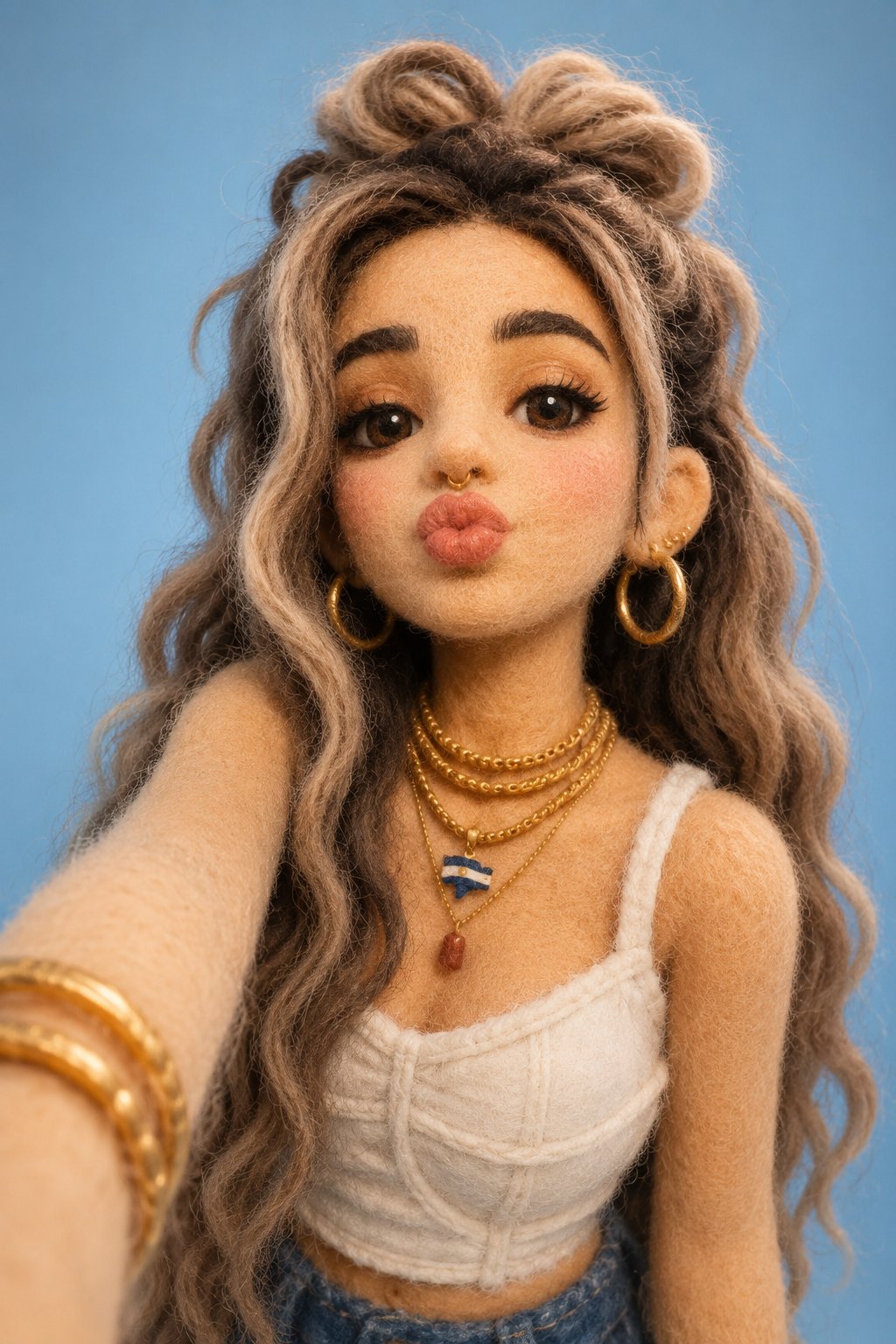
Felt & Knit 3D Character — Photo-Exact Face, Pixar-Quality Plush Figurine
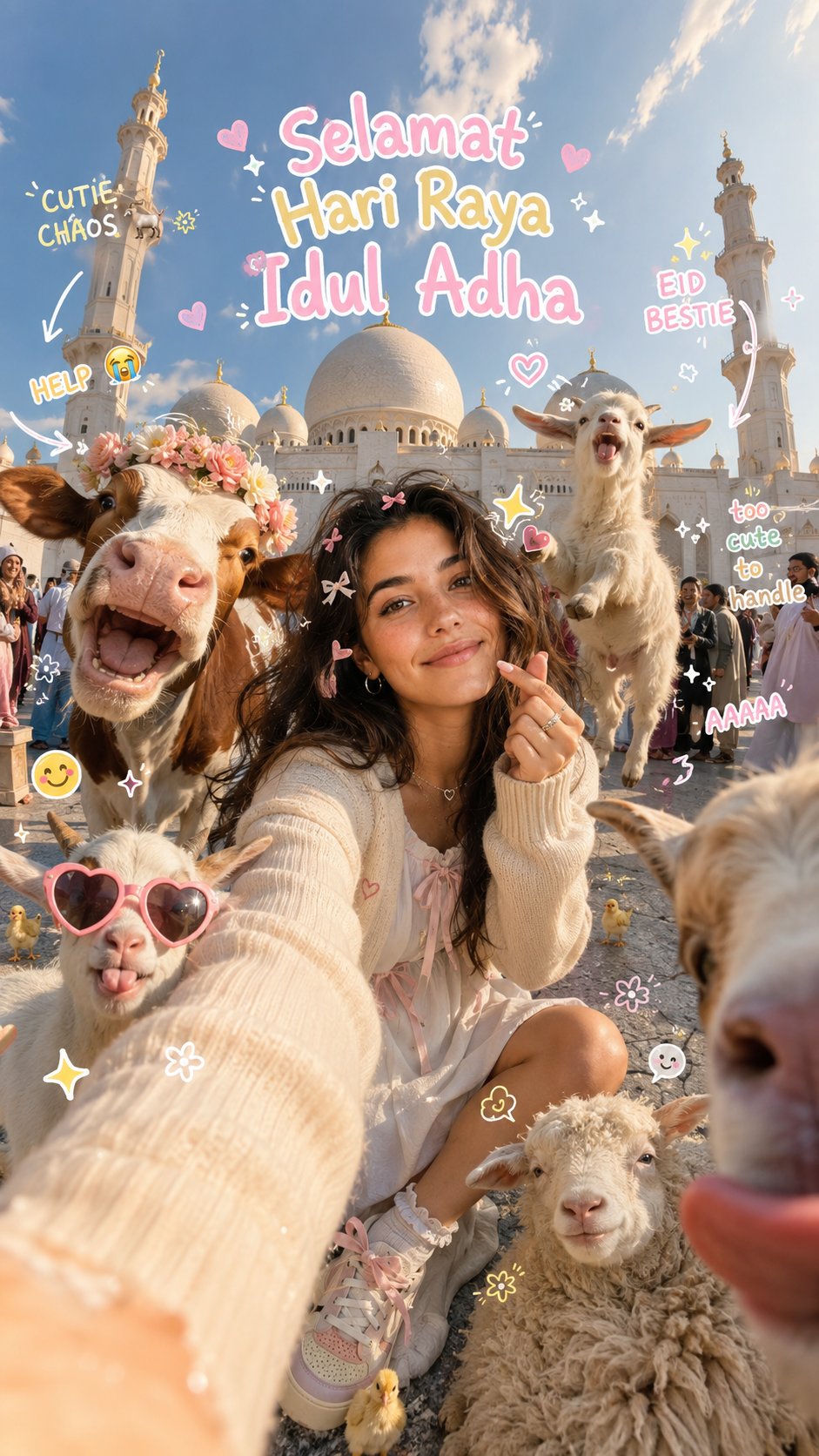
Eid al-Adha Cute Chaos — Fisheye Selfie with Farm Selfie, Mosque & Animals
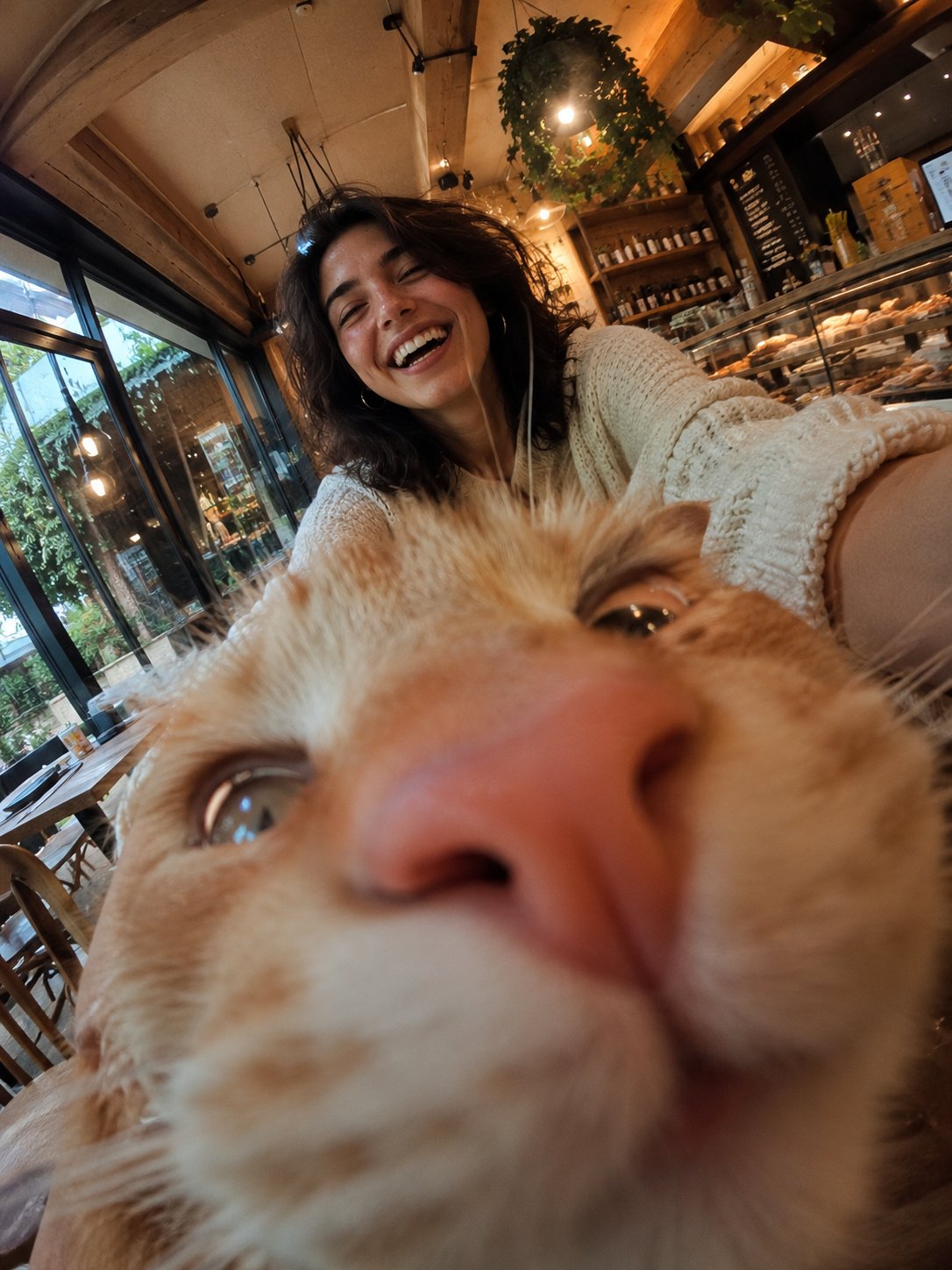
Cat Photobomb Selfie — 0.5x Wide Angle Café Chaos
Gen Z Triple Selfie Collage — Y2K Flash Photography
Surreal Cat Astronaut — Humanoid Face Freefall
Nano Banana - Peace Sign Bedroom Selfie
Nano Banana Grwm Mirror Selfie Pink
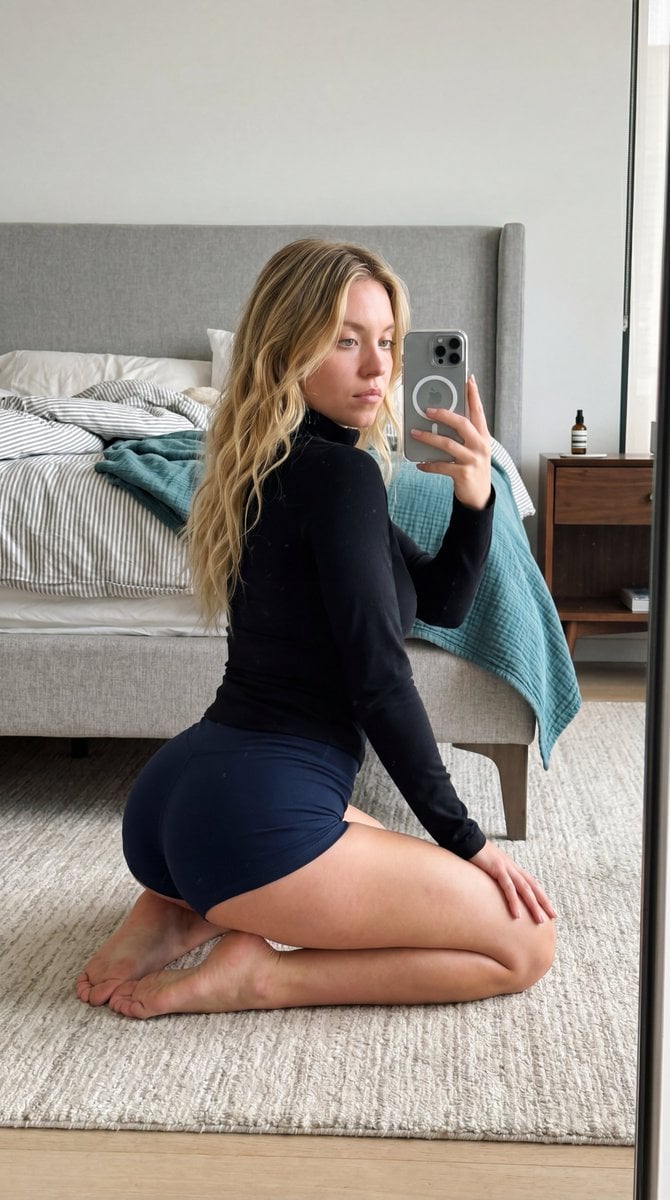
Intimate Bedroom Mirror Selfie
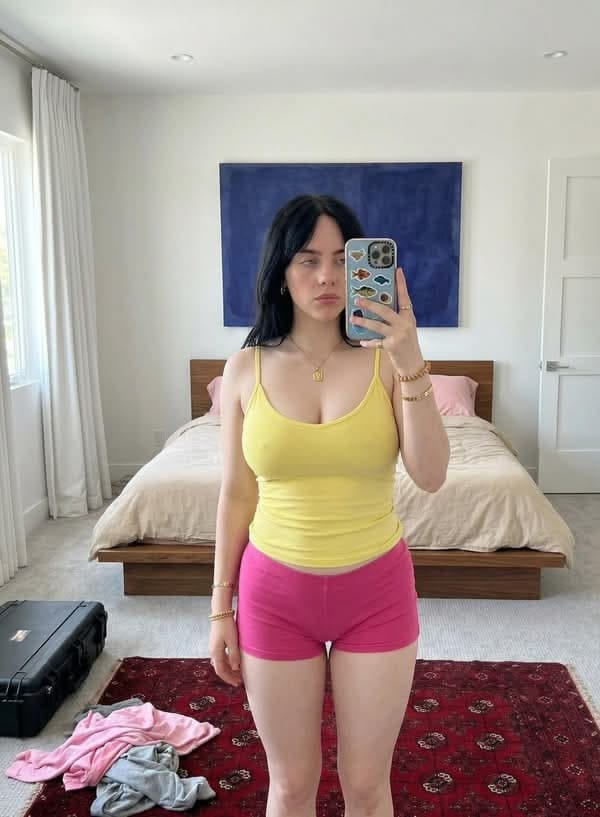
Candid Modern Bedroom Mirror Selfie
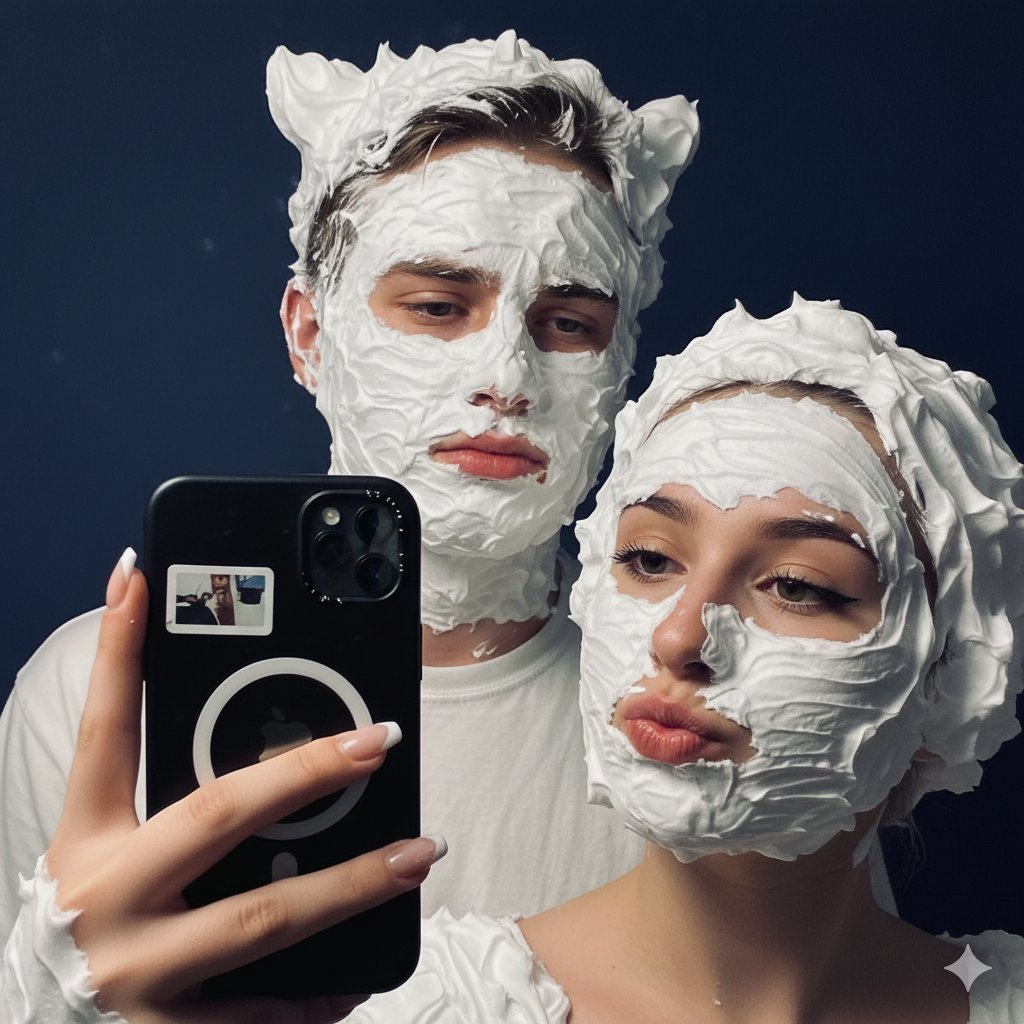
Playful Shaving Cream Mirror Selfie Prompt
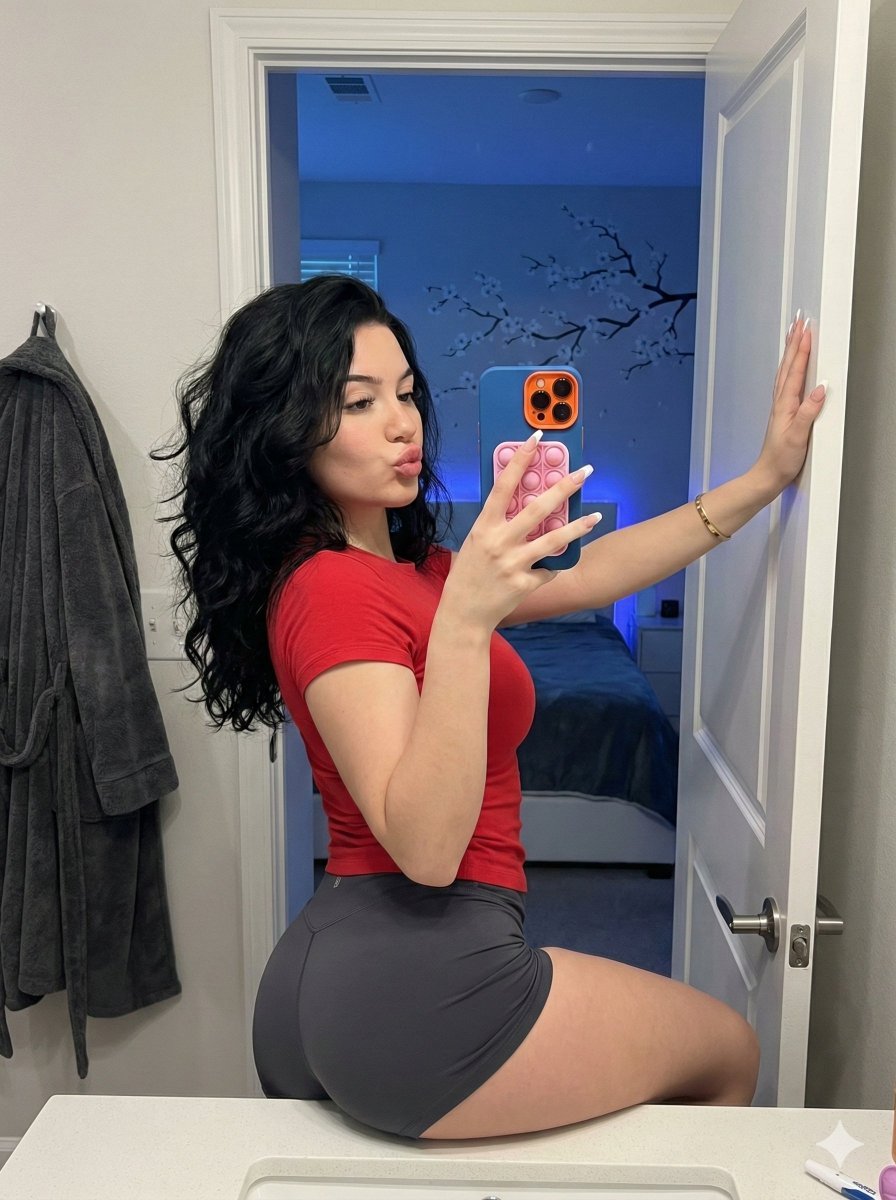
Playful Bathroom Mirror Selfie Prompt (Curvy Focus)
Make it yours
Playful Mirror Selfie in a Bedroom works as-is. These are the safest ways to change it without losing the look.
Swap the setting
Keep the rest of the prompt and replace the location block. The current setting is “bedroom”.
Swap the light
One lighting change is enough to compare takes. Current light: “soft, natural daylight from a window”.
Change one field
Copy a single group, rewrite it, and generate again so you can see what that field is doing.
| If the result… | Why | Fix |
|---|---|---|
| The result drifts from the preview | Too many fields changed at once. | Reuse Playful Mirror Selfie in a Bedroom as-is first, then change one group — subject, light, or setting. |
| Nano Banana 2 ignores part of the JSON | Some models flatten or skip nested keys. | Keep the same values and paste them as a short paragraph instead. |
More Nano Banana 2 templates
Other prompts made for Nano Banana 2.

Photorealistic Leaf Shaped Like a Dragon

K-Pop Idol Portrait Grid for Rapid Selection

Poetic Rain Forest Portrait During Golden Hour

Urban Street Portrait with Cartoon Inner Self Duo

Candid Nighttime Photo with Cat Prompt

High-Concept 3D Diorama Generation Prompt

Cinematic Futuristic Studio Portrait Template

Skincare Editorial Photography Collage Prompt

Hyper-Realistic Commercial Product Photography (Splash Effect)

Hyper-Realistic Nightclub Portrait Prompt
More image prompts
Fresh picks from across the catalog.
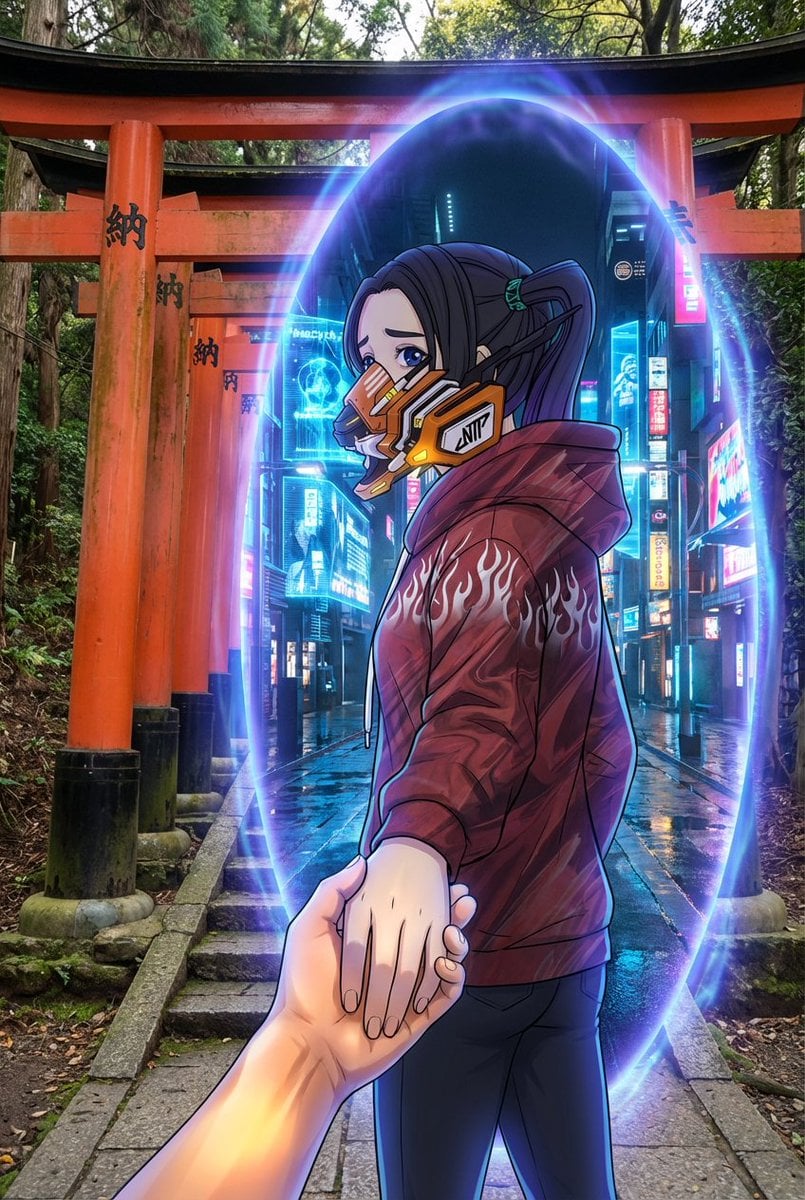
Portal Scene Generation Prompt
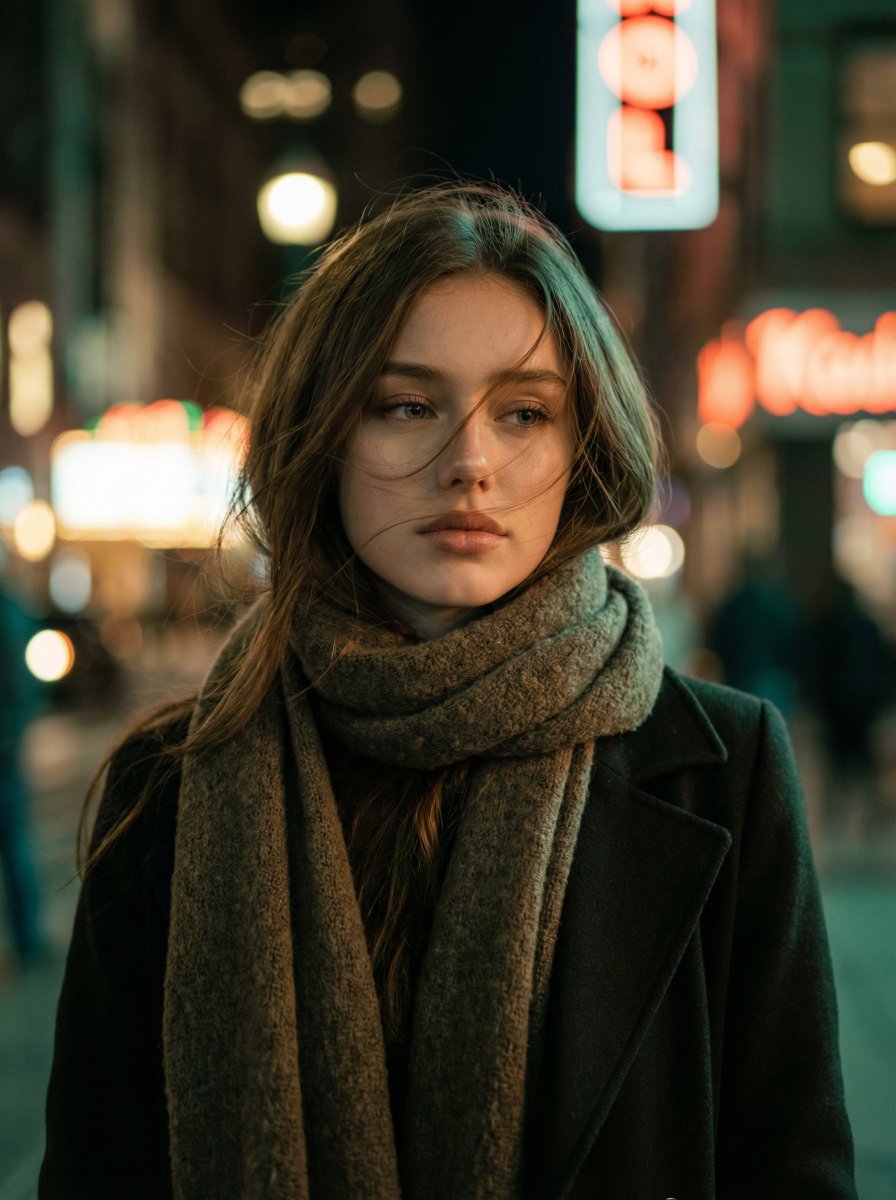
Cinematic Night Portrait of a Young Woman
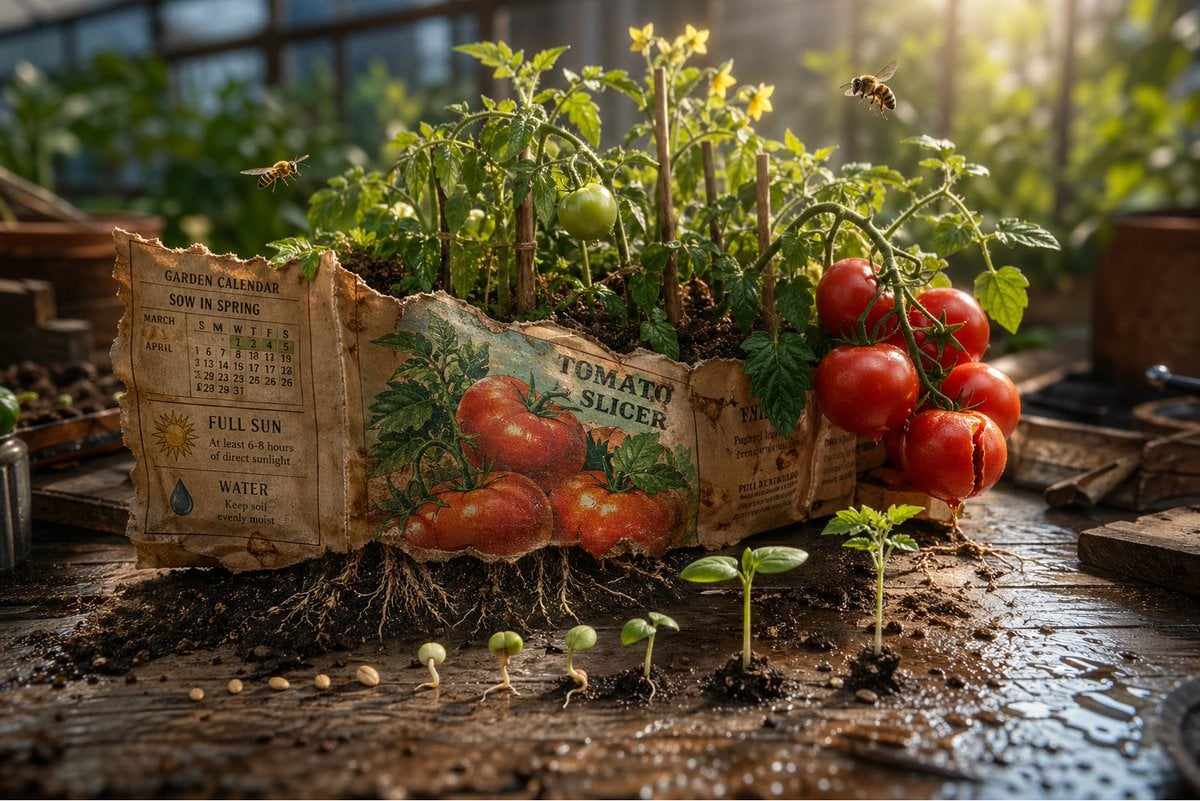
Gpt2 Product Marketing Magical Seed Packet Diorama

Multi-Pattern Web Advertisement Grid
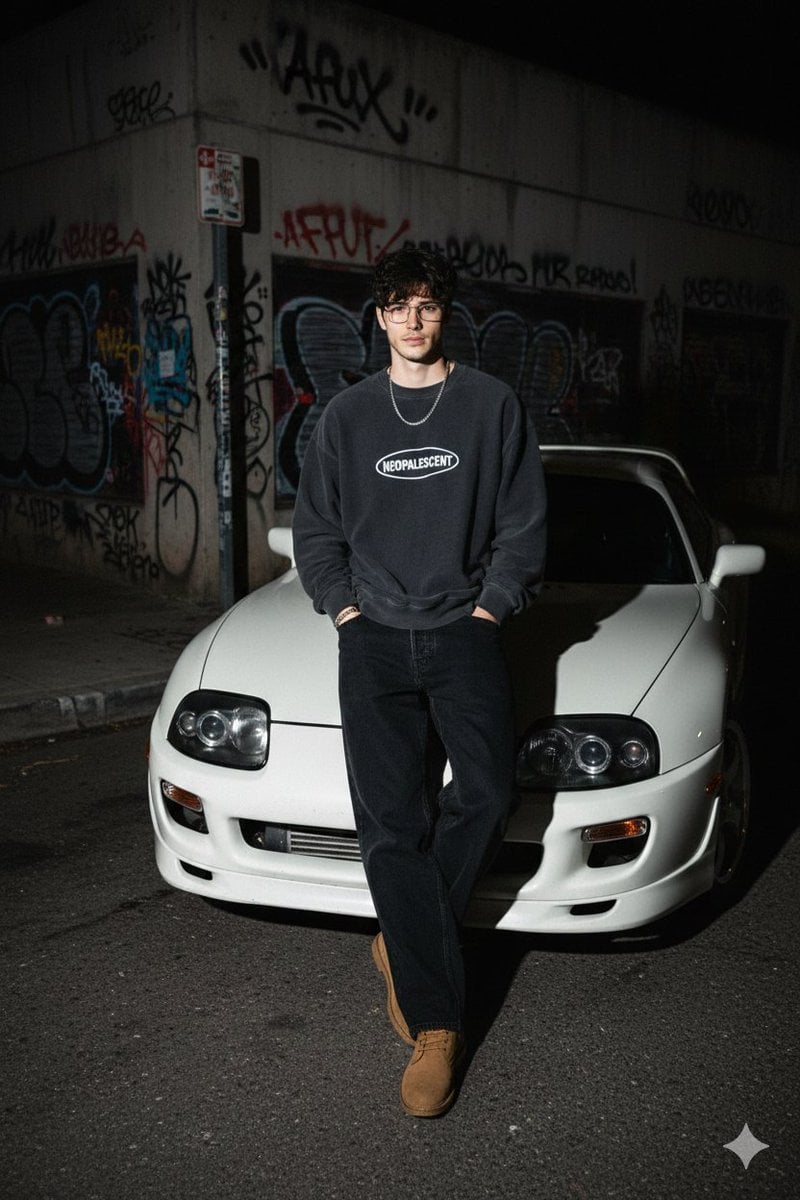
90s Streetwear Car Portrait Prompt
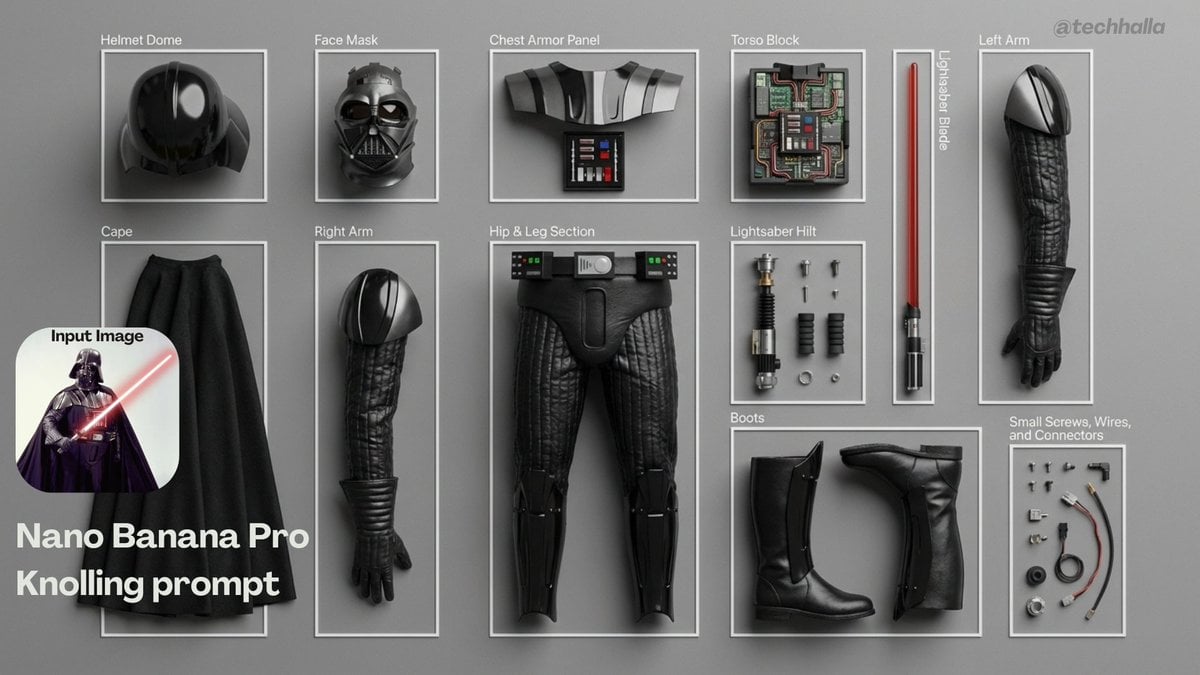
Knolling-style exploded flat-lay photo
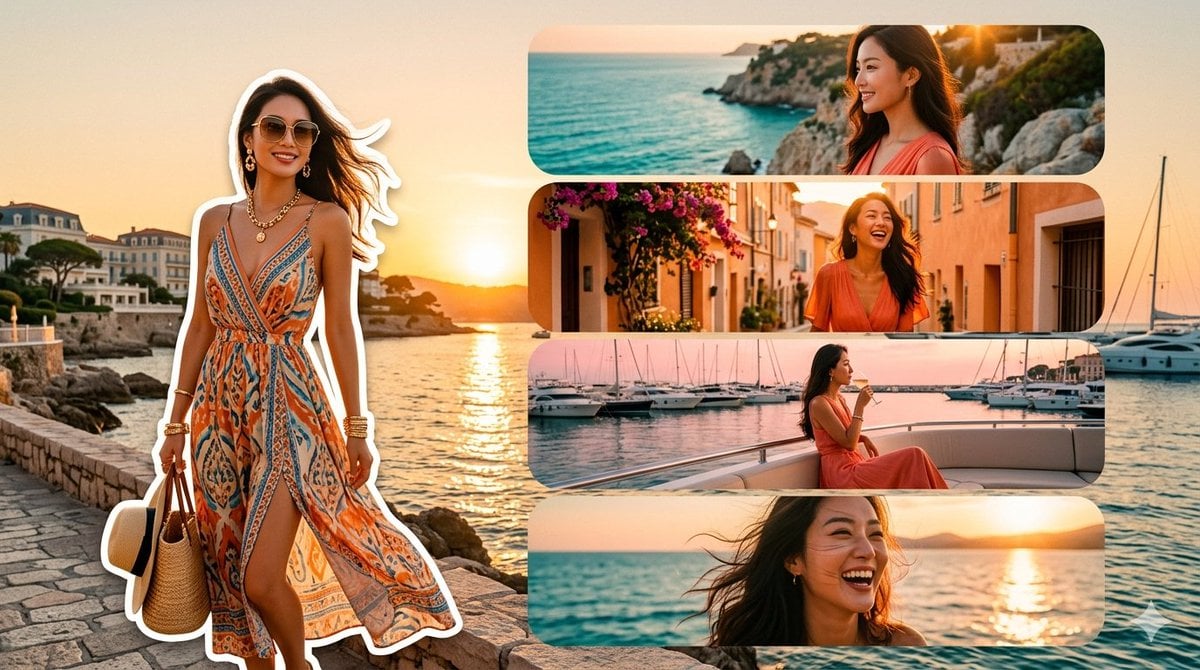
Mediterranean Fashion Travel Collage
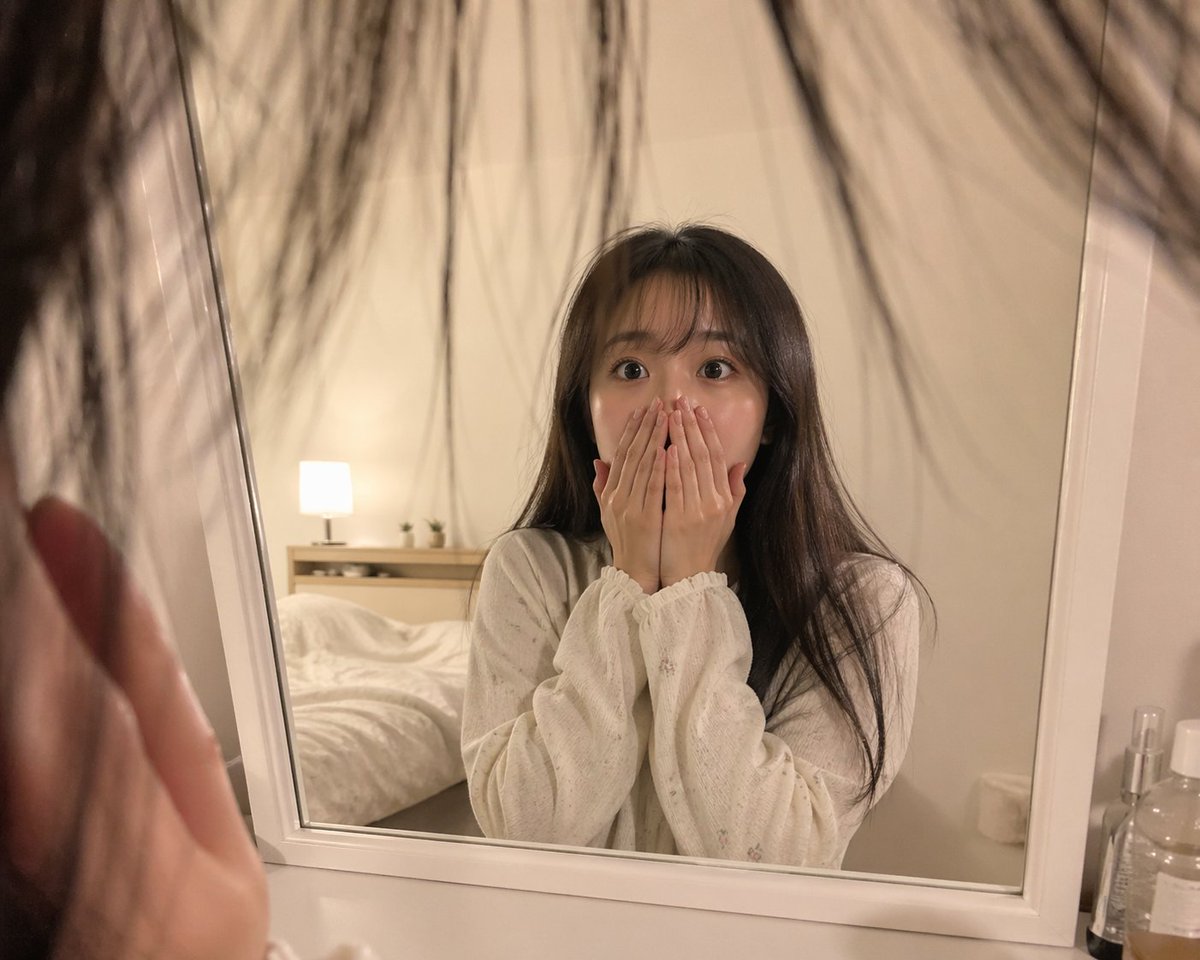
First-Person Mirror Bedroom Photo
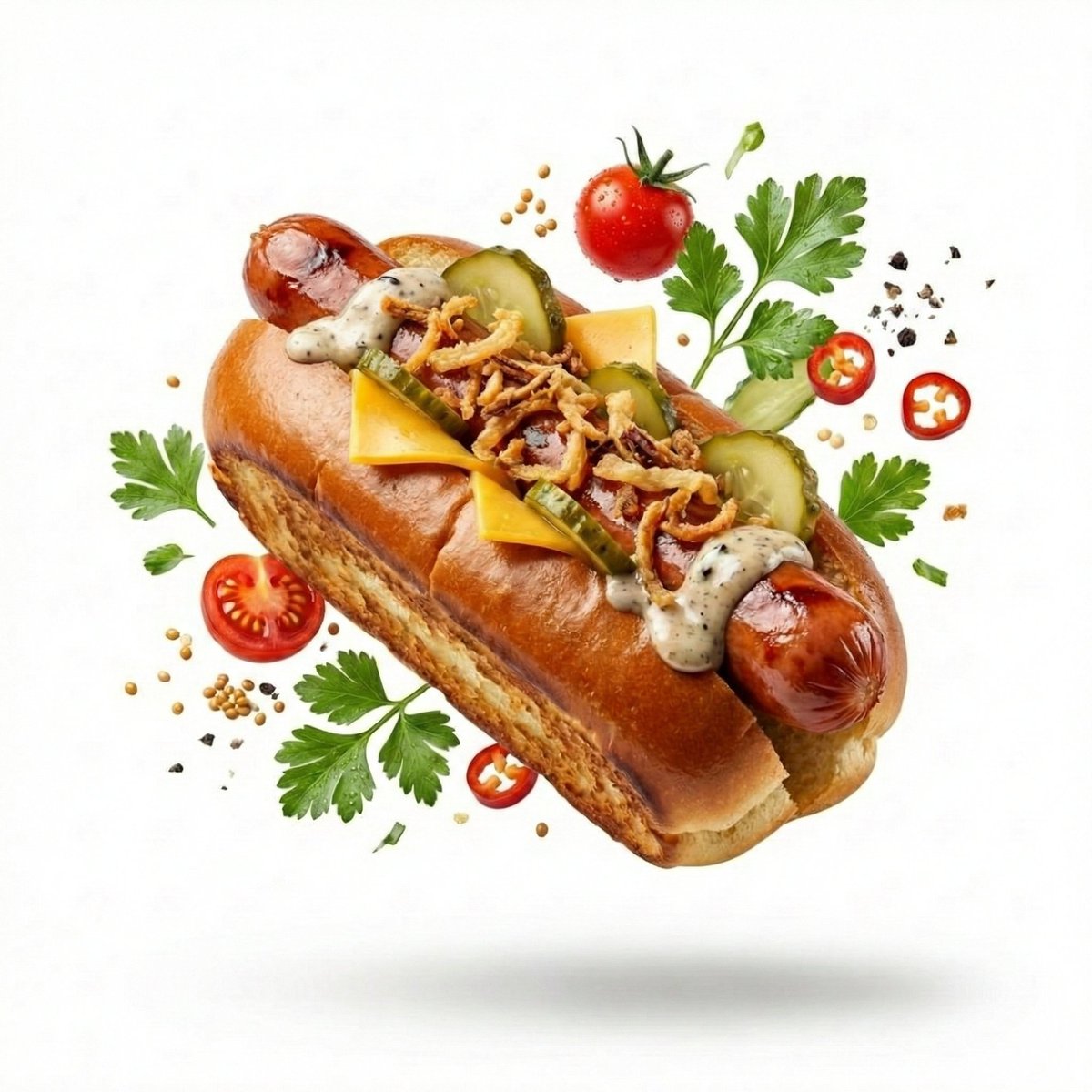
High-End Commercial Food Levitation Photography Prompt
Corporate Chic Portrait in an Executive Office
Browse template categories
Playful Mirror Selfie in a Bedroom questions
How do I use the Playful Mirror Selfie in a Bedroom template?
Add your photo if the template asks for one, edit the prompt if you like — the template's model and format are already selected — and press Generate. Your version opens in PicX Studio.
Can I customize the Playful Mirror Selfie in a Bedroom template?
Yes. You can change the subject, setting, lighting, mood, format, and available model controls before creating your image.
Is the Playful Mirror Selfie in a Bedroom template free?
Opening and editing this template is free. Generating uses credits, shown on the Generate button when you are signed in.
Which AI model should I use?
Start with Nano Banana 2, which is the model associated with this template. You can compare another compatible model for a different finish.
Looking for something else? Browse all templates.

Your photo, any look
Thousands of ready templates for every top image and video model, from one credit balance.