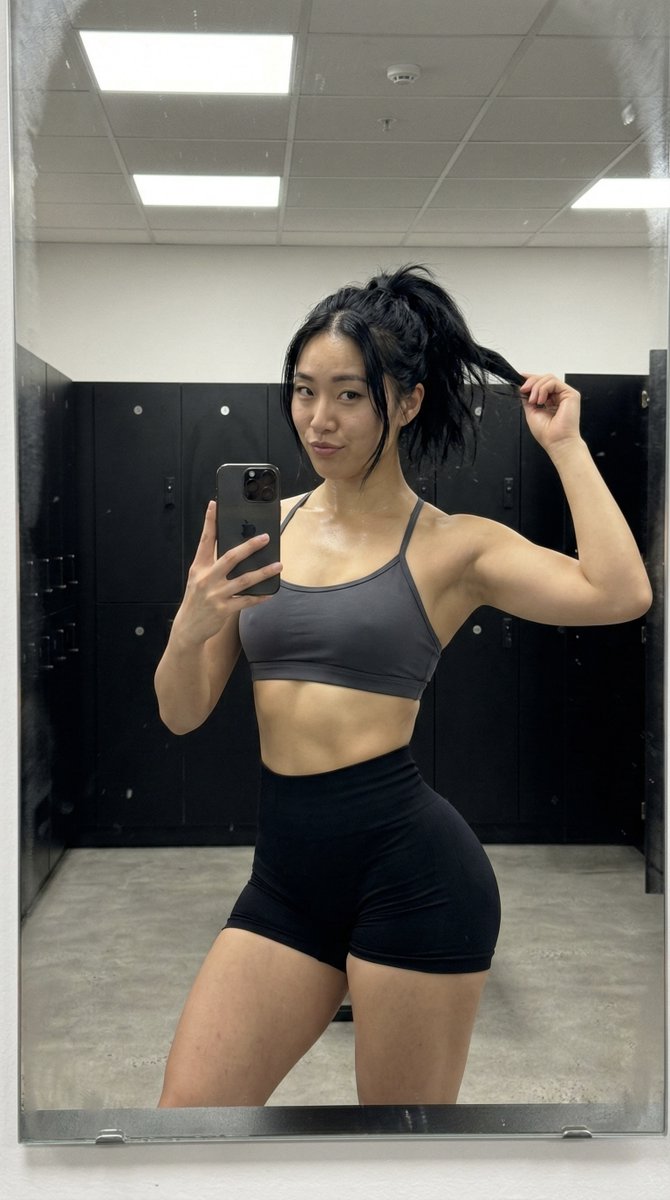
How do I use the Ultra Photorealistic Warm Mirror Selfie template?
Choose the primary action to open PicX Studio with the available template settings. Review the model and format, personalize the creative direction, and generate when ready.
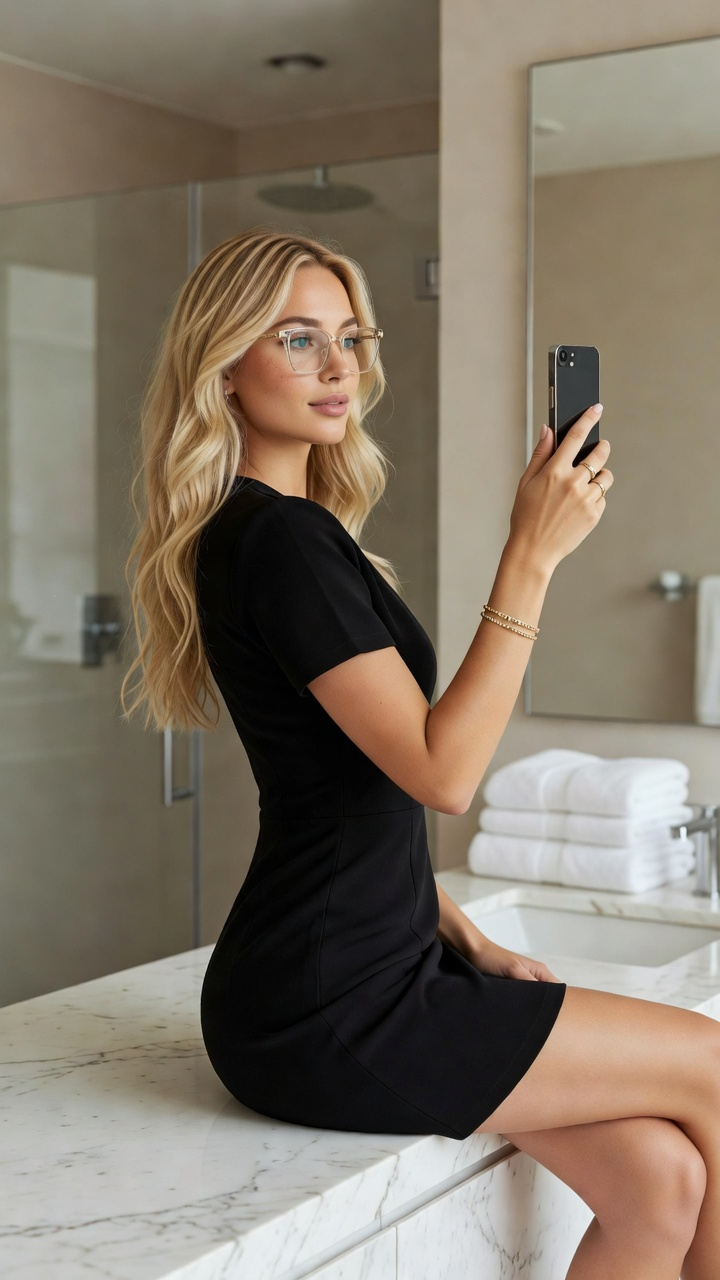
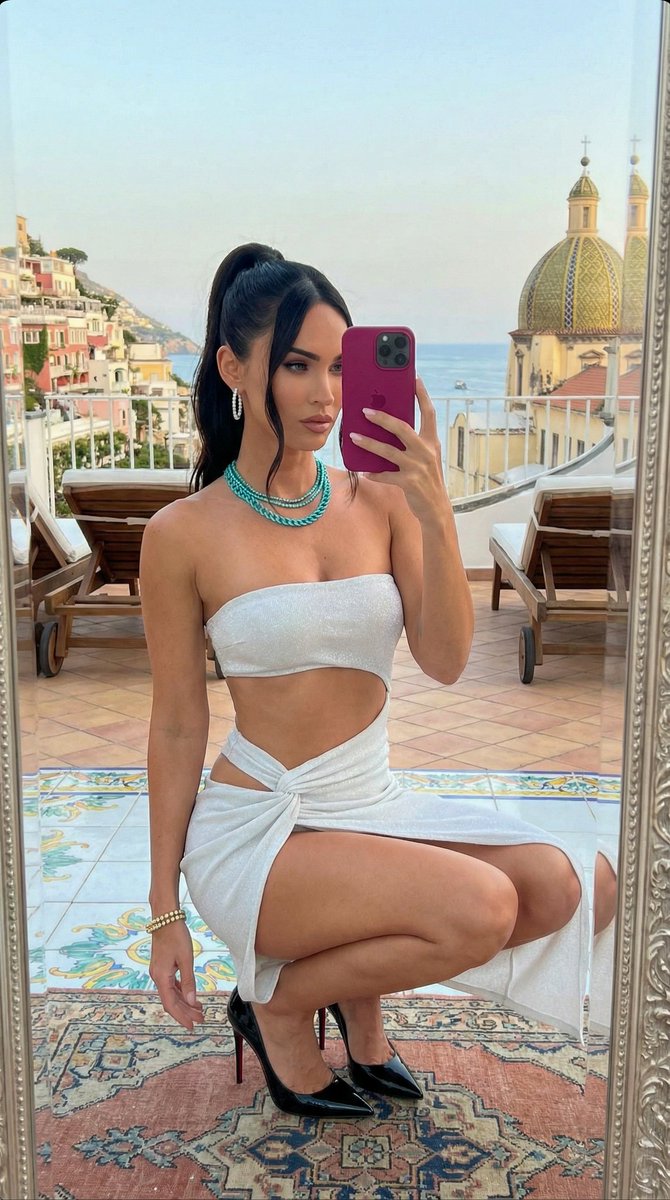
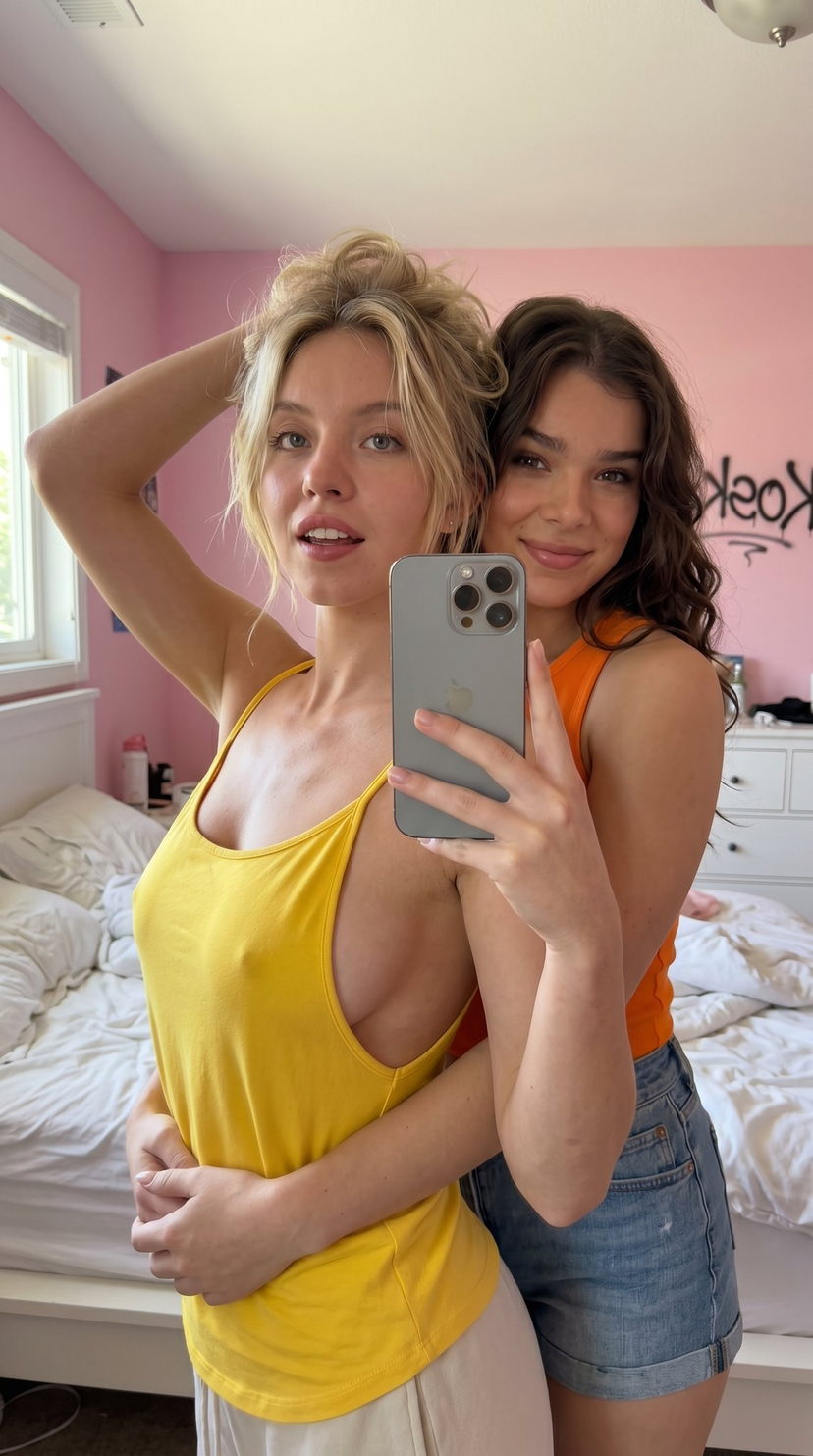
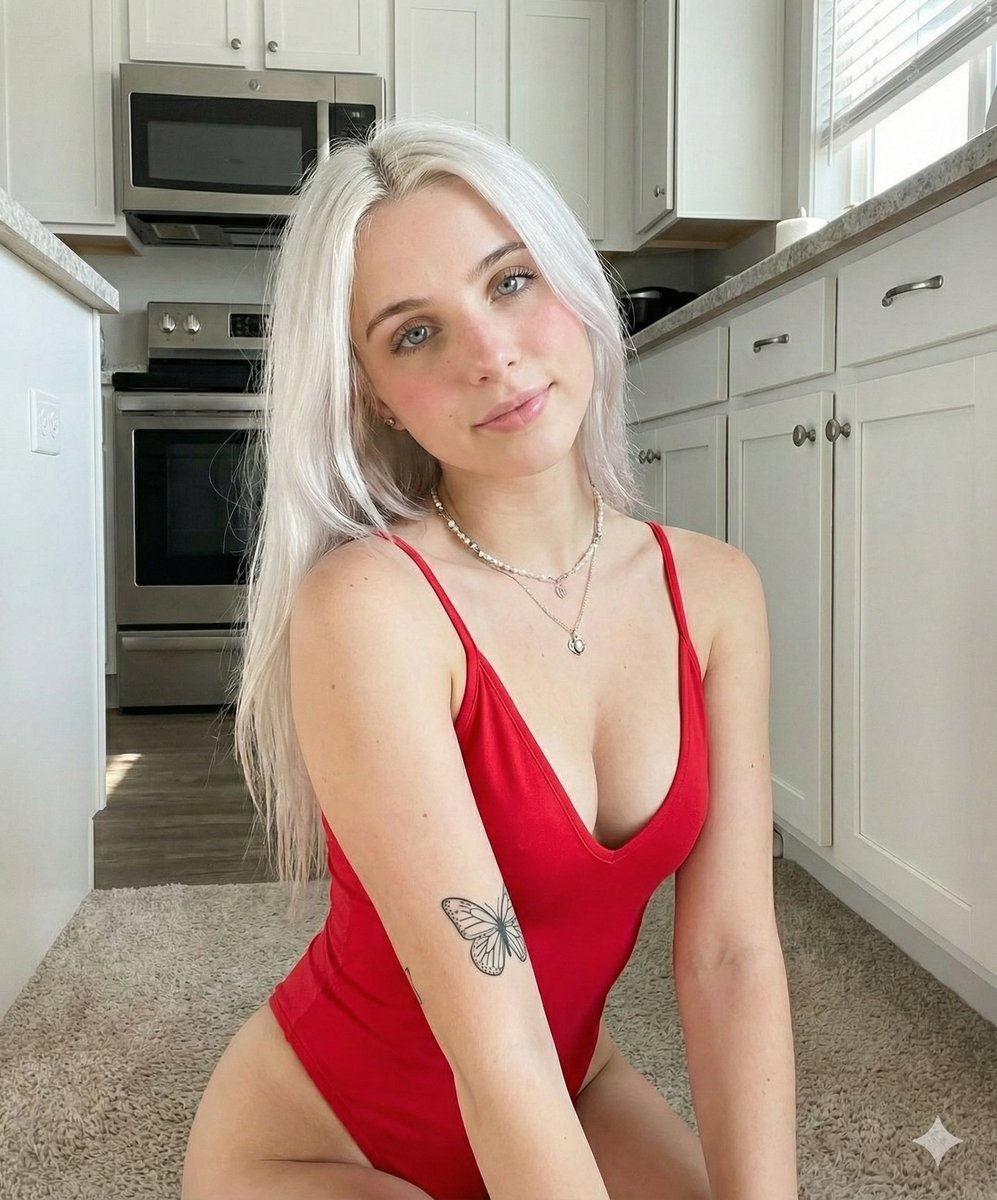
A concise JSON prompt for generating an ultra-photorealistic mirror selfie taken with an iPhone 15 Pro. Change the subject, setting, or lighting one variable at a time.

{ "meta": { "quality": "ultra photorealistic", "camera": "iPhone 15 Pro", "aspect_ratio": "4:3", "style": "warm mirror selfie, slight grain, real skin" }, "character_lock": { "age": "early 20s", "ethnicity": "Spanish", "hair": { "color": "chestnut", "style": "high ponytail" }, "body": { "type": "slim thick", "chest": "full", "waist": "small", "hips": "round" } }, "scene": { "location": "bedroom mirror", "time": "evening" }, "subject": { "pose": { "hips": "pushed back", "one_hand": "pinching shorts hem", "expression": "playful smirk" }, "outfit": { "top": { "type": "cropped baby tee", "color": "{argument name="top color" default="pink"}", "fit": "tight, braless" }, "bottom": { "type": "micro shorts", "color": "black" } } } }
Choose the primary action to open PicX Studio with the available template settings. Review the model and format, personalize the creative direction, and generate when ready.
Yes. You can change the subject, setting, lighting, mood, format, and available model controls before creating your image.
This template is free to open and customize. Generation usage is shown in PicX Studio before you create.
Start with Nano Banana 2, which is the model associated with this template. You can compare another compatible model for a different finish.
Follow a topic to a crawlable collection of related PicX Studio templates.
43,474 public templates available. Verified via the PicX Studio public templates API; refreshed hourly.


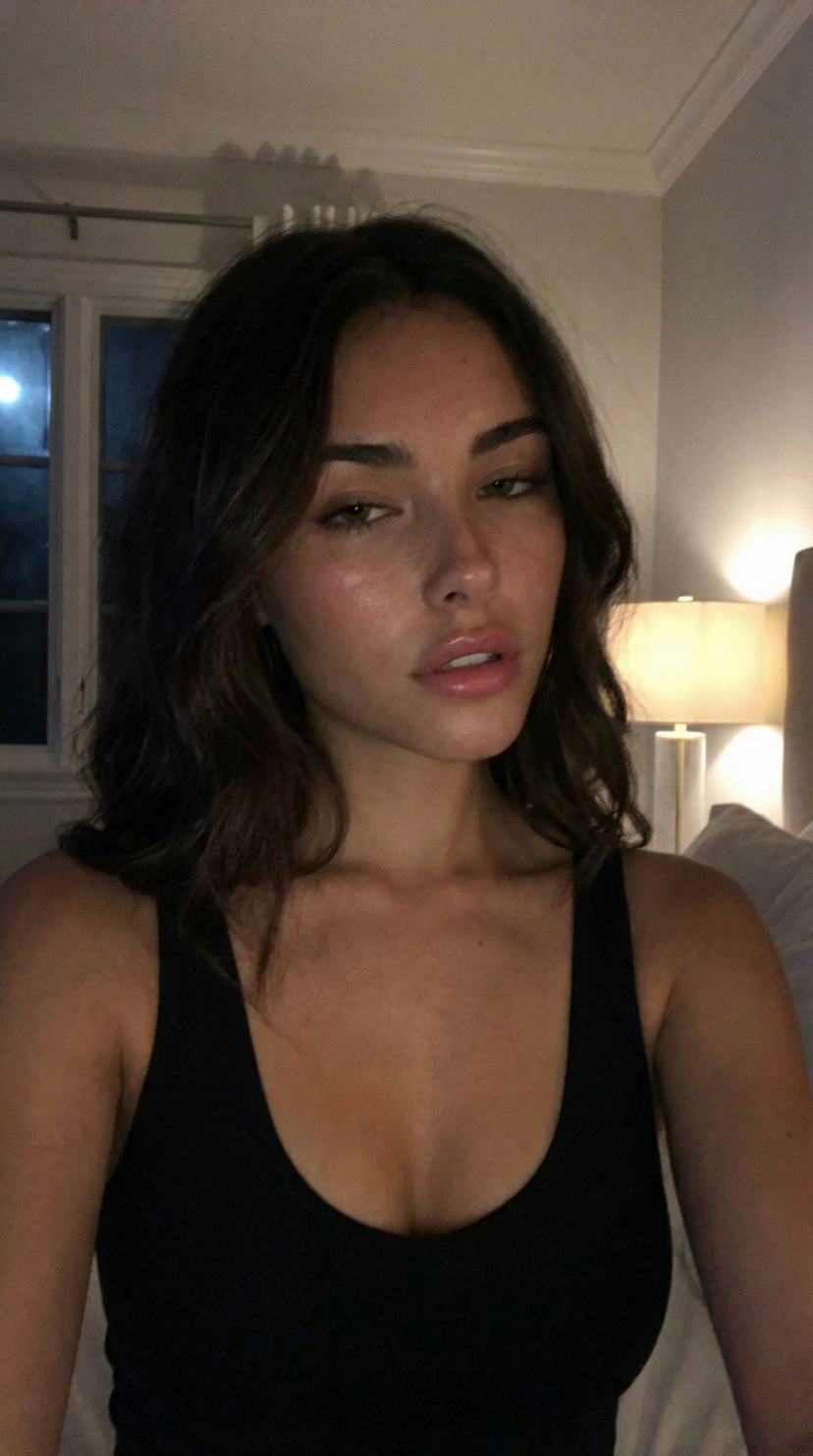
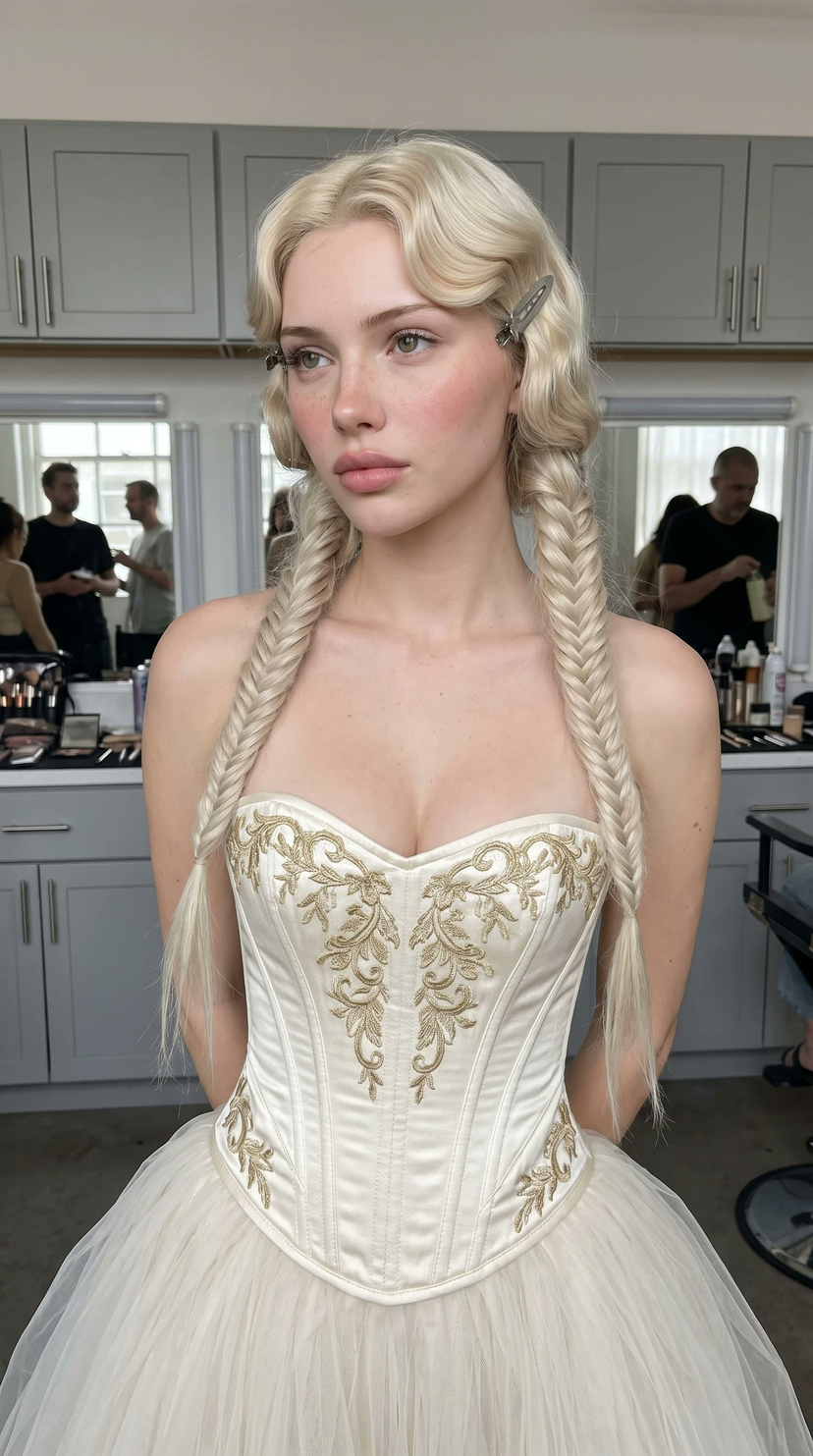
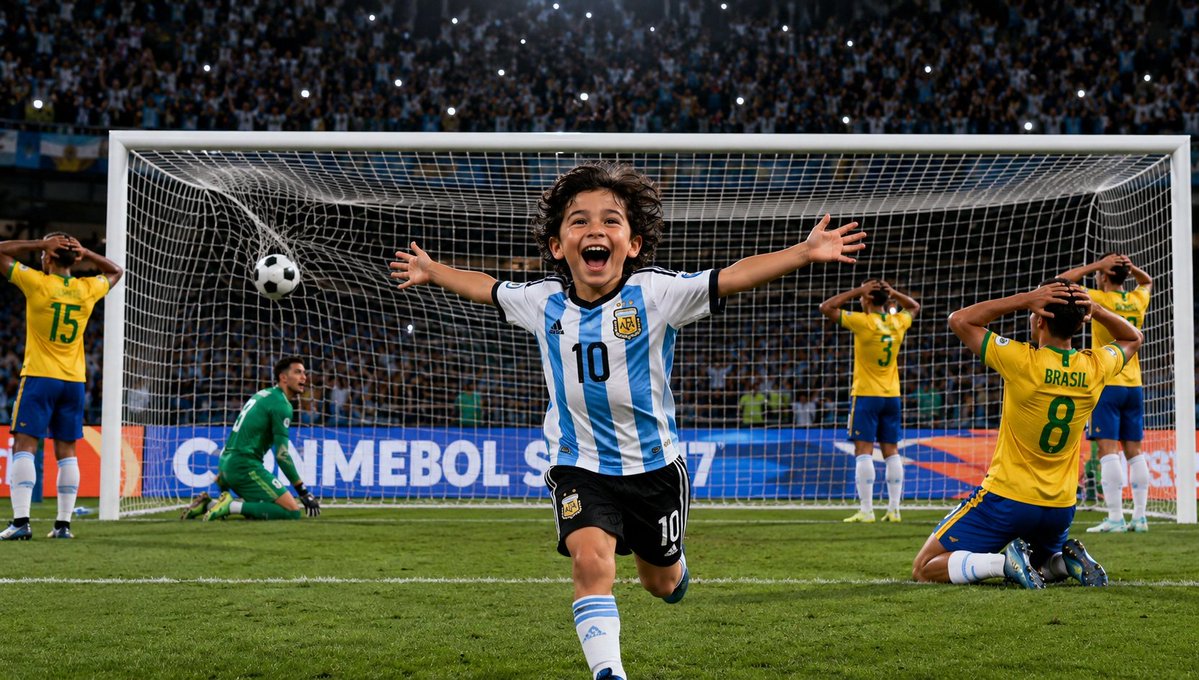
![nano-banana-grwm-mirror-selfie-pink — Nano Banana 2
Prompt (JSON):
{
"type": "image_prompt",
"description": {
"subject": {
"main": "[NAME] com o](/_next/image?url=https%3A%2F%2Fcdn.picxstudio.com%2Fuploads%2Ftweet_img_10a_612da6f9-cf6d-417e-bdd5-cc1300d1d830.jpg&w=828&q=100)










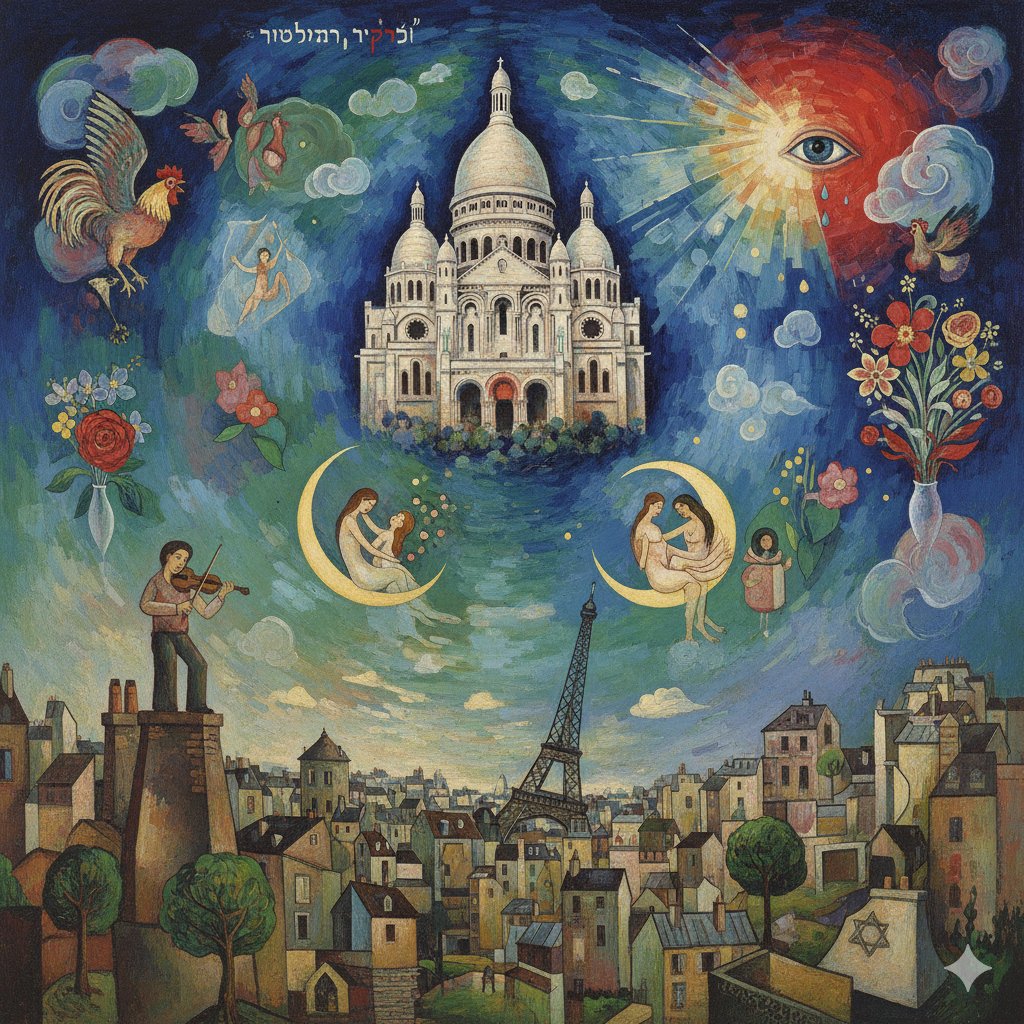
![Naive doodle-style subject illustration — A doodle-style {argument name="subject" default="[subject]"}, naive lines, humorous shape exaggeration](https://pbs.twimg.com/media/G6Wl2YxbsAARB2b.jpg)
















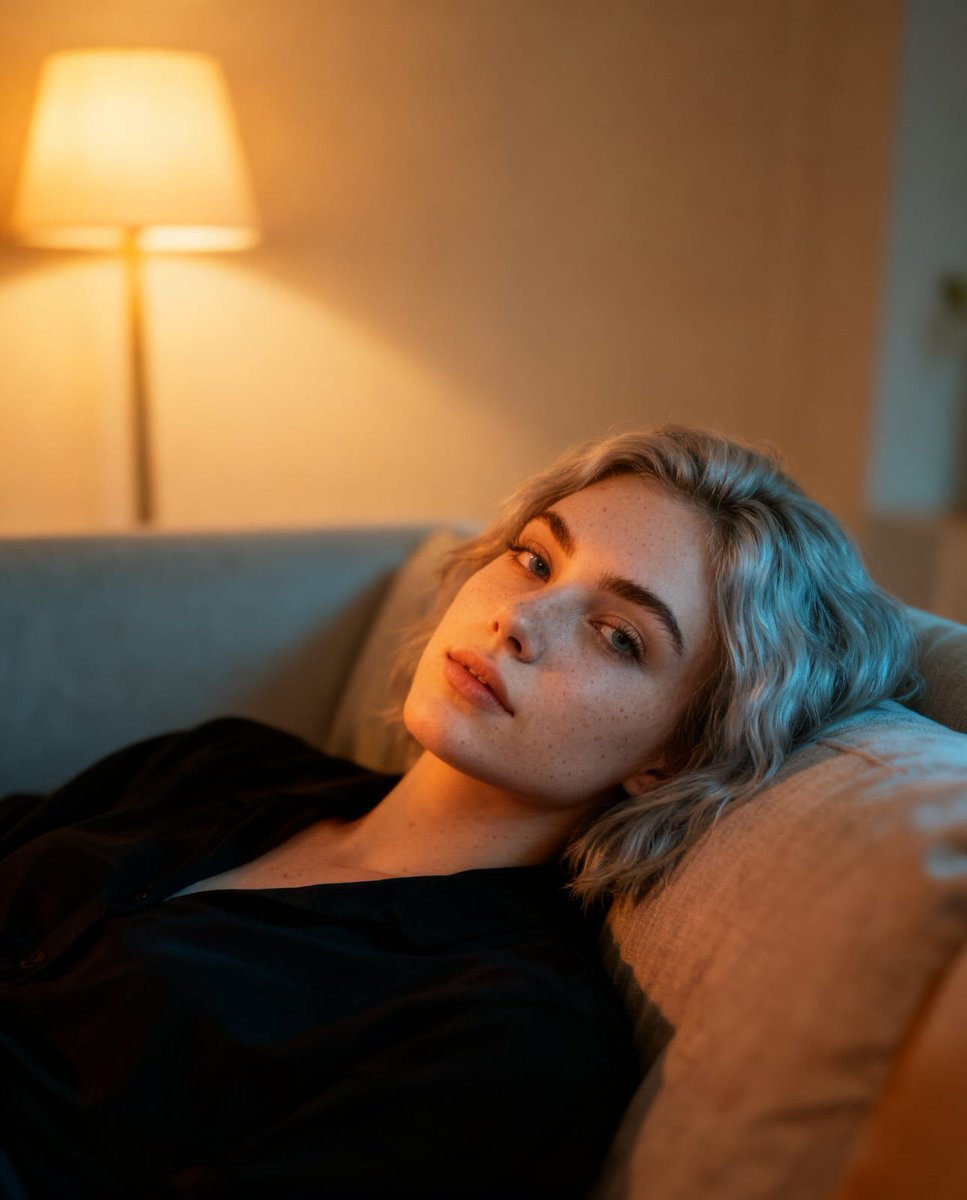
![Cinematic Mystery Portrait: Prophecy Reflection — {
"vibe_title_en": "Prophecy Reflection",
"master_prompt": "Cinematic medium close-up of [The Protagonist]](https://pbs.twimg.com/media/HCUueN3WIAA-wCB.jpg)



![Stone-Carved Statue Prompt for Nano Banana Pro — A tiny stone-carved statue of {argument name="姓名" default="[NAME]"}, with chisel marks and uneven surfaces, sit](https://pbs.twimg.com/media/G-guzz1asAAzWAC.jpg)