How do I use the Character Consistency Profile Collage template?
Choose the primary action to open PicX Studio with the available template settings. Review the model and format, personalize the creative direction, and generate when ready.
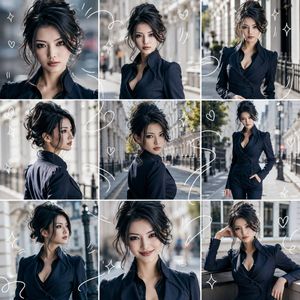
A layout-focused prompt for creating a 4-panel character collage to maintain facial consistency across different frames.
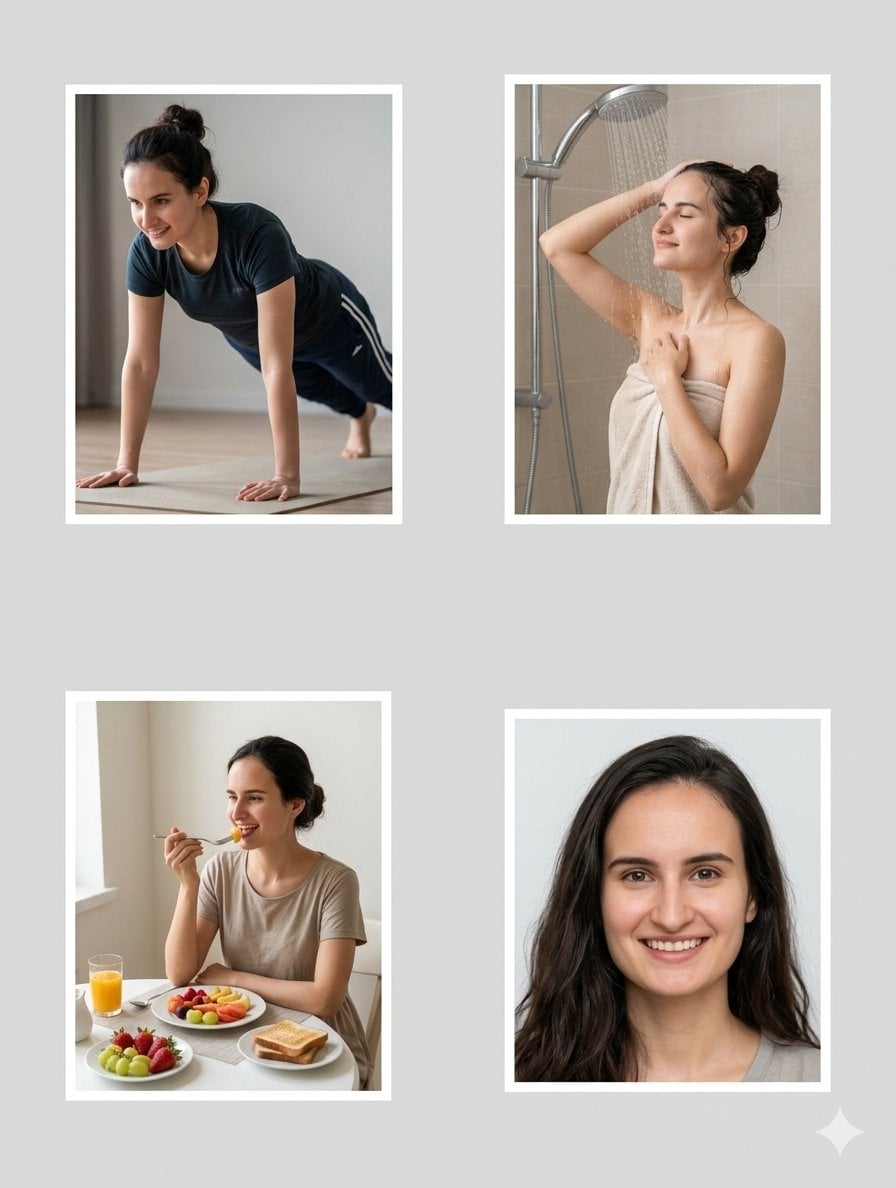
{ "character_profile": { "gender": "female", "ethnicity": "{argument name="ethnicity" default="South Asian/Mediterranean mix"}", "hair": "{argument name="hair style" default="long, wavy, dark brown"}", "features": "fair skin, prominent jawline, friendly smile", "consistency_reference": "link_to_original_beach_photo" }, "global_style": { "format": "{argument name="collage format" default="4-panel collage"}", "background_color": "neutral light gray", "border": "thick white frames around each panel", "lighting": "soft, natural daylight", "aesthetic": "realistic photography, high resolution" } }
Choose the primary action to open PicX Studio with the available template settings. Review the model and format, personalize the creative direction, and generate when ready.
Yes. You can change the subject, setting, lighting, mood, format, and available model controls before creating your image.
This template is free to open and customize. Generation usage is shown in PicX Studio before you create.
Start with Nano Banana 2, which is the model associated with this template. You can compare another compatible model for a different finish.
Follow a topic to a crawlable collection of related PicX Studio templates.