
Professional Tool Launch Poster
A professional SaaS-style poster prompt for announcing tools, emphasizing legible text and modern tech aesthetics.
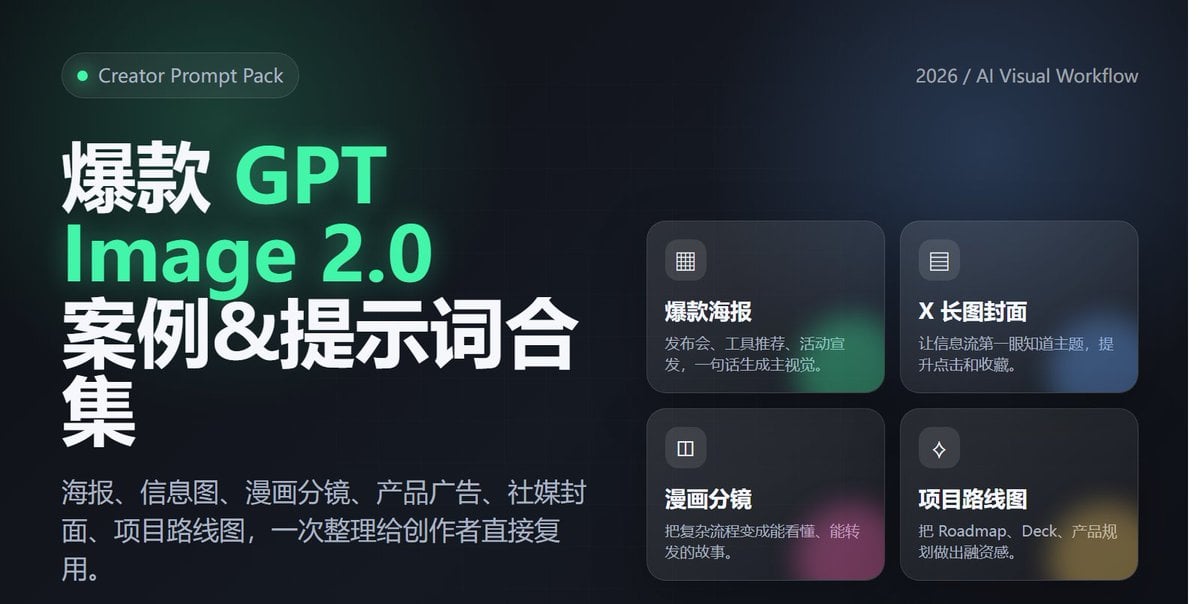
- Prompt included
- Model and format preset
- Free template
The prompt behind this image
Copy the exact prompt behind Professional Tool Launch Poster, or open it in the studio and make it yours.
1. Design a modern, tech-feeling poster for the "AI Agent Tool Launch," vertical 4:5, with a clear, eye-catching main headline and a subheadline explaining the product's value, using black/white/gray plus fluorescent green accents, including an abstract network, code windows, and agent nodes; overall it should look like a high-end SaaS launch poster, with text that is accurate and readable. 2. Generate a cover image suitable for a long-form X/Twitter post, themed "2026 AI Tool Trends," horizontal 16:9, clean and premium style, including a title and 3 keywords: Agent / Workflow / Automation, with a background combining a desktop workflow, browser, terminal, and data panel, laid out like a tech-media header image. 3. Generate an advertisement image for a Web3 wallet security tool. The center of the image shows a phone displaying the wallet interface, surrounded by on-chain addresses, risk warnings, a shield icon, and a visualization of the transaction path; the style should be professional and trustworthy, with the Chinese headline: 让每一笔链上操作更安全。 4. Create a Chinese-language infographic on the theme of 「AI Agent 的 5 层能力」, including: 理解任务、调用工具、读取数据、执行操作、复盘优化. Show it with a clear hierarchical structure, with a small icon for each layer, white background, accented with tech blue. 5. Generate a one-page 4-panel comic depicting the process of a creator going from manually searching for material, writing copy, and making images, to using an AI Agent to automatically complete the workflow. The style should be light and humorous, with a consistent character; the Chinese dialogue should be short and clear, and the final panel should emphasize "效率翻倍". 6. Generate a roadmap visual for an AI x Crypto project, including three stages — Q2, Q3, and Q4: MVP, Agent Marketplace, and Onchain Automation. The style should be like a product page from a fundraising deck — clean, trustworthy, and futuristic, with clearly readable text.
How to use Professional Tool Launch Poster in 3 steps
- 1
Open
The prompt is already in the box next to the preview, with the template's model and format selected.
- 2…a portrait of your subject in softgolden-hour light, 85mm…
Personalize
Edit the subject and creative details for your destination.
- 3Generate
Generate
Press Generate — your image is created in PicX Studio, so you can compare it with the original and refine one variable at a time.
More like this
Templates with the same subject, style or setup. Open one to see its prompt.
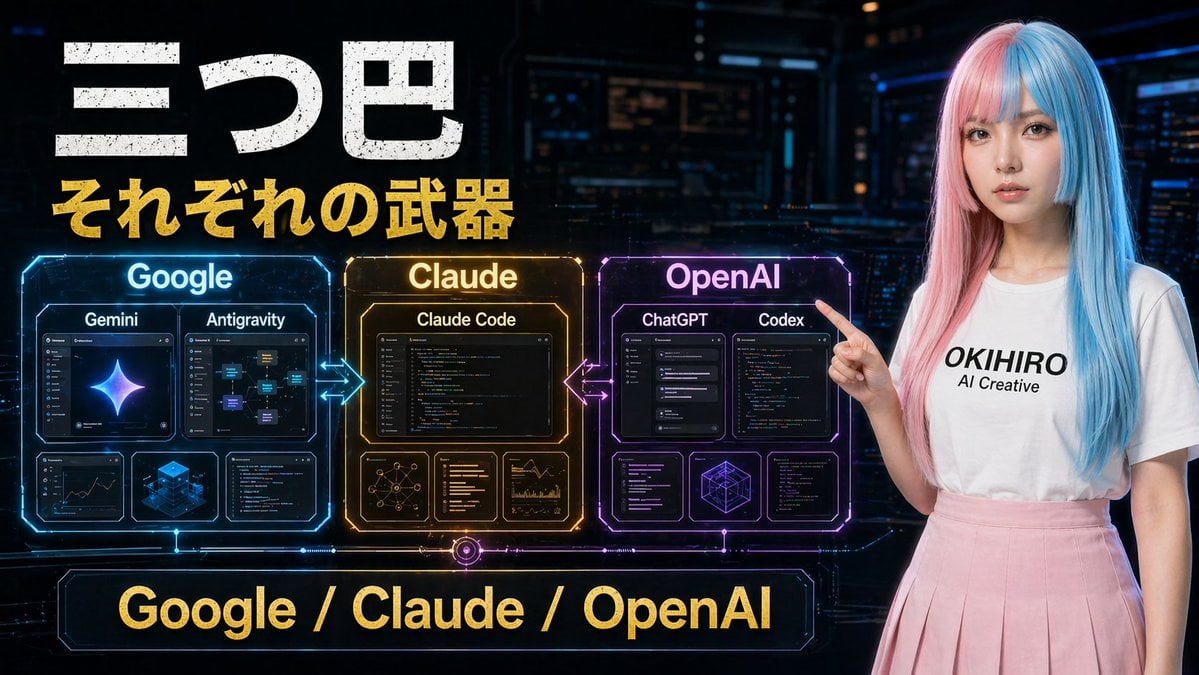
Gpt2 Youtube Thumbnail Cyberpunk Ai Tools Comparison Poster
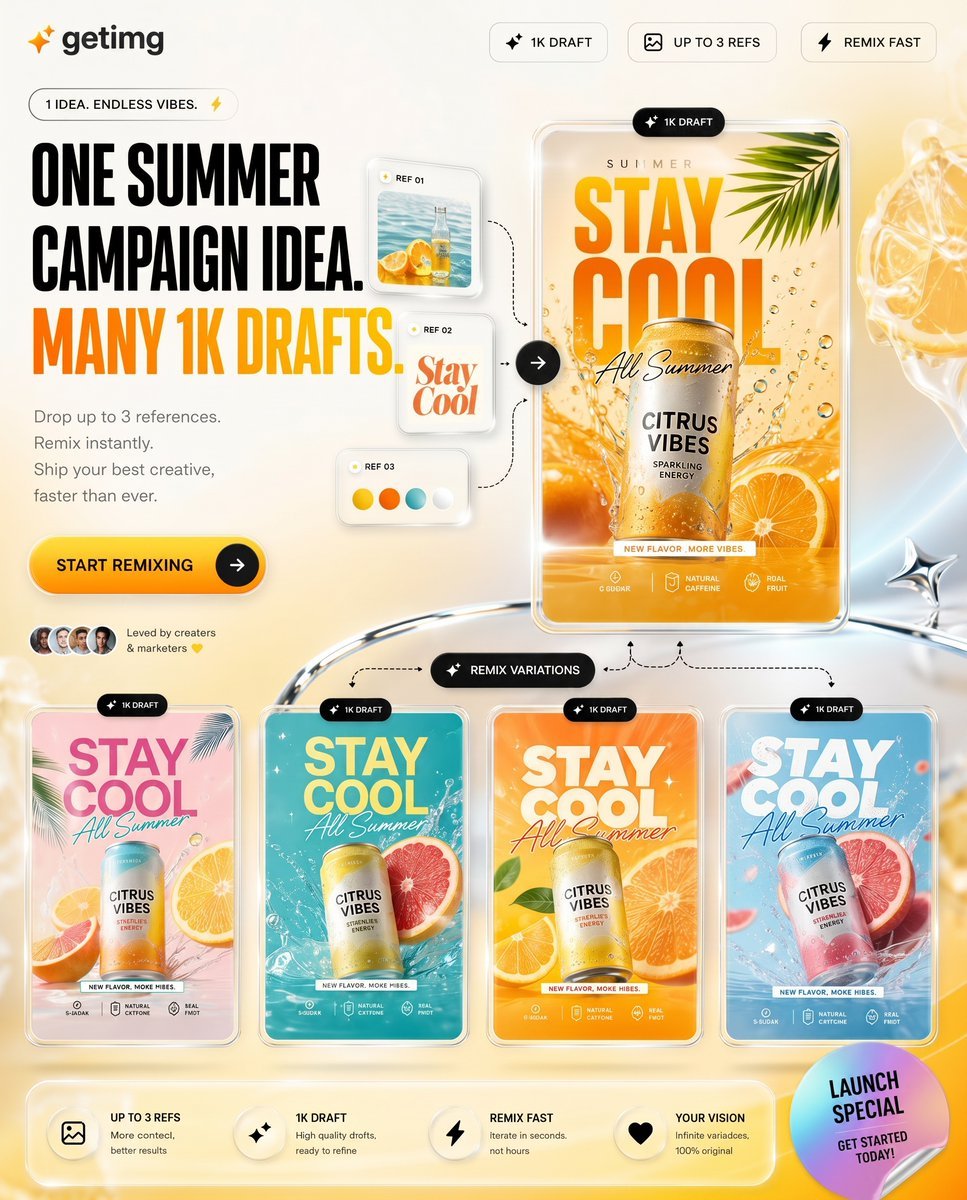
Summer AI Tool Launch Poster

Japan Travel Brochure Poster

Cartoon TV Show Poster Pack

Trendy Cafe Drink Promo Poster

Urban Fashion Editorial Collage Streetwear Poster

Premium Fashion Editorial Cover Layout System

Polo Ralph Lauren Luxury American Heritage Fashion Campaign

Monochrome Halftone Editorial Fashion Poster

Retro Mirror Luxury Fashion Campaign Poster

Luxury Fashion Campaign Typography Poster System

Premium Fashion Editorial Campaign Poster System
Make it yours
Professional Tool Launch Poster works as-is. These are the safest ways to change it without losing the look.
Change one field
Copy a single group, rewrite it, and generate again so you can see what that field is doing.
Keep the frame, change the subject
Hold the composition and light of Professional Tool Launch Poster, then swap wardrobe, props or the person for a new take.
| If the result… | Why | Fix |
|---|---|---|
| The result drifts from the preview | Too many fields changed at once. | Reuse Professional Tool Launch Poster as-is first, then change one group — subject, light, or setting. |
| The model over-stylizes the scene | The prose prompt leaves finish and camera underspecified. | Add one camera or lighting sentence and stay on GPT Image 2. |
More GPT Image 2 templates
Other prompts made for GPT Image 2.

Six VTuber Japanese Logo Sheet

Realistic Portrait of Woman and Deer

The Vista Modular Condo Poster

AI Model Routing Comparison Infographic

2.5D Anime Art Board

Isometric Productivity Desk Scene

New York Double Exposure Poster

Four-Panel AI Landscape Comparison

Japanese Tatami Lifestyle Magazine Cover

NESCAFÉ Coffee Map Poster
More image prompts
Fresh picks from across the catalog.

iPhone Screen Reflection Portrait

X Ozayrr Irl Chatgpt Image 2 Vs Google
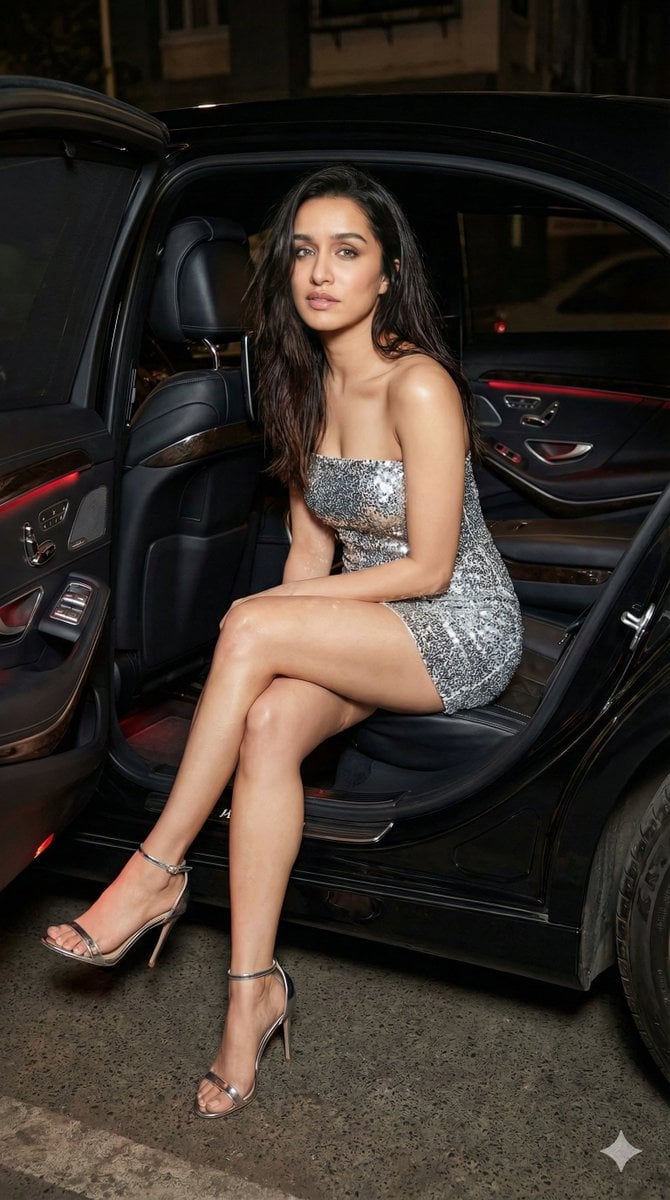
Nightlife Fashion Portrait Prompts (3 Variations)
Perfume Design Evolution Poster
Cartoon Character in Art Gallery Scene Prompt

Gothic Maid Superhero Landing
Isometric Krakow Market Square Diorama
Symmetrical Playing Card Mirror Portrait

Quick Stop Scenario Prompt

360 Degree Panoramic Image Template
Browse template categories
Professional Tool Launch Poster questions
How do I use the Professional Tool Launch Poster template?
Add your photo if the template asks for one, edit the prompt if you like — the template's model and format are already selected — and press Generate. Your version opens in PicX Studio.
Can I customize the Professional Tool Launch Poster template?
Yes. You can change the subject, setting, lighting, mood, format, and available model controls before creating your image.
Is the Professional Tool Launch Poster template free?
Opening and editing this template is free. Generating uses credits, shown on the Generate button when you are signed in.
Which AI model should I use?
Start with GPT Image 2, which is the model associated with this template. You can compare another compatible model for a different finish.
Looking for something else? Browse all templates.

Your photo, any look
Thousands of ready templates for every top image and video model, from one credit balance.