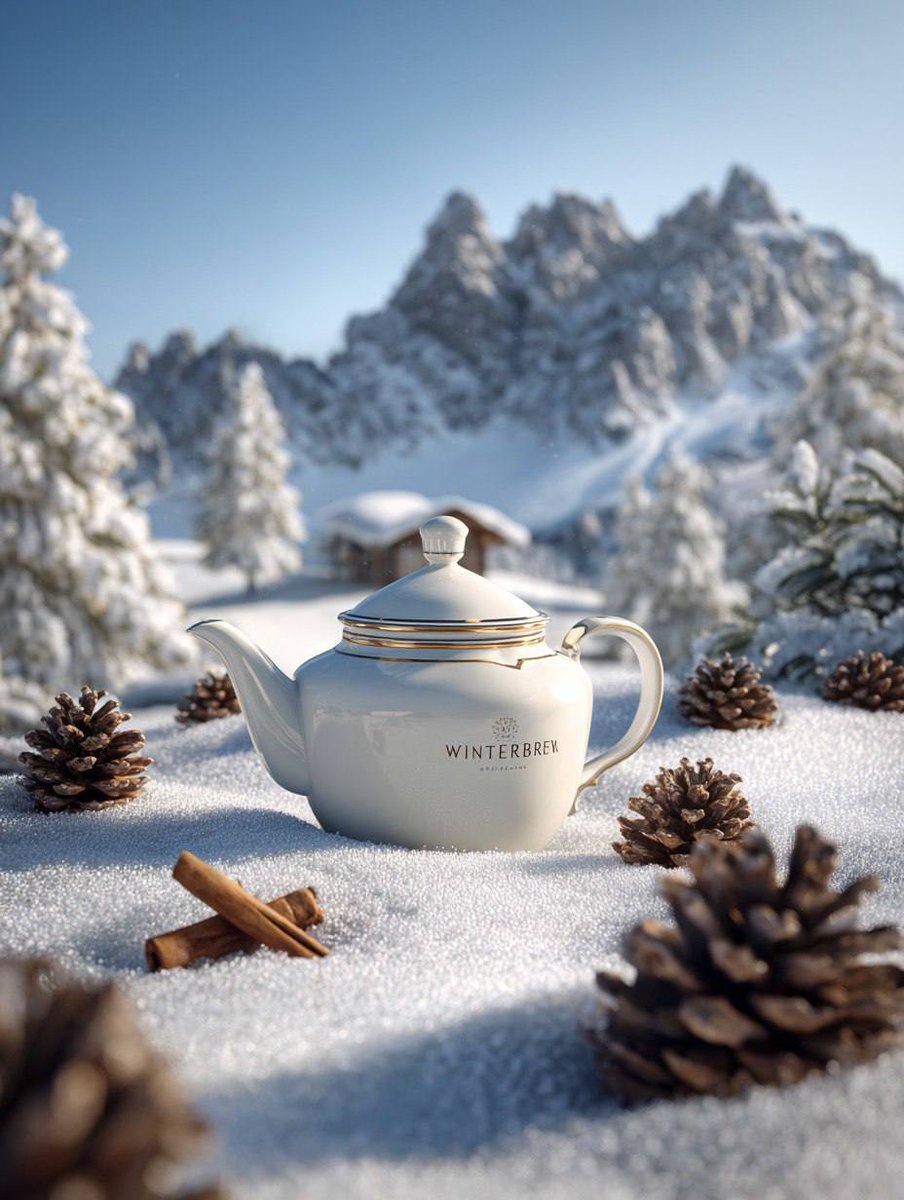
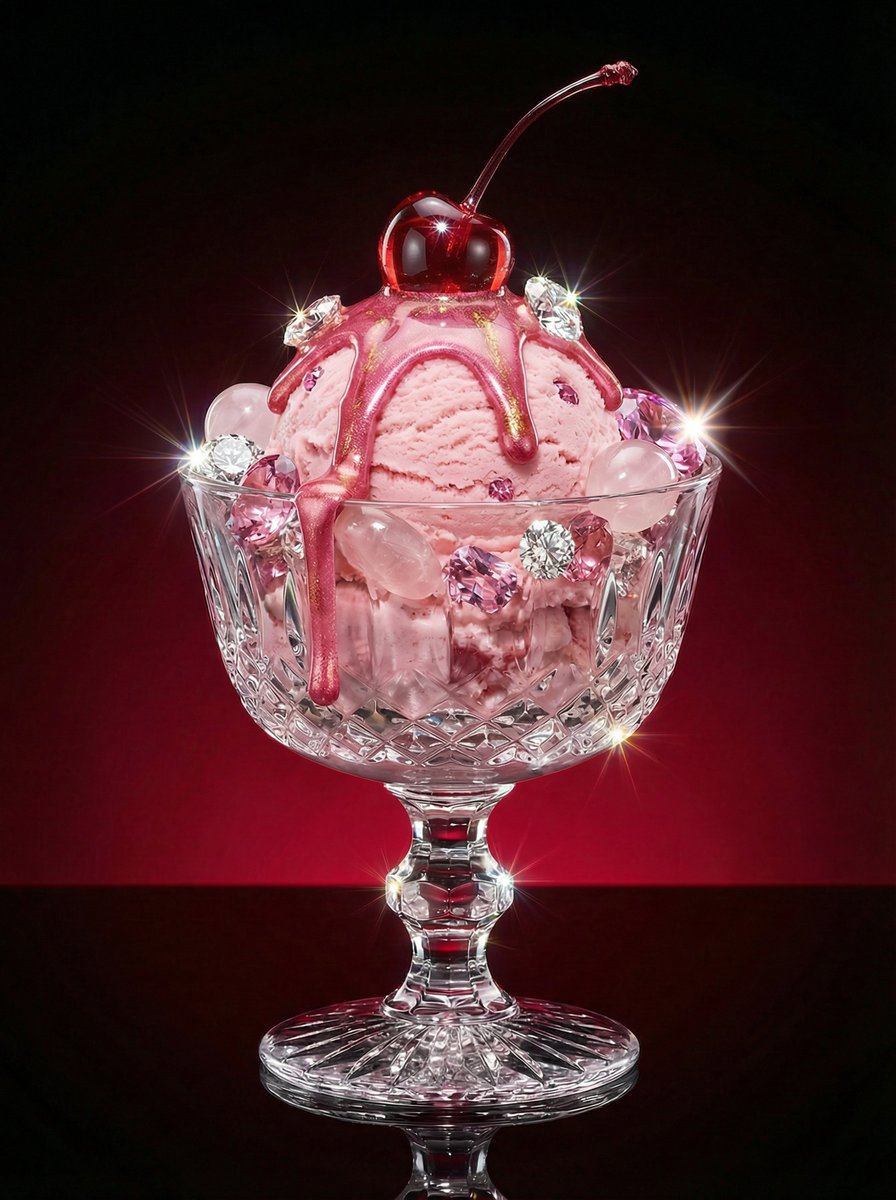
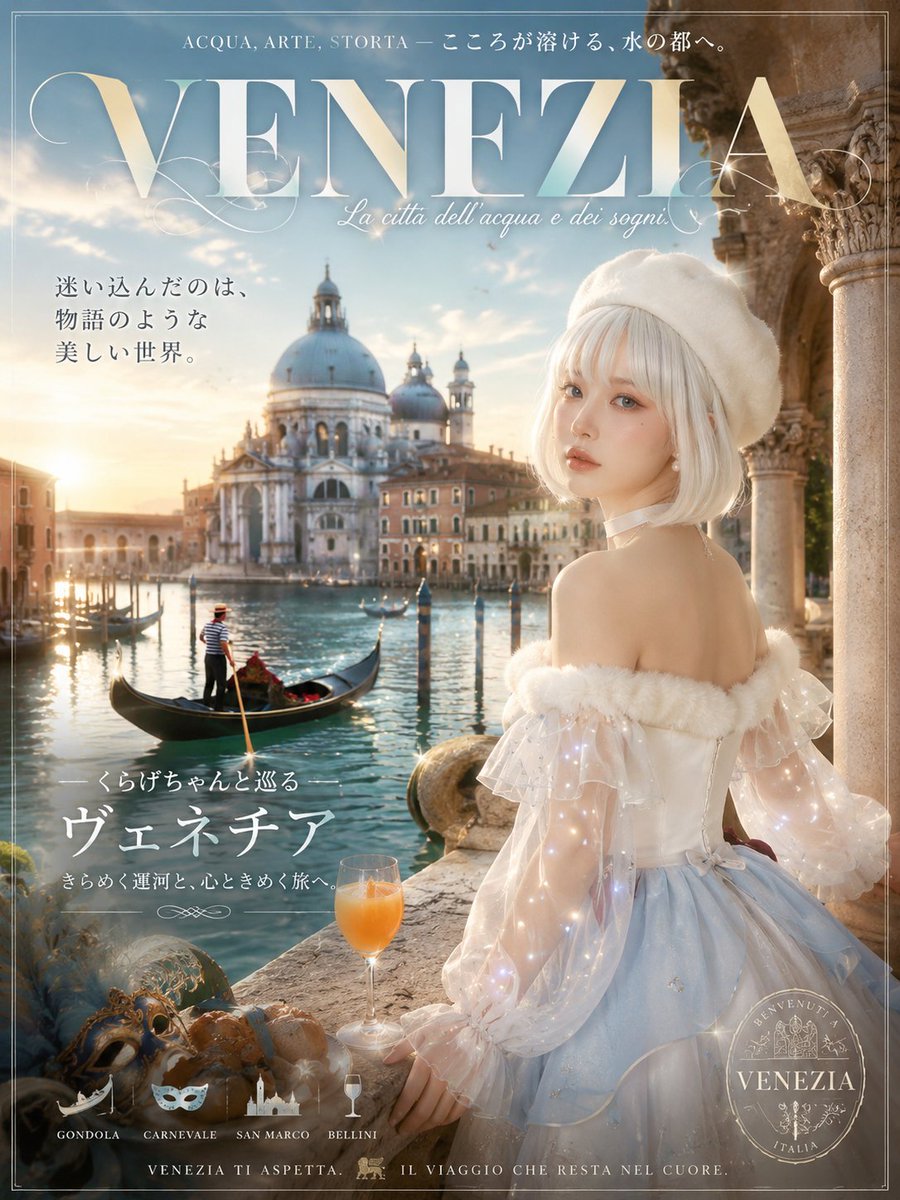
How do I use the Luxury SUV Fashion Portrait template?
Choose the primary action to open PicX Studio with the available template settings. Review the model and format, personalize the creative direction, and generate when ready.
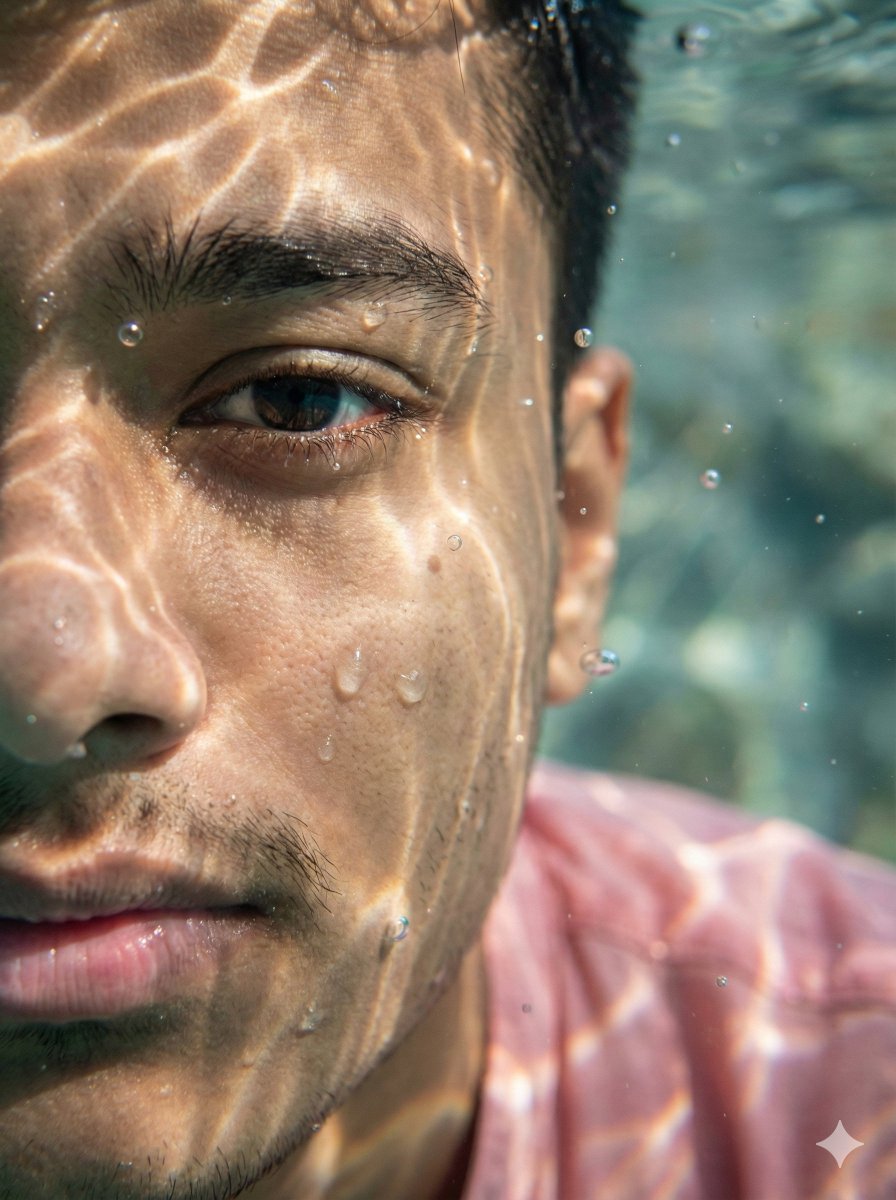
A hyper-realistic cinematic portrait prompt for a man in a luxury SUV with warm golden hour lighting and high-end streetwear styling. Change the subject, setting, or lighting one variable at a time.
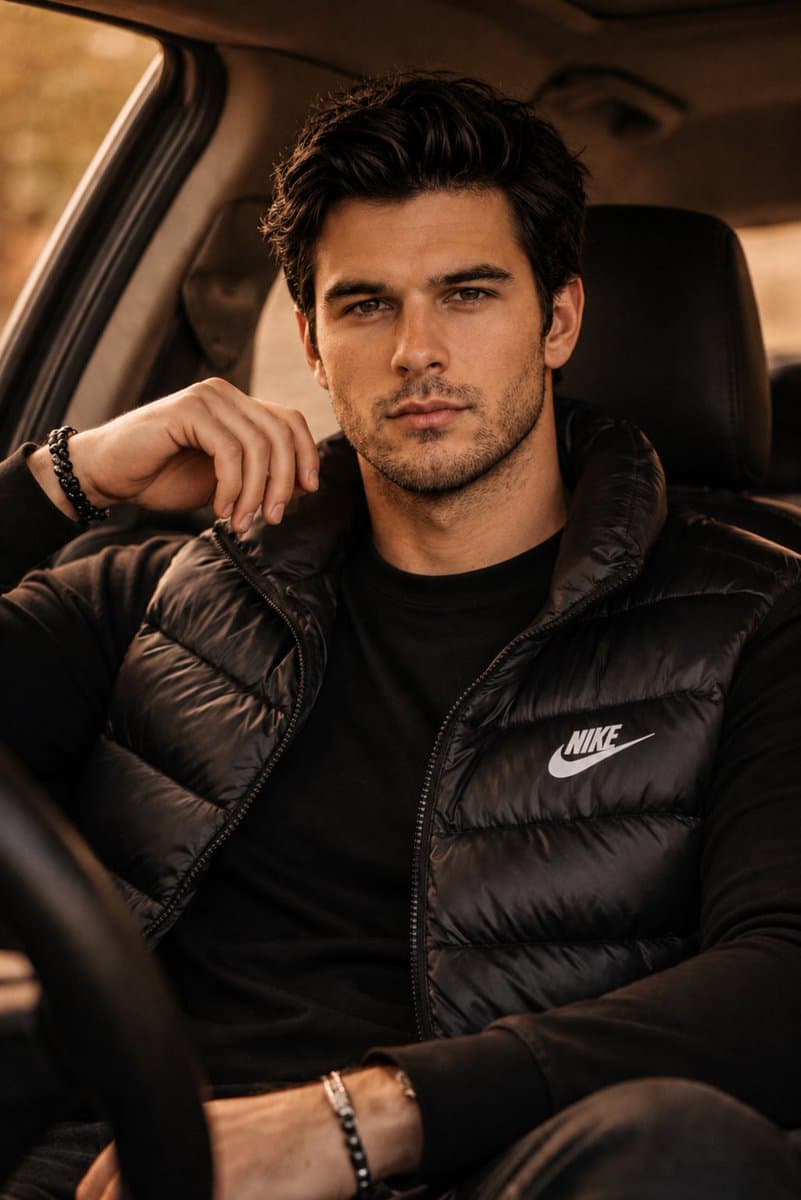
Ultra realistic cinematic fashion portrait of a {argument name="subject" default="handsome young man"} sitting inside a {argument name="location" default="luxury SUV"}, leaning casually with one hand near his face, confident calm expression, sharp jawline, textured dark messy hair, light stubble beard, intense brown eyes looking directly at camera. He is wearing a {argument name="outfit" default="black Nike puffer vest over a fitted black sweatshirt"}, minimal black bead bracelets, premium streetwear aesthetic. Warm golden hour lighting entering from car windows, soft shadows, moody amber color grading, shallow depth of field, ultra detailed skin texture, luxury masculine vibe, editorial photography, lifestyle campaign style, shot on Sony A7R IV with 85mm lens, f/1.8, photorealistic, high contrast, cinematic composition, cozy car interior, blurred background, natural pose, fashion magazine quality, 8k detailed realism.
Choose the primary action to open PicX Studio with the available template settings. Review the model and format, personalize the creative direction, and generate when ready.
Yes. You can change the subject, setting, lighting, mood, format, and available model controls before creating your image.
This template is free to open and customize. Generation usage is shown in PicX Studio before you create.
Start with GPT Image 2, which is the model associated with this template. You can compare another compatible model for a different finish.
© 2026 PicX Studio. All rights reserved.

Follow a topic to a crawlable collection of related PicX Studio templates.
43,474 public templates available. Verified via the PicX Studio public templates API; refreshed hourly.
















![Minimalist Flat Vector Travel Poster — Premium minimalist flat-vector travel poster for {argument name="city name" default="[CITY_NAME]"}, 3:4 vertical format.](https://cms-assets.youmind.com/media/1787917359711_3ug846_HQX205cbMAA6F6S-300x400.jpg)

























![New Year's Eve Projection Mapping on Skyscraper Prompt — [1. キャラクターの特徴]
{argument name="キャラクターの特徴" default="Q版ピンクお団子髪の女の子、桜・太鼓髪飾り付き。眼鏡着用で笑顔。赤地桜・鶴柄振袖、金帯、赤白下駄。"}](https://pbs.twimg.com/media/G9e_lkeaYAUHqZd.jpg)