
Hyper-Realistic Editorial Portrait of 'The Crimson Alchemist'
An extremely detailed JSON prompt for generating a hyper-realistic, medium-format editorial portrait with dramatic Chiaroscuro lighting, focusing on texture, color depth, and emotional intensity, featuring avant-garde…
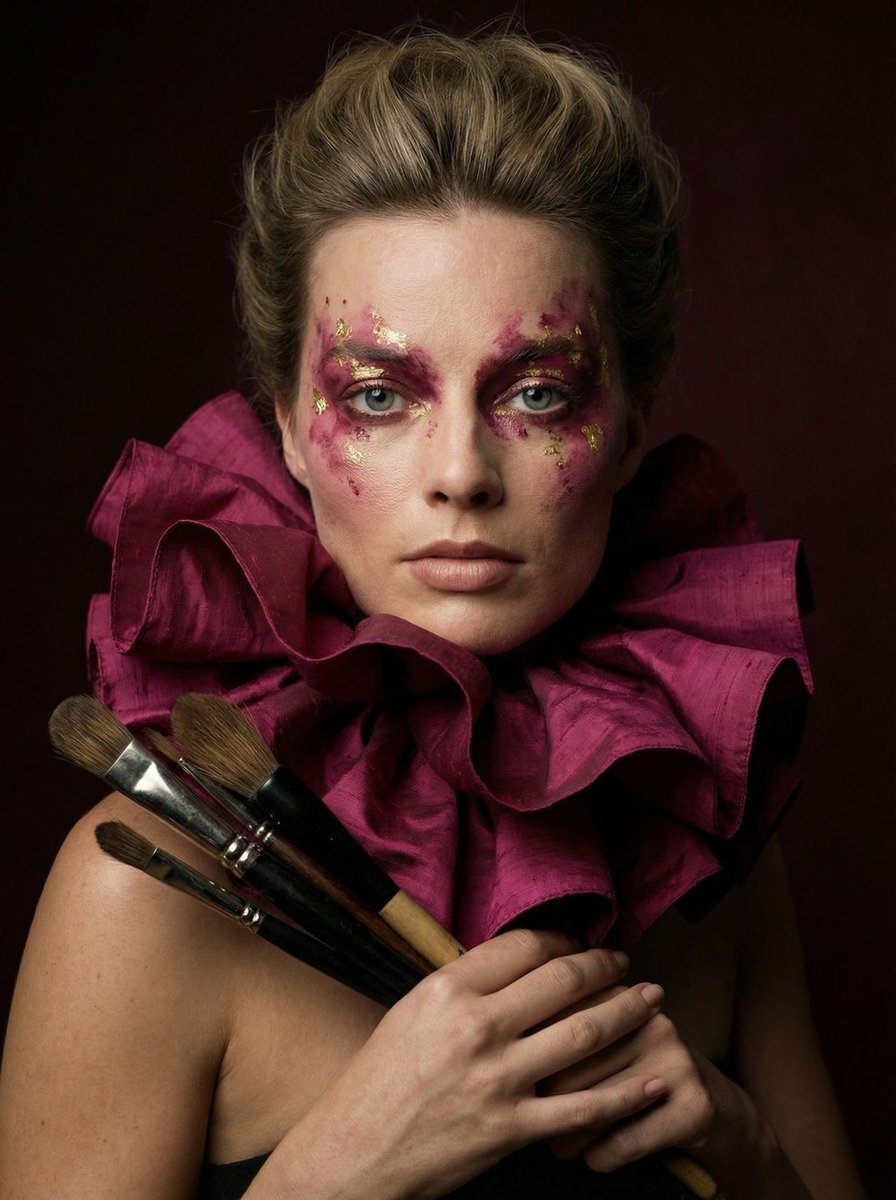
- Prompt included
- Model and format preset
- Free template
The prompt behind this image
Copy the exact prompt behind Hyper-Realistic Editorial Portrait of 'The Crimson Alchemist', or open it in the studio and make it yours.
{ "vibe_title_en": "The Crimson Alchemist", "master_prompt": "A hyper-realistic, medium-format portrait of The Protagonist situated in a dimly lit, dust-mote-filled Ancient Pigment Laboratory. The subject is styled in a monumental, architectural ruffled collar made of deep magenta raw silk that cascades around the neck, mimicking the petals of a dark carnivorous flower. Their face features avant-garde, painterly makeup in shades of crushed berry and gold leaf. In the immediate foreground, the subject holds a cluster of antique, handcrafted brushes with polished ebony handles against the ruffles, as if preparing to paint reality itself. The lighting is dramatic Chiaroscuro, carving out the texture of the skin pores and the microscopic weave of the silk against a deep burgundy void. Shot on a Hasselblad H6D-100c with an 80mm f/1.9 lens to achieve an ultra-shallow depth of field, blurring the brush tips slightly while keeping the eyes in razor-sharp focus. The image carries the organic, heavy grain structure of Kodak Portra 800 film, emphasizing tactile realism over digital perfection.", "meta": { "intent": "Editorial Portrait", "priorities": "Texture, Color Depth, Emotional Intensity", "device_profile": "High-End Desktop / Retina Display" }, "frame": { "aspect": "9:16", "composition": "Central Portrait with Foreground Depth", "layout": "Symmetrical subject placement, foreground elements leading to eyes", "camera_angle": "Eye-level, direct engagement", "tilt_roll_degrees": "0 degrees" }, "subject": { "gender": "Female", "identity": "The Artisan Muse", "demographics": "Adult, Age 20-30", "face": "Symmetrical, high cheekbones, intense gaze, freckles visible through makeup", "hair": "Voluminous, dark, styled upwards in a period-fashion silhouette", "body": "Shoulders up portrait", "expression": "Piercing, confident, slightly parted lips", "pose": "Static head, hands holding brushes near collarbone" }, "wardrobe_accessories": { "garments": [ { "item": "Ruffled Collar", "material": "Raw Silk / Organza", "color": "Deep Magenta / Burgundy", "fit": "Oversized, Architectural" }, { "item": "Blouse", "material": "Sheer Chiffon with Floral Print", "color": "Muted Red / Pink", "fit": "Draped" } ], "accessories": [ { "item": "Artisan Brushes", "color": "Black / Silver / Brown bristles", "material": "Wood, Metal, Animal Hair", "brand_style": "Antique Restoration Tools" }, { "item": "Ribbon", "color": "Pale Pink", "material": "Satin", "brand_style": "Vintage Haberdashery" } ] }, "environment": { "setting": "Ancient Pigment Laboratory", "surfaces": "Velvet shadows, floating dust particles, blurred wooden shelving in background", "dept"
How to use Hyper-Realistic Editorial Portrait of 'The Crimson Alchemist' in 3 steps
- 1
Open
The prompt is already in the box next to the preview, with the template's model and format selected.
- 2…a portrait of your subject in softgolden-hour light, 85mm…
Personalize
Edit the subject and creative details for your destination.
- 3Generate
Generate
Press Generate — your image is created in PicX Studio, so you can compare it with the original and refine one variable at a time.
More like this
Templates with the same subject, style or setup. Open one to see its prompt.

untitled

Gpt Image 2 Fashion Portrait

Caution Tape Fashion — Industrial Editorial

Couture Fashion Editorial Woman and Drag

Nano Banana 2 Editorial Fashion Portrait
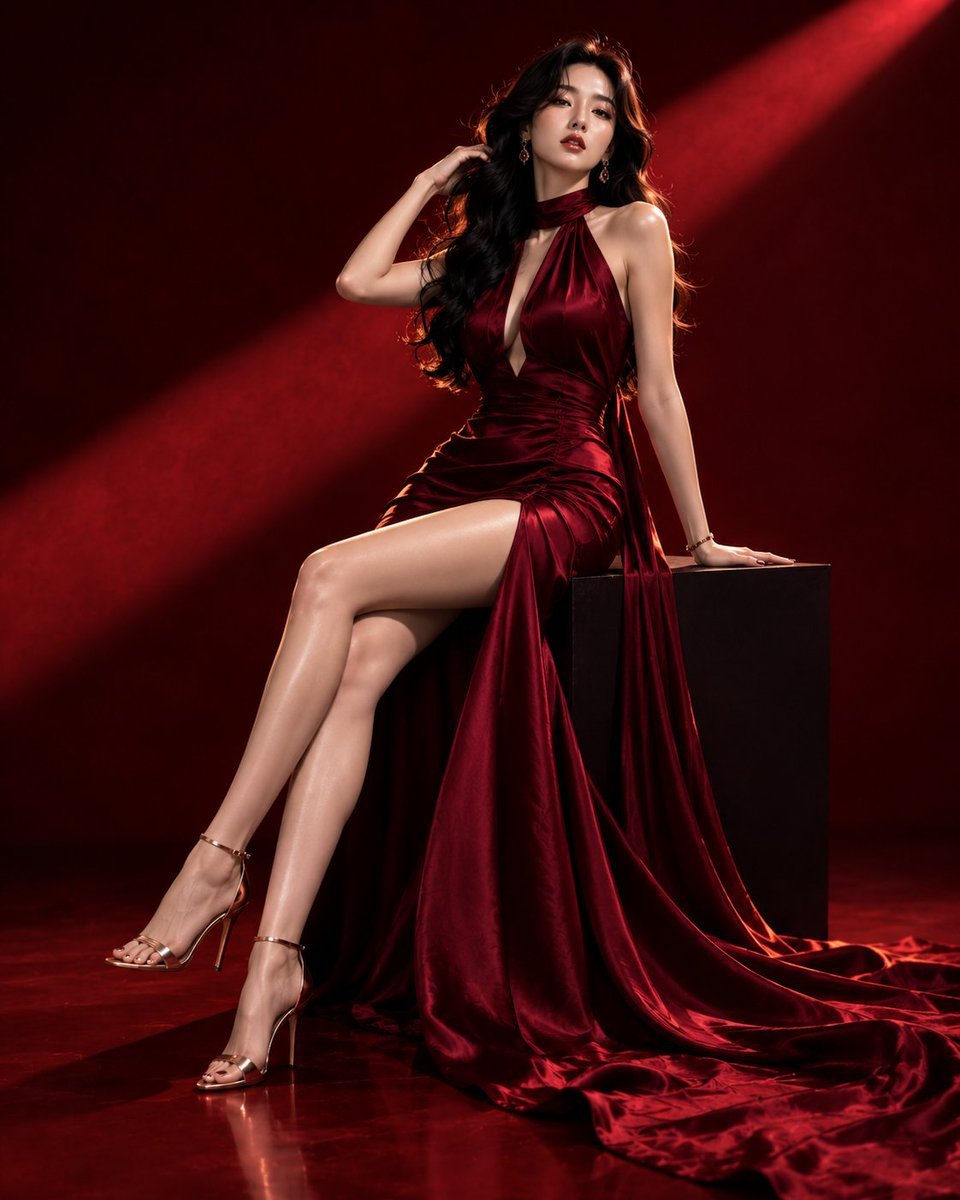
Luxury Crimson Fashion Editorial Portrait

Found Photograph: Us, 1970

80s Couple Studio Portrait

80s Bollywood Star

80s Golden Hour Cinema

Me in 1985

1985 Studio Portrait
Make it yours
Hyper-Realistic Editorial Portrait of 'The Crimson Alchemist' works as-is. These are the safest ways to change it without losing the look.
Change one field
Copy a single group, rewrite it, and generate again so you can see what that field is doing.
Keep the frame, change the subject
Hold the composition and light of Hyper-Realistic Editorial Portrait of 'The Crimson Alchemist', then swap wardrobe, props or the person for a new take.
| If the result… | Why | Fix |
|---|---|---|
| The result drifts from the preview | Too many fields changed at once. | Reuse Hyper-Realistic Editorial Portrait of 'The Crimson Alchemist' as-is first, then change one group — subject, light, or setting. |
| The model over-stylizes the scene | The prose prompt leaves finish and camera underspecified. | Add one camera or lighting sentence and stay on Nano Banana 2. |
More Nano Banana 2 templates
Other prompts made for Nano Banana 2.

Photorealistic Leaf Shaped Like a Dragon

K-Pop Idol Portrait Grid for Rapid Selection

Poetic Rain Forest Portrait During Golden Hour

Urban Street Portrait with Cartoon Inner Self Duo

Candid Nighttime Photo with Cat Prompt

High-Concept 3D Diorama Generation Prompt

Cinematic Futuristic Studio Portrait Template

Skincare Editorial Photography Collage Prompt

Hyper-Realistic Commercial Product Photography (Splash Effect)

Hyper-Realistic Nightclub Portrait Prompt
More image prompts
Fresh picks from across the catalog.

Blue Pen Campaign Poster
X Minahil42298354 Subject a Heartwarming Portrait
Ivory Garment Goddess
Korean ASCII Art and Affectionate Comment
Cinematic Desert Drifting Scene with Batman-like Figure

Shiba Inu Space Dream Poster
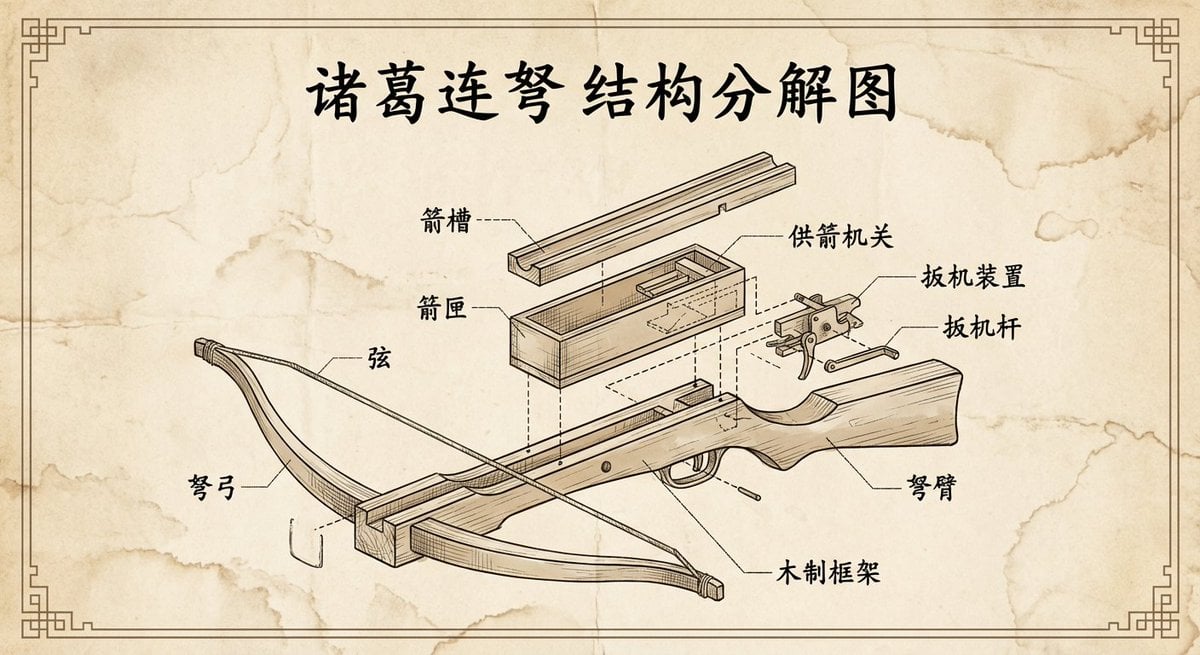
Vintage engineering exploded view of Zhuge repeating crossbow
Pixar 3D Character Portrait with Fennec Fox
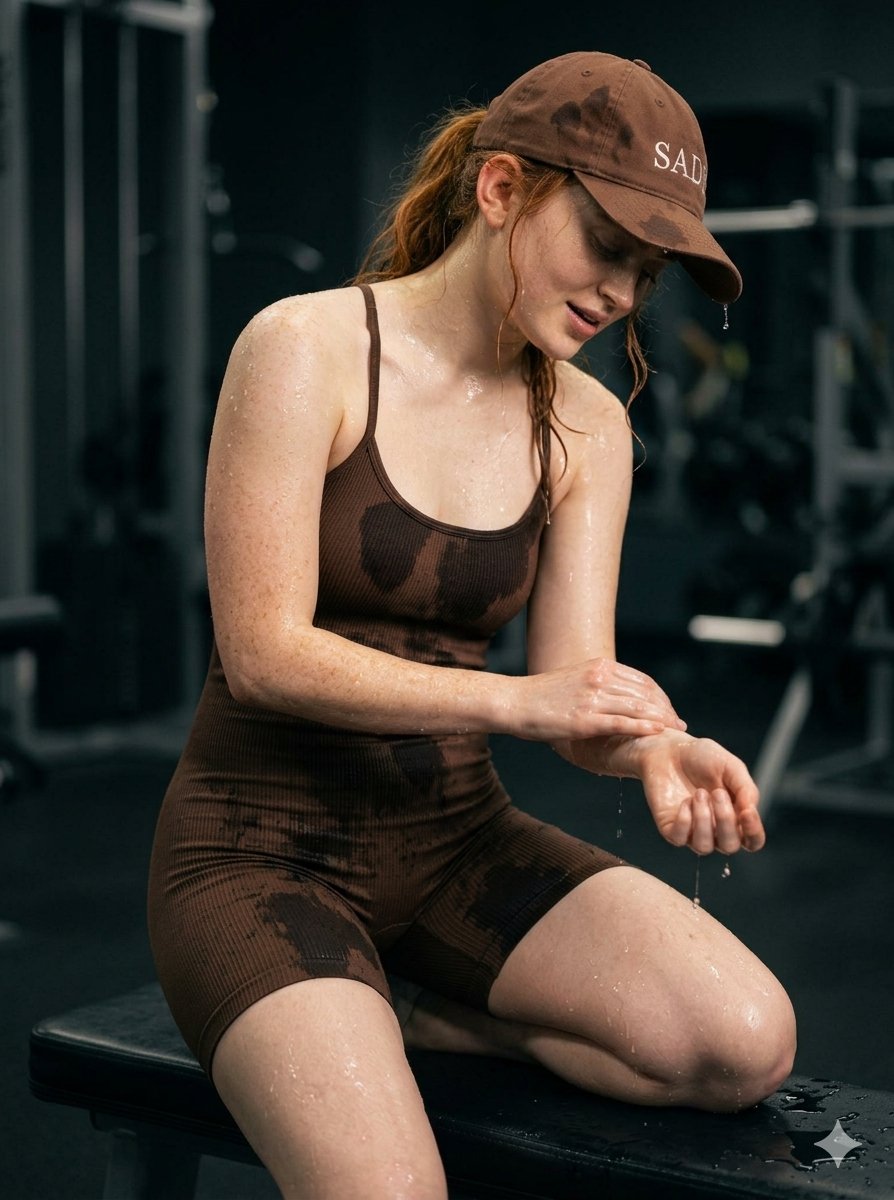
Structured Prompt for Woman Posing in a Gym
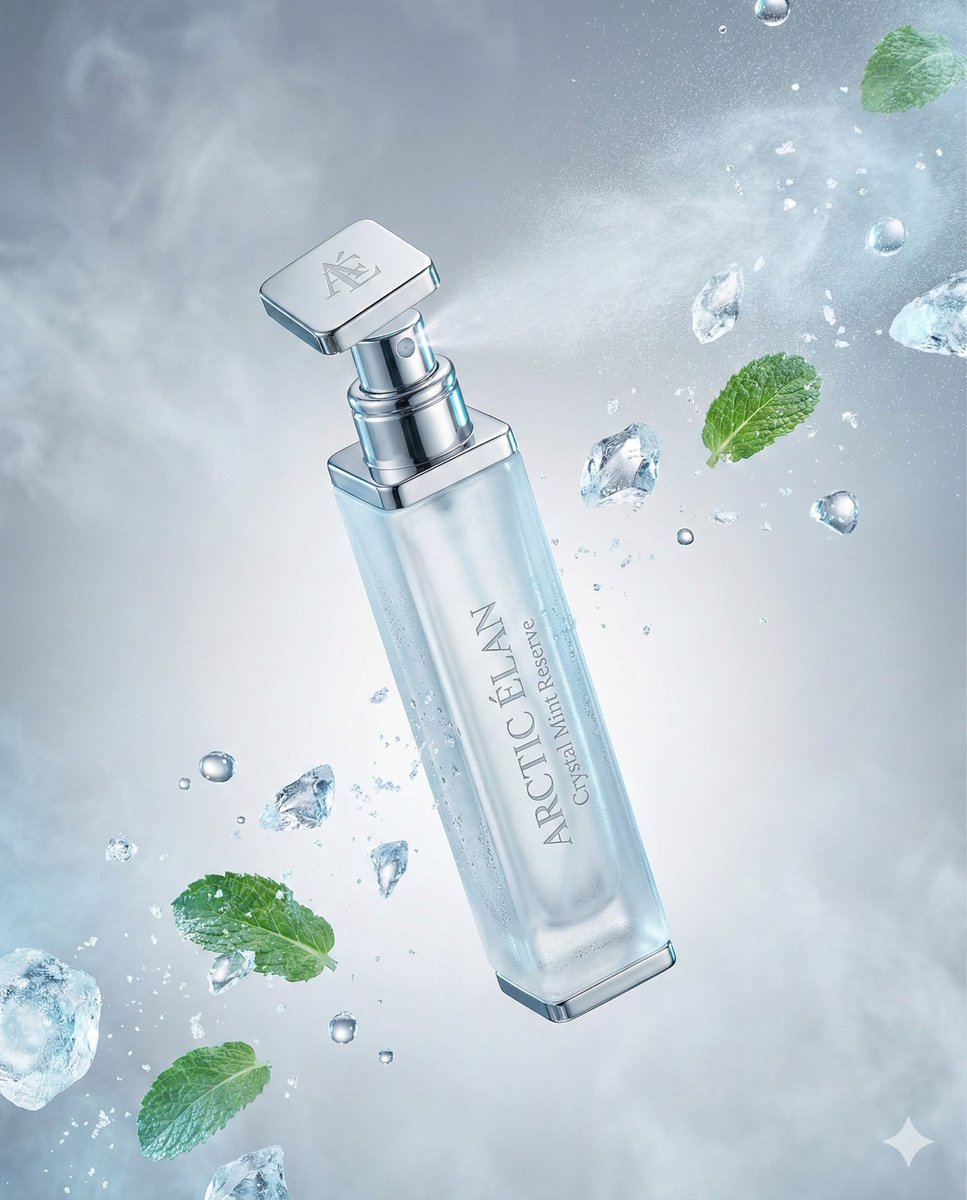
Luxury Mouth Freshener Ad Prompt (ARCTIC ÉLAN)
Browse template categories
Hyper-Realistic Editorial Portrait of 'The Crimson Alchemist' questions
How do I use the Hyper-Realistic Editorial Portrait of 'The Crimson Alchemist' template?
Add your photo if the template asks for one, edit the prompt if you like — the template's model and format are already selected — and press Generate. Your version opens in PicX Studio.
Can I customize the Hyper-Realistic Editorial Portrait of 'The Crimson Alchemist' template?
Yes. You can change the subject, setting, lighting, mood, format, and available model controls before creating your image.
Is the Hyper-Realistic Editorial Portrait of 'The Crimson Alchemist' template free?
Opening and editing this template is free. Generating uses credits, shown on the Generate button when you are signed in.
Which AI model should I use?
Start with Nano Banana 2, which is the model associated with this template. You can compare another compatible model for a different finish.
Looking for something else? Browse all templates.

Your photo, any look
Thousands of ready templates for every top image and video model, from one credit balance.