
Luxury Hotel Mirror Selfie
A complex JSON prompt for generating an ultra-realistic iPhone-style mirror selfie of a blonde woman in a silk slip dress at a luxury hotel.
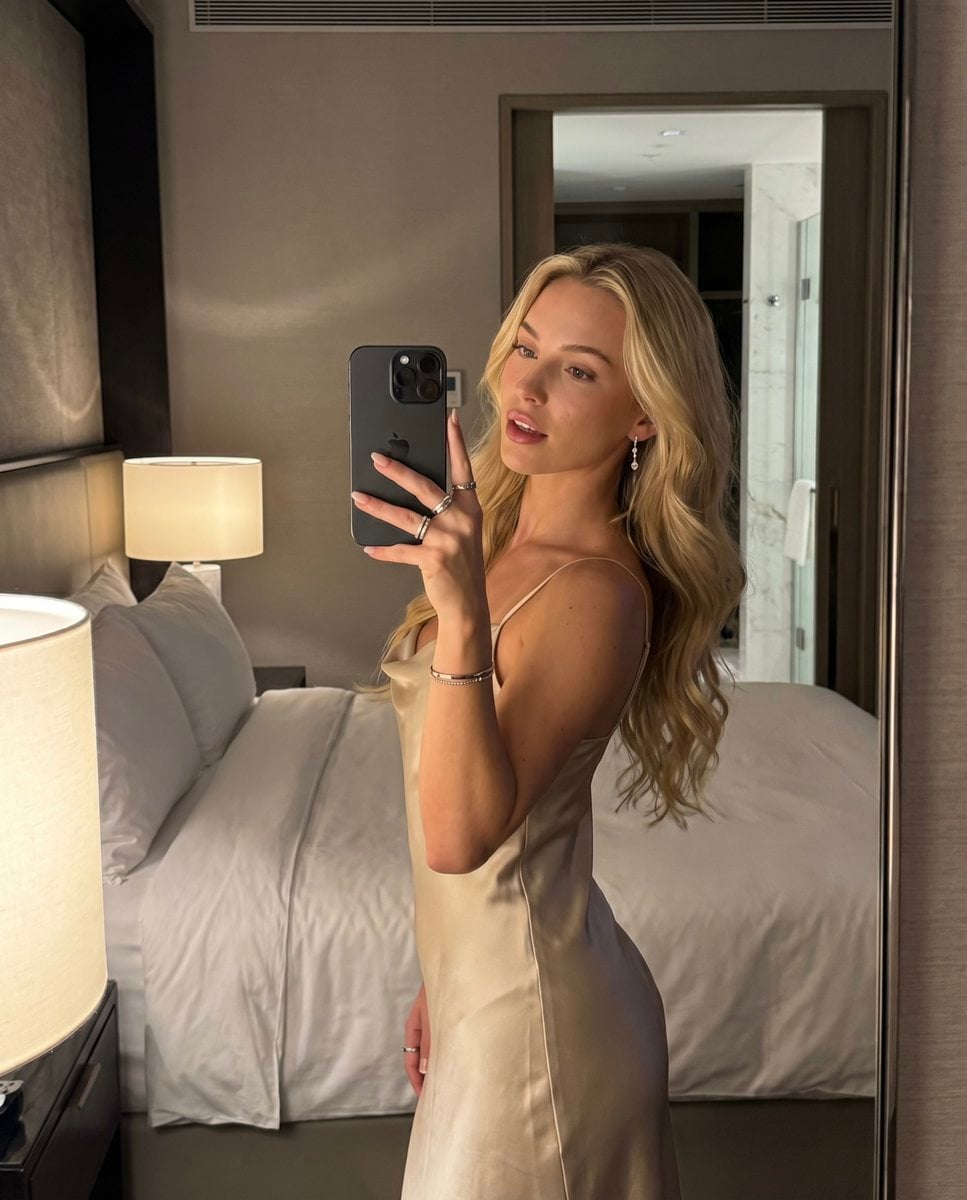
- Prompt included
- Model and format preset
- Free template
The prompt behind this image
Copy the exact prompt behind Luxury Hotel Mirror Selfie, or open it in the studio and make it yours.
{ "prompt": { "meta": { "camera": "iPhone 17 Pro", "lens": "35mm", "aspect_ratio": "4:5", "style": "ultra-realistic mirror selfie, natural iPhone HDR, slight handheld imperfection, authentic skin texture, subtle grain, true-to-life iPhone color science" }, "subject": { "identity": "{argument name="subject" default="blonde popstar-inspired woman"}", "face": { "structure": "petite heart-shaped face, soft cheeks, defined lips, bright expressive eyes", "skin": "fair warm skin tone, visible pores, natural texture, soft glow on cheekbones", "expression": "confident, playful, controlled gaze with slightly parted lips" }, "hair": { "color": "golden blonde", "style": "long loose waves, soft volume, slightly messy in a natural way" }, "body": { "type": "petite, feminine, naturally curvy", "posture": "relaxed with a subtle hip shift" }, "pose": { "position": "standing angled toward the mirror, one arm raised holding the phone, shoulders relaxed, hips slightly tilted" }, "outfit": { "type": "{argument name="outfit" default="silky champagne slip dress"}", "details": "body-skimming fit, delicate straps, soft drape, elegant sheen catching warm light" }, "accessories": [ "dark iPhone with visible camera lenses", "silver rings", "thin bracelet", "small drop earrings", "neutral glossy nails" ] }, "environment": { "location": "{argument name="location" default="luxury hotel bedroom mirror"}", "details": [ "soft lamp glow in foreground", "crisp white bedding", "subtle bathroom reflection in background", "textured wall and polished surfaces" ], "atmosphere": "late-night hotel calm, intimate but polished, expensive and effortless" }, "lighting": { "type": "warm indoor lamp light mixed with soft ambient room lighting", "temperature": "3200K", "effect": "gentle highlights on hair and dress, soft shadows across the body, natural reflective glow on skin" }, "camera_framing": { "shot_type": "mirror selfie", "framing": "mid-thigh to head", "focus": "sharp on face and upper body", "depth_of_field": "realistic shallow depth of field with mild falloff in background", "imperfections": [ "slight handheld tilt", "minor edge softness", "subtle grain", "natural mirror realism" ] }, "mood": { "energy": "magnetic, feminine, viral, effortlessly confident", "realism": "feels like a real late-night hotel selfie taken in one shot, not overproduced" }, "negative_prompt": [ "over-airbrushed skin", "plastic texture", "studio fashion lighting", "cartoon look", "3d render", "anatomy errors", "extra fingers", "warped mirror", "overexposed face", "unnatural body proportio"
How to use Luxury Hotel Mirror Selfie in 3 steps
- 1
Open
The prompt is already in the box next to the preview, with the template's model and format selected.
- 2…a portrait of your subject in softgolden-hour light, 85mm…
Personalize
Edit the subject and creative details for your destination.
- 3Generate
Generate
Press Generate — your image is created in PicX Studio, so you can compare it with the original and refine one variable at a time.
More like this
Templates with the same subject, style or setup. Open one to see its prompt.

Rooftop Fisheye — Cat-Ear Balaclava at Golden Hour

Felt & Knit 3D Character — Photo-Exact Face, Pixar-Quality Plush Figurine

Surreal Cat Astronaut — Humanoid Face Freefall

Grand Hotel Lobby Clock
Morning Mirror Selfie Candid

Panel Mirror Selfie Collage
Luxury Executive Lounge Hotel Poster
Backseat Mirror Selfie
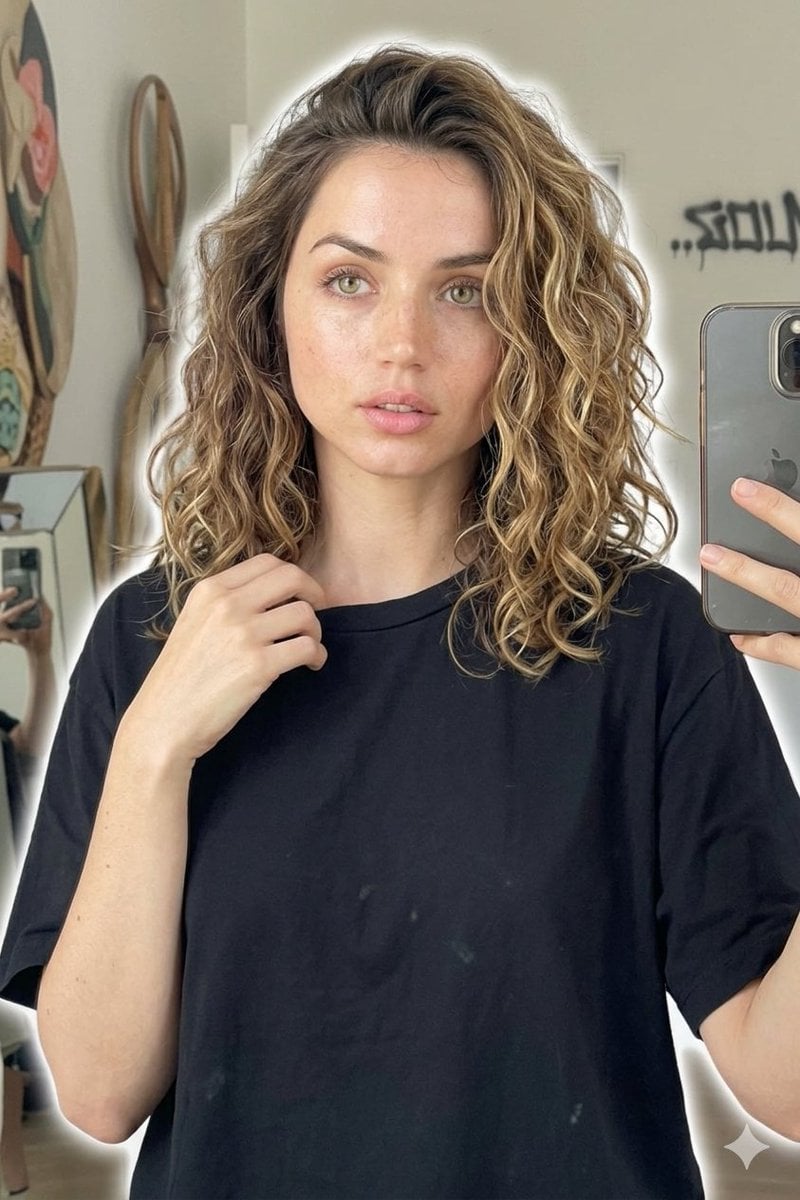
Candid Mirror Selfie Beauty Portrait
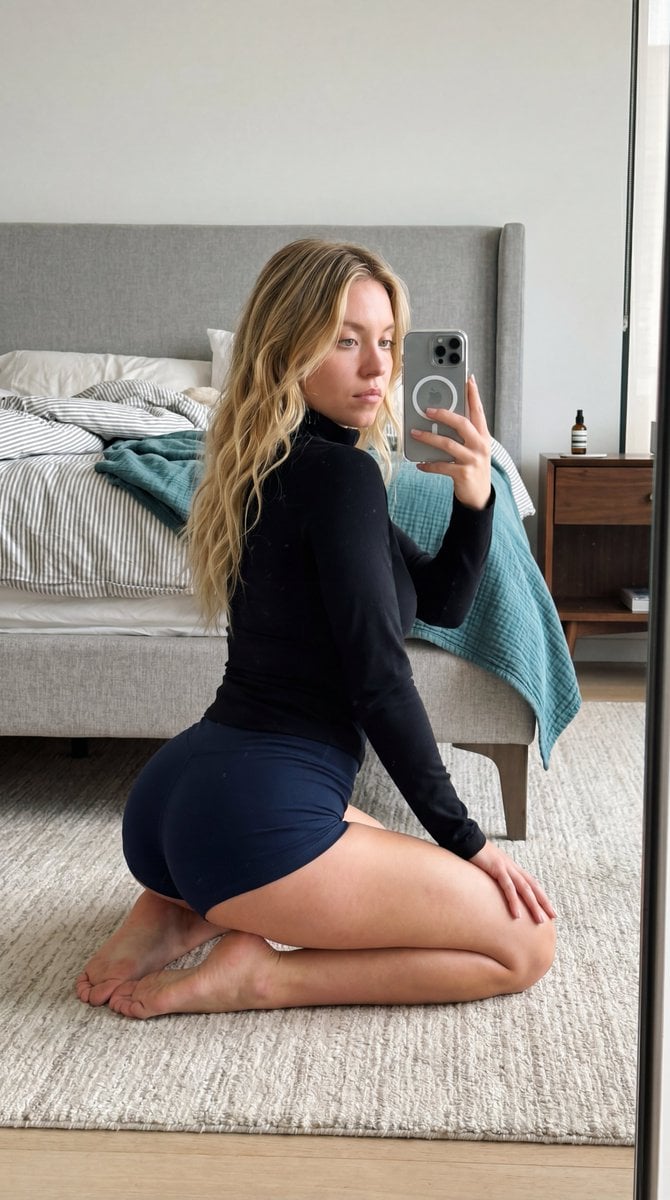
Intimate Bedroom Mirror Selfie
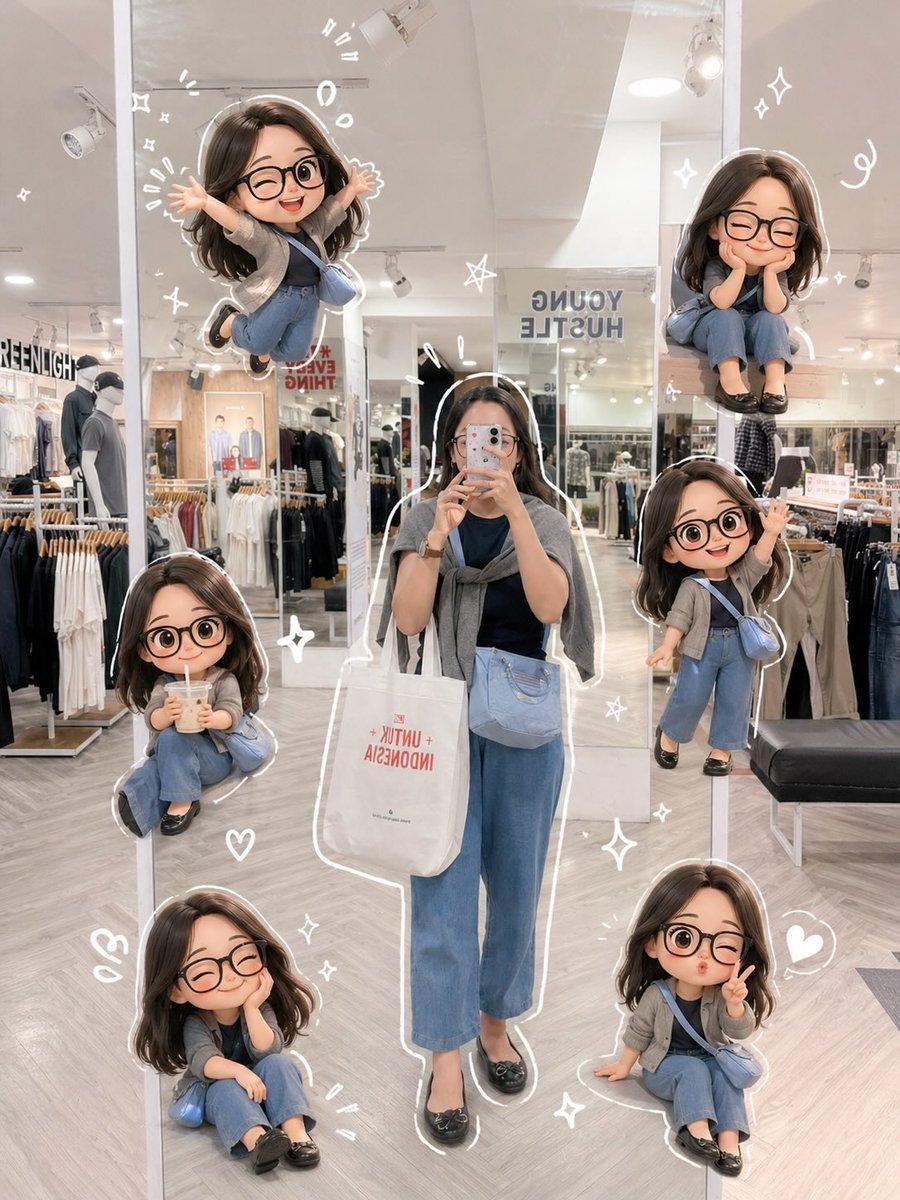
Chibi Mirror Selfie with Kawaii Doodles
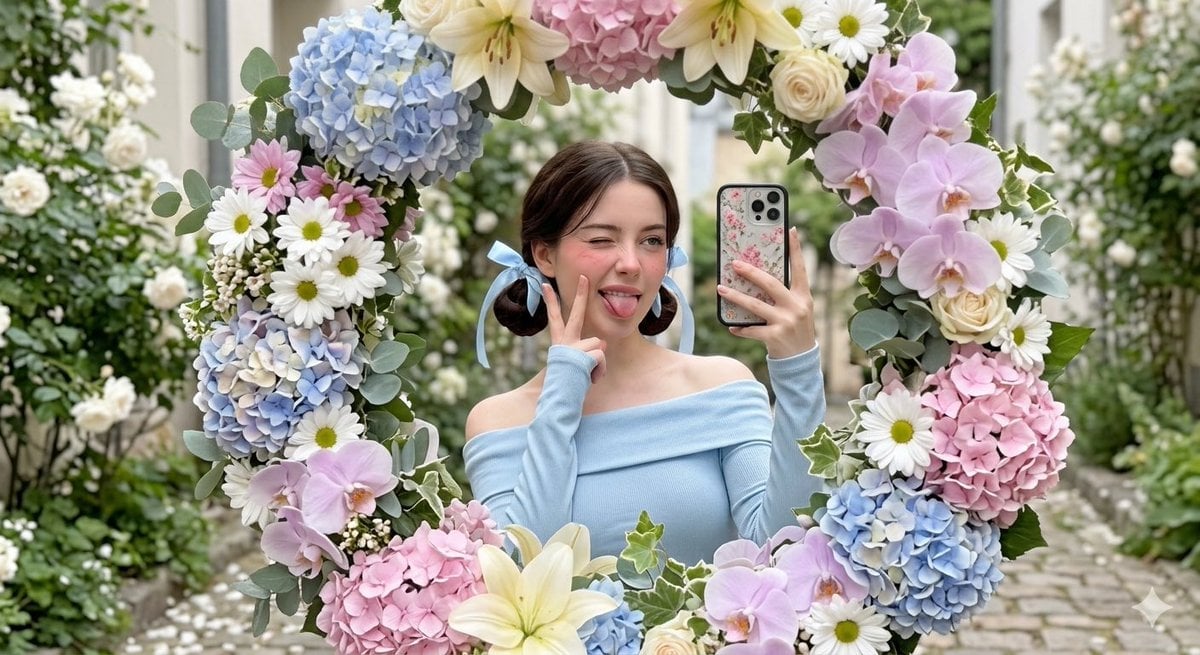
Floral Mirror Selfie Portrait
Make it yours
Luxury Hotel Mirror Selfie works as-is. These are the safest ways to change it without losing the look.
Change one field
Copy a single group, rewrite it, and generate again so you can see what that field is doing.
Keep the frame, change the subject
Hold the composition and light of Luxury Hotel Mirror Selfie, then swap wardrobe, props or the person for a new take.
| If the result… | Why | Fix |
|---|---|---|
| The result drifts from the preview | Too many fields changed at once. | Reuse Luxury Hotel Mirror Selfie as-is first, then change one group — subject, light, or setting. |
| The model over-stylizes the scene | The prose prompt leaves finish and camera underspecified. | Add one camera or lighting sentence and stay on Nano Banana 2. |
More Nano Banana 2 templates
Other prompts made for Nano Banana 2.

Photorealistic Leaf Shaped Like a Dragon

K-Pop Idol Portrait Grid for Rapid Selection

Poetic Rain Forest Portrait During Golden Hour

Urban Street Portrait with Cartoon Inner Self Duo

Candid Nighttime Photo with Cat Prompt

High-Concept 3D Diorama Generation Prompt

Cinematic Futuristic Studio Portrait Template

Skincare Editorial Photography Collage Prompt

Hyper-Realistic Commercial Product Photography (Splash Effect)

Hyper-Realistic Nightclub Portrait Prompt
More image prompts
Fresh picks from across the catalog.
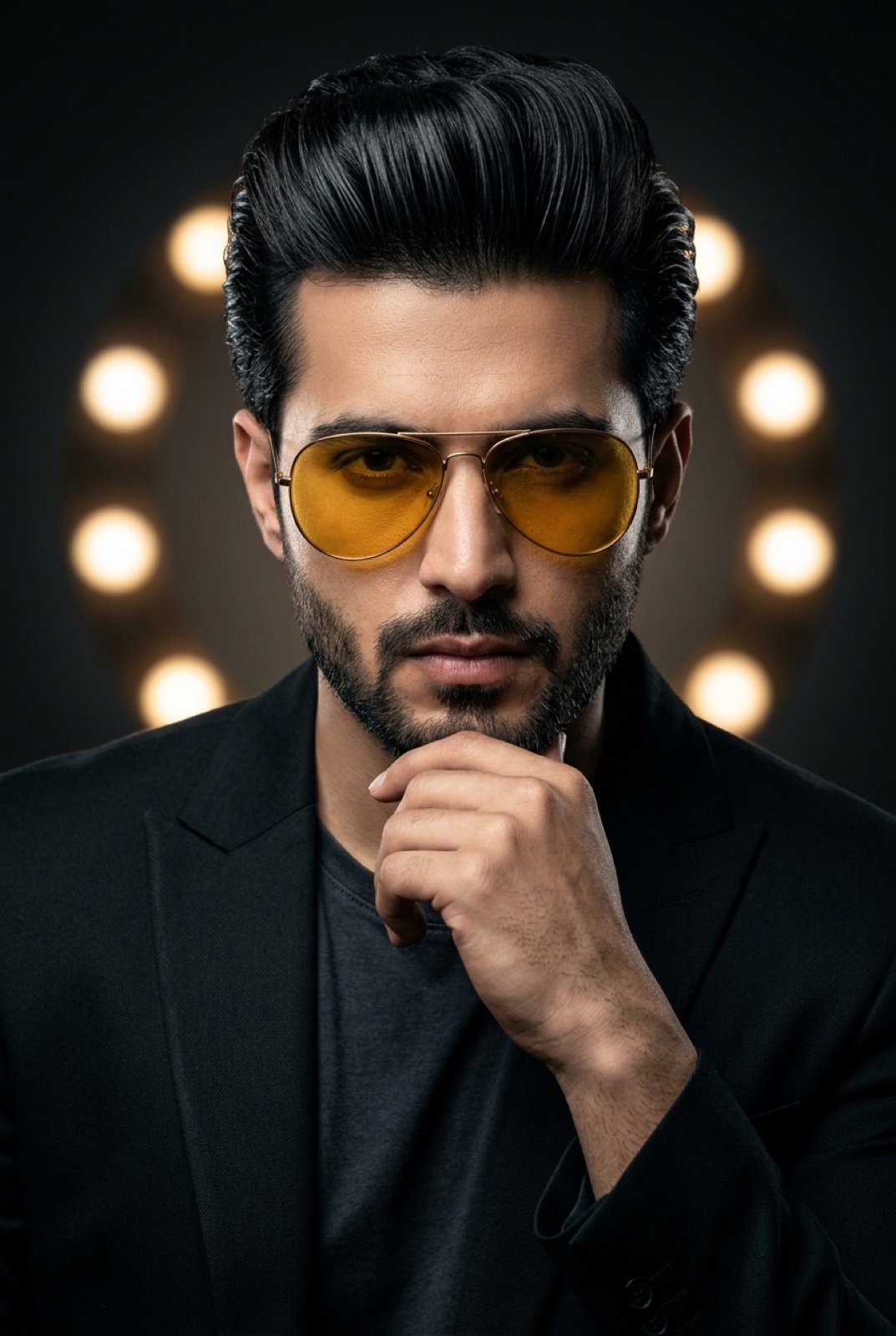
High-Contrast Cinematic Portrait of a Stylish Man
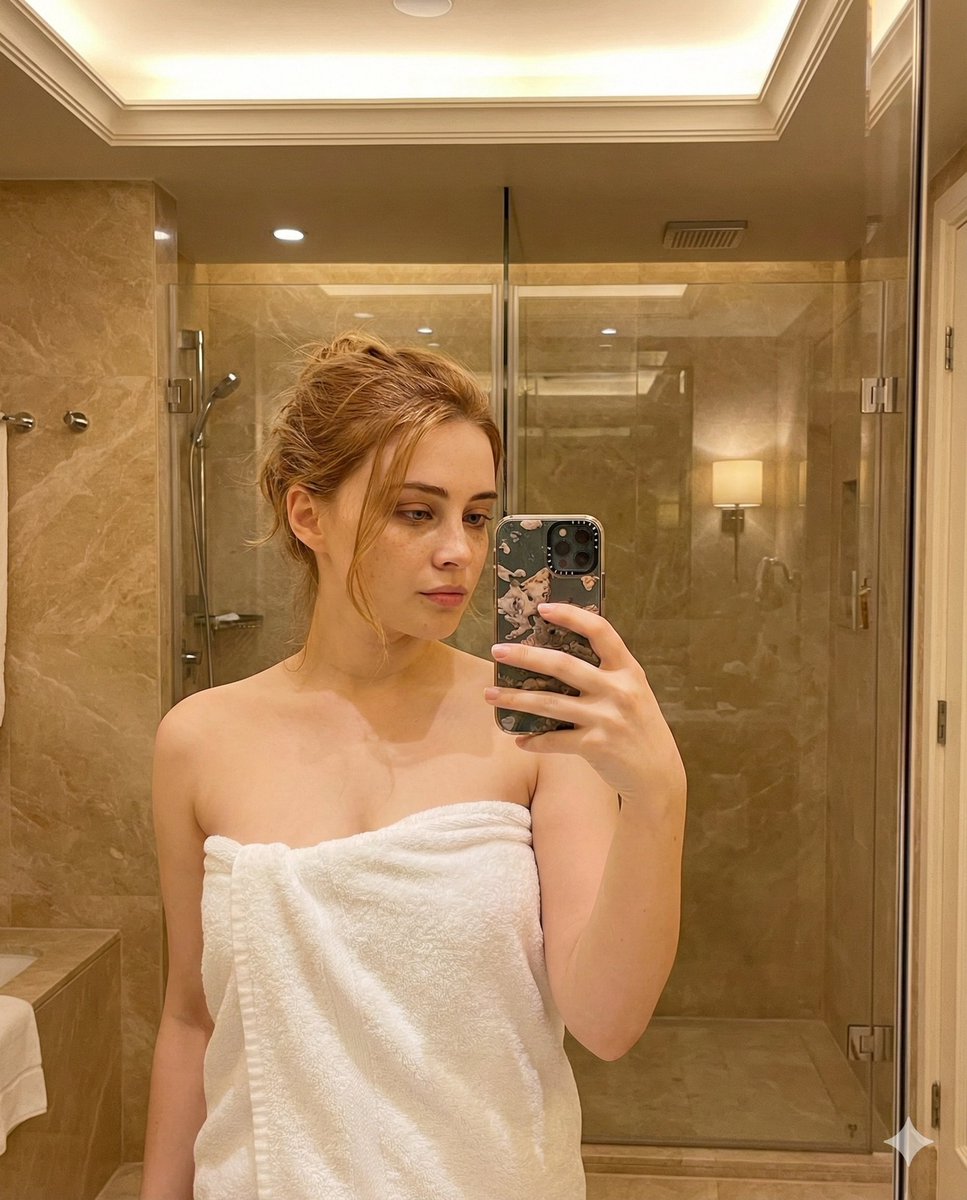
Candid Bathroom Mirror Selfie Portrait
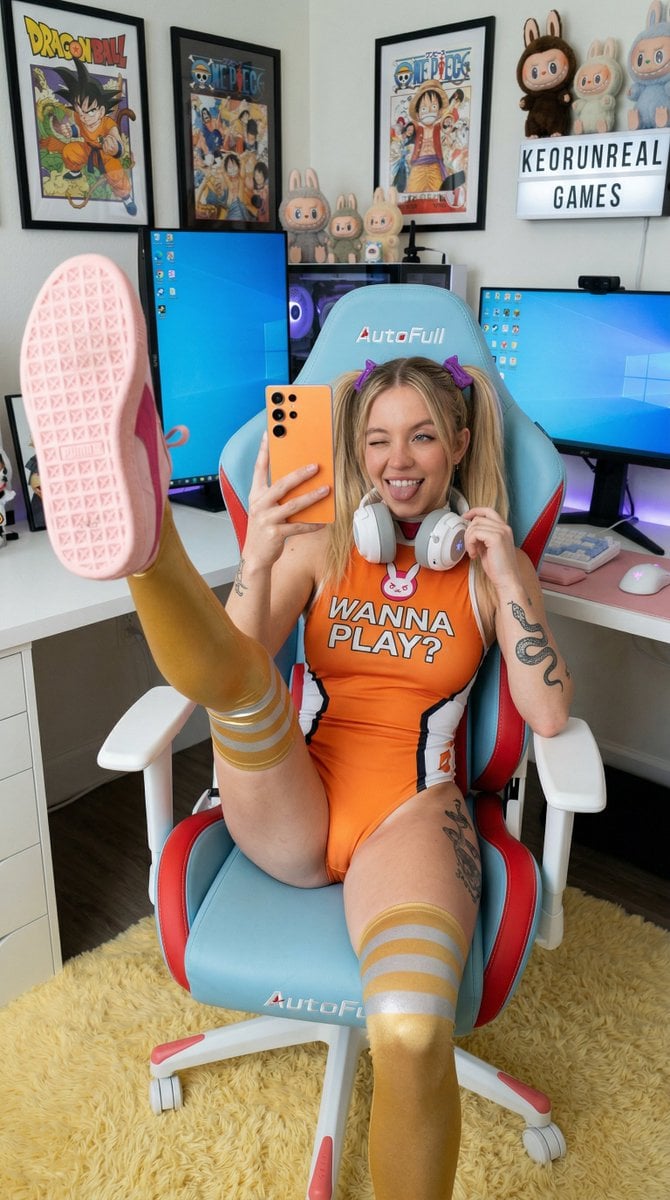
Cosplay Gamer Selfie Prompt
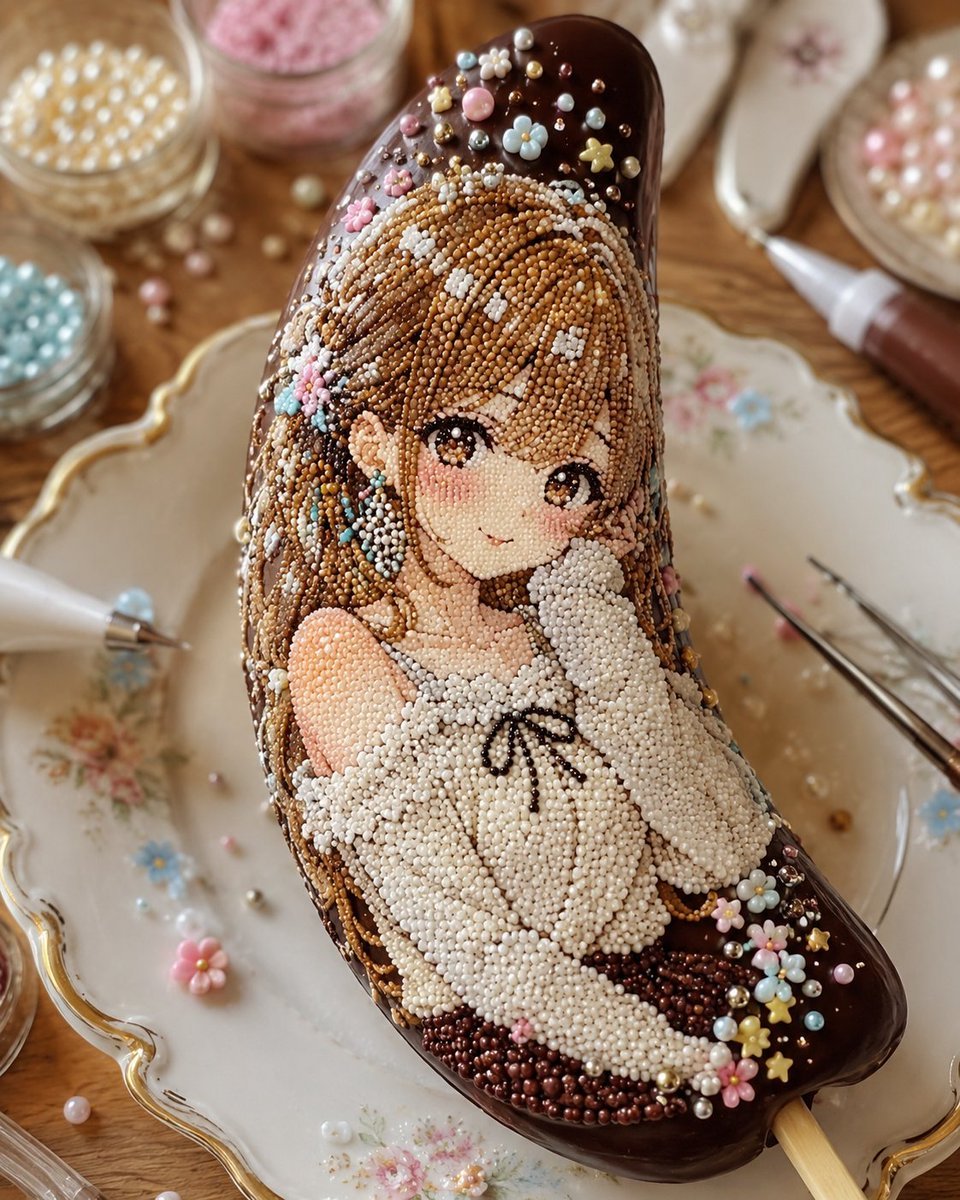
Kawaii Bead Art Chocolate Banana
PET LOVE
Visual Novel Rejected Routes UI

X Chatgptpaglu Gpt Image 2 on Yapper So
Cinematic 4-Cut Video Prompt of Women Chatting
Cherry Blossom Good Morning Lake
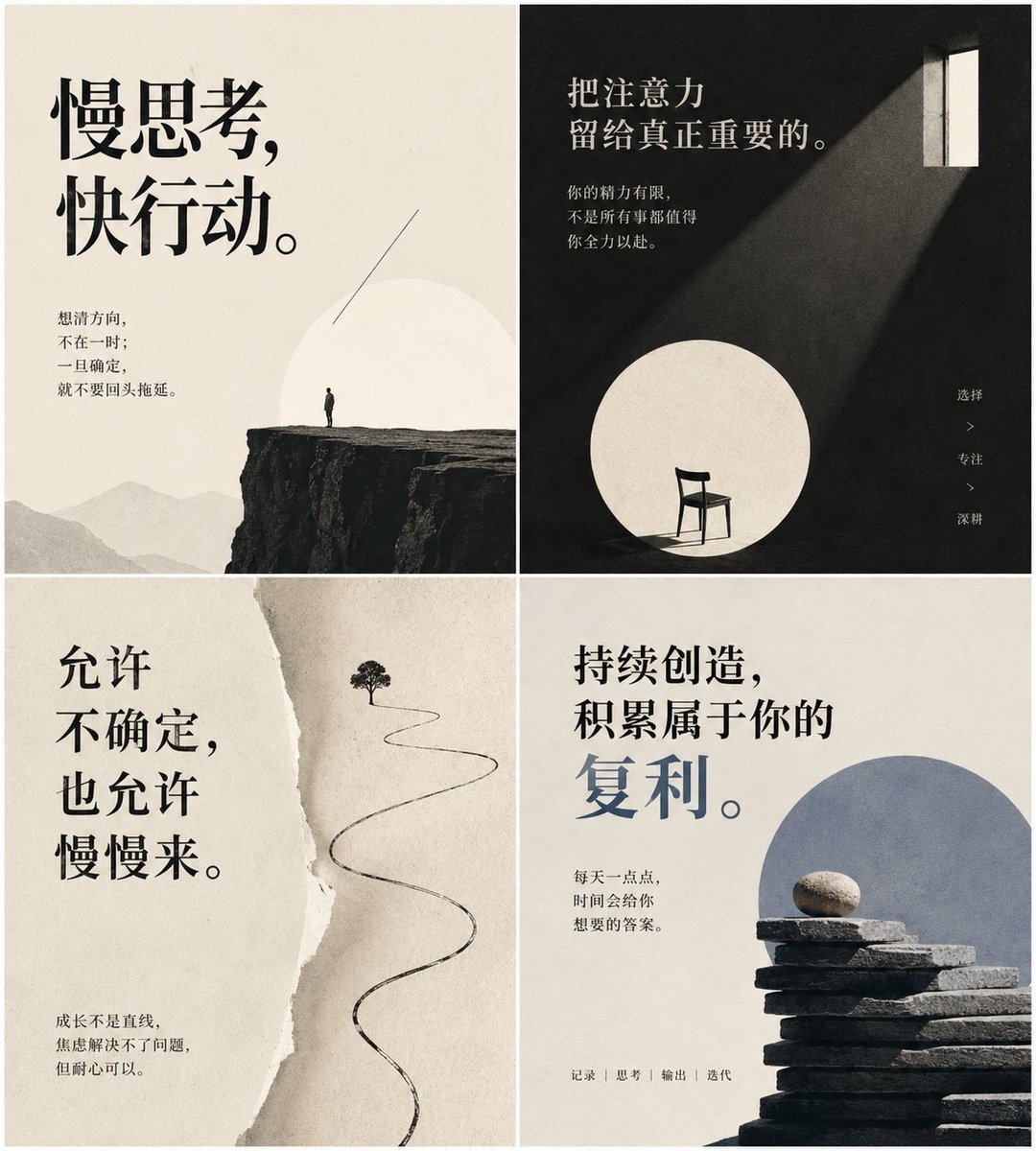
Minimal Chinese Advice Card Grid
Browse template categories
Luxury Hotel Mirror Selfie questions
How do I use the Luxury Hotel Mirror Selfie template?
Add your photo if the template asks for one, edit the prompt if you like — the template's model and format are already selected — and press Generate. Your version opens in PicX Studio.
Can I customize the Luxury Hotel Mirror Selfie template?
Yes. You can change the subject, setting, lighting, mood, format, and available model controls before creating your image.
Is the Luxury Hotel Mirror Selfie template free?
Opening and editing this template is free. Generating uses credits, shown on the Generate button when you are signed in.
Which AI model should I use?
Start with Nano Banana 2, which is the model associated with this template. You can compare another compatible model for a different finish.
Looking for something else? Browse all templates.

Your photo, any look
Thousands of ready templates for every top image and video model, from one credit balance.