How do I use the Editorial Beauty Cobalt Eyeliner Shot template?
Edit the prompt in the box under the preview — the template's model and format are already selected — and press Generate. Your version appears right on this page.
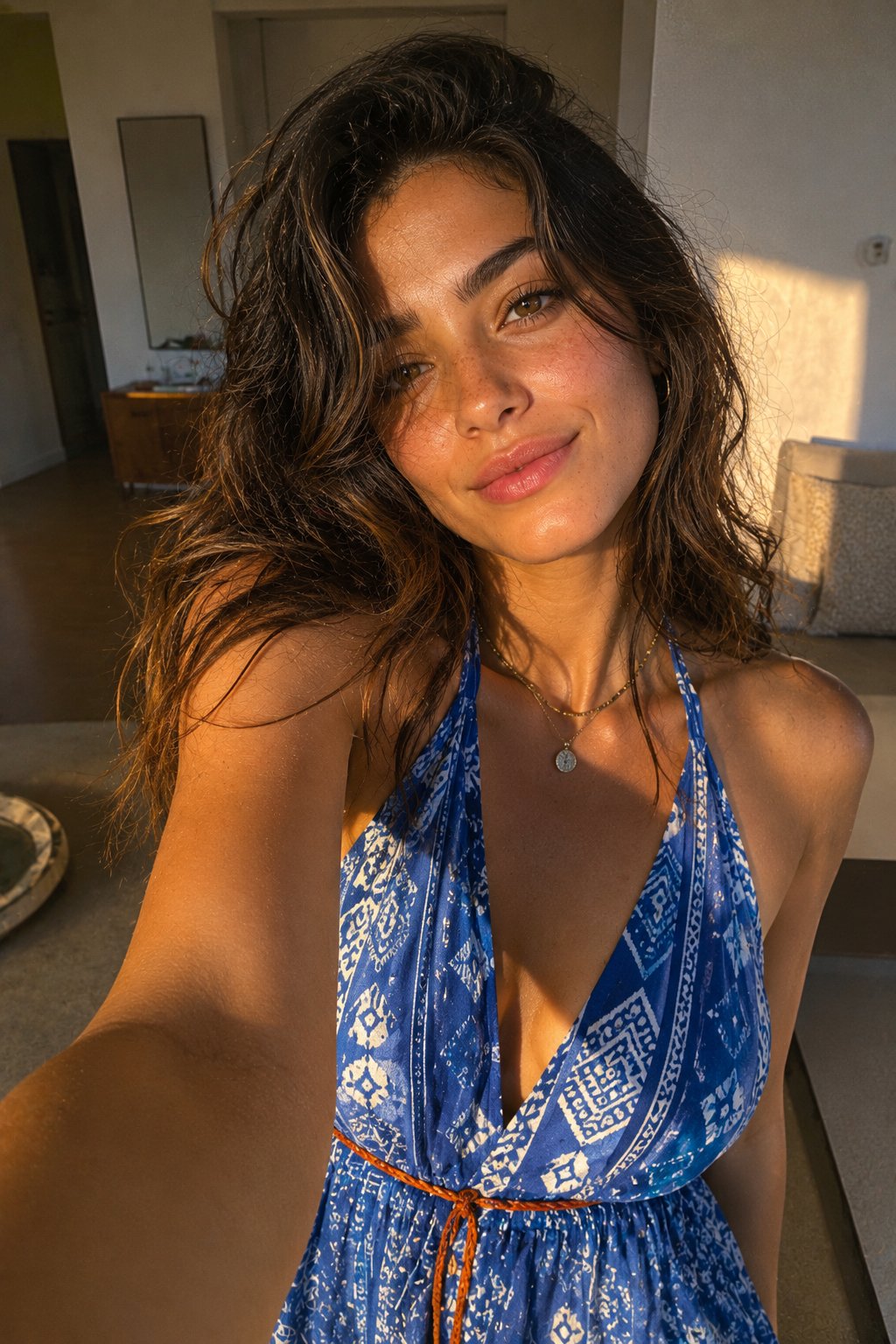
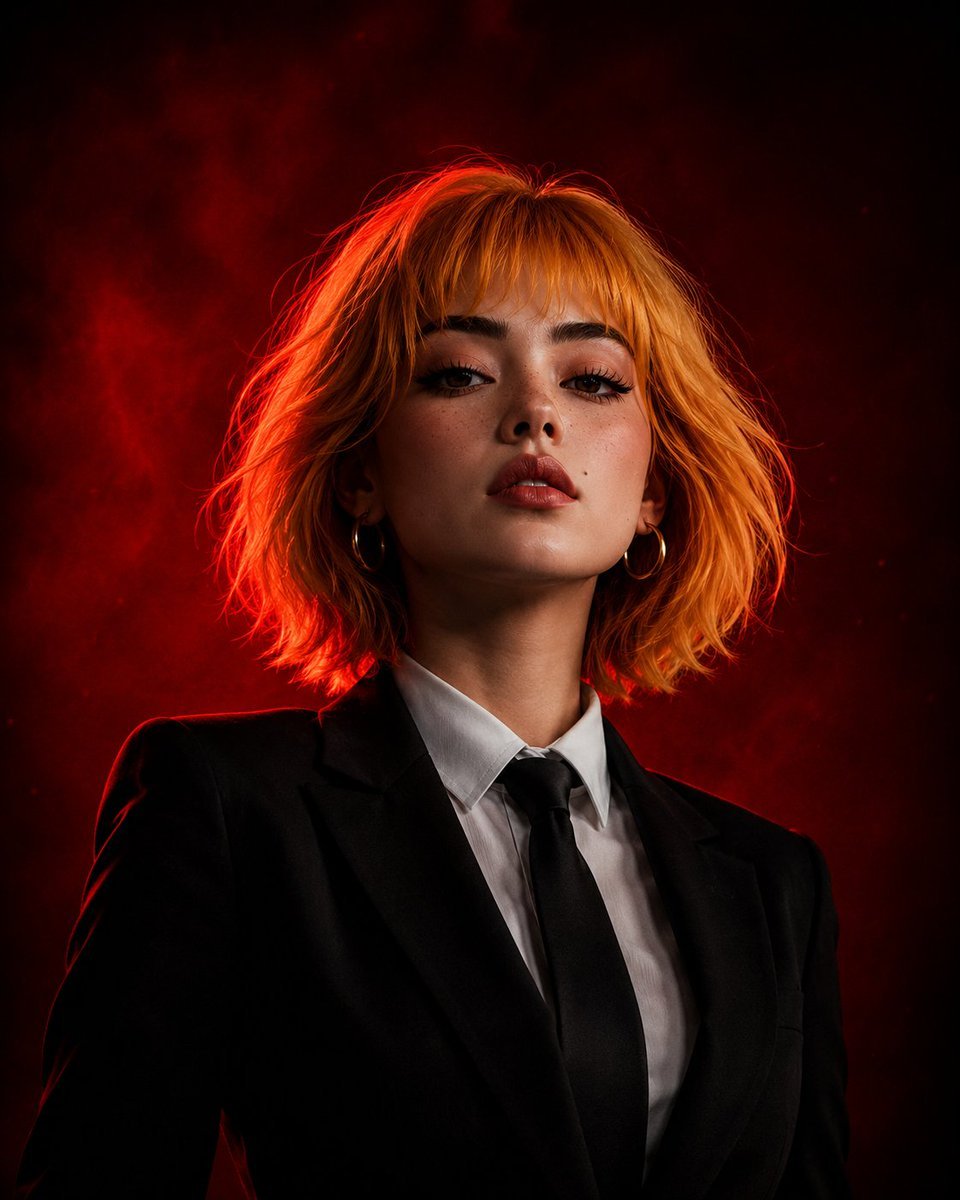
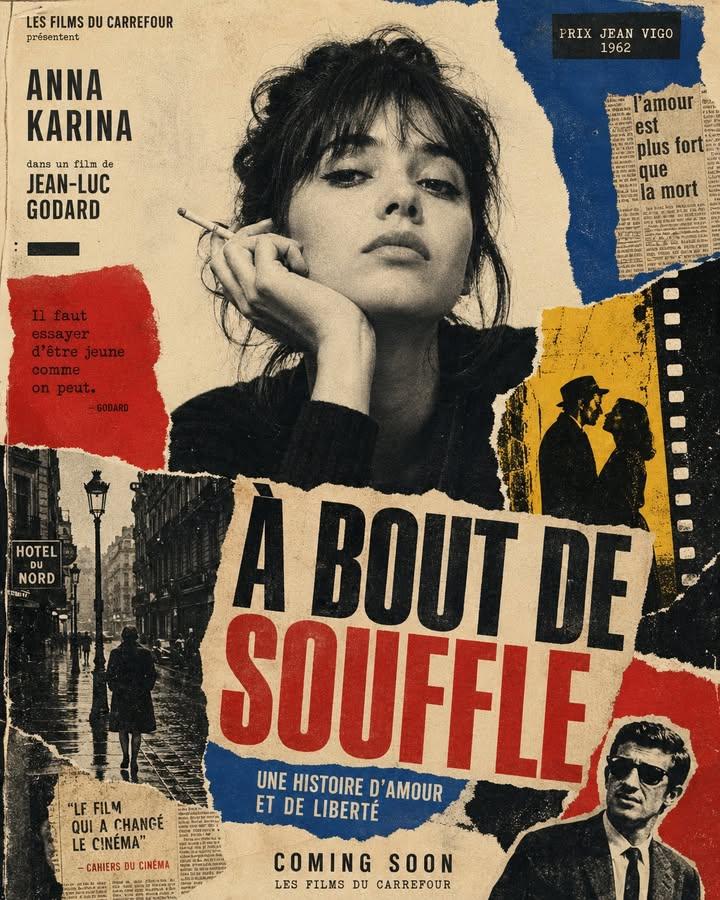
A sophisticated editorial beauty photography prompt for Nano Banana 2, emphasizing realistic skin texture, analog film aesthetics, and bold graphic makeup.

"identity": "same woman in every frame: {argument name="age" default="late 20s"}, warm olive-tan skin, oval face, strong dark groomed brows, deep brown almond eyes, straight nose, full natural lips, small beauty asymmetry, jet-black hair, natural skin texture with real pores and faint freckles, no retouch" { "medium": "analog editorial beauty photograph", "camera": "85mm lens, f/2, sharp on eyes", "film_stock": "Kodak Portra 400, fine grain, soft halation", "grade": "clean warm neutral with one saturated color accent, soft contrast", "identity": "same woman: late 20s, warm olive-tan skin, oval face, strong dark groomed brows, deep brown almond eyes, straight nose, full natural lips, small beauty asymmetry, jet-black hair, natural skin texture with real pores and faint freckles, no retouch", "scene": "tight beauty close-up against a warm sand backdrop", "beauty": "{argument name="makeup style" default="bold cobalt-blue graphic liner"} swept past the outer corner, clean matte skin, soft mauve lip, brushed brows, a single tiny crystal at the inner eye", "hair": "wet-look slicked straight back, glossy", "accessories": "oversized silver geometric ear cuff on one side", "light": "soft key with crisp catchlight, subtle warm rim", "composition": "three-quarter crop, chin slightly lowered, eyes to lens", "palette": "sand, cobalt blue, mauve, silver", "rule": ["real skin texture", "natural asymmetry", "crisp liner edge but real skin underneath"], "forbid": ["plastic skin", "perfect symmetry", "CGI sheen", "magazine retouch"], "negative_prompt": "waxy skin, airbrushed, doll-like, oversmooth, HDR, 3d render, neon saturation" }
"identity": "same woman in every frame: {argument name="age" default="late 20s"}, warm olive-tan skin, oval face, strong dark groomed brows, deep brown almond eyes, straight nose, full natural lips, small beauty asymmetry, jet-black hair, natural skin texture with real pores and faint freckles, no retouch" { "medium": "analog editorial beauty photograph", "camera": "85mm lens, f/2, sharp on eyes", "film_stock": "Kodak Portra 400, fine grain, soft halation", "grade": "clean warm neutral with one saturated color accent, soft contrast", "identity": "same woman: late 20s, warm olive-tan skin, oval face, strong dark groomed brows, deep brown almond eyes, straight nose, full natural lips, small beauty asymmetry, jet-black hair, natural skin texture with real pores and faint freckles, no retouch", "scene": "tight beauty close-up against a warm sand backdrop", "beauty": "{argument name="makeup style" default="bold cobalt-blue graphic liner"} swept past the outer corner, clean matte skin, soft mauve lip, brushed brows, a single tiny crystal at the inner eye", "hair": "wet-look slicked straight back, glossy", "accessories": "oversized silver geometric ear cuff on one side", "light": "soft key with crisp catchlight, subtle warm rim", "composition": "three-quarter crop, chin slightly lowered, eyes to lens", "palette": "sand, cobalt blue, mauve, silver", "rule": ["real skin texture", "natural asymmetry", "crisp liner edge but real skin underneath"], "forbid": ["plastic skin", "perfect symmetry", "CGI sheen", "magazine retouch"], "negative_prompt": "waxy skin, airbrushed, doll-like, oversmooth, HDR, 3d render, neon saturation" }
Edit the prompt in the box under the preview — the template's model and format are already selected — and press Generate. Your version appears right on this page.
Yes. You can change the subject, setting, lighting, mood, format, and available model controls before creating your image.
Opening and editing this template is free. Generating uses credits, shown on the Generate button when you are signed in.
Start with Nano Banana 2, which is the model associated with this template. You can compare another compatible model for a different finish.
Follow a topic to a crawlable collection of related PicX Studio templates.