
Chibi Eraser Product Photography
Generates realistic product photography of collectible Japanese chibi erasers in retail packaging, based on a character reference.
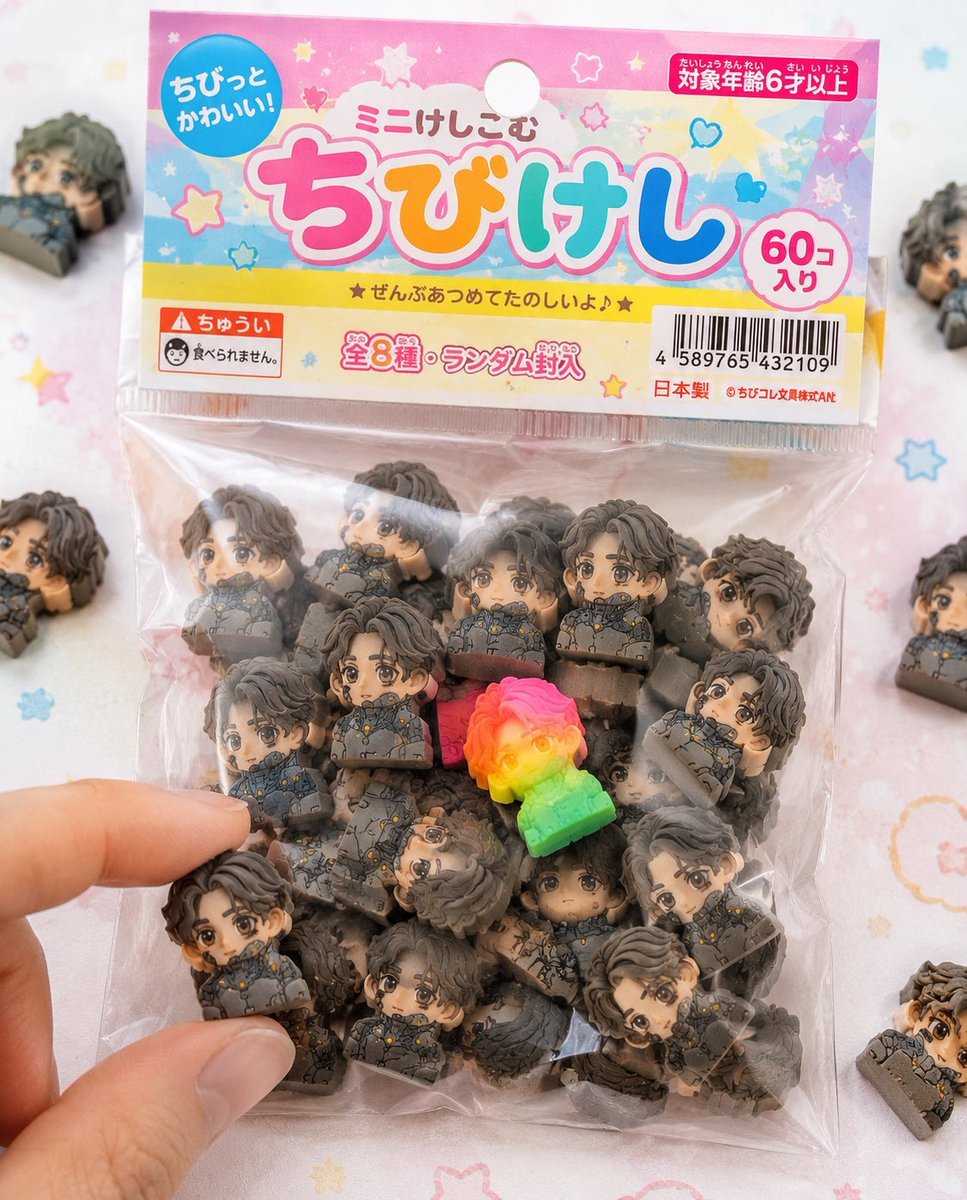
- Prompt included
- Model and format preset
- Free template
The prompt behind this image
Copy the exact prompt behind Chibi Eraser Product Photography, or open it in the studio and make it yours.
Use the attached character sheet as a STRICT design reference. Absolutely do not change the character's face, hairstyle, eye shape, or proportions. ■ Purpose: Fully commercialize the character as a Japanese "{argument name="product name" default="chibi eraser goods"}," creating a realistic packaged-product photo that looks like something actually sold at a stationery store or in a gacha machine. ■ Concept: A bagged chibi-eraser product sold at a 100-yen shop or stationery store. ■ The eraser itself: (*Keep exactly the same spec as last time) - A strongly deformed chibi character - A thick, block-like shape - Completely matte rubber material - Fine particles, dust, scuffing, and wear - Print misregistration and color variation - A random assortment of 50+ pieces ■ Packaging (extremely important): - A small clear plastic bag (OPP bag) - A paper header at the top (with a hole for hanging) - The header printed somewhat cheaply (slight misalignment, uneven ink) - The plastic slightly wrinkled, a bit hazy, clinging to the contents from static - Some air trapped inside causing slight puffiness - A slight wrinkle on the seal area ■ Graphic design: - A Japanese kids'-stationery-style design - Pop and colorful (based on {argument name="color scheme" default="pink, yellow, and light blue"}) - Handwriting-style fonts or rounded bubble lettering - A product-name logo (an original one is fine) - Labels such as 「ミニけし」 or 「ちびけし」 - Star, heart, and sparkle decorations ■ Information elements (to enhance realism): - A JAN code (barcode) - 「対象年齢6才以上」 - A 「食べられません」 warning notice - 「全◯種」 or 「ランダム封入」 - A small (fictional) company name - A MADE IN JAPAN or CHINA stamp ■ Composition: - The package as the main subject, centered in frame - A few erasers spilled slightly around it - 1-2 pieces out of the bag - A fingertip reaching to pick one up, staged for effect - Some elements slightly cropped out of frame for a natural feel ■ Rare element: - Mix in one special piece with a fluorescent color or gradient - Position it prominently to draw the eye ■ Lighting: - Bright natural light (slightly high-key) - Soft shadows - The clean look of product photography ■ Camera: - Close to macro - Shallow depth of field - Sharp focus in the center ■ Background: - A white-to-pastel table - A faint dot or pop pattern - Simple and clean ■ Prohibited: - A plastic look - Glossy rendering - A texture that's too high-end (cheap-looking is correct) - Printing that's too perfect ■ Output: - A level of quality that looks like a real, existing product - The kind of realism you'd find at a convenience store or 100-yen shop - Finished to a level that makes people on social media think "I want this"
How to use Chibi Eraser Product Photography in 3 steps
- 1Upload ImagePNG, JPG or paste
Add your photo
Upload the photo the template builds on. The prompt, model and format are already set.
- 2…a portrait of your subject in softgolden-hour light, 85mm…
Personalize
Edit the subject and creative details for your destination.
- 3Generate
Generate
Press Generate — your image is created in PicX Studio, so you can compare it with the original and refine one variable at a time.
More like this
Templates with the same subject, style or setup. Open one to see its prompt.
Product Elemental Lifestyle - Midjourney v7/v8

Flower Petal Sunglasses Couture Portrait

Mountain Valley Lifestyle Portrait

青蛇小青写真大片,绿色紧身蛇鳞裙,湿发红唇,妖娆妩媚

A double exposure, long exposure editorial photograph of a man Use image

Portrait of a young woman in her early 20s walking calmly on a beautiful

Artistic portrait of an elegant Asian woman wearing a black silk

A high-quality photo collage featuring the same person with identical

LIGHTING each element still lit by its original source, windows casting

A 3x3 grid storyboard contact sheet comprised of nine candid, cinematic

A high-definition cinematic portrait of a sophisticated woman sitting
Lifestyle photography, cinematic color grading, shallow depth of field
Make it yours
Chibi Eraser Product Photography works as-is. These are the safest ways to change it without losing the look.
Change one field
Copy a single group, rewrite it, and generate again so you can see what that field is doing.
Keep the frame, change the subject
Hold the composition and light of Chibi Eraser Product Photography, then swap wardrobe, props or the person for a new take.
| If the result… | Why | Fix |
|---|---|---|
| The result drifts from the preview | Too many fields changed at once. | Reuse Chibi Eraser Product Photography as-is first, then change one group — subject, light, or setting. |
| The model over-stylizes the scene | The prose prompt leaves finish and camera underspecified. | Add one camera or lighting sentence and stay on GPT Image 2. |
More GPT Image 2 templates
Other prompts made for GPT Image 2.

Six VTuber Japanese Logo Sheet

Realistic Portrait of Woman and Deer

The Vista Modular Condo Poster

AI Model Routing Comparison Infographic

2.5D Anime Art Board

Isometric Productivity Desk Scene

New York Double Exposure Poster

Four-Panel AI Landscape Comparison

Japanese Tatami Lifestyle Magazine Cover

NESCAFÉ Coffee Map Poster
More image prompts
Fresh picks from across the catalog.

Bad MS Paint Redraw
Kawaii Mochi 3D Toy Character
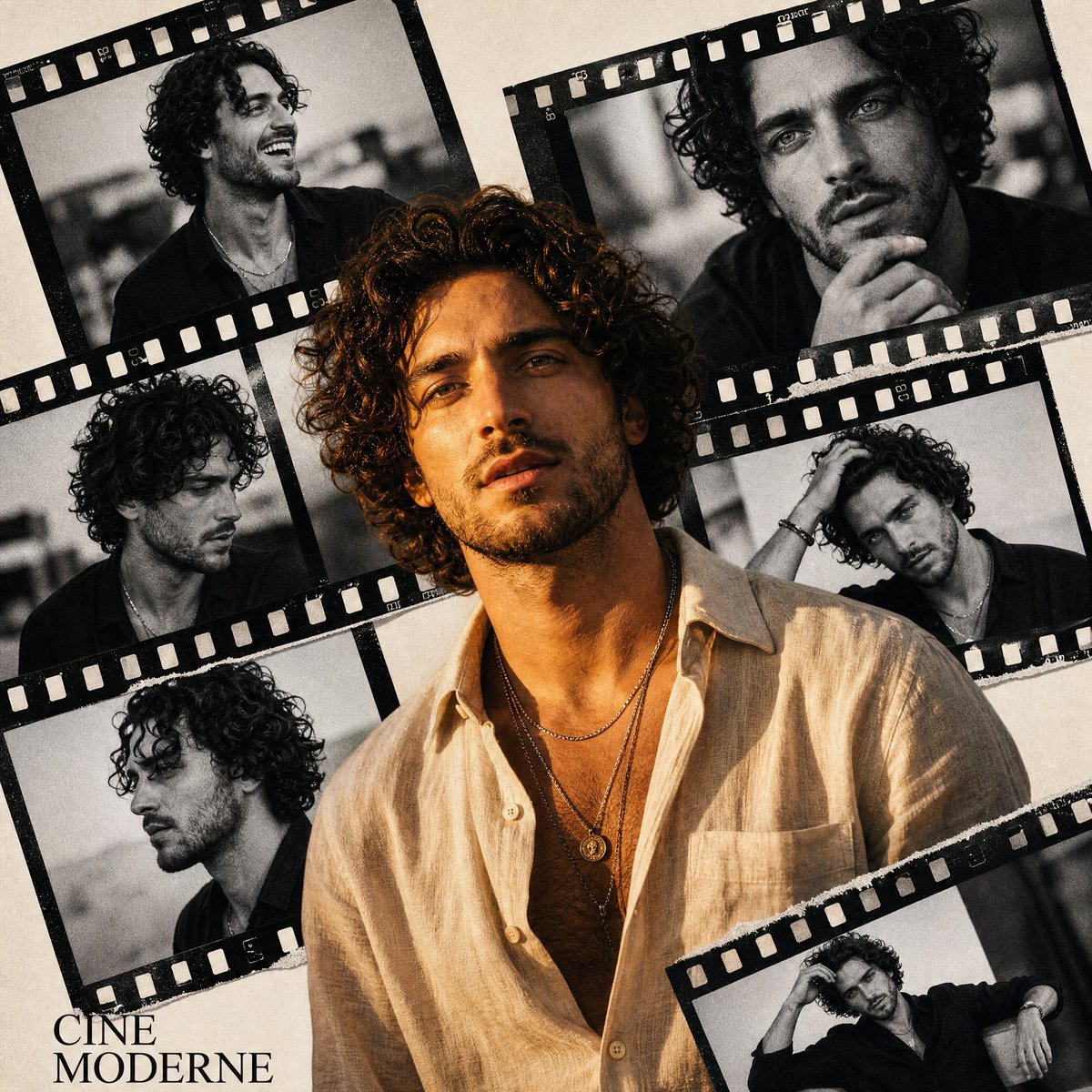
Retro Cinema Portrait Collage
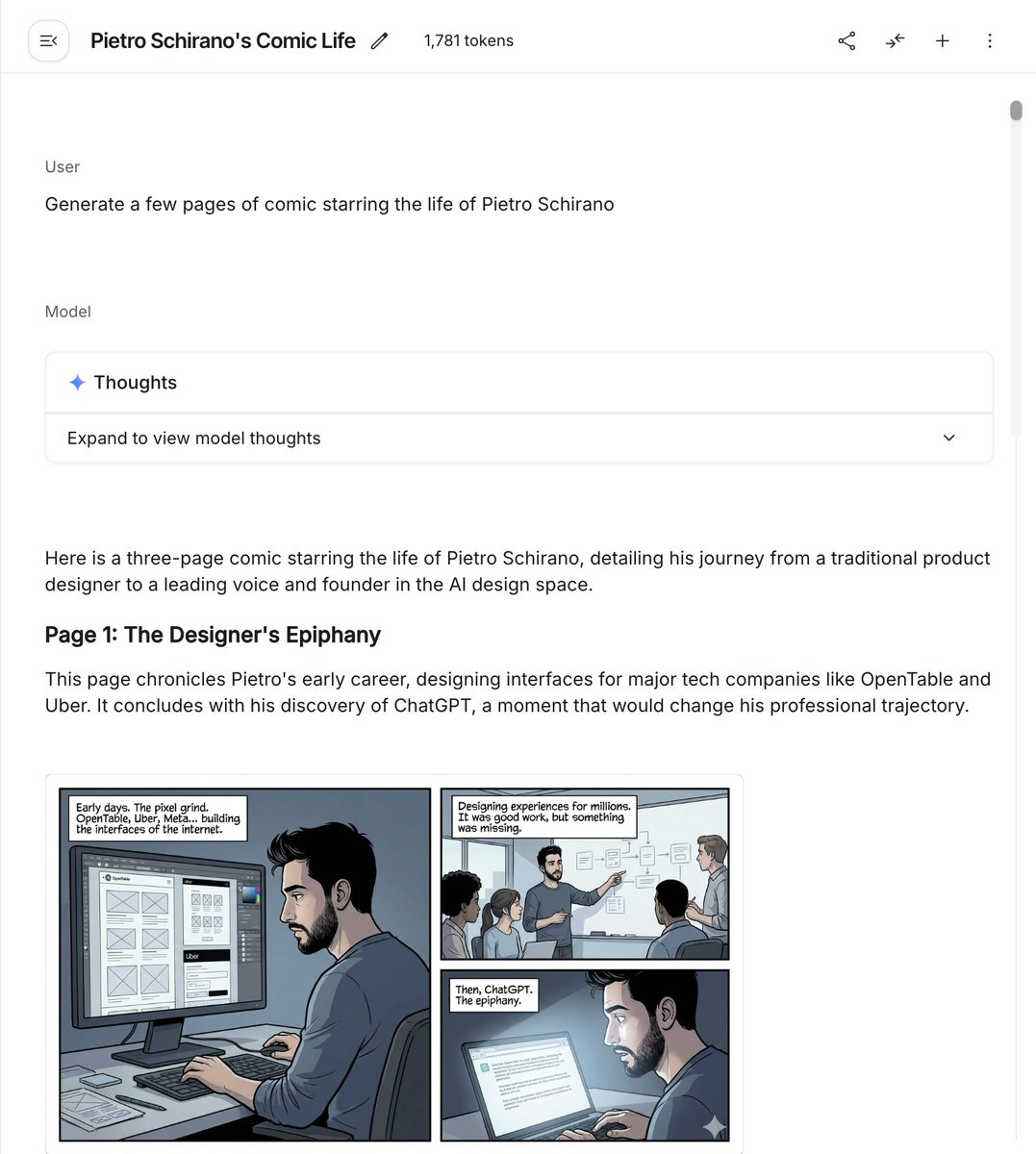
Six-panel life comic
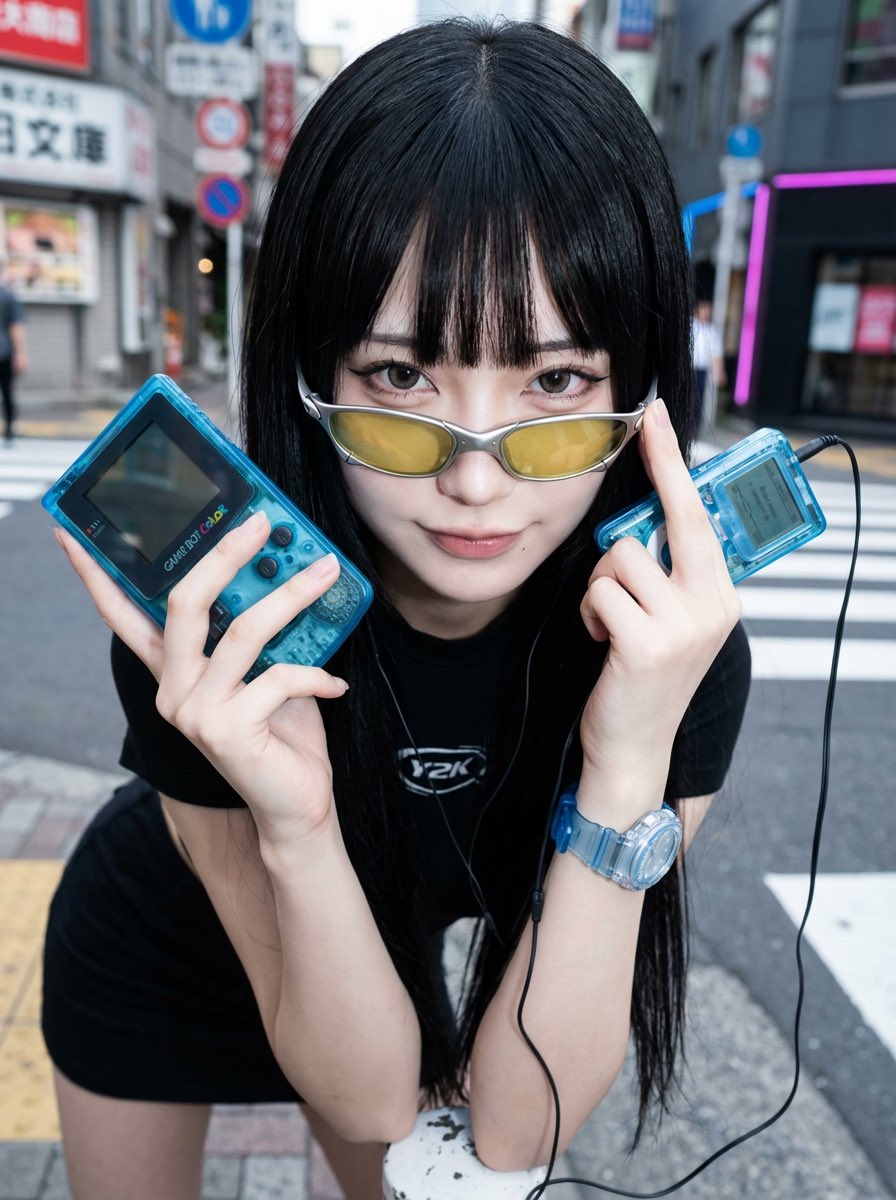
Y2K Fashion Influencer Character Generation Prompt
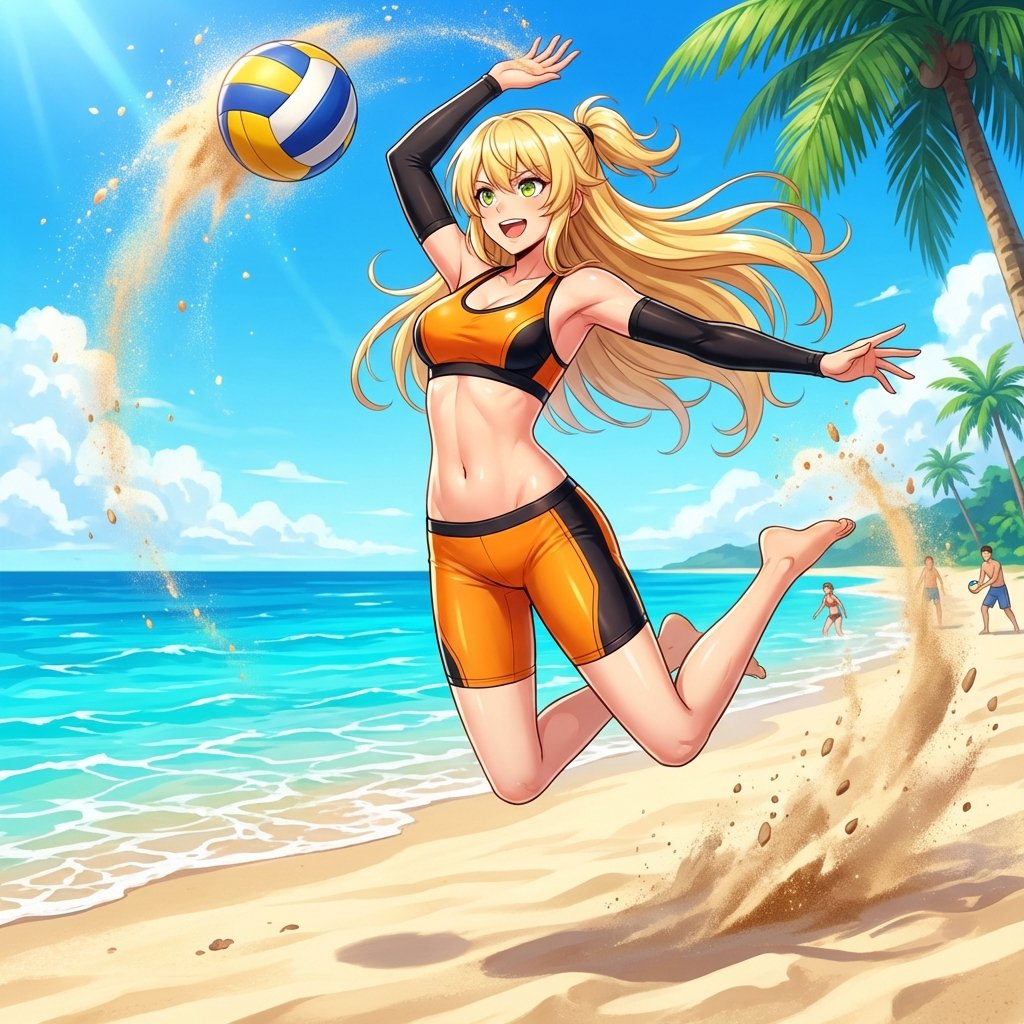
Prompt for Converting Subject into a Beach Volleyball Player

Man Pouring Water on Magic Heart
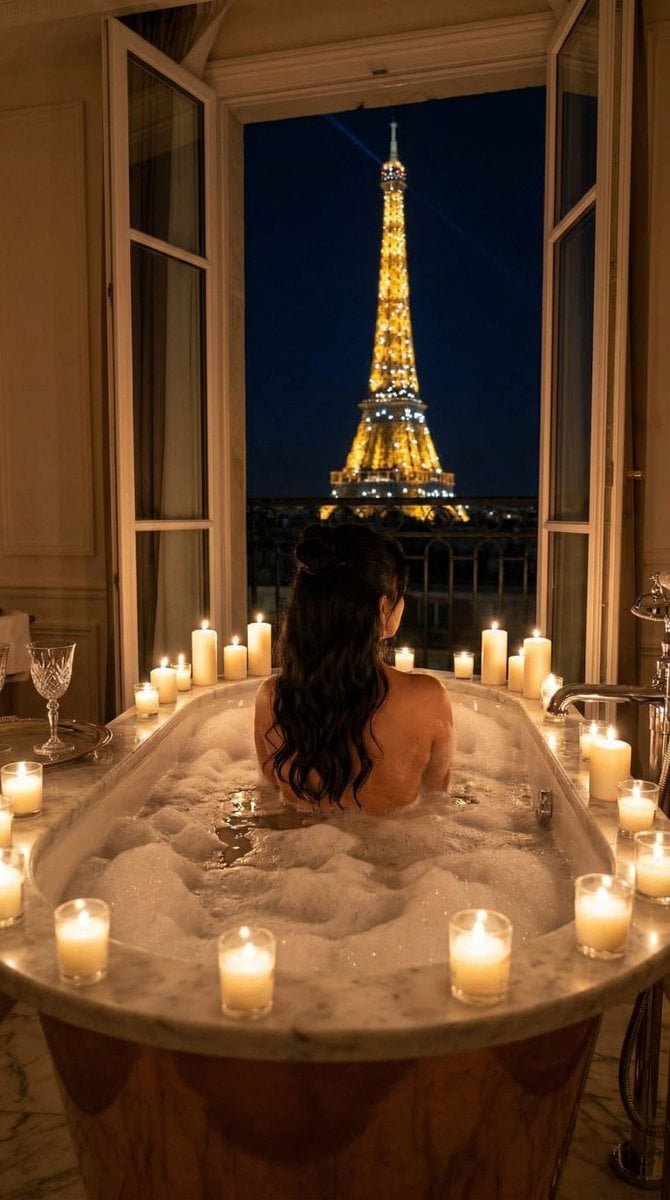
Nano Banana - Paris Balcony Night Eiffel
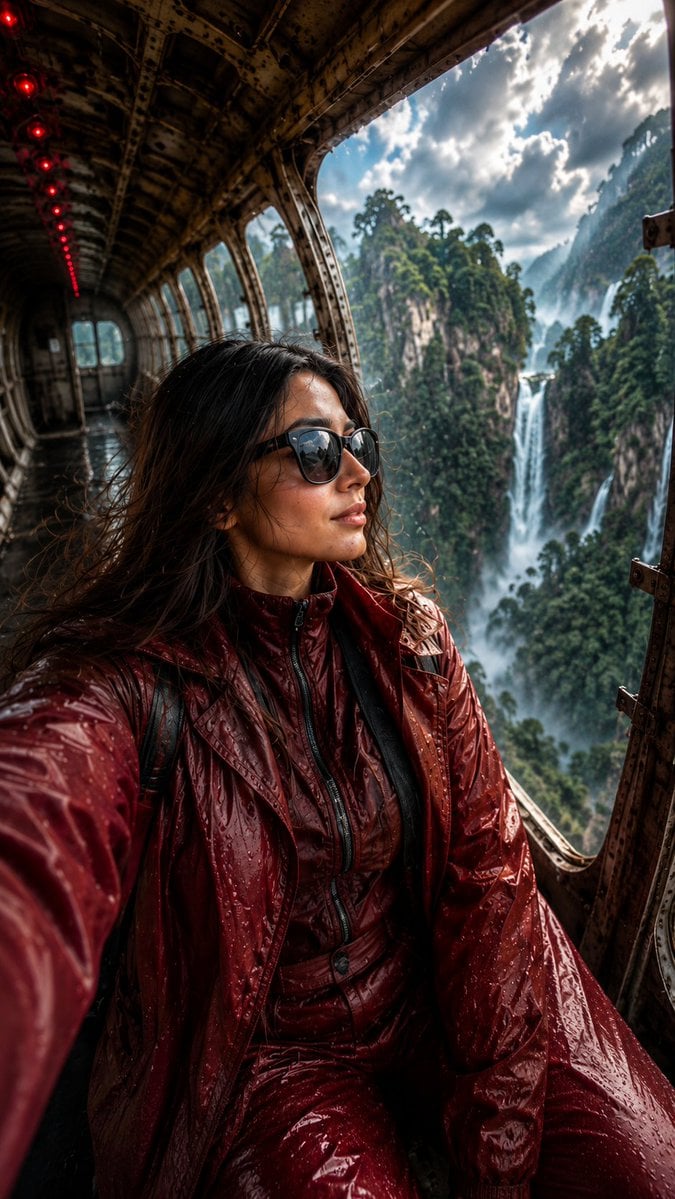
Abandoned Airplane Jungle Selfie
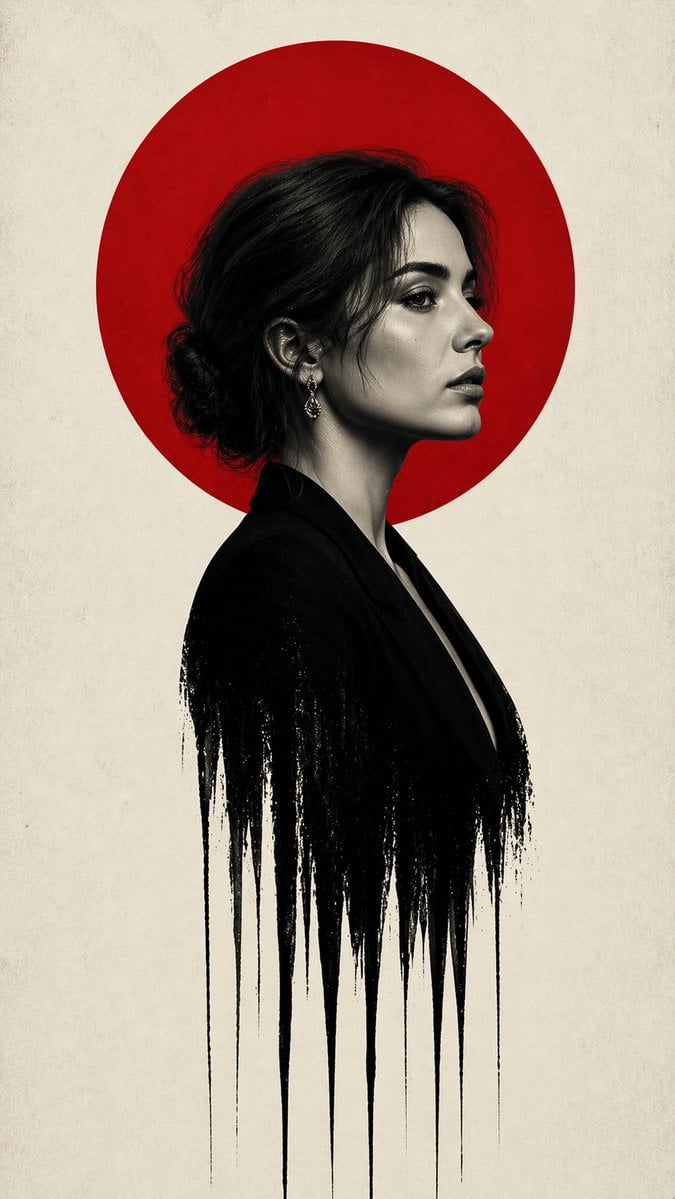
Noir Woman With Red Halo Poster
Browse template categories
Chibi Eraser Product Photography questions
How do I use the Chibi Eraser Product Photography template?
Add your photo if the template asks for one, edit the prompt if you like — the template's model and format are already selected — and press Generate. Your version opens in PicX Studio.
Can I customize the Chibi Eraser Product Photography template?
Yes. You can change the subject, setting, lighting, mood, format, and available model controls before creating your image.
Is the Chibi Eraser Product Photography template free?
Opening and editing this template is free. Generating uses credits, shown on the Generate button when you are signed in.
Which AI model should I use?
Start with GPT Image 2, which is the model associated with this template. You can compare another compatible model for a different finish.
Looking for something else? Browse all templates.

Your photo, any look
Thousands of ready templates for every top image and video model, from one credit balance.