
Realistic Family Lifestyle Portrait
A sophisticated prompt for creating a realistic family portrait from separate reference photos, focusing on natural poses, coordinated smart-casual clothing, and a luxurious outdoor garden setting.
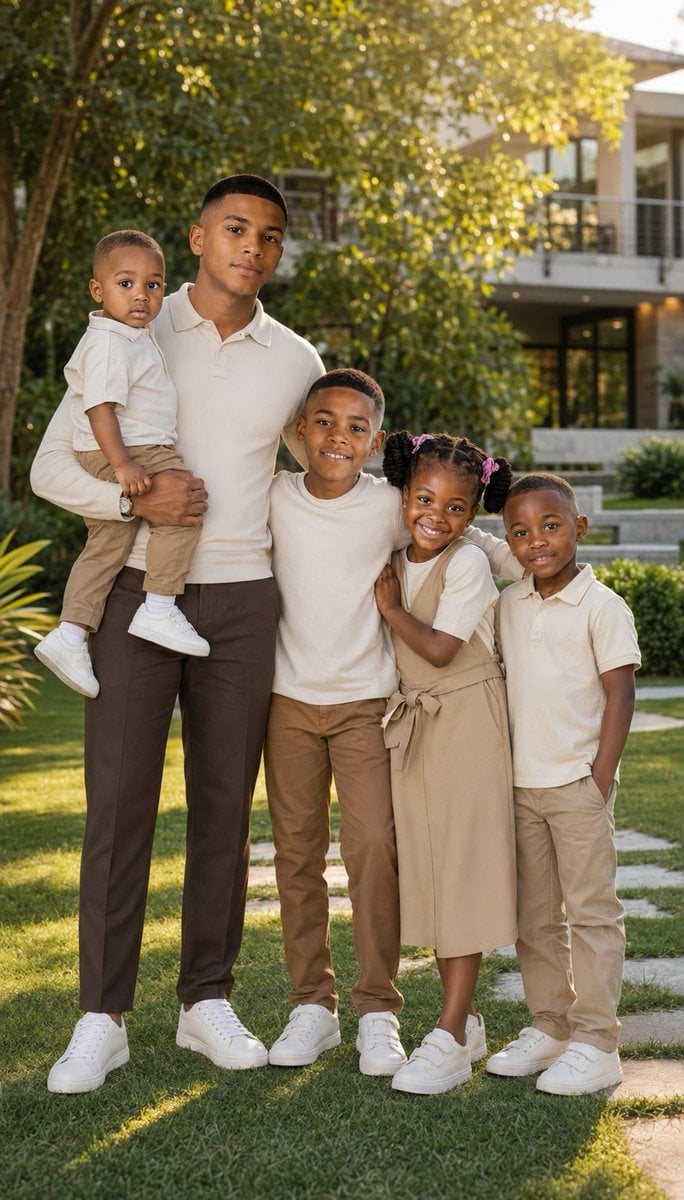
- Prompt included
- Model and format preset
- Free template
The prompt behind this image
Copy the exact prompt behind Realistic Family Lifestyle Portrait, or open it in the studio and make it yours.
Use the uploaded photo as the composition and pose reference. Create an ultra-realistic family lifestyle portrait of a {argument name="subject" default="father with his four children"}, preserving the natural arrangement from the reference: the father standing on the left holding the youngest child in one arm, while the three older children stand closely beside him, hugging and leaning toward him naturally. Keep the warm, playful family connection and realistic differences in height and age. Change the clothing completely to a coordinated, decent smart-casual family style. Dress the father in a {argument name="clothing color" default="clean cream"} long-sleeve polo shirt, tailored dark-brown trousers, and elegant white leather sneakers, with a simple wristwatch. Dress all four children in coordinated cream and earthy-brown outfits appropriate for their ages—neat polo shirts or modest tops paired with tailored trousers, skirts, or comfortable chinos and clean neutral sneakers. Keep the outfits stylish, modest, contemporary, and family-friendly, without large logos, chains, or excessive accessories. Replace the vehicle/background with a {argument name="setting" default="beautiful upscale outdoor garden setting featuring a modern luxury home in the distance"}, manicured green lawn, decorative plants, subtle stone pathways, and softly blurred trees. Use warm late-afternoon natural light filtering through the greenery for an elegant and welcoming atmosphere. Keep everyone naturally interacting rather than appearing overly posed. The youngest child should remain comfortably held by the father, while the other children gather affectionately around him with cheerful, natural expressions. Use professional lifestyle photography, realistic skin texture, accurate anatomy, natural body proportions, detailed clothing fabrics, soft cinematic lighting, subtle depth of field, realistic shadows, balanced exposure, and crisp facial details. Full-body vertical composition, premium family photoshoot aesthetic, photorealistic, high resolution. Important: If individual facial reference photos are provided, preserve each person's facial identity, natural skin tone, hairstyle, age, and distinctive features without beautifying or altering their identity.
How to use Realistic Family Lifestyle Portrait in 3 steps
- 1Upload ImagePNG, JPG or paste
Add your photo
Upload the photo the template builds on. The prompt, model and format are already set.
- 2…a portrait of your subject in softgolden-hour light, 85mm…
Personalize
Edit the subject and creative details for your destination.
- 3Generate
Generate
Press Generate — your image is created in PicX Studio, so you can compare it with the original and refine one variable at a time.
More like this
Templates with the same subject, style or setup. Open one to see its prompt.

Miniature Self Portrait Collage

Found Photograph: Us, 1970

80s Couple Studio Portrait

80s Bollywood Star

80s Golden Hour Cinema

Me in 1985

1985 Studio Portrait

Hyper-Realistic Minecraft POV Portrait

Rooftop Fisheye — Cat-Ear Balaclava at Golden Hour

A k.pop idol on the stage with mic

Rainy Café Window Moody Portrait

untitled
Make it yours
Realistic Family Lifestyle Portrait works as-is. These are the safest ways to change it without losing the look.
Change one field
Copy a single group, rewrite it, and generate again so you can see what that field is doing.
Keep the frame, change the subject
Hold the composition and light of Realistic Family Lifestyle Portrait, then swap wardrobe, props or the person for a new take.
| If the result… | Why | Fix |
|---|---|---|
| The result drifts from the preview | Too many fields changed at once. | Reuse Realistic Family Lifestyle Portrait as-is first, then change one group — subject, light, or setting. |
| The model over-stylizes the scene | The prose prompt leaves finish and camera underspecified. | Add one camera or lighting sentence and stay on GPT Image 2. |
More GPT Image 2 templates
Other prompts made for GPT Image 2.

Six VTuber Japanese Logo Sheet

Realistic Portrait of Woman and Deer

The Vista Modular Condo Poster

AI Model Routing Comparison Infographic

2.5D Anime Art Board

Isometric Productivity Desk Scene

New York Double Exposure Poster

Four-Panel AI Landscape Comparison

Japanese Tatami Lifestyle Magazine Cover

NESCAFÉ Coffee Map Poster
More image prompts
Fresh picks from across the catalog.
Cinematic Tracking Shot Video Prompt
Image Redrawing and Style Transfer Prompt
Indie Sleaze 2000s Street Style Portrait Prompt
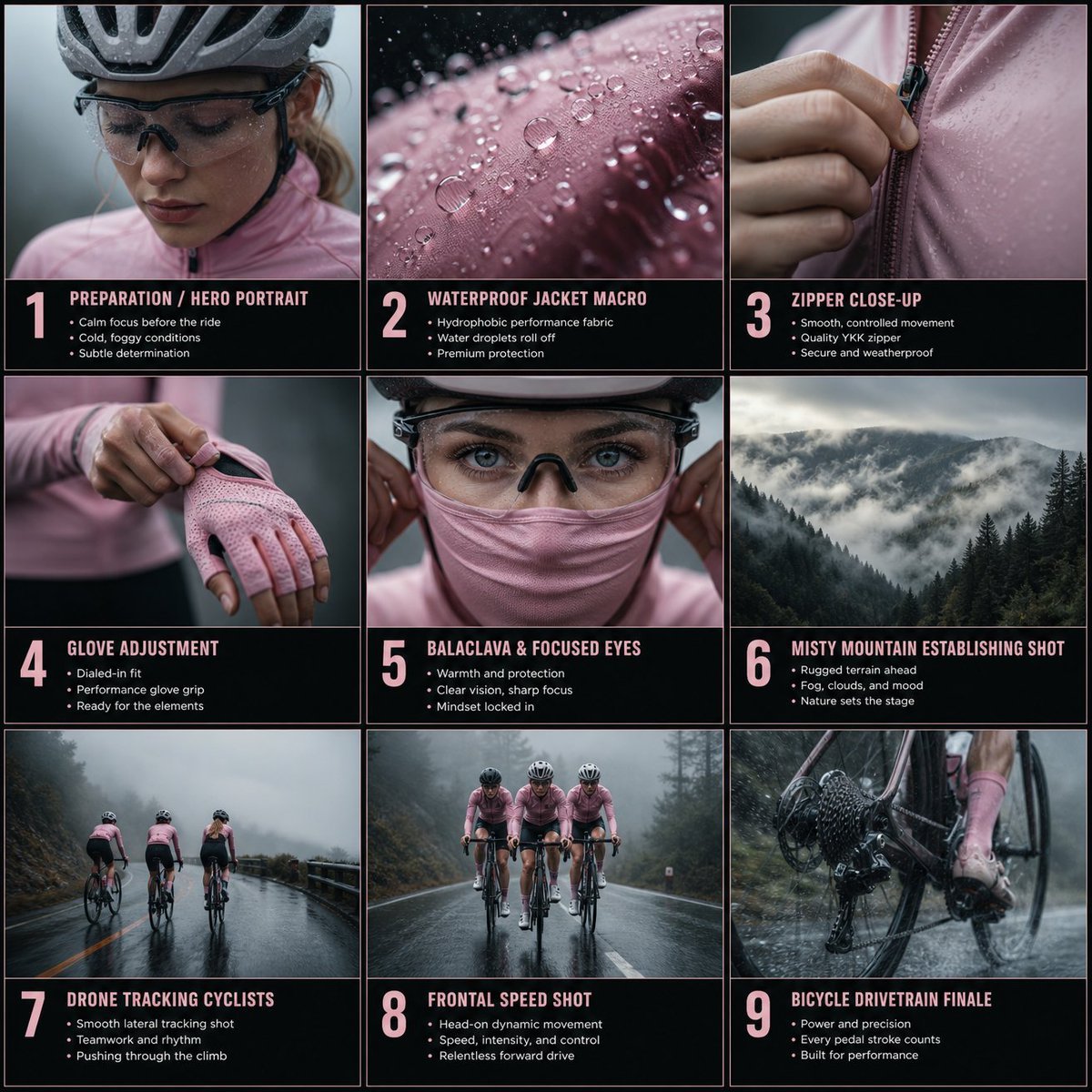
Cinematic Cycling Storyboard

Japanese Ikemen Product Ad Grid
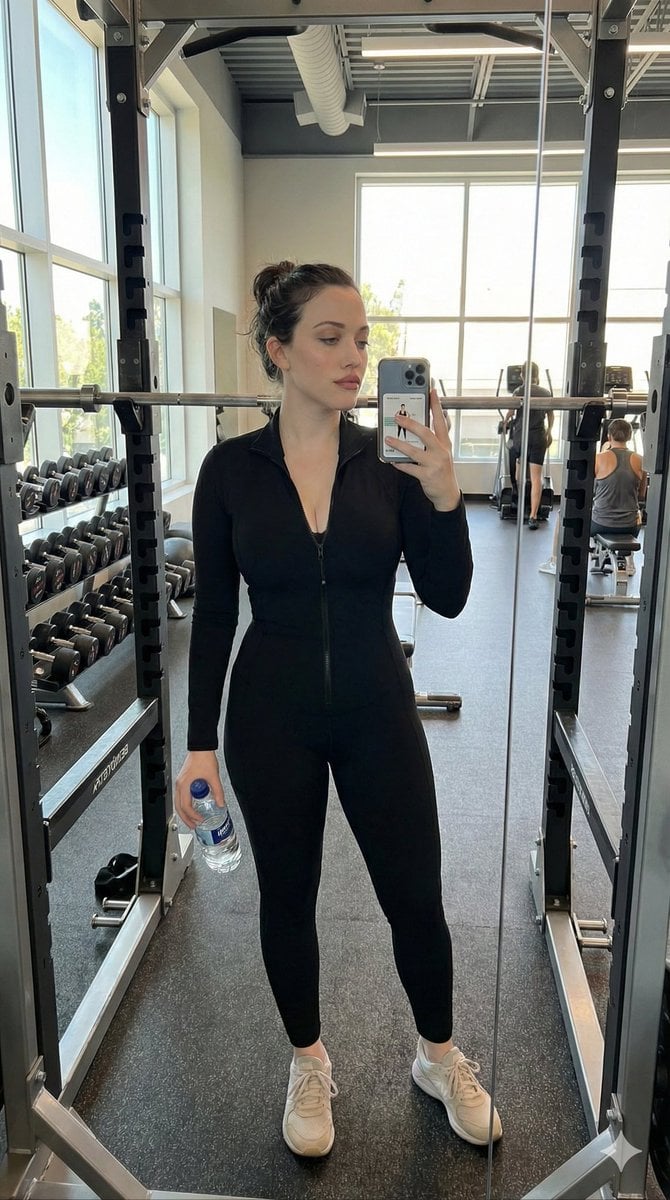
Realistic Gym Selfie Portrait Prompt
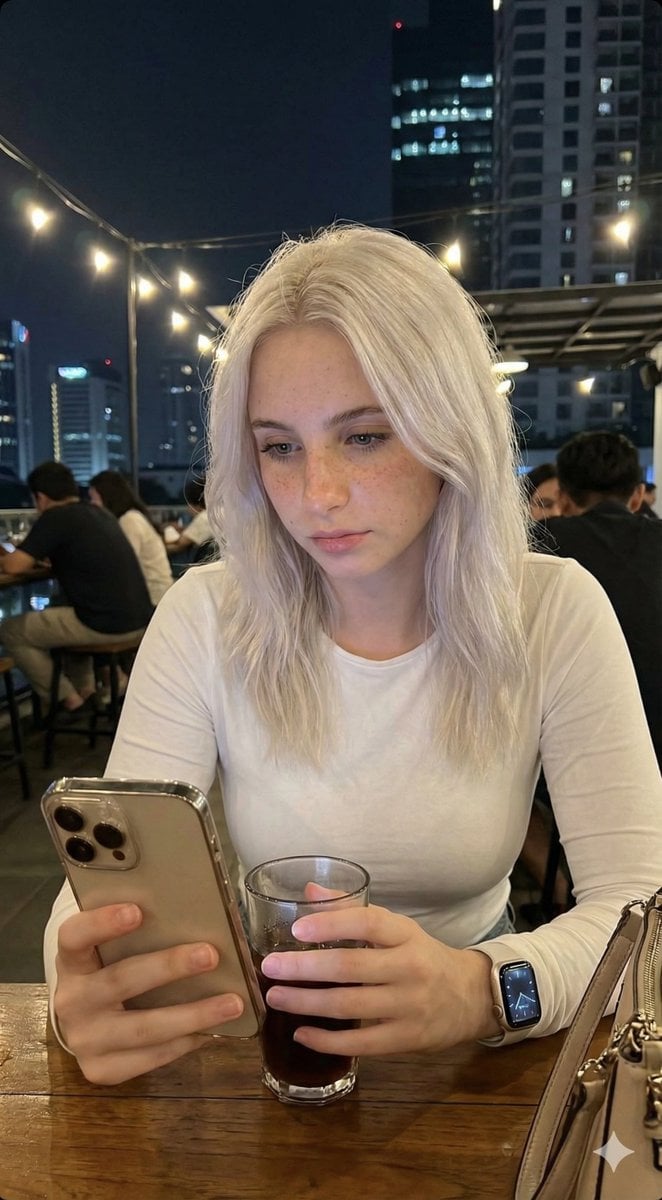
Candid Lo-Fi Night Photo Editing Instruction
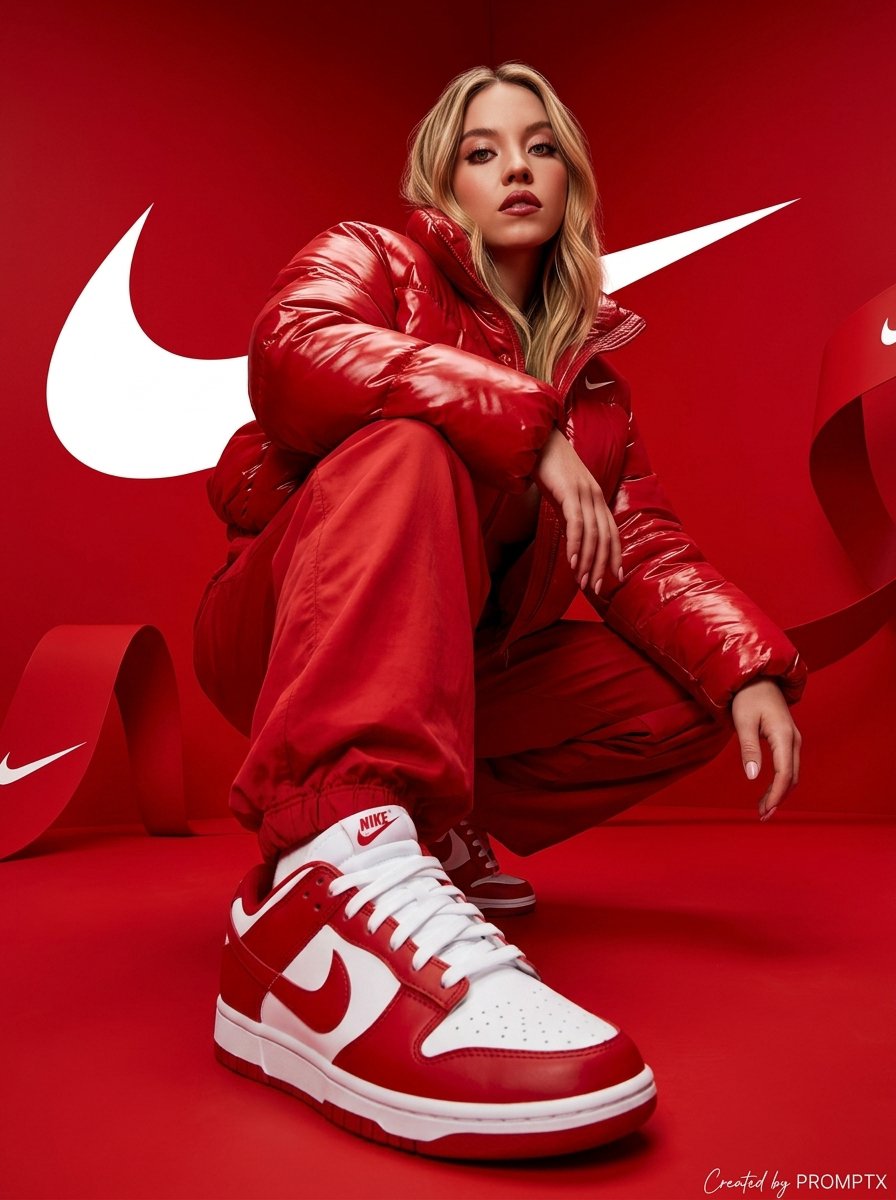
Hyper-Realistic Streetwear Campaign in Red
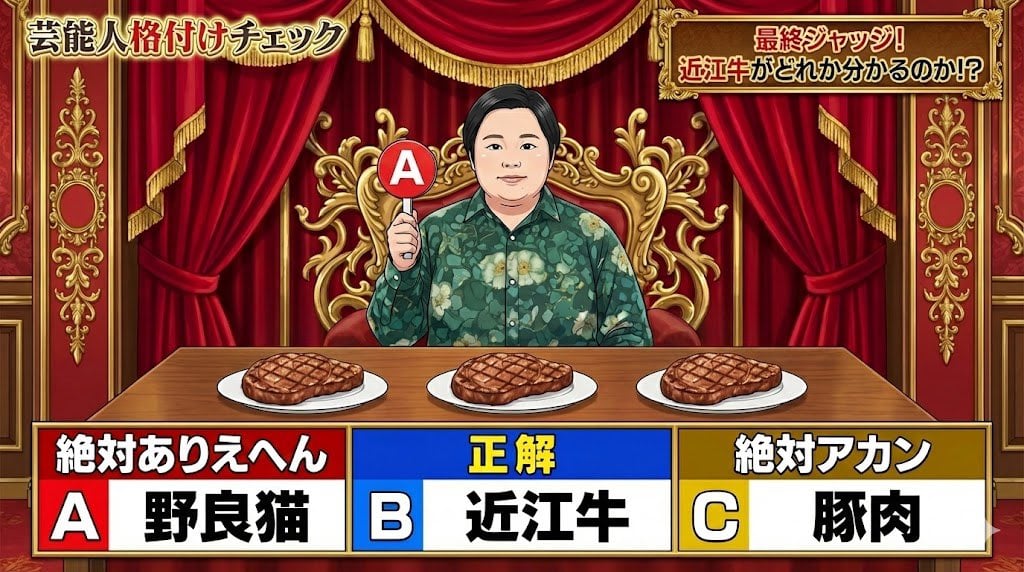
Japanese TV Parody Image Generation Prompt
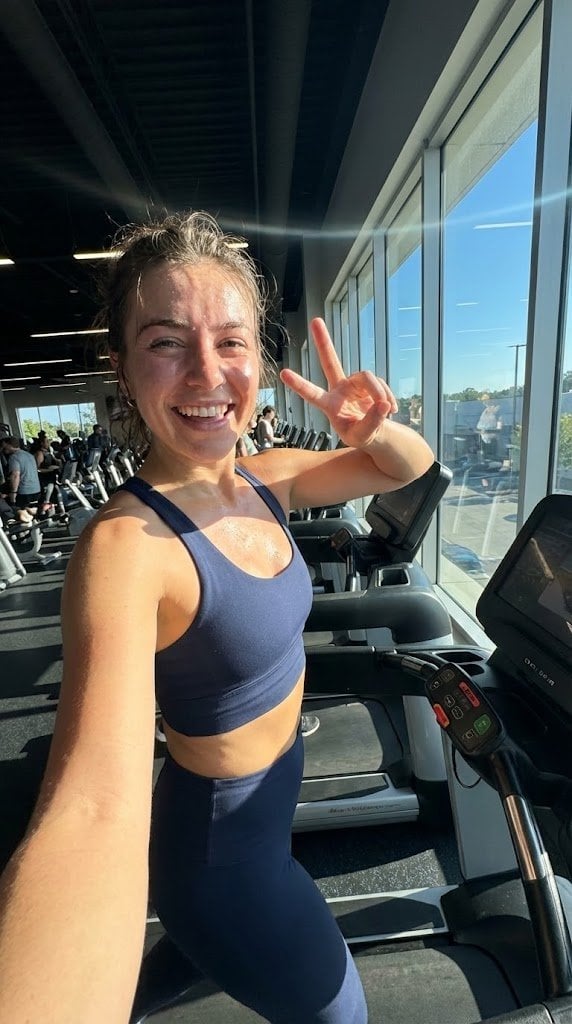
System JSON prompt template for ultra-realistic iPhone-style AI influencers
Browse template categories
Realistic Family Lifestyle Portrait questions
How do I use the Realistic Family Lifestyle Portrait template?
Add your photo if the template asks for one, edit the prompt if you like — the template's model and format are already selected — and press Generate. Your version opens in PicX Studio.
Can I customize the Realistic Family Lifestyle Portrait template?
Yes. You can change the subject, setting, lighting, mood, format, and available model controls before creating your image.
Is the Realistic Family Lifestyle Portrait template free?
Opening and editing this template is free. Generating uses credits, shown on the Generate button when you are signed in.
Which AI model should I use?
Start with GPT Image 2, which is the model associated with this template. You can compare another compatible model for a different finish.
Looking for something else? Browse all templates.

Your photo, any look
Thousands of ready templates for every top image and video model, from one credit balance.