
Analog Film Kiss in a Bookstore Aisle
A highly specific JSON prompt for generating an intimate, candid analog film photograph of a couple kissing in a narrow bookstore aisle during the evening.
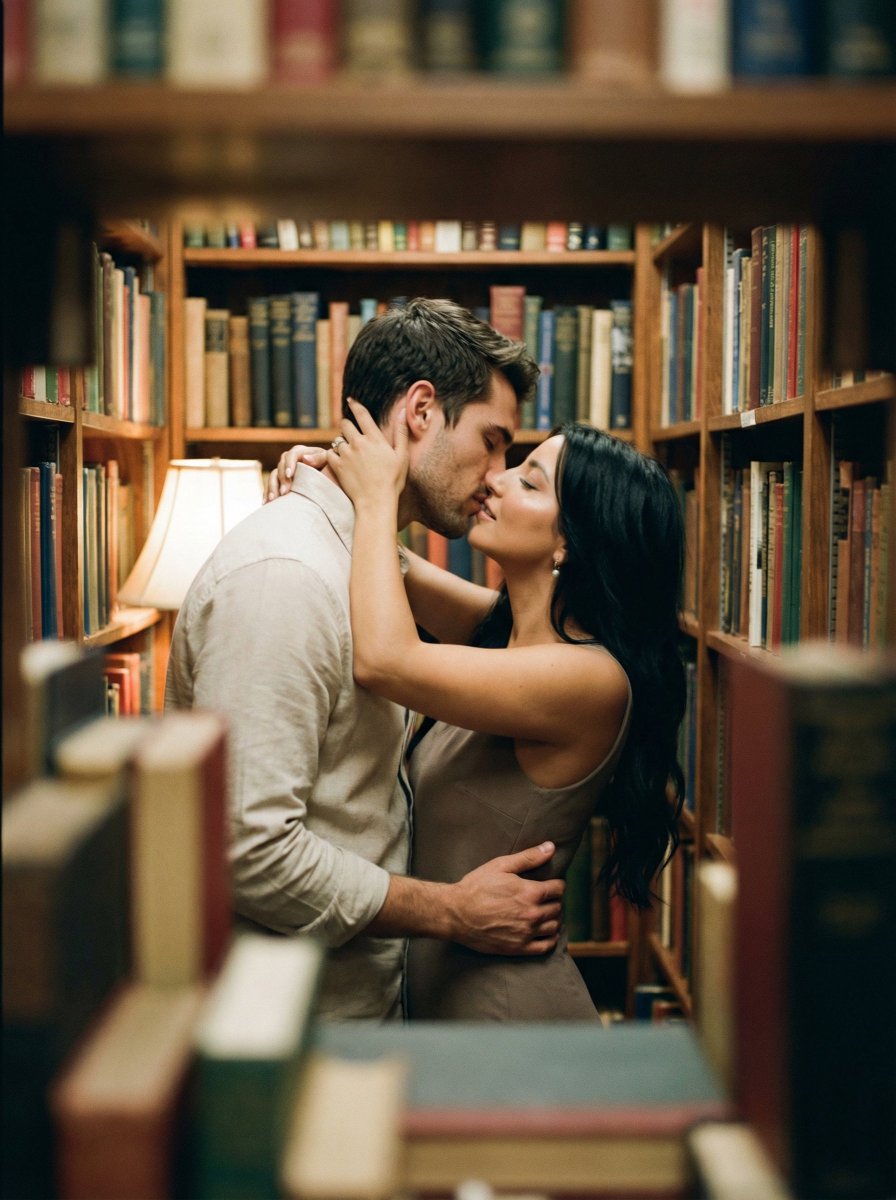
- Prompt included
- Model and format preset
- Free template
The prompt behind this image
Copy the exact prompt behind Analog Film Kiss in a Bookstore Aisle, or open it in the studio and make it yours.
{ "meta": { "project": "analog_library_kiss", "style": "analog_film_intimate_candid", "aspect_ratio": "{argument name="aspect ratio" default="3:4"}", "output_type": "single_image", "priority": "highest" }, "scene": { "location": "narrow used-book bookstore / small library aisle", "time": "evening", "lighting": "warm tungsten practicals, dim cozy ambience, soft falloff into shadows", "composition": "shot through a foreground gap between stacked books (foreground heavily blurred), couple centered mid-frame, bookshelves filling the background, claustrophobic intimate framing" }, "subjects": { "male": { "age": "mid 20s", "outfit": "light beige button-up shirt with sleeves down, casual", "pose": "left arm around her waist pulling her close, head tilted toward her", "expression": "eyes closed, kissing" }, "female": { "age": "mid 20s", "outfit": "light beige/taupe sleeveless dress", "hair": "long dark wavy hair, loose, slightly messy", "pose": "both arms up around his neck, fingers in his hair/neckline, leaning in", "expression": "eyes closed, kissing" } }, "motion_language": { "feel": "candid handheld moment", "blur": "intentional slight motion blur on faces/arms from movement during the kiss, not smeared or warped" }, "camera": { "lens": "35mm vintage prime", "distance": "close-medium", "angle": "eye-level, slightly off-center", "focus": "focus on their heads/upper bodies, shallow depth of field; foreground books very soft bokeh", "exposure": "low light, natural grain, highlights protected (no blown lamps)" }, "analog_look": { "film_stock": "{argument name="film stock" default="Kodak Portra 400 pushed +1 moody"}", "grain": "visible organic grain, film-like", "contrast": "low-mid, lifted blacks", "color": "warm amber highlights, muted greens/browns in shadows", "halation": "subtle around specular highlights on book edges", "softness": "gentle lens softness + slight corner falloff, not digital blur", "imperfections": "very light vignette, tiny dust specks, mild gate weave feel" }, "texture_fidelity": { "skin": "natural pores and sheen, no plastic smoothing", "fabric": "visible weave and folds, realistic shadowing", "books": "paper edges, worn spines, readable texture but no readable text emphasis" }, "constraints": { "perfect_anatomy": true, "correct_fingers": true, "no_extra_limbs": true, "no_face_morphing": true, "no_face_swapping": true, "no_weird_teeth": true, "no_background_warp": true, "no_text_overlay": true, "no_logos": true, "no_cgi_look": true, "no_beauty_filter": true }, "negative": "HDR, over-sharpened, glossy skin, AI-symmetry face, duplicated faces, melted hands, extra fingers, warped shelves, floating books, neon colors, strong vignette, heavy light leaks, digital bokeh circles, poster text, watermark" }
How to use Analog Film Kiss in a Bookstore Aisle in 3 steps
- 1
Open
The prompt is already in the box next to the preview, with the template's model and format selected.
- 2…a portrait of your subject in softgolden-hour light, 85mm…
Personalize
Edit the subject and creative details for your destination.
- 3Generate
Generate
Press Generate — your image is created in PicX Studio, so you can compare it with the original and refine one variable at a time.
More like this
Templates with the same subject, style or setup. Open one to see its prompt.
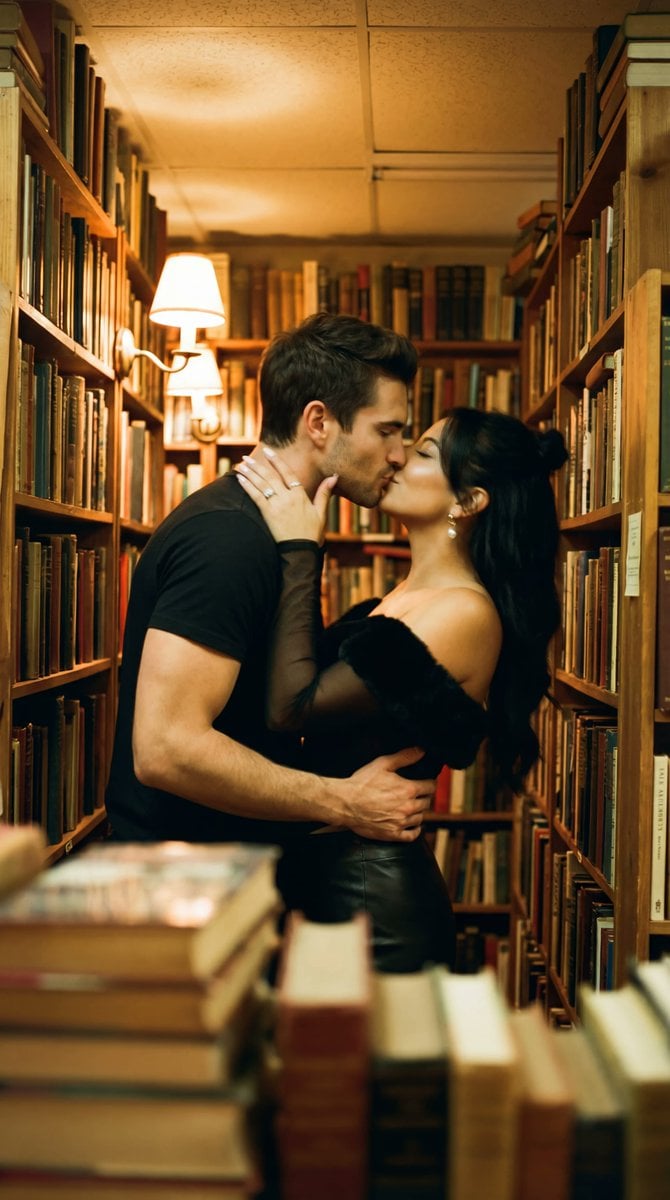
Photorealistic Cinematic Kiss in a Cozy Bookstore Aisle
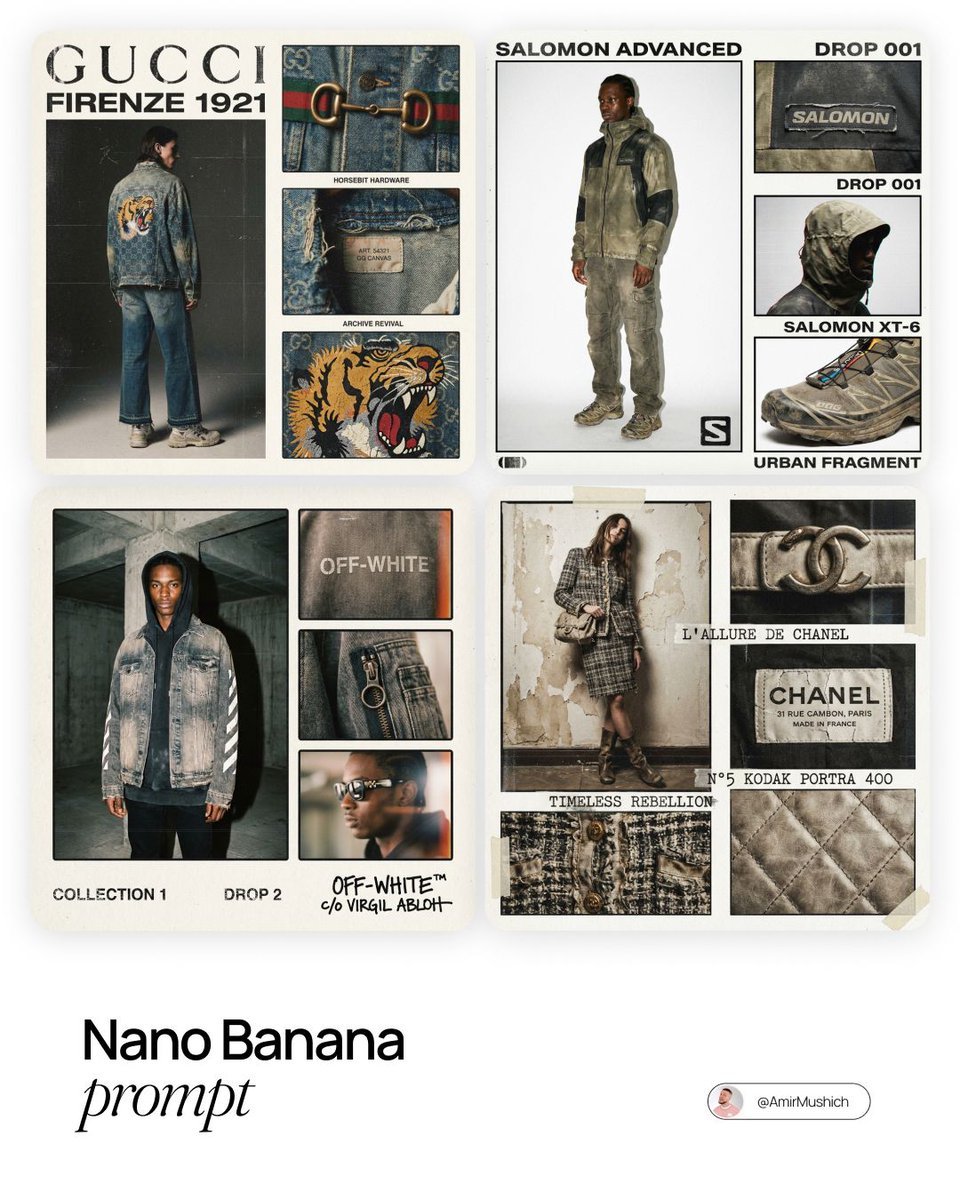
Intense film grain, analog noise, and scanline artifacts
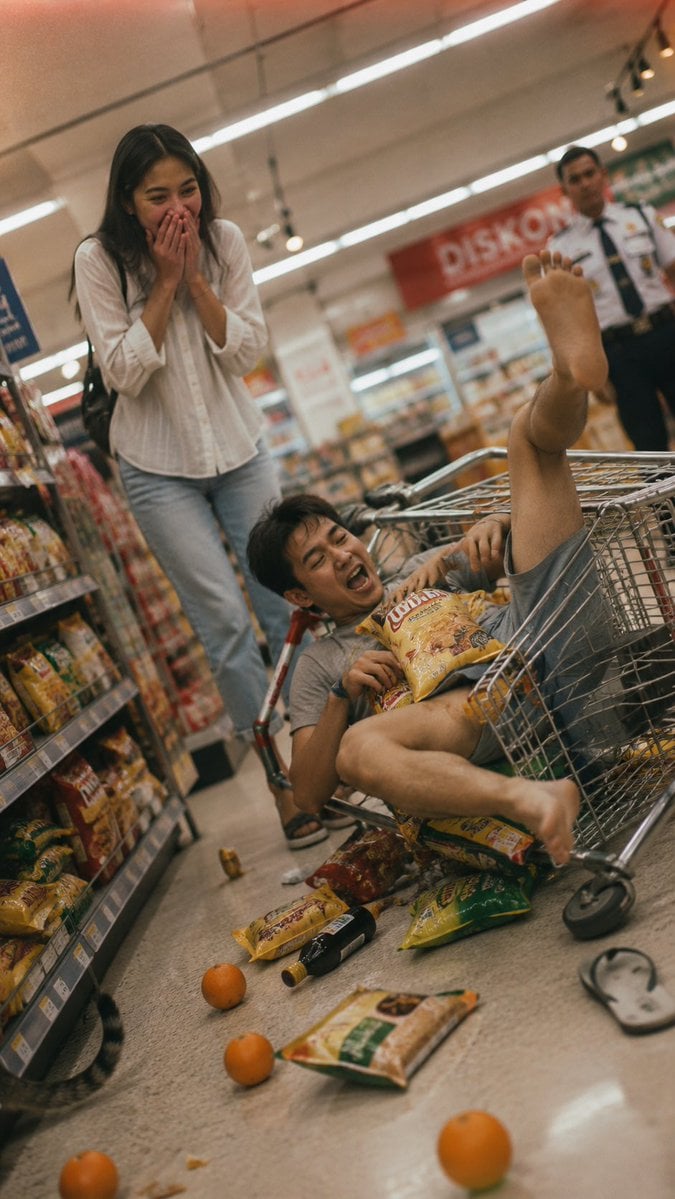
Grocery Aisle Disaster Film Photo
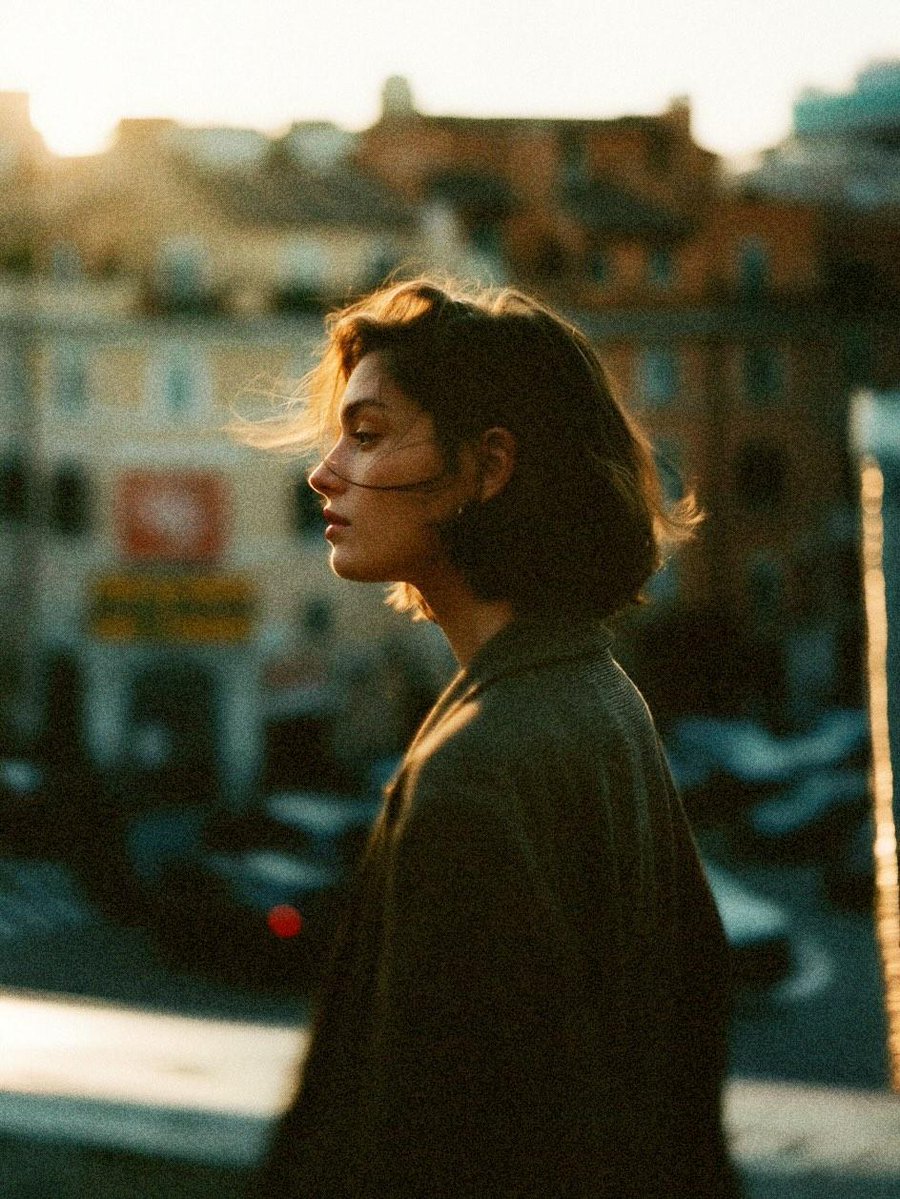
Cinematic 35mm Analog Film Photo Series
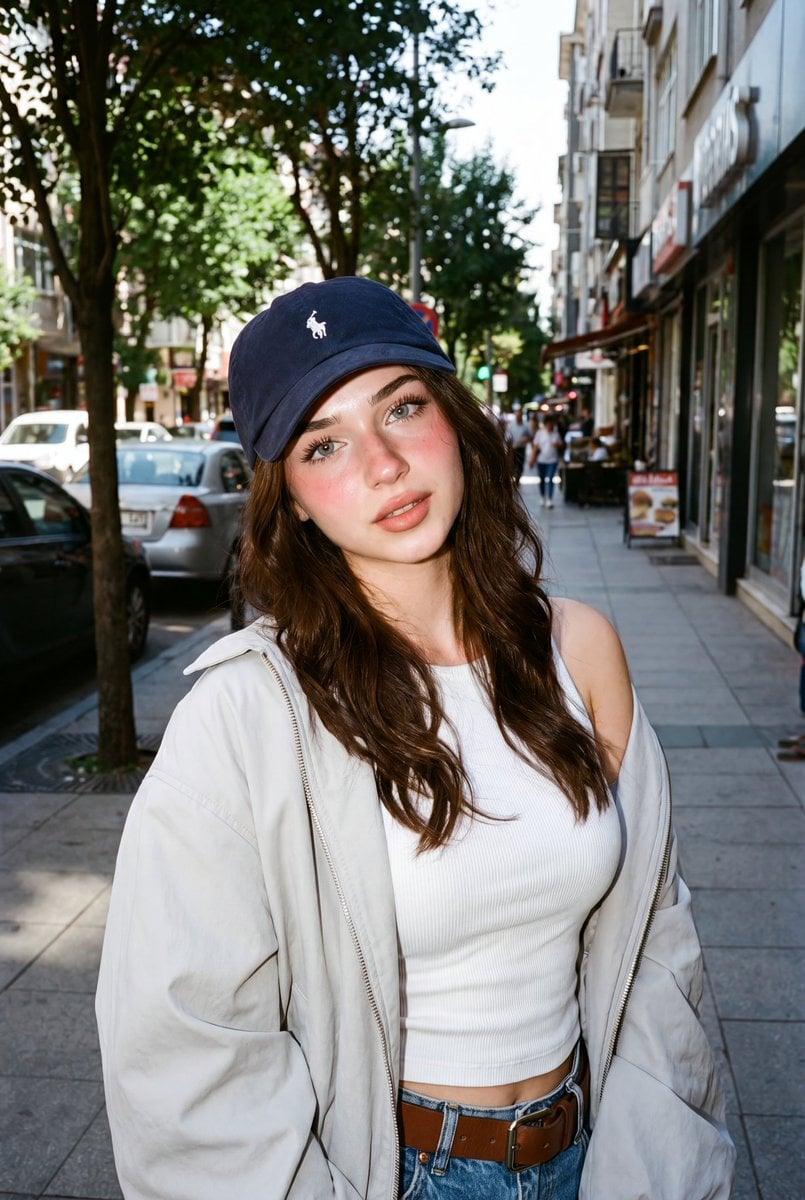
Analog Film Filipina Portrait
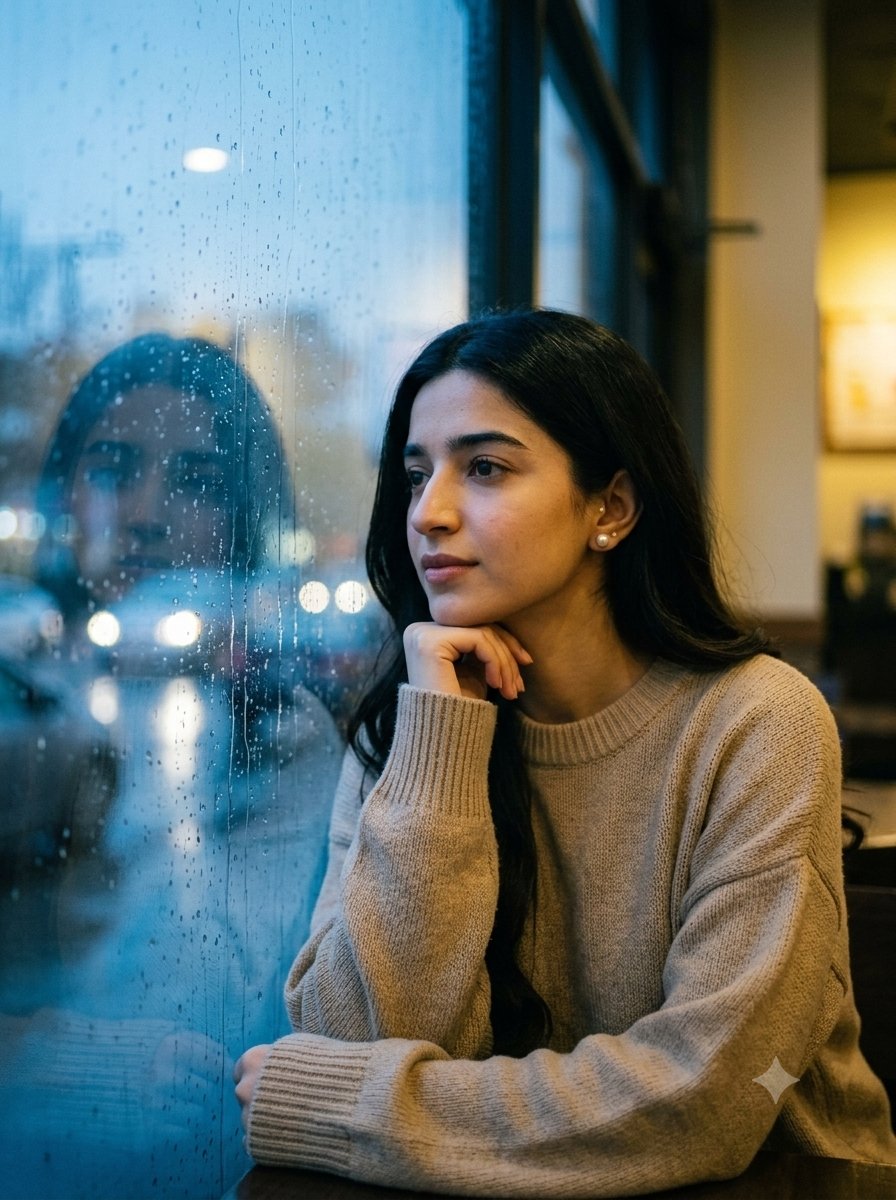
Cafe Window Analog Film

Sepia Family Portrait Studio

Monogram Luggage Cart

Statue Garden Twilight

Opera Glasses Velvet Seat

Fountain Pen Ink Splash

Manor Garden Topiary Path
Make it yours
Analog Film Kiss in a Bookstore Aisle works as-is. These are the safest ways to change it without losing the look.
Change one field
Copy a single group, rewrite it, and generate again so you can see what that field is doing.
Keep the frame, change the subject
Hold the composition and light of Analog Film Kiss in a Bookstore Aisle, then swap wardrobe, props or the person for a new take.
| If the result… | Why | Fix |
|---|---|---|
| The result drifts from the preview | Too many fields changed at once. | Reuse Analog Film Kiss in a Bookstore Aisle as-is first, then change one group — subject, light, or setting. |
| The model over-stylizes the scene | The prose prompt leaves finish and camera underspecified. | Add one camera or lighting sentence and stay on Nano Banana 2. |
More Nano Banana 2 templates
Other prompts made for Nano Banana 2.

Photorealistic Leaf Shaped Like a Dragon

K-Pop Idol Portrait Grid for Rapid Selection

Poetic Rain Forest Portrait During Golden Hour

Urban Street Portrait with Cartoon Inner Self Duo

Candid Nighttime Photo with Cat Prompt

High-Concept 3D Diorama Generation Prompt

Cinematic Futuristic Studio Portrait Template

Skincare Editorial Photography Collage Prompt

Hyper-Realistic Commercial Product Photography (Splash Effect)

Hyper-Realistic Nightclub Portrait Prompt
More image prompts
Fresh picks from across the catalog.
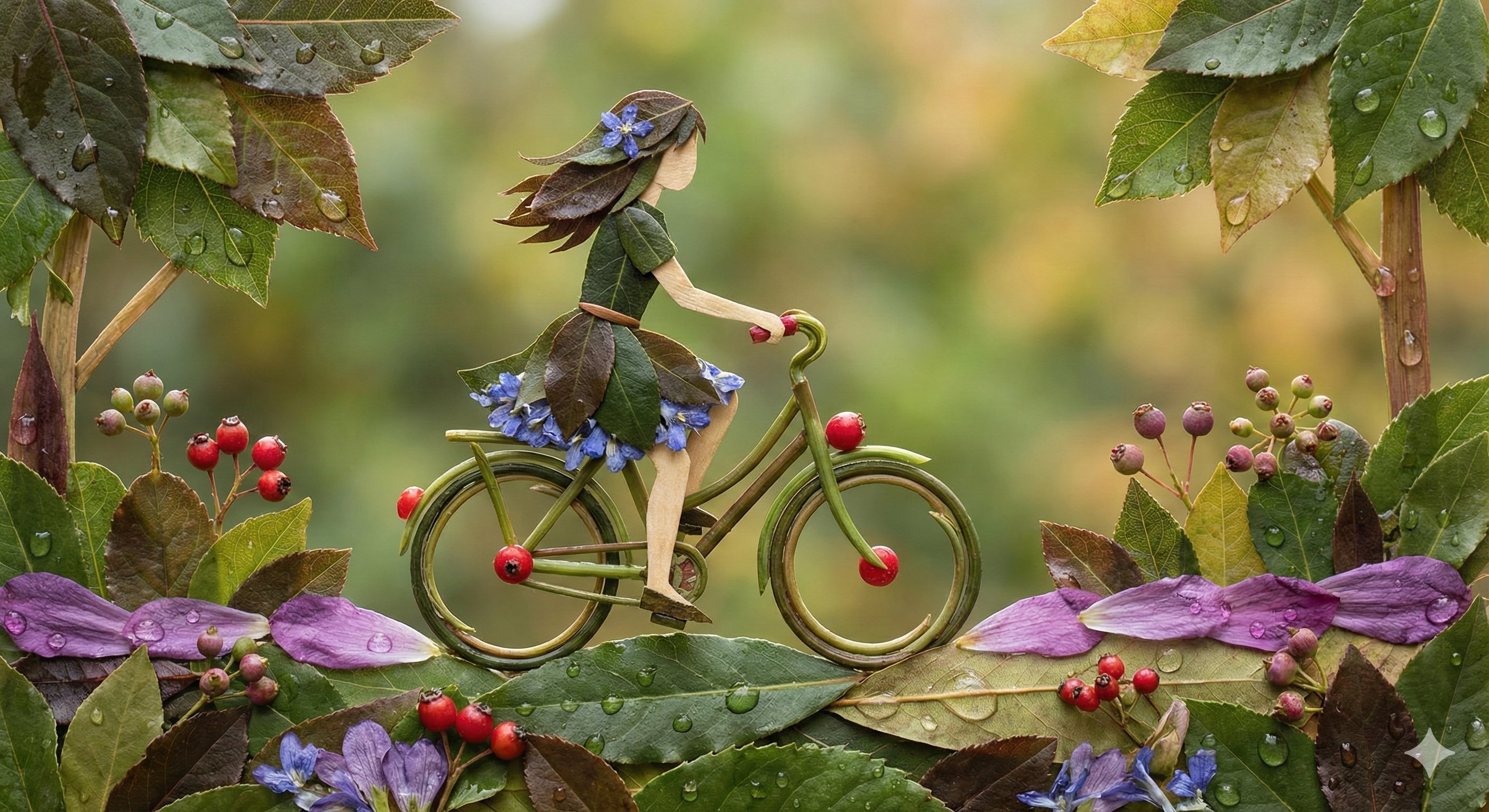
Botanical Leaf Art Style
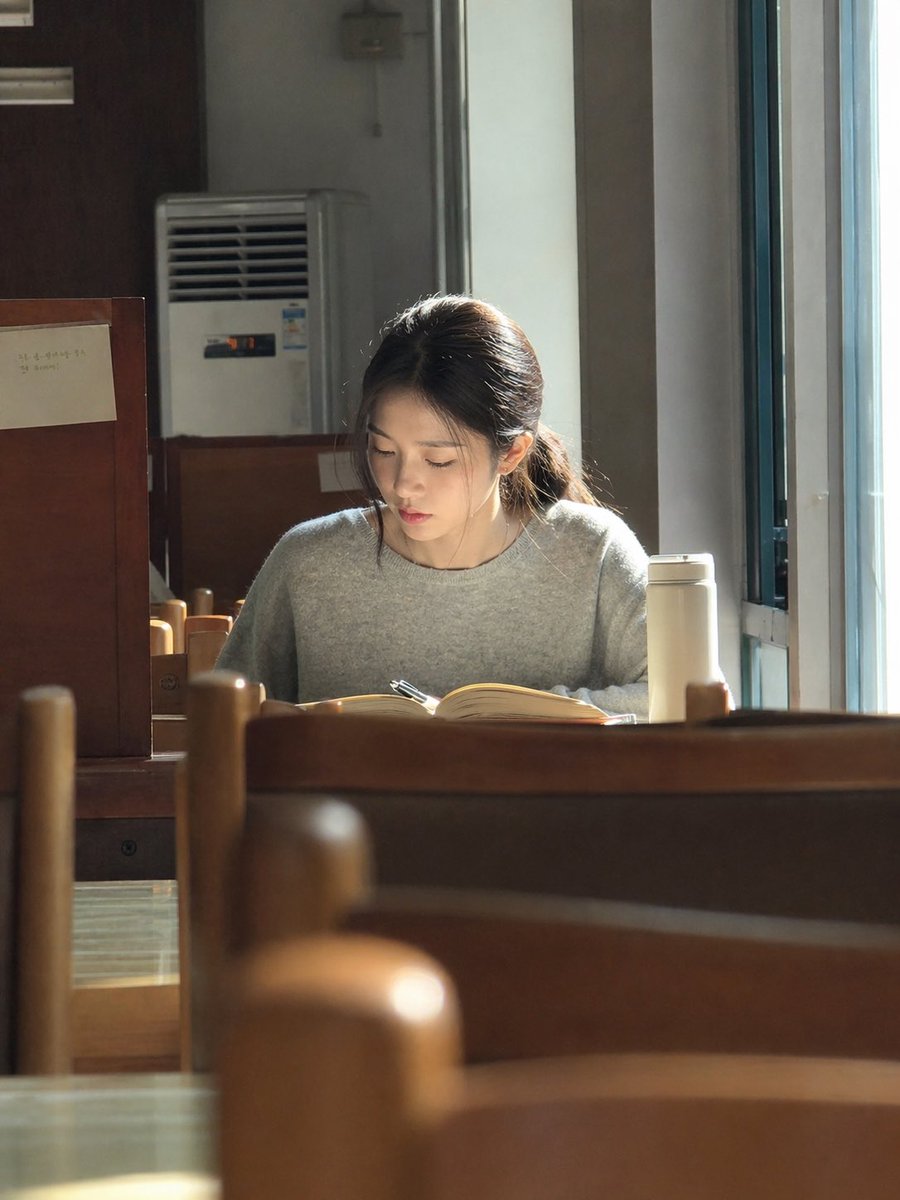
Sunlit Library Study Portrait
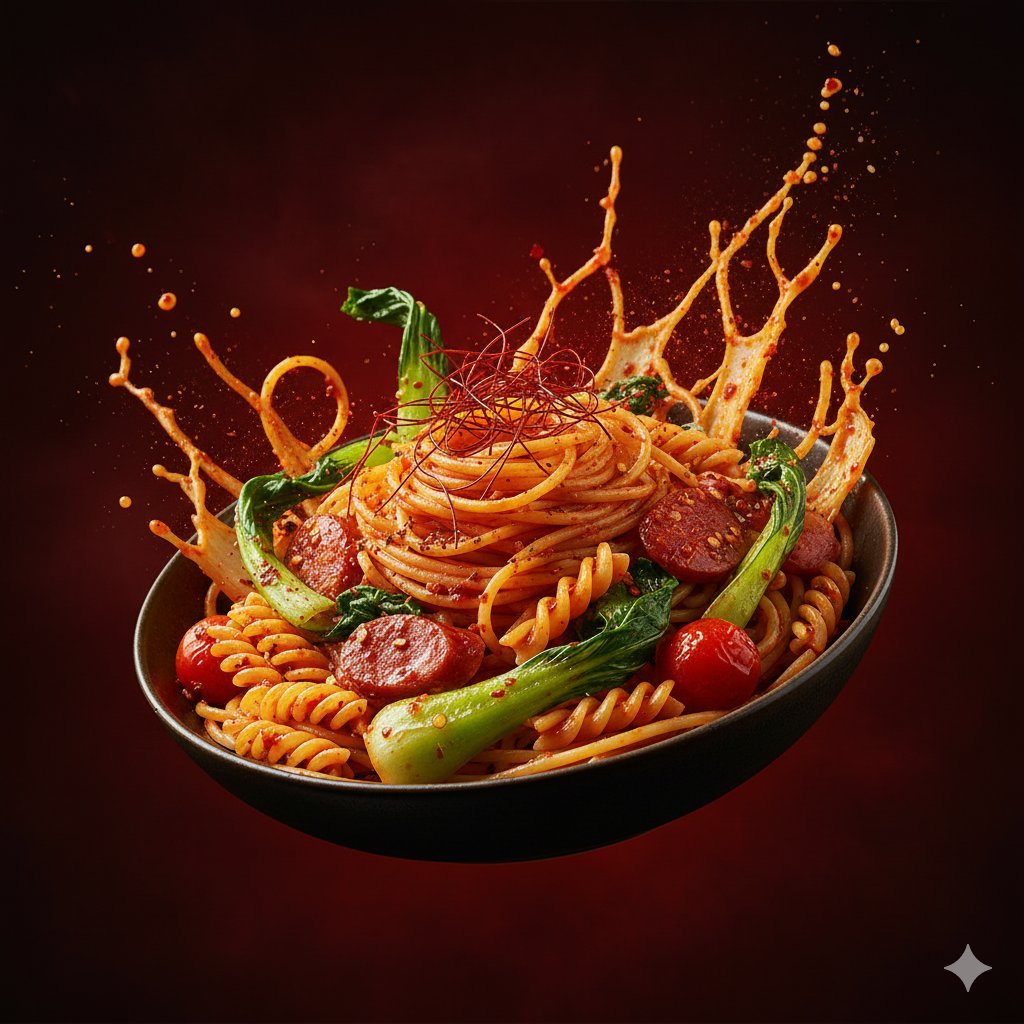
Dynamic Hyper-Realistic Biryani Hero Shot (JSON)
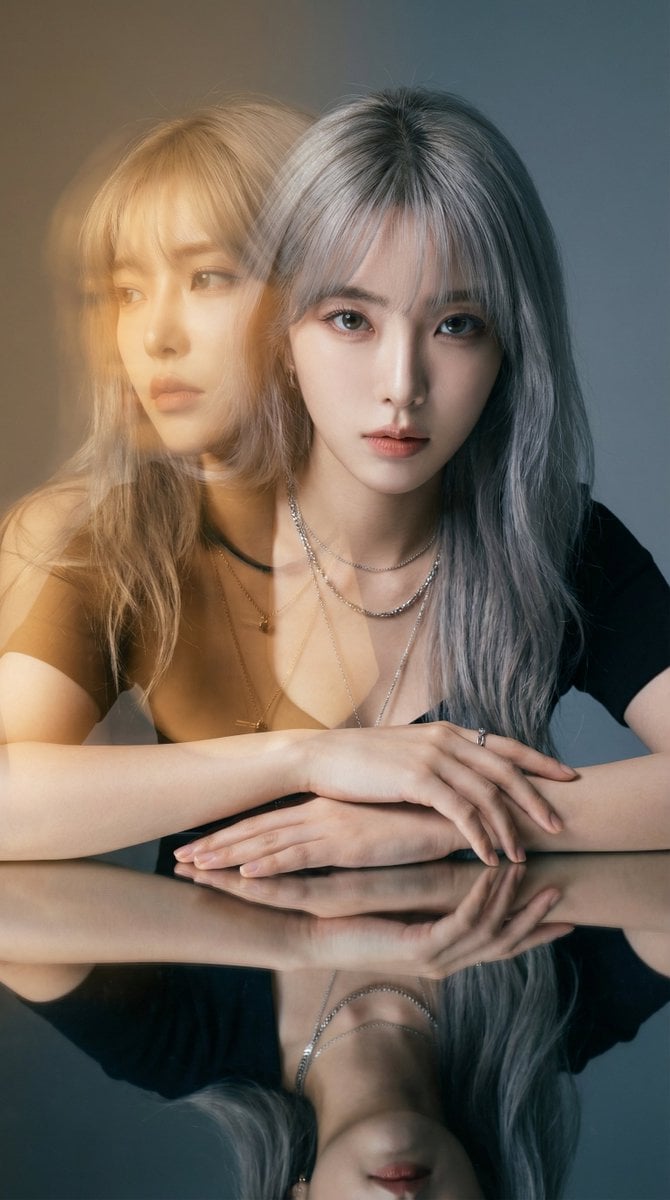
High-Fashion Double Exposure Portrait with Reflection
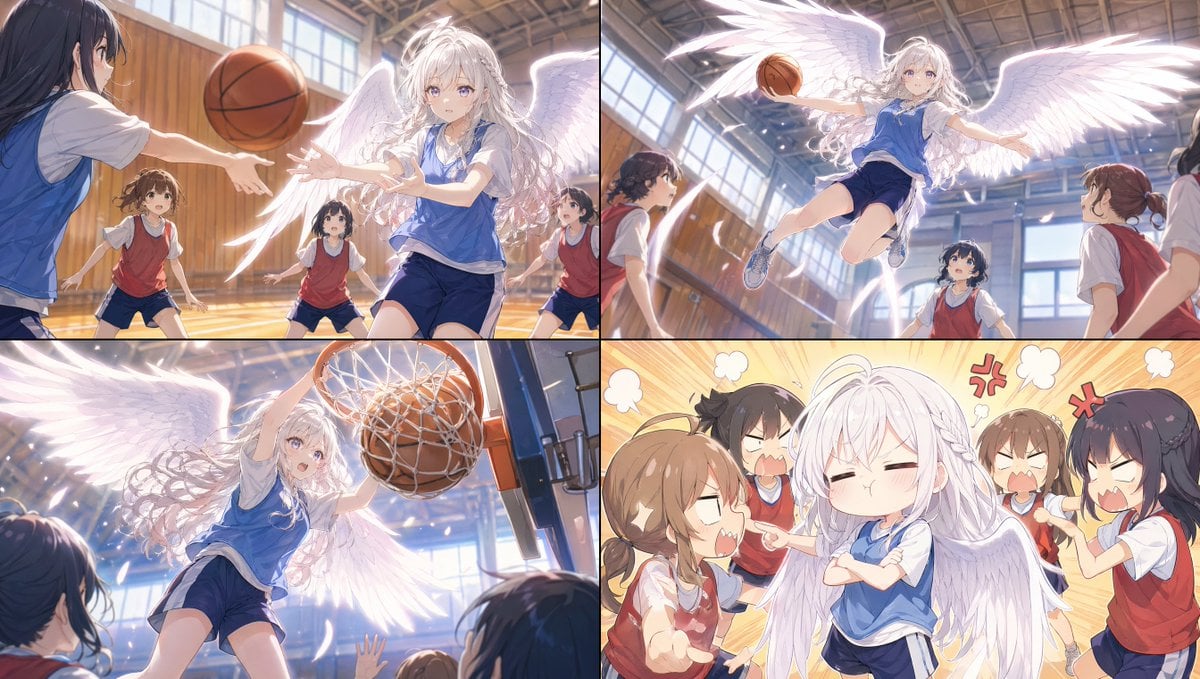
Angel Girl Basketball Storyboard
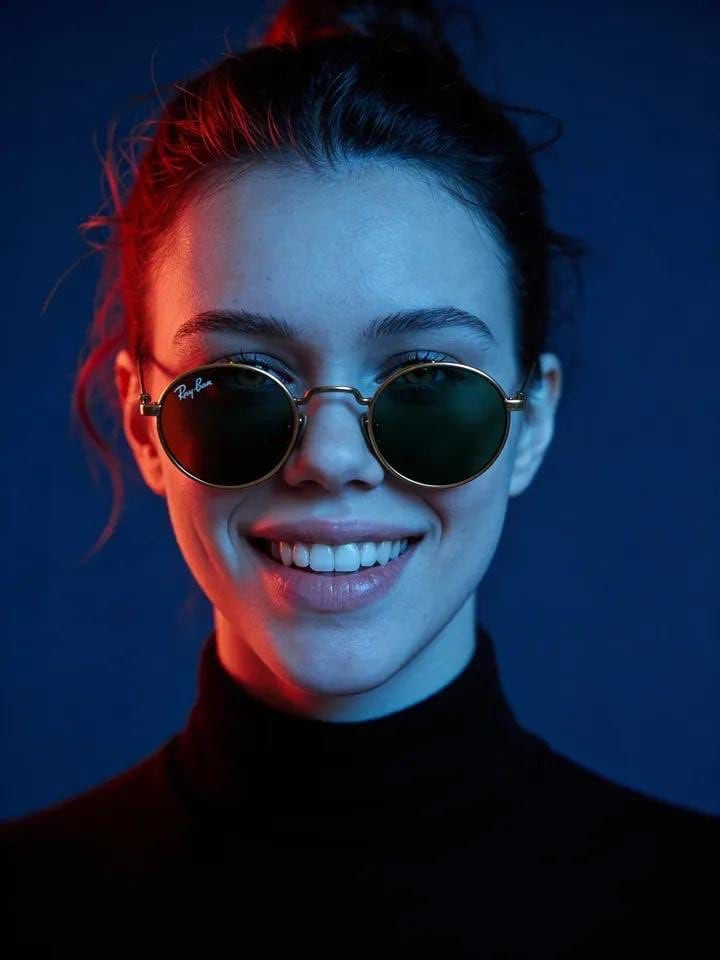
Cyber-Noir Cinematic Portrait
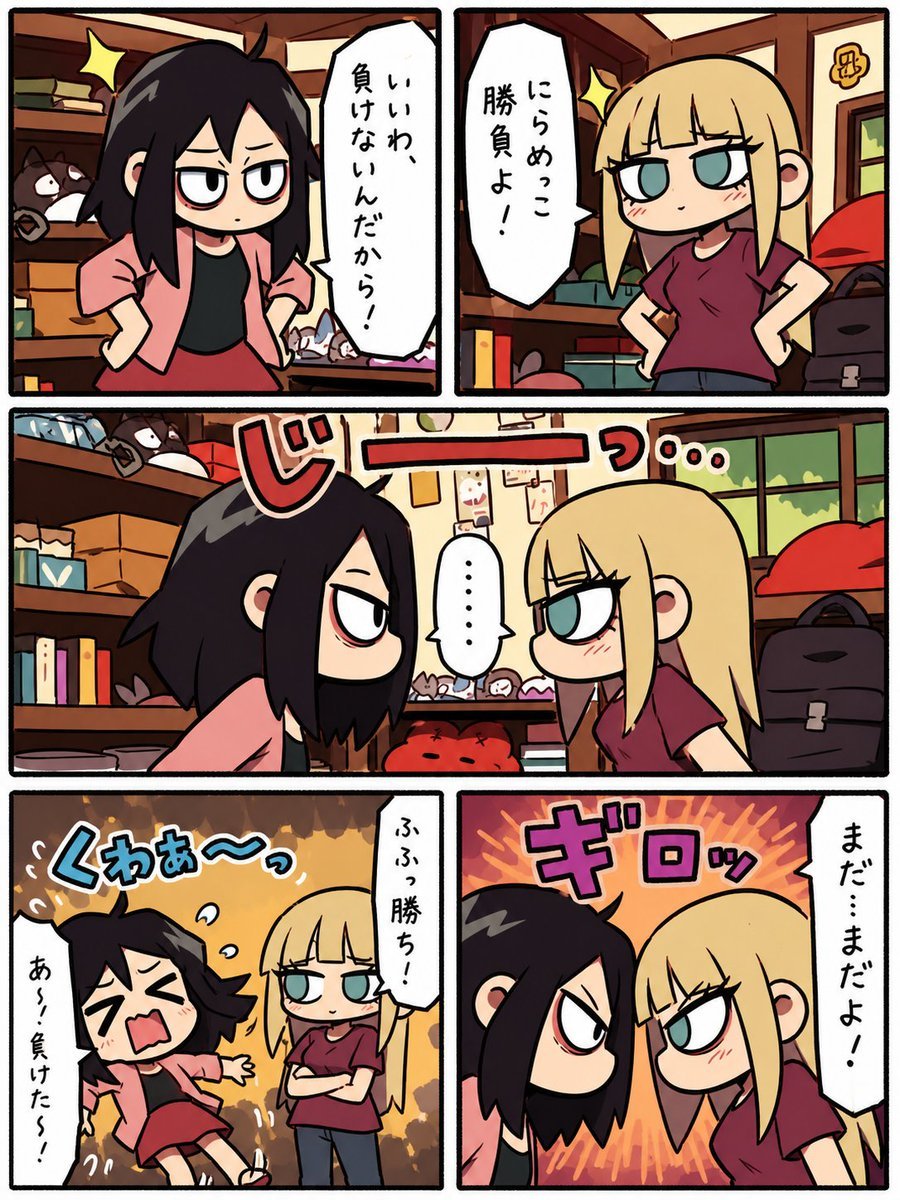
Chibi Staring Contest Manga Page

Luxury Fashion Executive Portrait
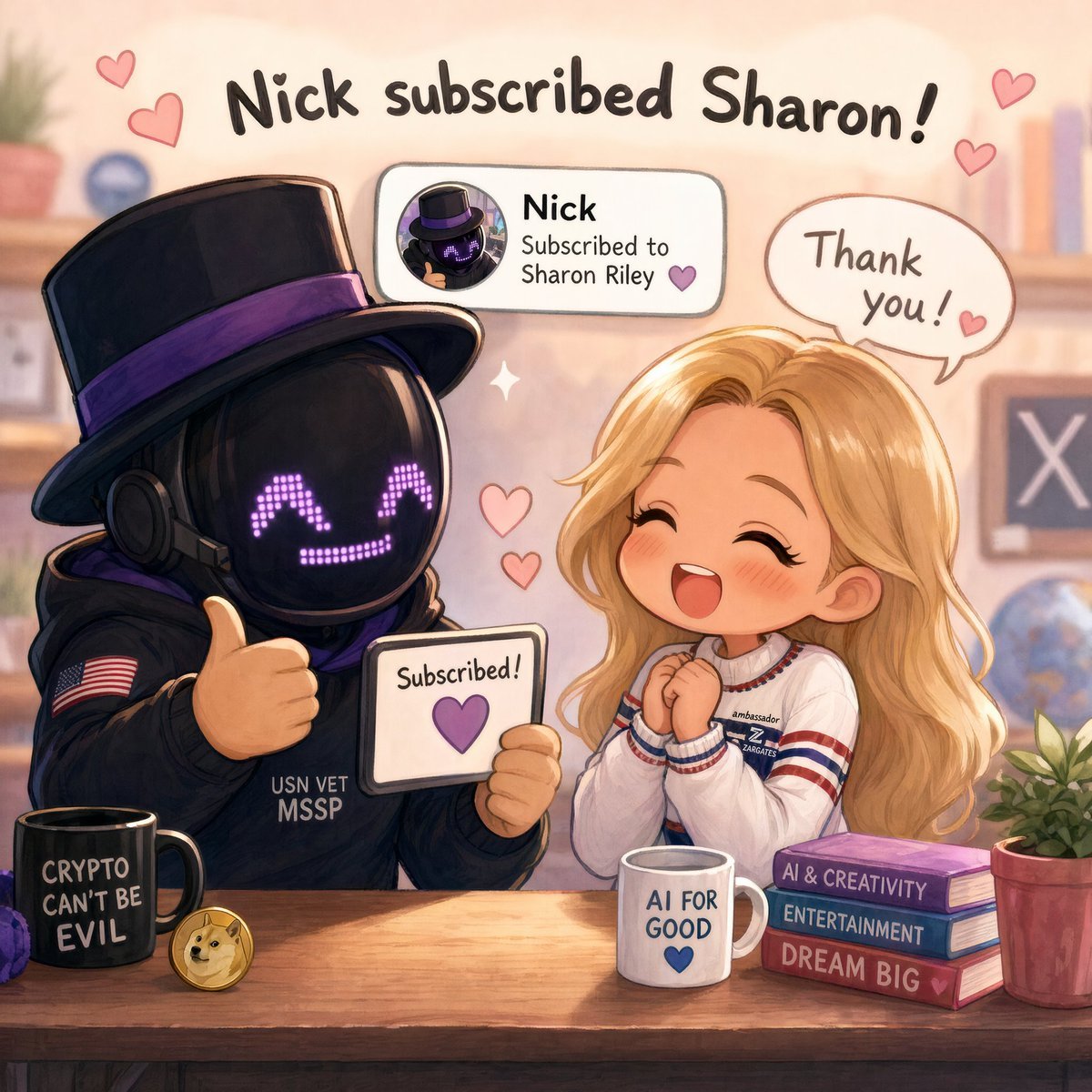
Cute Subscription Celebration Illustration
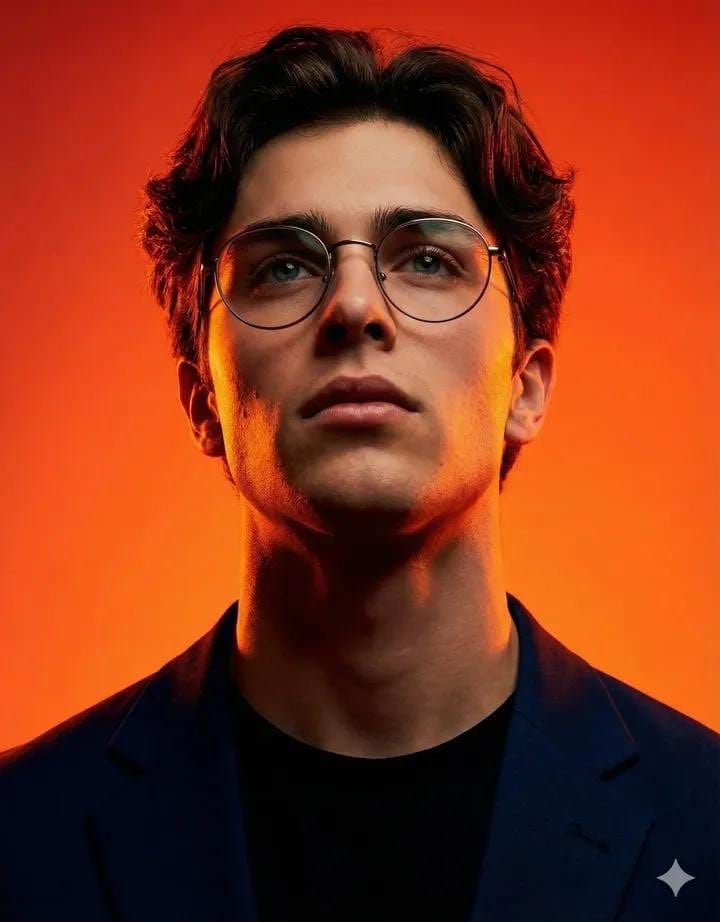
Cinematic Studio Portrait of an Intellectual Man
Browse template categories
Analog Film Kiss in a Bookstore Aisle questions
How do I use the Analog Film Kiss in a Bookstore Aisle template?
Add your photo if the template asks for one, edit the prompt if you like — the template's model and format are already selected — and press Generate. Your version opens in PicX Studio.
Can I customize the Analog Film Kiss in a Bookstore Aisle template?
Yes. You can change the subject, setting, lighting, mood, format, and available model controls before creating your image.
Is the Analog Film Kiss in a Bookstore Aisle template free?
Opening and editing this template is free. Generating uses credits, shown on the Generate button when you are signed in.
Which AI model should I use?
Start with Nano Banana 2, which is the model associated with this template. You can compare another compatible model for a different finish.
Looking for something else? Browse all templates.

Your photo, any look
Thousands of ready templates for every top image and video model, from one credit balance.