
Angel Surrounded by Four Villains
A vertical anime fantasy key visual of a white-winged angel girl contrasted against four gothic enemy characters in a crimson magical backdrop.
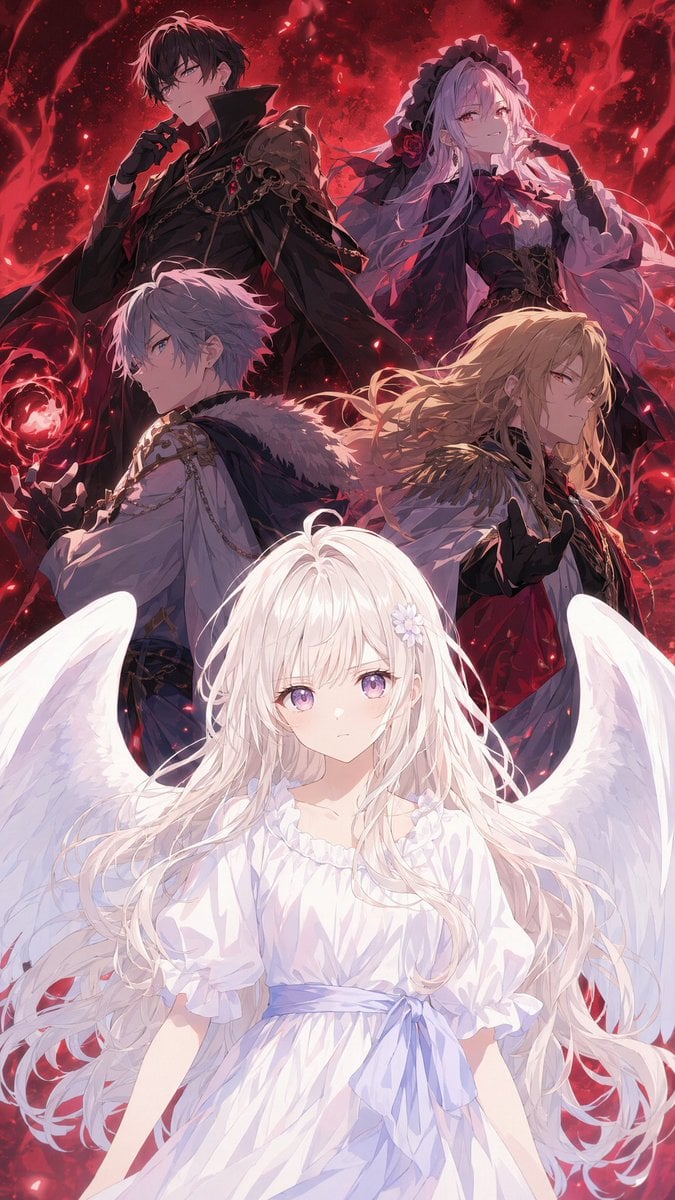
- Prompt included
- Model and format preset
- Premium template
The prompt behind this image
Copy the exact prompt behind Angel Surrounded by Four Villains, or open it in the studio and make it yours.
Create a dramatic vertical anime fantasy key visual featuring {argument name="main character" default="an innocent white-haired angel girl"} in the foreground and exactly four dark enemy characters behind her. Canvas: tall smartphone wallpaper composition, 9:16 ratio, highly polished Japanese light-novel/anime illustration, cinematic lighting, sharp detailed linework, glowing particle effects, no text. Foreground subject: the angel girl is centered from waist up, facing forward with a calm fragile presence; very long flowing white hair, pale skin, small white flower hair ornament near one ear, loose white ruffled dress with short puff sleeves and a pale lavender waist ribbon, large pure white feathered wings spread to both sides, soft bright rim light and ethereal glow. Background enemies: arrange exactly four villainous figures in a layered semicircle above and behind her, all looking serious and hostile, mostly dressed in black, crimson, white, and gold gothic-fantasy clothing. Enemy 1, upper left: tall dark-haired man in a black high-collar military/gothic coat with chains and red accents, gloved hand near his mouth, ominous aristocratic pose. Enemy 2, upper right: pale lavender-haired gothic woman in a dark frilled headdress and black-and-purple dress with red rose accents, one hand lifted near her face, spectral and elegant. Enemy 3, middle left: silver-haired young man in a white ornate coat with fur-trimmed shoulder cape and gold chains, holding a glowing red magical orb in one hand. Enemy 4, middle right: long blond-haired noble man in a white-and-black outfit with gold epaulets, red cloak or sash, black glove raised as if casting magic. Environment: a swirling crimson demonic background filled with red nebula smoke, black shadows, sparks, blood-red magical energy rings, ember particles, and glowing red orbs, creating a strong color contrast between the angel’s white purity and the enemies’ red-black menace. Mood: beautiful but ominous, as if an angel is surrounded by complex antagonists rather than simple demons. Use {argument name="background color palette" default="deep crimson, black, and glowing red"} with intense backlighting, dramatic depth, and no visible watermark or captions.
How to use Angel Surrounded by Four Villains in 3 steps
- 1Upload ImagePNG, JPG or paste
Add your photo
Upload the photo the template builds on. The prompt, model and format are already set.
- 2…a portrait of your subject in softgolden-hour light, 85mm…
Personalize
Edit the subject and creative details for your destination.
- 3Generate
Generate
Press Generate — your image is created in PicX Studio, so you can compare it with the original and refine one variable at a time.
More like this
Templates with the same subject, style or setup. Open one to see its prompt.

Dancer Character - Four View Reference Sheet
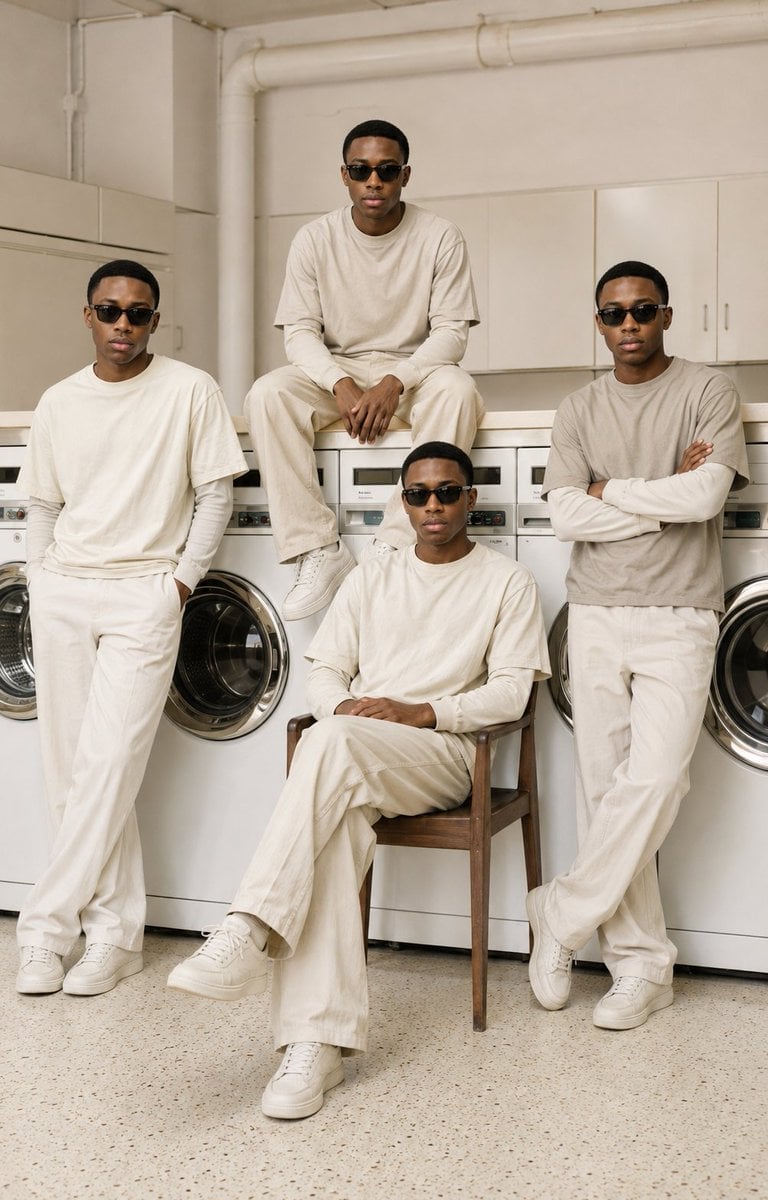
Four-Man Laundromat Fashion Editorial
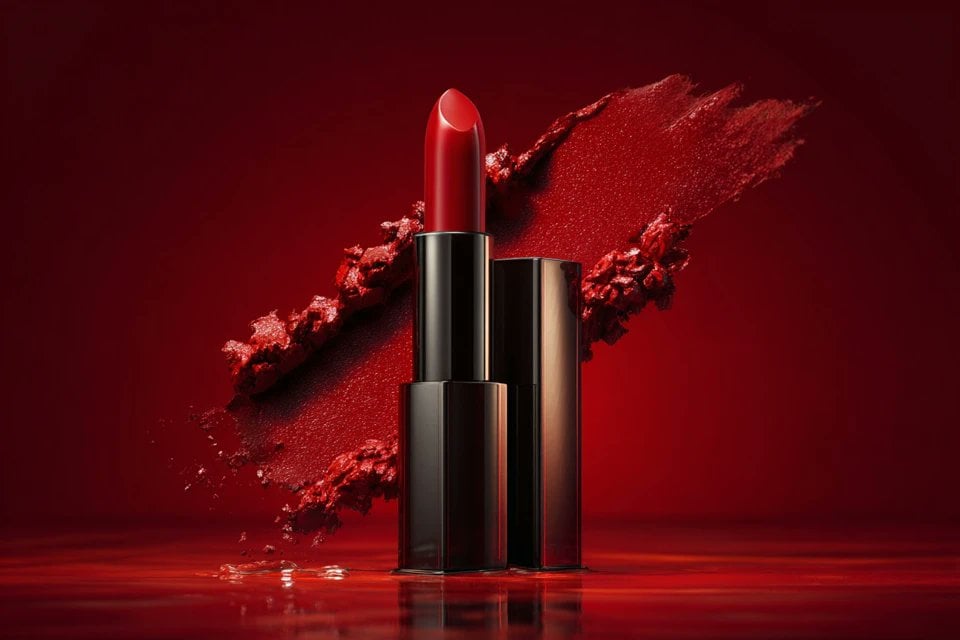
Studio shot placed on a, surrounded by soft shadows and gradient
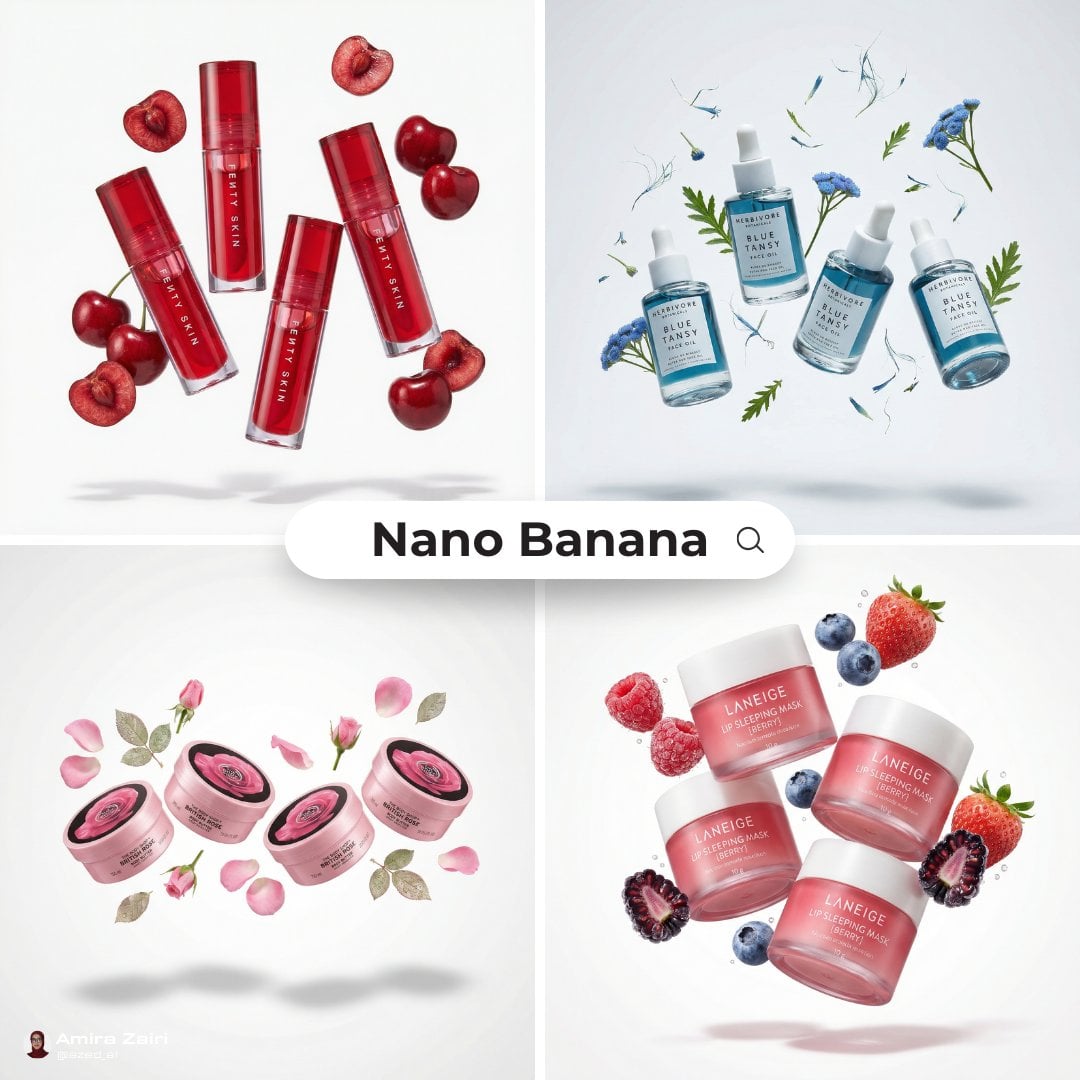
3 4 identical units of the product floating in mid-air, surrounded
Angel Shih Tzu Over Ink Pond
Anime Girl Surrounded by Cats
Arc of Light Cyber Angel Poster

Four-Panel AI Landscape Comparison

Four-Panel Anime Face Comparison
Dark Sword Angel Character Sheet
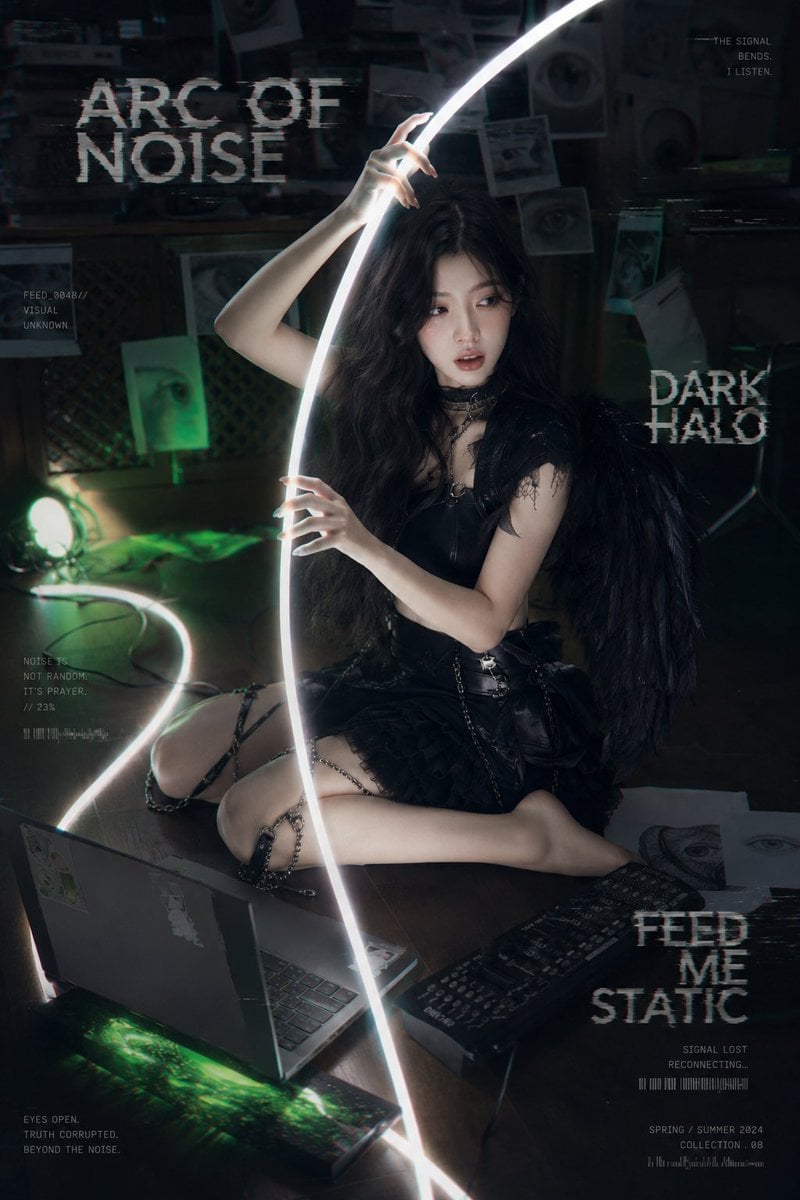
Dark Cyber-Goth Angel Poster

Four-Panel AI Landscape Comparison
Make it yours
Angel Surrounded by Four Villains works as-is. These are the safest ways to change it without losing the look.
Change one field
Copy a single group, rewrite it, and generate again so you can see what that field is doing.
Keep the frame, change the subject
Hold the composition and light of Angel Surrounded by Four Villains, then swap wardrobe, props or the person for a new take.
| If the result… | Why | Fix |
|---|---|---|
| The result drifts from the preview | Too many fields changed at once. | Reuse Angel Surrounded by Four Villains as-is first, then change one group — subject, light, or setting. |
| The model over-stylizes the scene | The prose prompt leaves finish and camera underspecified. | Add one camera or lighting sentence and stay on GPT Image 2. |
More GPT Image 2 templates
Other prompts made for GPT Image 2.

Six VTuber Japanese Logo Sheet

Realistic Portrait of Woman and Deer

The Vista Modular Condo Poster

AI Model Routing Comparison Infographic

2.5D Anime Art Board

Isometric Productivity Desk Scene

New York Double Exposure Poster

Japanese Tatami Lifestyle Magazine Cover

NESCAFÉ Coffee Map Poster

Brutalist Cogito Chinese Typography Poster
More image prompts
Fresh picks from across the catalog.

panel Japanese gag manga about Nanami eating ramen
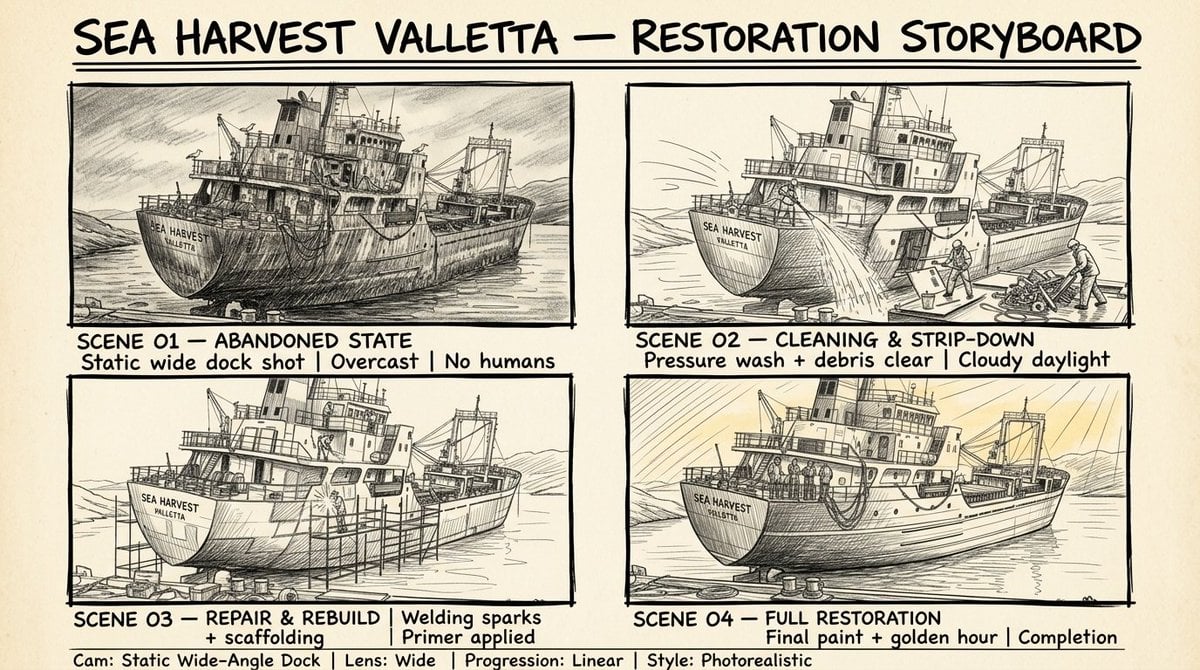
Hand Drawn Sketch Storyboard Sheet

Gpt Image 2 Fashion Portrait
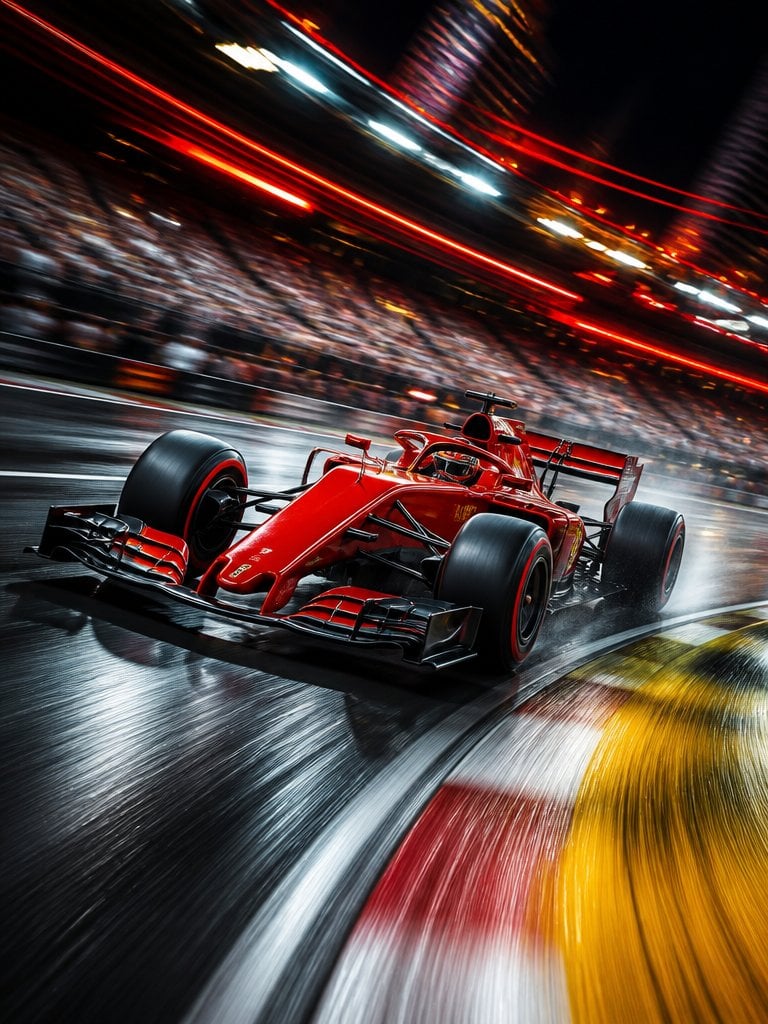
Long Exposure Motion Blur Photography
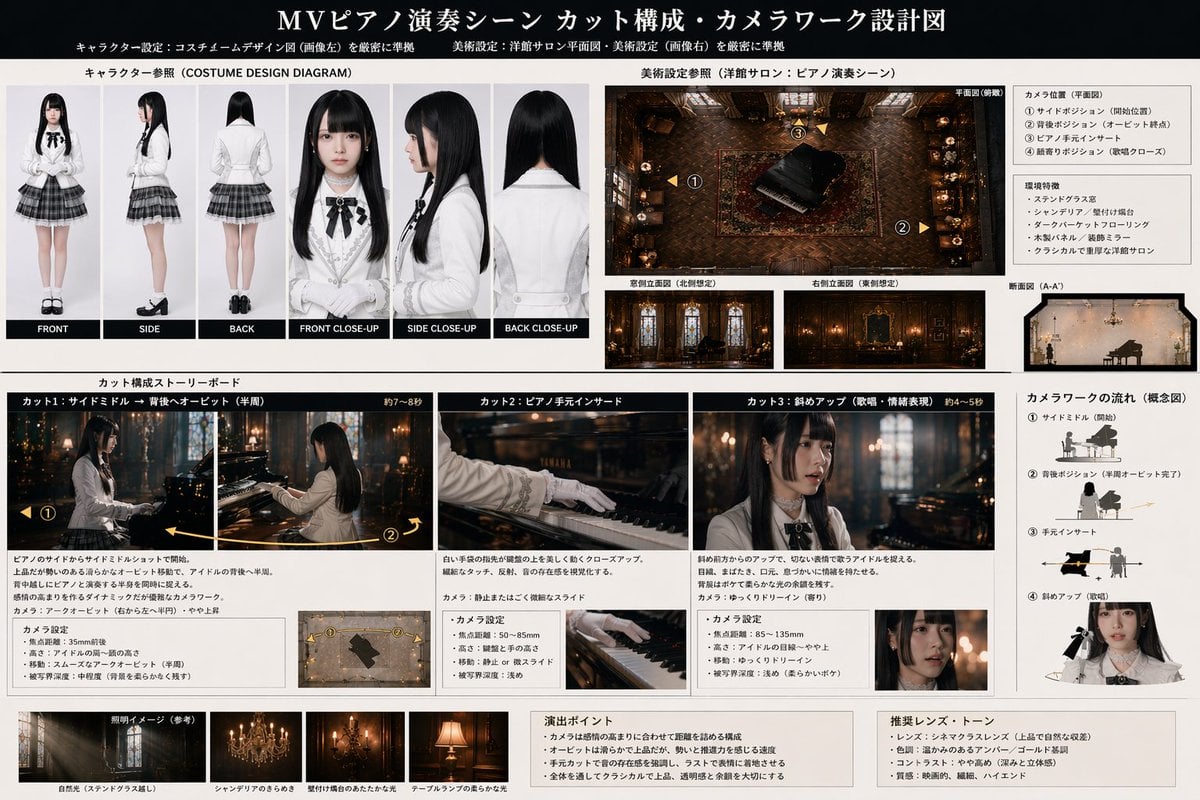
Music Video Production Storyboard Blueprint
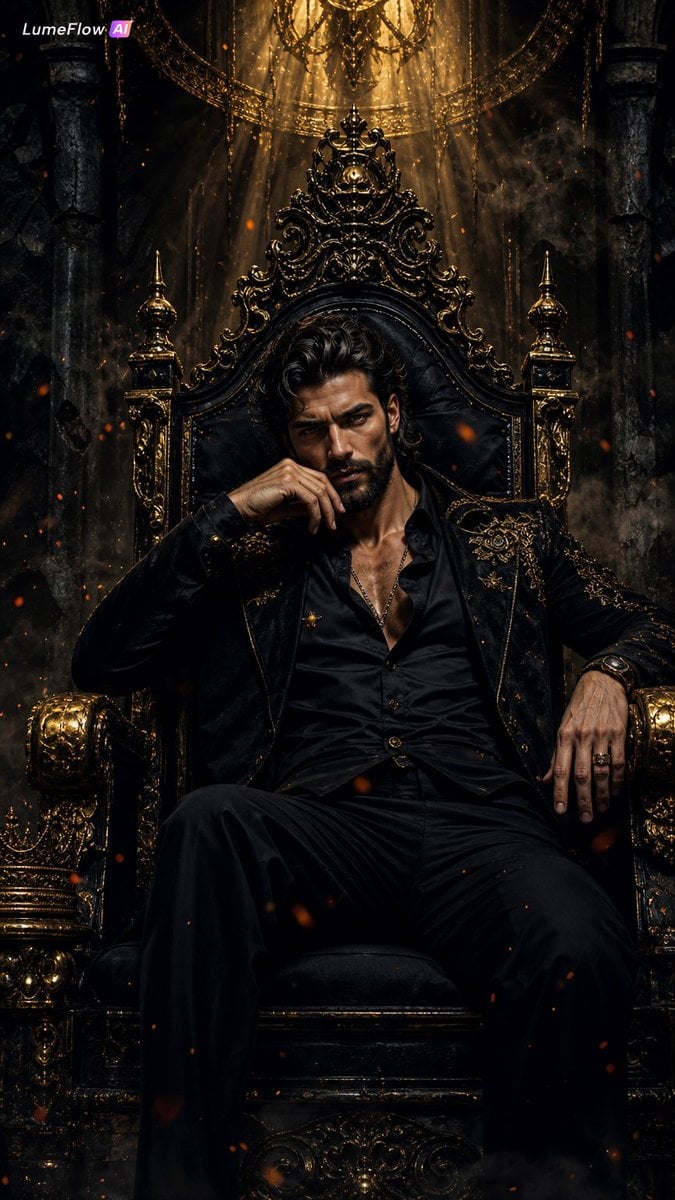
Dark Fantasy King Throne Portrait
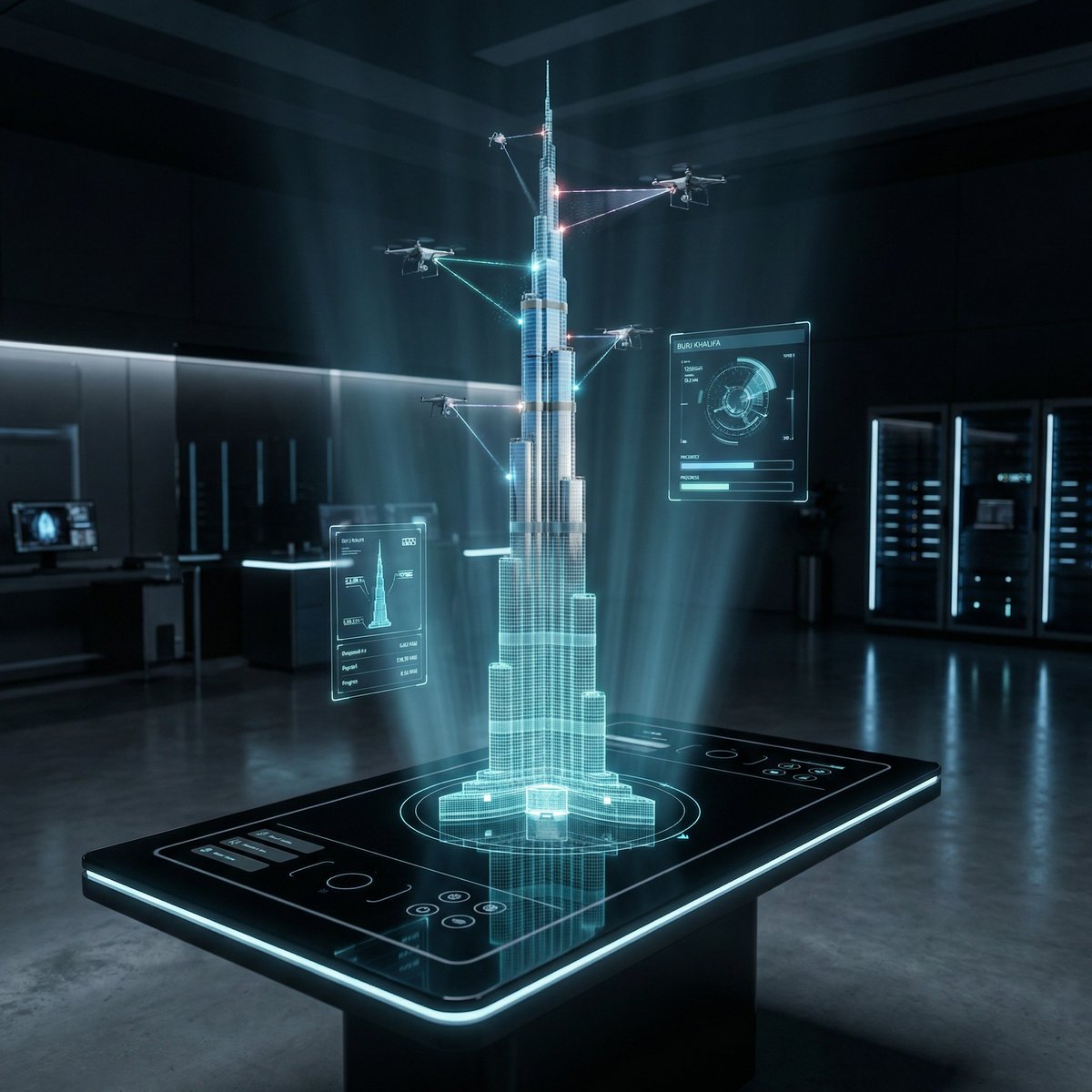
Futuristic Holographic Burj Khalifa Blueprint
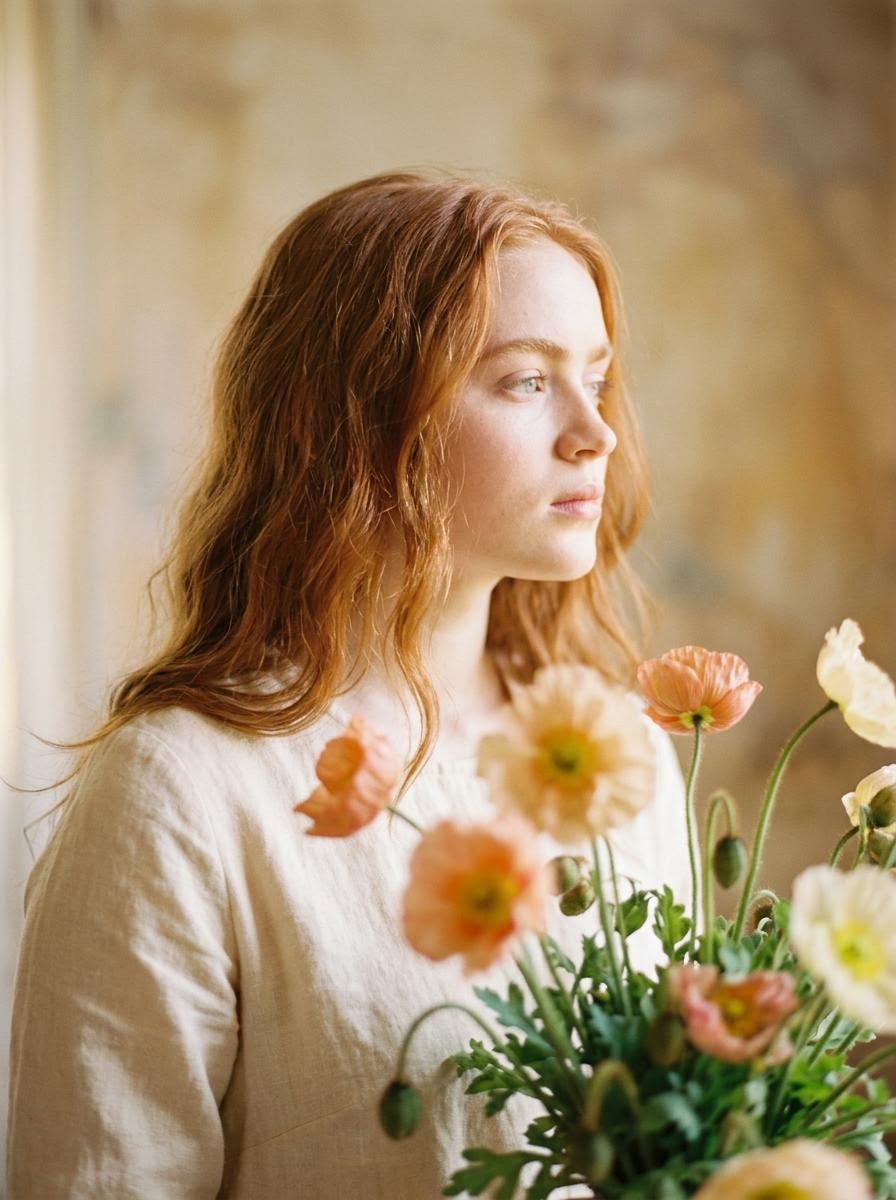
Soft Artistic Portrait with Flowers Prompt for Nano Banana 2
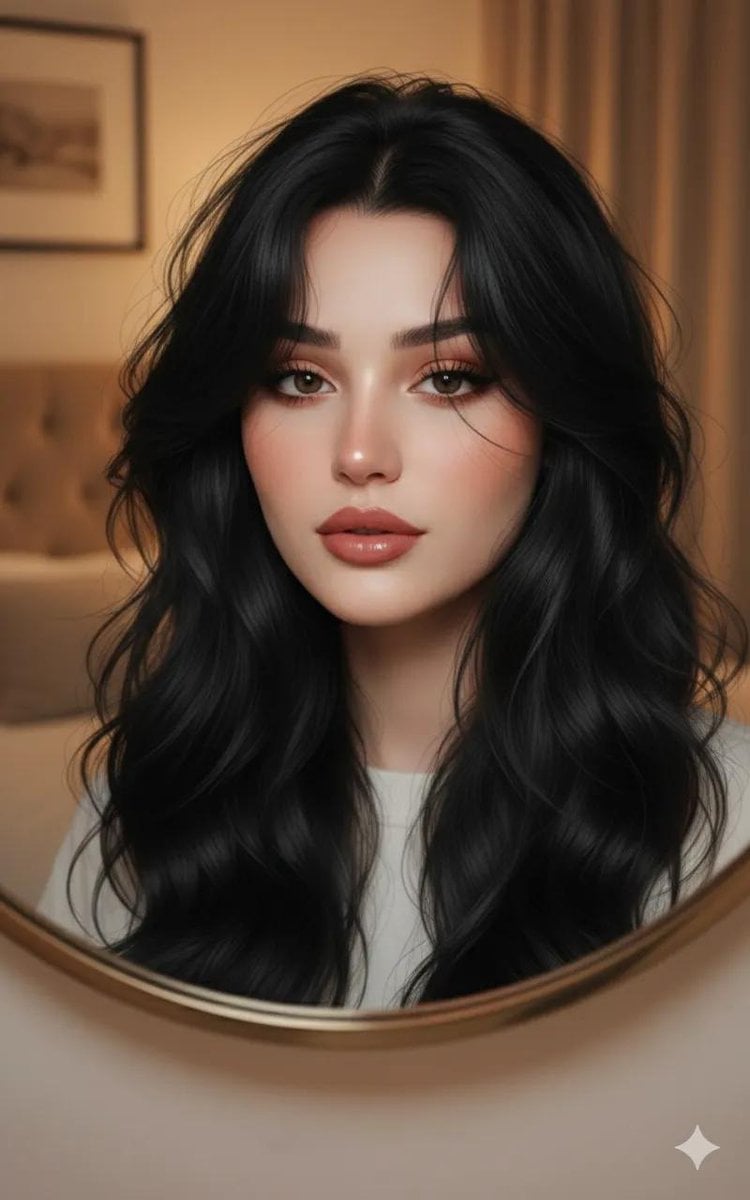
Ultra-Realistic Portrait through a Round Mirror
Peaceful anime hillside landscape
Browse template categories
Angel Surrounded by Four Villains questions
How do I use the Angel Surrounded by Four Villains template?
Add your photo if the template asks for one, edit the prompt if you like — the template's model and format are already selected — and press Generate. Your version opens in PicX Studio.
Can I customize the Angel Surrounded by Four Villains template?
Yes. You can change the subject, setting, lighting, mood, format, and available model controls before creating your image.
Is the Angel Surrounded by Four Villains template free?
Opening and editing this template is free. Generating uses credits, shown on the Generate button when you are signed in.
Which AI model should I use?
Start with GPT Image 2, which is the model associated with this template. You can compare another compatible model for a different finish.
Looking for something else? Browse all templates.

Your photo, any look
Thousands of ready templates for every top image and video model, from one credit balance.