
Anime Girl Surrounded by Cats
A warm cinematic anime illustration of a joyful young woman embraced by a dense crowd of cats, ideal for cat-themed art exhibitions or posters.
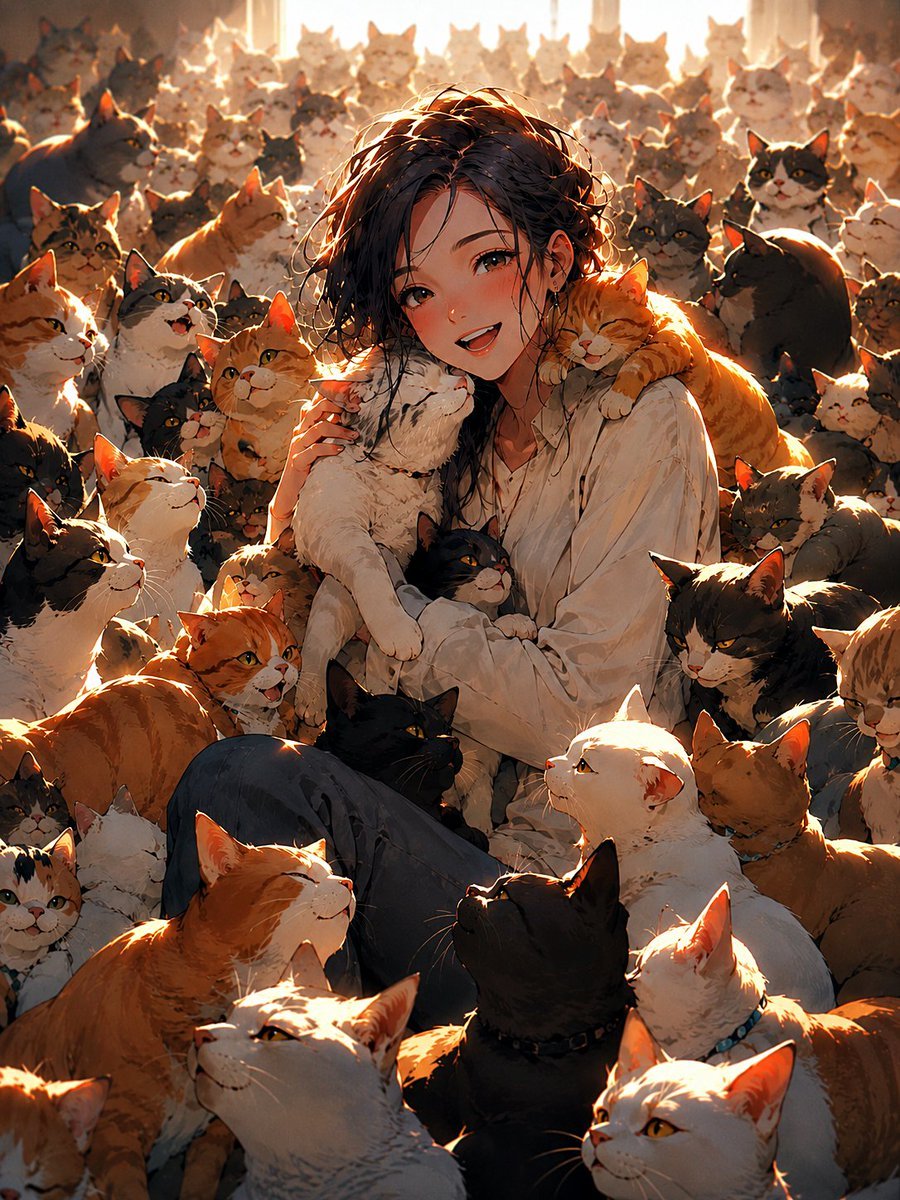
- Prompt included
- Model and format preset
- Free template
The prompt behind this image
Copy the exact prompt behind Anime Girl Surrounded by Cats, or open it in the studio and make it yours.
Create a vertical 3:4 anime-style illustration of {argument name="character name" default="a smiling young woman"} sitting on the floor in the center of a sunlit room, completely surrounded by exactly 49 visible cats. She has {argument name="hair color" default="short tousled black hair"}, warm brown eyes, flushed cheeks, and a joyful open-mouth smile, wearing an oversized slightly wrinkled {argument name="shirt color" default="white button-up shirt"} and dark pants. Her pose is relaxed and affectionate: one white cat is held upright against her chest, one orange tabby lies across her right shoulder, and a black cat rests in her lap while she is nestled into the crowd. The 49 cats should be clearly varied and countable: 12 orange tabbies, 9 white or cream cats, 8 black cats, 7 gray cats, 6 black-and-white tuxedo cats, 4 calico cats, and 3 brown tabbies; include a mix of sitting, standing, peeking, nuzzling, climbing, and looking up toward the girl. Fill the foreground, middle ground, and background densely with cats, with many cropped at the frame edges to create the feeling of an overwhelming cat gathering, but keep the girl’s face unobstructed as the focal point. Use dramatic warm backlighting from tall bright windows behind the crowd, golden rim light on ears and fur, soft dust motes, glowing highlights, and deep amber shadows. The style should be highly detailed painterly Japanese anime, expressive faces, soft fur texture, cinematic composition, cozy emotional atmosphere, no text, no watermark, no borders, no extra humans.
How to use Anime Girl Surrounded by Cats in 3 steps
- 1Upload ImagePNG, JPG or paste
Add your photo
Upload the photo the template builds on. The prompt, model and format are already set.
- 2…a portrait of your subject in softgolden-hour light, 85mm…
Personalize
Edit the subject and creative details for your destination.
- 3Generate
Generate
Press Generate — your image is created in PicX Studio, so you can compare it with the original and refine one variable at a time.
More like this
Templates with the same subject, style or setup. Open one to see its prompt.












Make it yours
Anime Girl Surrounded by Cats works as-is. These are the safest ways to change it without losing the look.
Change one field
Copy a single group, rewrite it, and generate again so you can see what that field is doing.
Keep the frame, change the subject
Hold the composition and light of Anime Girl Surrounded by Cats, then swap wardrobe, props or the person for a new take.
| If the result… | Why | Fix |
|---|---|---|
| The result drifts from the preview | Too many fields changed at once. | Reuse Anime Girl Surrounded by Cats as-is first, then change one group — subject, light, or setting. |
| The model over-stylizes the scene | The prose prompt leaves finish and camera underspecified. | Add one camera or lighting sentence and stay on GPT Image 2. |
More GPT Image 2 templates
Other prompts made for GPT Image 2.

Six VTuber Japanese Logo Sheet

Realistic Portrait of Woman and Deer

The Vista Modular Condo Poster

AI Model Routing Comparison Infographic

2.5D Anime Art Board

Isometric Productivity Desk Scene

New York Double Exposure Poster

Four-Panel AI Landscape Comparison

Japanese Tatami Lifestyle Magazine Cover

NESCAFÉ Coffee Map Poster
More image prompts
Fresh picks from across the catalog.
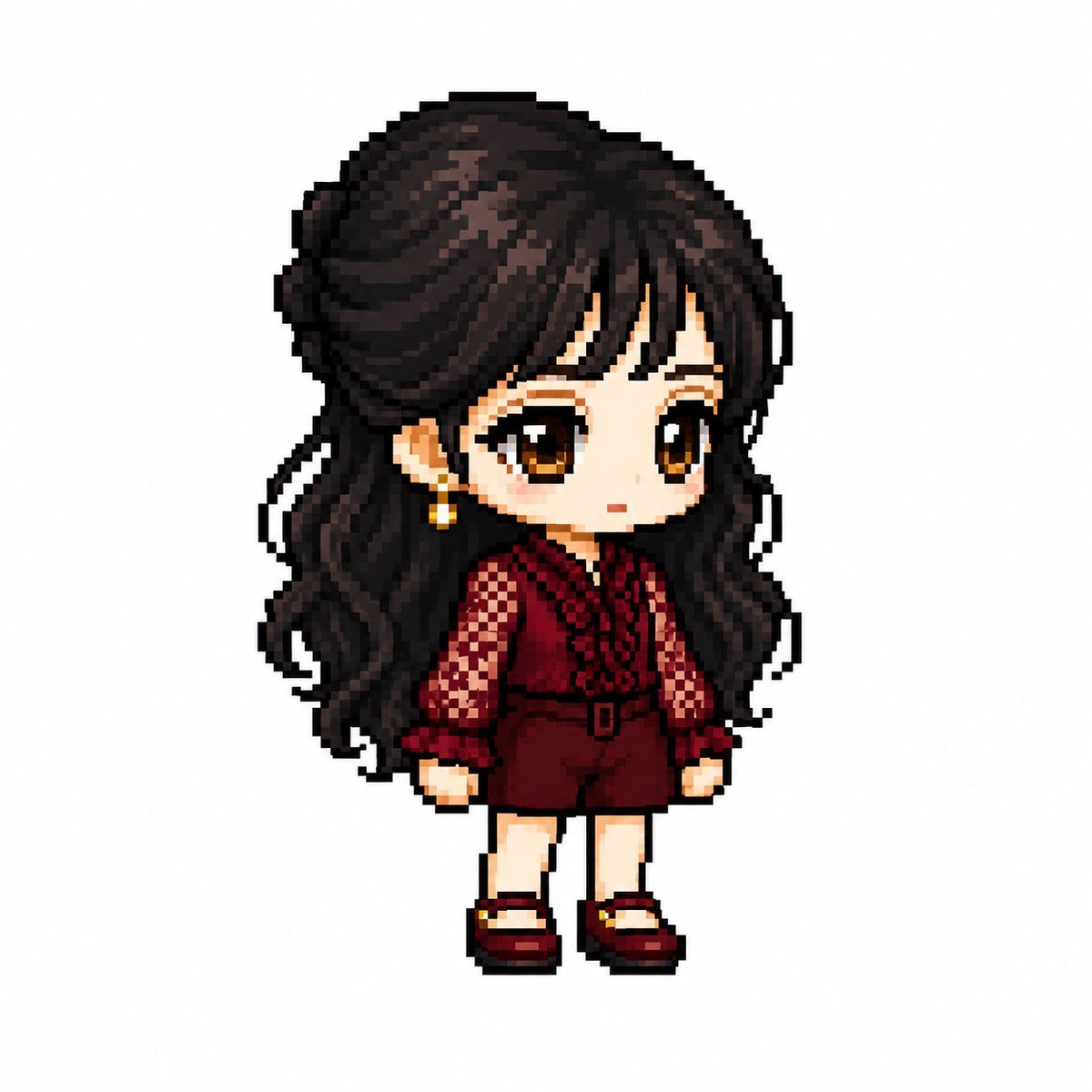
MapleStory Style Pixel Art Avatar
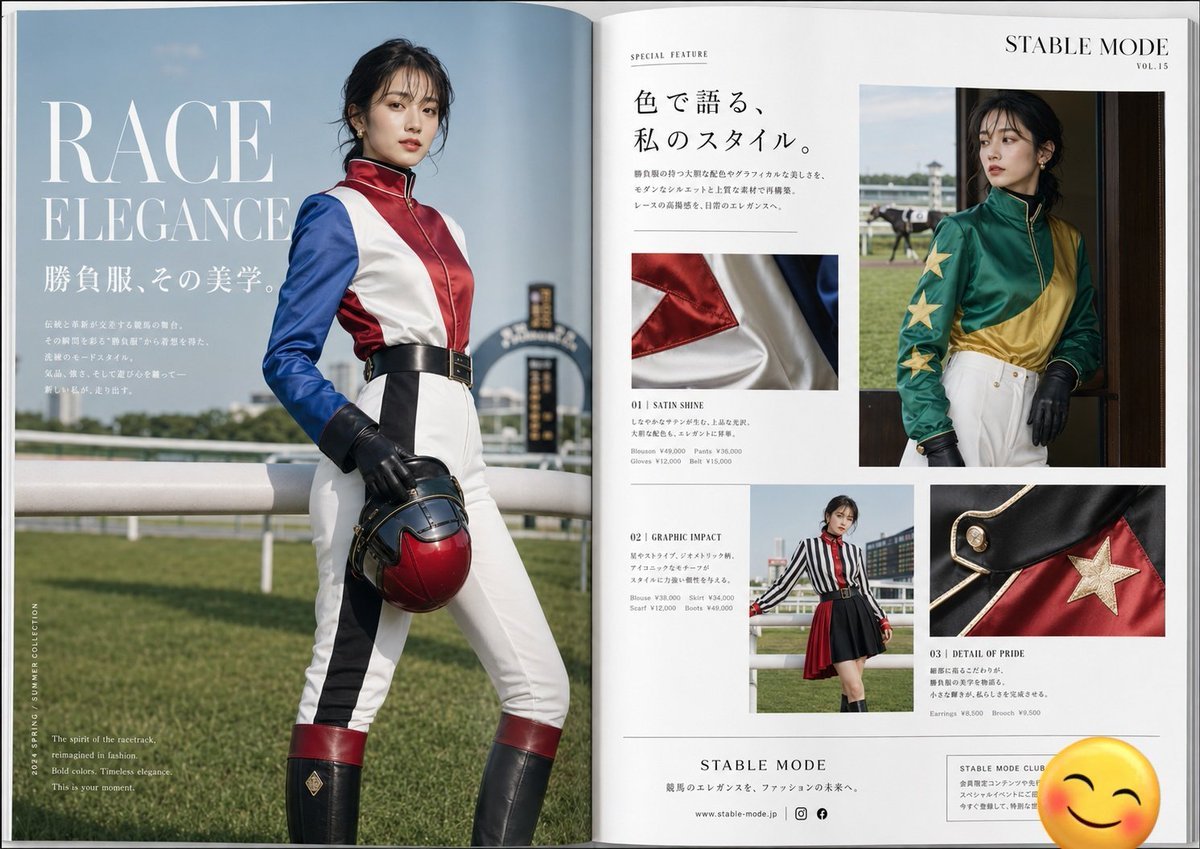
Jockey Fashion Magazine Spread
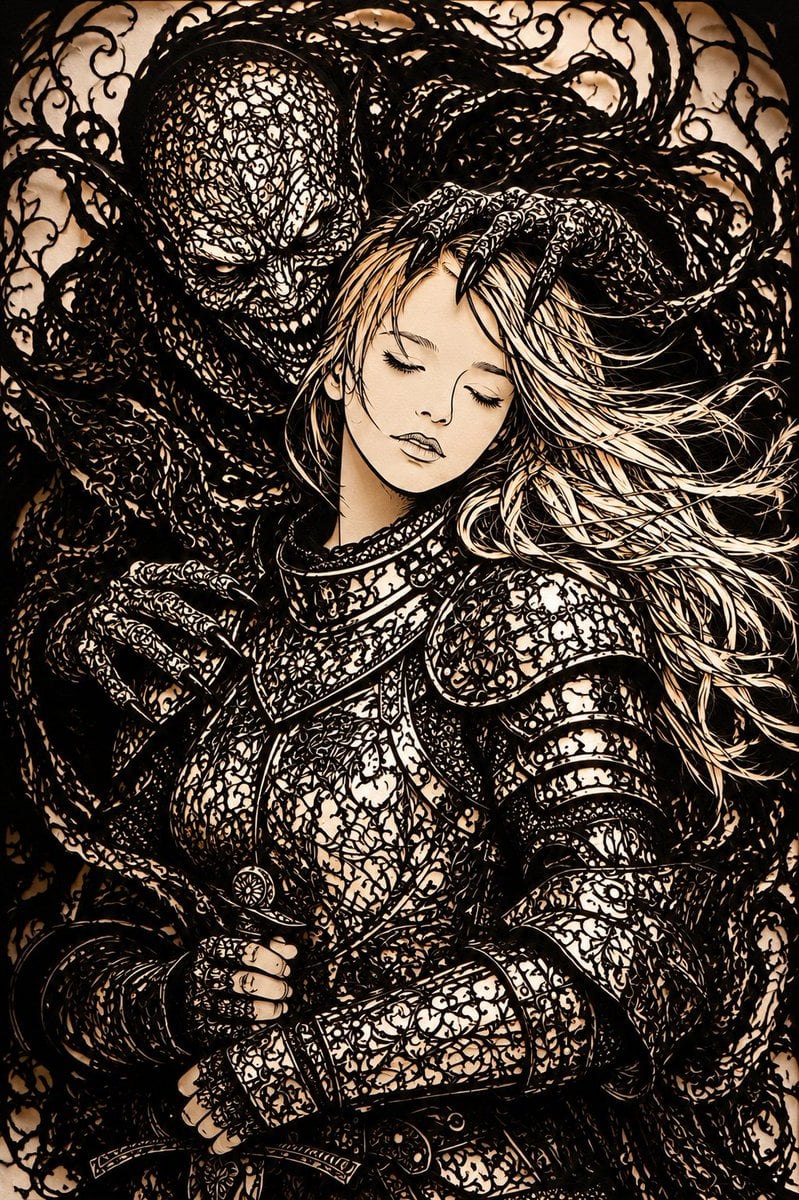
Dark Fantasy Kirie Knight and Demon

Ultra-Cinematic Product Photography of 'VOLT RUSH' Energy Drink
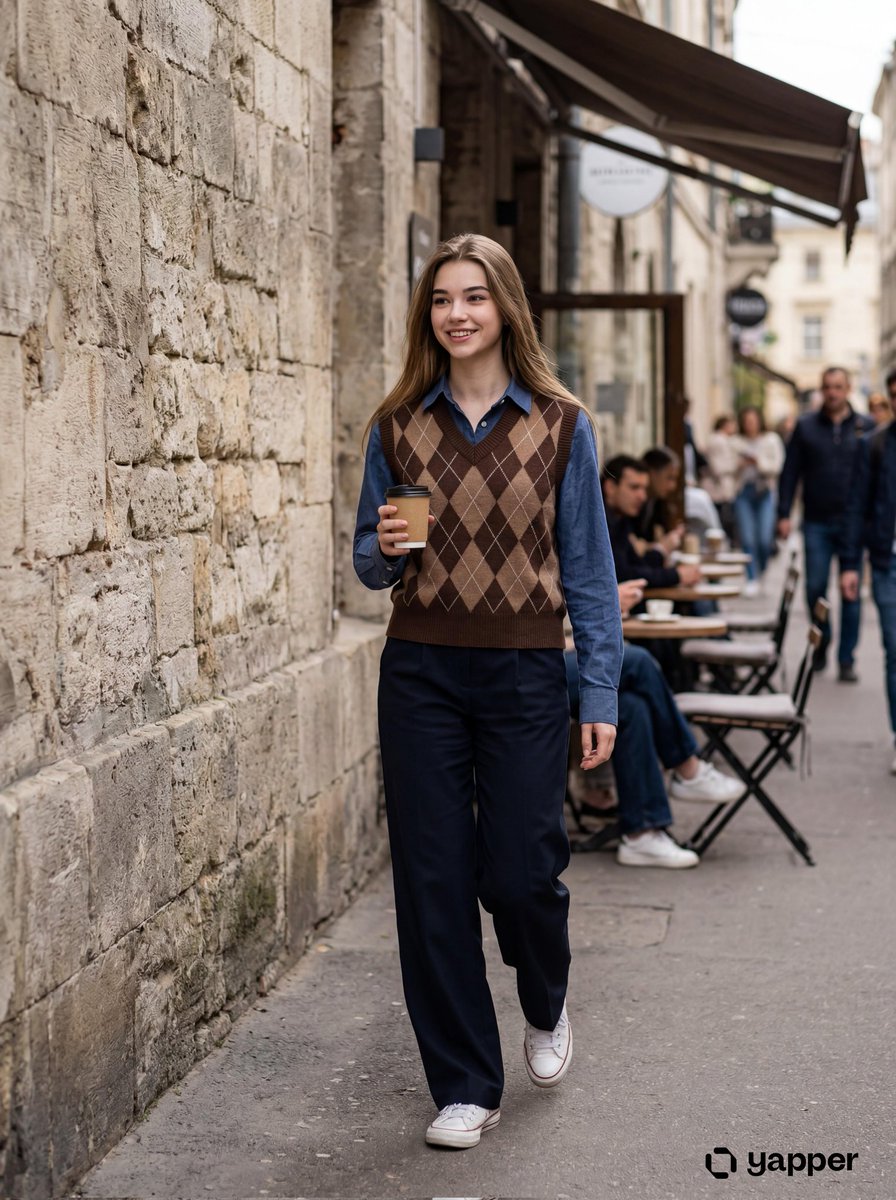
Photorealistic Lifestyle Photo of a Young Woman in an Urban Setting
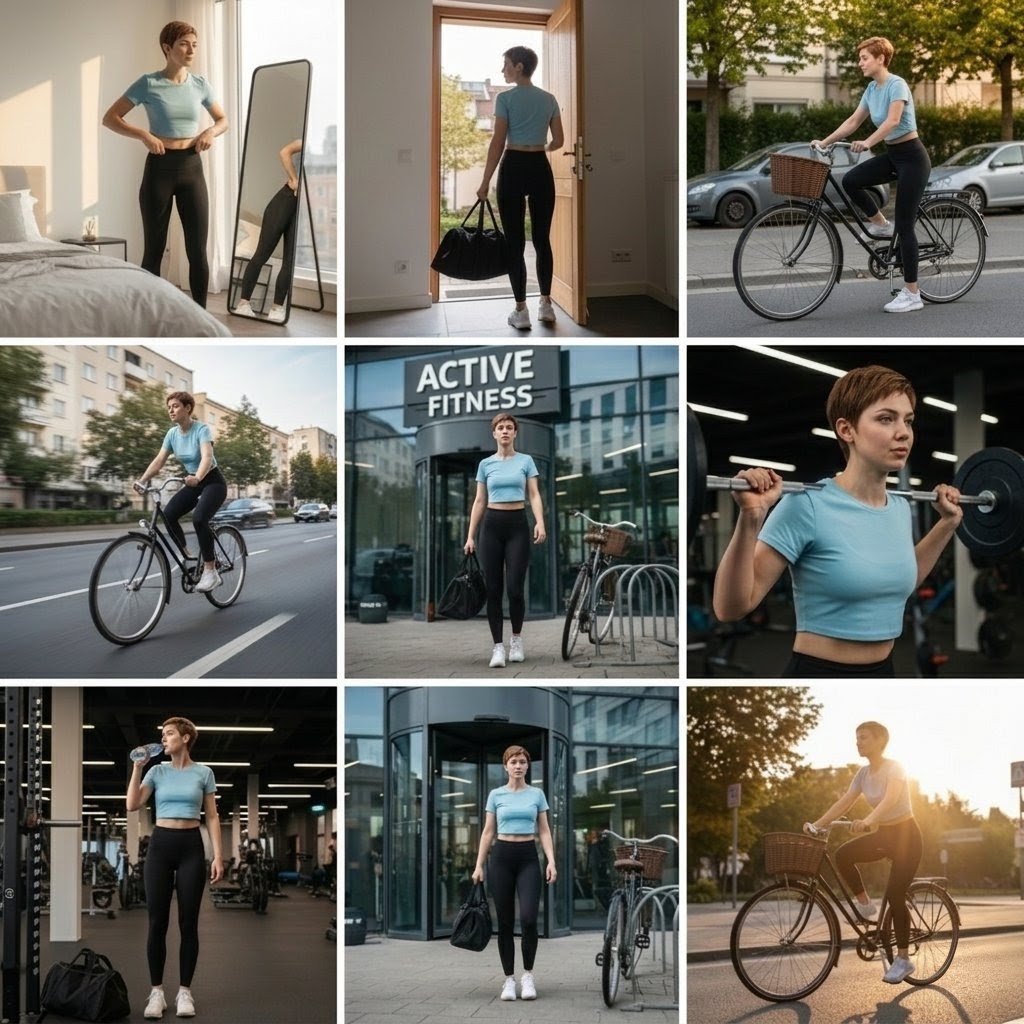
Photo Cinematic Collage for a Gym Girl's Fitness Journey
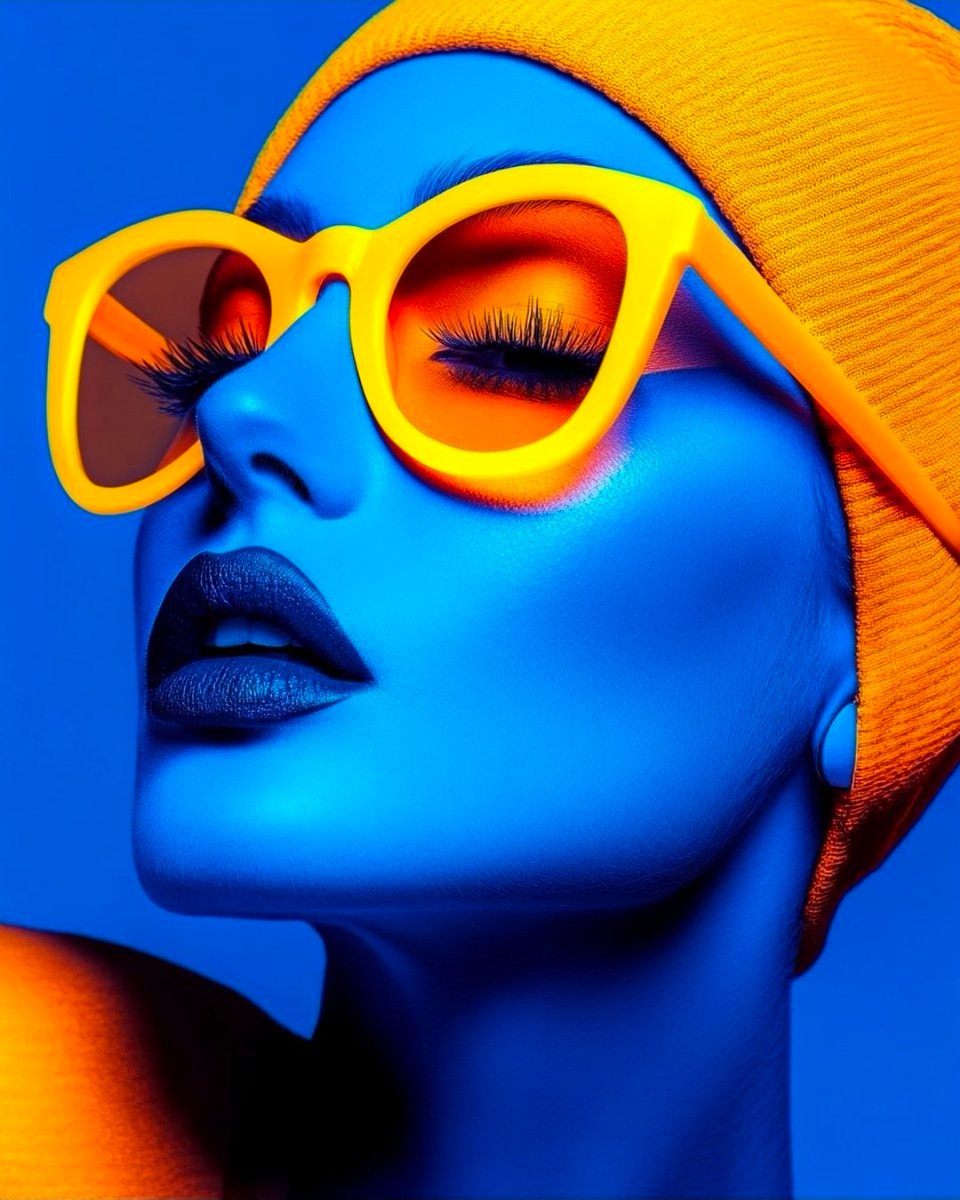
Cyberpunk Fashion Portrait with Electric Blue Skin

NOVALITH SaaS Pitch Deck Grid
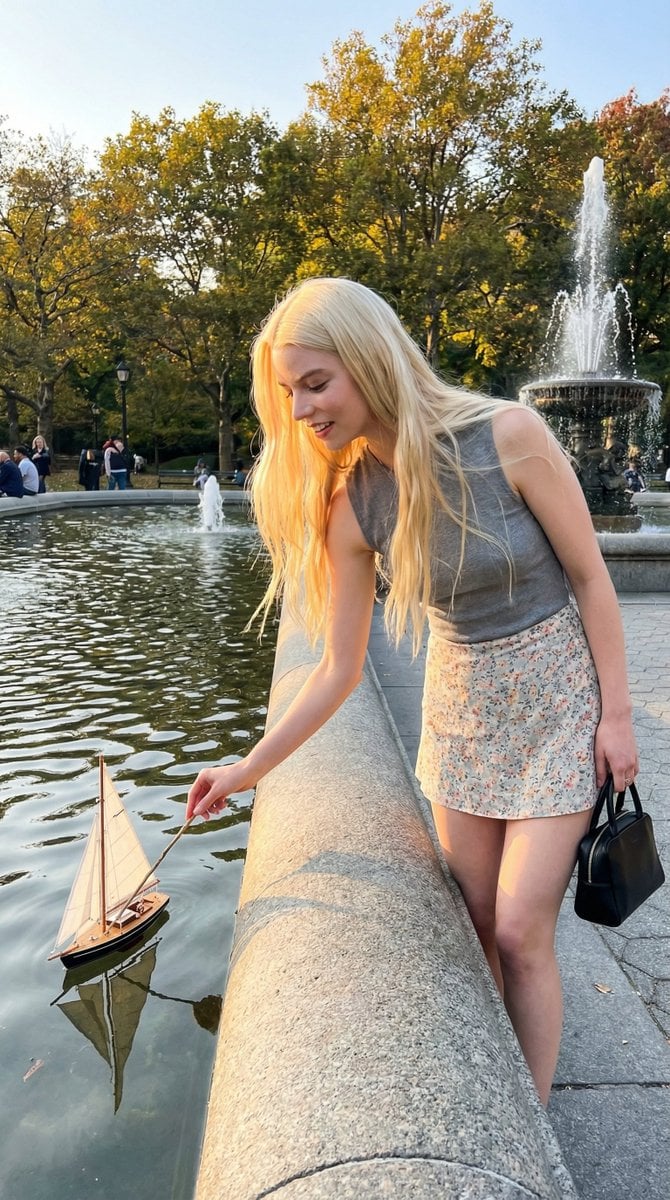
Park Fountain Lifestyle Photo with Sailboats

CZ Biography Infographic Poster
Browse template categories
Anime Girl Surrounded by Cats questions
How do I use the Anime Girl Surrounded by Cats template?
Add your photo if the template asks for one, edit the prompt if you like — the template's model and format are already selected — and press Generate. Your version opens in PicX Studio.
Can I customize the Anime Girl Surrounded by Cats template?
Yes. You can change the subject, setting, lighting, mood, format, and available model controls before creating your image.
Is the Anime Girl Surrounded by Cats template free?
Opening and editing this template is free. Generating uses credits, shown on the Generate button when you are signed in.
Which AI model should I use?
Start with GPT Image 2, which is the model associated with this template. You can compare another compatible model for a different finish.
Looking for something else? Browse all templates.

Your photo, any look
Thousands of ready templates for every top image and video model, from one credit balance.