
3 4 identical units of the product floating in mid-air, surrounded
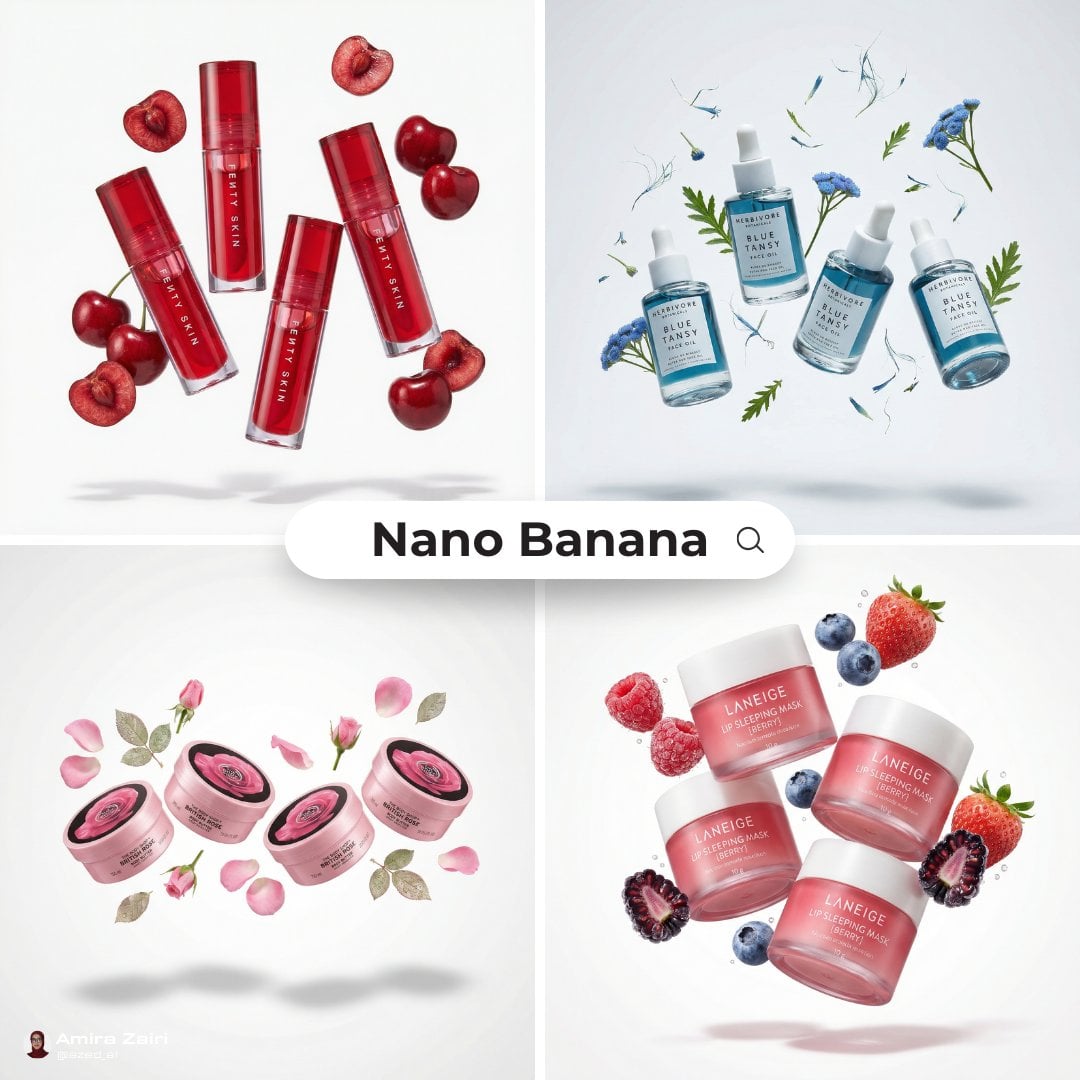
[product], 3–4 identical units of the product floating in mid-air, surrounded by fresh [fruit/vegetable] and sliced pieces that the product is made from, ingredients suspended around the product, dynamic balanced…
- Prompt included
- Model and format preset
- Free template
The prompt behind this image
Copy the exact prompt behind 3 4 identical units of the product floating in mid-air, surrounded, or open it in the studio and make it yours.
[product], 3–4 identical units of the product floating in mid-air, surrounded by fresh [fruit/vegetable] and sliced pieces that the product is made from, ingredients suspended around the product, dynamic balanced composition, ultra-clean pure white background, no gradients, no color cast, soft studio lighting, realistic soft shadows beneath floating objects, glossy packaging reflections, juicy ingredient textures, premium skincare editorial style, hyper-realistic product photography, macro detail, sharp focus, commercial advertising quality, minimal composition, 8k, 1:1
How to use 3 4 identical units of the product floating in mid-air, surrounded in 3 steps
- 1Upload ImagePNG, JPG or paste
Add your photo
Upload the photo the template builds on. The prompt, model and format are already set.
- 2…a portrait of your subject in softgolden-hour light, 85mm…
Personalize
Edit the subject and creative details for your destination.
- 3Generate
Generate
Press Generate — your image is created in PicX Studio, so you can compare it with the original and refine one variable at a time.
More like this
Templates with the same subject, style or setup. Open one to see its prompt.

A hyper-realistic beauty product photograph of a pink jar placed
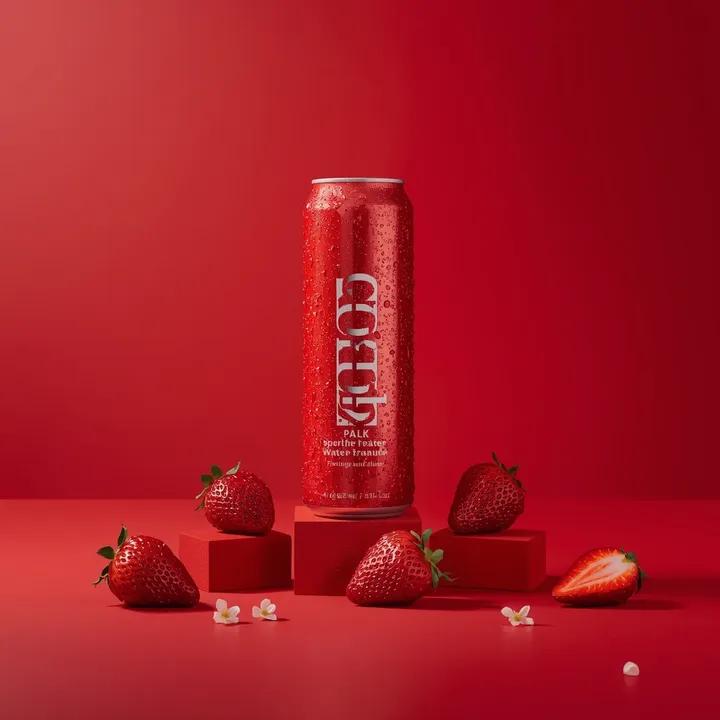
A premium studio product photograph of a tall, slim red aluminum
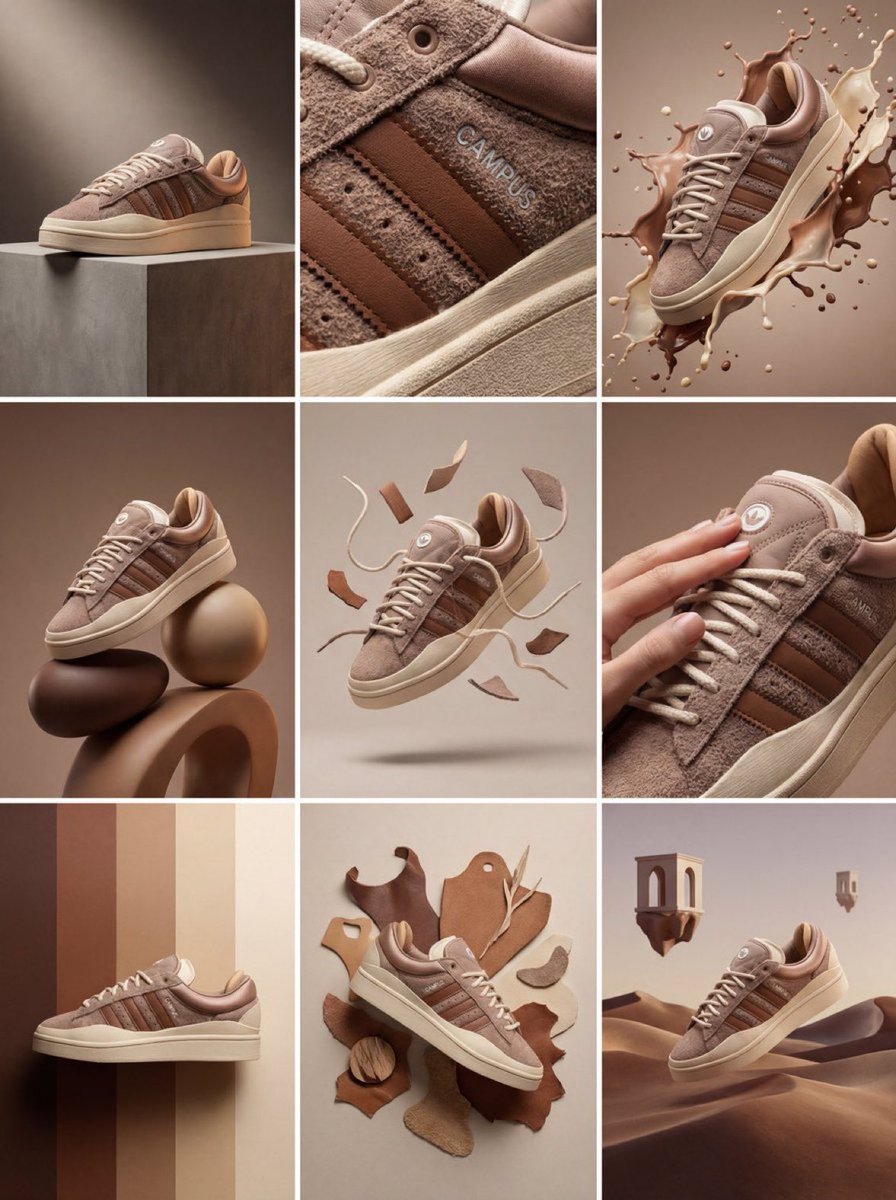
Product & Brand Prompt #1444
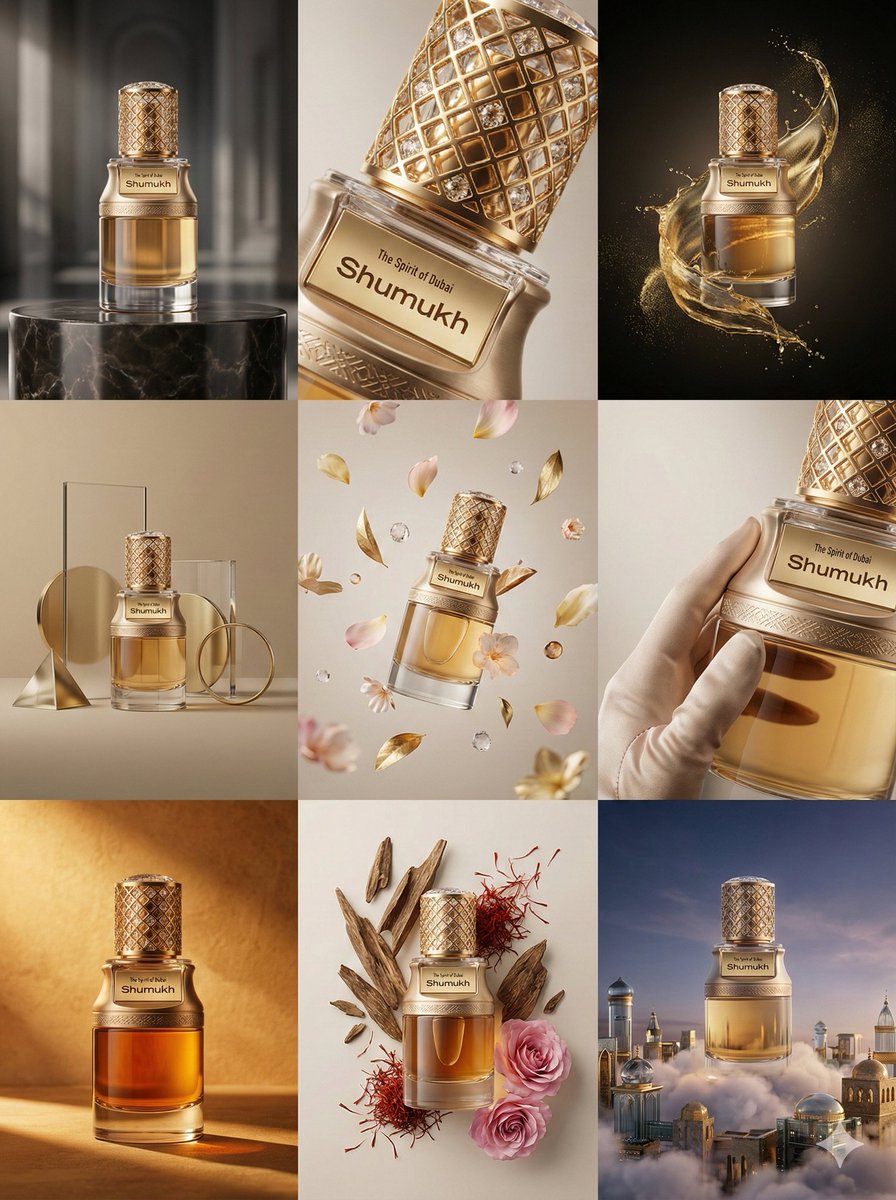
Product & Brand Prompt #569
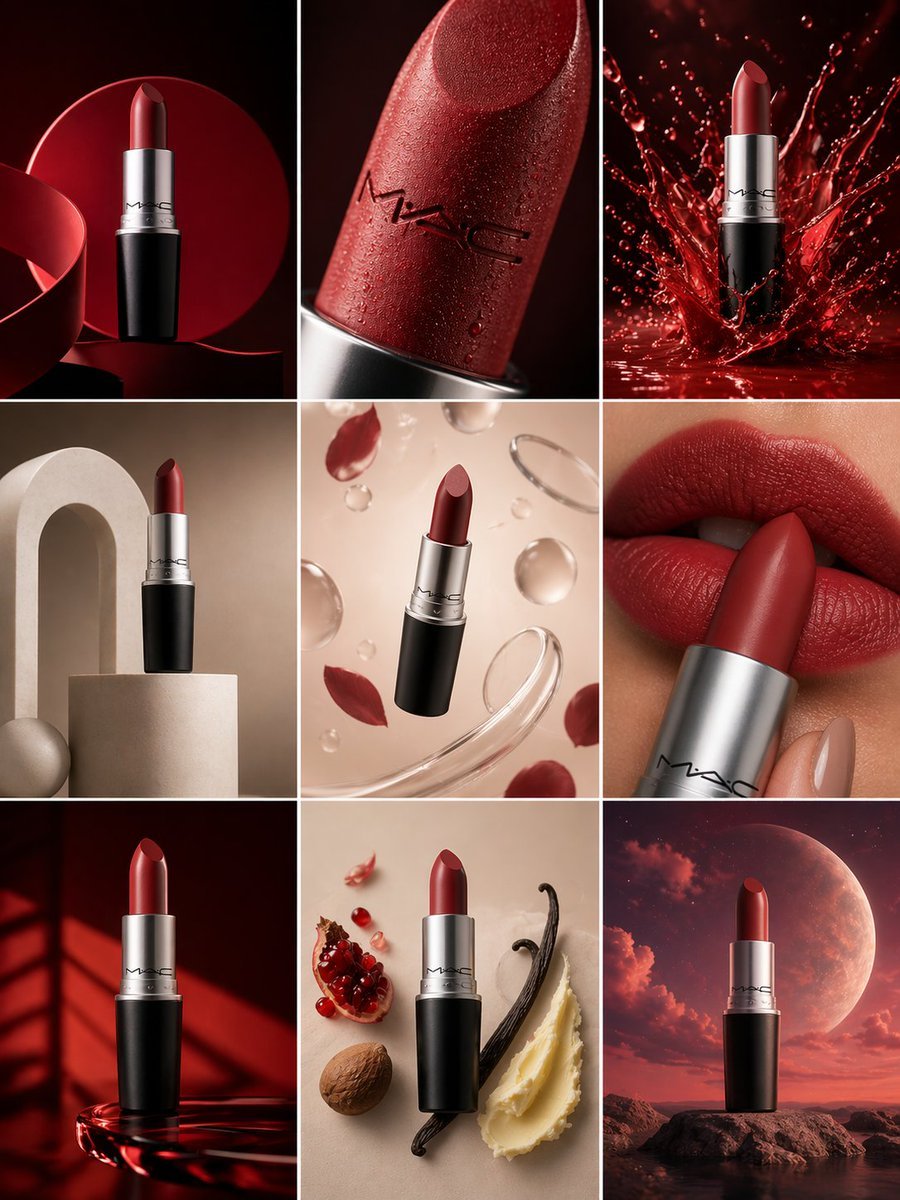
Product & Brand Prompt #285
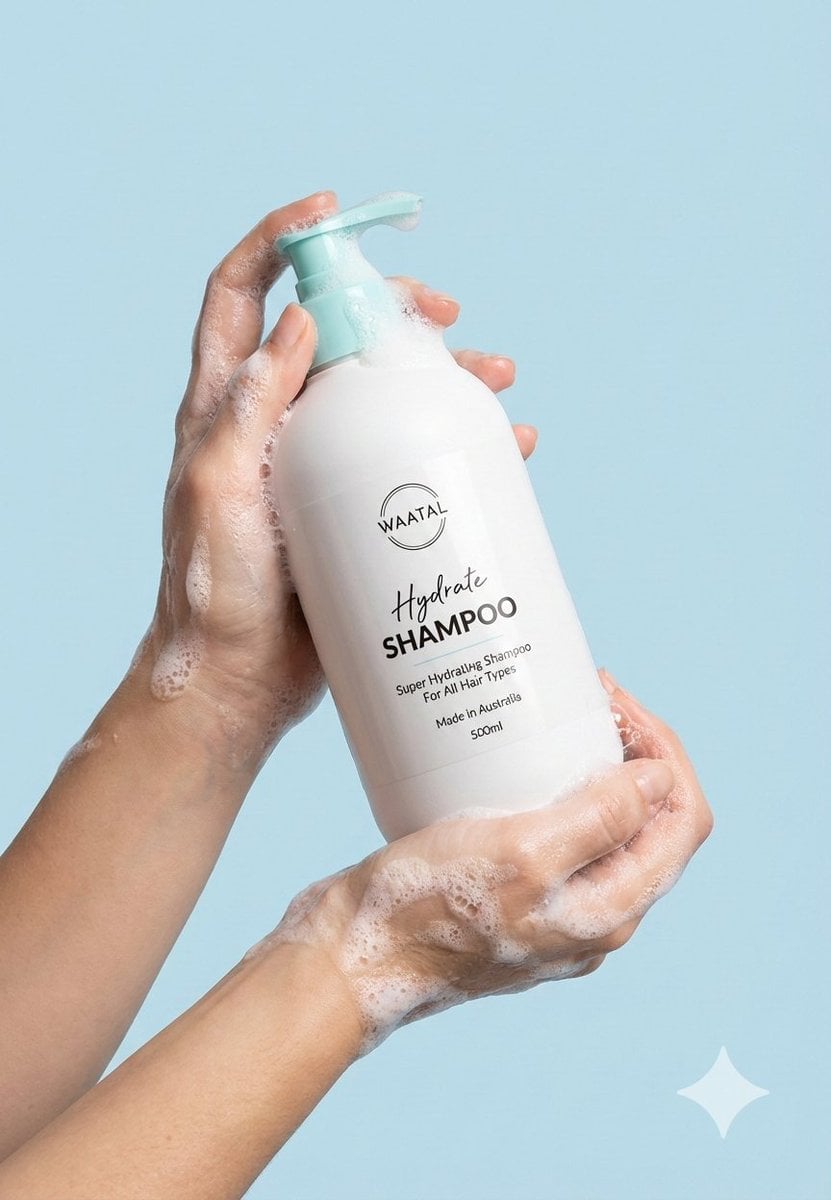
Product & Brand Prompt #953
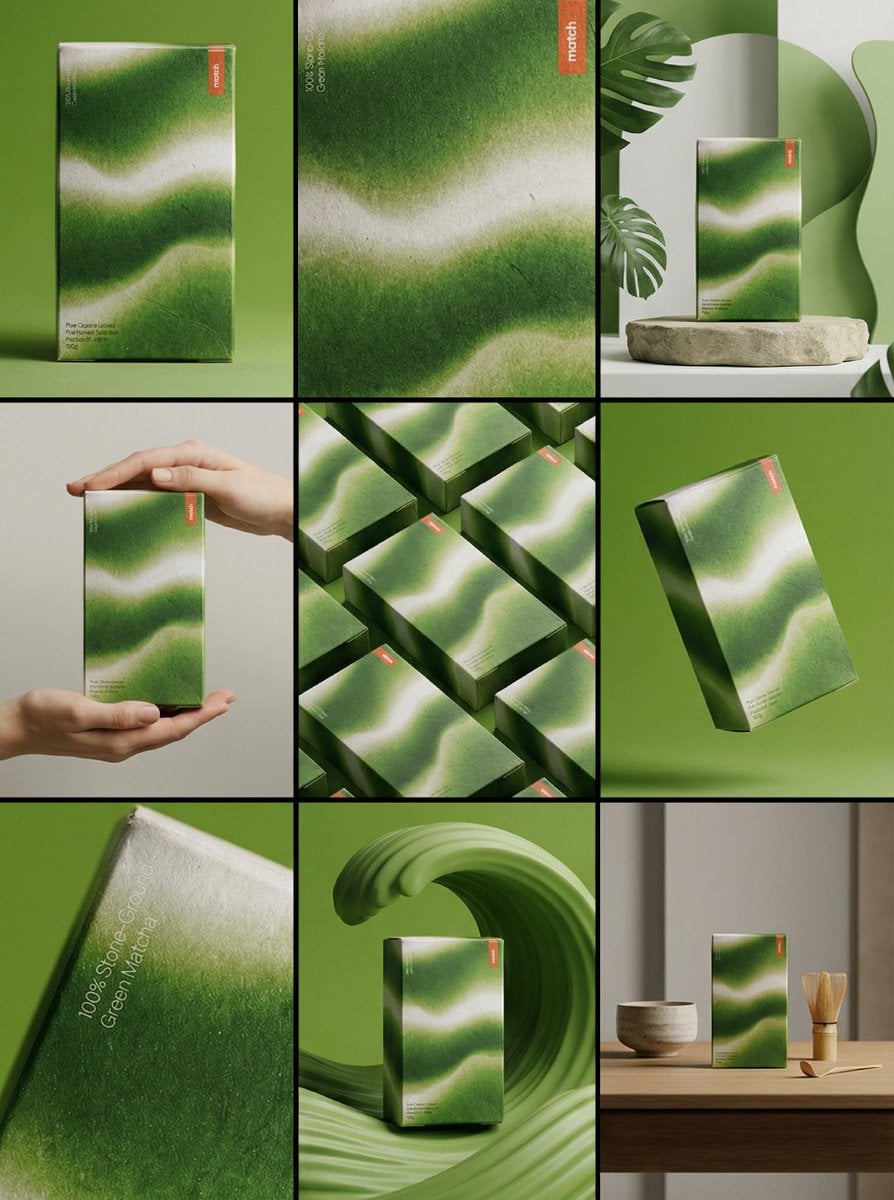
Product & Brand Prompt #341
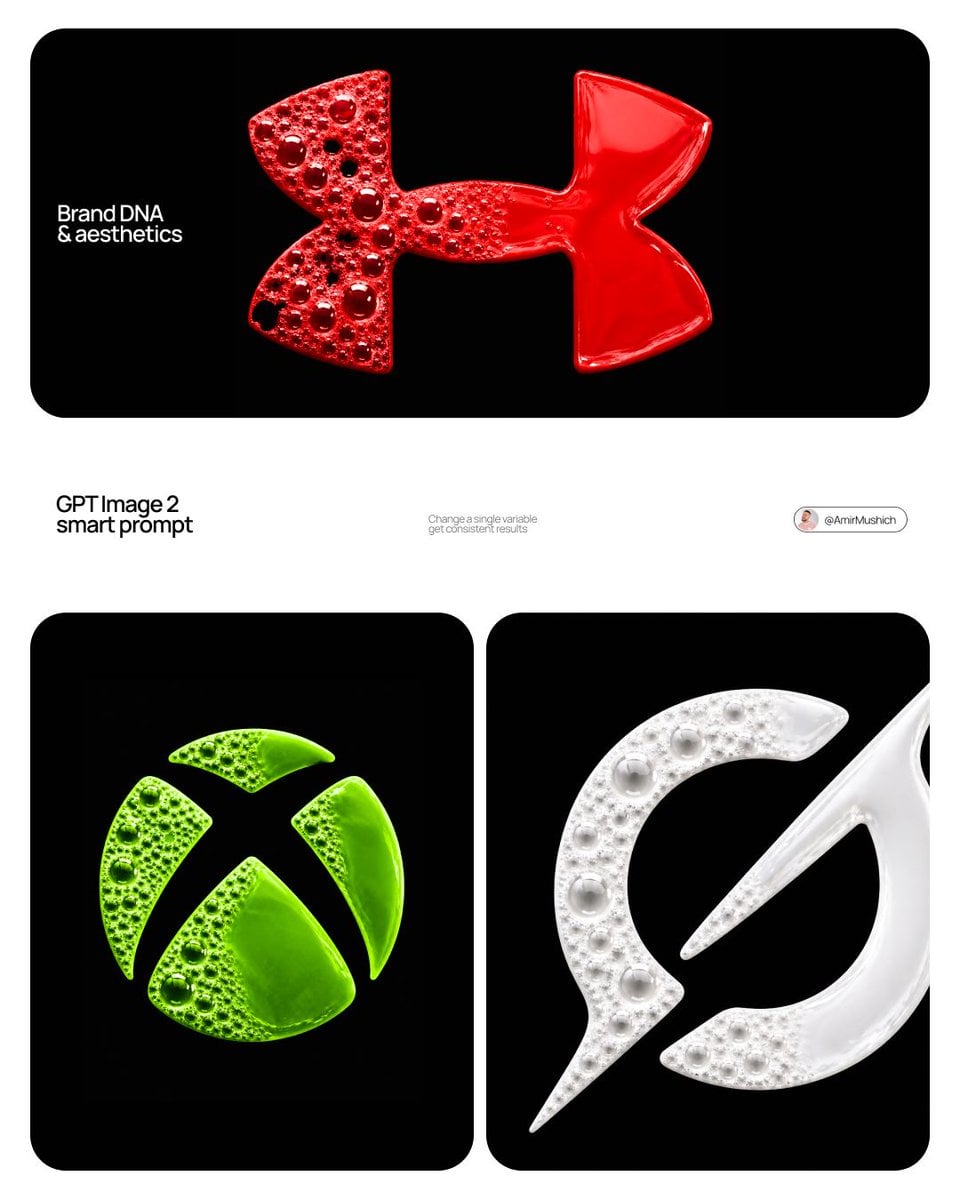
Product & Brand Prompt #230

ChatGPT Image 1 5 Google Veo 3 1

Act as a Senior Editorial Designer and Typographer
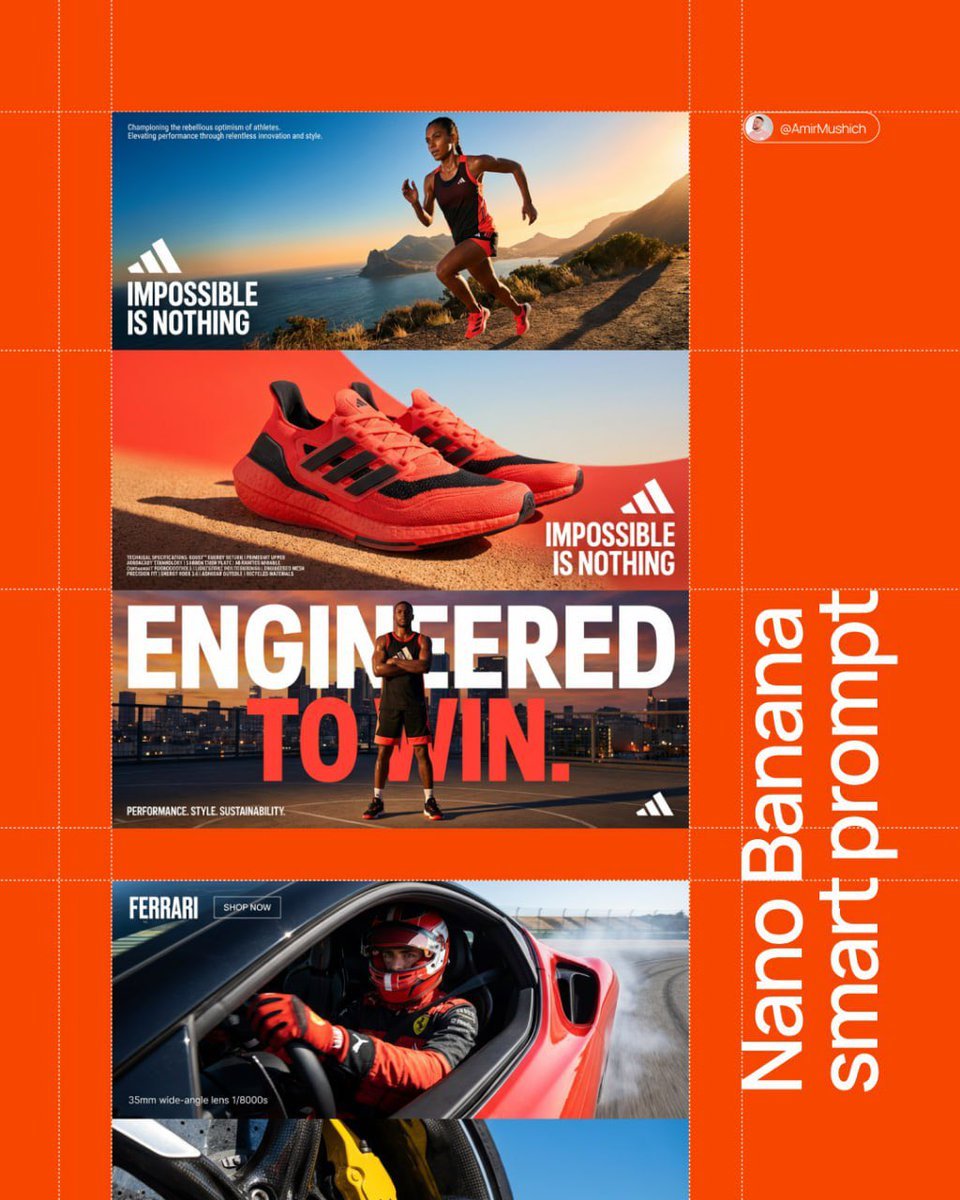
Aesthetic and fill the negative space

Clean, minimalist fashion infographic from an uploaded reference photo
Make it yours
3 4 identical units of the product floating in mid-air, surrounded works as-is. These are the safest ways to change it without losing the look.
Change one field
Copy a single group, rewrite it, and generate again so you can see what that field is doing.
Keep the frame, change the subject
Hold the composition and light of 3 4 identical units of the product floating in mid-air, surrounded, then swap wardrobe, props or the person for a new take.
| If the result… | Why | Fix |
|---|---|---|
| The result drifts from the preview | Too many fields changed at once. | Reuse 3 4 identical units of the product floating in mid-air, surrounded as-is first, then change one group — subject, light, or setting. |
| The model over-stylizes the scene | The prose prompt leaves finish and camera underspecified. | Add one camera or lighting sentence and stay on Nano Banana 2. |
More Nano Banana 2 templates
Other prompts made for Nano Banana 2.

Photorealistic Leaf Shaped Like a Dragon

K-Pop Idol Portrait Grid for Rapid Selection

Poetic Rain Forest Portrait During Golden Hour

Urban Street Portrait with Cartoon Inner Self Duo

Candid Nighttime Photo with Cat Prompt

High-Concept 3D Diorama Generation Prompt

Cinematic Futuristic Studio Portrait Template

Skincare Editorial Photography Collage Prompt

Hyper-Realistic Commercial Product Photography (Splash Effect)

Hyper-Realistic Nightclub Portrait Prompt
More image prompts
Fresh picks from across the catalog.
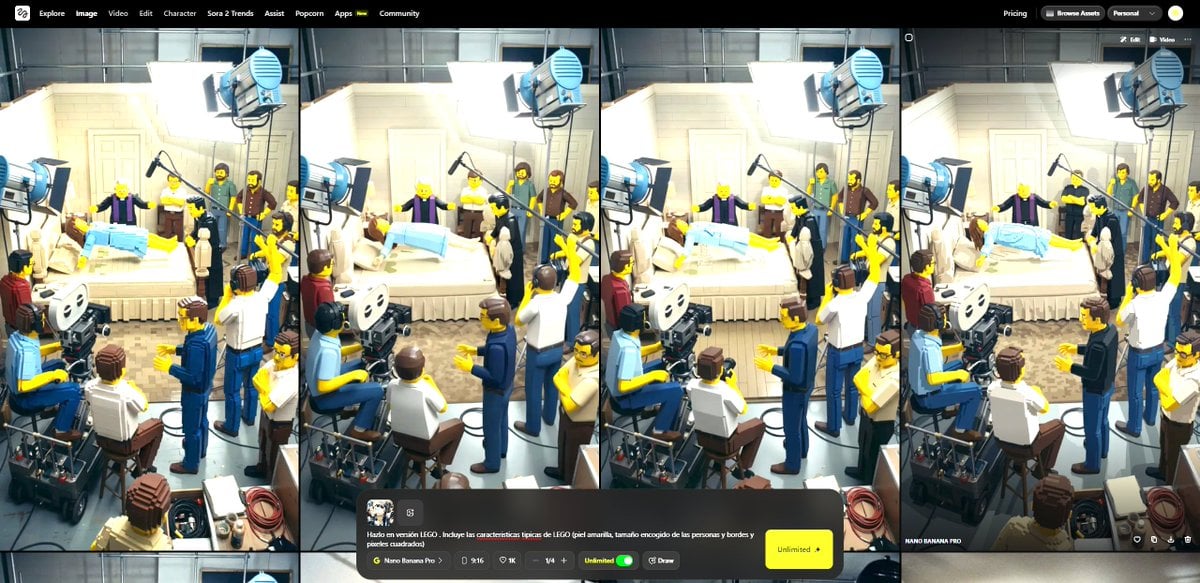
Transform Image into LEGO Version

Luxury Sunglasses Summer Sale Ad
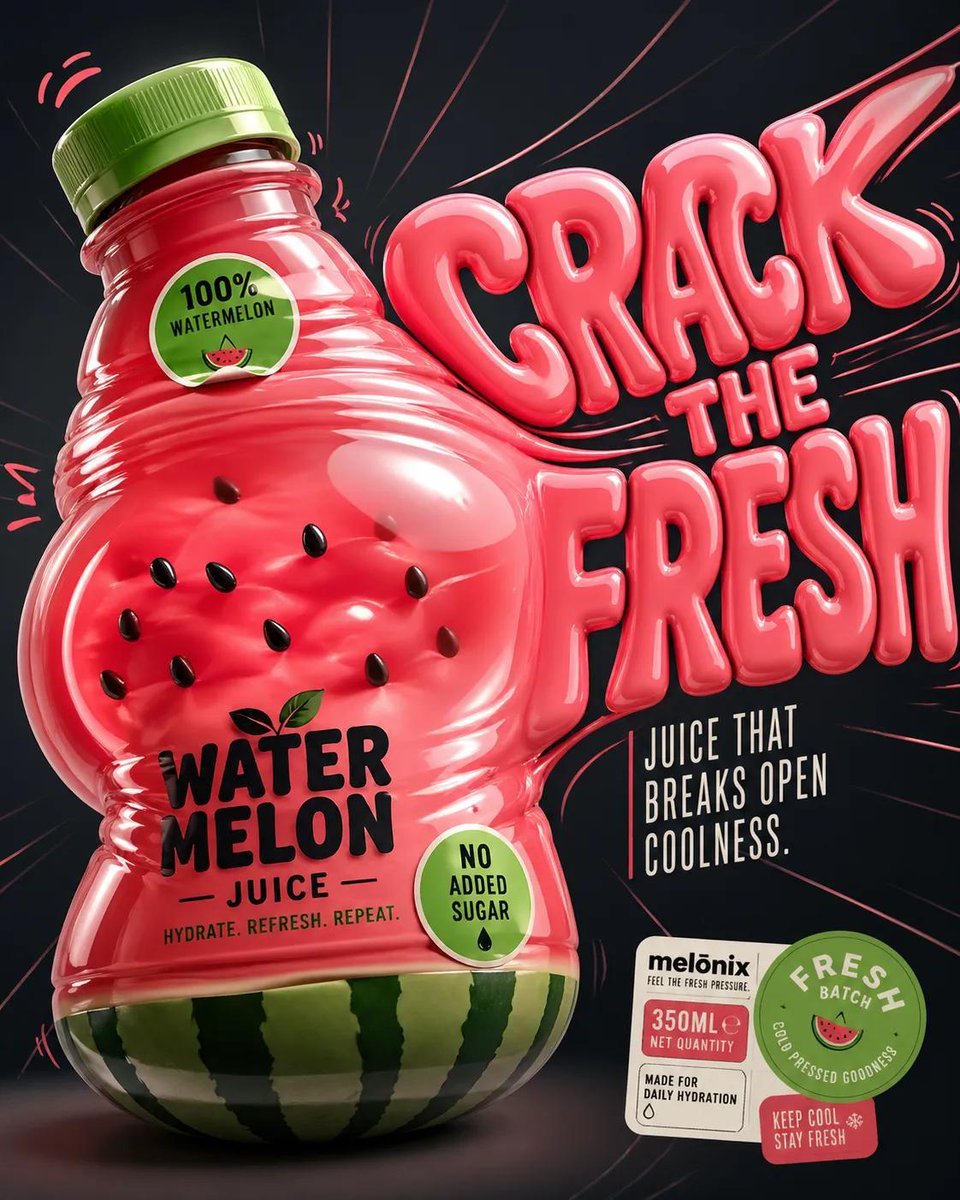
Inflatable Surreal Product Poster
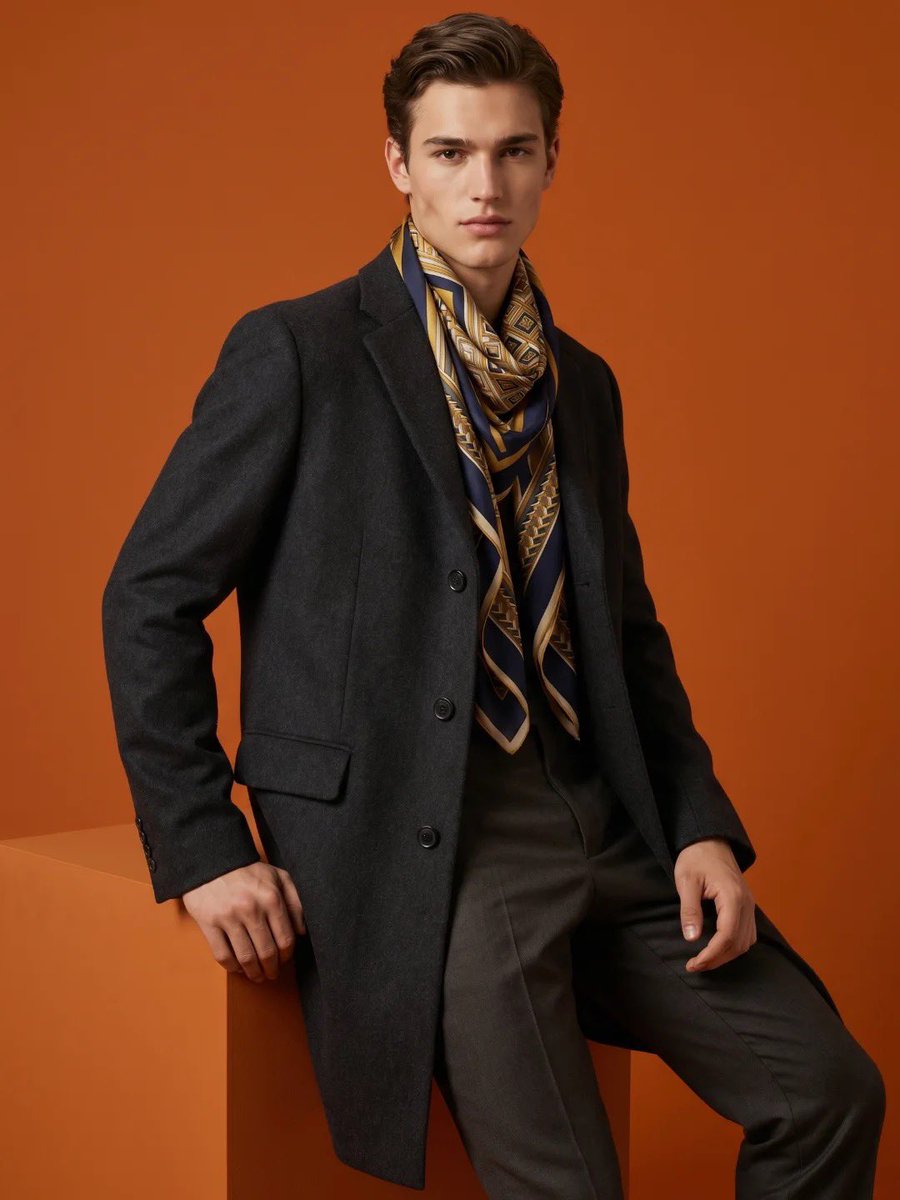
High-Fashion Male Editorial Portrait
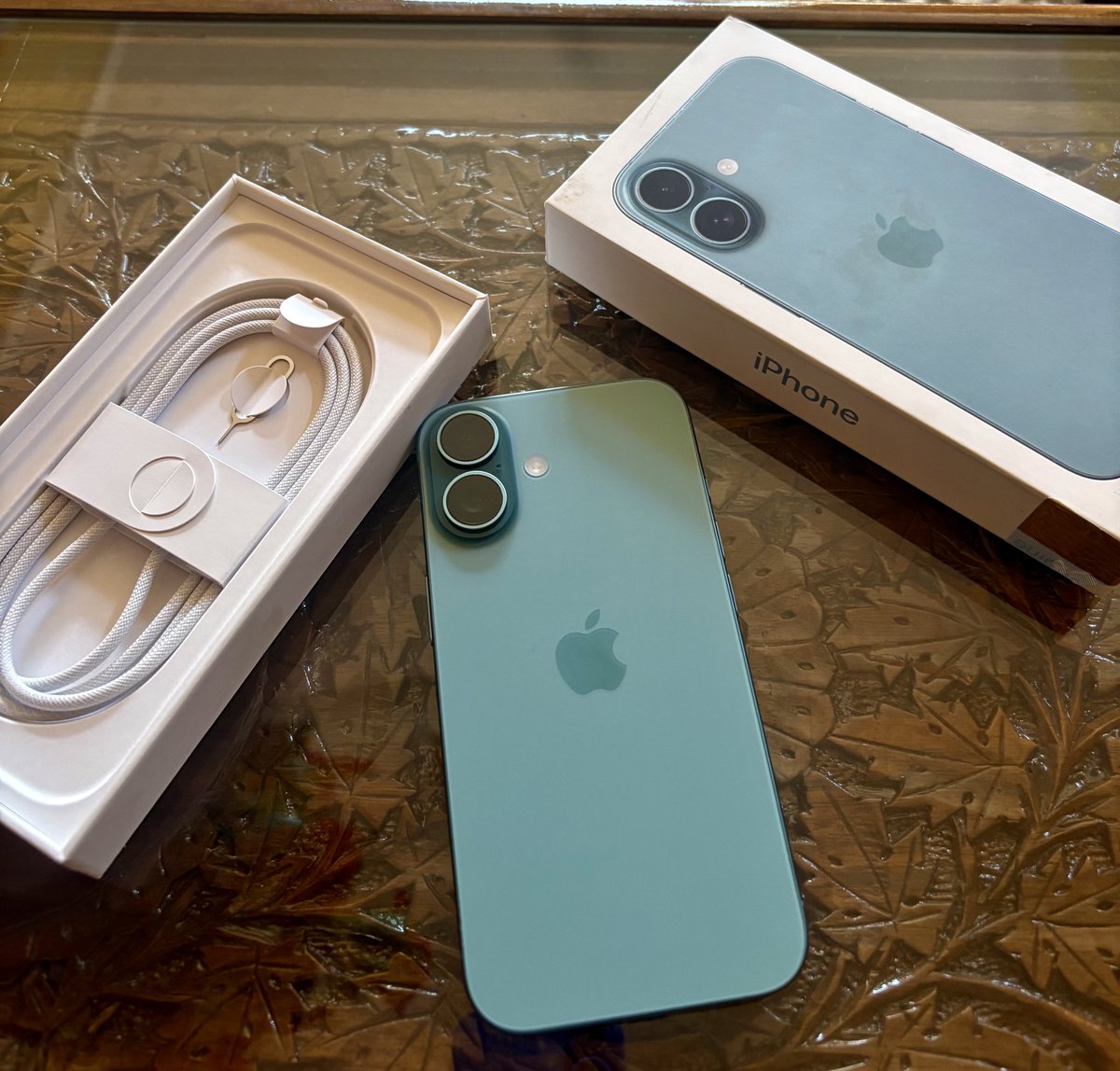
Transform Photo into Pop Art Comic Panel
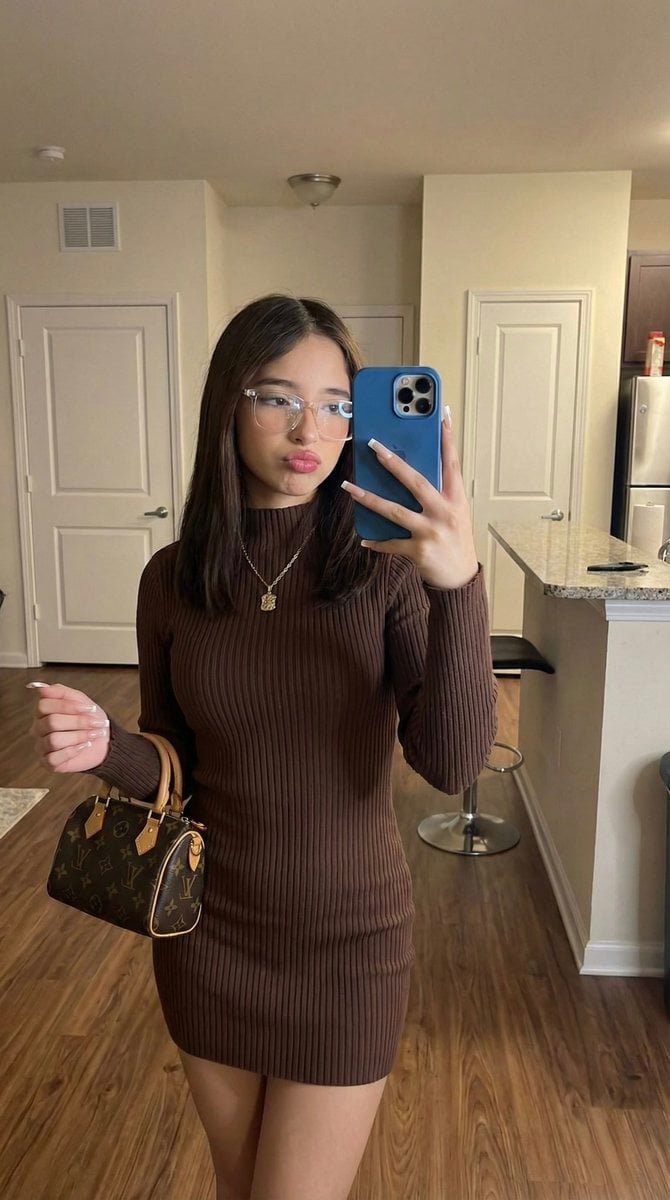
Hyper-Fidelity Mirror Selfie with Identity Locking
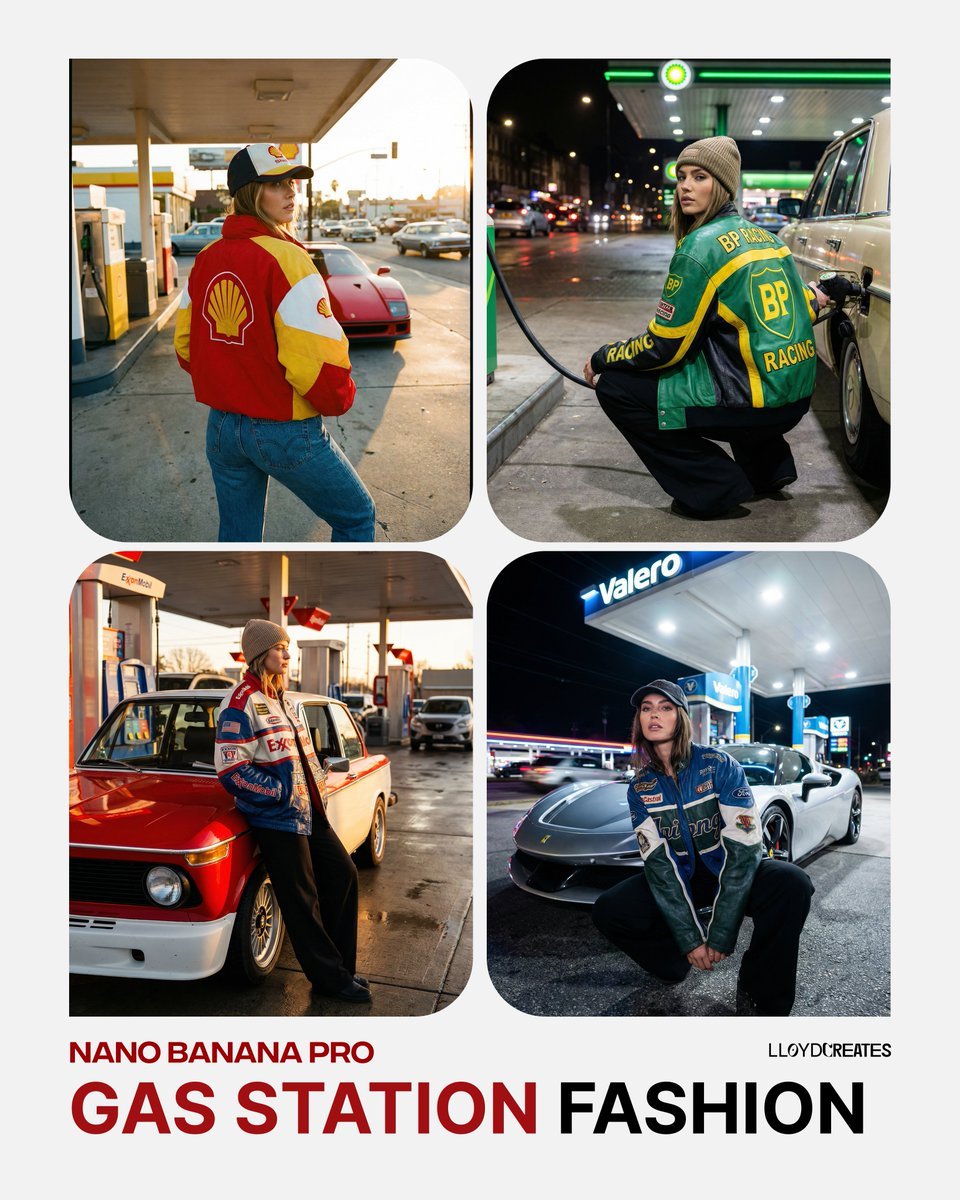
Gas Station Streetwear Fashion Photoshoot Template

Mystic Ruins Platformer Screenshot

Stormy Icelandic Fisherman Portrait
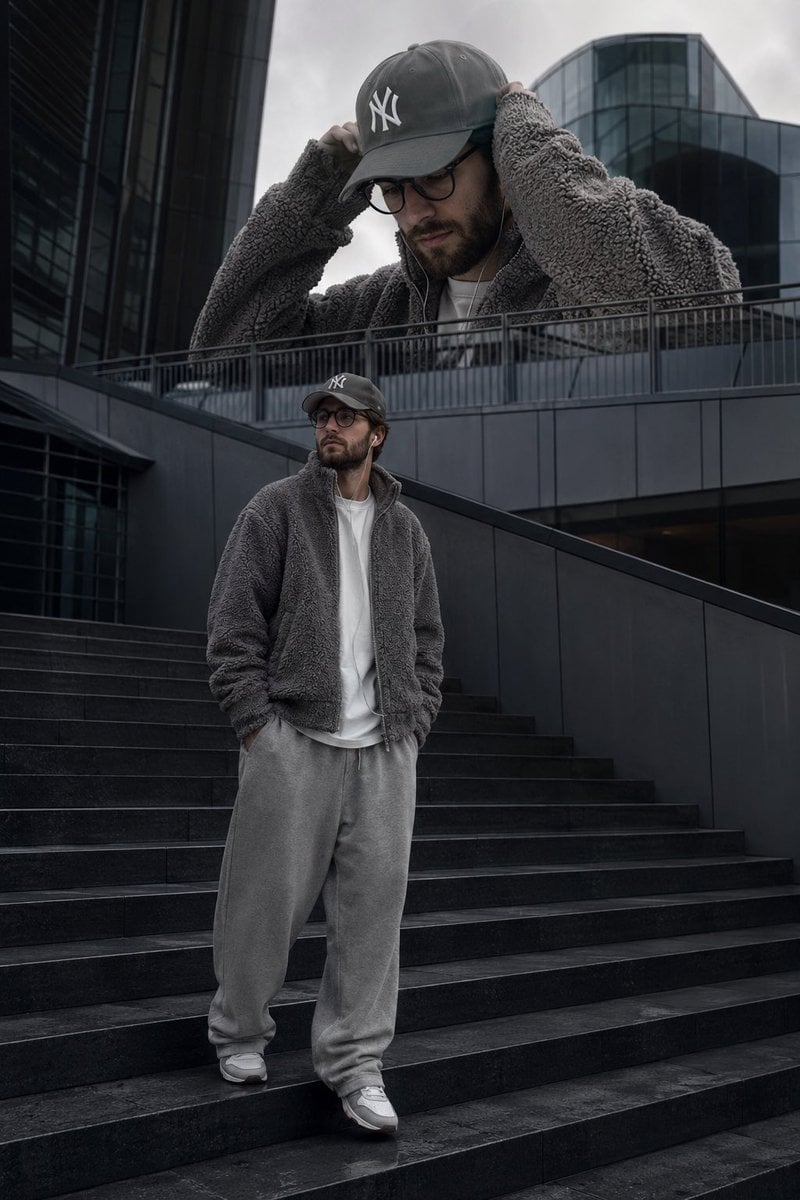
Surreal Streetwear Editorial
Browse template categories
3 4 identical units of the product floating in mid-air, surrounded questions
How do I use the 3 4 identical units of the product floating in mid-air, surrounded template?
Add your photo if the template asks for one, edit the prompt if you like — the template's model and format are already selected — and press Generate. Your version opens in PicX Studio.
Can I customize the 3 4 identical units of the product floating in mid-air, surrounded template?
Yes. You can change the subject, setting, lighting, mood, format, and available model controls before creating your image.
Is the 3 4 identical units of the product floating in mid-air, surrounded template free?
Opening and editing this template is free. Generating uses credits, shown on the Generate button when you are signed in.
Which AI model should I use?
Start with Nano Banana 2, which is the model associated with this template. You can compare another compatible model for a different finish.
Looking for something else? Browse all templates.

Your photo, any look
Thousands of ready templates for every top image and video model, from one credit balance.