How do I use the Transform Photo into Pop Art Comic Panel template?
Choose the primary action to open PicX Studio with the available template settings. Review the model and format, personalize the creative direction, and generate when ready.
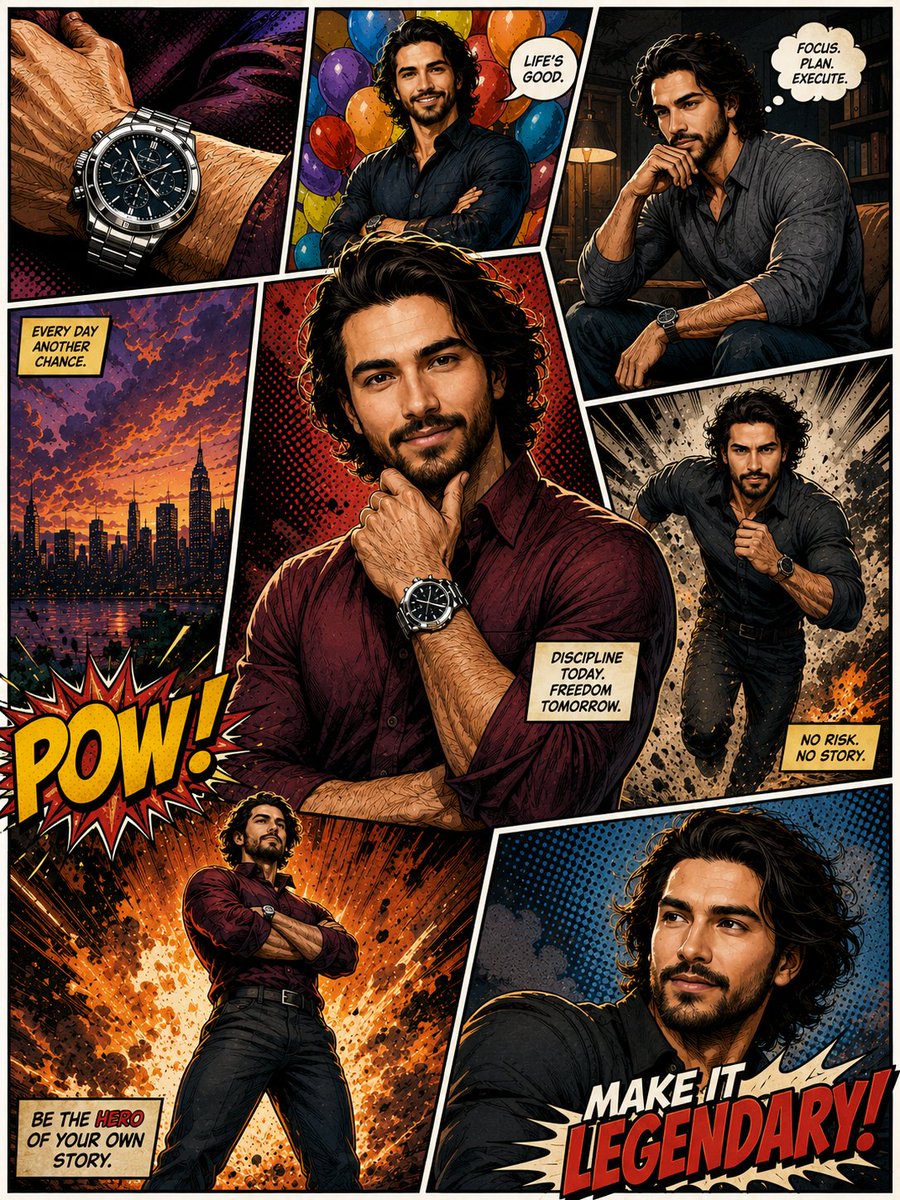
A prompt for transforming an existing photograph into a colorful pop art comic panel, specifying stylistic elements like bold outlines, halftone texture, bright contrast, and adding a speech bubble with text. Change the subject, setting, or lighting one variable at a time.

Transform the photo into a colorful pop-art comic panel with bold outlines, halftone texture, bright contrast, speech bubble saying ‘{argument name="speech bubble text" default="Fresh Drop!"}’ and graphic comic effects.”
Choose the primary action to open PicX Studio with the available template settings. Review the model and format, personalize the creative direction, and generate when ready.
Yes. You can change the subject, setting, lighting, mood, format, and available model controls before creating your image.
This template is free to open and customize. Generation usage is shown in PicX Studio before you create.
Start with Nano Banana 2, which is the model associated with this template. You can compare another compatible model for a different finish.
© 2026 PicX Studio. All rights reserved.

Follow a topic to a crawlable collection of related PicX Studio templates.
43,474 public templates available. Verified via the PicX Studio public templates API; refreshed hourly.
![Pop Art Superhero Explosion Poster — [Subject] bursting forth in a Pop Art Powerhouse explosion of vibrant colors and bold outlines. Use a Ben-Day dot pattern a](https://images.meigen.ai/tweets/2075580941272019292/0.jpg)




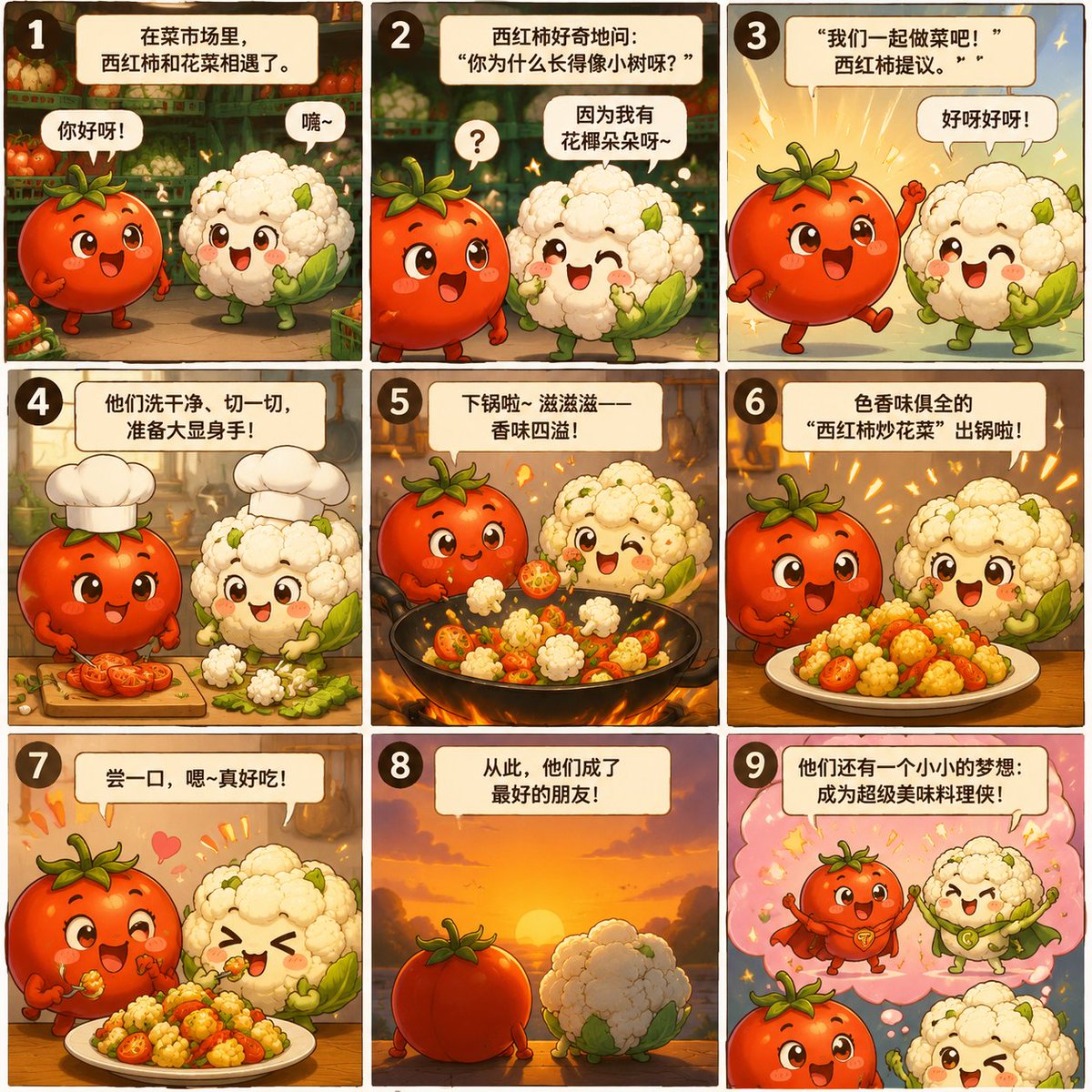
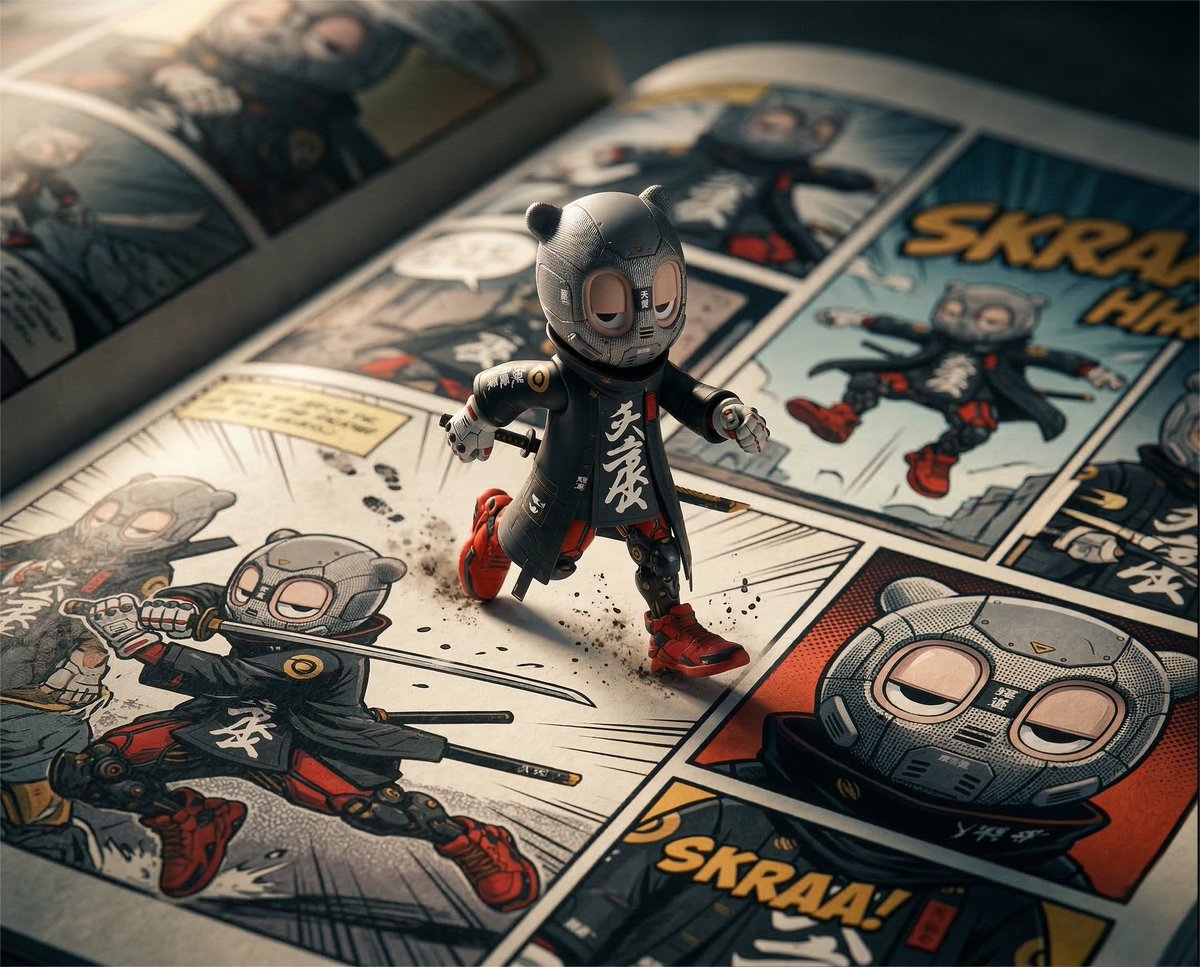


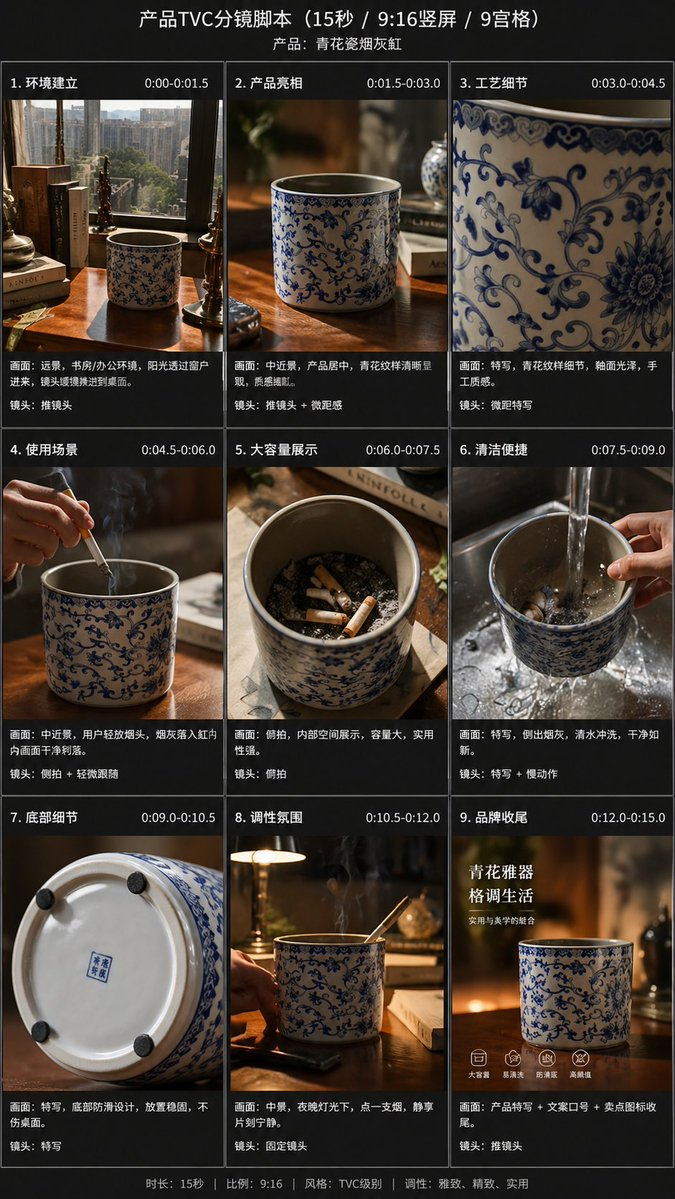
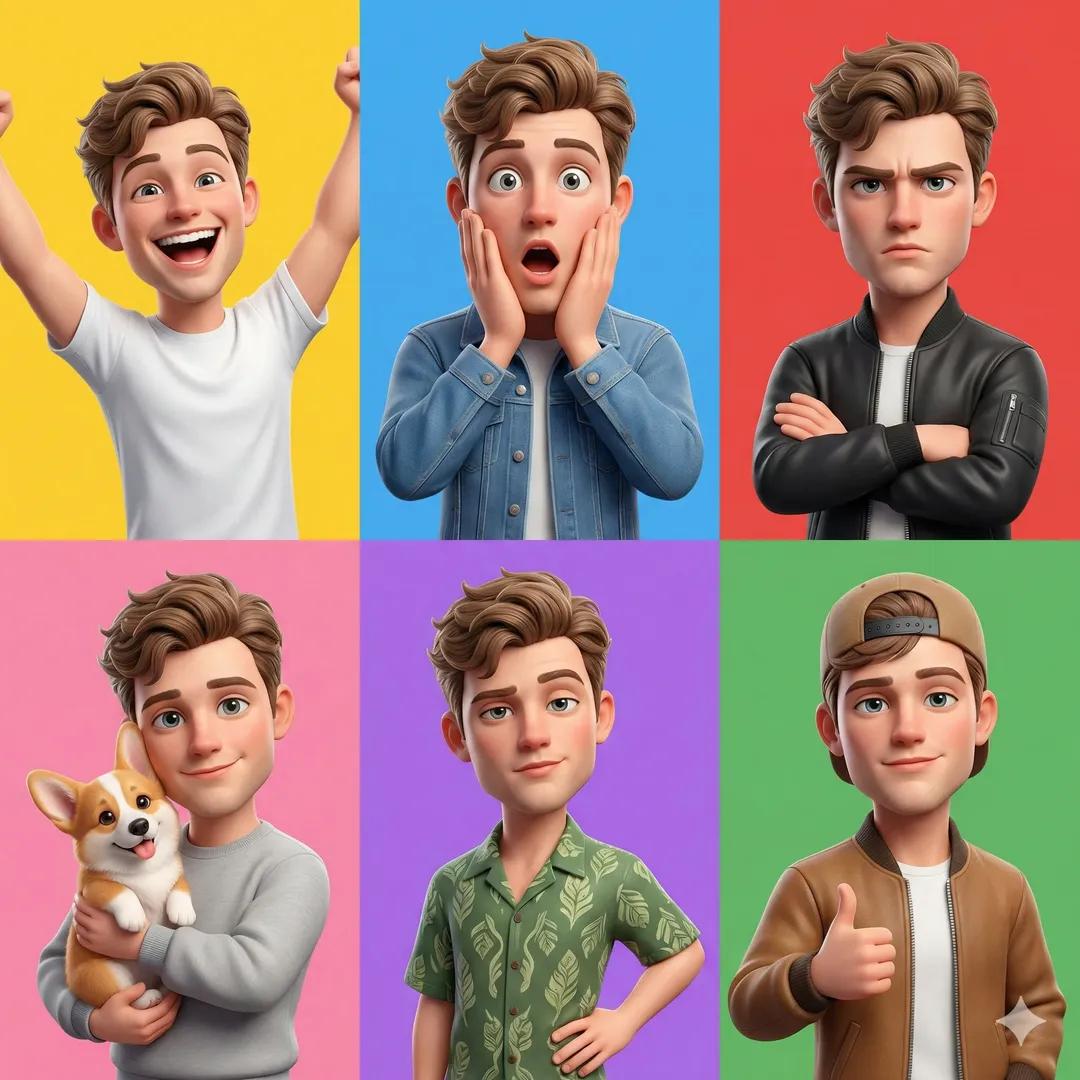



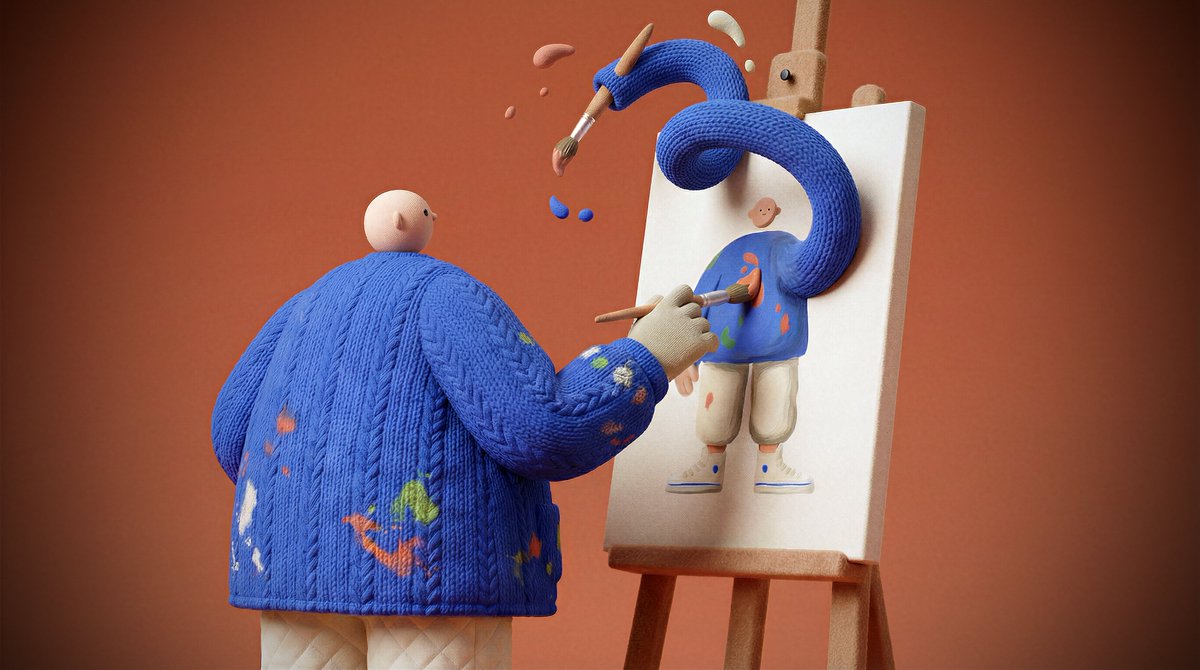
![Naive doodle-style subject illustration — A doodle-style {argument name="subject" default="[subject]"}, naive lines, humorous shape exaggeration](https://pbs.twimg.com/media/G6Wl2YxbsAARB2b.jpg)













![Intricate Paper Folding Morphological Transformation Prompt — Anchor: [Uploaded Image]::3
Morphology: Intricate paper folding, sharp creases, layered topographi](https://pbs.twimg.com/media/G977iLTWQAIDmaS.jpg)