
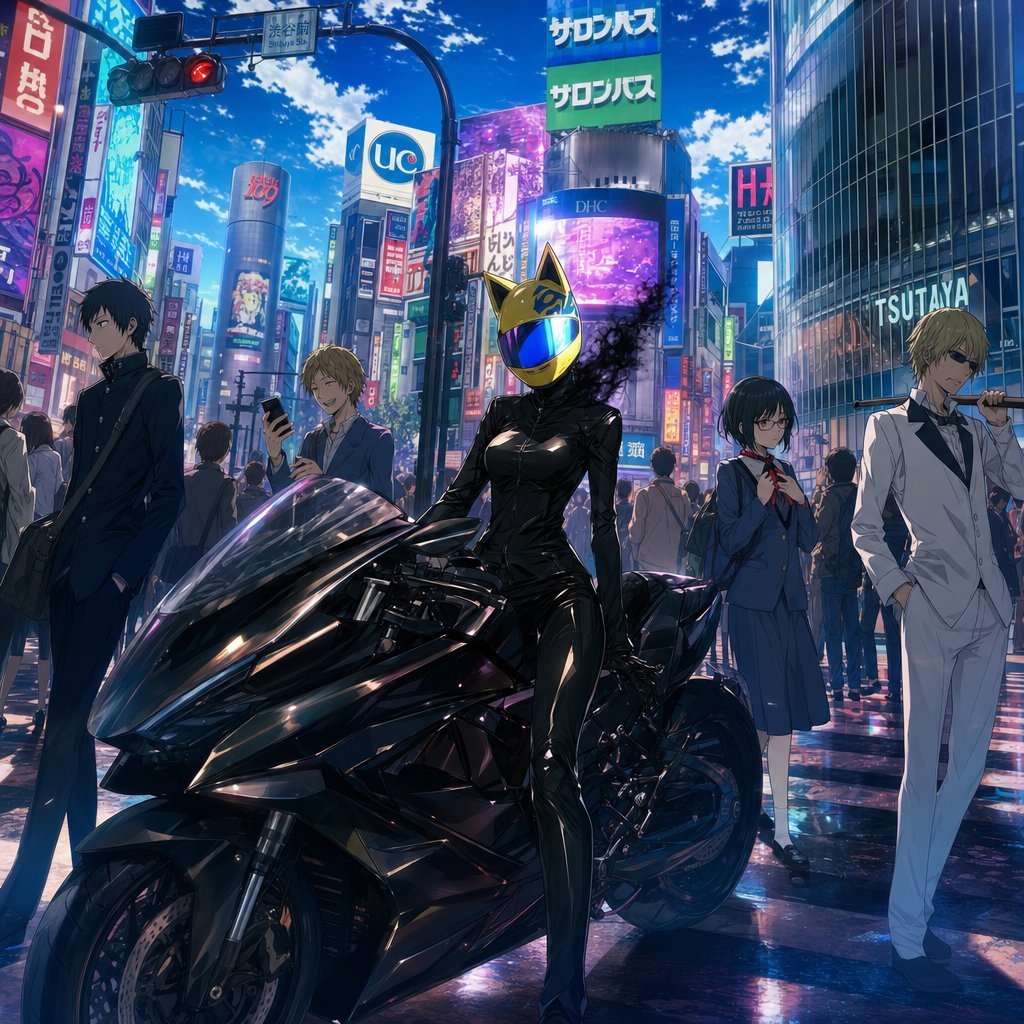
Durarara-Style Tokyo Crossing Key Visual
A cinematic anime ensemble poster showing five urban characters around a black motorcycle in a neon Tokyo crossing.
- Prompt included
- Model and format preset
- Free template
The prompt behind this image
Copy the exact prompt behind Durarara-Style Tokyo Crossing Key Visual, or open it in the studio and make it yours.
Create a polished anime key visual inspired by Durarara!!, set in a busy Ikebukuro/Shibuya-style Tokyo crossing at midday under a vivid blue sky with scattered clouds. The scene features exactly five main characters arranged across the foreground and midground: 1) at far left, a slim black-haired teenage boy in a dark school uniform, hands in pockets, carrying a shoulder bag, looking serious and slightly away from camera; 2) left-center behind the motorcycle, a cheerful blond teenage boy in casual school clothes holding a smartphone and smiling; 3) center foreground, a headless female rider based on {argument name="character name" default="Celty Sturluson"}, wearing a glossy black leather catsuit and a reflective gold cat-eared helmet with a blue mirrored visor, seated beside or leaning on a sleek black futuristic sport motorcycle, with dark smoky shadow tendrils drifting from the neck area; 4) right-center, a shy black-haired schoolgirl with glasses in a blue sailor-style uniform with red neck ribbon, holding her schoolbag straps; 5) far right, a tall blond man in an immaculate white bartender suit and black shirt, sunglasses, casually holding a metal street sign pole across one shoulder. Use dramatic cinematic perspective with the large black motorcycle dominating the lower half of the image, wet reflective pavement, dense pedestrian crowds in the background, red traffic light overhead, and towering buildings covered in colorful Japanese neon billboards and signs including visible shop signage such as {argument name="store sign text" default="TSUTAYA"}. Visual style: high-detail modern anime illustration, sharp linework, glossy highlights, saturated cyan-magenta city lighting, realistic reflections, dynamic urban depth, no borders or watermark. Mood: stylish, cool, mysterious, ensemble cast promotional poster. Include the quote atmosphere of {argument name="quote theme" default="The world is not as cruel a place as you think"} without adding large readable quote text.
How to use Durarara-Style Tokyo Crossing Key Visual in 3 steps
- 1Upload ImagePNG, JPG or paste
Add your photo
Upload the photo the template builds on. The prompt, model and format are already set.
- 2…a portrait of your subject in softgolden-hour light, 85mm…
Personalize
Edit the subject and creative details for your destination.
- 3Generate
Generate
Press Generate — your image is created in PicX Studio, so you can compare it with the original and refine one variable at a time.
More like this
Templates with the same subject, style or setup. Open one to see its prompt.
Beverage Campaign Key Visual

Anime Classroom Losing Heroines Key Visual

Anime Losing Heroines Classroom Key Visual

Anime School Rom-Com Key Visual
AI Bloom Sisters Anime Key Visual
Cyberpunk Anime Rooftop Key Visual
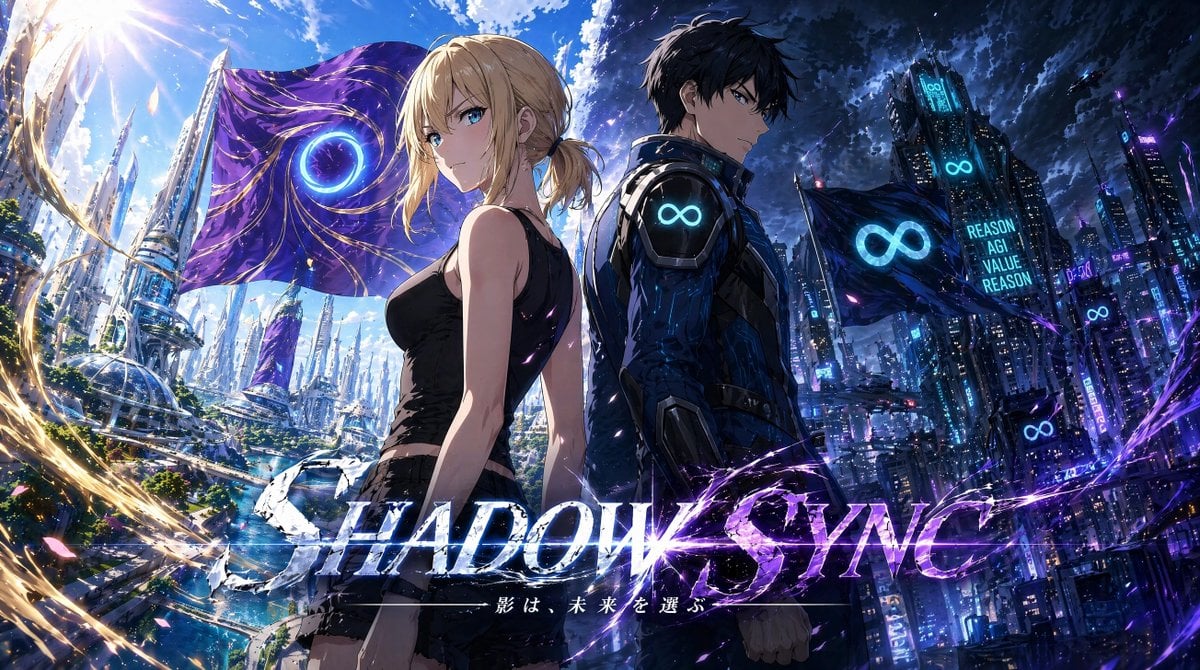
Shadow Sync Anime Key Visual
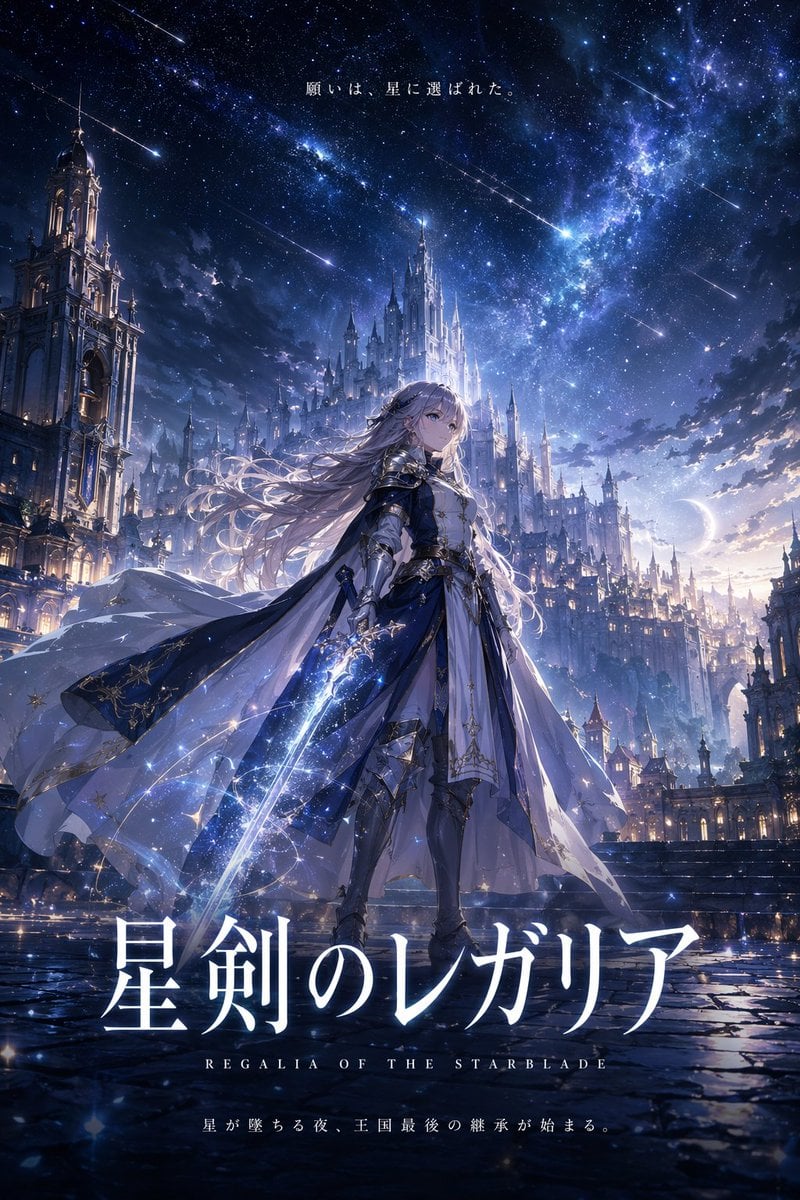
Fantasy Anime Key Visual Prompt
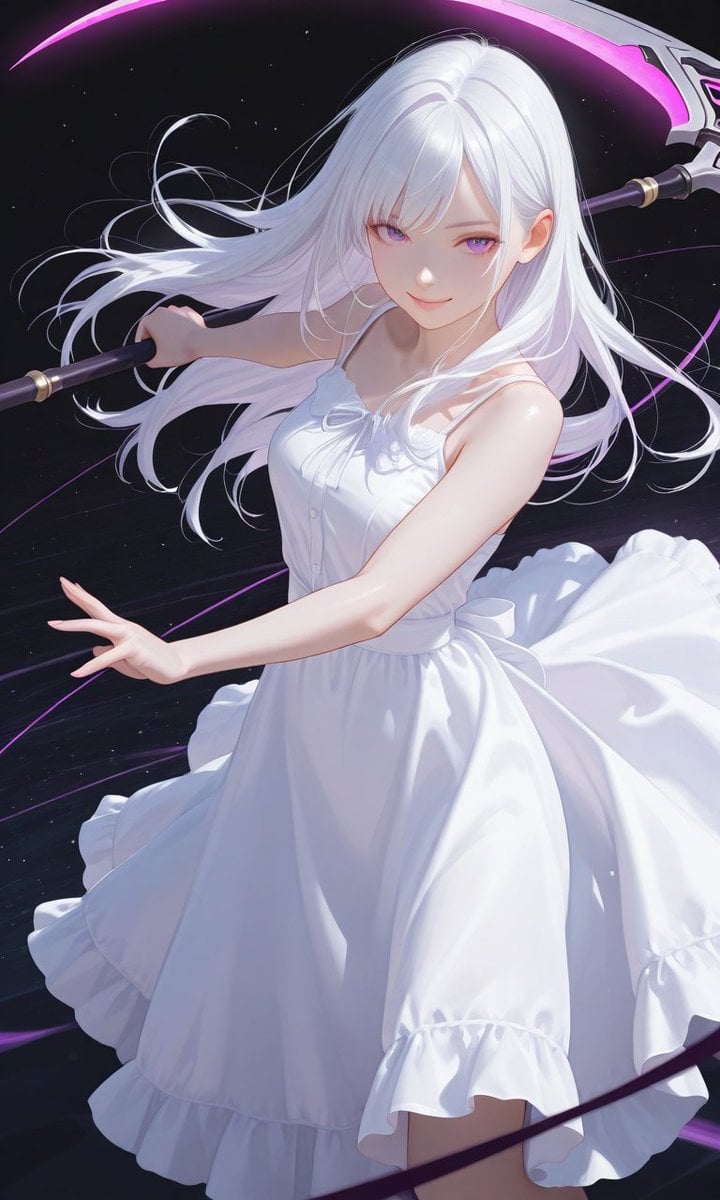
Boxed Figure to Anime Key Visual
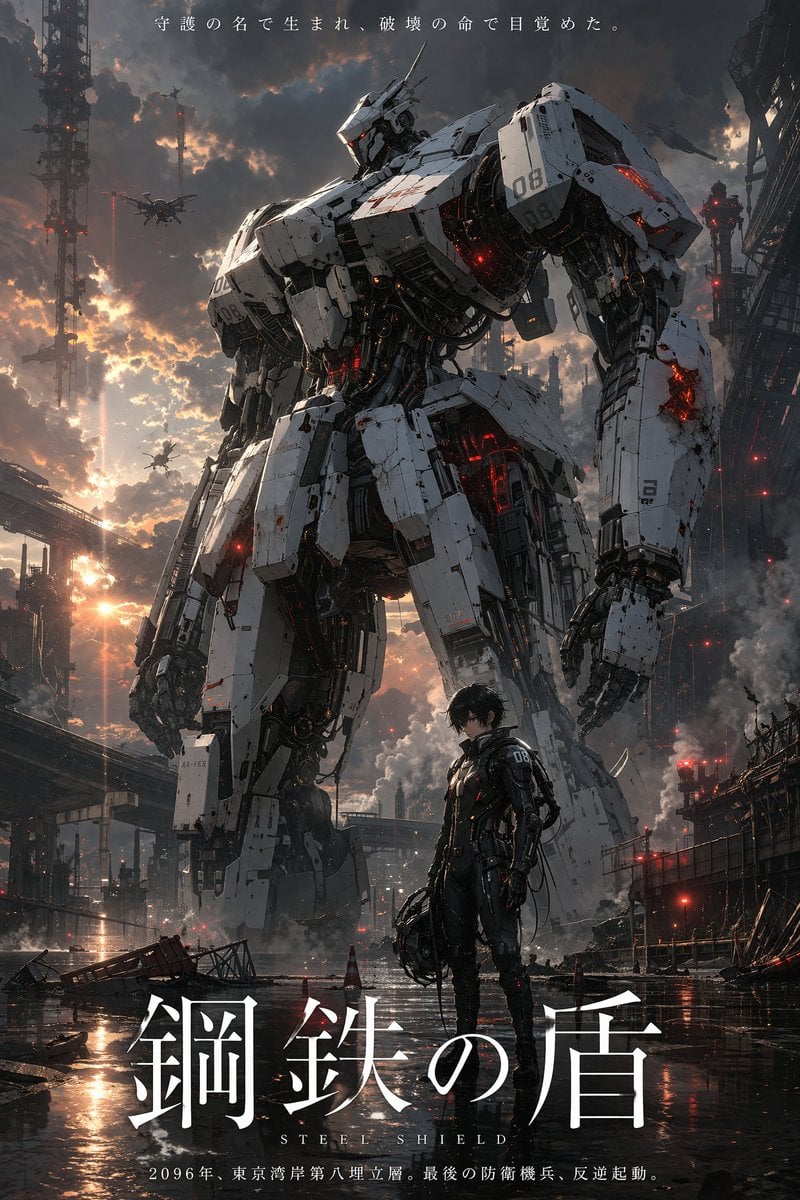
Robot Mecha Movie Key Visual Prompt
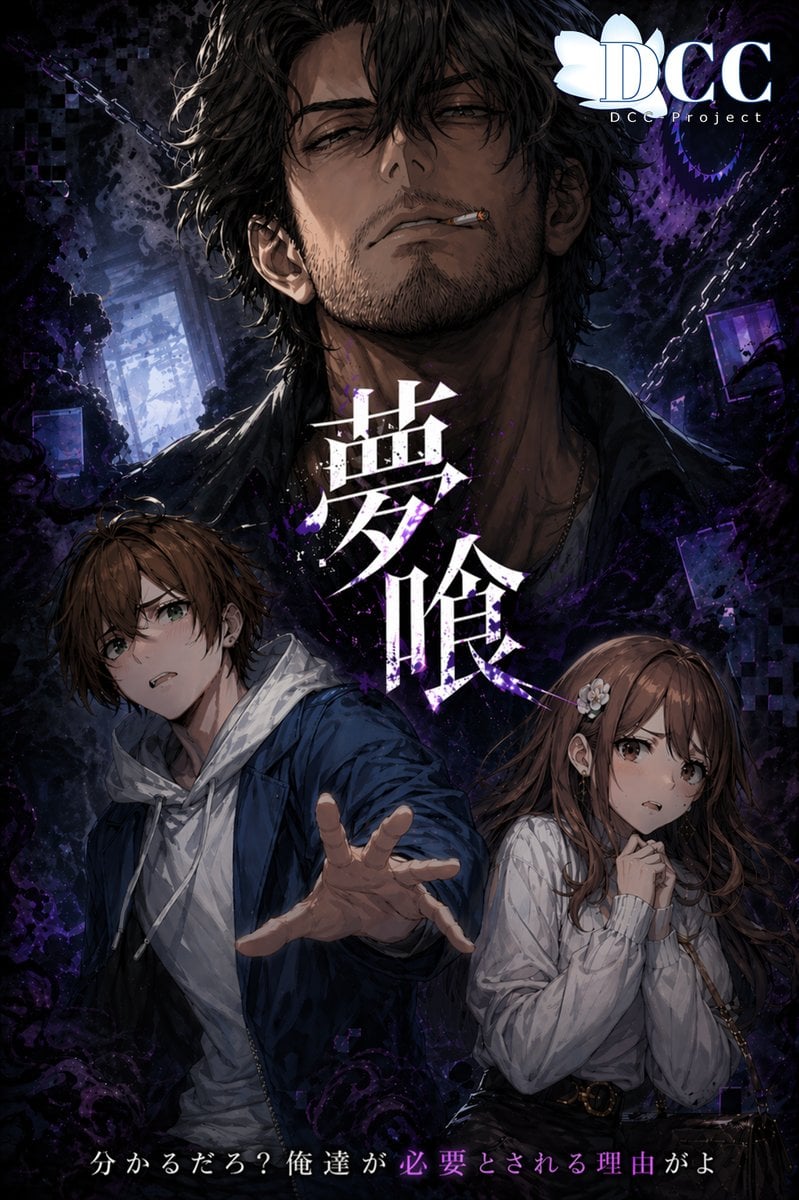
Dark Fantasy RPG Key Visual Poster
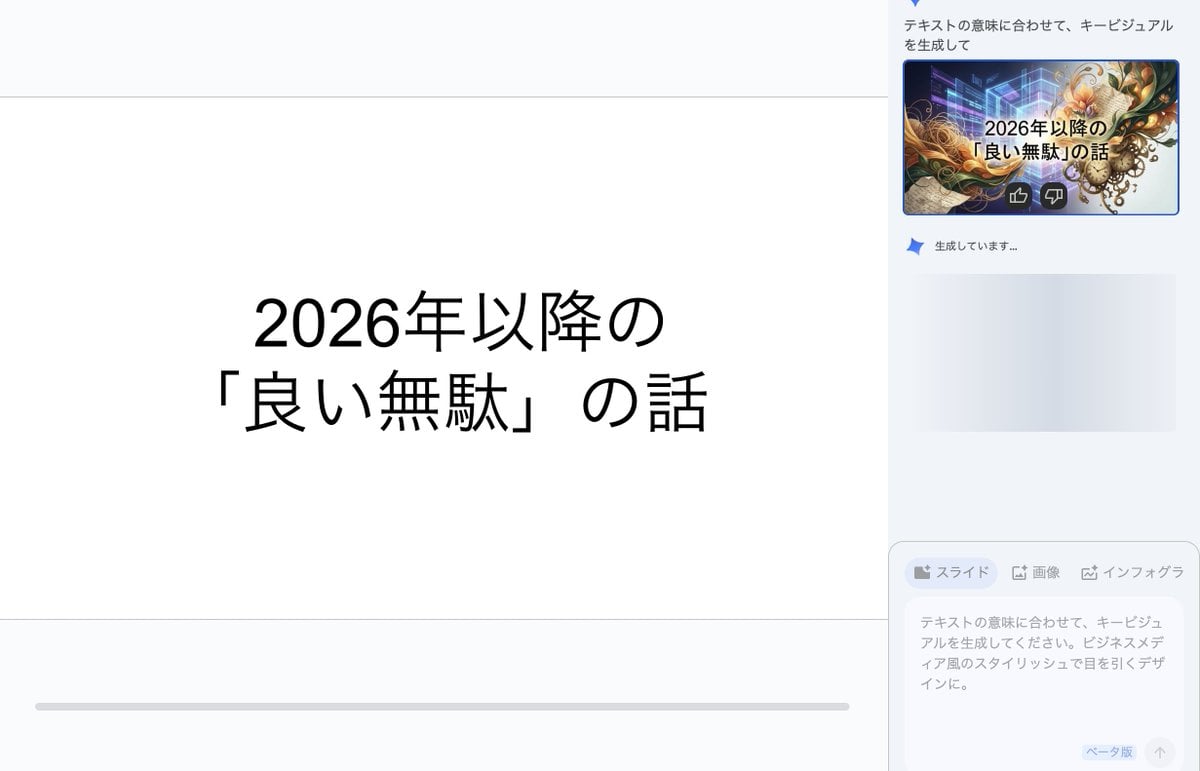
Key Visual Generation for Slides (Nano Banana Pro)
Make it yours
Durarara-Style Tokyo Crossing Key Visual works as-is. These are the safest ways to change it without losing the look.
Change one field
Copy a single group, rewrite it, and generate again so you can see what that field is doing.
Keep the frame, change the subject
Hold the composition and light of Durarara-Style Tokyo Crossing Key Visual, then swap wardrobe, props or the person for a new take.
| If the result… | Why | Fix |
|---|---|---|
| The result drifts from the preview | Too many fields changed at once. | Reuse Durarara-Style Tokyo Crossing Key Visual as-is first, then change one group — subject, light, or setting. |
| The model over-stylizes the scene | The prose prompt leaves finish and camera underspecified. | Add one camera or lighting sentence and stay on GPT Image 2. |
More GPT Image 2 templates
Other prompts made for GPT Image 2.

Six VTuber Japanese Logo Sheet

Realistic Portrait of Woman and Deer

The Vista Modular Condo Poster

AI Model Routing Comparison Infographic

2.5D Anime Art Board

Isometric Productivity Desk Scene

New York Double Exposure Poster

Four-Panel AI Landscape Comparison

Japanese Tatami Lifestyle Magazine Cover

NESCAFÉ Coffee Map Poster
More image prompts
Fresh picks from across the catalog.
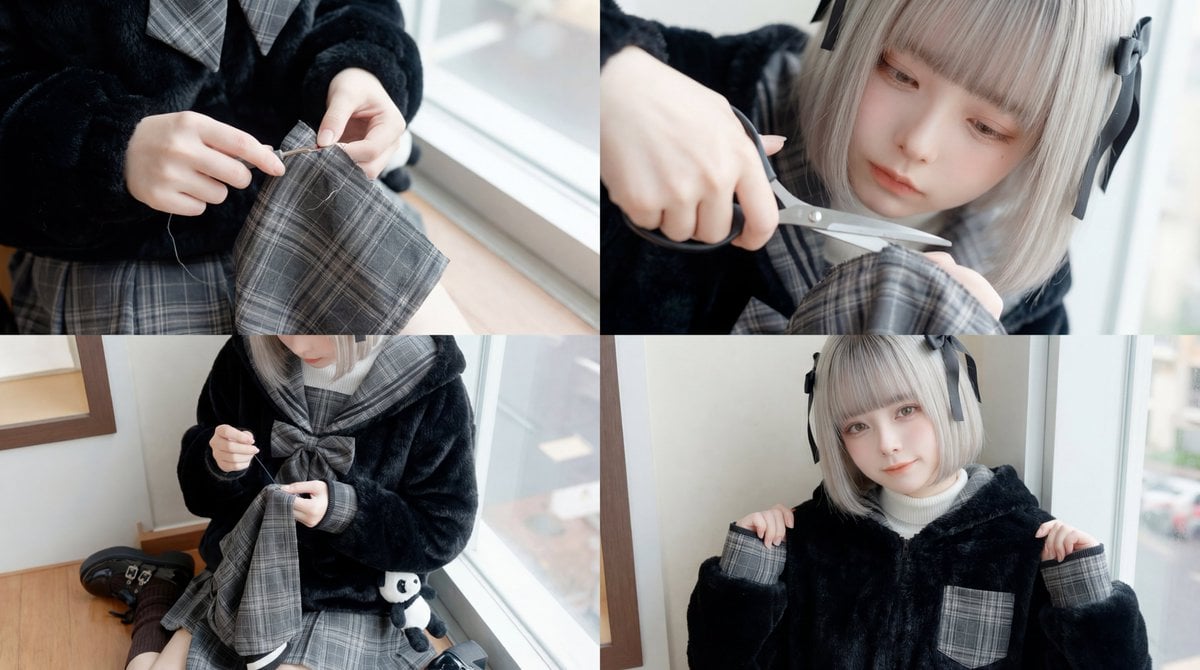
ASMR Sewing/Crafting Video Prompt (GPT-5 Generated)
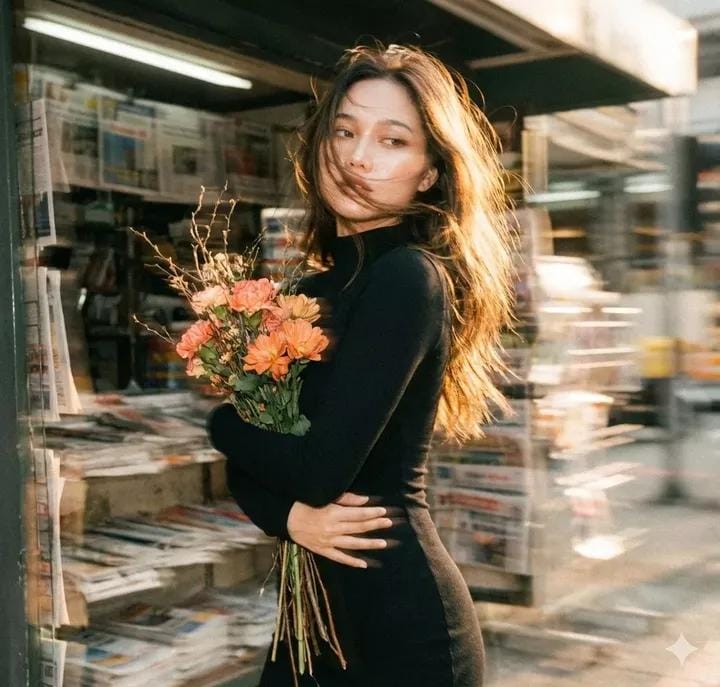
Vintage Film Aesthetic Portrait with Motion Blur
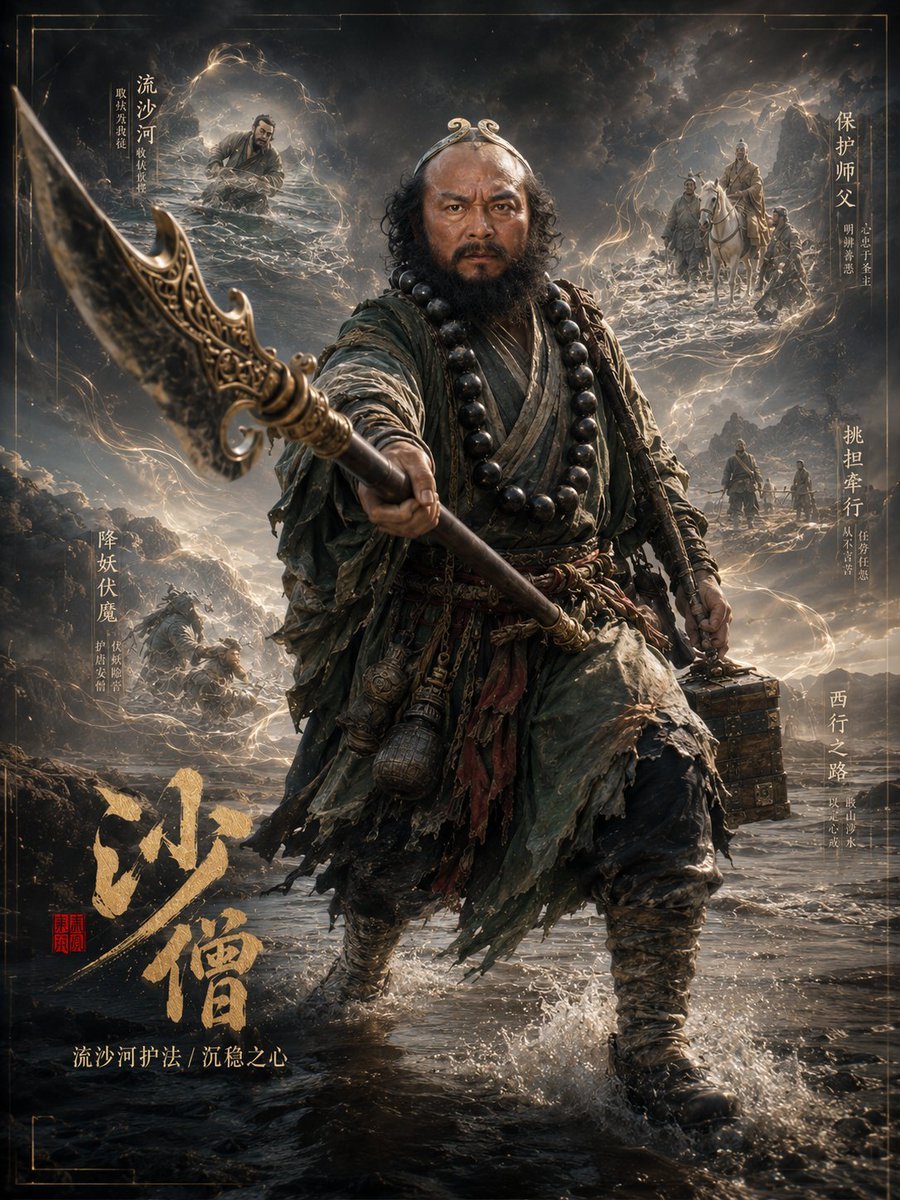
Dark Fantasy Sha Seng Character Poster
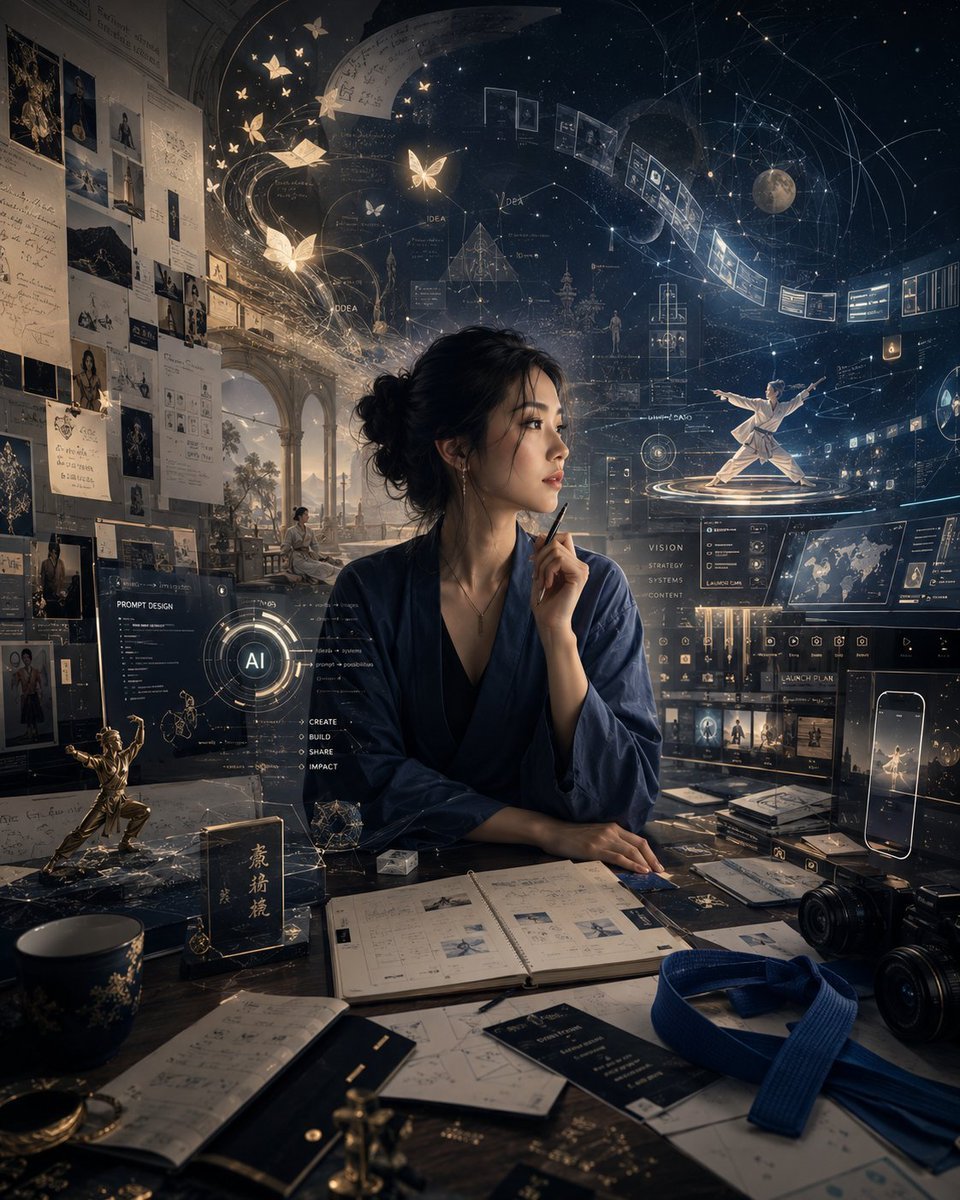
Personal High-Concept Portrait Generator

OpenAI CEO Announcement Mockup
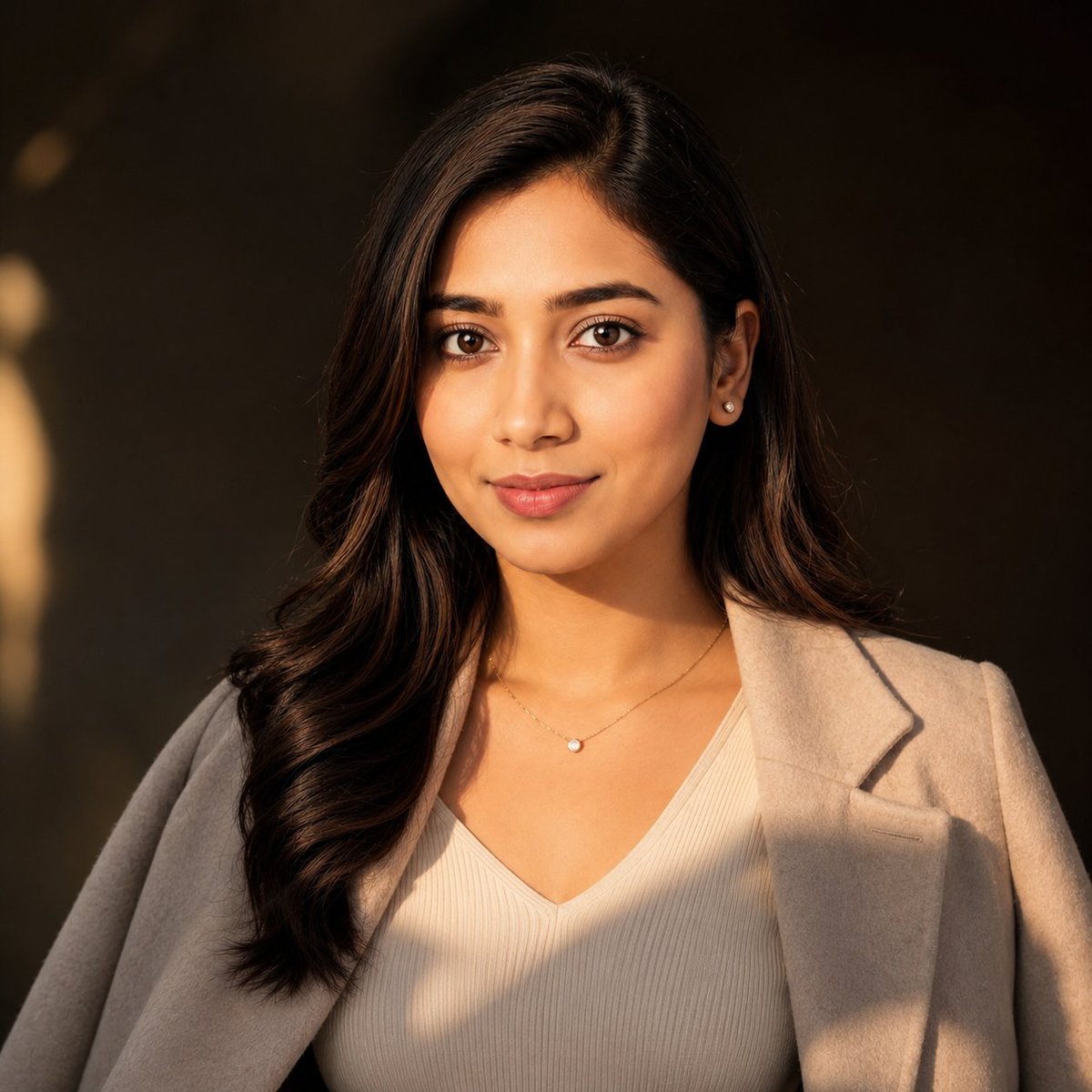
East Asian Woman Cinematic Portrait
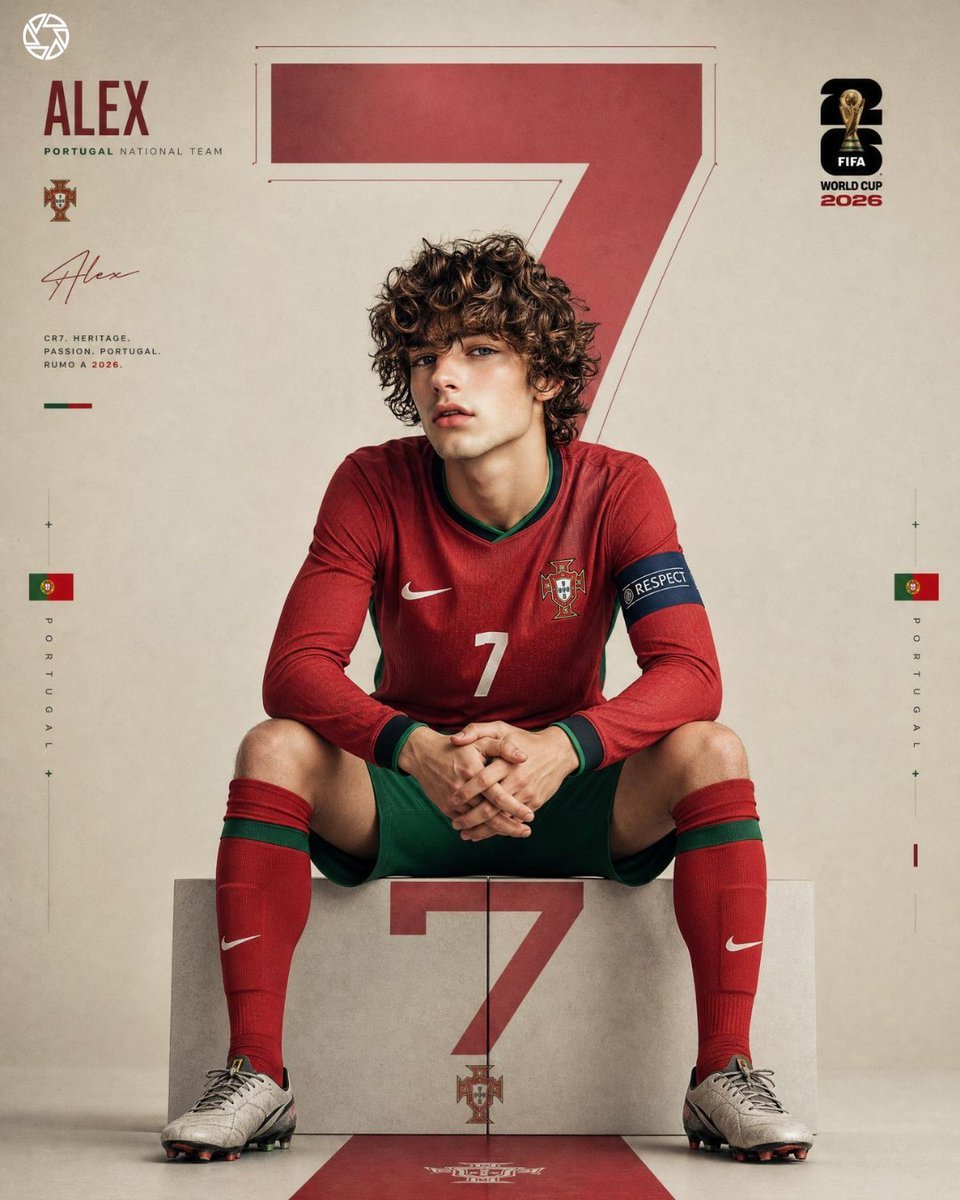
Hyper Realistic FIFA Football Poster

Skincare E-commerce Landing Page Mockup

Japanese Wireless Earbuds Lifestyle Ad

Playful Intimate Portrait Photography
Browse template categories
Durarara-Style Tokyo Crossing Key Visual questions
How do I use the Durarara-Style Tokyo Crossing Key Visual template?
Add your photo if the template asks for one, edit the prompt if you like — the template's model and format are already selected — and press Generate. Your version opens in PicX Studio.
Can I customize the Durarara-Style Tokyo Crossing Key Visual template?
Yes. You can change the subject, setting, lighting, mood, format, and available model controls before creating your image.
Is the Durarara-Style Tokyo Crossing Key Visual template free?
Opening and editing this template is free. Generating uses credits, shown on the Generate button when you are signed in.
Which AI model should I use?
Start with GPT Image 2, which is the model associated with this template. You can compare another compatible model for a different finish.
Looking for something else? Browse all templates.

Your photo, any look
Thousands of ready templates for every top image and video model, from one credit balance.