
Japanese Wireless Earbuds Lifestyle Ad
Generates a clean Japanese lifestyle advertisement scene for wireless earphones, suitable for product PV frames and social media ads.
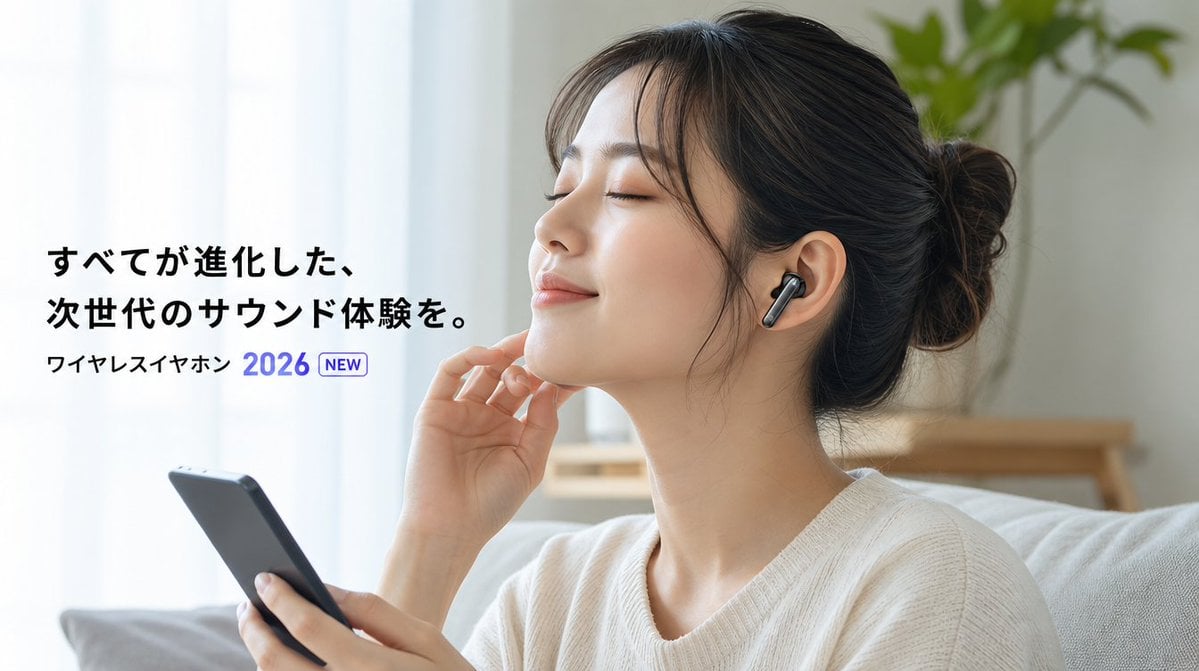
- Prompt included
- Model and format preset
- Free template
The prompt behind this image
Copy the exact prompt behind Japanese Wireless Earbuds Lifestyle Ad, or open it in the studio and make it yours.
Create a realistic horizontal 16:9 product-advertising still for {argument name="product type" default="wireless earphones"}. Show a young Japanese woman sitting on a light-colored sofa in a bright modern living room, viewed from the side at medium close-up. She has dark hair tied in a loose bun and wears a cream knit sweater; her face is intentionally hidden by a plain beige rectangular privacy block centered over the face. A sleek black wireless earbud is visible in her right ear, and she holds a dark smartphone in her left hand while her other hand is raised gently near her chin, suggesting she is listening to audio. Use soft natural daylight from sheer white curtains on the left, a clean cozy interior, shallow depth of field, a small green plant blurred in the background, and a calm premium lifestyle mood. On the left side, add bold Japanese ad copy in black: {argument name="headline text" default="すべてが進化した、\n次世代のサウンド体験を。"}. Beneath it add smaller black product text {argument name="product label" default="ワイヤレスイヤホン"}, followed by a prominent blue year {argument name="year text" default="2026"} and a small outlined rounded badge reading {argument name="badge text" default="NEW"}. Keep the typography crisp, modern, and minimal, with generous white space and the woman occupying the right half of the frame.
How to use Japanese Wireless Earbuds Lifestyle Ad in 3 steps
- 1Upload ImagePNG, JPG or paste
Add your photo
Upload the photo the template builds on. The prompt, model and format are already set.
- 2…a portrait of your subject in softgolden-hour light, 85mm…
Personalize
Edit the subject and creative details for your destination.
- 3Generate
Generate
Press Generate — your image is created in PicX Studio, so you can compare it with the original and refine one variable at a time.
More like this
Templates with the same subject, style or setup. Open one to see its prompt.

Delicate Japanese Café Lifestyle Illustration

Minecraft Japanese Research Lab Exploration

Mirror Selfie Chibi Characters Pixar Style

Japanese Tatami Lifestyle Magazine Cover
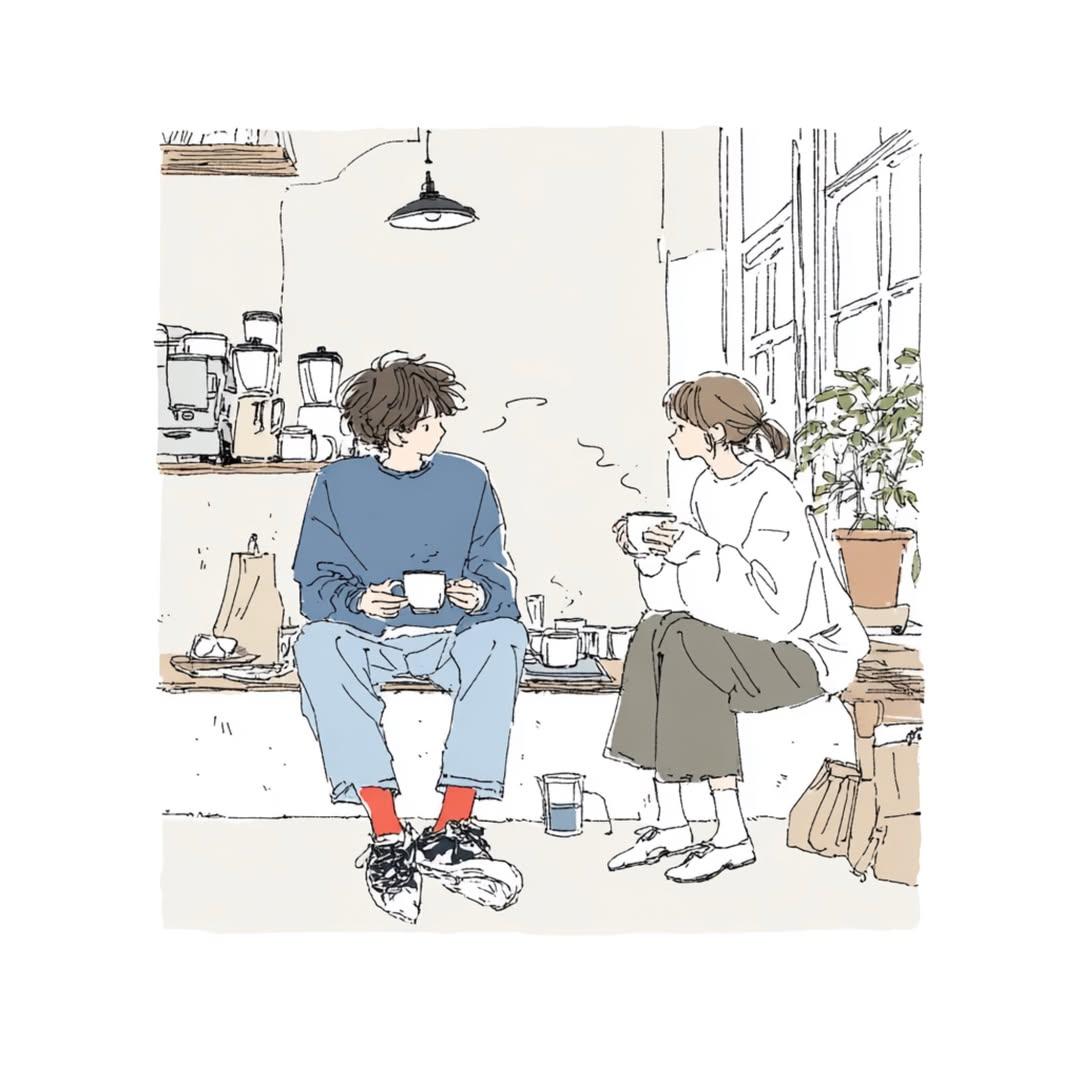
Japanese Lifestyle Sketch Illustration
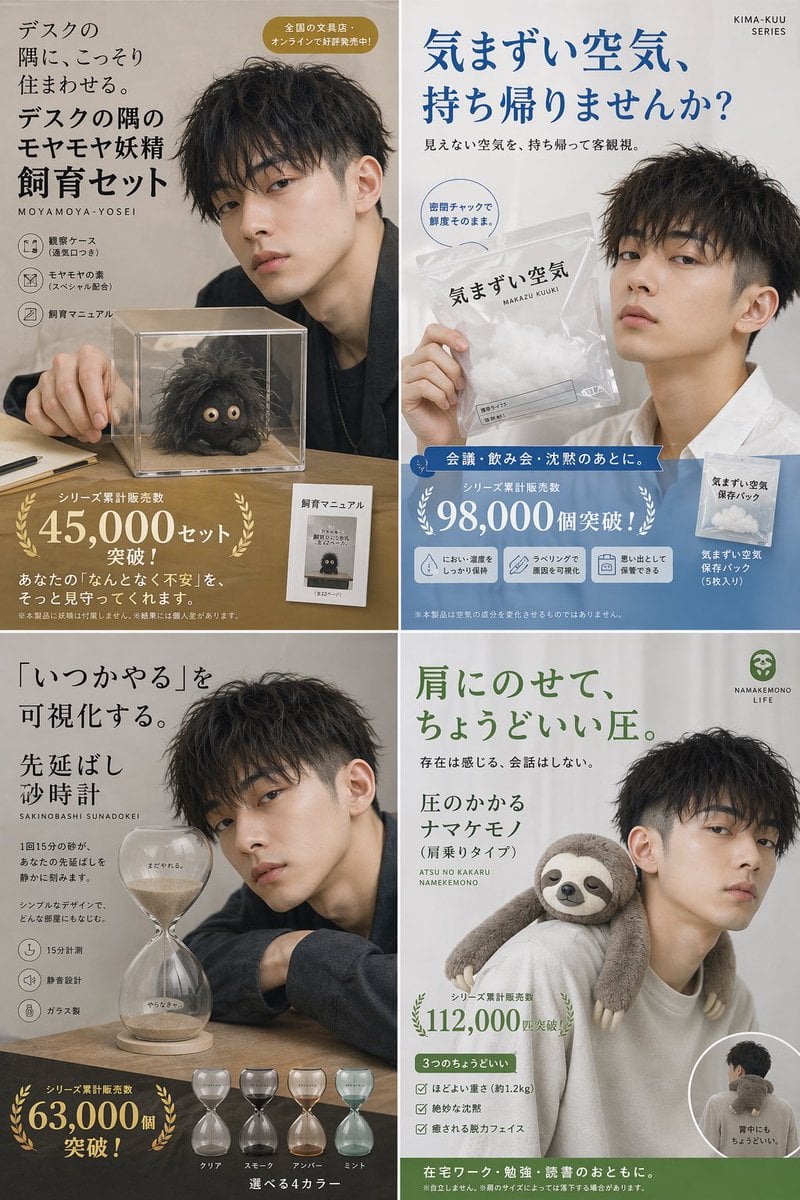
Japanese Absurd Lifestyle Ad Grid

A k.pop idol on the stage with mic

Japanese Architectural Concrete Studio Fashion Campaign

Blue Backdrop Luxury Fashion Portrait Campaign

Minimalist Fashion Editorial Split Layout

Warm Window Side Café Studio Portrait
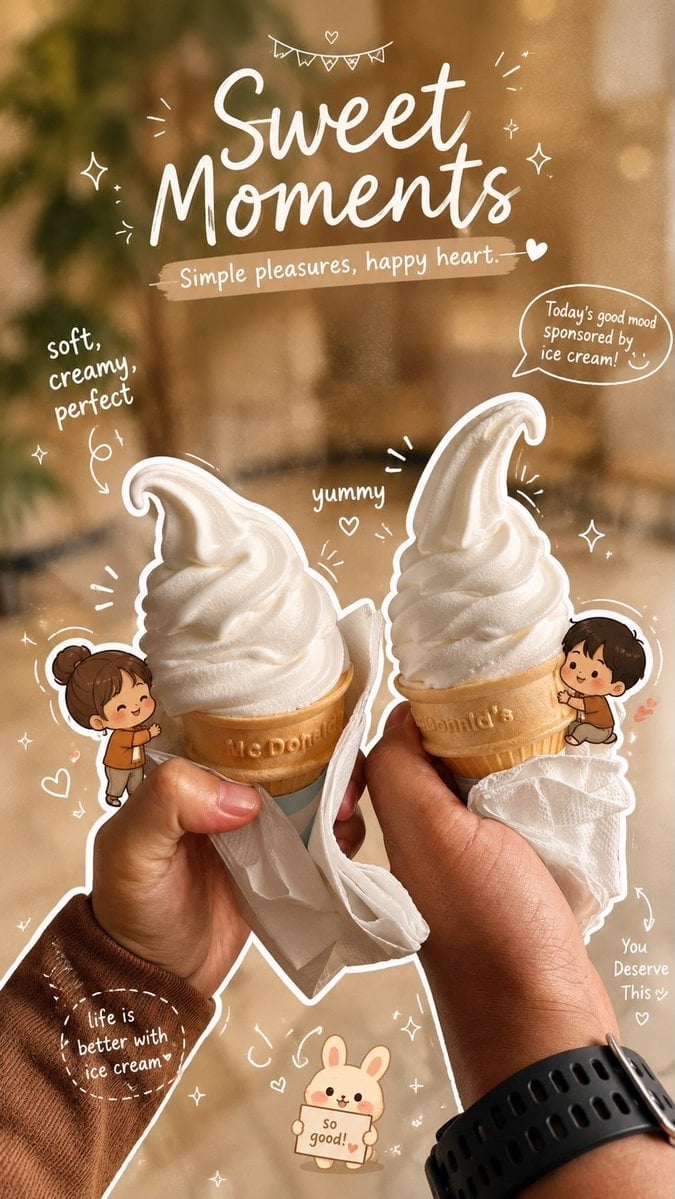
Cozy Café Ice Cream Hands Close-Up
Make it yours
Japanese Wireless Earbuds Lifestyle Ad works as-is. These are the safest ways to change it without losing the look.
Change one field
Copy a single group, rewrite it, and generate again so you can see what that field is doing.
Keep the frame, change the subject
Hold the composition and light of Japanese Wireless Earbuds Lifestyle Ad, then swap wardrobe, props or the person for a new take.
| If the result… | Why | Fix |
|---|---|---|
| The result drifts from the preview | Too many fields changed at once. | Reuse Japanese Wireless Earbuds Lifestyle Ad as-is first, then change one group — subject, light, or setting. |
| The model over-stylizes the scene | The prose prompt leaves finish and camera underspecified. | Add one camera or lighting sentence and stay on GPT Image 2. |
More GPT Image 2 templates
Other prompts made for GPT Image 2.

Six VTuber Japanese Logo Sheet

Realistic Portrait of Woman and Deer

The Vista Modular Condo Poster

AI Model Routing Comparison Infographic

2.5D Anime Art Board

Isometric Productivity Desk Scene

New York Double Exposure Poster

Four-Panel AI Landscape Comparison

NESCAFÉ Coffee Map Poster

Brutalist Cogito Chinese Typography Poster
More image prompts
Fresh picks from across the catalog.
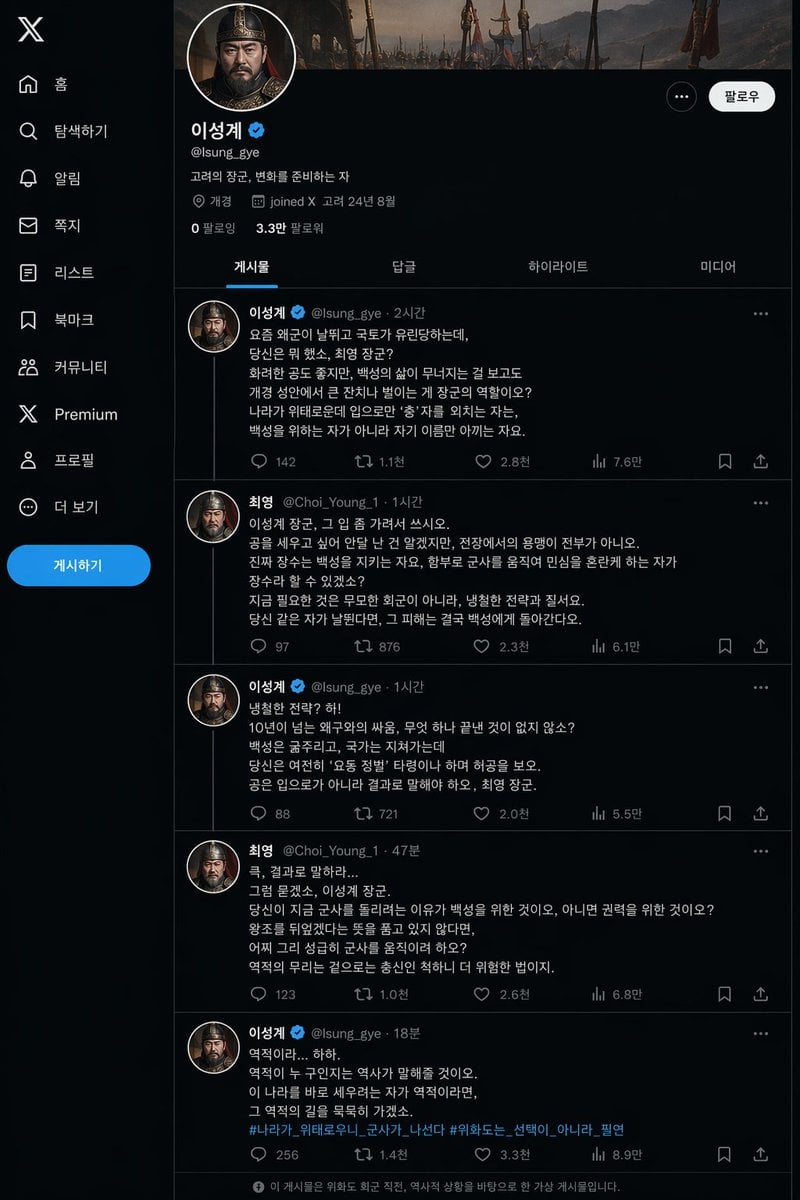
Historical Social Media Feed Mockup
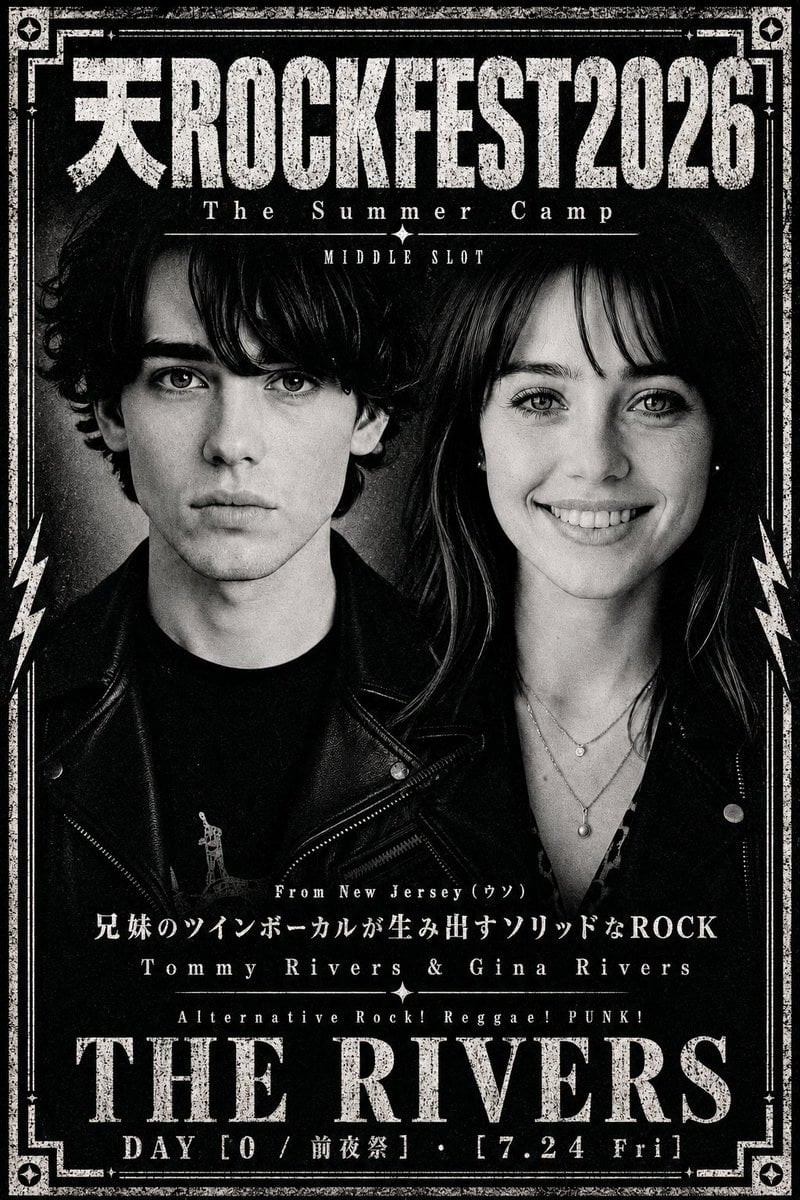
Distressed Rock Festival Artist Poster

Moby Dick Book Diorama Prompt

Commercial Sports Campaign Photography Prompt

Golden Meadow Portrait with Pets
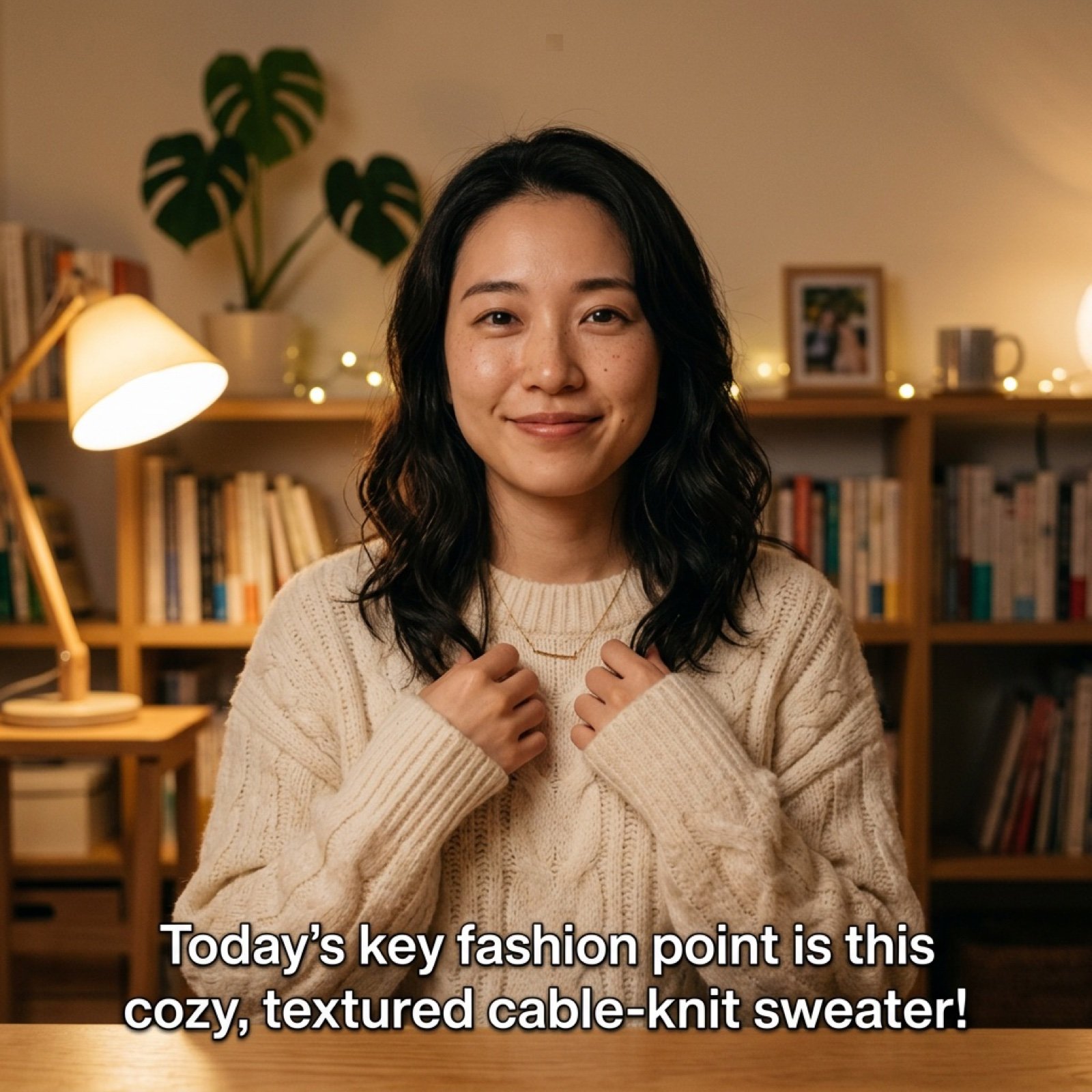
Detailed Prompt for UGC Style Fashion Vlog Video Generation
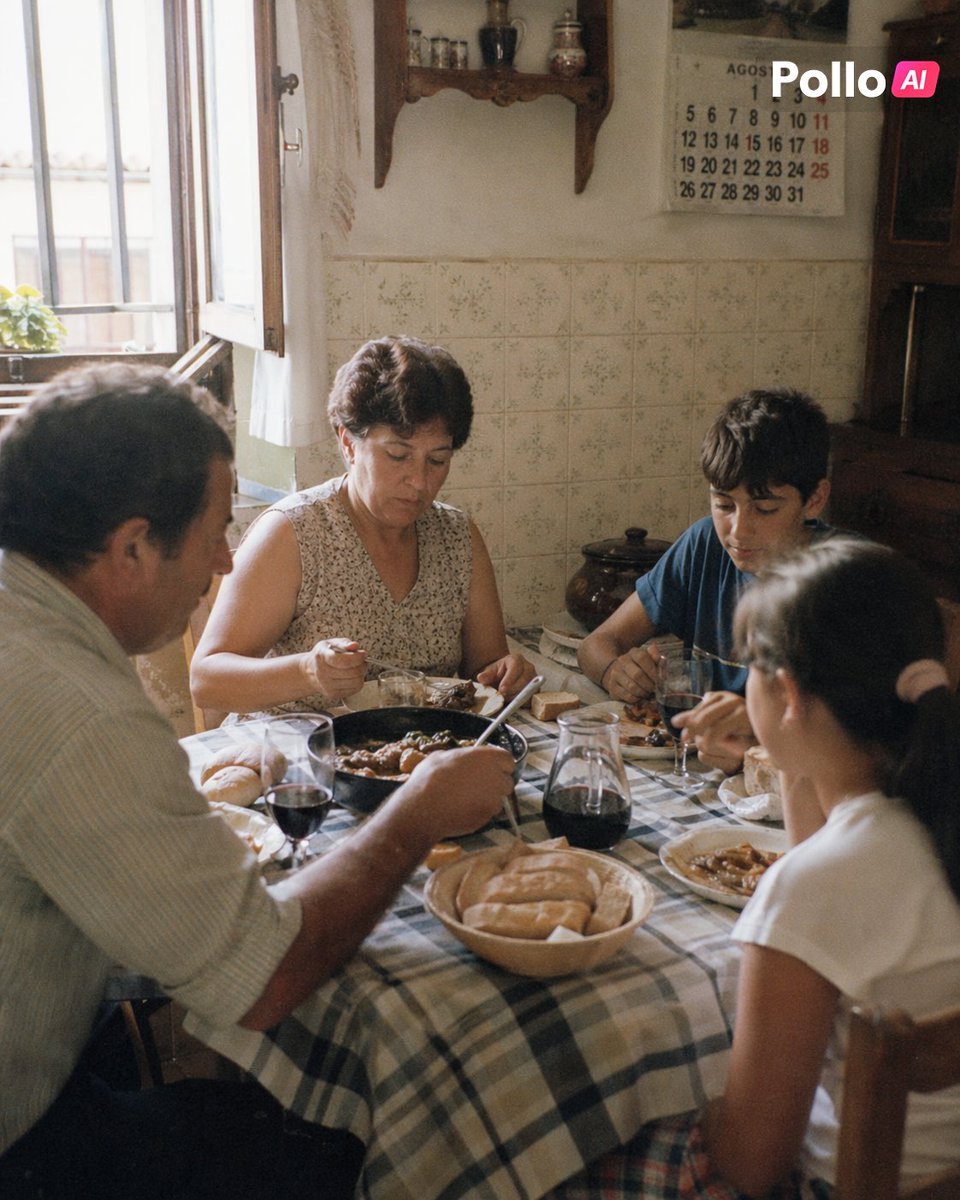
1990s Spanish Family Kitchen Lunch

Cyberpunk Geisha Macro Portrait

AI Music Program Promotional Infographic

Consistent Anime Sidekick Character Designer
Browse template categories
Japanese Wireless Earbuds Lifestyle Ad questions
How do I use the Japanese Wireless Earbuds Lifestyle Ad template?
Add your photo if the template asks for one, edit the prompt if you like — the template's model and format are already selected — and press Generate. Your version opens in PicX Studio.
Can I customize the Japanese Wireless Earbuds Lifestyle Ad template?
Yes. You can change the subject, setting, lighting, mood, format, and available model controls before creating your image.
Is the Japanese Wireless Earbuds Lifestyle Ad template free?
Opening and editing this template is free. Generating uses credits, shown on the Generate button when you are signed in.
Which AI model should I use?
Start with GPT Image 2, which is the model associated with this template. You can compare another compatible model for a different finish.
Looking for something else? Browse all templates.

Your photo, any look
Thousands of ready templates for every top image and video model, from one credit balance.