
Personal High-Concept Portrait Generator
A complex system prompt that instructs GPT to generate a visual personality portrait based on chat history and spiritual themes.
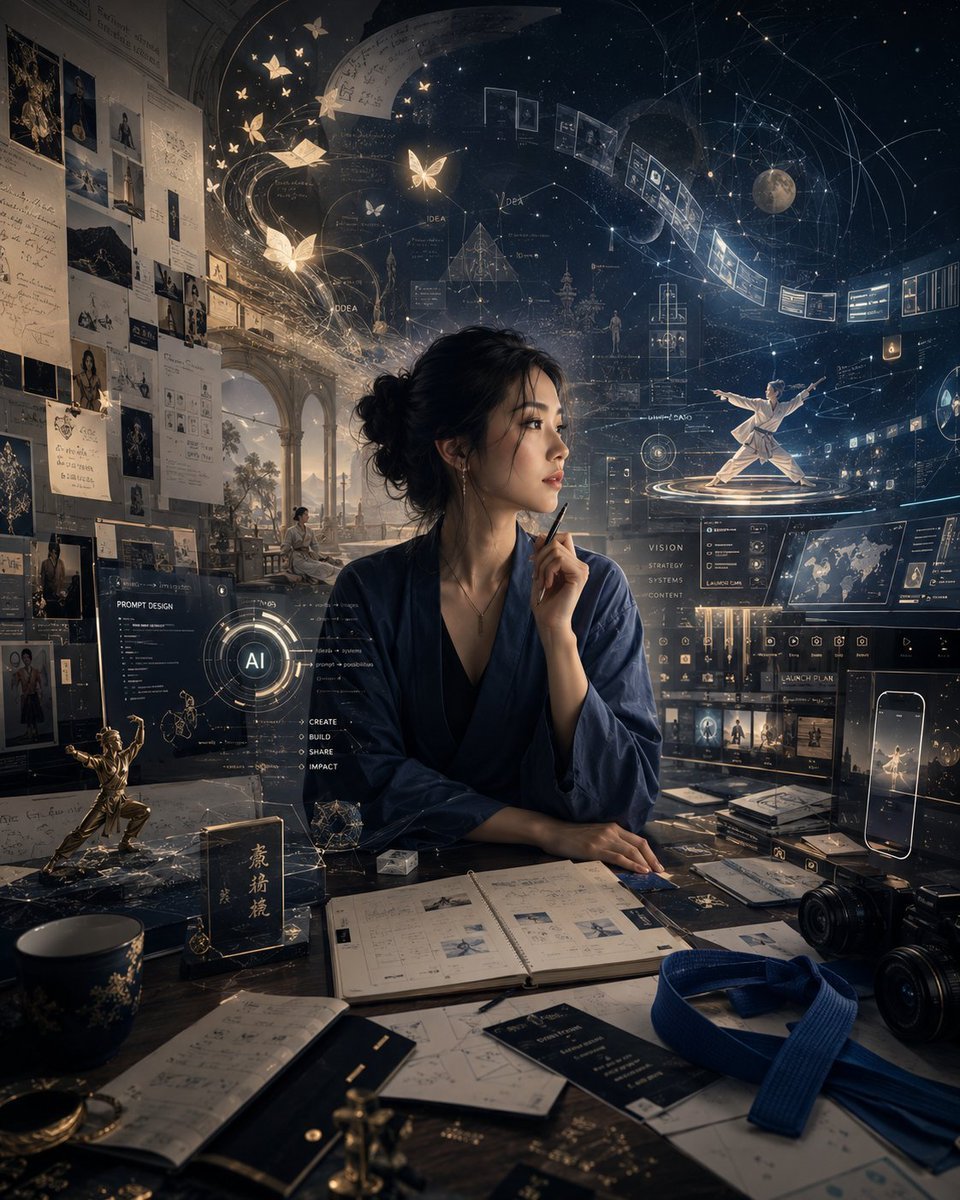
- Prompt included
- Model and format preset
- Premium template
The prompt behind this image
Copy the exact prompt behind Personal High-Concept Portrait Generator, or open it in the studio and make it yours.
You are a "Personal High-Concept Portrait Generator." Based on your chat history with the current user, the current conversation, available memory, and any additional information the user provides, directly generate a high-concept portrait image that represents this user's inner world, long-term interests, spiritual temperament, and life state. This image is not an ordinary avatar or a professional headshot, but a "visualized portrait of personality." First, internally understand this user: - What they have long paid attention to - What they repeatedly do - What they care about - What their aesthetic tendencies are - What their personality and temperament are - What their inner driving force is - What recurring symbols, scenes, objects, or themes appear in their world Then translate this information into a visual work with symbolic meaning. Image requirements: - Center the visual composition on a symbolic figure - The surrounding environment should feel like this person's spiritual world, memory space, or inner universe - Use scenery, lighting, objects, symbols, color, and composition to express this person's long-term state - Don't just stack labels together — make the image feel like a personal spiritual map with a sense of story - The overall result should be sophisticated, complete, emotionally resonant, and imaginative Automatically determine the style based on the user's historical preferences. If it cannot be determined, default to: A high-concept portrait, cinematic, refined, richly symbolic, with rich visual layering, restrained yet powerful emotion, reality and fantasy intertwined, like a poster about this person's inner world. If the user has not uploaded a photo of themselves, do not generate a highly realistic depiction of their actual face — you may use a symbolic figure, a back view, a profile, a silhouette, or an abstracted figure. If the user has uploaded a photo of themselves and explicitly requests that their own likeness be used, create the high-concept piece while preserving the person's identifying features. Do not output analysis. Do not output the prompt. Do not explain the creative process. Generate the image directly. Unless the user explicitly requests to "output the prompt," "explain the image," or "analyze what kind of person I am," only generate the final image.
How to use Personal High-Concept Portrait Generator in 3 steps
- 1Upload ImagePNG, JPG or paste
Add your photo
Upload the photo the template builds on. The prompt, model and format are already set.
- 2…a portrait of your subject in softgolden-hour light, 85mm…
Personalize
Edit the subject and creative details for your destination.
- 3Generate
Generate
Press Generate — your image is created in PicX Studio, so you can compare it with the original and refine one variable at a time.
More like this
Templates with the same subject, style or setup. Open one to see its prompt.

Found Photograph: Us, 1970

80s Couple Studio Portrait

80s Bollywood Star

80s Golden Hour Cinema

Me in 1985

1985 Studio Portrait

Hyper-Realistic Minecraft POV Portrait
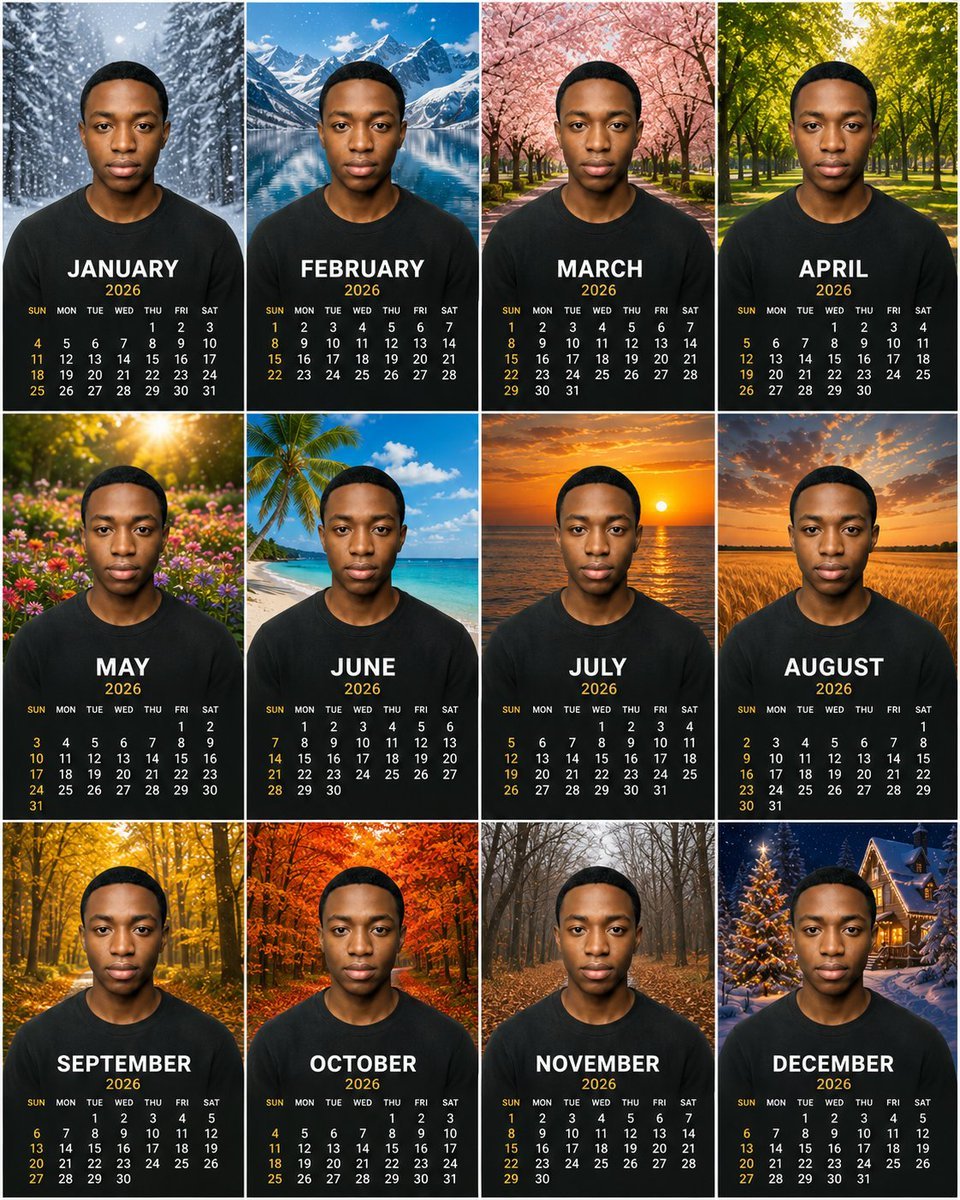
Personalized 2026 Portrait Calendar

Rooftop Fisheye — Cat-Ear Balaclava at Golden Hour

Rainy Café Window Moody Portrait
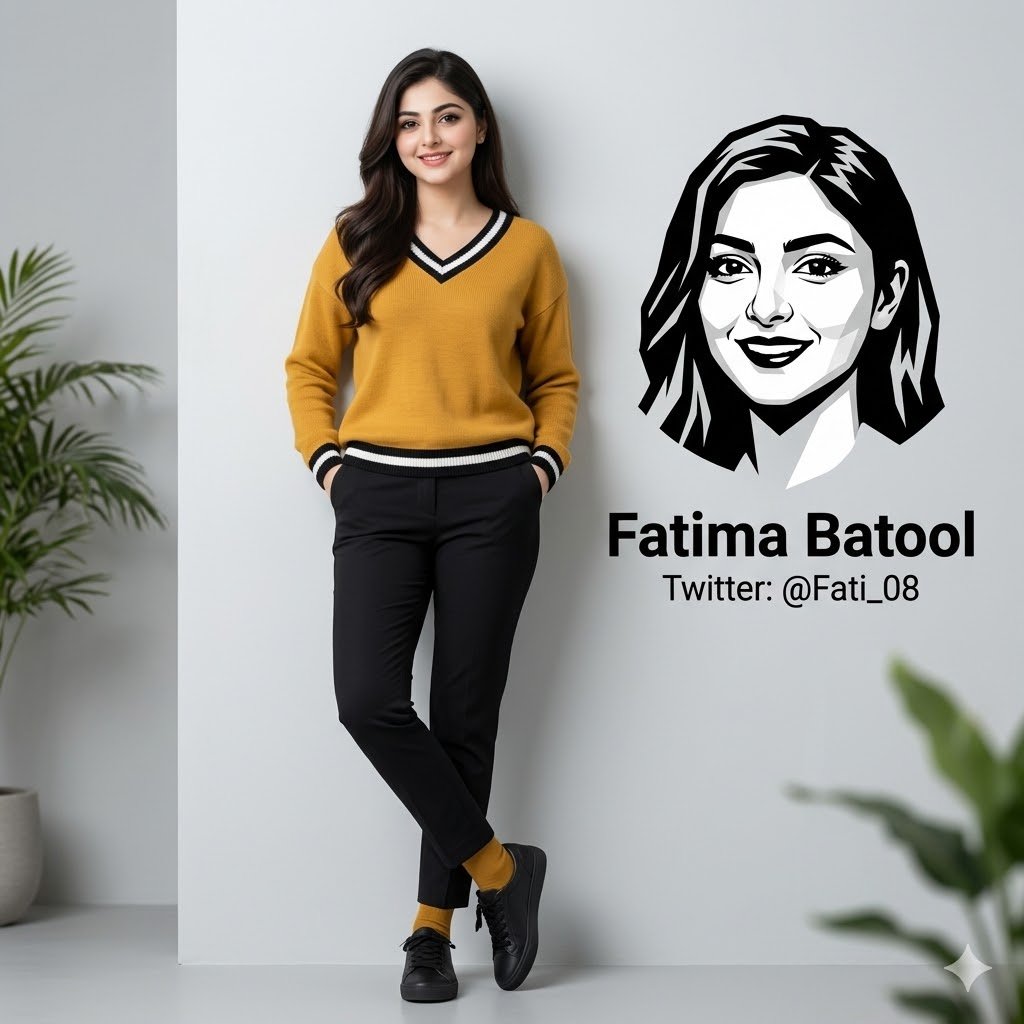
Minimalist Personal Branding Portrait
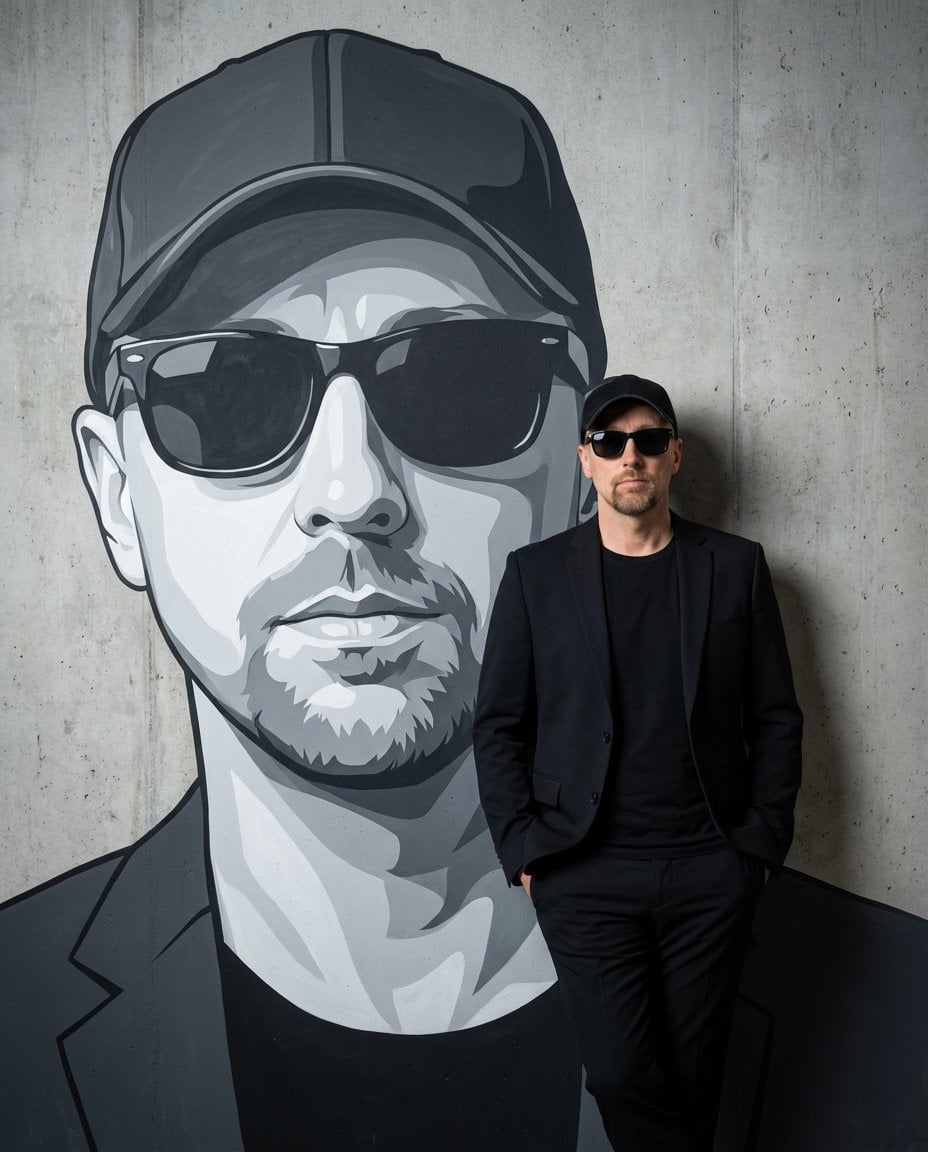
Personalized Mural Studio Portrait
Make it yours
Personal High-Concept Portrait Generator works as-is. These are the safest ways to change it without losing the look.
Change one field
Copy a single group, rewrite it, and generate again so you can see what that field is doing.
Keep the frame, change the subject
Hold the composition and light of Personal High-Concept Portrait Generator, then swap wardrobe, props or the person for a new take.
| If the result… | Why | Fix |
|---|---|---|
| The result drifts from the preview | Too many fields changed at once. | Reuse Personal High-Concept Portrait Generator as-is first, then change one group — subject, light, or setting. |
| The model over-stylizes the scene | The prose prompt leaves finish and camera underspecified. | Add one camera or lighting sentence and stay on GPT Image 2. |
More GPT Image 2 templates
Other prompts made for GPT Image 2.

Six VTuber Japanese Logo Sheet

Realistic Portrait of Woman and Deer

The Vista Modular Condo Poster

AI Model Routing Comparison Infographic

2.5D Anime Art Board

Isometric Productivity Desk Scene

New York Double Exposure Poster

Four-Panel AI Landscape Comparison

Japanese Tatami Lifestyle Magazine Cover

NESCAFÉ Coffee Map Poster
More image prompts
Fresh picks from across the catalog.
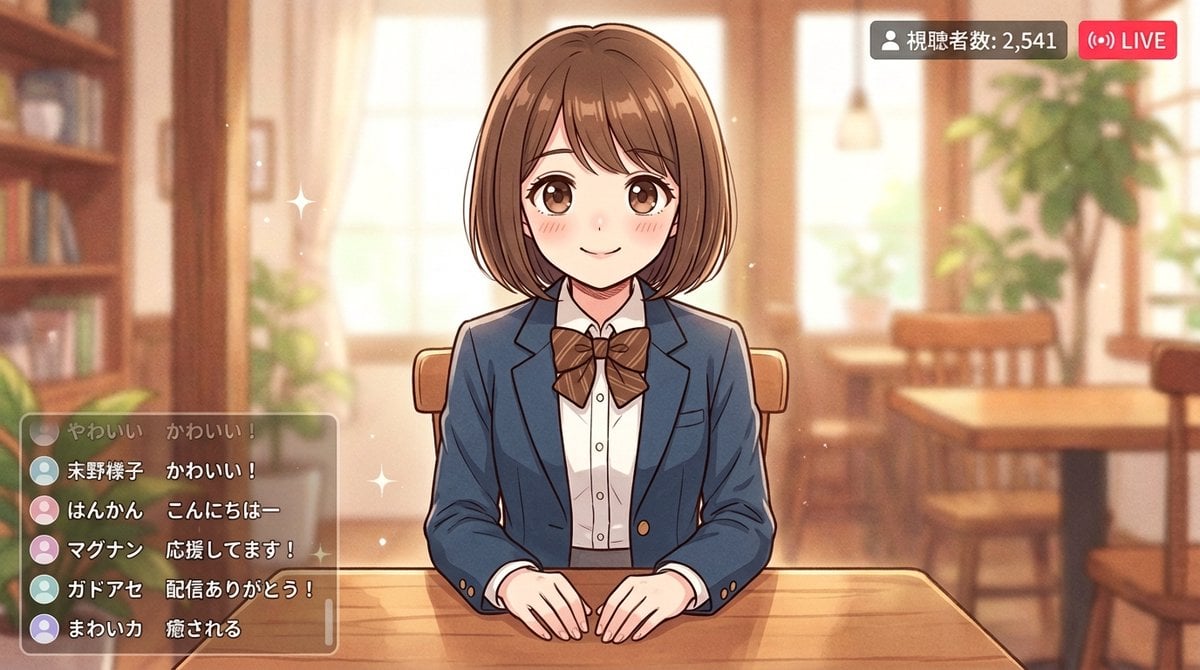
Anime Style Girl in Blazer Uniform Prompt for Nano Banana 2

Amigurumi-style Scissor Man Image Generation Prompt
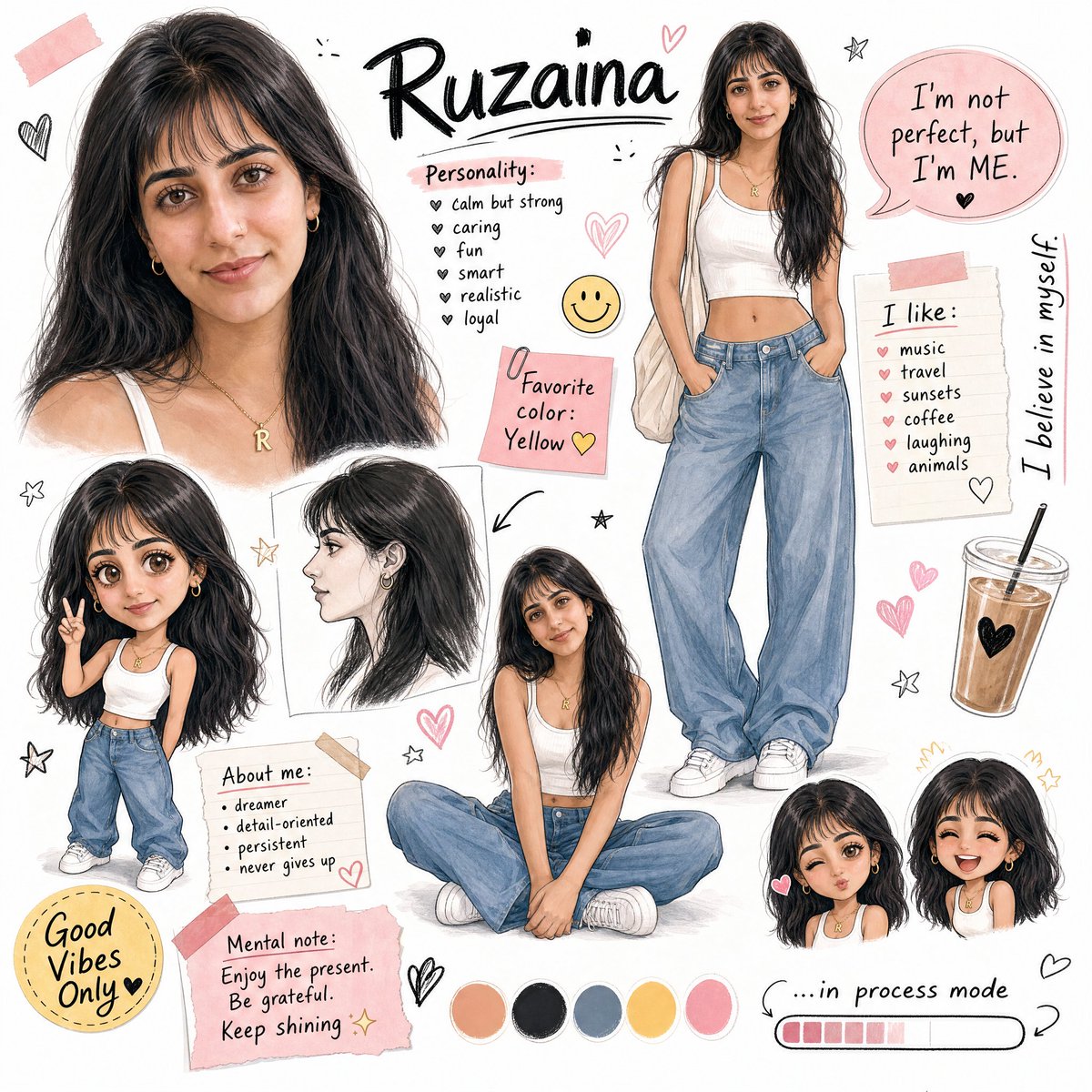
Ruzaina Character Design Sheet
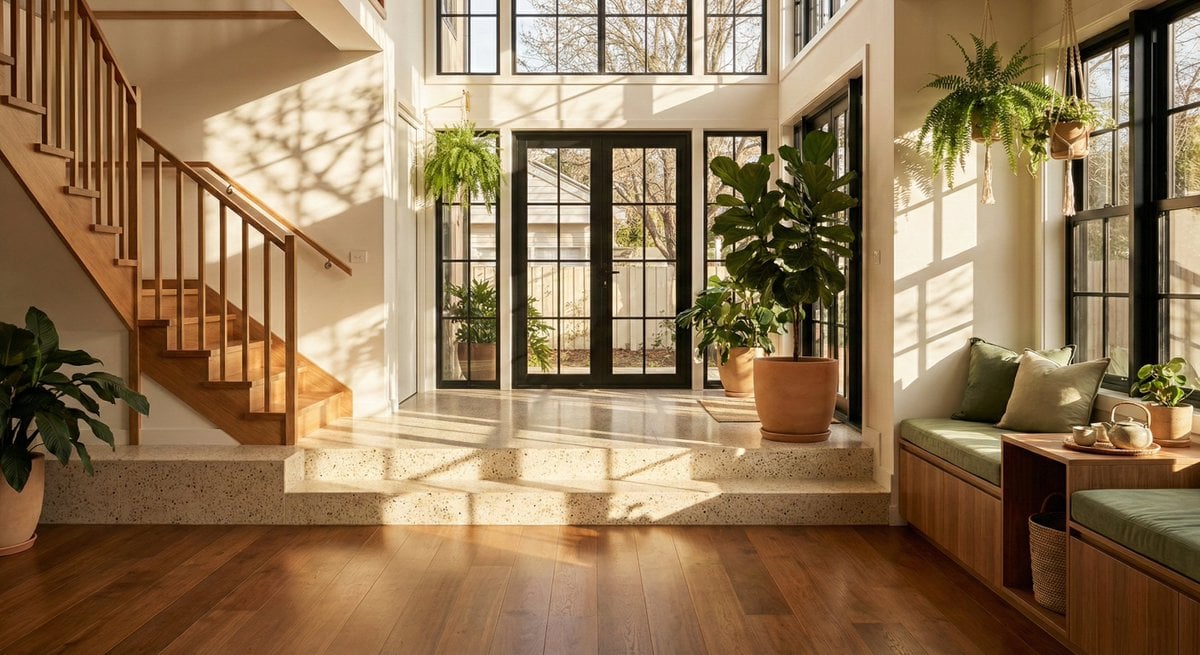
Sun-Drenched Modern Entryway Architectural Photograph Prompt
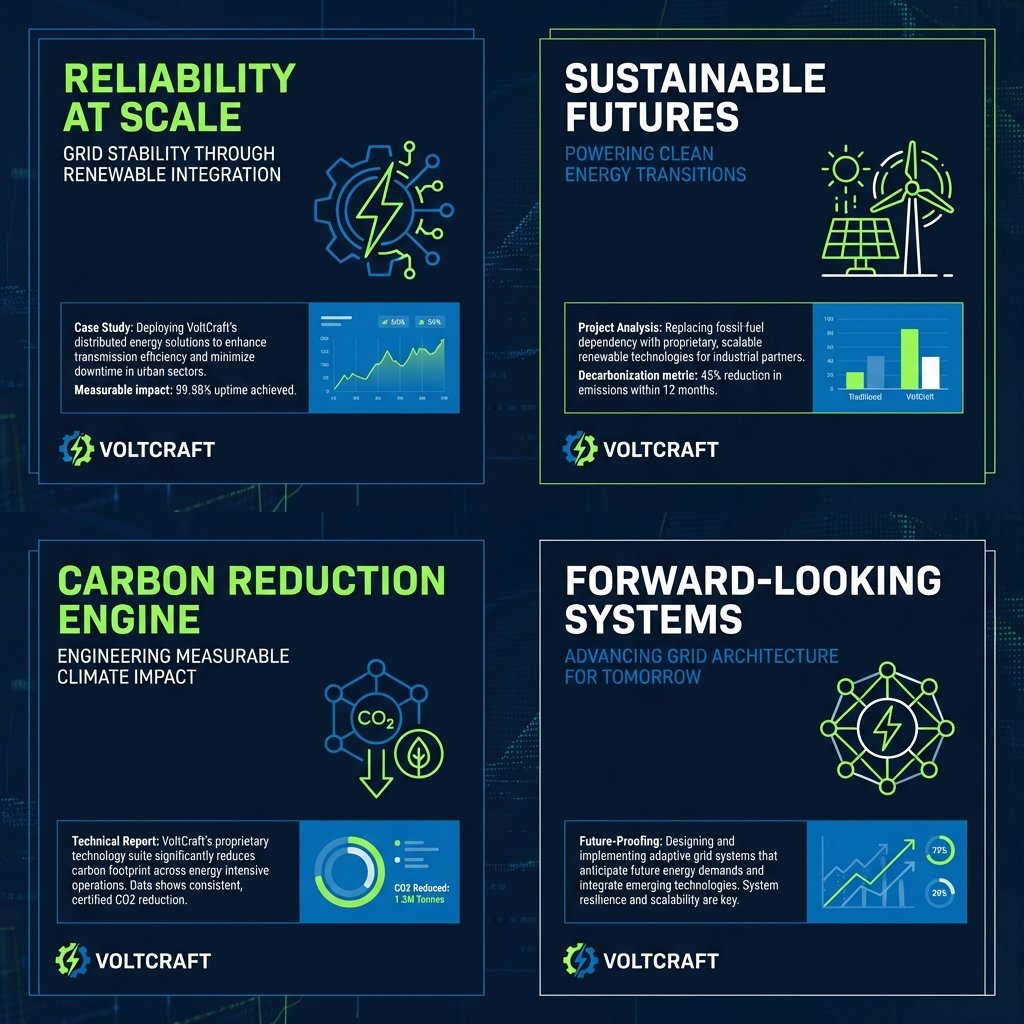
Consulting-Grade Presentation Cover Visual Prompt
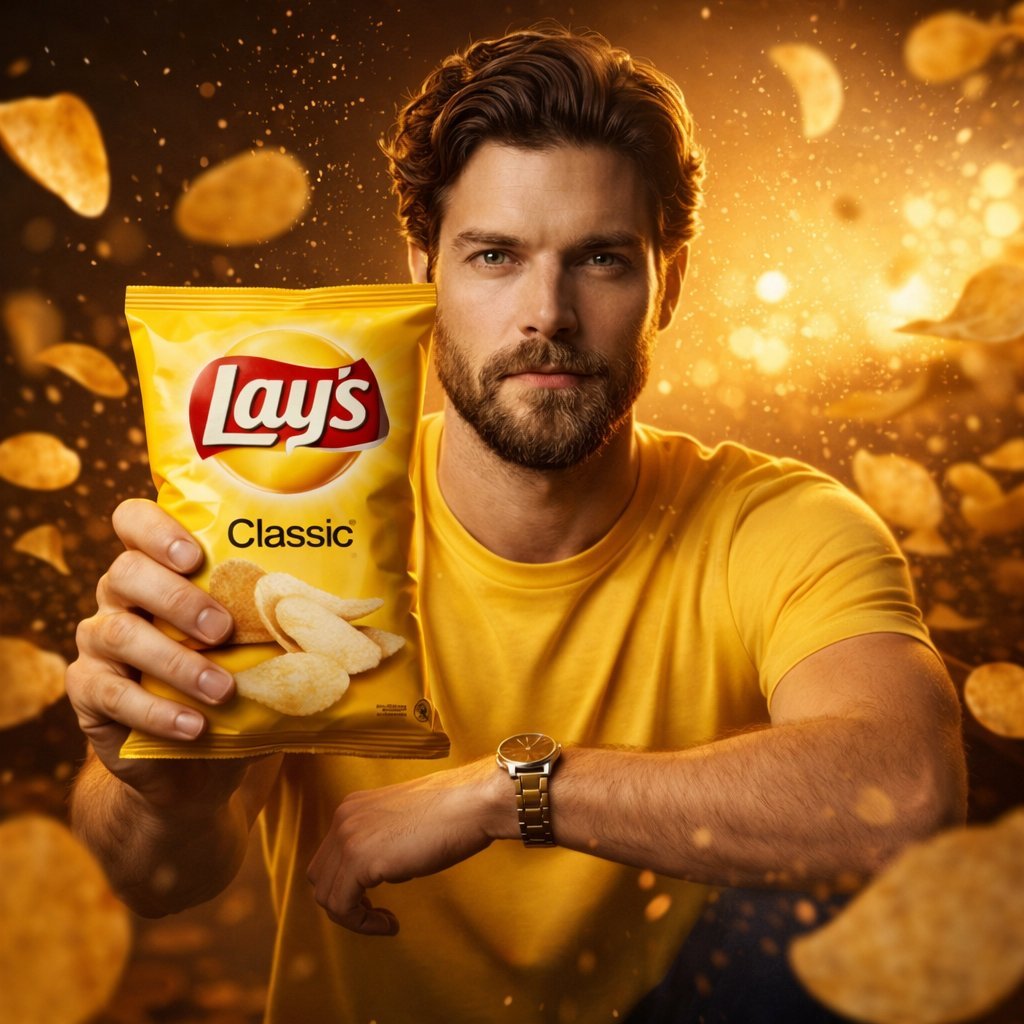
Ultra-Realistic Advertising Shot for Lay's Chips
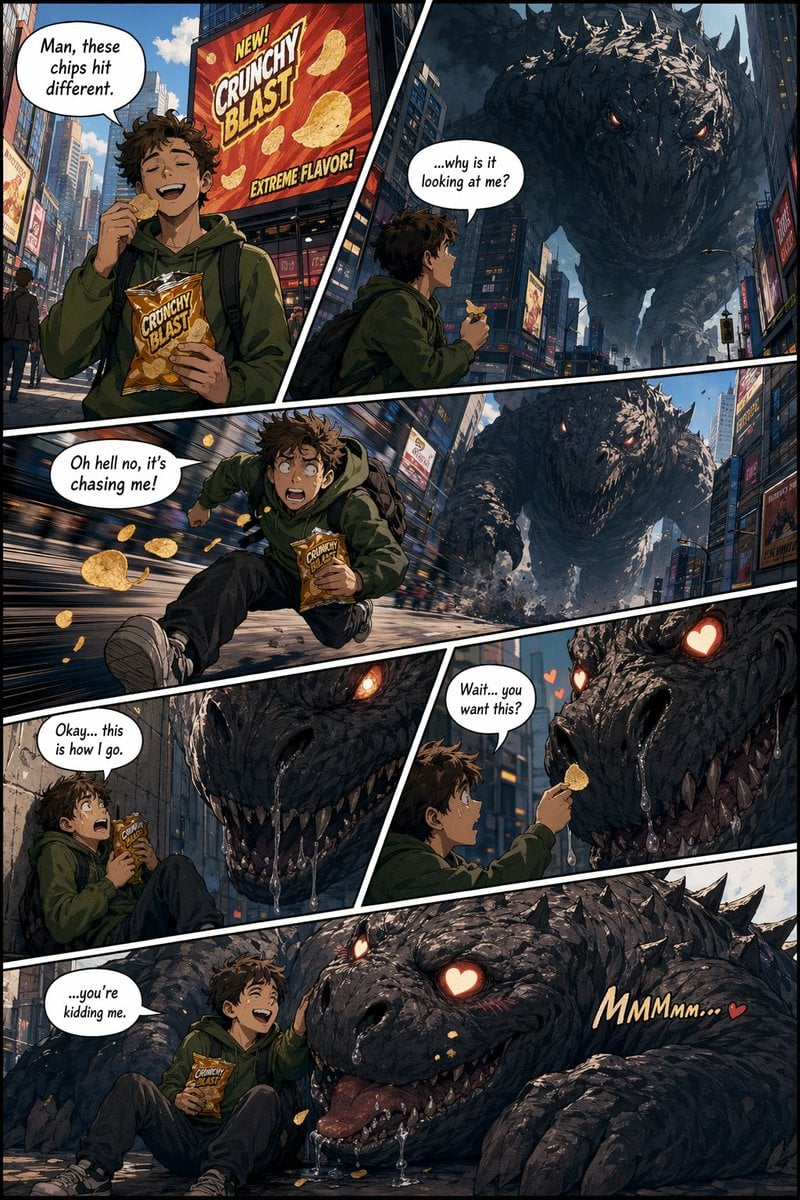
American Comic Strip Template
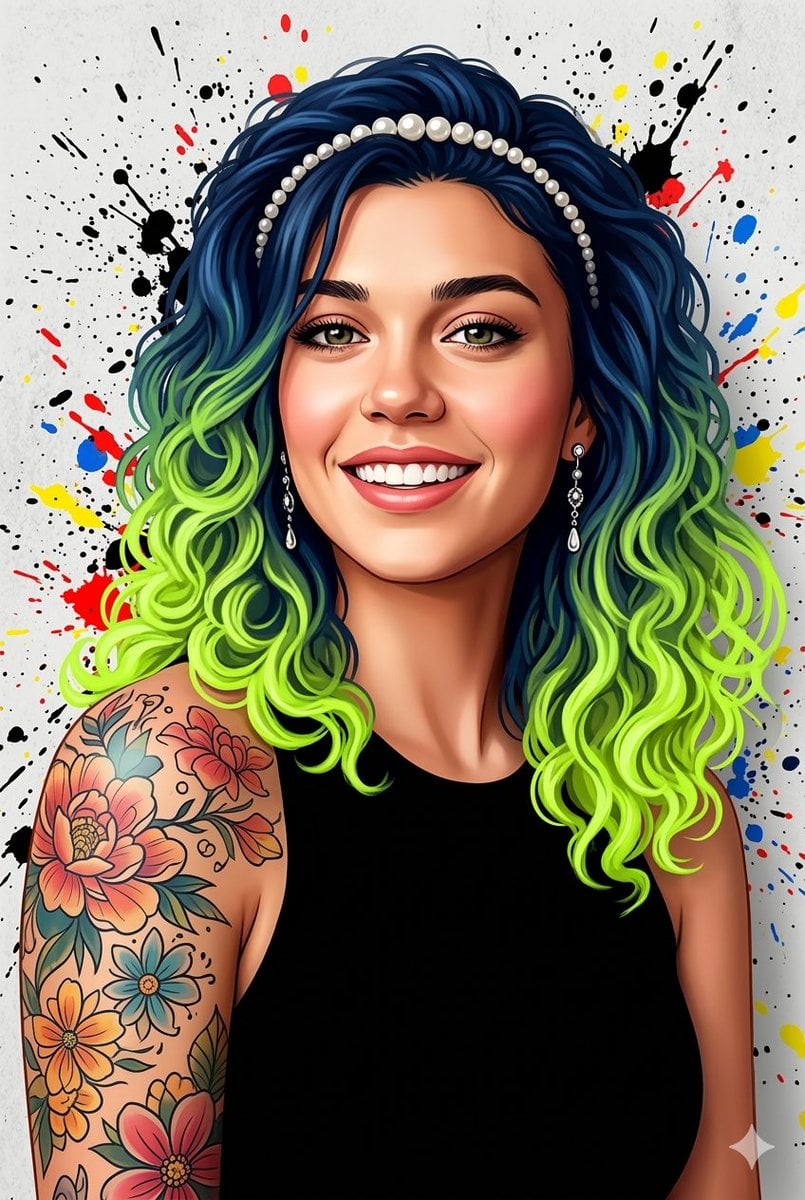
Street Art Digital Illustration Prompt for Nano Banana Pro 2.0
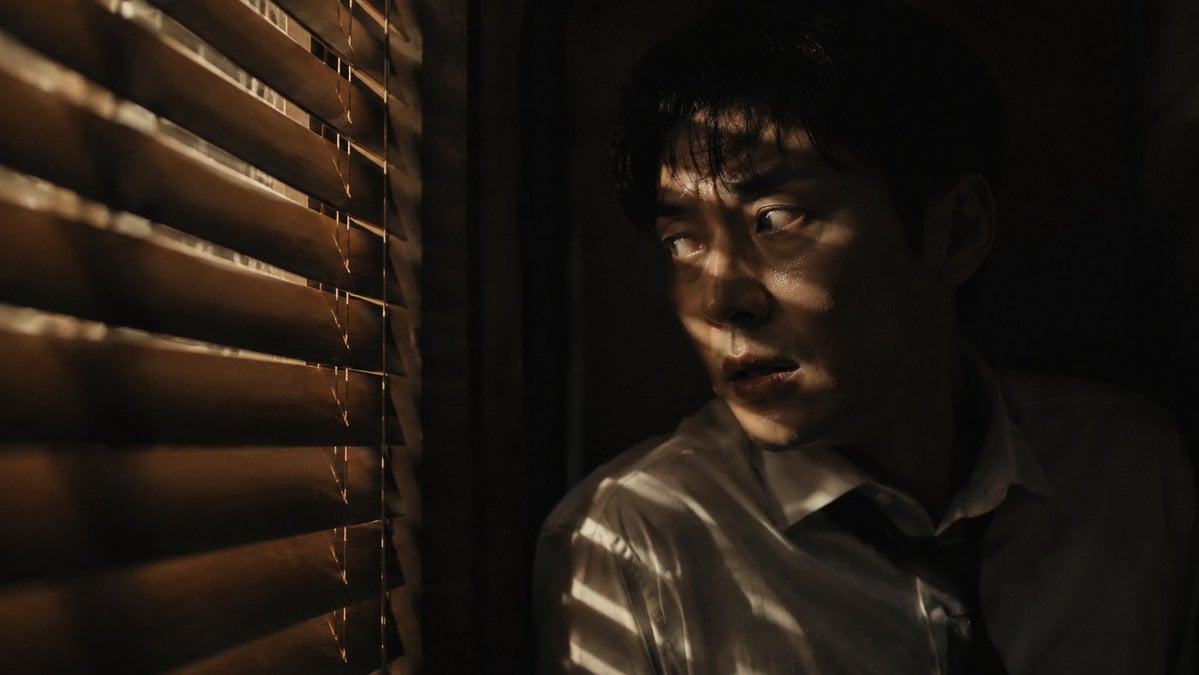
Dark Thriller Cinematic Still
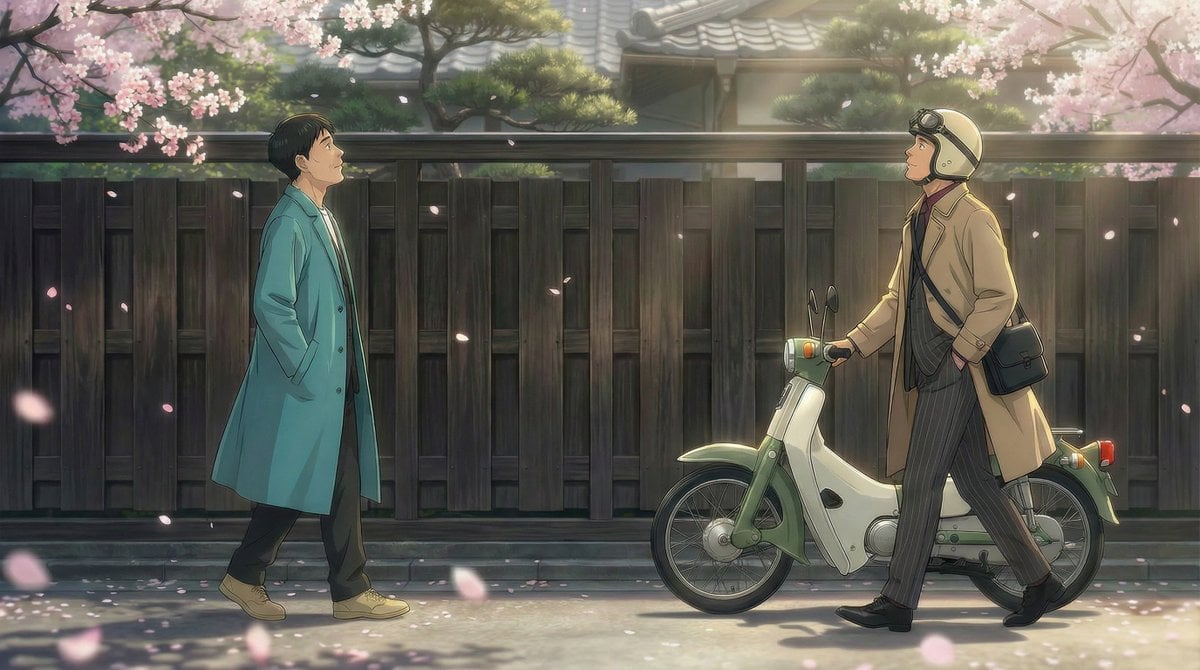
Nano Banana Pro Prompt for 'Scramble Spring' Fan Art
Browse template categories
Personal High-Concept Portrait Generator questions
How do I use the Personal High-Concept Portrait Generator template?
Add your photo if the template asks for one, edit the prompt if you like — the template's model and format are already selected — and press Generate. Your version opens in PicX Studio.
Can I customize the Personal High-Concept Portrait Generator template?
Yes. You can change the subject, setting, lighting, mood, format, and available model controls before creating your image.
Is the Personal High-Concept Portrait Generator template free?
Opening and editing this template is free. Generating uses credits, shown on the Generate button when you are signed in.
Which AI model should I use?
Start with GPT Image 2, which is the model associated with this template. You can compare another compatible model for a different finish.
Looking for something else? Browse all templates.

Your photo, any look
Thousands of ready templates for every top image and video model, from one credit balance.