
Medusa Battles Perseus
A cinematic photorealistic prompt for generating an epic Greek mythology action scene of Medusa lunging at Perseus in ancient ruins.
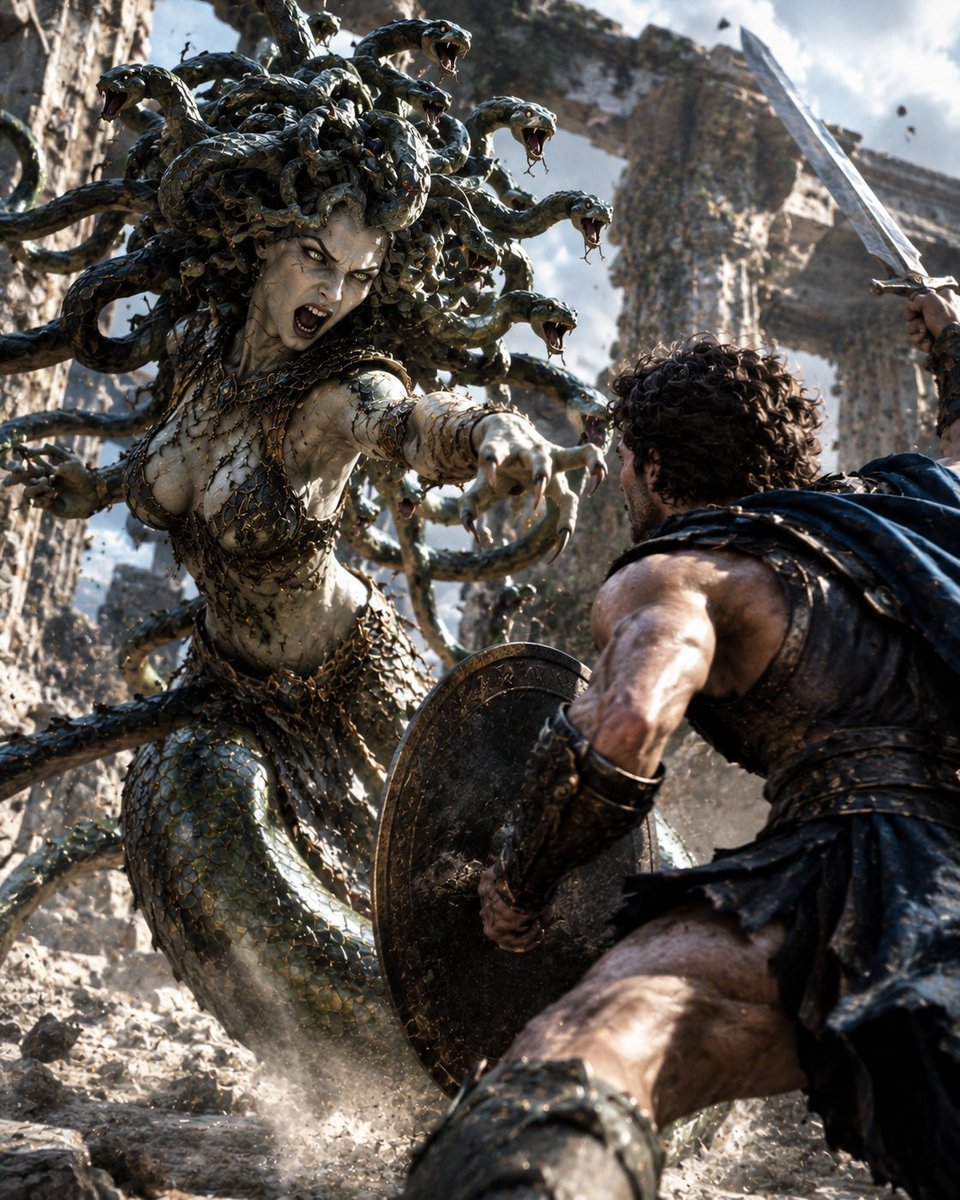
- Prompt included
- Model and format preset
- Free template
The prompt behind this image
Copy the exact prompt behind Medusa Battles Perseus, or open it in the studio and make it yours.
Create an ultra-detailed cinematic fantasy battle scene showing {argument name="mythic monster" default="Medusa"} attacking {argument name="hero" default="Perseus"} in an ancient ruined stone canyon. The monster dominates the left side of the frame: a terrifying pale stone-skinned gorgon with cracked marble-like skin, glowing yellow eyes, an open screaming mouth with sharp teeth, clawed hands reaching forward, a serpentine lower body covered in green-black scales, and a dark bronze scale-and-chain bodice. Her hair is made of exactly 14 large living snakes, each glossy black-green with open jaws, fangs, and forked tongues, writhing outward in different directions. The hero is in the right foreground, seen mostly from behind in a low crouching defensive pose, muscular and battle-worn, with curly dark hair, leather-and-metal Greek armor, a dark torn cloak, greaves, a round engraved bronze shield held between him and the gorgon, and a raised silver sword entering from the upper right. Use a dynamic low-angle close-up composition with extreme perspective, the shield and hero’s leg large in the foreground, the gorgon lunging toward camera, dust and small rocks exploding from the ground, debris flying through the air, and towering broken ancient columns and cliff walls in the background. Lighting should be harsh natural daylight with dramatic rim light, smoky haze, high contrast, realistic textures, motion blur on debris, and blockbuster dark-fantasy visual effects. Make it photorealistic, epic, violent, tense, and highly detailed, like a high-budget mythological action film still. No text, no watermark, no modern objects.
How to use Medusa Battles Perseus in 3 steps
- 1Upload ImagePNG, JPG or paste
Add your photo
Upload the photo the template builds on. The prompt, model and format are already set.
- 2…a portrait of your subject in softgolden-hour light, 85mm…
Personalize
Edit the subject and creative details for your destination.
- 3Generate
Generate
Press Generate — your image is created in PicX Studio, so you can compare it with the original and refine one variable at a time.
More like this
Templates with the same subject, style or setup. Open one to see its prompt.
Peaceful Yamato Battleship Wrap
Knight-Mage Battles Stone Golem
Miniature Man Household Survival Collage
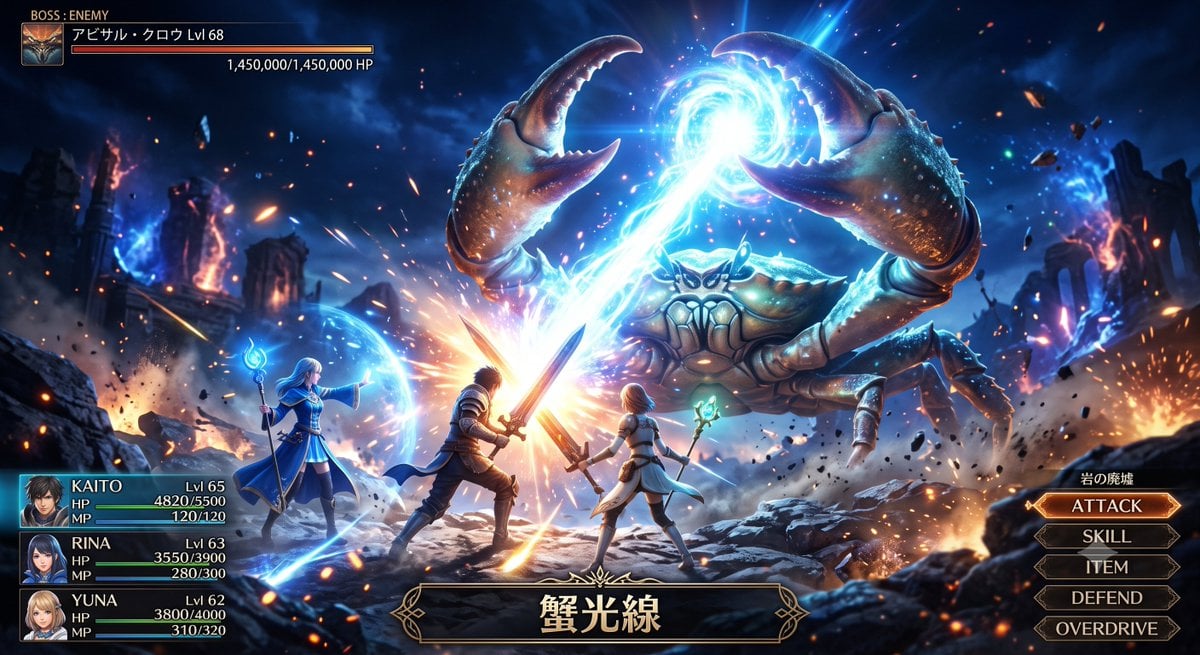
Fantasy Crab Boss Battle UI

Fantasy Model Comparison Grid
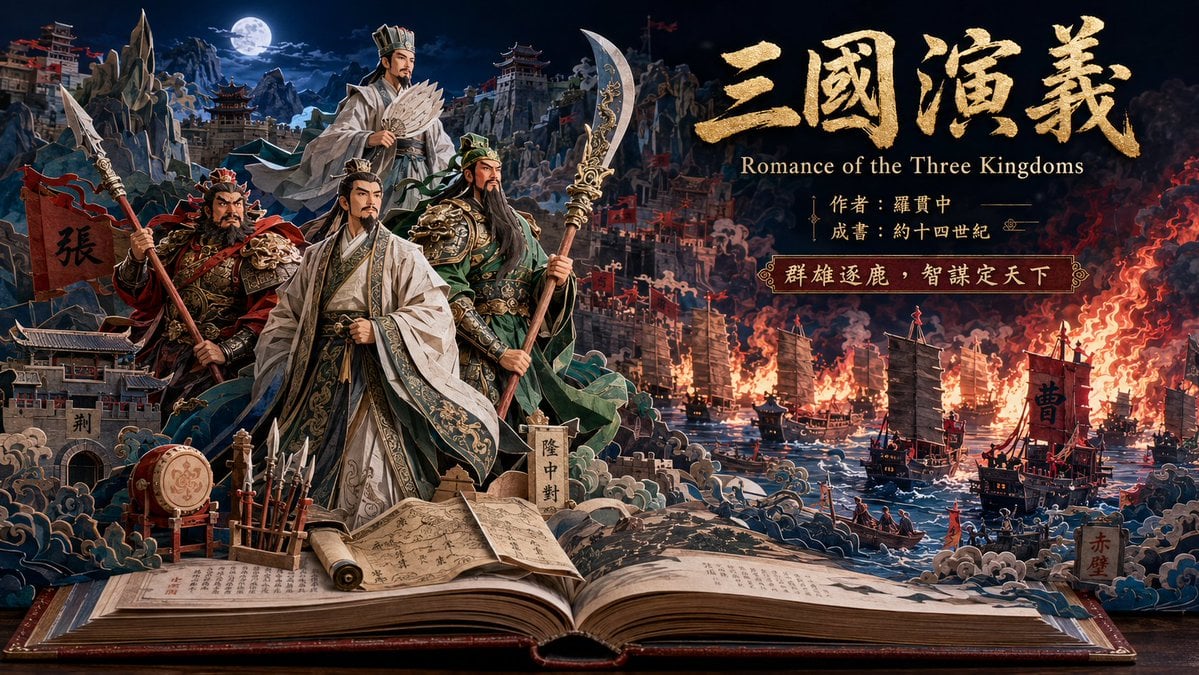
Three Kingdoms Pop-Up Book Scene
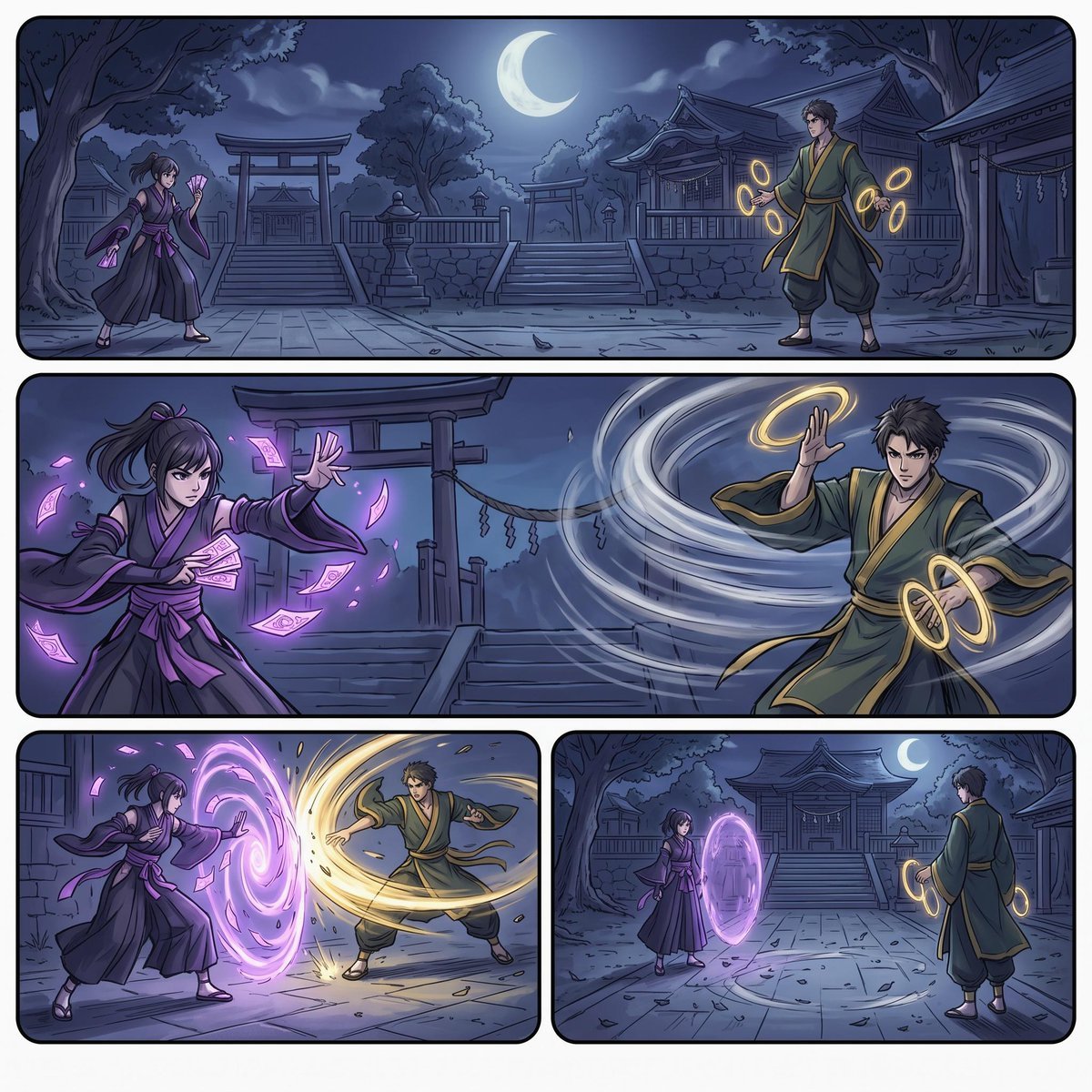
Moonlit Shrine Sorcerer Duel Comic
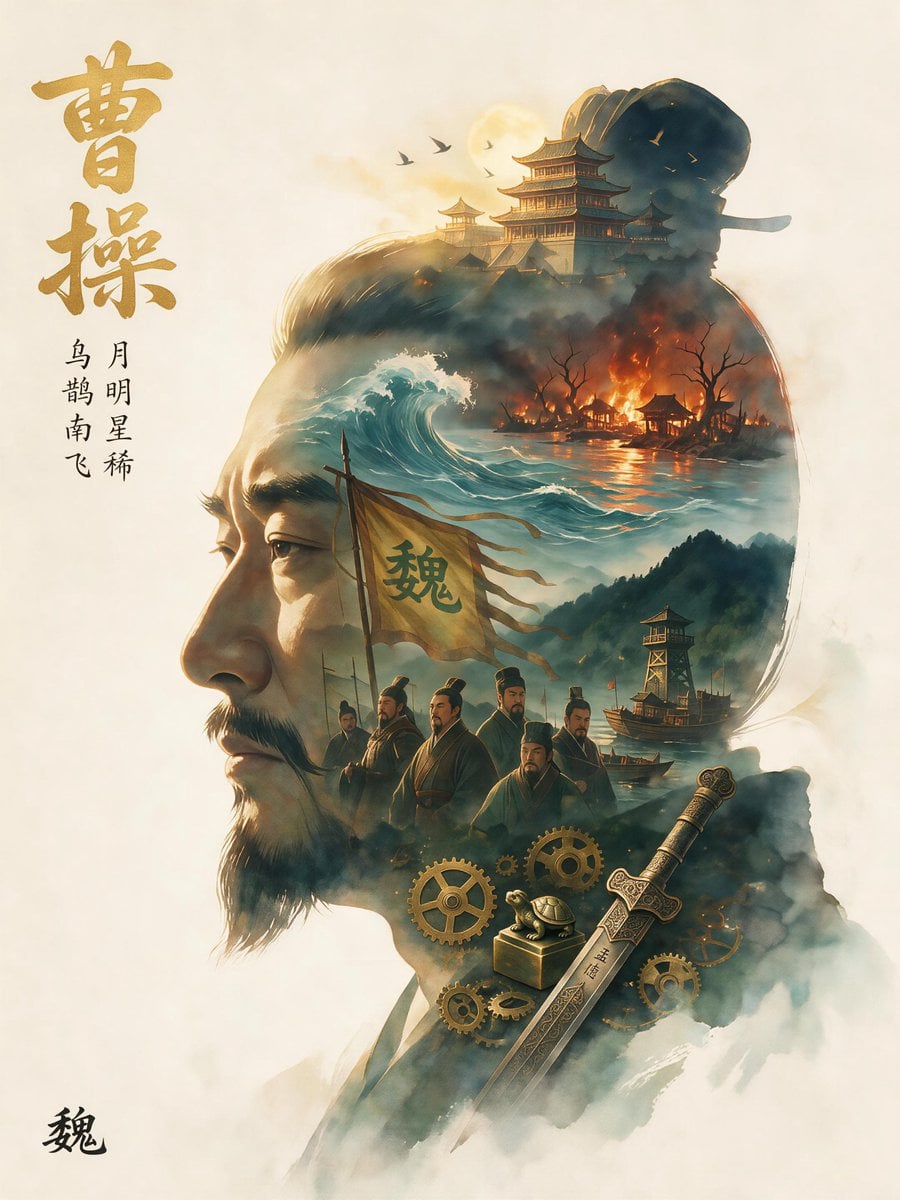
Epic Cao Cao Silhouette Poster
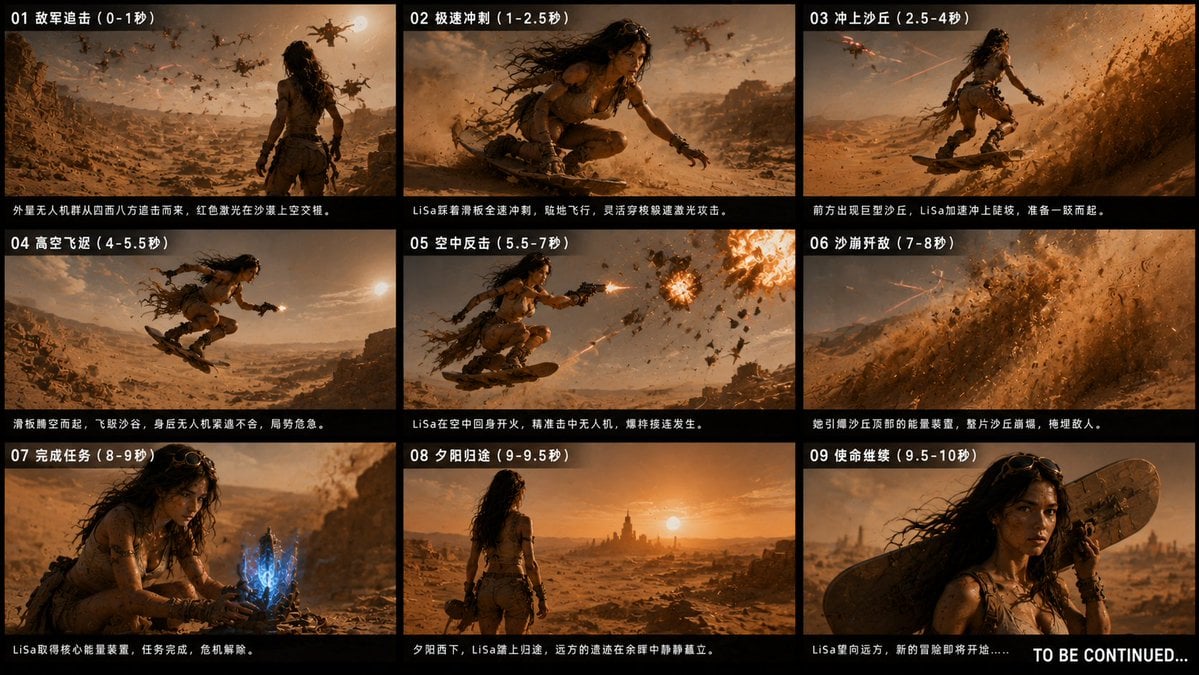
Desert Drone Chase Storyboard
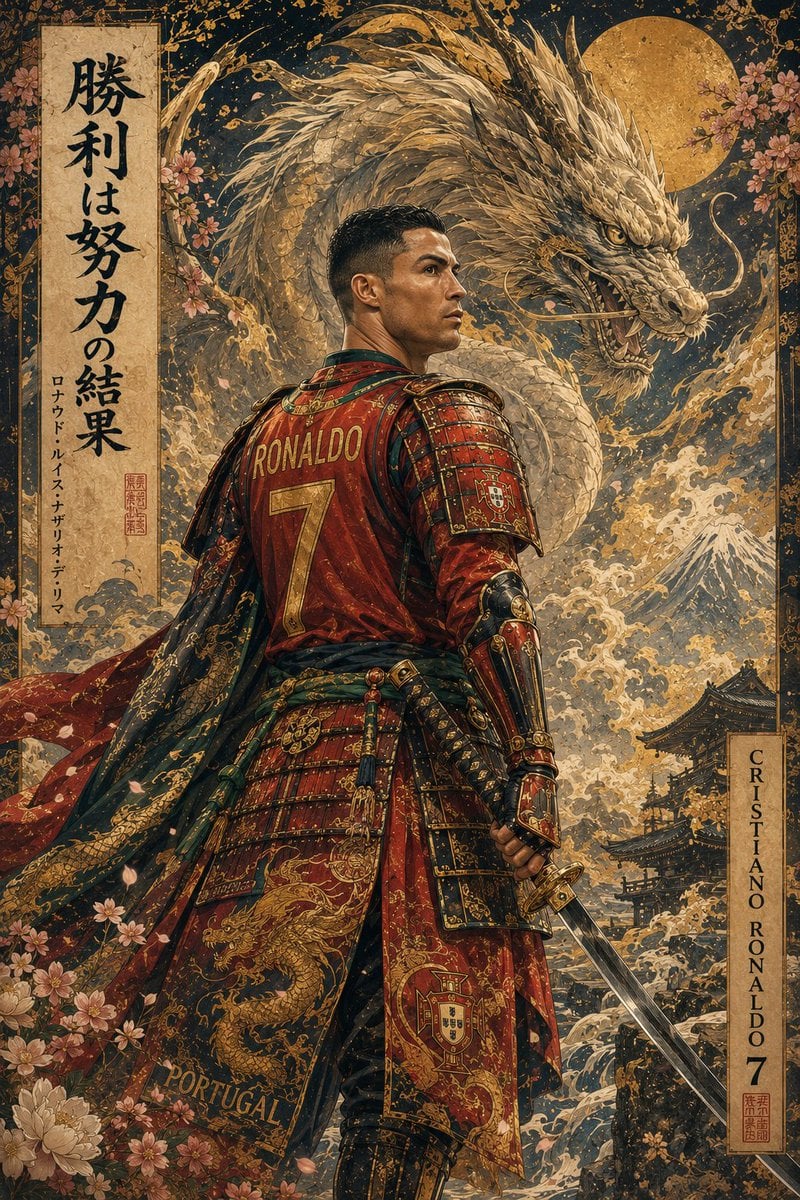
Ukiyo-e Mythological Samurai Portrait
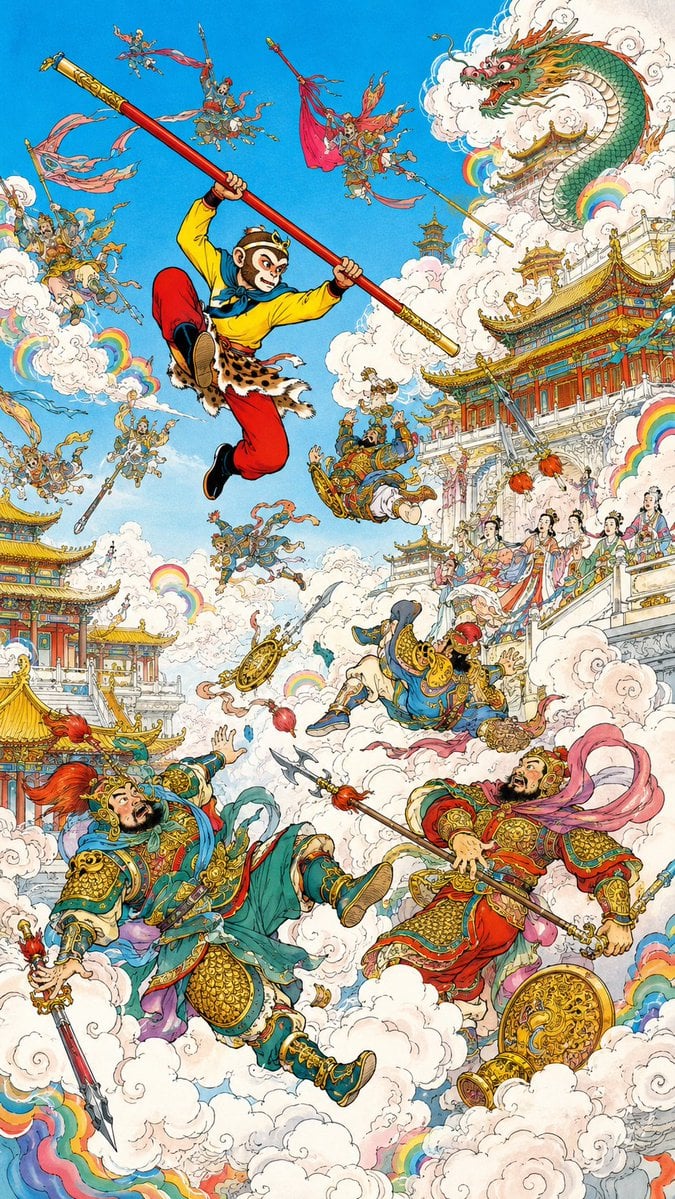
Monkey King Heavenly Battle Illustration
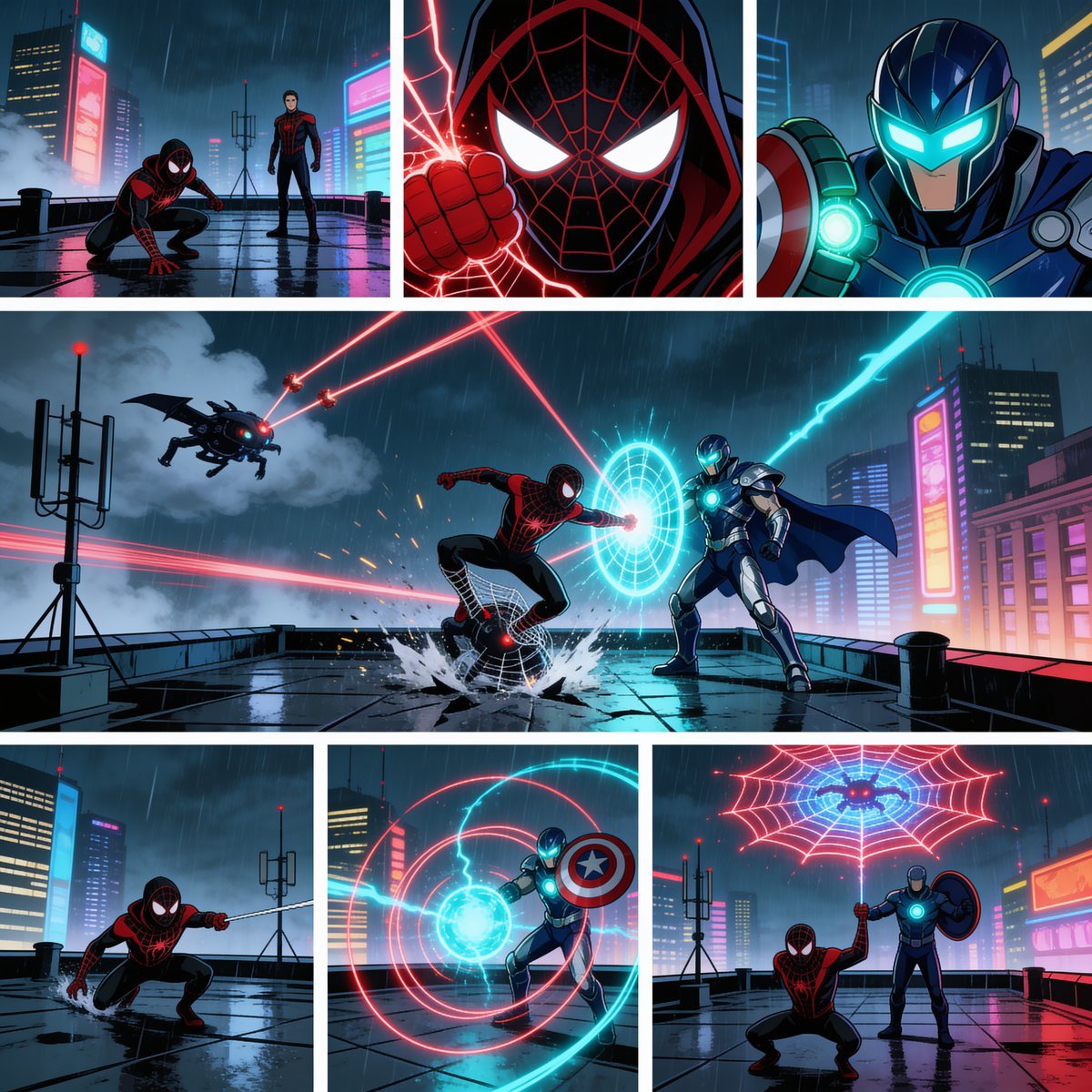
Rainy Cyberpunk Superhero Comic Page
Make it yours
Medusa Battles Perseus works as-is. These are the safest ways to change it without losing the look.
Change one field
Copy a single group, rewrite it, and generate again so you can see what that field is doing.
Keep the frame, change the subject
Hold the composition and light of Medusa Battles Perseus, then swap wardrobe, props or the person for a new take.
| If the result… | Why | Fix |
|---|---|---|
| The result drifts from the preview | Too many fields changed at once. | Reuse Medusa Battles Perseus as-is first, then change one group — subject, light, or setting. |
| The model over-stylizes the scene | The prose prompt leaves finish and camera underspecified. | Add one camera or lighting sentence and stay on GPT Image 2. |
More GPT Image 2 templates
Other prompts made for GPT Image 2.

Six VTuber Japanese Logo Sheet

Realistic Portrait of Woman and Deer

The Vista Modular Condo Poster

AI Model Routing Comparison Infographic

2.5D Anime Art Board

Isometric Productivity Desk Scene

New York Double Exposure Poster

Four-Panel AI Landscape Comparison

Japanese Tatami Lifestyle Magazine Cover

NESCAFÉ Coffee Map Poster
More image prompts
Fresh picks from across the catalog.
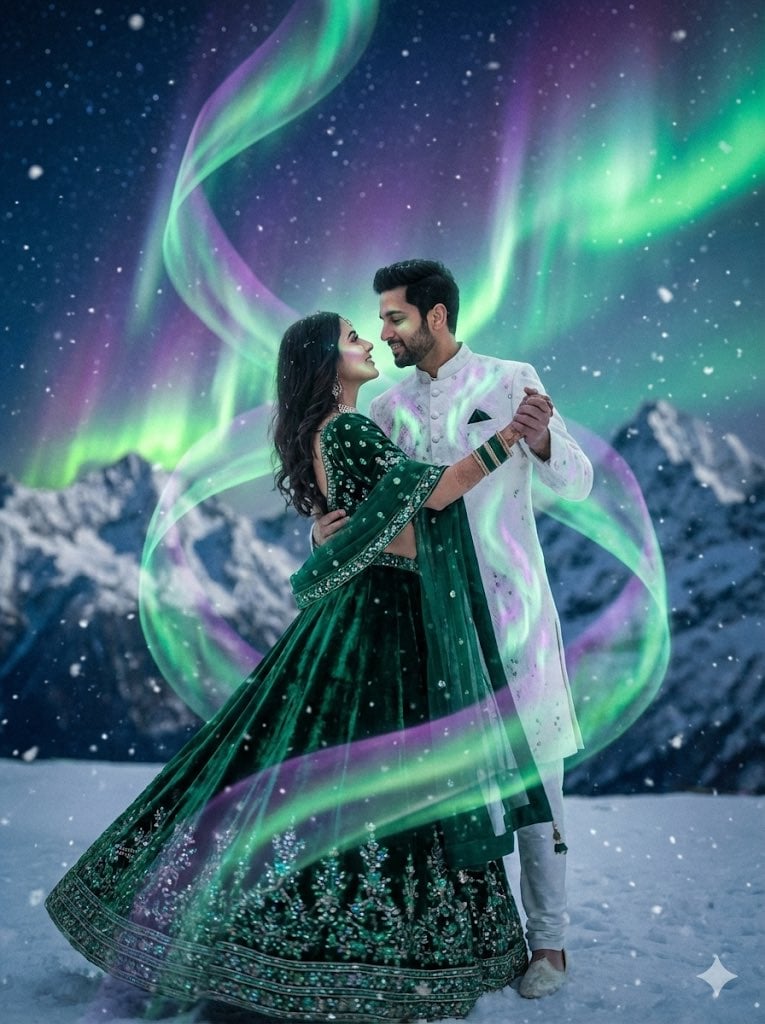
Dreamy Surreal Pre-Wedding Dance under Aurora Borealis

Shibuya Scramble Crossing New Year's Eve Scene
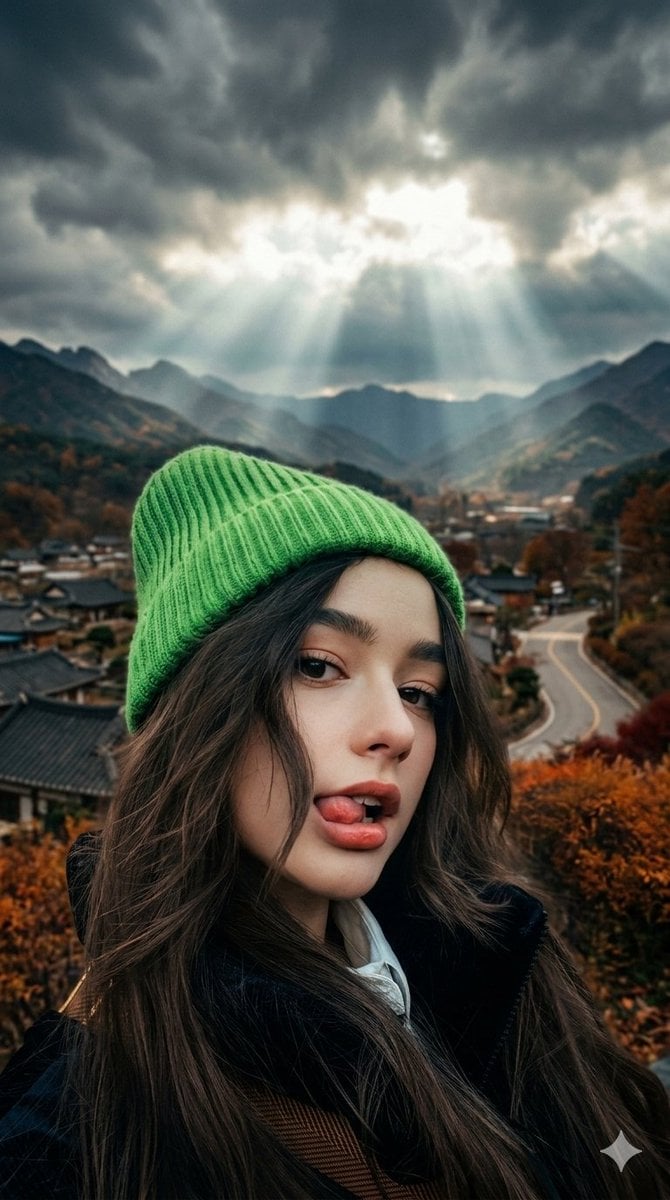
Cinematic Close-up of Woman with Neon Beanie

Face Preservation Selfie Prompt for Nano Banana Pro
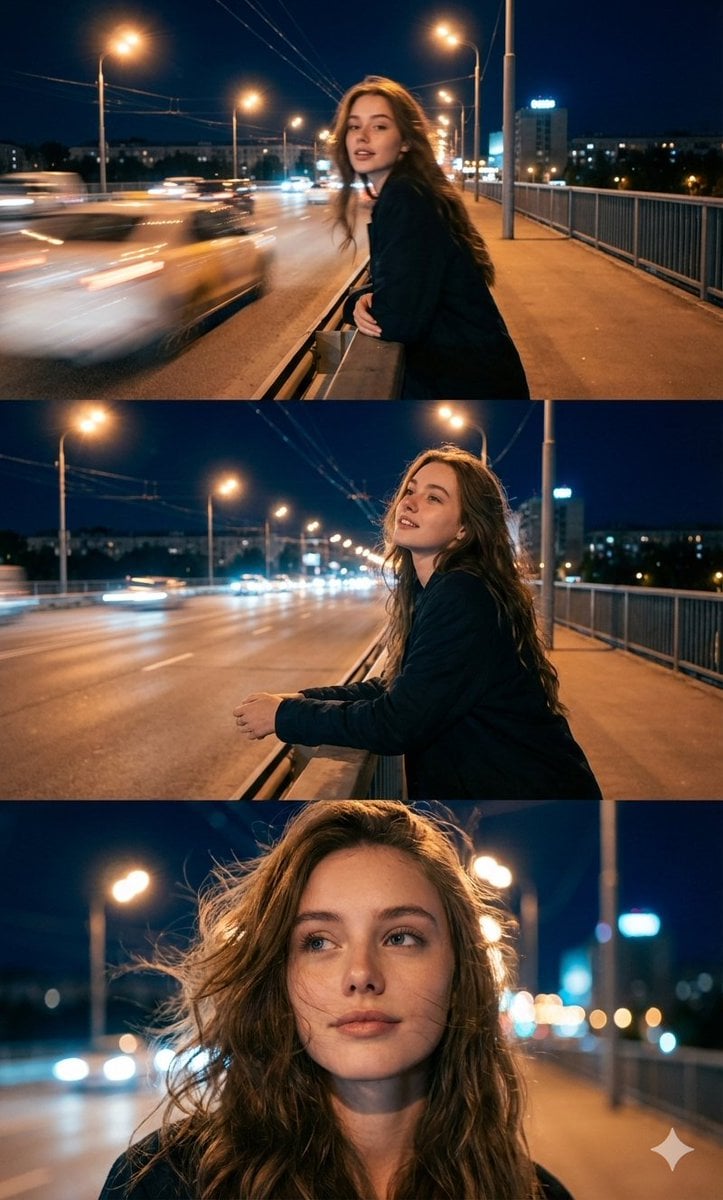
Cinematic Triptych Portrait in a Night City Setting
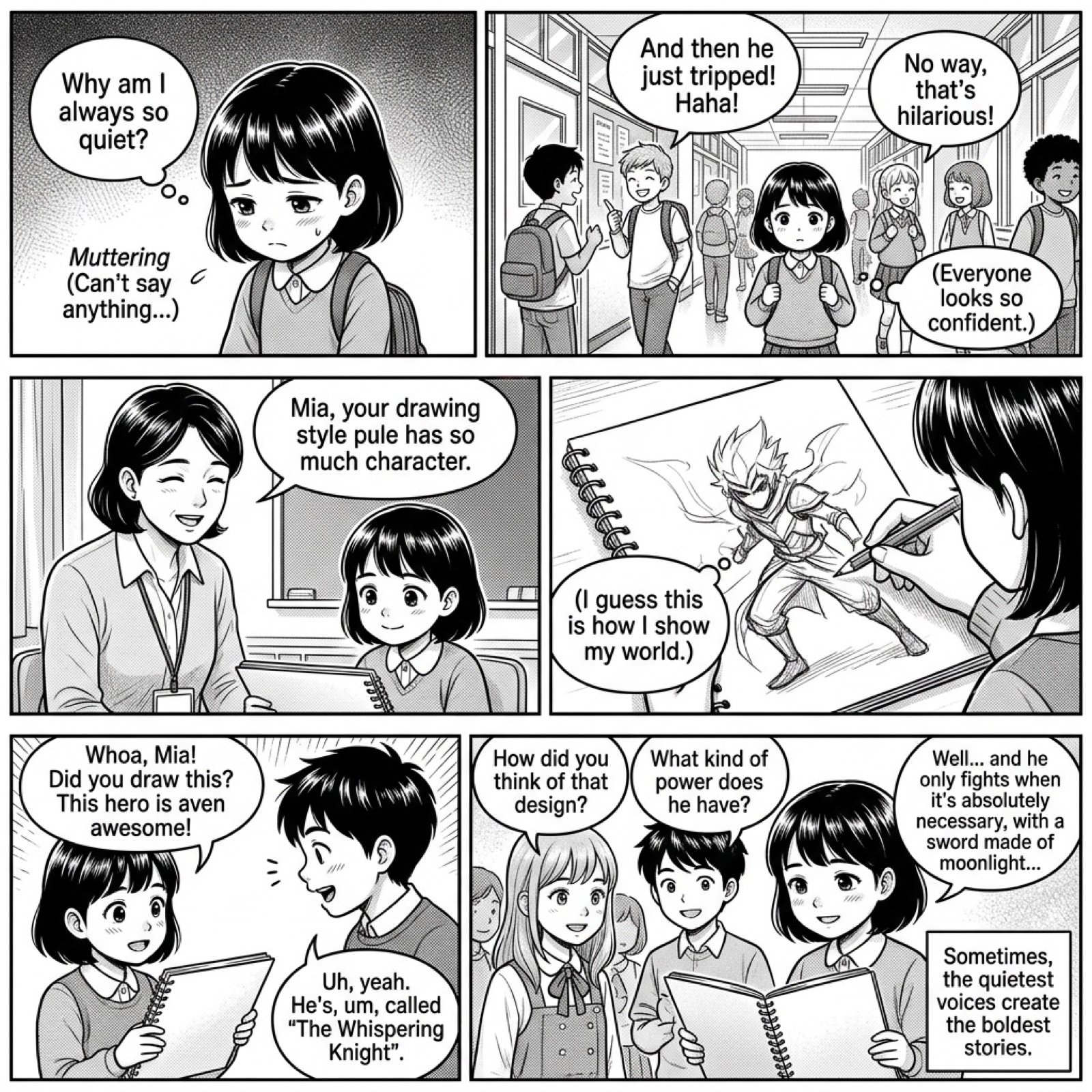
Add dialogue to a manga based on its content
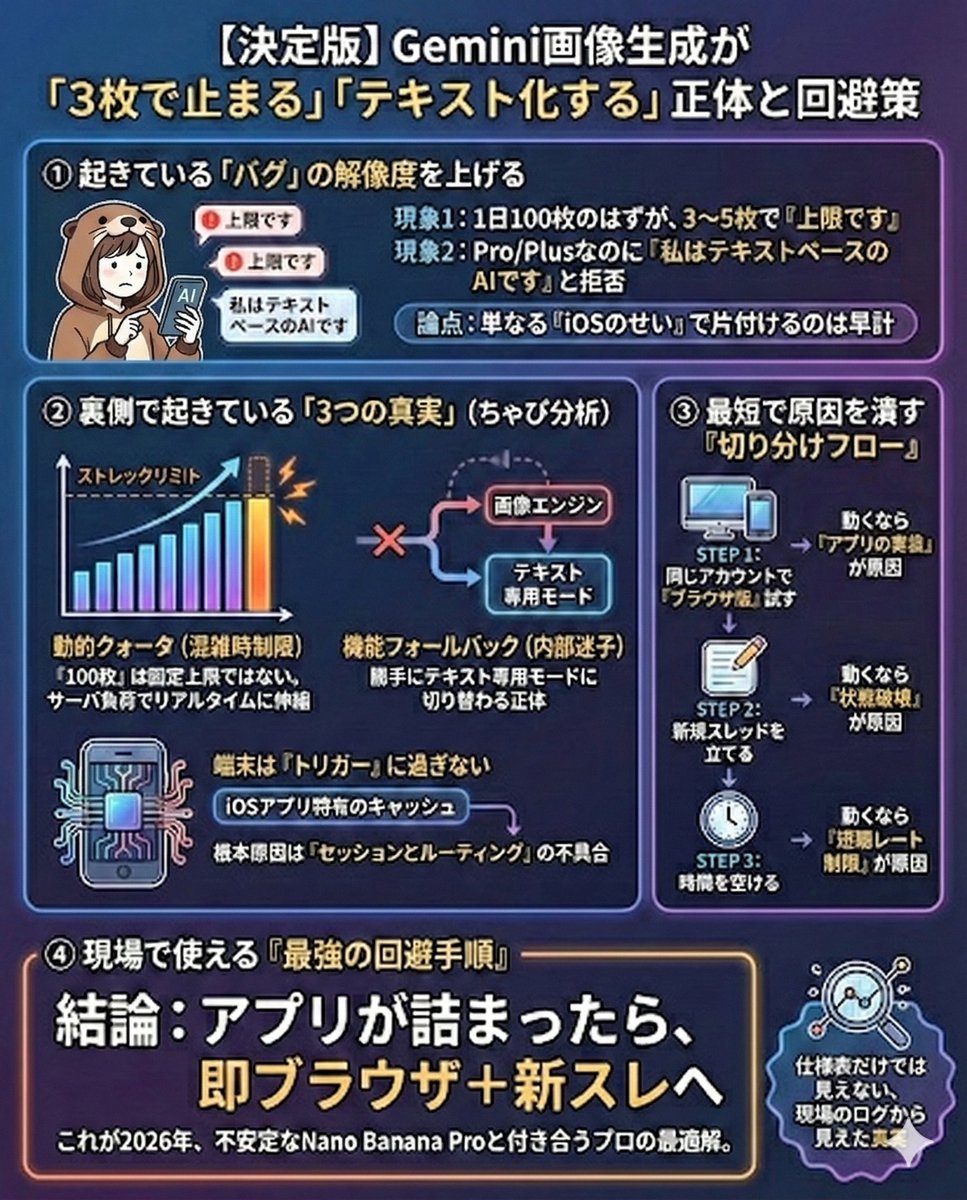
Gemini Model Troubleshooting Prompt
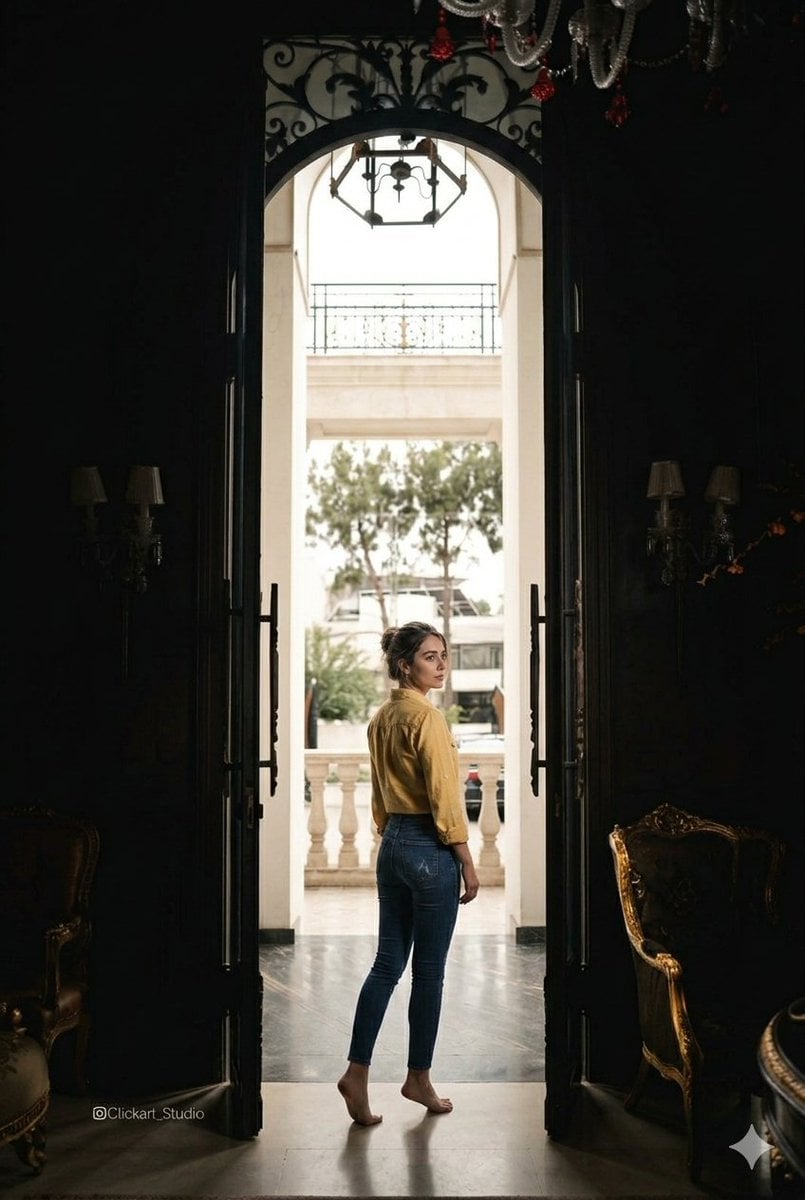
Grand Doorway Chiaroscuro Portrait
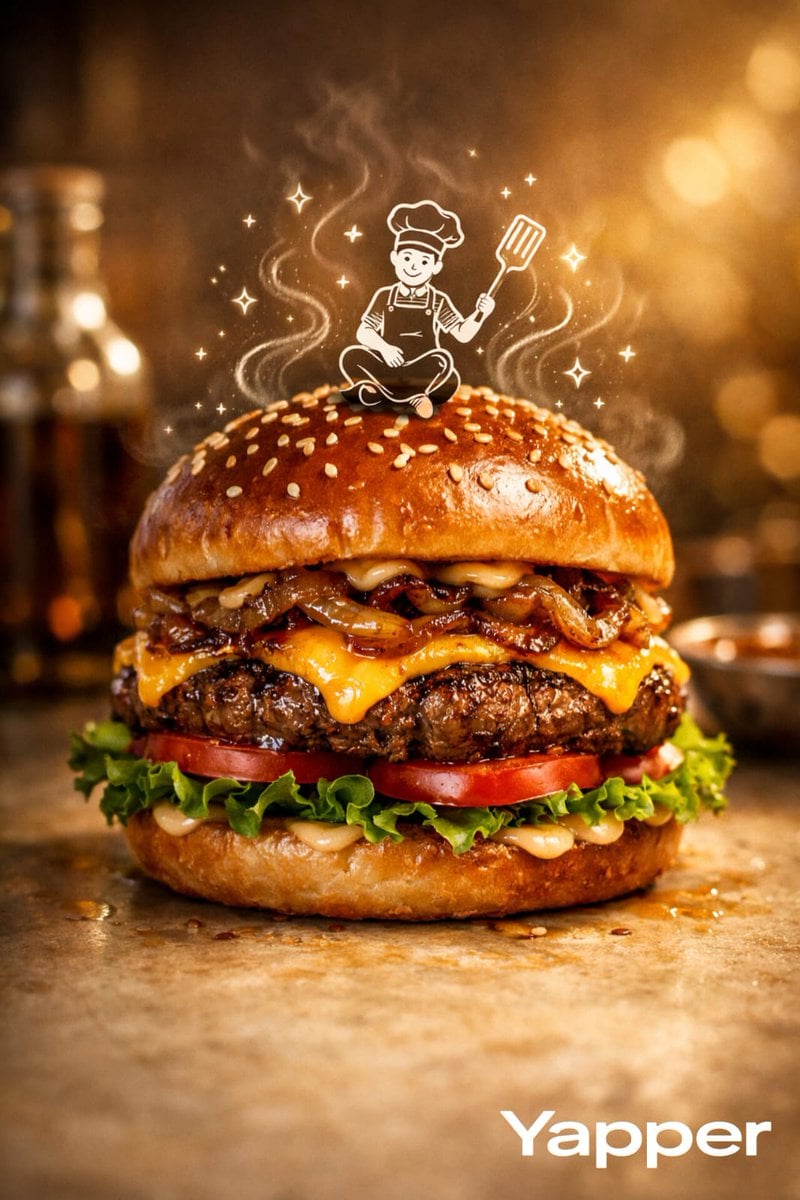
Luxury Food Advertisement Photography with Illustrated Chef
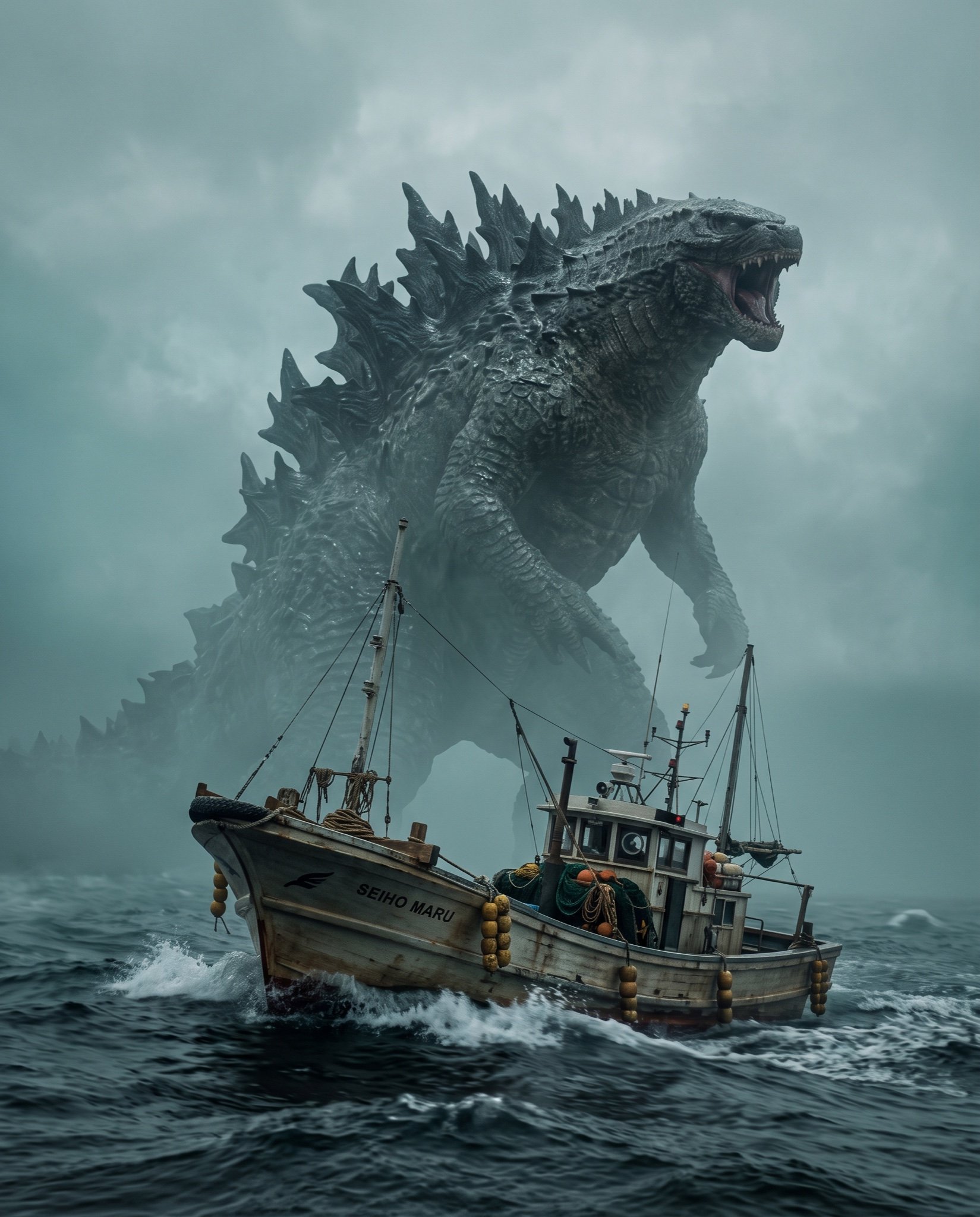
Cinematic Photorealistic Godzilla Encounter Prompt
Browse template categories
Medusa Battles Perseus questions
How do I use the Medusa Battles Perseus template?
Add your photo if the template asks for one, edit the prompt if you like — the template's model and format are already selected — and press Generate. Your version opens in PicX Studio.
Can I customize the Medusa Battles Perseus template?
Yes. You can change the subject, setting, lighting, mood, format, and available model controls before creating your image.
Is the Medusa Battles Perseus template free?
Opening and editing this template is free. Generating uses credits, shown on the Generate button when you are signed in.
Which AI model should I use?
Start with GPT Image 2, which is the model associated with this template. You can compare another compatible model for a different finish.
Looking for something else? Browse all templates.

Your photo, any look
Thousands of ready templates for every top image and video model, from one credit balance.