
Peaceful Yamato Battleship Wrap
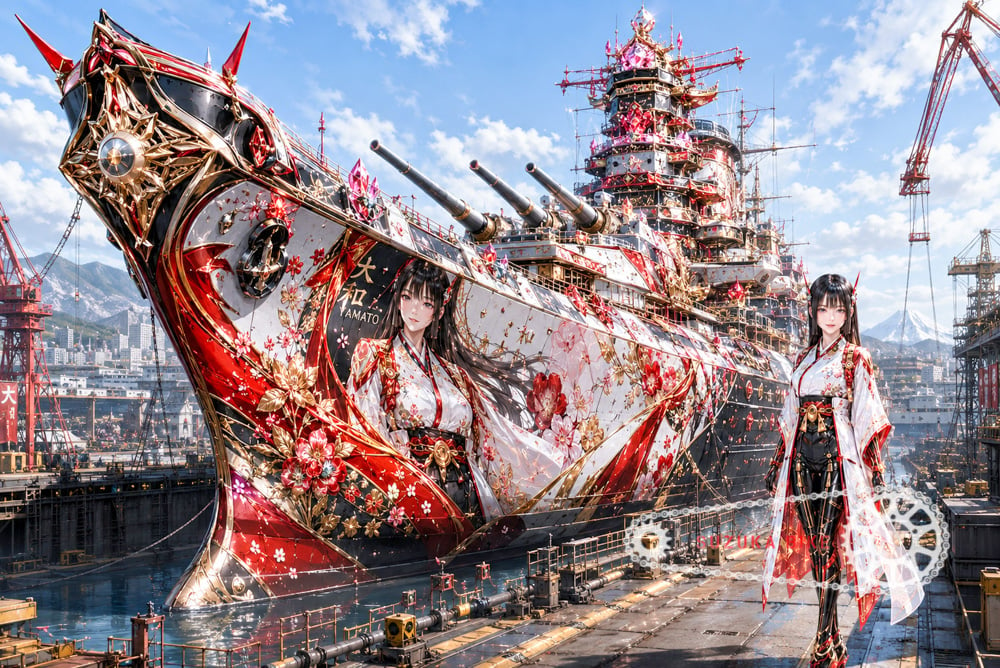
Generates a highly detailed anime-mecha decorative wrapping concept for the battleship Yamato in a modern dry dock.
- Prompt included
- Model and format preset
- Premium template
The prompt behind this image
Copy the exact prompt behind Peaceful Yamato Battleship Wrap, or open it in the studio and make it yours.
Create an ultra-detailed cinematic concept art image of the Japanese battleship {argument name="ship name" default="Yamato"} in a massive modern dry dock, transformed into a peaceful anime-themed decorative wrapping design. The ship dominates the frame from a dramatic low front-left angle, with an enormous ornate bow close to the viewer and the full battleship receding into the background. Cover the hull and superstructure with glossy black, white, crimson red, and metallic gold ornamentation: flowing kimono-like ribbons, cherry blossoms, gold floral filigree, jewel-like red crystals, and lacquered armor panels. The bow has an elaborate starburst crest with a circular metallic centerpiece, sharp red horn-like fins, gold trim, and glowing decorative highlights. Show exactly four main naval gun barrels visible on the forward turrets, pointing diagonally left. Add an anime shrine-maiden character motif printed large on the hull: a young woman with long black hair, pale skin, red-and-white kimono, black hakama, gold accessories, and a calm expression, with the text “YAMATO” near her. Also place the same character as a full-body standing figure on the dock at the lower right, wearing the same red-white-black-gold outfit, long translucent sleeves, ornate belt, thigh-high black stockings, and decorative shoes. Include exactly one oversized white-and-gold mechanical gear or ship-wheel ornament near her feet, partially transparent and glowing. The ship’s tower and radar masts are densely decorated with red lattice rails, gold accents, sparkling crystals, antennas, cables, and scaffold-like details. The dry dock contains cranes, industrial platforms, railings, pipes, chains, water reflections, and dock machinery; show mountains and a harbor city in the distance under a bright blue sky with scattered white clouds. Style: high-resolution anime-mecha illustration blended with photorealistic industrial shipyard detail, extremely intricate, vibrant, glossy, celebratory, peaceful rather than militaristic, sharp focus, dramatic perspective, no smoke, no battle, no damage, no watermark.
How to use Peaceful Yamato Battleship Wrap in 3 steps
- 1Upload ImagePNG, JPG or paste
Add your photo
Upload the photo the template builds on. The prompt, model and format are already set.
- 2…a portrait of your subject in softgolden-hour light, 85mm…
Personalize
Edit the subject and creative details for your destination.
- 3Generate
Generate
Press Generate — your image is created in PicX Studio, so you can compare it with the original and refine one variable at a time.
More like this
Templates with the same subject, style or setup. Open one to see its prompt.
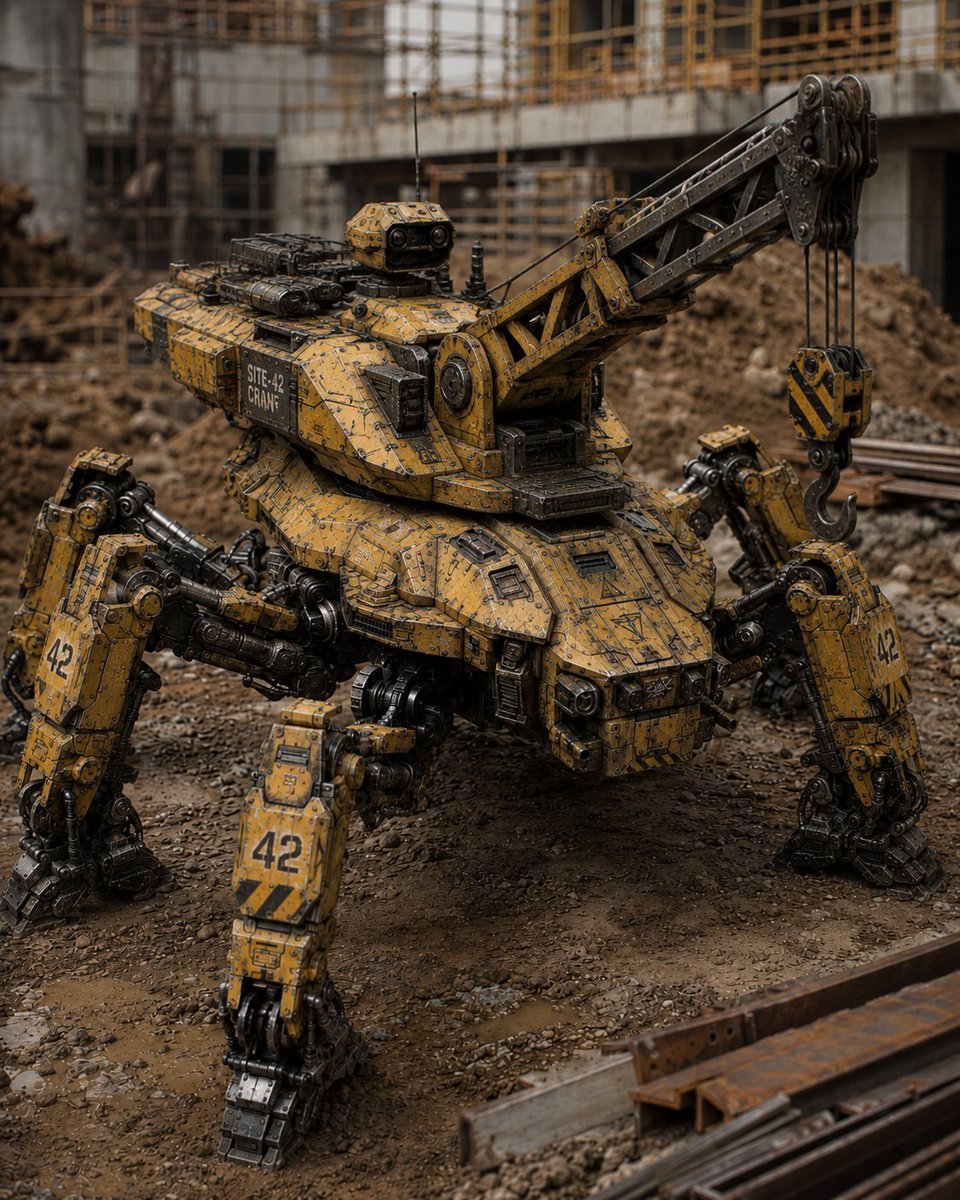
Peaceful Multi-Legged Construction Machine
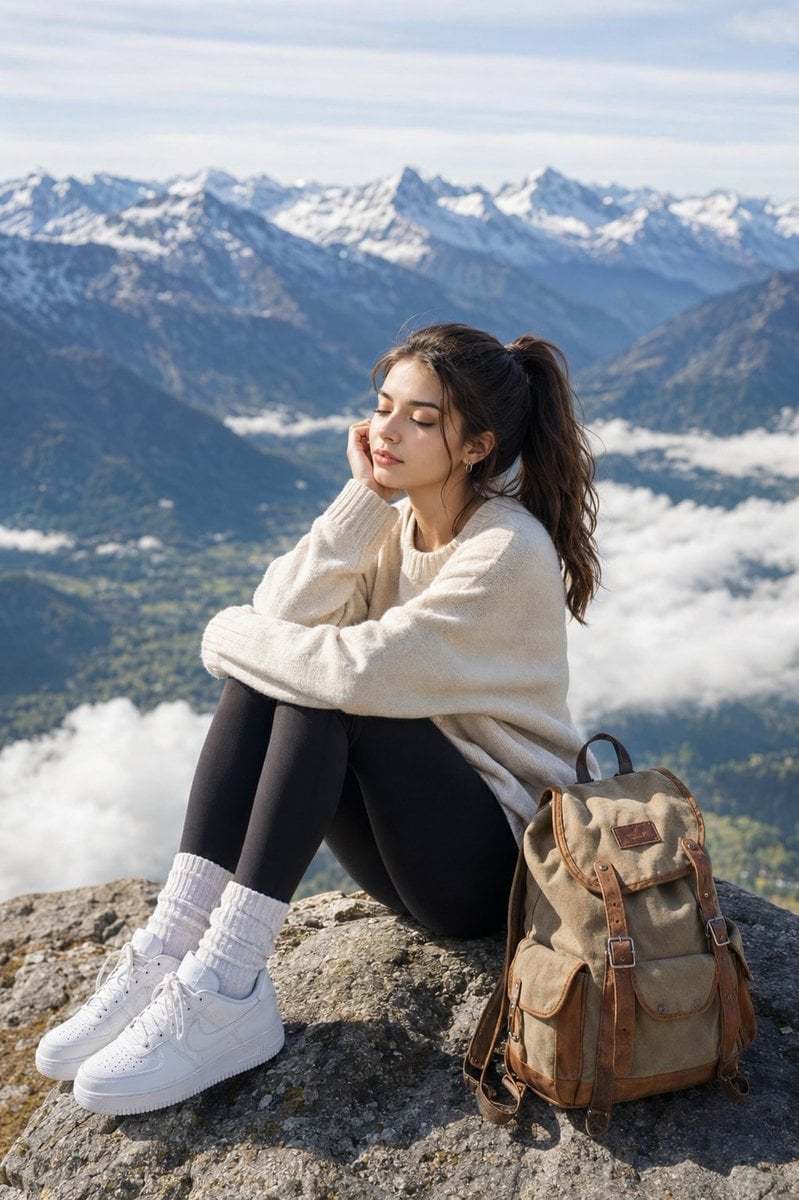
Peaceful Alpine Mountain Peak Portrait
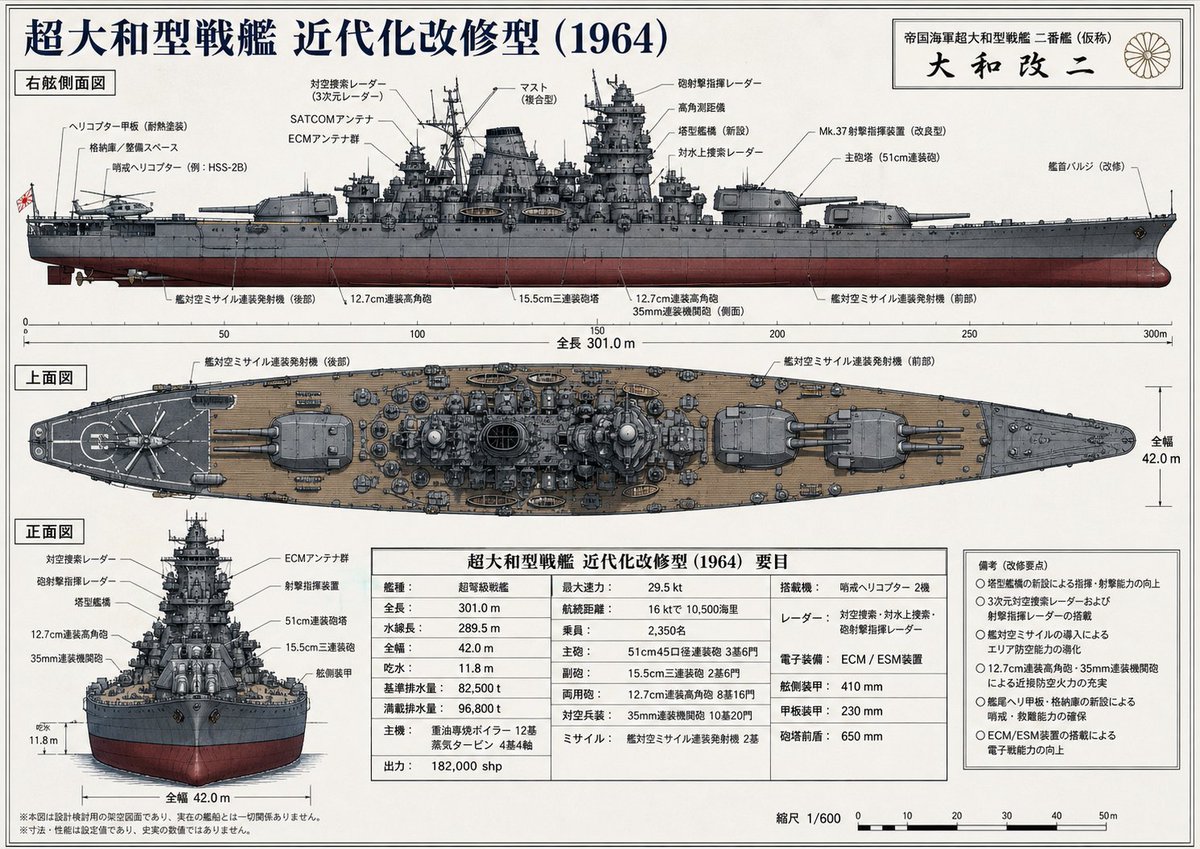
Japanese Battleship Modernization Blueprint
Peaceful Summer Riverside Evening
Peaceful anime hillside landscape
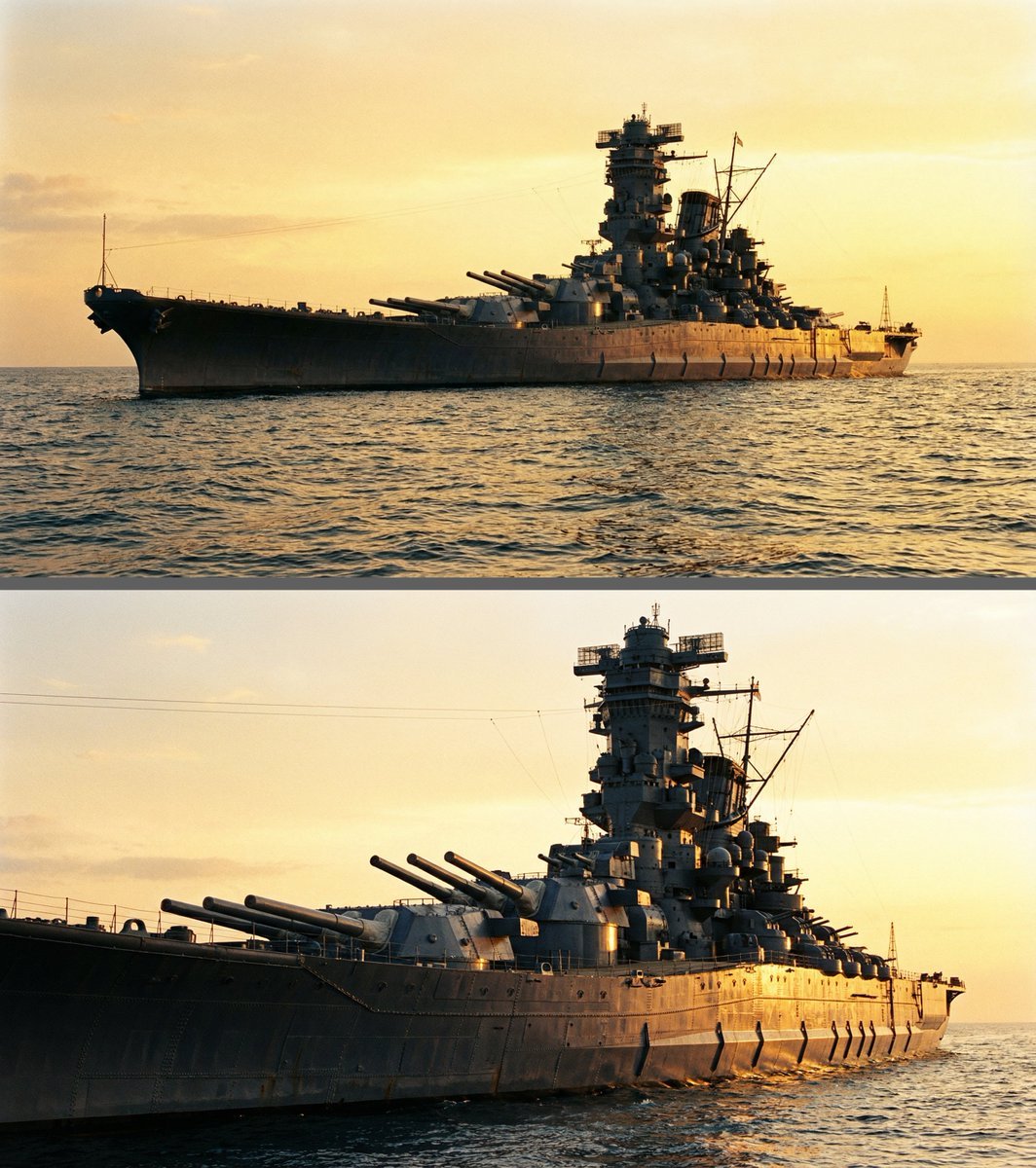
Colossal battleship at dawn illustration prompt
Peaceful Solitude Portrait in Nature Prompt
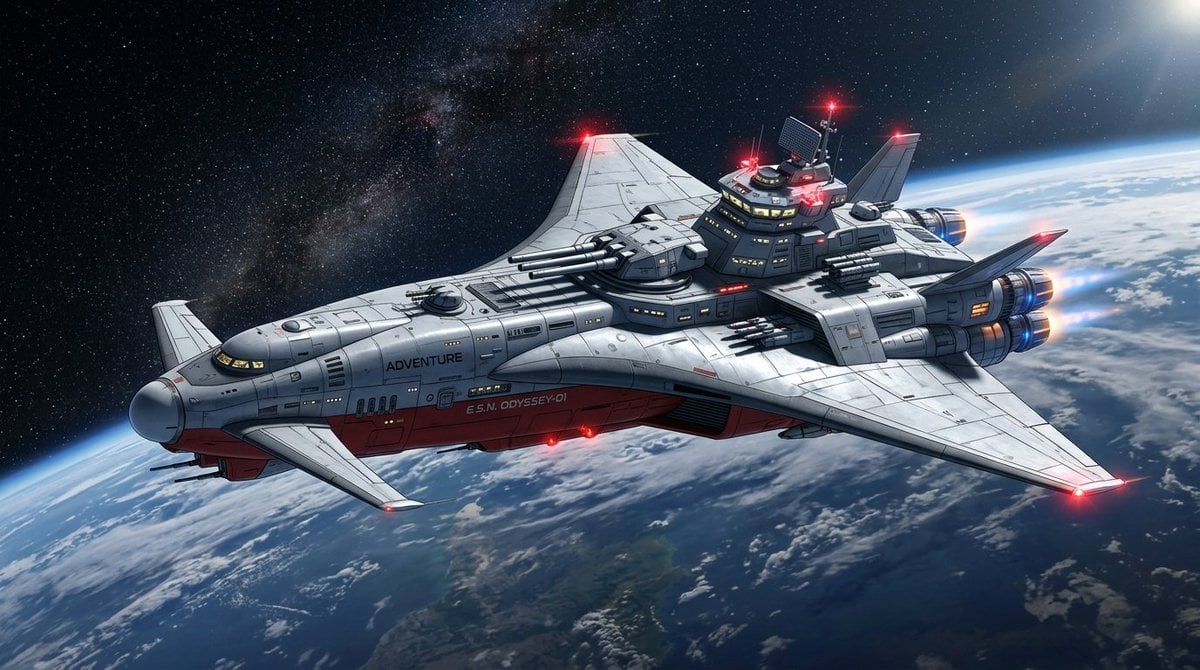
High-Resolution 2.5D Illustration Prompt for Winged Space Battleship
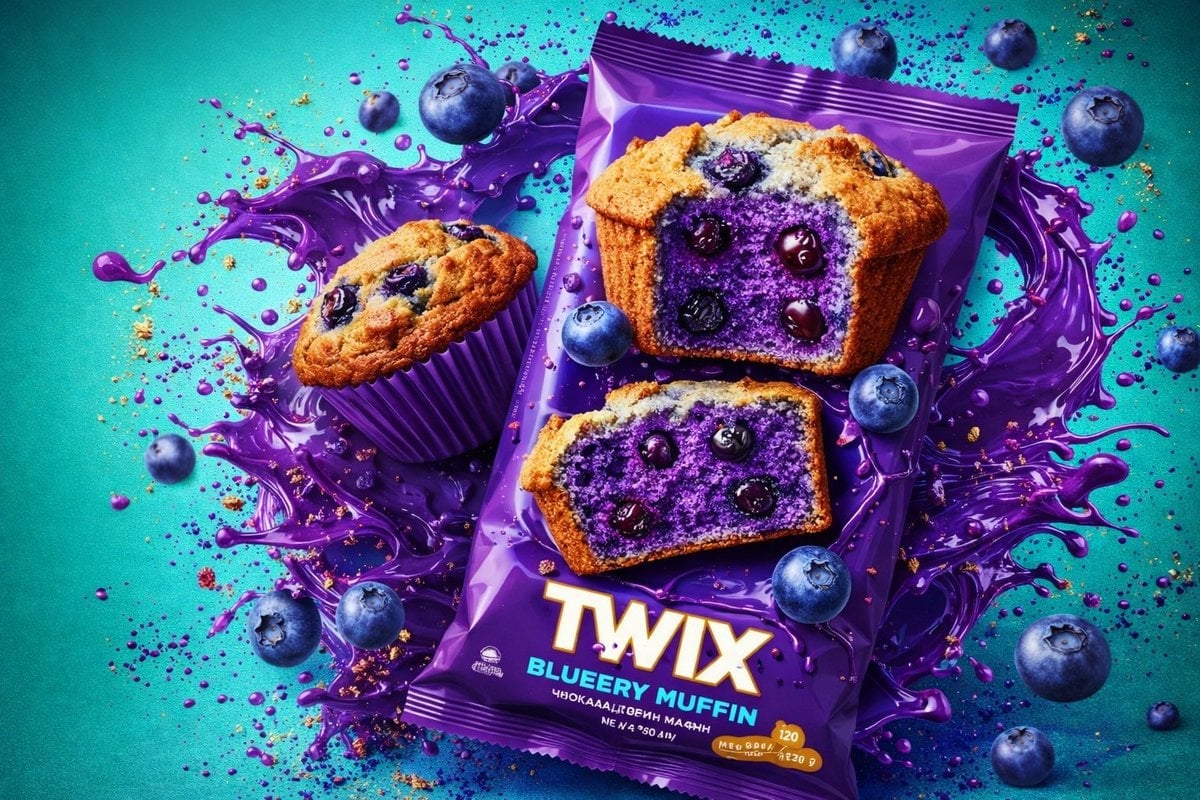
Thick molten chocolate splashes wrapping around the package
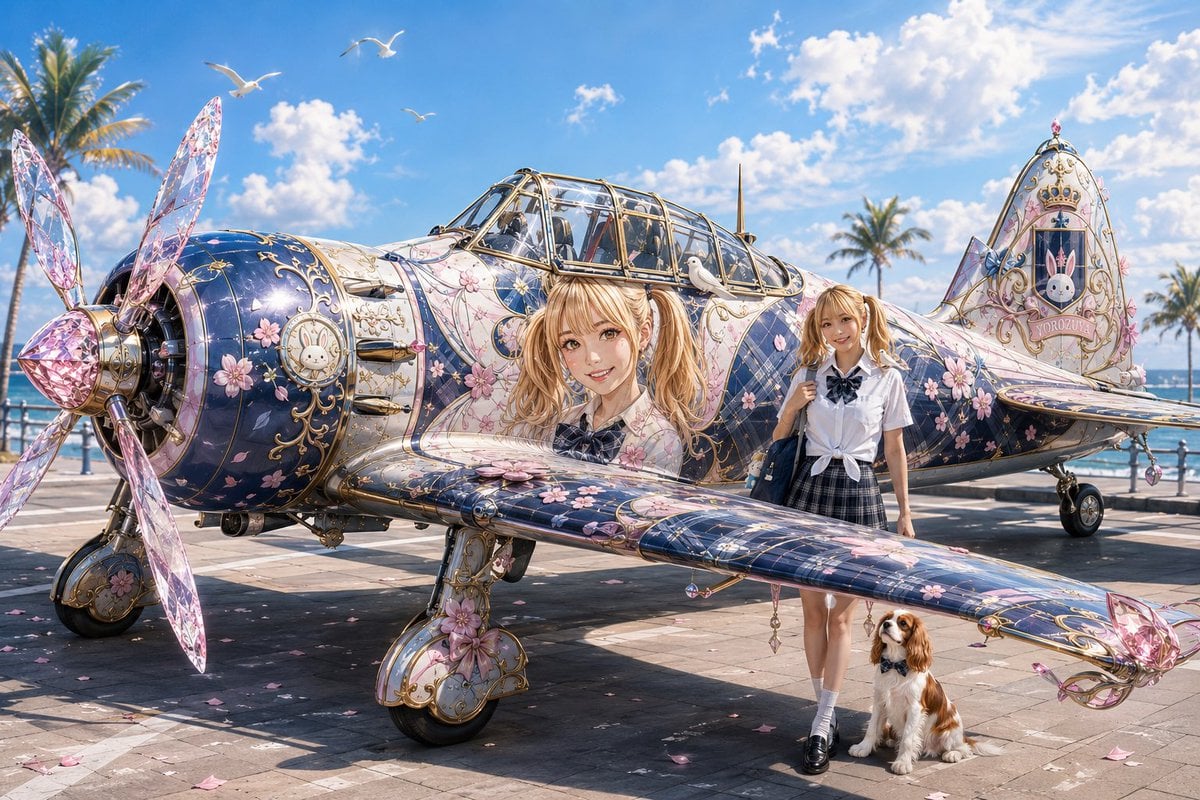
Colorful Peace-Themed Fighter Plane Wrap
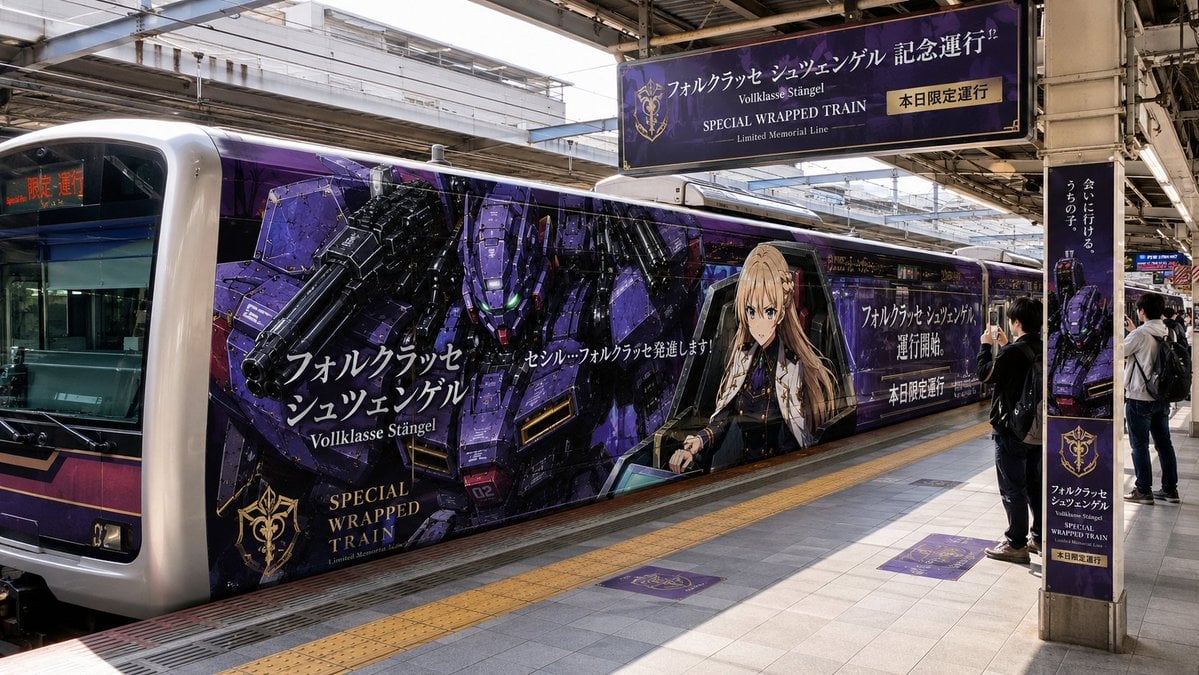
Anime Mecha Wrapped Train at Station
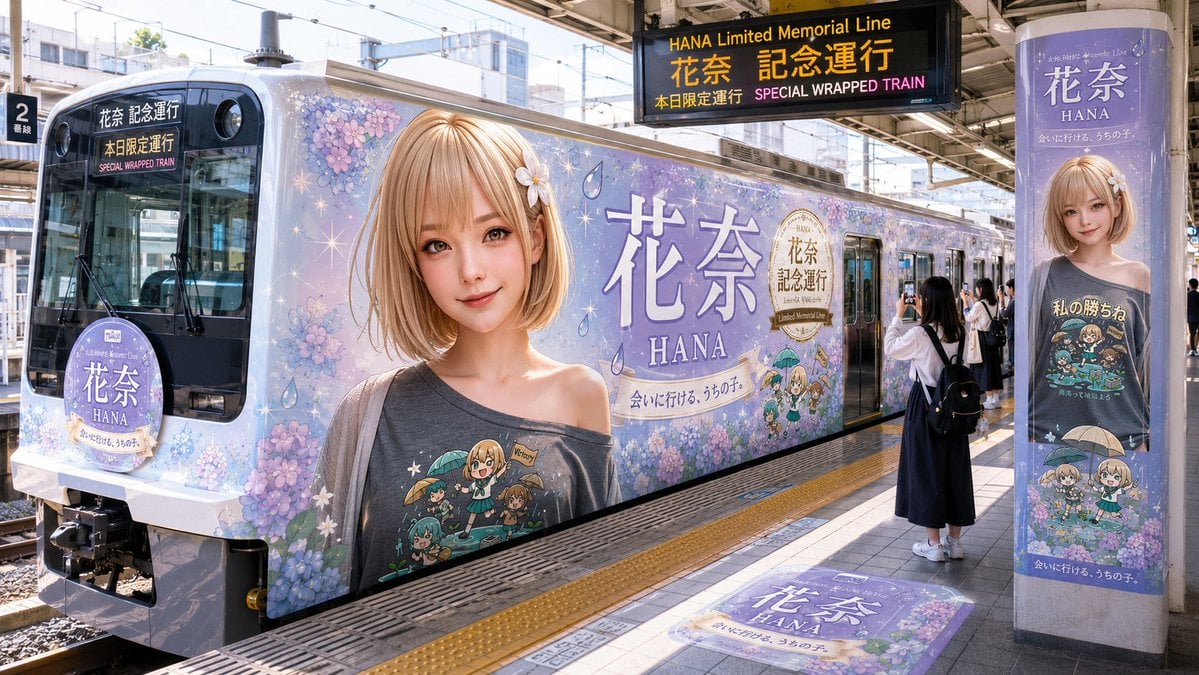
HANA Anime Wrapped Train at Station
Make it yours
Peaceful Yamato Battleship Wrap works as-is. These are the safest ways to change it without losing the look.
Change one field
Copy a single group, rewrite it, and generate again so you can see what that field is doing.
Keep the frame, change the subject
Hold the composition and light of Peaceful Yamato Battleship Wrap, then swap wardrobe, props or the person for a new take.
| If the result… | Why | Fix |
|---|---|---|
| The result drifts from the preview | Too many fields changed at once. | Reuse Peaceful Yamato Battleship Wrap as-is first, then change one group — subject, light, or setting. |
| The model over-stylizes the scene | The prose prompt leaves finish and camera underspecified. | Add one camera or lighting sentence and stay on GPT Image 2. |
More GPT Image 2 templates
Other prompts made for GPT Image 2.

Six VTuber Japanese Logo Sheet

Realistic Portrait of Woman and Deer

The Vista Modular Condo Poster

AI Model Routing Comparison Infographic

2.5D Anime Art Board

Isometric Productivity Desk Scene

New York Double Exposure Poster

Four-Panel AI Landscape Comparison

Japanese Tatami Lifestyle Magazine Cover

NESCAFÉ Coffee Map Poster
More image prompts
Fresh picks from across the catalog.
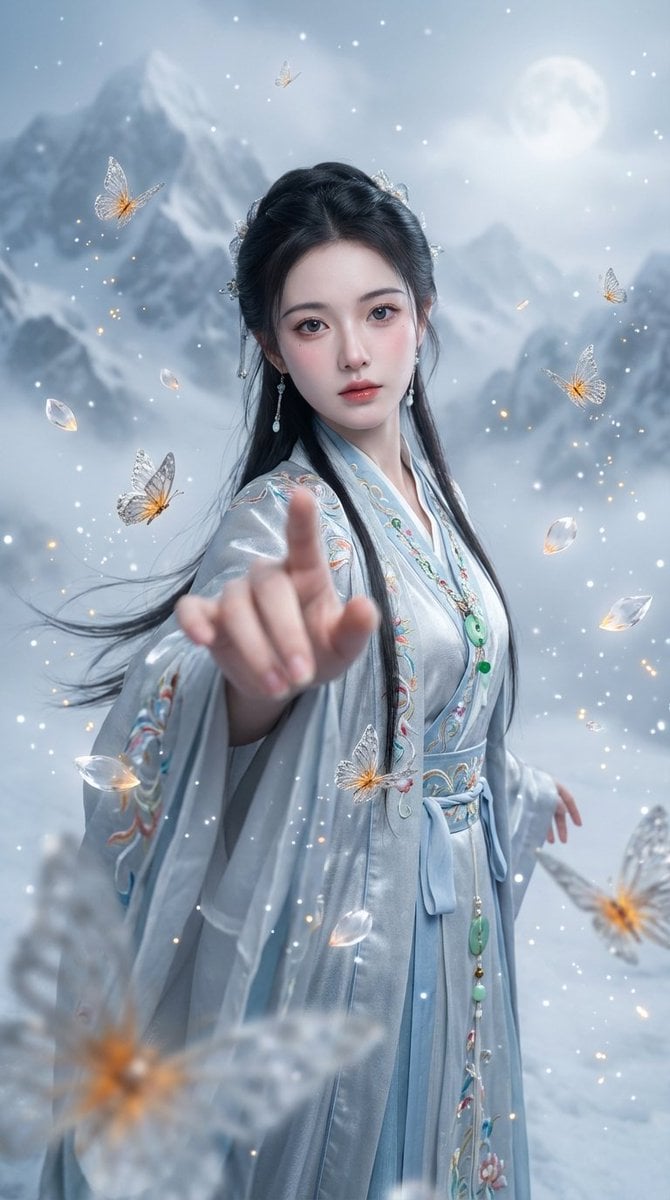
Chinese Xianxia Fantasy Portrait with Cold Tones and Magic Effects
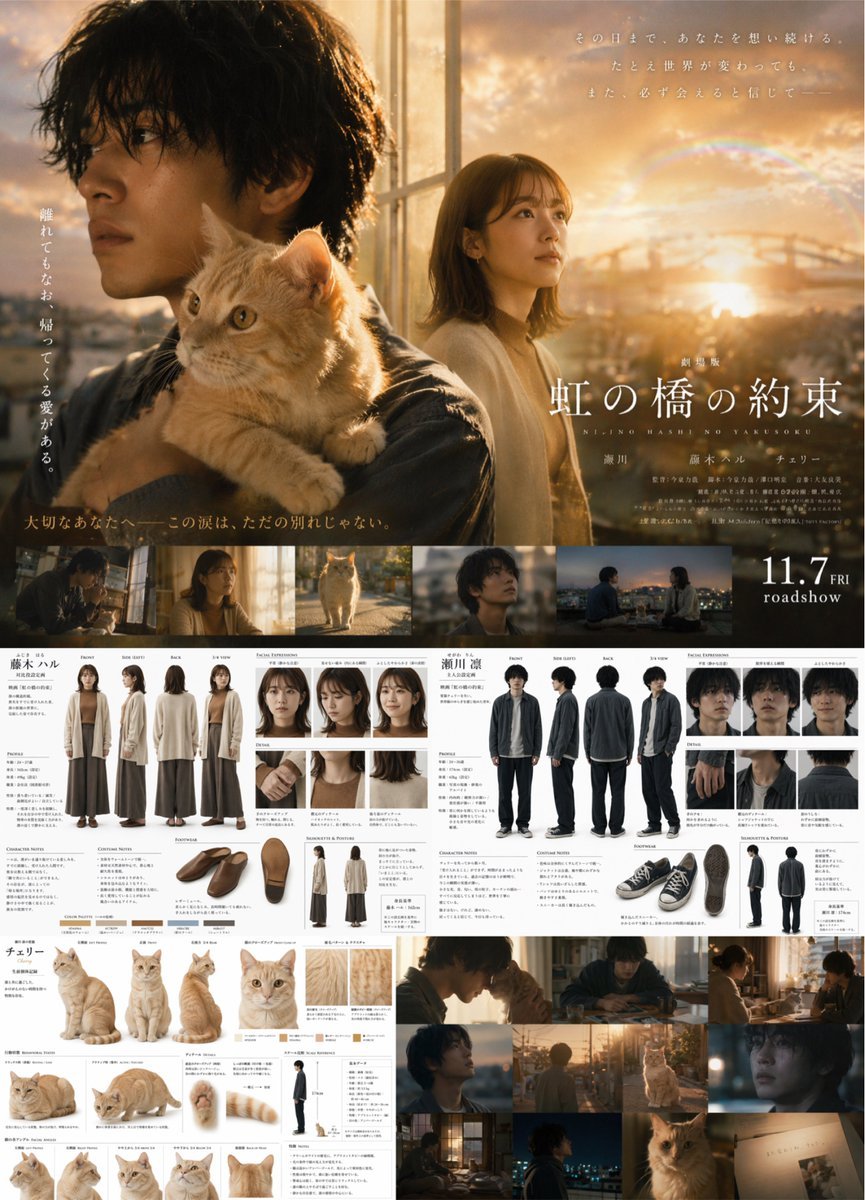
Live-Action Movie Poster & Character Sheet
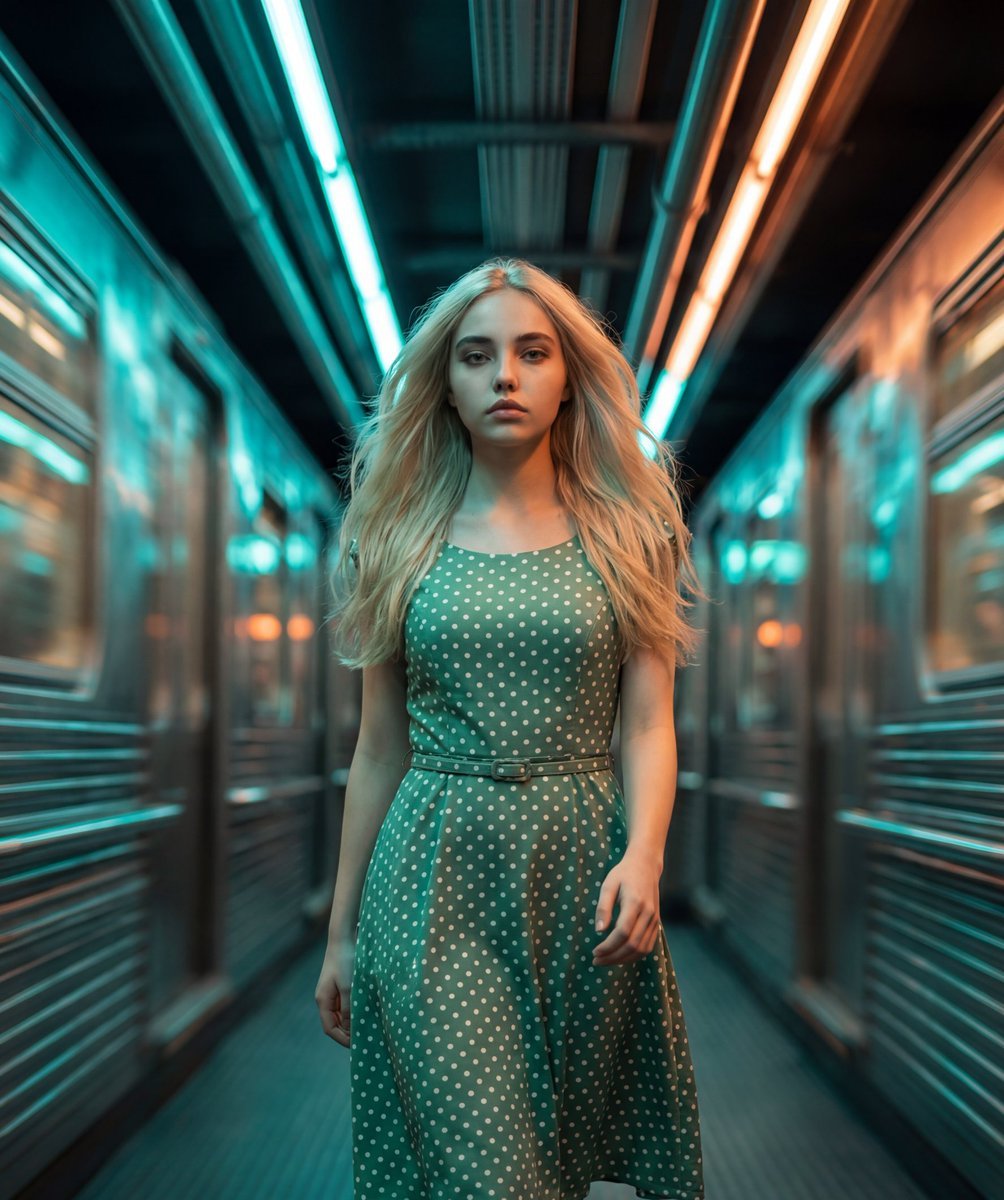
Cinematic Futuristic Tunnel Walk
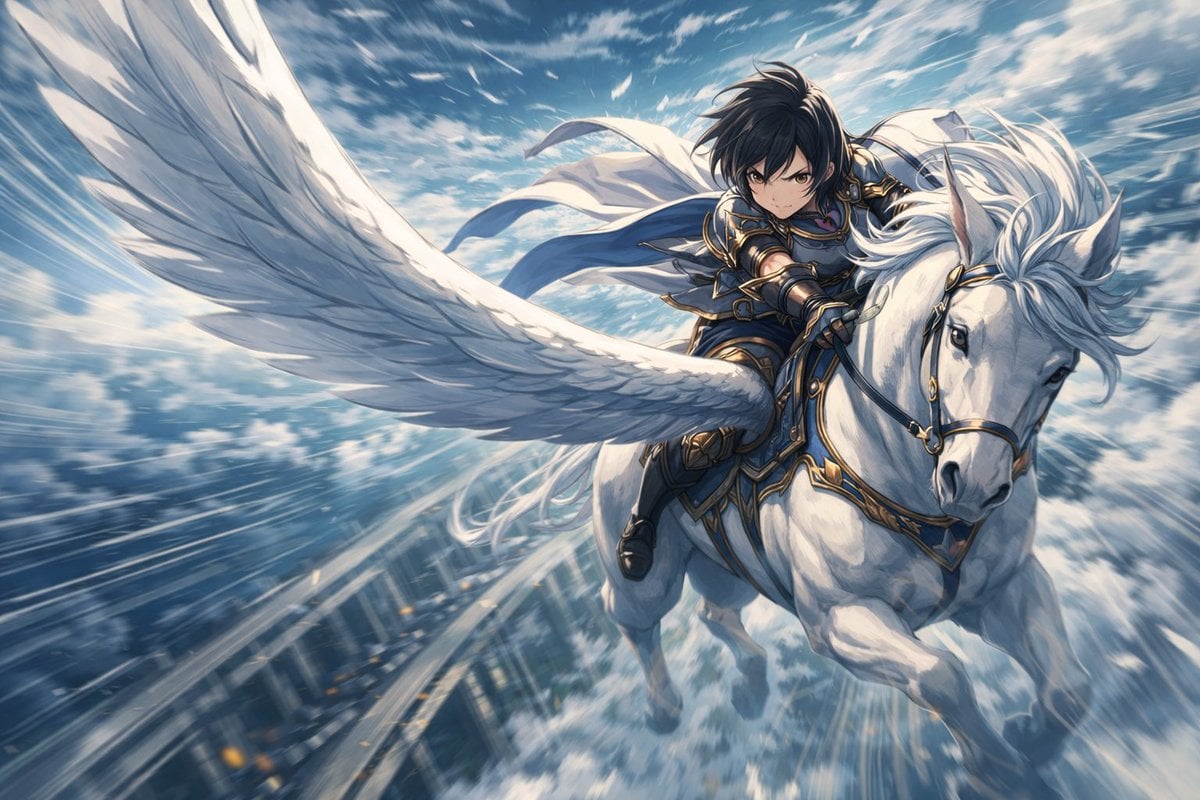
Character Riding Pegasus Fantasy Illustration Prompt

Cinematic Moody Portrait
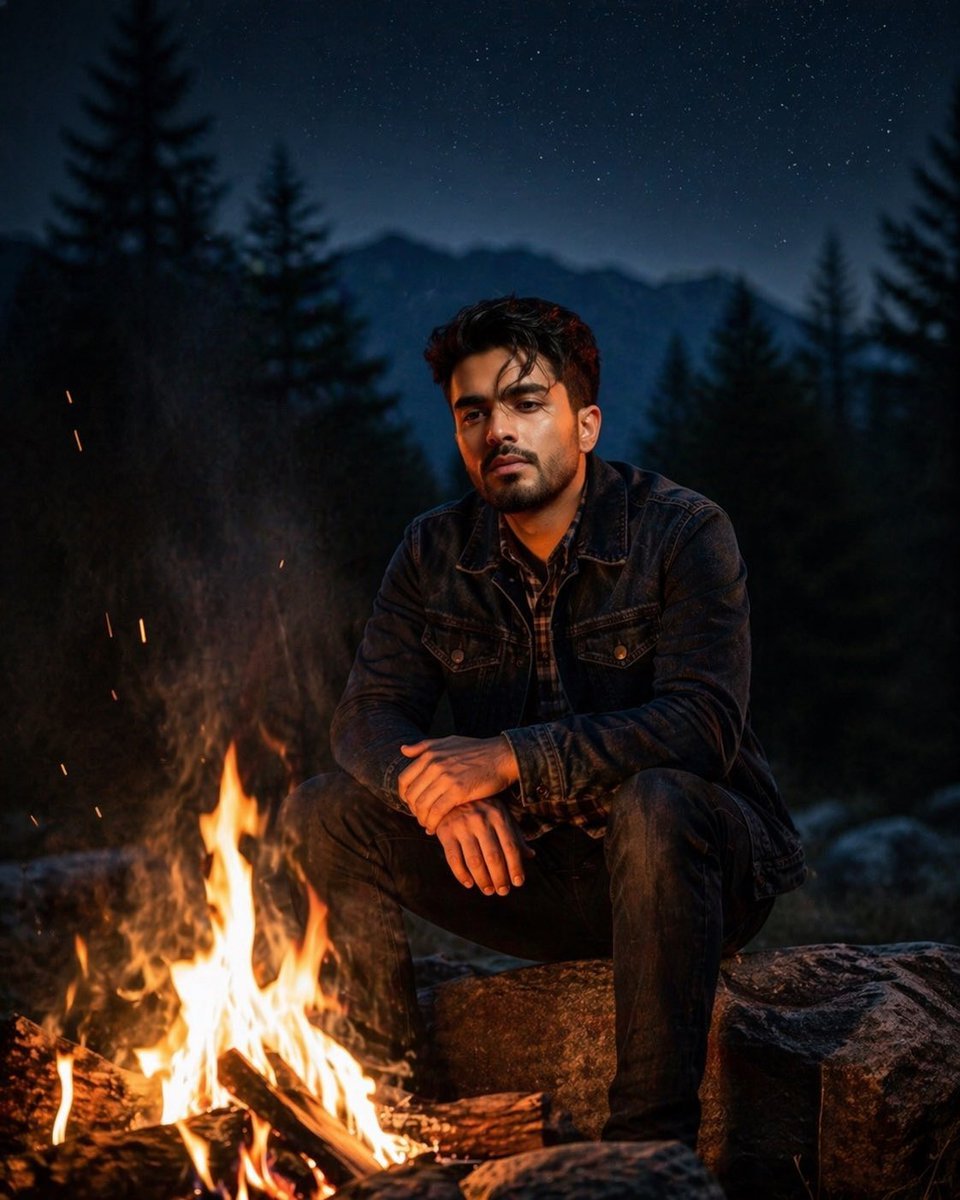
Cinematic Forest Campfire Portrait
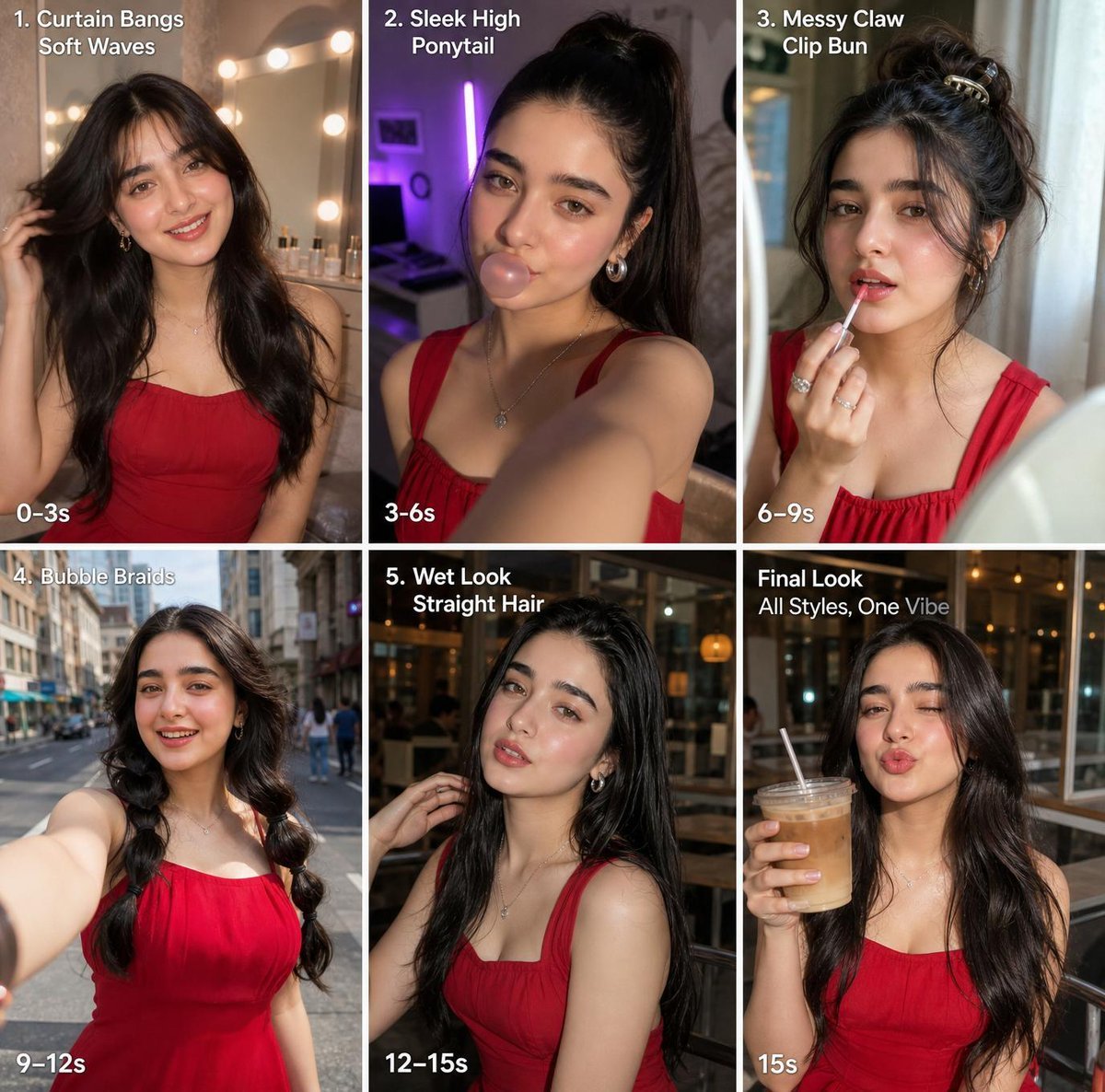
Six-Panel Hairstyle Storyboard
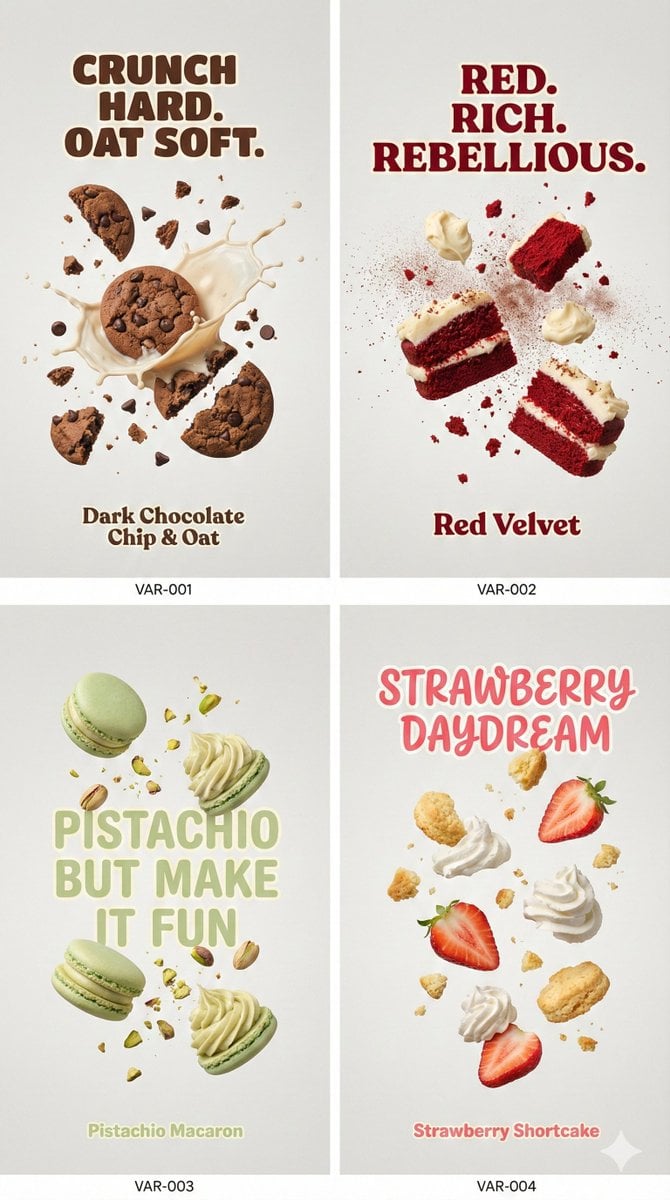
Cinematic Food Photography Prompt for Cookies
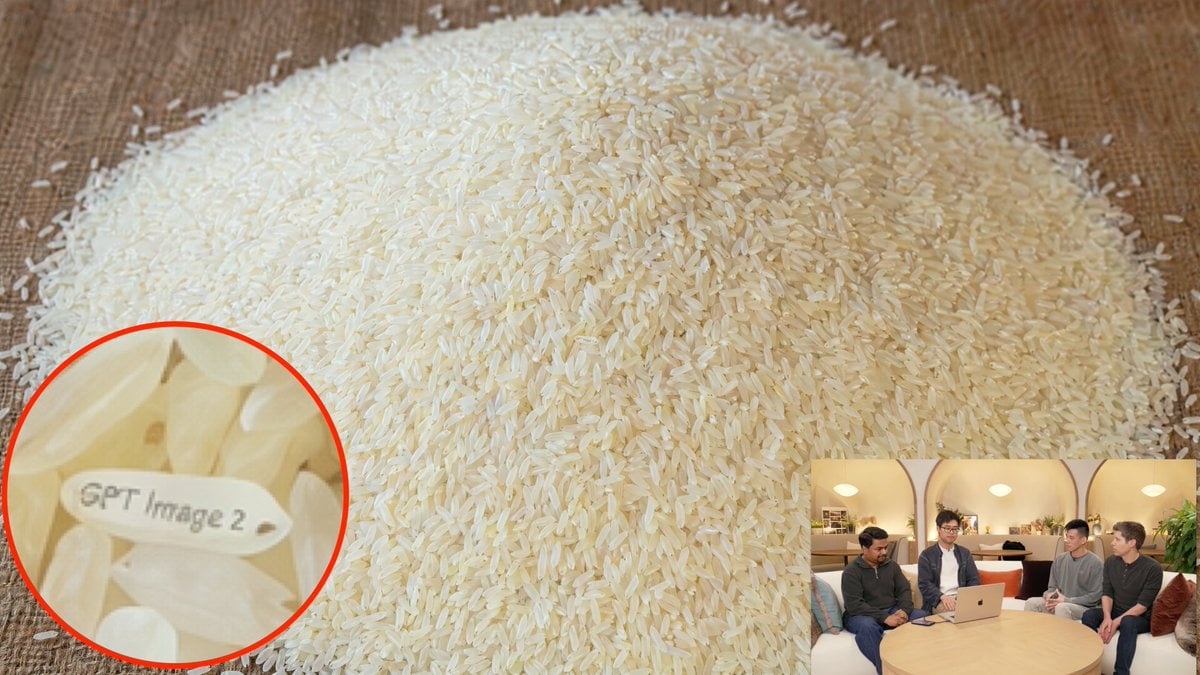
Hidden Engraved Rice Grain
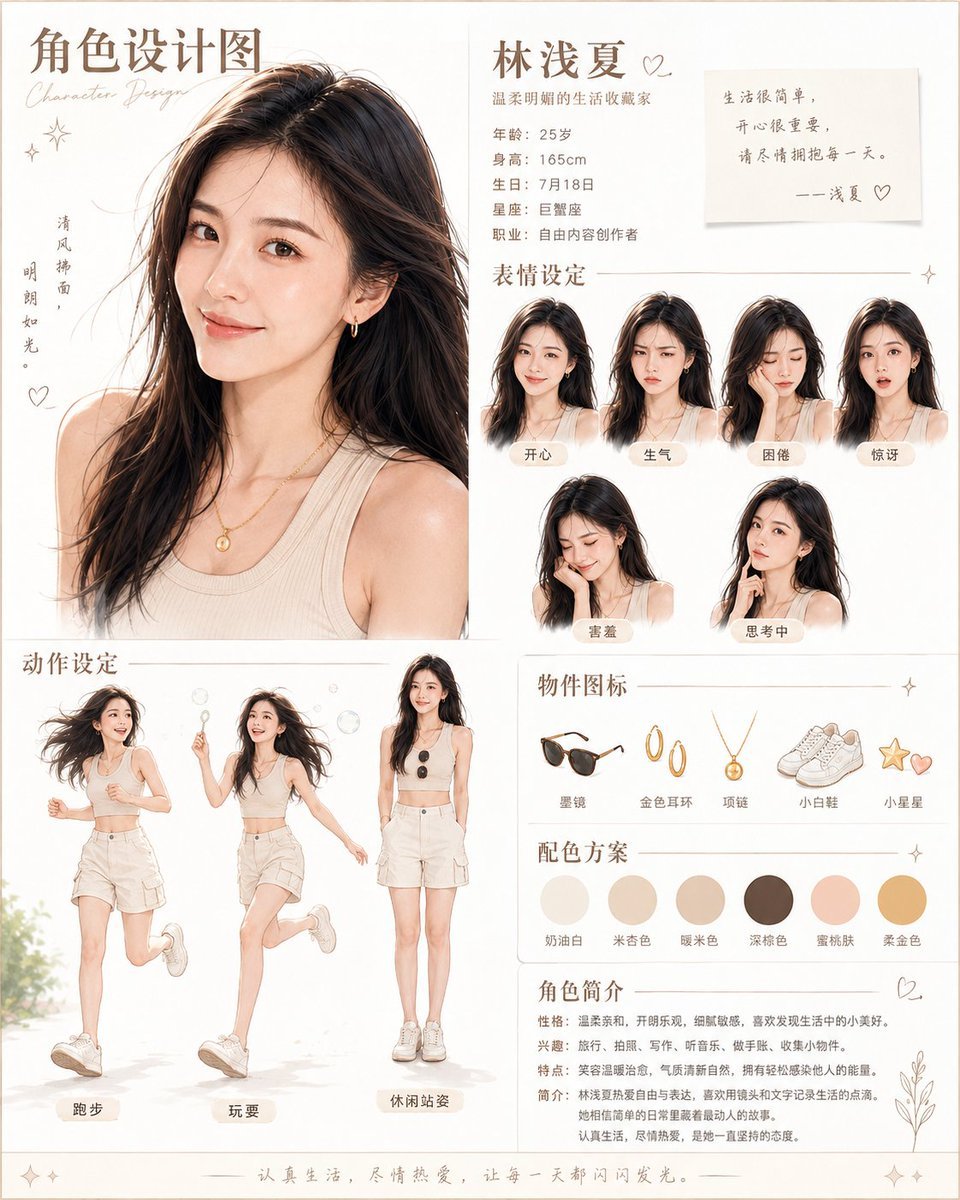
Warm Chinese Character Design Poster
Browse template categories
Peaceful Yamato Battleship Wrap questions
How do I use the Peaceful Yamato Battleship Wrap template?
Add your photo if the template asks for one, edit the prompt if you like — the template's model and format are already selected — and press Generate. Your version opens in PicX Studio.
Can I customize the Peaceful Yamato Battleship Wrap template?
Yes. You can change the subject, setting, lighting, mood, format, and available model controls before creating your image.
Is the Peaceful Yamato Battleship Wrap template free?
Opening and editing this template is free. Generating uses credits, shown on the Generate button when you are signed in.
Which AI model should I use?
Start with GPT Image 2, which is the model associated with this template. You can compare another compatible model for a different finish.
Looking for something else? Browse all templates.

Your photo, any look
Thousands of ready templates for every top image and video model, from one credit balance.