
Ukiyo-e Mythological Samurai Portrait
Transform a real subject into a legendary samurai warlord in a Japanese Ukiyo-e style, accompanied by a mythical guardian spirit.
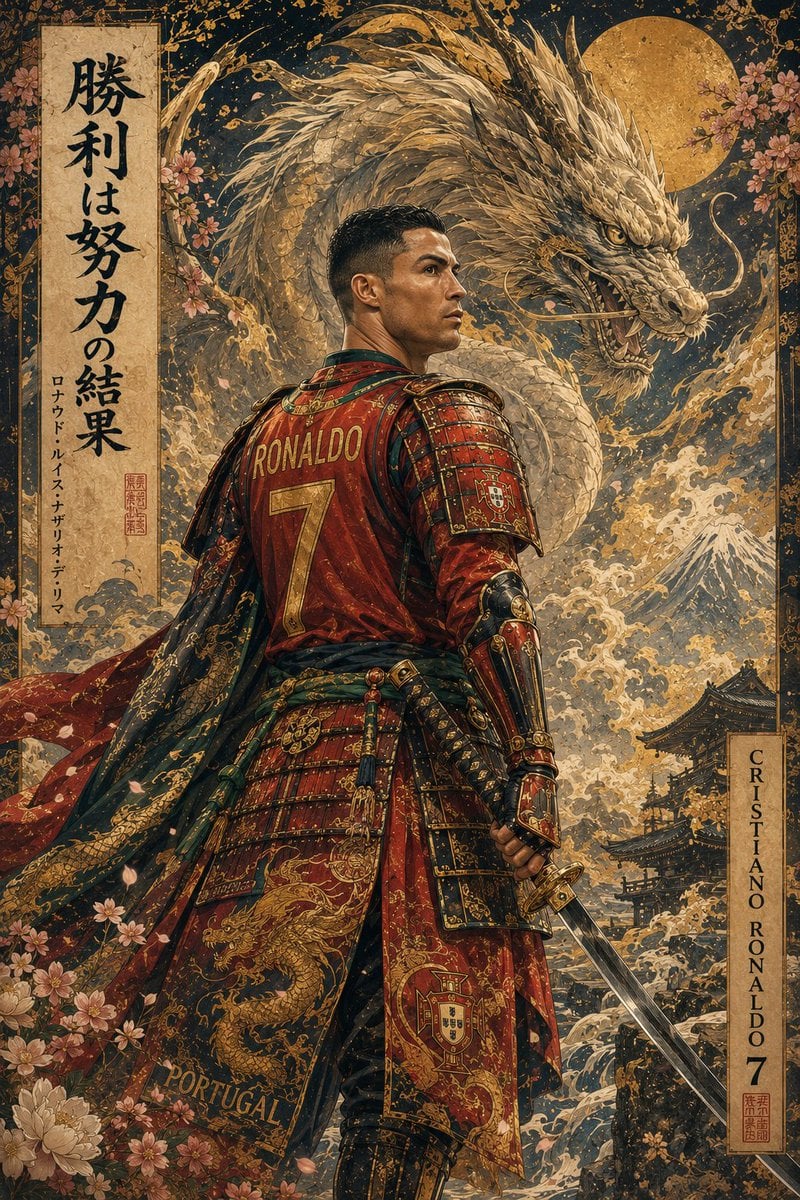
- Prompt included
- Model and format preset
- Premium template
The prompt behind this image
Copy the exact prompt behind Ukiyo-e Mythological Samurai Portrait, or open it in the studio and make it yours.
Create an awe-inspiring, ultra-detailed Japanese Ukiyo-e × contemporary fantasy masterpiece featuring [SUBJECT] transformed into a legendary samurai warlord while preserving the subject's exact facial identity, hairstyle, age, skin tone, body proportions, expression, and instantly recognizable appearance. The subject wears magnificent custom samurai armor inspired by [COUNTRY / TEAM / KINGDOM / FACTION], seamlessly integrating authentic colors, symbols, patterns, crests, embroidery, and cultural motifs into layered ceremonial armor, flowing robes, battle cloak, belts, cords, tassels, engraved plates, and handcrafted accessories. Every detail should feel historically authentic yet divinely mythical. The subject holds an elegant katana (or culturally appropriate legendary weapon) in a confident cinematic pose that radiates absolute authority, discipline, honor, and unstoppable determination. Behind the subject manifests an enormous mythical guardian spirit representing their personality, legacy, and nation. Examples include: • White Tiger • White Lion • Dragon • Phoenix • Nine-Tailed Fox • Kirin • Black Panther • Wolf • Eagle • Leviathan • Sacred Serpent • Any legendary guardian beast The guardian emerges from swirling celestial clouds, divine mist, sacred flames, crashing waves, flowing ink, spiritual smoke, cherry blossom petals, and glowing energy, appearing majestic rather than monstrous. The environment resembles a heavenly Japanese paradise filled with elegant seasonal flowers, cherry blossoms, chrysanthemums, peonies, orchids, maple leaves, bamboo, sacred rocks, temple pathways, drifting petals, floating particles, and ornamental vegetation that naturally frame the composition. Luxury gold-leaf detailing appears throughout the artwork, inspired by traditional Japanese folding screens, premium ink paintings, and museum-quality illustrations. Intricate brushwork, delicate ink textures, subtle watercolor gradients, fine line art, ornamental patterns, embossed gold accents, and decorative flourishes enrich every surface. The composition is perfectly balanced with graceful negative space, flowing movement, dynamic cloth physics, elegant weapon placement, swirling environmental effects, and cinematic storytelling. Include tasteful vertical Japanese calligraphy, traditional artist seals, decorative stamps, and elegant ornamental borders that complement the artwork without overwhelming it. Optional authentic emblems may appear naturally within clothing, armor, banners, or accessories while remaining artistically integrated. Lighting is heavenly and cinematic: divine soft sunlight, volumetric rays, glowing atmosphere, ethereal rim lighting, subtle bloom, floating dust particles, luminous mist, premium HDR color grading, gentle global illumination, and celestial ambience. Visual Style: Traditional Ukiyo-e × Nihonga × Japanese ink illustration × modern fantasy realism × premium concept art × collectible luxury poster × museum exhibition quality × Artstation masterpiece. Quality: hyper-detailed, insanely intricate, razor-sharp focus, elegant composition, flawless anatomy, premium textures, exquisite ornamental detailing, visually balanced, award-winning illustration, masterpiece, best quality, 16K, HDR, ultra-high resolution. Mood: Mythical. Noble. Heroic. Timeless. Divine. Legendary.
How to use Ukiyo-e Mythological Samurai Portrait in 3 steps
- 1Upload ImagePNG, JPG or paste
Add your photo
Upload the photo the template builds on. The prompt, model and format are already set.
- 2…a portrait of your subject in softgolden-hour light, 85mm…
Personalize
Edit the subject and creative details for your destination.
- 3Generate
Generate
Press Generate — your image is created in PicX Studio, so you can compare it with the original and refine one variable at a time.
More like this
Templates with the same subject, style or setup. Open one to see its prompt.

Found Photograph: Us, 1970

80s Couple Studio Portrait

80s Bollywood Star

80s Golden Hour Cinema

Me in 1985

1985 Studio Portrait
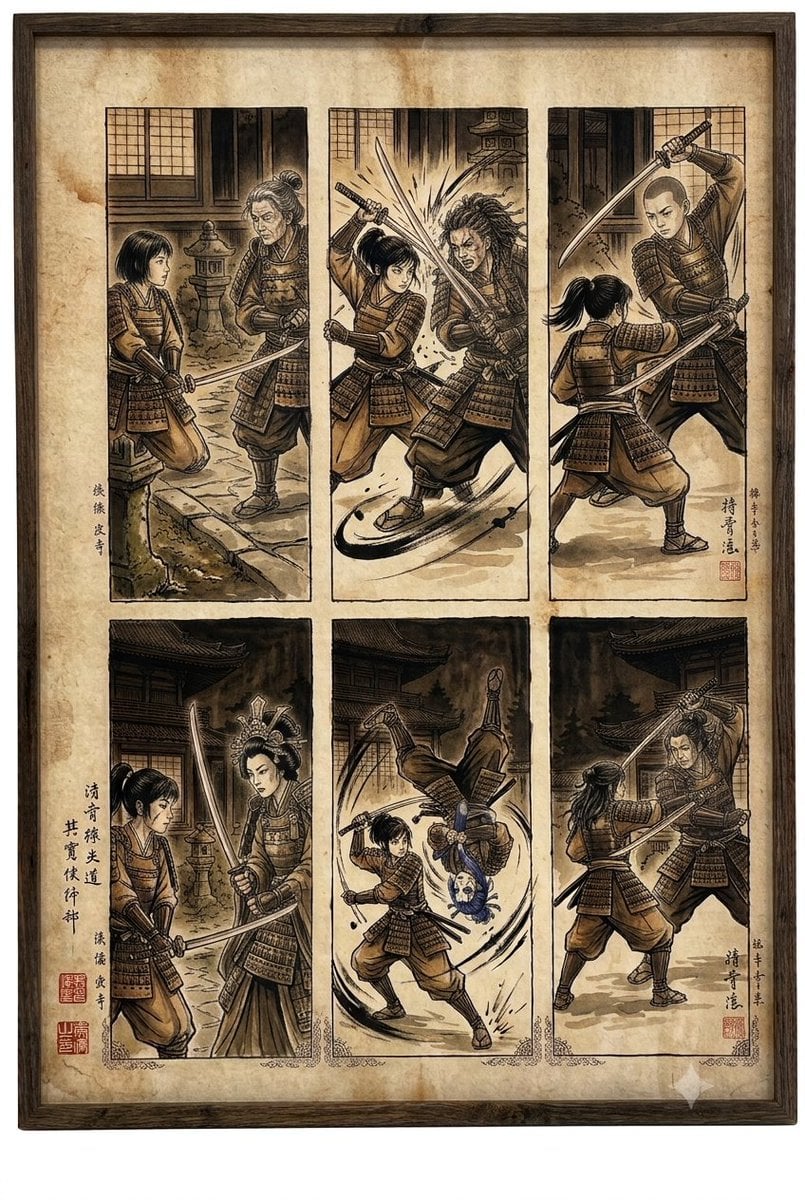
Samurai fight scene ukiyo-e triptych
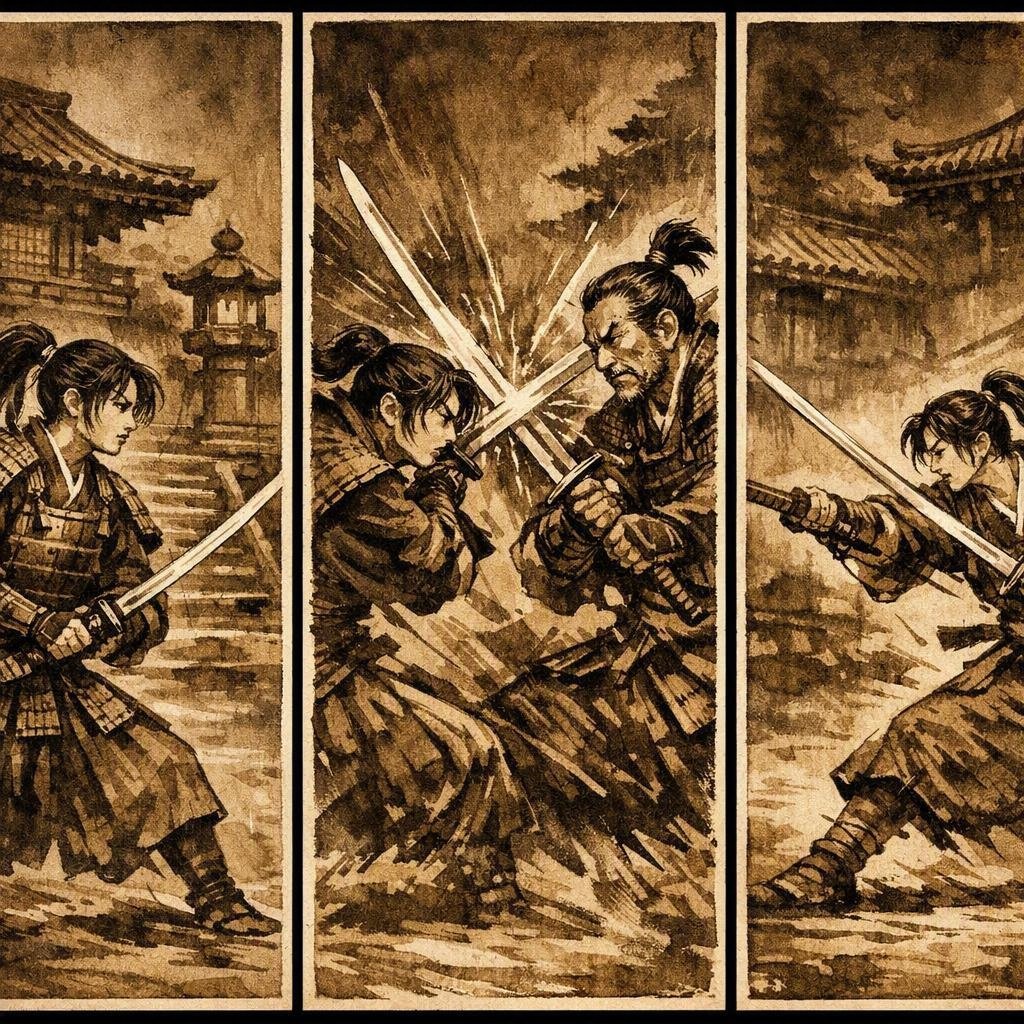
Japanese Samurai Ukiyo-e Triptych

Hyper-Realistic Minecraft POV Portrait

Rooftop Fisheye — Cat-Ear Balaclava at Golden Hour

Rainy Café Window Moody Portrait

untitled
Make it yours
Ukiyo-e Mythological Samurai Portrait works as-is. These are the safest ways to change it without losing the look.
Change one field
Copy a single group, rewrite it, and generate again so you can see what that field is doing.
Keep the frame, change the subject
Hold the composition and light of Ukiyo-e Mythological Samurai Portrait, then swap wardrobe, props or the person for a new take.
| If the result… | Why | Fix |
|---|---|---|
| The result drifts from the preview | Too many fields changed at once. | Reuse Ukiyo-e Mythological Samurai Portrait as-is first, then change one group — subject, light, or setting. |
| The model over-stylizes the scene | The prose prompt leaves finish and camera underspecified. | Add one camera or lighting sentence and stay on GPT Image 2. |
More GPT Image 2 templates
Other prompts made for GPT Image 2.

Six VTuber Japanese Logo Sheet

Realistic Portrait of Woman and Deer

The Vista Modular Condo Poster

AI Model Routing Comparison Infographic

2.5D Anime Art Board

Isometric Productivity Desk Scene

New York Double Exposure Poster

Four-Panel AI Landscape Comparison

Japanese Tatami Lifestyle Magazine Cover

NESCAFÉ Coffee Map Poster
More image prompts
Fresh picks from across the catalog.
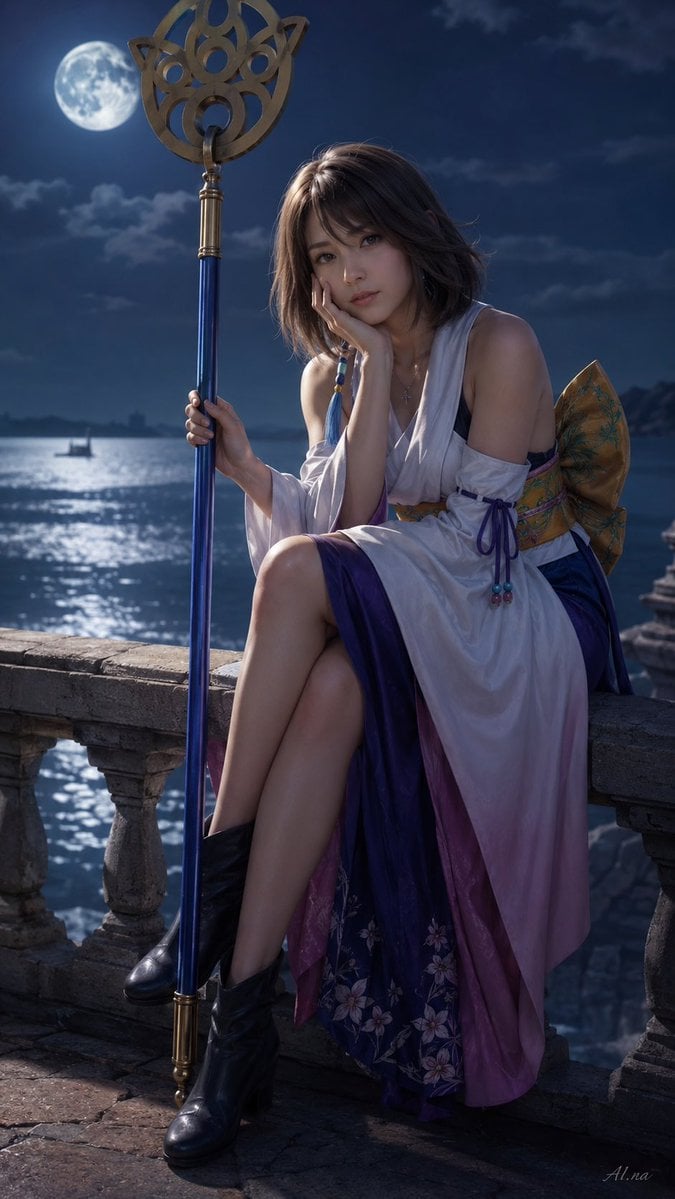
Moonlit Fantasy Summoner Cosplay
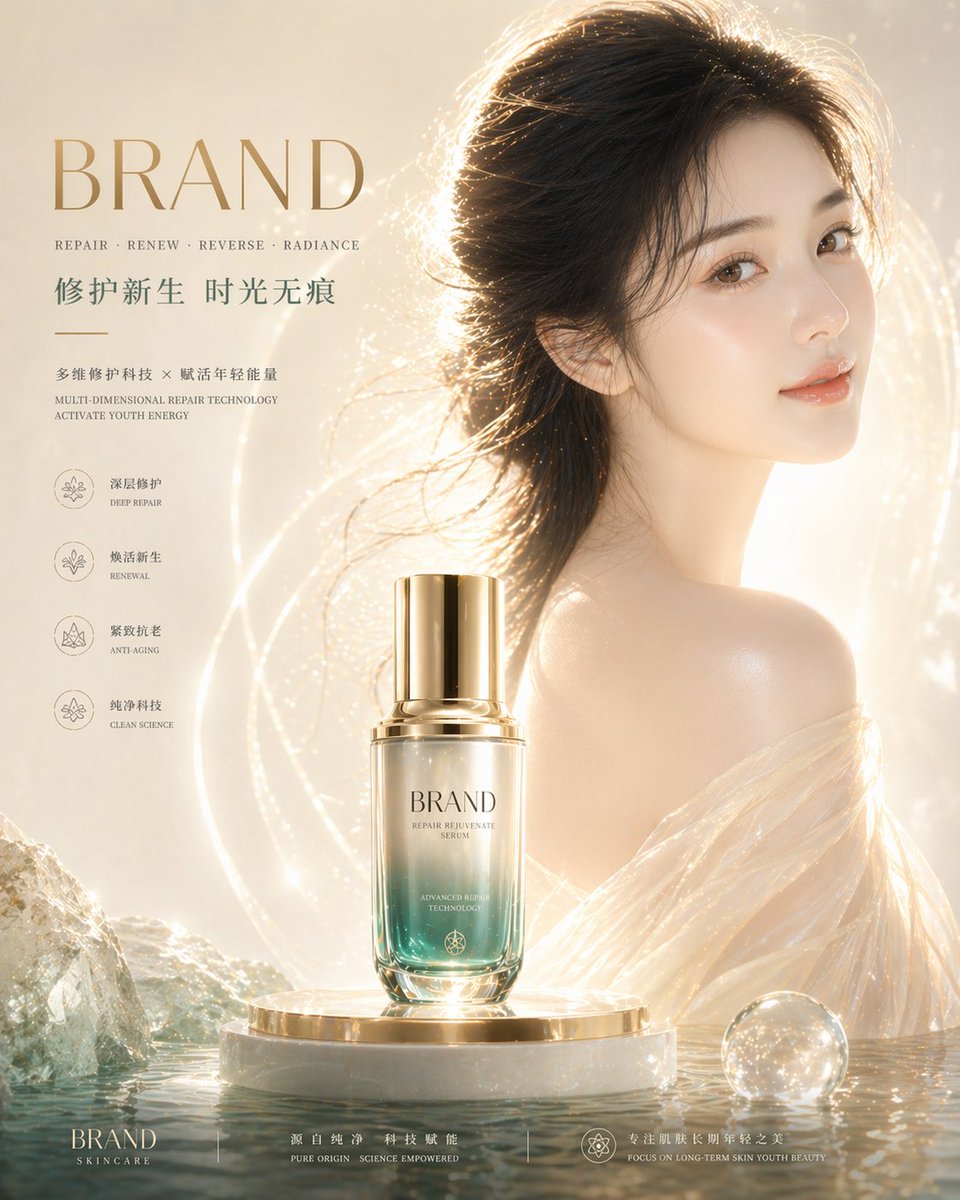
High-End Skincare Brand Key Visual
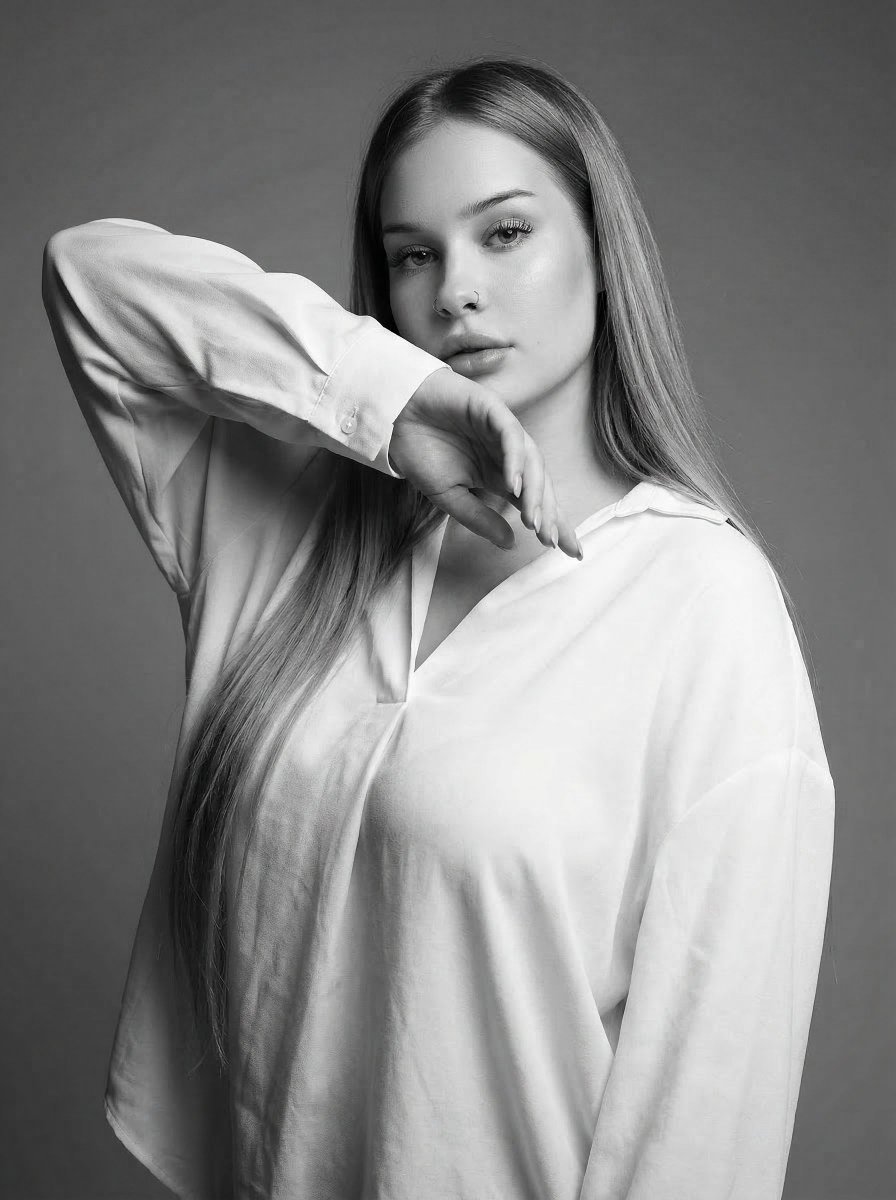
High-Fashion Monochrome Studio Portrait
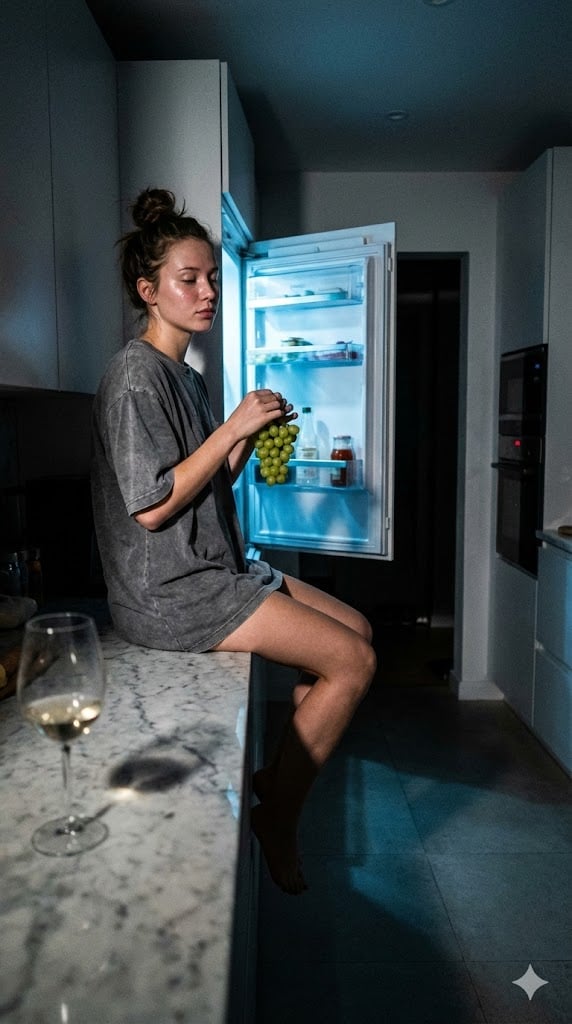
Candid 3 AM Fridge Light Portrait
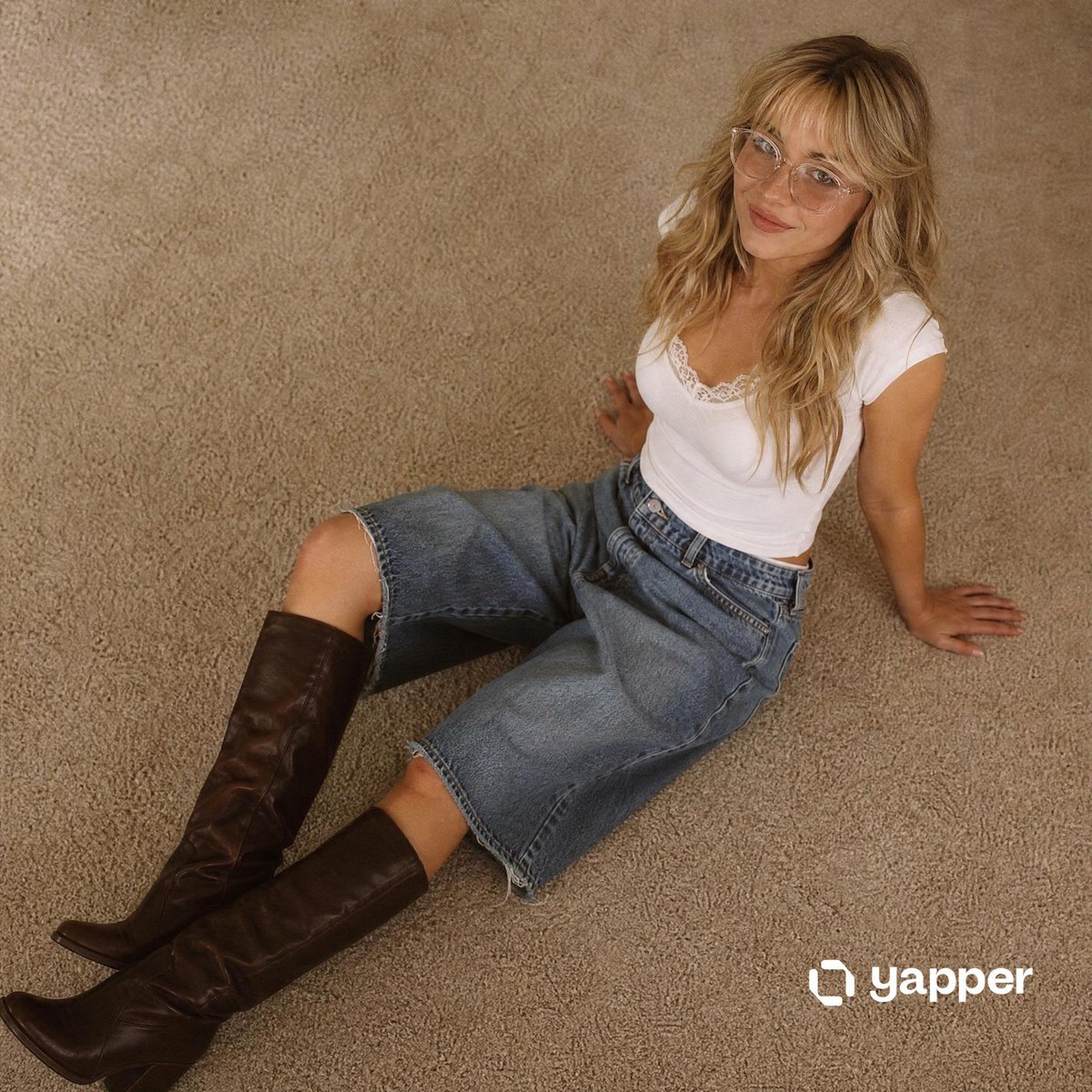
Nostalgic 90s Overhead Carpet Portrait
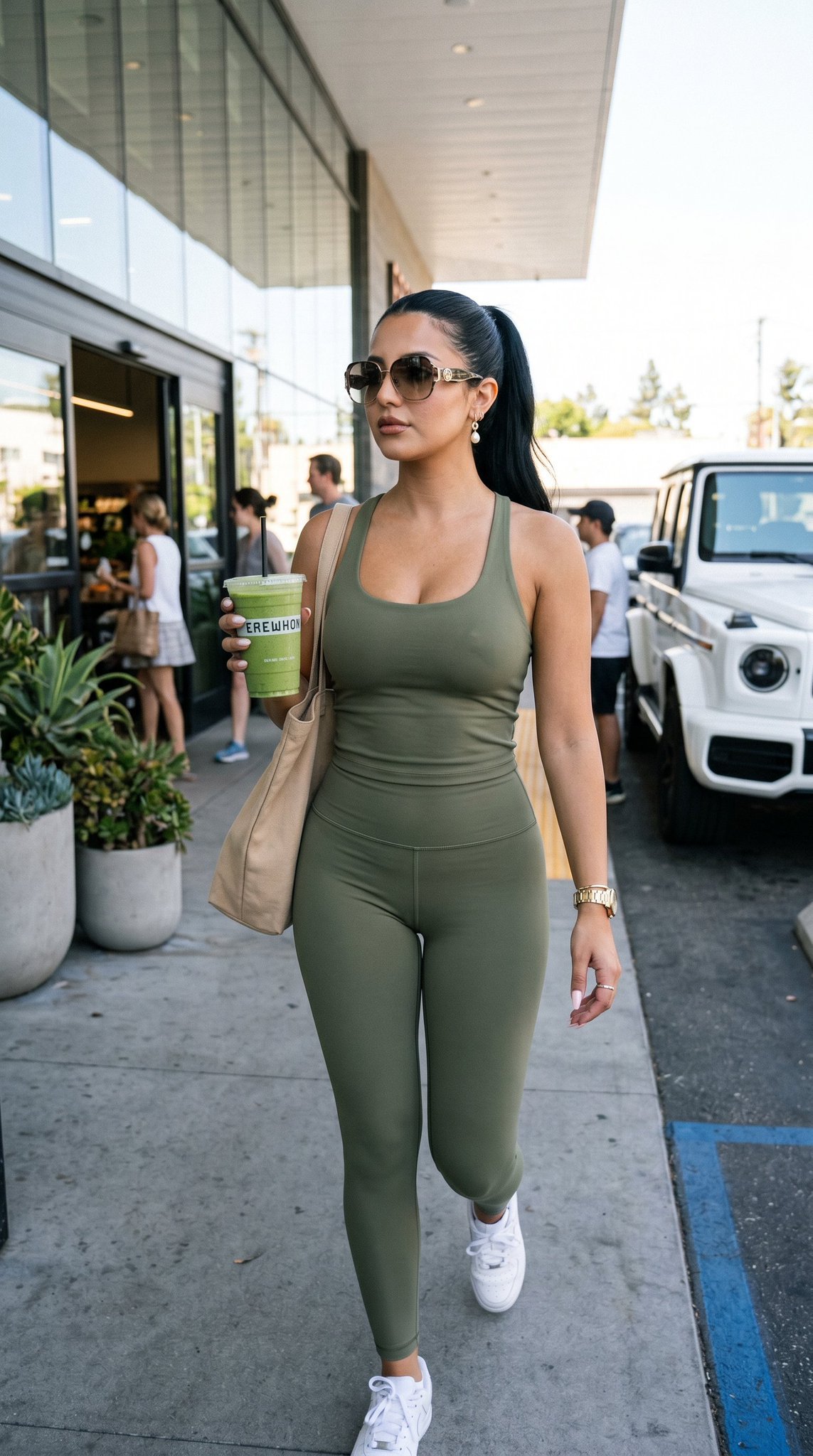
12 Erewhon Market — California Series
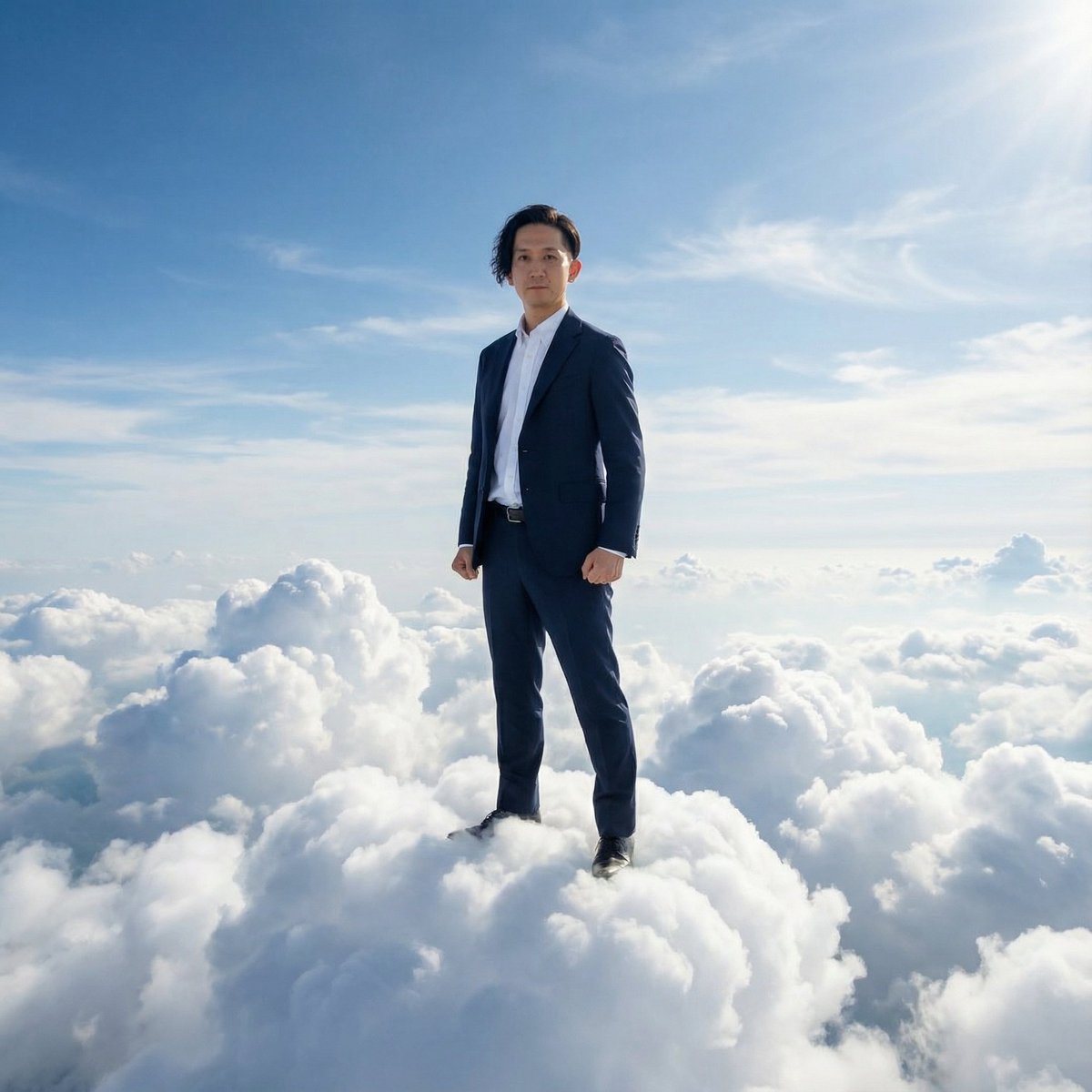
Standing on Clouds in a Suit
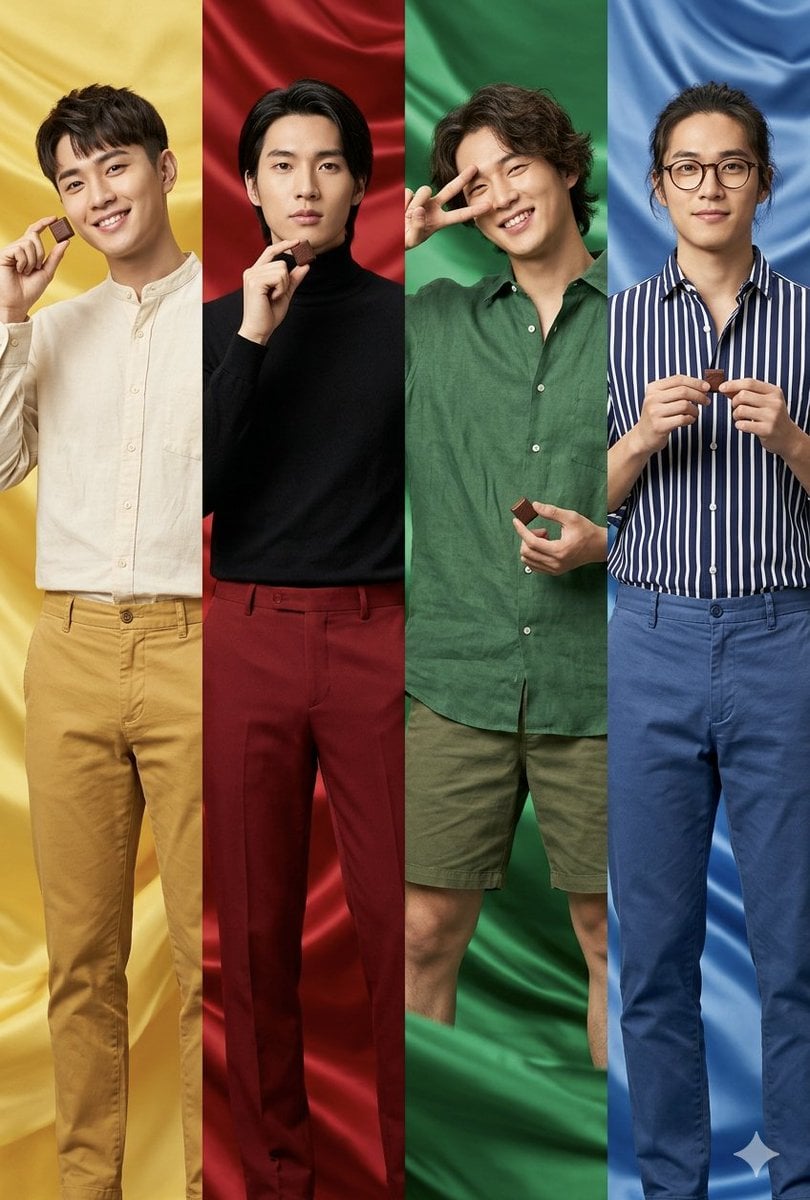
Fashion Editorial Color Quadtych
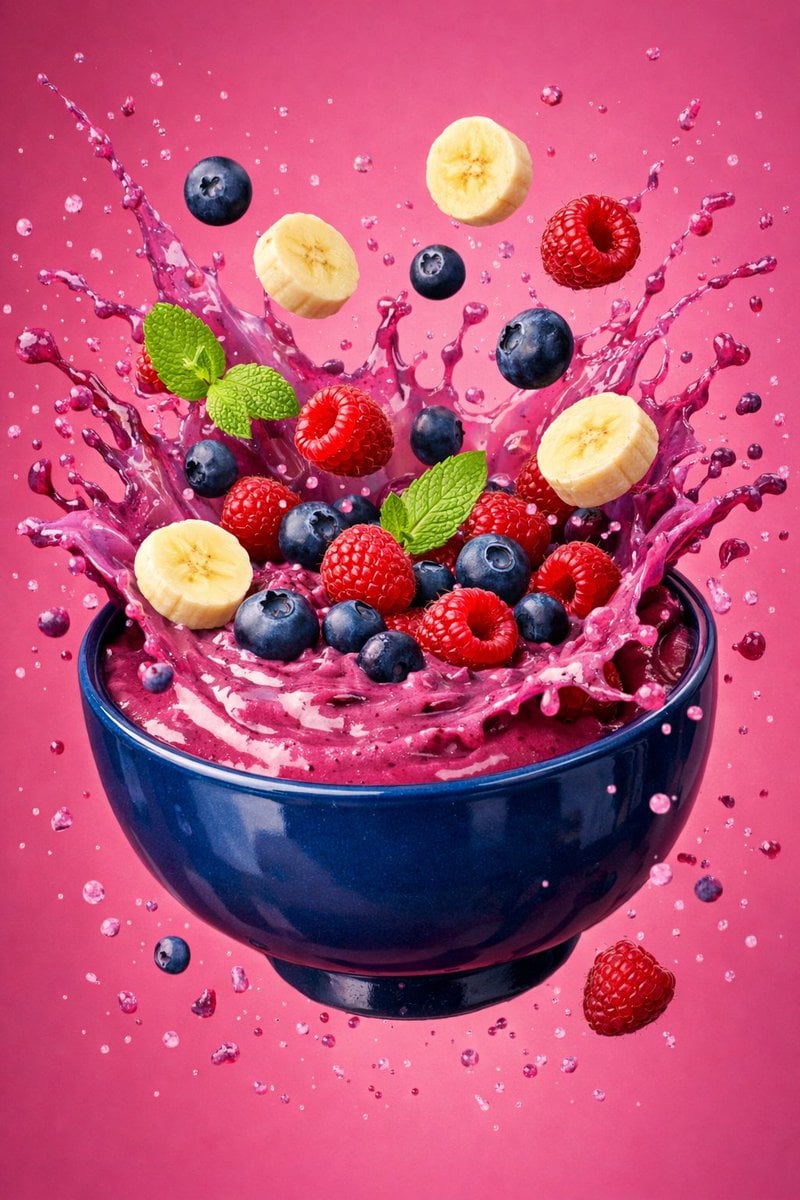
Hyper-Realistic Berry Smoothie Explosion Food Photography Prompt

High-End Product Mockup for Wireless Earbuds
Browse template categories
Ukiyo-e Mythological Samurai Portrait questions
How do I use the Ukiyo-e Mythological Samurai Portrait template?
Add your photo if the template asks for one, edit the prompt if you like — the template's model and format are already selected — and press Generate. Your version opens in PicX Studio.
Can I customize the Ukiyo-e Mythological Samurai Portrait template?
Yes. You can change the subject, setting, lighting, mood, format, and available model controls before creating your image.
Is the Ukiyo-e Mythological Samurai Portrait template free?
Opening and editing this template is free. Generating uses credits, shown on the Generate button when you are signed in.
Which AI model should I use?
Start with GPT Image 2, which is the model associated with this template. You can compare another compatible model for a different finish.
Looking for something else? Browse all templates.

Your photo, any look
Thousands of ready templates for every top image and video model, from one credit balance.