
Moonlit Fantasy Summoner Cosplay
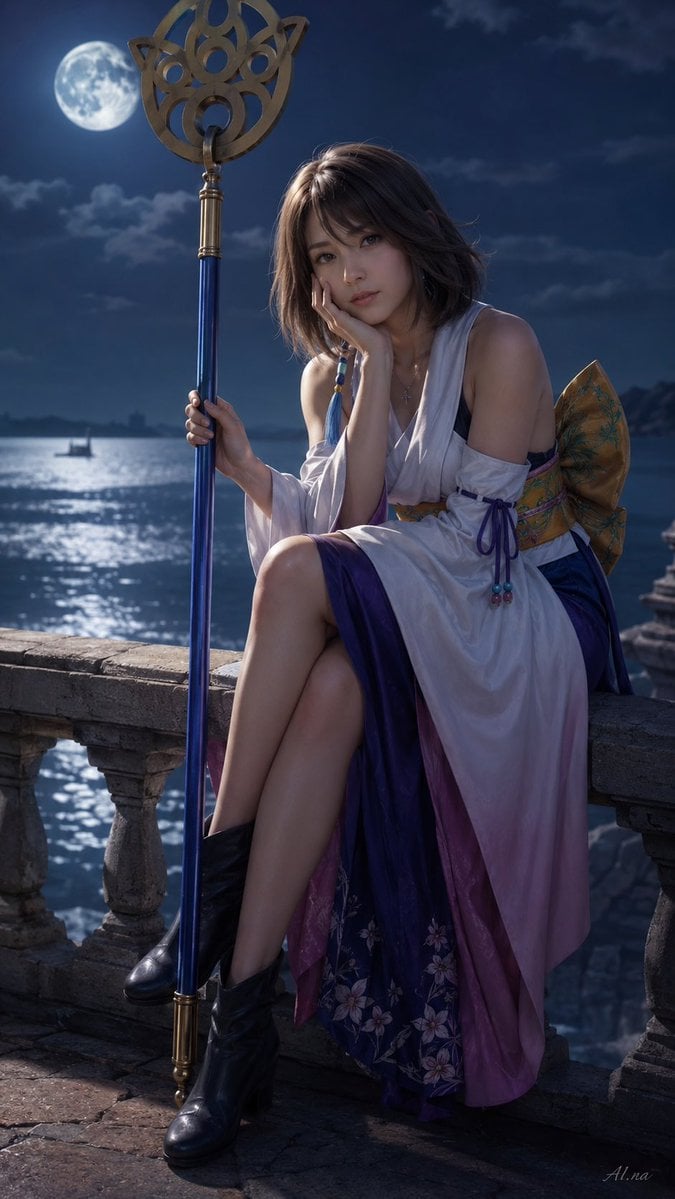
Generates a photorealistic vertical fantasy cosplay portrait of a summoner-like woman with staff on a moonlit seaside balcony.
- Prompt included
- Model and format preset
- Free template
The prompt behind this image
Copy the exact prompt behind Moonlit Fantasy Summoner Cosplay, or open it in the studio and make it yours.
Create a vertical photorealistic fantasy cosplay portrait of {argument name="character name" default="Yuna from Final Fantasy X"} sitting on a weathered stone seaside balcony at night under a bright full moon. She is a young woman with {argument name="hair color" default="short chestnut brown hair"}, wearing a white off-shoulder summoner-style robe with long draped sleeves, a purple and pink layered skirt with floral embroidery, a colorful obi sash and large patterned bow on the back, bead tassel details, a small necklace, and black ankle boots. She sits sideways on the stone railing with her legs crossed, one elbow resting on her knee and her hand near her chin in a quiet contemplative pose, while holding a tall blue ceremonial staff with gold metal ends and an ornate circular gold crest at the top. The background shows a moonlit ocean with shimmering reflections, distant clouds, a tiny sailboat silhouette, rocky coastline, and old stone balusters, with cool blue cinematic lighting, soft rim light on hair and shoulders, realistic fabric texture, shallow depth of field, dramatic fantasy atmosphere, high-detail digital photography style, 9:16 composition. Include a large opaque square censor block covering the center of the face, matching the look of a failed or glitched image generation result. Add a subtle artist signature reading {argument name="signature text" default="AI.na"} in the lower right corner.
How to use Moonlit Fantasy Summoner Cosplay in 3 steps
- 1Upload ImagePNG, JPG or paste
Add your photo
Upload the photo the template builds on. The prompt, model and format are already set.
- 2…a portrait of your subject in softgolden-hour light, 85mm…
Personalize
Edit the subject and creative details for your destination.
- 3Generate
Generate
Press Generate — your image is created in PicX Studio, so you can compare it with the original and refine one variable at a time.
More like this
Templates with the same subject, style or setup. Open one to see its prompt.
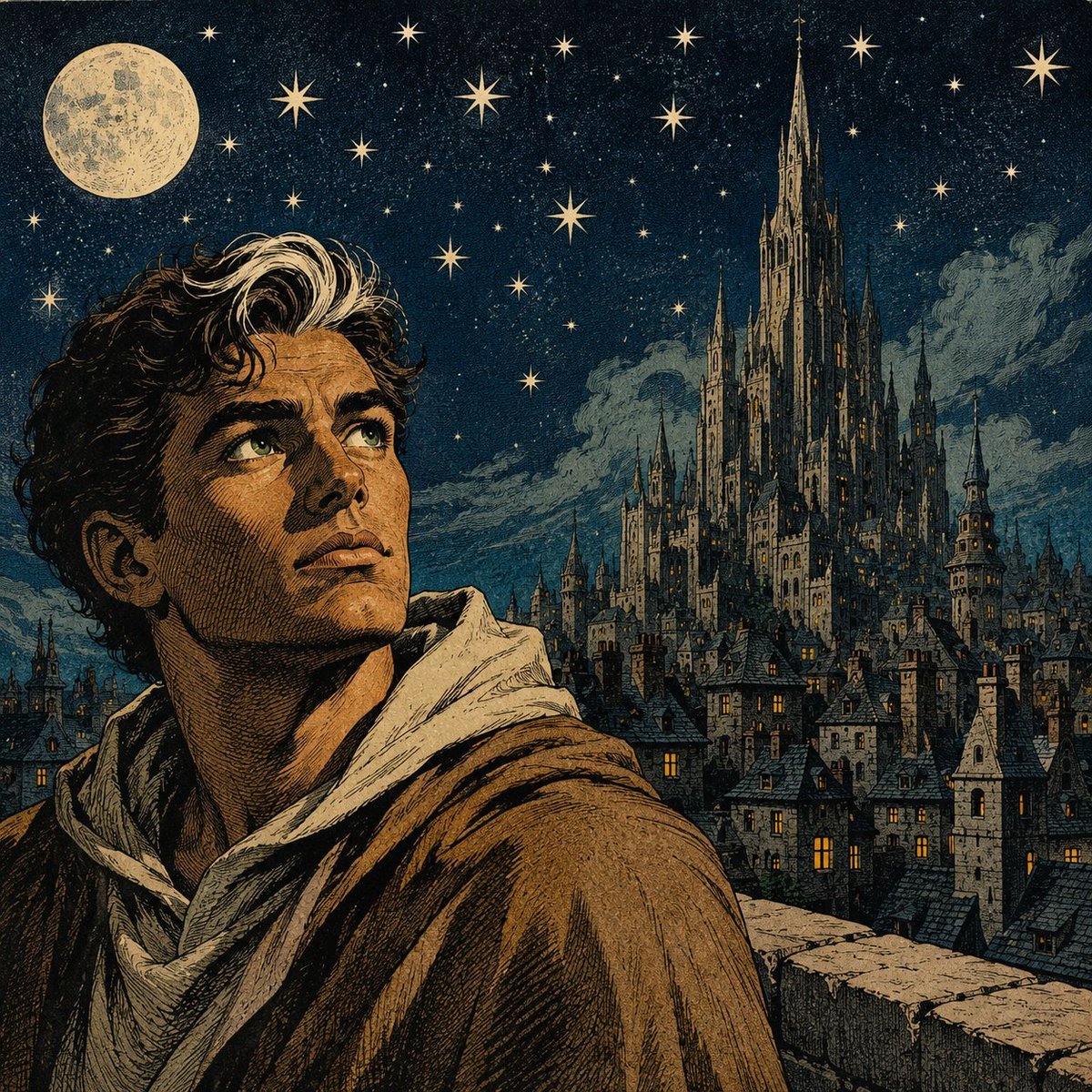
Moonlit Gothic Fantasy Traveler
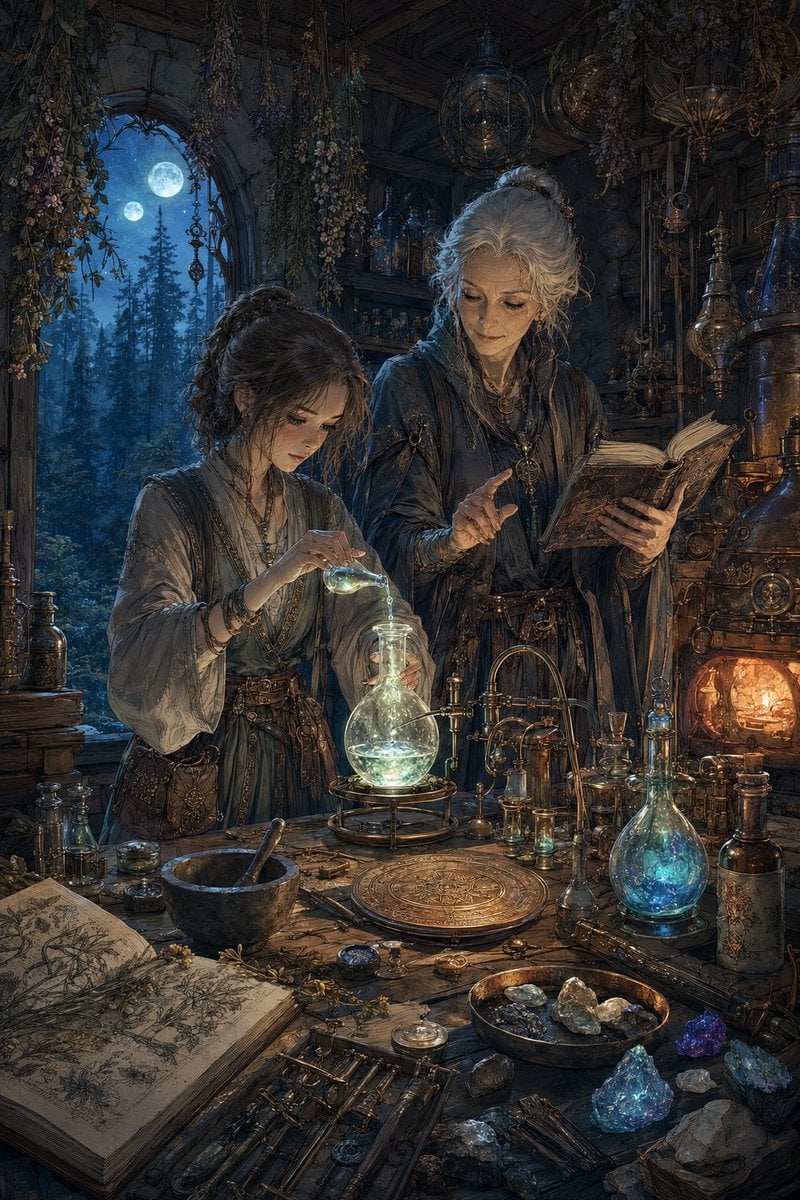
Moonlit Fantasy Alchemy Workshop
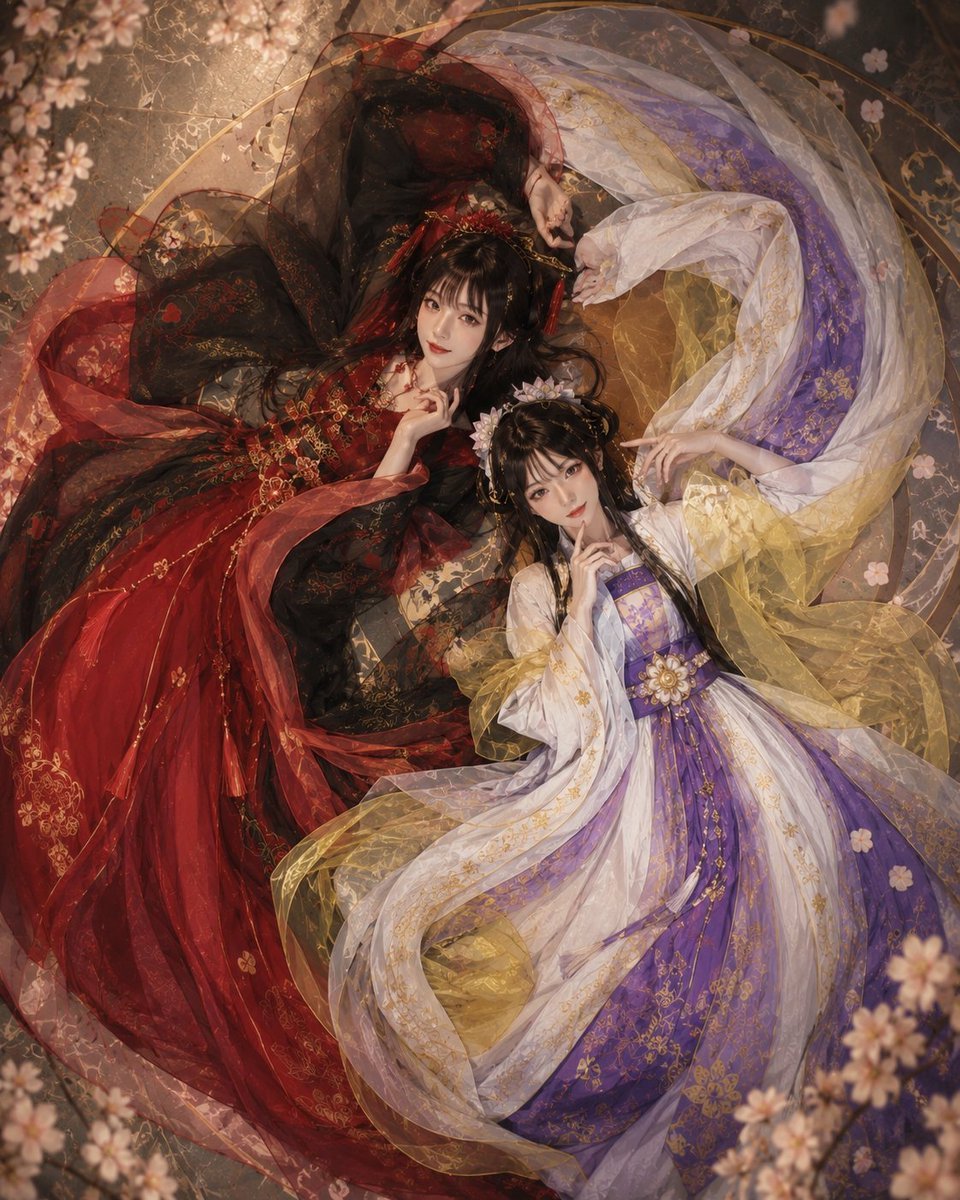
Overhead Fantasy Hanfu Cosplay Duo

Anime Fantasy Celestial Movie Poster
Anime Fantasy Celestial Movie Poster

Minecraft Fantasy Kingdom Voxel Landscape

Unfinished Sketch Comes Alive Portrait

Open Travel Journal Overhead Still Life

Tiny Woman Miniature Fantasy Macro Scene
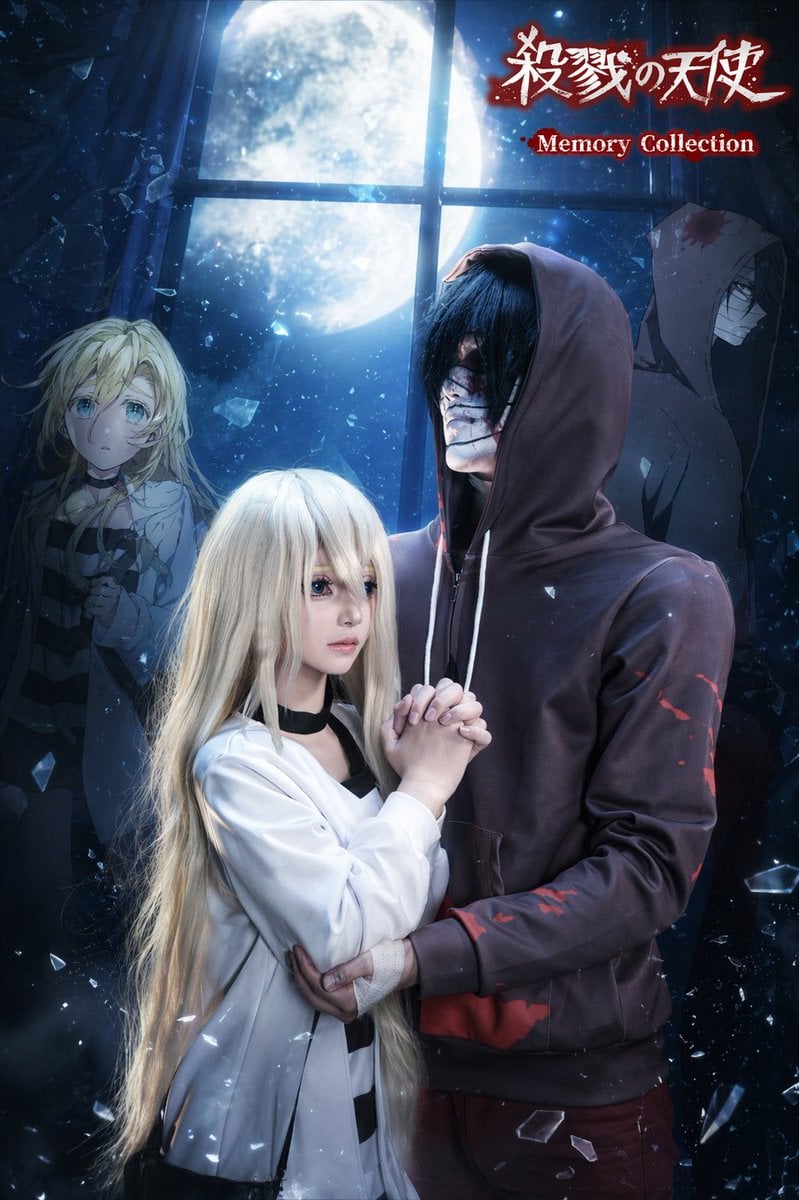
Moonlit Anime Horror Cosplay Poster
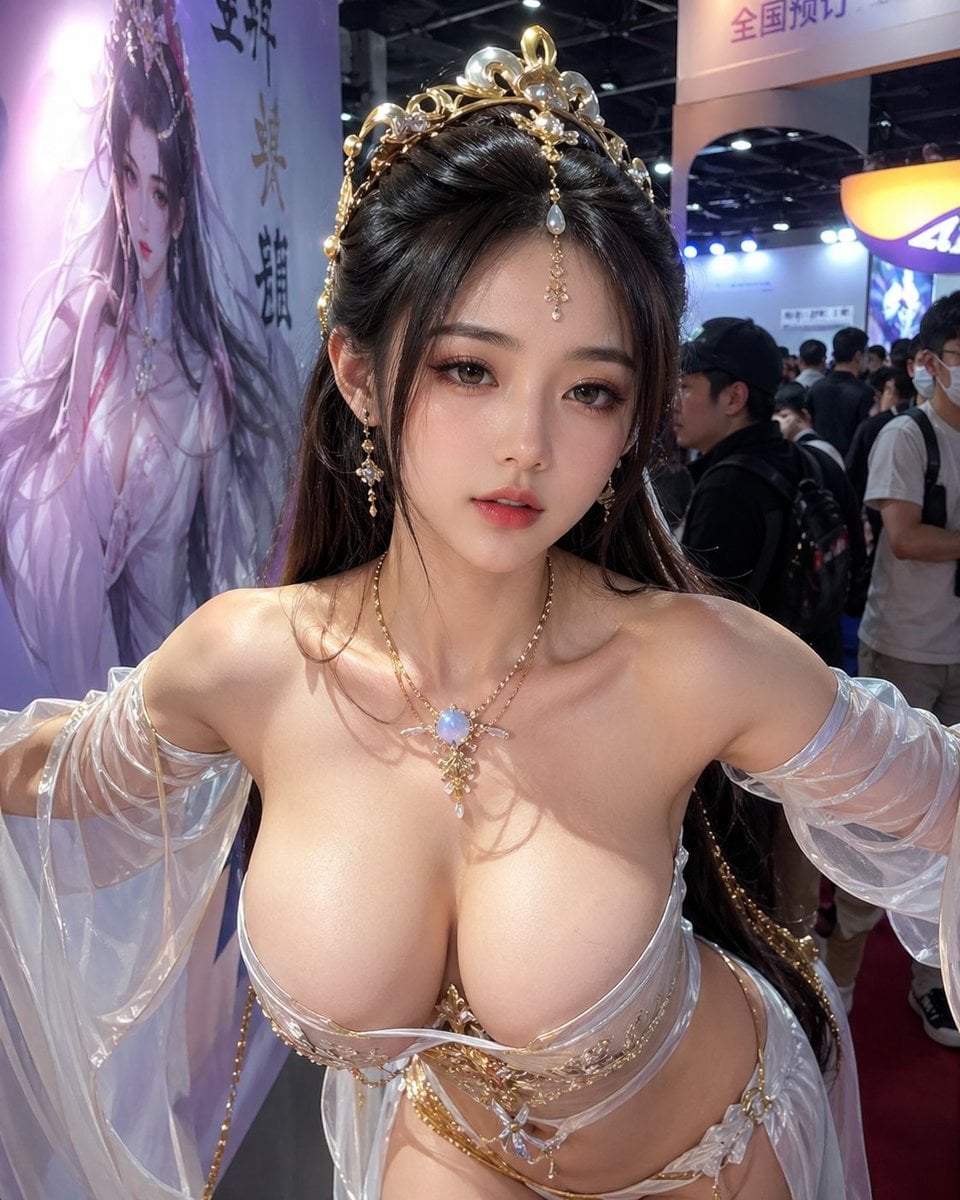
Censored Fantasy Cosplayer at Expo
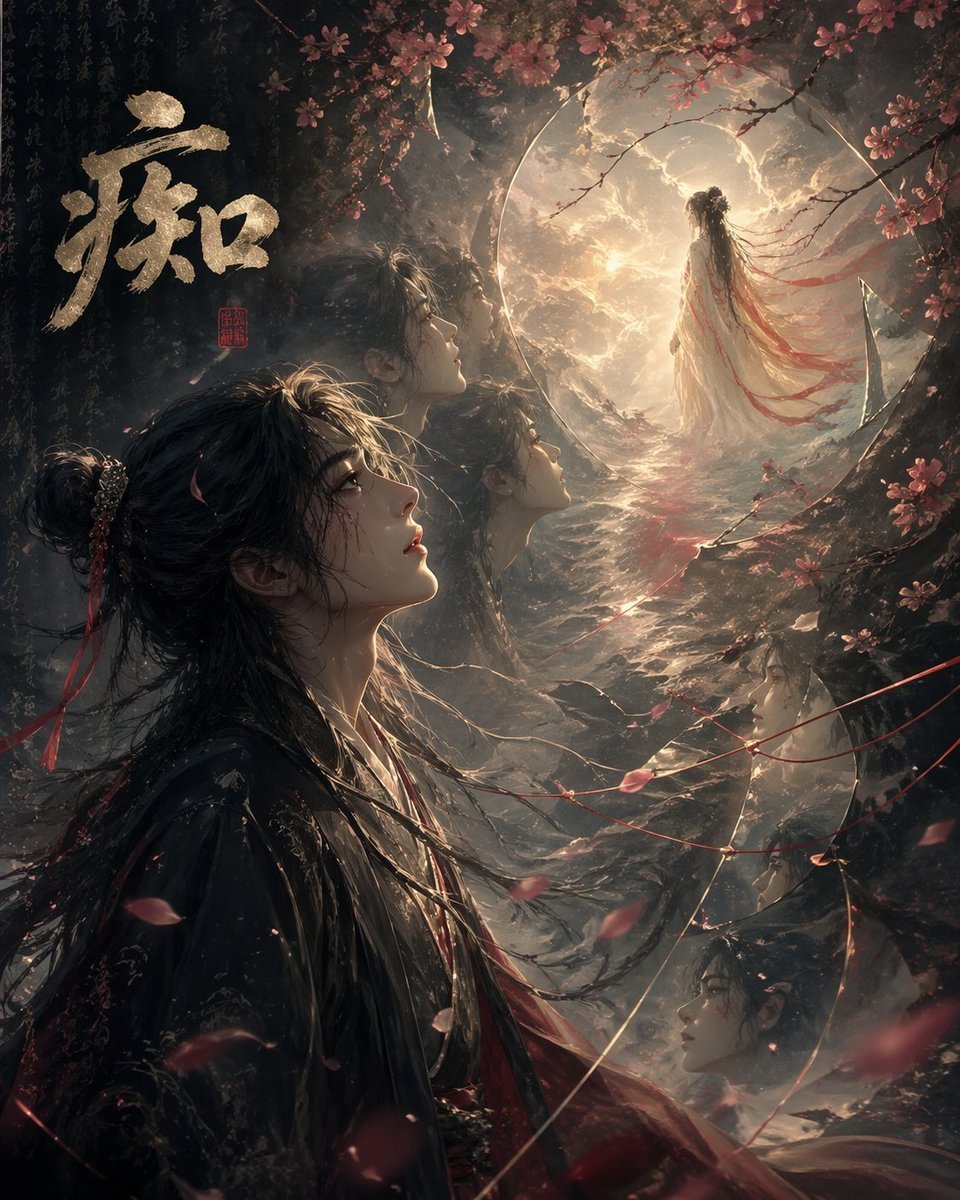
Chinese Obsession Moonlit Fantasy
Make it yours
Moonlit Fantasy Summoner Cosplay works as-is. These are the safest ways to change it without losing the look.
Change one field
Copy a single group, rewrite it, and generate again so you can see what that field is doing.
Keep the frame, change the subject
Hold the composition and light of Moonlit Fantasy Summoner Cosplay, then swap wardrobe, props or the person for a new take.
| If the result… | Why | Fix |
|---|---|---|
| The result drifts from the preview | Too many fields changed at once. | Reuse Moonlit Fantasy Summoner Cosplay as-is first, then change one group — subject, light, or setting. |
| The model over-stylizes the scene | The prose prompt leaves finish and camera underspecified. | Add one camera or lighting sentence and stay on GPT Image 2. |
More GPT Image 2 templates
Other prompts made for GPT Image 2.

Six VTuber Japanese Logo Sheet

Realistic Portrait of Woman and Deer

The Vista Modular Condo Poster

AI Model Routing Comparison Infographic

2.5D Anime Art Board

Isometric Productivity Desk Scene

New York Double Exposure Poster

Four-Panel AI Landscape Comparison

Japanese Tatami Lifestyle Magazine Cover

NESCAFÉ Coffee Map Poster
More image prompts
Fresh picks from across the catalog.
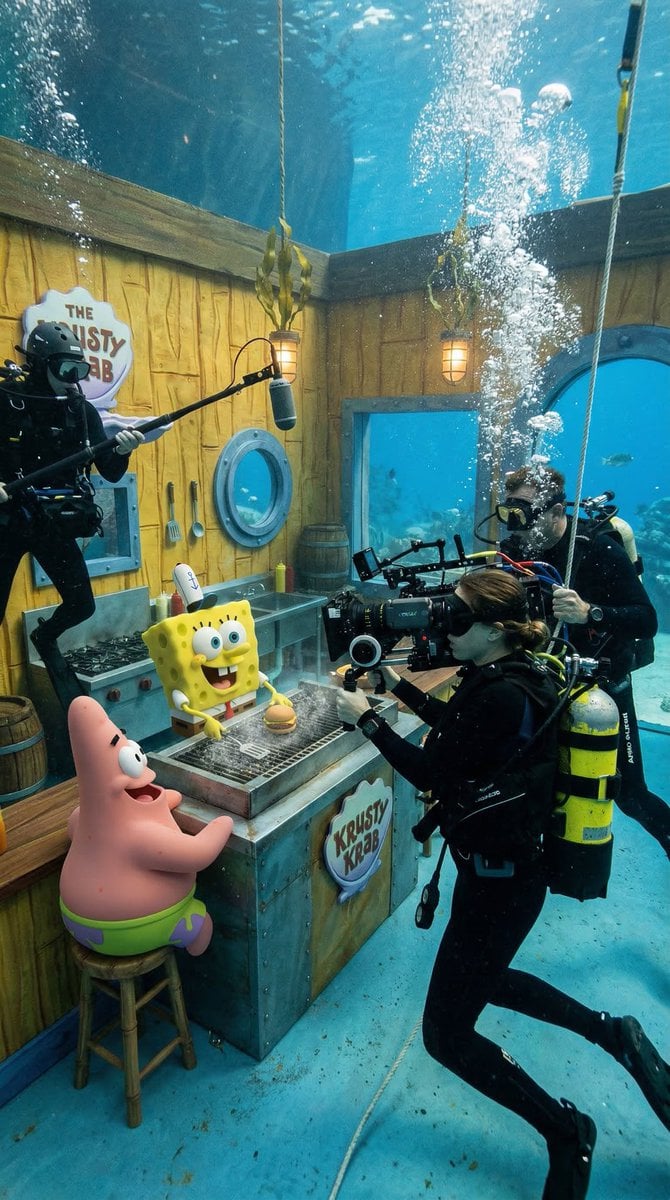
Photorealistic BTS SpongeBob Scene
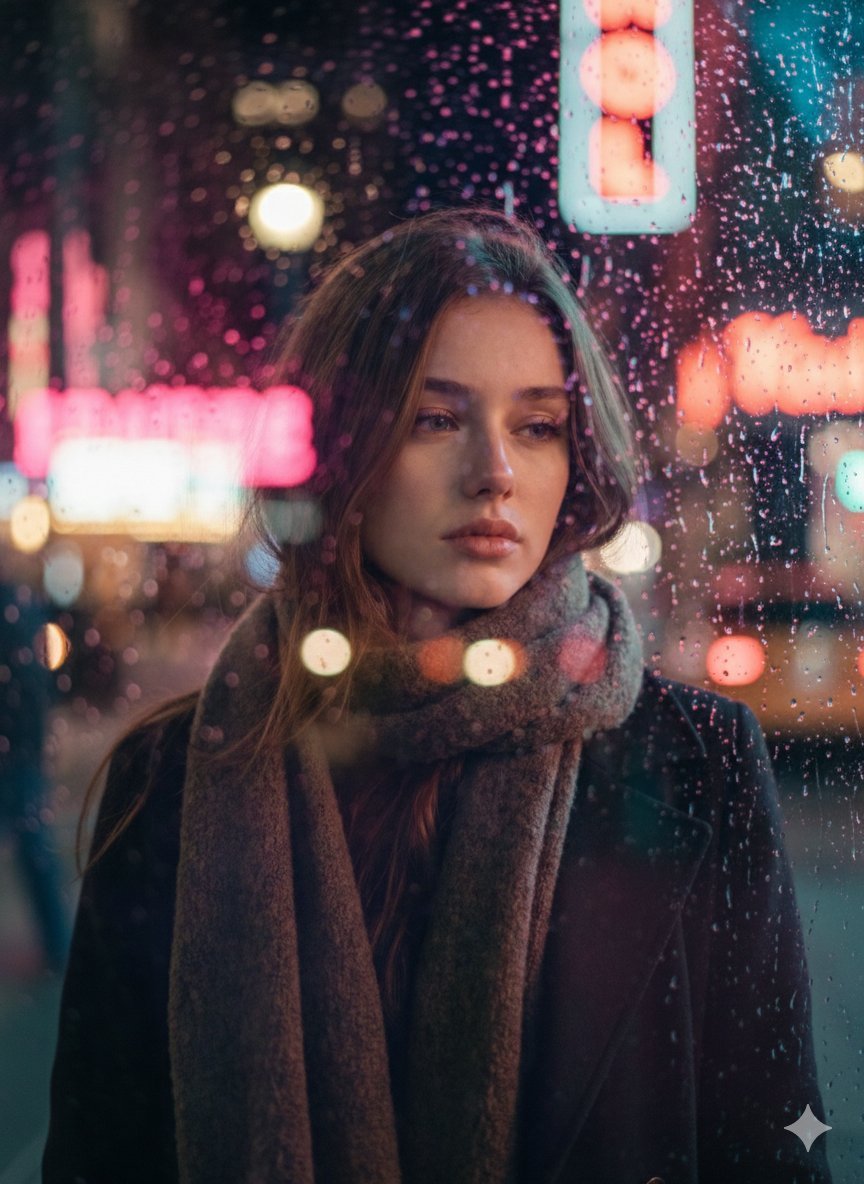
Rainy Night Cinematic Portrait by Brandon Woelfel
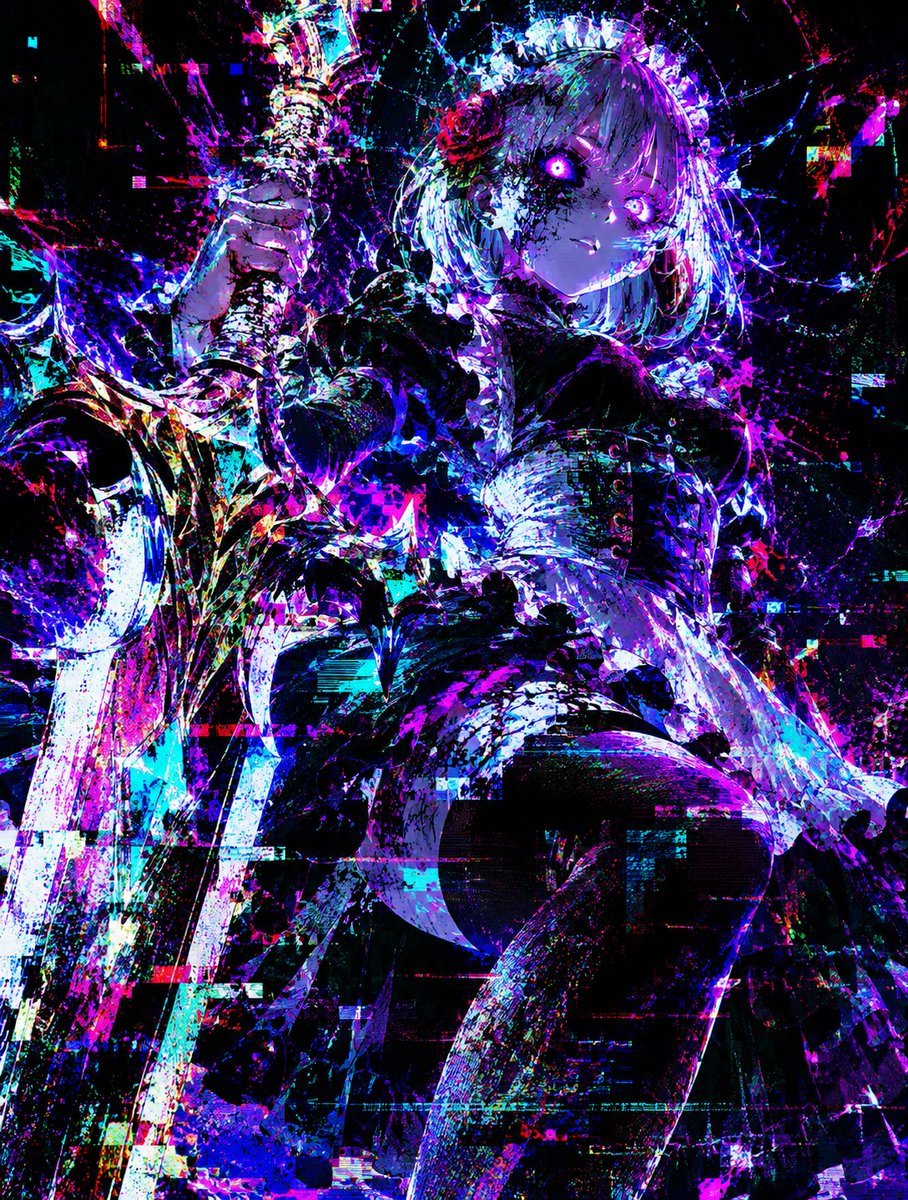
Glitch Lord Style Transformation
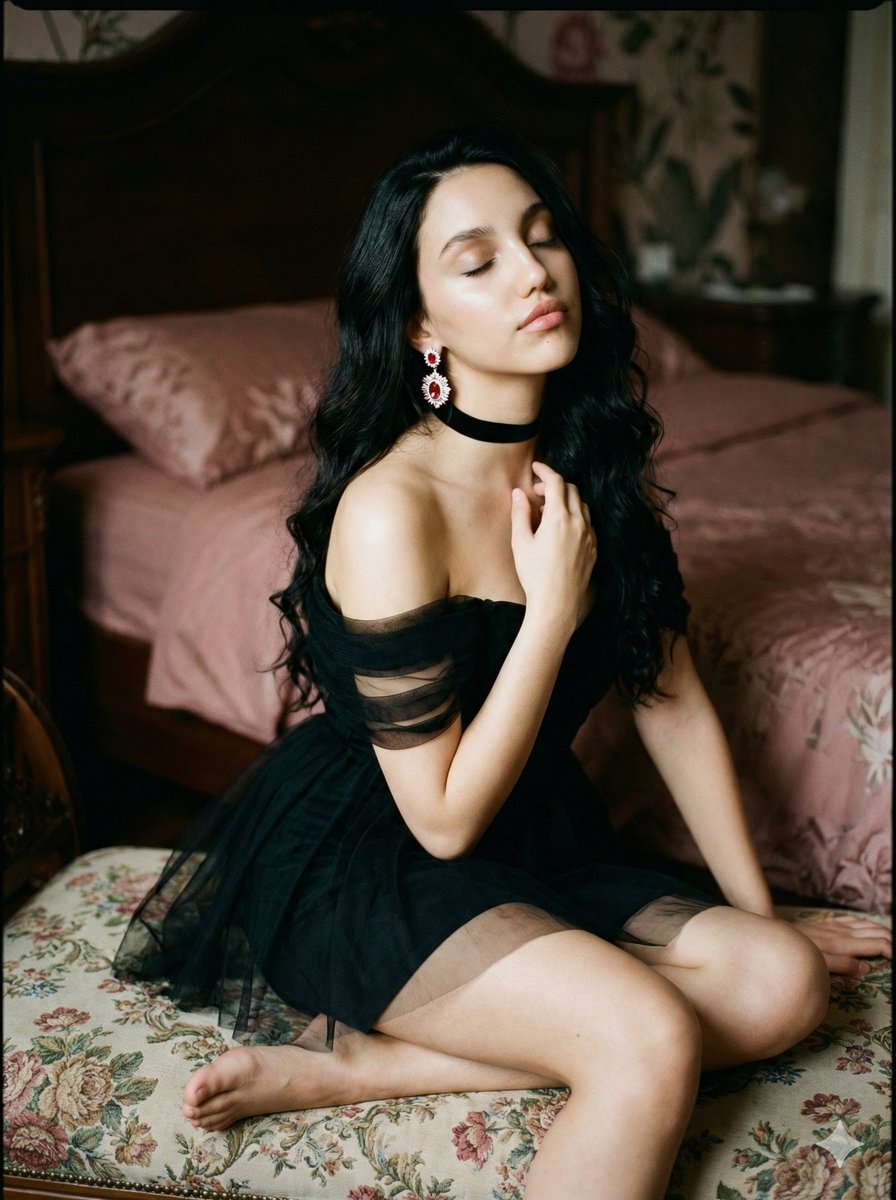
Ethereal Cinematic Fine Art Portrait Prompt
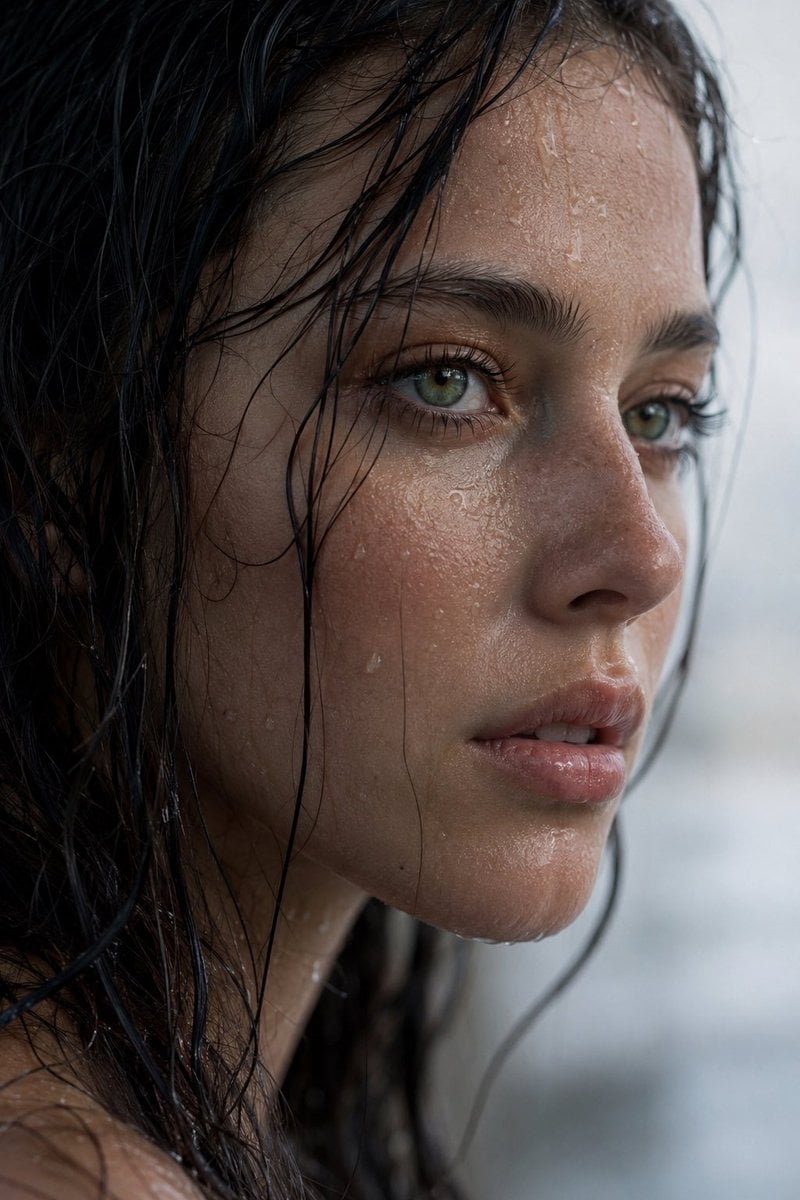
Realistic Wet Close-Up Portrait
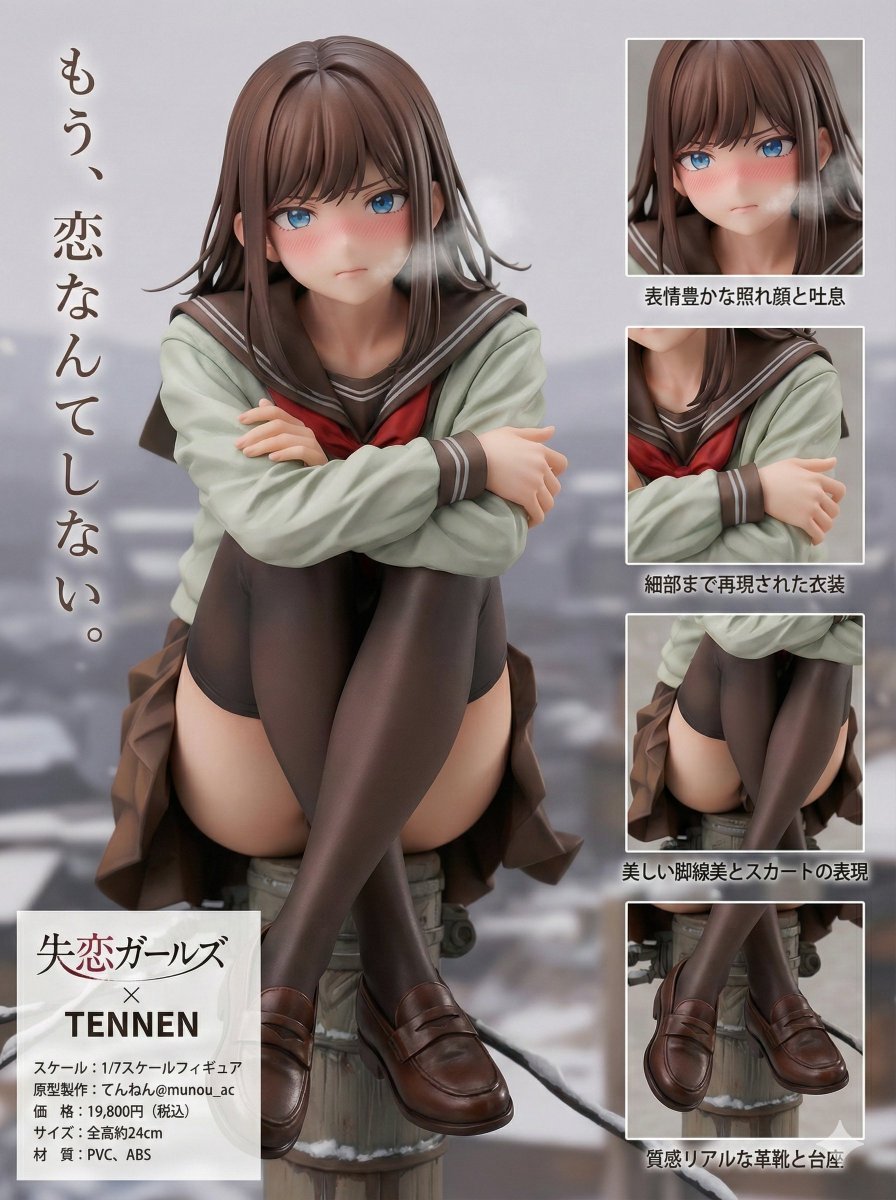
Figure Product Introduction Layout Prompt (Multilingual)
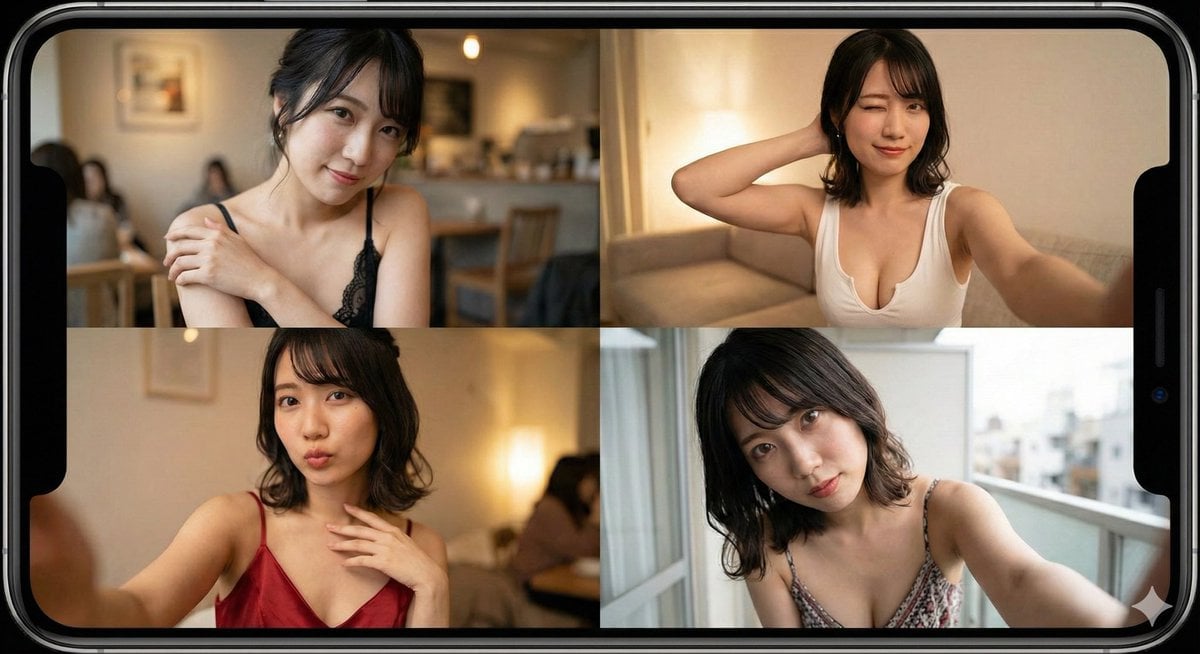
Prompt for Generating Image Variations from a Base Image
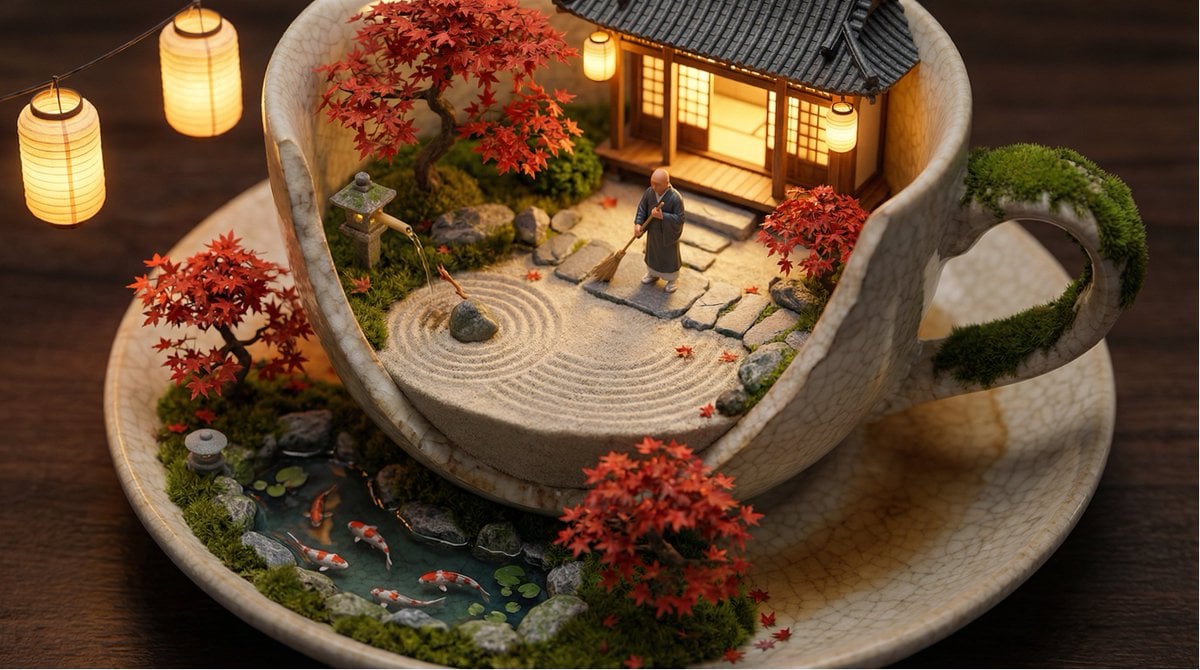
Tiny World in Object Macro Photography
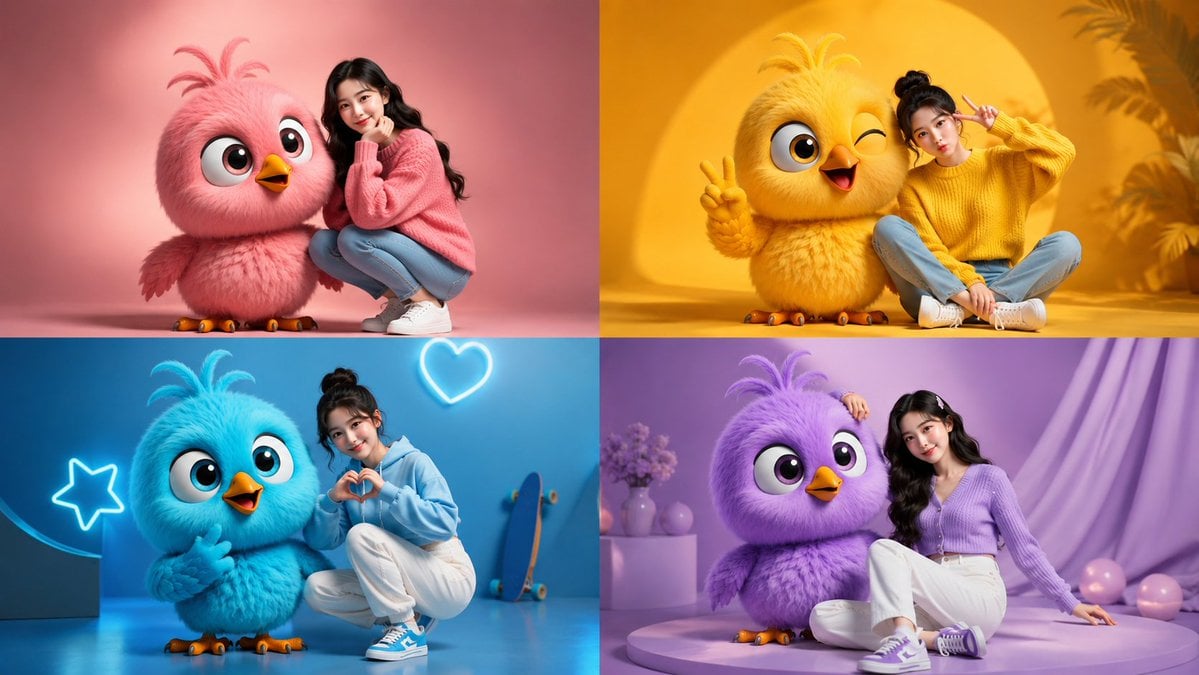
Four-Color Chick Mascot Photo Collage
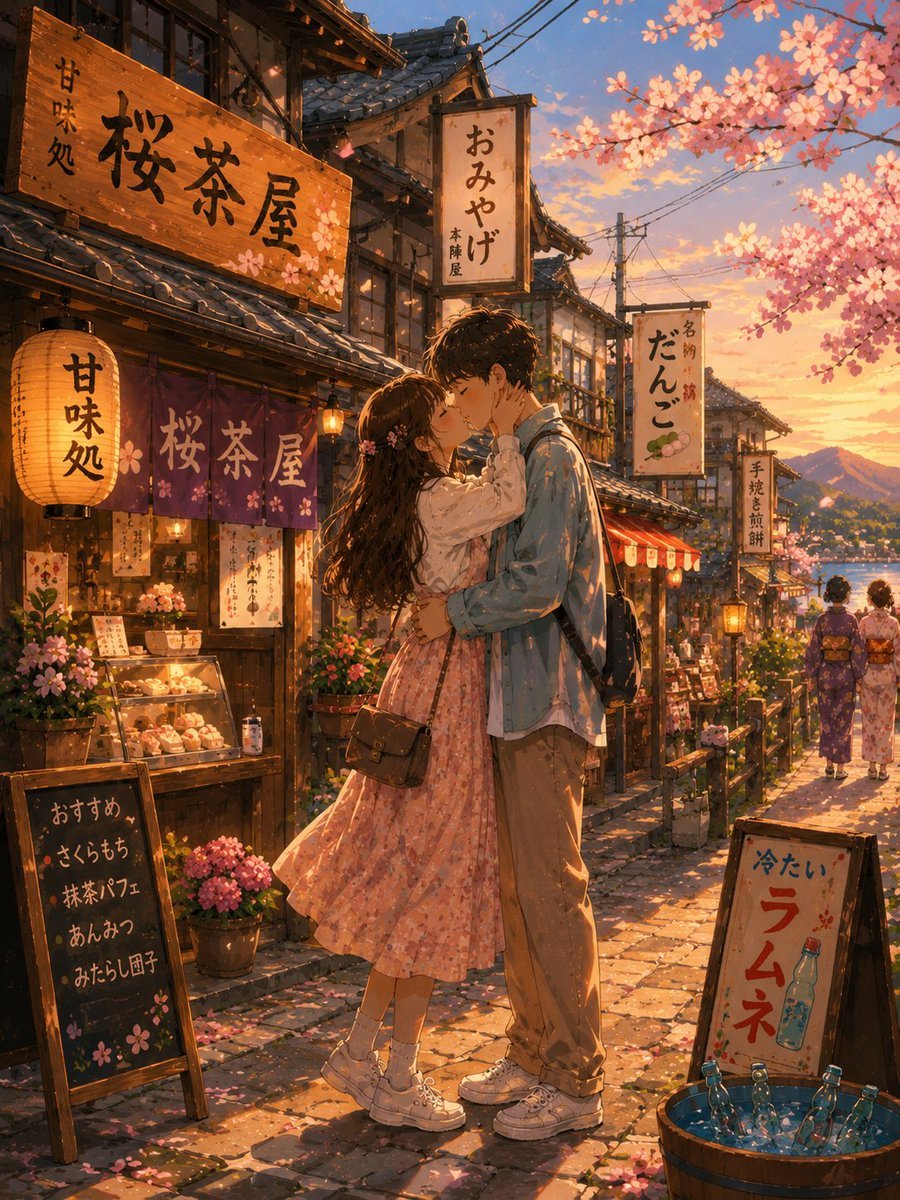
Romantic Kyoto Anime Scene
Browse template categories
Moonlit Fantasy Summoner Cosplay questions
How do I use the Moonlit Fantasy Summoner Cosplay template?
Add your photo if the template asks for one, edit the prompt if you like — the template's model and format are already selected — and press Generate. Your version opens in PicX Studio.
Can I customize the Moonlit Fantasy Summoner Cosplay template?
Yes. You can change the subject, setting, lighting, mood, format, and available model controls before creating your image.
Is the Moonlit Fantasy Summoner Cosplay template free?
Opening and editing this template is free. Generating uses credits, shown on the Generate button when you are signed in.
Which AI model should I use?
Start with GPT Image 2, which is the model associated with this template. You can compare another compatible model for a different finish.
Looking for something else? Browse all templates.

Your photo, any look
Thousands of ready templates for every top image and video model, from one credit balance.