
High-End Skincare Brand Key Visual
A professional prompt for creating high-end skincare advertisements featuring ultra-detailed skin textures, studio lighting, and a minimalist aesthetic.
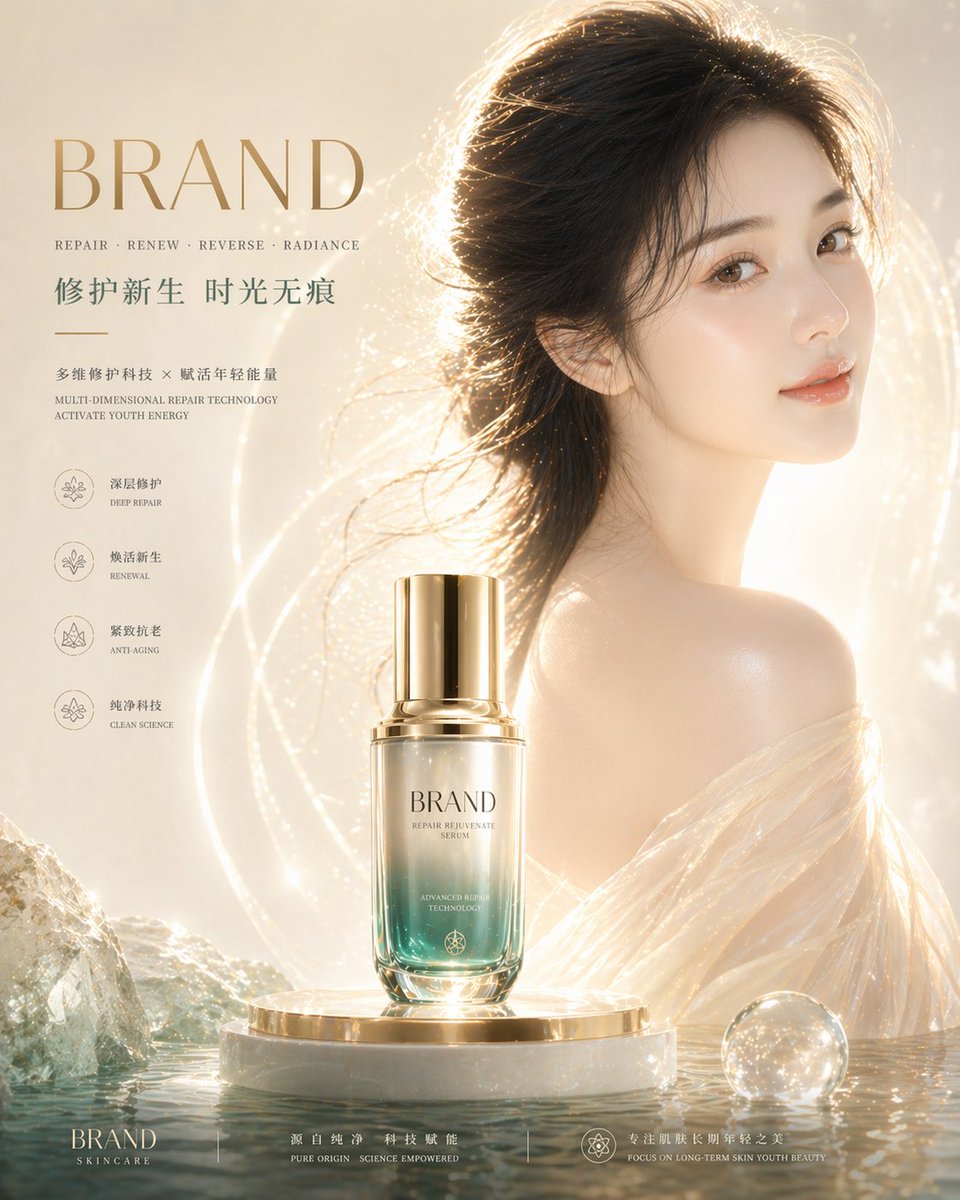
- Prompt included
- Model and format preset
- Free template
The prompt behind this image
Copy the exact prompt behind High-End Skincare Brand Key Visual, or open it in the studio and make it yours.
Emphasize the skin texture: translucent, fair skin, realistic and fine, pores faintly visible but clean, an even and smooth skin texture with a flawless look, showing a healthy, dewy glow (dewy skin); highlights concentrated on the cheekbones, nose bridge, forehead, and shoulders, with soft specular highlight, conveying ample hydration and elasticity Long black hair gently flowing, strands clean and smooth with a natural sheen, accented by only a small number of faint golden light specks Wearing semi-transparent silk clothing, light and form-fitting to the skin, the material translucent and soft with a very slight metallic sheen, setting off the skin's texture The lighting system is realistic studio lighting (studio lighting): the key light is a soft, large-area diffused light (soft key light) illuminating the face from the front at a slight angle, increasing skin brightness and evenness; the fill light is a warm golden rim light from the back side (rim light), outlining the contours of the hair and shoulders; a slight fill light (fill light) is added at the bottom and front to avoid dark shadows appearing on the face and skin; the overall lighting is translucent, even, and not overexposed, emphasizing physically accurate lighting and materials The background is {argument name="Background Description" default="a minimalist light gradient (cream white + warm gold), with generous negative space, clean and free of impurities"} The bottom of the image blends a cool-toned teal water surface with mineral-textured elements (low contrast), symbolizing pure technology and the source of the ingredients Color system: {argument name="Color System" default="mainly cream white and gold, accented with cool teal and champagne gold, overall low-saturation and refined"} Stable composition, with a clear visual hierarchy (product > skin > light > environment) Overall style: international high-end skincare advertising, with realistic, translucent, healthy, glowing skin rendering Ultra-fine detail, 8K quality, commercial-photography-grade realistic materials Negative: dull skin, oily/greasy highlights, over-smoothed skin, plastic-looking skin, overly strong lighting contrast, overly heavy facial shadows, messy grain
How to use High-End Skincare Brand Key Visual in 3 steps
- 1
Open
The prompt is already in the box next to the preview, with the template's model and format selected.
- 2…a portrait of your subject in softgolden-hour light, 85mm…
Personalize
Edit the subject and creative details for your destination.
- 3Generate
Generate
Press Generate — your image is created in PicX Studio, so you can compare it with the original and refine one variable at a time.
More like this
Templates with the same subject, style or setup. Open one to see its prompt.
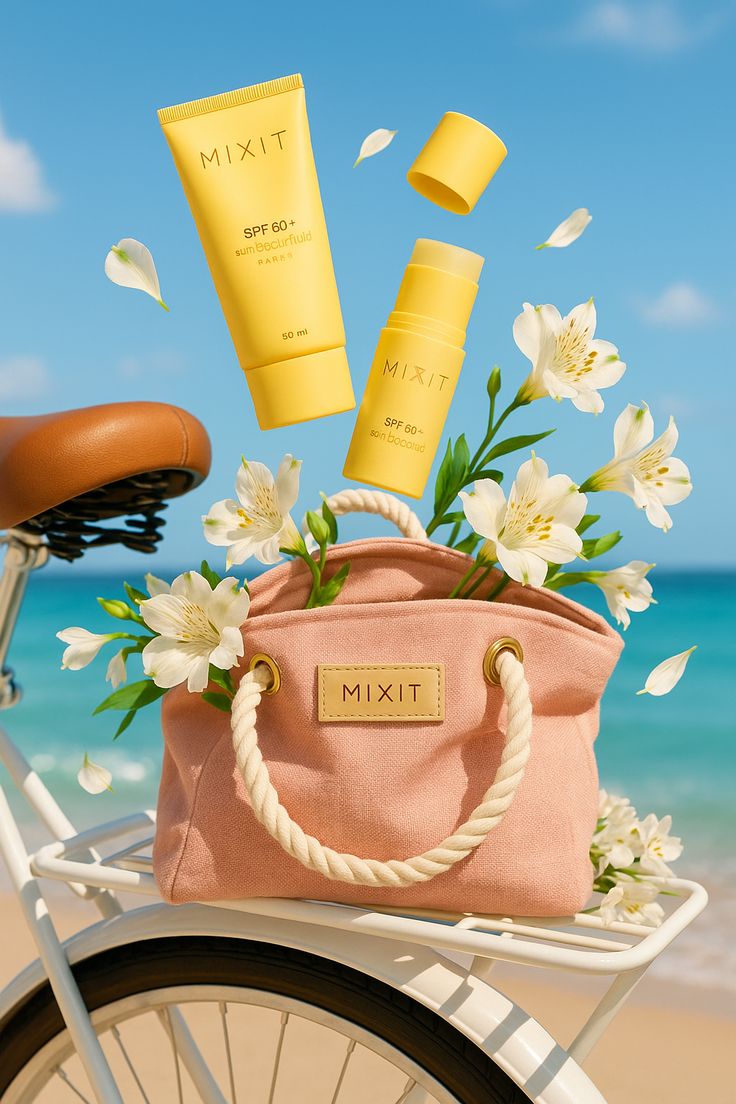
Sun-Kissed Summer Skincare Beachfront
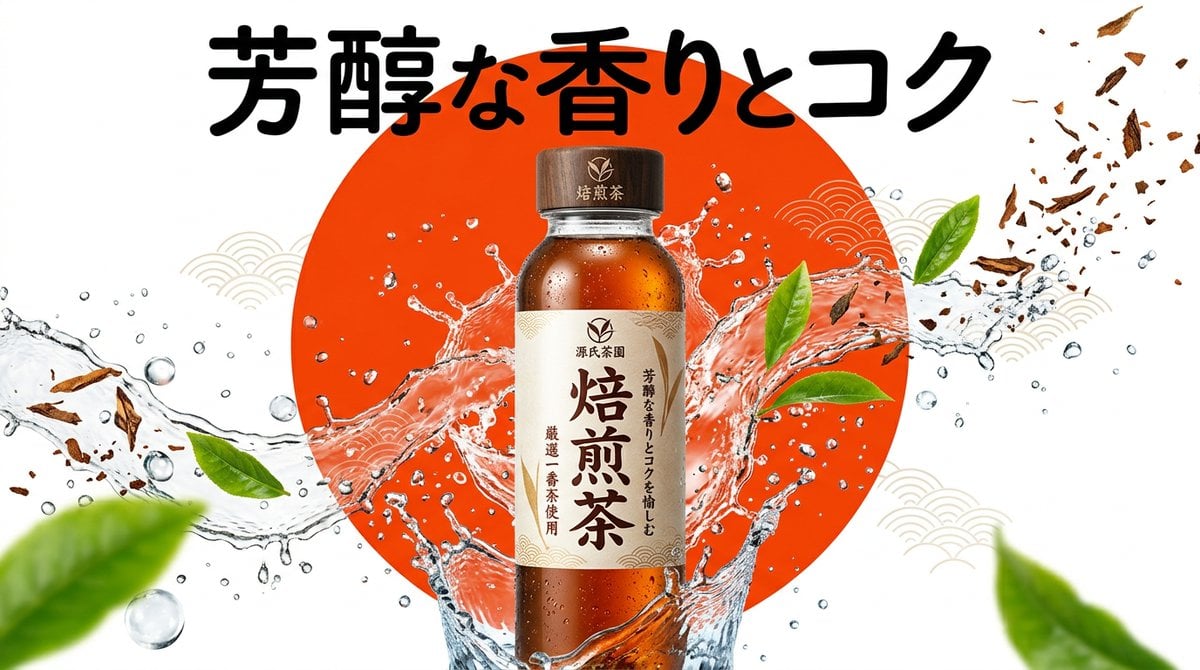
Beverage Campaign Key Visual

Anime Classroom Losing Heroines Key Visual

Anime Losing Heroines Classroom Key Visual

Anime School Rom-Com Key Visual

AI Bloom Sisters Anime Key Visual

Luxury Fashion Campaign Typography Poster System

Premium Fashion Editorial Campaign Poster System

Minimalist Skincare Product Water Stone Still

Botanical Skincare Minimal Product Advertising
Minimalist Skincare Product Water Stone Still
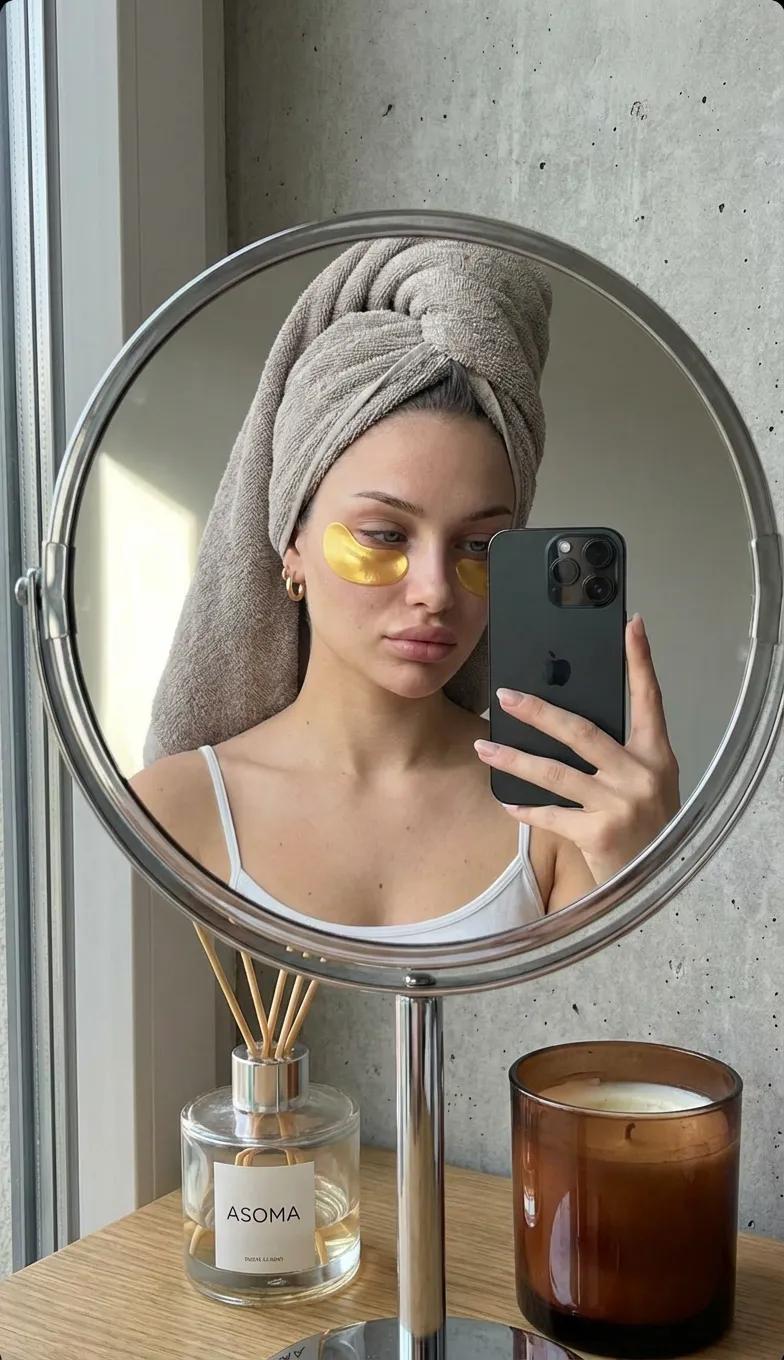
Round Tabletop Mirror Skincare Selfie
Make it yours
High-End Skincare Brand Key Visual works as-is. These are the safest ways to change it without losing the look.
Change one field
Copy a single group, rewrite it, and generate again so you can see what that field is doing.
Keep the frame, change the subject
Hold the composition and light of High-End Skincare Brand Key Visual, then swap wardrobe, props or the person for a new take.
| If the result… | Why | Fix |
|---|---|---|
| The result drifts from the preview | Too many fields changed at once. | Reuse High-End Skincare Brand Key Visual as-is first, then change one group — subject, light, or setting. |
| The model over-stylizes the scene | The prose prompt leaves finish and camera underspecified. | Add one camera or lighting sentence and stay on GPT Image 2. |
More GPT Image 2 templates
Other prompts made for GPT Image 2.

Six VTuber Japanese Logo Sheet

Realistic Portrait of Woman and Deer

The Vista Modular Condo Poster

AI Model Routing Comparison Infographic

2.5D Anime Art Board

Isometric Productivity Desk Scene

New York Double Exposure Poster

Four-Panel AI Landscape Comparison

Japanese Tatami Lifestyle Magazine Cover

NESCAFÉ Coffee Map Poster
More image prompts
Fresh picks from across the catalog.

Ultra-realistic Portrait with Miniature Cartoon Self
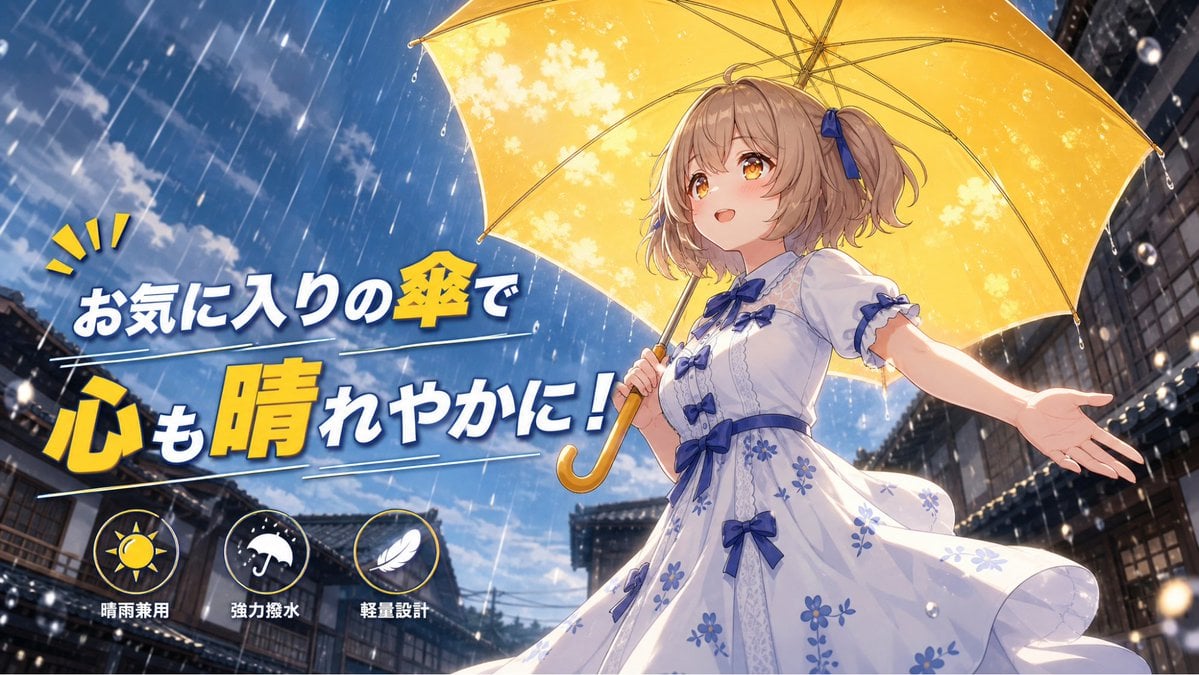
Anime Yellow Umbrella Ad Poster
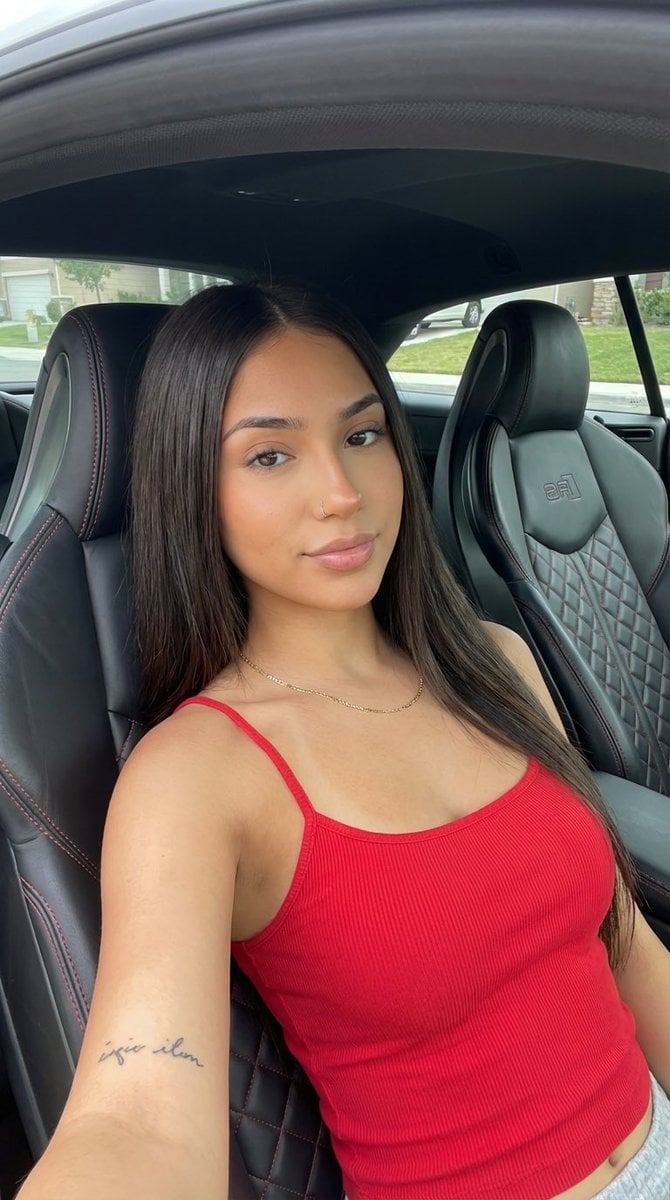
Car Interior Lifestyle Portrait
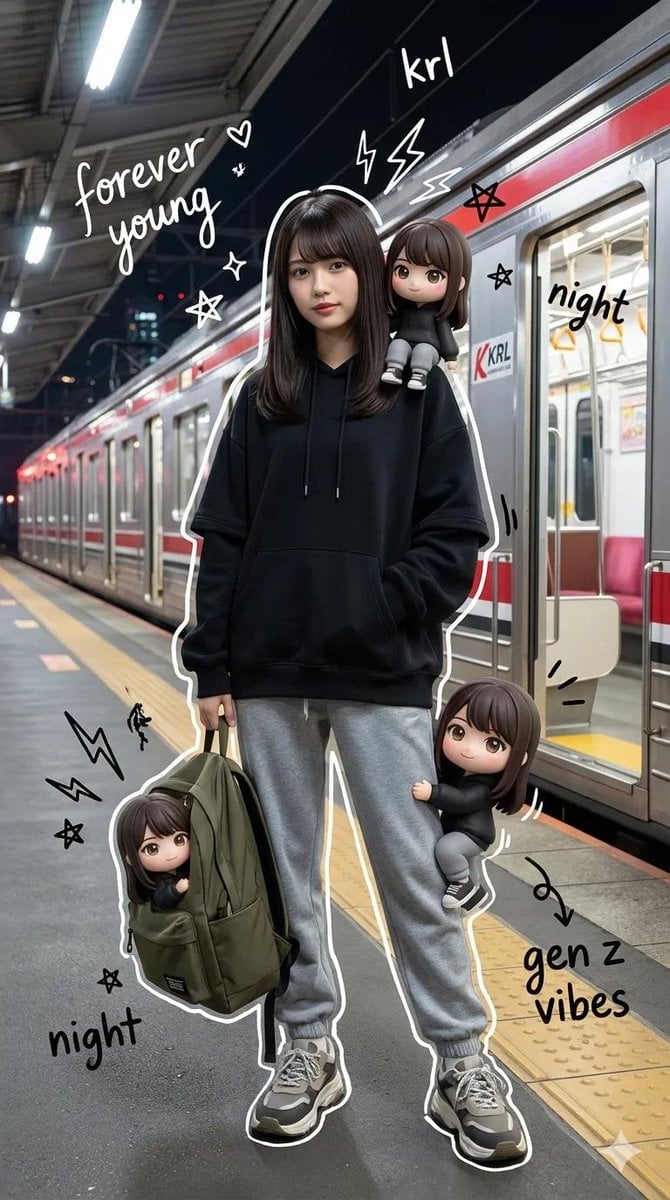
Mixed-Media Portrait with Chibi Overlays at Night Train Station
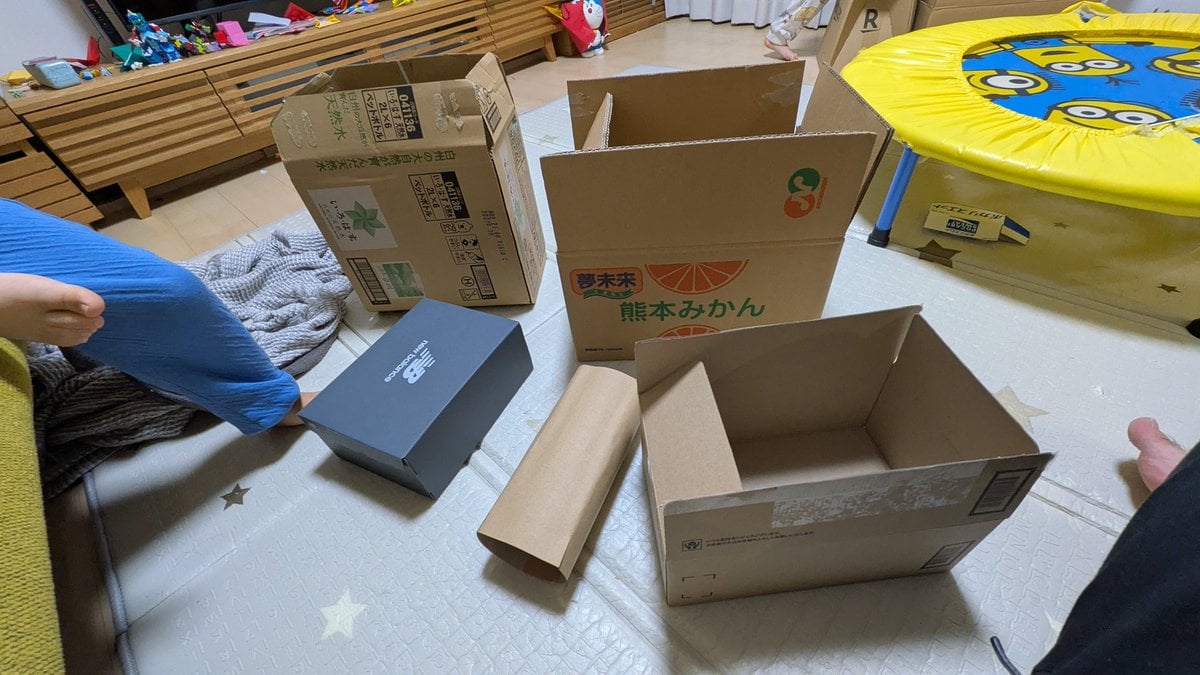
Cardboard Submarine Design Generation
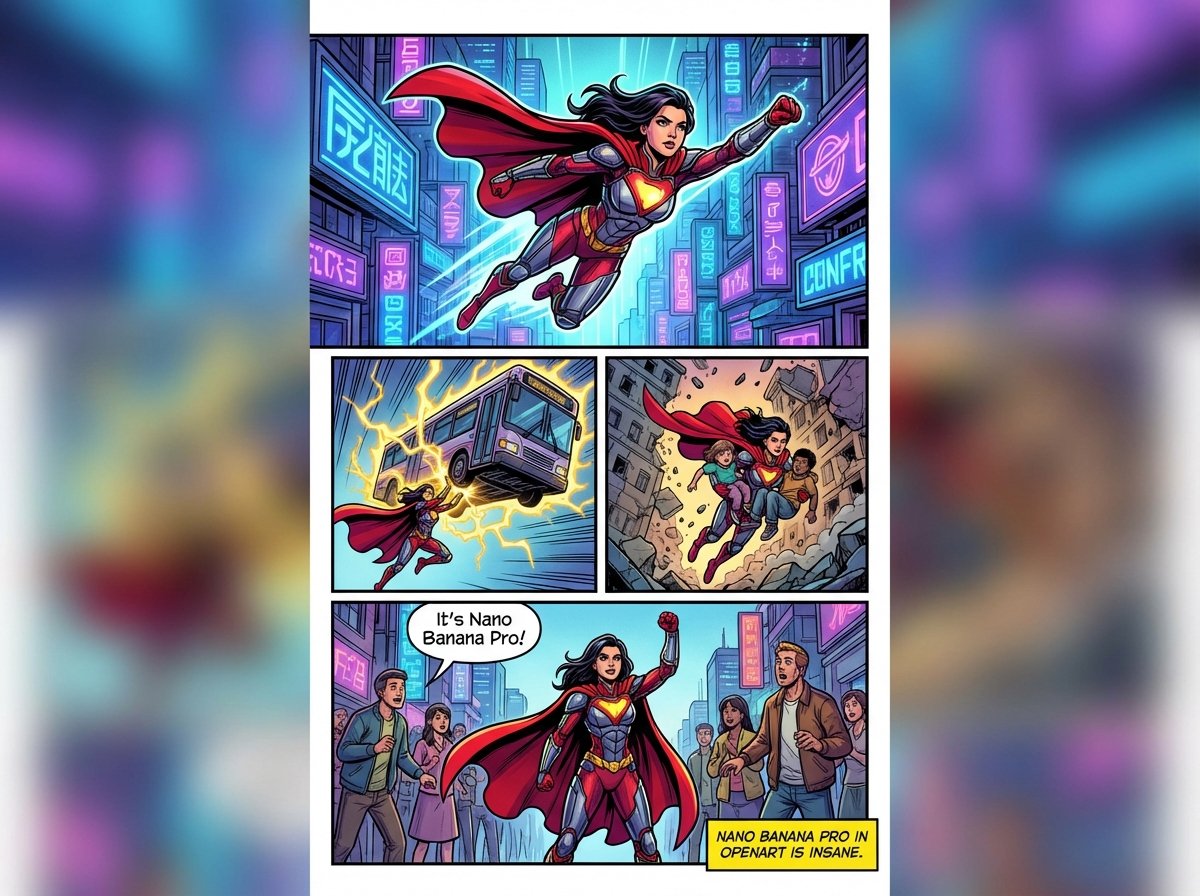
Marvel-style comic storyboard of a heroine
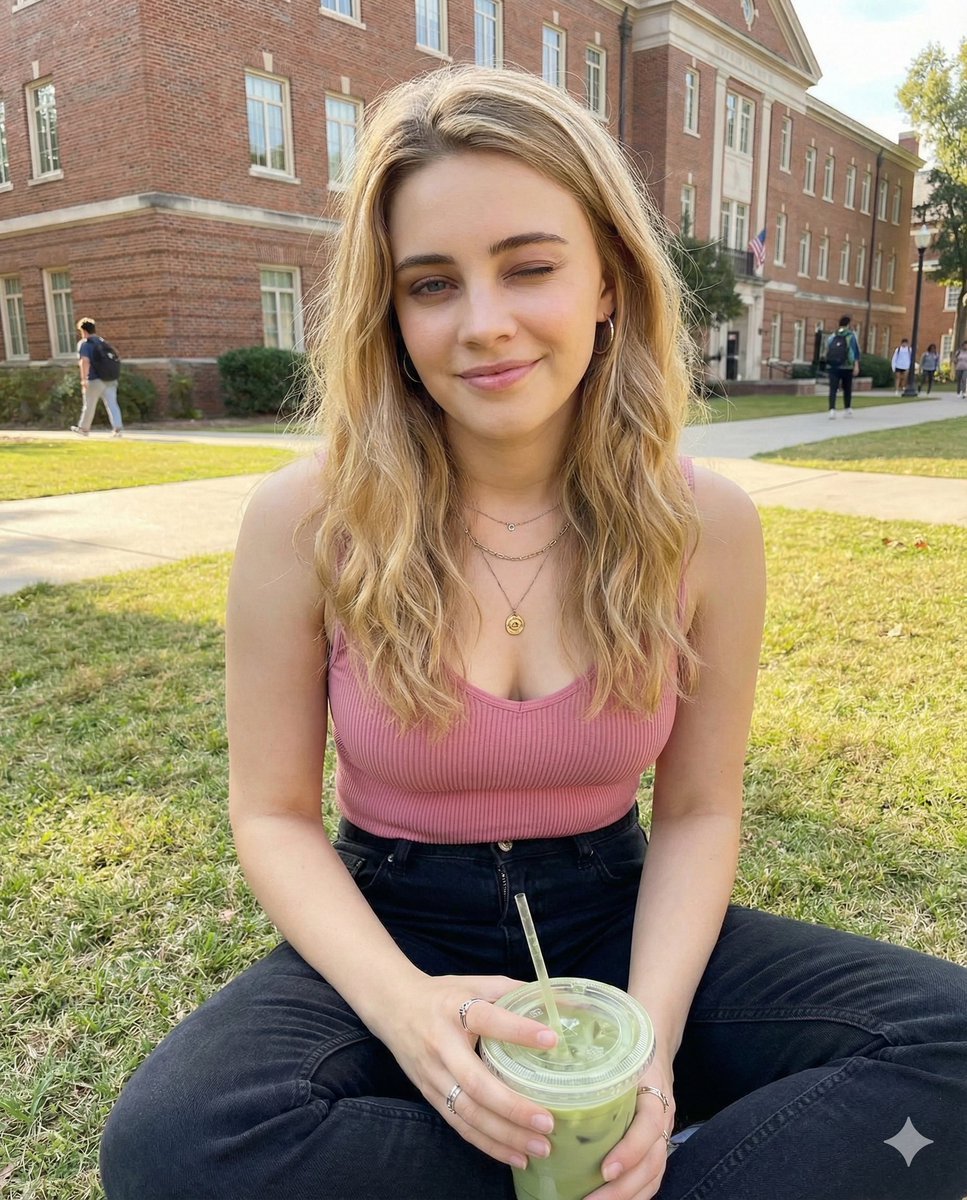
Casual Collegiate Lifestyle Portrait with Iced Drink
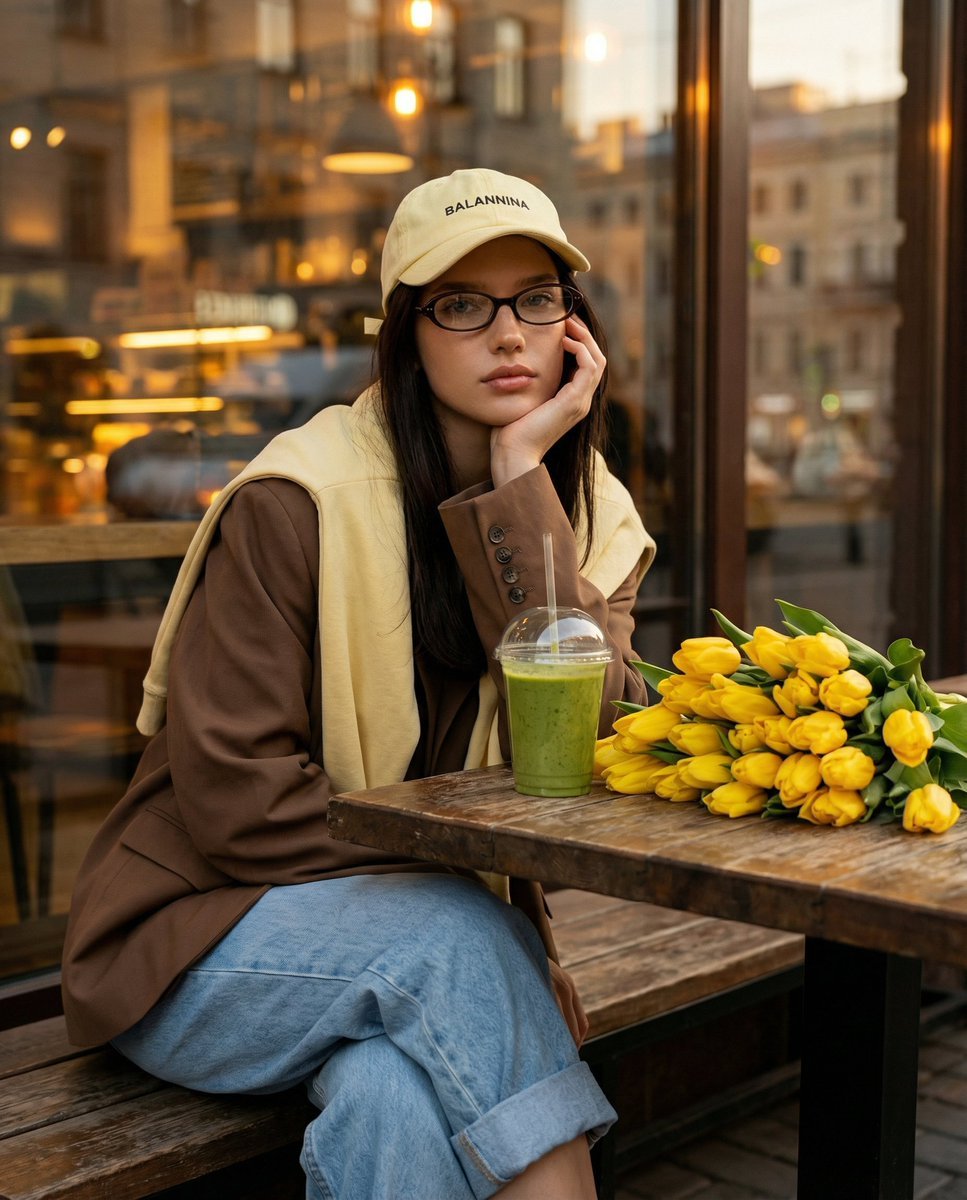
Stylish Street Cafe Portrait with Layered Outfit
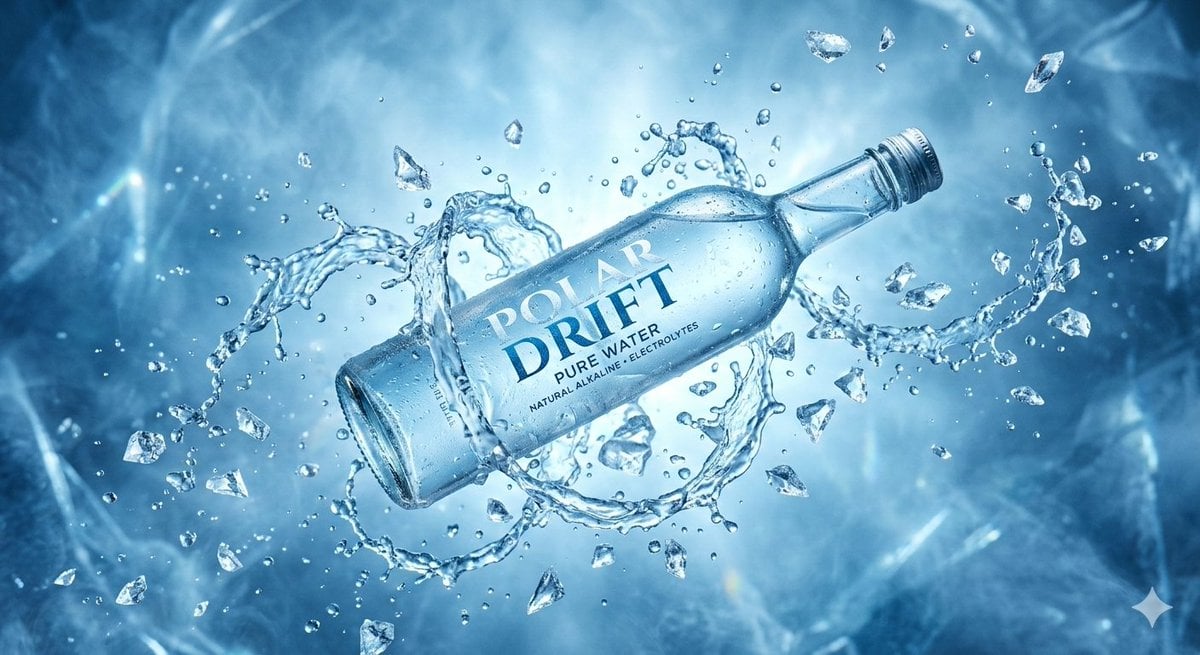
Levitating Bottled Water Commercial Prompt
Futuristic Tokyo Street Photography
Browse template categories
High-End Skincare Brand Key Visual questions
How do I use the High-End Skincare Brand Key Visual template?
Add your photo if the template asks for one, edit the prompt if you like — the template's model and format are already selected — and press Generate. Your version opens in PicX Studio.
Can I customize the High-End Skincare Brand Key Visual template?
Yes. You can change the subject, setting, lighting, mood, format, and available model controls before creating your image.
Is the High-End Skincare Brand Key Visual template free?
Opening and editing this template is free. Generating uses credits, shown on the Generate button when you are signed in.
Which AI model should I use?
Start with GPT Image 2, which is the model associated with this template. You can compare another compatible model for a different finish.
Looking for something else? Browse all templates.

Your photo, any look
Thousands of ready templates for every top image and video model, from one credit balance.