
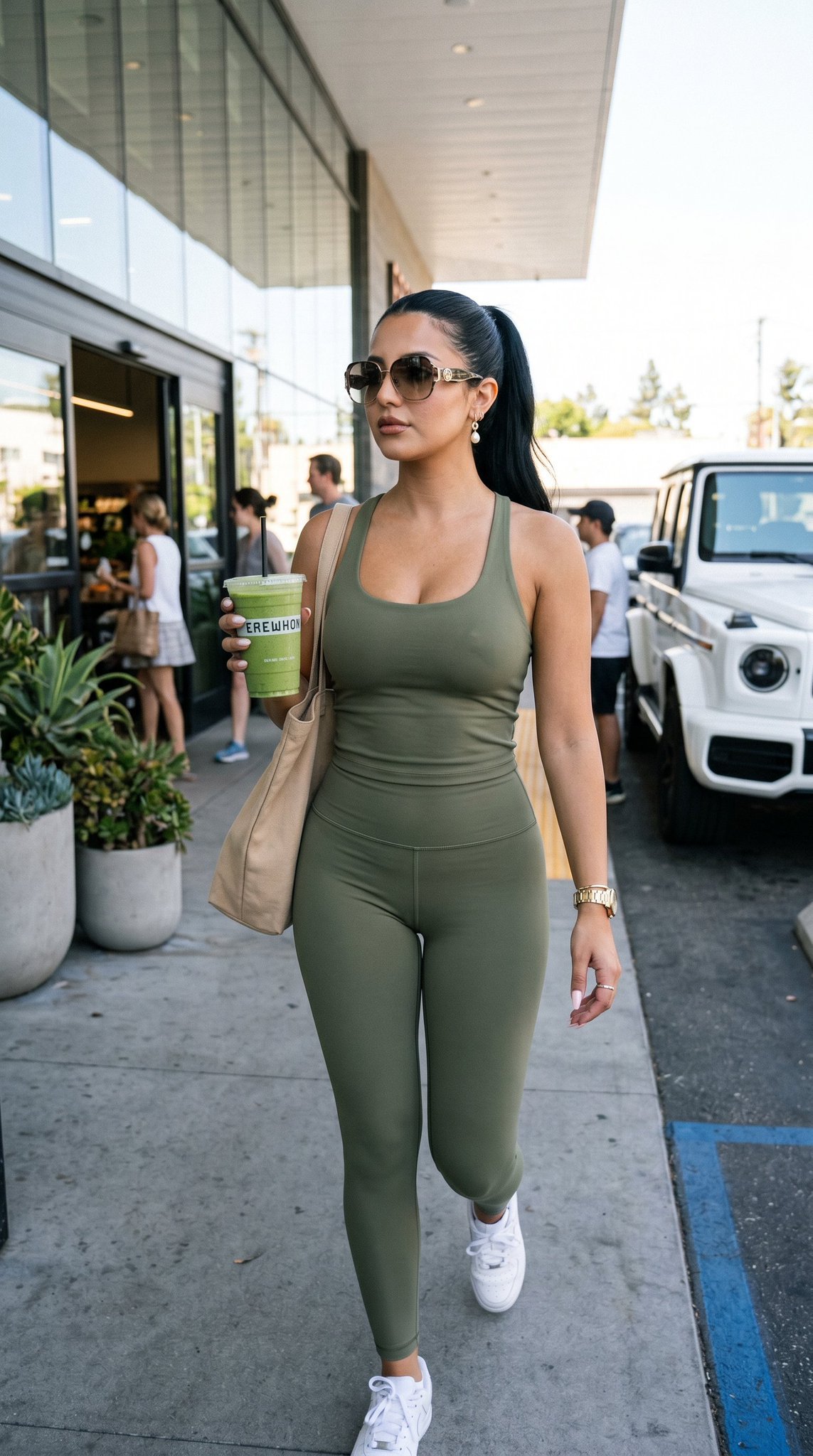
12 Erewhon Market — California Series
Nano Banana 2 Scene 12
- Prompt included
- Model and format preset
- Free template
The prompt behind this image
Copy the exact prompt behind 12 Erewhon Market — California Series, or open it in the studio and make it yours.
Use the reference woman. Scene set outside Erewhon Market in Los Angeles. She exits holding a smoothie in a natural candid moment. The vibe is paparazzi-meets-editorial. She is not posing directly, caught mid-walk with confident effortless energy. Outfit: ultra premium fitted athleisure set (sculpting leggings + cropped top), neutral tones like beige, olive or soft grey. Scene: Erewhon Market exterior with clean modern facade, glass, greenery. Lighting: bright soft California daylight, no harsh shadows. Mood: clean, elite, wellness-focused, understated luxury. Color palette: beige, soft greens, whites, clean neutral tones. Aspect ratio: 4:5. Must-have: Erewhon style setting, smoothie, athleisure luxury, clean girl aesthetic, same identity, perfect anatomy, no text. Avoid: messy background, fast food setting, heavy glam makeup, cheap outfit, bad anatomy, extra fingers, over-posed, text, logo, watermark.
How to use 12 Erewhon Market — California Series in 3 steps
- 1
Open
The prompt is already in the box next to the preview, with the template's model and format selected.
- 2…a portrait of your subject in softgolden-hour light, 85mm…
Personalize
Edit the subject and creative details for your destination.
- 3Generate
Generate
Press Generate — your image is created in PicX Studio, so you can compare it with the original and refine one variable at a time.
More like this
Templates with the same subject, style or setup. Open one to see its prompt.

24 The Getty Center — California Series
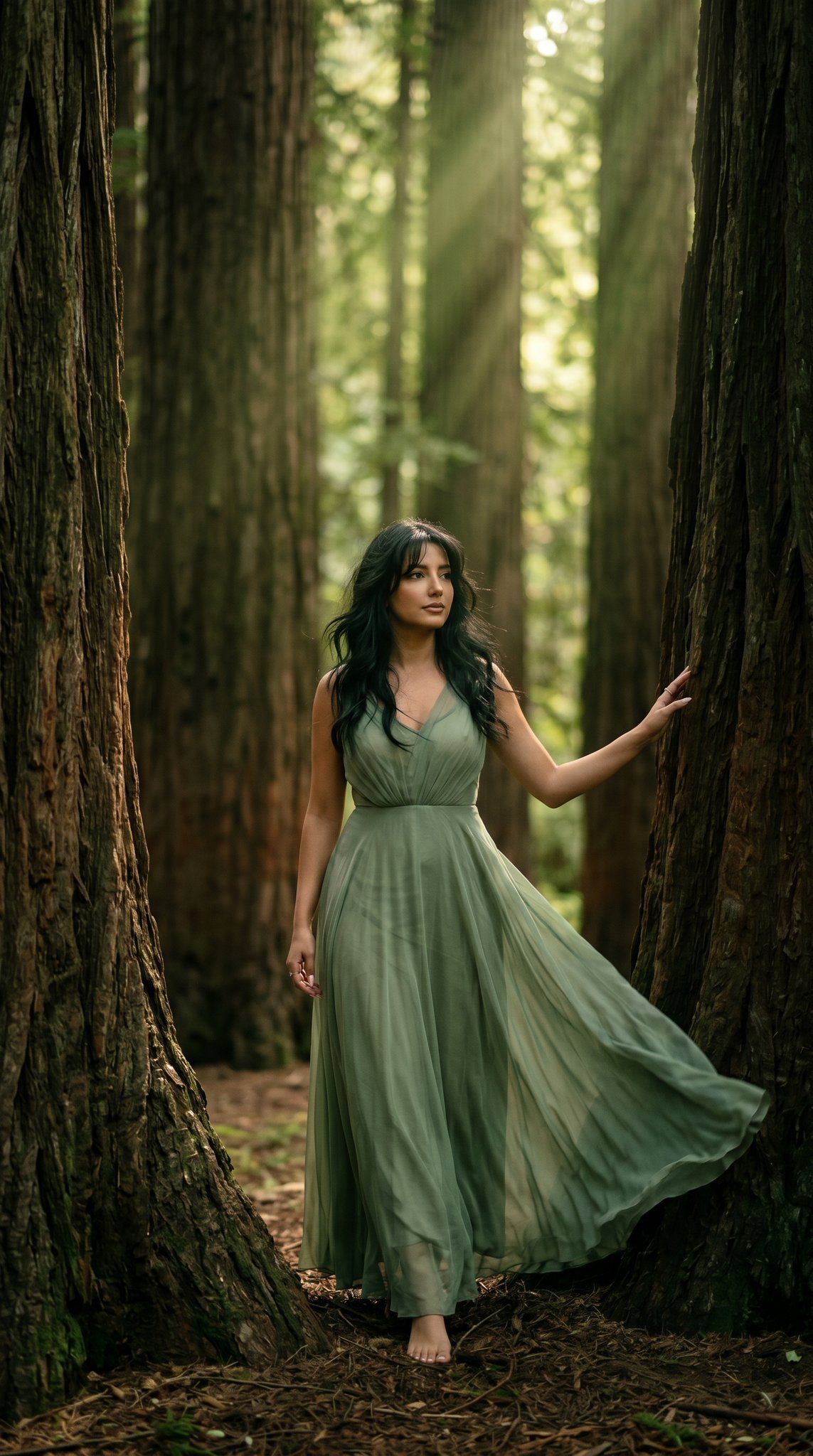
23 California Redwood Forest — California Series

21 Glass Floor Skyscraper — California Series

19 Luxury Helicopter Travel — California Series
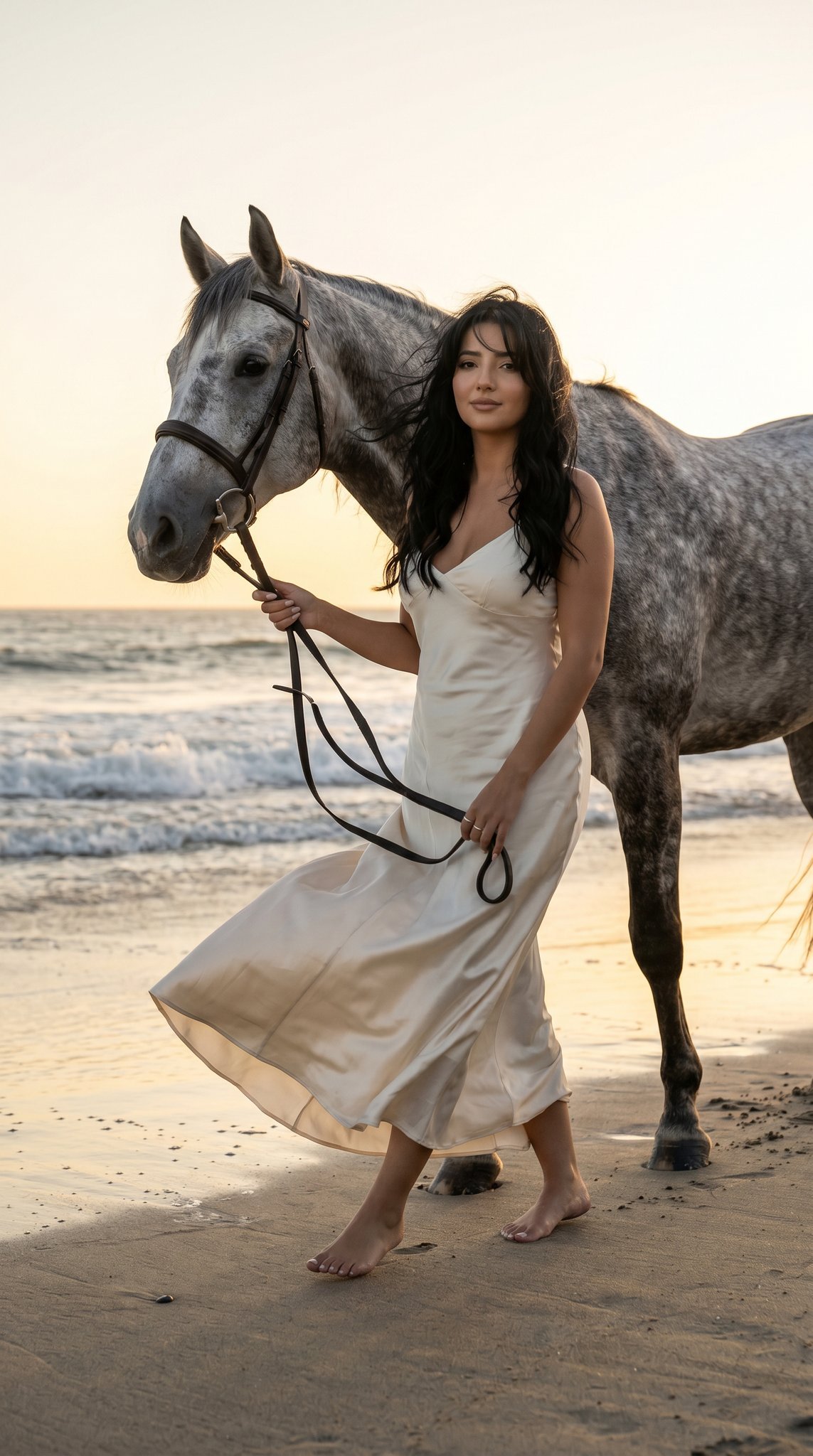
16 Malibu Beach Horse — California Series
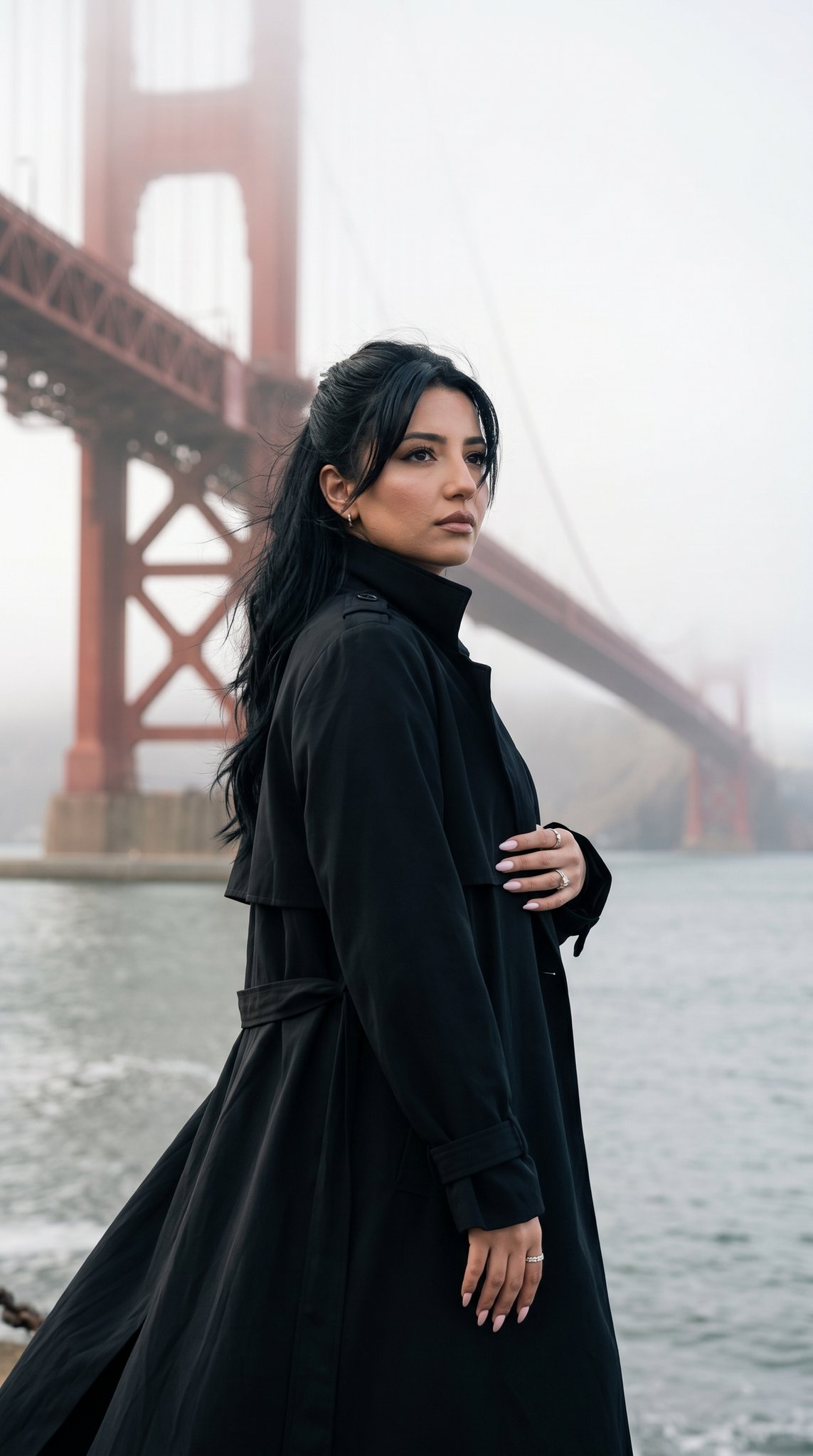
15 Golden Gate Bridge — California Series
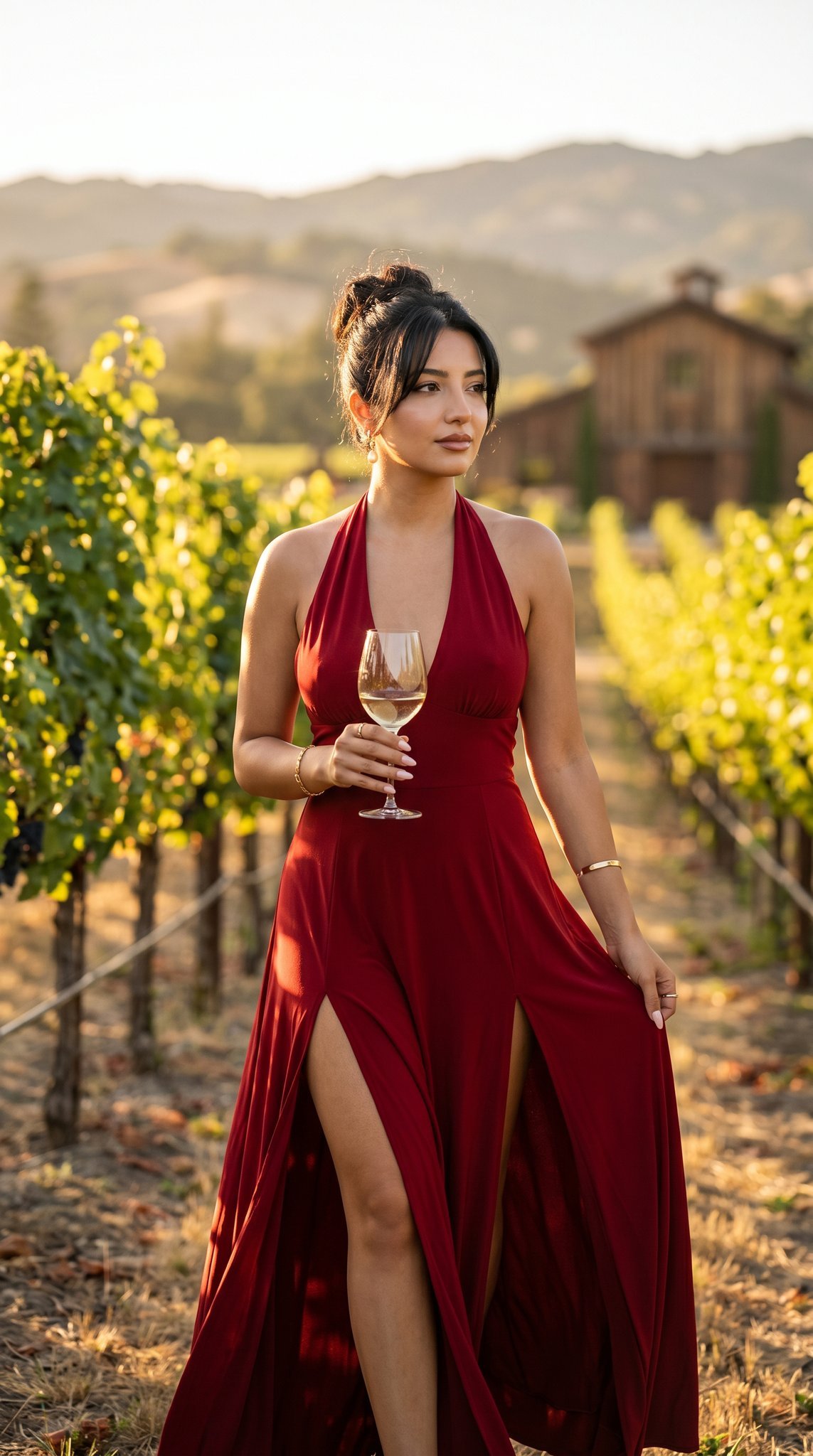
14 Napa Valley Vineyard — California Series
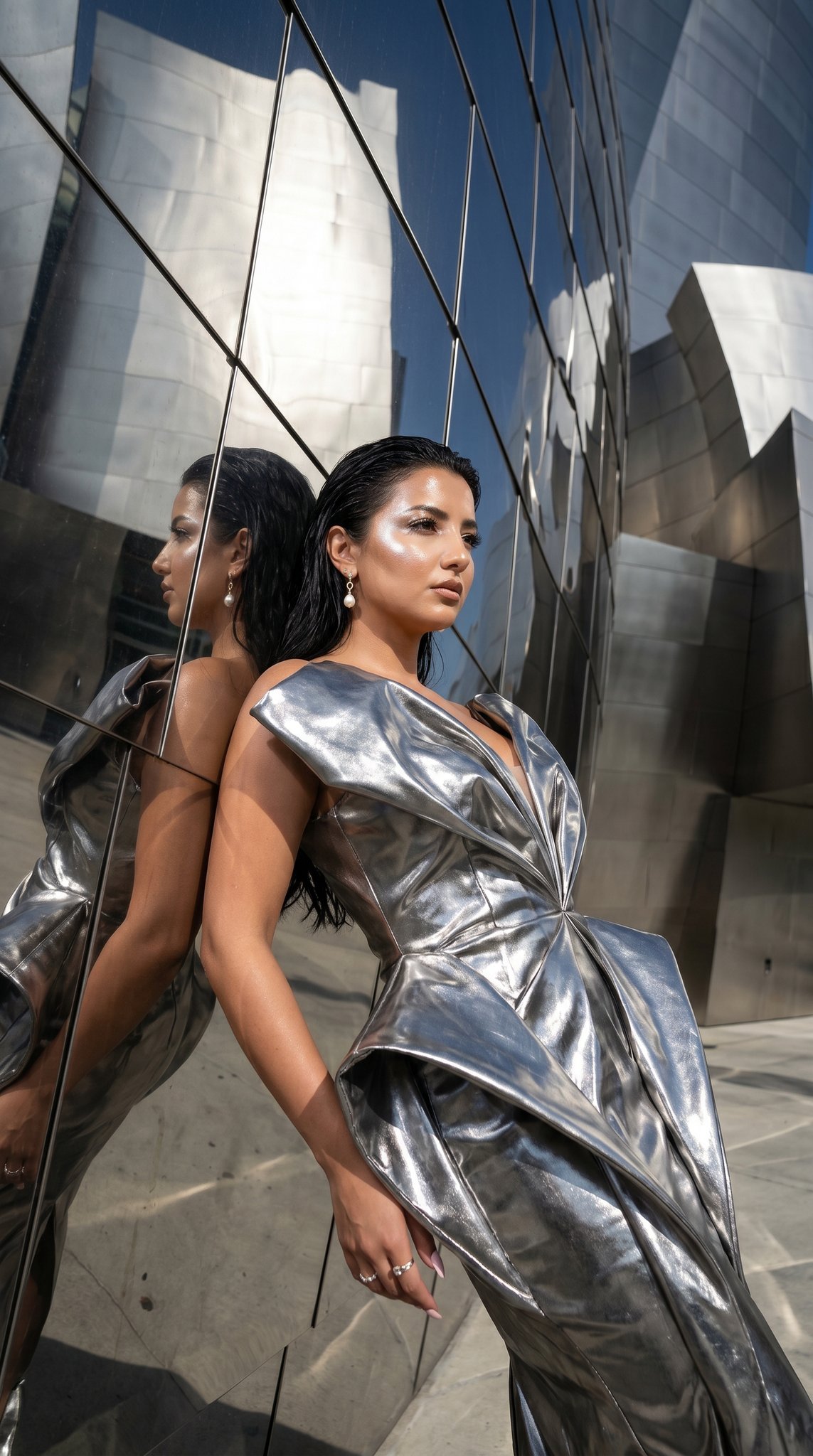
11 Walt Disney Concert Hall — California Series
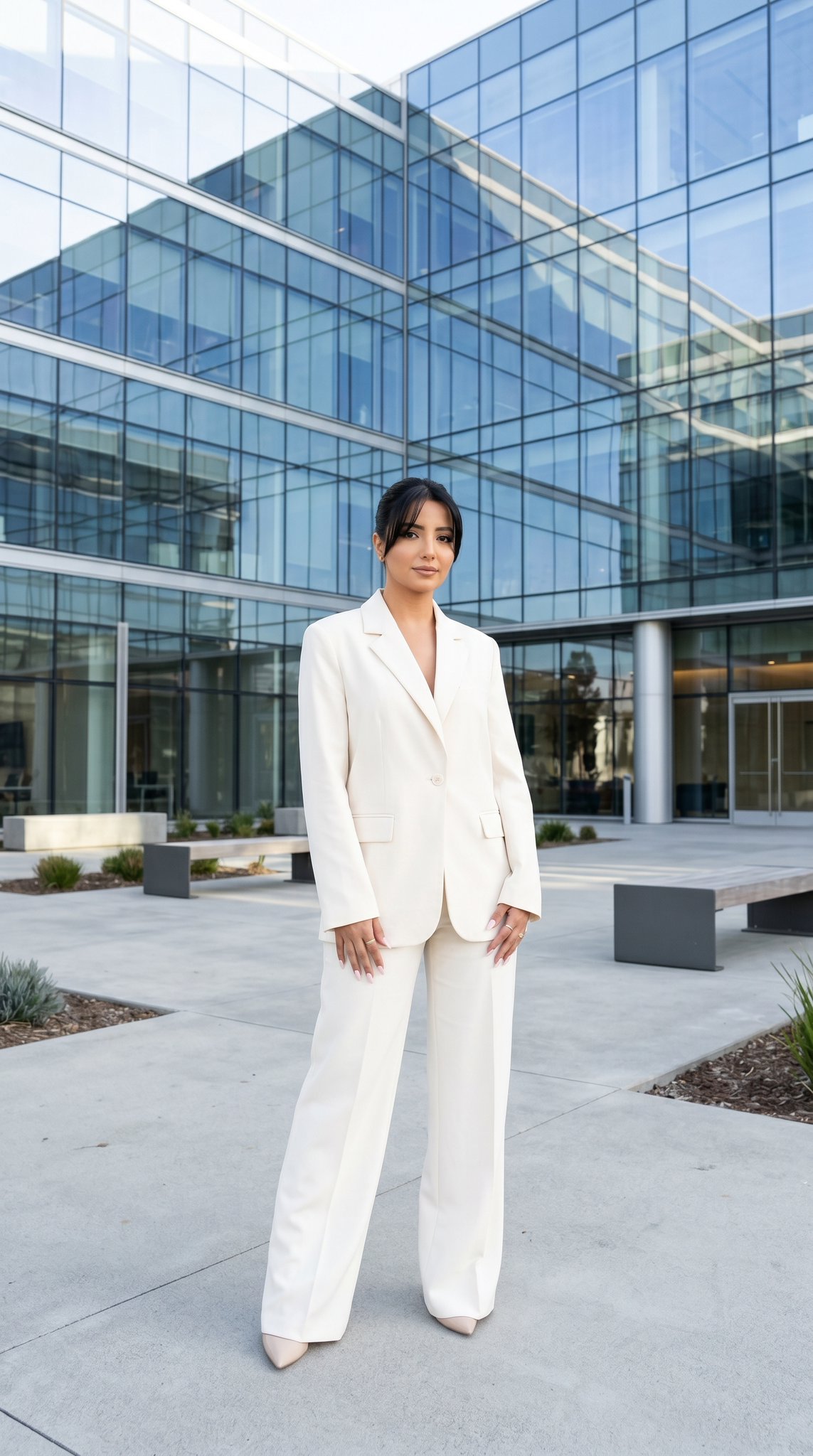
10 Modern Glass HQ Building — California Series
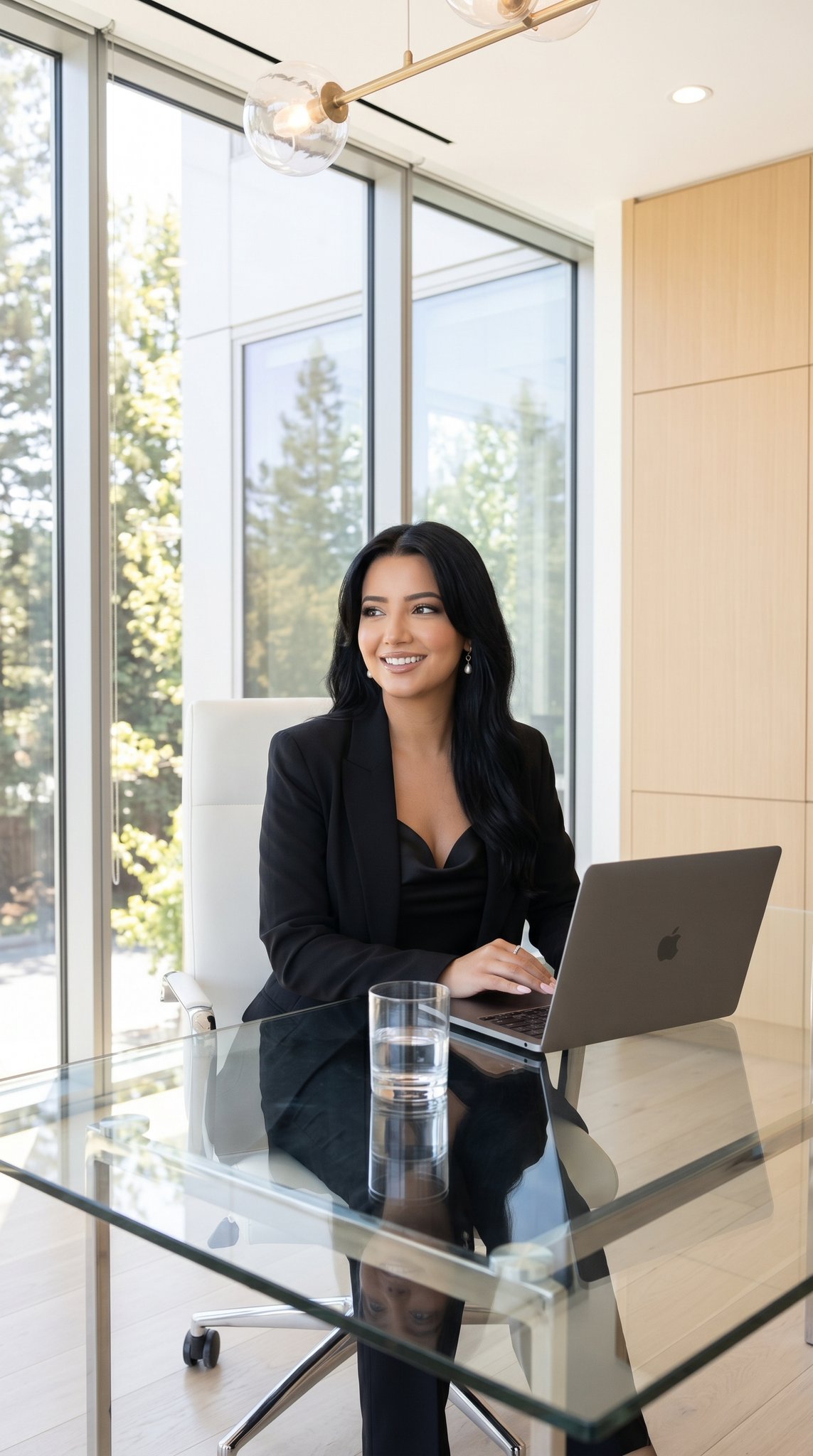
09 Silicon Valley Startup — California Series

08 Rodeo Drive Luxury Exit — California Series
07 LACMA Urban Light — California Series
Make it yours
12 Erewhon Market — California Series works as-is. These are the safest ways to change it without losing the look.
Change one field
Copy a single group, rewrite it, and generate again so you can see what that field is doing.
Keep the frame, change the subject
Hold the composition and light of 12 Erewhon Market — California Series, then swap wardrobe, props or the person for a new take.
| If the result… | Why | Fix |
|---|---|---|
| The result drifts from the preview | Too many fields changed at once. | Reuse 12 Erewhon Market — California Series as-is first, then change one group — subject, light, or setting. |
| The model over-stylizes the scene | The prose prompt leaves finish and camera underspecified. | Add one camera or lighting sentence and stay on Nano Banana. |
More Nano Banana templates
Other prompts made for Nano Banana.










More image prompts
Fresh picks from across the catalog.
Luxury Skincare Advertisement
Nighttime Rainy Umbrella Portrait Prompt
Black and White Identity Swap Grid (4x4)
Caravaggio Meets National Geographic Dissection
Monumental Mathematical Symbols as Terrain Typography
Mixed-Media Portrait with CGI Mascot in Candy Store
Selfie with random Brazilian celebrities
Korean ASCII Art and Affectionate Comment

Hip-Hop Fashion Motion Streak Portrait
Notebook Slides With Reference Character
Featured in prompt roundups
Hand-picked collections that include this template.
Browse template categories
12 Erewhon Market — California Series questions
How do I use the 12 Erewhon Market — California Series template?
Add your photo if the template asks for one, edit the prompt if you like — the template's model and format are already selected — and press Generate. Your version opens in PicX Studio.
Can I customize the 12 Erewhon Market — California Series template?
Yes. You can change the subject, setting, lighting, mood, format, and available model controls before creating your image.
Is the 12 Erewhon Market — California Series template free?
Opening and editing this template is free. Generating uses credits, shown on the Generate button when you are signed in.
Which AI model should I use?
Start with Nano Banana, which is the model associated with this template. You can compare another compatible model for a different finish.
Looking for something else? Browse all templates.

Your photo, any look
Thousands of ready templates for every top image and video model, from one credit balance.