
Desert Drone Chase Storyboard
Generates a cinematic nine-panel sci-fi desert chase storyboard for planning an action sequence or short video.
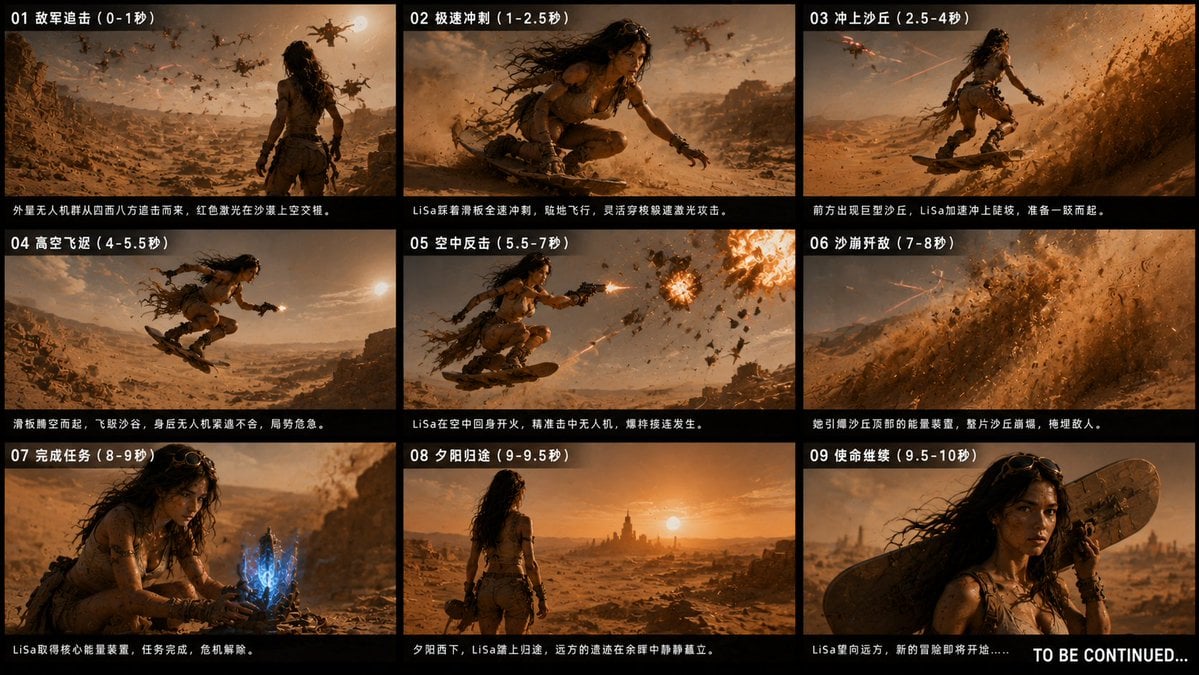
- Prompt included
- Model and format preset
- Premium template
The prompt behind this image
Copy the exact prompt behind Desert Drone Chase Storyboard, or open it in the studio and make it yours.
Goal: Create a cinematic 9-panel sci-fi action storyboard contact sheet for episode 3, {argument name="episode title" default="Desert Sea Counterattack"}, showing a heroine named {argument name="character name" default="LiSa"} escaping alien drones across a desert using a sandboard. Canvas: Wide 16:9 black-background storyboard board, arranged as exactly 9 rectangular frames in a 3-column by 3-row grid. Each panel has a thin black border, a bold white panel number and time range at the top left, and a small white caption line along the bottom. Add a large white “TO BE CONTINUED...” in the bottom-right corner overlapping the final panel area. Visual style: Ultra-cinematic photorealistic concept art, warm orange desert color grading, dusty atmosphere, harsh low sun, high contrast, motion blur, sand particles, dramatic lens flare, film still quality, epic sci-fi chase energy. The heroine is a rugged desert adventurer: tan weathered tactical outfit, belts and straps, fingerless gloves, goggles on her head, long windblown dark hair, dusty skin, intense determined expression. The setting is a vast alien desert with ruined stone structures, rocky canyons, dunes, scattered wreckage, and a sunset horizon. Alien drones are dark mechanical quadcopter-like machines with red laser fire. Layout and panel content: Use exactly 9 panels. Panel 01 shows the heroine bursting out of desert ruins from behind, many alien drones pursuing across a dusty valley, red laser beams crisscrossing the sky. Panel 02 is a low close action shot of her crouched on a sandboard, accelerating fast, hair whipping, drones in the background. Panel 03 shows her climbing a huge steep dune on the sandboard as lasers streak past and sand sprays heavily. Panel 04 shows her launching high into the air over a canyon, board angled upward, sun bright at the side. Panel 05 shows her midair firing a pistol back at drones, one drone exploding into fire and debris. Panel 06 is mostly the collapsing sand dune avalanche, massive sand wall swallowing pursuing drones, lasers barely visible through dust. Panel 07 shows her crouched on the ground handling a glowing blue crystalline energy device, mission accomplished mood. Panel 08 shows her from behind looking toward a distant desert ruin city or tower at sunset, calm after the battle. Panel 09 is a close-up portrait of her with the sandboard slung behind her shoulder, serious face looking off into the distance, dust and sunset glow. Text content: Include the visible Chinese storyboard text as one compact set, using this exact panel text set: {argument name="panel text set" default="01 敌军追击(0-1秒)|外星无人机群从四面八方追击而来,红色激光在沙漠上空交错。||02 极速冲刺(1-2.5秒)|LiSa踩着滑板全速冲刺,贴地飞行,灵活穿梭躲避激光攻击。||03 冲上沙丘(2.5-4秒)|前方出现巨型沙丘,LiSa加速冲上陡坡,准备一跃而起。||04 高空飞跃(4-5.5秒)|滑板腾空而起,飞跃沙谷,身后无人机紧追不舍,局势危急。||05 空中反击(5.5-7秒)|LiSa在空中回身开火,精准击中无人机,爆炸接连发生。||06 沙崩歼敌(7-8秒)|她引爆沙丘顶部的能量装置,整片沙丘崩塌,掩埋敌人。||07 完成任务(8-9秒)|LiSa取得核心能量装置,任务完成,危机解除。||08 夕阳归途(9-9.5秒)|夕阳西下,LiSa踏上归途,远方的遗迹在余晖中静静矗立。||09 使命继续(9.5-10秒)|LiSa望向远方,新的冒险即将开始……"}. Keep the final English text exactly: {argument name="ending text" default="TO BE CONTINUED..."} Constraints: Maintain a clean storyboard-sheet design, no extra panels, no extra characters besides LiSa, no modern city elements, no watermark, no logos, no UI chrome outside the black storyboard grid.
How to use Desert Drone Chase Storyboard in 3 steps
- 1Upload ImagePNG, JPG or paste
Add your photo
Upload the photo the template builds on. The prompt, model and format are already set.
- 2…a portrait of your subject in softgolden-hour light, 85mm…
Personalize
Edit the subject and creative details for your destination.
- 3Generate
Generate
Press Generate — your image is created in PicX Studio, so you can compare it with the original and refine one variable at a time.
More like this
Templates with the same subject, style or setup. Open one to see its prompt.
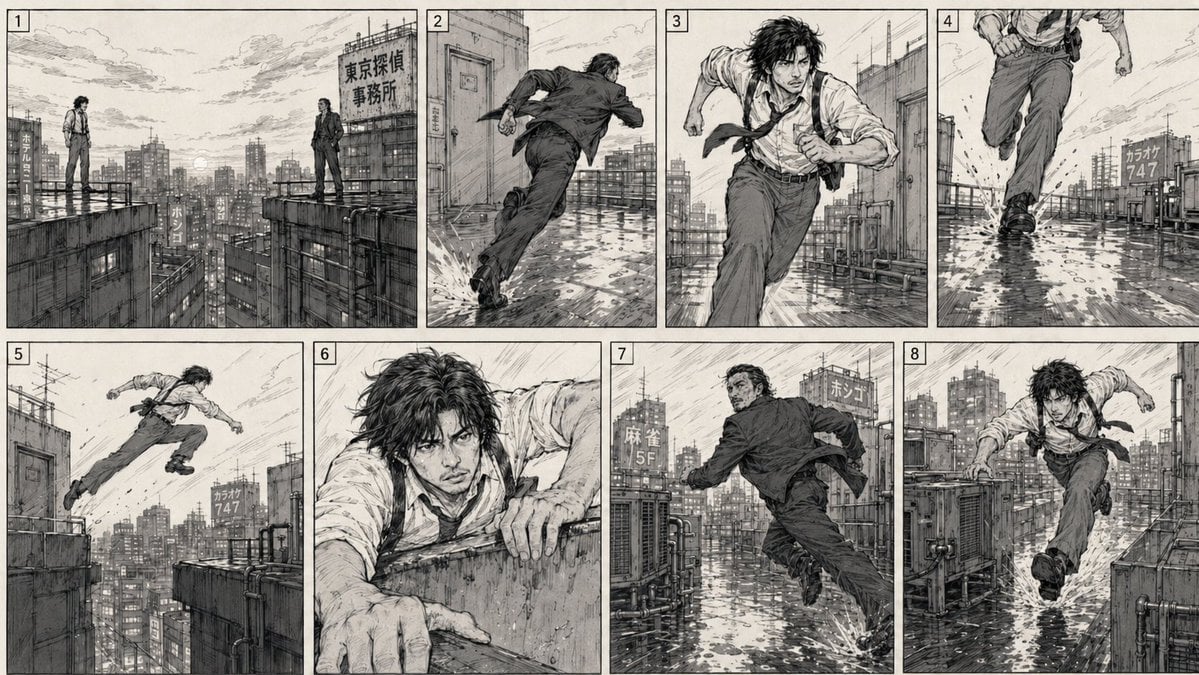
Action Chase 2D Storyboard
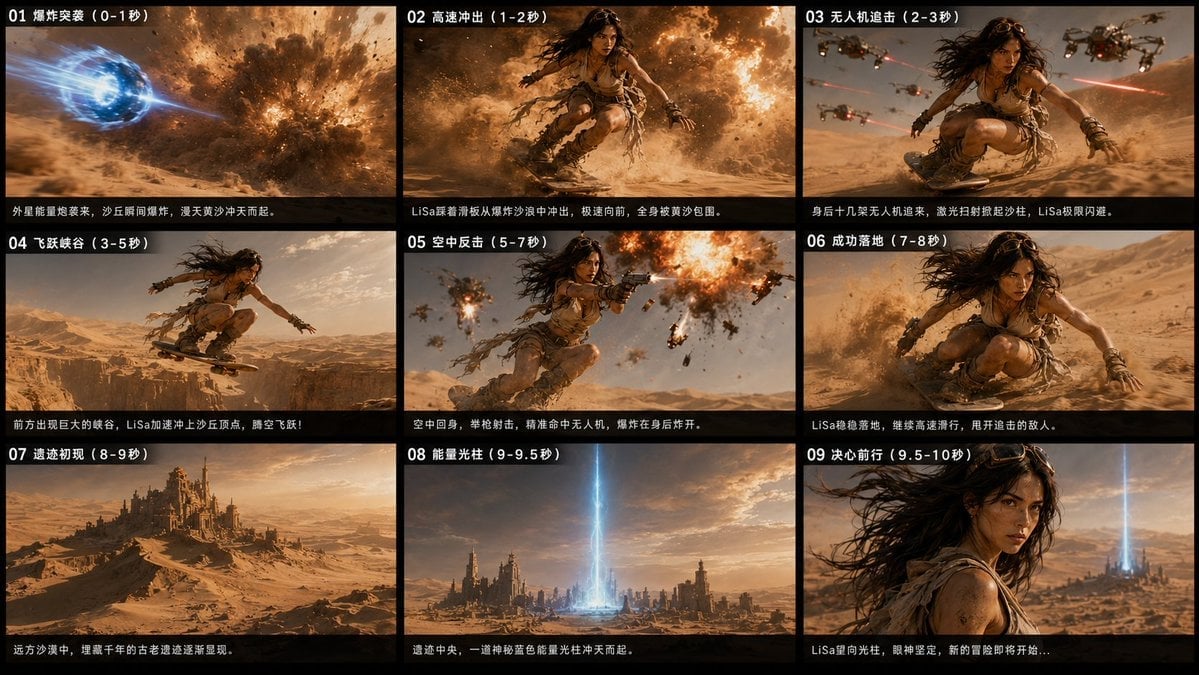
Desert Sci-Fi Action Storyboard
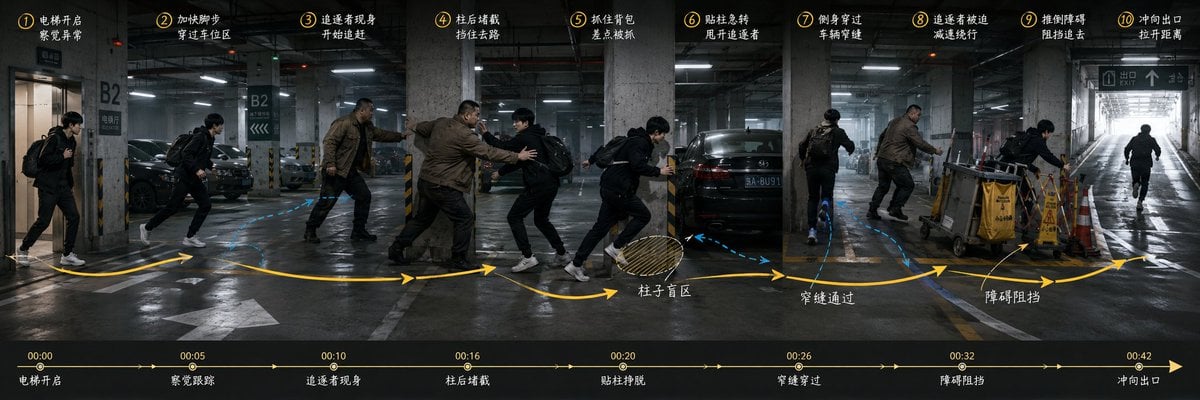
Underground Parking Chase Storyboard

Saudi Arabia Paper Cut Travel Poster
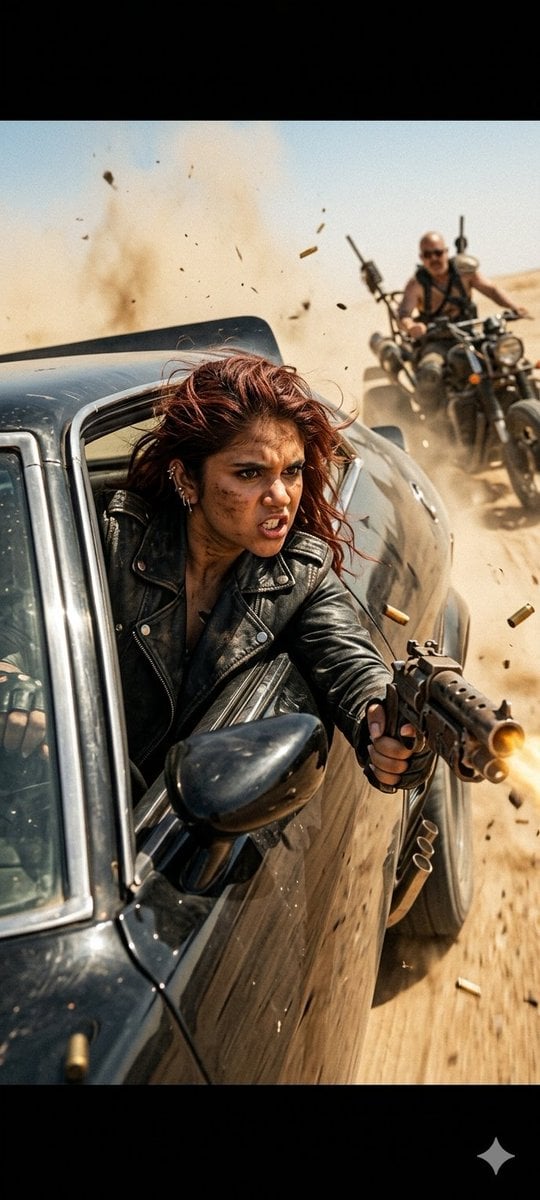
Mad Max Action Desert Chase

Headphones Lifestyle Nine Panel Grid
Seedance - Storyboard to Movie
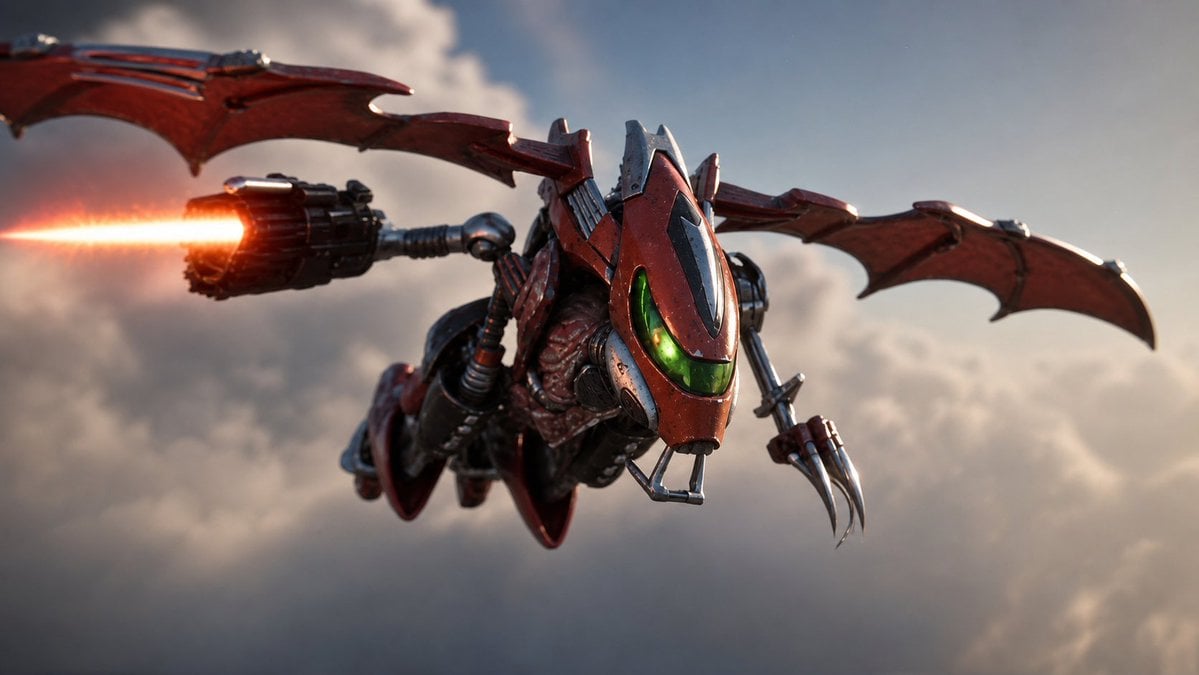
Future Spawn Flying Demon Drone
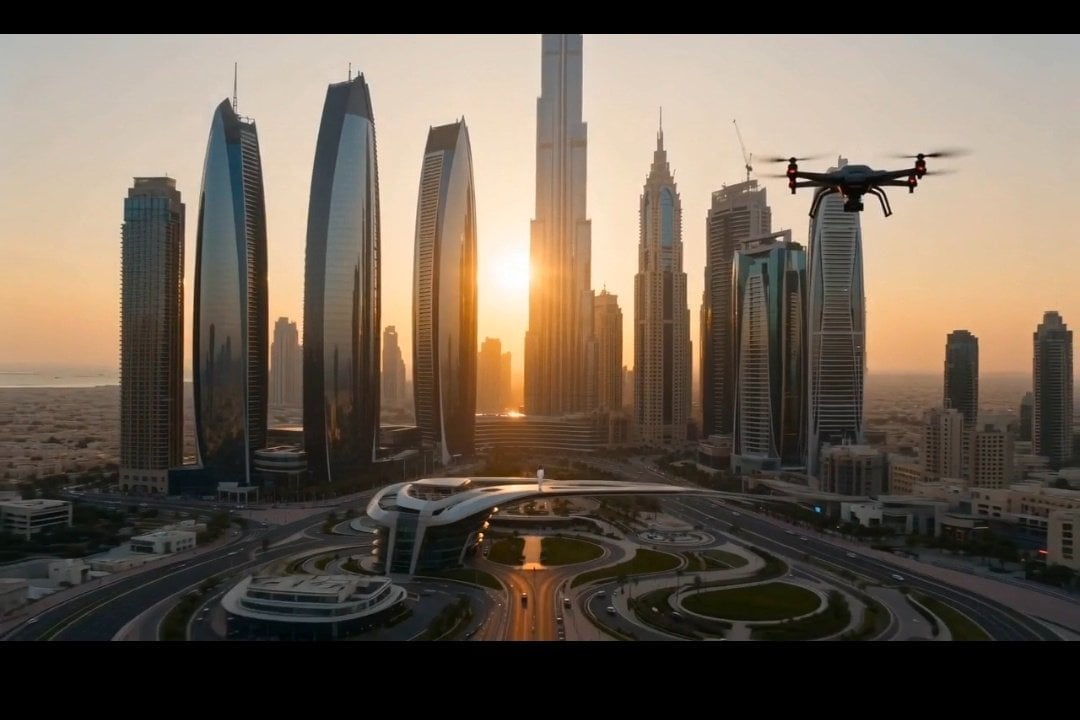
Cinematic Dubai Skyline Drone View
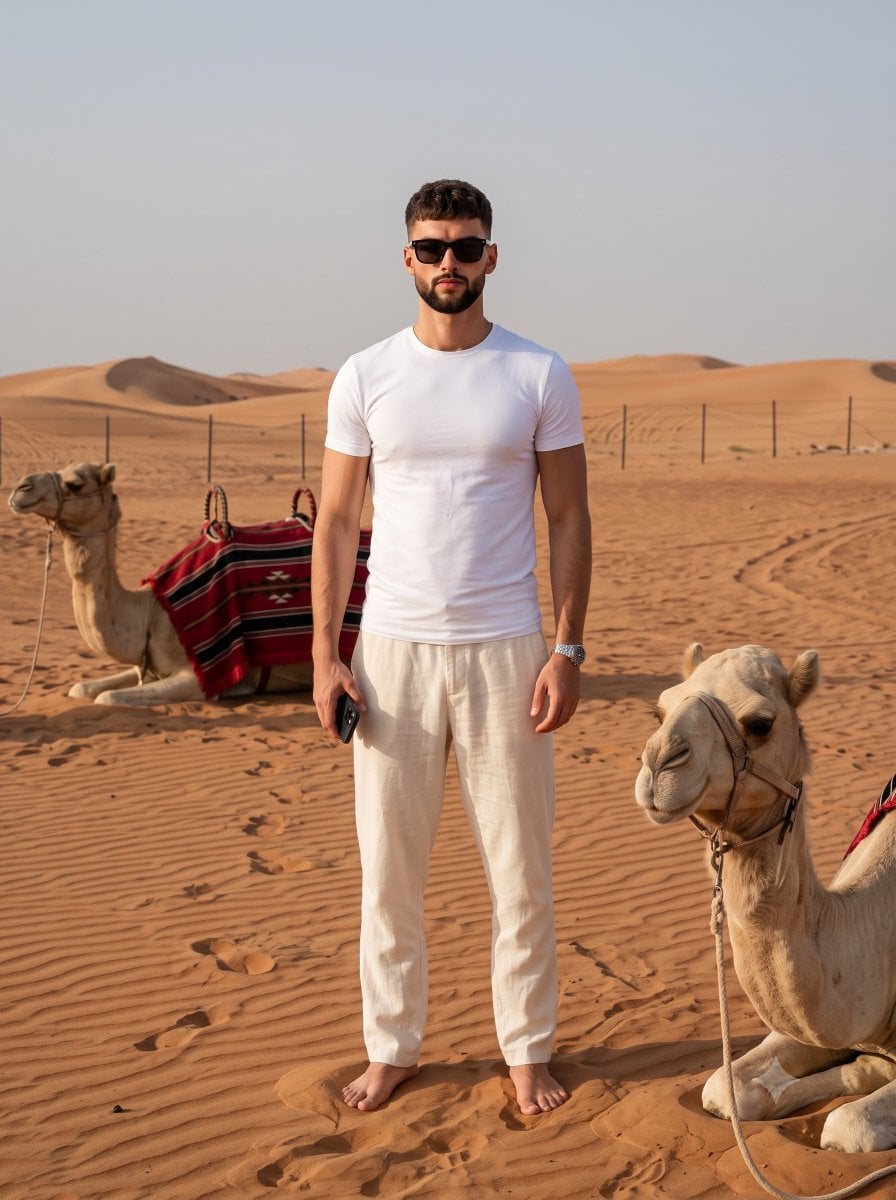
Desert Travel Lifestyle Portrait
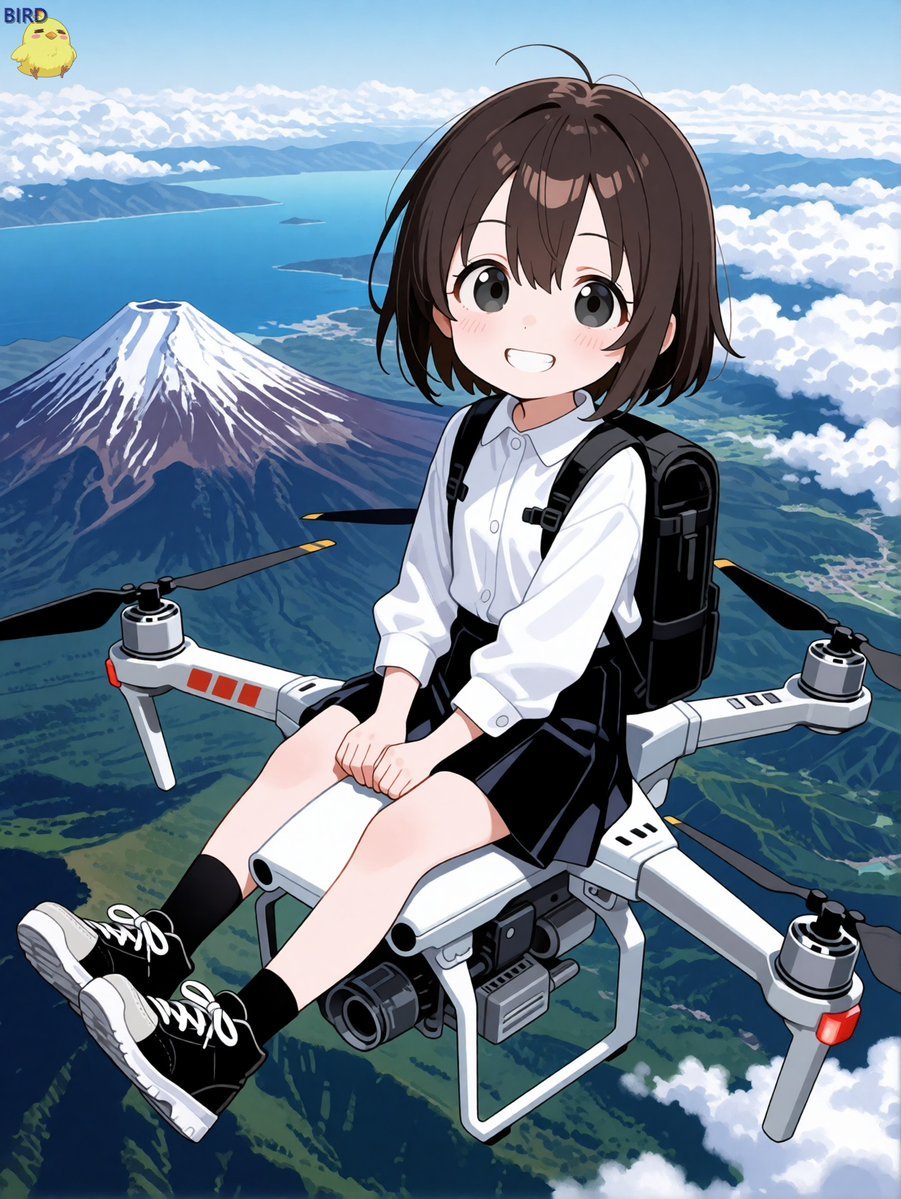
Anime Girl Riding Drone Over Mount Fuji
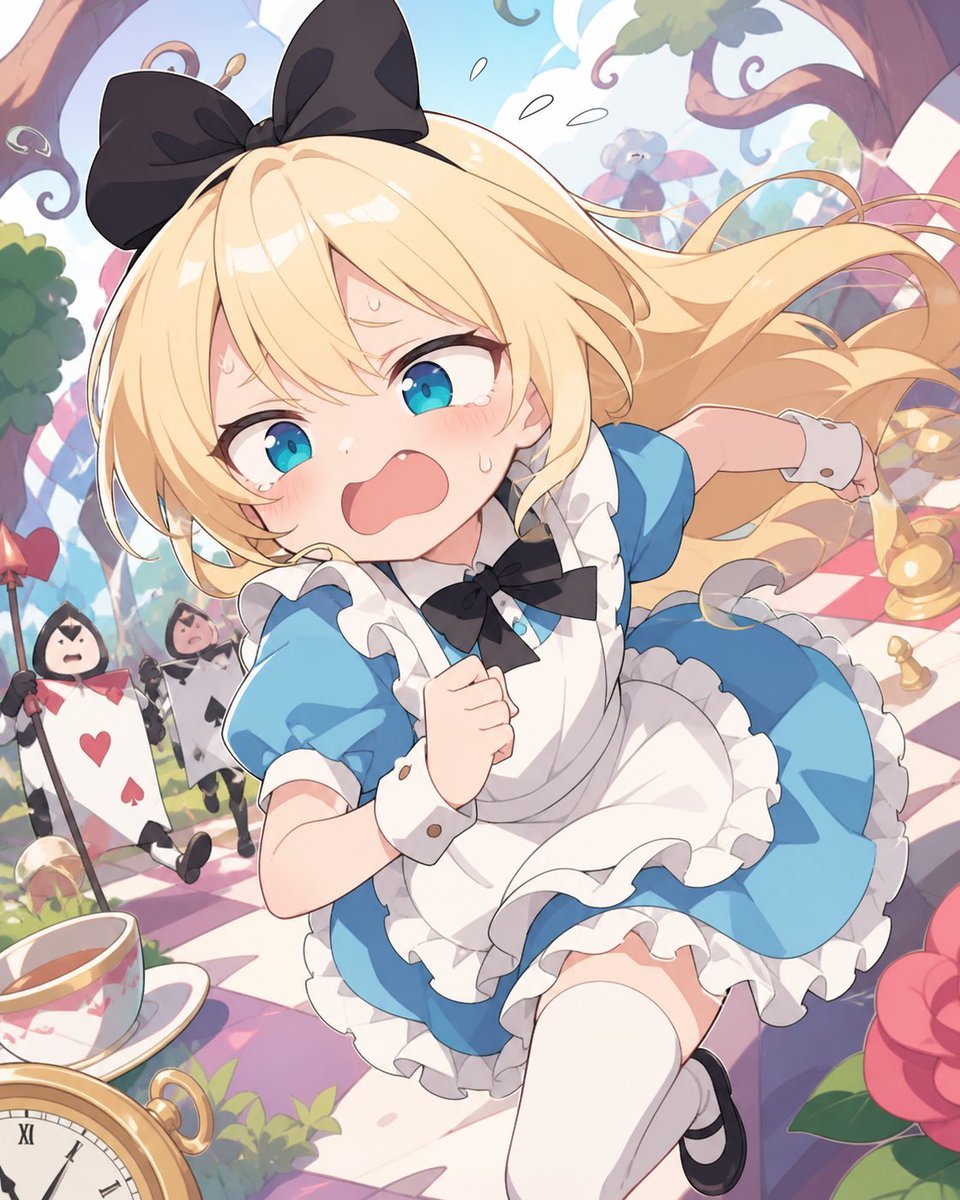
Panicked Alice in Wonderland Chase
Make it yours
Desert Drone Chase Storyboard works as-is. These are the safest ways to change it without losing the look.
Change one field
Copy a single group, rewrite it, and generate again so you can see what that field is doing.
Keep the frame, change the subject
Hold the composition and light of Desert Drone Chase Storyboard, then swap wardrobe, props or the person for a new take.
| If the result… | Why | Fix |
|---|---|---|
| The result drifts from the preview | Too many fields changed at once. | Reuse Desert Drone Chase Storyboard as-is first, then change one group — subject, light, or setting. |
| The model over-stylizes the scene | The prose prompt leaves finish and camera underspecified. | Add one camera or lighting sentence and stay on GPT Image 2. |
More GPT Image 2 templates
Other prompts made for GPT Image 2.

Six VTuber Japanese Logo Sheet

Realistic Portrait of Woman and Deer

The Vista Modular Condo Poster

AI Model Routing Comparison Infographic

2.5D Anime Art Board

Isometric Productivity Desk Scene

New York Double Exposure Poster

Four-Panel AI Landscape Comparison

Japanese Tatami Lifestyle Magazine Cover

NESCAFÉ Coffee Map Poster
More image prompts
Fresh picks from across the catalog.
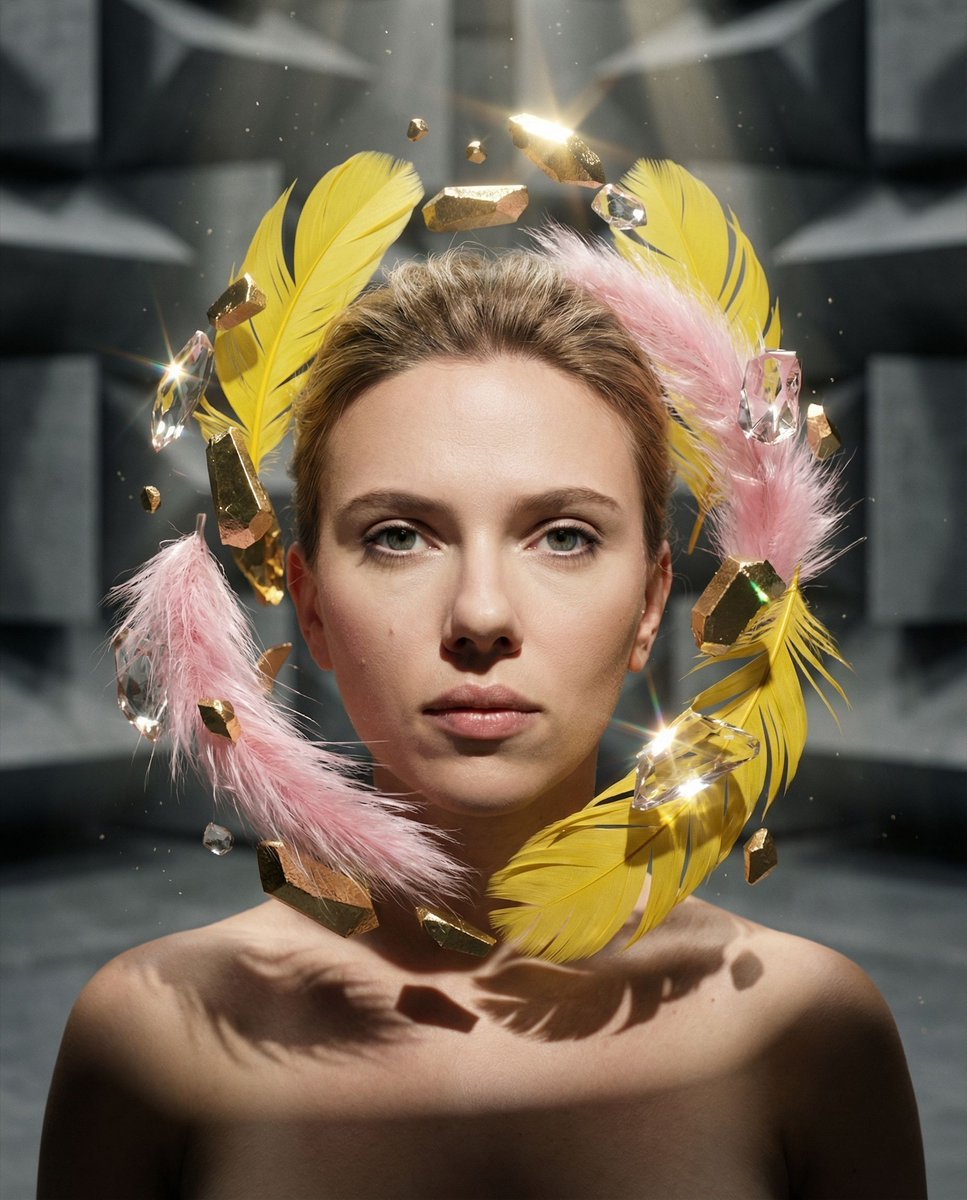
Surreal Portrait with Floating Elements
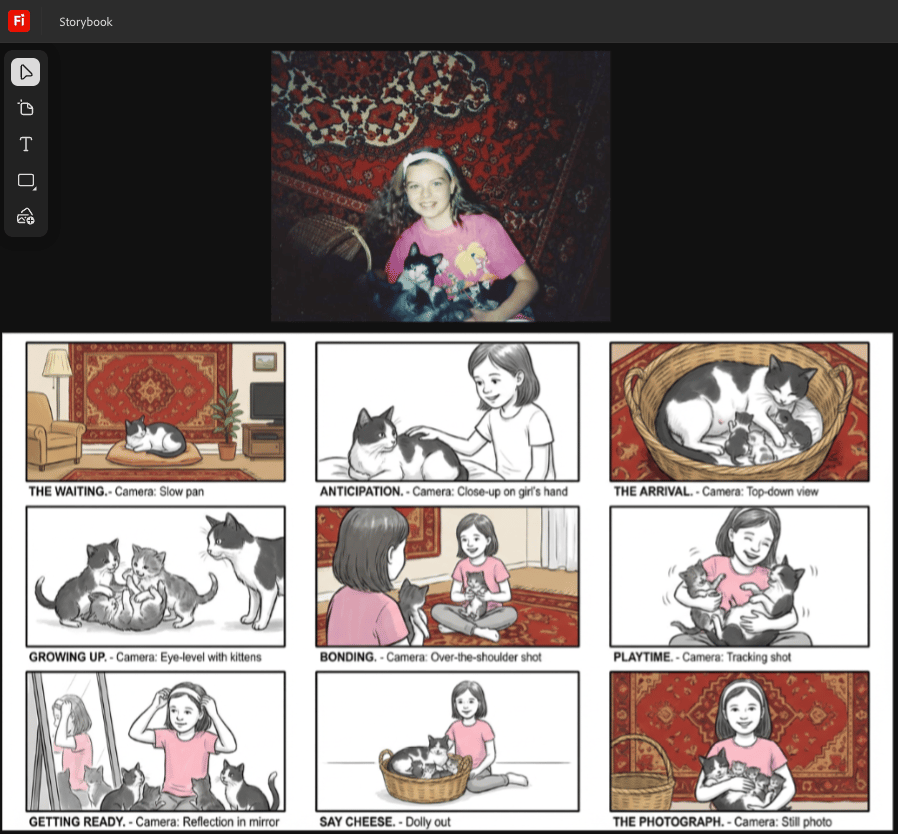
Storyboard from childhood photo
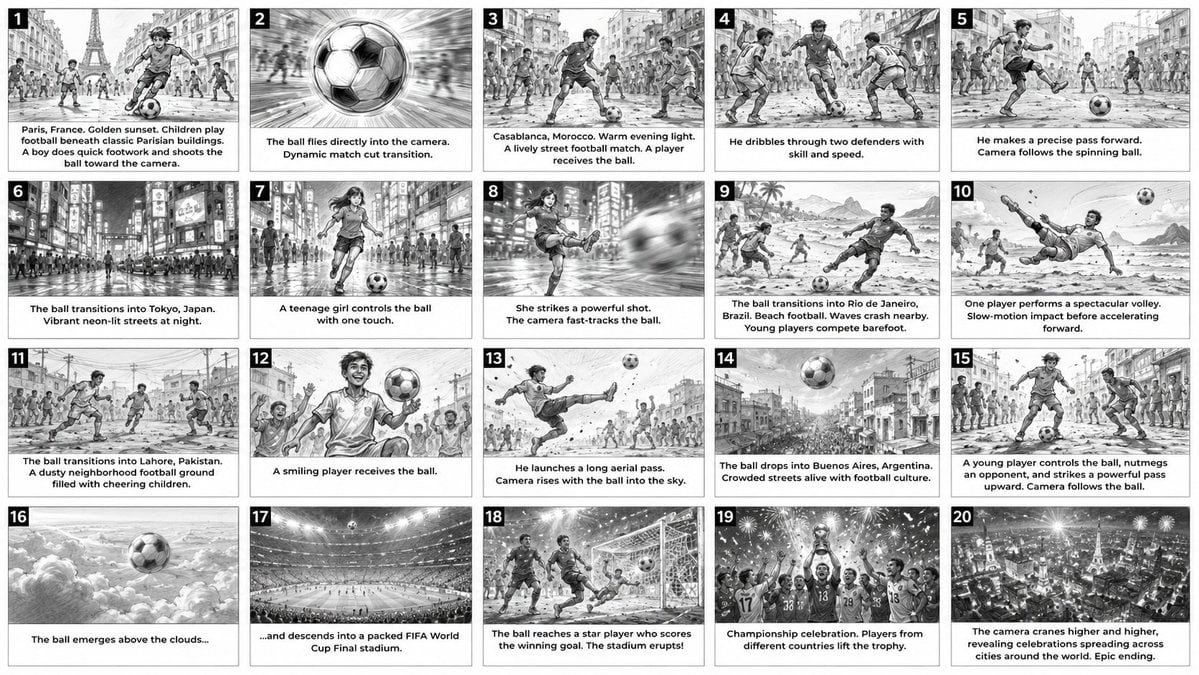
Cinematic Football Commercial Storyboard
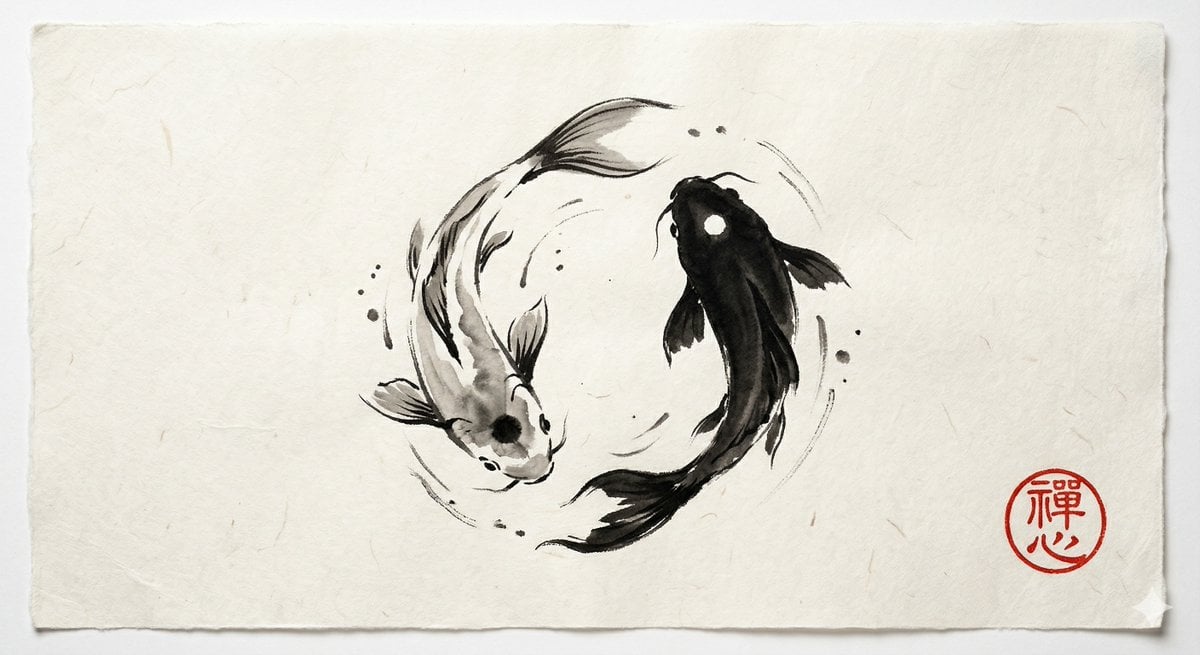
Yin and Yang Koi Fish Sumi-e Prompt
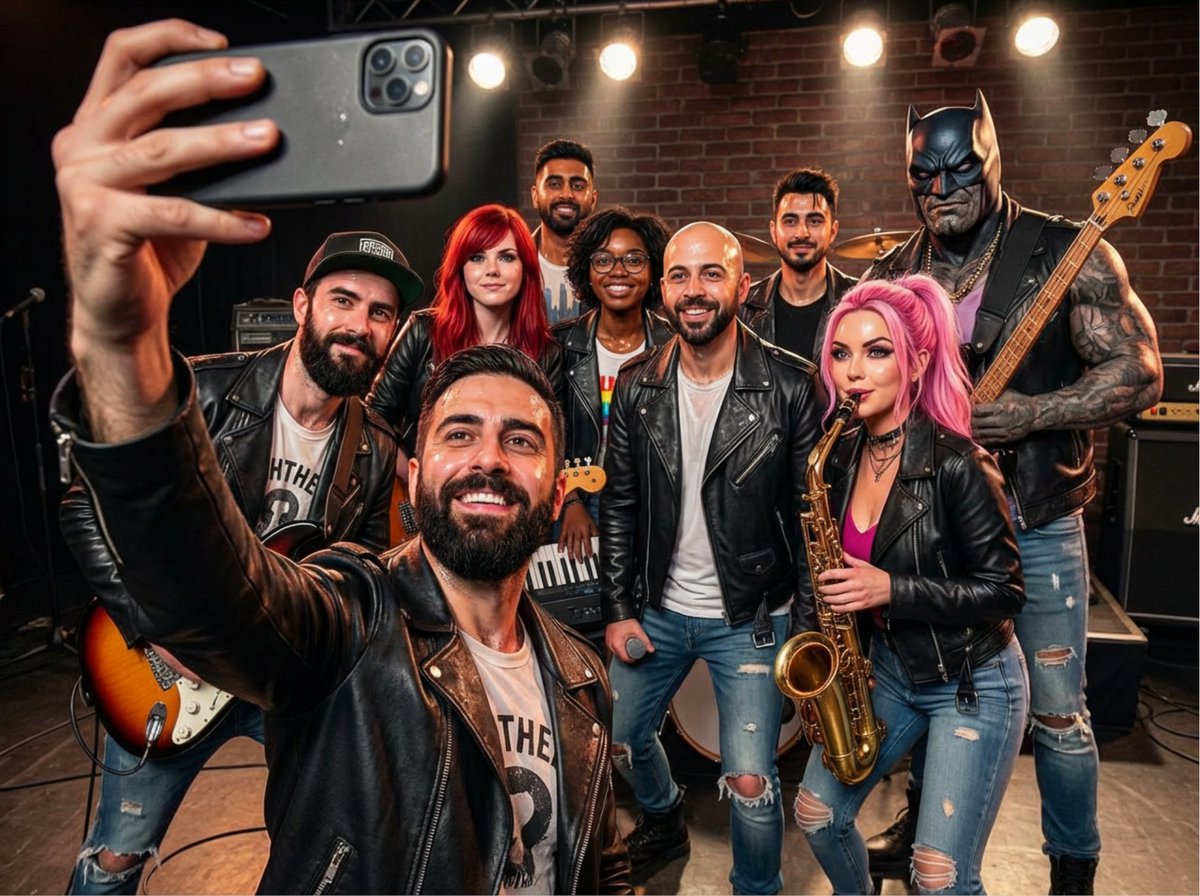
Rock band poster with consistent faces
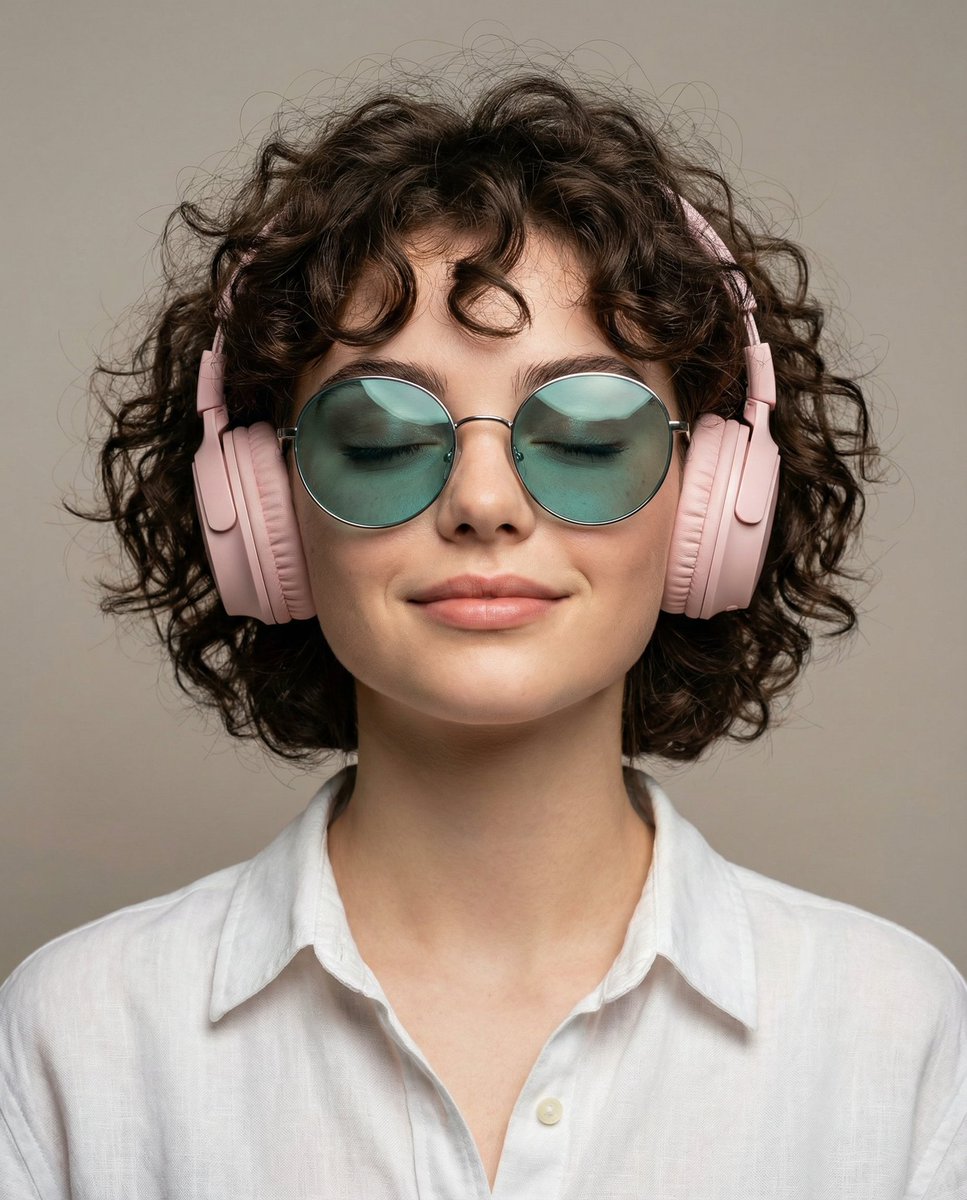
Ultra-Realistic Studio Portrait of Woman with Eyes Closed and Headphones
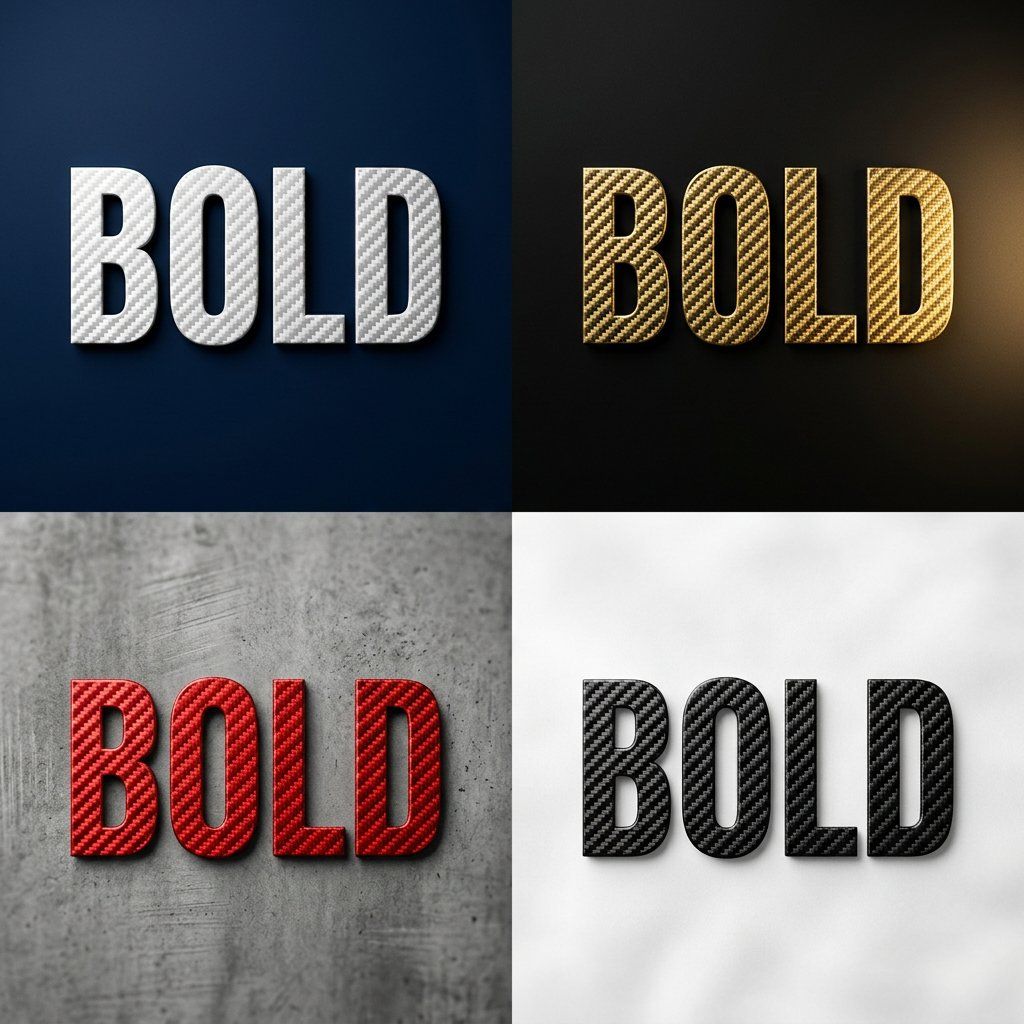
Carbon Fiber Typography
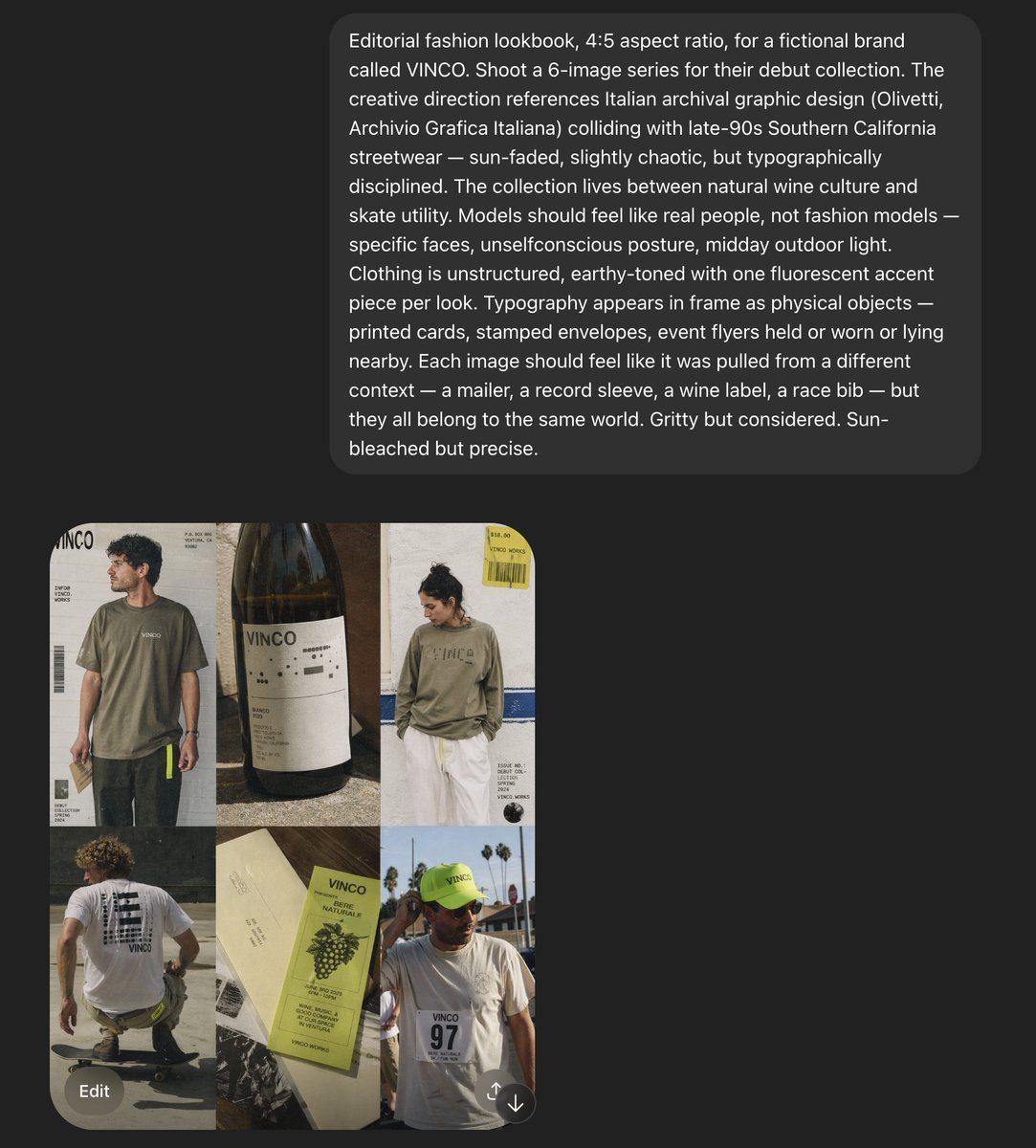
VINCO Editorial Moodboard Screenshot
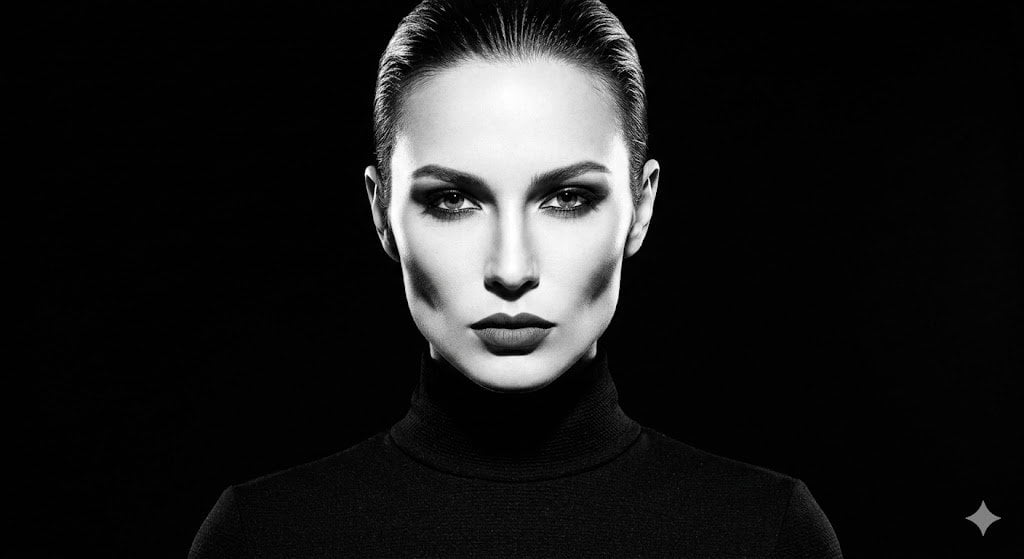
High-Contrast Fashion Studio Portrait
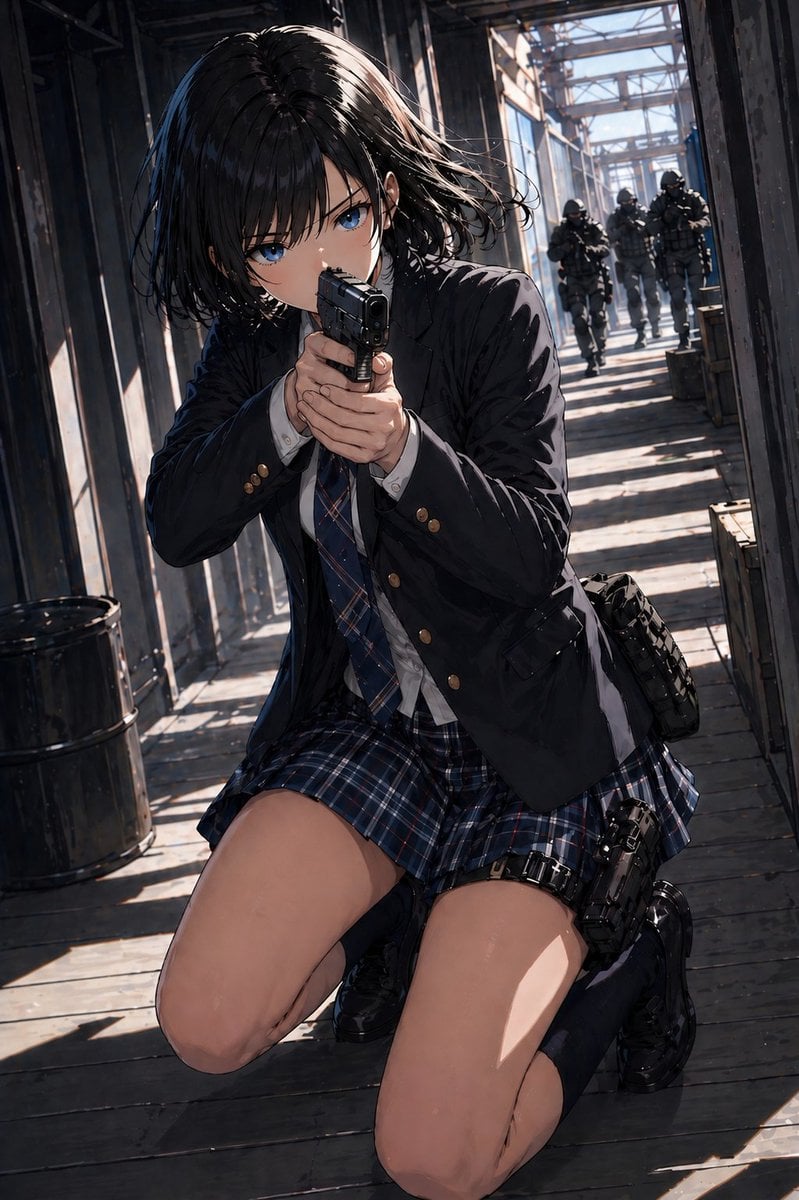
Anime Schoolgirl Gunfight on Industrial Walkway
Browse template categories
Desert Drone Chase Storyboard questions
How do I use the Desert Drone Chase Storyboard template?
Add your photo if the template asks for one, edit the prompt if you like — the template's model and format are already selected — and press Generate. Your version opens in PicX Studio.
Can I customize the Desert Drone Chase Storyboard template?
Yes. You can change the subject, setting, lighting, mood, format, and available model controls before creating your image.
Is the Desert Drone Chase Storyboard template free?
Opening and editing this template is free. Generating uses credits, shown on the Generate button when you are signed in.
Which AI model should I use?
Start with GPT Image 2, which is the model associated with this template. You can compare another compatible model for a different finish.
Looking for something else? Browse all templates.

Your photo, any look
Thousands of ready templates for every top image and video model, from one credit balance.