How do I use the Brand Ice Sculpture Product Photography template?
Choose the primary action to open PicX Studio with the available template settings. Review the model and format, personalize the creative direction, and generate when ready.
Curated from MeiGen gallery ID 2033619671522345426: Brand Ice Sculpture Product Photography. Change the subject, setting, or lighting one variable at a time.
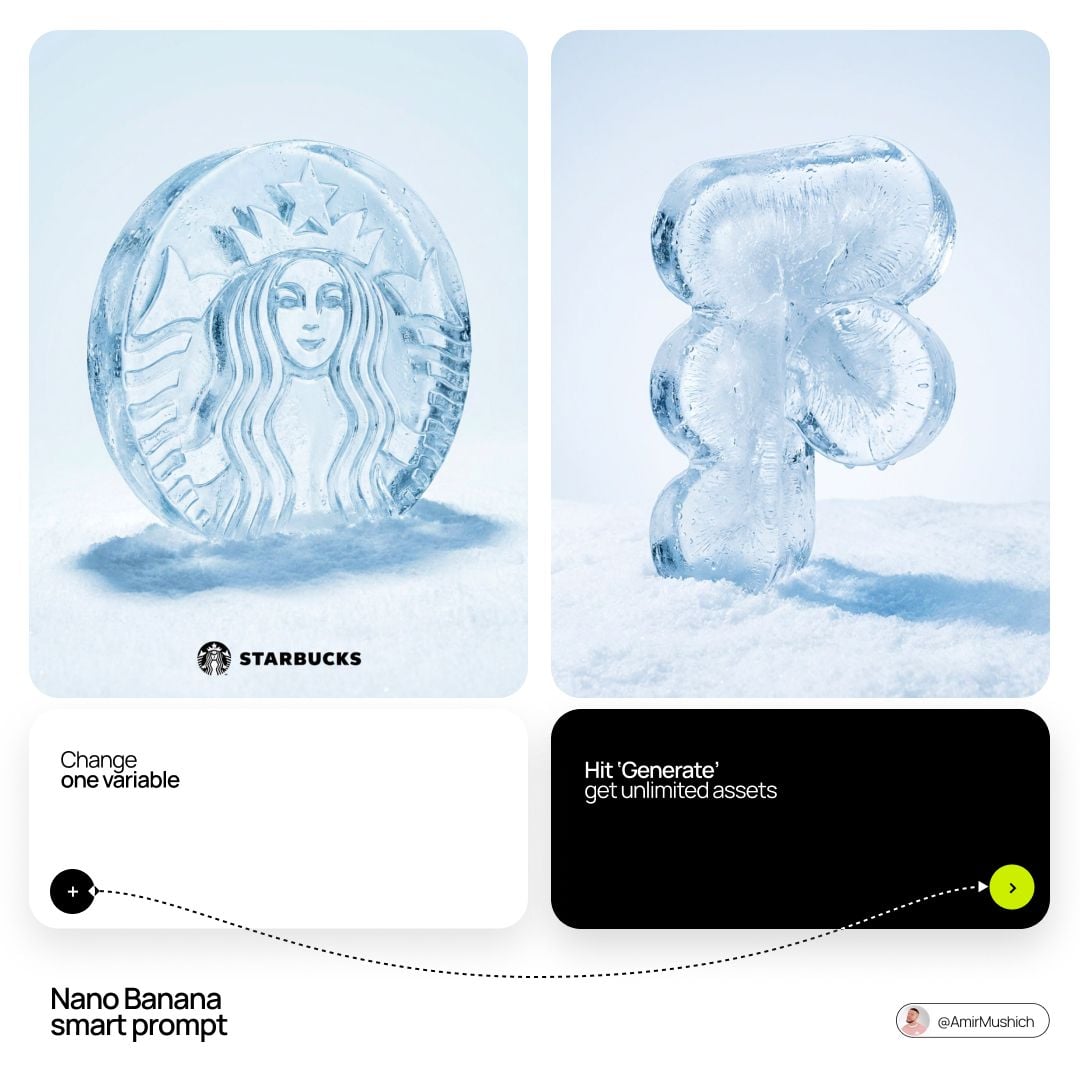
[BRAND NAME] luxury product still life. A large three-dimensional ice sculpture in the exact shape of the [BRAND NAME] logo icon lies on a field of crisp powdery white snow. The ice has realistic water droplets, light condensation, frost needles, frozen air bubbles, and transparent crystalline clarity. Eye-level 3/4 macro perspective showing thickness and depth. Background: flawless light pale blue-white gradient. Bottom signature includes tiny flat minimalist black version of the logo icon with wordmark. Premium product photography, cold crisp atmosphere, hyper-realistic 8k resolution, cinematic lighting, ultra-detailed textures.
Choose the primary action to open PicX Studio with the available template settings. Review the model and format, personalize the creative direction, and generate when ready.
Yes. You can change the subject, setting, lighting, mood, format, and available model controls before creating your image.
This template is free to open and customize. Generation usage is shown in PicX Studio before you create.
Choose a compatible model in PicX Studio based on the style, speed, and output controls your project needs.
Follow a topic to a crawlable collection of related PicX Studio templates.
43,449 public templates available. Verified via the PicX Studio public templates API; refreshed hourly.
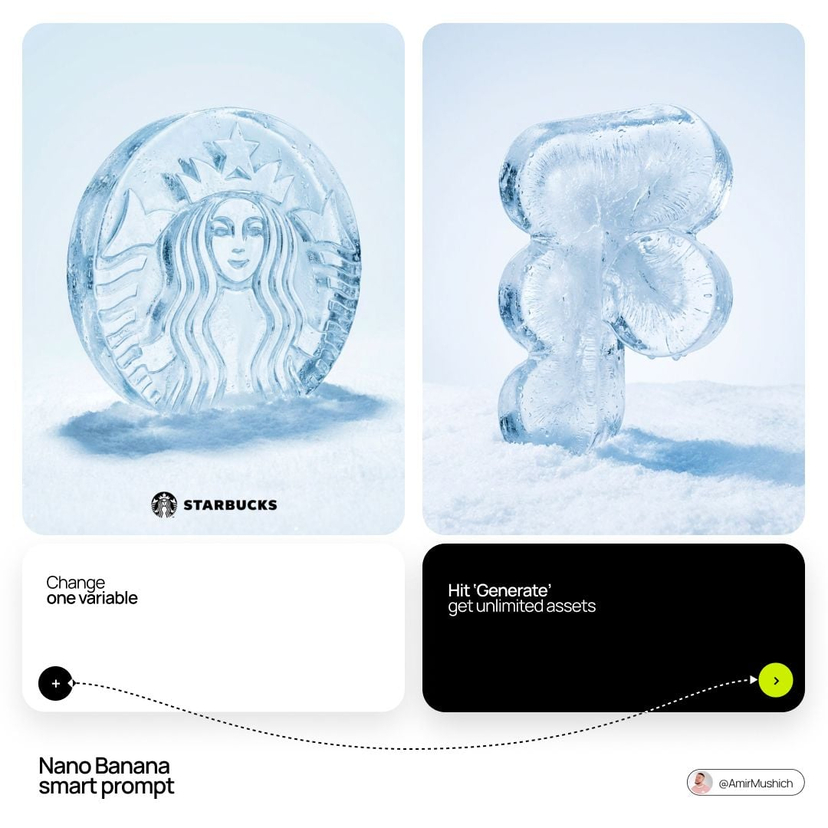




![Moss Logo Minimalist Brand Flat Lay — [BRAND NAME]: Enter the brand name here.
Goal: Generate a minimalist organic image where a stylized logo icon of [BRAND NA](/_next/image?url=https%3A%2F%2Fcdn.picxstudio.com%2Fuploads%2Fmeigen_c099b4a510e0_2c38b884-72c5-4839-8374-99d9fab74c05.jpg&w=828&q=100)











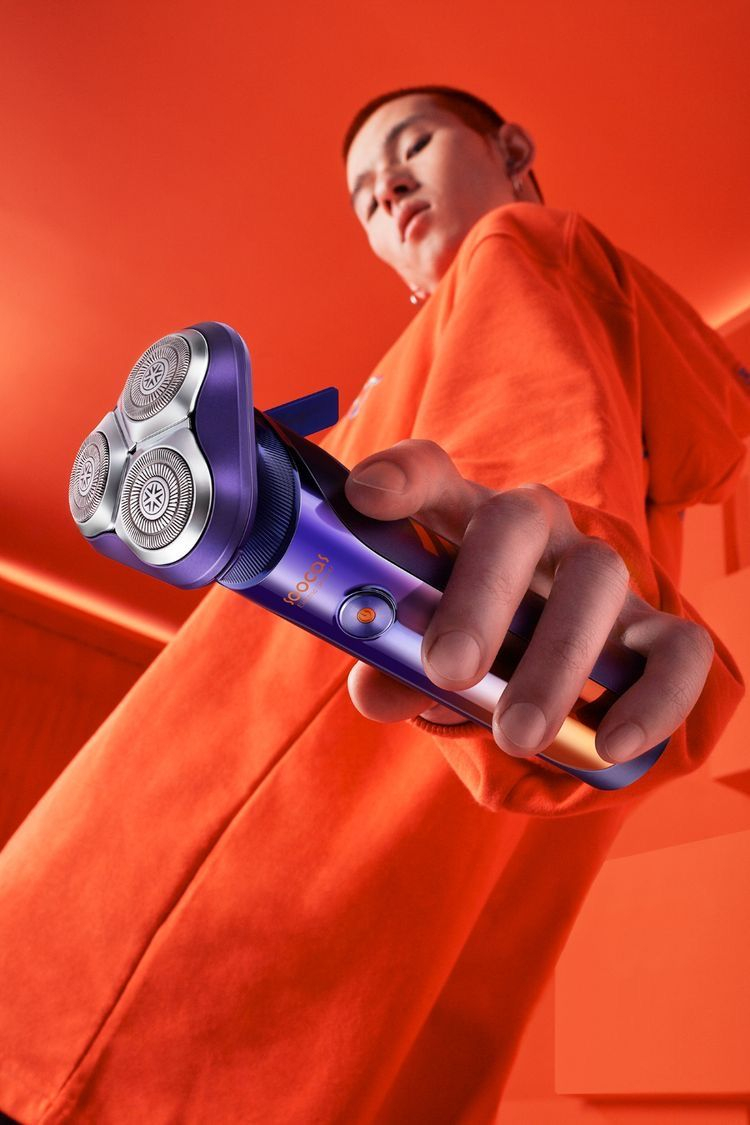
![Mirror Selfie Aesthetic with Detailed Physics and Identity Locking — [Header] (3:4)
Raw high-fidelity photograph, iPhone 17 Pro sensor simulation, diffused indo](https://pbs.twimg.com/media/G_pBwzGW0AAuKzZ.jpg)