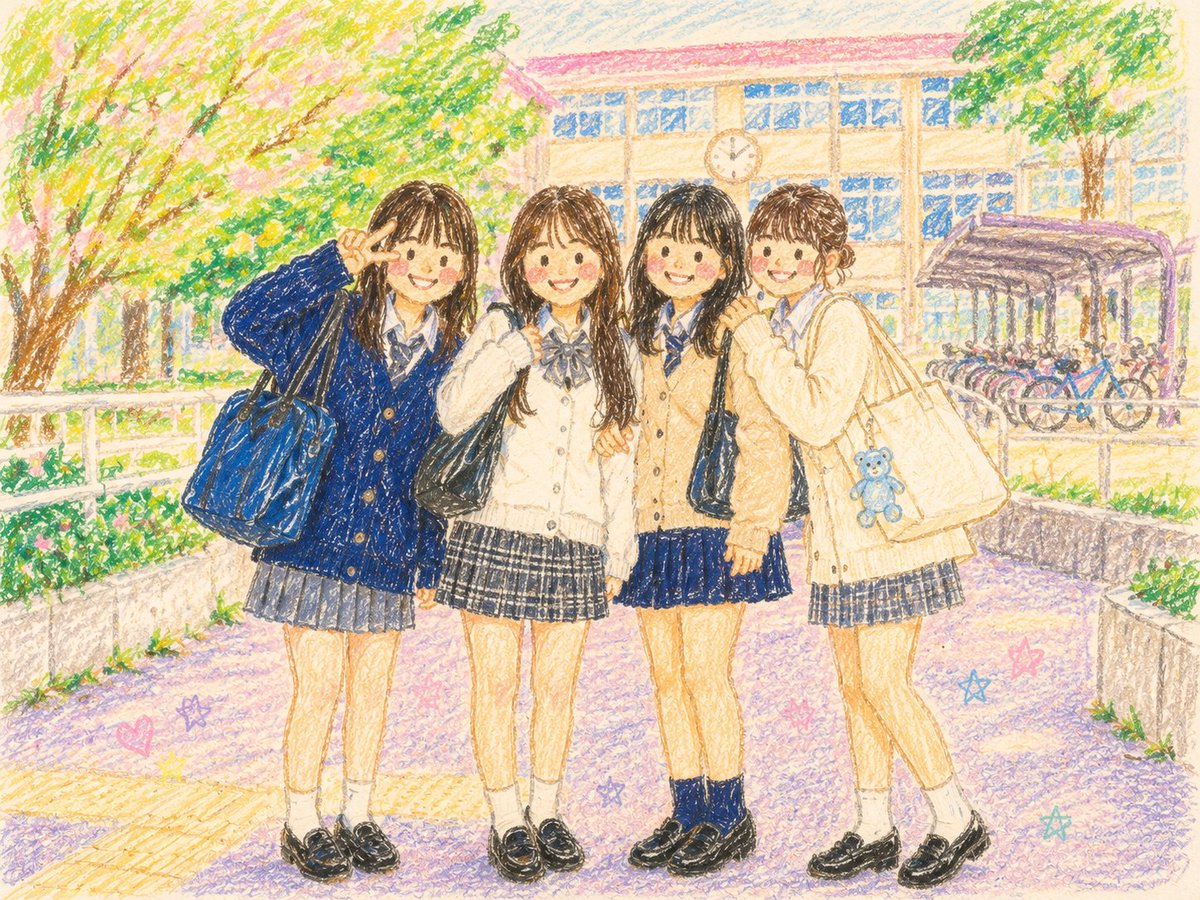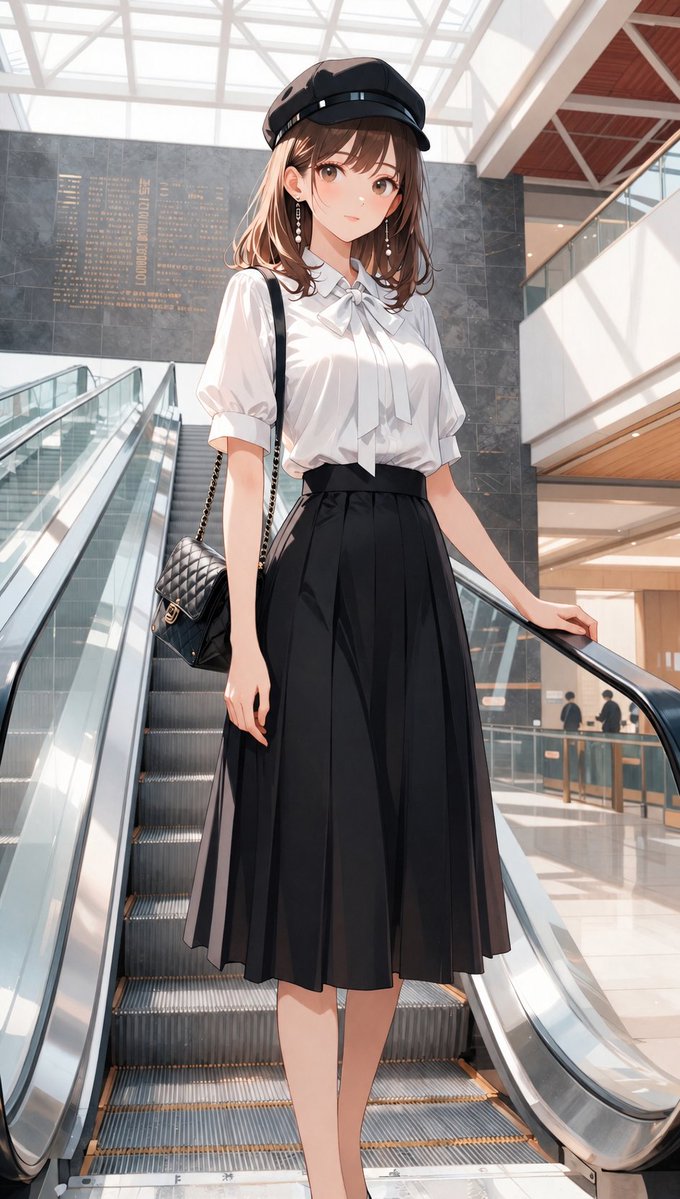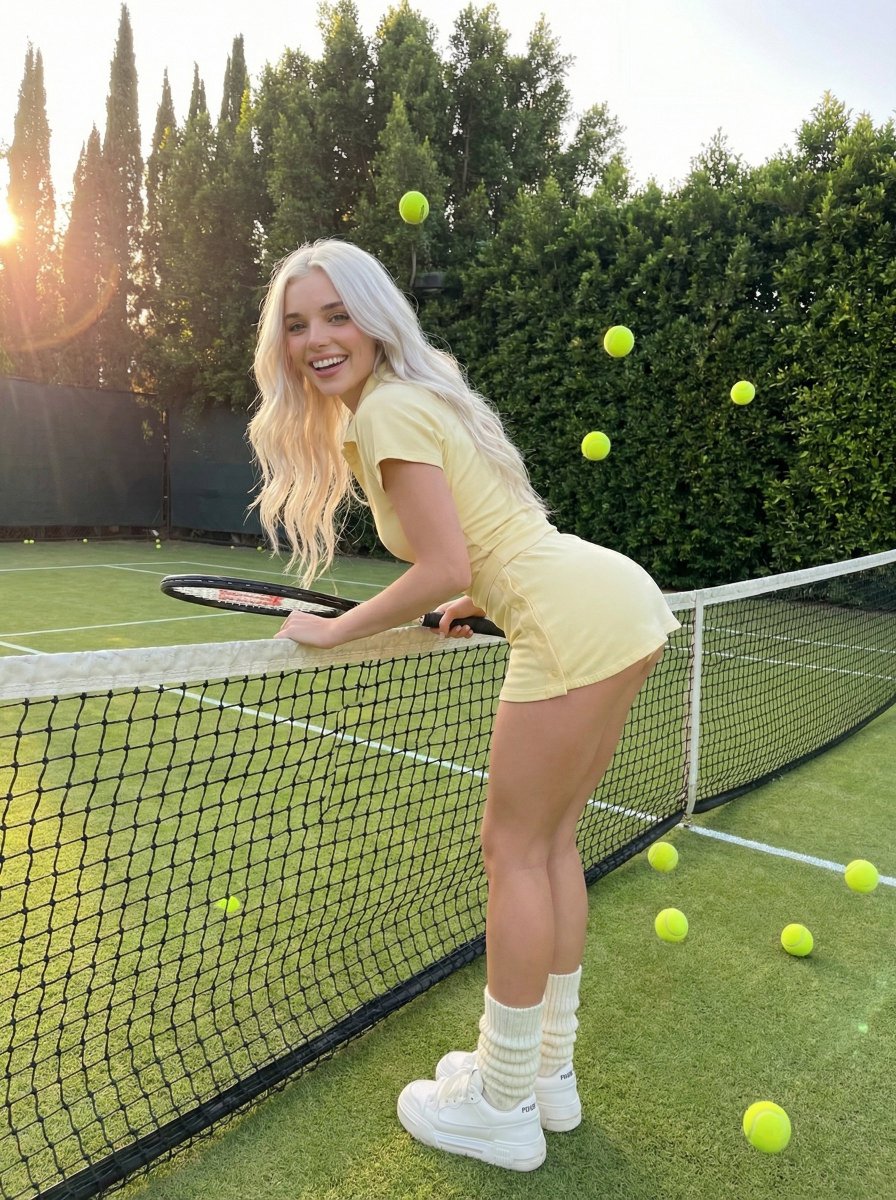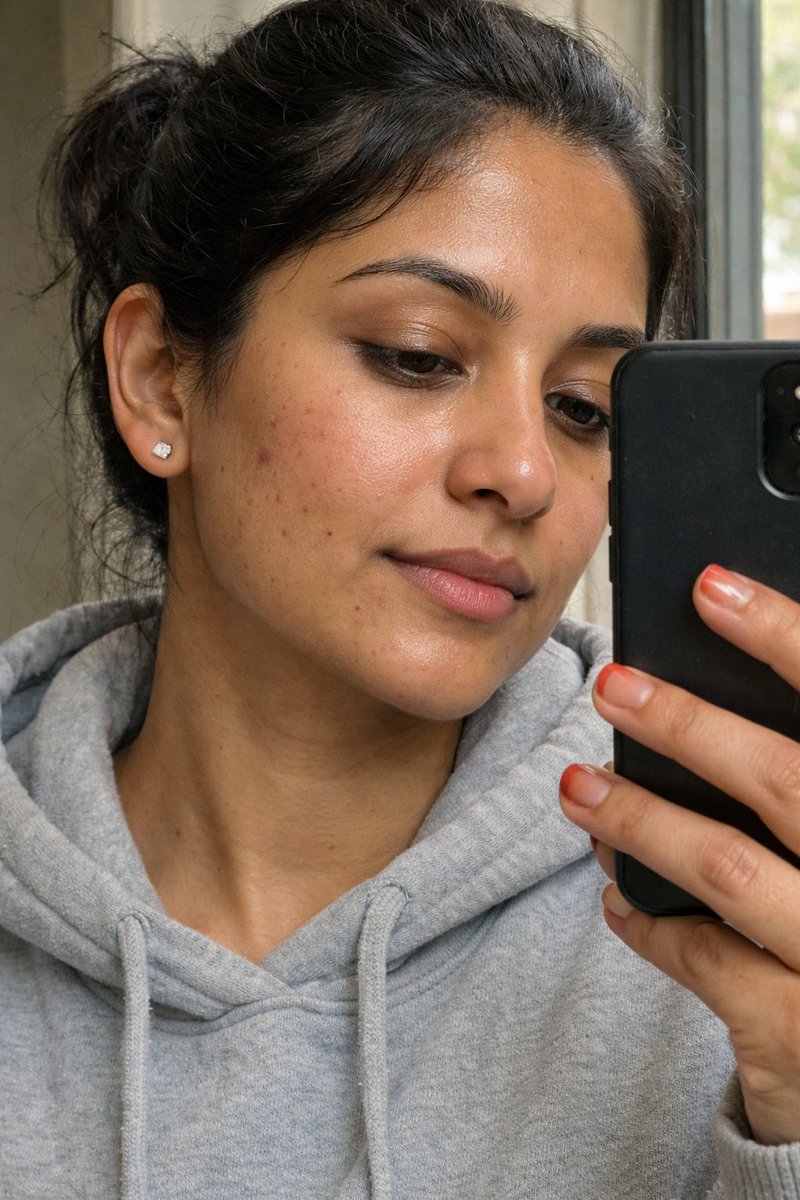
How do I use the Tilt-Shift Analog Aesthetic Portrait template?
Choose the primary action to open PicX Studio with the available template settings. Review the model and format, personalize the creative direction, and generate when ready.
A detailed cinematic photograph prompt using tilt-shift lenses and analog filters for an ethereal look. (free to use) — Free AI image template on PicX Studio.
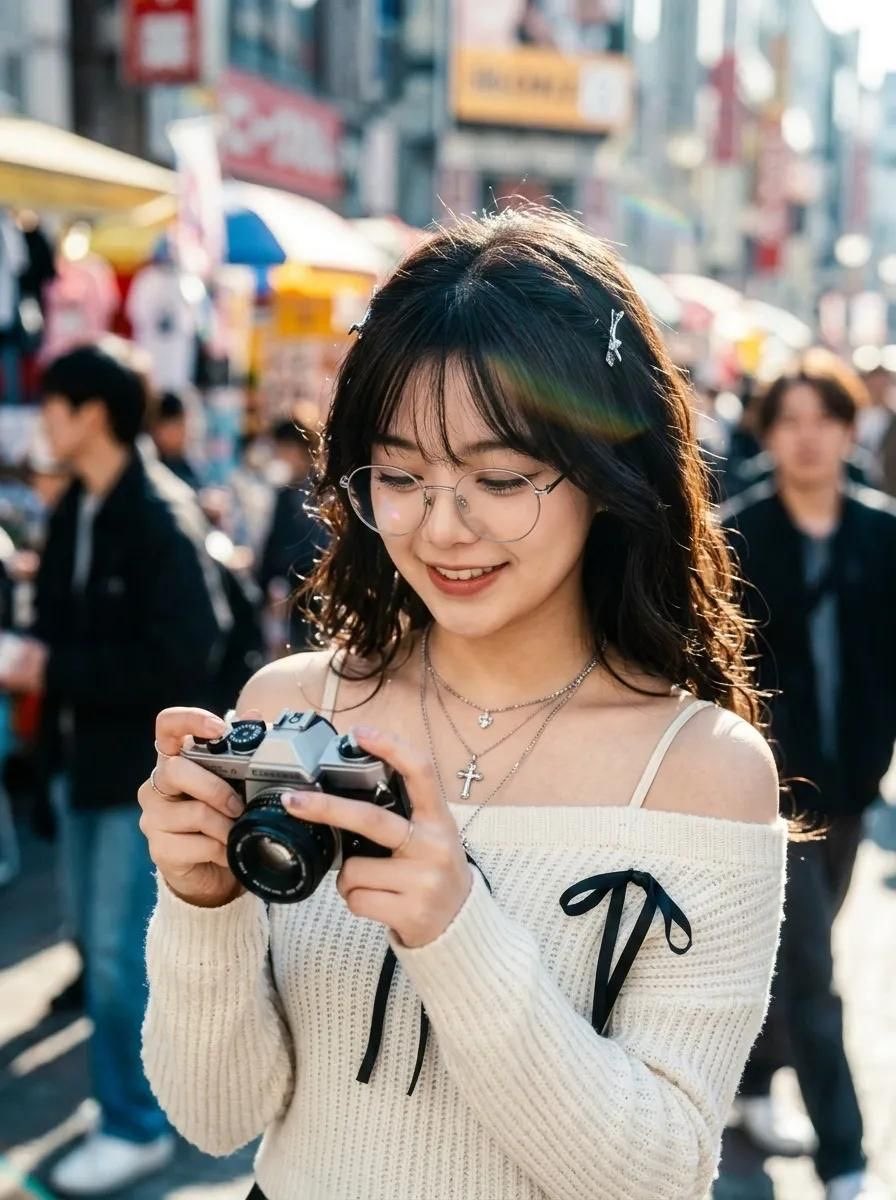
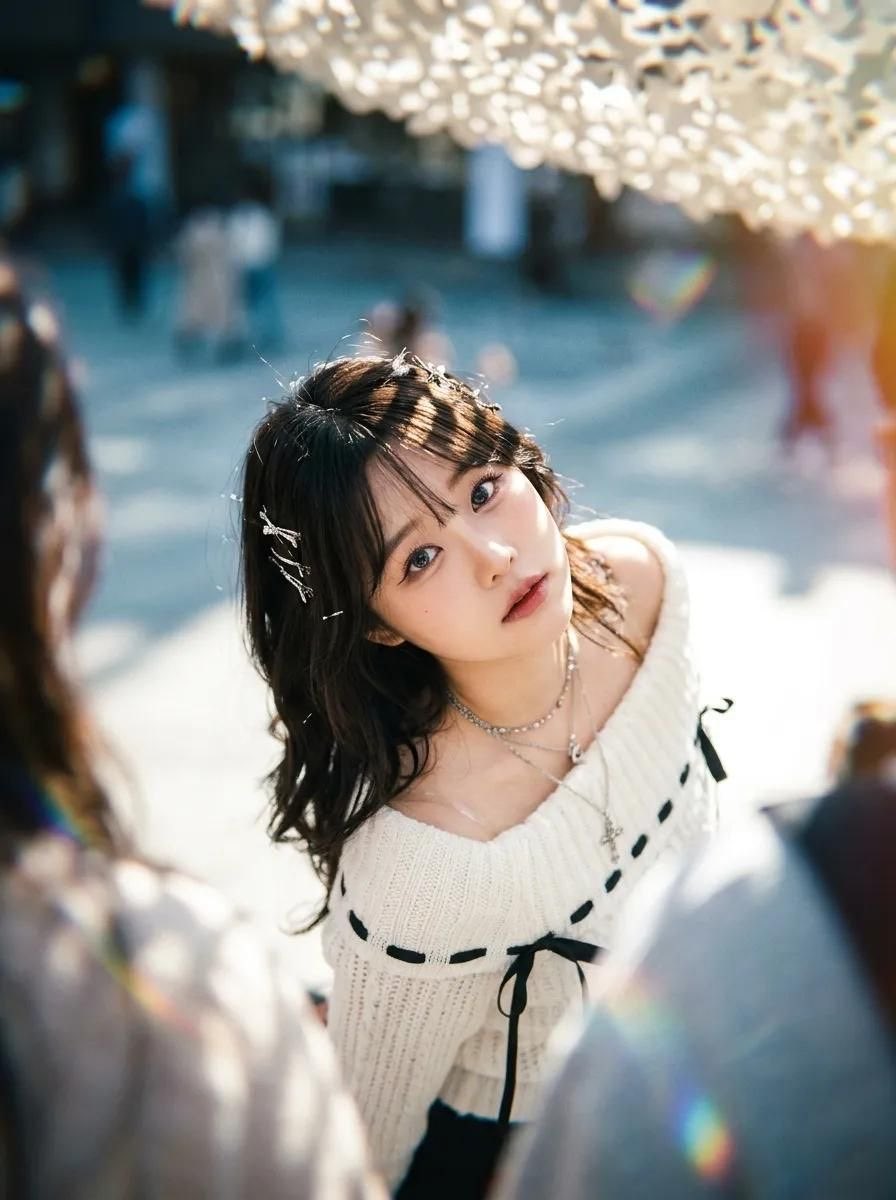
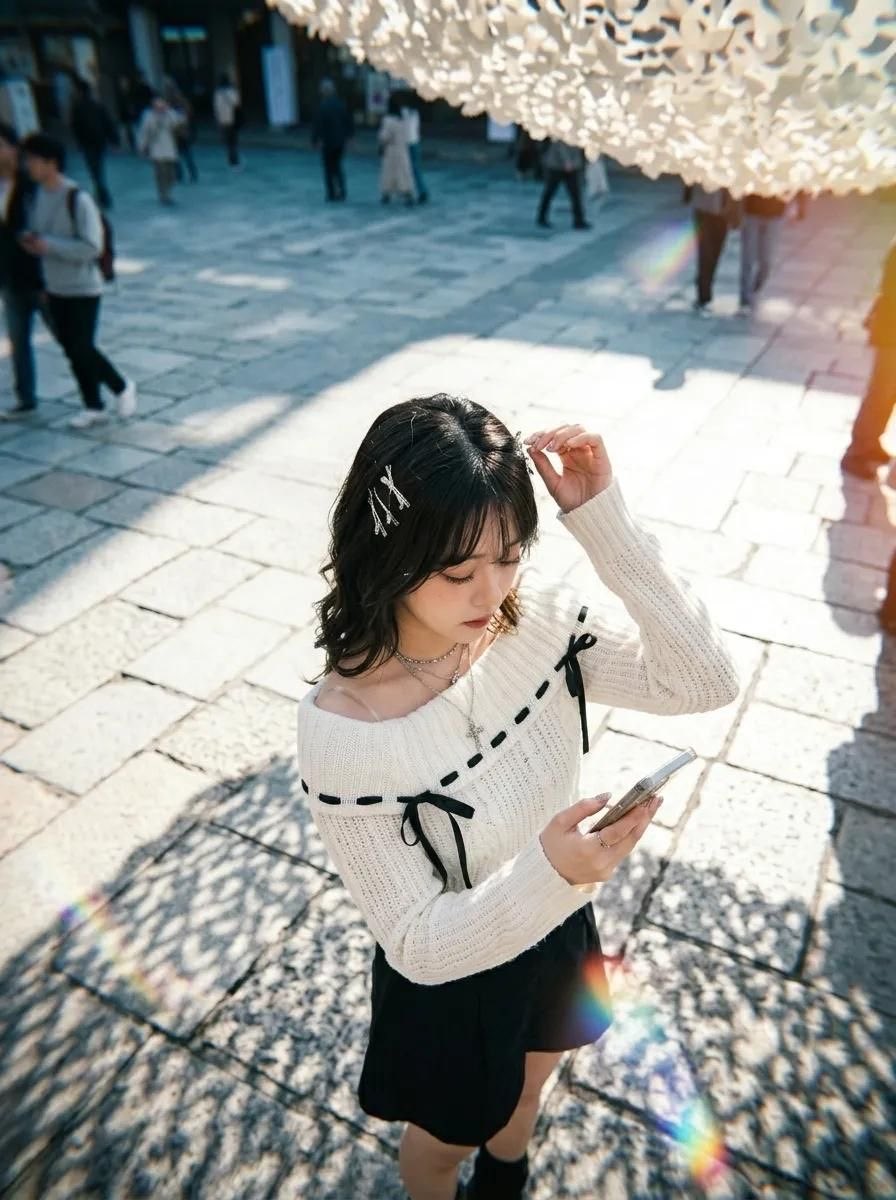
Imagine : use the subject from uploaded image as base main subject foundation, perserve facial detail and body figure shape . ignore any other unrelated element. follow this prompt : A breathtaking, high-angle cinematic photograph captured with a tilt-shift lens at an almost top-down perspective, utilizing a dramatic canted Dutch tilt to evoke a sense of ethereal disorientation and intimate vulnerability. The central figure is the main subject in a photogenic, soulful gesture, her head tilted back as she gazes directly into the lens with wide, luminous eyes that exhibit sharp catchlights and deep emotional resonance. Her {argument name="hair style" default="short, raven-black hair"} is intricately detailed, with individual strands catching the light, adorned with delicate silver clips and pins that create micro-reflections. She is dressed in a {argument name="outfit" default="textured white off-the-shoulder knit sweater with black ribbon accents"}, layered over a thin-strapped camisole; the fabric displays realistic subsurface scattering and soft rim-lighting that defines its woven silhouette. Multiple silver necklaces, including a cross pendant, rest against her collarbone, highlighting the delicate anatomy of her neck and shoulders. The entire scene is bathed in a {argument name="aesthetic" default="dreamy, analog aesthetic"}, characterized by a soft Pro-Mist filter that creates misty highlights and a radiant glow around the subject's form. Dappled sunlight filters through an overhead canopy, casting intricate, organic patterns of high-contrast light and shadow across her face and clothing, while a warm, soft light leak bleeds in from the periphery. The foreground is intentionally obscured by a soft-focus blur of surrounding figures in a crowded environment, utilizing a shallow depth of field to isolate the subject. The background dissolves into a beautiful, creamy bokeh of cool cerulean, ivory, and muted earth tones, suggesting a sun-drenched outdoor plaza. Technical photography details include a subtle film grain consistent with high-ISO analog stock, visible chromatic aberration at the frame's edges, and a prismatic lens flare that streaks across the composition, adding to the nostalgic, disposable visual aesthetic. The color palette is a sophisticated balance of cool environmental tones and warm, glowing skin textures, unified by a matte finish and rich ambient occlusion in the folds of the garments. The composition adheres to a dynamic central focus, where the subject’s gaze serves as the primary anchor amidst the chaotic, blurred movement of the midground and background elements. aspect ratio 3:4
Tilt-Shift Analog Aesthetic Portrait needs input media to work. Open it in the studio and these load alongside the prompt — pick whichever ones your chosen model can take.
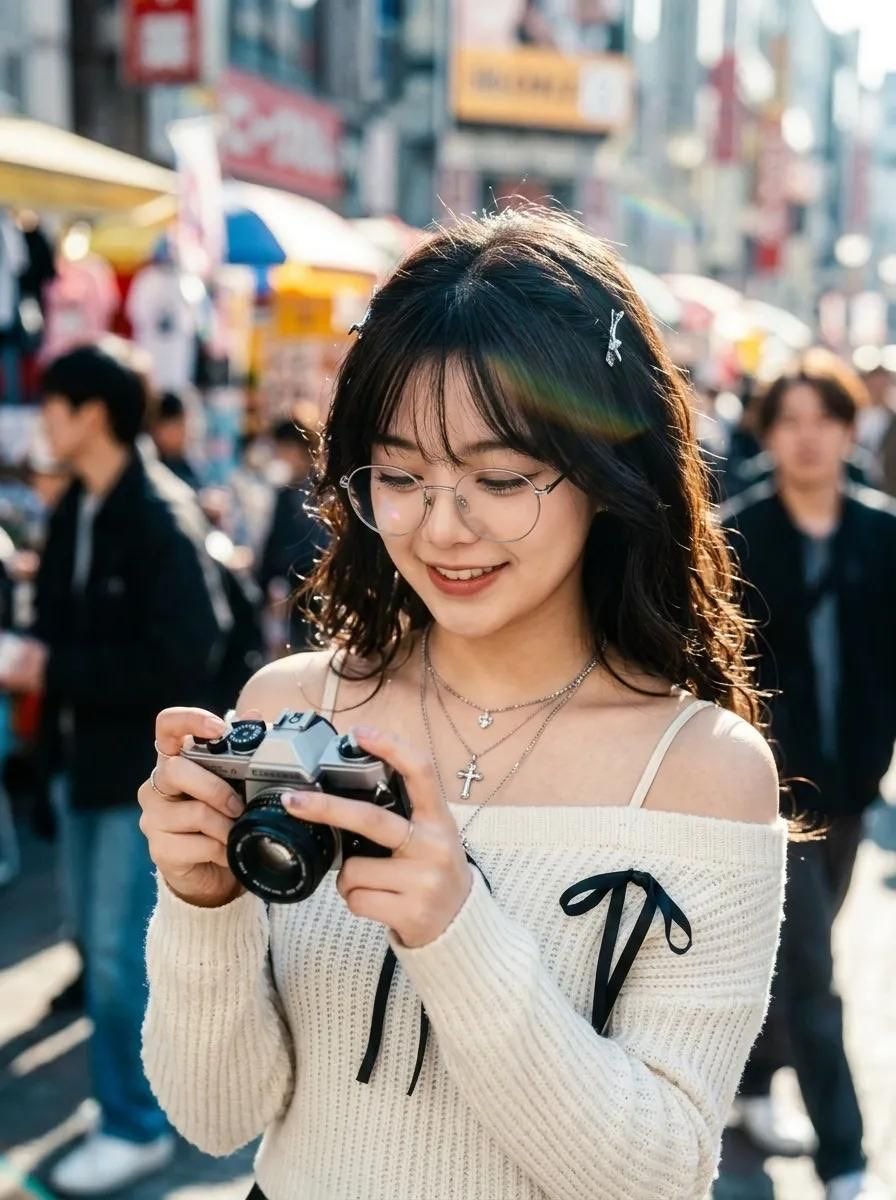
Use Tilt-Shift Analog Aesthetic Portrait to plan an AI image around gpt-image-2 generation, themes such as en and gpt-image-2. Match the preview's composition first, then personalize the subject, setting, and mood for your own project.
Use the primary action to load the template settings in PicX Studio.
Adjust the subject and creative details for your destination.
Create the image, compare the result with the preview, and refine one variable at a time.
A continuous mix — similar concepts first, woven with same-model prompts and fresh picks from the catalog.
Choose the primary action to open PicX Studio with the available template settings. Review the model and format, personalize the creative direction, and generate when ready.
Yes. You can change the subject, setting, lighting, mood, format, and available model controls before creating your image.
This template is free to open and customize. Generation usage is shown in PicX Studio before you create.
Start with gpt-image-2, which is the model associated with this template. You can compare another compatible model for a different finish.
Follow a topic to a crawlable collection of related PicX Studio templates.
39,157 public templates available. Verified via the PicX Studio public templates API; refreshed hourly.
A continuous mix — similar concepts first, woven with same-model prompts and fresh picks from the catalog.