
Säynätsalo Town Hall Sketchbook
Generates a blue-ink architectural sketchbook collage studying Alvar Aalto’s Säynätsalo Town Hall through eight detailed observational panels.
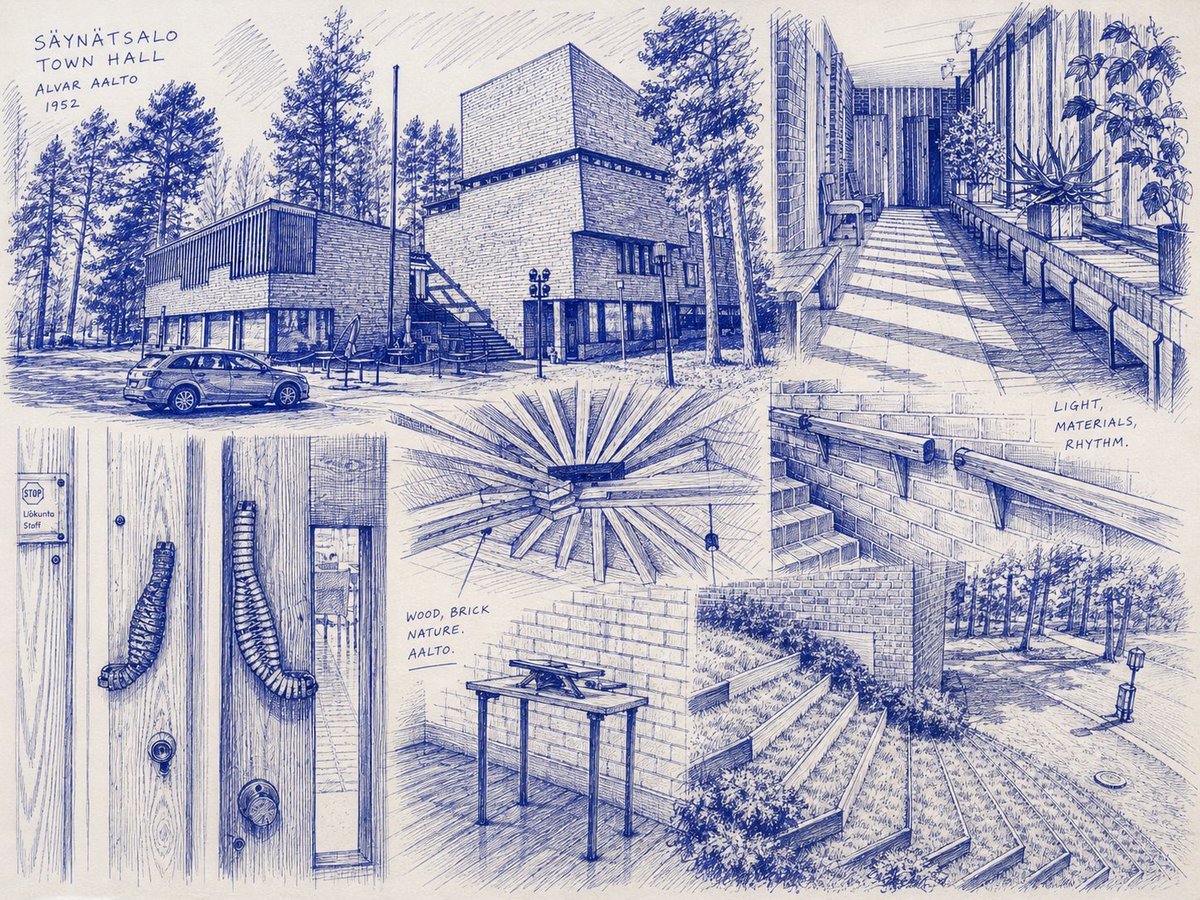
- Prompt included
- Model and format preset
- Free template
The prompt behind this image
Copy the exact prompt behind Säynätsalo Town Hall Sketchbook, or open it in the studio and make it yours.
- Type
- architectural sketchbook collage
- Medium
- blue ballpoint pen and ink on warm off-white paper
- Style
- observational travel sketch, detailed hand-drawn linework, cross-hatching, architectural study notes, loose perspective construction lines, monochrome cobalt blue ink
- Subject › Building
- {argument name="building name" default="Säynätsalo Town Hall"}
- Subject › Architect
- {argument name="architect name" default="Alvar Aalto"}
- Subject › Year
- {argument name="year text" default="1952"}
- Subject › Theme
- Nordic modernist civic architecture, brick, timber, glass, pine forest, courtyard stairs, handmade architectural details
- Canvas › Aspect Ratio
- 4:3 landscape
- Canvas › Background
- cream sketchbook paper with subtle paper texture
- Canvas › Composition
- one page filled edge to edge with eight integrated sketch studies, overlapping but separated by soft margins and implied panel boundaries
- Layout › Handwritten Title › Position
- upper left
- Layout › Handwritten Title › Text Lines
- SÄYNÄTSALO, TOWN HALL, ALVAR AALTO, 1952
- Layout › Handwritten Title › Style
- small uppercase blue handwritten lettering
- Layout › Sections › 0 › Position
- upper left to center-left
- Layout › Sections › 0 › Count
- 1
- Layout › Sections › 0 › Description
- large exterior street view of the town hall among tall pine trees, brick and dark timber volumes, parked car in foreground, outdoor café umbrellas and stairs near entrance
- Layout › Sections › 1 › Position
- upper center
- Layout › Sections › 1 › Count
- 1
- Layout › Sections › 1 › Description
- prominent blocky brick tower and adjacent lower building, tall trees behind, exterior staircase and lamp posts, dense horizontal brick hatching
- Layout › Sections › 2 › Position
- upper right
- Layout › Sections › 2 › Count
- 1
- Layout › Sections › 2 › Description
- long rectilinear courtyard walkway with benches along both sides, tall window walls, planters, geometric paving, vertical façade rhythm and potted plants
- Layout › Sections › 3 › Position
- lower left
- Layout › Sections › 3 › Count
- 1
Raw JSON
{"type":"architectural sketchbook collage","medium":"blue ballpoint pen and ink on warm off-white paper","style":"observational travel sketch, detailed hand-drawn linework, cross-hatching, architectural study notes, loose perspective construction lines, monochrome cobalt blue ink","subject":{"building":"{argument name=\"building name\" default=\"Säynätsalo Town Hall\"}","architect":"{argument name=\"architect name\" default=\"Alvar Aalto\"}","year":"{argument name=\"year text\" default=\"1952\"}","theme":"Nordic modernist civic architecture, brick, timber, glass, pine forest, courtyard stairs, handmade architectural details"},"canvas":{"aspect_ratio":"4:3 landscape","background":"cream sketchbook paper with subtle paper texture","composition":"one page filled edge to edge with eight integrated sketch studies, overlapping but separated by soft margins and implied panel boundaries"},"layout":{"handwritten_title":{"position":"upper left","text_lines":["SÄYNÄTSALO","TOWN HALL","ALVAR AALTO","1952"],"style":"small uppercase blue handwritten lettering"},"sections":[{"position":"upper left to center-left","count":1,"description":"large exterior street view of the town hall among tall pine trees, brick and dark timber volumes, parked car in foreground, outdoor café umbrellas and stairs near entrance"},{"position":"upper center","count":1,"description":"prominent blocky brick tower and adjacent lower building, tall trees behind, exterior staircase and lamp posts, dense horizontal brick hatching"},{"position":"upper right","count":1,"description":"long rectilinear courtyard walkway with benches along both sides, tall window walls, planters, geometric paving, vertical façade rhythm and potted plants"},{"position":"lower left","count":1,"description":"close-up of a wooden double door with vertical grain, two curved sculptural pull handles, round lock hardware, small sign on left reading STOP Lokauto Salli"},{"position":"center","count":1,"description":"radial wooden ceiling or roof structure detail seen from below, beams radiating from a dark square central opening, small hanging pendant lights"},{"position":"middle right","count":1,"description":"brick stair detail with metal handrail and brackets, handwritten note beside it reading LIGHT, MATERIALS, RHYTHM."},{"position":"lower center","count":1,"description":"small interior study of a simple table or lectern against brick walls and wood floor, with tools or papers on top, handwritten note reading WOOD, BRICK NATURE. AALTO."},{"position":"lower right","count":1,"description":"outdoor terraced steps and planted slope beside brick walls, forest path, lamp post, round drain cover, perspective lines leading into trees"}],"total_sketch_panels":8,"visible_notes_count":4,"visible_notes":["SÄYNÄTSALO TOWN HALL ALVAR AALTO 1952","STOP Lokauto Salli","LIGHT, MATERIALS, RHYTHM.","WOOD, BRICK NATURE. AALTO."]},"rendering_instructions":"Use only blue ink lines, no watercolor or color fill. Emphasize architectural material textures: brick courses, vertical wood grain, paving grids, pine needles, foliage, railings, and shadows through hatching. Keep the sketches cohesive as if drawn on a single travel sketchbook page, with realistic but slightly imperfect hand perspective and handwritten annotations. No photorealism, no clean CAD lines, no digital UI elements.","customization":{"ink_color":"{argument name=\"ink color\" default=\"cobalt blue\"}","paper_color":"{argument name=\"paper color\" default=\"warm off-white\"}"}}How to use Säynätsalo Town Hall Sketchbook in 3 steps
- 1Upload ImagePNG, JPG or paste
Add your photo
Upload the photo the template builds on. The prompt, model and format are already set.
- 2…a portrait of your subject in softgolden-hour light, 85mm…
Personalize
Edit the subject and creative details for your destination.
- 3Generate
Generate
Press Generate — your image is created in PicX Studio, so you can compare it with the original and refine one variable at a time.
More like this
Templates with the same subject, style or setup. Open one to see its prompt.

Notebook Page Emergence Illusion
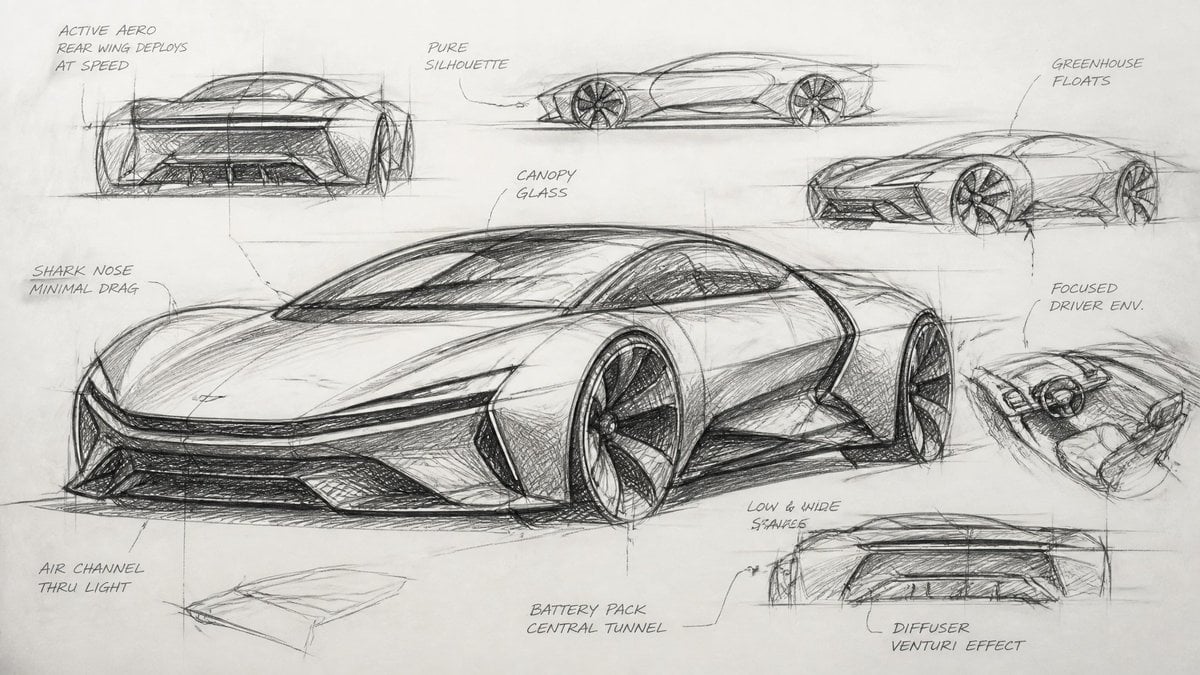
Industrial Designer Sketchbook Concept
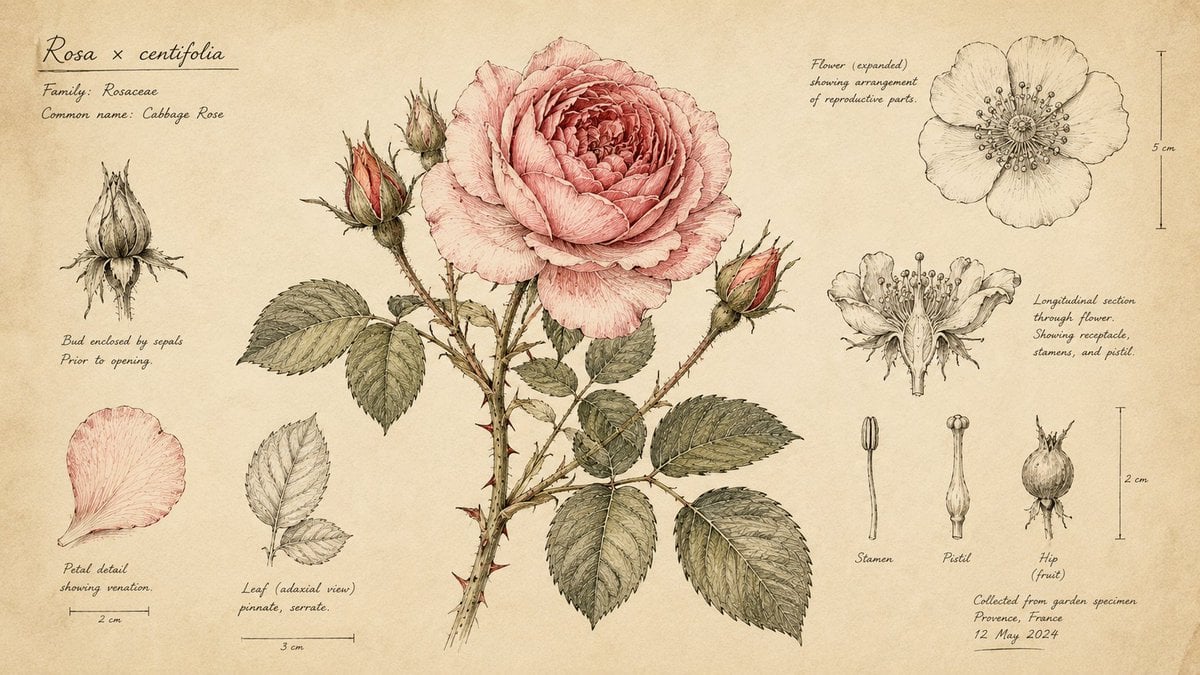
Hand-Drawn Botanical Sketchbook Illustration
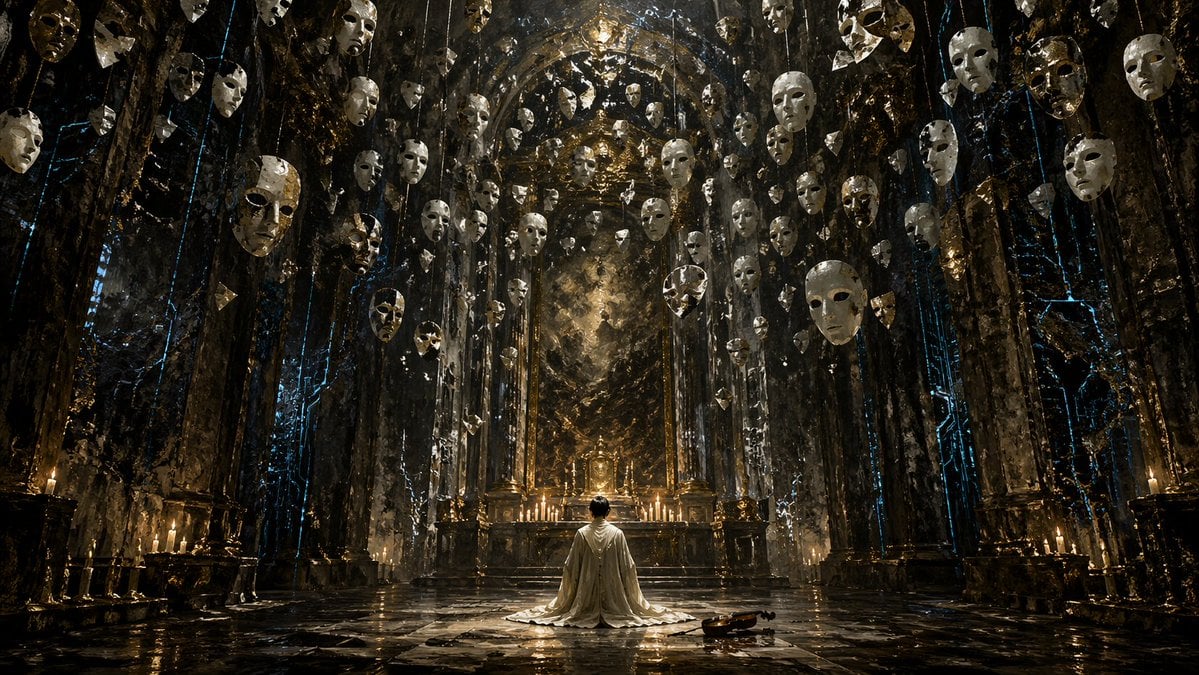
Surreal Gothic Hall with Floating Masks
Summer Anime Sketchbook Flat Lay
Culinary Sketchbook Illustrated Narrative
Vintage Billiards Hall Portrait
Medieval Scriptorium Hall
Floating Kimono Girl in Stained Glass Hall

Hand-Drawn Sketchbook Doodle
Woman in Ancient Chinese Town Lane

Billiards Hall Focused Portrait
Make it yours
Säynätsalo Town Hall Sketchbook works as-is. These are the safest ways to change it without losing the look.
Swap the setting
Keep the rest of the prompt and replace the location block. The current setting is “cream sketchbook paper with subtle paper texture”.
Change one field
Copy a single group, rewrite it, and generate again so you can see what that field is doing.
Keep the frame, change the subject
Hold the composition and light of Säynätsalo Town Hall Sketchbook, then swap wardrobe, props or the person for a new take.
| If the result… | Why | Fix |
|---|---|---|
| The result drifts from the preview | Too many fields changed at once. | Reuse Säynätsalo Town Hall Sketchbook as-is first, then change one group — subject, light, or setting. |
| GPT Image 2 ignores part of the JSON | Some models flatten or skip nested keys. | Keep the same values and paste them as a short paragraph instead. |
More GPT Image 2 templates
Other prompts made for GPT Image 2.

Six VTuber Japanese Logo Sheet

Realistic Portrait of Woman and Deer

The Vista Modular Condo Poster

AI Model Routing Comparison Infographic

2.5D Anime Art Board

Isometric Productivity Desk Scene

New York Double Exposure Poster

Four-Panel AI Landscape Comparison

Japanese Tatami Lifestyle Magazine Cover

NESCAFÉ Coffee Map Poster
More image prompts
Fresh picks from across the catalog.
Elegant Arabic Calligraphy Mockup Prompt
Custom Anime Vending Machine Design
Colossal Male Model Skyscraper Artwork
Chengdu Hand-Drawn Food Map UI

Ethereal Rowboat Pastoral Fairytale
Cinematic Studio Portrait
1915 Bengali newspaper page reconstruction

Grunge Tiger Streetwear Poster

Flash Mirror Selfie in Red Restroom

Dual Valentine's Day Fashion and Product Prompts
Browse template categories
Säynätsalo Town Hall Sketchbook questions
How do I use the Säynätsalo Town Hall Sketchbook template?
Add your photo if the template asks for one, edit the prompt if you like — the template's model and format are already selected — and press Generate. Your version opens in PicX Studio.
Can I customize the Säynätsalo Town Hall Sketchbook template?
Yes. You can change the subject, setting, lighting, mood, format, and available model controls before creating your image.
Is the Säynätsalo Town Hall Sketchbook template free?
Opening and editing this template is free. Generating uses credits, shown on the Generate button when you are signed in.
Which AI model should I use?
Start with GPT Image 2, which is the model associated with this template. You can compare another compatible model for a different finish.
Looking for something else? Browse all templates.

Your photo, any look
Thousands of ready templates for every top image and video model, from one credit balance.