
Hyper-Real Influencer Portrait with Extreme Contrapposto
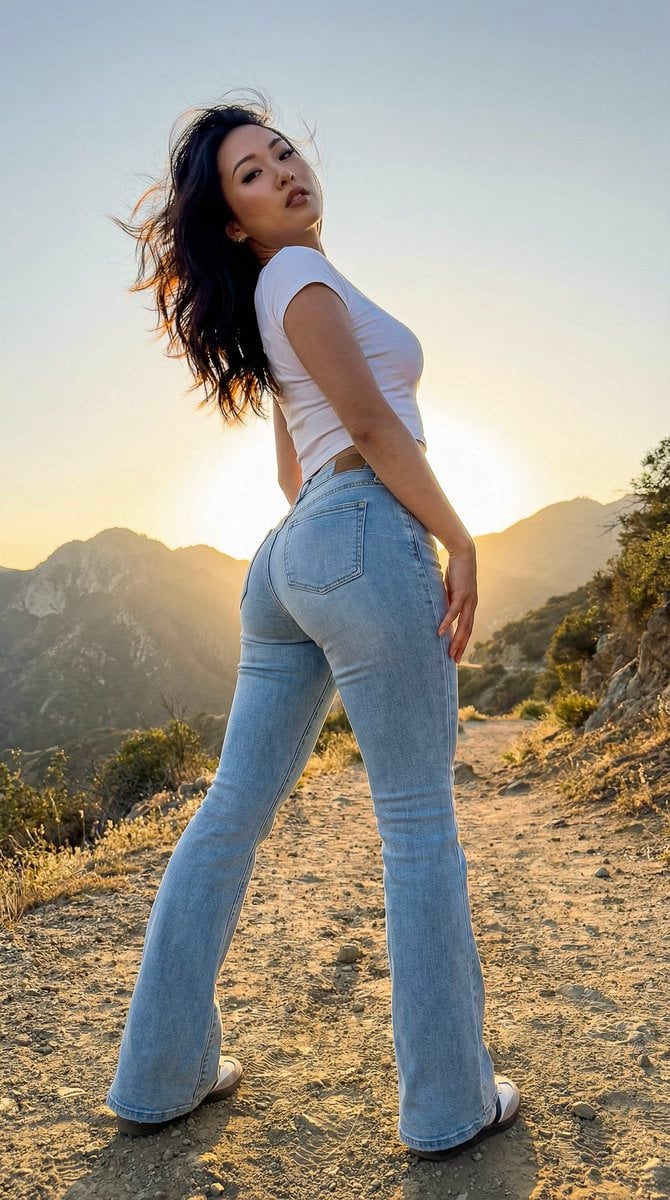
A highly specific prompt focused on generating a hyper-realistic, vertical portrait of an East Asian female influencer.
- Prompt included
- Model and format preset
- Free template
The prompt behind this image
Copy the exact prompt behind Hyper-Real Influencer Portrait with Extreme Contrapposto, or open it in the studio and make it yours.
{ "intent": { "aspect_ratio": "9:16", "focus": "Biological Dominance & Geometric Perfection" }, "visual_prompt": "A visceral, high-impact vertical shot of an East Asian female influencer on a mountain trail. She is posed in an extreme 'S-curve' contrapposto, weight shifted entirely to one hip to maximize the waist-to-hip ratio (0.7). She wears 'second-skin' light-wash flared denim jeans that are visibly straining against the curvature of her thighs and hips, creating distinct fabric tension lines. Her top is a tiny, shrunken white baby-tee that ends just below the bust, exposing a taut, smooth midriff. Her skin has a hyper-real, porcelain texture that glows under the light. Her expression is one of effortless arrogance, chin tilted up, looking down at the lens through messy windblown hair.", "technical_prompt": "Shot on {argument name="camera model" default="iPhone 16 Pro Max"}, 16mm Ultra-Wide lens to elongate the legs to supernatural proportions. Camera angle is 'Worm's Eye View' (ground level tilting up), making her legs appear endless and her head smaller, emphasizing the reproductive figure. Lighting is 'Golden Hour Backlight', creating a rim-light halo around her silhouette while keeping the front soft and shadow-less. 9:16 Full Screen Vertical composition. High fidelity texture rendering on denim weave and skin pores.", "negative_prompt": "loose clothing, baggy jeans, straight posture, boxy waist, male gaze aversion, flat lighting, blurry details, cartoonish skin, plastic texture, low resolution, horizontal cropping, messy background clutter." }
How to use Hyper-Real Influencer Portrait with Extreme Contrapposto in 3 steps
- 1
Open
The prompt is already in the box next to the preview, with the template's model and format selected.
- 2…a portrait of your subject in softgolden-hour light, 85mm…
Personalize
Edit the subject and creative details for your destination.
- 3Generate
Generate
Press Generate — your image is created in PicX Studio, so you can compare it with the original and refine one variable at a time.
More like this
Templates with the same subject, style or setup. Open one to see its prompt.
Ultra Realistic Ai Influencer Generator

Hyper-Realistic Minecraft POV Portrait

Comparing Realism Keywords in Midjourney

Cinema Date Popcorn Realistic By Nano Ba

Nano Banana Pro Photoreal Playful Couple

Found Photograph: Us, 1970

80s Couple Studio Portrait

80s Bollywood Star

80s Golden Hour Cinema

Me in 1985

1985 Studio Portrait

Rooftop Fisheye — Cat-Ear Balaclava at Golden Hour
Make it yours
Hyper-Real Influencer Portrait with Extreme Contrapposto works as-is. These are the safest ways to change it without losing the look.
Change one field
Copy a single group, rewrite it, and generate again so you can see what that field is doing.
Keep the frame, change the subject
Hold the composition and light of Hyper-Real Influencer Portrait with Extreme Contrapposto, then swap wardrobe, props or the person for a new take.
| If the result… | Why | Fix |
|---|---|---|
| The result drifts from the preview | Too many fields changed at once. | Reuse Hyper-Real Influencer Portrait with Extreme Contrapposto as-is first, then change one group — subject, light, or setting. |
| The model over-stylizes the scene | The prose prompt leaves finish and camera underspecified. | Add one camera or lighting sentence and stay on Nano Banana 2. |
More Nano Banana 2 templates
Other prompts made for Nano Banana 2.

Photorealistic Leaf Shaped Like a Dragon

K-Pop Idol Portrait Grid for Rapid Selection

Poetic Rain Forest Portrait During Golden Hour

Urban Street Portrait with Cartoon Inner Self Duo

Candid Nighttime Photo with Cat Prompt

High-Concept 3D Diorama Generation Prompt

Cinematic Futuristic Studio Portrait Template

Skincare Editorial Photography Collage Prompt

Hyper-Realistic Commercial Product Photography (Splash Effect)

Hyper-Realistic Nightclub Portrait Prompt
More image prompts
Fresh picks from across the catalog.
Photorealistic Sushi Counter Dinner Portrait
Cinematic Mountain Portrait with Floating Text
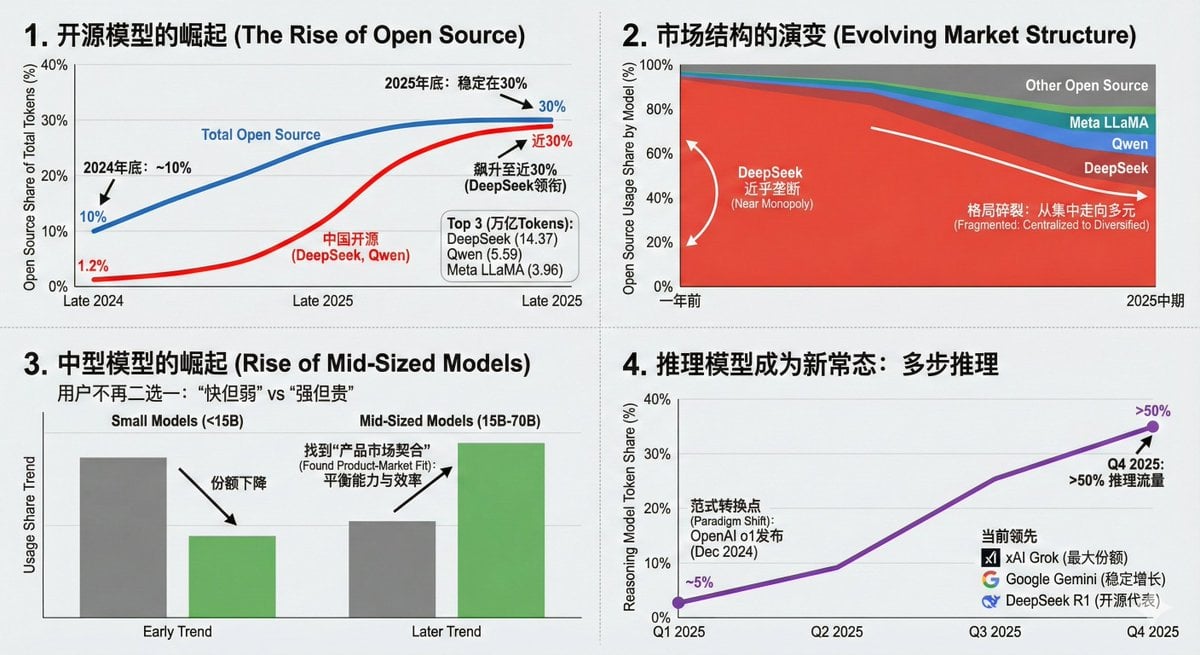
Data Visualization Based on Storytelling with Data Principles
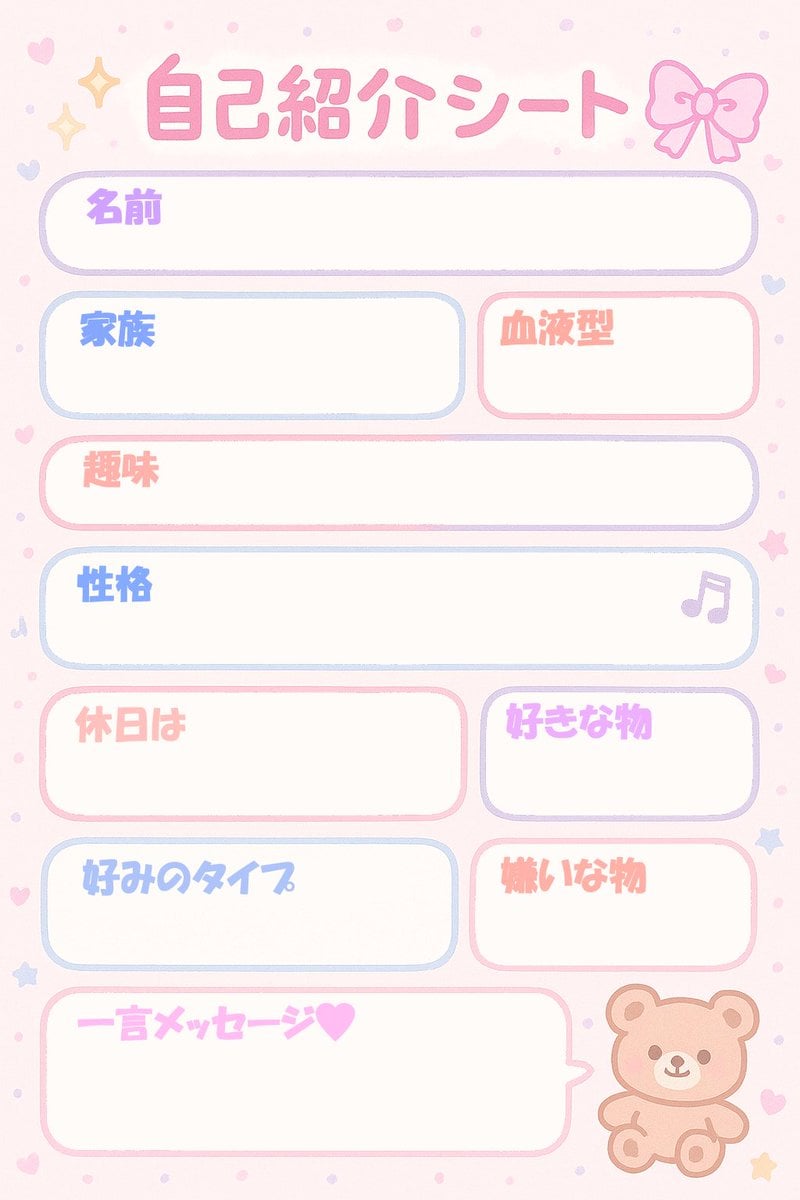
Self-Introduction Sheet Generation Prompt for Nano Banana Pro
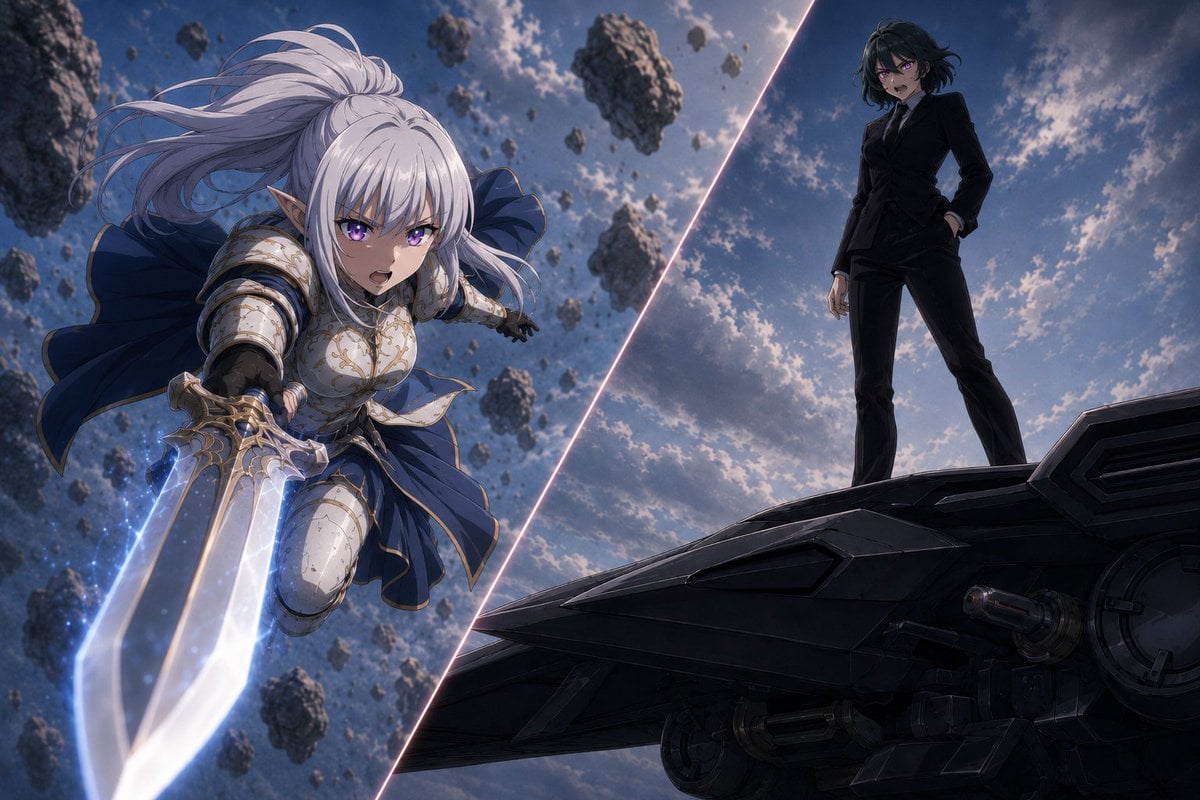
Anime Split-Screen Sword Confrontation
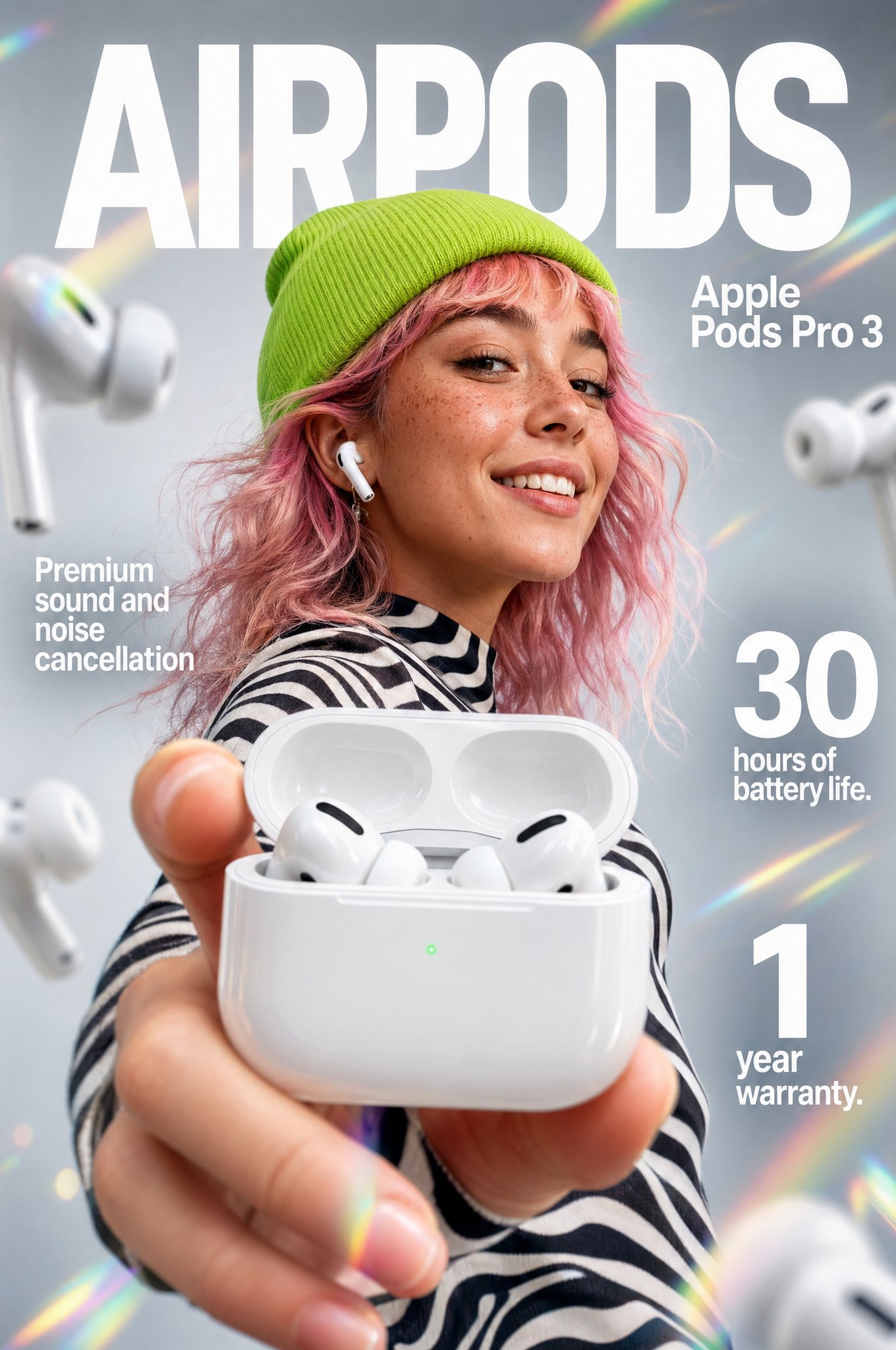
Gpt2 Apple Pods Pro 3 Infographic
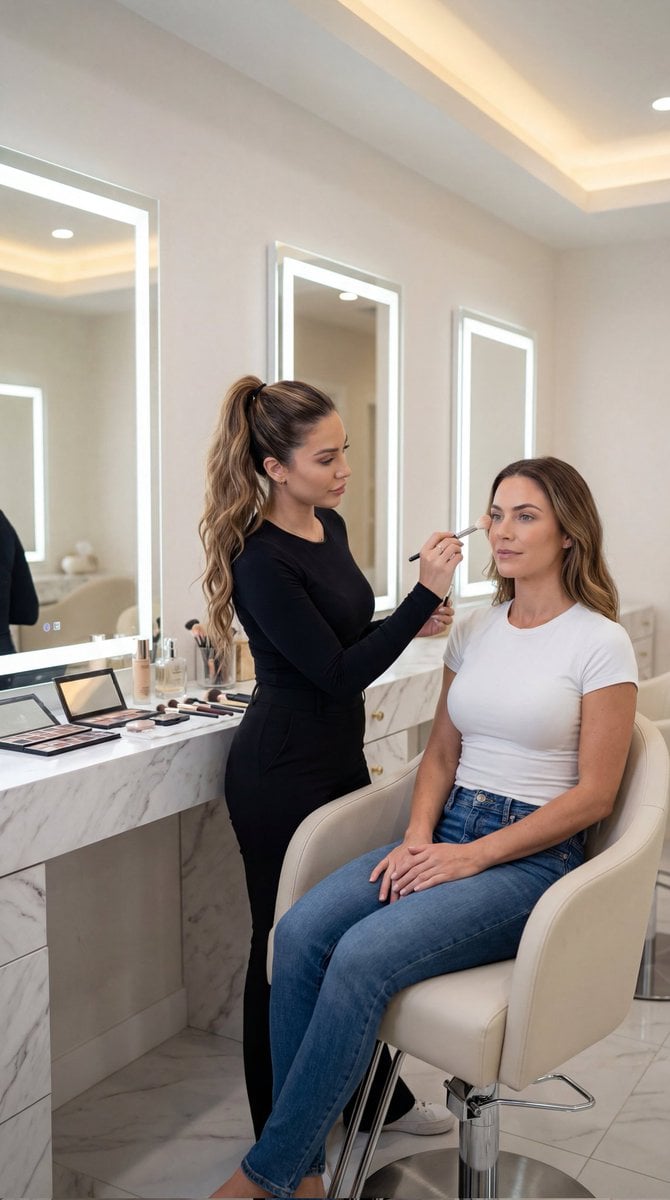
Luxury Salon Portrait with Identity Lock Prompt
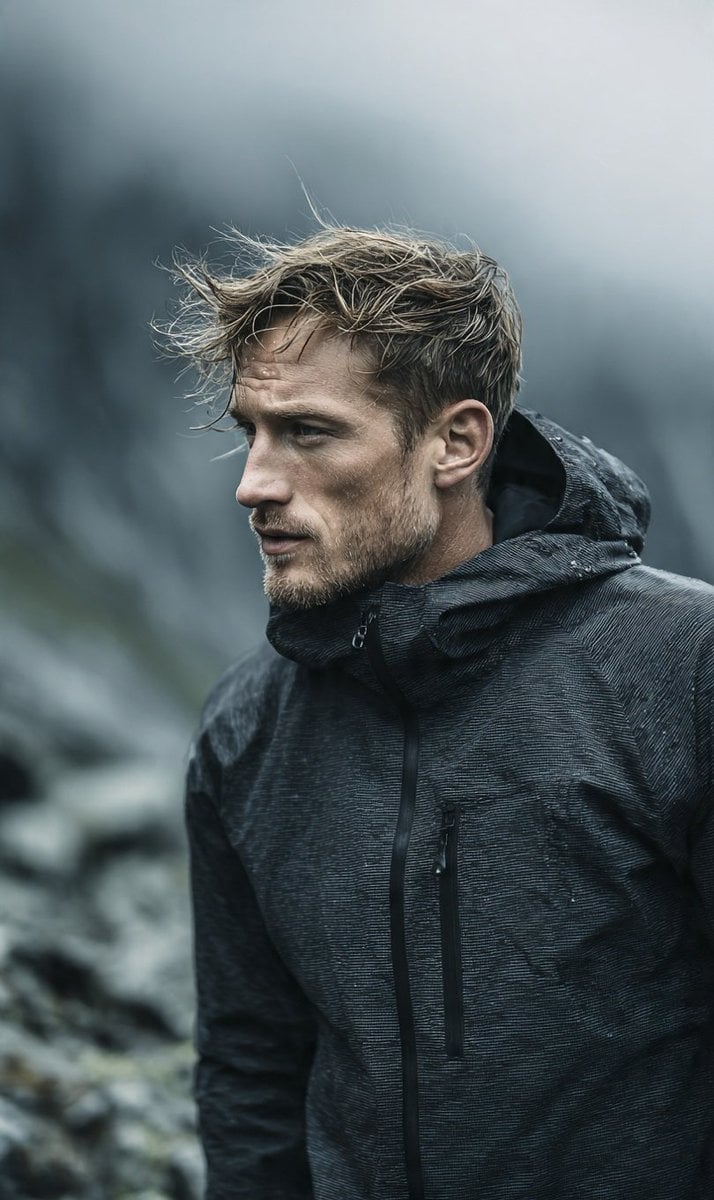
Cinematic Scandinavian Outdoor Portrait

Leprechaun Illustration with Custom Style

Retro Japanese Onsen Photography
Browse template categories
Hyper-Real Influencer Portrait with Extreme Contrapposto questions
How do I use the Hyper-Real Influencer Portrait with Extreme Contrapposto template?
Add your photo if the template asks for one, edit the prompt if you like — the template's model and format are already selected — and press Generate. Your version opens in PicX Studio.
Can I customize the Hyper-Real Influencer Portrait with Extreme Contrapposto template?
Yes. You can change the subject, setting, lighting, mood, format, and available model controls before creating your image.
Is the Hyper-Real Influencer Portrait with Extreme Contrapposto template free?
Opening and editing this template is free. Generating uses credits, shown on the Generate button when you are signed in.
Which AI model should I use?
Start with Nano Banana 2, which is the model associated with this template. You can compare another compatible model for a different finish.
Looking for something else? Browse all templates.

Your photo, any look
Thousands of ready templates for every top image and video model, from one credit balance.