
Paris Nocturnal Urban Archive Map
Generates a cinematic physical diorama-style night map of Paris with raised landmarks, glowing boulevards, archival labels, and museum cartography details.
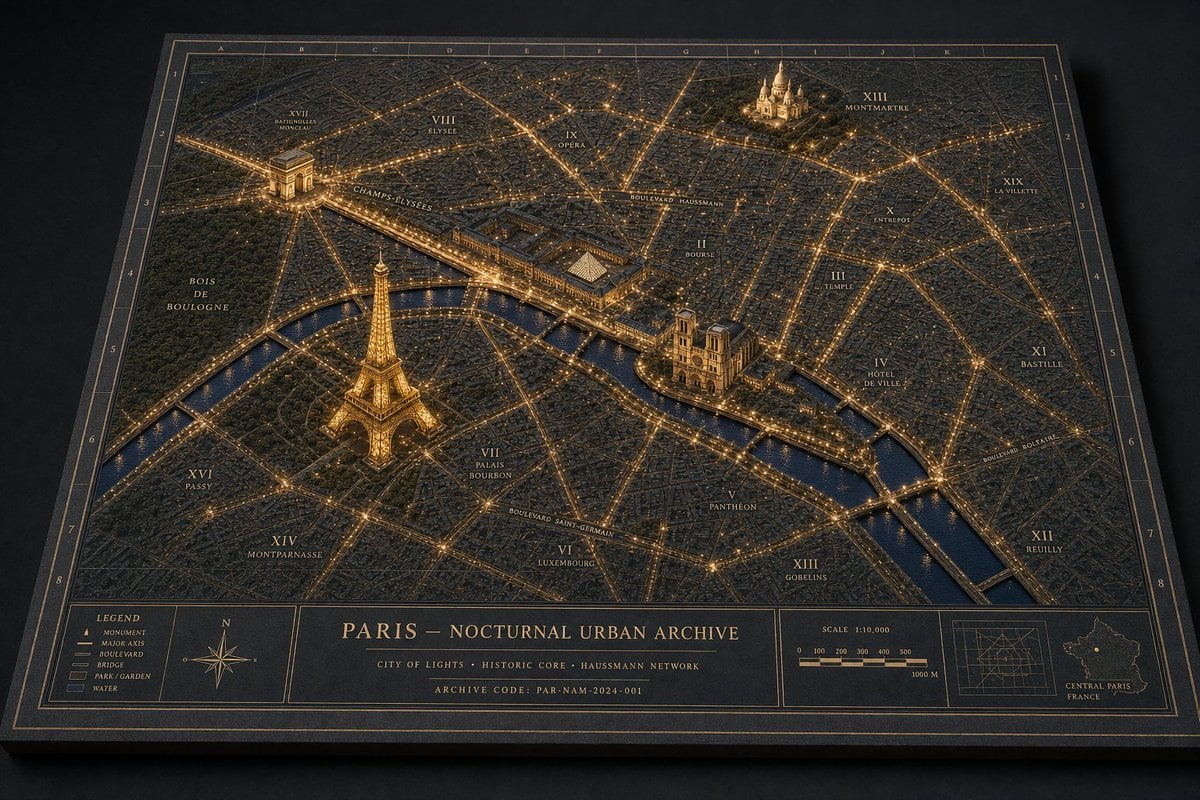
- Prompt included
- Model and format preset
- Free template
The prompt behind this image
Copy the exact prompt behind Paris Nocturnal Urban Archive Map, or open it in the studio and make it yours.
Goal: Create a museum-quality physical diorama map titled {argument name="map title" default="PARIS — NOCTURNAL URBAN ARCHIVE"}, showing {argument name="city" default="Paris"} at night as an archival landscape model with glowing streets, raised landmarks, annotation labels, and a refined cartographic border. Canvas: Landscape 3:2 perspective view of a thick rectangular archive board resting on a dark matte tabletop. Camera is angled from above, slightly front-facing, so the board has visible thickness and cast shadows. Use a dark navy, charcoal, and antique-gold palette with restrained warm amber lighting. Layout: The main map fills most of the board, surrounded by a double-line gold border and an alphanumeric coordinate grid. Use letters A–K across the top edge and numbers 1–8 down the side edges. At the bottom, include a structured information band split into 5 visible panels: 1) a legend panel, 2) a compass rose panel, 3) a large centered title/archive text panel, 4) a scale bar panel, and 5) a locator-map panel. Subject details: Render the city as a dense low-relief 3D urban model with thousands of tiny matte buildings, engraved street blocks, and a dark blue river cutting horizontally through the lower-middle area. Major boulevards and bridges glow as fine amber light lines, creating a precise nighttime network. The water should be satin navy with subtle reflections. Parks should appear as darker textured green-black areas. Raised landmarks: Include exactly 4 prominent illuminated miniature landmarks, each larger and more sculptural than the surrounding buildings: 1) the Eiffel Tower in the lower-left/left-center area near the river, glowing gold; 2) the Arc de Triomphe in the upper-left area with bright radial avenues; 3) Notre-Dame Cathedral on the island near the center-right river bend; 4) Sacré-Cœur on the upper-right hill area. Keep the landmarks physically plausible, matte, finely detailed, and warmly lit. Map labels and annotations: Add fine serif gold typography directly on the map, like an architectural archive plate. Include exactly 14 visible district/area labels: XVII Batignolles Monceau, VIII Élysée, IX Opéra, XIII Montmartre, XIX La Villette, X Entrepôt, II Bourse, III Temple, IV Hôtel de Ville, XI Bastille, XII Reuilly, XIII Gobelins, VI Luxembourg, XIV Montparnasse. Add major route labels including Champs-Élysées, Boulevard Haussmann, Boulevard Saint-Germain, and Boulevard Bessières. Labels should be legible but small, integrated into the model. Bottom information band text: In the center title panel, show the title {argument name="map title" default="PARIS — NOCTURNAL URBAN ARCHIVE"}. Under it, add the subtitle {argument name="subtitle" default="CITY OF LIGHTS · HISTORIC CORE · HAUSSMANN NETWORK"}. Add a final small line: {argument name="archive code" default="ARCHIVE CODE: PAR-NAM-2024-001"}. In the legend panel, list exactly 5 items with small symbols: Monument, Major Axis, Boulevard, Bridge, Park / Garden, Water. In the scale panel, show “SCALE 1:10,000” with a segmented bar labeled 0, 100, 200, 300, 400, 500, and 1000 M. In the locator panel, include a small grid diagram and a tiny outline map labeled “CENTRAL PARIS FRANCE.” Visual style: Hyper-realistic macro photography of a handcrafted architectural archive model; matte black paper, engraved gold ink, miniature plaster or resin buildings, warm pinprick LED-like city lights, shallow depth of field, crisp central details, soft vignette, realistic paper grain, tactile board edges, subtle dust and material texture. The image should feel like a physical museum diorama photographed in low light, not a flat digital map. Constraints: Keep the palette dark and elegant; no people, cars, modern UI, bright neon, or glossy plastic. Preserve the single-board archival presentation and the exact 4 raised landmarks, 5 bottom panels, 5 legend items, and 14 district/area labels.
How to use Paris Nocturnal Urban Archive Map in 3 steps
- 1Upload ImagePNG, JPG or paste
Add your photo
Upload the photo the template builds on. The prompt, model and format are already set.
- 2…a portrait of your subject in softgolden-hour light, 85mm…
Personalize
Edit the subject and creative details for your destination.
- 3Generate
Generate
Press Generate — your image is created in PicX Studio, so you can compare it with the original and refine one variable at a time.
More like this
Templates with the same subject, style or setup. Open one to see its prompt.
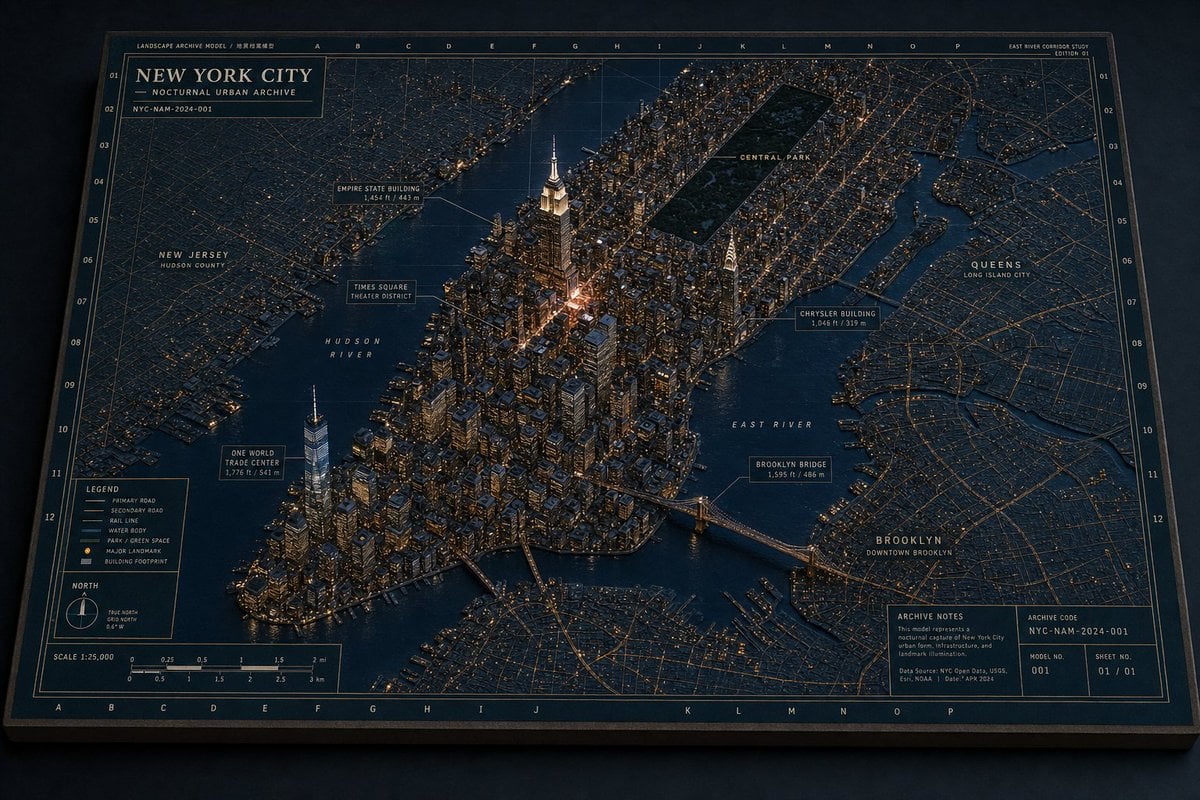
Nocturnal New York 3D Archive Map
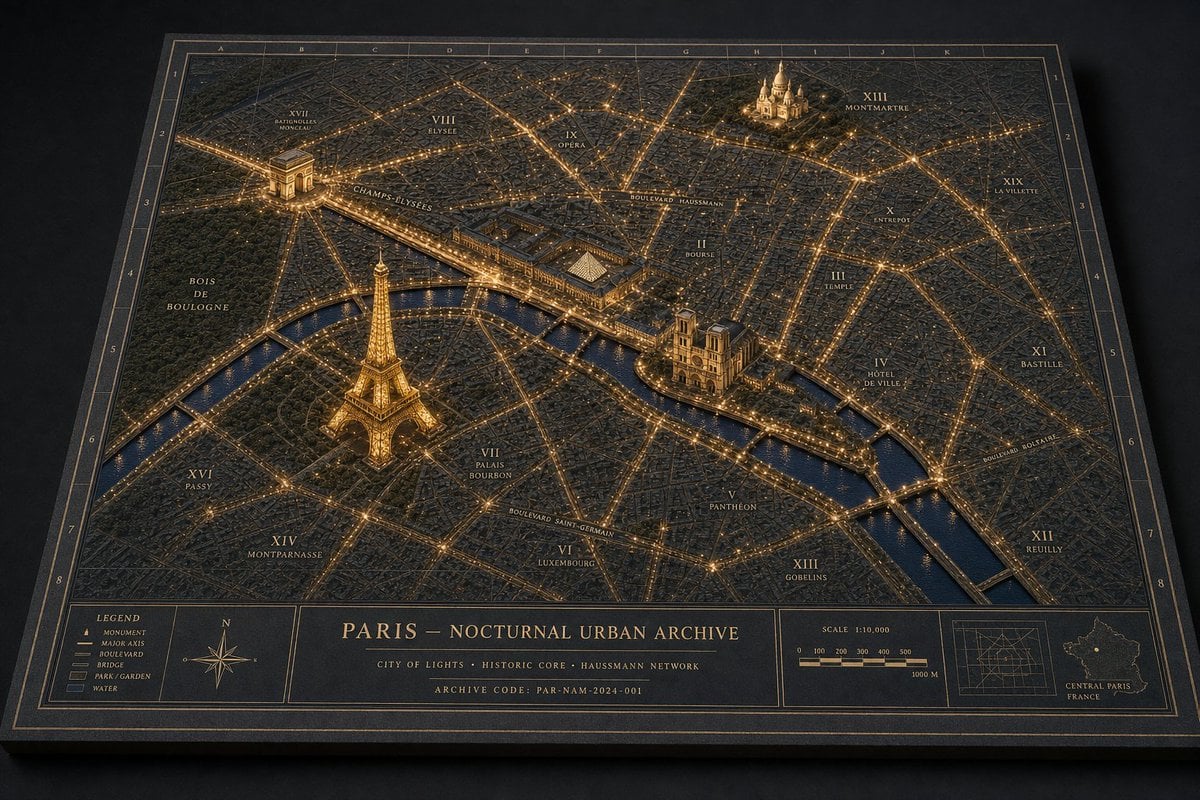
Nocturnal Paris Diorama Map
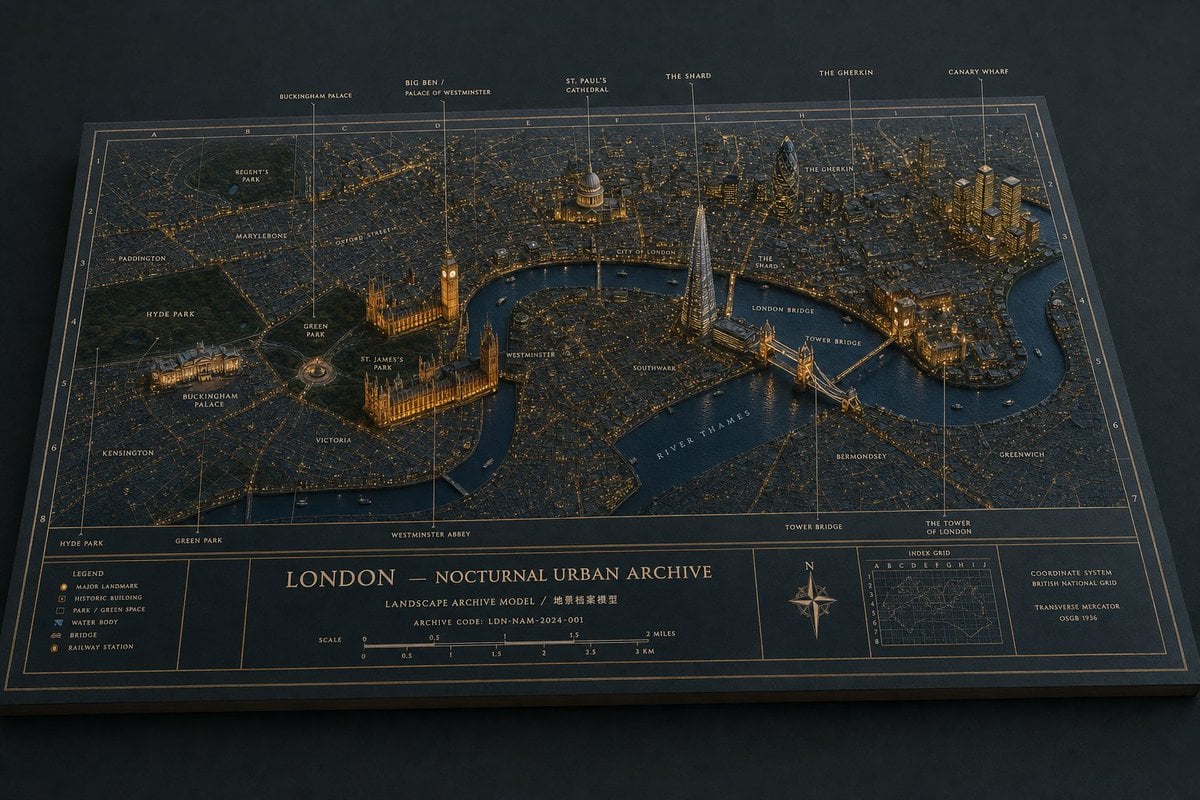
London Nocturnal Urban Archive Diorama
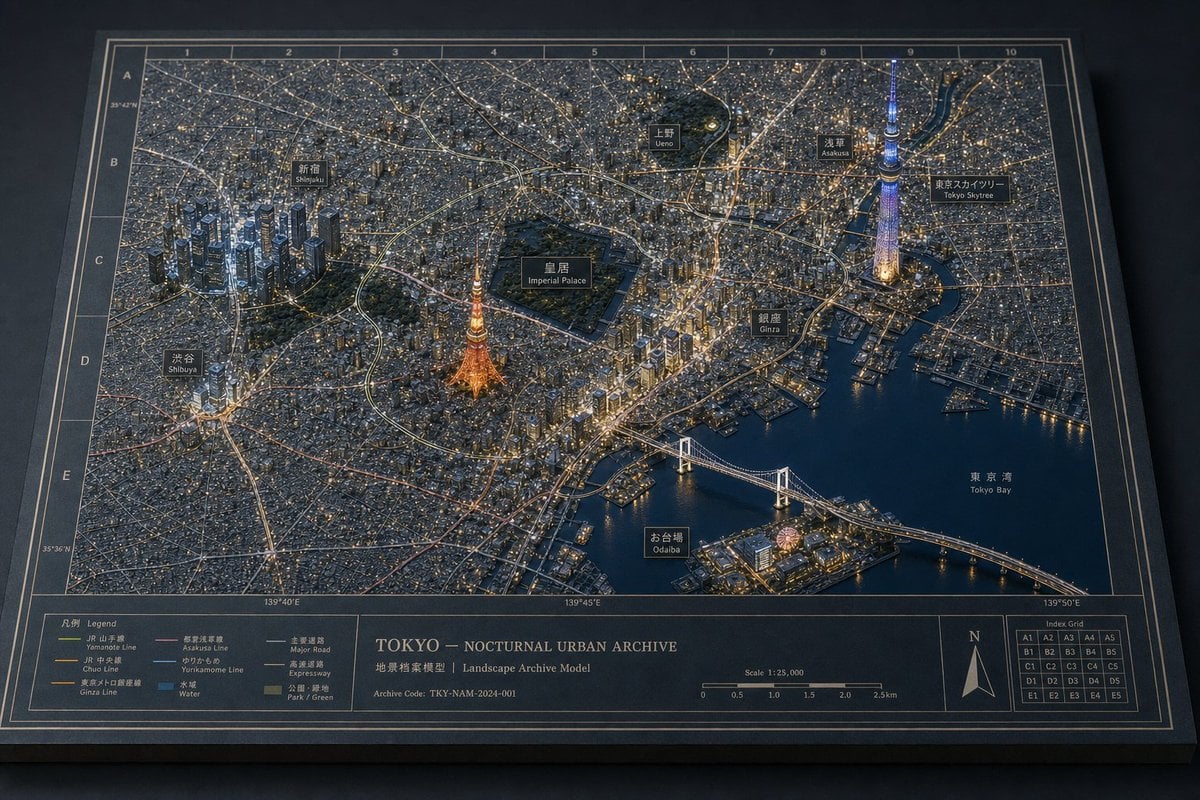
Tokyo Nocturnal Urban Archive

Urban Fashion Editorial Collage Streetwear Poster
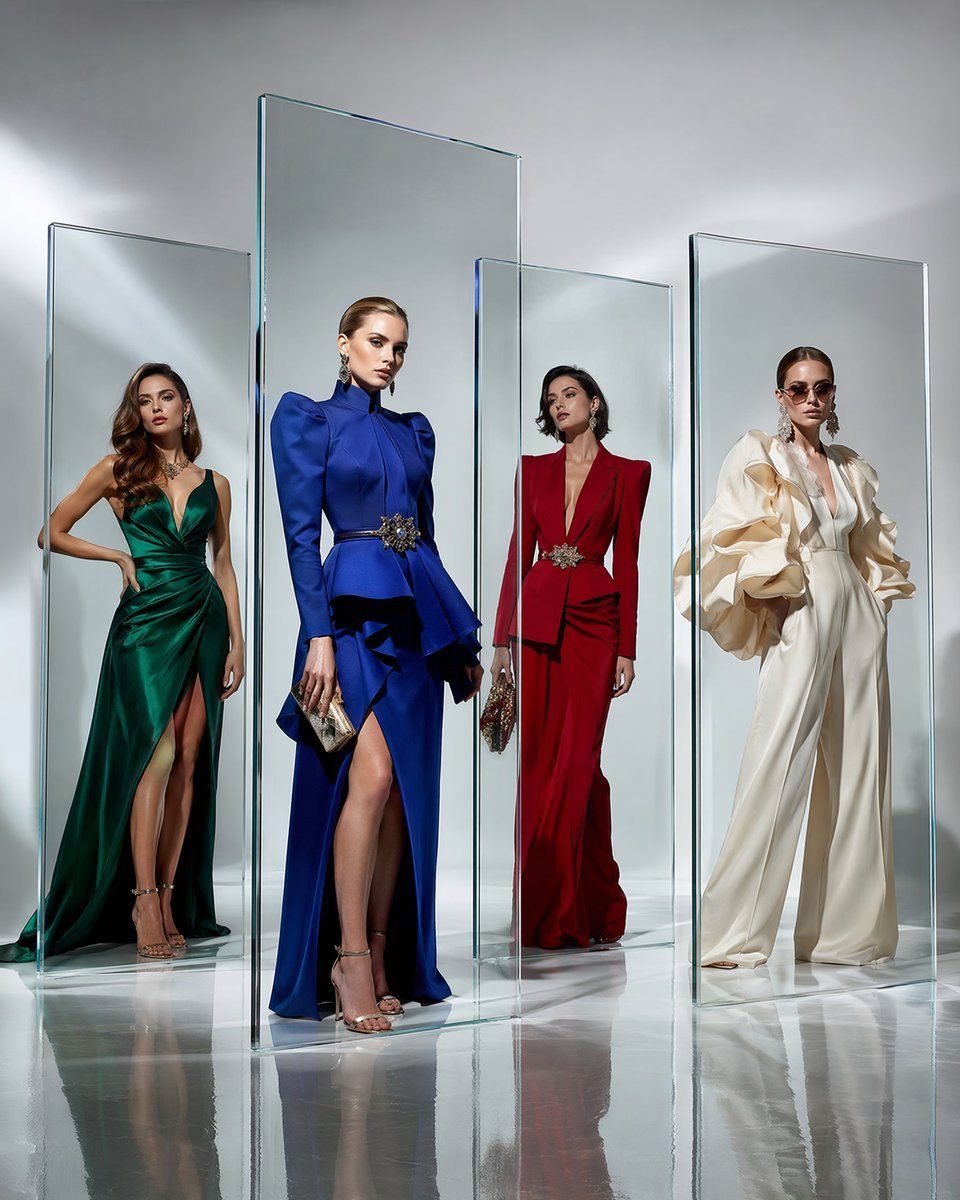
Crystal Panel European Couture Fashion Composite

Korean Streetwear Minimalist Campaign Portrait

Cinematic Korean Streetwear Street Portrait

Frozen Street Luxe Graffiti Fashion Campaign

Urban Fashion Editorial Collage Poster

Cinematic Street Fashion Portrait Motion Blur Crowd

Subway Platform Quiet Introspective Portrait
Make it yours
Paris Nocturnal Urban Archive Map works as-is. These are the safest ways to change it without losing the look.
Change one field
Copy a single group, rewrite it, and generate again so you can see what that field is doing.
Keep the frame, change the subject
Hold the composition and light of Paris Nocturnal Urban Archive Map, then swap wardrobe, props or the person for a new take.
| If the result… | Why | Fix |
|---|---|---|
| The result drifts from the preview | Too many fields changed at once. | Reuse Paris Nocturnal Urban Archive Map as-is first, then change one group — subject, light, or setting. |
| The model over-stylizes the scene | The prose prompt leaves finish and camera underspecified. | Add one camera or lighting sentence and stay on GPT Image 2. |
More GPT Image 2 templates
Other prompts made for GPT Image 2.

Six VTuber Japanese Logo Sheet

Realistic Portrait of Woman and Deer

The Vista Modular Condo Poster

AI Model Routing Comparison Infographic

2.5D Anime Art Board

Isometric Productivity Desk Scene

New York Double Exposure Poster

Four-Panel AI Landscape Comparison

Japanese Tatami Lifestyle Magazine Cover

NESCAFÉ Coffee Map Poster
More image prompts
Fresh picks from across the catalog.

Pixar-Style 3D Cartoon Character
Cinematic Studio Portrait with Precise Facial Matching
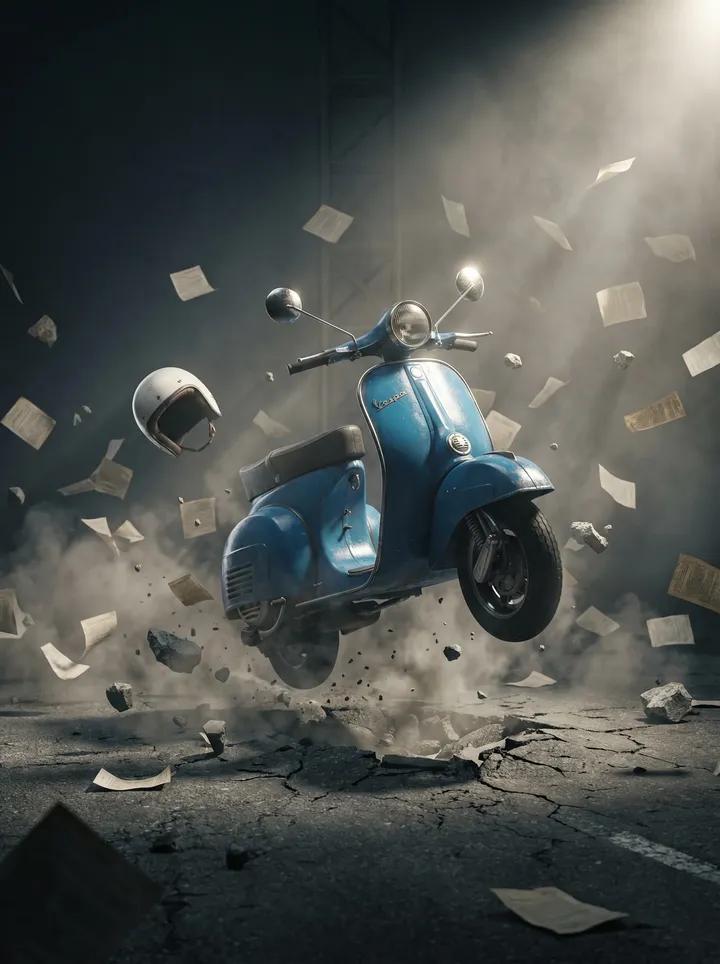
Suspended Vespa Explosion Scene Prompt
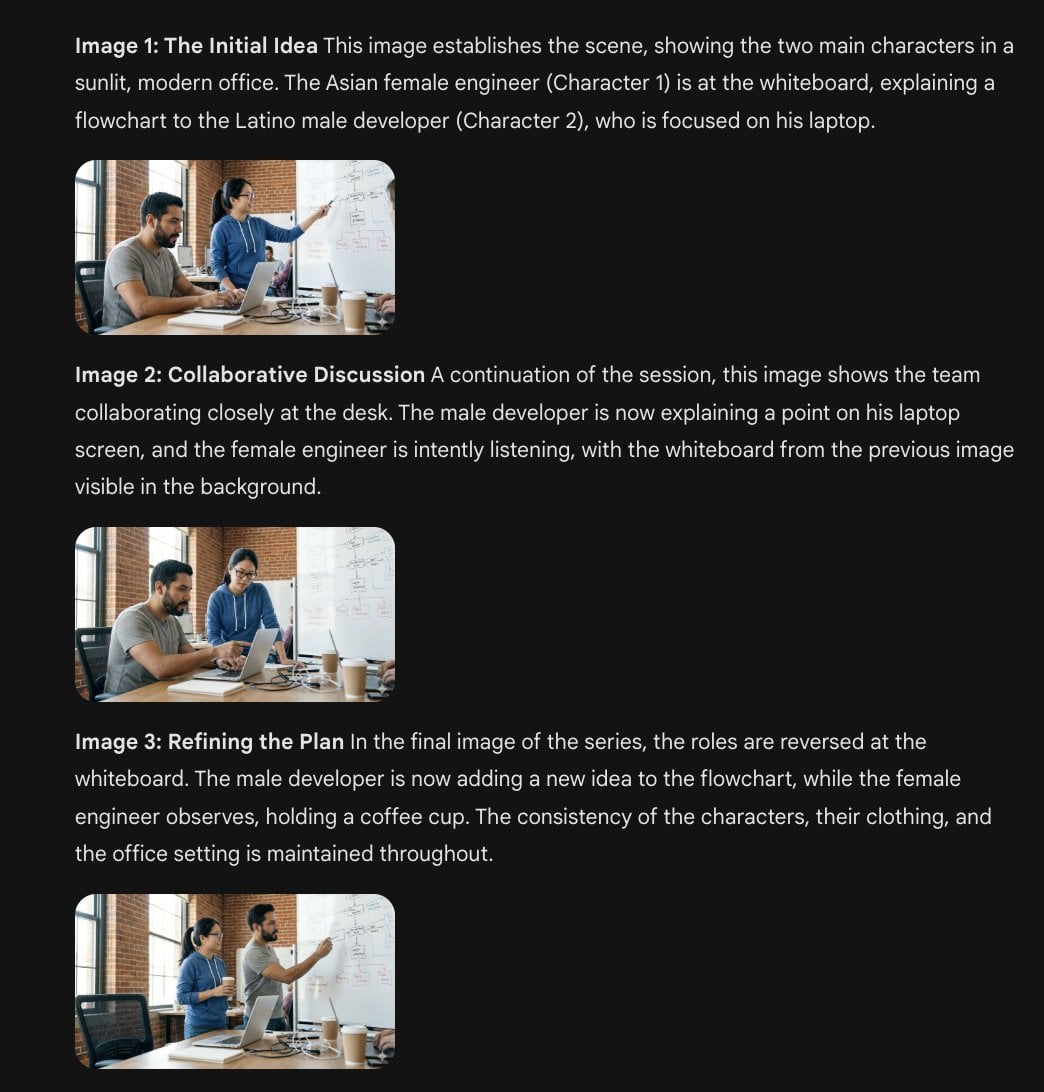
Character Consistency Template and Example Prompt
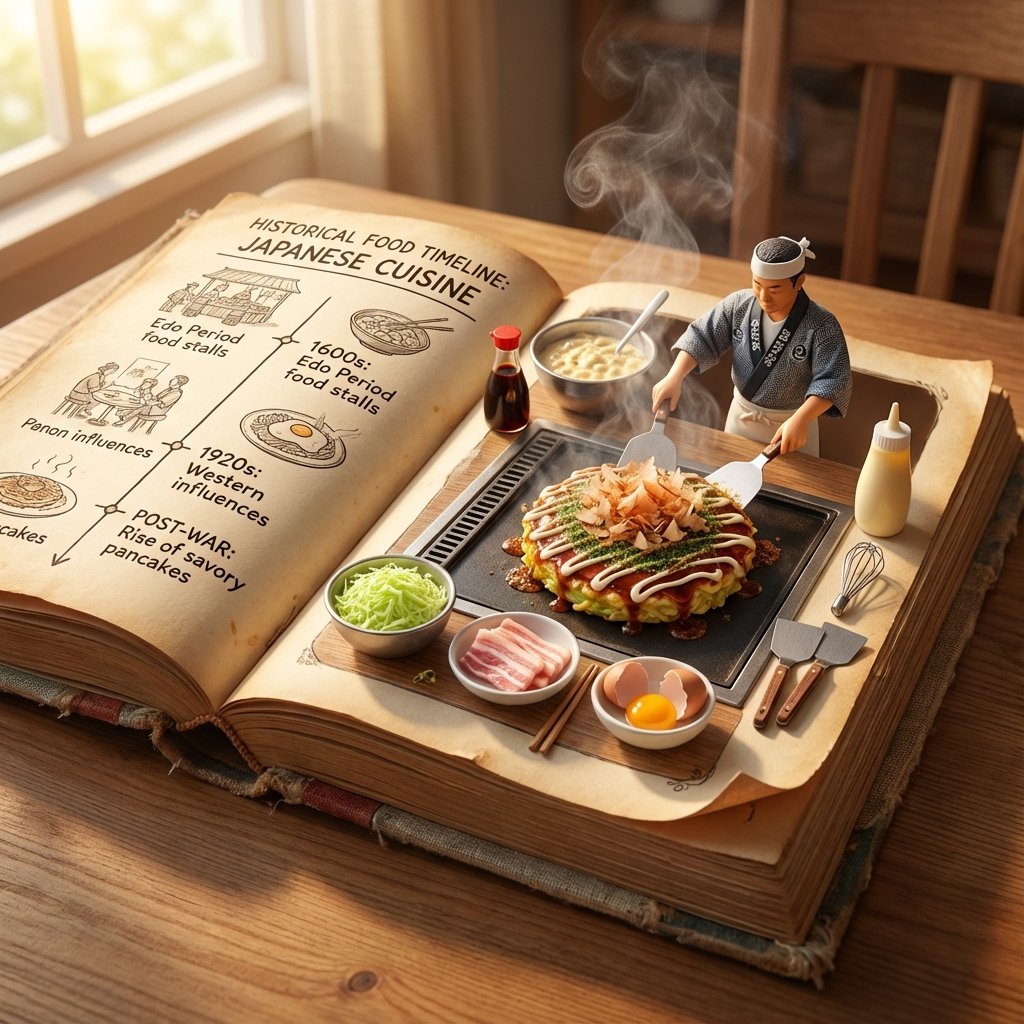
Vintage Cookbook Food Scene Template (Okonomiyaki)

AI-Generated Face Cinematic Portrait Prompt (Dual-Tone Lighting)

Black Cat on Wooden Post Scene
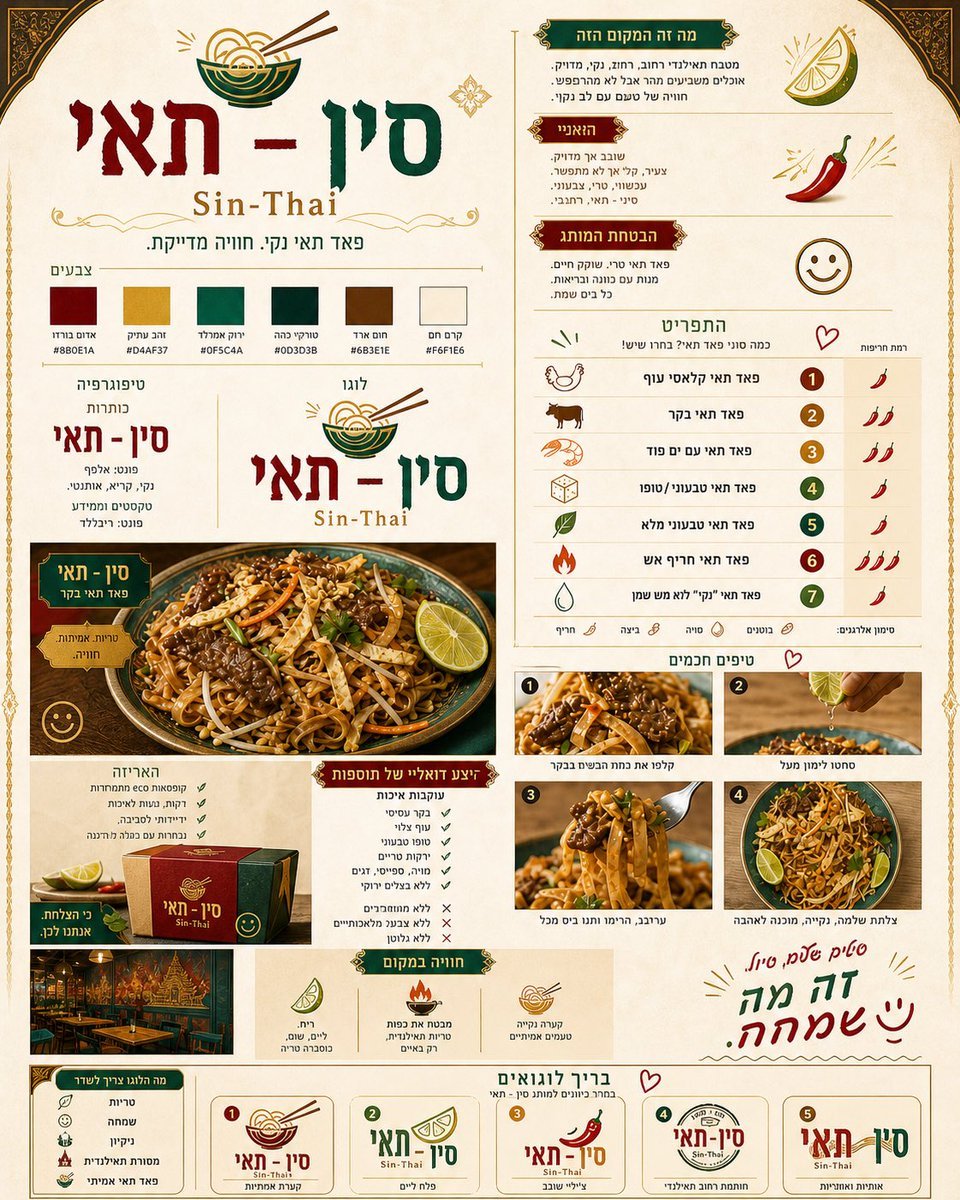
Thai Restaurant Brand Identity Document
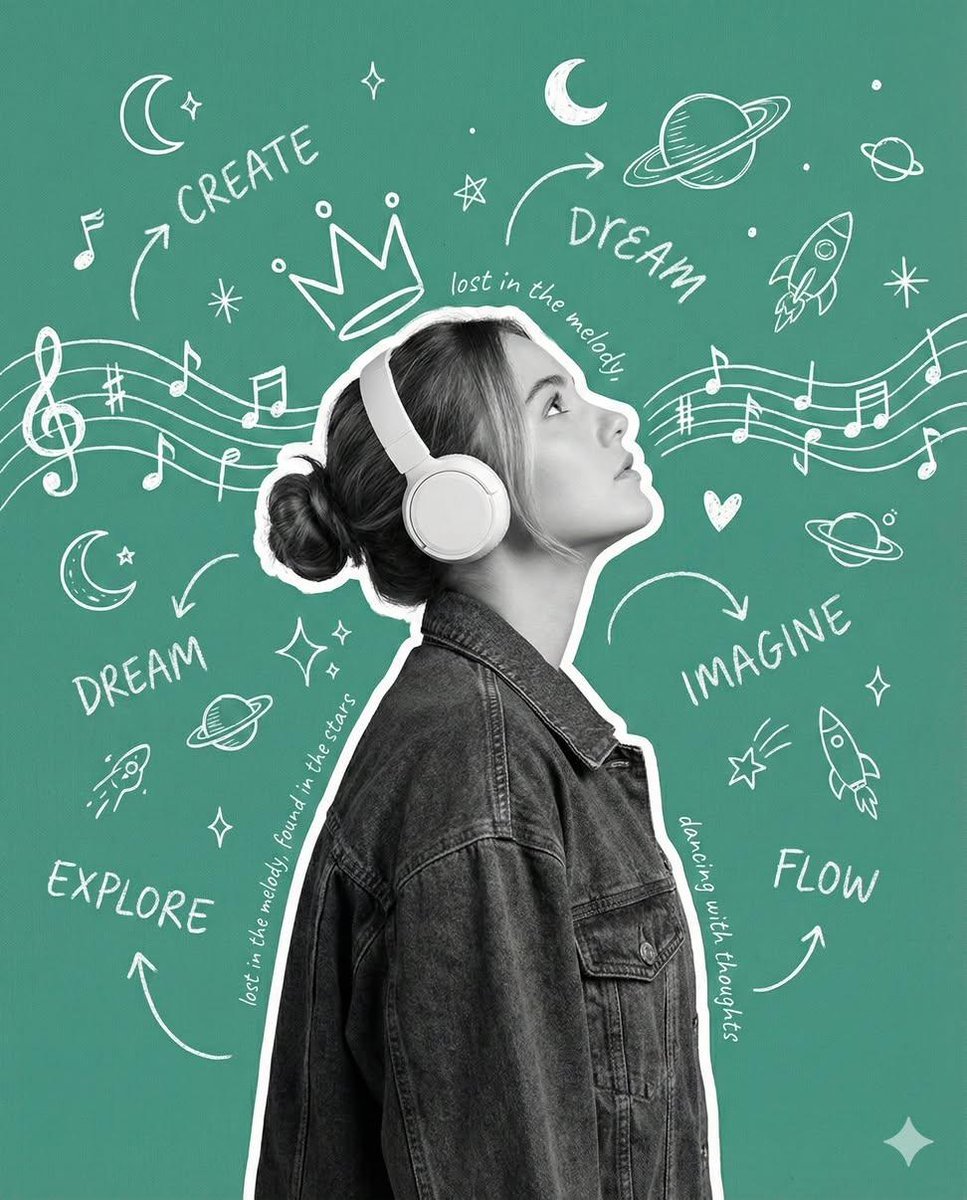
Creative Poster with Cutout Portrait and Chalkboard Doodles

Kawaii Melon Mascot Character Sheet
Browse template categories
Paris Nocturnal Urban Archive Map questions
How do I use the Paris Nocturnal Urban Archive Map template?
Add your photo if the template asks for one, edit the prompt if you like — the template's model and format are already selected — and press Generate. Your version opens in PicX Studio.
Can I customize the Paris Nocturnal Urban Archive Map template?
Yes. You can change the subject, setting, lighting, mood, format, and available model controls before creating your image.
Is the Paris Nocturnal Urban Archive Map template free?
Opening and editing this template is free. Generating uses credits, shown on the Generate button when you are signed in.
Which AI model should I use?
Start with GPT Image 2, which is the model associated with this template. You can compare another compatible model for a different finish.
Looking for something else? Browse all templates.

Your photo, any look
Thousands of ready templates for every top image and video model, from one credit balance.