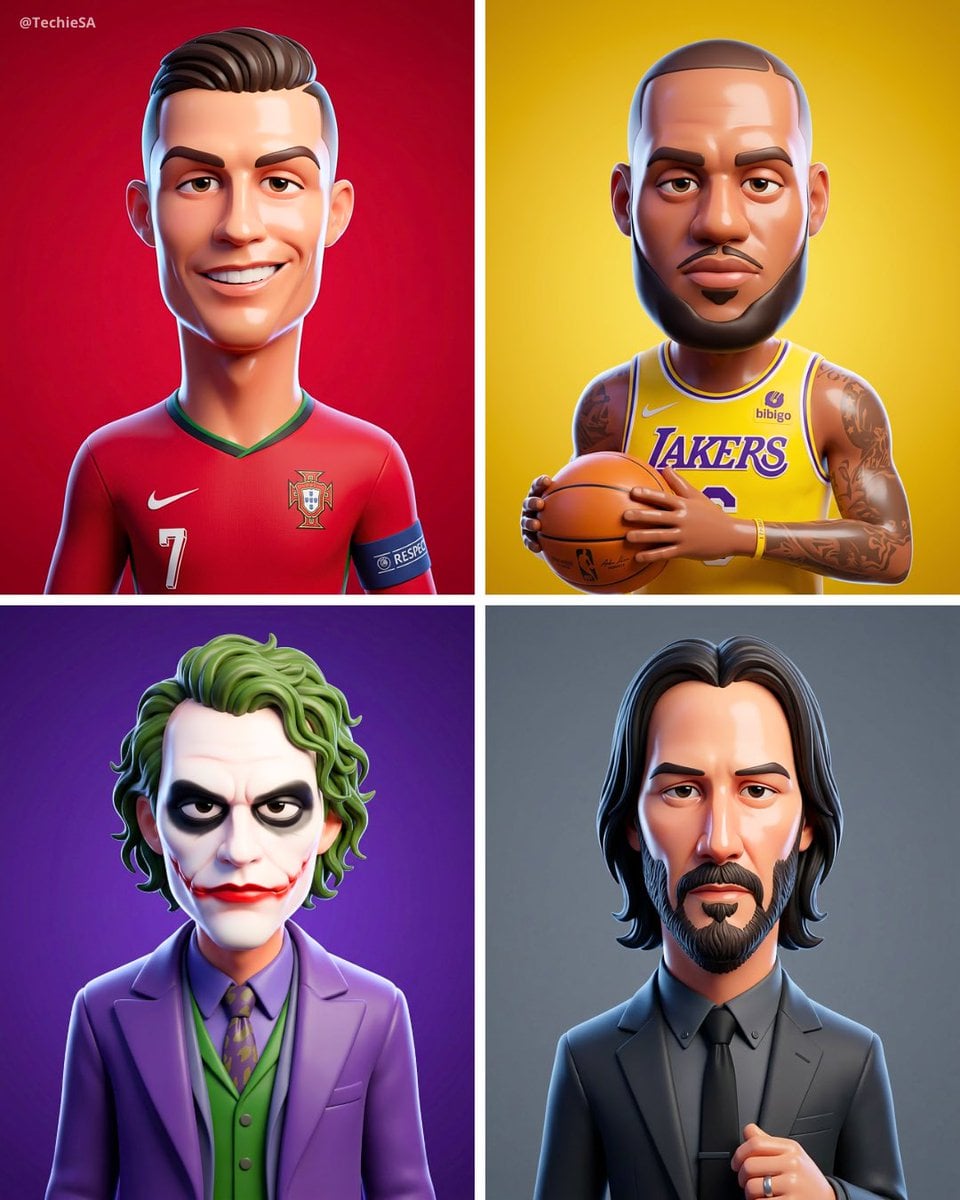
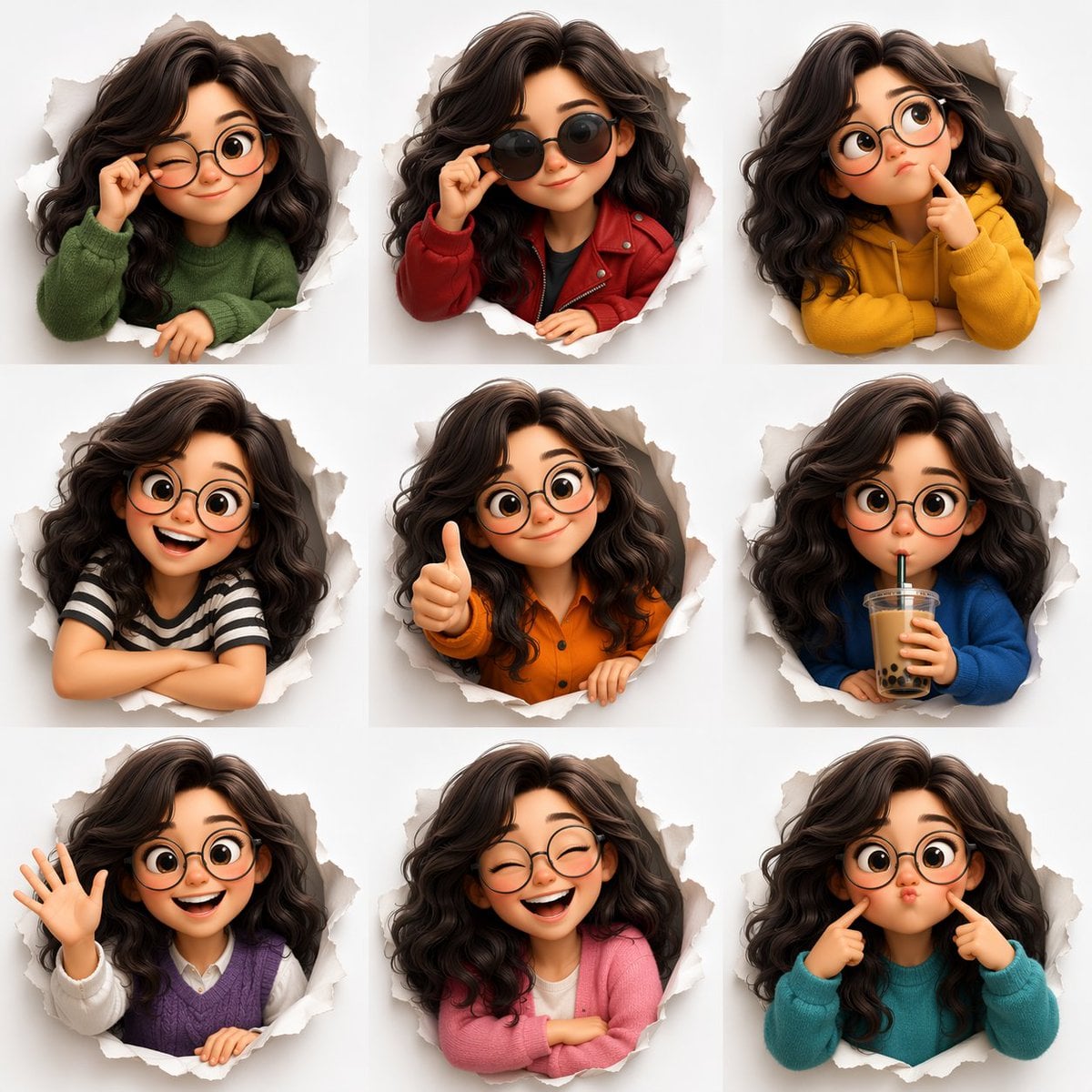
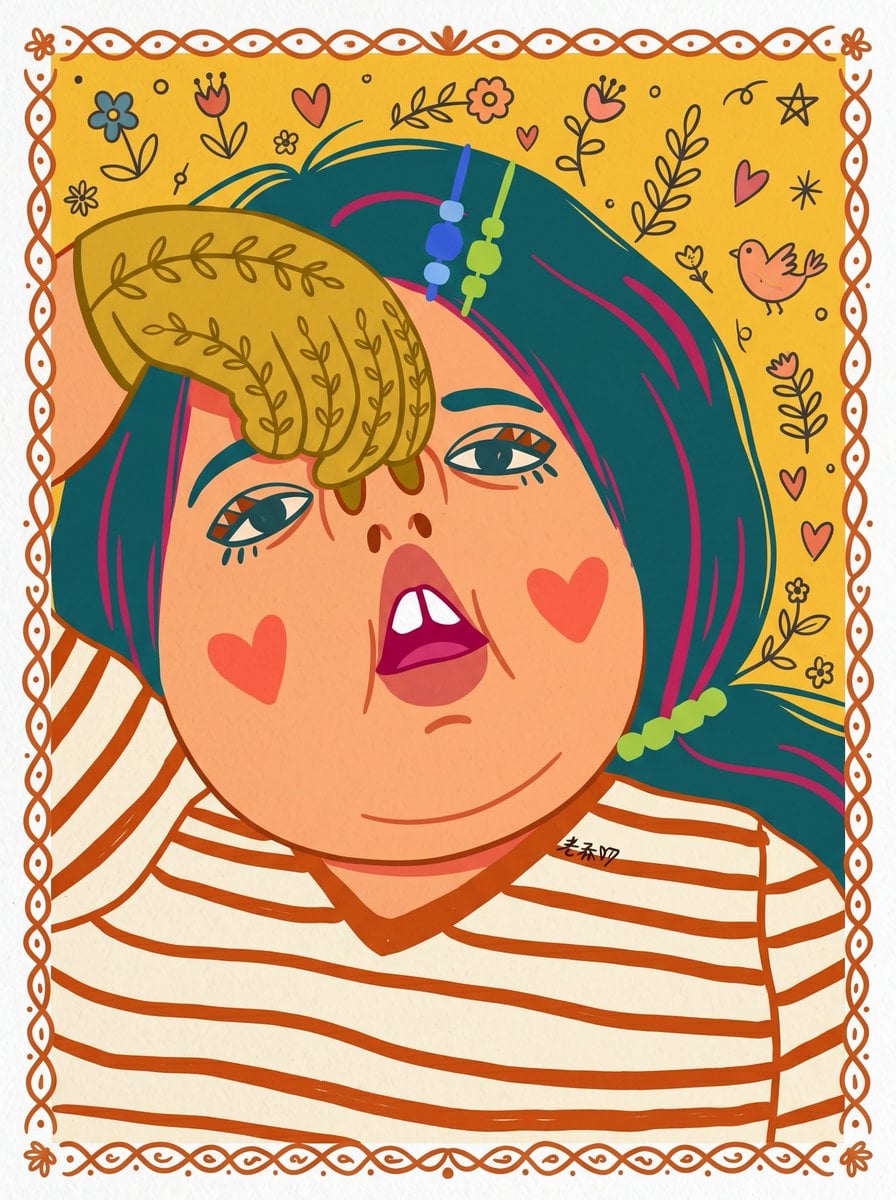
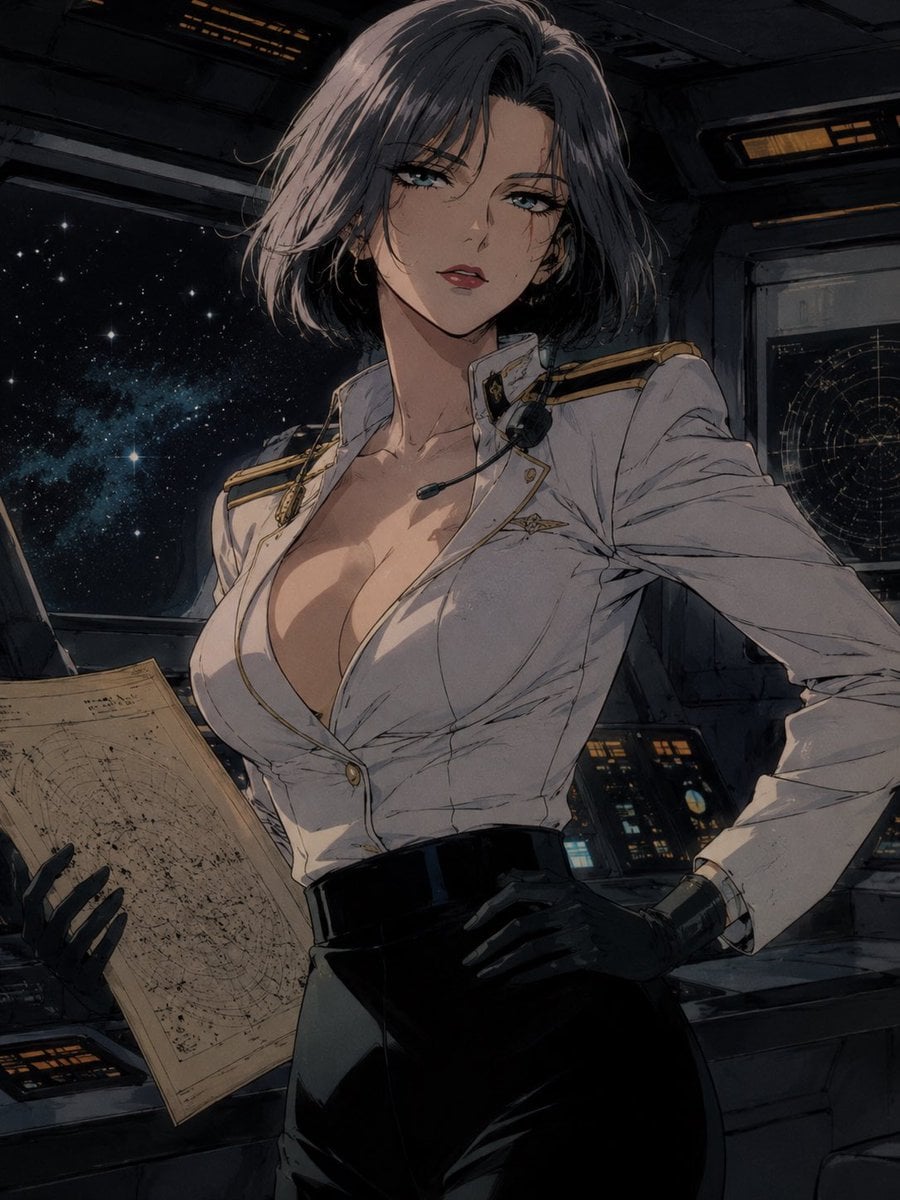
How do I use the Pixar-Style 3D Cartoon Character template?
Edit the prompt in the box under the preview — the template's model and format are already selected — and press Generate. Your version appears right on this page.
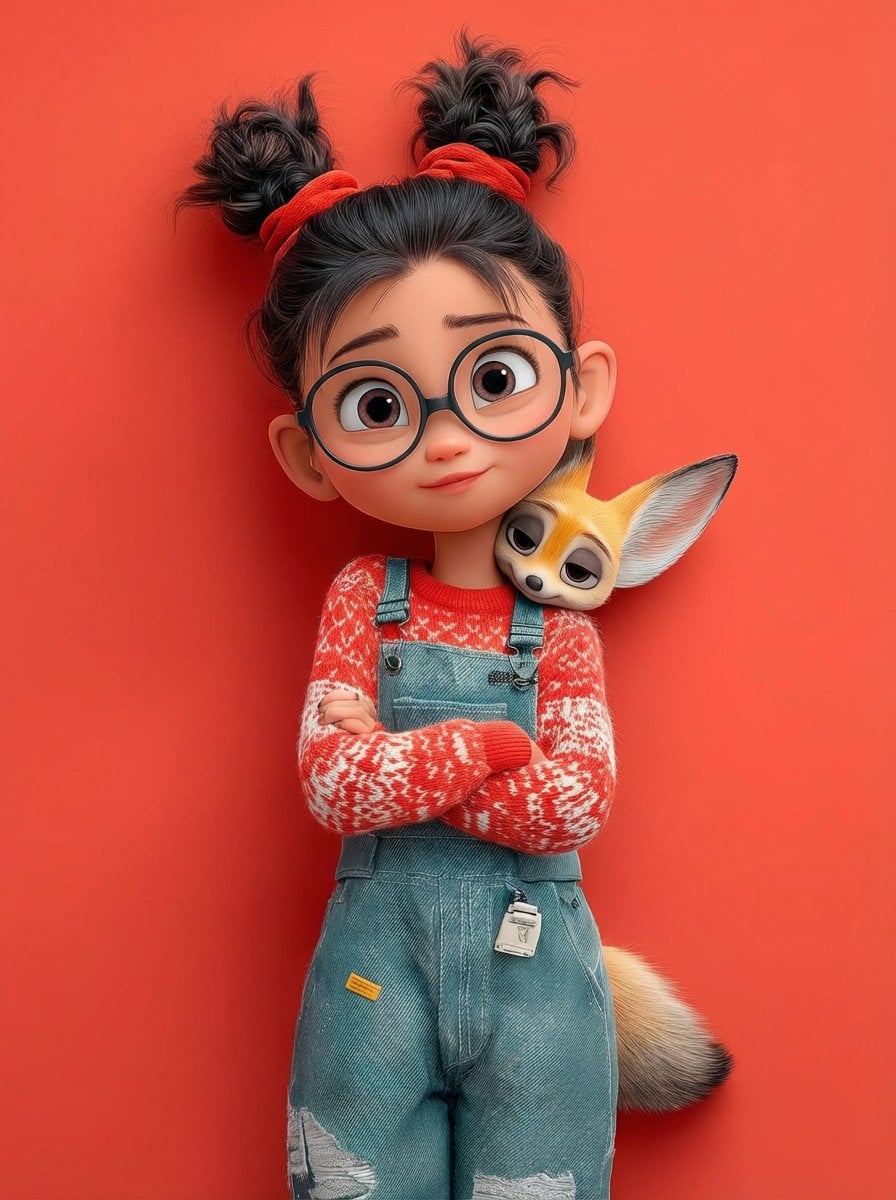
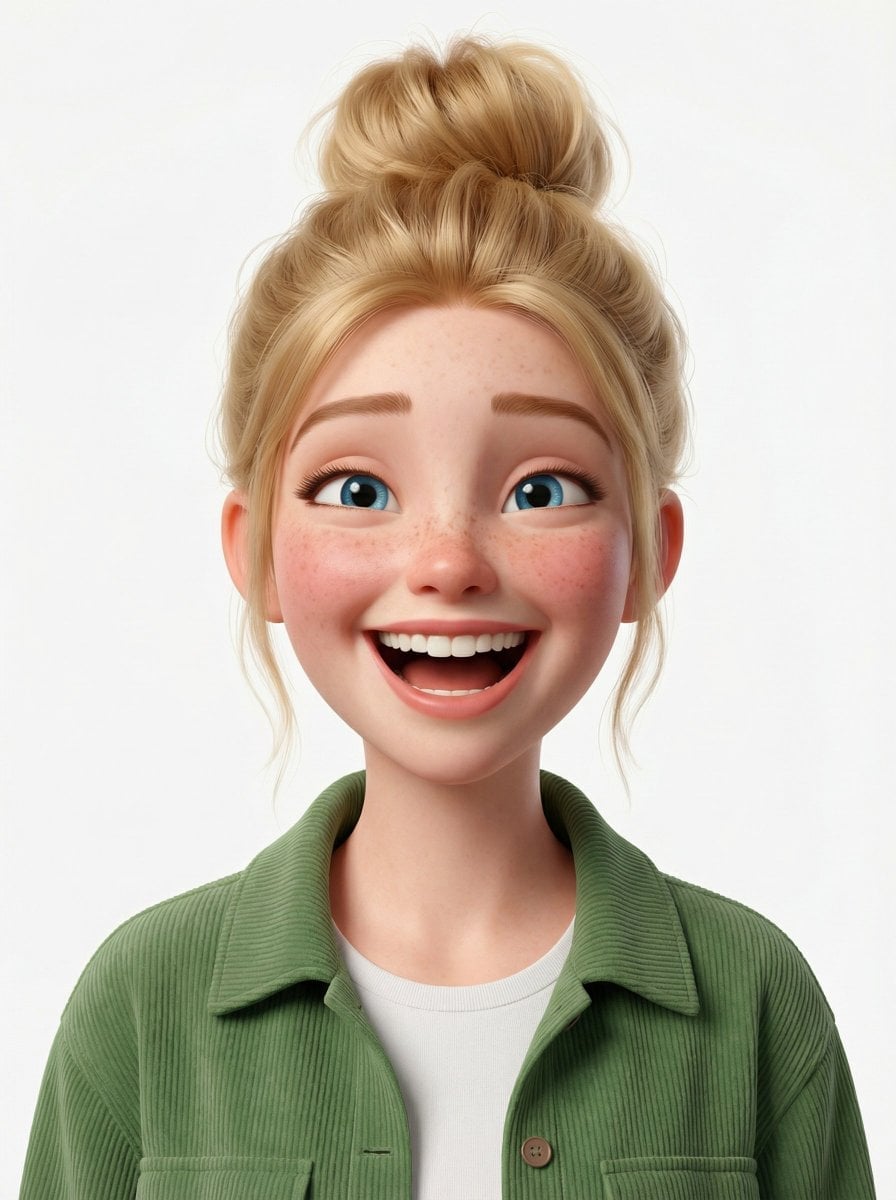
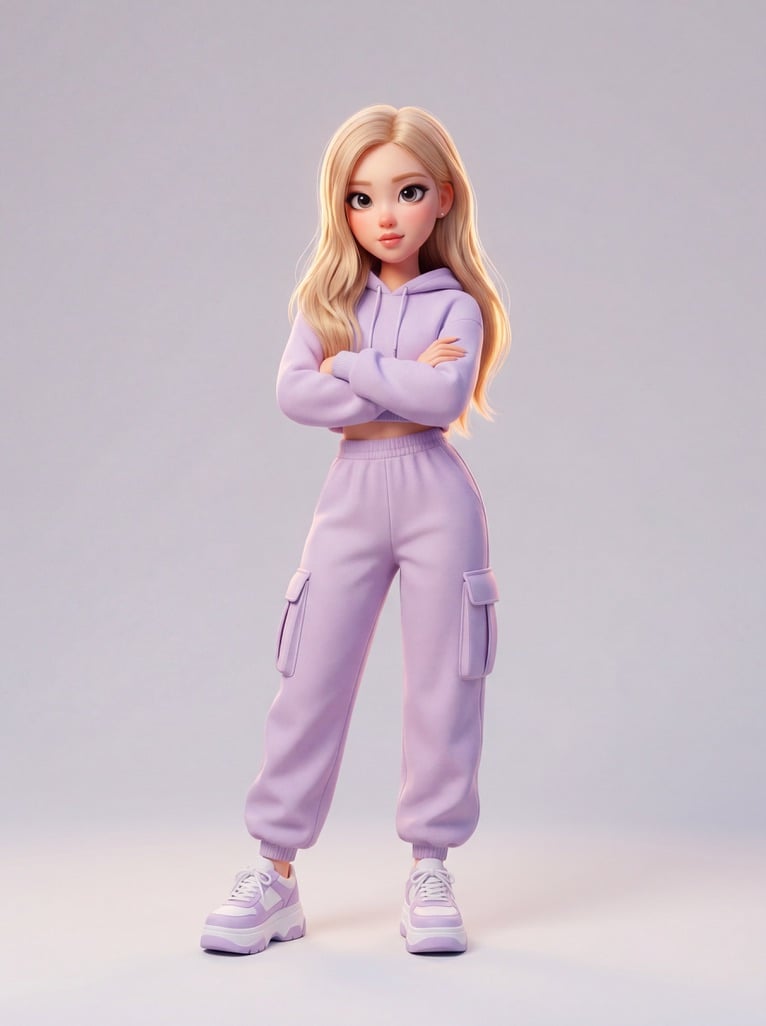
A detailed prompt for creating expressive 3D cartoon characters with a Pixar aesthetic, featuring customizable subjects and studio lighting.

A stylized 3D cartoon figure of a {argument name="person" default="character"} featuring large expressive eyes and a mildly sad, sulky expression, set against a flat {argument name="background color" default="pastel green"} backdrop. The character sports a plush white fuzzy beanie with ear flaps and coordinating white over-ear headphones. Short, slightly disheveled brown hair peeks out from under the hat. Dressed in a baggy light green tee with a bold black graphic on the chest, arms folded in a bored or irritated stance. Soft, diffused studio lighting creates smooth shadows for a polished look. Ultra-detailed, high-quality 3D render in a {argument name="art style" default="Pixar-inspired"} style, smooth textures, shallow depth of field, centered framing, clean minimal background, gentle yet vivid color scheme.
A stylized 3D cartoon figure of a {argument name="person" default="character"} featuring large expressive eyes and a mildly sad, sulky expression, set against a flat {argument name="background color" default="pastel green"} backdrop. The character sports a plush white fuzzy beanie with ear flaps and coordinating white over-ear headphones. Short, slightly disheveled brown hair peeks out from under the hat. Dressed in a baggy light green tee with a bold black graphic on the chest, arms folded in a bored or irritated stance. Soft, diffused studio lighting creates smooth shadows for a polished look. Ultra-detailed, high-quality 3D render in a {argument name="art style" default="Pixar-inspired"} style, smooth textures, shallow depth of field, centered framing, clean minimal background, gentle yet vivid color scheme.
Edit the prompt in the box under the preview — the template's model and format are already selected — and press Generate. Your version appears right on this page.
Yes. You can change the subject, setting, lighting, mood, format, and available model controls before creating your image.
Opening and editing this template is free. Generating uses credits, shown on the Generate button when you are signed in.
Start with GPT Image 2, which is the model associated with this template. You can compare another compatible model for a different finish.
Follow a topic to a crawlable collection of related PicX Studio templates.